Hardware and
Software
Mr Moorcroft
GCSE Computer Science Computer Systems
Differentiate between
hardware and software
Identify examples of
hardware and software
Understand the roles of
hardware and software
Learning
Objectives
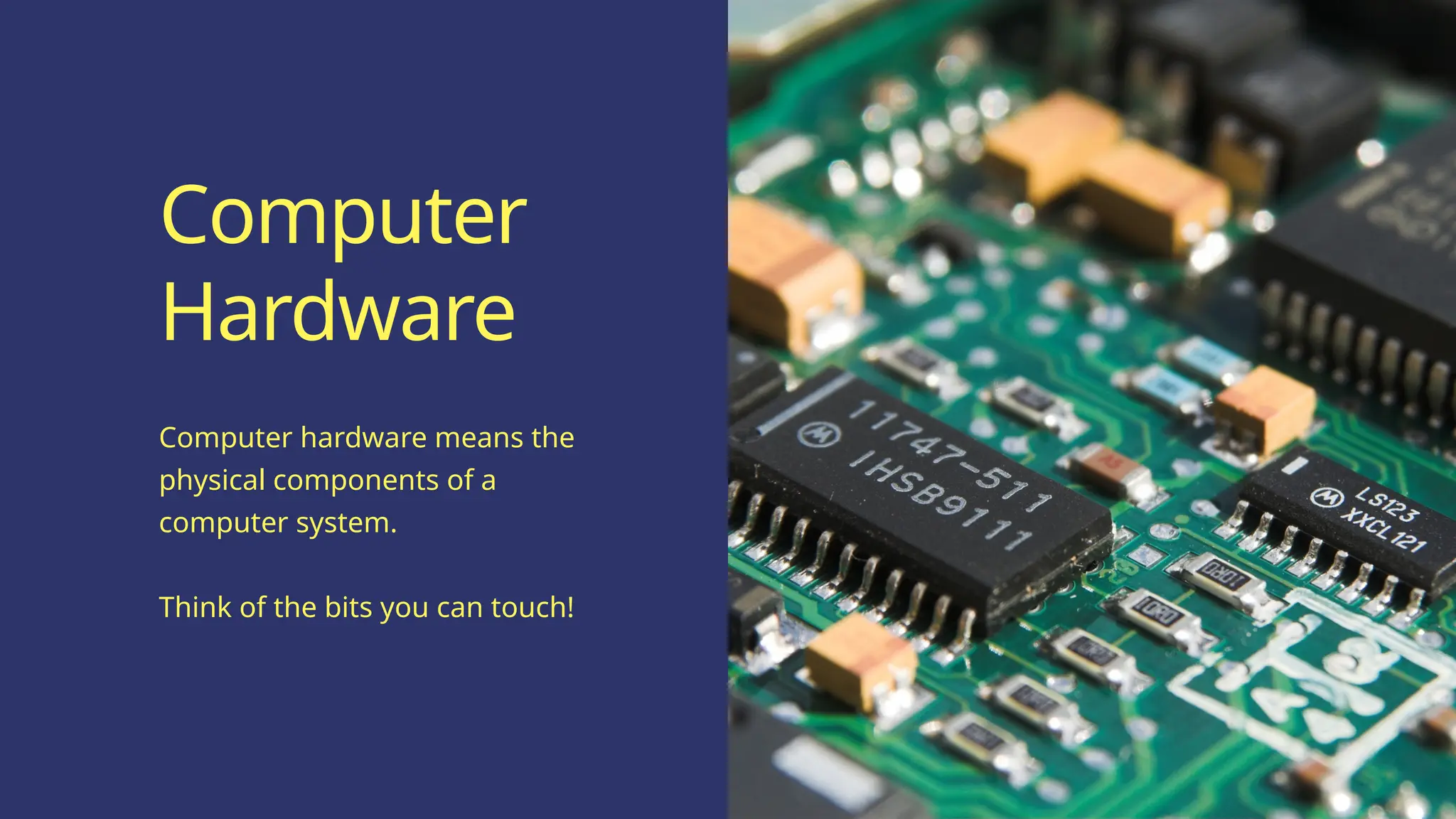
Computer hardware means the
physical components of a
computer system.
Think of the bits you can touch!
Computer
Hardware
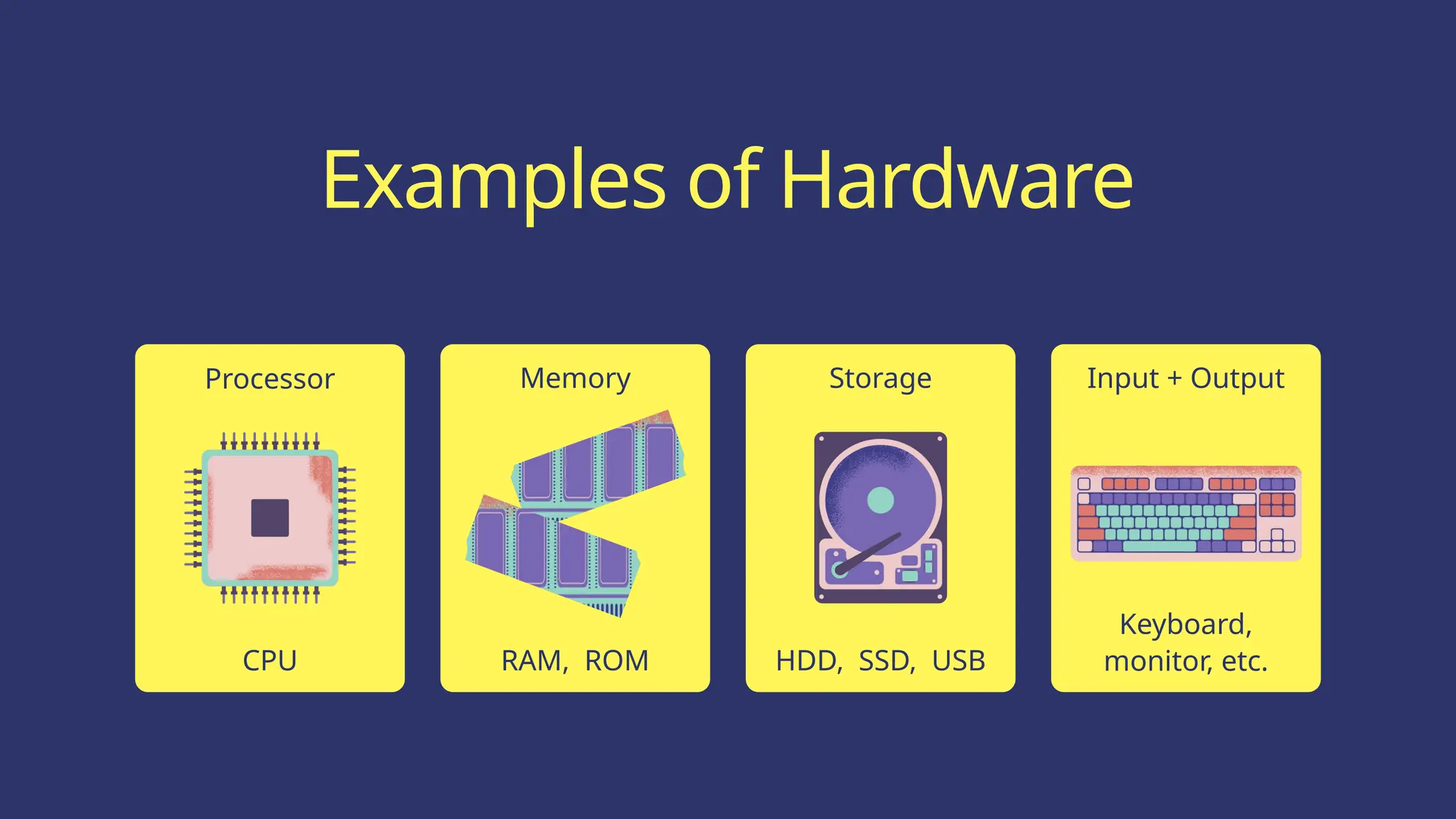
Processor Memory Storage Input + Output
Examples of Hardware
CPU RAM, ROM HDD, SSD, USB
Keyboard,
monitor, etc.
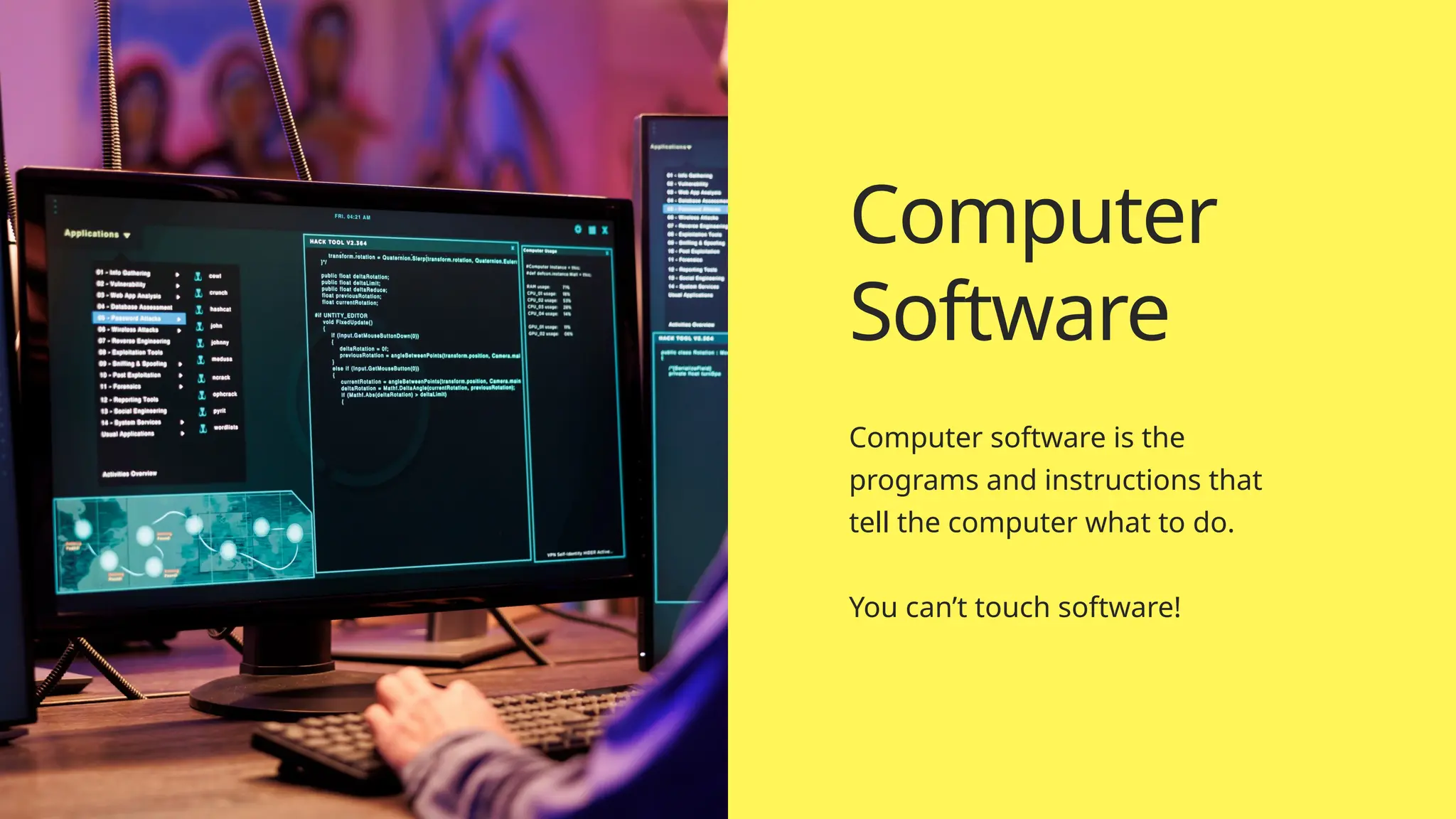
Computer software is the
programs and instructions that
tell the computer what to do.
You can’t touch software!
Computer
Software
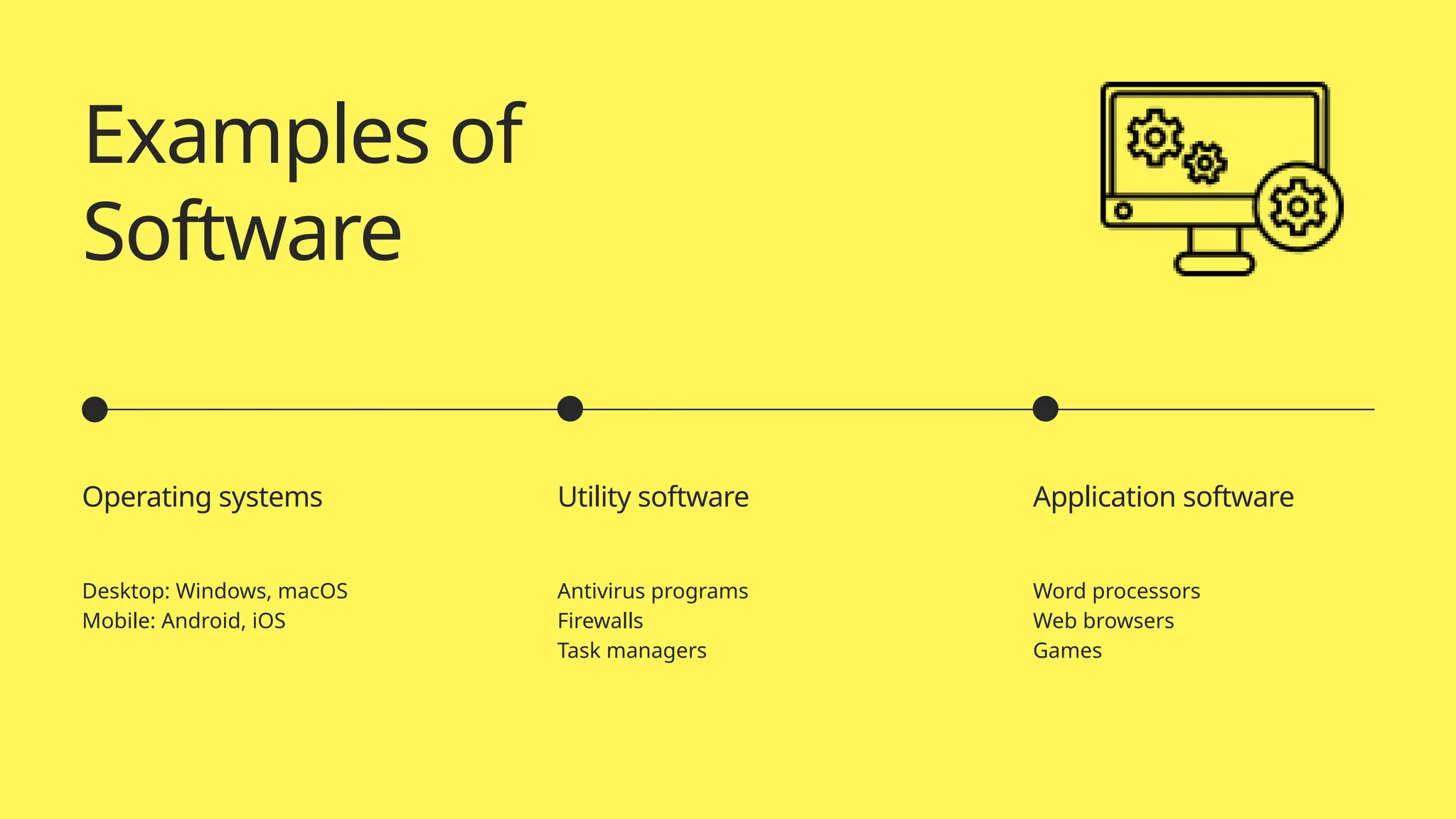
Examples of
Software
Operating systems
Desktop: Windows, macOS
Mobile: Android, iOS
Utility software
Antivirus programs
Firewalls
Task managers
Application software
Word processors
Web browsers
Games
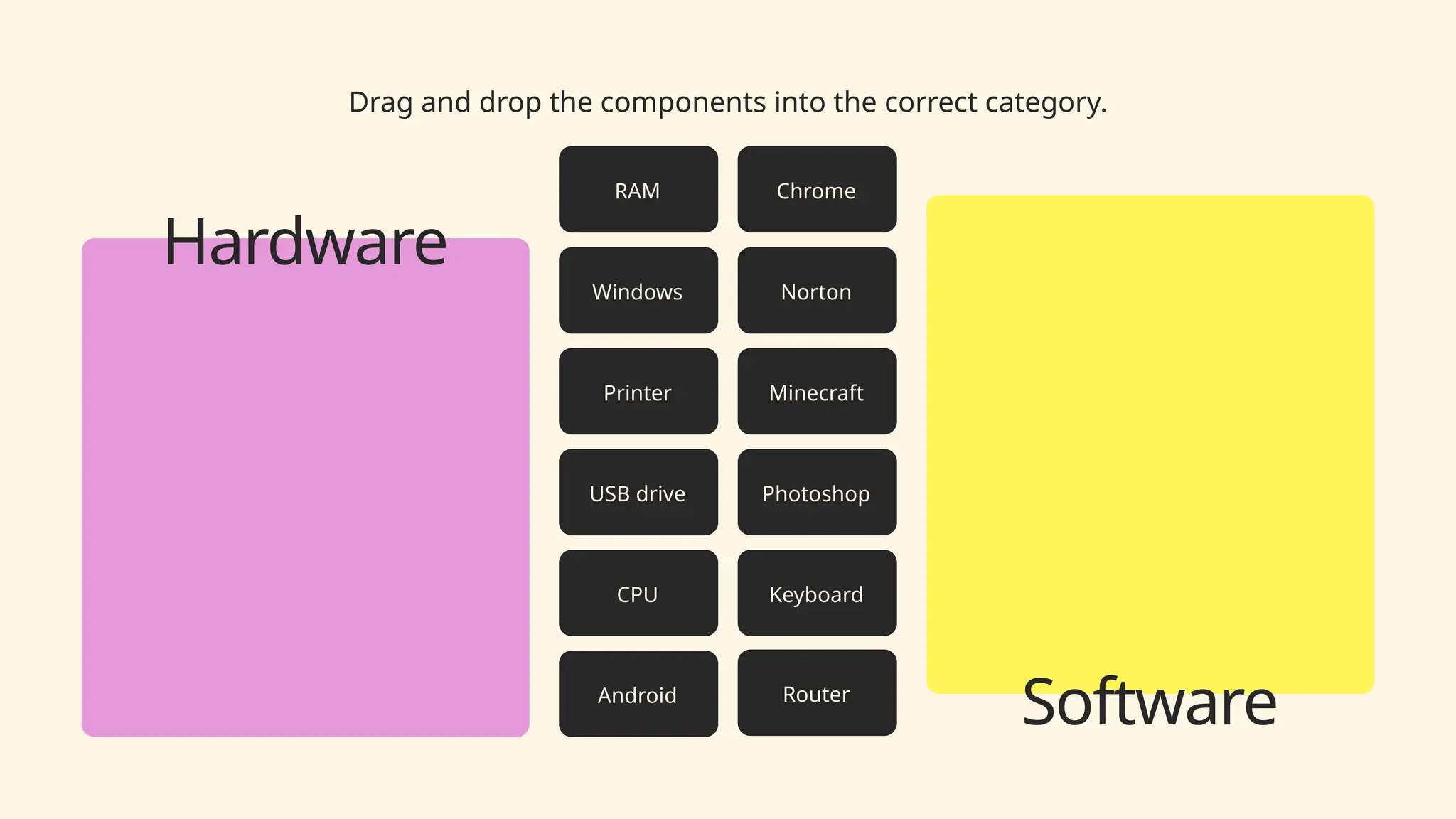
Drag and drop the components into the correct category.
Chrome
Windows
Minecraft
Android
Photoshop
Norton
CPU
Router
Keyboard
RAM
Printer
USB drive
Software
Hardware
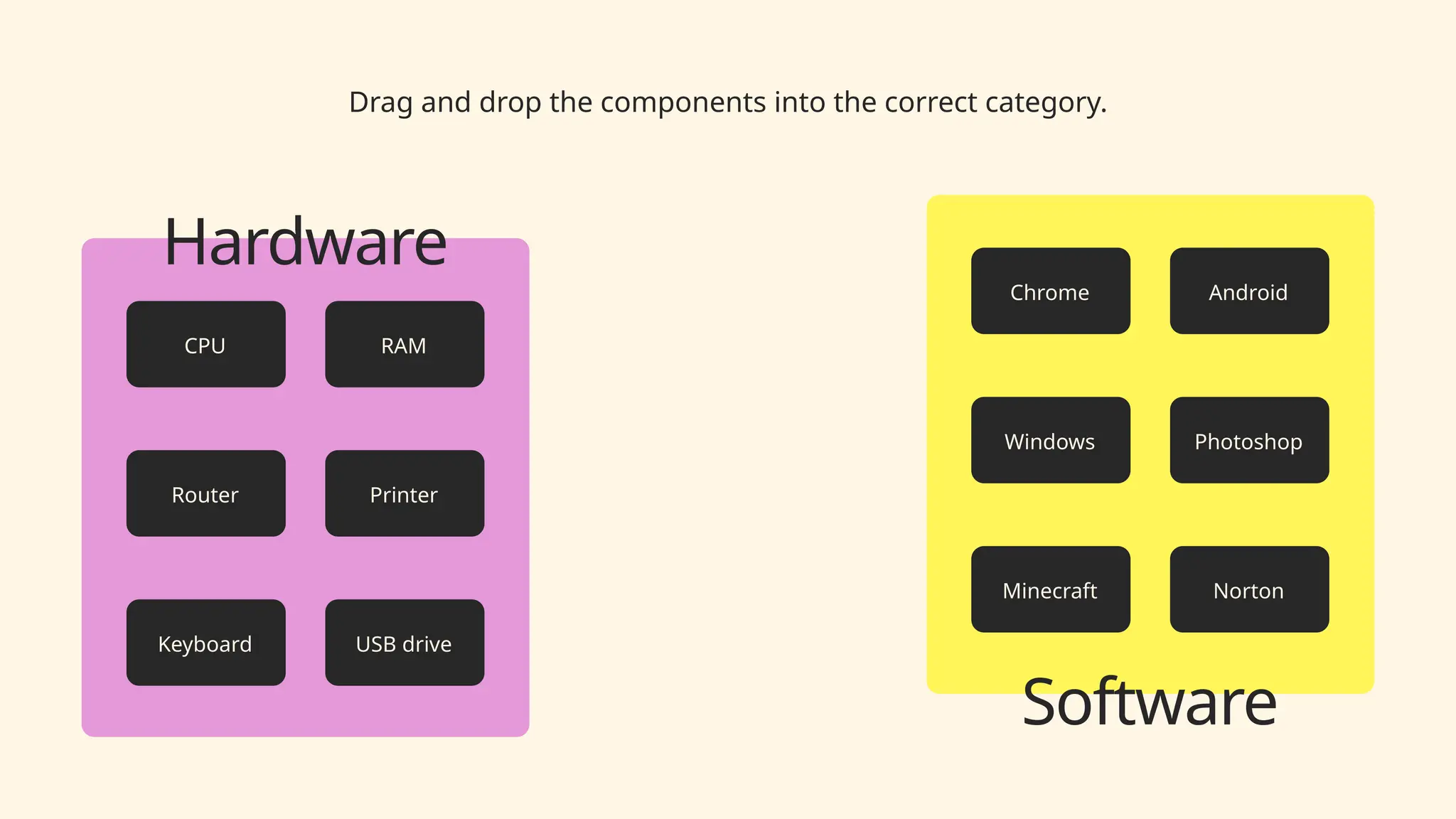
Drag and drop the components into the correct category.
Software
Hardware
Chrome
Windows
Minecraft
Android
Photoshop
Norton
CPU
Router
Keyboard
RAM
Printer
USB drive
Choose one hardware component and one software component.
Research why these components are important to a computer.
Hardware
Present your findings here.
Software
Present your findings here.
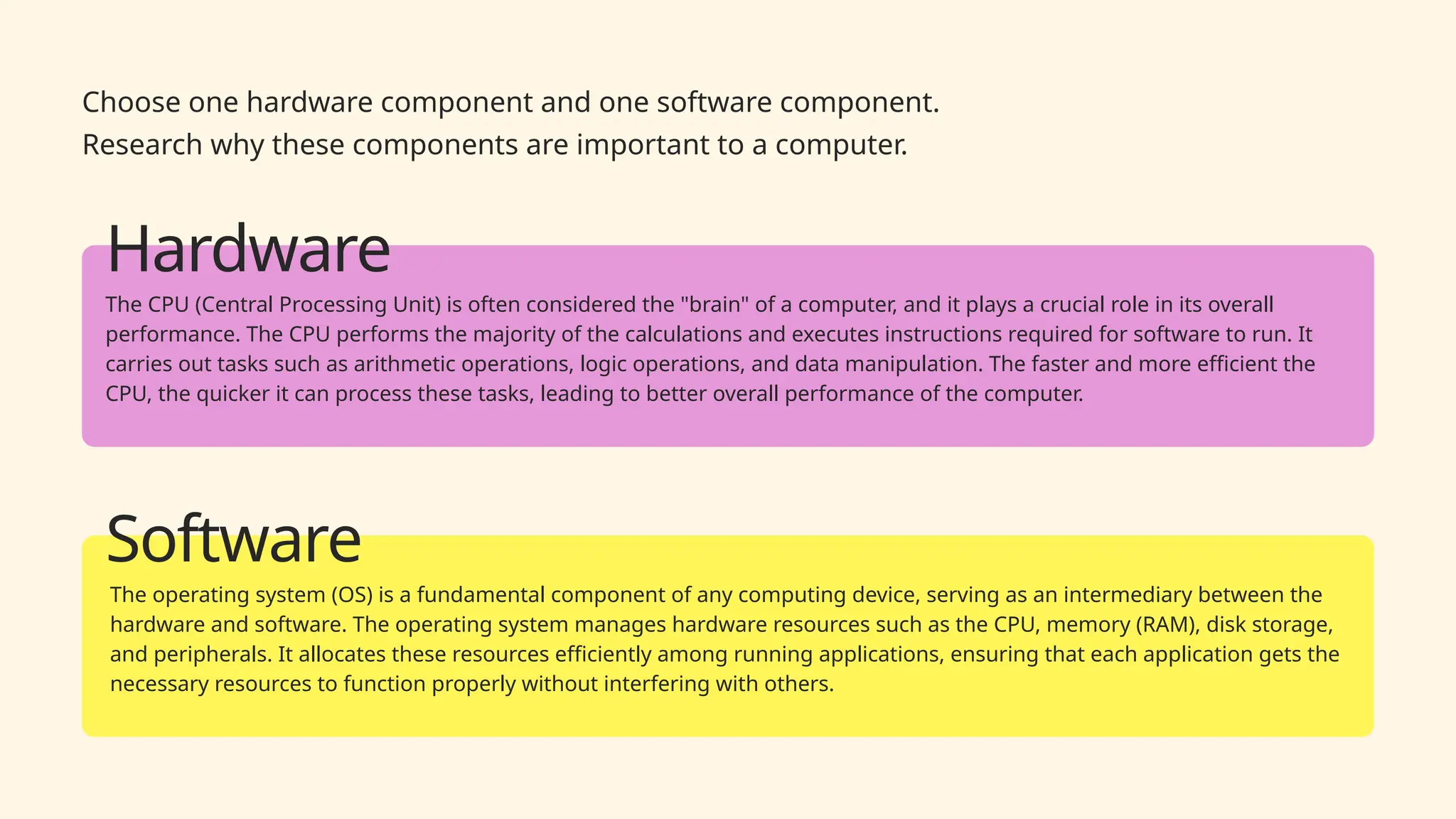
Choose one hardware component and one software component.
Research why these components are important to a computer.
Hardware
The CPU (Central Processing Unit) is often considered the "brain" of a computer, and it plays a crucial role in its overall
performance. The CPU performs the majority of the calculations and executes instructions required for software to run. It
carries out tasks such as arithmetic operations, logic operations, and data manipulation. The faster and more efficient the
CPU, the quicker it can process these tasks, leading to better overall performance of the computer.
Software
The operating system (OS) is a fundamental component of any computing device, serving as an intermediary between the
hardware and software. The operating system manages hardware resources such as the CPU, memory (RAM), disk storage,
and peripherals. It allocates these resources efficiently among running applications, ensuring that each application gets the
necessary resources to function properly without interfering with others.

Computer Software Computer Software.pptx

  • 1.
    Hardware and Software Mr Moorcroft GCSEComputer Science Computer Systems
  • 2.
    Differentiate between hardware andsoftware Identify examples of hardware and software Understand the roles of hardware and software Learning Objectives
  • 3.
    Computer hardware meansthe physical components of a computer system. Think of the bits you can touch! Computer Hardware
  • 4.
    Processor Memory StorageInput + Output Examples of Hardware CPU RAM, ROM HDD, SSD, USB Keyboard, monitor, etc.
  • 5.
    Computer software isthe programs and instructions that tell the computer what to do. You can’t touch software! Computer Software
  • 6.
    Examples of Software Operating systems Desktop:Windows, macOS Mobile: Android, iOS Utility software Antivirus programs Firewalls Task managers Application software Word processors Web browsers Games
  • 7.
    Drag and dropthe components into the correct category. Chrome Windows Minecraft Android Photoshop Norton CPU Router Keyboard RAM Printer USB drive Software Hardware
  • 8.
    Drag and dropthe components into the correct category. Software Hardware Chrome Windows Minecraft Android Photoshop Norton CPU Router Keyboard RAM Printer USB drive
  • 9.
    Choose one hardwarecomponent and one software component. Research why these components are important to a computer. Hardware Present your findings here. Software Present your findings here.
  • 10.
    Choose one hardwarecomponent and one software component. Research why these components are important to a computer. Hardware The CPU (Central Processing Unit) is often considered the "brain" of a computer, and it plays a crucial role in its overall performance. The CPU performs the majority of the calculations and executes instructions required for software to run. It carries out tasks such as arithmetic operations, logic operations, and data manipulation. The faster and more efficient the CPU, the quicker it can process these tasks, leading to better overall performance of the computer. Software The operating system (OS) is a fundamental component of any computing device, serving as an intermediary between the hardware and software. The operating system manages hardware resources such as the CPU, memory (RAM), disk storage, and peripherals. It allocates these resources efficiently among running applications, ensuring that each application gets the necessary resources to function properly without interfering with others.