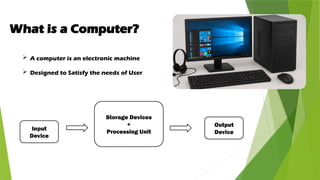
What is aComputer?
A computer is an electronic machine
Designed to Satisfy the needs of User
Input
Device
Storage Devices
+
Processing Unit
Output
Device
3.
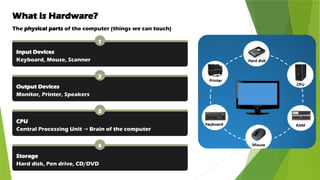
What is Hardware?
Thephysical parts of the computer (things we can touch)
1
Input Devices
Keyboard, Mouse, Scanner
2
Output Devices
Monitor, Printer, Speakers
3
CPU
Central Processing Unit Brain of the computer
→
4
Storage
Hard disk, Pen drive, CD/DVD
4.
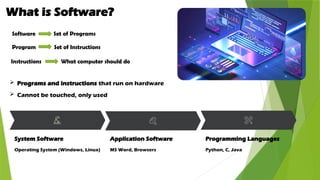
What is Software?
Programs and instructions that run on hardware
Cannot be touched, only used
System Software
Operating System (Windows, Linux)
Application Software
MS Word, Browsers
Programming Languages
Python, C, Java
Software Set of Programs
Program Set of Instructions
Instructions What computer should do
5.
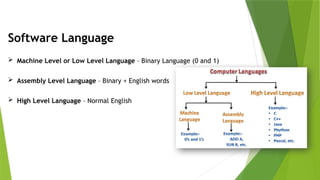
Software Language
MachineLevel or Low Level Language – Binary Language (0 and 1)
Assembly Level Language – Binary + English words
High Level Language – Normal English
6.
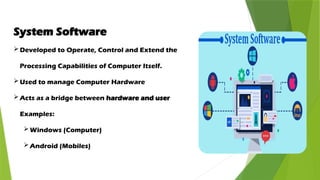
System Software
Developed toOperate, Control and Extend the
Processing Capabilities of Computer Itself.
Used to manage Computer Hardware
Acts as a bridge between hardware and user
Examples:
Windows (Computer)
Android (Mobiles)
7.
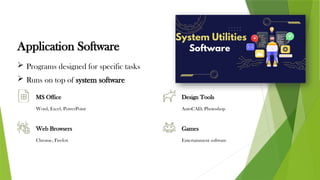
Application Software
Programsdesigned for specific tasks
Runs on top of system software
MS Office
Word, Excel, PowerPoint
Design Tools
AutoCAD, Photoshop
Web Browsers
Chrome, Firefox
Games
Entertainment software
8.
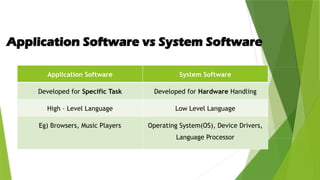
Application Software vsSystem Software
Application Software System Software
Developed for Specific Task Developed for Hardware Handling
High – Level Language Low Level Language
Eg) Browsers, Music Players Operating System(OS), Device Drivers,
Language Processor
9.
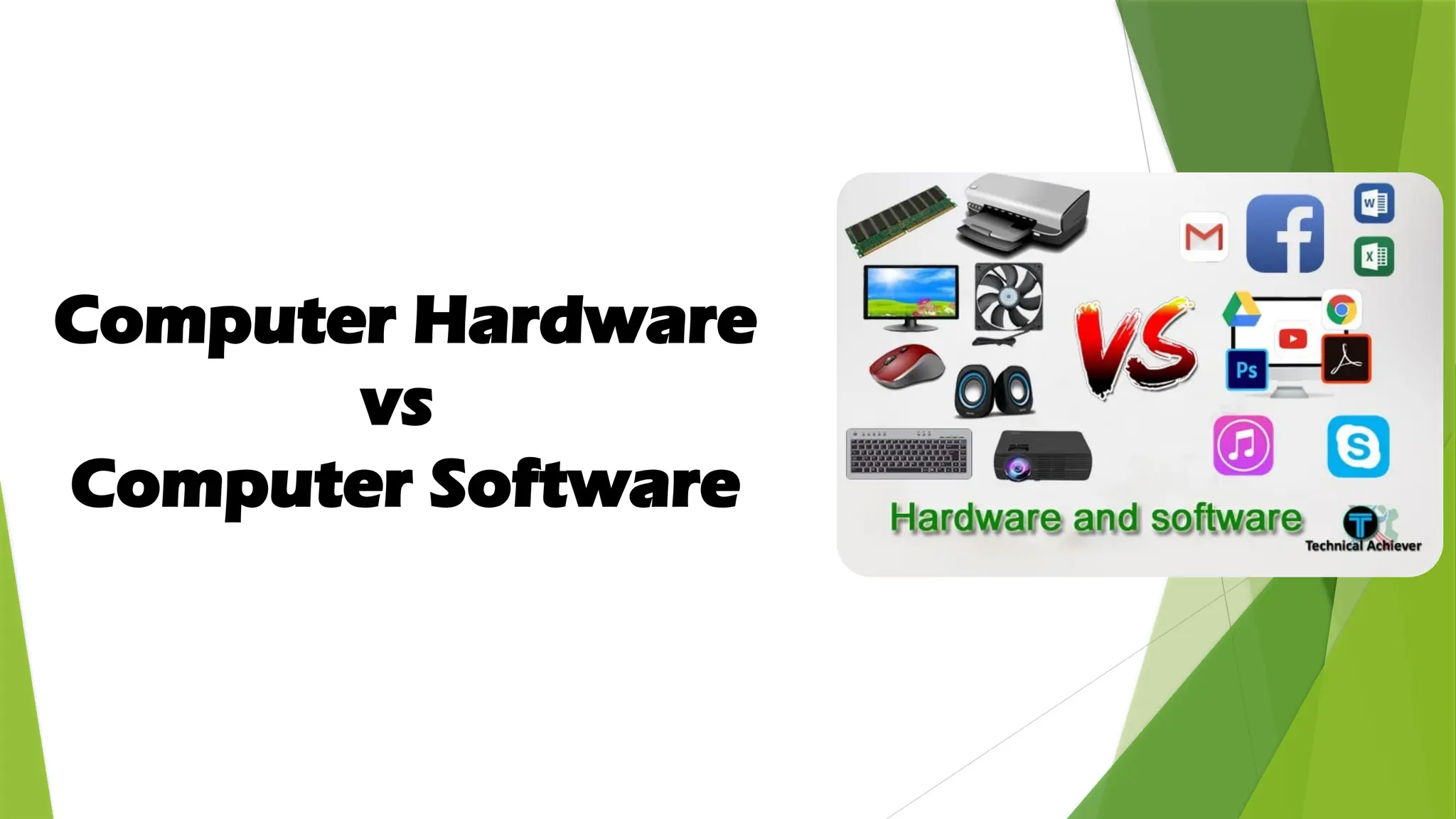
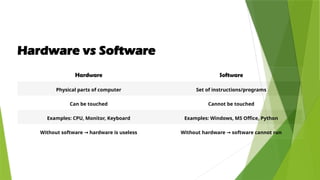
Hardware vs Software
HardwareSoftware
Physical parts of computer Set of instructions/programs
Can be touched Cannot be touched
Examples: CPU, Monitor, Keyboard Examples: Windows, MS Office, Python
Without software hardware is useless
→ Without hardware software cannot run
→
10.
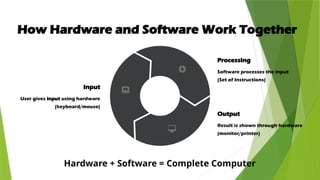
How Hardware andSoftware Work Together
Input
User gives input using hardware
(keyboard/mouse)
Processing
Software processes the input
(Set of Instructions)
Output
Result is shown through hardware
(monitor/printer)
Hardware + Software = Complete Computer



![IT REPORT [Autosaved]_020005.pptx](https://cdn.slidesharecdn.com/ss_thumbnails/itreportautosaved020005-221112072853-78b938d1-thumbnail.jpg?width=640&height=640&fit=bounds)


