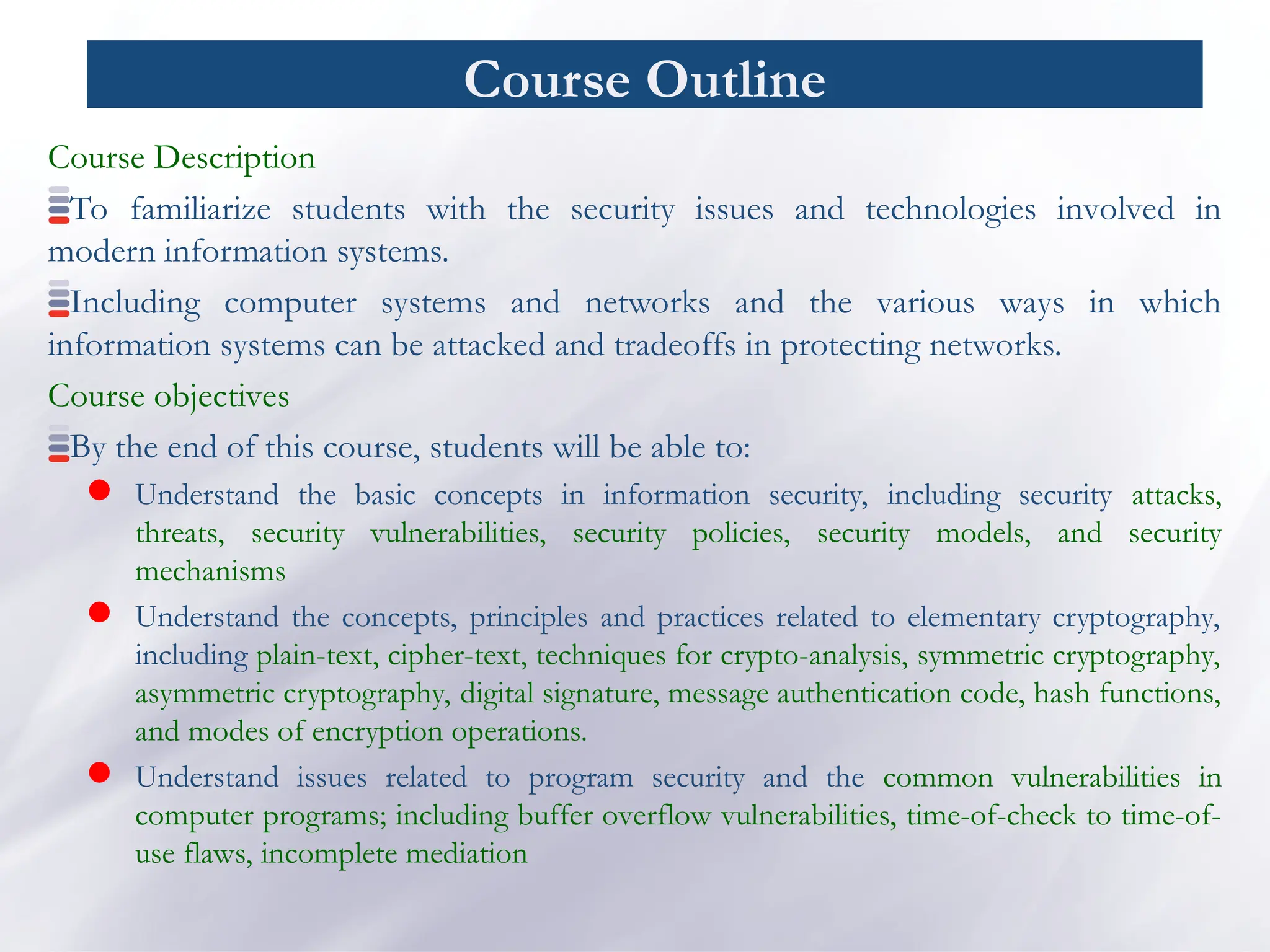
Course Outline
Course Description
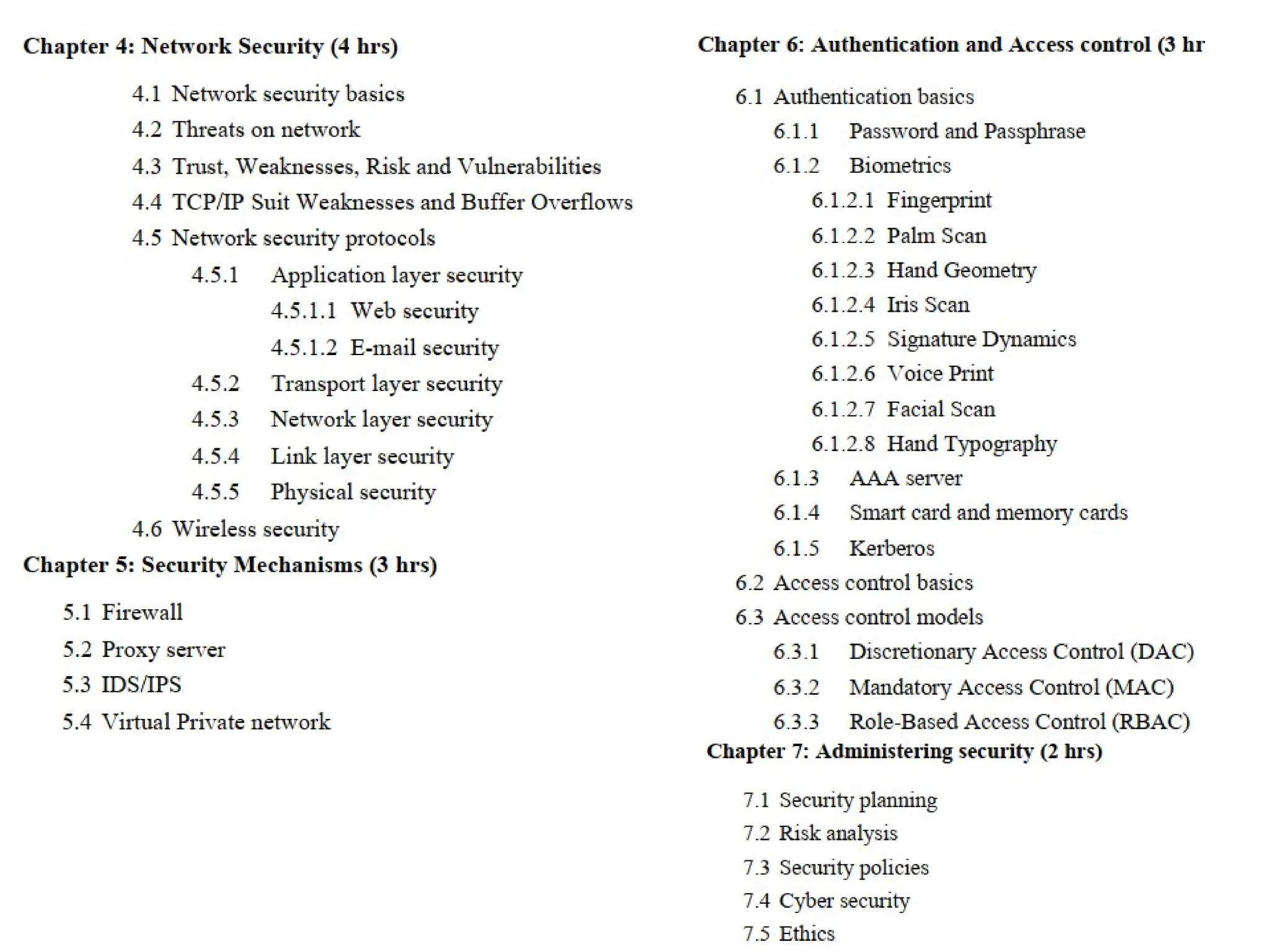
Tofamiliarize students with the security issues and technologies involved in
modern information systems.
Including computer systems and networks and the various ways in which
information systems can be attacked and tradeoffs in protecting networks.
Course objectives
By the end of this course, students will be able to:
Understand the basic concepts in information security, including security attacks,
threats, security vulnerabilities, security policies, security models, and security
mechanisms
Understand the concepts, principles and practices related to elementary cryptography,
including plain-text, cipher-text, techniques for crypto-analysis, symmetric cryptography,
asymmetric cryptography, digital signature, message authentication code, hash functions,
and modes of encryption operations.
Understand issues related to program security and the common vulnerabilities in
computer programs; including buffer overflow vulnerabilities, time-of-check to time-of-
use flaws, incomplete mediation
3.
Course Outline
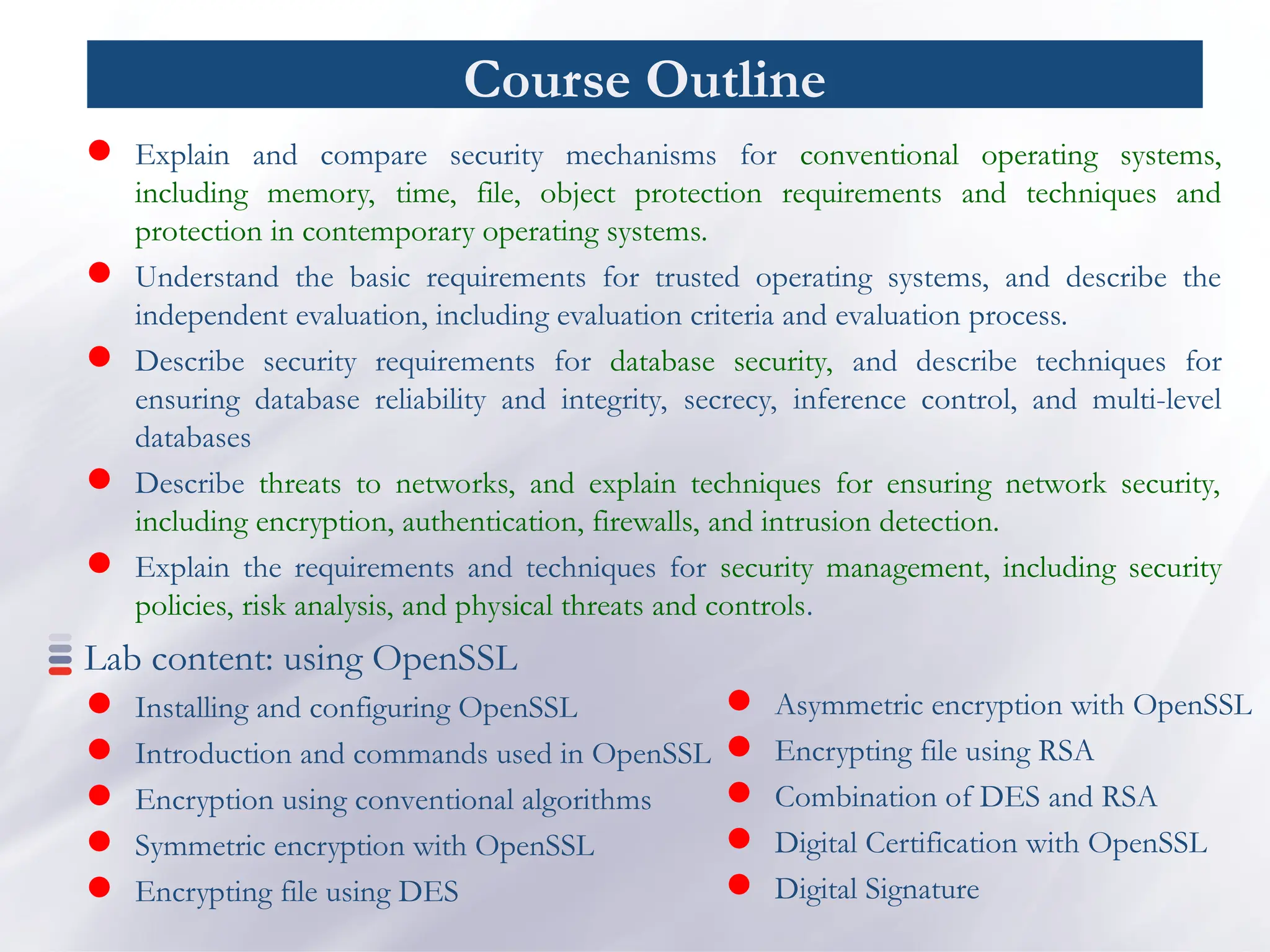
Explainand compare security mechanisms for conventional operating systems,
including memory, time, file, object protection requirements and techniques and
protection in contemporary operating systems.
Understand the basic requirements for trusted operating systems, and describe the
independent evaluation, including evaluation criteria and evaluation process.
Describe security requirements for database security, and describe techniques for
ensuring database reliability and integrity, secrecy, inference control, and multi-level
databases
Describe threats to networks, and explain techniques for ensuring network security,
including encryption, authentication, firewalls, and intrusion detection.
Explain the requirements and techniques for security management, including security
policies, risk analysis, and physical threats and controls.
Lab content: using OpenSSL
Installing and configuring OpenSSL
Introduction and commands used in OpenSSL
Encryption using conventional algorithms
Symmetric encryption with OpenSSL
Encrypting file using DES
Asymmetric encryption with OpenSSL
Encrypting file using RSA
Combination of DES and RSA
Digital Certification with OpenSSL
Digital Signature
6.
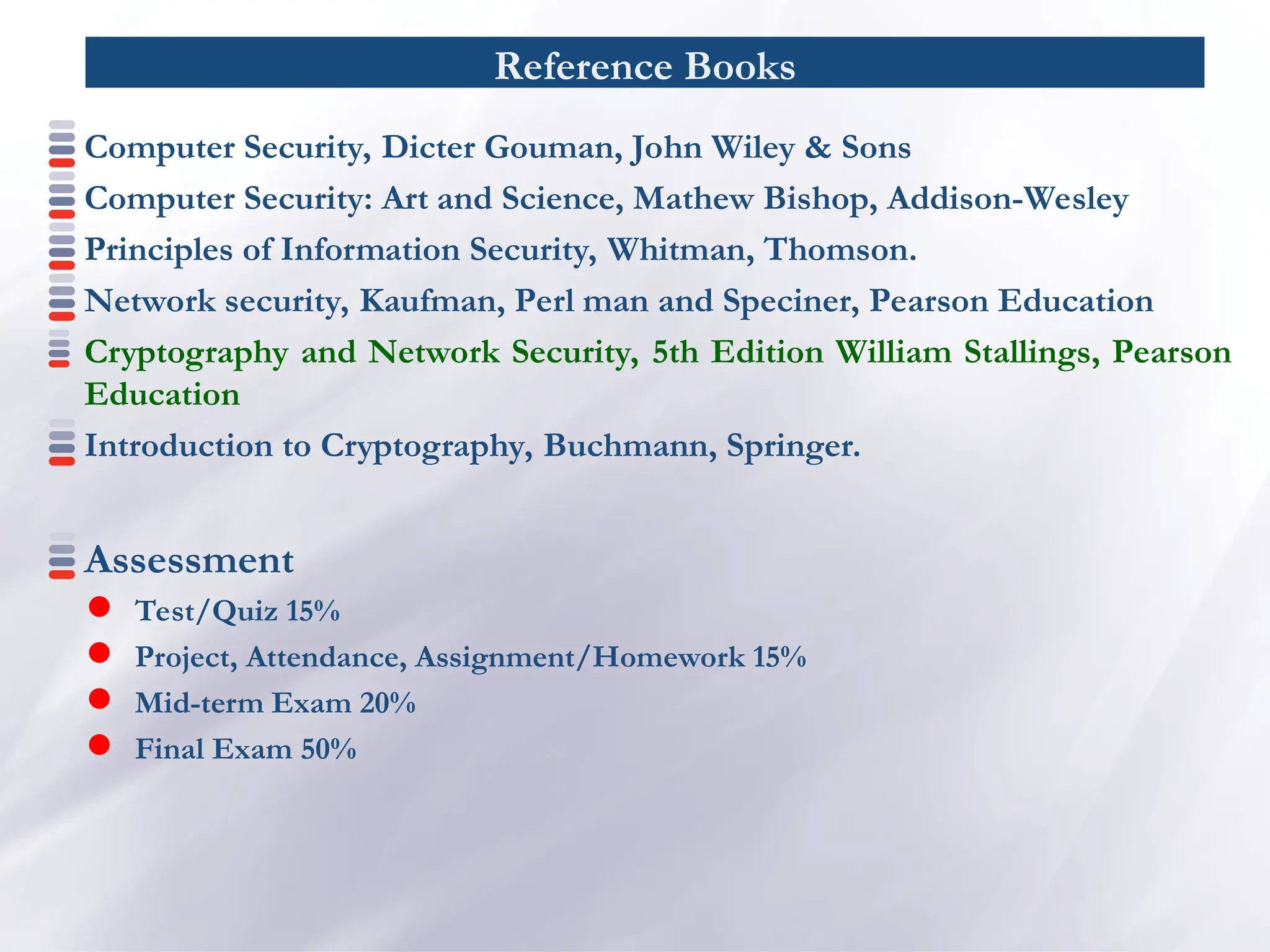
Reference Books
Computer Security,Dicter Gouman, John Wiley & Sons
Computer Security: Art and Science, Mathew Bishop, Addison-Wesley
Principles of Information Security, Whitman, Thomson.
Network security, Kaufman, Perl man and Speciner, Pearson Education
Cryptography and Network Security, 5th Edition William Stallings, Pearson
Education
Introduction to Cryptography, Buchmann, Springer.
Assessment
Test/Quiz 15%
Project, Attendance, Assignment/Homework 15%
Mid-term Exam 20%
Final Exam 50%
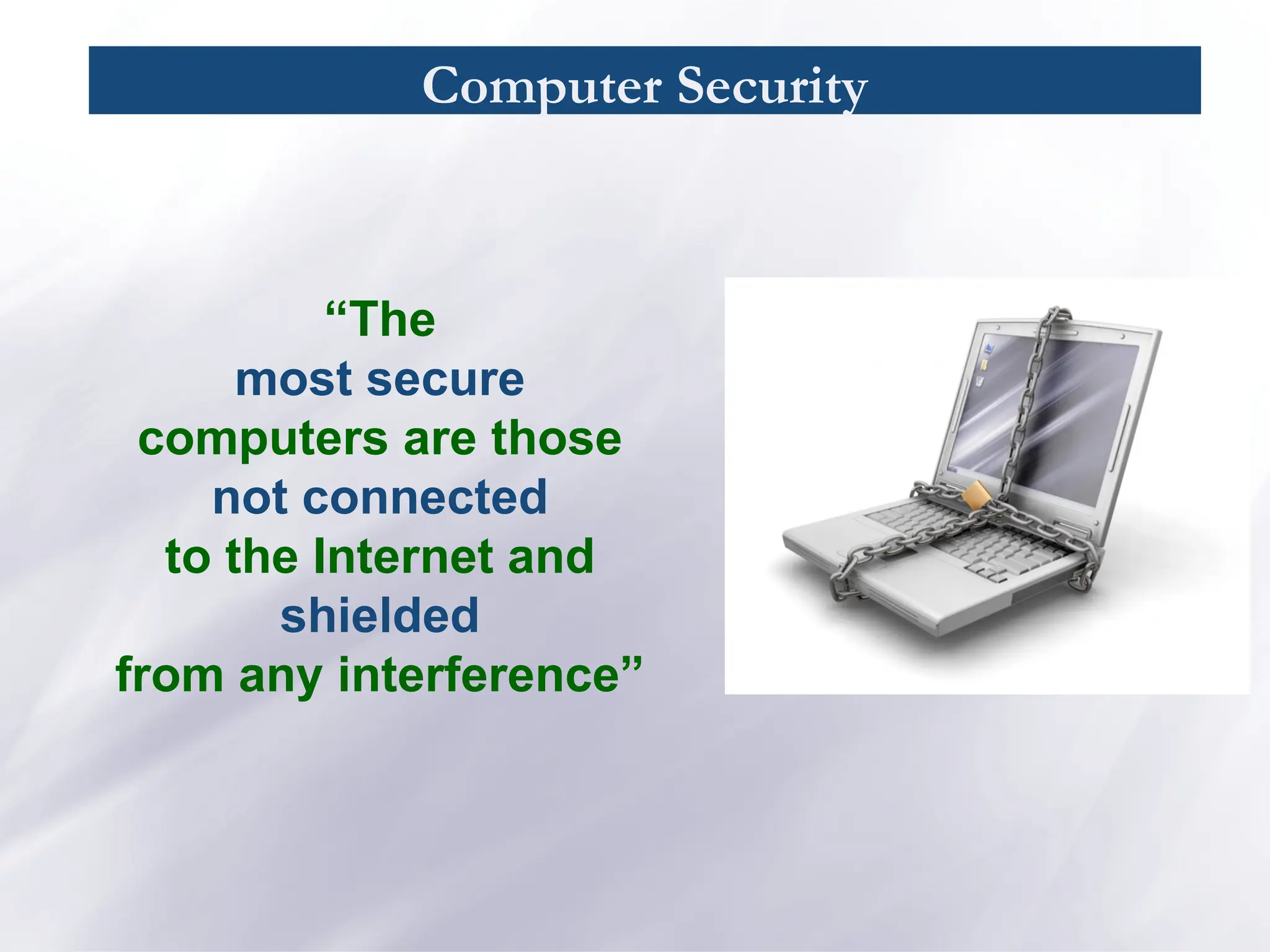
Computer Security
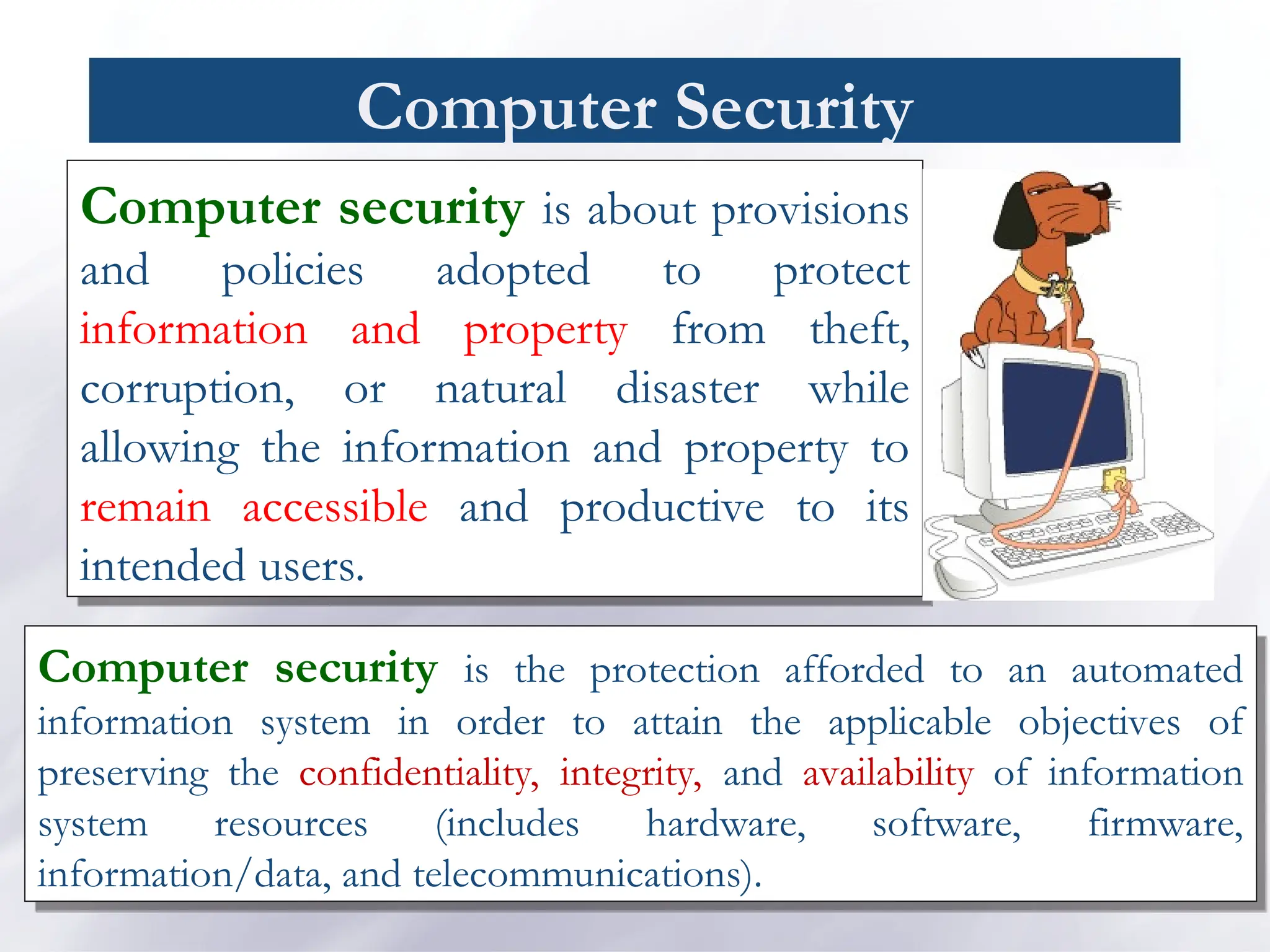
Computer securityis about provisions
and policies adopted to protect
information and property from theft,
corruption, or natural disaster while
allowing the information and property to
remain accessible and productive to its
intended users.
Computer security is the protection afforded to an automated
information system in order to attain the applicable objectives of
preserving the confidentiality, integrity, and availability of information
system resources (includes hardware, software, firmware,
information/data, and telecommunications).
10.
Computer Security
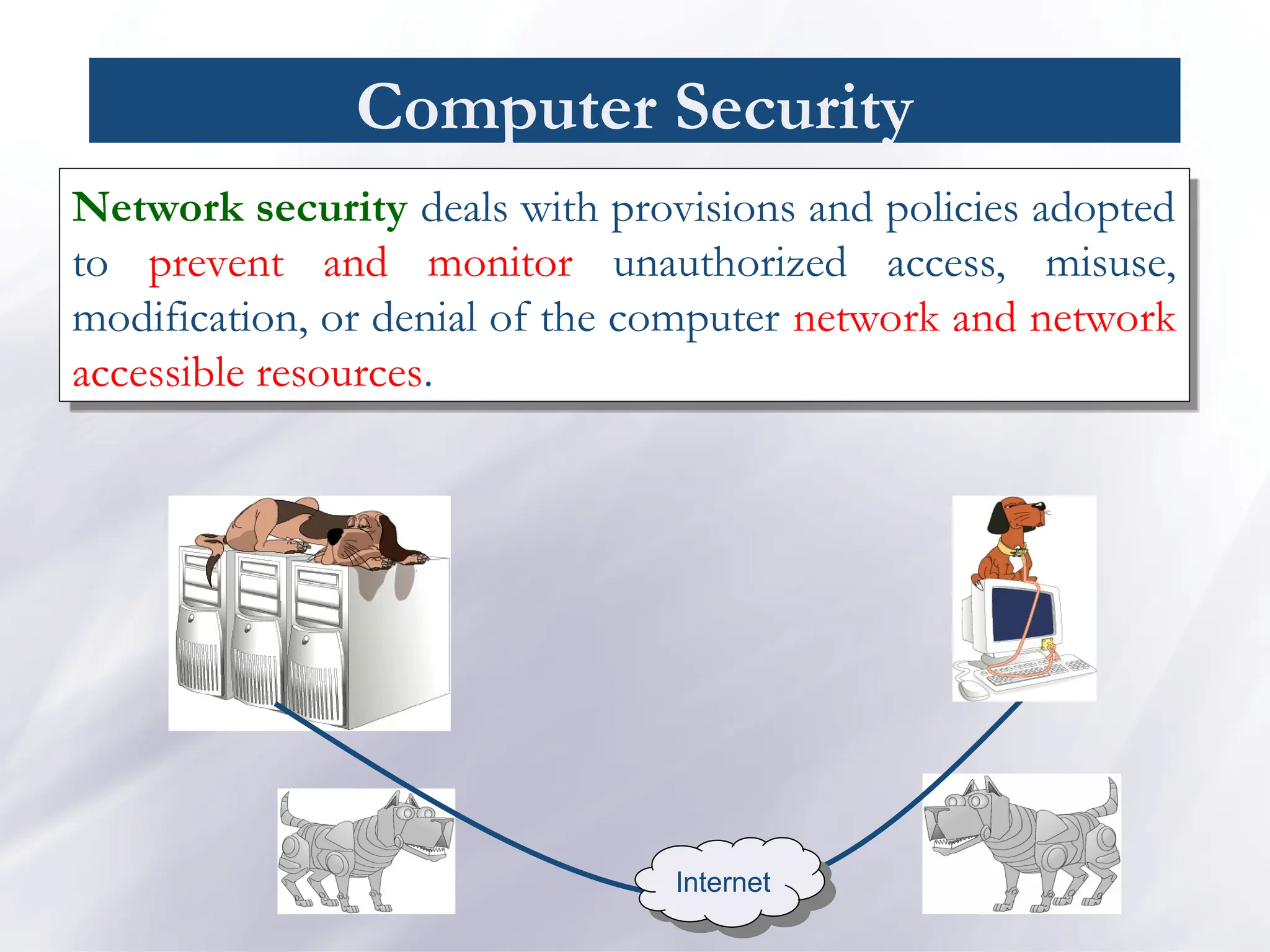
Network securitydeals with provisions and policies adopted
to prevent and monitor unauthorized access, misuse,
modification, or denial of the computer network and network
accessible resources.
Internet
Computer Security/ Goals
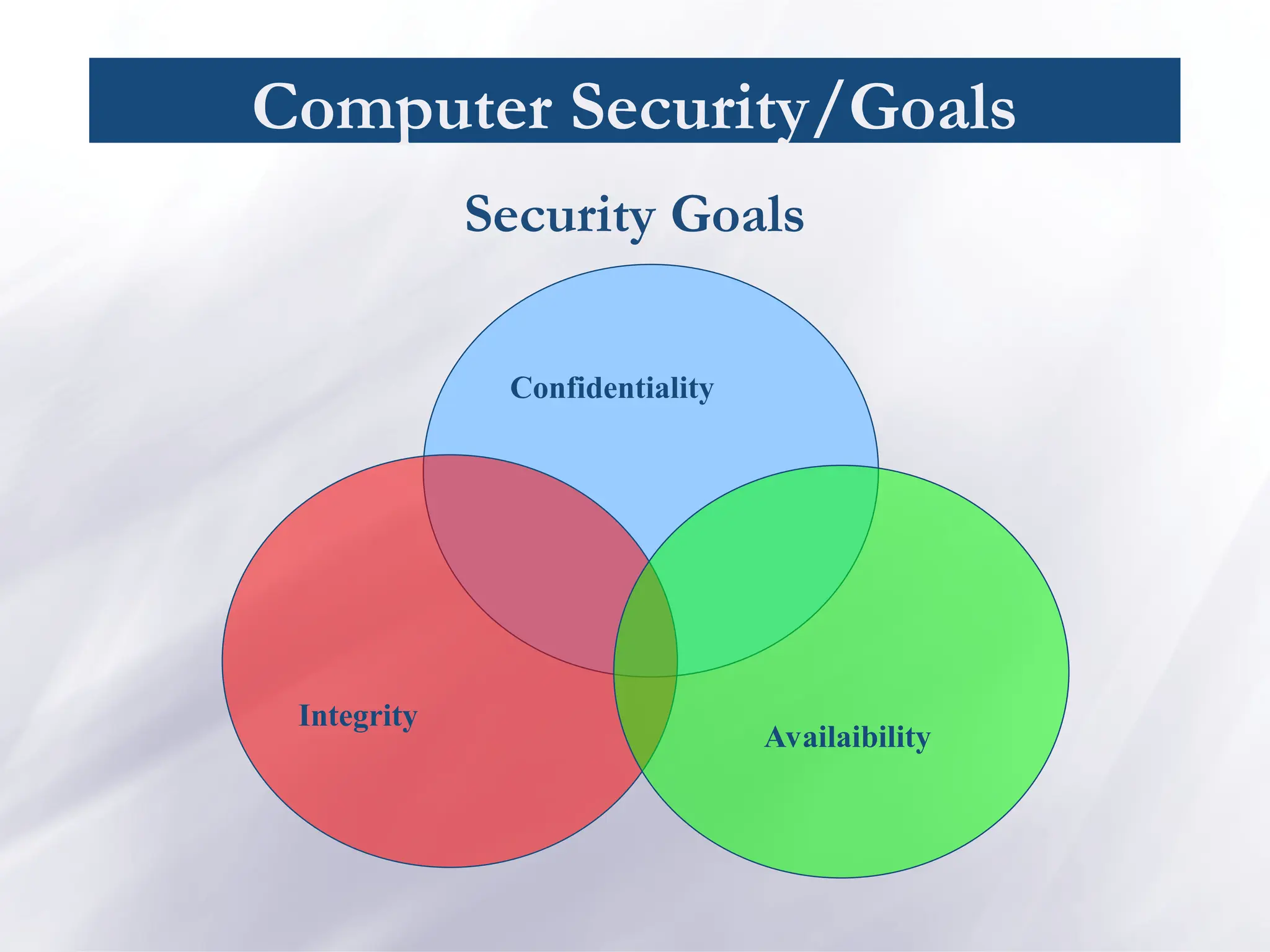
Confidentiality:Preserving authorized restrictions on information
access and disclosure, including means for protecting personal
privacy and proprietary information. A loss of confidentiality is the
unauthorized disclosure of information.
Integrity: Guarding against improper information modification or
destruction, including ensuring information nonrepudiation and
authenticity.
A loss of integrity is the unauthorized modification or destruction
of information
Availability: Ensuring timely and reliable access to and use of
information.
A loss of availability is the disruption of access to or use of
information or an information system.
13.
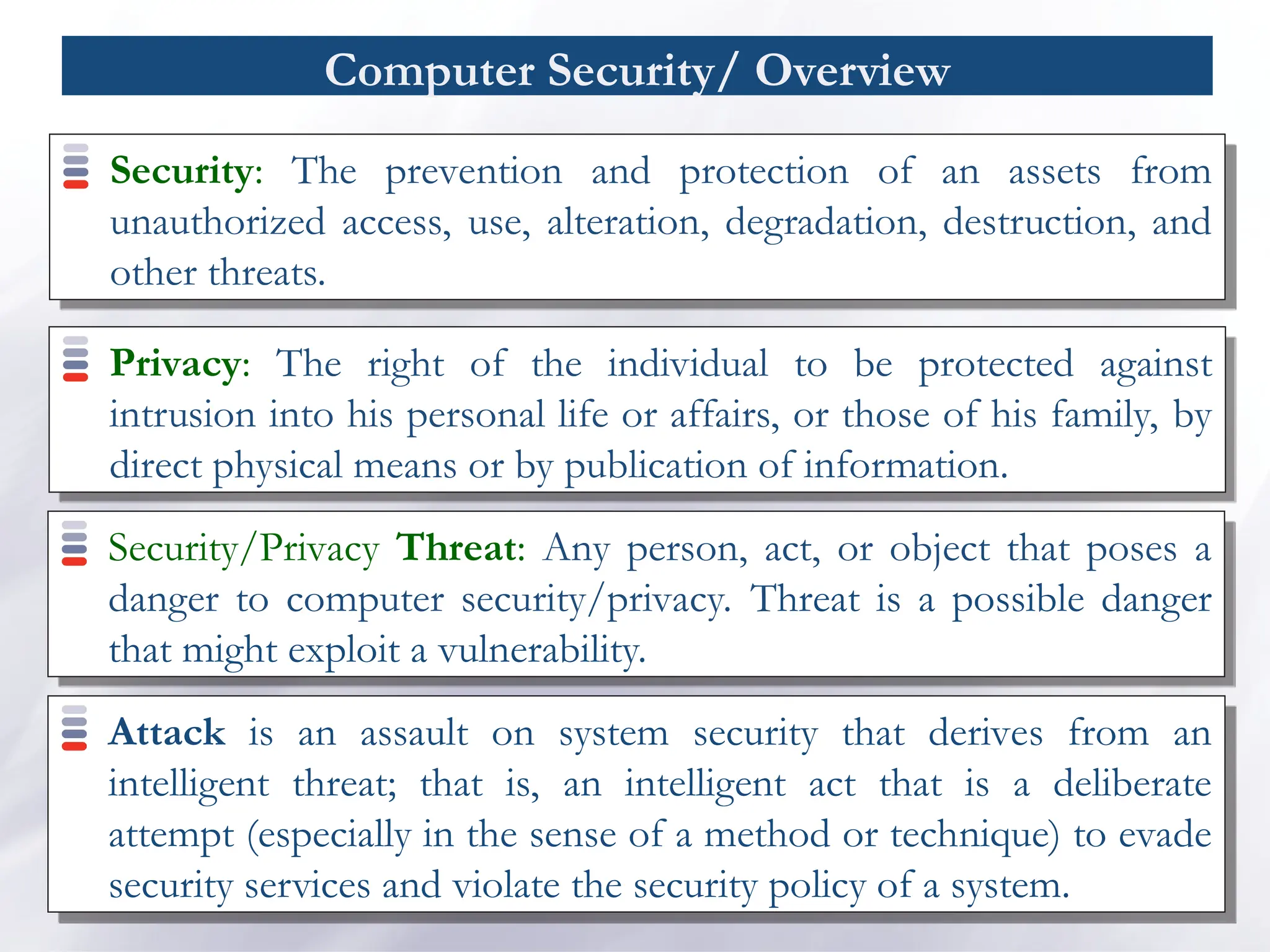
Computer Security/ Overview
Security:The prevention and protection of an assets from
unauthorized access, use, alteration, degradation, destruction, and
other threats.
Privacy: The right of the individual to be protected against
intrusion into his personal life or affairs, or those of his family, by
direct physical means or by publication of information.
Security/Privacy Threat: Any person, act, or object that poses a
danger to computer security/privacy. Threat is a possible danger
that might exploit a vulnerability.
Attack is an assault on system security that derives from an
intelligent threat; that is, an intelligent act that is a deliberate
attempt (especially in the sense of a method or technique) to evade
security services and violate the security policy of a system.
14.
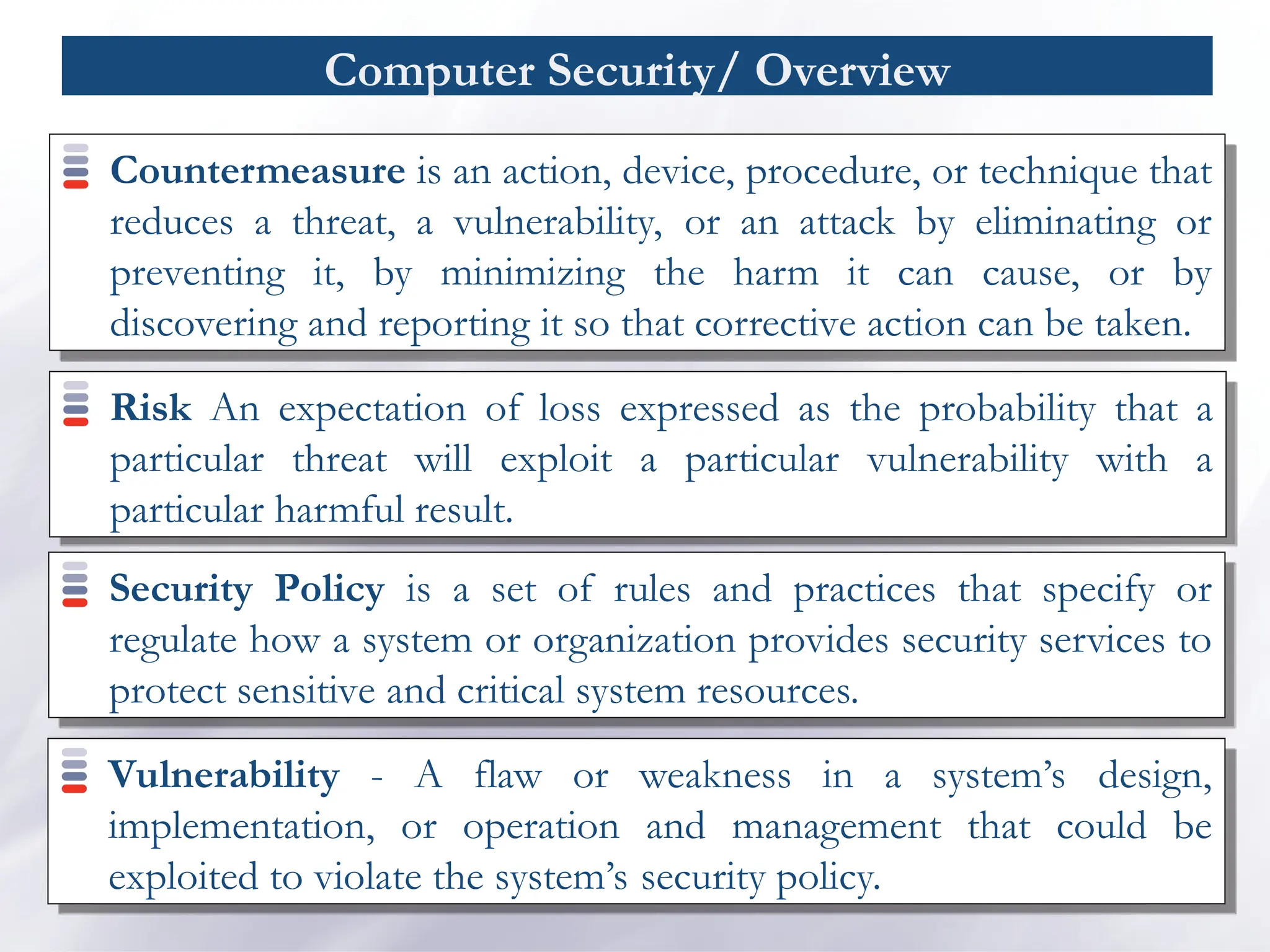
Computer Security/ Overview
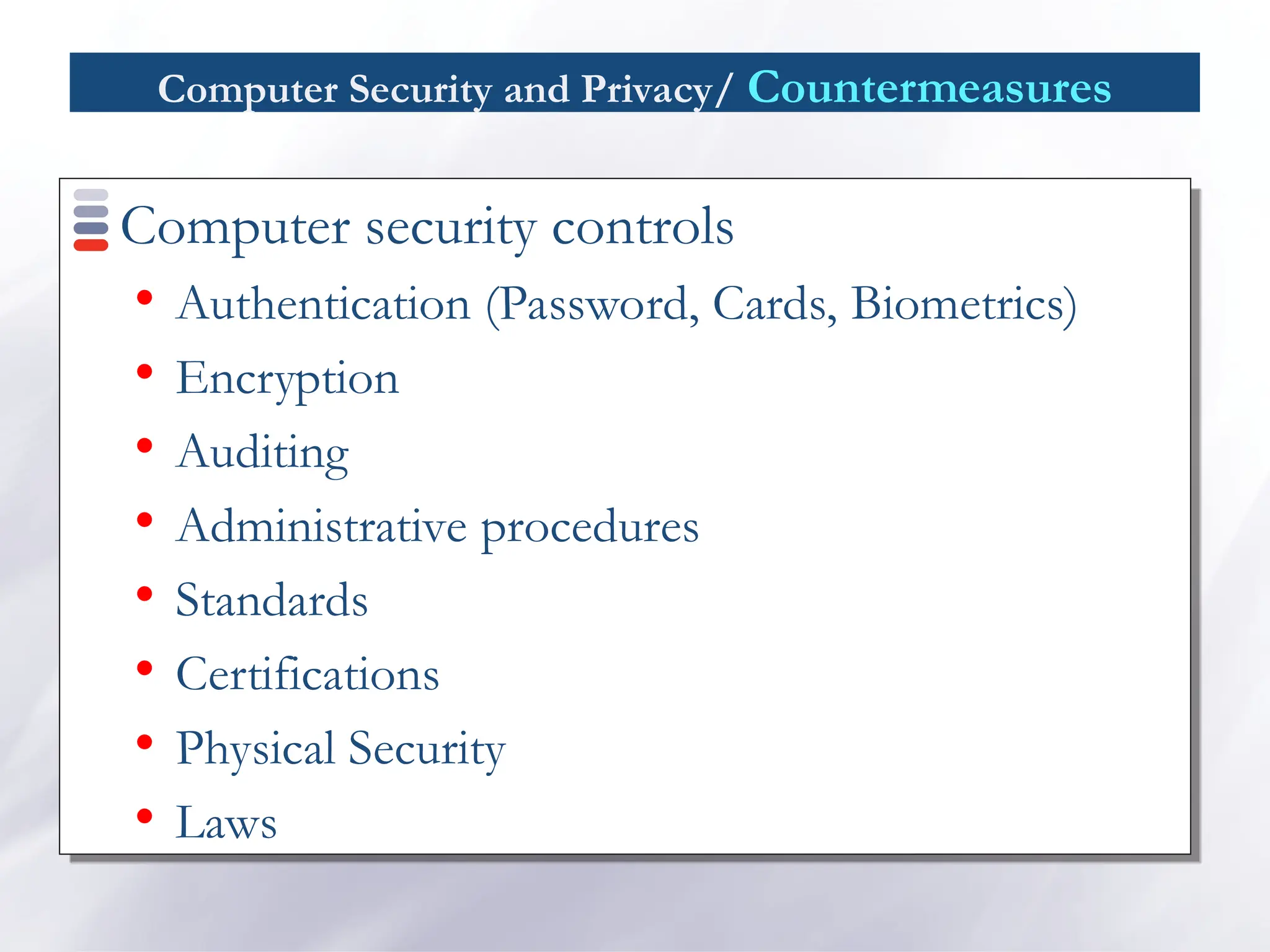
Countermeasureis an action, device, procedure, or technique that
reduces a threat, a vulnerability, or an attack by eliminating or
preventing it, by minimizing the harm it can cause, or by
discovering and reporting it so that corrective action can be taken.
Risk An expectation of loss expressed as the probability that a
particular threat will exploit a particular vulnerability with a
particular harmful result.
Security Policy is a set of rules and practices that specify or
regulate how a system or organization provides security services to
protect sensitive and critical system resources.
Vulnerability - A flaw or weakness in a system’s design,
implementation, or operation and management that could be
exploited to violate the system’s security policy.
15.
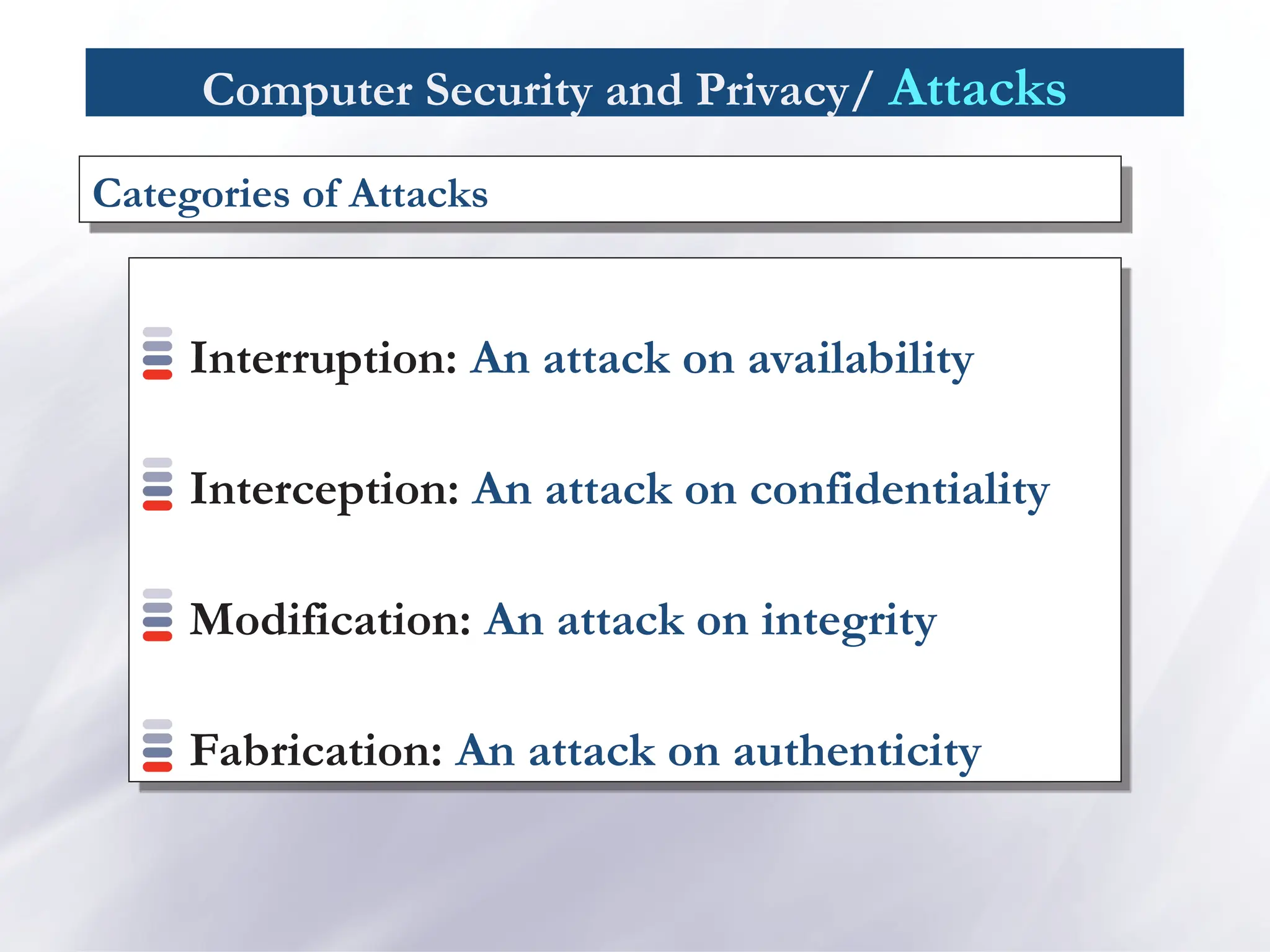
Computer Security andPrivacy/ Attacks
Interruption: An attack on availability
Interception: An attack on confidentiality
Modification: An attack on integrity
Fabrication: An attack on authenticity
Categories of Attacks
16.
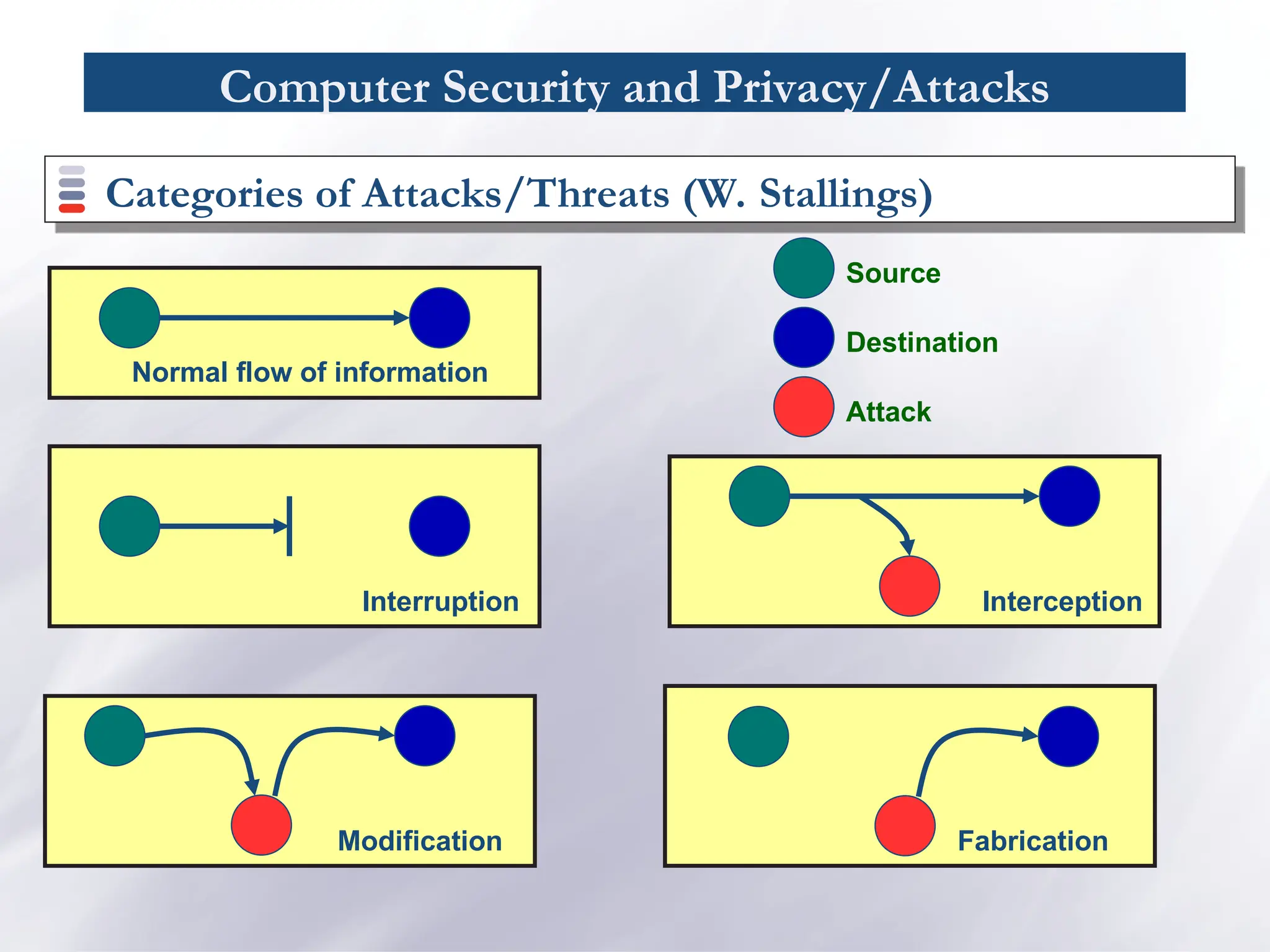
Computer Security andPrivacy/Attacks
Categories of Attacks/Threats (W. Stallings)
Normal flow of information
Interruption Interception
Modification Fabrication
Source
Destination
Attack
17.
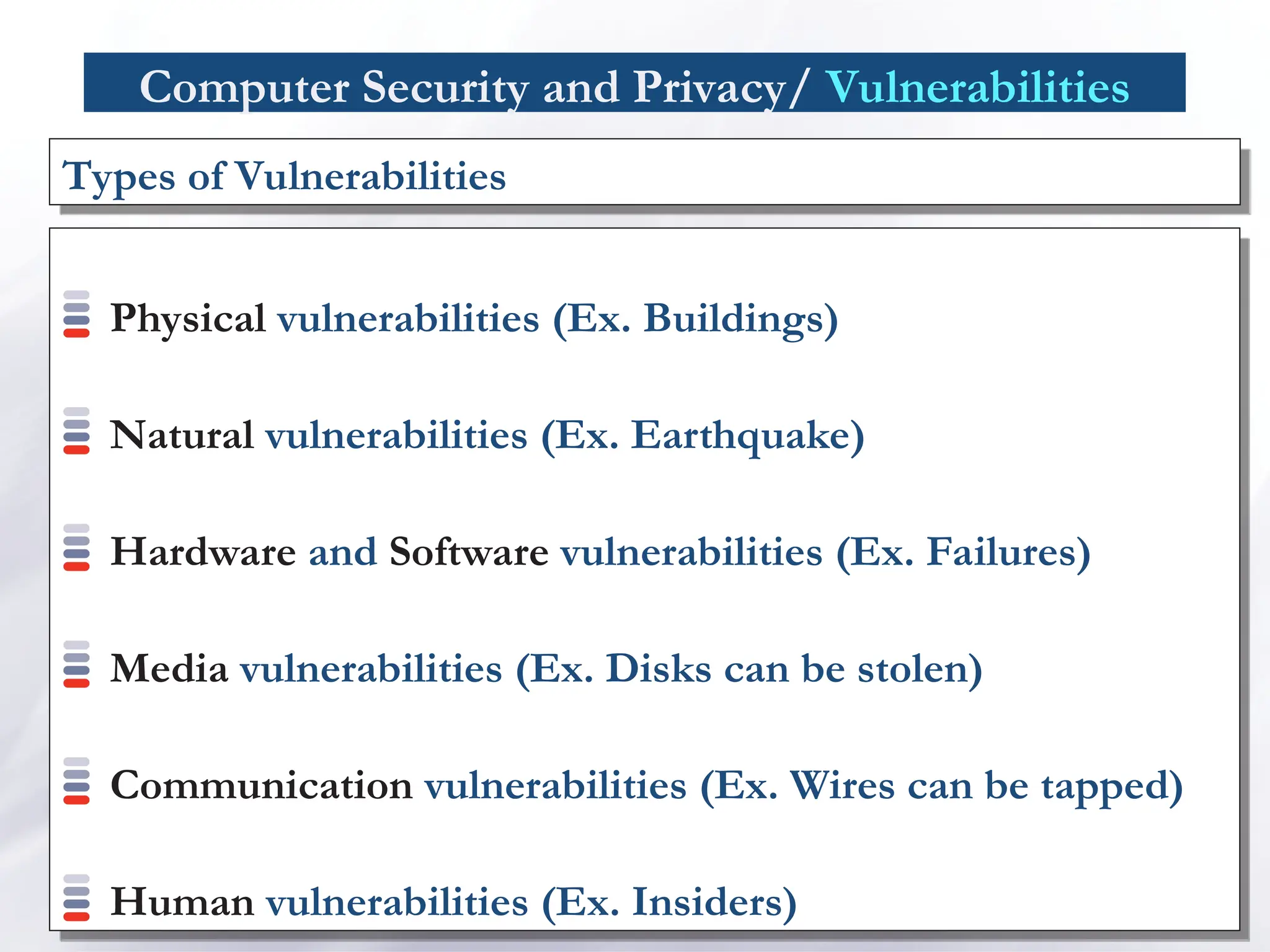
Computer Security andPrivacy/ Vulnerabilities
Physical vulnerabilities (Ex. Buildings)
Natural vulnerabilities (Ex. Earthquake)
Hardware and Software vulnerabilities (Ex. Failures)
Media vulnerabilities (Ex. Disks can be stolen)
Communication vulnerabilities (Ex. Wires can be tapped)
Human vulnerabilities (Ex. Insiders)
Types of Vulnerabilities
Computer Security andPrivacy/ Physical Security
Physical security is the use of physical controls to protect
premises, site, facility, building or other physical asset of an
organization [Lawrence Fennelly]
Physical security protects your physical computer facility (your
building, your computer room, your computer, your disks
and other media) [Chuck Easttom].
21.
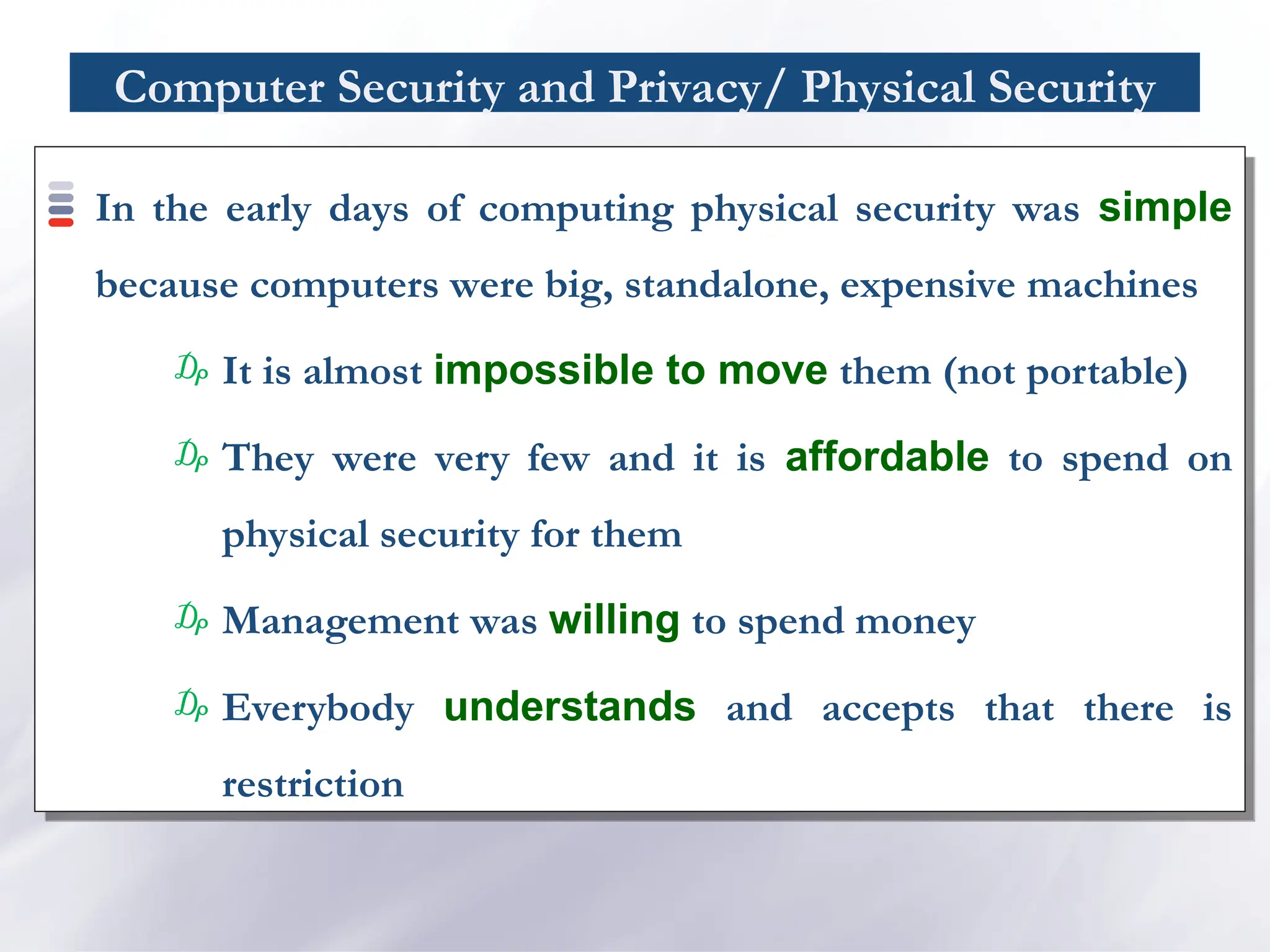
Computer Security andPrivacy/ Physical Security
In the early days of computing physical security was simple
because computers were big, standalone, expensive machines
₯ It is almost impossible to move them (not portable)
₯ They were very few and it is affordable to spend on
physical security for them
₯ Management was willing to spend money
₯ Everybody understands and accepts that there is
restriction
22.
Computer Security andPrivacy/ Physical Security
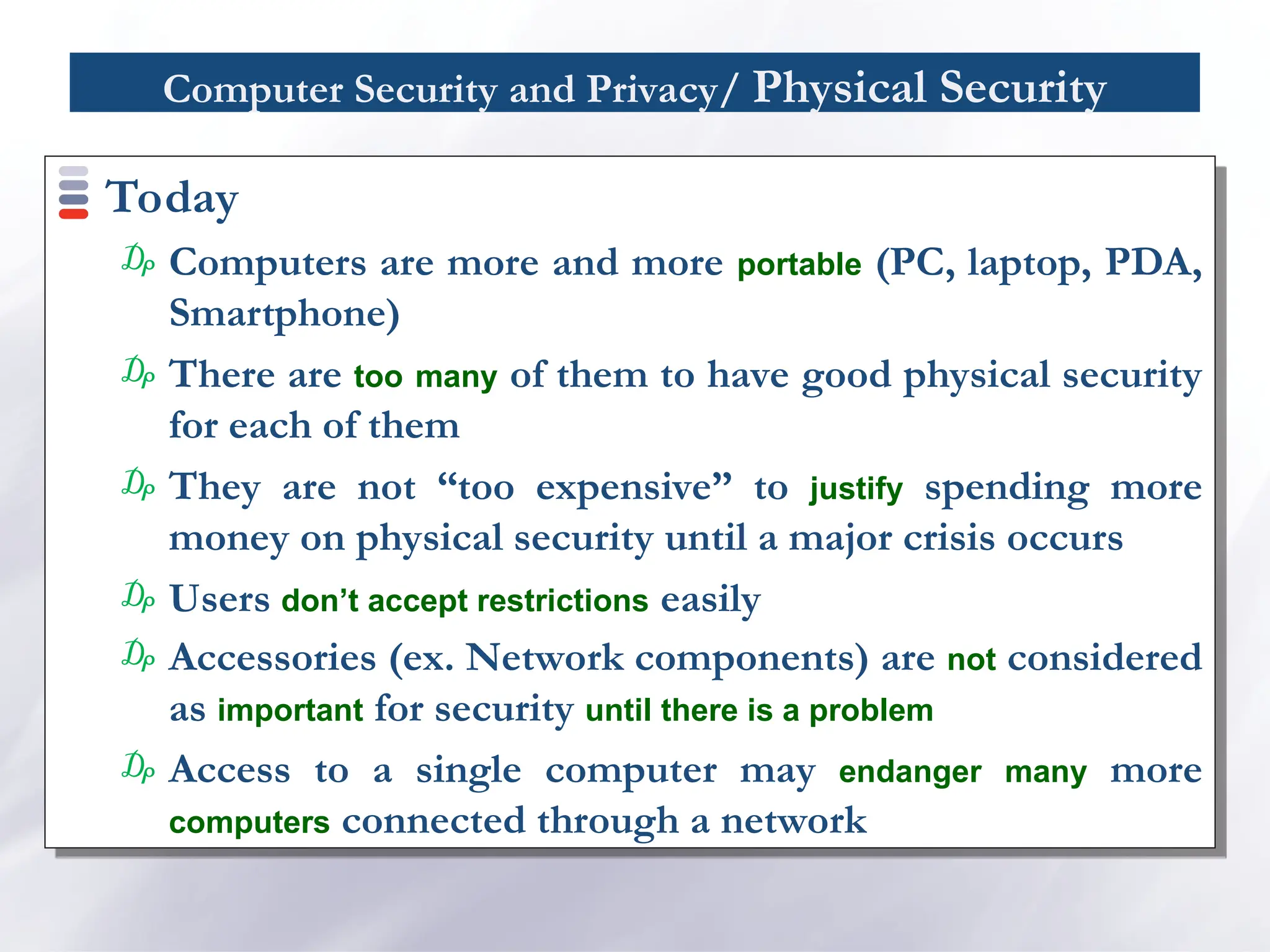
Today
₯ Computers are more and more portable (PC, laptop, PDA,
Smartphone)
₯ There are too many of them to have good physical security
for each of them
₯ They are not “too expensive” to justify spending more
money on physical security until a major crisis occurs
₯ Users don’t accept restrictions easily
₯ Accessories (ex. Network components) are not considered
as important for security until there is a problem
₯ Access to a single computer may endanger many more
computers connected through a network
23.
Computer Security andPrivacy/ Physical Security
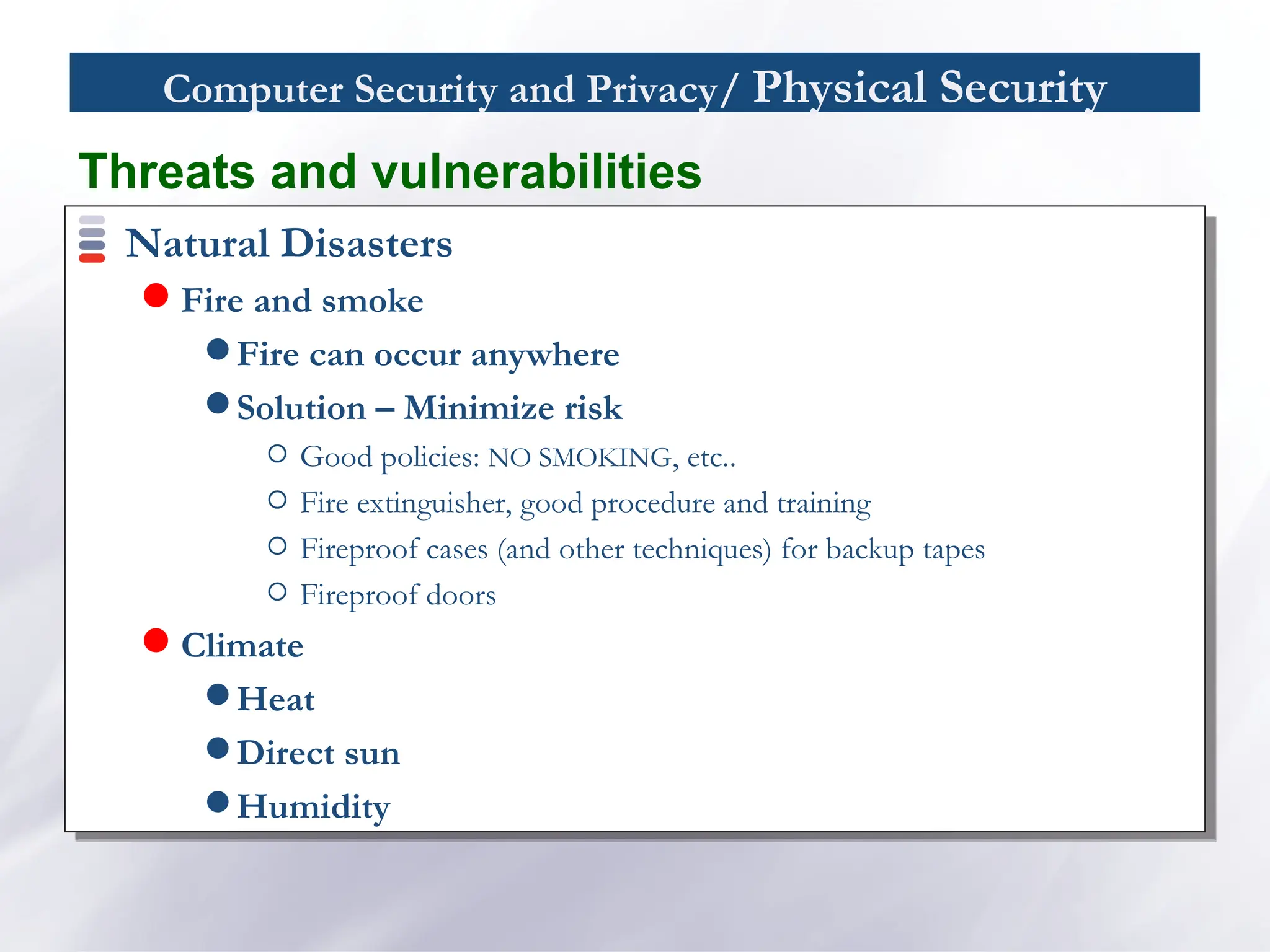
Natural Disasters
Fire and smoke
Fire can occur anywhere
Solution – Minimize risk
Good policies: NO SMOKING, etc..
Fire extinguisher, good procedure and training
Fireproof cases (and other techniques) for backup tapes
Fireproof doors
Climate
Heat
Direct sun
Humidity
Threats and vulnerabilities
24.
Computer Security andPrivacy/ Physical Security
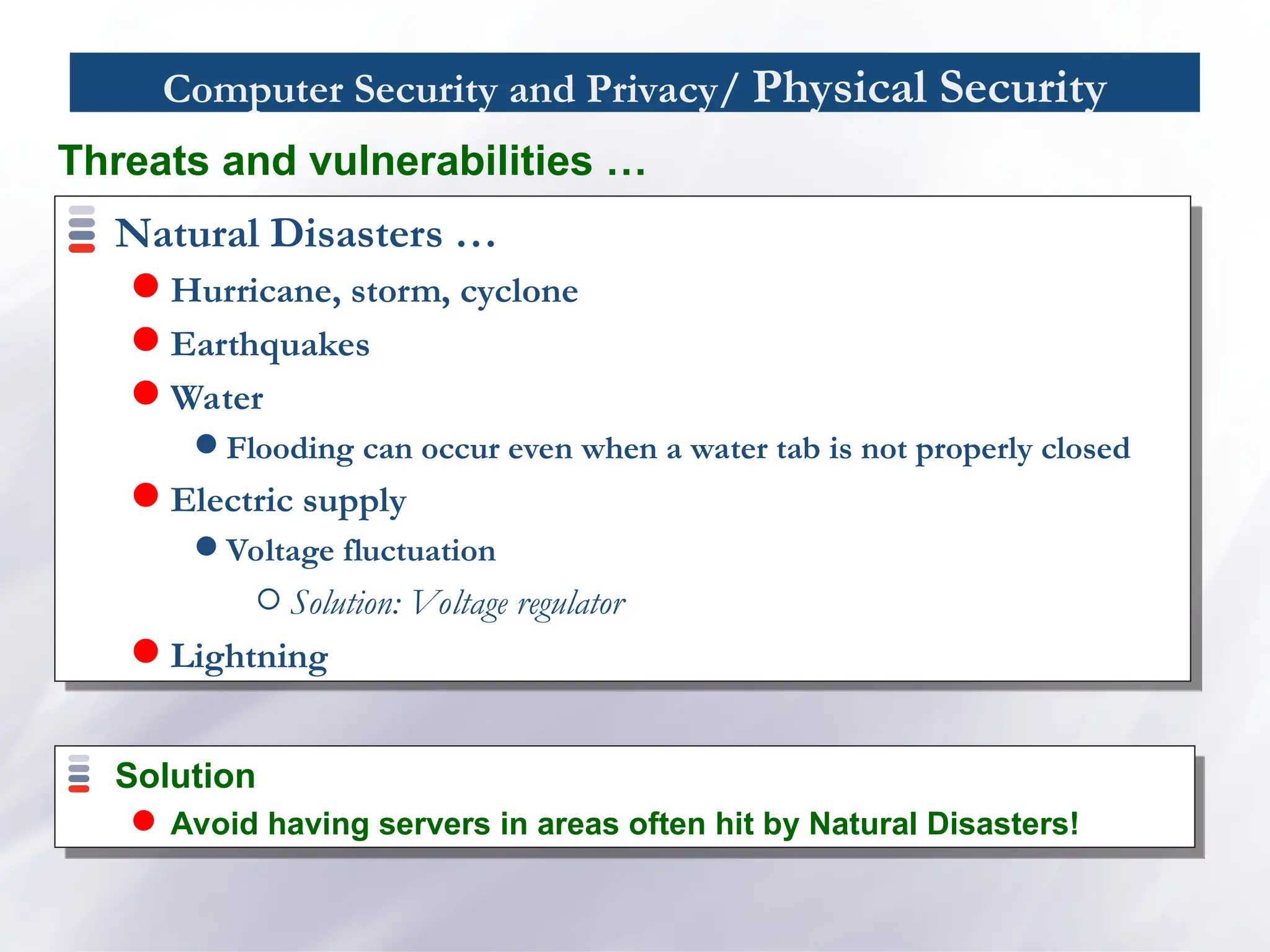
Natural Disasters …
Hurricane, storm, cyclone
Earthquakes
Water
Flooding can occur even when a water tab is not properly closed
Electric supply
Voltage fluctuation
Solution: Voltage regulator
Lightning
Threats and vulnerabilities …
Solution
Avoid having servers in areas often hit by Natural Disasters!
25.
Computer Security andPrivacy/ Physical Security
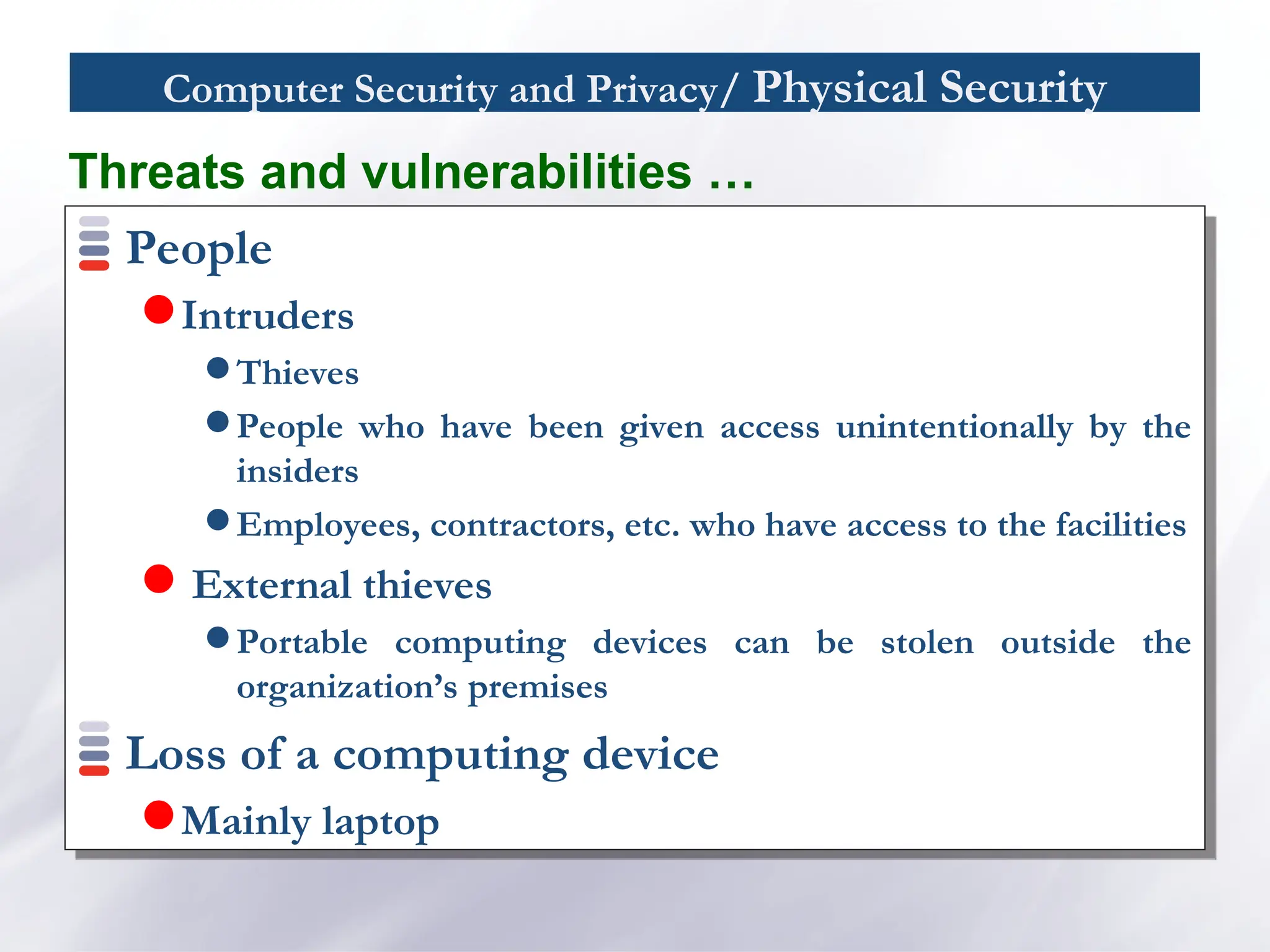
People
Intruders
Thieves
People who have been given access unintentionally by the
insiders
Employees, contractors, etc. who have access to the facilities
External thieves
Portable computing devices can be stolen outside the
organization’s premises
Loss of a computing device
Mainly laptop
Threats and vulnerabilities …
26.
Computer Security andPrivacy/ Physical Security
Safe area
Safe area often is a locked place where only
authorized personnel can have access using
Surveillance/guards, video-surveillance, automatic-doors
with security code locks, alarms, etc.
Organizations usually have safe area for keeping
computers and related devices
Computer security/ Attacks& Threats
A computer security threat is any person, act, or
object that poses a danger to computer security
Computer world is full of threats!
And so is the real world!
Thieves, pick-pockets, burglars, murderers,
drunk drivers, …
29.
Computer security/ Attacks& Threats
What do you do in real life?
You learn about the threats
What are the threats
How can these threats affect you
What is the risk for you to be attacked by these threats
How you can protect yourself from these risks
How much does the protection cost
What you can do to limit the damage in case you are attacked
How you can recover in case you are attacked
Then, you protect yourself in order to limit the risk but to
continue to live your life
You need to do exactly the same thing with computers!
30.
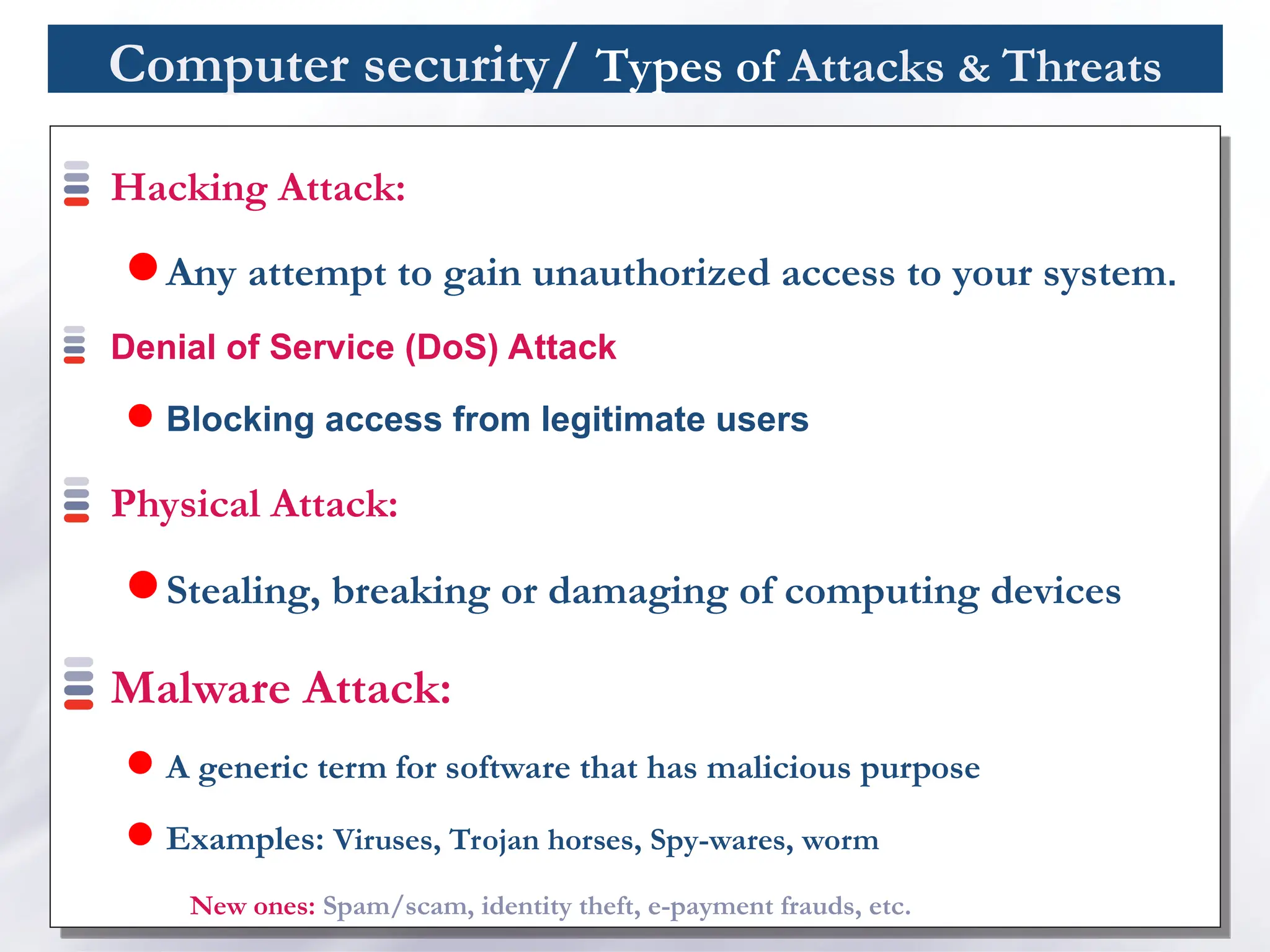
Computer security/ Typesof Attacks & Threats
Hacking Attack:
Any attempt to gain unauthorized access to your system.
Denial of Service (DoS) Attack
Blocking access from legitimate users
Physical Attack:
Stealing, breaking or damaging of computing devices
Malware Attack:
A generic term for software that has malicious purpose
Examples: Viruses, Trojan horses, Spy-wares, worm
New ones: Spam/scam, identity theft, e-payment frauds, etc.
31.
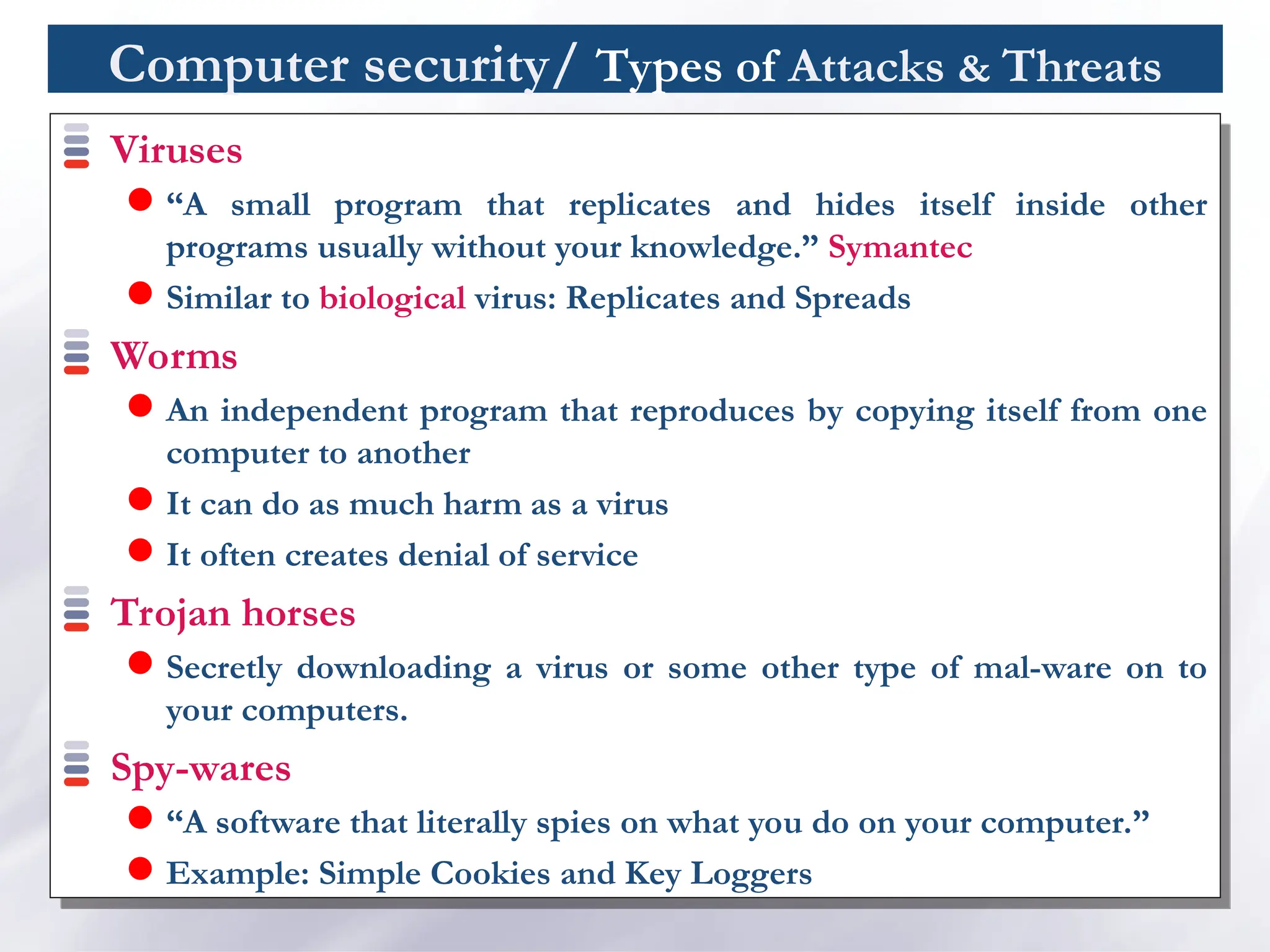
Computer security/ Typesof Attacks & Threats
Viruses
“A small program that replicates and hides itself inside other
programs usually without your knowledge.” Symantec
Similar to biological virus: Replicates and Spreads
Worms
An independent program that reproduces by copying itself from one
computer to another
It can do as much harm as a virus
It often creates denial of service
Trojan horses
Secretly downloading a virus or some other type of mal-ware on to
your computers.
Spy-wares
“A software that literally spies on what you do on your computer.”
Example: Simple Cookies and Key Loggers
32.
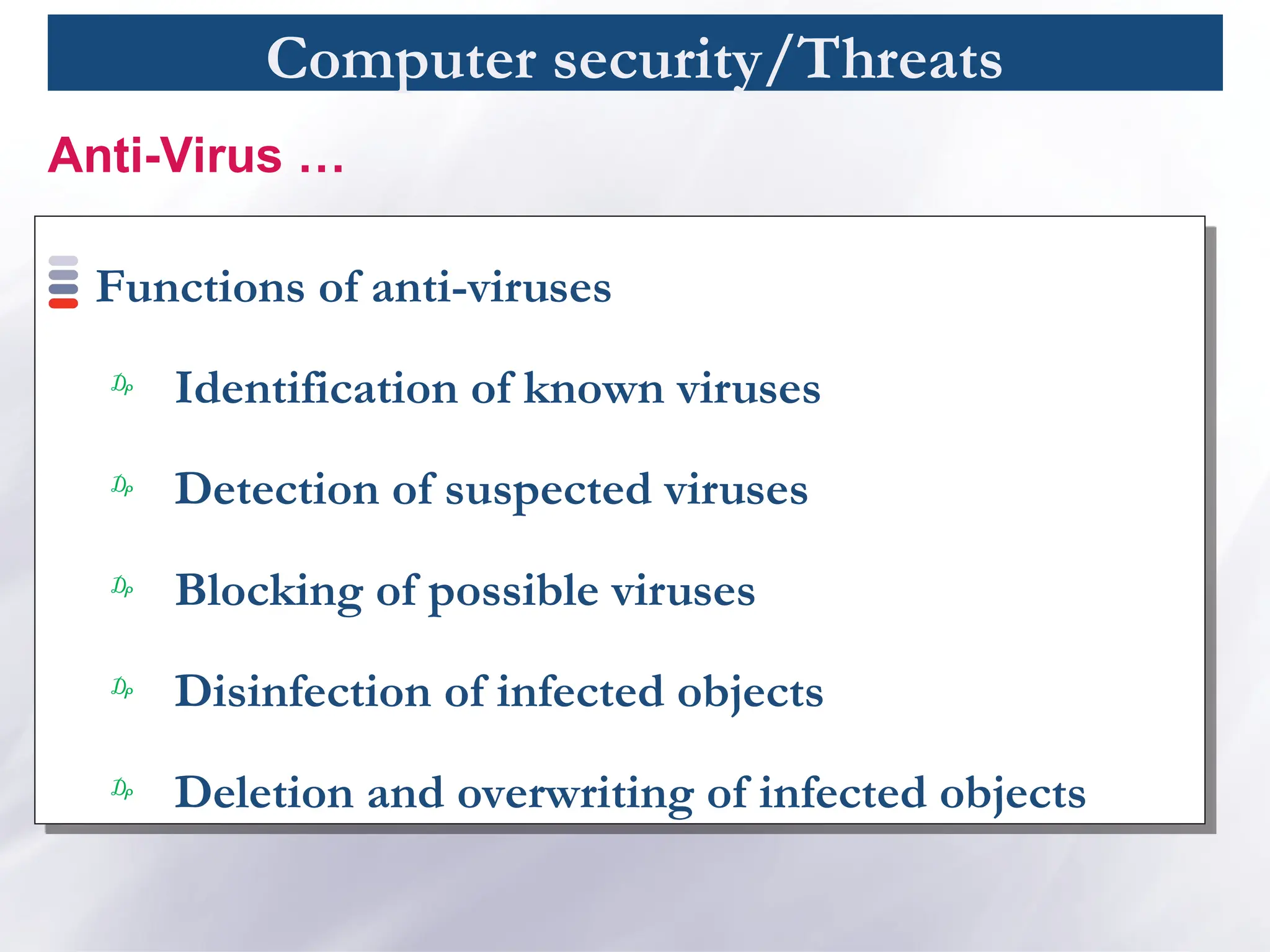
Computer security/Threats
Functions ofanti-viruses
₯
Identification of known viruses
₯
Detection of suspected viruses
₯
Blocking of possible viruses
₯
Disinfection of infected objects
₯
Deletion and overwriting of infected objects
Anti-Virus …
33.
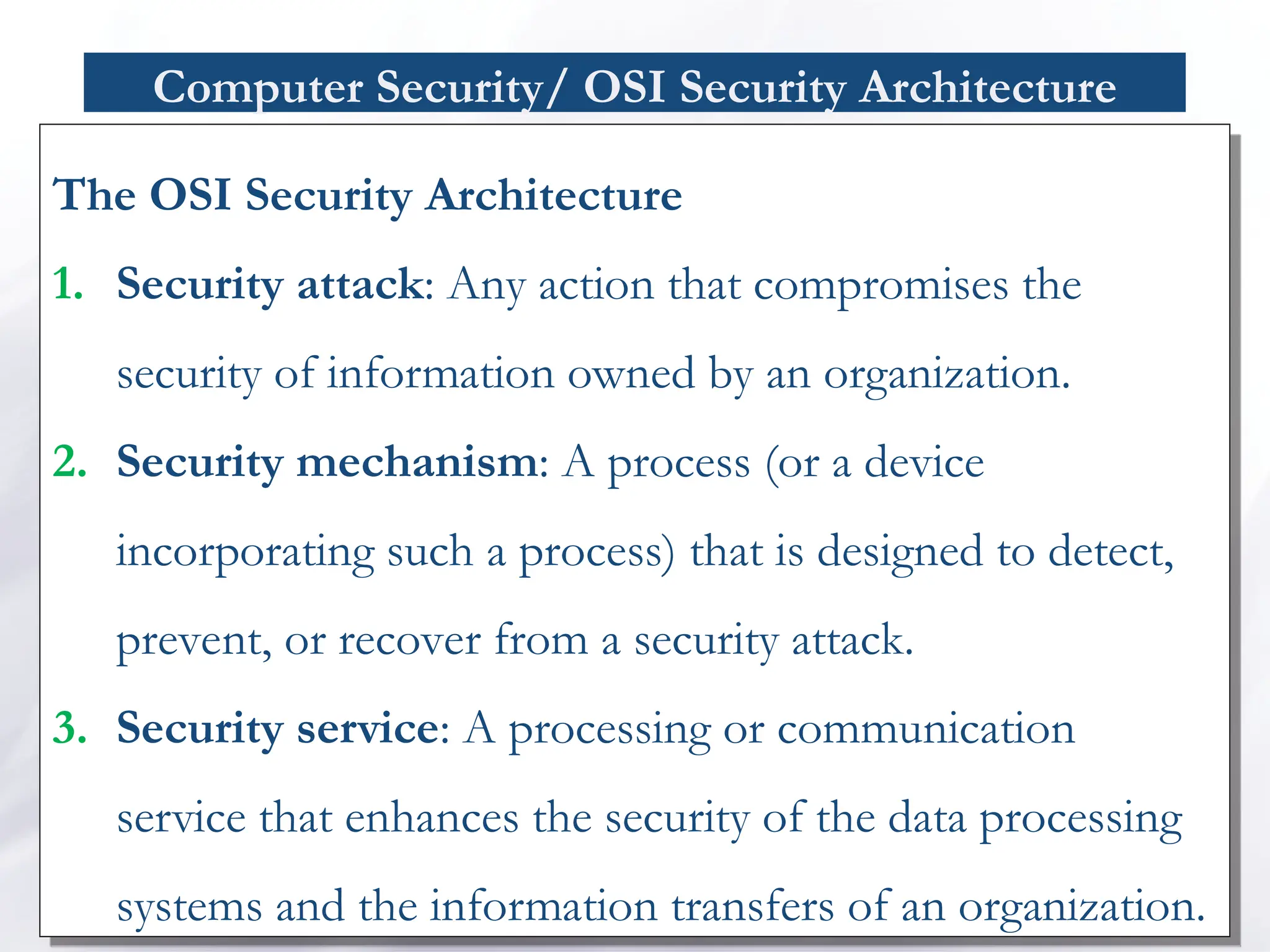
Computer Security/ OSISecurity Architecture
The OSI Security Architecture
1. Security attack: Any action that compromises the
security of information owned by an organization.
2. Security mechanism: A process (or a device
incorporating such a process) that is designed to detect,
prevent, or recover from a security attack.
3. Security service: A processing or communication
service that enhances the security of the data processing
systems and the information transfers of an organization.
34.
OSI Security Architecture/Securityattacks
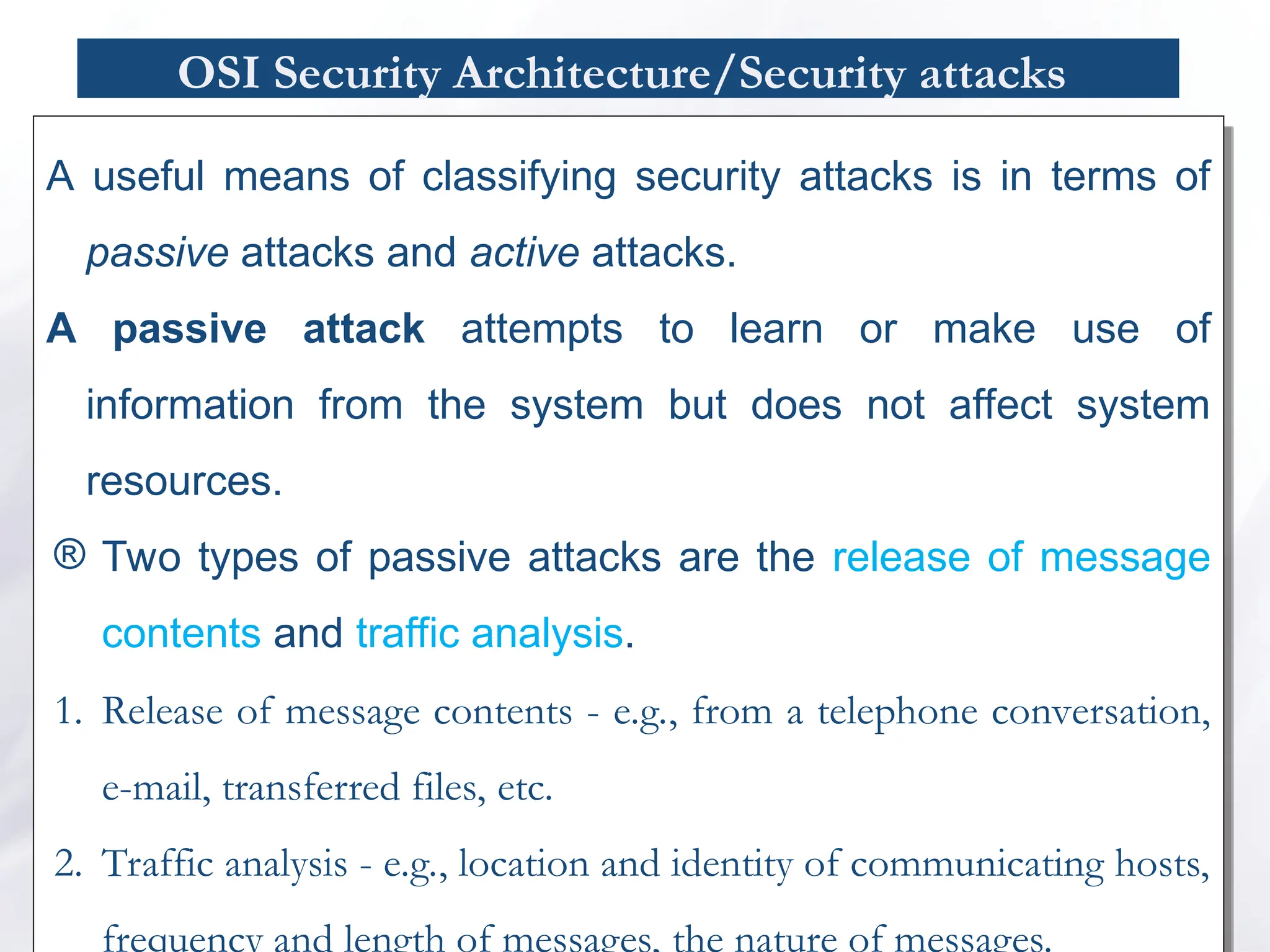
A useful means of classifying security attacks is in terms of
passive attacks and active attacks.
A passive attack attempts to learn or make use of
information from the system but does not affect system
resources.
® Two types of passive attacks are the release of message
contents and traffic analysis.
1. Release of message contents - e.g., from a telephone conversation,
e-mail, transferred files, etc.
2. Traffic analysis - e.g., location and identity of communicating hosts,
frequency and length of messages, the nature of messages.
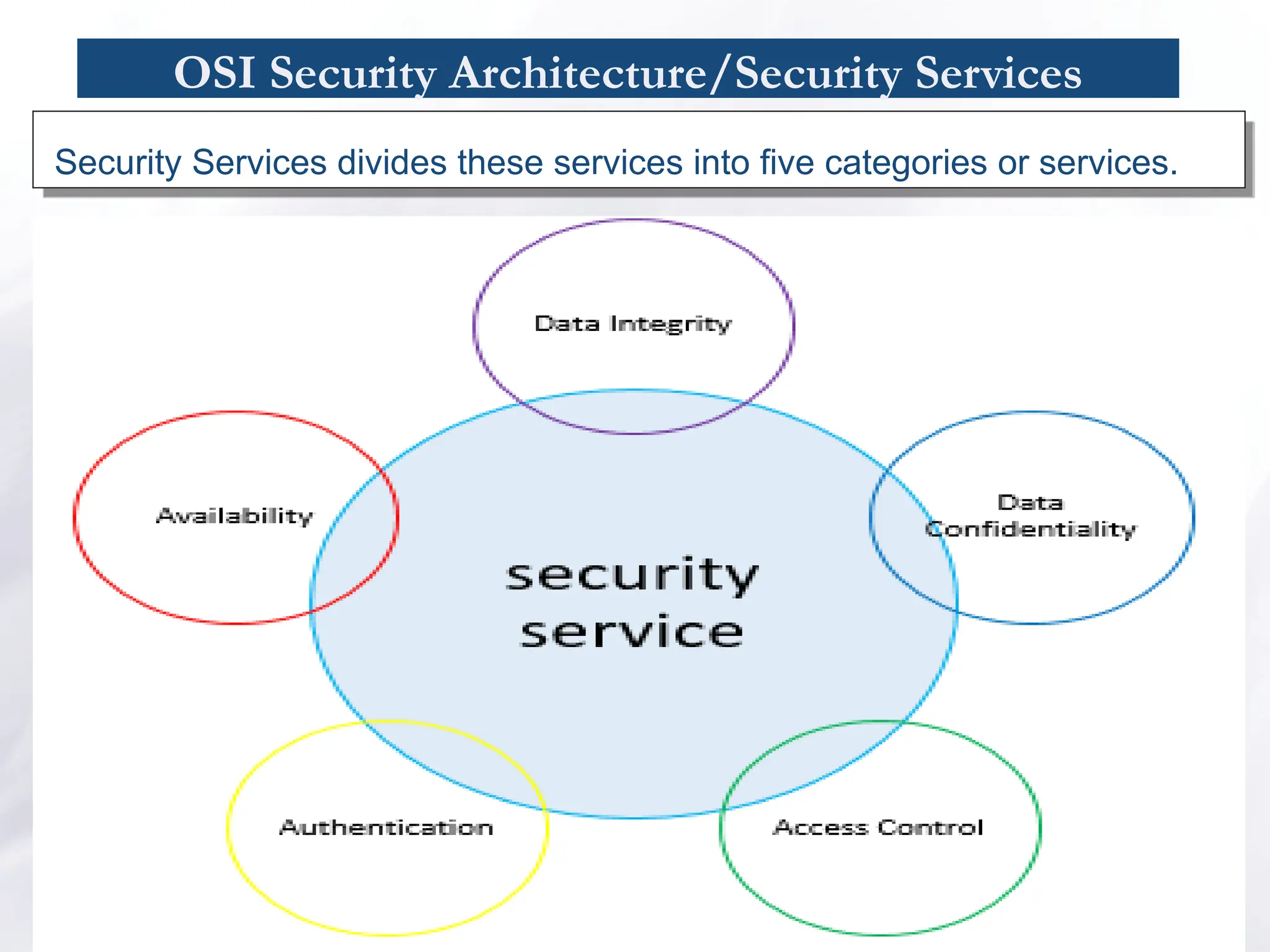
OSI Security Architecture/SecurityServices
₯ The function of the authentication service is to assure the recipient that
the message is from the source that it claims to be from.
₡ the service assures that the two entities are authentic
₡ service must assure that the connection is not interfered
This authentication service can be peer entity or data entity
authentication.
₯ Access control is the ability to limit and control the access to host
systems and applications via communications links.
₯ Confidentiality is the protection of transmitted data from passive
attacks.
₯ Integrity can be connection-oriented or connectionless
₵ A connection-oriented integrity service deals with a stream of messages
and assures that messages are received as sent with no duplication,
38.
OSI Security Architecture/SecurityServices
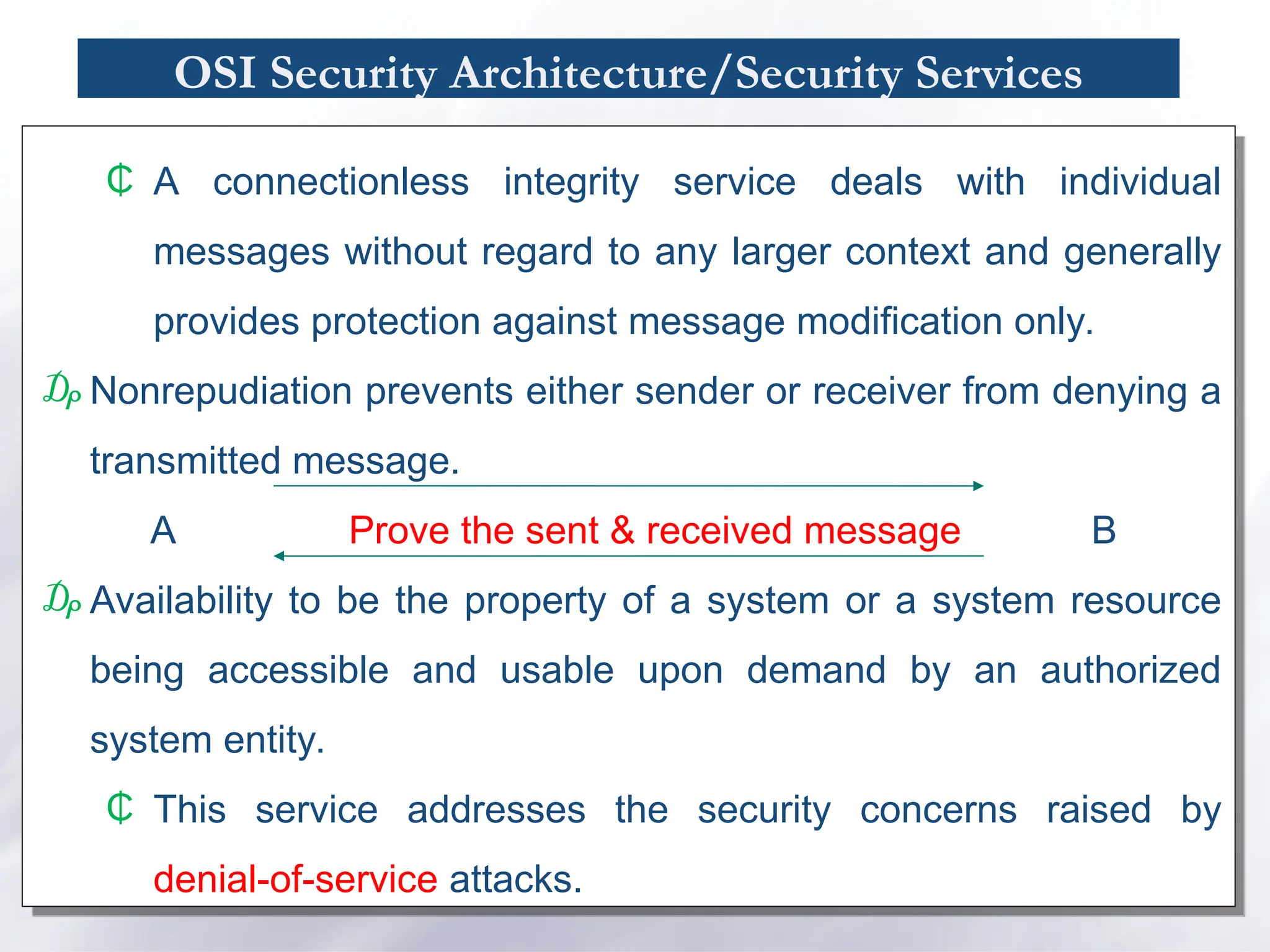
₵ A connectionless integrity service deals with individual
messages without regard to any larger context and generally
provides protection against message modification only.
₯ Nonrepudiation prevents either sender or receiver from denying a
transmitted message.
A Prove the sent & received message B
₯ Availability to be the property of a system or a system resource
being accessible and usable upon demand by an authorized
system entity.
₵ This service addresses the security concerns raised by
denial-of-service attacks.
![Computer Security and Privacy/ Physical Security
Physical security is the use of physical controls to protect
premises, site, facility, building or other physical asset of an
organization [Lawrence Fennelly]
Physical security protects your physical computer facility (your
building, your computer room, your computer, your disks
and other media) [Chuck Easttom].](https://image.slidesharecdn.com/computersecurity-chapter1-250711193031-5502abb6/75/Computer-Securityyyyyyyy-Chapter-1-ppt-20-2048.jpg)


![Number_Guessing_Game_Dsbsbssbzboc[1].pptx](https://cdn.slidesharecdn.com/ss_thumbnails/numberguessinggamedoc1-251206215042-a076fc05-thumbnail.jpg?width=640&height=640&fit=bounds)


