Computer Memory
Presented By
Most. Arifa Khatun Bithi
191-35-2656 | 28th Batch
Department of Software Engineering
Daffodil International University
Course Teacher
Nusrat Jahan
Senior Lecturer
Department of Software Engineering
Daffodil International University
August 5, 2020
2
Introduction
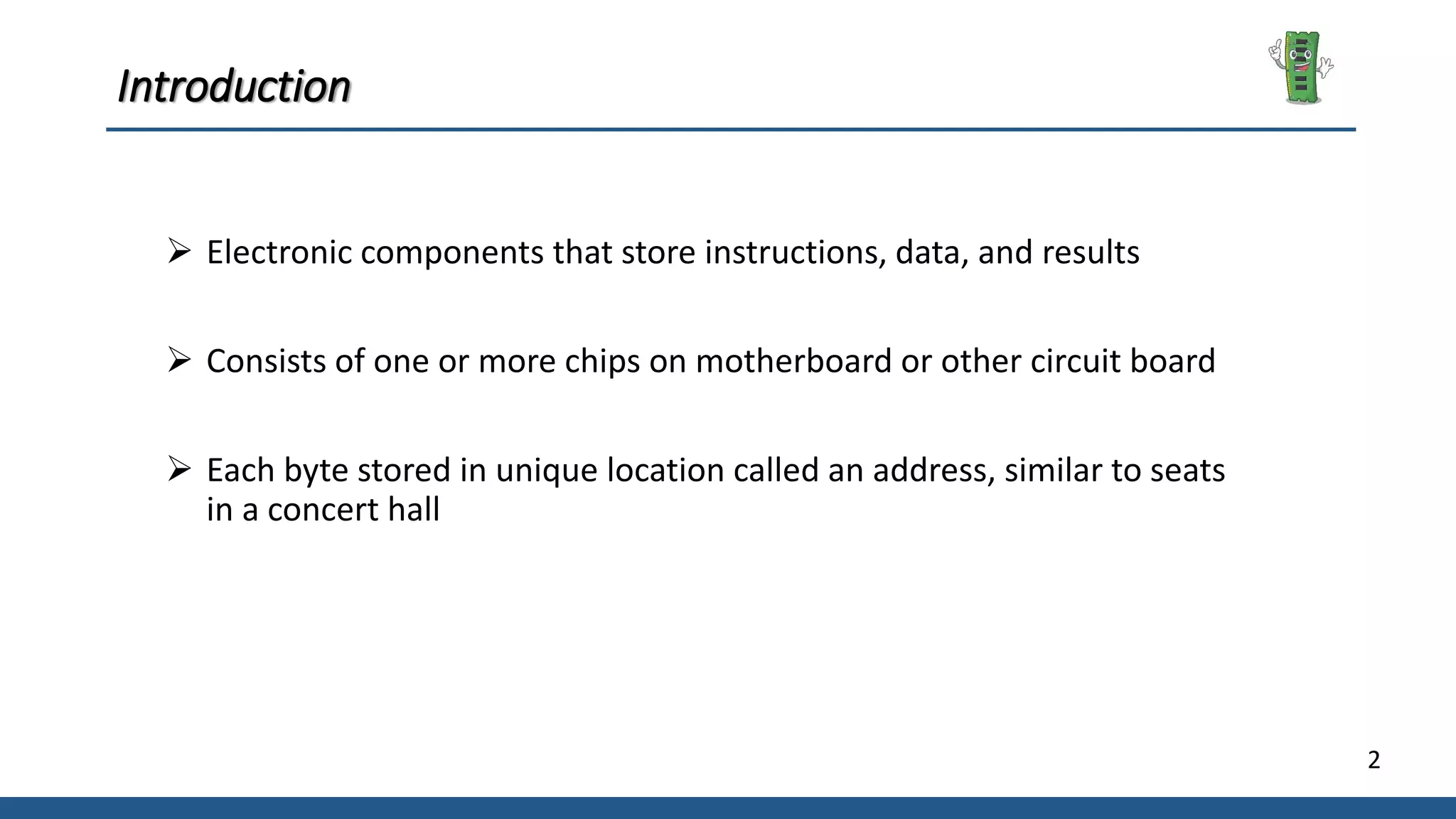
 Electronic components that store instructions, data, and results
 Consists of one or more chips on motherboard or other circuit board
 Each byte stored in unique location called an address, similar to seats
in a concert hall
3
Memory Measure
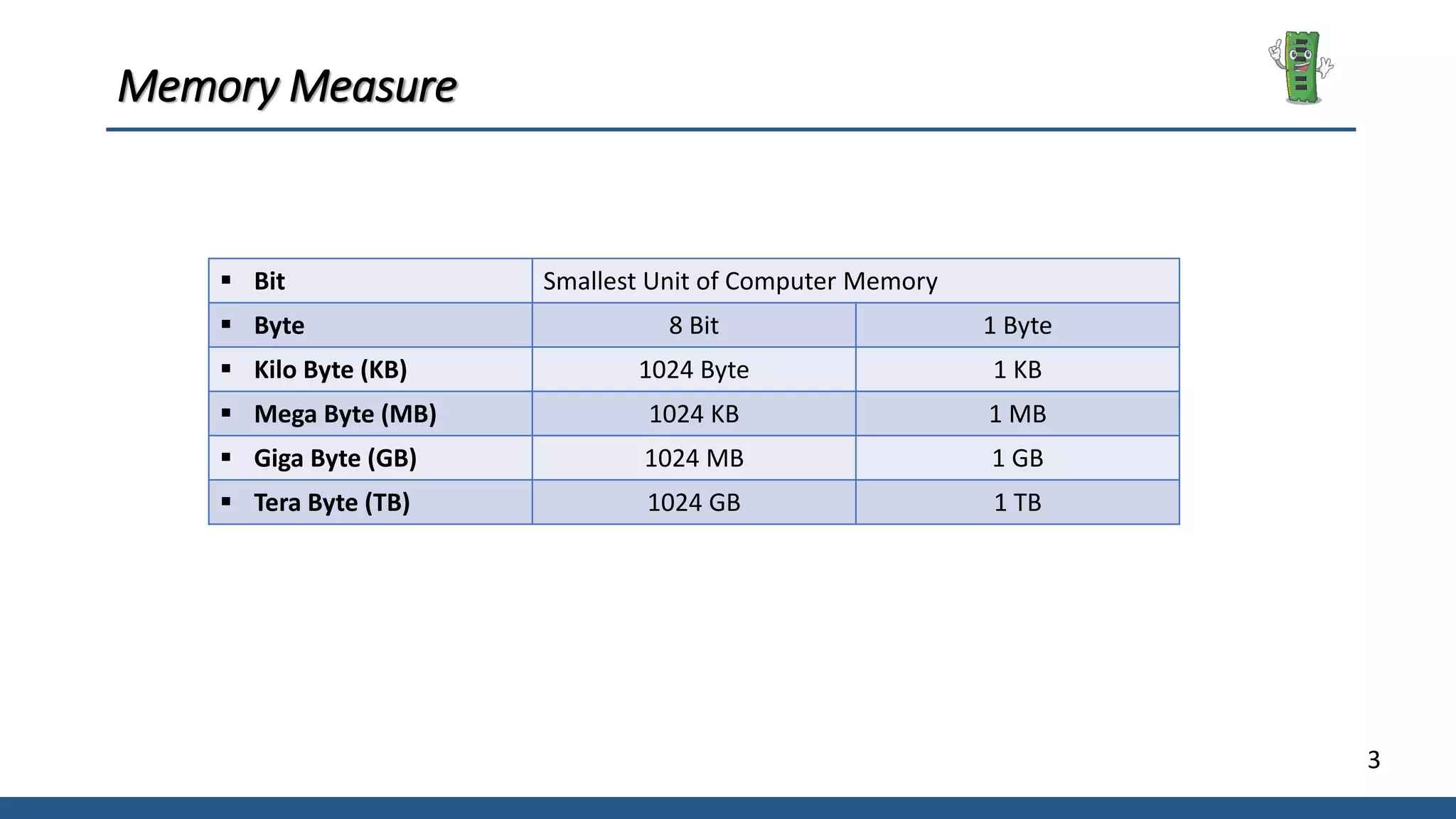
 Bit Smallest Unit of Computer Memory
 Byte 8 Bit 1 Byte
 Kilo Byte (KB) 1024 Byte 1 KB
 Mega Byte (MB) 1024 KB 1 MB
 Giga Byte (GB) 1024 MB 1 GB
 Tera Byte (TB) 1024 GB 1 TB
4
Classification of Computer Memory
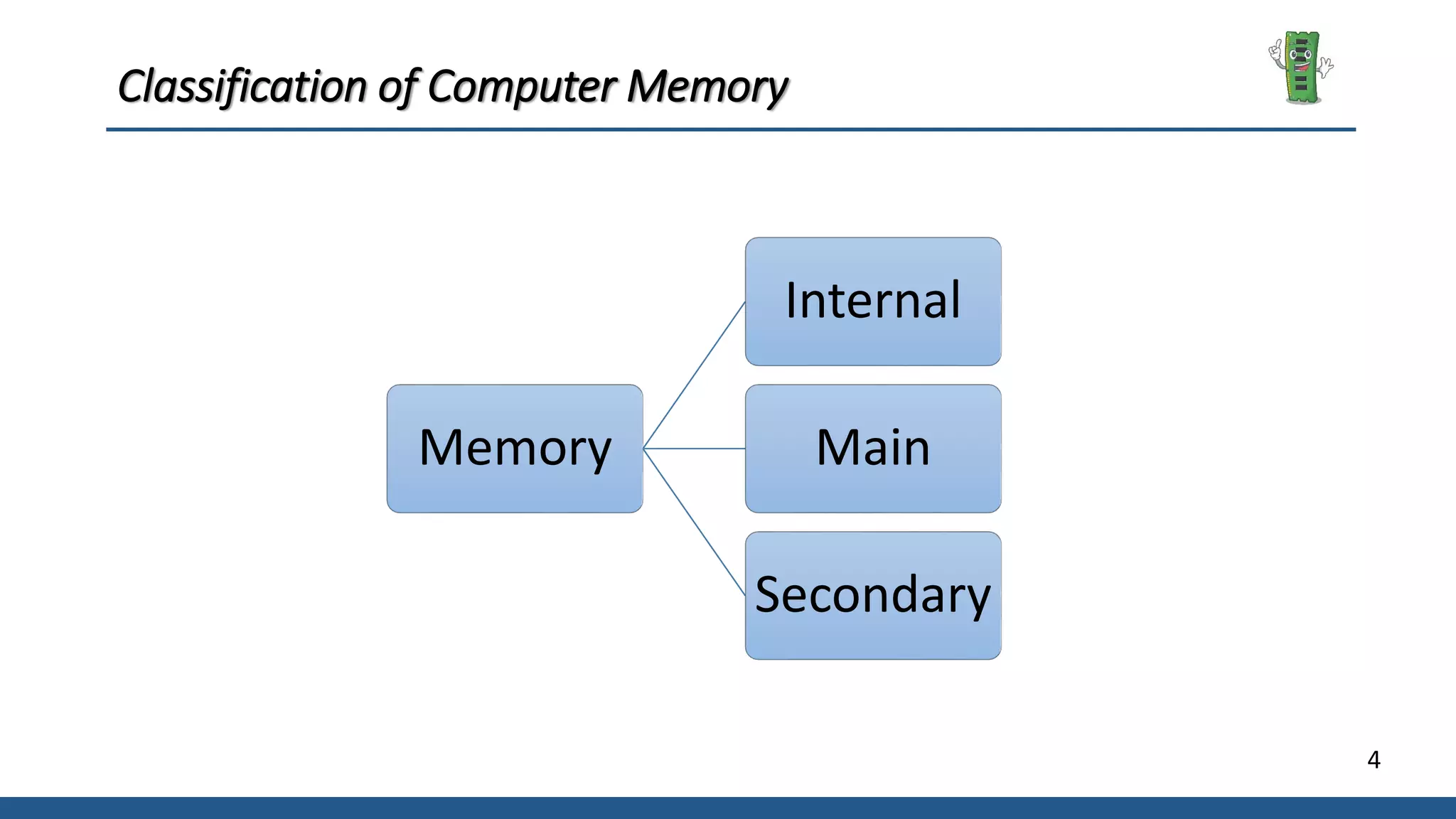
Memory
Internal
Main
Secondary
5
Internal Processor Memory
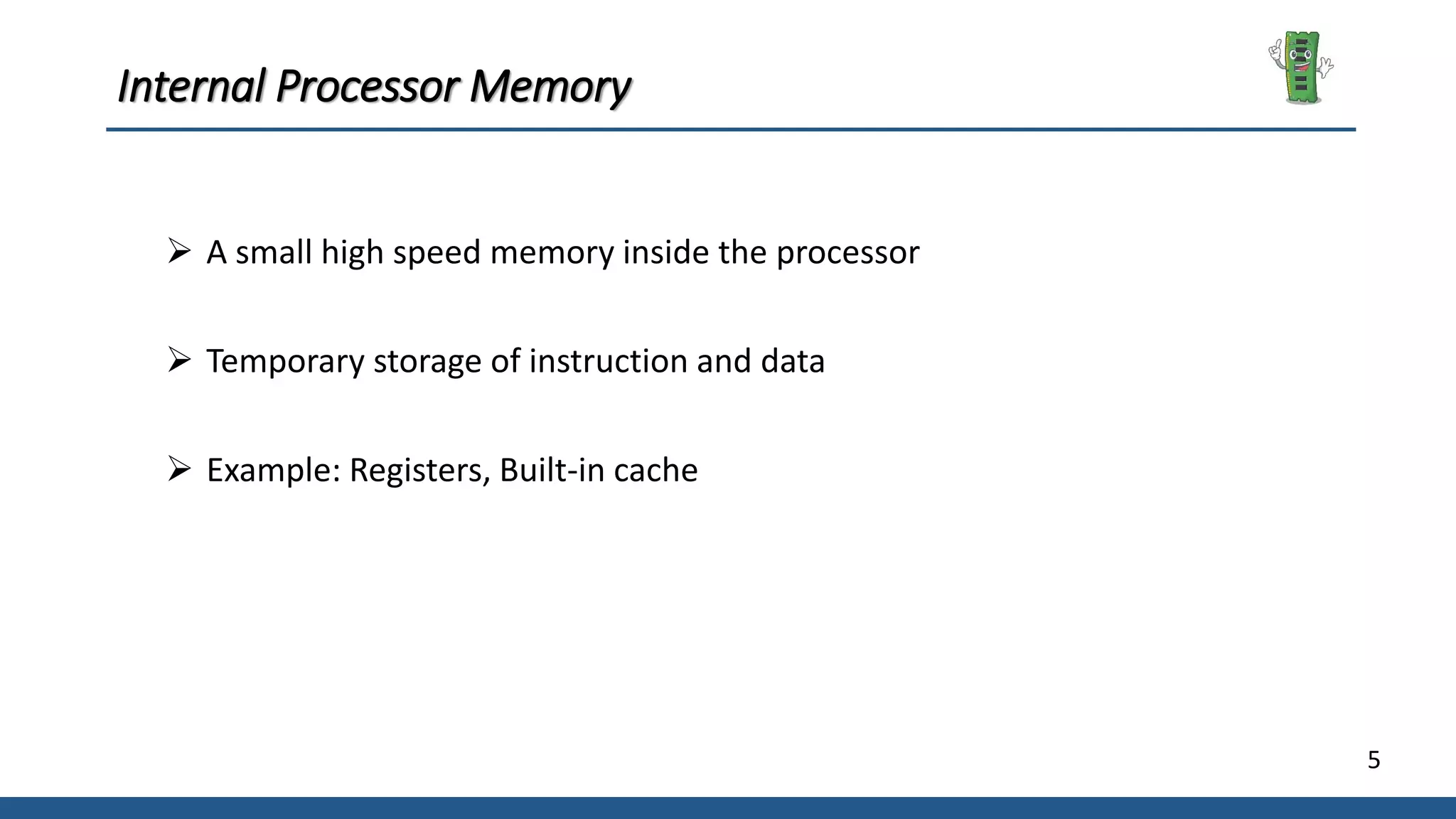
 A small high speed memory inside the processor
 Temporary storage of instruction and data
 Example: Registers, Built-in cache
6
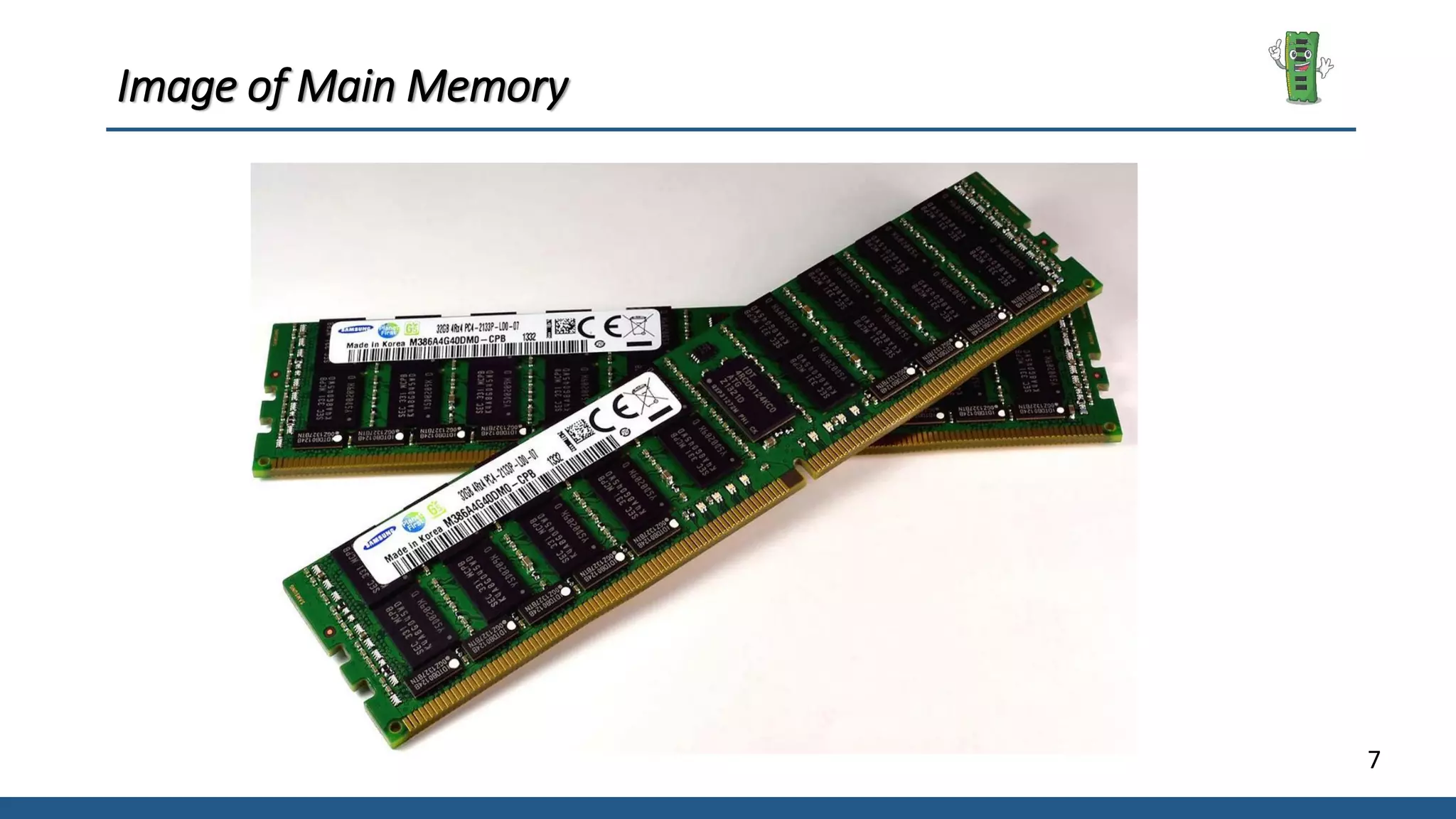
Main Memory
 It is relatively large memory placed outside the processor
 Data and instruction storage for the operation of the processor
 Can be accessed directly and rapidly by the CPU
7
Image of Main Memory
8
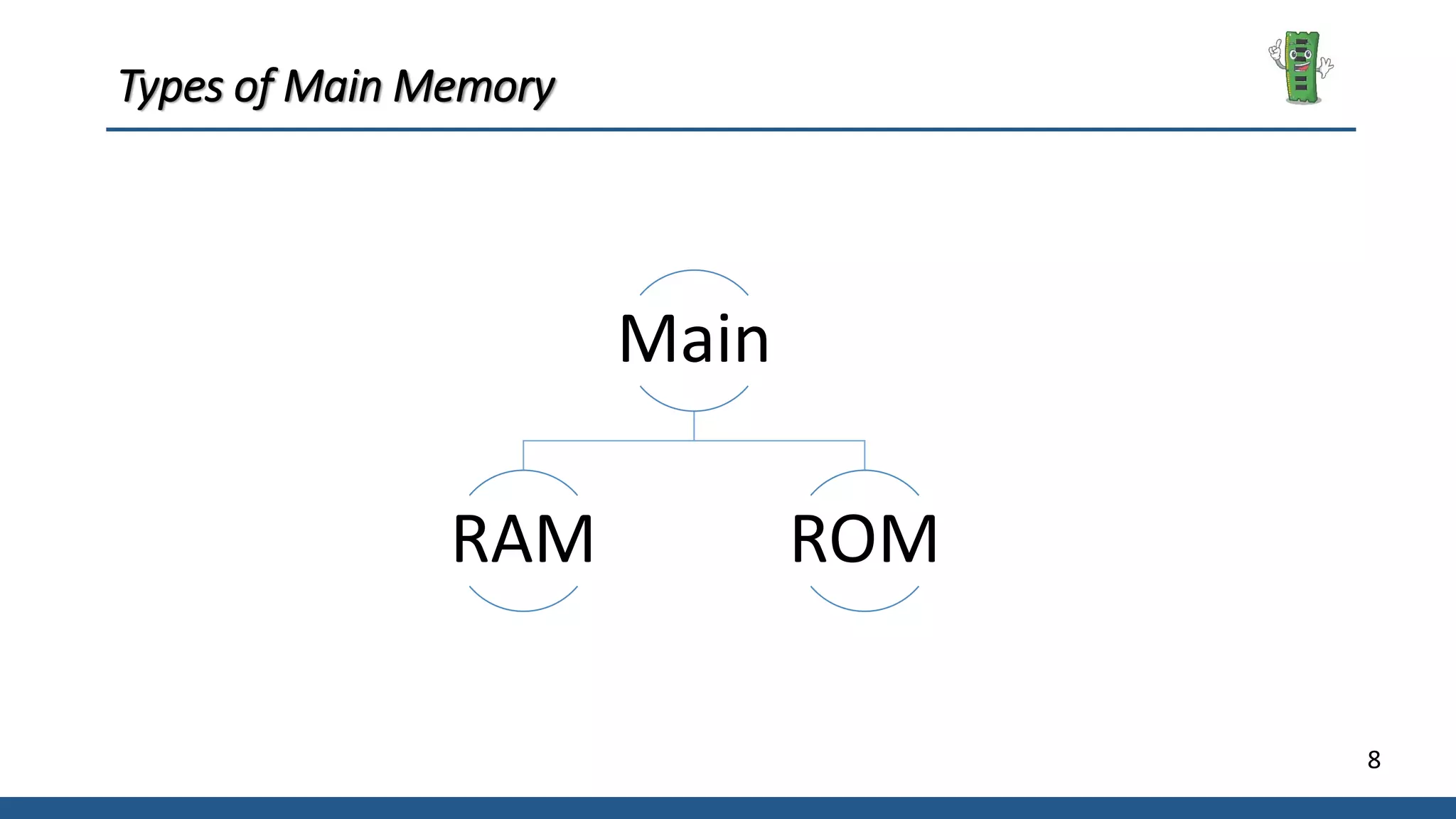
Types of Main Memory
Main
RAM ROM
9
Random Access Memory (RAM)
 It is also called as read write memory or the main memory or
the primary memory.
 It is a volatile memory as the data loses when the power is turned off
 Every location can be accessed independently
 Access time for every location is constant and independent of it’s
position.
10
Types of Random Access Memory
RAM
Dynamic Static
11
Read Only Memory (ROM)
 A class of storage used in computer and other electronic devices
 Data stored in it cannot be modified
 Non-Volatile memory
 Used in calculators and peripheral devices
12
Types of Read Only Memory
ROM
PROM EPROM EEPROM
13
Secondary Memory
 Permanent storage of data and instruction
 Much larger in capacity but slower than main memory
 Example: Hard disk, CD, Floppy etc.
Any Question?
15
Reference
[1] www.tutorialspoint.com
[2] www.geeksforgeeks.org
[3] www.arrow.com
Thank you…

Computer Memory

  • 1.
    Computer Memory Presented By Most.Arifa Khatun Bithi 191-35-2656 | 28th Batch Department of Software Engineering Daffodil International University Course Teacher Nusrat Jahan Senior Lecturer Department of Software Engineering Daffodil International University August 5, 2020
  • 2.
    2 Introduction  Electronic componentsthat store instructions, data, and results  Consists of one or more chips on motherboard or other circuit board  Each byte stored in unique location called an address, similar to seats in a concert hall
  • 3.
    3 Memory Measure  BitSmallest Unit of Computer Memory  Byte 8 Bit 1 Byte  Kilo Byte (KB) 1024 Byte 1 KB  Mega Byte (MB) 1024 KB 1 MB  Giga Byte (GB) 1024 MB 1 GB  Tera Byte (TB) 1024 GB 1 TB
  • 4.
    4 Classification of ComputerMemory Memory Internal Main Secondary
  • 5.
    5 Internal Processor Memory A small high speed memory inside the processor  Temporary storage of instruction and data  Example: Registers, Built-in cache
  • 6.
    6 Main Memory  Itis relatively large memory placed outside the processor  Data and instruction storage for the operation of the processor  Can be accessed directly and rapidly by the CPU
  • 7.
  • 8.
    8 Types of MainMemory Main RAM ROM
  • 9.
    9 Random Access Memory(RAM)  It is also called as read write memory or the main memory or the primary memory.  It is a volatile memory as the data loses when the power is turned off  Every location can be accessed independently  Access time for every location is constant and independent of it’s position.
  • 10.
    10 Types of RandomAccess Memory RAM Dynamic Static
  • 11.
    11 Read Only Memory(ROM)  A class of storage used in computer and other electronic devices  Data stored in it cannot be modified  Non-Volatile memory  Used in calculators and peripheral devices
  • 12.
    12 Types of ReadOnly Memory ROM PROM EPROM EEPROM
  • 13.
    13 Secondary Memory  Permanentstorage of data and instruction  Much larger in capacity but slower than main memory  Example: Hard disk, CD, Floppy etc.
  • 14.
  • 15.
  • 16.