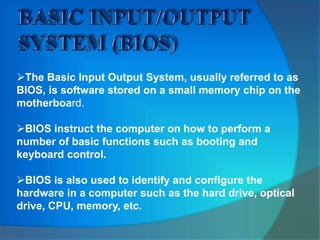
The Basic Input Output System, usually referred to as
BIOS, is software stored on a small memory chip on the
motherboard.
BIOS instruct the computer on how to perform a
number of basic functions such as booting and
keyboard control.
BIOS is also used to identify and configure the
hardware in a computer such as the hard drive, optical
drive, CPU, memory, etc.
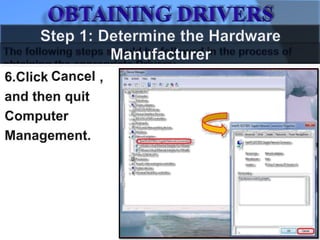
Step 1: Determine the Hardware Manufacturer
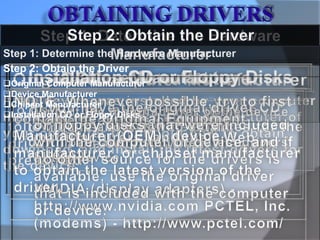
Step 2: Obtain the Driver
Original Computer Manufacturer
Device Manufacturer
Chipset Manufacturer
Installation CD or Floppy Disks
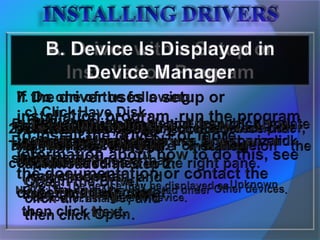
If the file is an executable program, run the program to extract the
files. If the file is in .zip format, you can use a third-party utility such as
WinZip to extract the files. For more information about how to extract
the driver files, see the instructions that are provided by the
manufacturer of the driver.
The driver files that you download from the OEM, device
manufacturer, or chipset manufacturer differ depending on how the
driver is packaged by the manufacturer.
The driver may use a setup program. The driver package may
contain raw driver files, or it may contain only raw driver files.
Some examples include .inf files, and .sys files.
COMPUTER HARDWARE SETUP AND CONFIGURATION.pptx

COMPUTER HARDWARE SETUP AND CONFIGURATION.pptx

  • 3.
    The Basic InputOutput System, usually referred to as BIOS, is software stored on a small memory chip on the motherboard. BIOS instruct the computer on how to perform a number of basic functions such as booting and keyboard control. BIOS is also used to identify and configure the hardware in a computer such as the hard drive, optical drive, CPU, memory, etc.
  • 11.
    Step 1: Determinethe Hardware Manufacturer Step 2: Obtain the Driver Original Computer Manufacturer Device Manufacturer Chipset Manufacturer Installation CD or Floppy Disks
  • 12.
    If the fileis an executable program, run the program to extract the files. If the file is in .zip format, you can use a third-party utility such as WinZip to extract the files. For more information about how to extract the driver files, see the instructions that are provided by the manufacturer of the driver. The driver files that you download from the OEM, device manufacturer, or chipset manufacturer differ depending on how the driver is packaged by the manufacturer. The driver may use a setup program. The driver package may contain raw driver files, or it may contain only raw driver files. Some examples include .inf files, and .sys files.

Editor's Notes

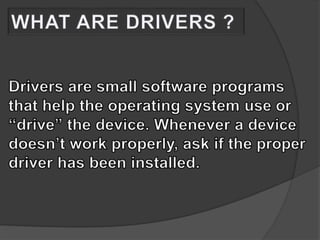
  • #9 WHAT ARE DRIVERS ?
  • #11 The following steps should be followed in the process of obtaining the appropriate Drivers
  • #16 THANK YOU