Computer Components Checklist
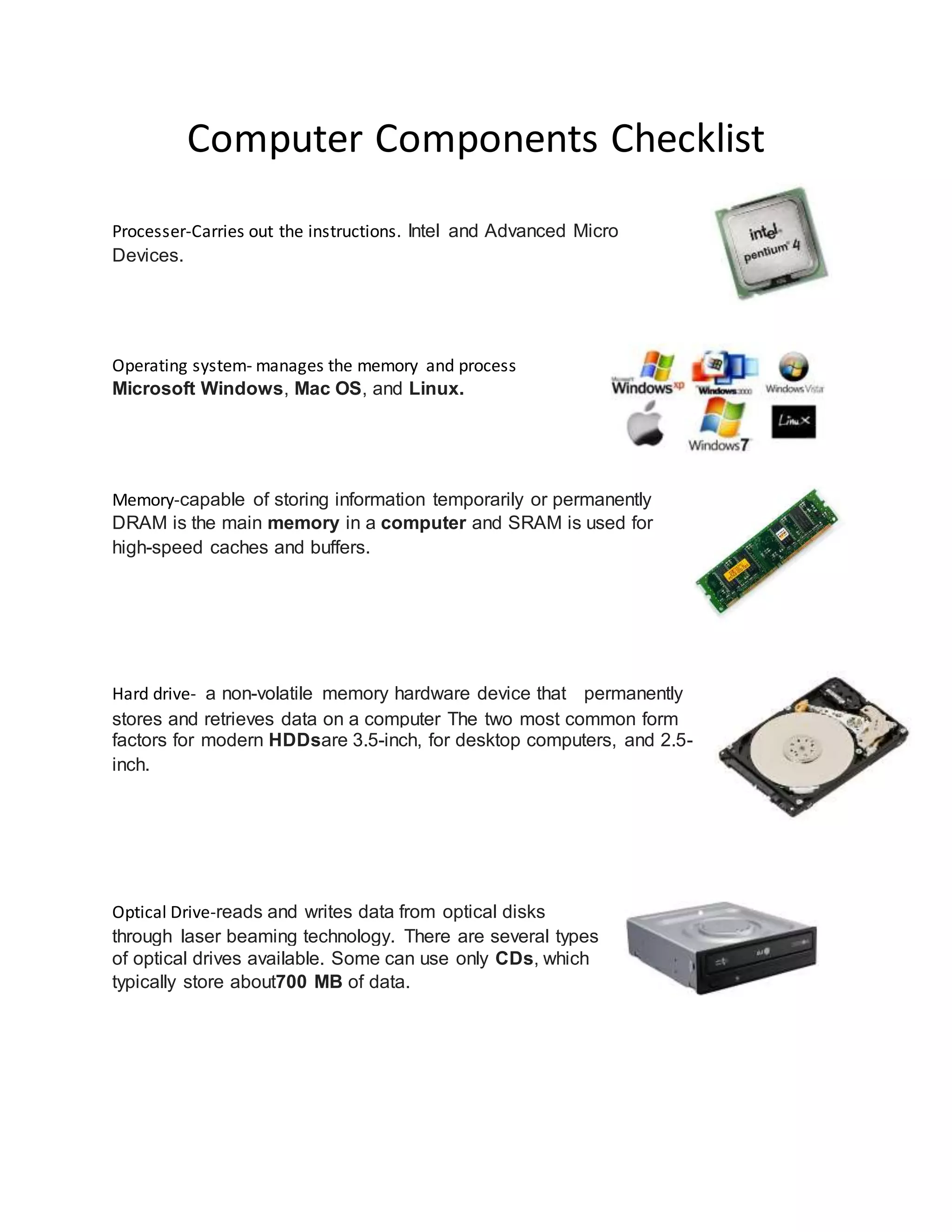
Processer-Carries out the instructions. Intel and Advanced Micro
Devices.
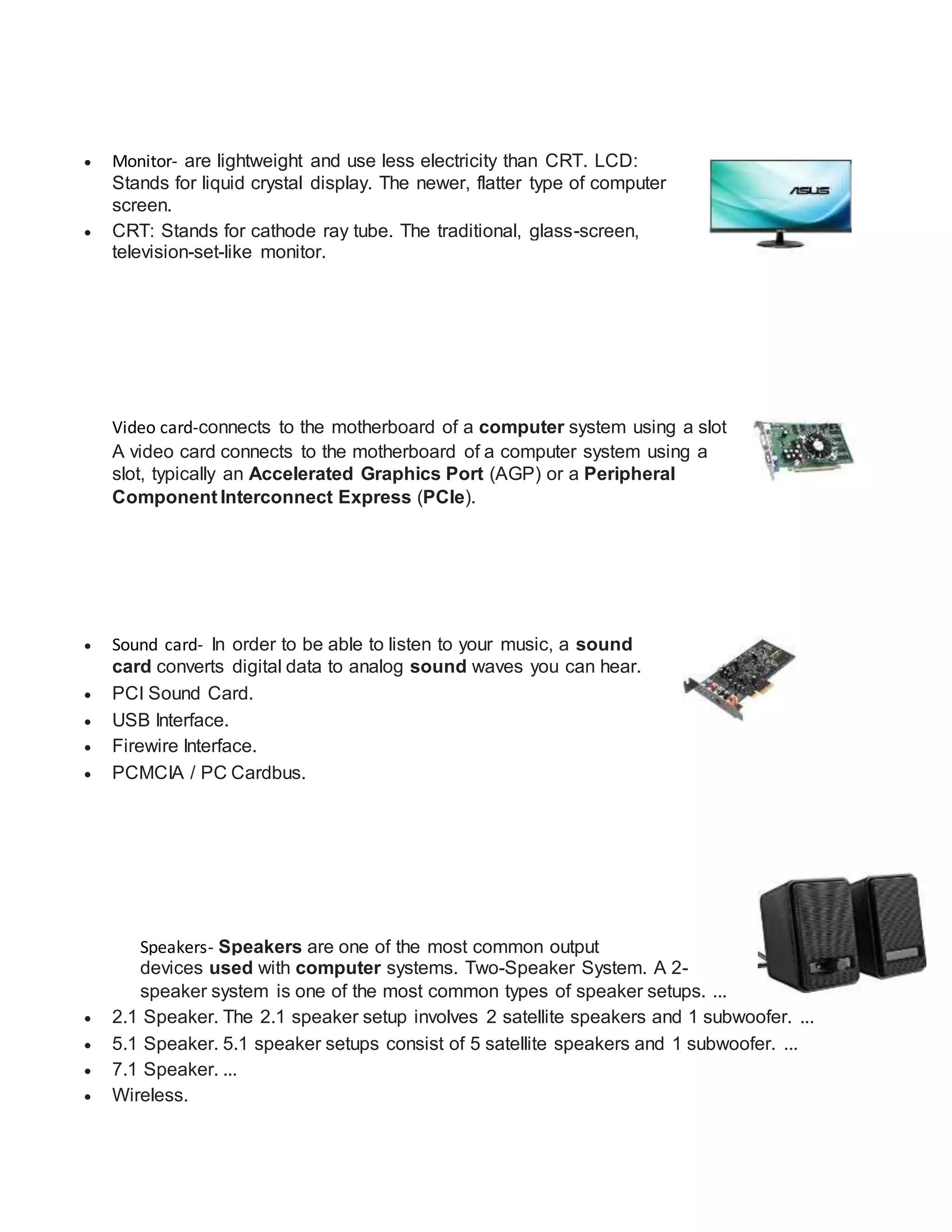
Operating system- manages the memory and process
Microsoft Windows, Mac OS, and Linux.
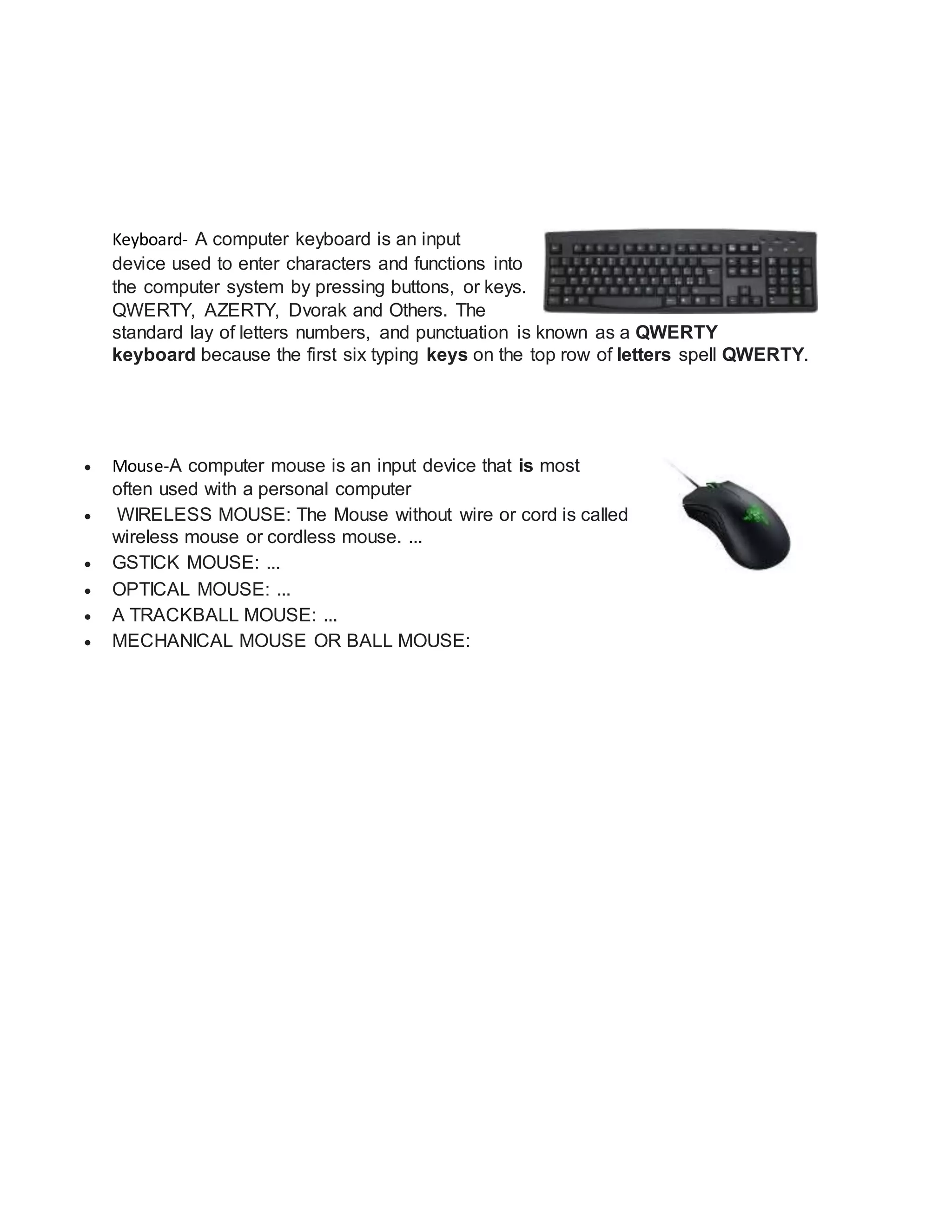
Memory-capable of storing information temporarily or permanently
DRAM is the main memory in a computer and SRAM is used for
high-speed caches and buffers.
Hard drive- a non-volatile memory hardware device that permanently
stores and retrieves data on a computer The two most common form
factors for modern HDDsare 3.5-inch, for desktop computers, and 2.5-
inch.
Optical Drive-reads and writes data from optical disks
through laser beaming technology. There are several types
of optical drives available. Some can use only CDs, which
typically store about700 MB of data.
 Monitor- are lightweight and use less electricity than CRT. LCD:
Stands for liquid crystal display. The newer, flatter type of computer
screen.
 CRT: Stands for cathode ray tube. The traditional, glass-screen,
television-set-like monitor.
Video card-connects to the motherboard of a computer system using a slot
A video card connects to the motherboard of a computer system using a
slot, typically an Accelerated Graphics Port (AGP) or a Peripheral
Component Interconnect Express (PCIe).
 Sound card- In order to be able to listen to your music, a sound
card converts digital data to analog sound waves you can hear.
 PCI Sound Card.
 USB Interface.
 Firewire Interface.
 PCMCIA / PC Cardbus.
Speakers- Speakers are one of the most common output
devices used with computer systems. Two-Speaker System. A 2-
speaker system is one of the most common types of speaker setups. ...
 2.1 Speaker. The 2.1 speaker setup involves 2 satellite speakers and 1 subwoofer. ...
 5.1 Speaker. 5.1 speaker setups consist of 5 satellite speakers and 1 subwoofer. ...
 7.1 Speaker. ...
 Wireless.
Keyboard- A computer keyboard is an input
device used to enter characters and functions into
the computer system by pressing buttons, or keys.
QWERTY, AZERTY, Dvorak and Others. The
standard lay of letters numbers, and punctuation is known as a QWERTY
keyboard because the first six typing keys on the top row of letters spell QWERTY.
 Mouse-A computer mouse is an input device that is most
often used with a personal computer
 WIRELESS MOUSE: The Mouse without wire or cord is called
wireless mouse or cordless mouse. ...
 GSTICK MOUSE: ...
 OPTICAL MOUSE: ...
 A TRACKBALL MOUSE: ...
 MECHANICAL MOUSE OR BALL MOUSE:

Computer components checklist

  • 1.
    Computer Components Checklist Processer-Carriesout the instructions. Intel and Advanced Micro Devices. Operating system- manages the memory and process Microsoft Windows, Mac OS, and Linux. Memory-capable of storing information temporarily or permanently DRAM is the main memory in a computer and SRAM is used for high-speed caches and buffers. Hard drive- a non-volatile memory hardware device that permanently stores and retrieves data on a computer The two most common form factors for modern HDDsare 3.5-inch, for desktop computers, and 2.5- inch. Optical Drive-reads and writes data from optical disks through laser beaming technology. There are several types of optical drives available. Some can use only CDs, which typically store about700 MB of data.
  • 2.
     Monitor- arelightweight and use less electricity than CRT. LCD: Stands for liquid crystal display. The newer, flatter type of computer screen.  CRT: Stands for cathode ray tube. The traditional, glass-screen, television-set-like monitor. Video card-connects to the motherboard of a computer system using a slot A video card connects to the motherboard of a computer system using a slot, typically an Accelerated Graphics Port (AGP) or a Peripheral Component Interconnect Express (PCIe).  Sound card- In order to be able to listen to your music, a sound card converts digital data to analog sound waves you can hear.  PCI Sound Card.  USB Interface.  Firewire Interface.  PCMCIA / PC Cardbus. Speakers- Speakers are one of the most common output devices used with computer systems. Two-Speaker System. A 2- speaker system is one of the most common types of speaker setups. ...  2.1 Speaker. The 2.1 speaker setup involves 2 satellite speakers and 1 subwoofer. ...  5.1 Speaker. 5.1 speaker setups consist of 5 satellite speakers and 1 subwoofer. ...  7.1 Speaker. ...  Wireless.
  • 3.
    Keyboard- A computerkeyboard is an input device used to enter characters and functions into the computer system by pressing buttons, or keys. QWERTY, AZERTY, Dvorak and Others. The standard lay of letters numbers, and punctuation is known as a QWERTY keyboard because the first six typing keys on the top row of letters spell QWERTY.  Mouse-A computer mouse is an input device that is most often used with a personal computer  WIRELESS MOUSE: The Mouse without wire or cord is called wireless mouse or cordless mouse. ...  GSTICK MOUSE: ...  OPTICAL MOUSE: ...  A TRACKBALL MOUSE: ...  MECHANICAL MOUSE OR BALL MOUSE: