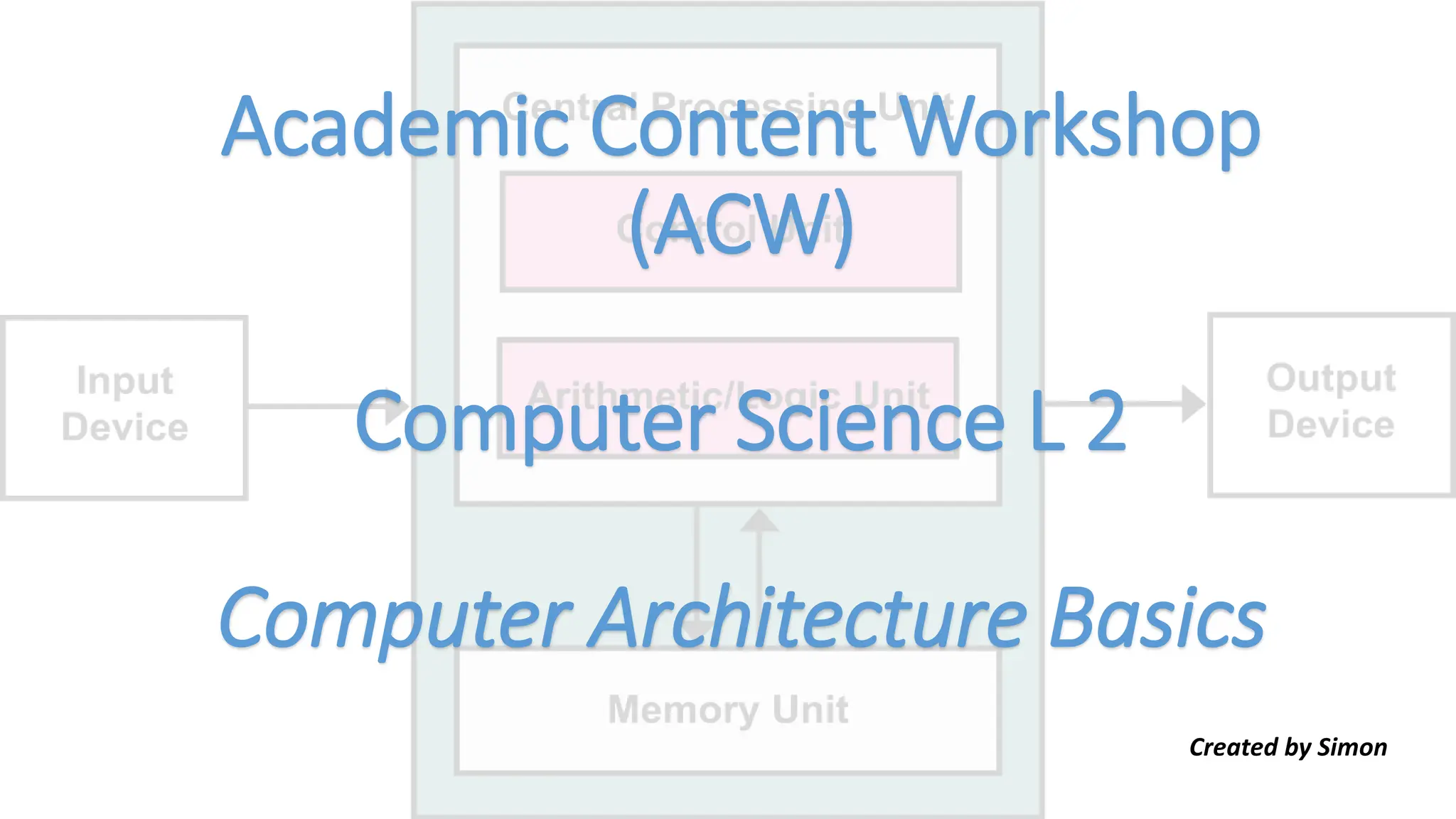
Academic Content Workshop
(ACW)
Computer Science L 2
Computer Architecture Basics
Created by Simon
Lesson 1 Vocabulary Review
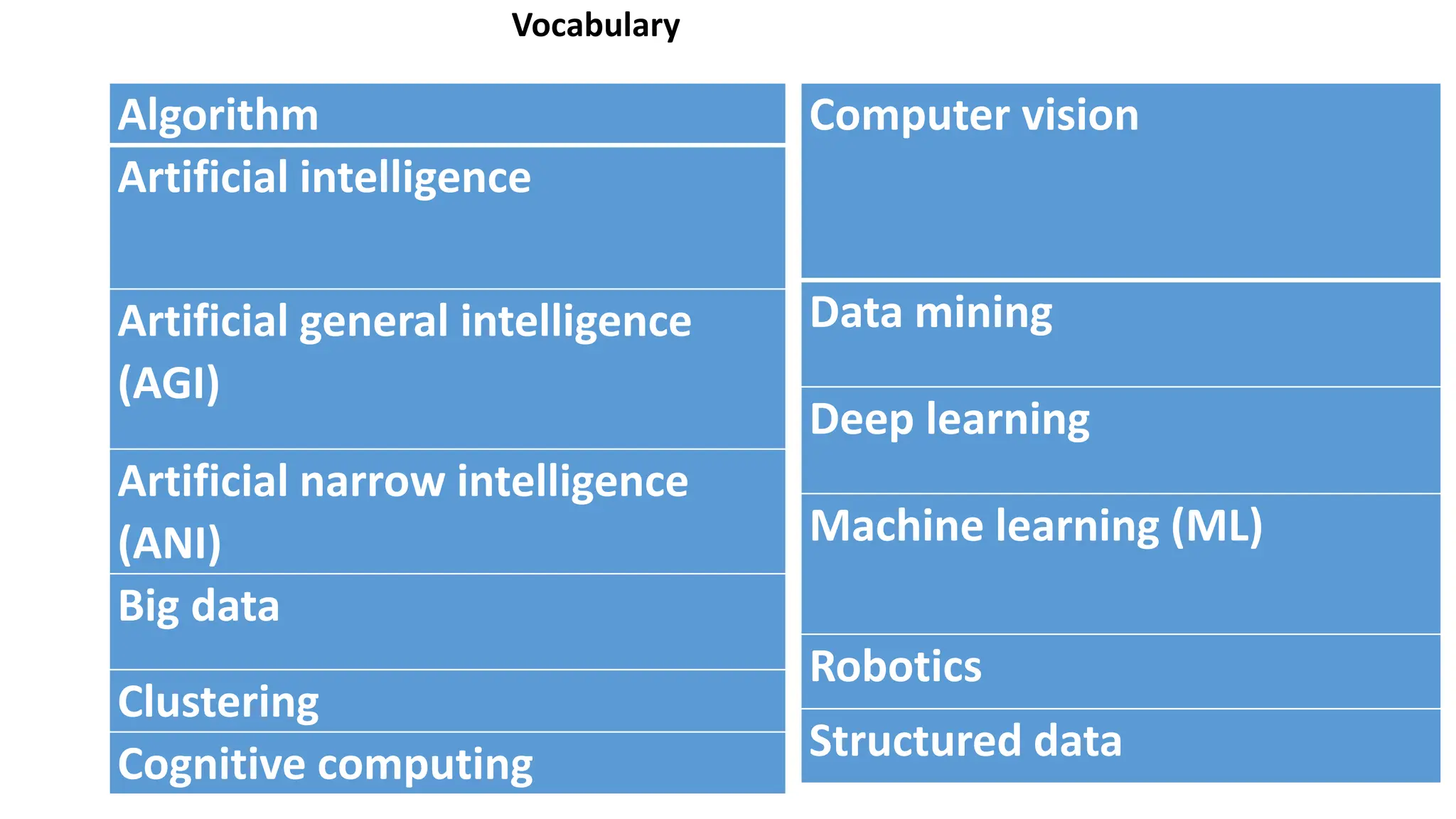
Vocabulary
Algorithm
Artificial intelligence
Artificial general intelligence
(AGI)
Artificial narrow intelligence
(ANI)
Big data
Clustering
Cognitive computing
Computer vision
Data mining
Deep learning
Machine learning (ML)
Robotics
Structured data
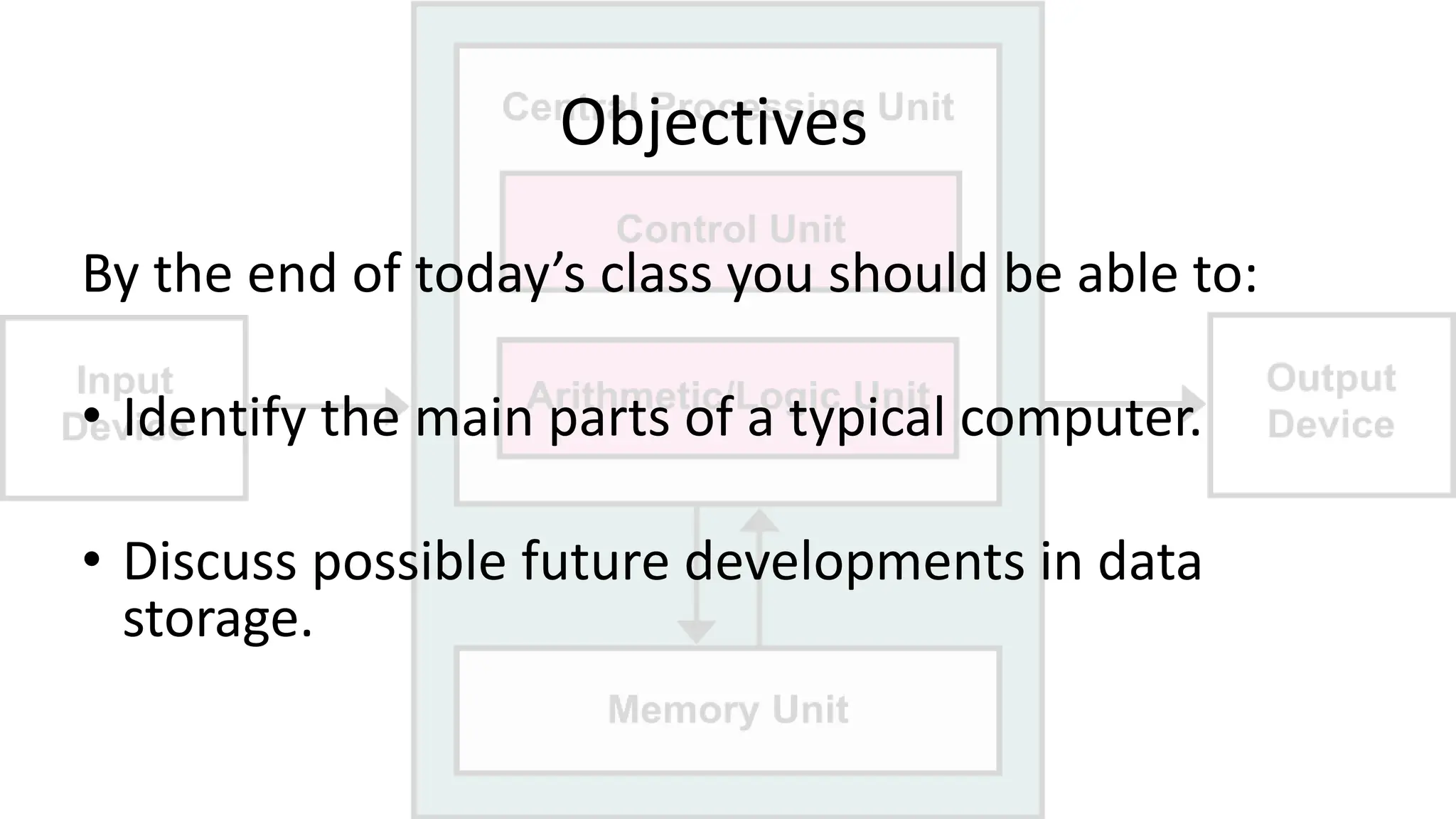
Objectives
By the end of today’s class you should be able to:
• Identify the main parts of a typical computer.
• Discuss possible future developments in data
storage.
Lesson 2 Vocabulary
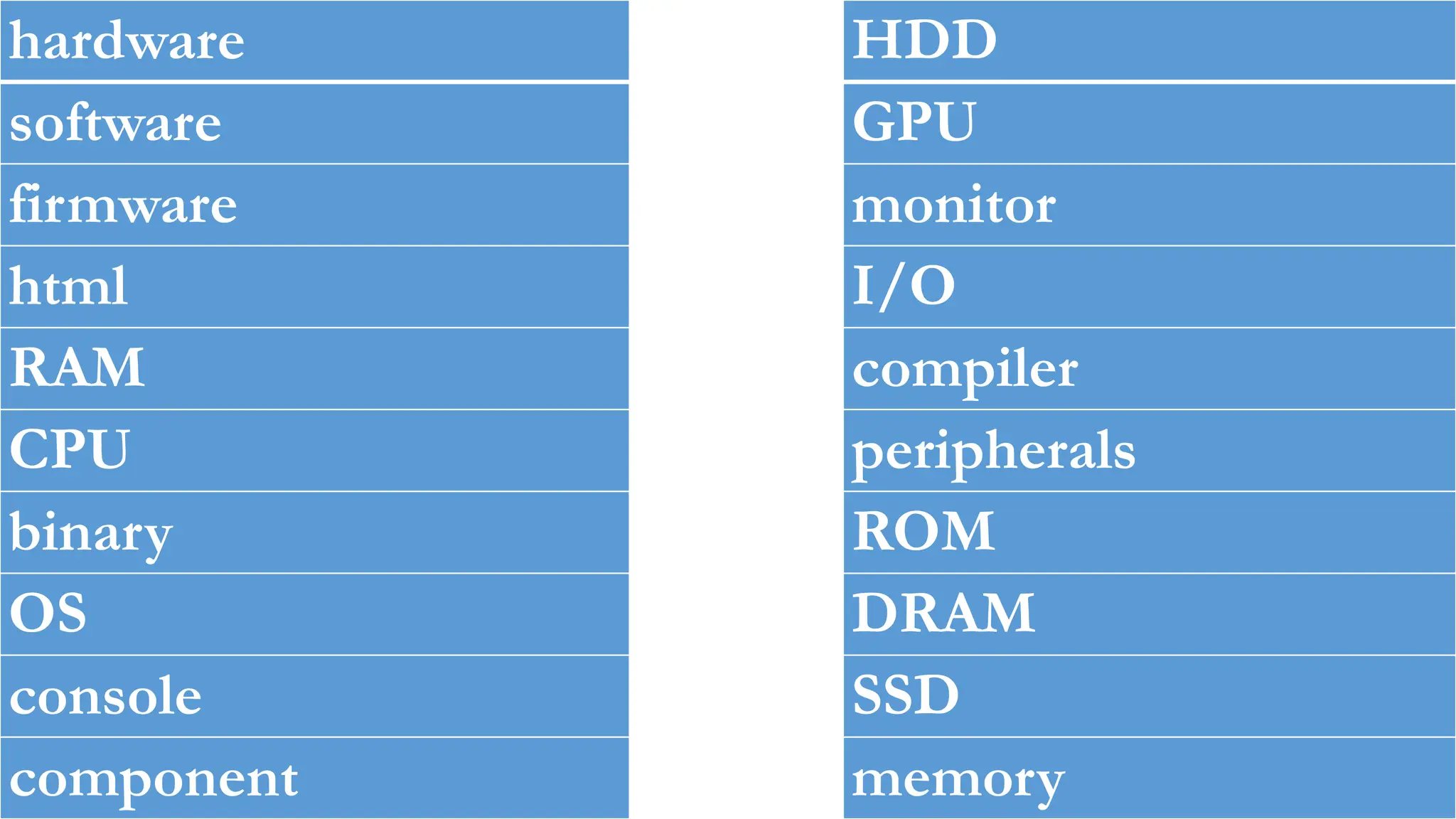
hardware
software
firmware
html
RAM
CPU
binary
OS
console
component
HDD
GPU
monitor
I/O
compiler
peripherals
ROM
DRAM
SSD
memory
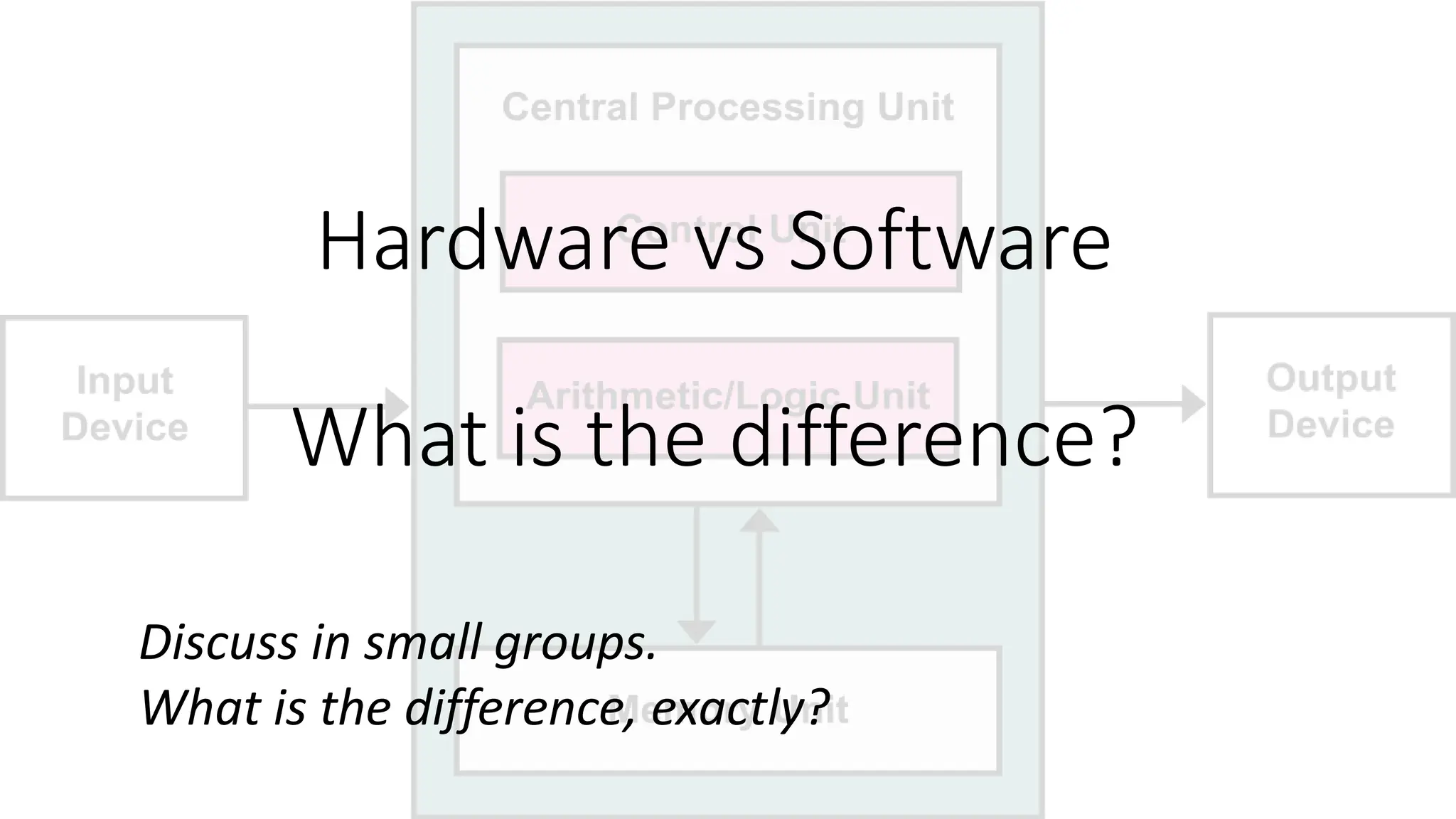
Hardware vs Software
What is the difference?
Discuss in small groups.
What is the difference, exactly?
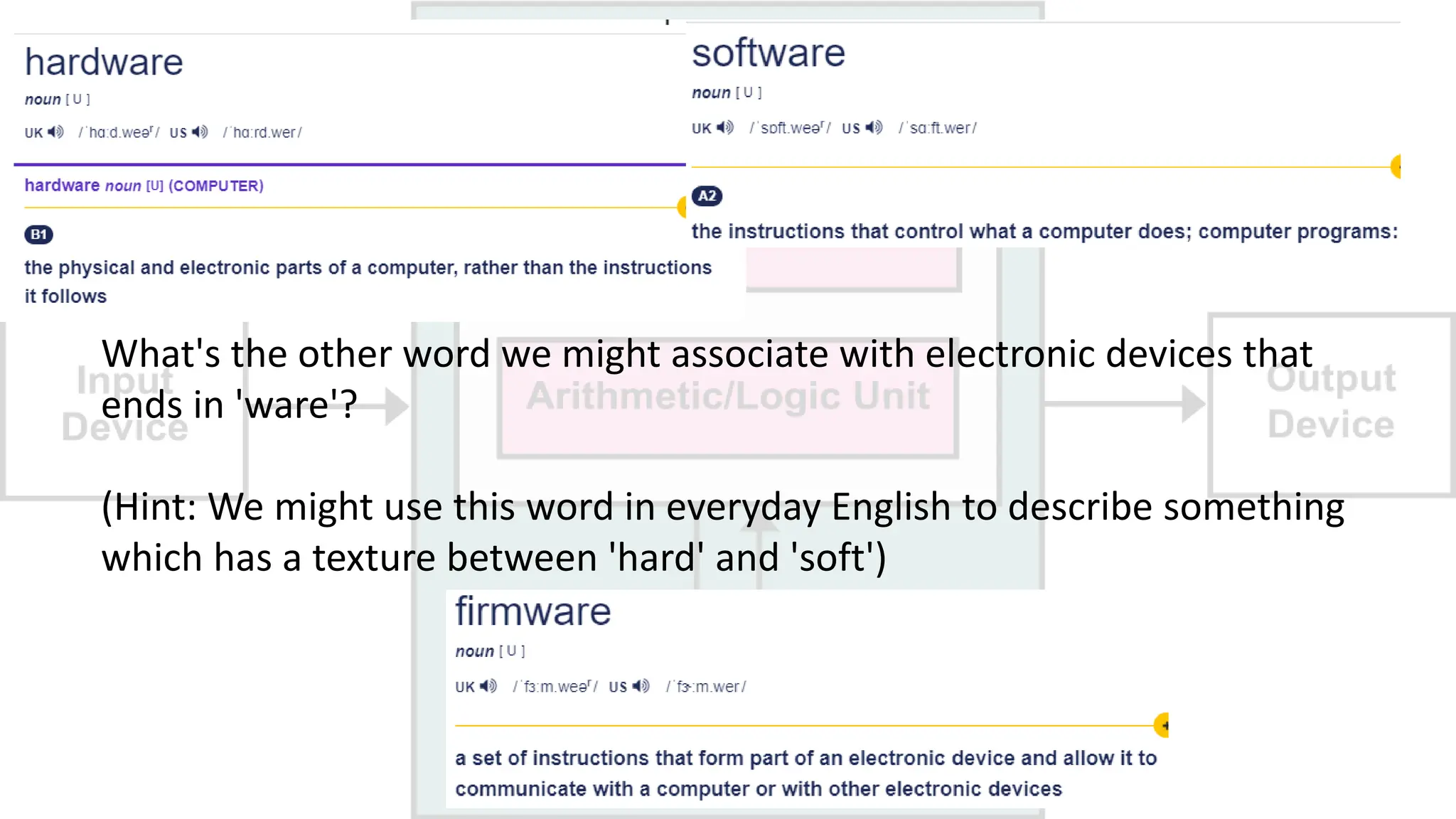
What's the other word we might associate with electronic devices that
ends in 'ware'?
(Hint: We might use this word in everyday English to describe something
which has a texture between 'hard' and 'soft')
Before we continue...
What is the difference between
HTML and RAM?
Hint: Think of how we pronounce them...
Other than one is software and one is hardware.
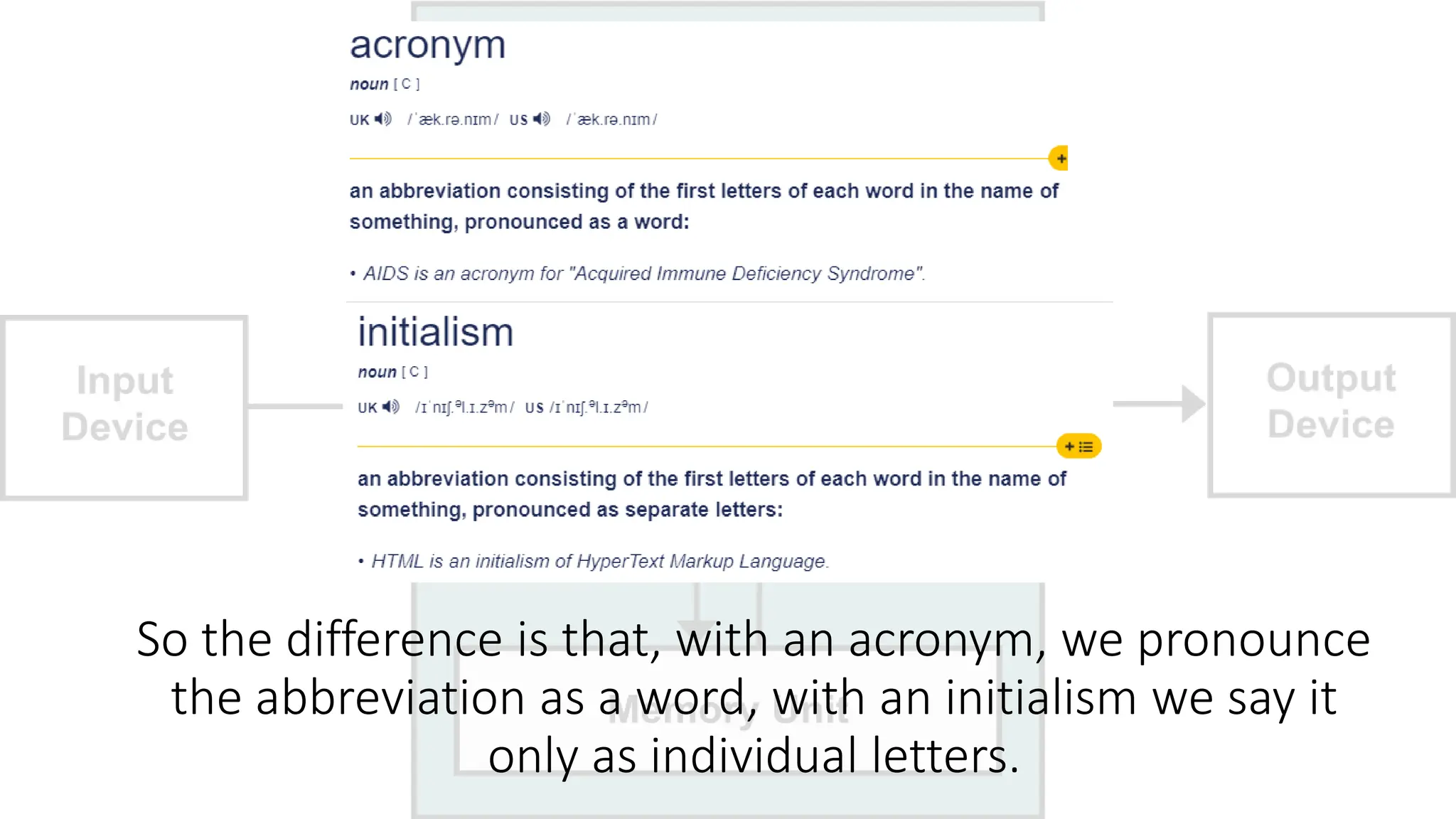
So the difference is that, with an acronym, we pronounce
the abbreviation as a word, with an initialism we say it
only as individual letters.
We are going to watch our first video of this class.
We have three to watch in total (!), but they are all only
5 minutes long each.
On the next slide there are five questions about the
video...
VIDEO#1 - QUESTIONS
(take a photo!)
Group task
1. Is the dog male or female?
2. What console does Jerome work on?
3. What is the master chip called?
4. In what format are the commands processed by the master
chip (HINT 0s or 1s ONLY)?
5. What is the master program called?
OK, let's watch video#1 ...
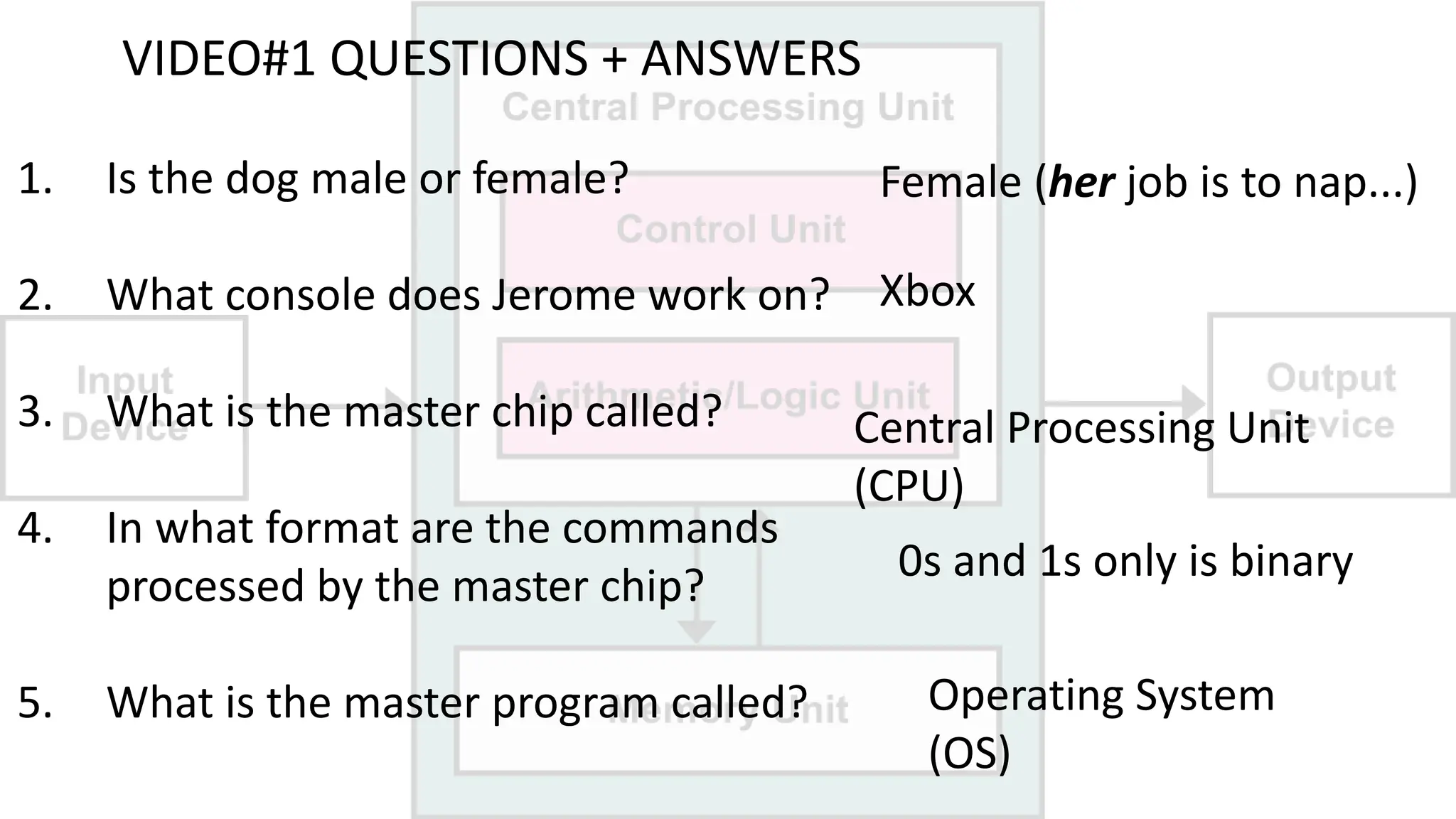
VIDEO#1 QUESTIONS + ANSWERS
1. Is the dog male or female?
2. What console does Jerome work on?
3. What is the master chip called?
4. In what format are the commands
processed by the master chip?
5. What is the master program called?
Female (her job is to nap...)
Xbox
Central Processing Unit
(CPU)
0s and 1s only is binary
Operating System
(OS)
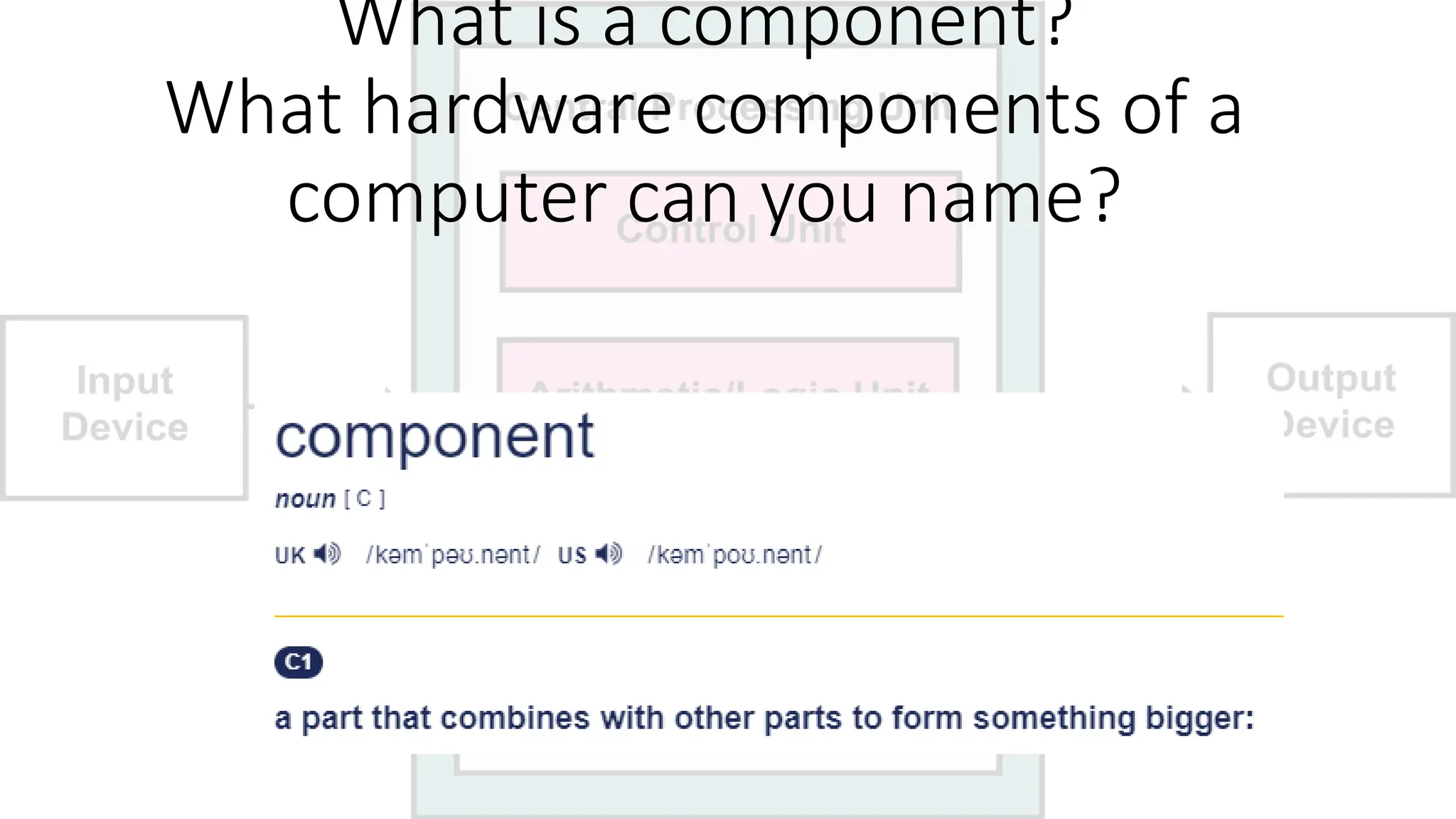
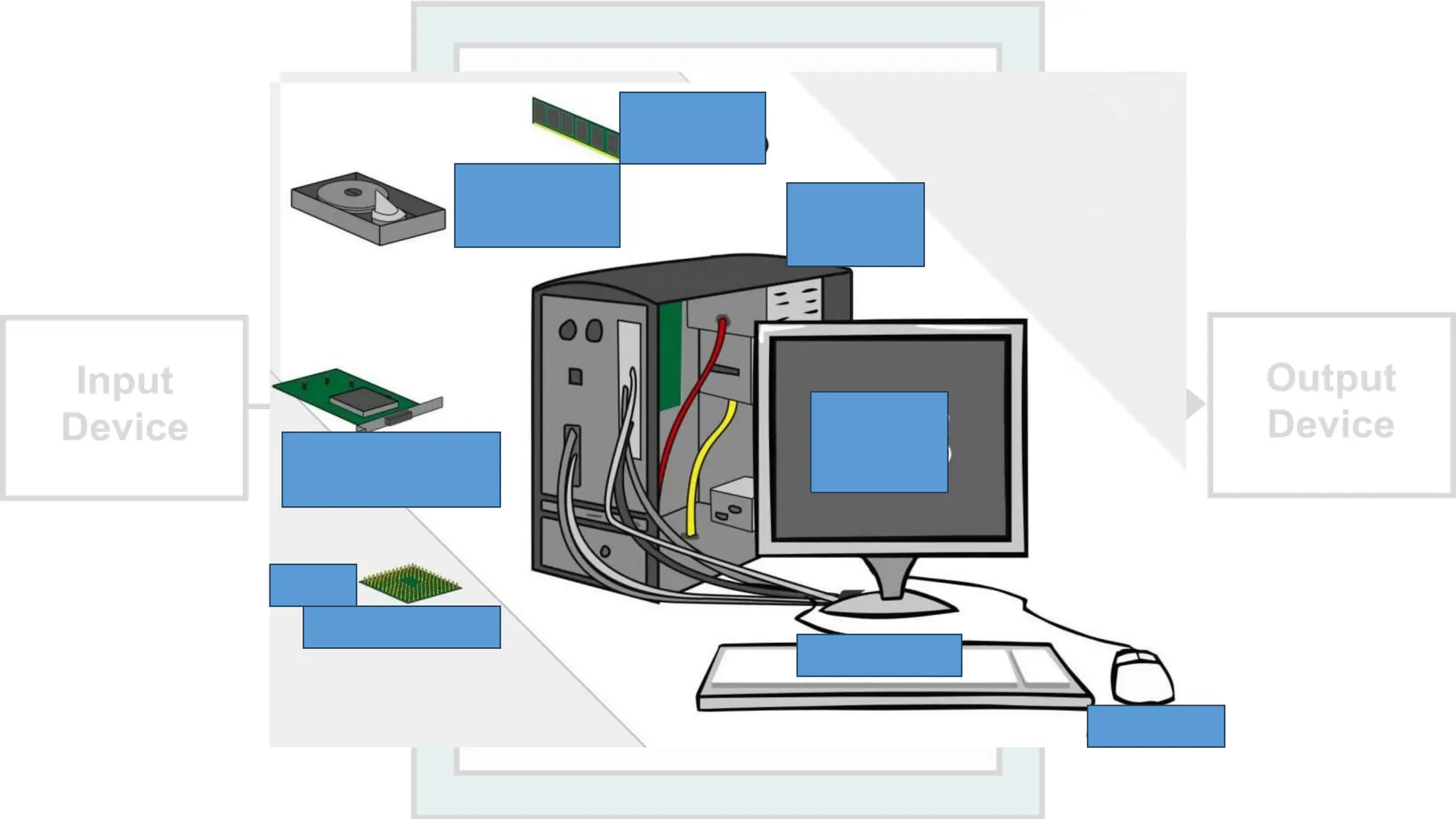
What is a component?
What hardware components of a
computer can you name?
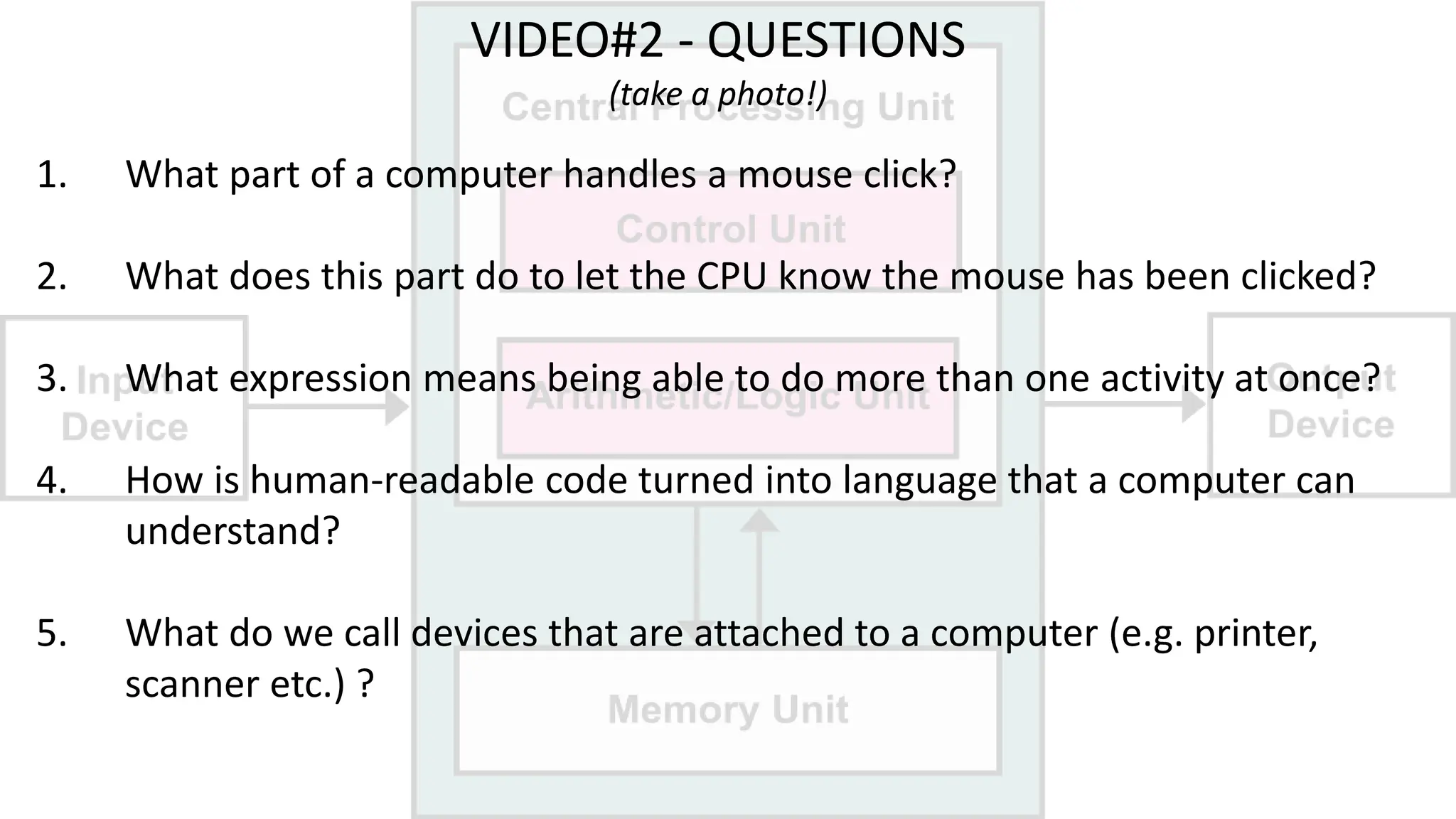
VIDEO#2 - QUESTIONS
(take a photo!)
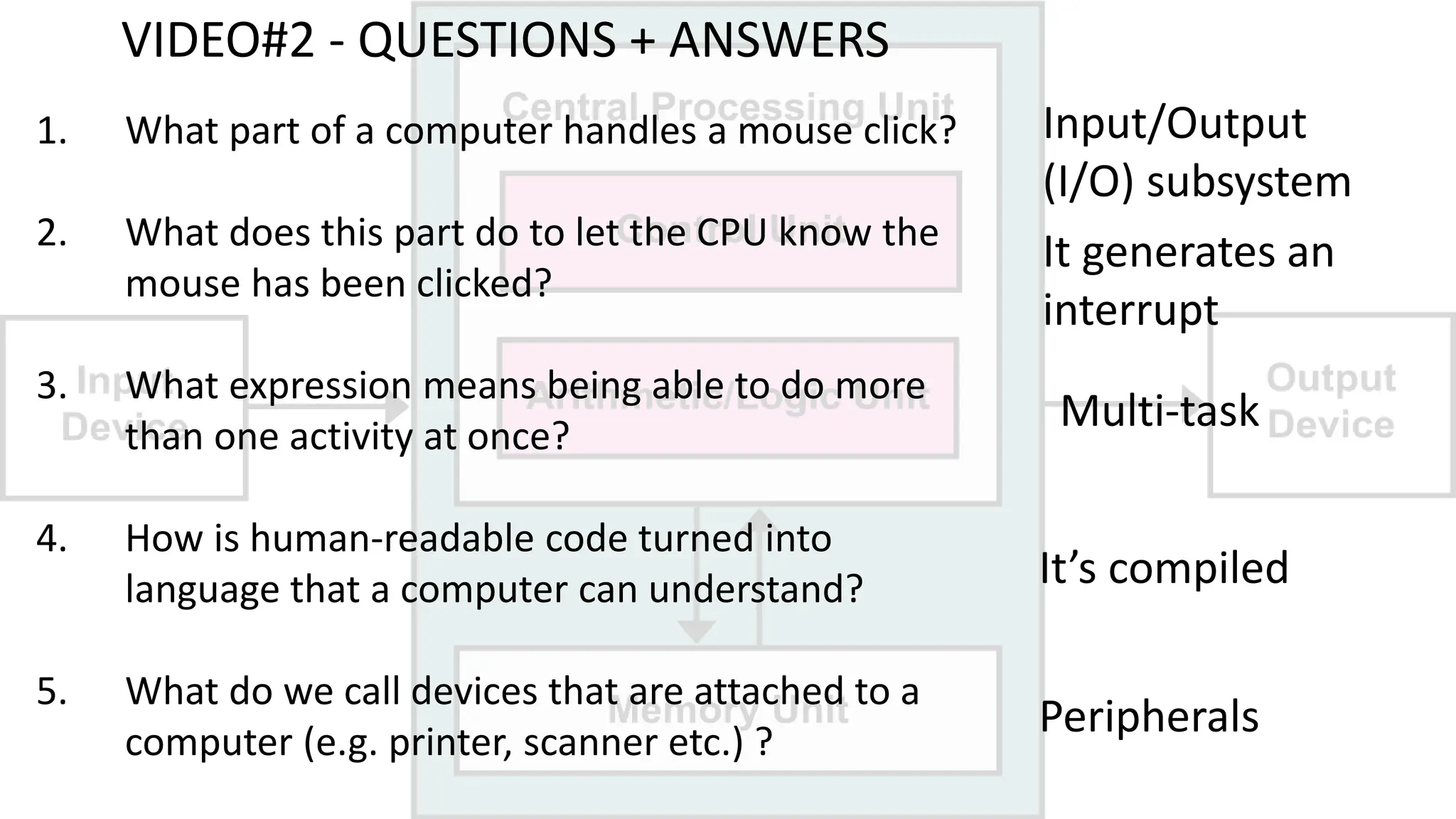
1. What part of a computer handles a mouse click?
2. What does this part do to let the CPU know the mouse has been clicked?
3. What expression means being able to do more than one activity at once?
4. How is human-readable code turned into language that a computer can
understand?
5. What do we call devices that are attached to a computer (e.g. printer,
scanner etc.) ?
OK, let's watch video#2 ...
VIDEO#2 - QUESTIONS + ANSWERS
1. What part of a computer handles a mouse click?
2. What does this part do to let the CPU know the
mouse has been clicked?
3. What expression means being able to do more
than one activity at once?
4. How is human-readable code turned into
language that a computer can understand?
5. What do we call devices that are attached to a
computer (e.g. printer, scanner etc.) ?
Input/Output
(I/O) subsystem
It generates an
interrupt
Multi-task
It’s compiled
Peripherals
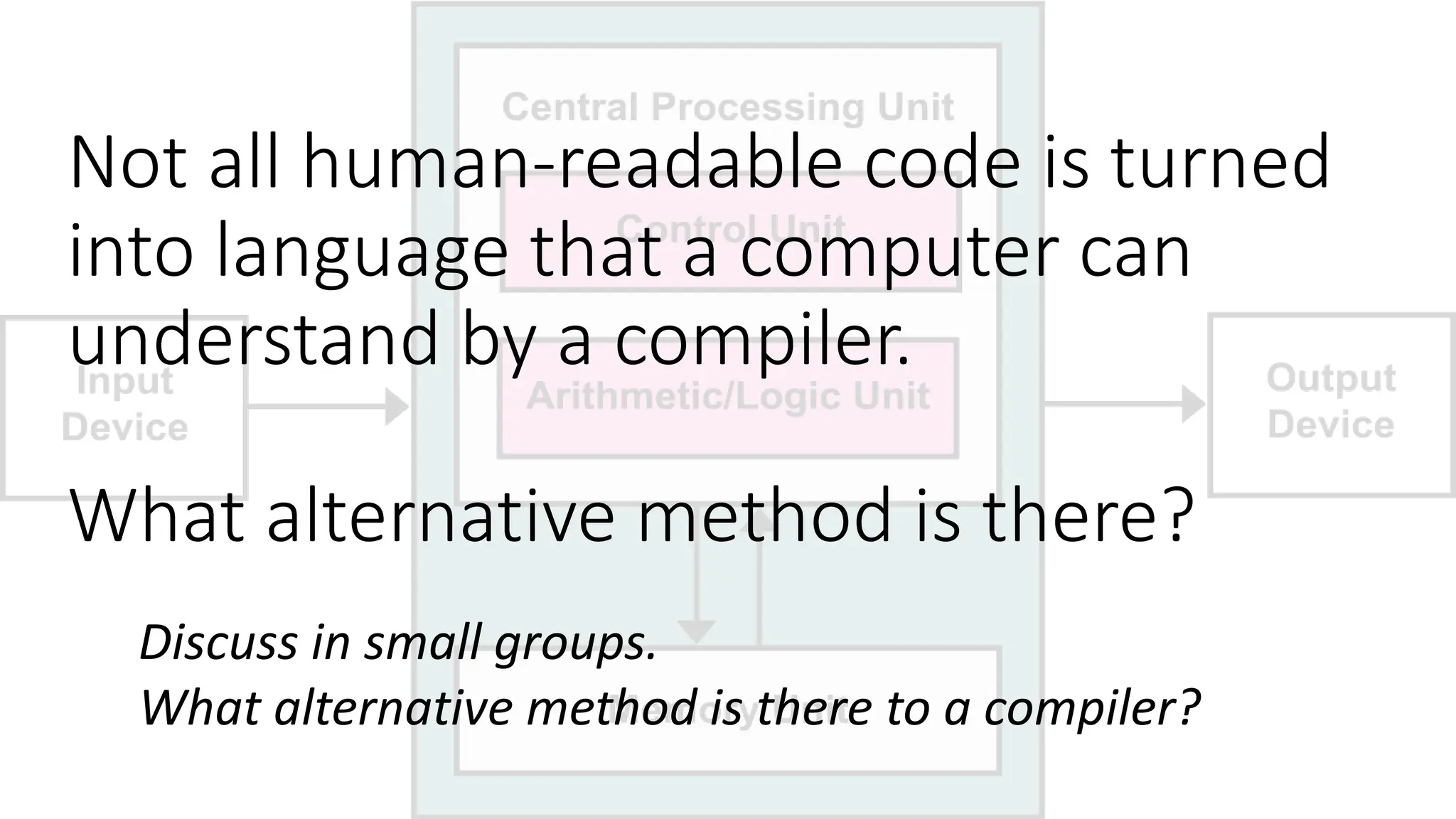
Not all human-readable code is turned
into language that a computer can
understand by a compiler.
What alternative method is there?
Discuss in small groups.
What alternative method is there to a compiler?
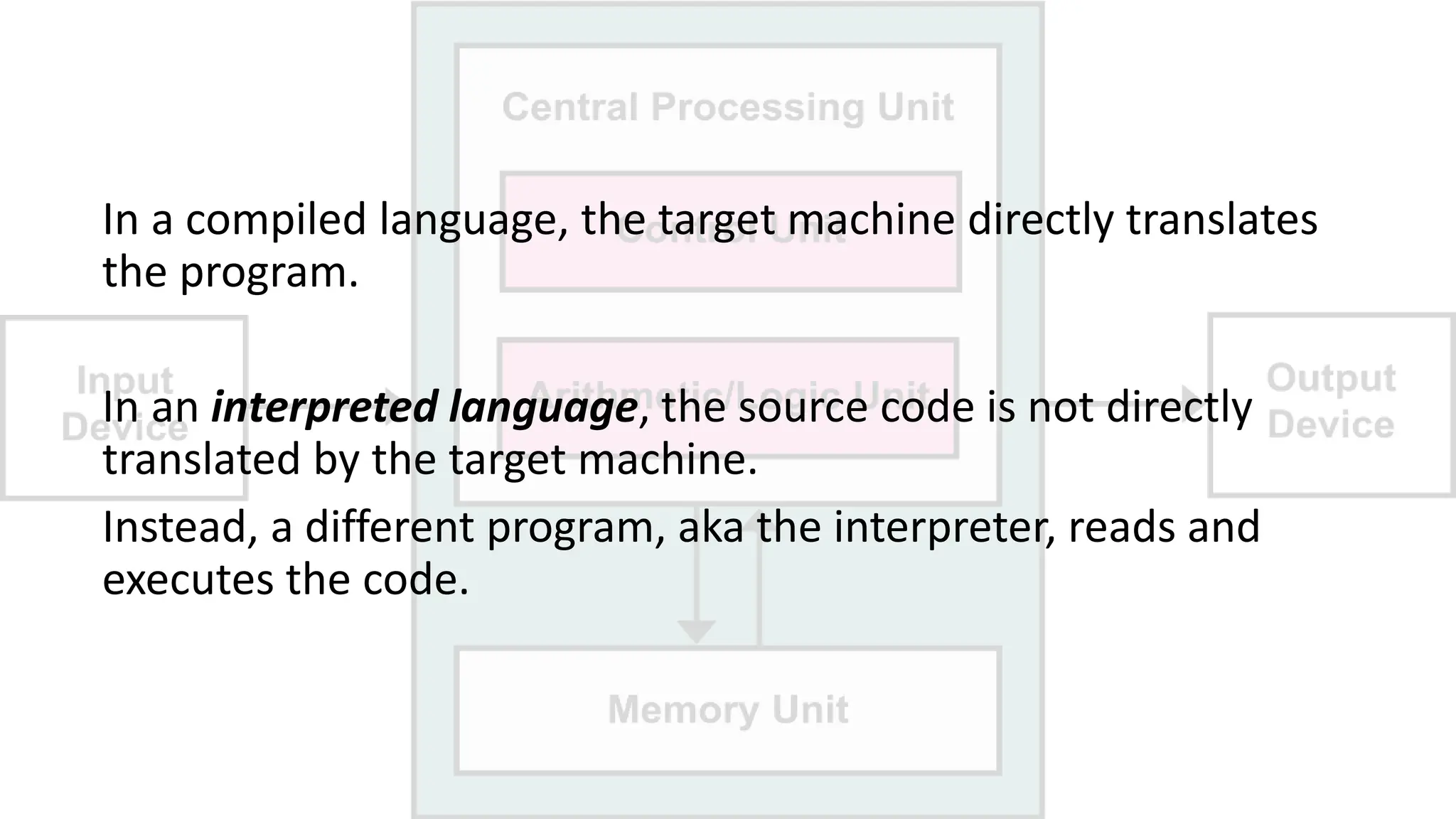
In a compiled language, the target machine directly translates
the program.
In an interpreted language, the source code is not directly
translated by the target machine.
Instead, a different program, aka the interpreter, reads and
executes the code.
RAM vs ROM.
What is the a difference?
DRAM vs SRAM.
What is the a difference?
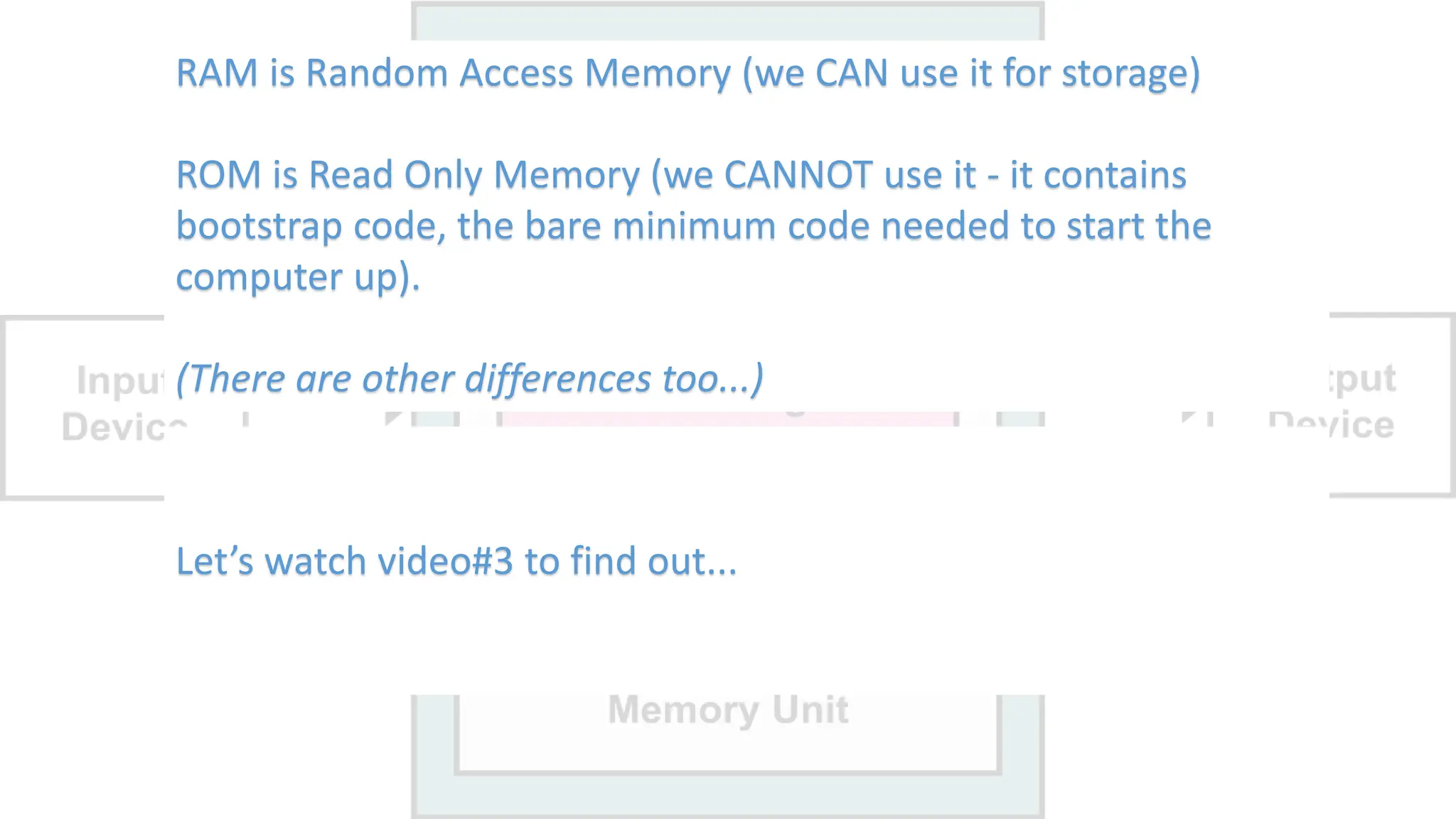
RAM is Random Access Memory (we CAN use it for storage)
ROM is Read Only Memory (we CANNOT use it - it contains
bootstrap code, the bare minimum code needed to start the
computer up).
(There are other differences too...)
Let’s watch video#3 to find out...
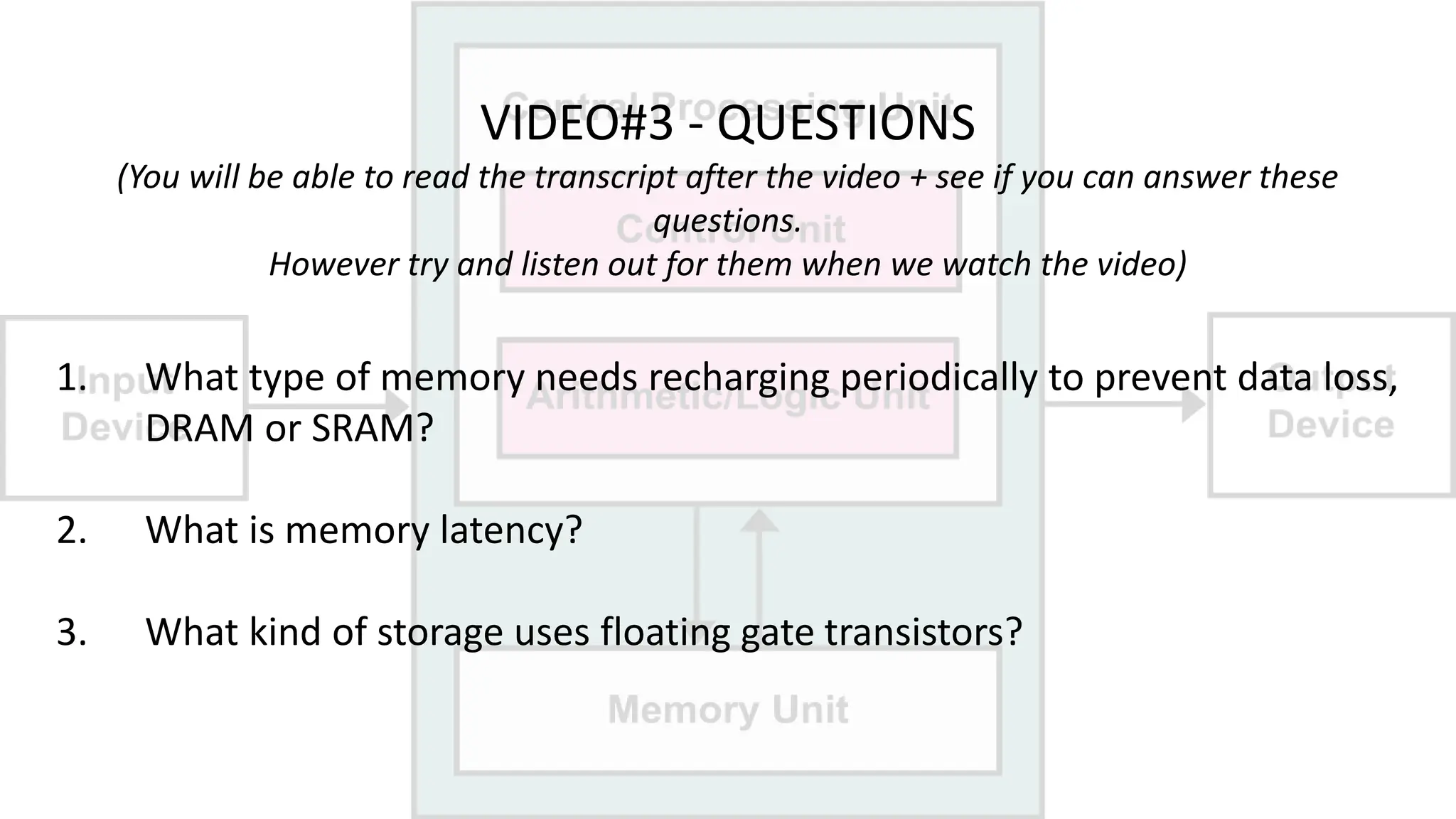
VIDEO#3 - QUESTIONS
(You will be able to read the transcript after the video + see if you can answer these
questions.
However try and listen out for them when we watch the video)
1. What type of memory needs recharging periodically to prevent data loss,
DRAM or SRAM?
2. What is memory latency?
3. What kind of storage uses floating gate transistors?
OK, let's watch video#3...
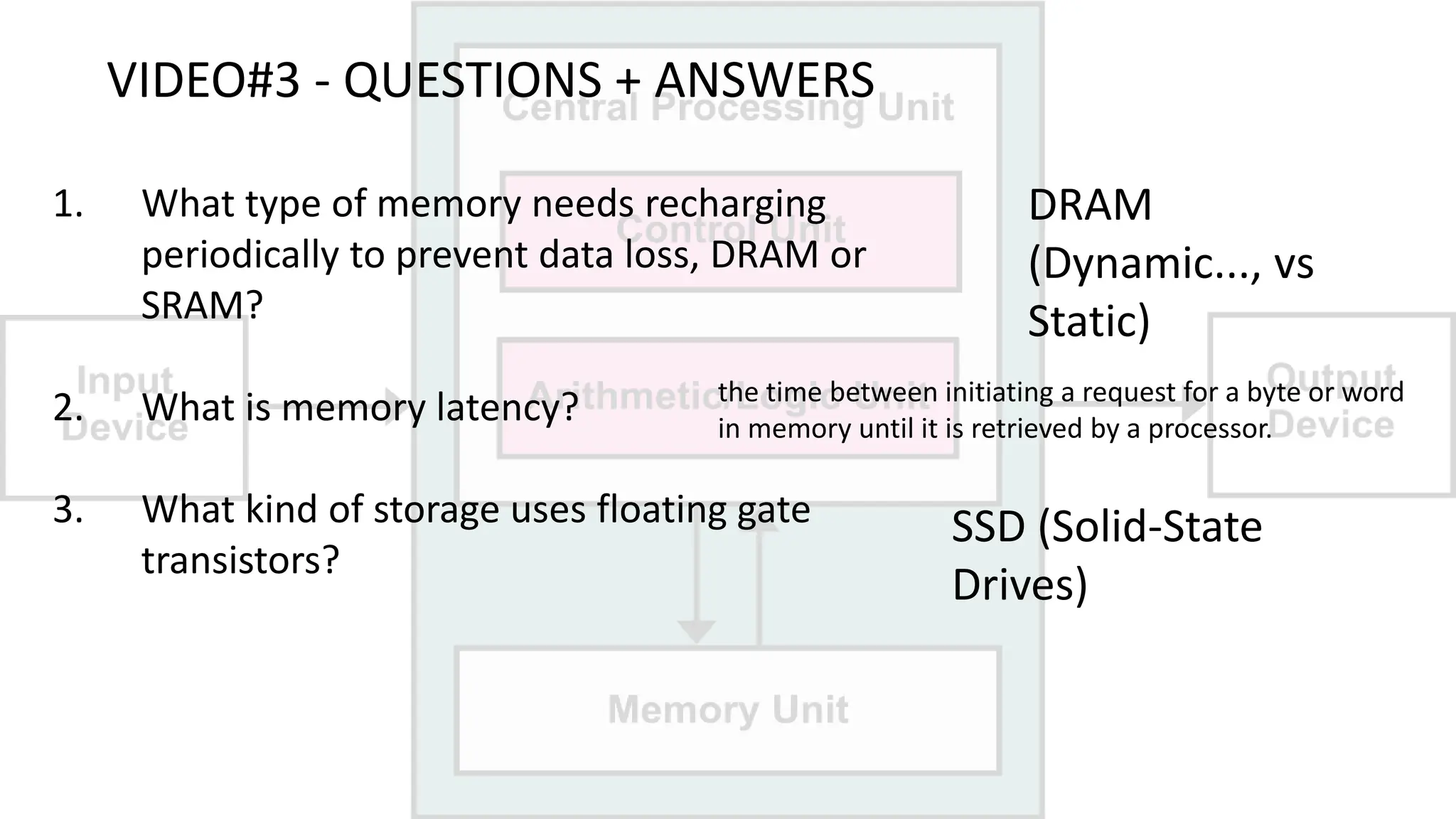
VIDEO#3 - QUESTIONS + ANSWERS
1. What type of memory needs recharging
periodically to prevent data loss, DRAM or
SRAM?
2. What is memory latency?
3. What kind of storage uses floating gate
transistors?
DRAM
(Dynamic..., vs
Static)
the time between initiating a request for a byte or word
in memory until it is retrieved by a processor.
SSD (Solid-State
Drives)
Key Terms + Vocabulary Review...
We have encountered lots of new vocabulary today, some of
it being more important than the rest.
The following are key terms that you should try and
remember the meaning, pronunciation and spelling of.
We will no doubt see some, if not all, of this vocabulary next
time!
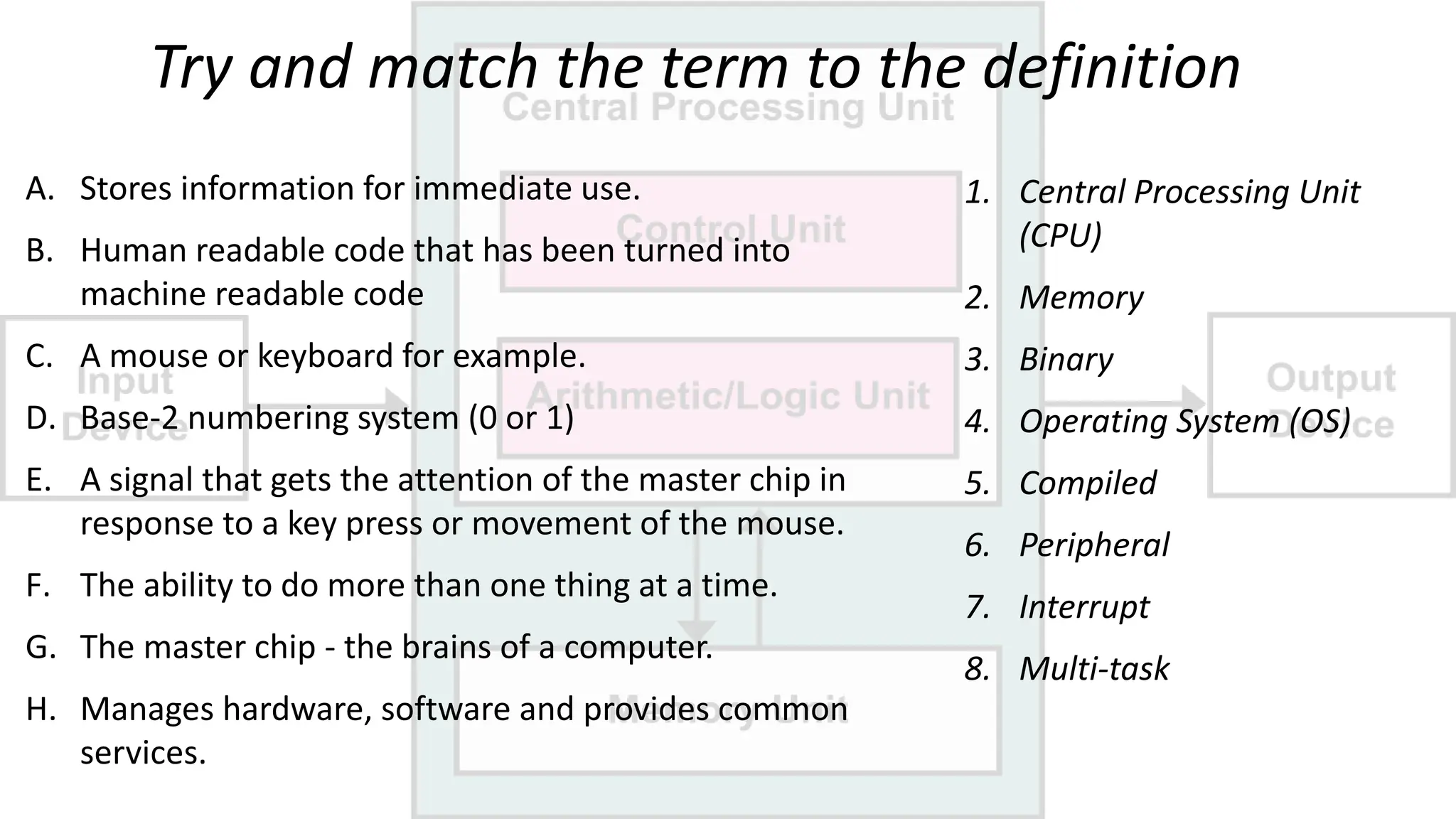
Try and match the term to the definition
1. Central Processing Unit
(CPU)
2. Memory
3. Binary
4. Operating System (OS)
5. Compiled
6. Peripheral
7. Interrupt
8. Multi-task
A. Stores information for immediate use.
B. Human readable code that has been turned into
machine readable code
C. A mouse or keyboard for example.
D. Base-2 numbering system (0 or 1)
E. A signal that gets the attention of the master chip in
response to a key press or movement of the mouse.
F. The ability to do more than one thing at a time.
G. The master chip - the brains of a computer.
H. Manages hardware, software and provides common
services.
Answers...
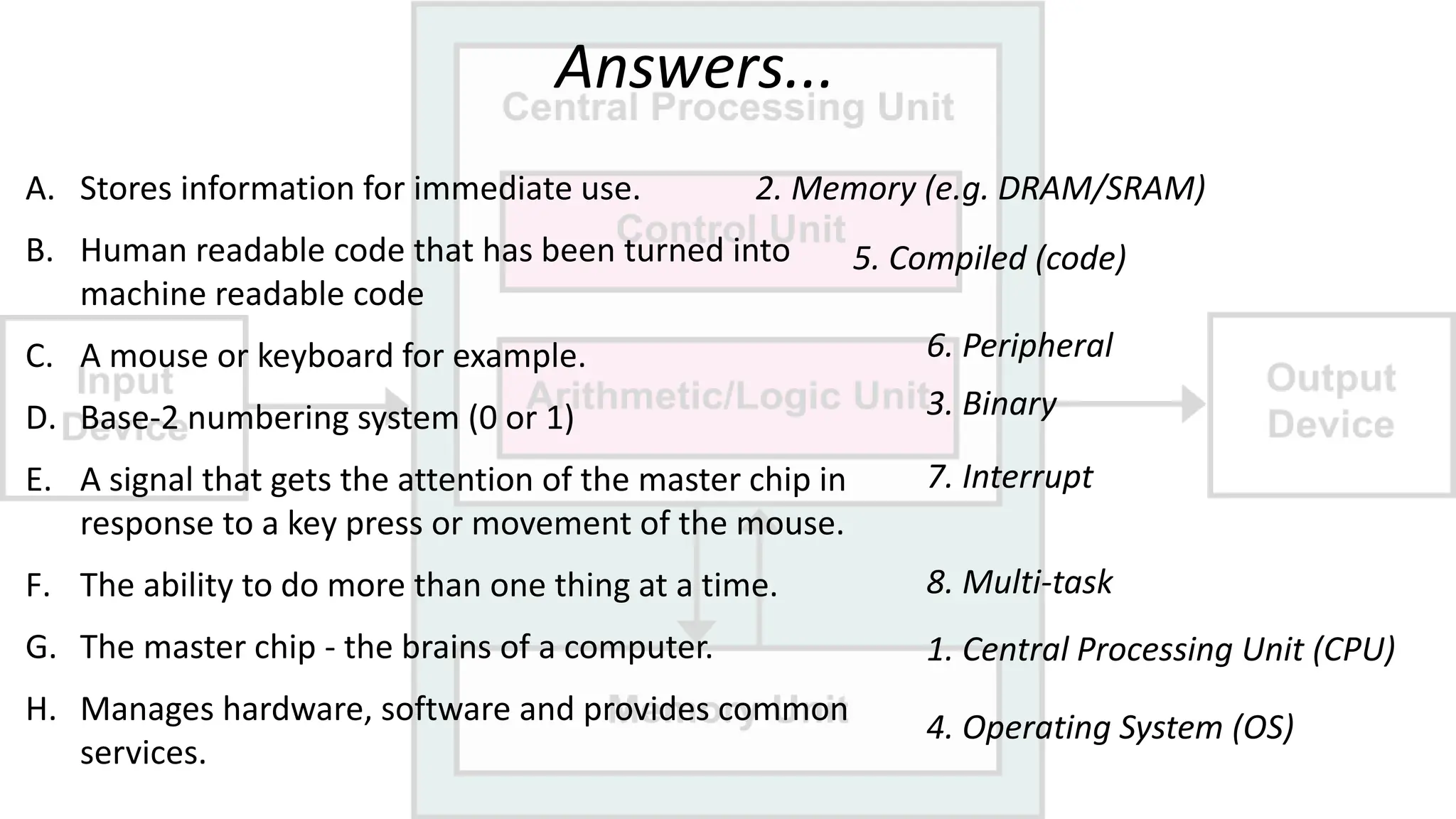
A. Stores information for immediate use.
B. Human readable code that has been turned into
machine readable code
C. A mouse or keyboard for example.
D. Base-2 numbering system (0 or 1)
E. A signal that gets the attention of the master chip in
response to a key press or movement of the mouse.
F. The ability to do more than one thing at a time.
G. The master chip - the brains of a computer.
H. Manages hardware, software and provides common
services.
2. Memory (e.g. DRAM/SRAM)
5. Compiled (code)
6. Peripheral
3. Binary
7. Interrupt
8. Multi-task
1. Central Processing Unit (CPU)
4. Operating System (OS)
Homework

Computer ACW Computer Architecture L 2.pptx

  • 1.
    Academic Content Workshop (ACW) ComputerScience L 2 Computer Architecture Basics Created by Simon
  • 2.
  • 3.
    Vocabulary Algorithm Artificial intelligence Artificial generalintelligence (AGI) Artificial narrow intelligence (ANI) Big data Clustering Cognitive computing Computer vision Data mining Deep learning Machine learning (ML) Robotics Structured data
  • 4.
    Objectives By the endof today’s class you should be able to: • Identify the main parts of a typical computer. • Discuss possible future developments in data storage.
  • 5.
  • 6.
  • 7.
    Hardware vs Software Whatis the difference? Discuss in small groups. What is the difference, exactly?
  • 8.
    What's the otherword we might associate with electronic devices that ends in 'ware'? (Hint: We might use this word in everyday English to describe something which has a texture between 'hard' and 'soft')
  • 9.
    Before we continue... Whatis the difference between HTML and RAM? Hint: Think of how we pronounce them... Other than one is software and one is hardware.
  • 10.
    So the differenceis that, with an acronym, we pronounce the abbreviation as a word, with an initialism we say it only as individual letters.
  • 11.
    We are goingto watch our first video of this class. We have three to watch in total (!), but they are all only 5 minutes long each. On the next slide there are five questions about the video...
  • 12.
    VIDEO#1 - QUESTIONS (takea photo!) Group task 1. Is the dog male or female? 2. What console does Jerome work on? 3. What is the master chip called? 4. In what format are the commands processed by the master chip (HINT 0s or 1s ONLY)? 5. What is the master program called?
  • 13.
    OK, let's watchvideo#1 ...
  • 14.
    VIDEO#1 QUESTIONS +ANSWERS 1. Is the dog male or female? 2. What console does Jerome work on? 3. What is the master chip called? 4. In what format are the commands processed by the master chip? 5. What is the master program called? Female (her job is to nap...) Xbox Central Processing Unit (CPU) 0s and 1s only is binary Operating System (OS)
  • 15.
    What is acomponent? What hardware components of a computer can you name?
  • 17.
    VIDEO#2 - QUESTIONS (takea photo!) 1. What part of a computer handles a mouse click? 2. What does this part do to let the CPU know the mouse has been clicked? 3. What expression means being able to do more than one activity at once? 4. How is human-readable code turned into language that a computer can understand? 5. What do we call devices that are attached to a computer (e.g. printer, scanner etc.) ?
  • 18.
    OK, let's watchvideo#2 ...
  • 19.
    VIDEO#2 - QUESTIONS+ ANSWERS 1. What part of a computer handles a mouse click? 2. What does this part do to let the CPU know the mouse has been clicked? 3. What expression means being able to do more than one activity at once? 4. How is human-readable code turned into language that a computer can understand? 5. What do we call devices that are attached to a computer (e.g. printer, scanner etc.) ? Input/Output (I/O) subsystem It generates an interrupt Multi-task It’s compiled Peripherals
  • 20.
    Not all human-readablecode is turned into language that a computer can understand by a compiler. What alternative method is there? Discuss in small groups. What alternative method is there to a compiler?
  • 21.
    In a compiledlanguage, the target machine directly translates the program. In an interpreted language, the source code is not directly translated by the target machine. Instead, a different program, aka the interpreter, reads and executes the code.
  • 22.
    RAM vs ROM. Whatis the a difference? DRAM vs SRAM. What is the a difference? RAM is Random Access Memory (we CAN use it for storage) ROM is Read Only Memory (we CANNOT use it - it contains bootstrap code, the bare minimum code needed to start the computer up). (There are other differences too...) Let’s watch video#3 to find out...
  • 23.
    VIDEO#3 - QUESTIONS (Youwill be able to read the transcript after the video + see if you can answer these questions. However try and listen out for them when we watch the video) 1. What type of memory needs recharging periodically to prevent data loss, DRAM or SRAM? 2. What is memory latency? 3. What kind of storage uses floating gate transistors?
  • 24.
    OK, let's watchvideo#3...
  • 25.
    VIDEO#3 - QUESTIONS+ ANSWERS 1. What type of memory needs recharging periodically to prevent data loss, DRAM or SRAM? 2. What is memory latency? 3. What kind of storage uses floating gate transistors? DRAM (Dynamic..., vs Static) the time between initiating a request for a byte or word in memory until it is retrieved by a processor. SSD (Solid-State Drives)
  • 26.
    Key Terms +Vocabulary Review... We have encountered lots of new vocabulary today, some of it being more important than the rest. The following are key terms that you should try and remember the meaning, pronunciation and spelling of. We will no doubt see some, if not all, of this vocabulary next time!
  • 27.
    Try and matchthe term to the definition 1. Central Processing Unit (CPU) 2. Memory 3. Binary 4. Operating System (OS) 5. Compiled 6. Peripheral 7. Interrupt 8. Multi-task A. Stores information for immediate use. B. Human readable code that has been turned into machine readable code C. A mouse or keyboard for example. D. Base-2 numbering system (0 or 1) E. A signal that gets the attention of the master chip in response to a key press or movement of the mouse. F. The ability to do more than one thing at a time. G. The master chip - the brains of a computer. H. Manages hardware, software and provides common services.
  • 28.
    Answers... A. Stores informationfor immediate use. B. Human readable code that has been turned into machine readable code C. A mouse or keyboard for example. D. Base-2 numbering system (0 or 1) E. A signal that gets the attention of the master chip in response to a key press or movement of the mouse. F. The ability to do more than one thing at a time. G. The master chip - the brains of a computer. H. Manages hardware, software and provides common services. 2. Memory (e.g. DRAM/SRAM) 5. Compiled (code) 6. Peripheral 3. Binary 7. Interrupt 8. Multi-task 1. Central Processing Unit (CPU) 4. Operating System (OS)
  • 30.