で簡単!
  CSS3を手軽に利用する
2012.07.10 KAYAC HTMLファイ部 比留間 和也
自己紹介
自己紹介

• 面白法人カヤック
 HTMLファイ部 所属
 比留間 和也


• 最近はJavaScriptメイ
 ンで開発しています。
compassとは?
の前に
Sassとは?
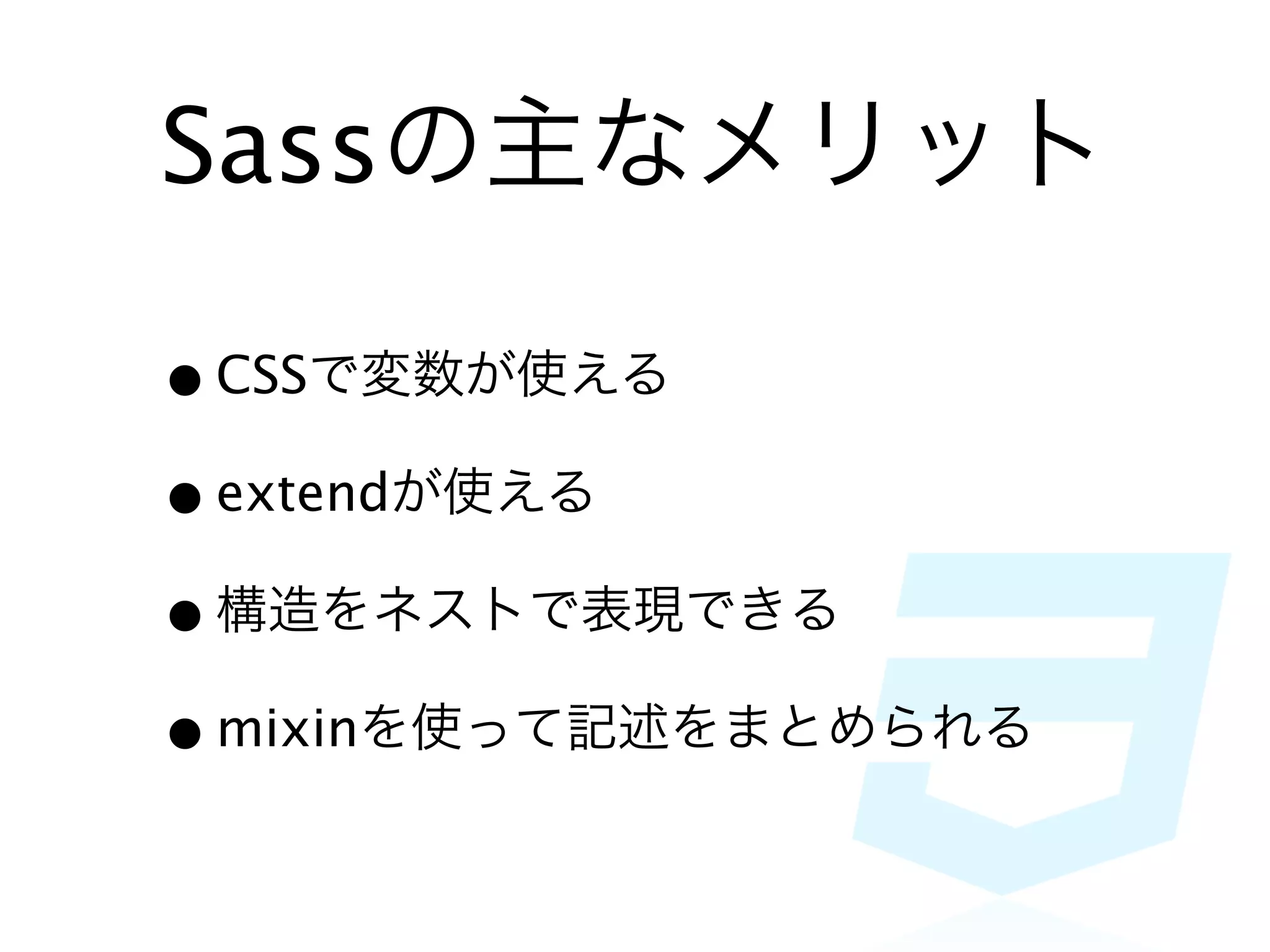
Sassの主なメリット

• CSSで変数が使える
• extendが使える
• 構造をネストで表現できる
• mixinを使って記述をまとめられる
For example...
Variables
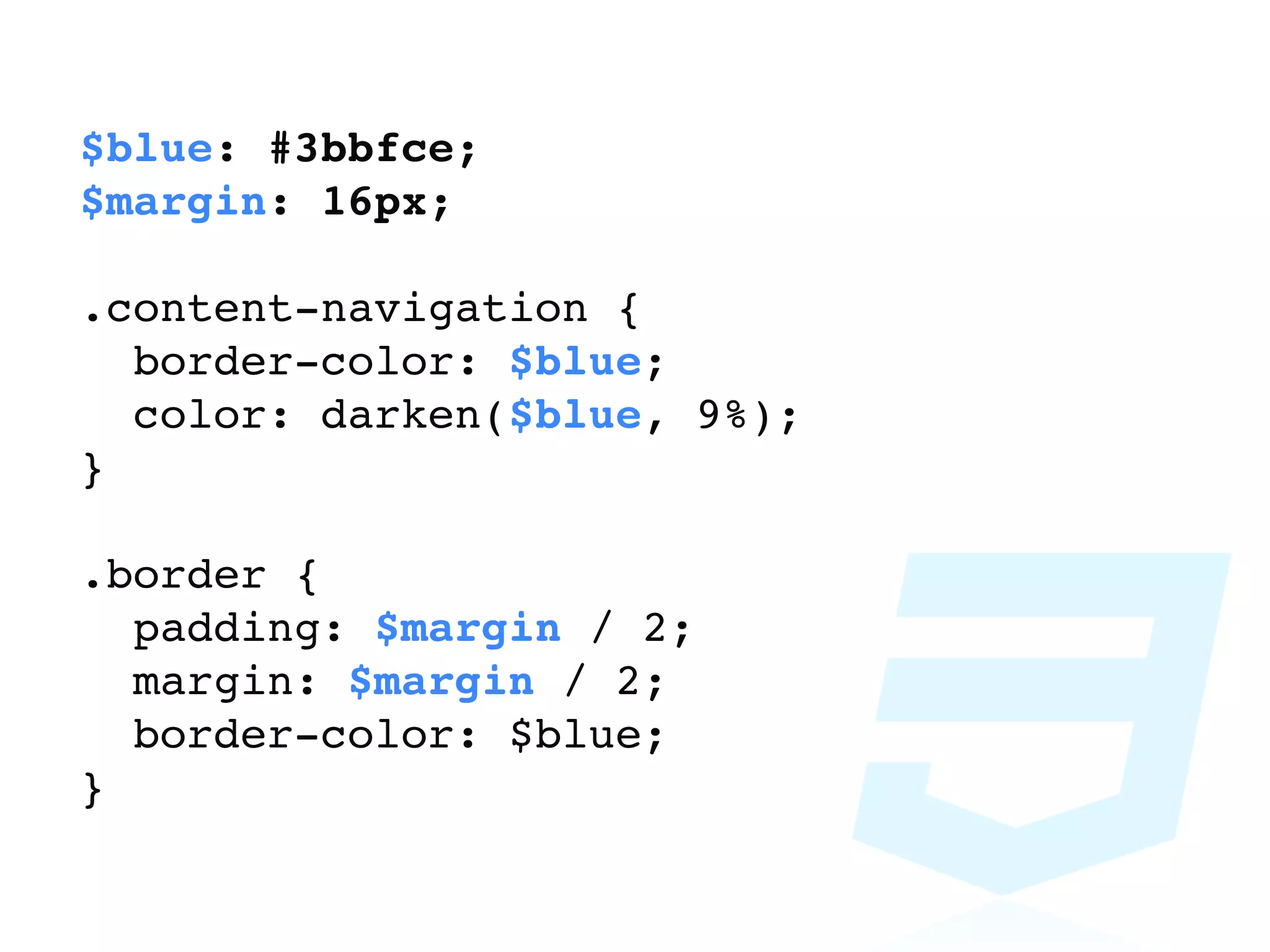
$blue: #3bbfce;
$margin: 16px;

.content-navigation {
  border-color: $blue;
  color: darken($blue, 9%);
}

.border {
  padding: $margin / 2;
  margin: $margin / 2;
  border-color: $blue;
}
Nesting
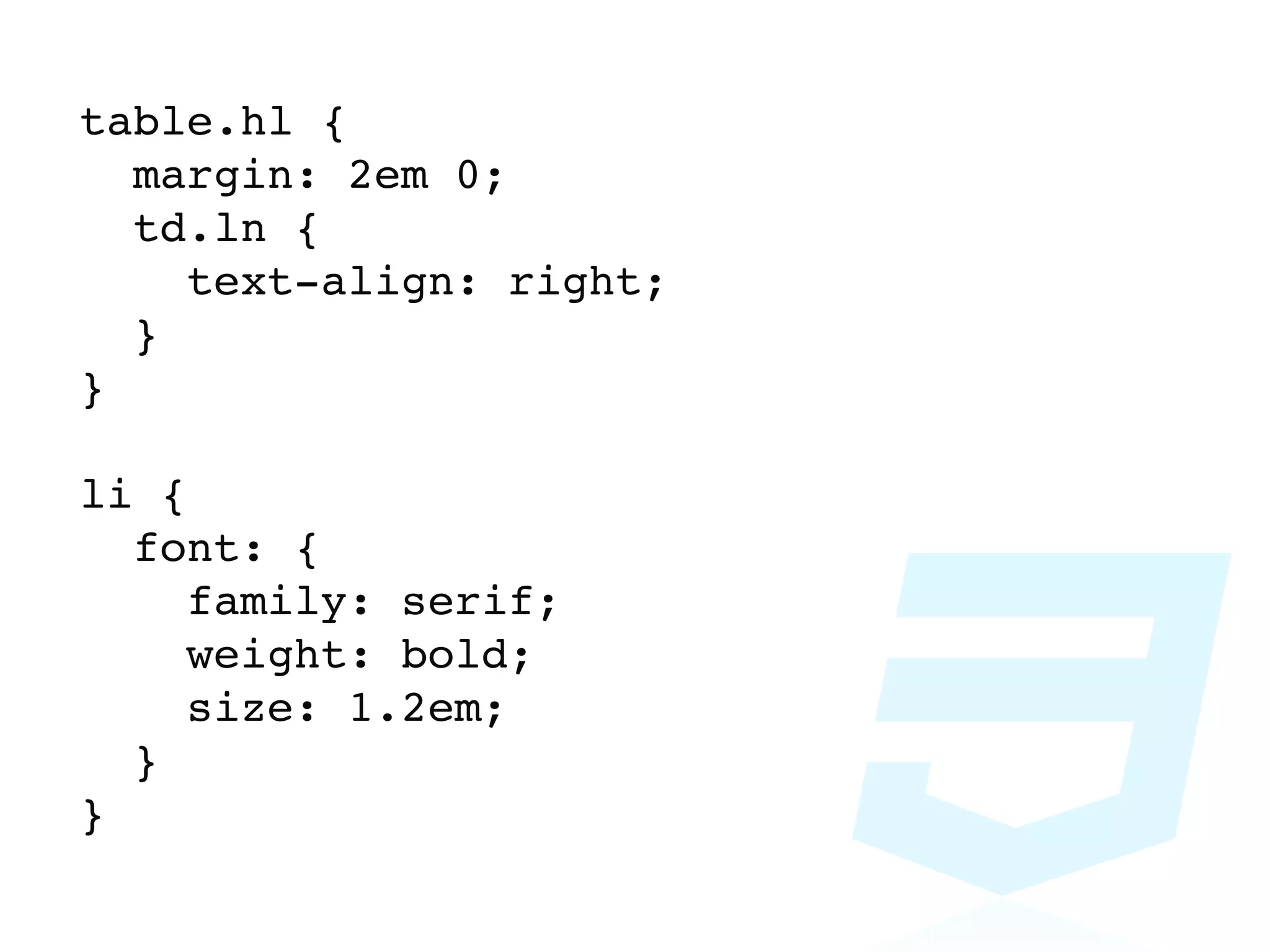
table.hl {
  margin: 2em 0;
  td.ln {
    text-align: right;
  }
}

li {
  font: {
     family: serif;
     weight: bold;
     size: 1.2em;
  }
}
Mixins
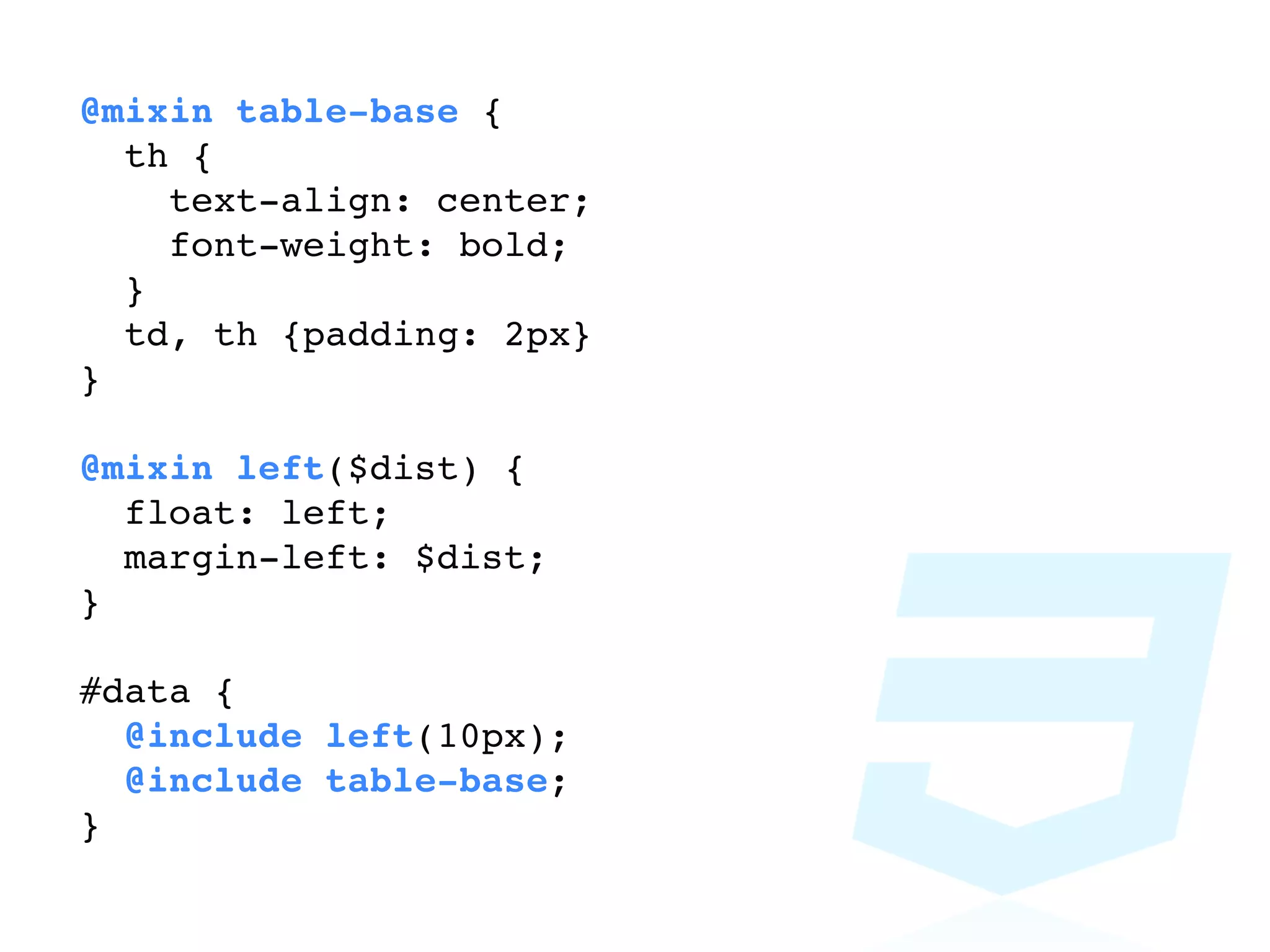
@mixin table-base {
  th {
    text-align: center;
    font-weight: bold;
  }
  td, th {padding: 2px}
}

@mixin left($dist) {
  float: left;
  margin-left: $dist;
}

#data {
  @include left(10px);
  @include table-base;
}
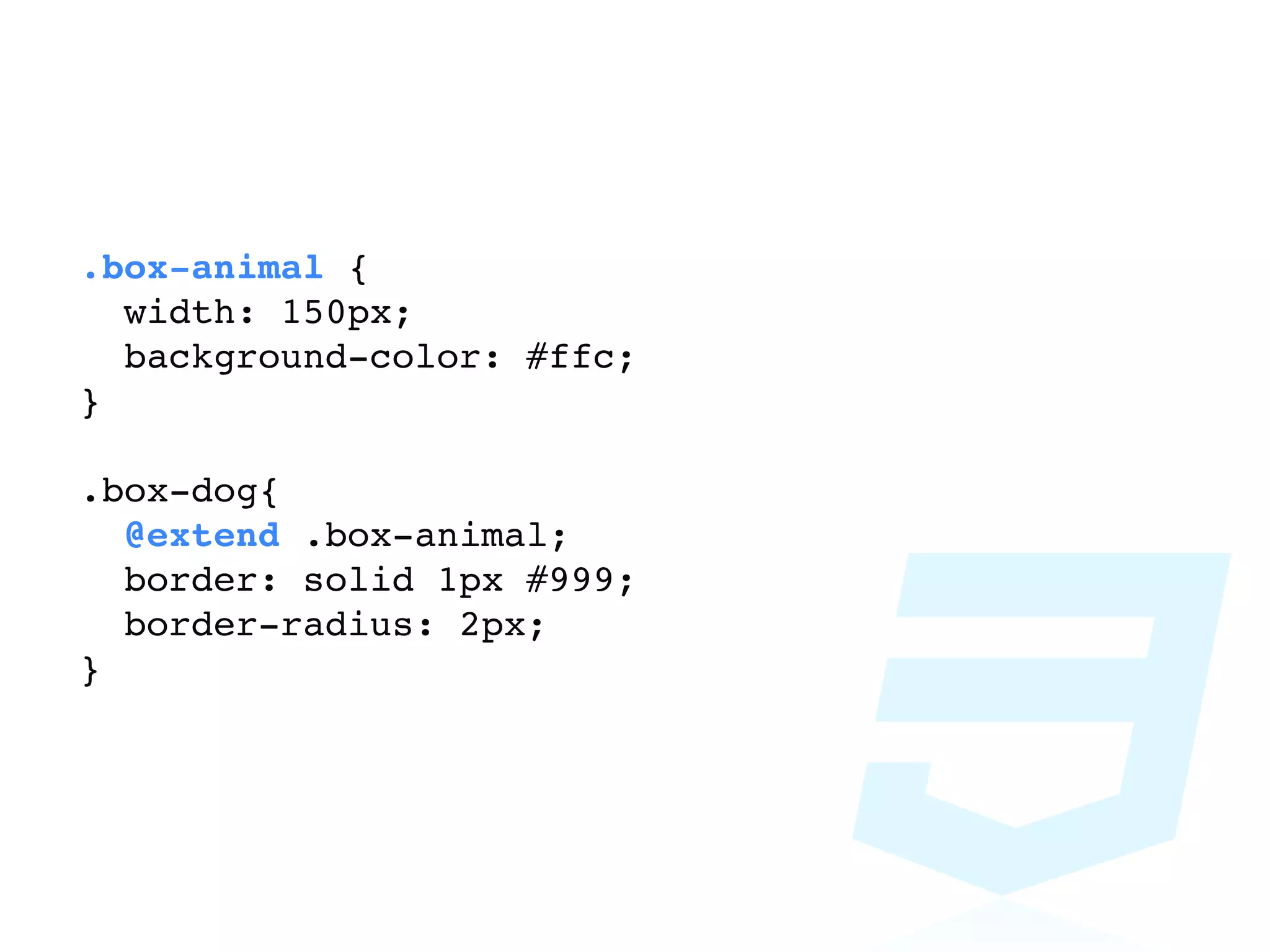
Extend
.box-animal {
  width: 150px;
  background-color: #ffc;
}

.box-dog{
  @extend .box-animal;
  border: solid 1px #999;
  border-radius: 2px;
}
改めて
compassとは?
Sass界のjQuery
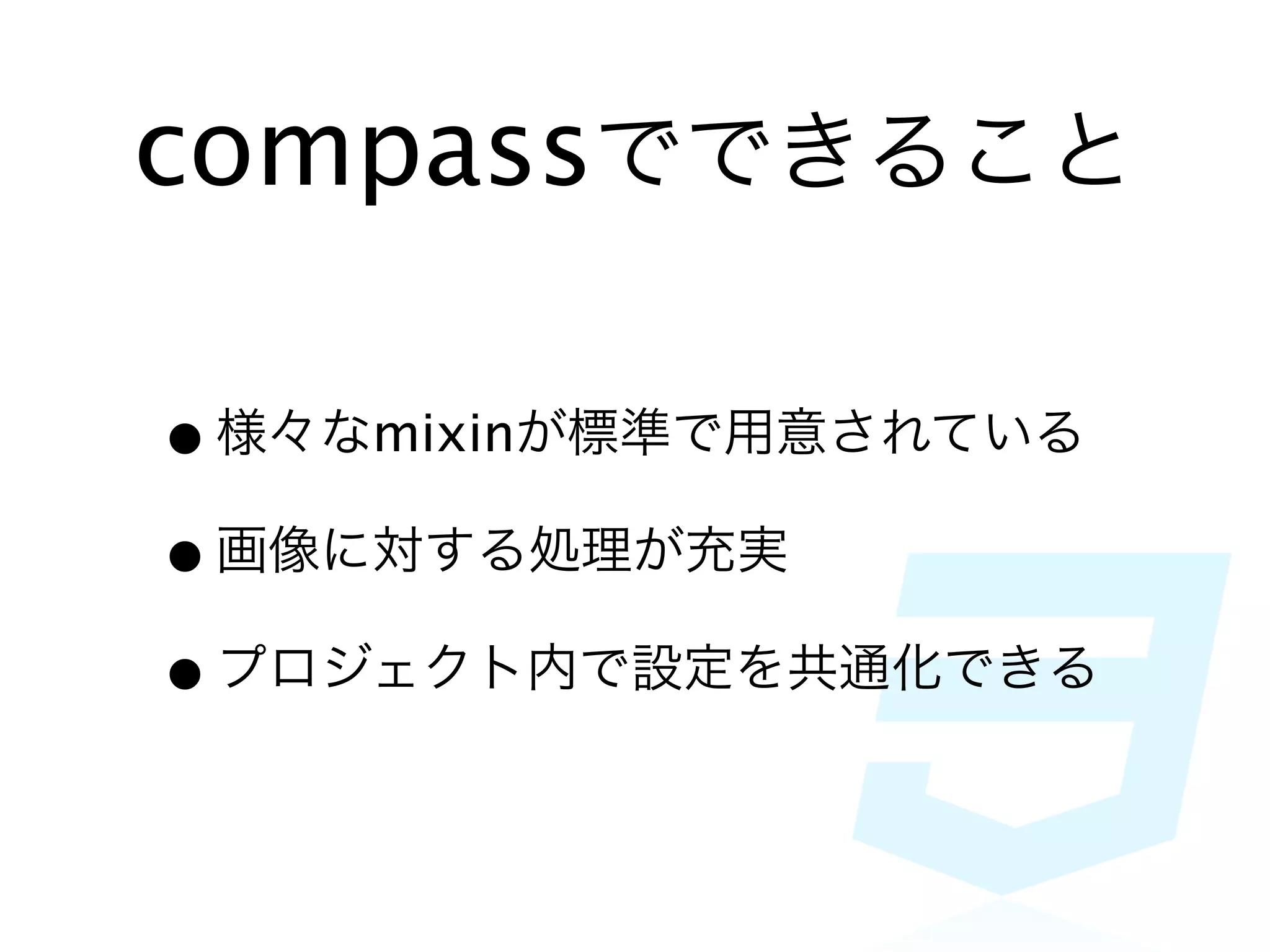
compassでできること

• 様々なmixinが標準で用意されている
• 画像に対する処理が充実
• プロジェクト内で設定を共通化できる
設定・導入
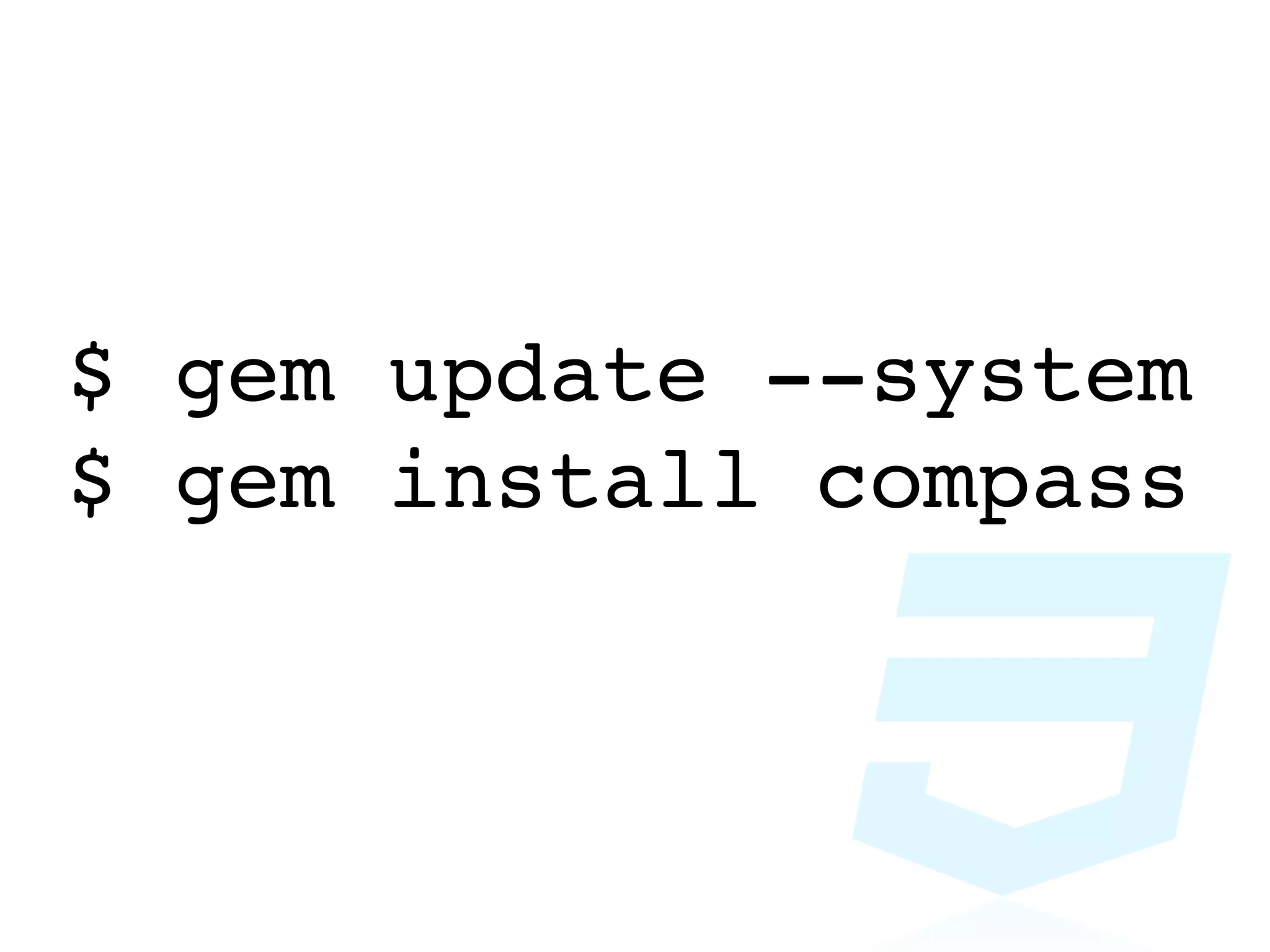
Install
$ gem update --system
$ gem install compass
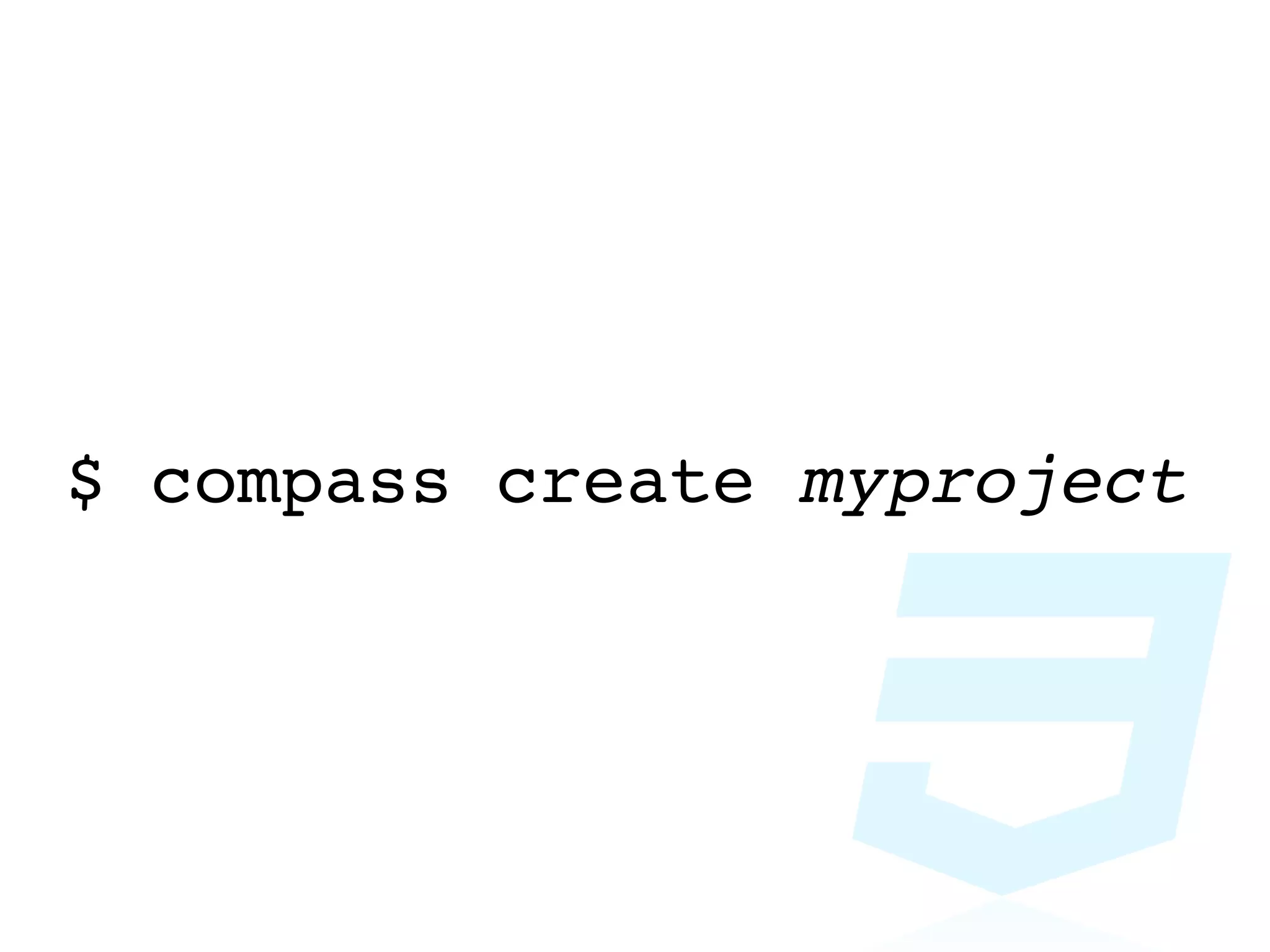
create
$ compass create myproject
config.rbの編集
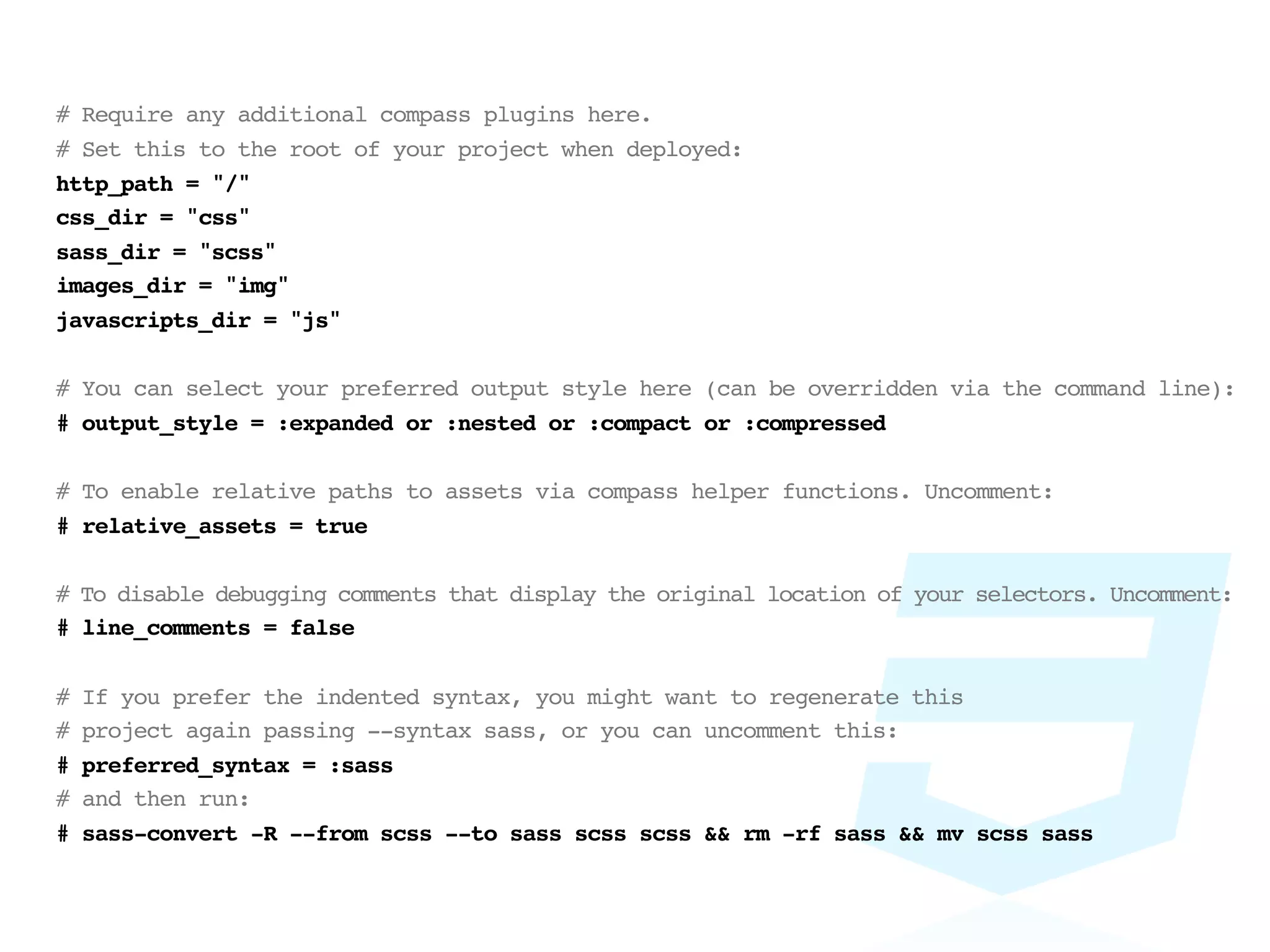
# Require any additional compass plugins here.
# Set this to the root of your project when deployed:
http_path = "/"
css_dir = "css"
sass_dir = "scss"
images_dir = "img"
javascripts_dir = "js"

# You can select your preferred output style here (can be overridden via the command line):
# output_style = :expanded or :nested or :compact or :compressed

# To enable relative paths to assets via compass helper functions. Uncomment:
# relative_assets = true

# To disable debugging comments that display the original location of your selectors. Uncomment:
# line_comments = false

#   If you prefer the indented syntax, you might want to regenerate this
#   project again passing --syntax sass, or you can uncomment this:
#   preferred_syntax = :sass
#   and then run:
#   sass-convert -R --from scss --to sass scss scss && rm -rf sass && mv scss sass
compassのmixin
for CSS3
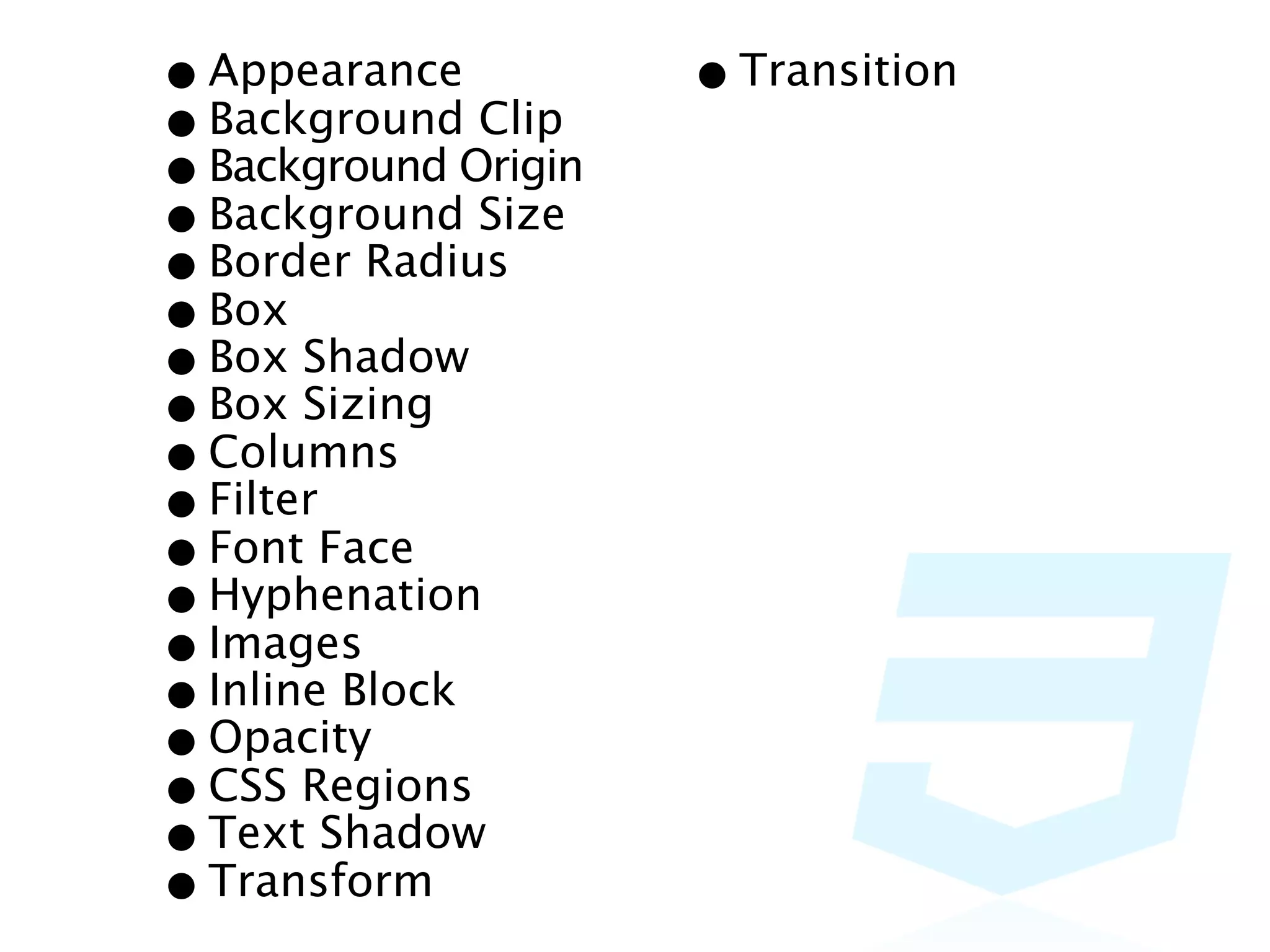
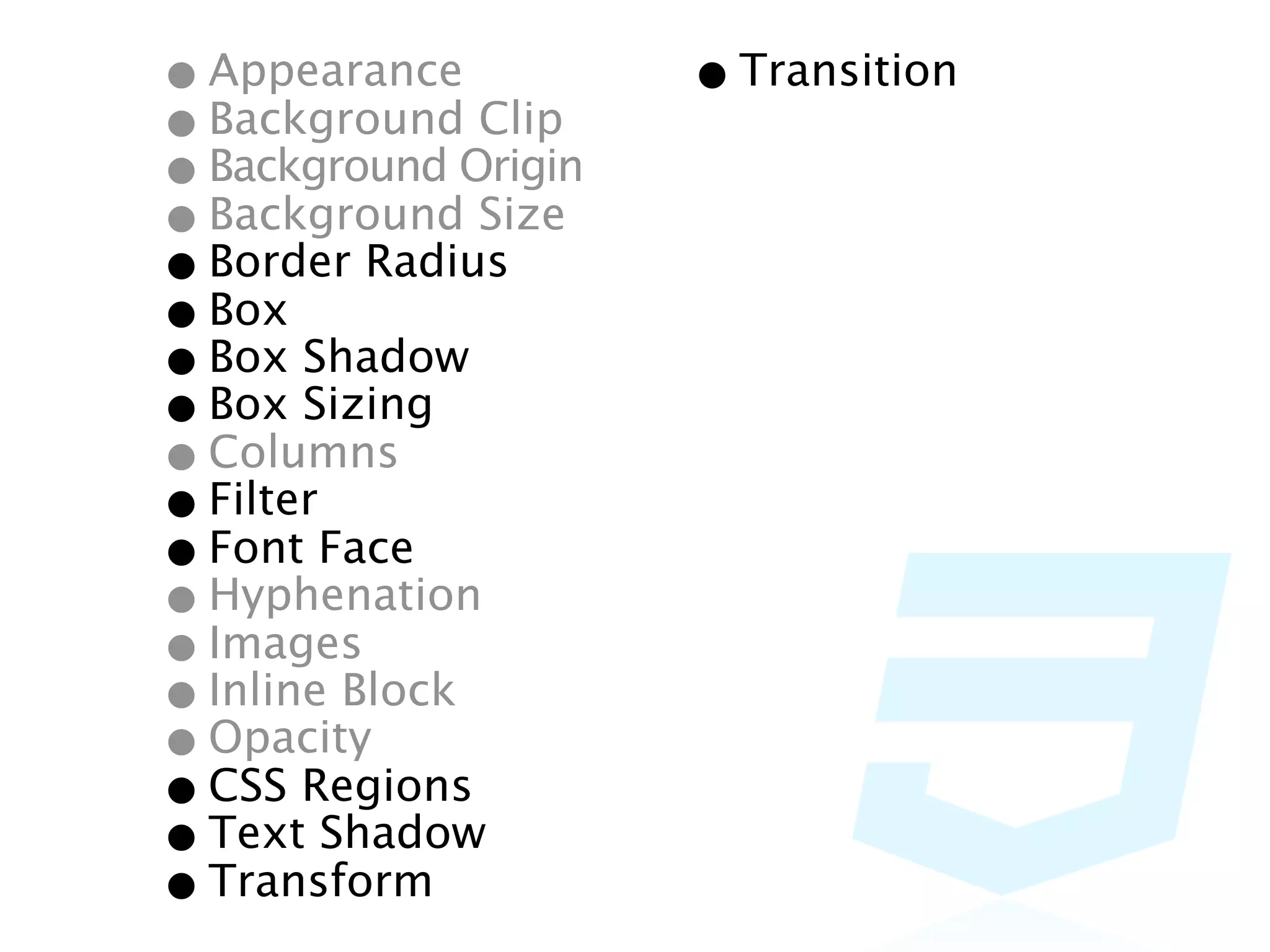
• Appearance Clip    • Transition
• BackgroundOrigin
• Background Size
• Background
• Border Radius
• Box Shadow
• Box Sizing
• Box
• Columns
• FilterFace
• Font
• Hyphenation
• Images
• Inline Block
• Opacity
• CSS Regions
• Text Shadow
• Transform
• Appearance Clip    • Transition
• BackgroundOrigin
• Background Size
• Background
• Border Radius
• Box Shadow
• Box Sizing
• Box
• Columns
• FilterFace
• Font
• Hyphenation
• Images
• Inline Block
• Opacity
• CSS Regions
• Text Shadow
• Transform
主要なところはおさえてあ
     る
手軽さをライブコーディング
   してみます!
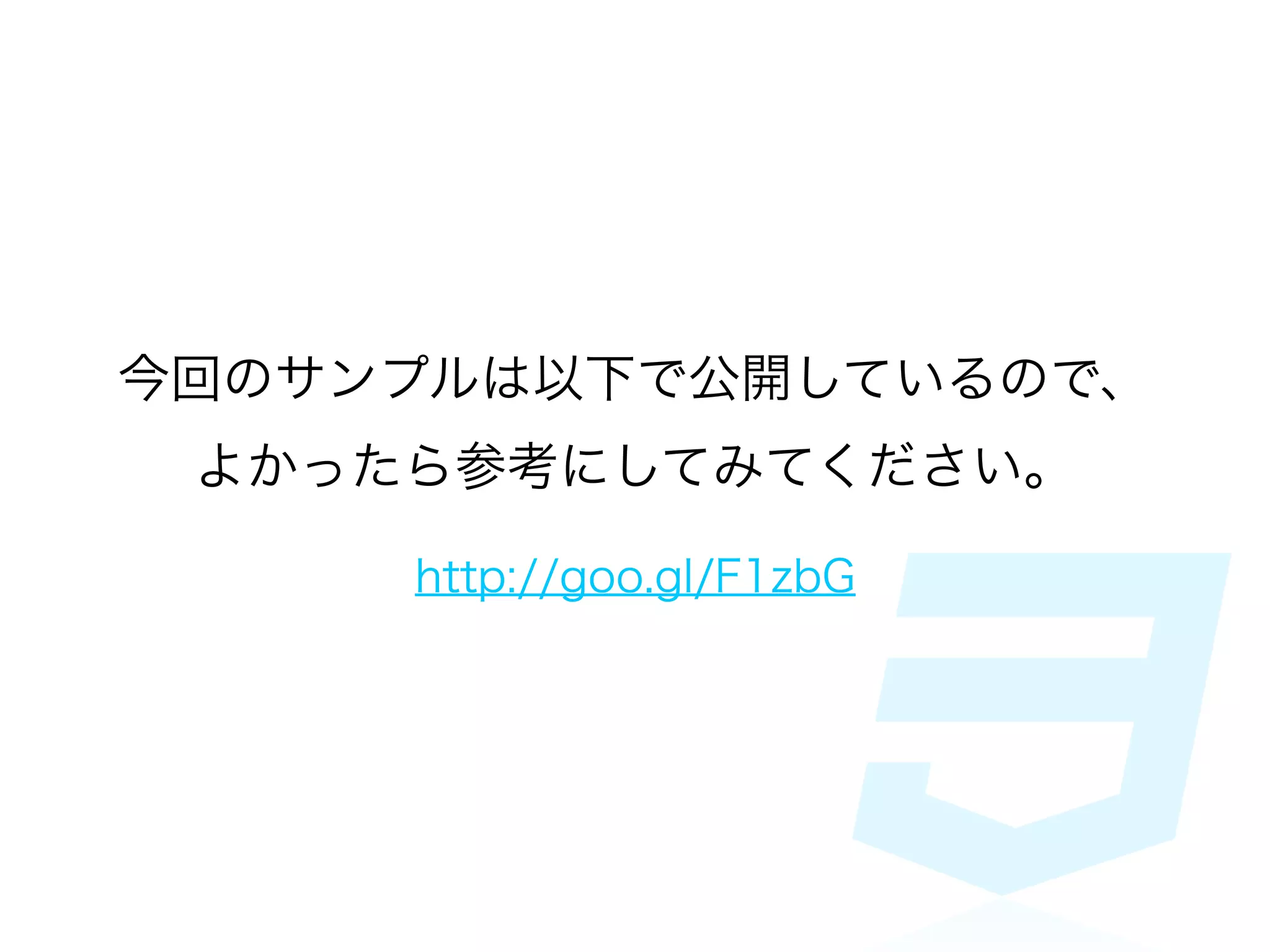
今回のサンプルは以下で公開しているので、
 よかったら参考にしてみてください。

     http://goo.gl/F1zbG
[PR]
jsdo.itがscss, less, さ
らにJSXとCoffeeScript
     に対応!
    http://goo.gl/Mq0Hh
ご清聴ありがとうございました

compassで簡単! CSS3を手軽に利用する