Download to read offline
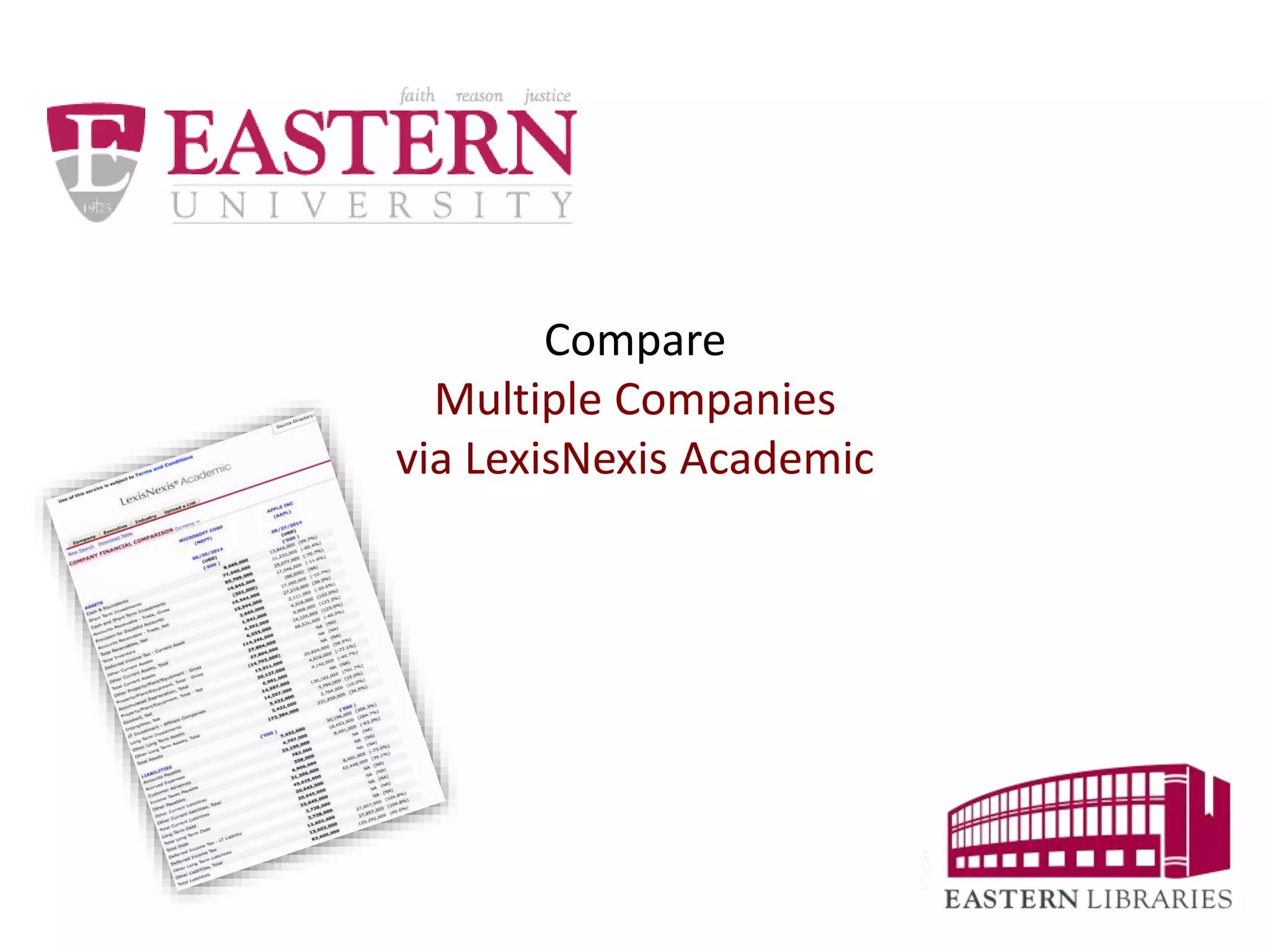
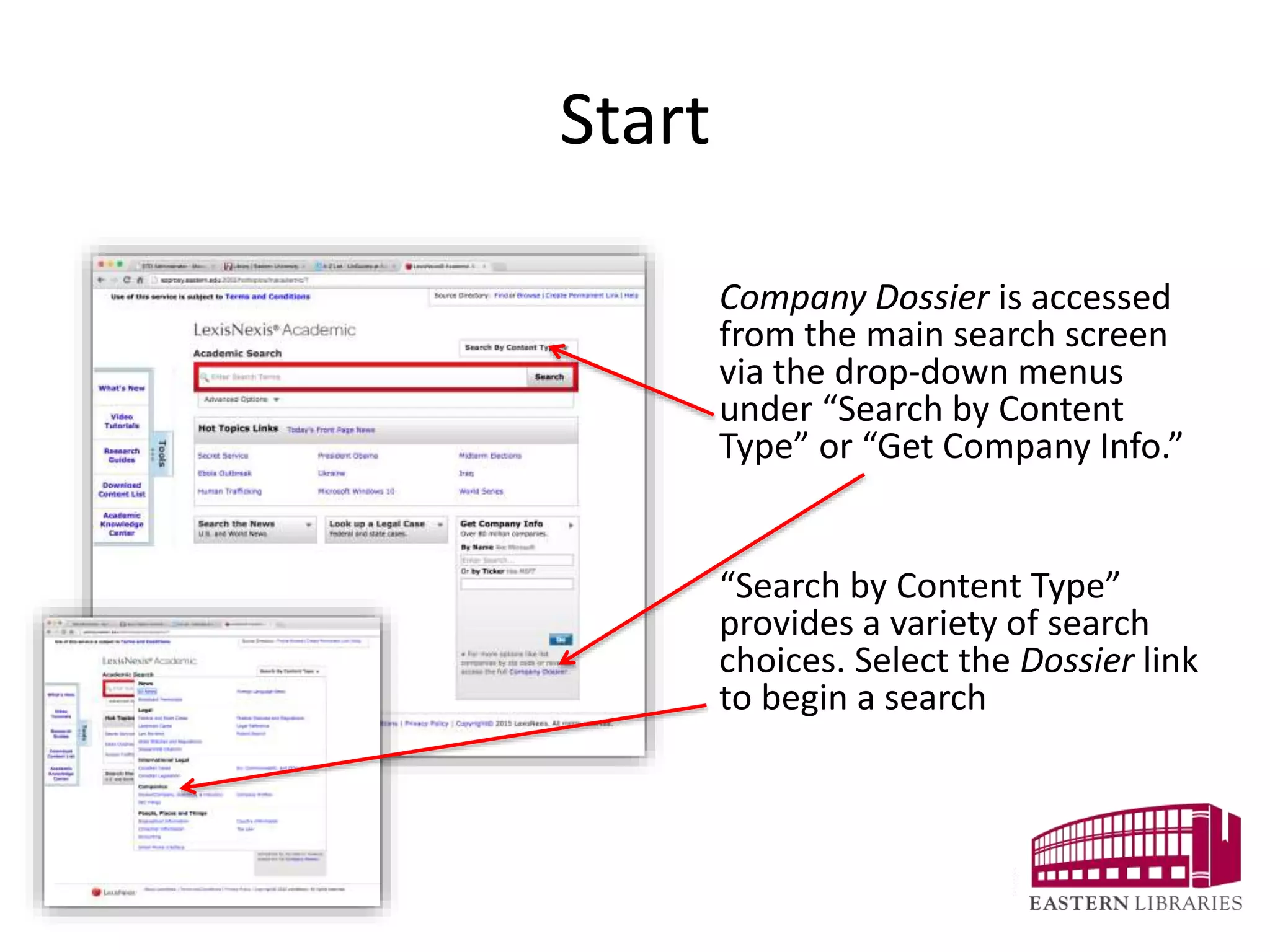
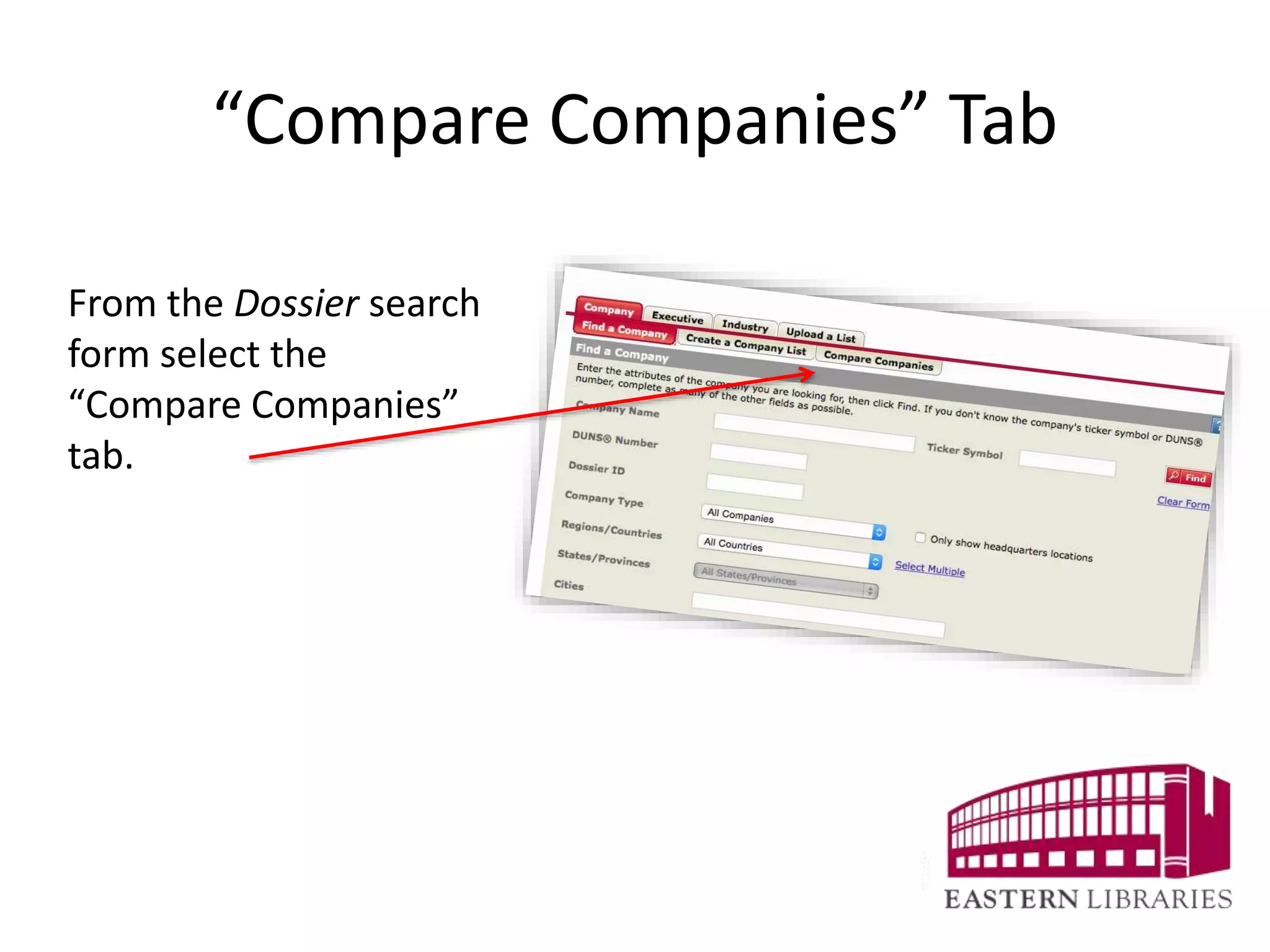
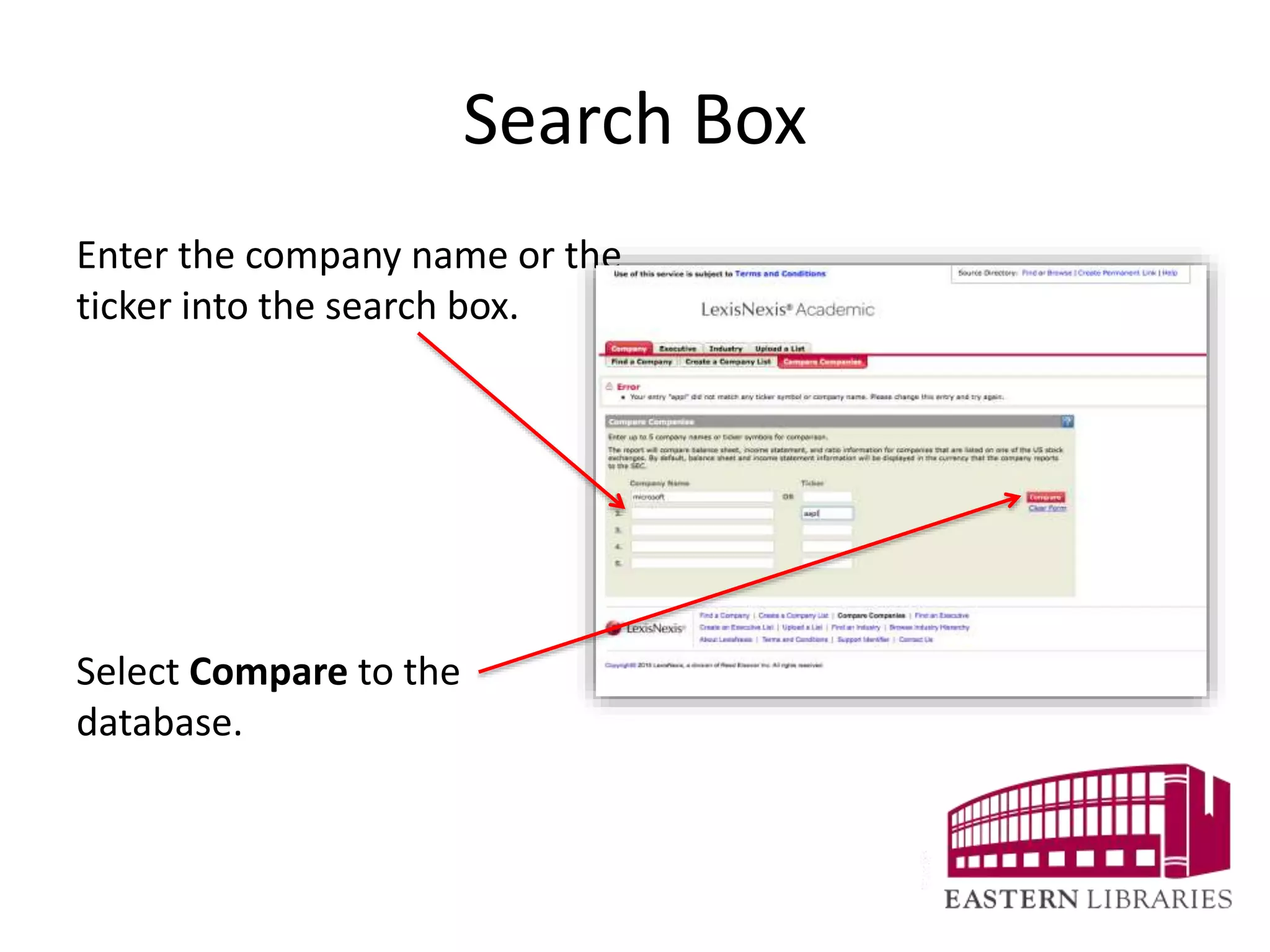
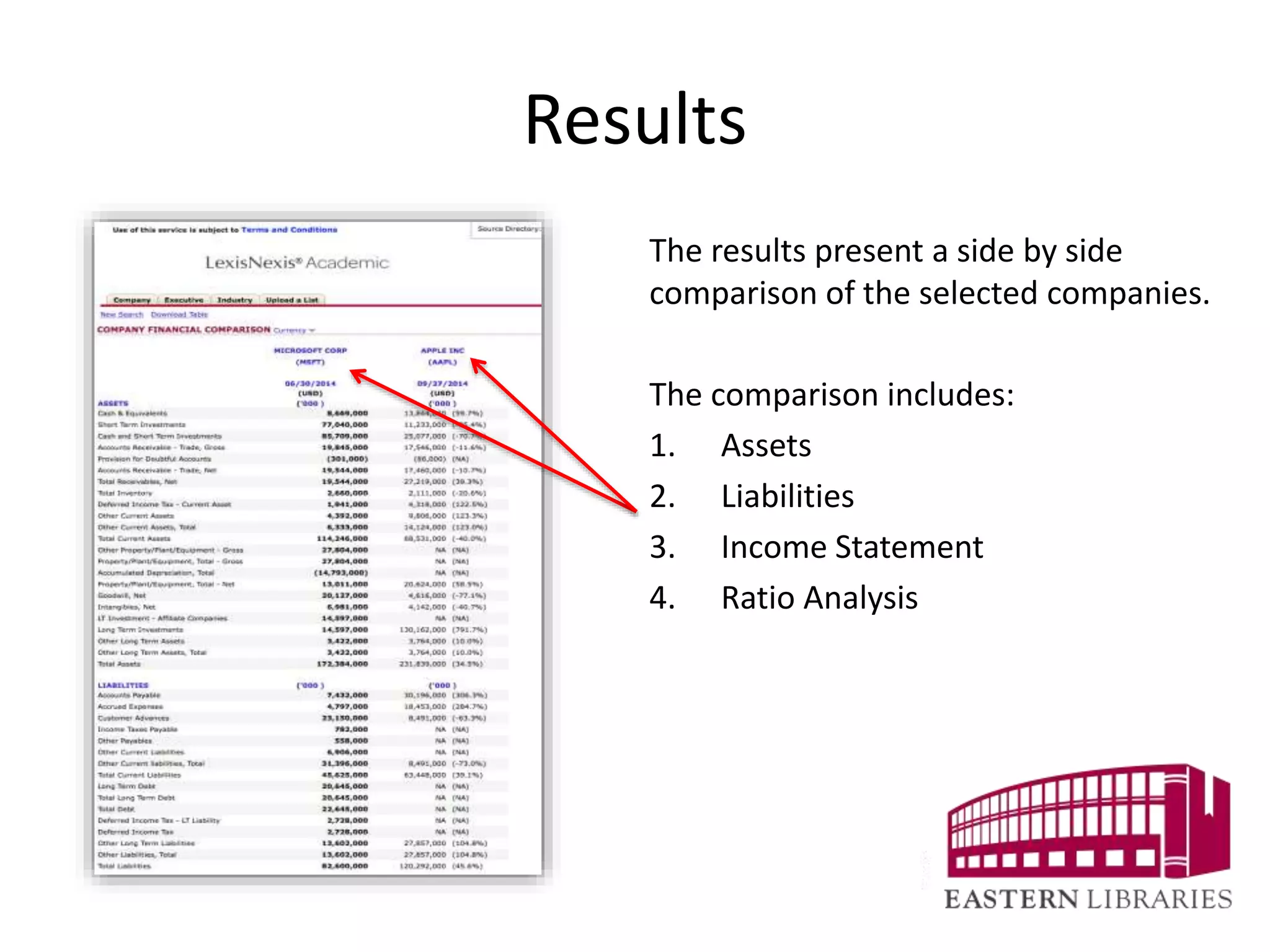


To compare multiple companies, select the "Compare Companies" tab from the Company Dossier search form on LexisNexis Academic. Enter the company names or ticker symbols into the search box and select "Compare" to view a side-by-side comparison of key financial details like assets, liabilities, income statements, and ratio analysis for each company. This allows users to easily analyze and evaluate multiple companies simultaneously.


