Viewing a Company Snapshot
USING COMPANY DOSSIER
from LexisNexis Academic
Start
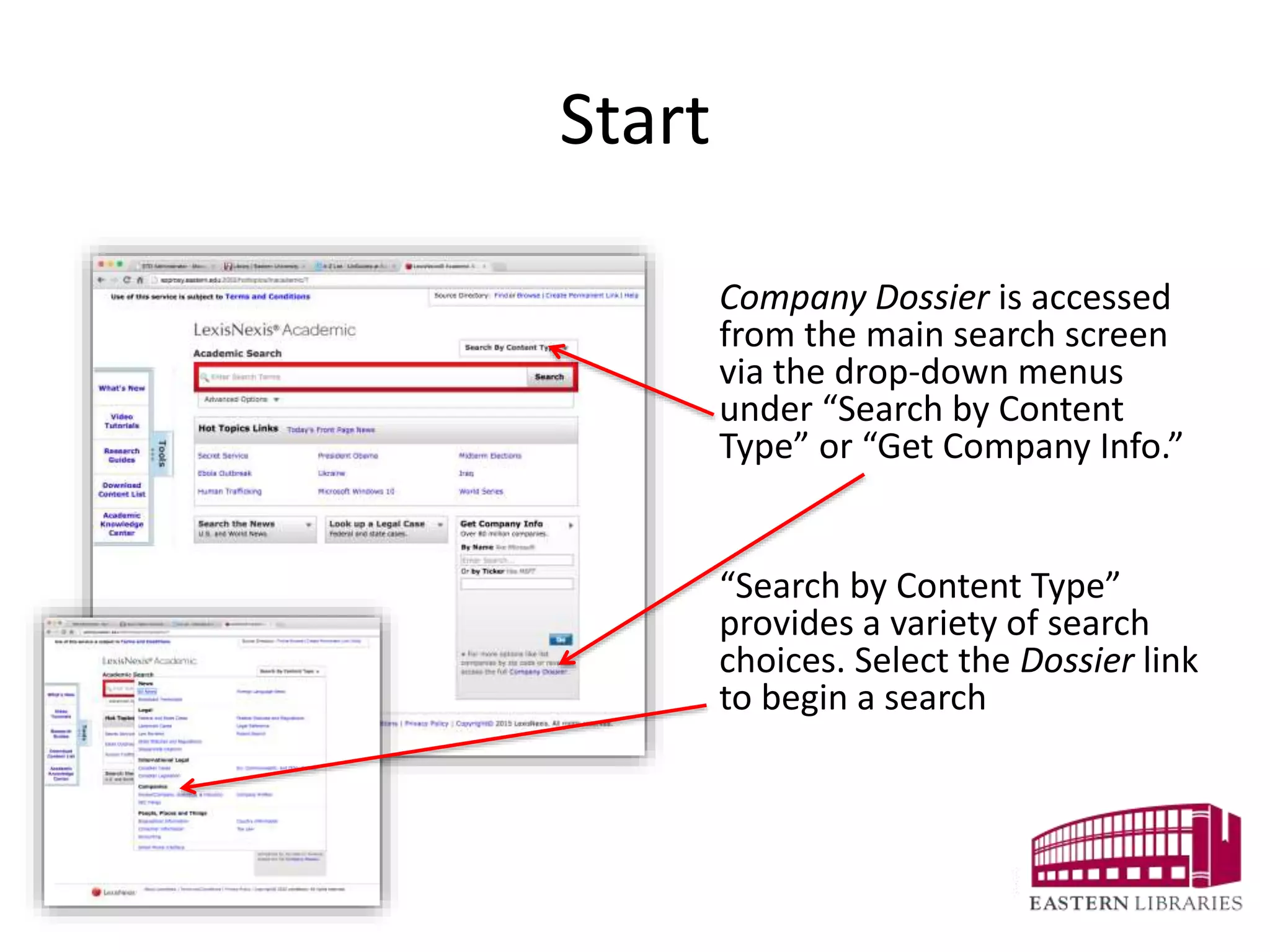
Company Dossier is accessed
from the main search screen
via the drop-down menus
under “Search by Content
Type” or “Get Company Info.”
“Search by Content Type”
provides a variety of search
choices. Select the Dossier link
to begin a search
Search Form
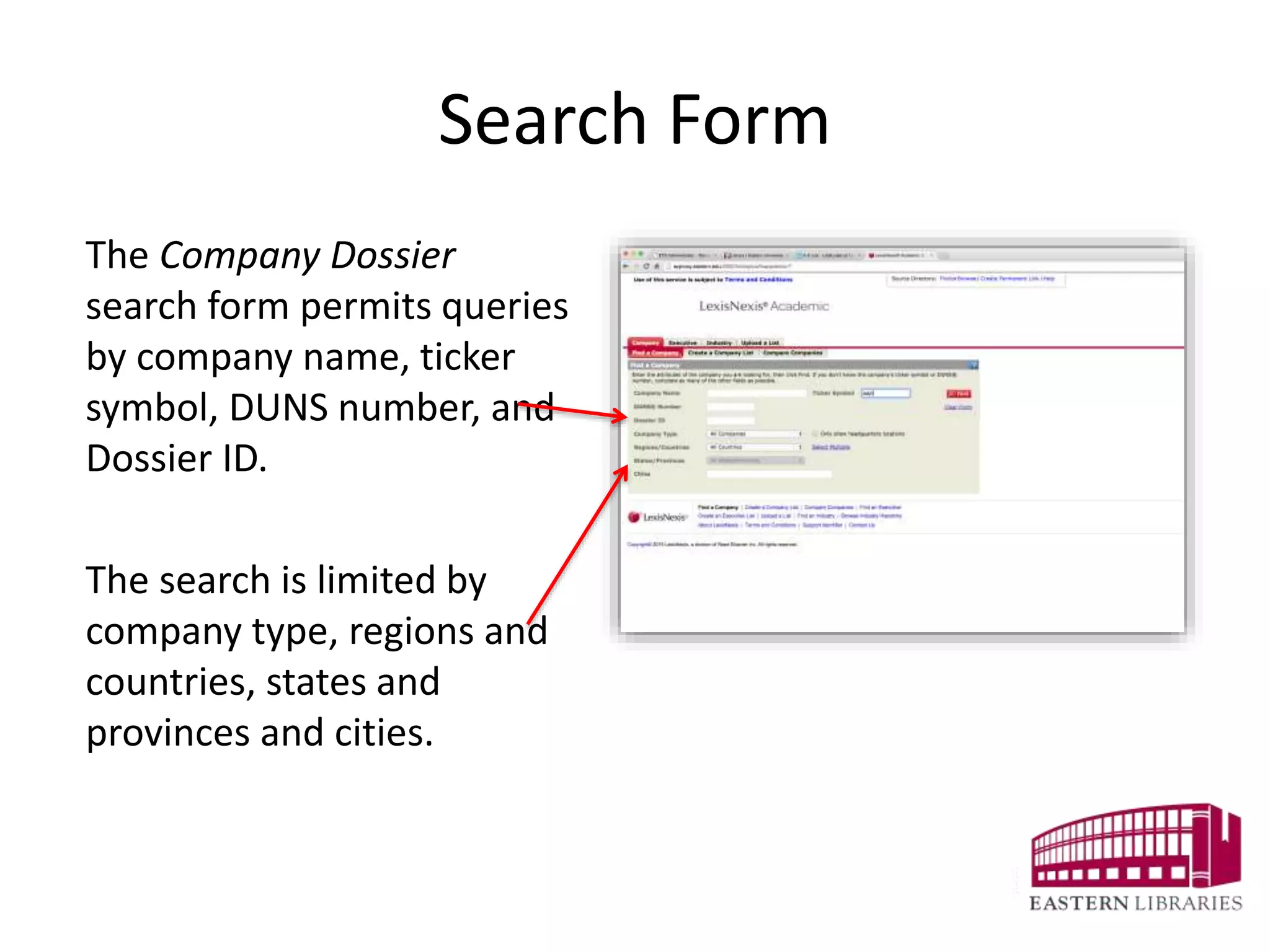
The Company Dossier
search form permits queries
by company name, ticker
symbol, DUNS number, and
Dossier ID.
The search is limited by
company type, regions and
countries, states and
provinces and cities.
Search Results
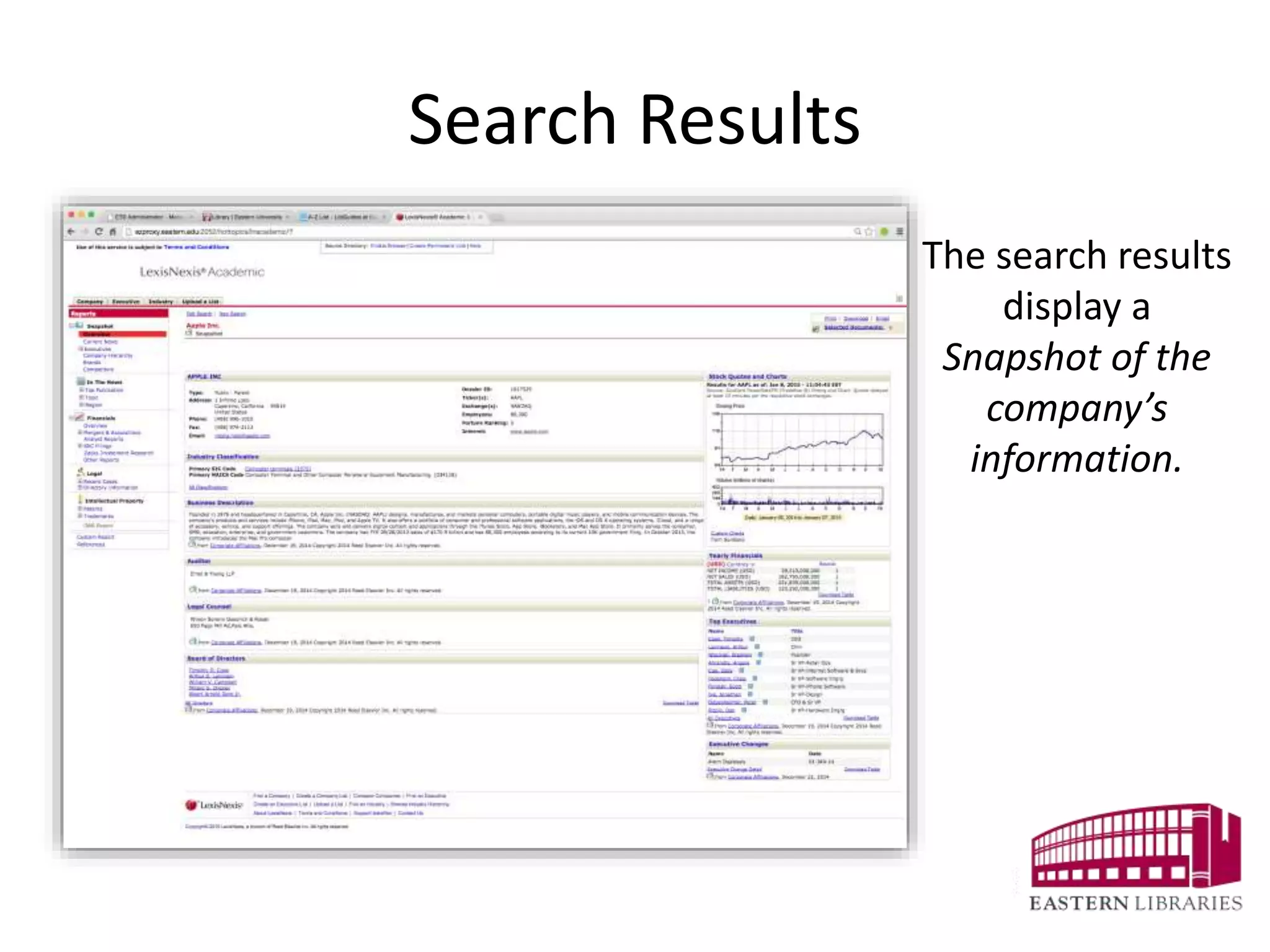
The search results
display a
Snapshot of the
company’s
information.
The Snapshot Provides the Basics
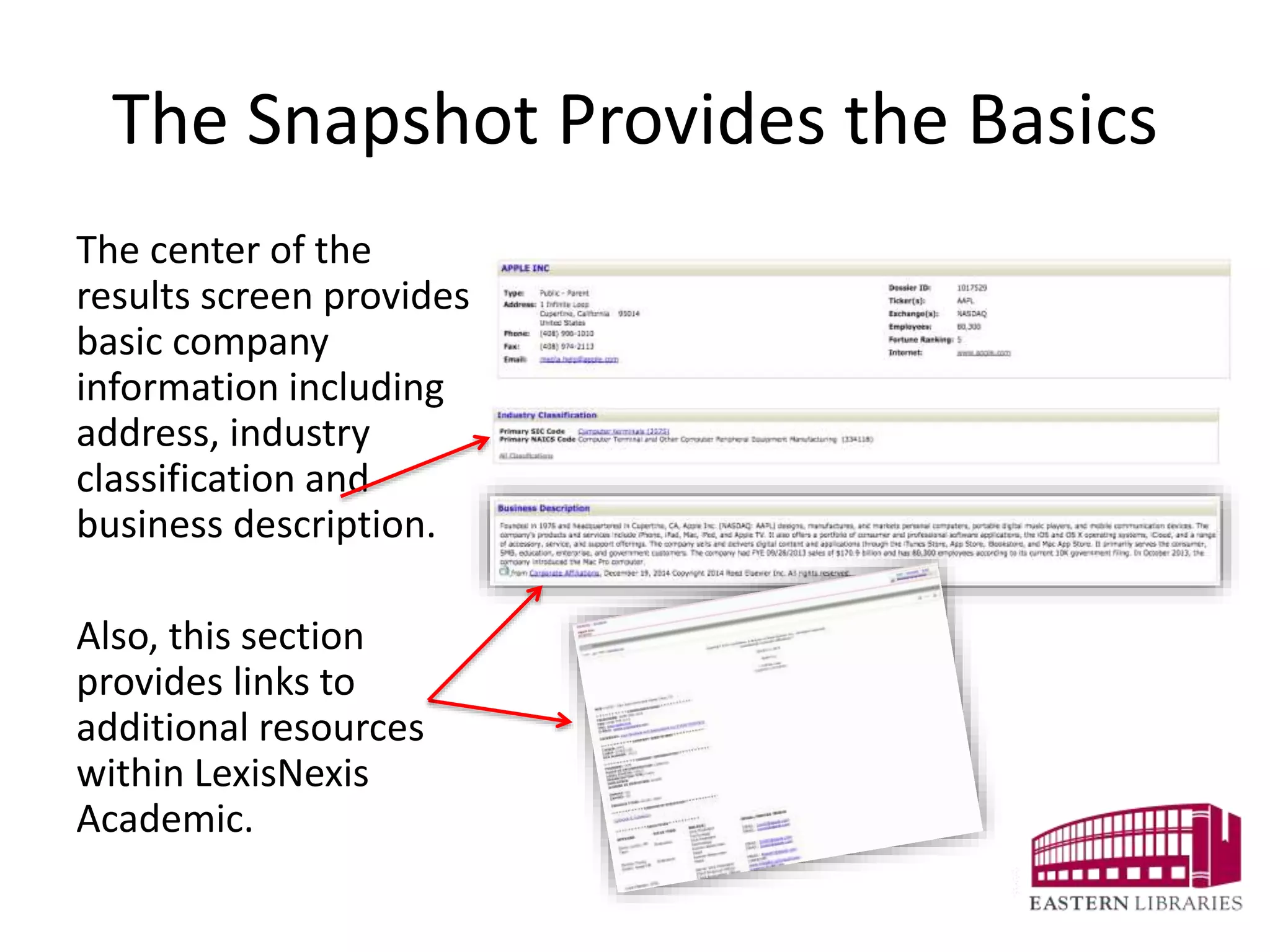
The center of the
results screen provides
basic company
information including
address, industry
classification and
business description.
Also, this section
provides links to
additional resources
within LexisNexis
Academic.
Additional Basic Information
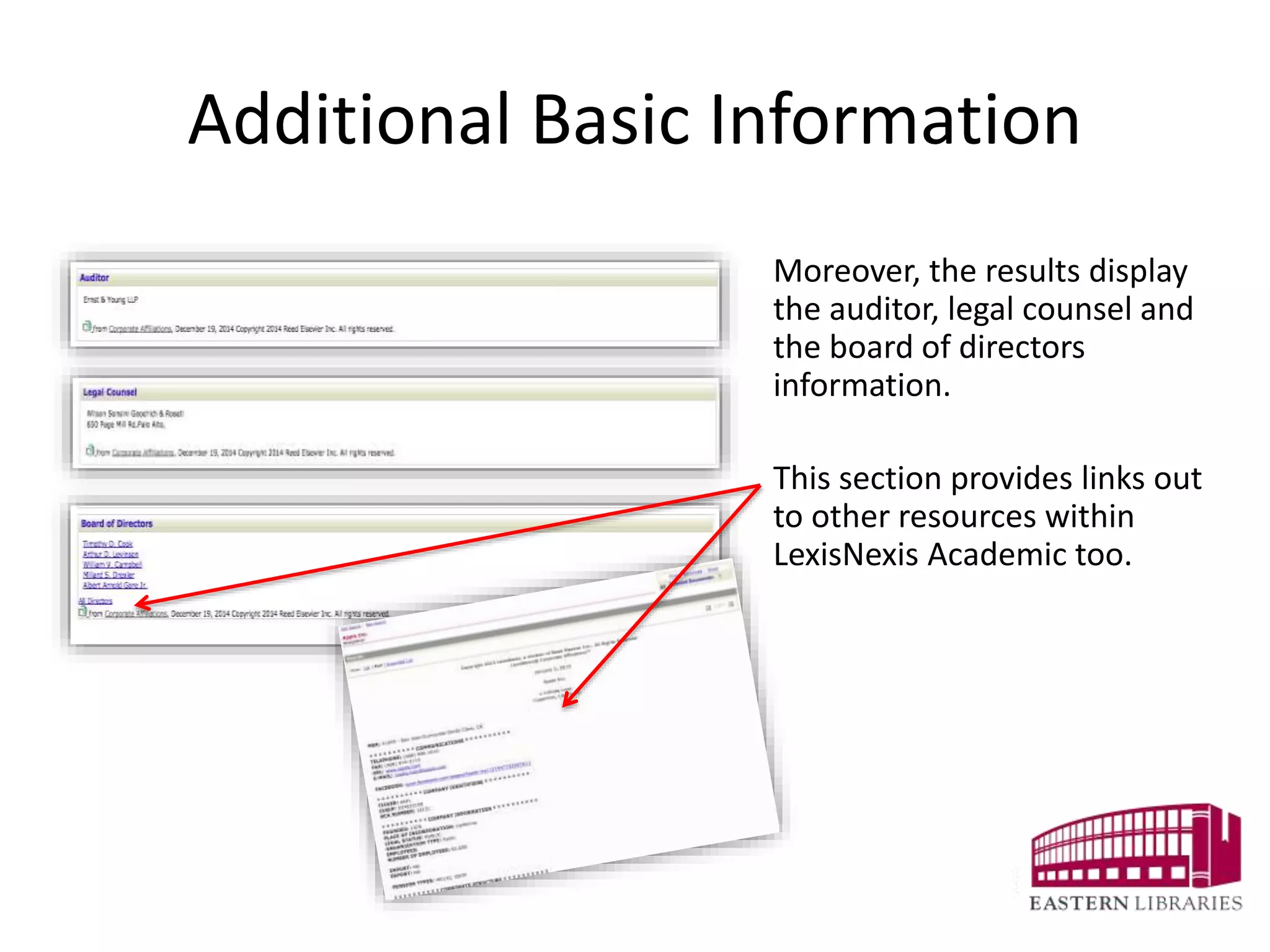
Moreover, the results display
the auditor, legal counsel and
the board of directors
information.
This section provides links out
to other resources within
LexisNexis Academic too.
Stock Quotes and Charts
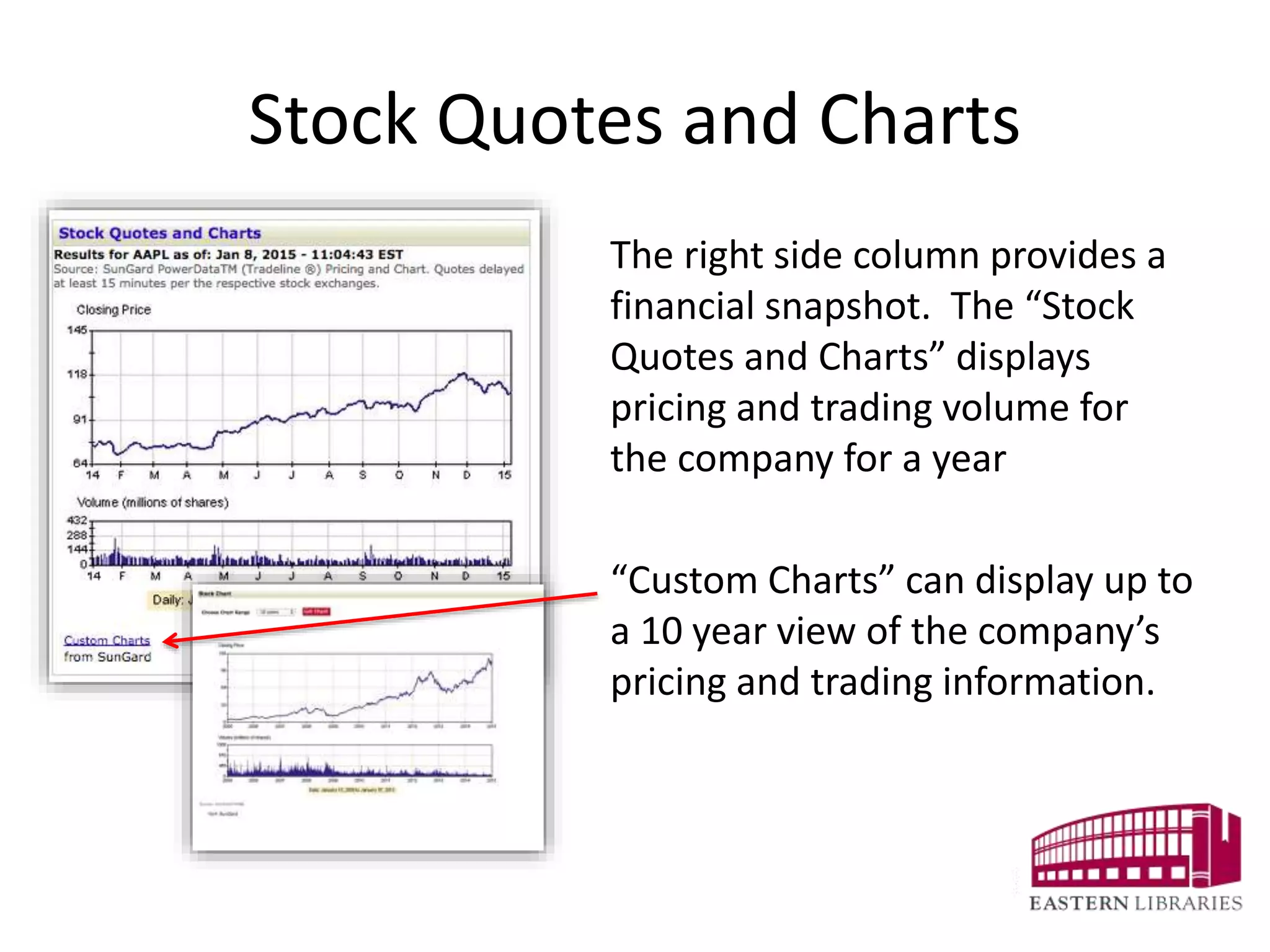
The right side column provides a
financial snapshot. The “Stock
Quotes and Charts” displays
pricing and trading volume for
the company for a year
“Custom Charts” can display up to
a 10 year view of the company’s
pricing and trading information.
Yearly Financials
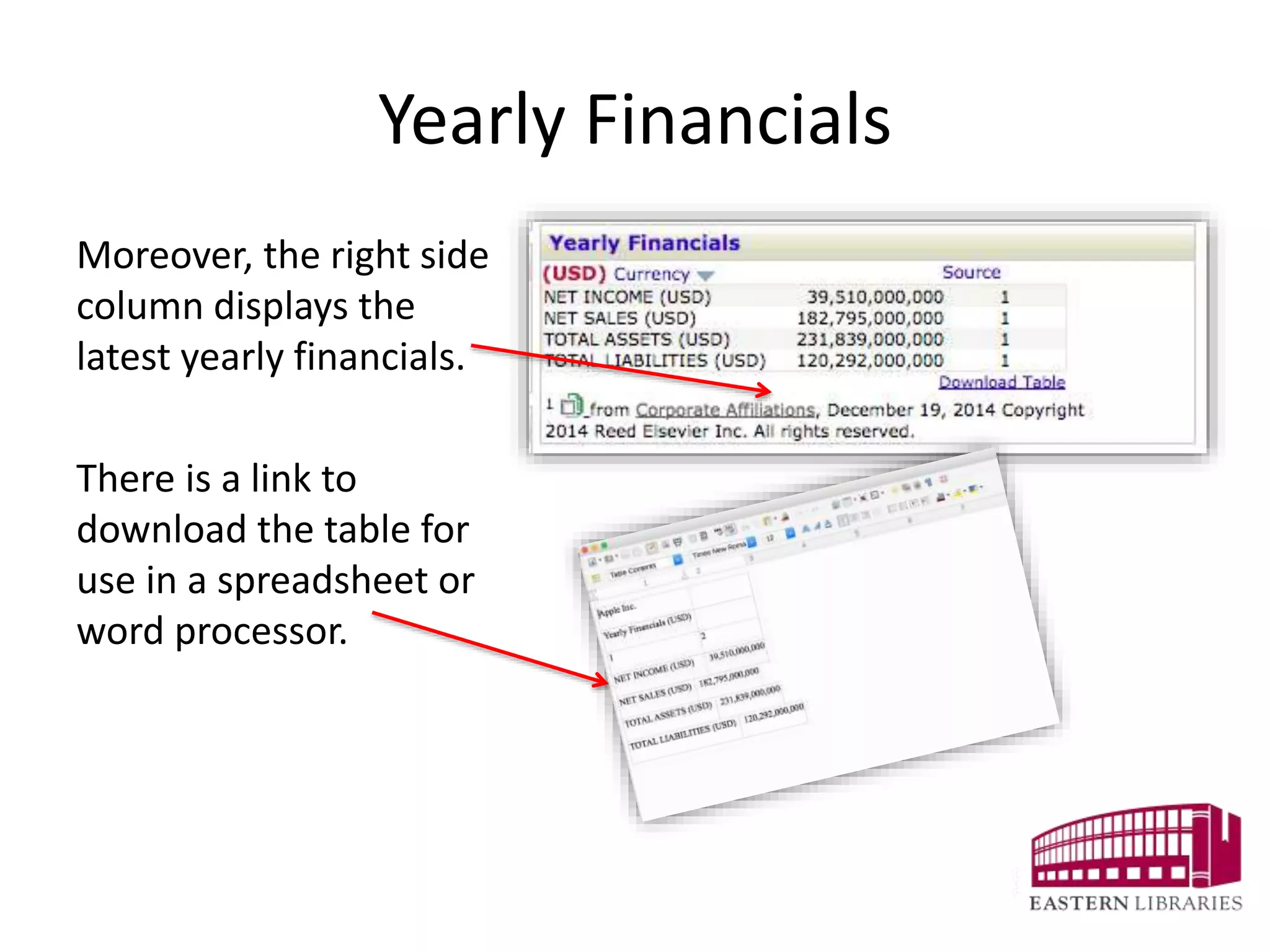
Moreover, the right side
column displays the
latest yearly financials.
There is a link to
download the table for
use in a spreadsheet or
word processor.
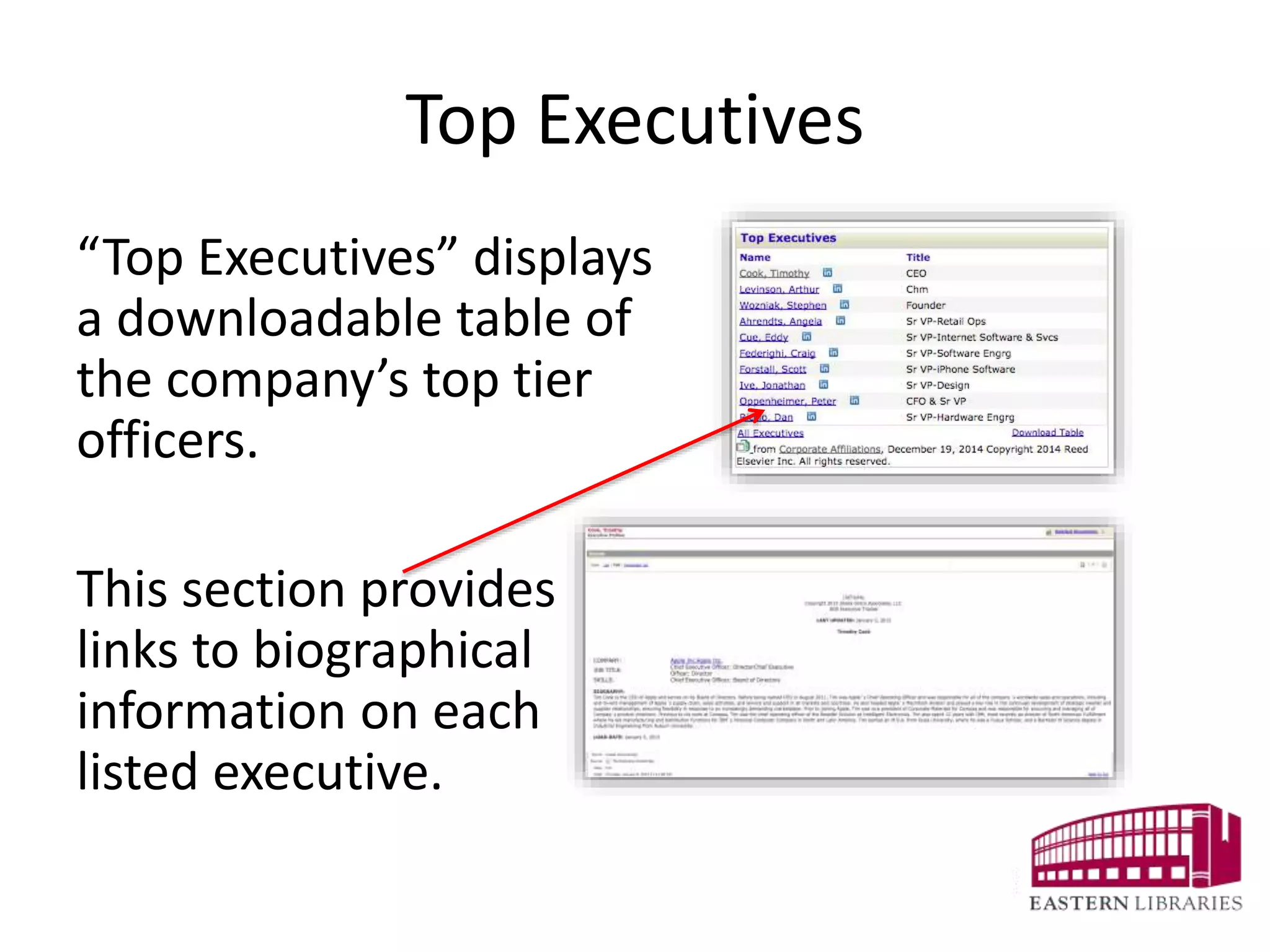
Top Executives
“Top Executives” displays
a downloadable table of
the company’s top tier
officers.
This section provides
links to biographical
information on each
listed executive.
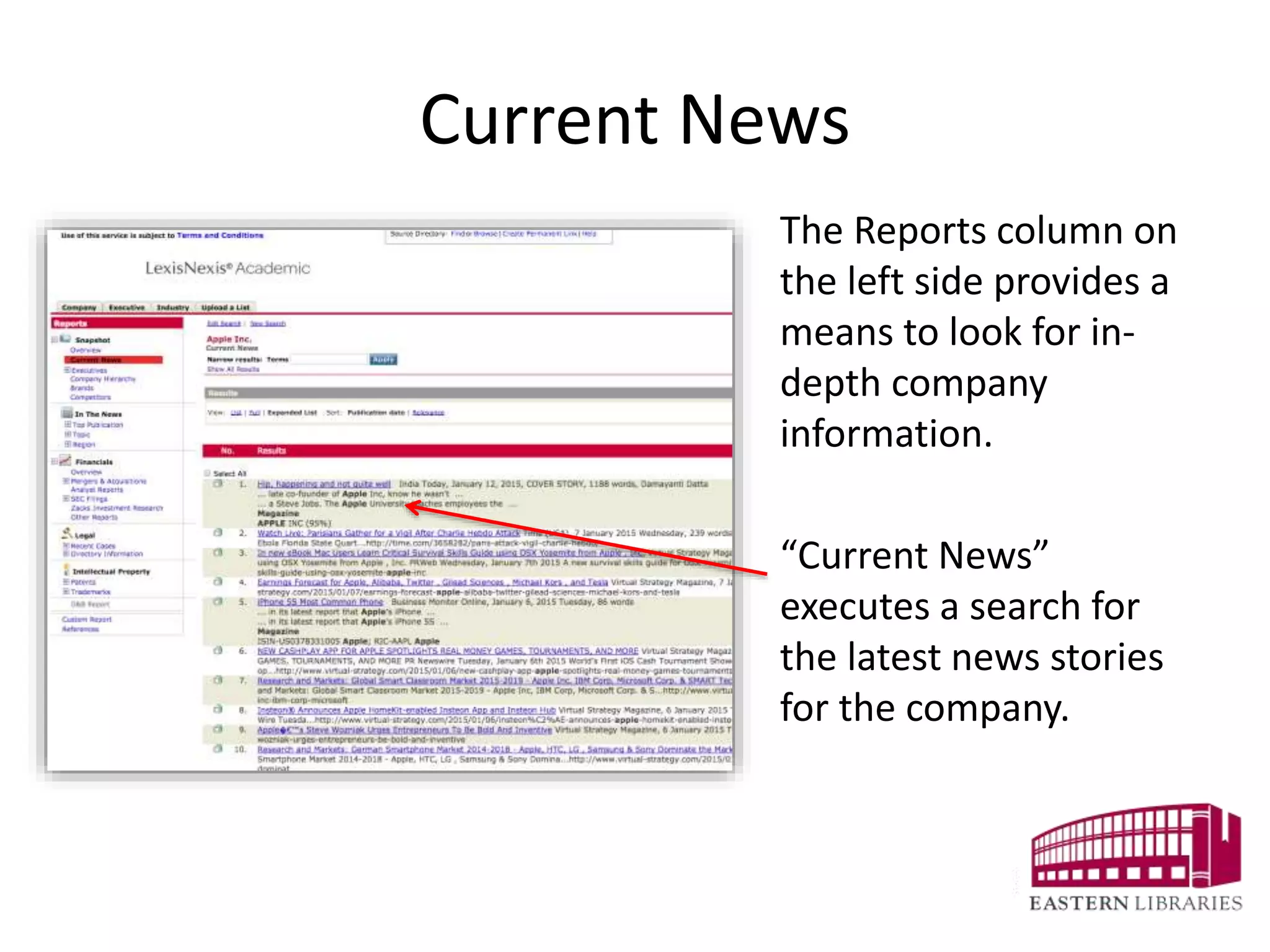
Current News
The Reports column on
the left side provides a
means to look for in-
depth company
information.
“Current News”
executes a search for
the latest news stories
for the company.
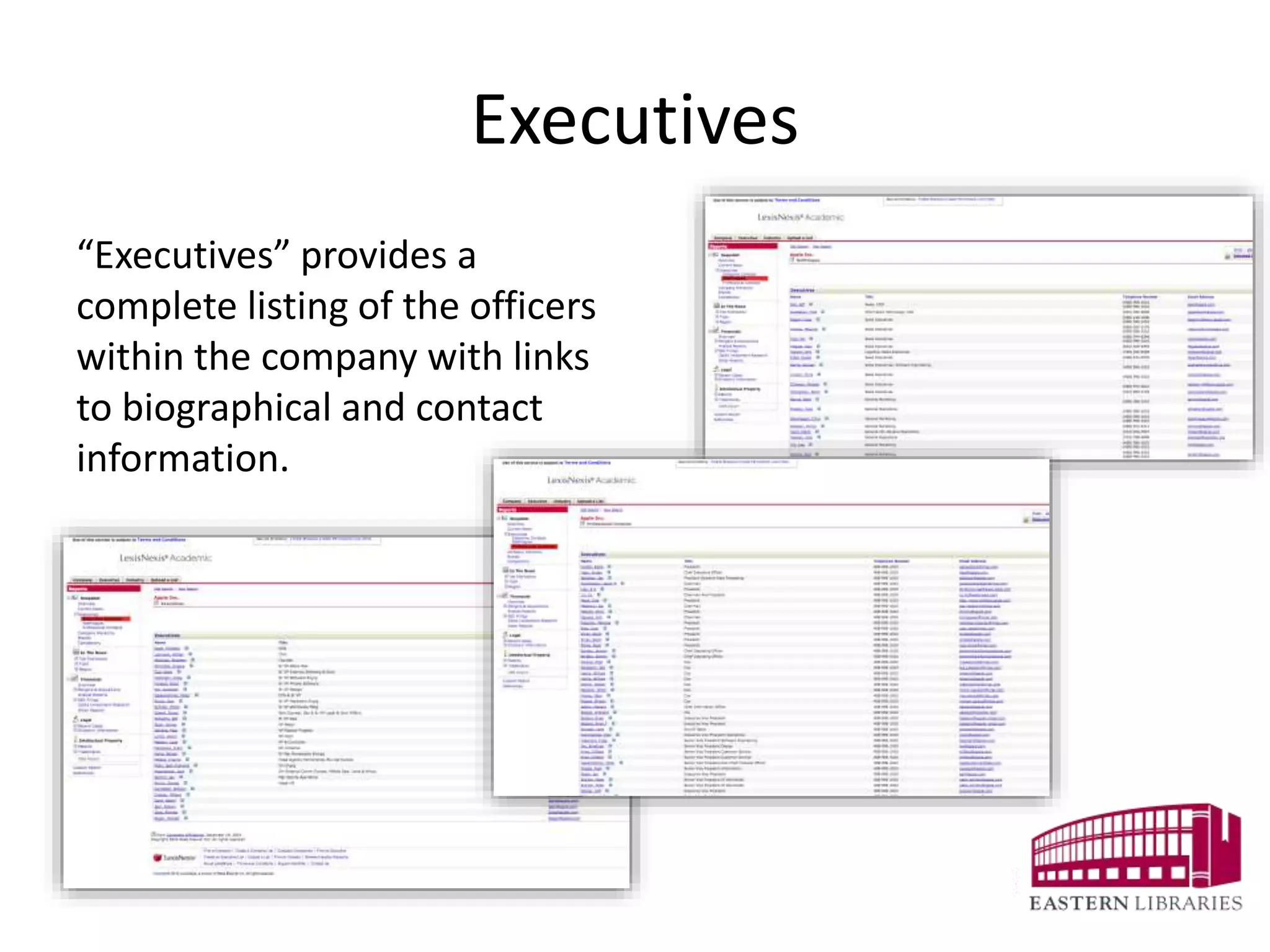
Executives
“Executives” provides a
complete listing of the officers
within the company with links
to biographical and contact
information.
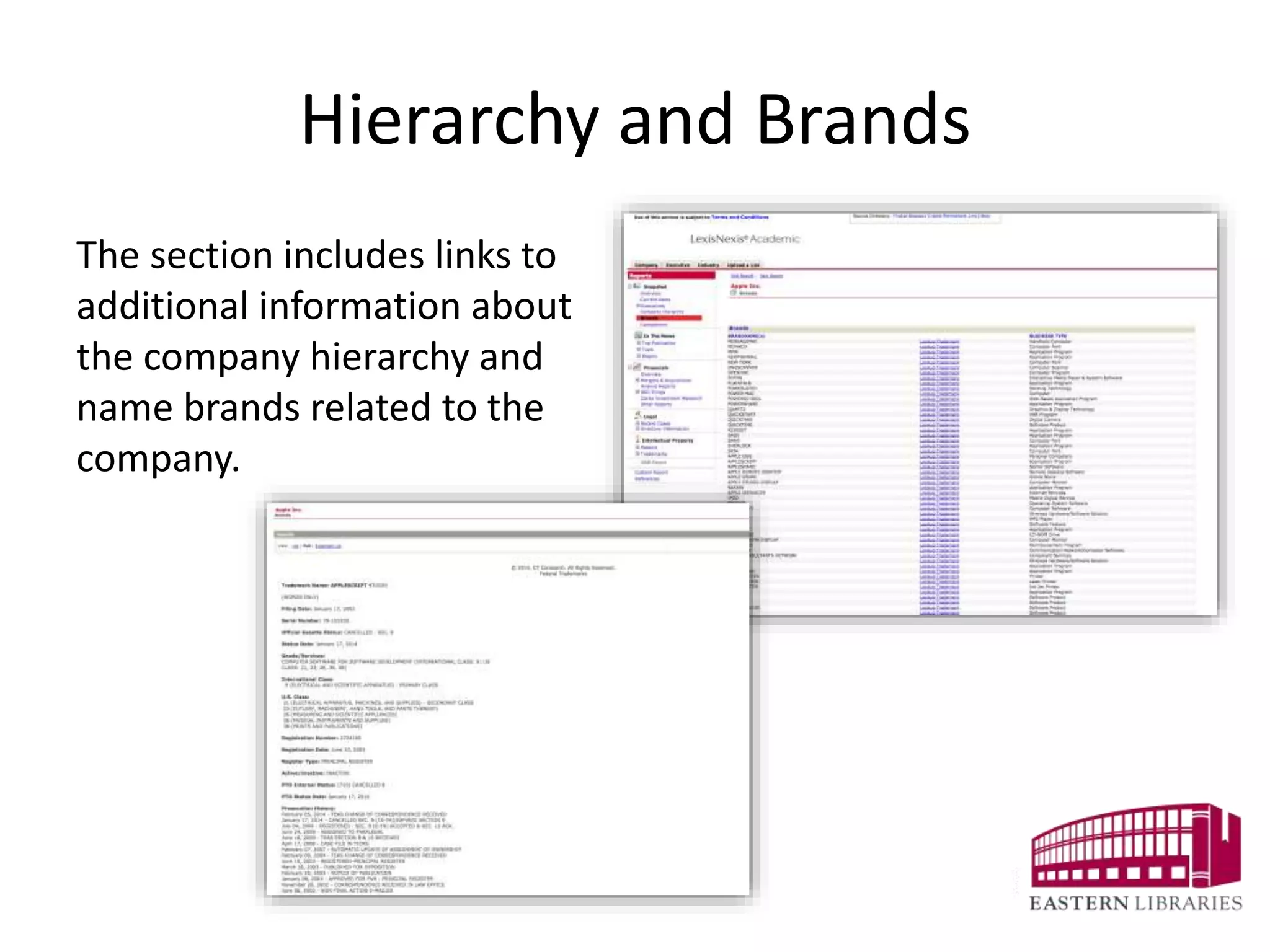
Hierarchy and Brands
The section includes links to
additional information about
the company hierarchy and
name brands related to the
company.
Competitors
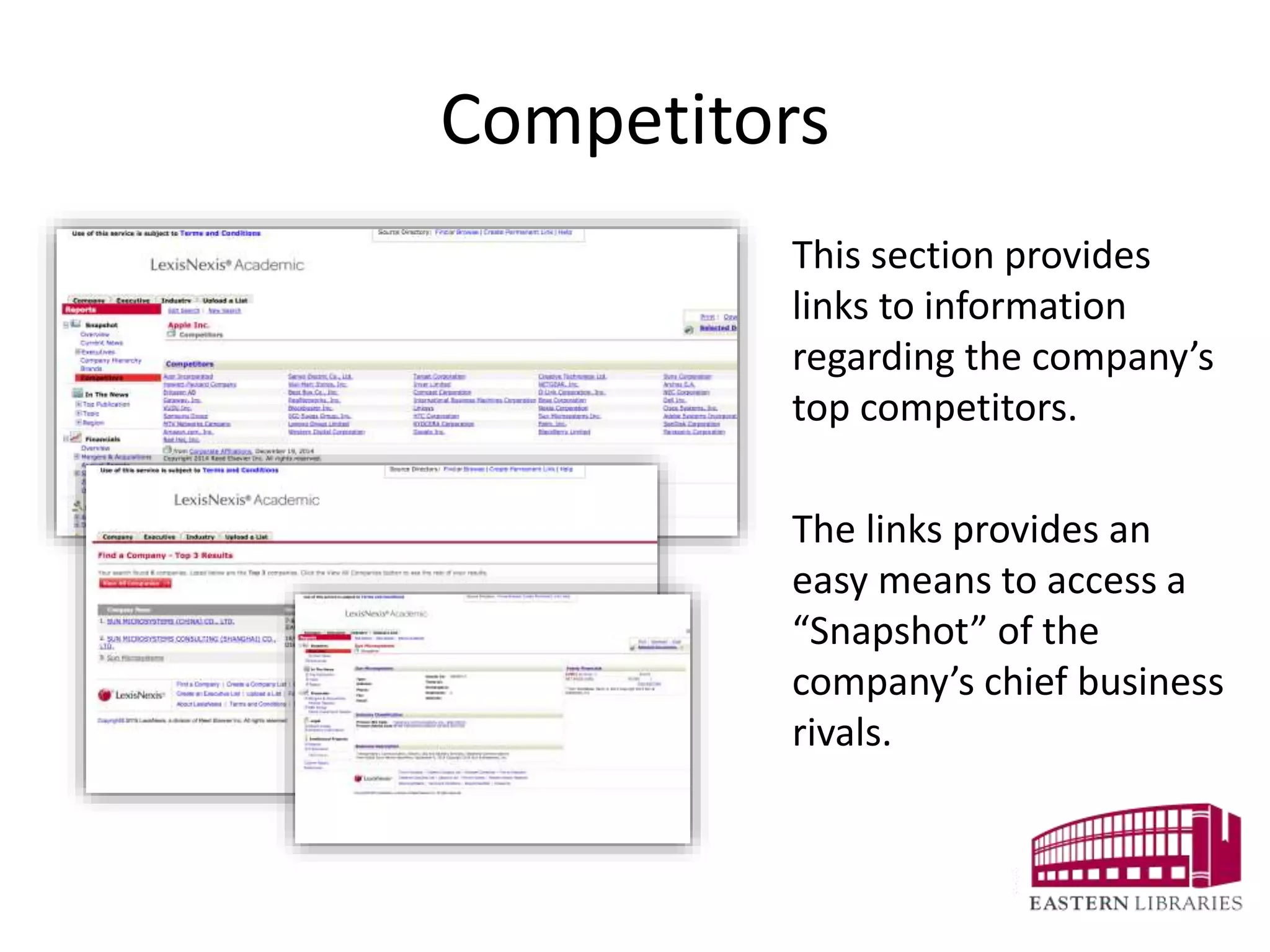
This section provides
links to information
regarding the company’s
top competitors.
The links provides an
easy means to access a
“Snapshot” of the
company’s chief business
rivals.
In The News
“In The News” provides
filters to examine news
stories from major
newspapers, magazines,
media transcripts, legal
publications, topic and
region.
Financials
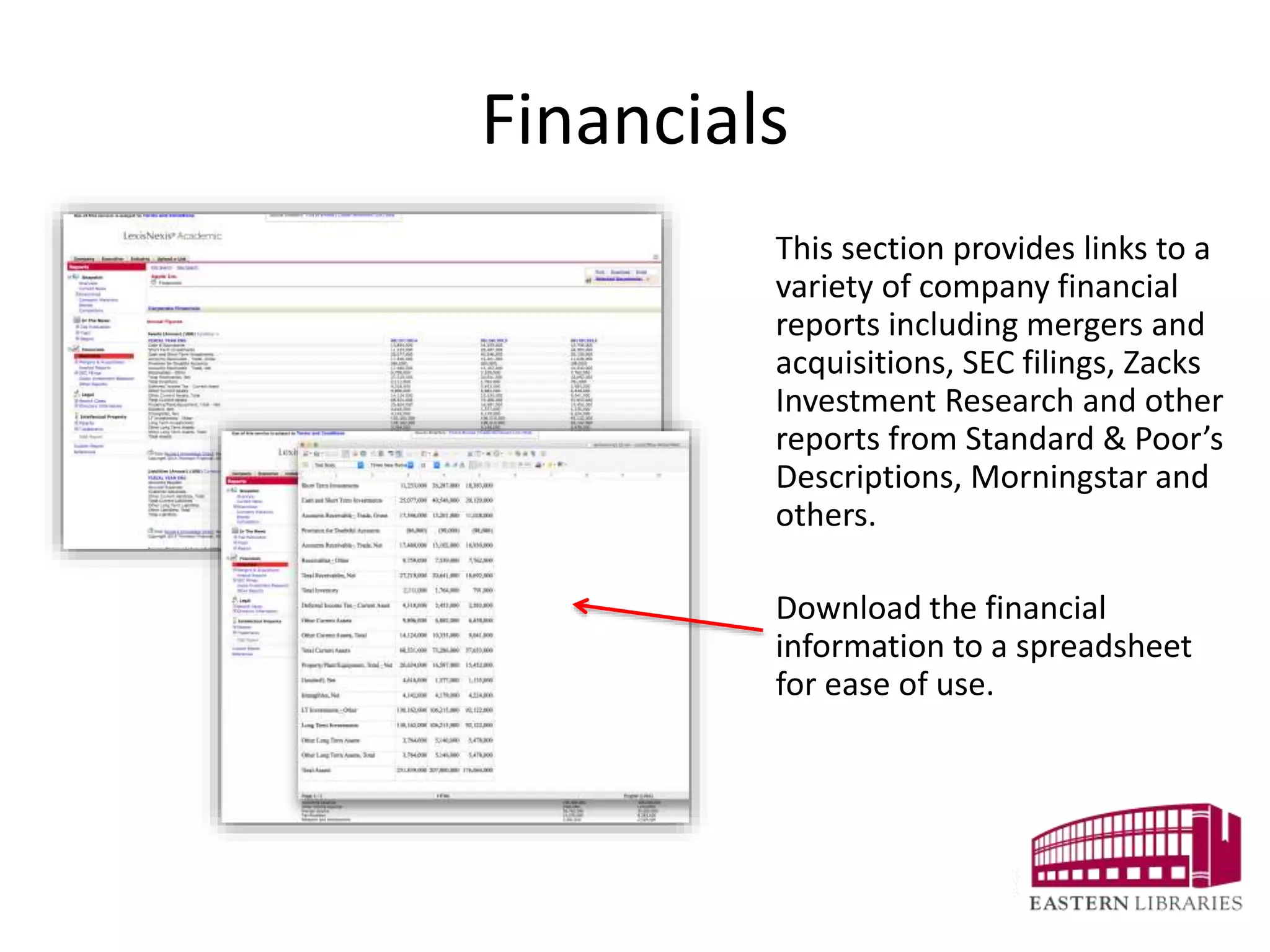
This section provides links to a
variety of company financial
reports including mergers and
acquisitions, SEC filings, Zacks
Investment Research and other
reports from Standard & Poor’s
Descriptions, Morningstar and
others.
Download the financial
information to a spreadsheet
for ease of use.
SEC Filings
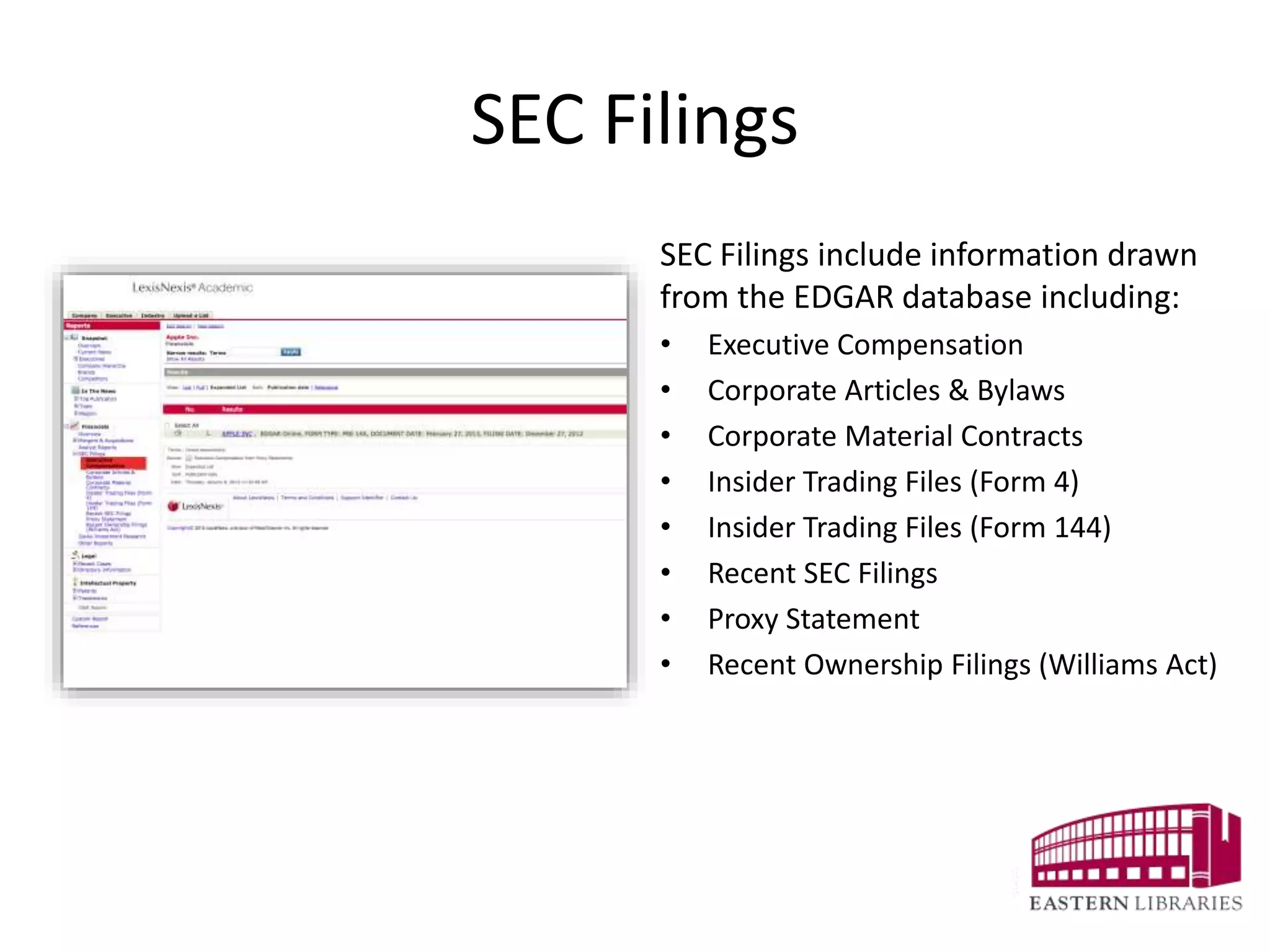
SEC Filings include information drawn
from the EDGAR database including:
• Executive Compensation
• Corporate Articles & Bylaws
• Corporate Material Contracts
• Insider Trading Files (Form 4)
• Insider Trading Files (Form 144)
• Recent SEC Filings
• Proxy Statement
• Recent Ownership Filings (Williams Act)
Zacks Investment Research
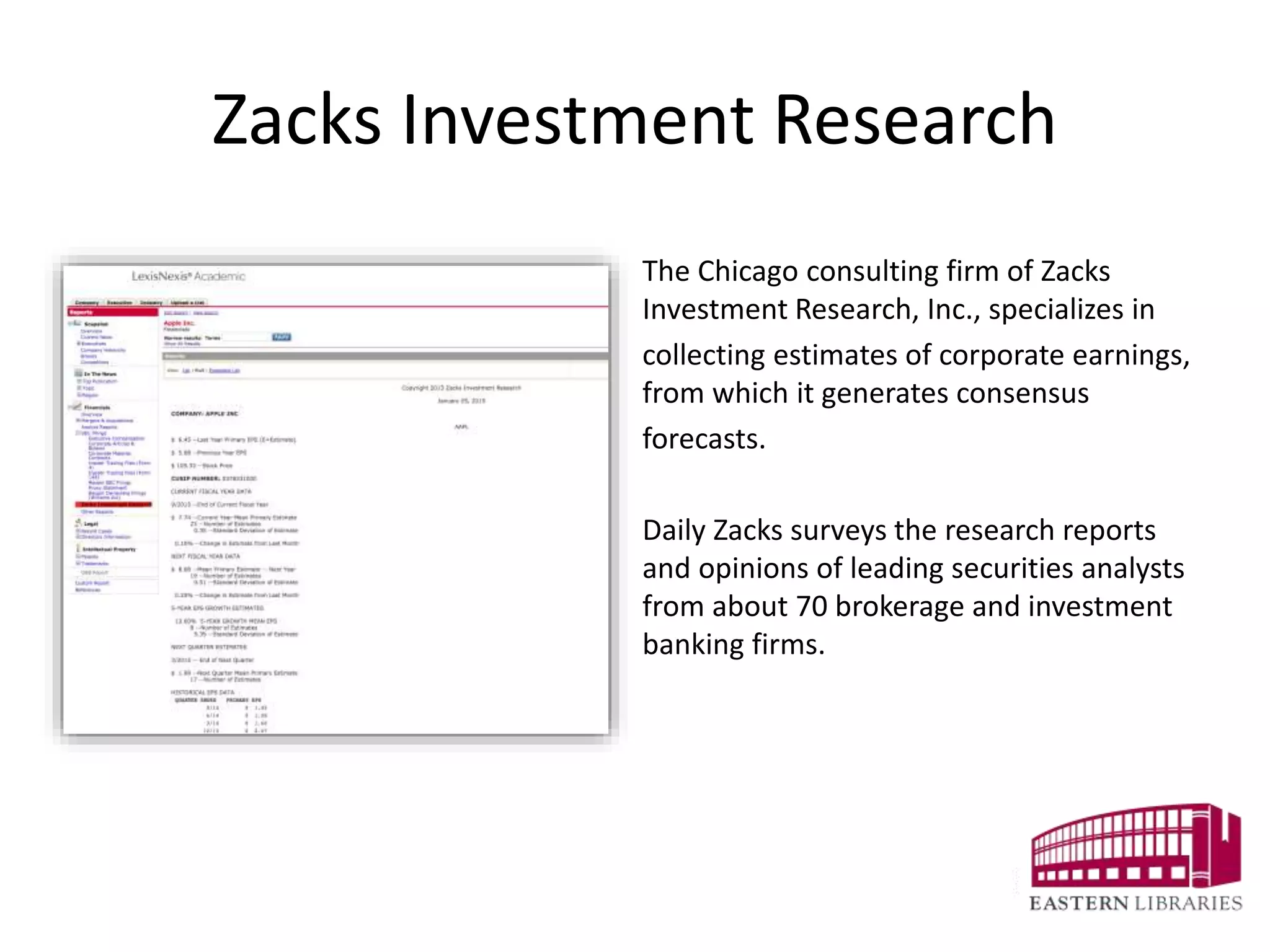
The Chicago consulting firm of Zacks
Investment Research, Inc., specializes in
collecting estimates of corporate earnings,
from which it generates consensus
forecasts.
Daily Zacks surveys the research reports
and opinions of leading securities analysts
from about 70 brokerage and investment
banking firms.
Legal
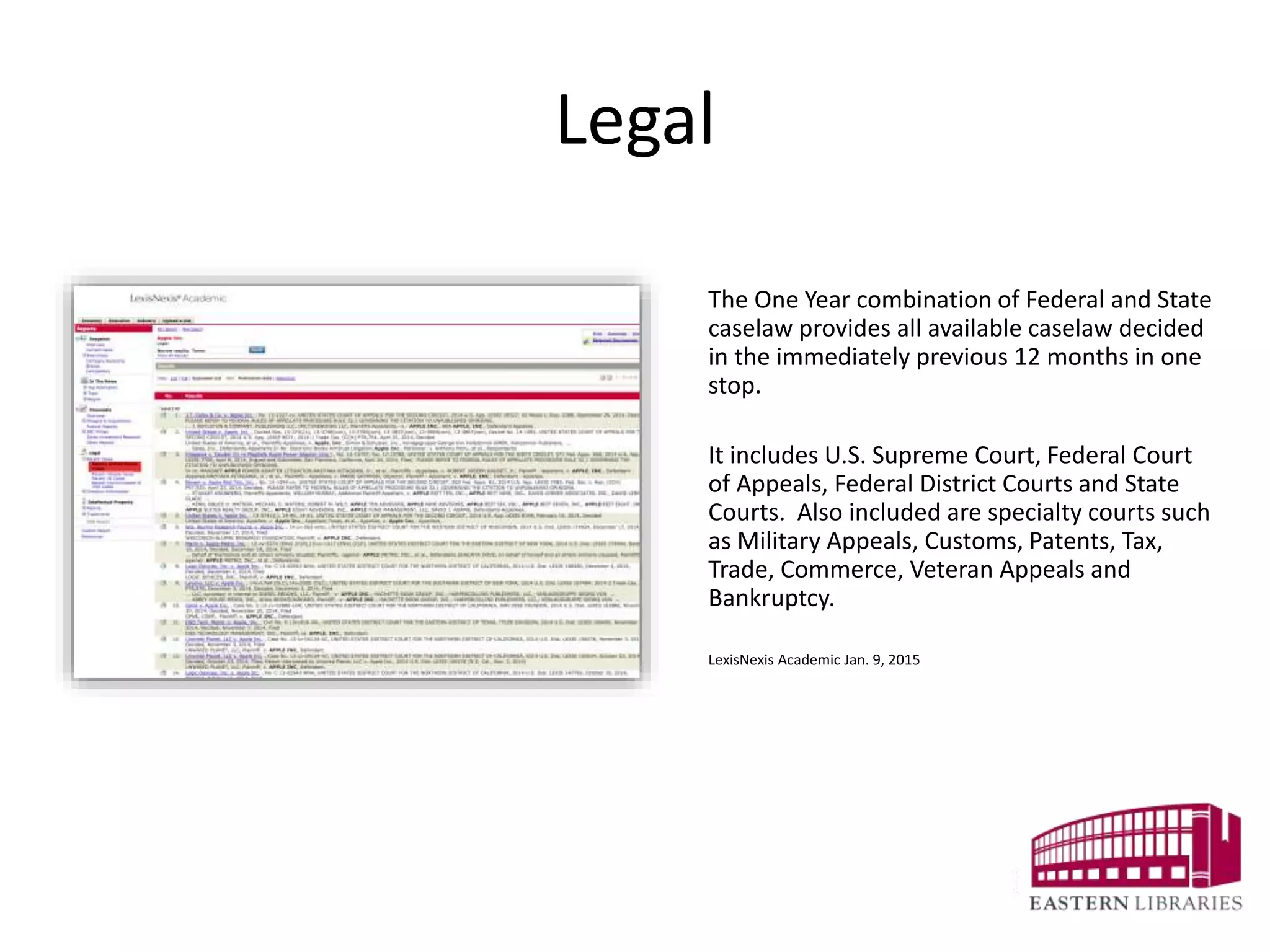
The One Year combination of Federal and State
caselaw provides all available caselaw decided
in the immediately previous 12 months in one
stop.
It includes U.S. Supreme Court, Federal Court
of Appeals, Federal District Courts and State
Courts. Also included are specialty courts such
as Military Appeals, Customs, Patents, Tax,
Trade, Commerce, Veteran Appeals and
Bankruptcy.
LexisNexis Academic Jan. 9, 2015
Directory Information
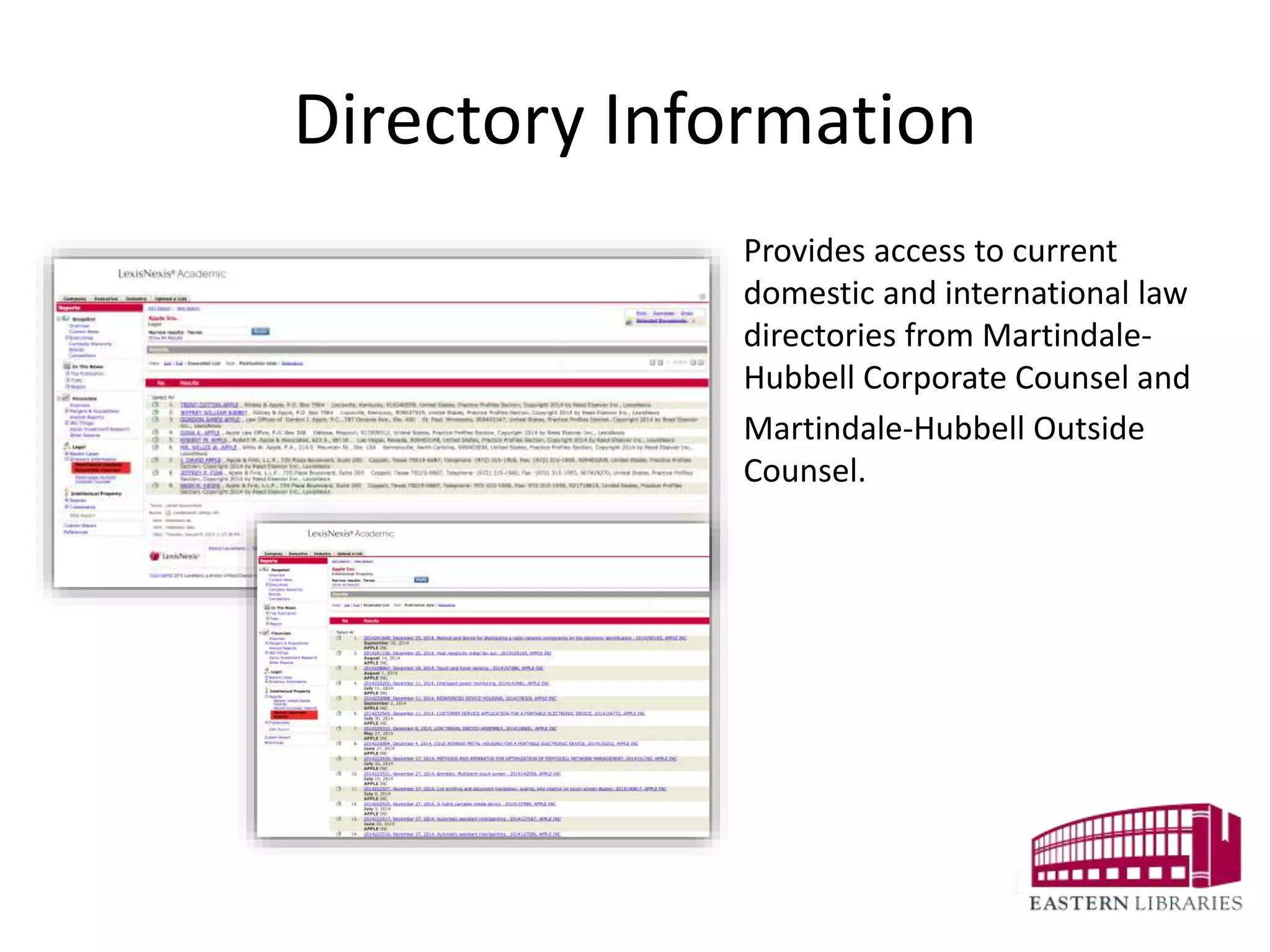
Provides access to current
domestic and international law
directories from Martindale-
Hubbell Corporate Counsel and
Martindale-Hubbell Outside
Counsel.
Intellectual Property
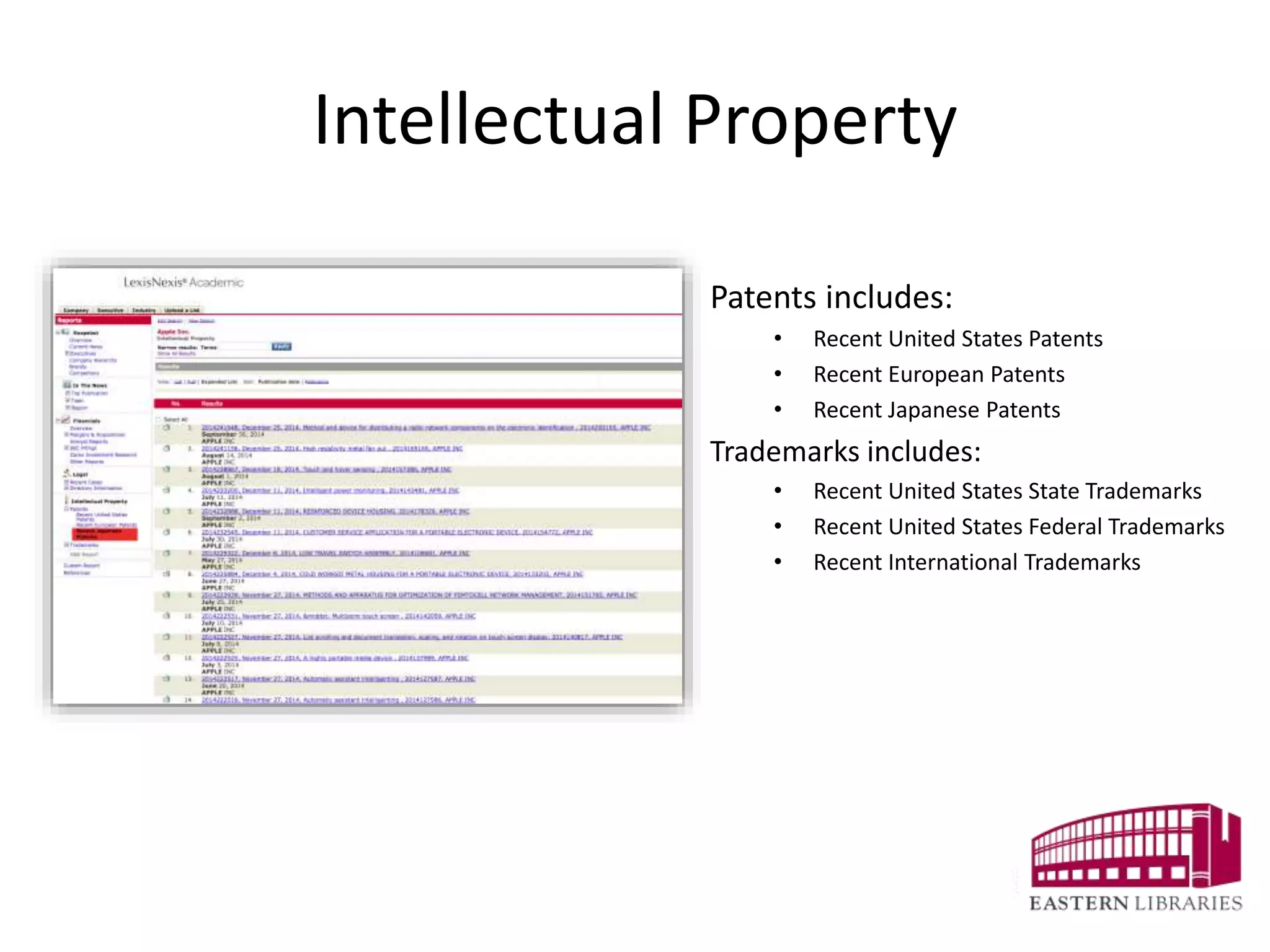
Patents includes:
• Recent United States Patents
• Recent European Patents
• Recent Japanese Patents
Trademarks includes:
• Recent United States State Trademarks
• Recent United States Federal Trademarks
• Recent International Trademarks
Custom Reports
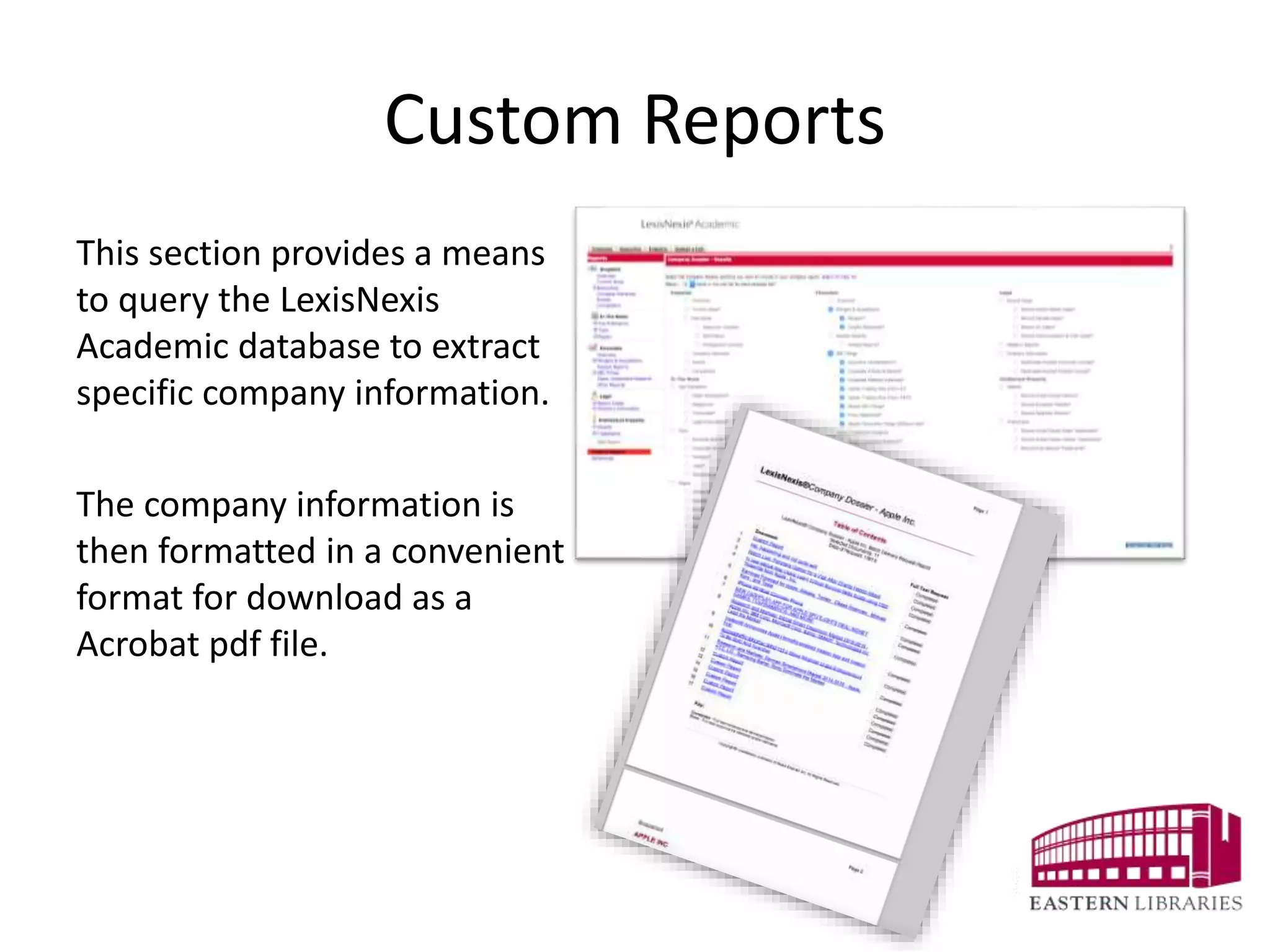
This section provides a means
to query the LexisNexis
Academic database to extract
specific company information.
The company information is
then formatted in a convenient
format for download as a
Acrobat pdf file.
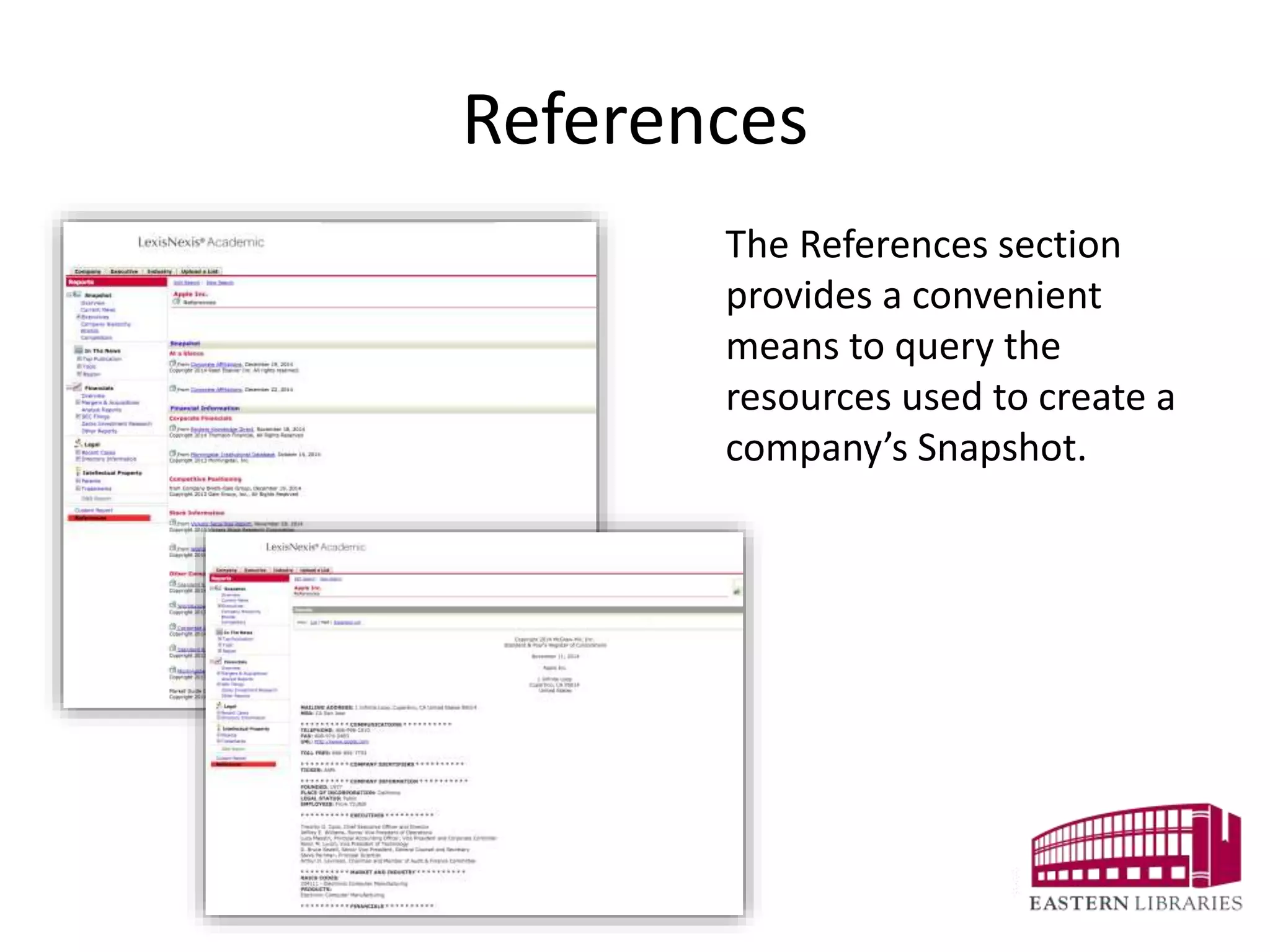
References
The References section
provides a convenient
means to query the
resources used to create a
company’s Snapshot.
The End
Monday, January 12, 15

Using Company Dossier from LexisNexis Academic

  • 1.
    Viewing a CompanySnapshot USING COMPANY DOSSIER from LexisNexis Academic
  • 2.
    Start Company Dossier isaccessed from the main search screen via the drop-down menus under “Search by Content Type” or “Get Company Info.” “Search by Content Type” provides a variety of search choices. Select the Dossier link to begin a search
  • 3.
    Search Form The CompanyDossier search form permits queries by company name, ticker symbol, DUNS number, and Dossier ID. The search is limited by company type, regions and countries, states and provinces and cities.
  • 4.
    Search Results The searchresults display a Snapshot of the company’s information.
  • 5.
    The Snapshot Providesthe Basics The center of the results screen provides basic company information including address, industry classification and business description. Also, this section provides links to additional resources within LexisNexis Academic.
  • 6.
    Additional Basic Information Moreover,the results display the auditor, legal counsel and the board of directors information. This section provides links out to other resources within LexisNexis Academic too.
  • 7.
    Stock Quotes andCharts The right side column provides a financial snapshot. The “Stock Quotes and Charts” displays pricing and trading volume for the company for a year “Custom Charts” can display up to a 10 year view of the company’s pricing and trading information.
  • 8.
    Yearly Financials Moreover, theright side column displays the latest yearly financials. There is a link to download the table for use in a spreadsheet or word processor.
  • 9.
    Top Executives “Top Executives”displays a downloadable table of the company’s top tier officers. This section provides links to biographical information on each listed executive.
  • 10.
    Current News The Reportscolumn on the left side provides a means to look for in- depth company information. “Current News” executes a search for the latest news stories for the company.
  • 11.
    Executives “Executives” provides a completelisting of the officers within the company with links to biographical and contact information.
  • 12.
    Hierarchy and Brands Thesection includes links to additional information about the company hierarchy and name brands related to the company.
  • 13.
    Competitors This section provides linksto information regarding the company’s top competitors. The links provides an easy means to access a “Snapshot” of the company’s chief business rivals.
  • 14.
    In The News “InThe News” provides filters to examine news stories from major newspapers, magazines, media transcripts, legal publications, topic and region.
  • 15.
    Financials This section provideslinks to a variety of company financial reports including mergers and acquisitions, SEC filings, Zacks Investment Research and other reports from Standard & Poor’s Descriptions, Morningstar and others. Download the financial information to a spreadsheet for ease of use.
  • 16.
    SEC Filings SEC Filingsinclude information drawn from the EDGAR database including: • Executive Compensation • Corporate Articles & Bylaws • Corporate Material Contracts • Insider Trading Files (Form 4) • Insider Trading Files (Form 144) • Recent SEC Filings • Proxy Statement • Recent Ownership Filings (Williams Act)
  • 17.
    Zacks Investment Research TheChicago consulting firm of Zacks Investment Research, Inc., specializes in collecting estimates of corporate earnings, from which it generates consensus forecasts. Daily Zacks surveys the research reports and opinions of leading securities analysts from about 70 brokerage and investment banking firms.
  • 18.
    Legal The One Yearcombination of Federal and State caselaw provides all available caselaw decided in the immediately previous 12 months in one stop. It includes U.S. Supreme Court, Federal Court of Appeals, Federal District Courts and State Courts. Also included are specialty courts such as Military Appeals, Customs, Patents, Tax, Trade, Commerce, Veteran Appeals and Bankruptcy. LexisNexis Academic Jan. 9, 2015
  • 19.
    Directory Information Provides accessto current domestic and international law directories from Martindale- Hubbell Corporate Counsel and Martindale-Hubbell Outside Counsel.
  • 20.
    Intellectual Property Patents includes: •Recent United States Patents • Recent European Patents • Recent Japanese Patents Trademarks includes: • Recent United States State Trademarks • Recent United States Federal Trademarks • Recent International Trademarks
  • 21.
    Custom Reports This sectionprovides a means to query the LexisNexis Academic database to extract specific company information. The company information is then formatted in a convenient format for download as a Acrobat pdf file.
  • 22.
    References The References section providesa convenient means to query the resources used to create a company’s Snapshot.
  • 23.