Combining Technology with the 6 “C’s” of Motivation ED 480 Myosook, Kim
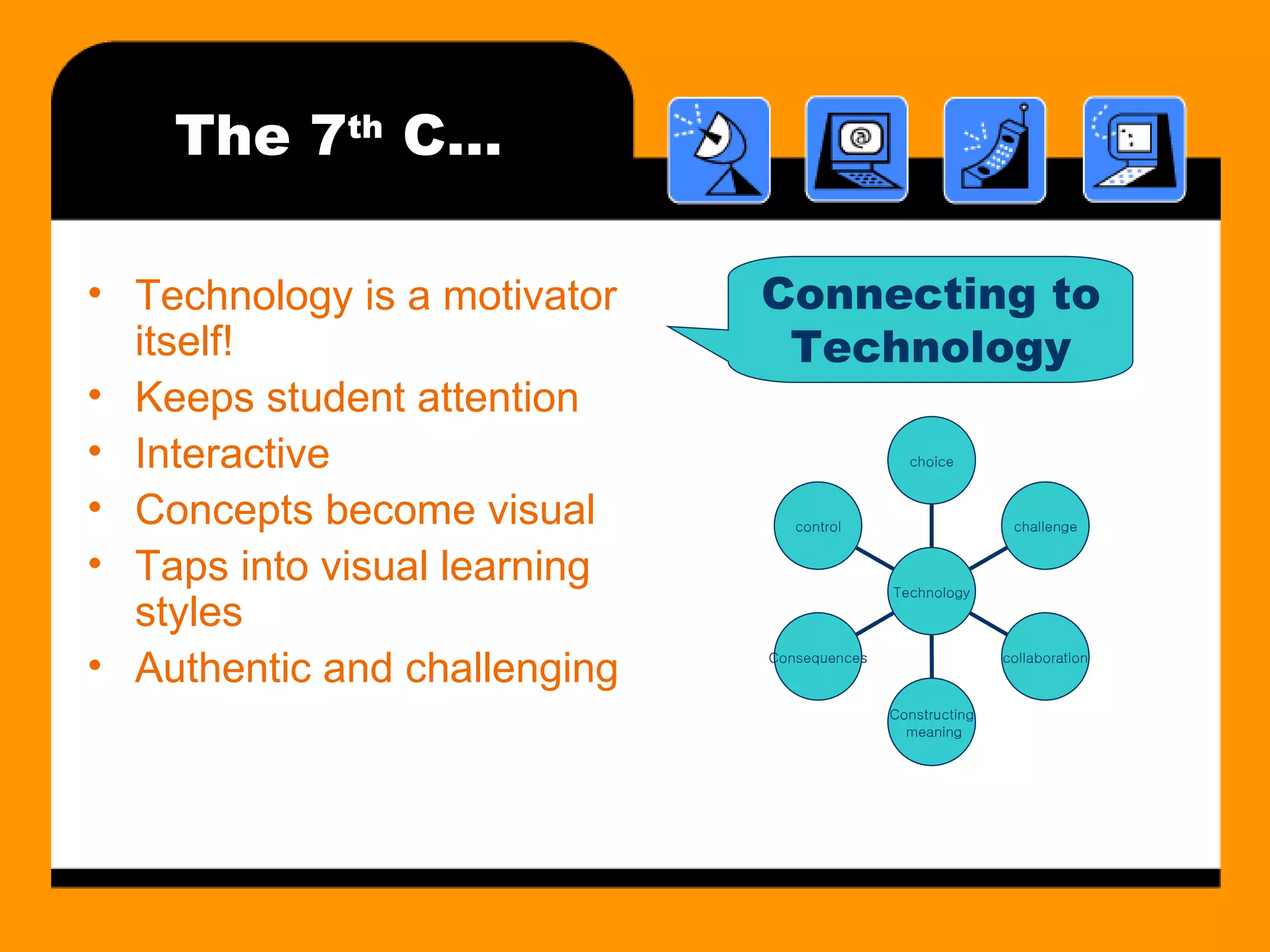
The Six Cs of Motivation Choice Challenge Control Collaboration Constructing Meaning Consequence What are they and how do you use with in the classroom?
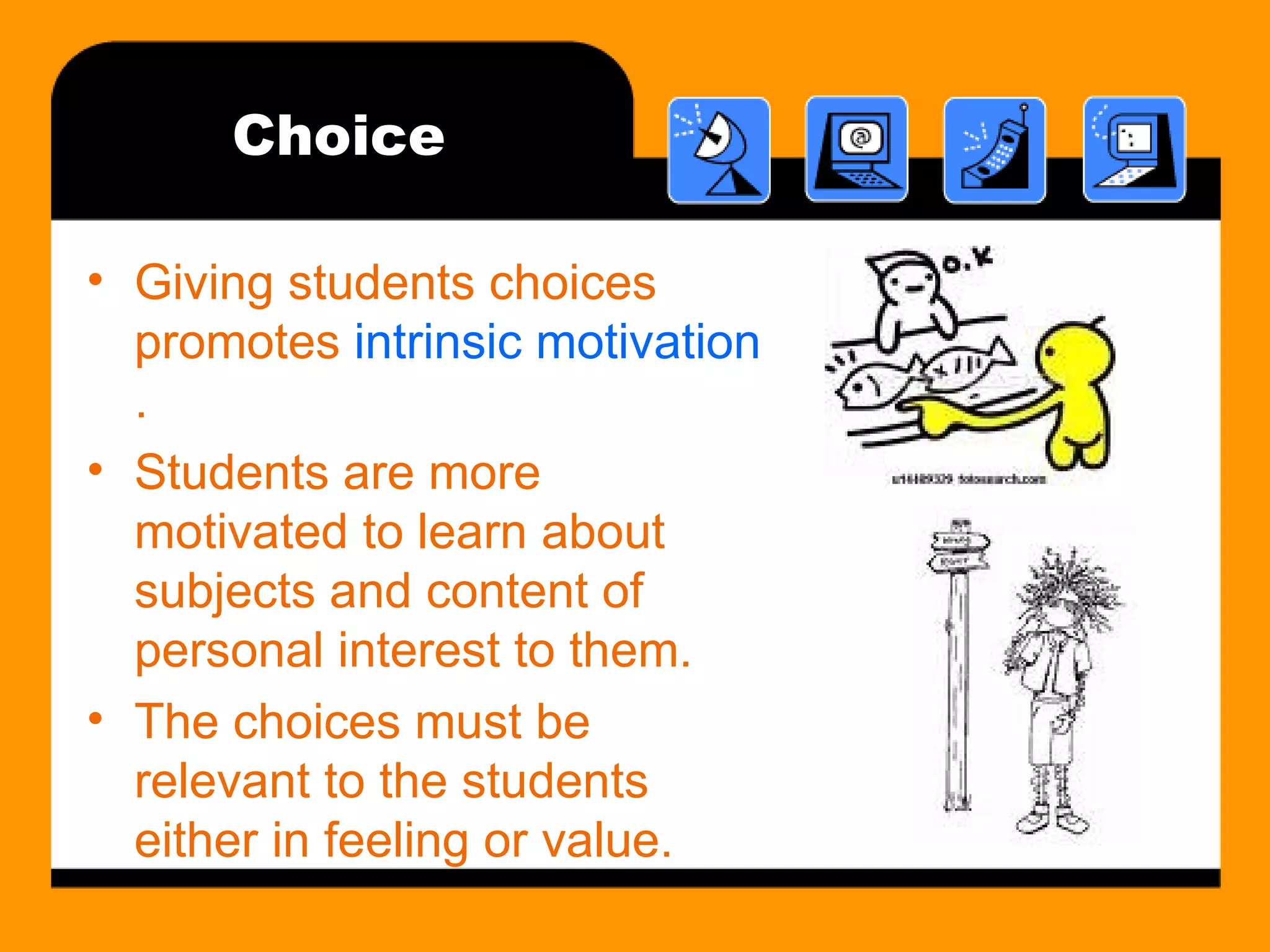
Choice Giving students choices promotes  intrinsic motivation . Students are more motivated to learn about subjects and content of personal interest to them. The choices must be relevant to the students either in feeling or value.
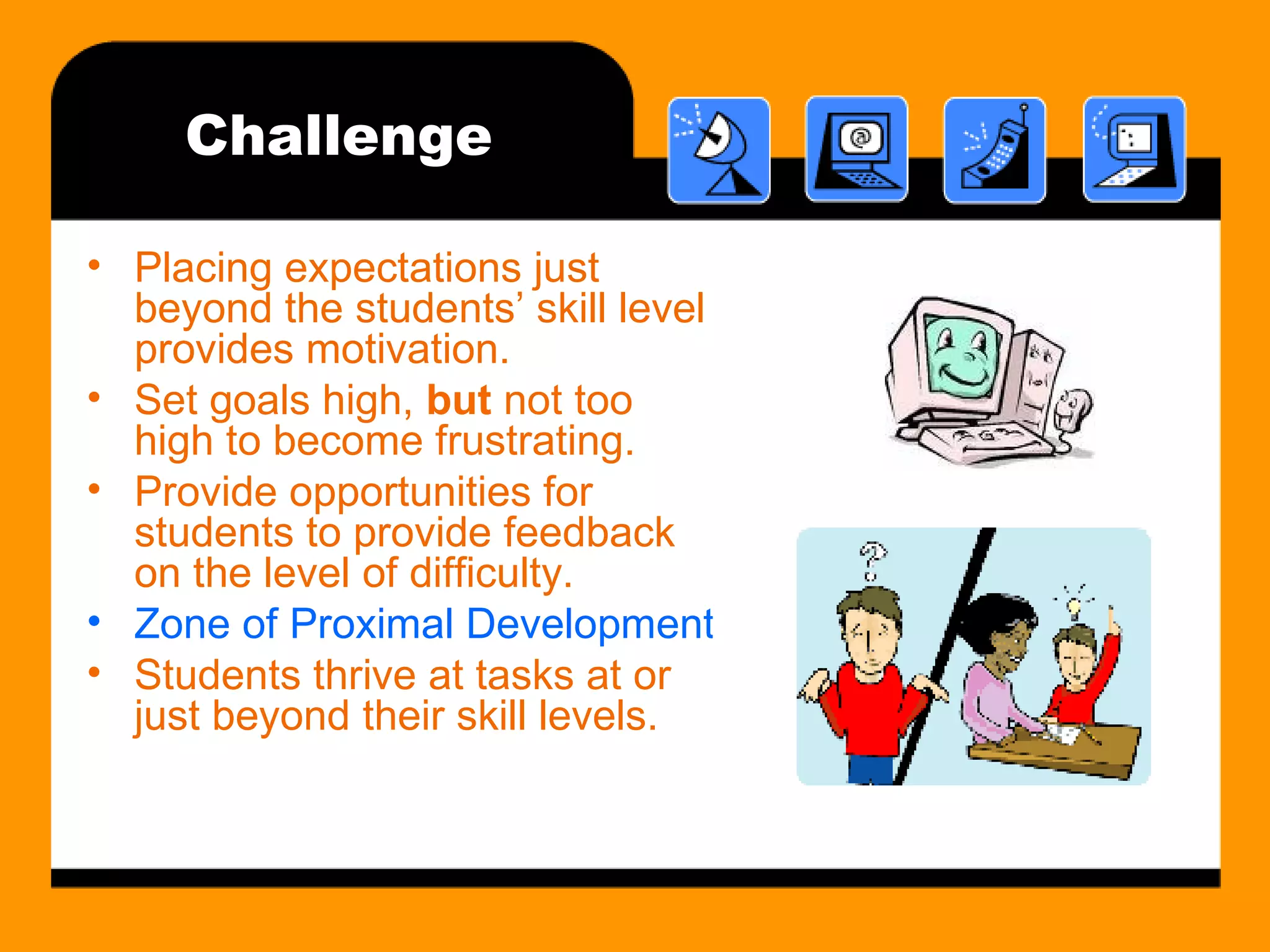
Challenge Placing expectations just beyond the students’ skill level provides motivation.  Set goals high,  but  not too high to become frustrating. Provide opportunities for students to provide feedback on the level of difficulty. Zone of Proximal Development (ZPD) Students thrive at tasks at or just beyond their skill levels.
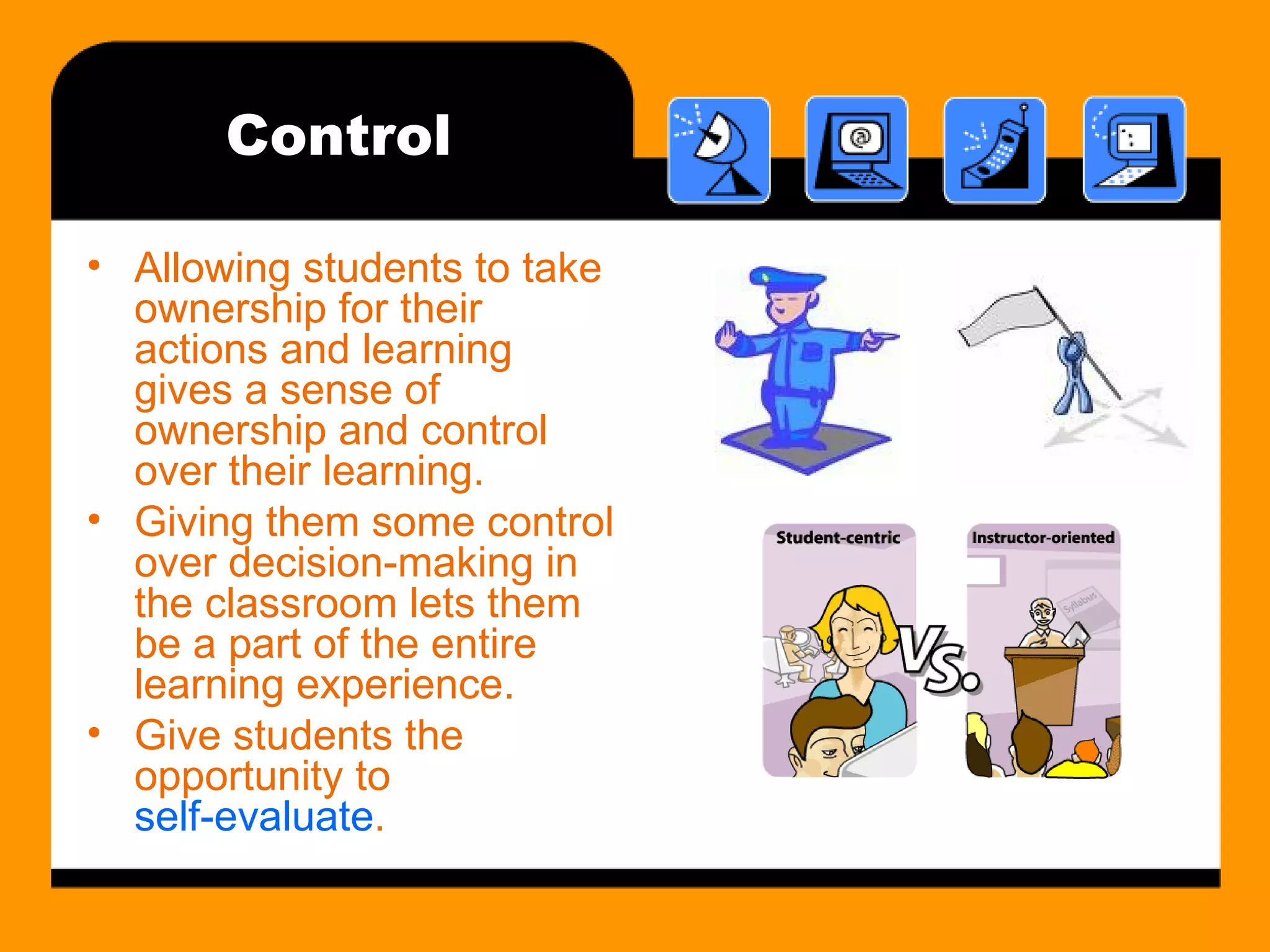
Control Allowing students to take ownership for their actions and learning gives a sense of ownership and control over their learning. Giving them some control over decision-making in the classroom lets them be a part of the entire learning experience. Give students the opportunity to  self-evaluate .
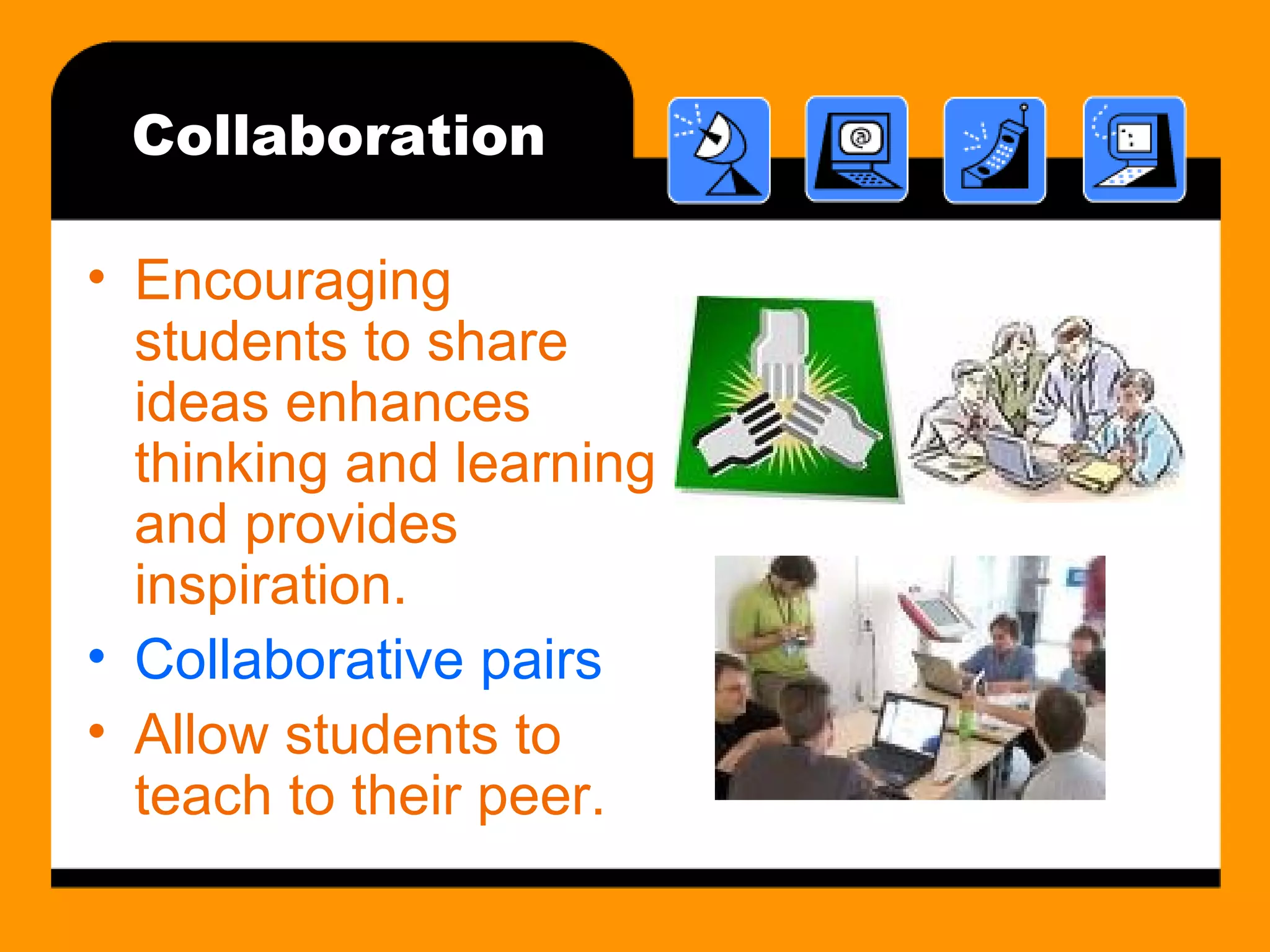
Collaboration Encouraging students to share ideas enhances thinking and learning and provides inspiration. Collaborative pairs Allow students to teach to their peer.
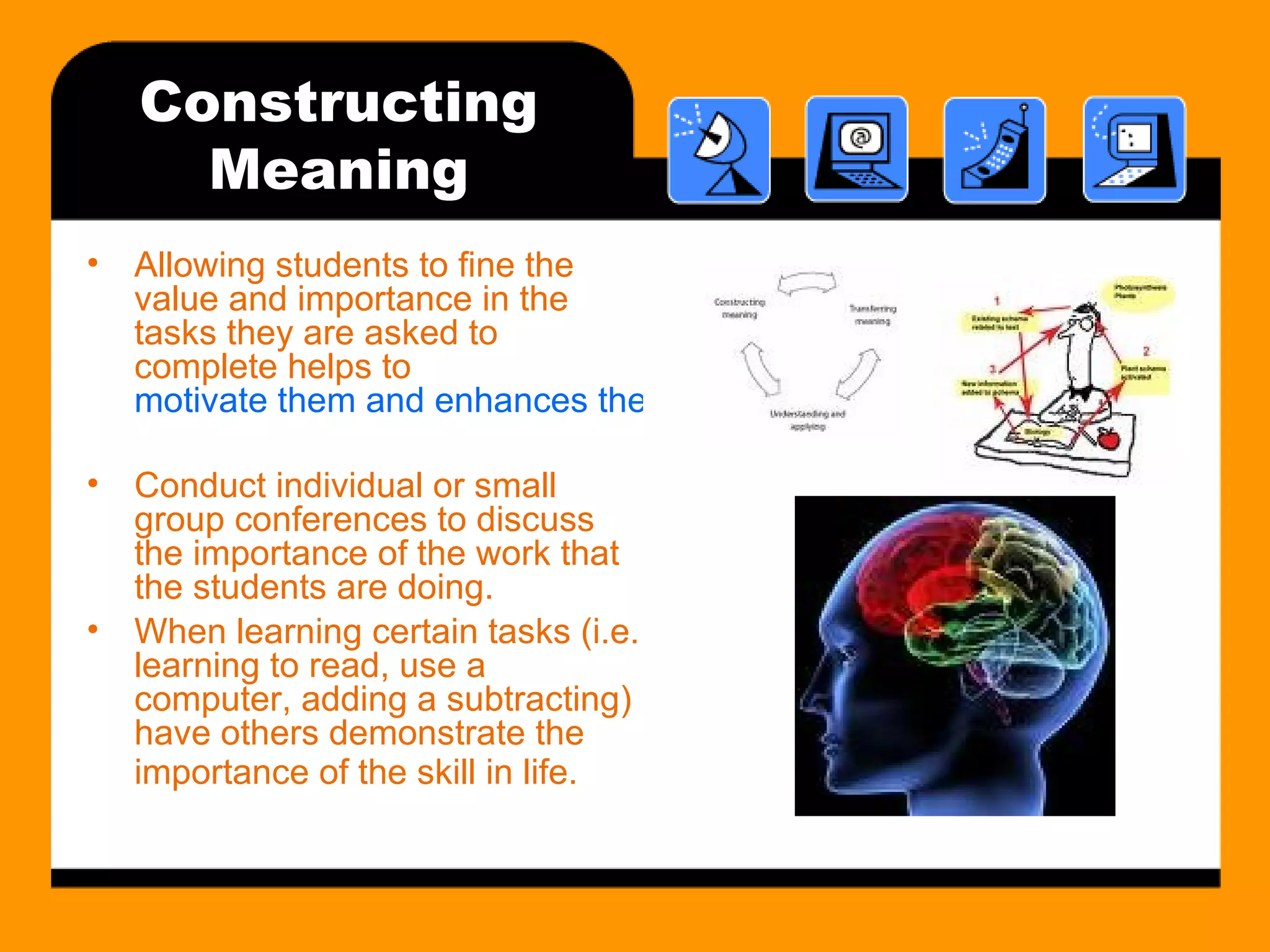
Constructing Meaning Allowing students to fine the value and importance in the tasks they are asked to complete helps to  motivate them and enhances their ability to construct meaning. Conduct individual or small group conferences to discuss the importance of the work that the students are doing. When learning certain tasks (i.e. learning to read, use a computer, adding a subtracting) have others demonstrate the importance of the skill in life.
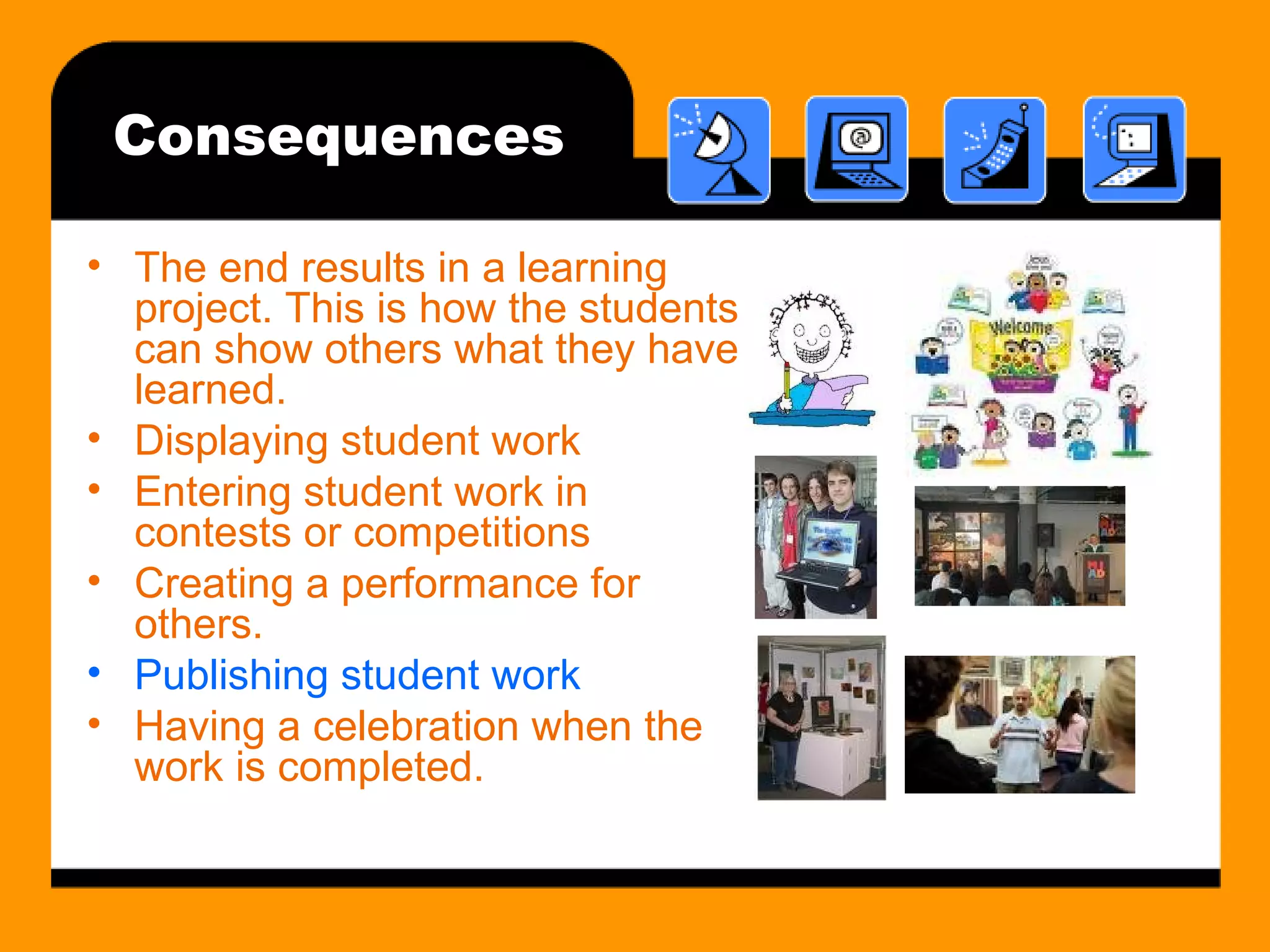
Consequences The end results in a learning project. This is how the students can show others what they have learned. Displaying student work Entering student work in contests or competitions Creating a performance for others. Publishing student work Having a celebration when the work is completed.
The 7 th  C… Technology is a motivator itself! Keeps student attention Interactive Concepts become visual Taps into visual learning styles Authentic and challenging
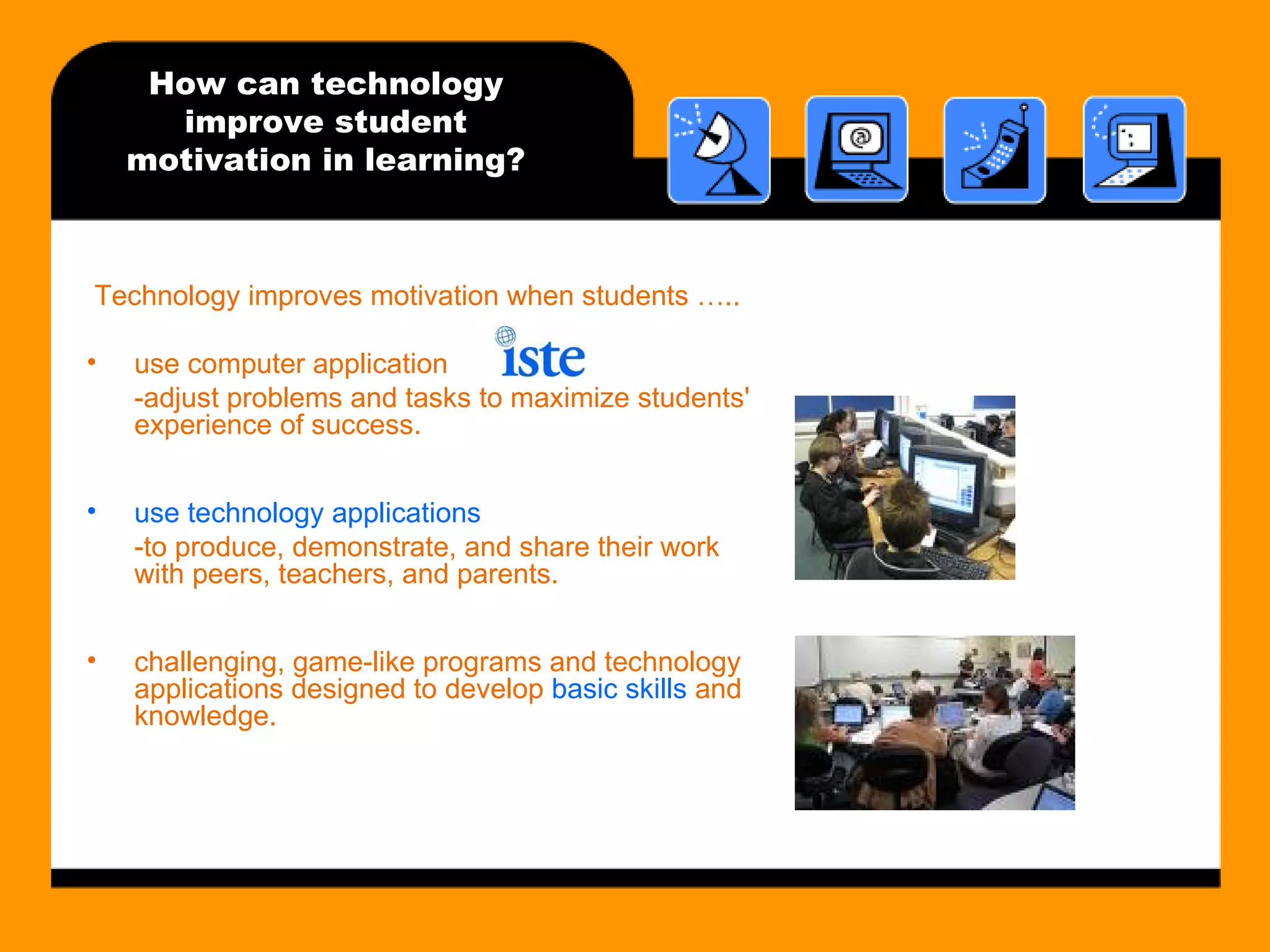
How can technology improve student motivation in learning? Technology improves motivation when students ….. use computer application -adjust problems and tasks to maximize students' experience of success. use technology applications  -to produce, demonstrate, and share their work with peers, teachers, and parents. challenging, game-like programs and technology applications designed to develop  basic skills  and knowledge.
References http://gclinton.myweb.uga.edu/edit6400/motivation/6cs/Unidentified-6Cs ebook3_files/frame.htm http://www.comnet.ca/~pballan/Vygotsky(1978).htm http://www.ferris.edu/fctl/Teaching_and_Learning_Tips/Motivation/IntrinsicvsExtrinsic.htm http://learngen.org/resources/module/lgend101_norm1 http://www.cat.ilstu.edu/additional/tips/intMotiv.php http:// caret.iste.org/index.cfm?fuseaction = answers&QuestionID =3 Goggle Images
ED 480, Spring 09 Thank you  &  Have a great spring break!!!!!

Combining Technology with the 6 "C's" of Motivation

  • 1.
    Combining Technology withthe 6 “C’s” of Motivation ED 480 Myosook, Kim
  • 2.
    The Six Csof Motivation Choice Challenge Control Collaboration Constructing Meaning Consequence What are they and how do you use with in the classroom?
  • 3.
    Choice Giving studentschoices promotes intrinsic motivation . Students are more motivated to learn about subjects and content of personal interest to them. The choices must be relevant to the students either in feeling or value.
  • 4.
    Challenge Placing expectationsjust beyond the students’ skill level provides motivation. Set goals high, but not too high to become frustrating. Provide opportunities for students to provide feedback on the level of difficulty. Zone of Proximal Development (ZPD) Students thrive at tasks at or just beyond their skill levels.
  • 5.
    Control Allowing studentsto take ownership for their actions and learning gives a sense of ownership and control over their learning. Giving them some control over decision-making in the classroom lets them be a part of the entire learning experience. Give students the opportunity to self-evaluate .
  • 6.
    Collaboration Encouraging studentsto share ideas enhances thinking and learning and provides inspiration. Collaborative pairs Allow students to teach to their peer.
  • 7.
    Constructing Meaning Allowingstudents to fine the value and importance in the tasks they are asked to complete helps to motivate them and enhances their ability to construct meaning. Conduct individual or small group conferences to discuss the importance of the work that the students are doing. When learning certain tasks (i.e. learning to read, use a computer, adding a subtracting) have others demonstrate the importance of the skill in life.
  • 8.
    Consequences The endresults in a learning project. This is how the students can show others what they have learned. Displaying student work Entering student work in contests or competitions Creating a performance for others. Publishing student work Having a celebration when the work is completed.
  • 9.
    The 7 th C… Technology is a motivator itself! Keeps student attention Interactive Concepts become visual Taps into visual learning styles Authentic and challenging
  • 10.
    How can technologyimprove student motivation in learning? Technology improves motivation when students ….. use computer application -adjust problems and tasks to maximize students' experience of success. use technology applications -to produce, demonstrate, and share their work with peers, teachers, and parents. challenging, game-like programs and technology applications designed to develop basic skills and knowledge.
  • 11.
    References http://gclinton.myweb.uga.edu/edit6400/motivation/6cs/Unidentified-6Cs ebook3_files/frame.htmhttp://www.comnet.ca/~pballan/Vygotsky(1978).htm http://www.ferris.edu/fctl/Teaching_and_Learning_Tips/Motivation/IntrinsicvsExtrinsic.htm http://learngen.org/resources/module/lgend101_norm1 http://www.cat.ilstu.edu/additional/tips/intMotiv.php http:// caret.iste.org/index.cfm?fuseaction = answers&QuestionID =3 Goggle Images
  • 12.
    ED 480, Spring09 Thank you & Have a great spring break!!!!!