Download as PDF, PPTX
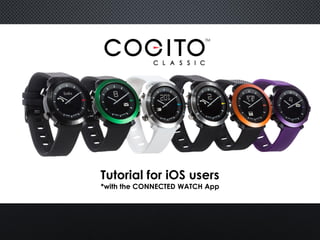
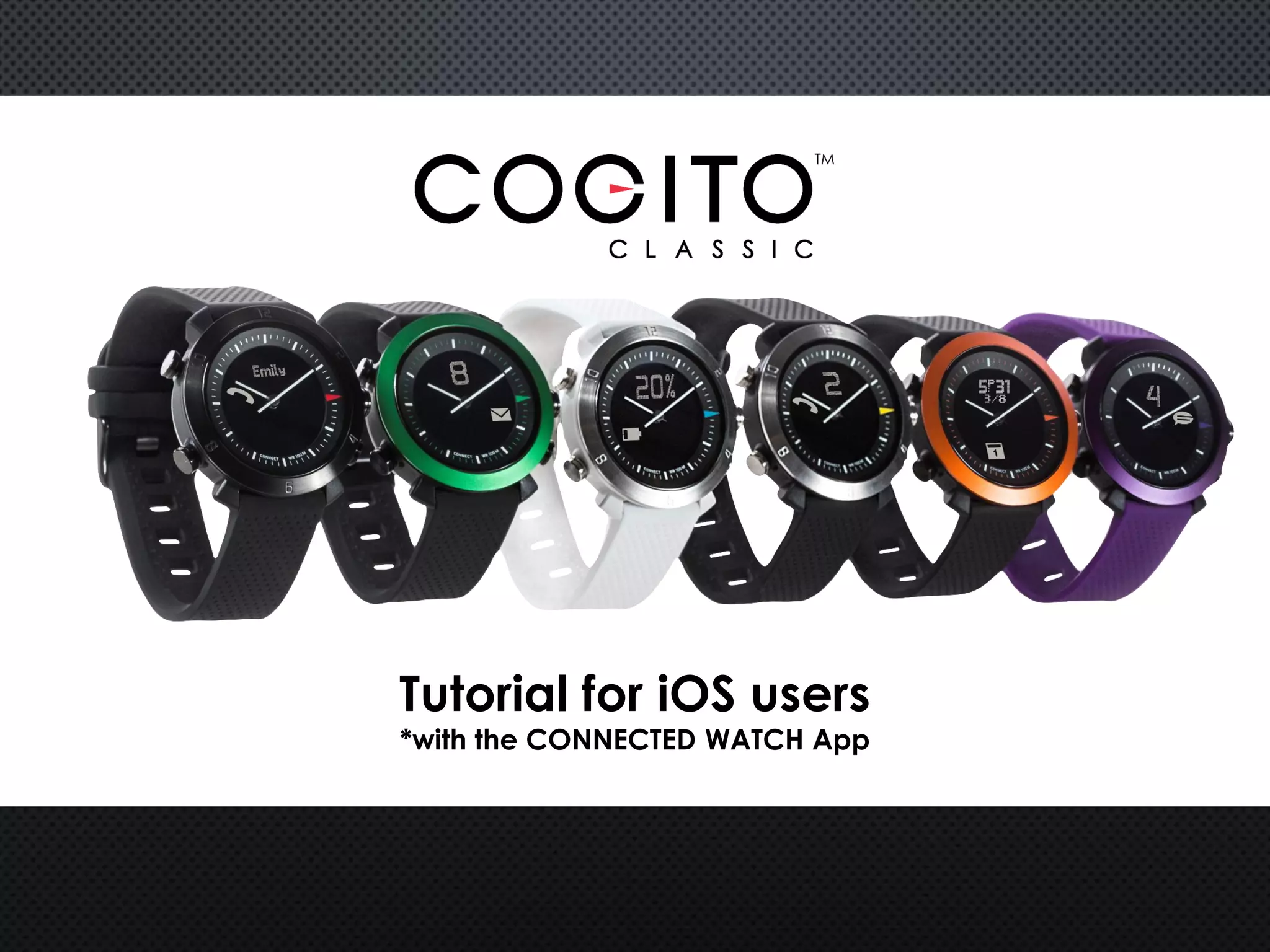
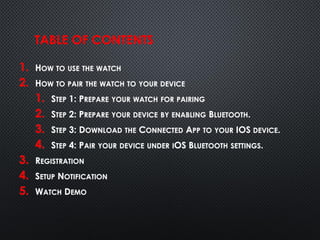
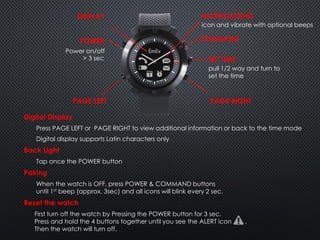
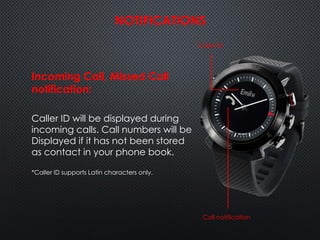
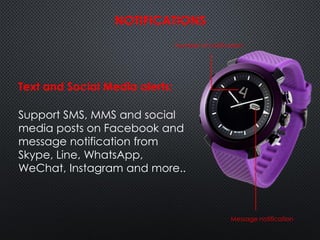
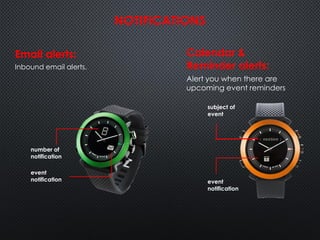
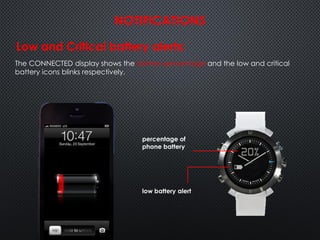
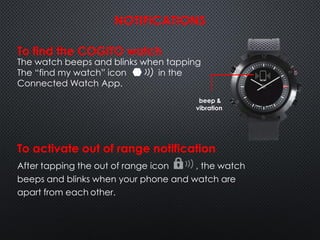
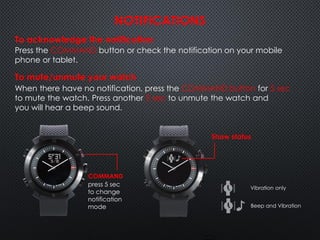
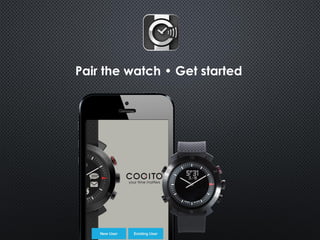
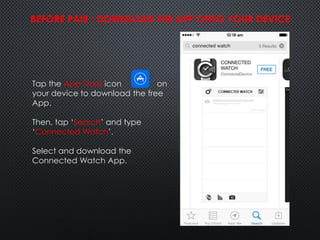
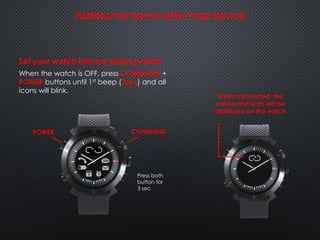
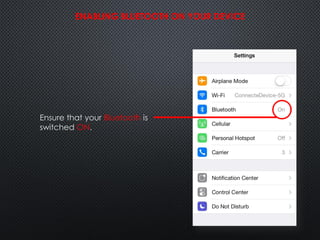
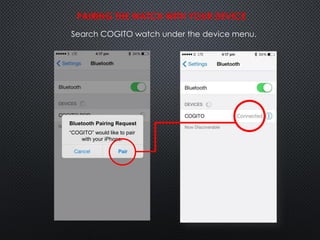
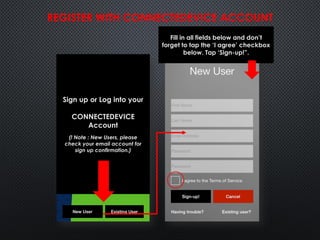
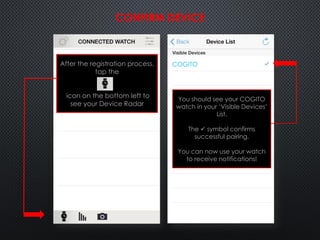
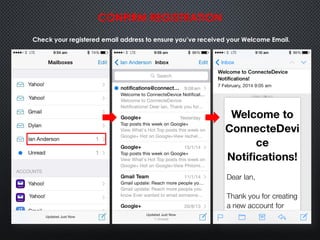
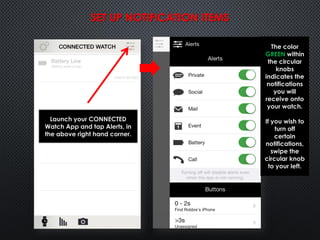

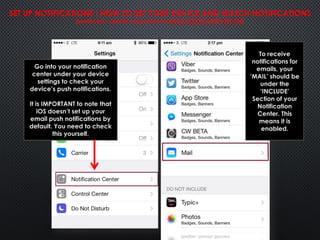
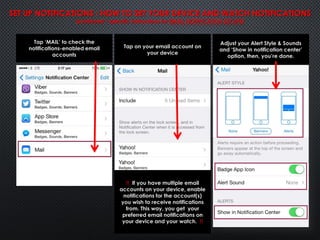
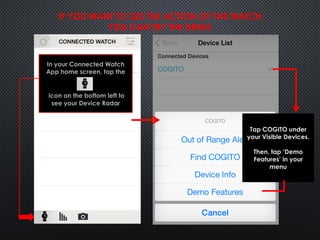
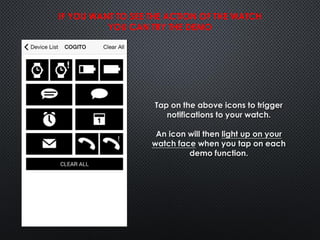

This document provides instructions for pairing an iOS device with a COGITO smartwatch using the CONNECTED WATCH app. It outlines downloading the app, enabling Bluetooth, searching for the watch, registering an account, setting up notifications, and using demo features to test notifications. The pairing process involves preparing the watch and device, downloading the app, connecting via Bluetooth settings, registering an account, and configuring notifications for calls, messages, emails and other items.


![Ipad user guide[1]](https://cdn.slidesharecdn.com/ss_thumbnails/ipaduserguide1-121106065649-phpapp02-thumbnail.jpg?width=640&height=640&fit=bounds)


