




An OpenShift Primer
     Get your code into the Cloud!


              Eric D. Schabell                   Codemotion – Rome, Italy
              JBoss Senior Solution Architect    23-24 March 2012
              erics@redhat.com / @ericschabell   www.codemotion.it
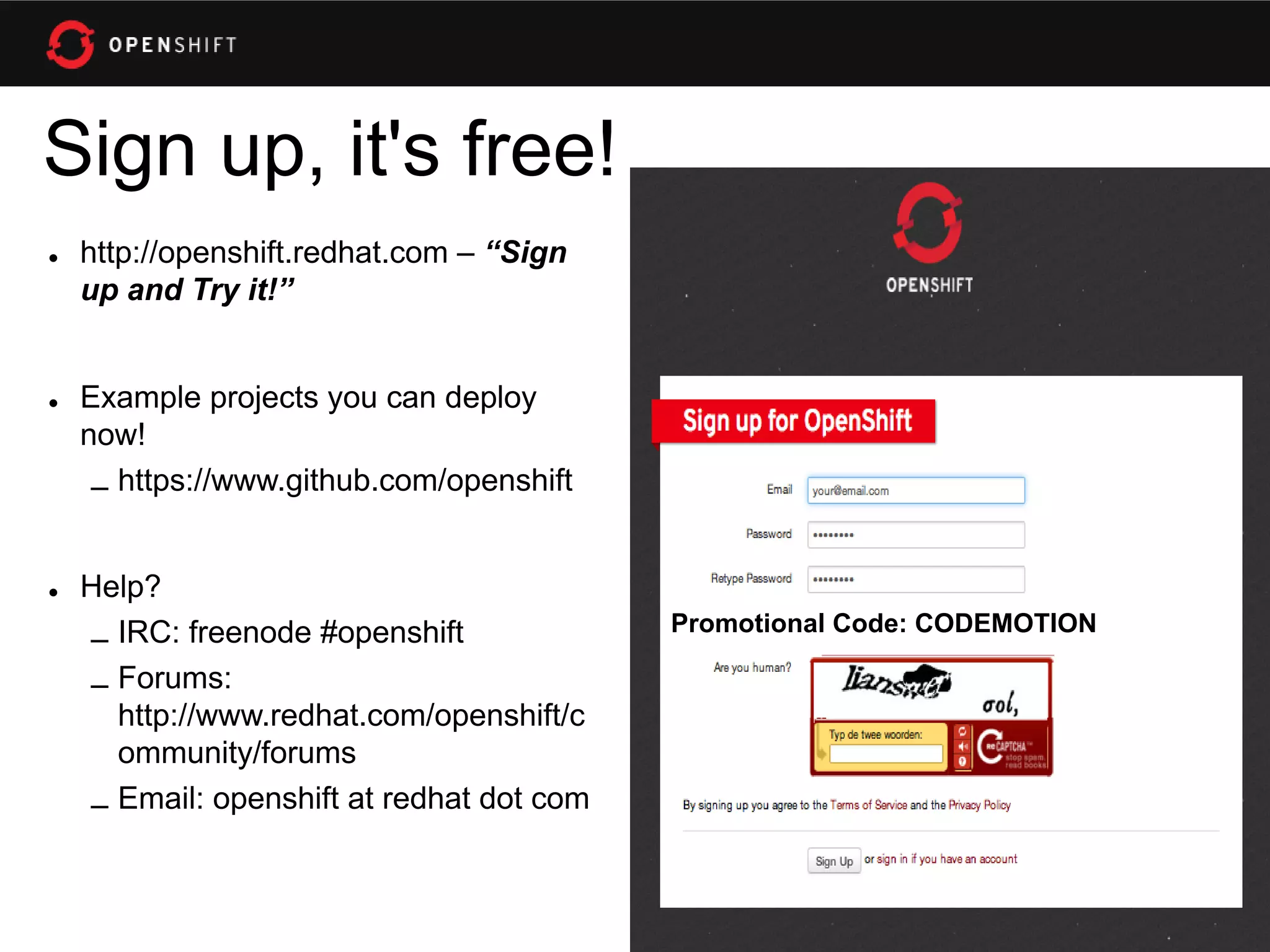
Sign up, it's free!
• http://openshift.redhat.com – “Sign
  up and Try it!”


• Example projects you can deploy
  now!
   – https://www.github.com/openshift


• Help?
                                         Promotional Code: CODEMOTION
  – IRC: freenode #openshift
  – Forums:
    http://www.redhat.com/openshift/c
    ommunity/forums
  – Email: openshift at redhat dot com
Immersion...
Shift happens?
Never look back...
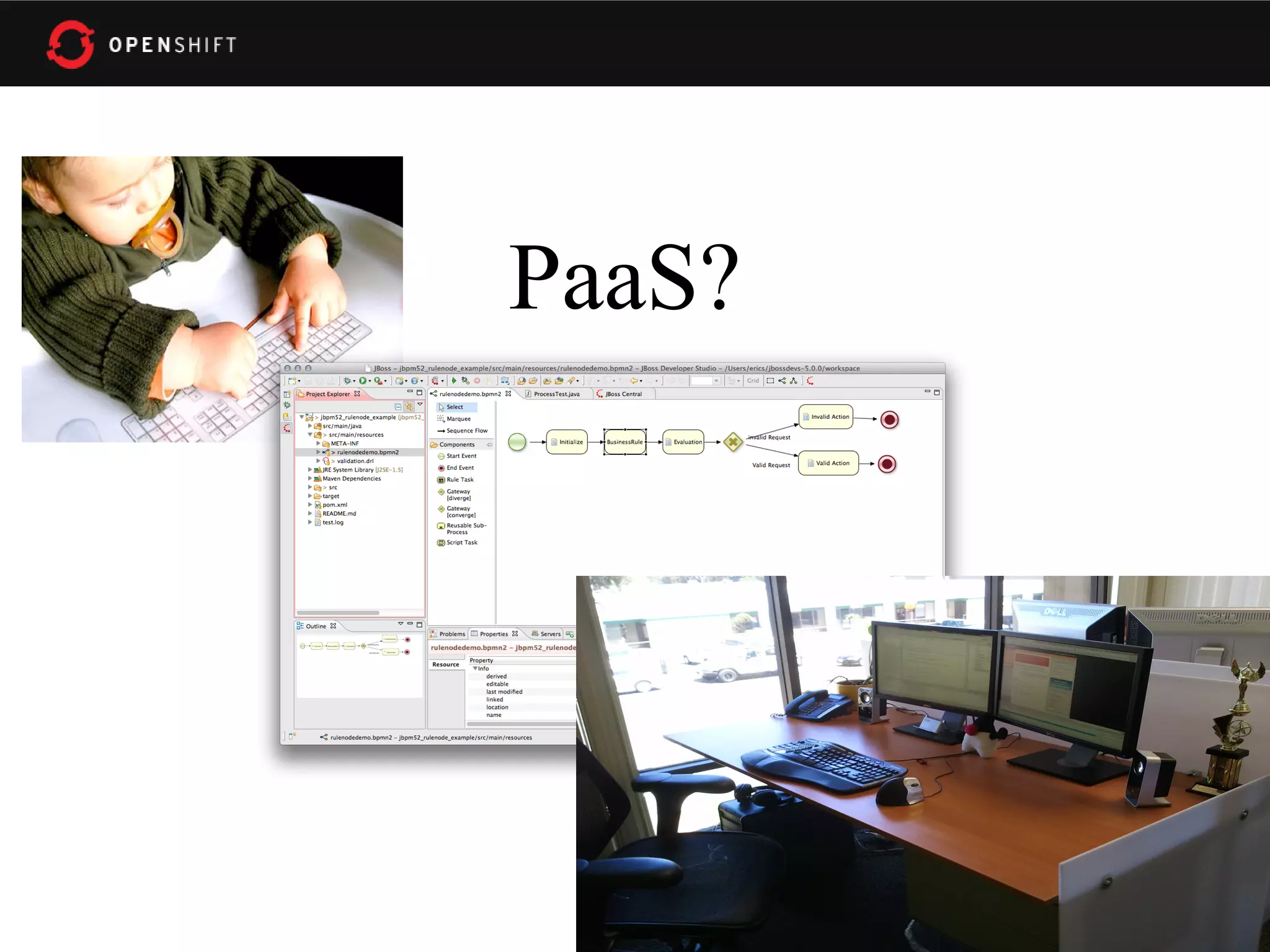
PaaS?
Why am i DORKING
 with the stack?!
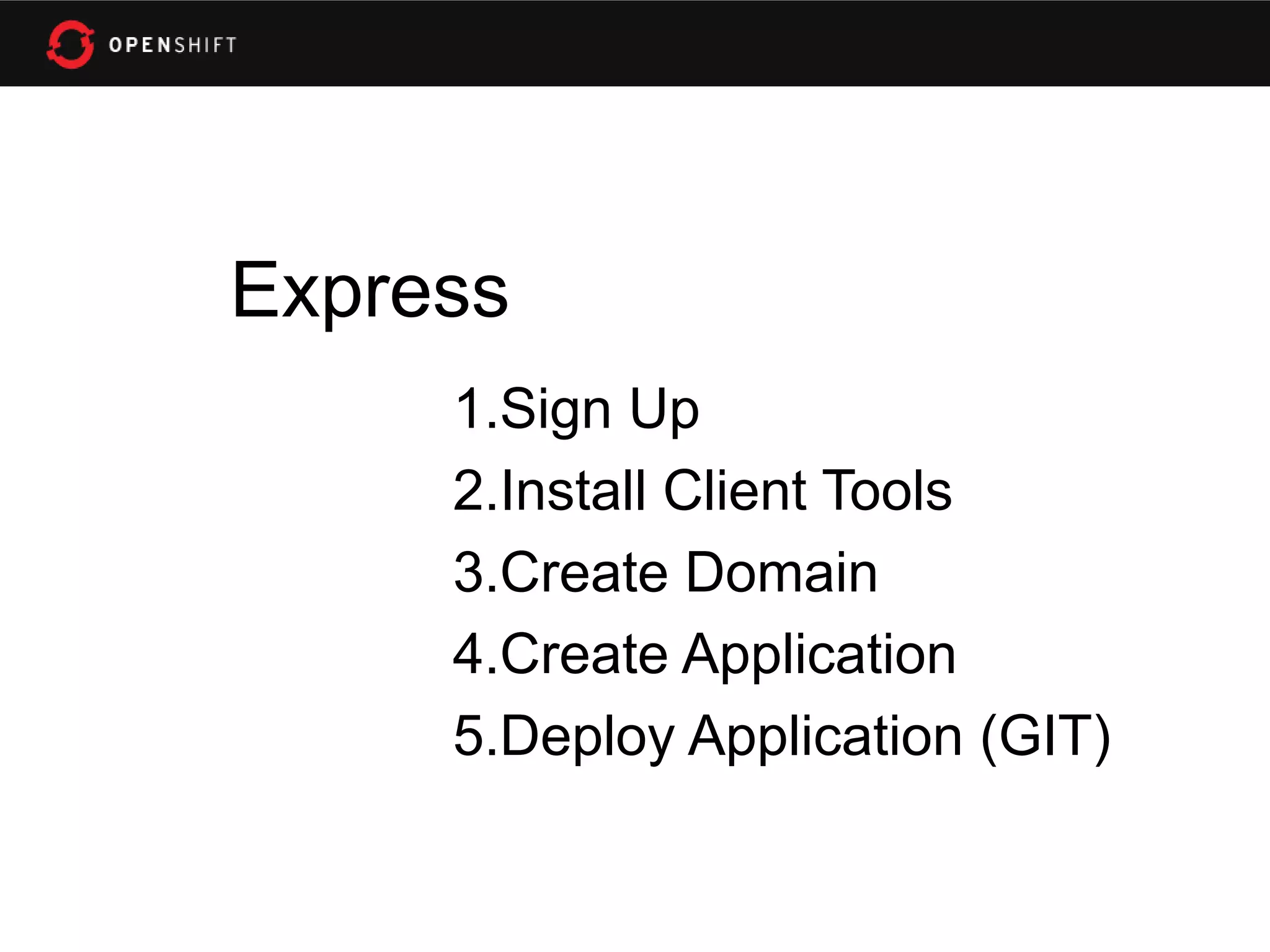
Express
     1.Sign Up
     2.Install Client Tools
     3.Create Domain
     4.Create Application
     5.Deploy Application (GIT)
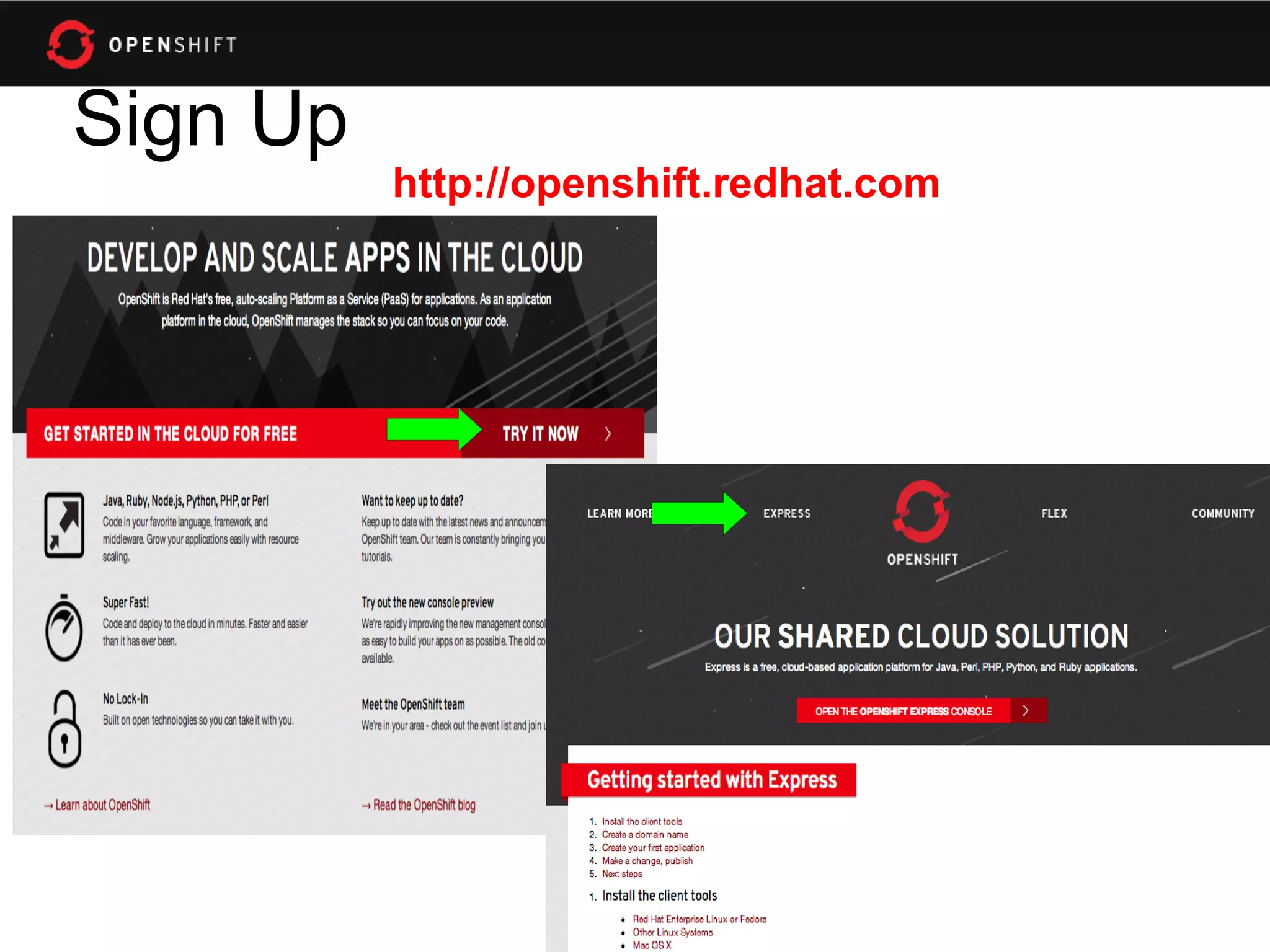
Sign Up
          http://openshift.redhat.com
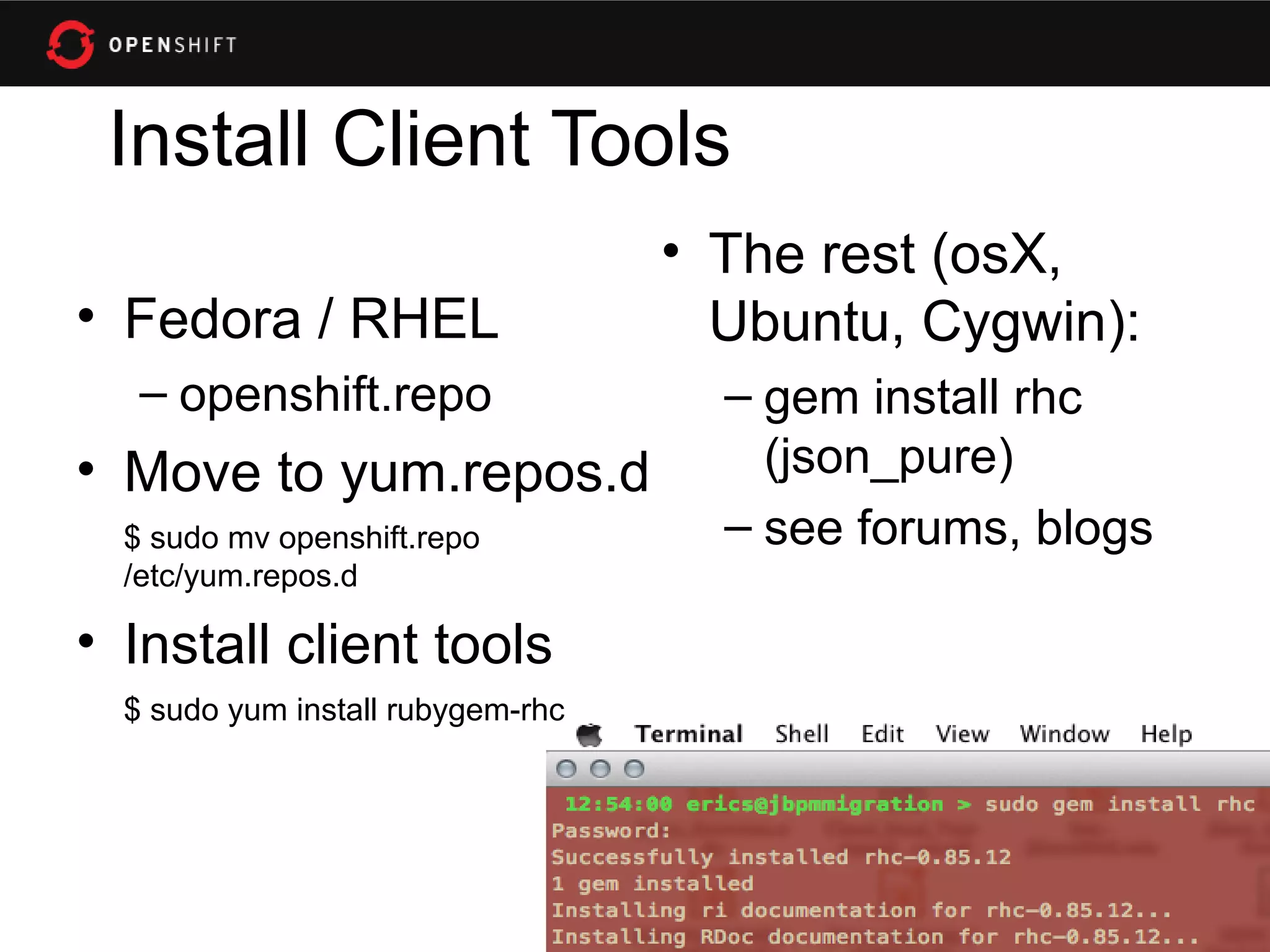
Install Client Tools
                                   • The rest (osX,
• Fedora / RHEL                      Ubuntu, Cygwin):
   – openshift.repo                  – gem install rhc
• Move to yum.repos.d                  (json_pure)
  $ sudo mv openshift.repo           – see forums, blogs
  /etc/yum.repos.d

• Install client tools
  $ sudo yum install rubygem-rhc
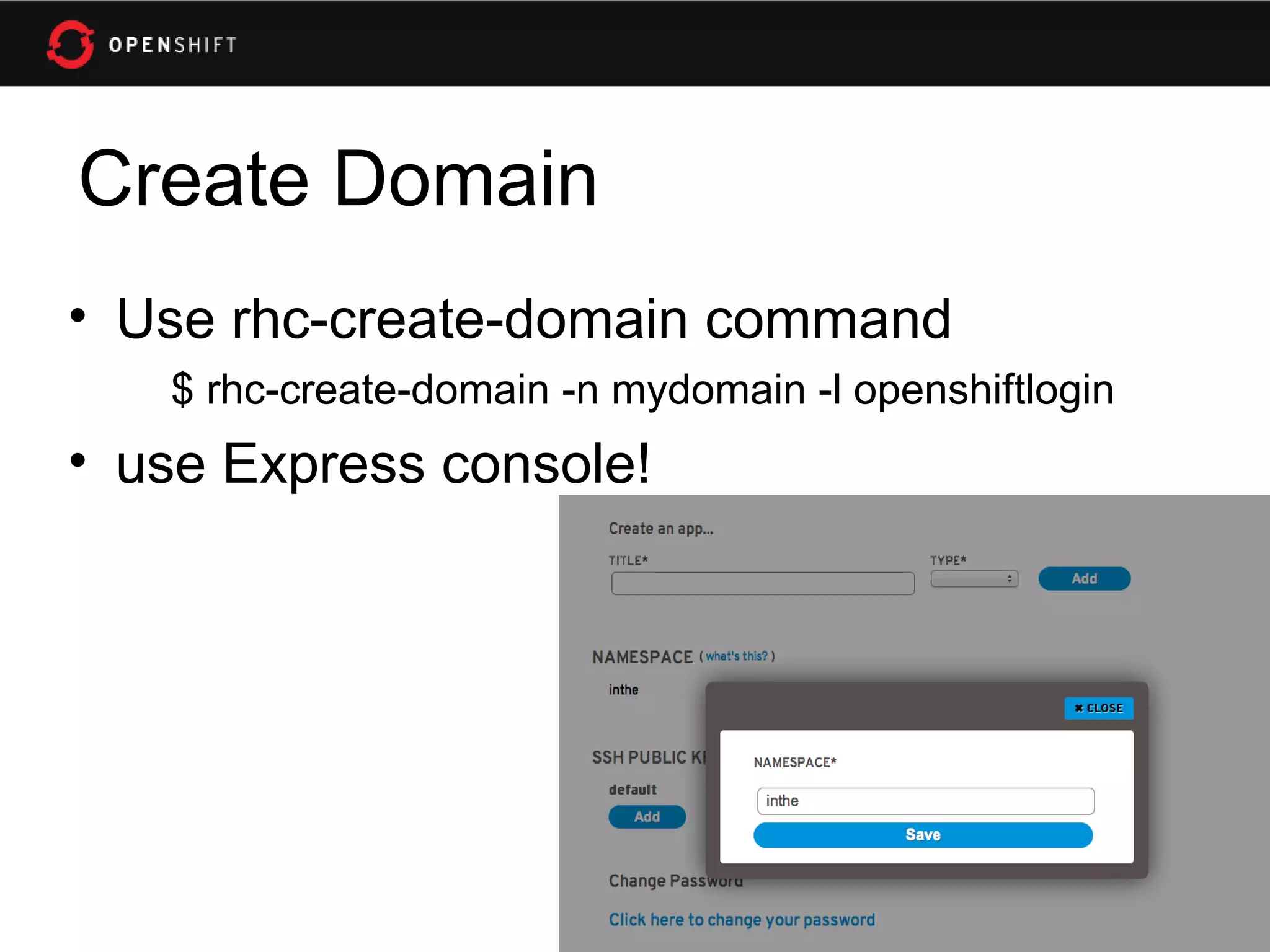
Create Domain
• Use rhc-create-domain command
   $ rhc-create-domain -n mydomain -l openshiftlogin
• use Express console!
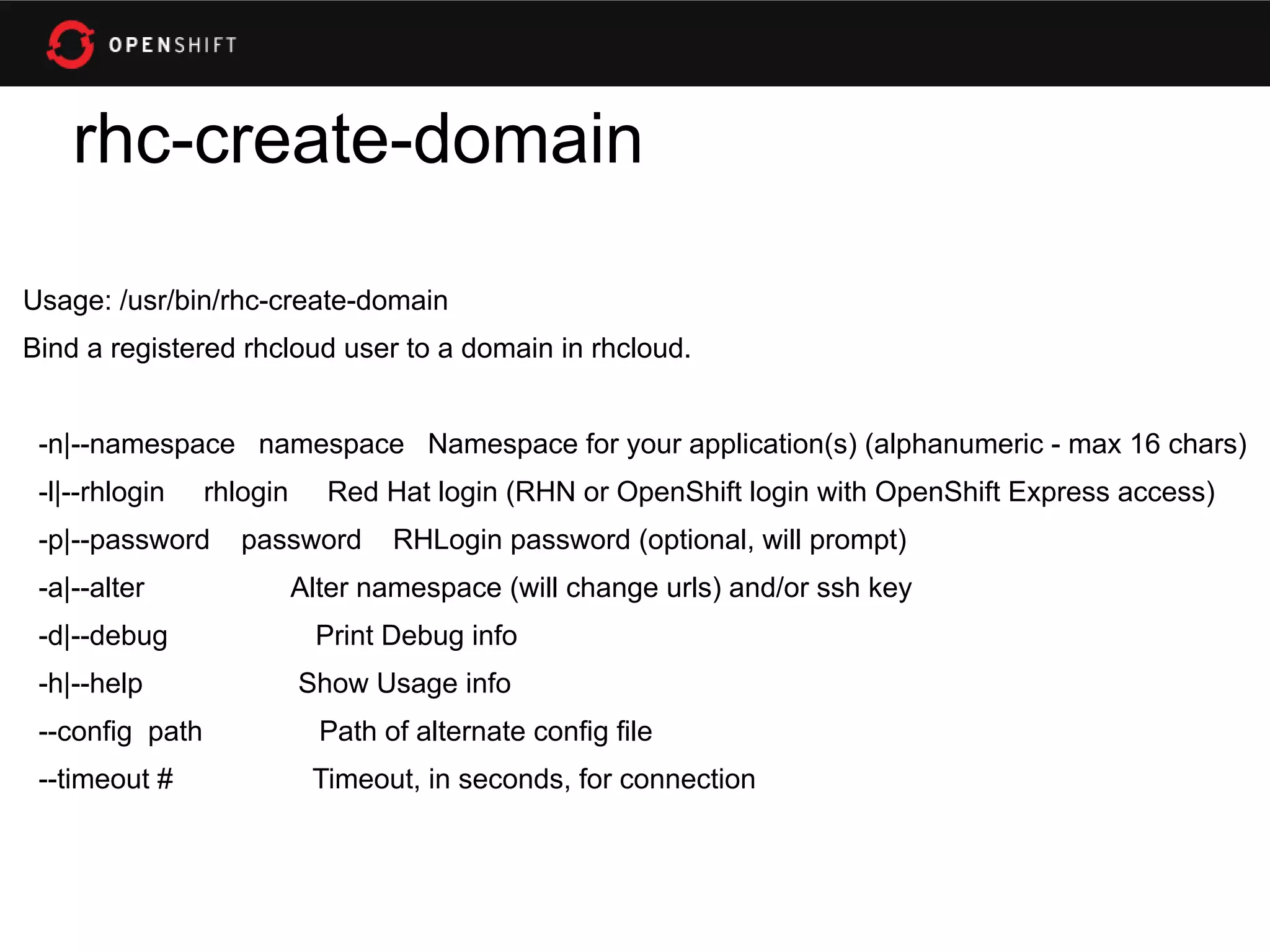
rhc-create-domain

Usage: /usr/bin/rhc-create-domain
Bind a registered rhcloud user to a domain in rhcloud.


 -n|--namespace namespace Namespace for your application(s) (alphanumeric - max 16 chars)
 -l|--rhlogin    rhlogin     Red Hat login (RHN or OpenShift login with OpenShift Express access)
 -p|--password      password       RHLogin password (optional, will prompt)
 -a|--alter                Alter namespace (will change urls) and/or ssh key
 -d|--debug                 Print Debug info
 -h|--help                 Show Usage info
 --config path               Path of alternate config file
 --timeout #                Timeout, in seconds, for connection
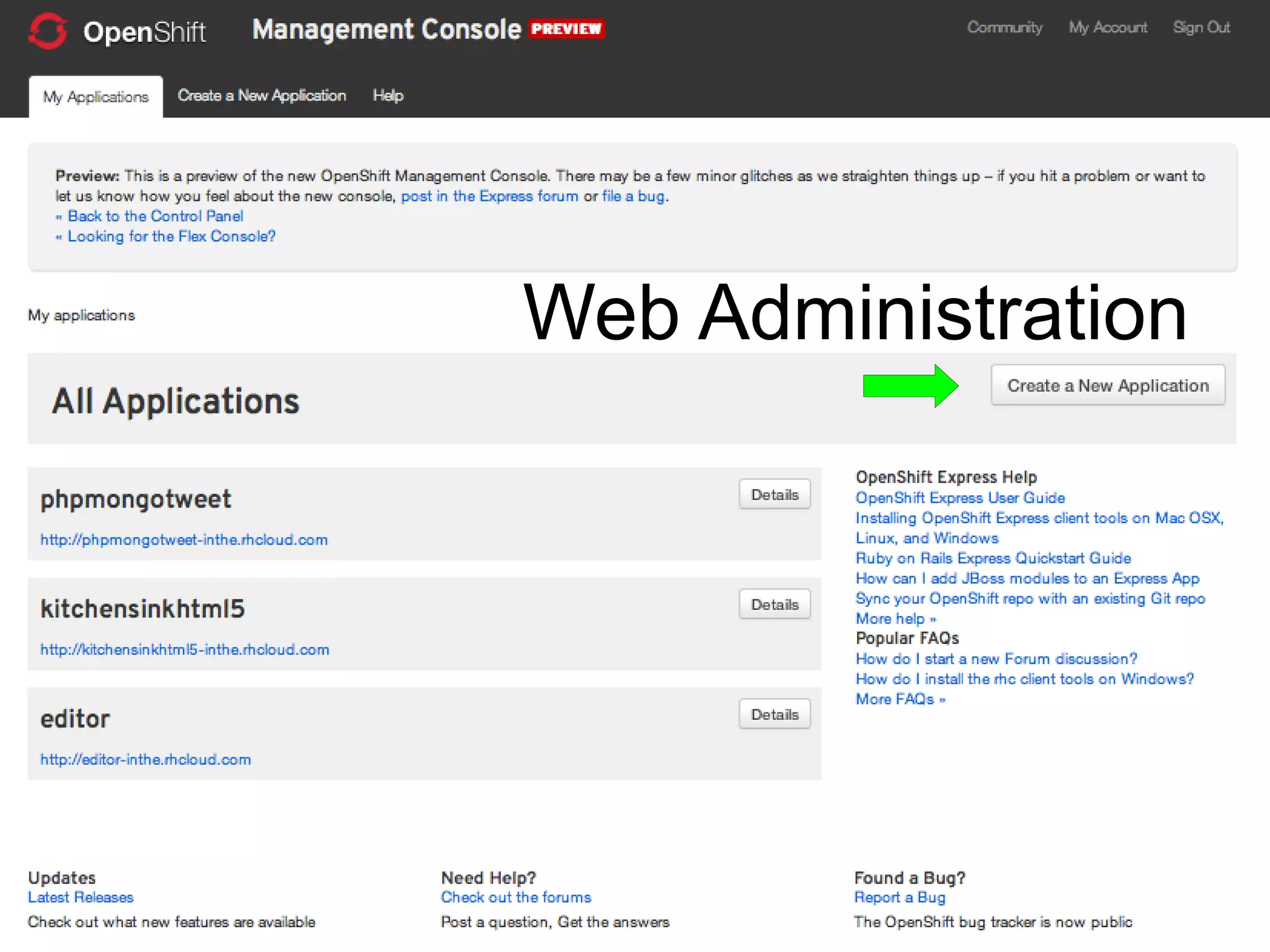
Web Administration
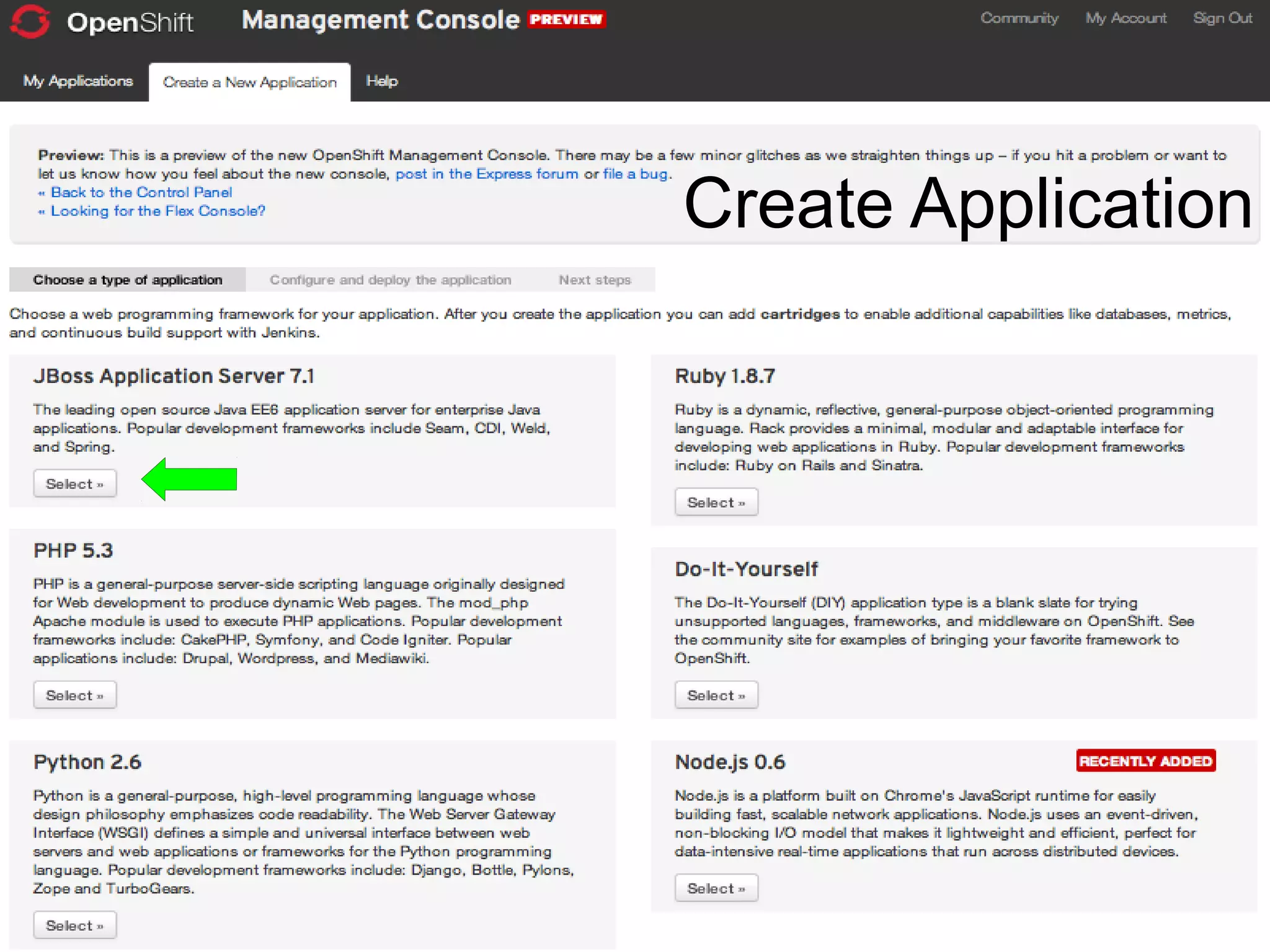
Create Application
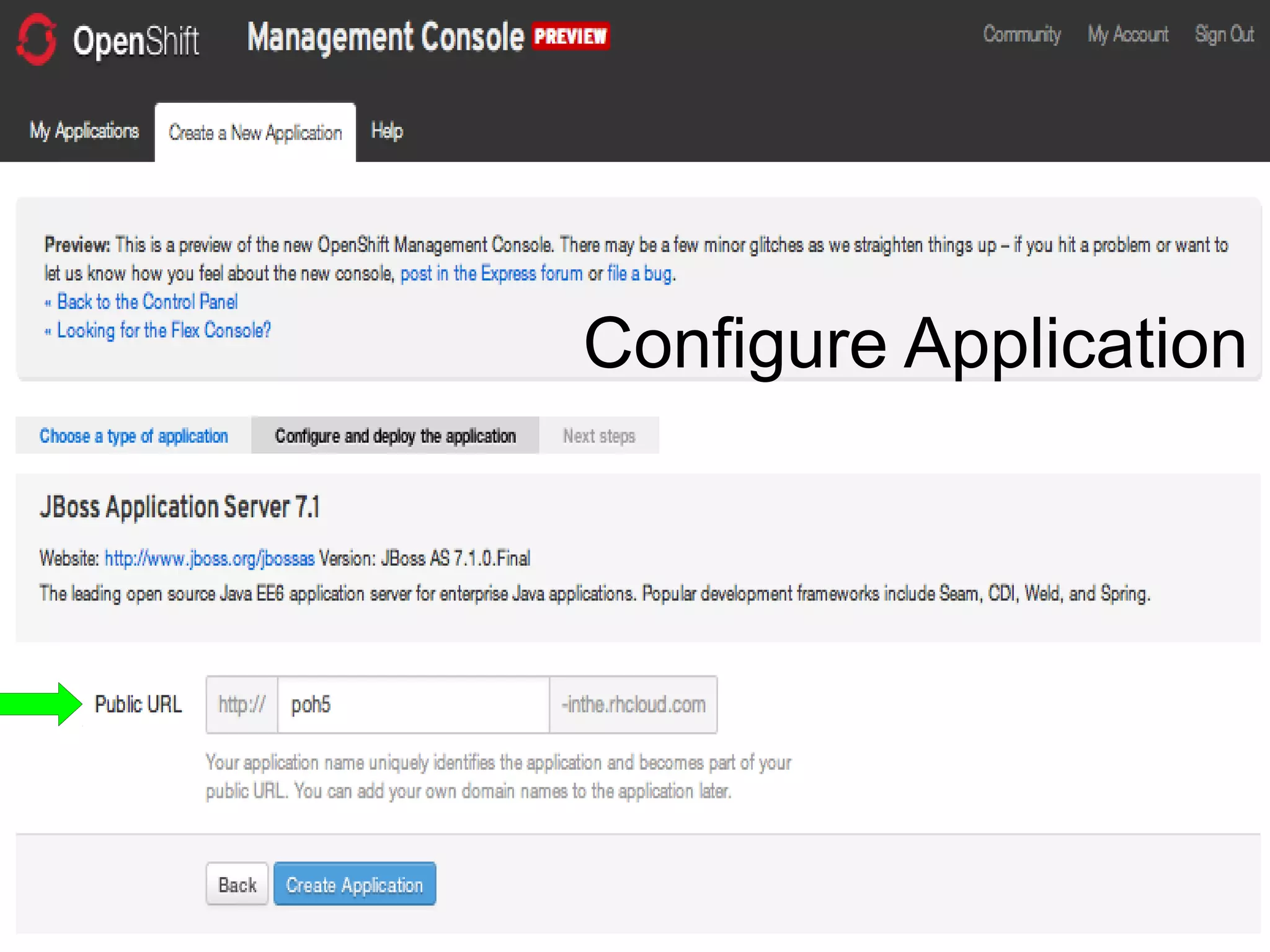
Configure Application
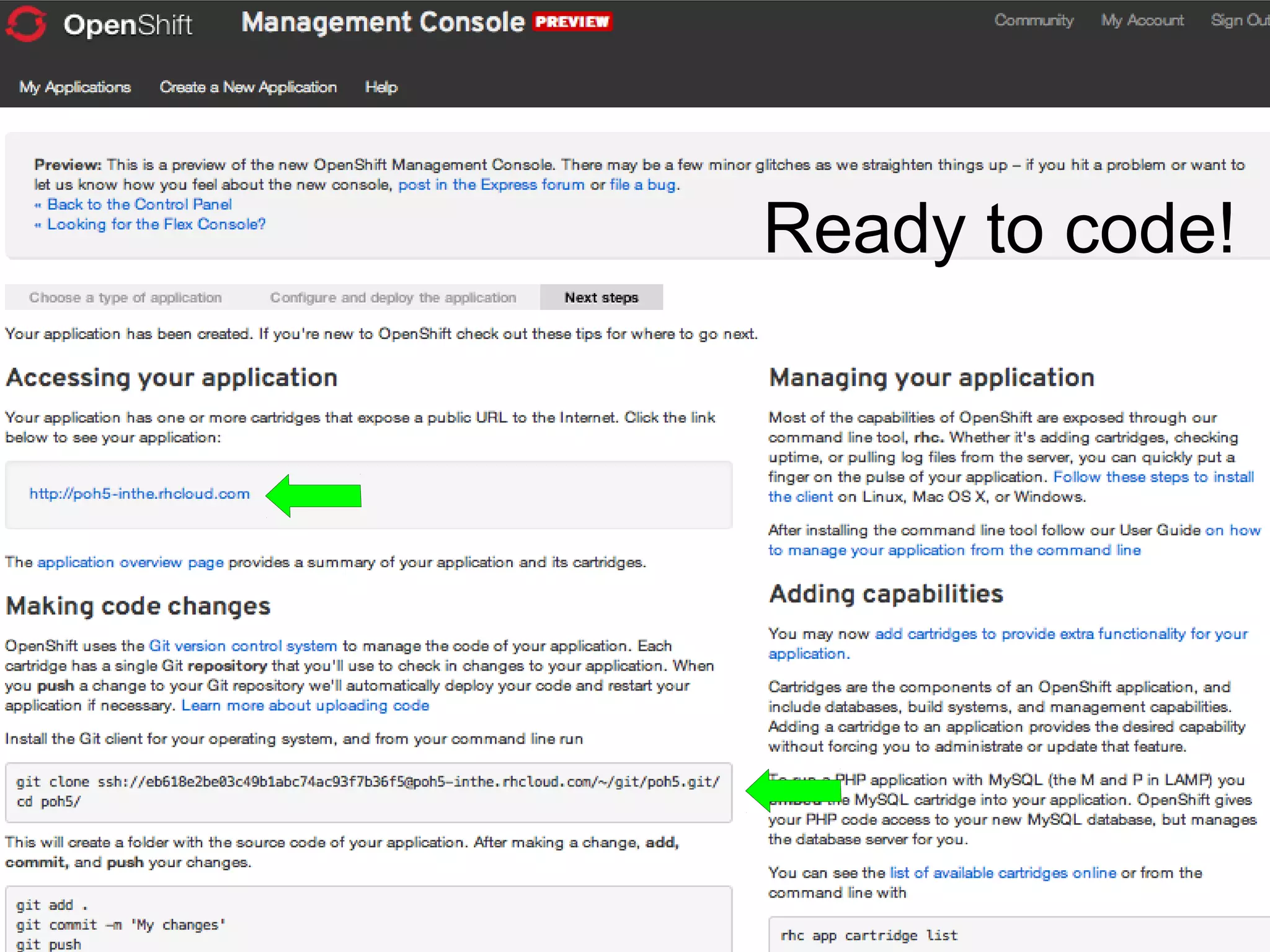
Ready to code!
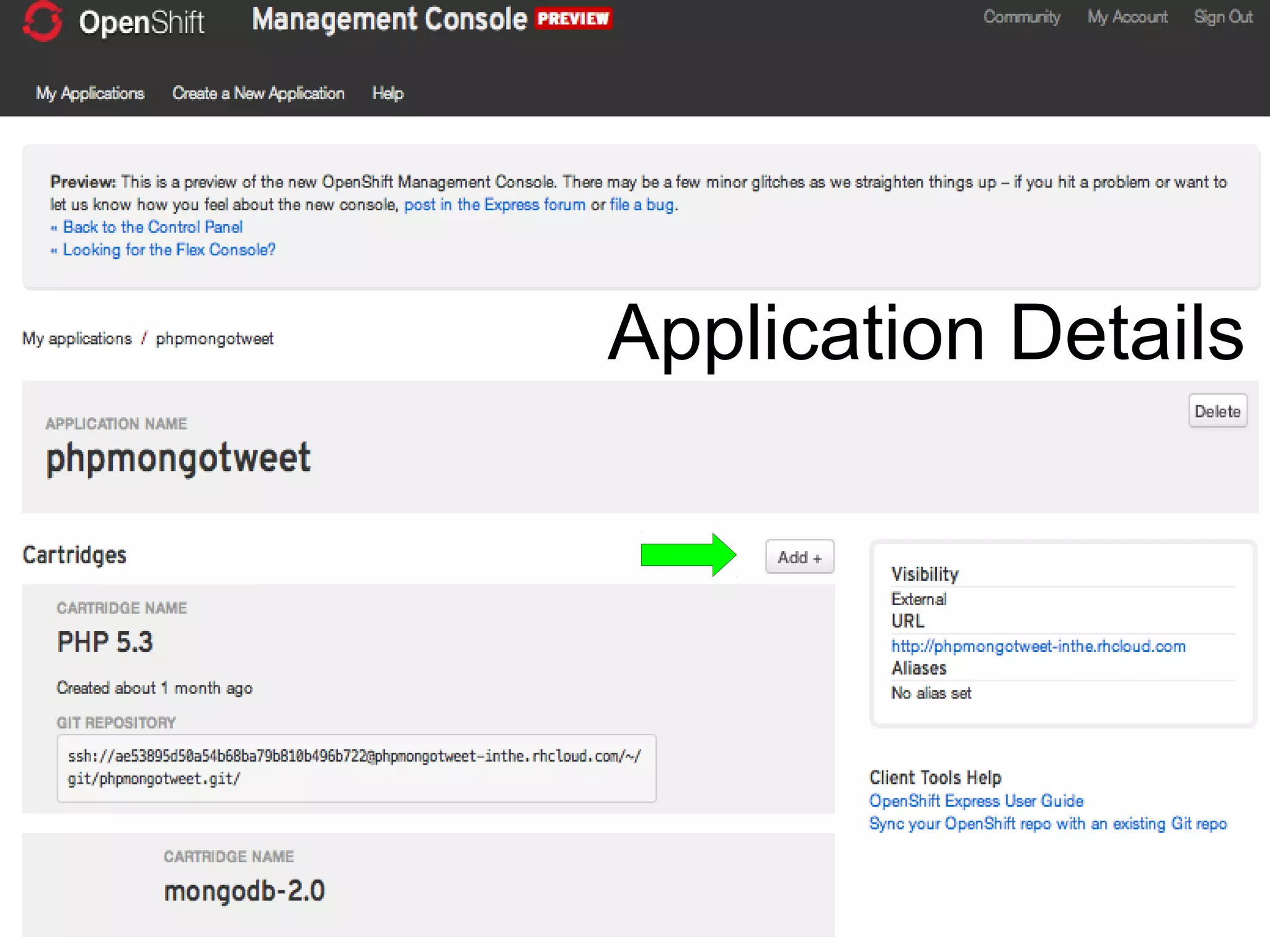
Application Details
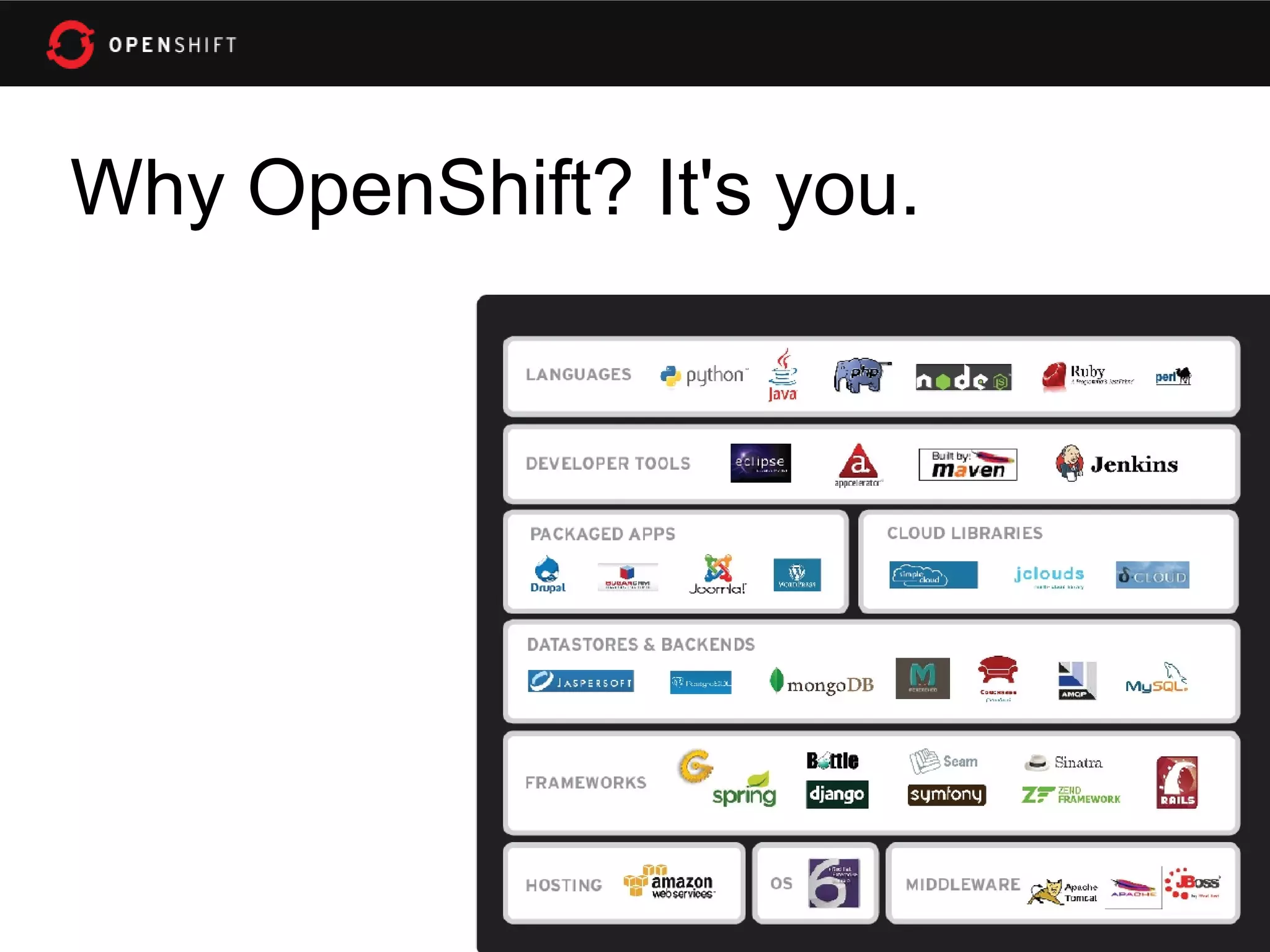
Why OpenShift? It's you.
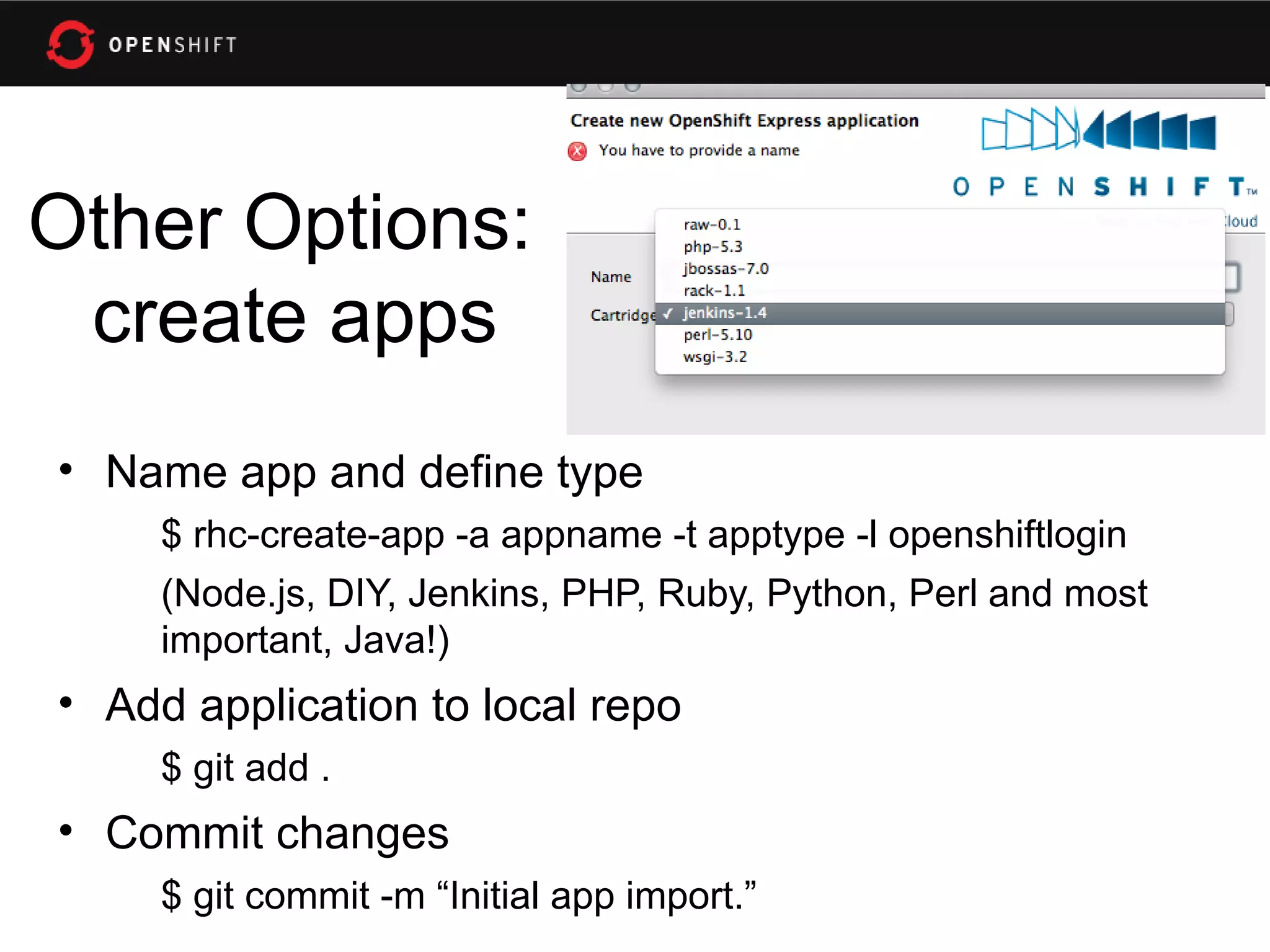
Other Options:
 create apps
• Name app and define type
     $ rhc-create-app -a appname -t apptype -l openshiftlogin
     (Node.js, DIY, Jenkins, PHP, Ruby, Python, Perl and most
     important, Java!)
• Add application to local repo
     $ git add .
• Commit changes
     $ git commit -m “Initial app import.”
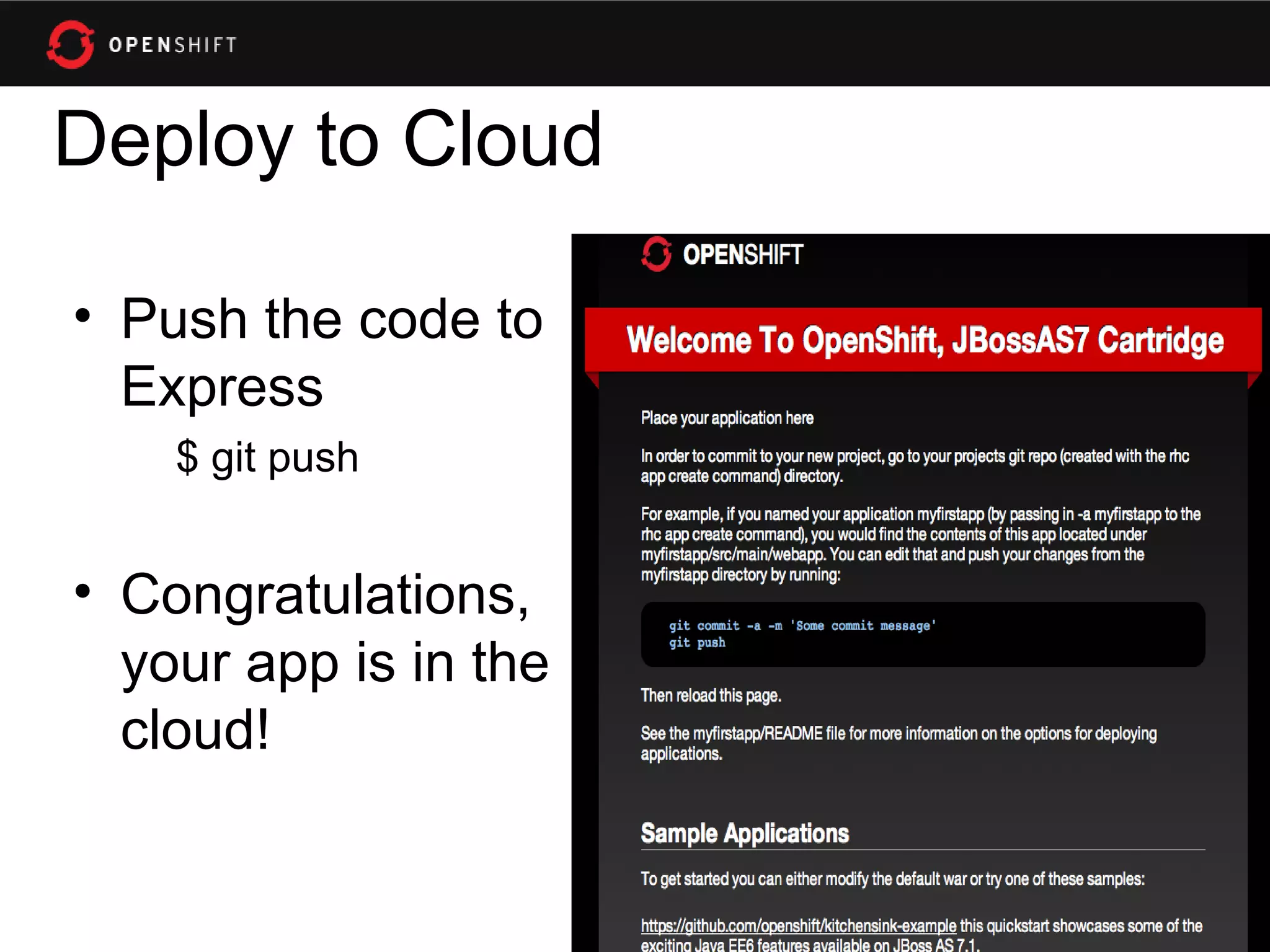
Deploy to Cloud

• Push the code to
  Express
    $ git push


• Congratulations,
  your app is in the
  cloud!
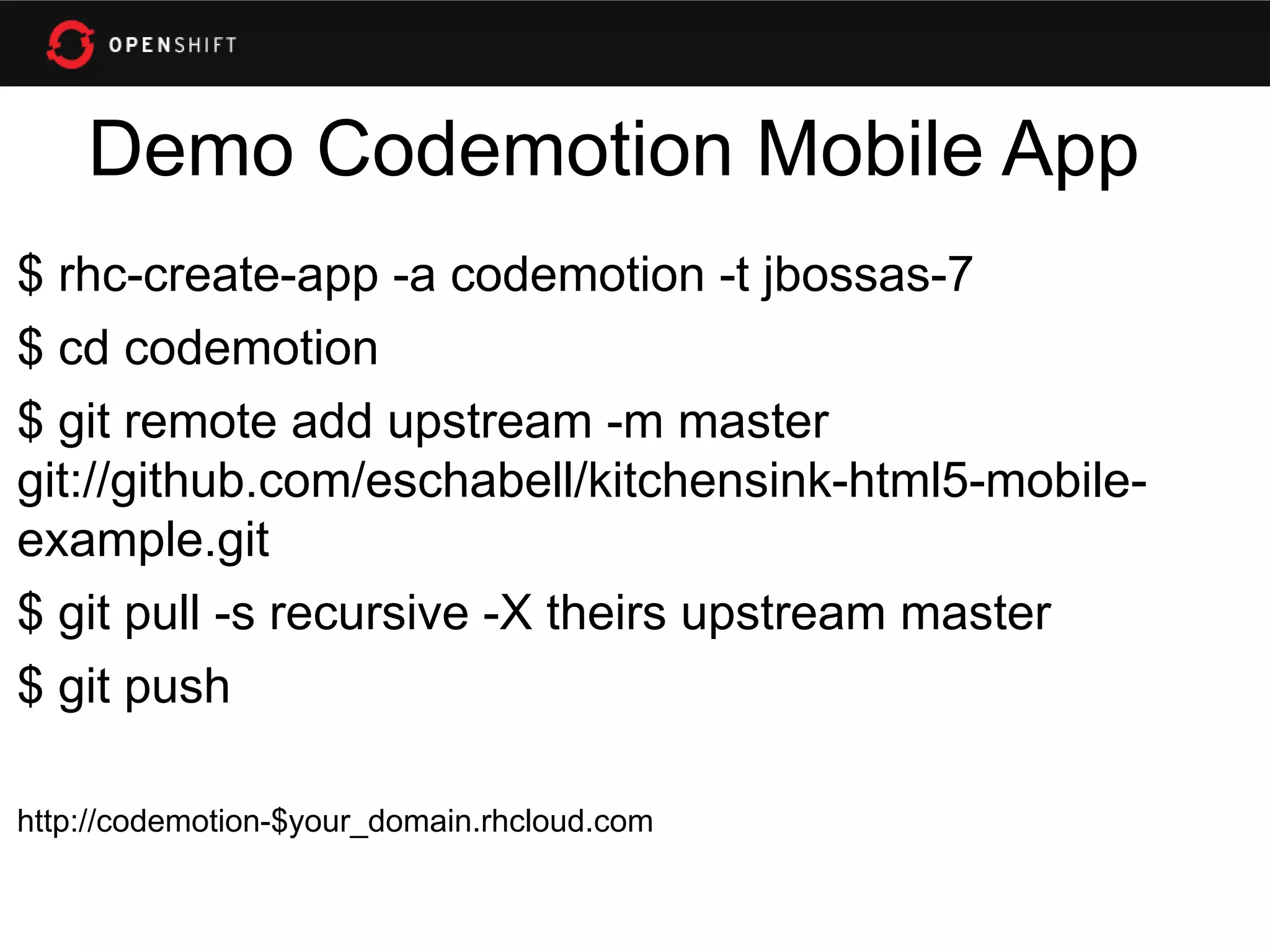
Demo Codemotion Mobile App
$ rhc-create-app -a codemotion -t jbossas-7
$ cd codemotion
$ git remote add upstream -m master
git://github.com/eschabell/kitchensink-html5-mobile-
example.git
$ git pull -s recursive -X theirs upstream master
$ git push

http://codemotion-$your_domain.rhcloud.com
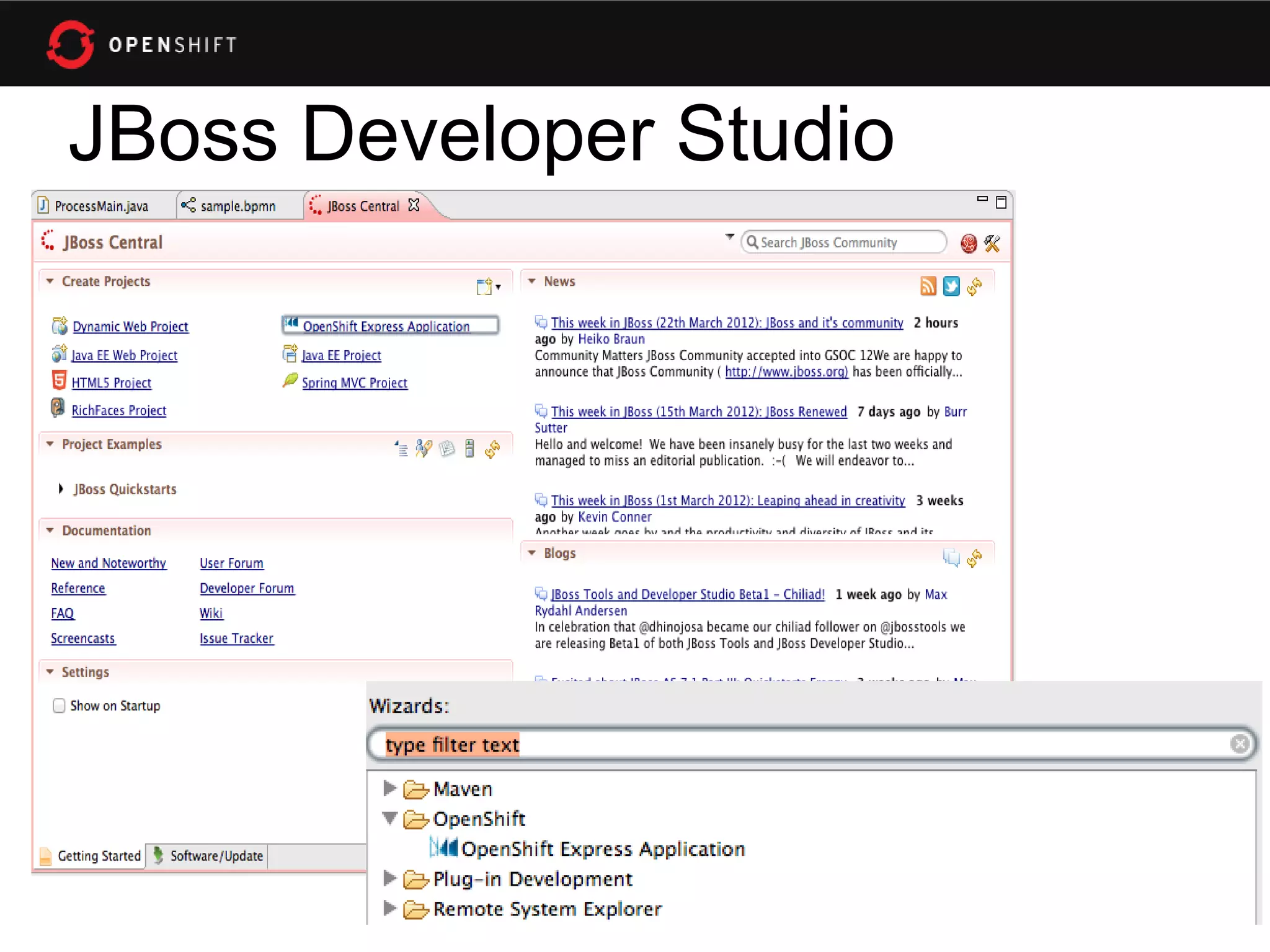
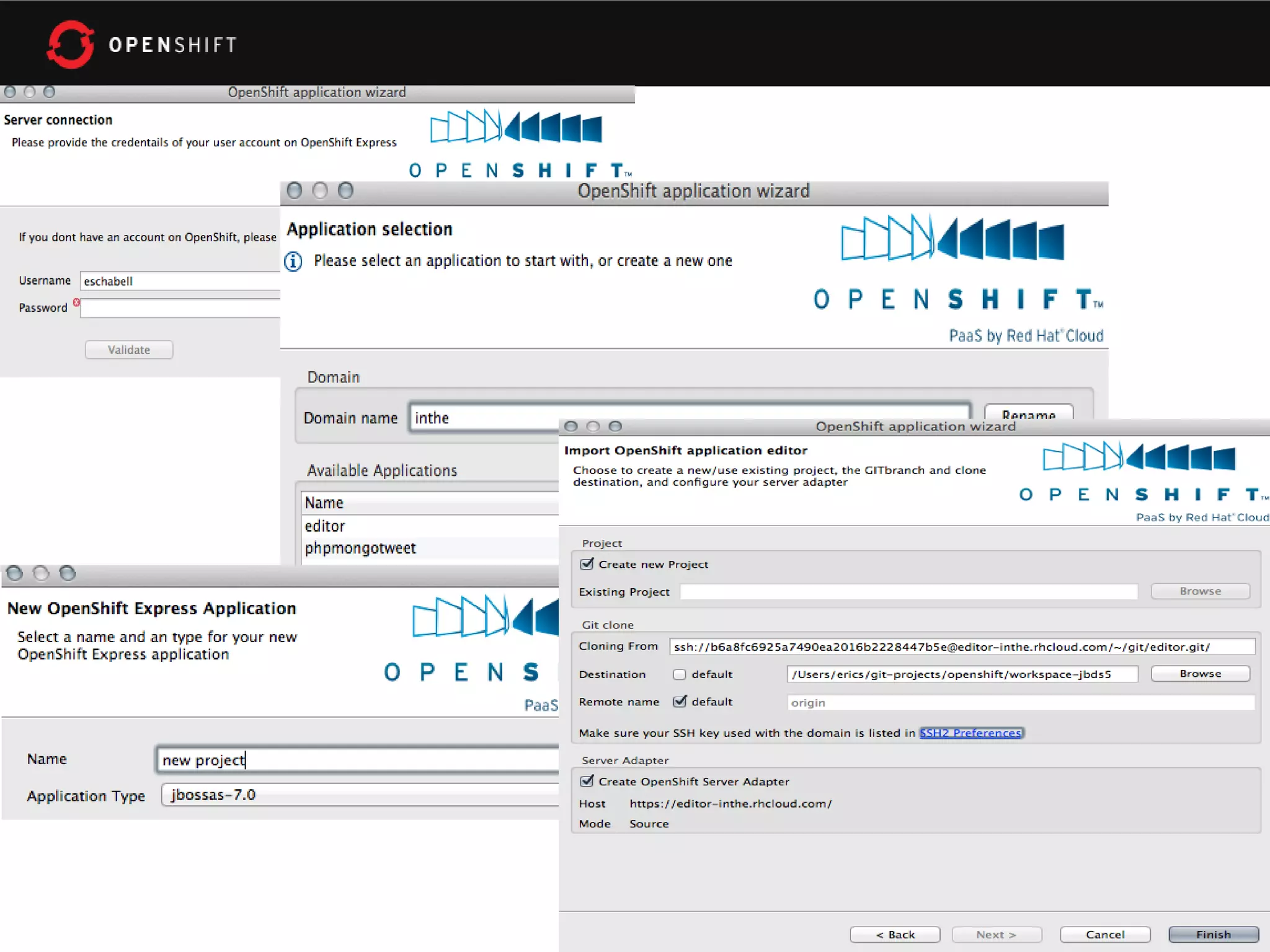
JBoss Developer Studio
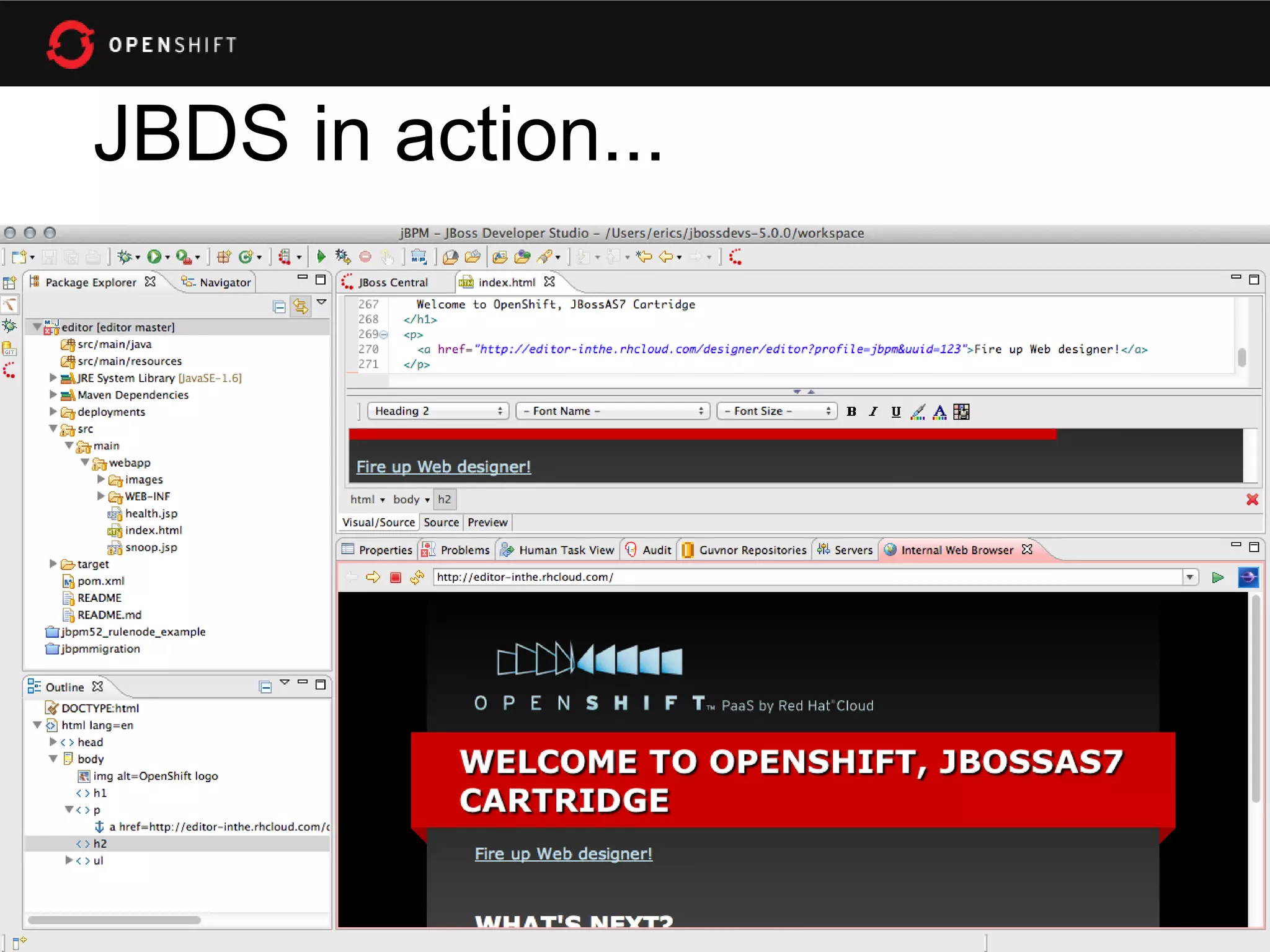
JBDS in action...
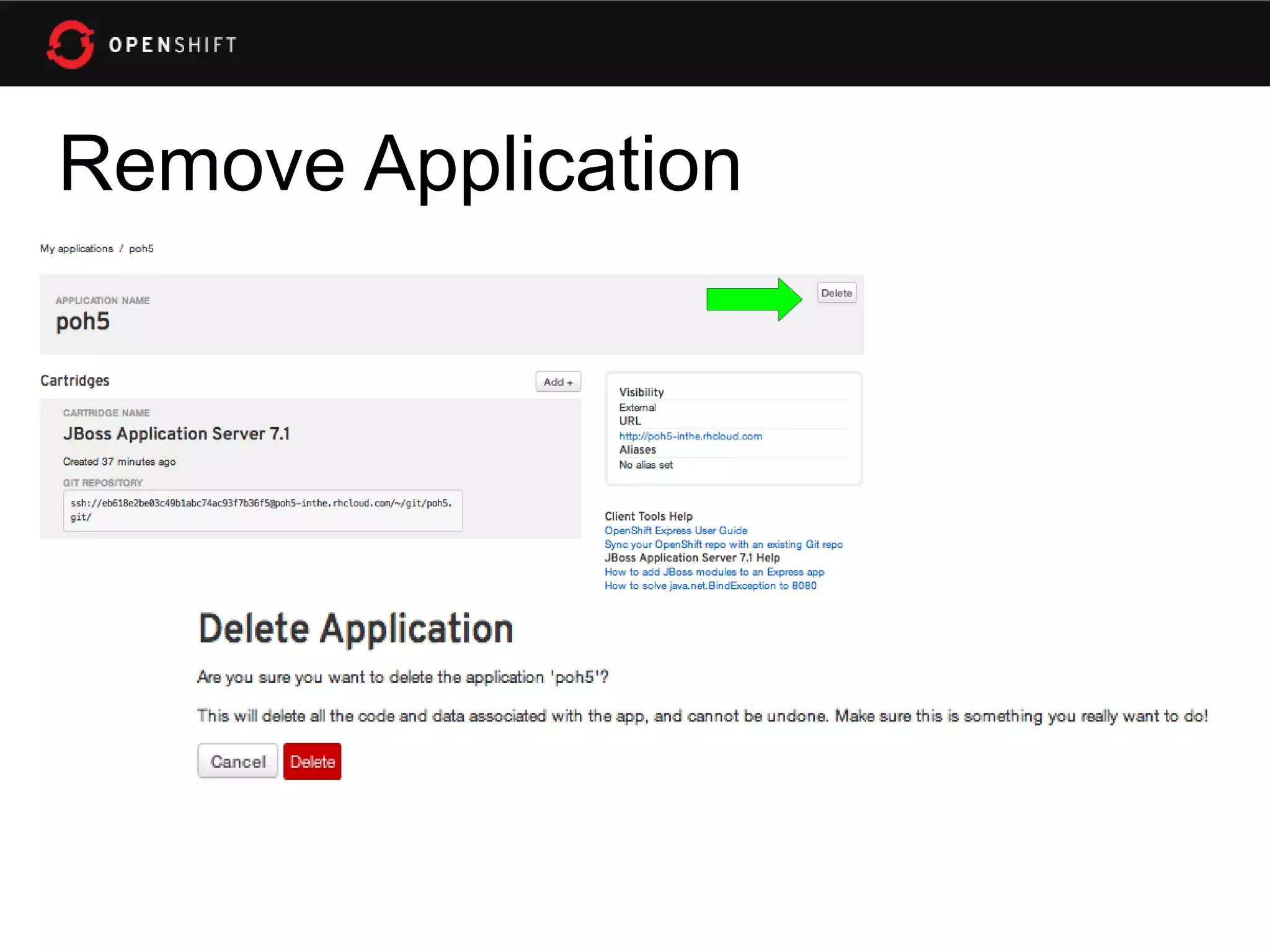
Remove Application
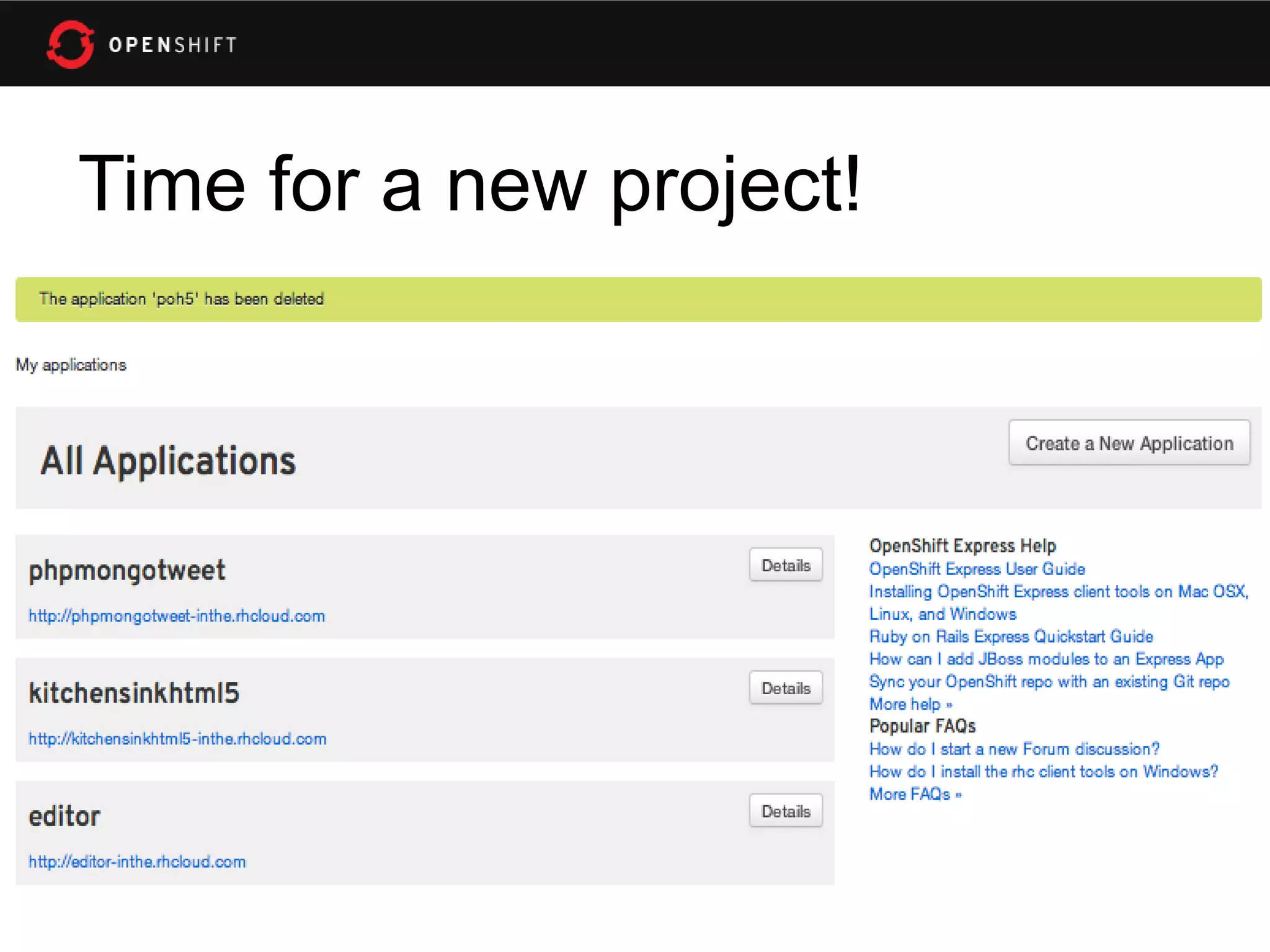
Time for a new project!
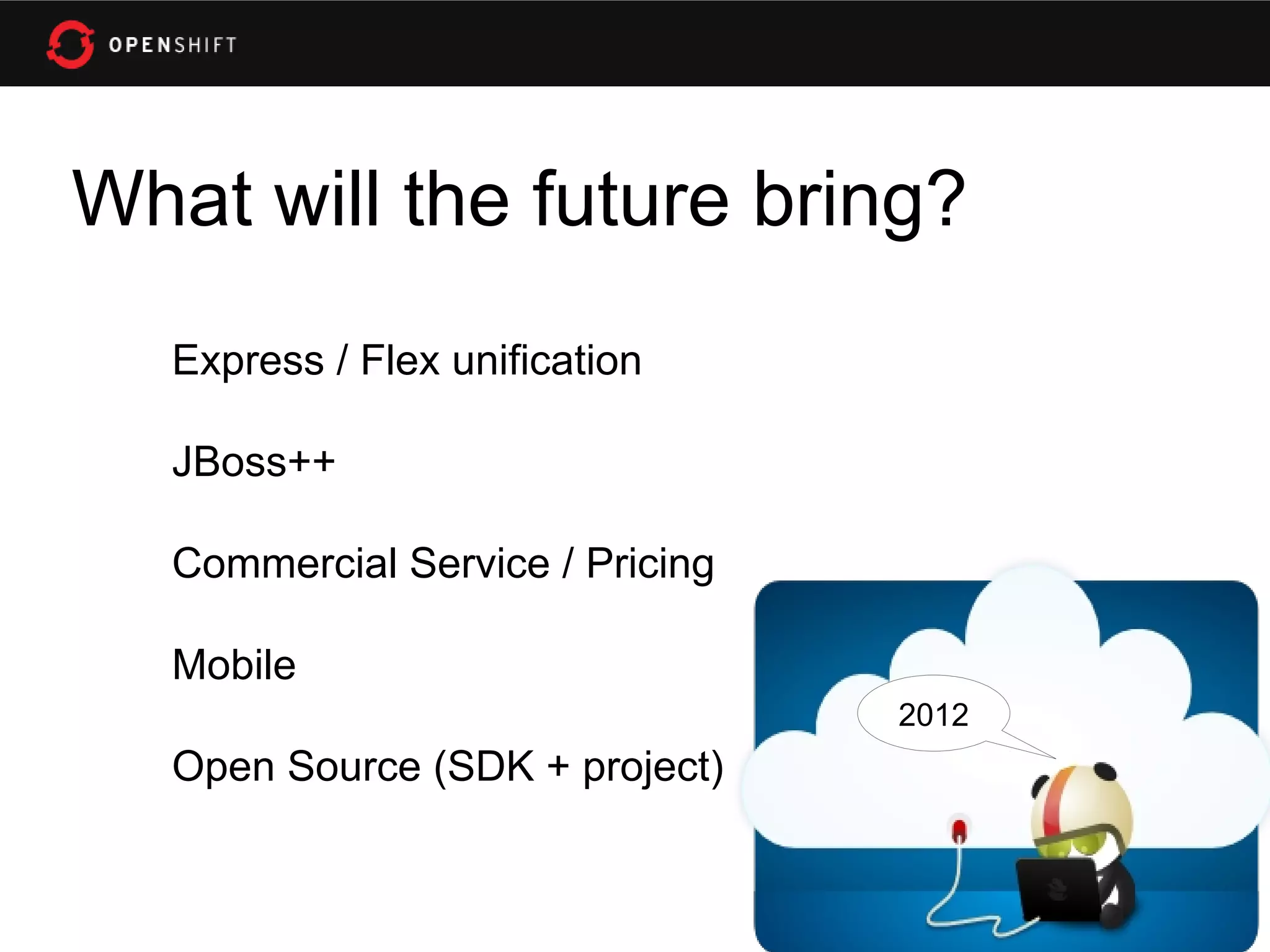
What will the future bring?
   Express / Flex unification

   JBoss++

   Commercial Service / Pricing

   Mobile
                                  2012
   Open Source (SDK + project)
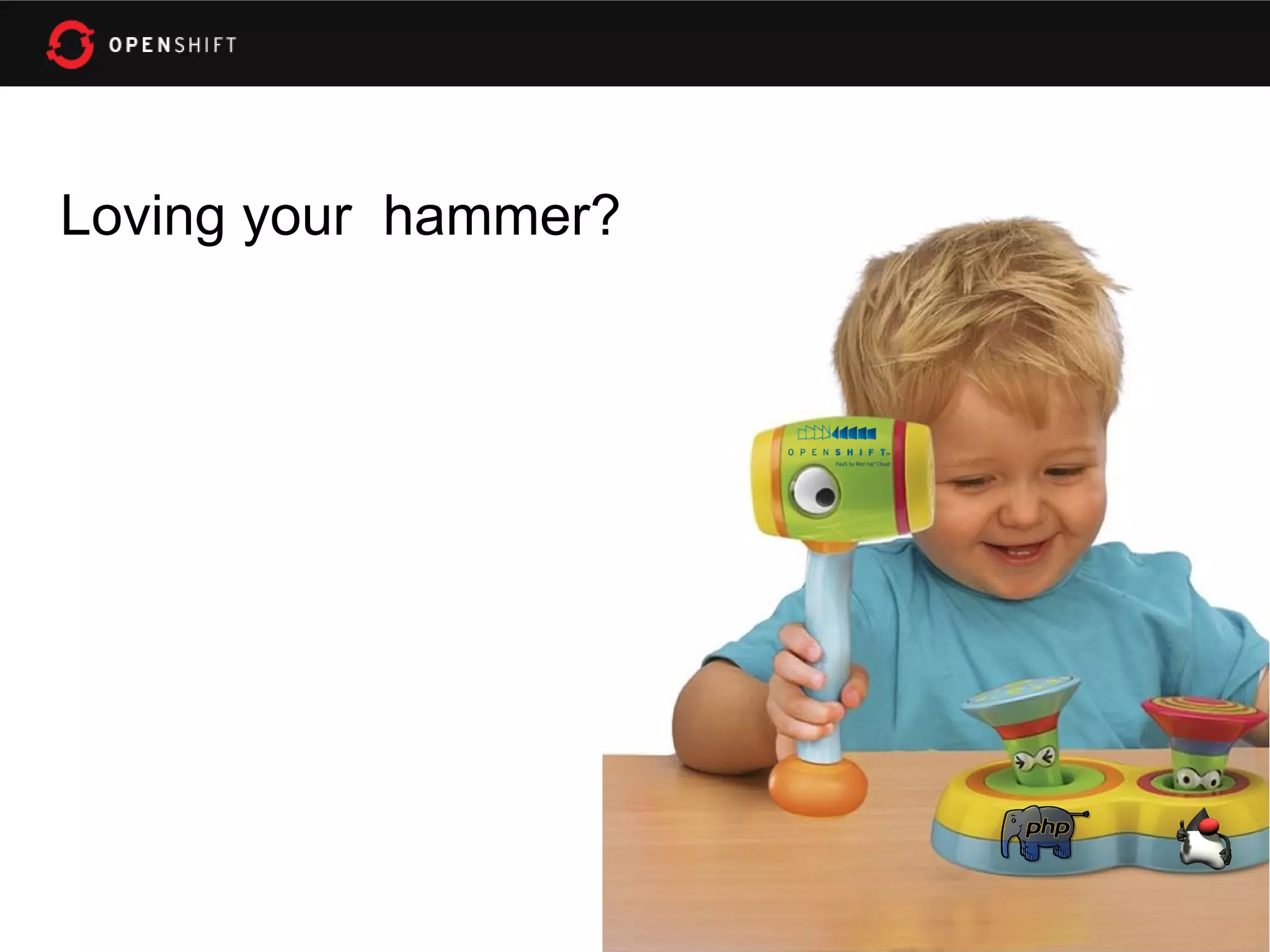
Loving your hammer?
• OpenShift: http://openshift.redhat.com
• OpenShift Express: https://openshift.redhat.com/app/express
• Blogs: https://www.redhat.com/openshift/community/blogs
• JBPM Web Designer in the Cloud (example):
   http://www.schabell.org/2011/10/jbpm-web-designer-integrates-jbpm.html
• Deploy an application to OpenShift with JBossTools (video):
   http://vimeo.com/33988381
• Deploying mobile application with JBoss Dev Studio:
   https://community.jboss.org/wiki/DeployingHTML5ApplicationsToOpenshift
• Rise above the Cloud hype with OpenShift:
   http://www.schabell.org/2012/01/rise-above-cloud-hype-with-openshift.html

Codemotion 2012 Rome - An OpenShift Primer

  • 1.
    An OpenShift Primer Get your code into the Cloud! Eric D. Schabell Codemotion – Rome, Italy JBoss Senior Solution Architect 23-24 March 2012 erics@redhat.com / @ericschabell www.codemotion.it
  • 2.
    Sign up, it'sfree! • http://openshift.redhat.com – “Sign up and Try it!” • Example projects you can deploy now! – https://www.github.com/openshift • Help? Promotional Code: CODEMOTION – IRC: freenode #openshift – Forums: http://www.redhat.com/openshift/c ommunity/forums – Email: openshift at redhat dot com
  • 4.
  • 5.
  • 6.
  • 7.
    Why am iDORKING with the stack?!
  • 8.
    Express 1.Sign Up 2.Install Client Tools 3.Create Domain 4.Create Application 5.Deploy Application (GIT)
  • 9.
    Sign Up http://openshift.redhat.com
  • 10.
    Install Client Tools • The rest (osX, • Fedora / RHEL Ubuntu, Cygwin): – openshift.repo – gem install rhc • Move to yum.repos.d (json_pure) $ sudo mv openshift.repo – see forums, blogs /etc/yum.repos.d • Install client tools $ sudo yum install rubygem-rhc
  • 11.
    Create Domain • Userhc-create-domain command $ rhc-create-domain -n mydomain -l openshiftlogin • use Express console!
  • 12.
    rhc-create-domain Usage: /usr/bin/rhc-create-domain Bind aregistered rhcloud user to a domain in rhcloud. -n|--namespace namespace Namespace for your application(s) (alphanumeric - max 16 chars) -l|--rhlogin rhlogin Red Hat login (RHN or OpenShift login with OpenShift Express access) -p|--password password RHLogin password (optional, will prompt) -a|--alter Alter namespace (will change urls) and/or ssh key -d|--debug Print Debug info -h|--help Show Usage info --config path Path of alternate config file --timeout # Timeout, in seconds, for connection
  • 13.
  • 14.
  • 15.
  • 16.
  • 17.
  • 18.
  • 19.
    Other Options: createapps • Name app and define type $ rhc-create-app -a appname -t apptype -l openshiftlogin (Node.js, DIY, Jenkins, PHP, Ruby, Python, Perl and most important, Java!) • Add application to local repo $ git add . • Commit changes $ git commit -m “Initial app import.”
  • 20.
    Deploy to Cloud •Push the code to Express $ git push • Congratulations, your app is in the cloud!
  • 22.
    Demo Codemotion MobileApp $ rhc-create-app -a codemotion -t jbossas-7 $ cd codemotion $ git remote add upstream -m master git://github.com/eschabell/kitchensink-html5-mobile- example.git $ git pull -s recursive -X theirs upstream master $ git push http://codemotion-$your_domain.rhcloud.com
  • 23.
  • 25.
  • 26.
  • 27.
    Time for anew project!
  • 28.
    What will thefuture bring? Express / Flex unification JBoss++ Commercial Service / Pricing Mobile 2012 Open Source (SDK + project)
  • 29.
  • 30.
    • OpenShift: http://openshift.redhat.com •OpenShift Express: https://openshift.redhat.com/app/express • Blogs: https://www.redhat.com/openshift/community/blogs • JBPM Web Designer in the Cloud (example): http://www.schabell.org/2011/10/jbpm-web-designer-integrates-jbpm.html • Deploy an application to OpenShift with JBossTools (video): http://vimeo.com/33988381 • Deploying mobile application with JBoss Dev Studio: https://community.jboss.org/wiki/DeployingHTML5ApplicationsToOpenshift • Rise above the Cloud hype with OpenShift: http://www.schabell.org/2012/01/rise-above-cloud-hype-with-openshift.html