Computer
Science
Introduction
In this bite sized module
•What is a Computer?
•What is Computer Science?
•What is Computer System?
•What is Computation?
•Types of Computing
•Computer Organization
•Hardware and Software
•Operating System
What is a Computer
Understanding function of a Computer
Darshan Gohel
Biology.GoLearninngBus.Com
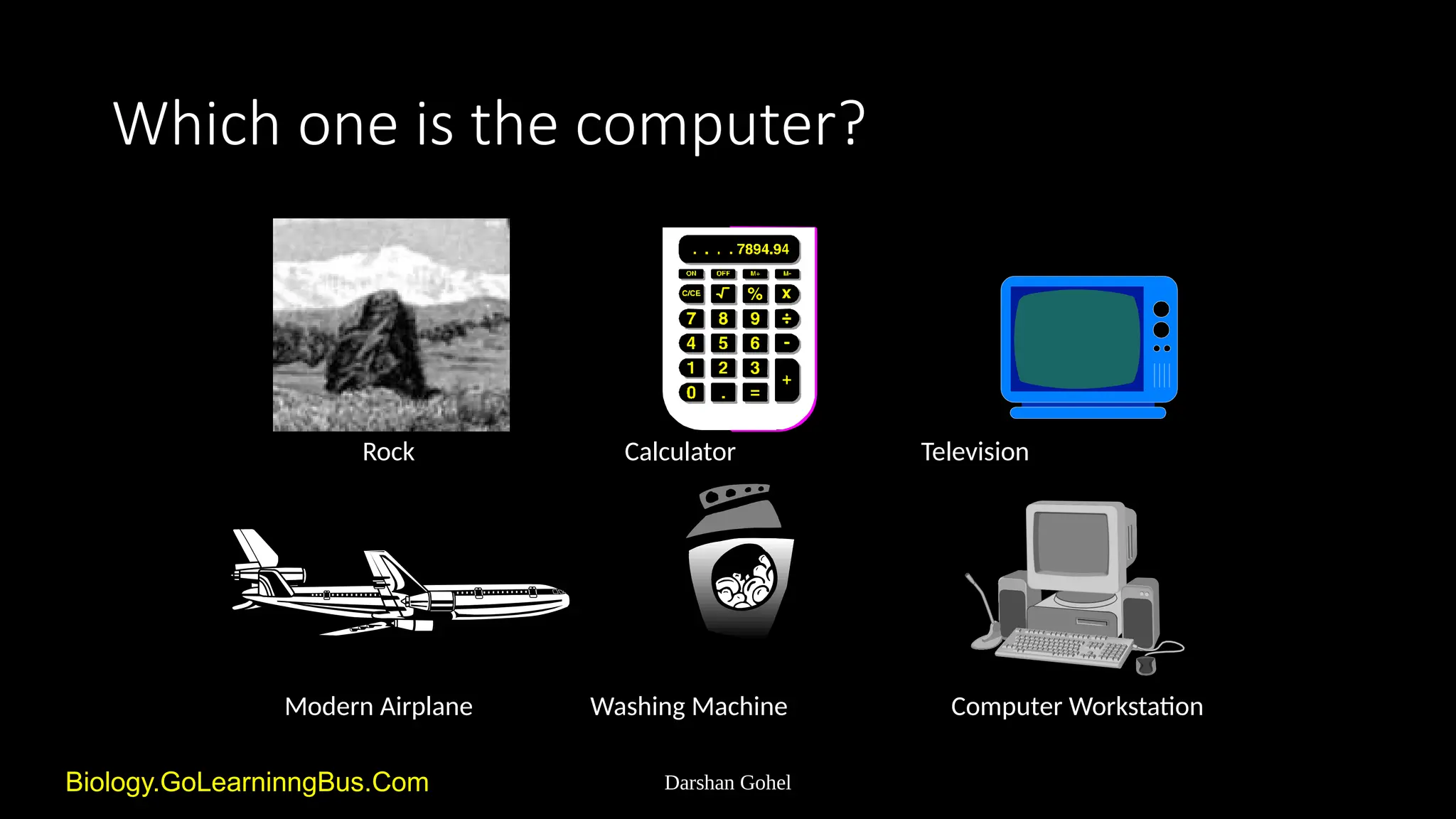
Which one is the computer?
Rock Calculator Television
Modern Airplane Washing Machine Computer Workstation
Darshan Gohel
Is it a Computer?
• What questions would you
ask?
• What experiments would
you run?
Darshan Gohel
Is a rock a computer?
• Does not act or process
• Takes no input and produces no output
• Computers must be able to handle input and
output
Darshan Gohel
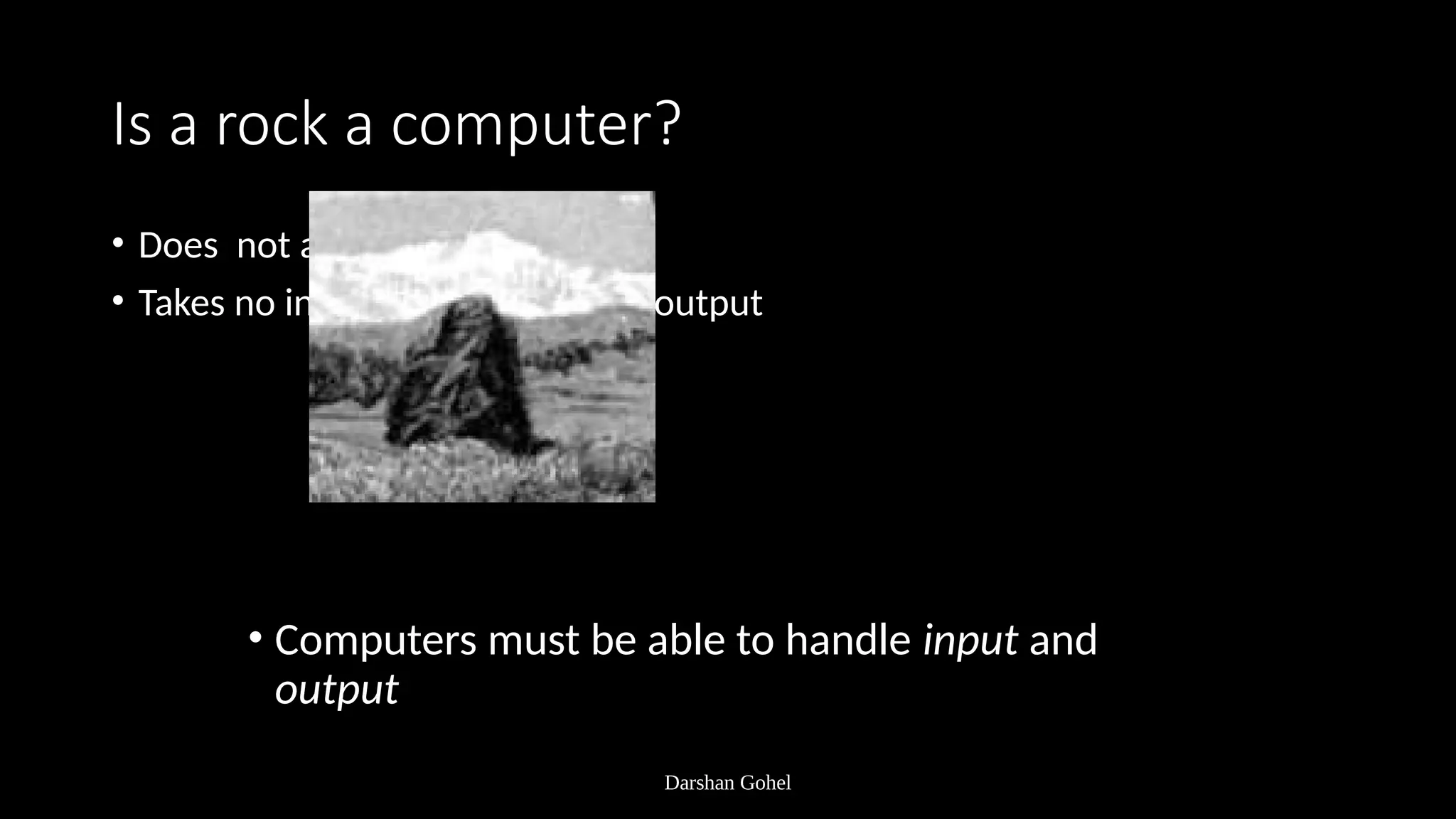
Is a washing machine a computer?
• Input: dirty clothes
• Output: clean clothes
• Does not handle information
• Computers input and output information
Darshan Gohel
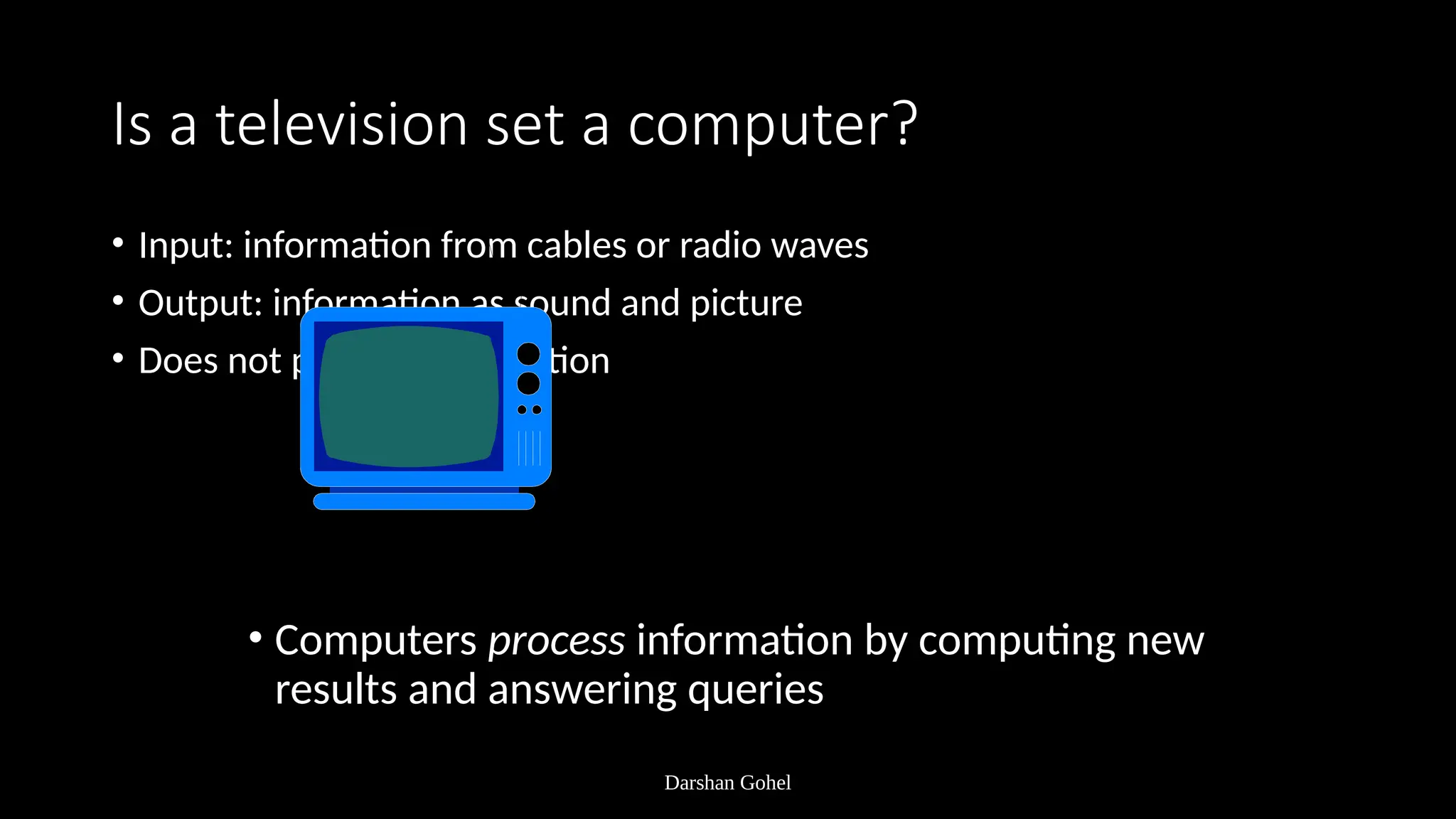
Is a television set a computer?
• Input: information from cables or radio waves
• Output: information as sound and picture
• Does not process information
• Computers process information by computing new
results and answering queries
Darshan Gohel
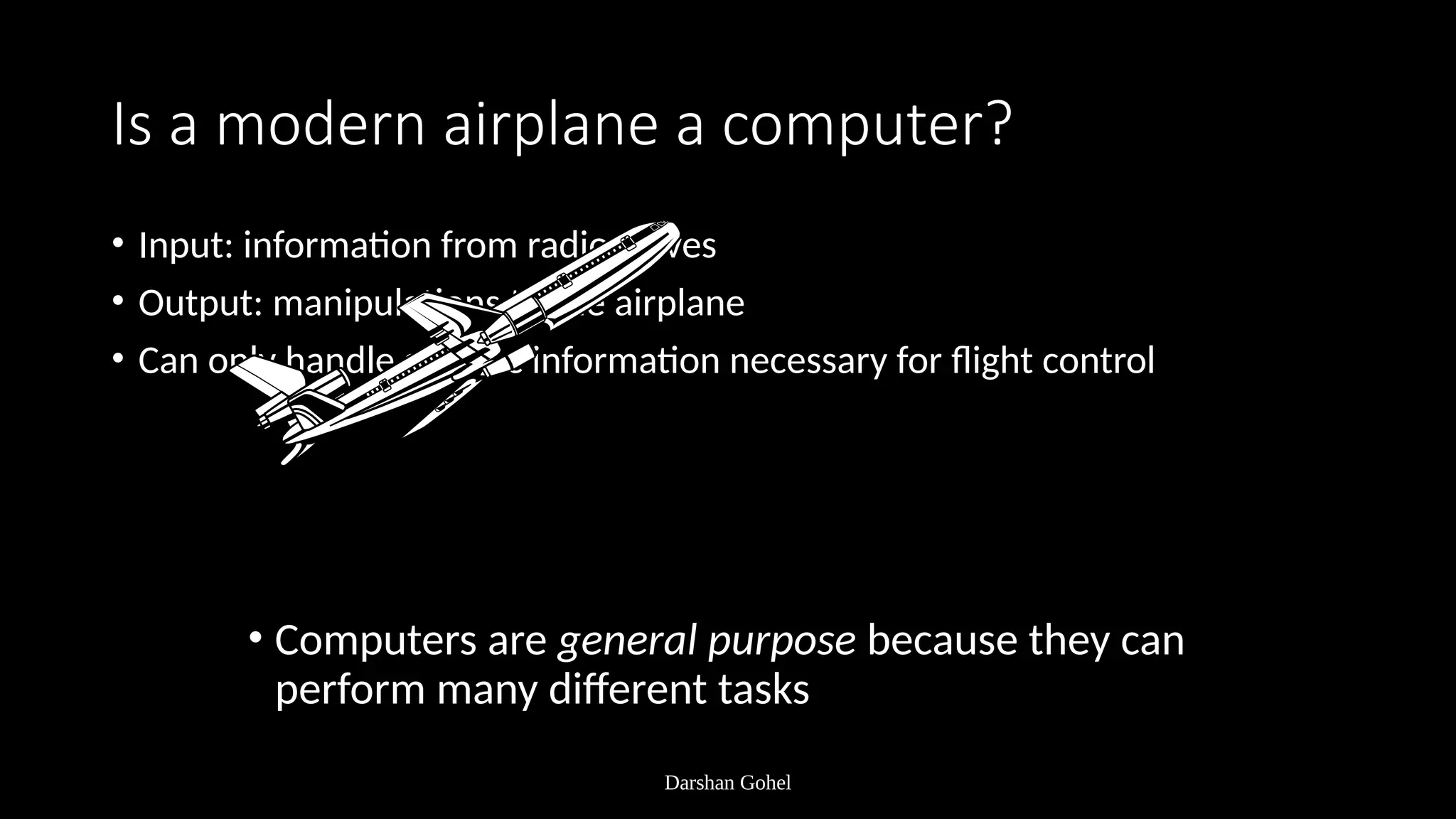
Is a modern airplane a computer?
• Input: information from radio waves
• Output: manipulations to the airplane
• Can only handle specific information necessary for flight control
• Computers are general purpose because they can
perform many different tasks
Darshan Gohel
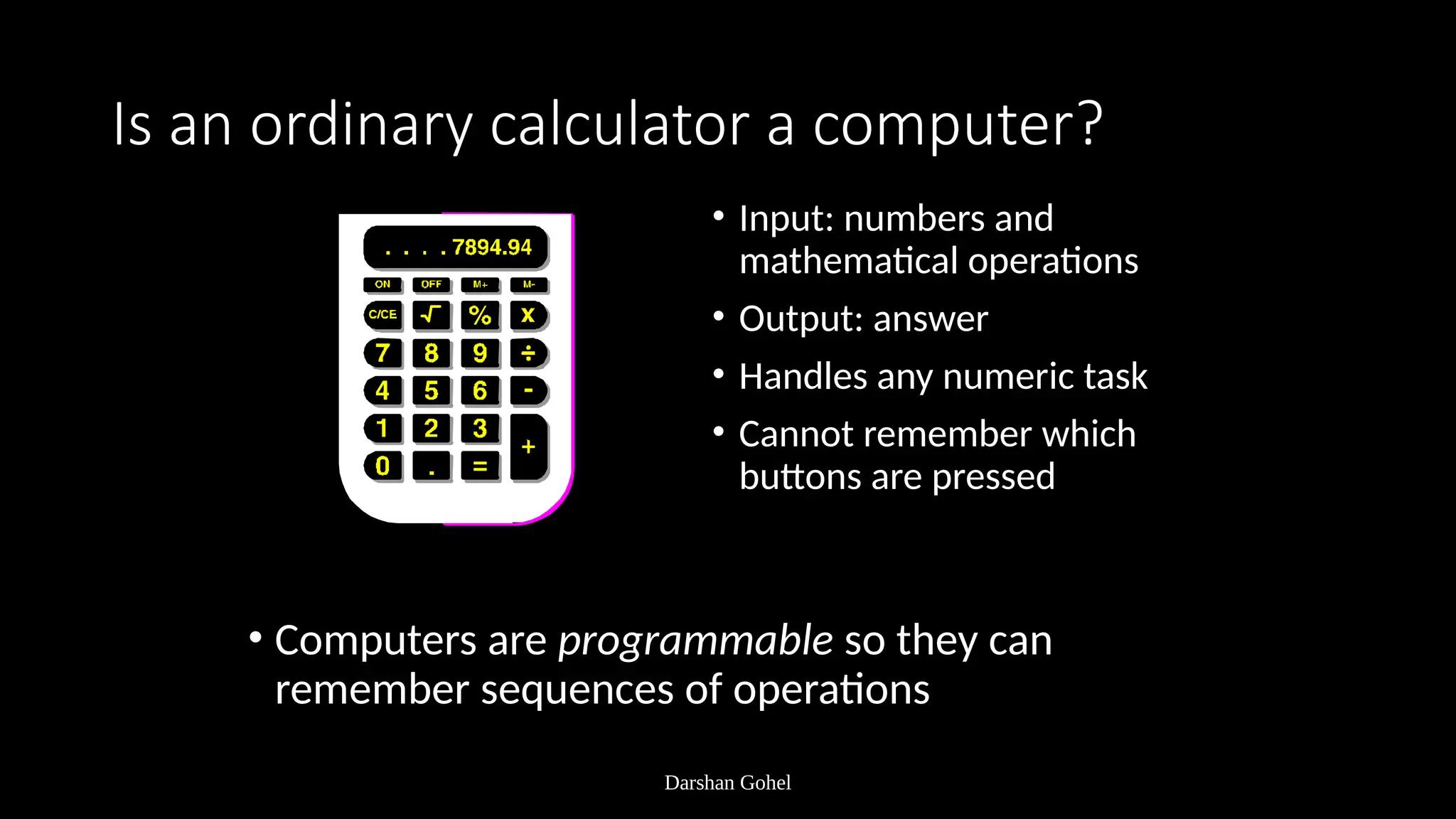
Is an ordinary calculator a computer?
• Input: numbers and
mathematical operations
• Output: answer
• Handles any numeric task
• Cannot remember which
buttons are pressed
• Computers are programmable so they can
remember sequences of operations
Darshan Gohel
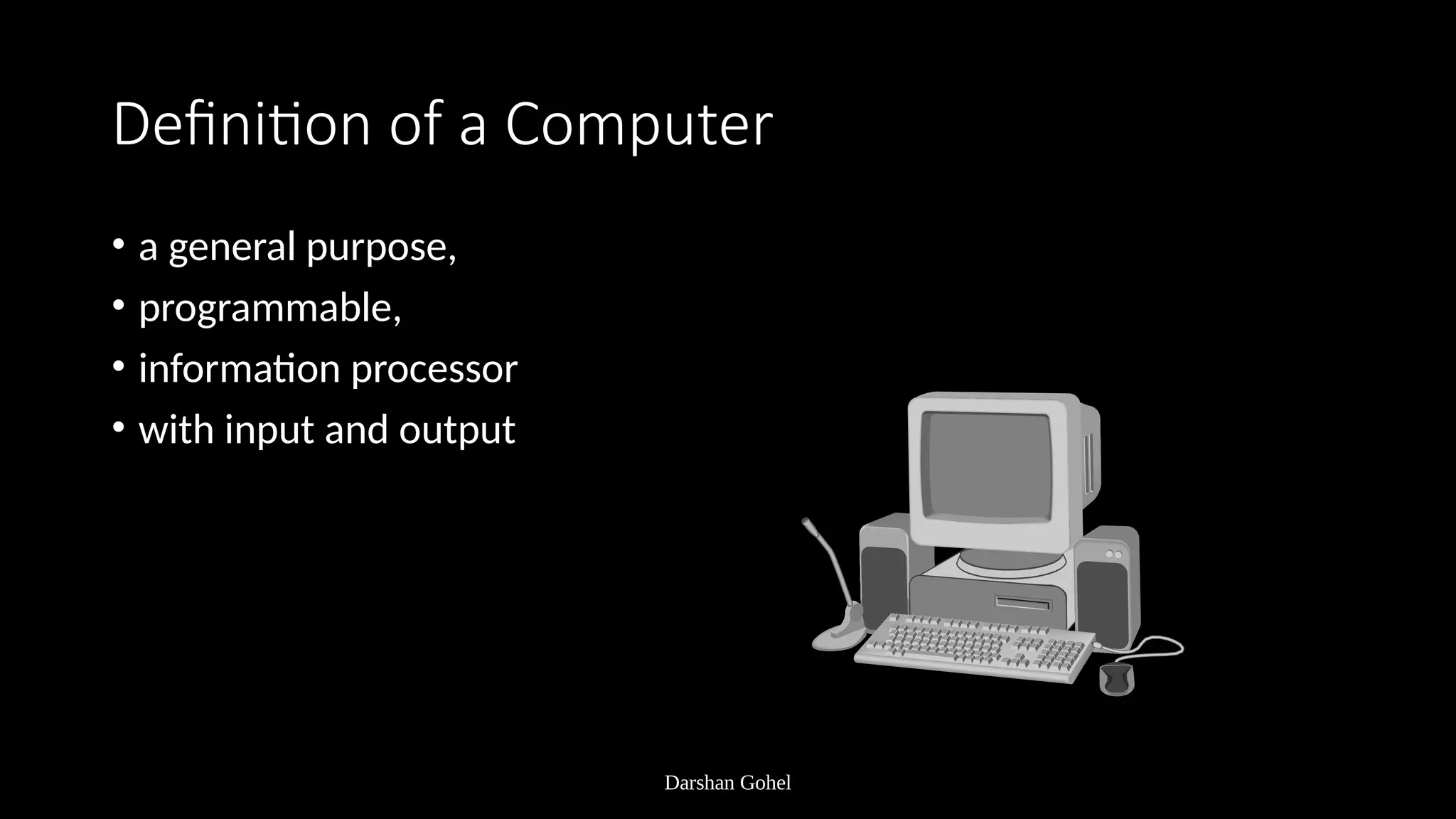
Definition of a Computer
• a general purpose,
• programmable,
• information processor
• with input and output
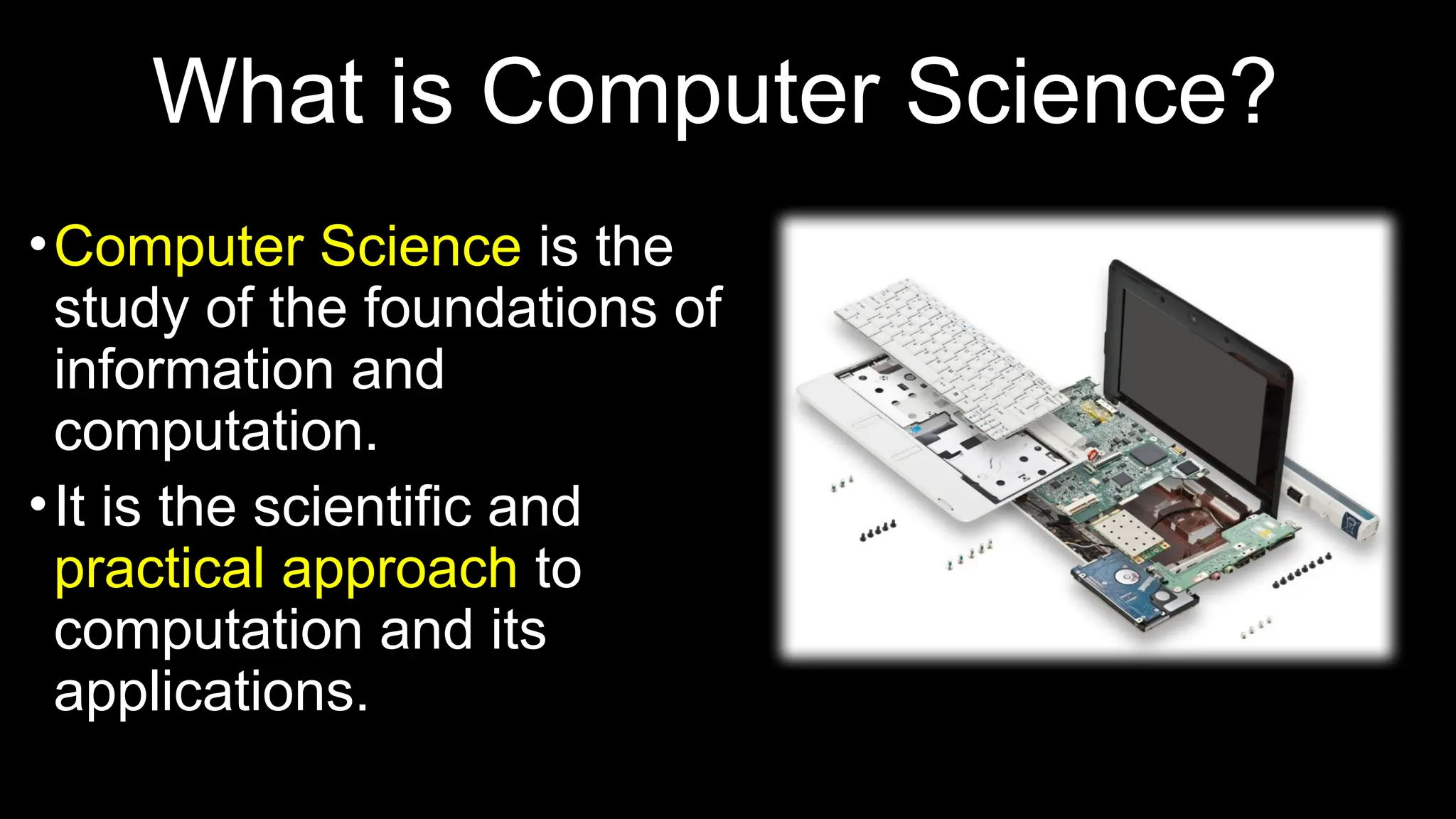
What is Computer Science?
•Computer Science is the
study of the foundations of
information and
computation.
•It is the scientific and
practical approach to
computation and its
applications.
What is a Computer System?
•It is capable of performing computations and
making logical decisions. (2 + 2 = 4)
•It is a machine that can transform data into
useful information.
What is Computation?
•Computation is a type of
calculation that follows a
well defined model
• Example: An Algorithm
• A + B = C
• 2 + 2 = 4
Types of Computing
•3 popular types of computing:
•Personal Computing
•Client/Server Computing
•Cloud Computing
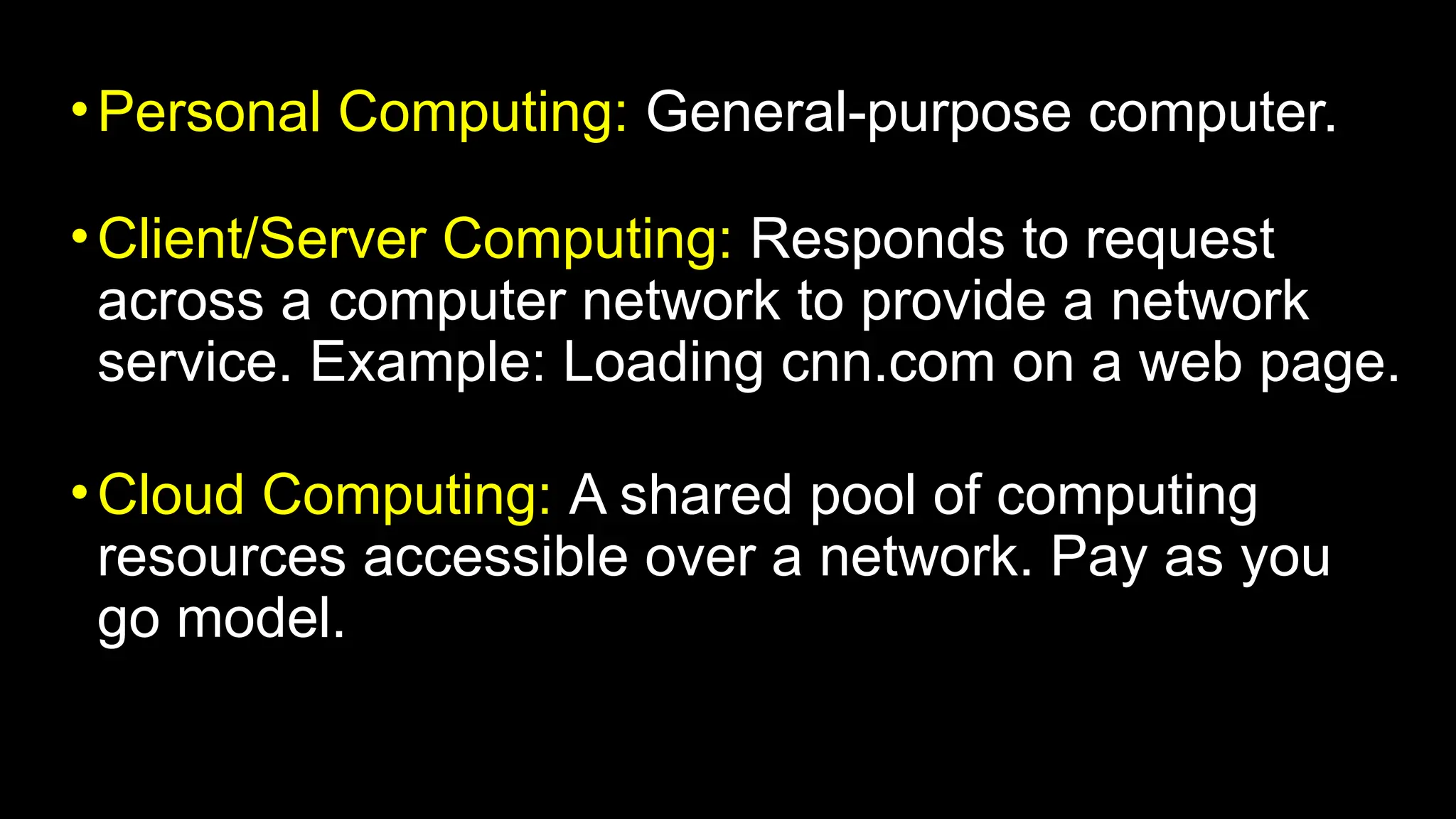
•Personal Computing: General-purpose computer.
•Client/Server Computing: Responds to request
across a computer network to provide a network
service. Example: Loading cnn.com on a web page.
•Cloud Computing: A shared pool of computing
resources accessible over a network. Pay as you
go model.
Cognition, Computational
Thinking, and Computing
Explained with Problem-Solving Examples
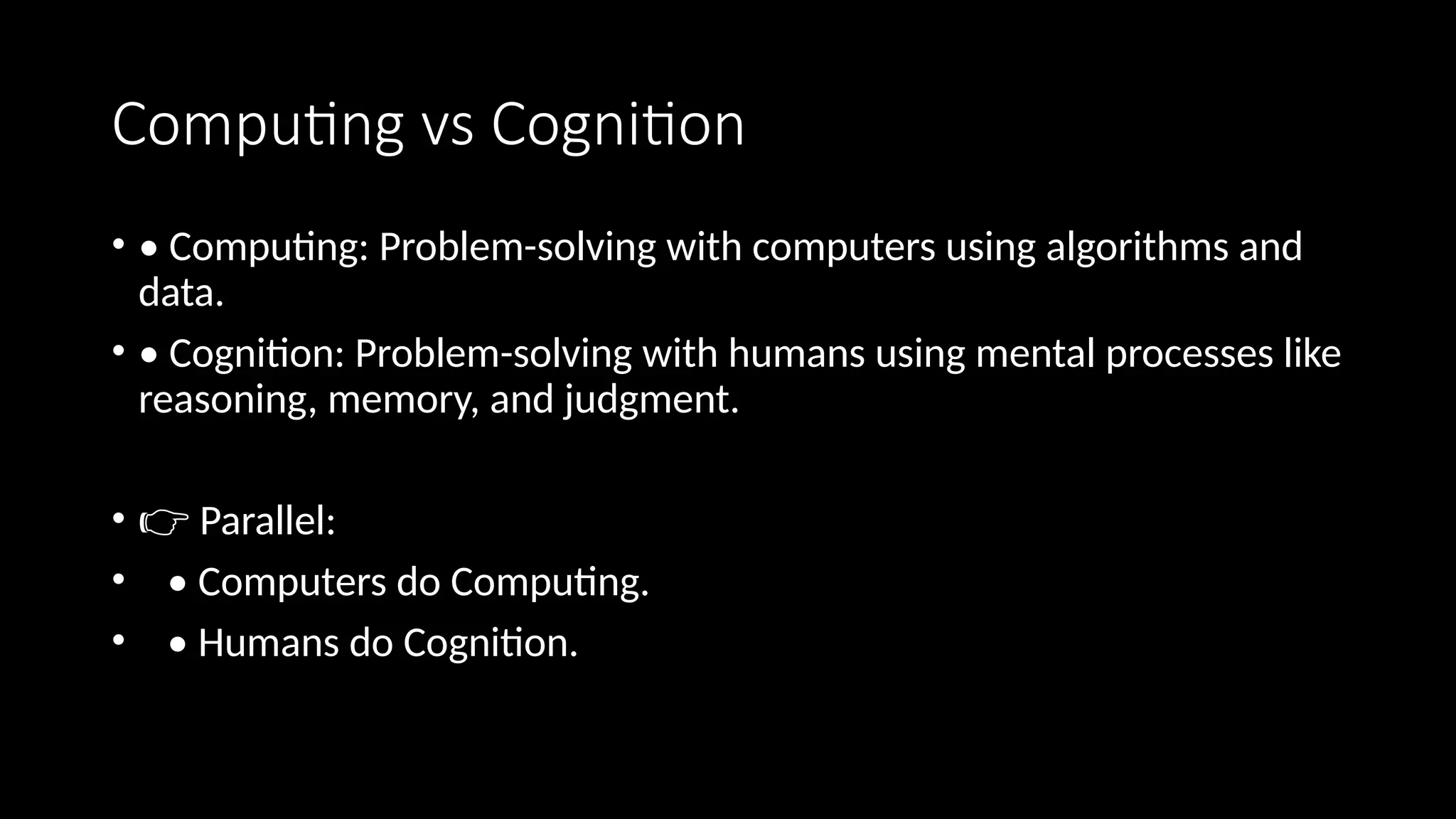
Computing vs Cognition
• • Computing: Problem-solving with computers using algorithms and
data.
• • Cognition: Problem-solving with humans using mental processes like
reasoning, memory, and judgment.
• 👉 Parallel:
• • Computers do Computing.
• • Humans do Cognition.
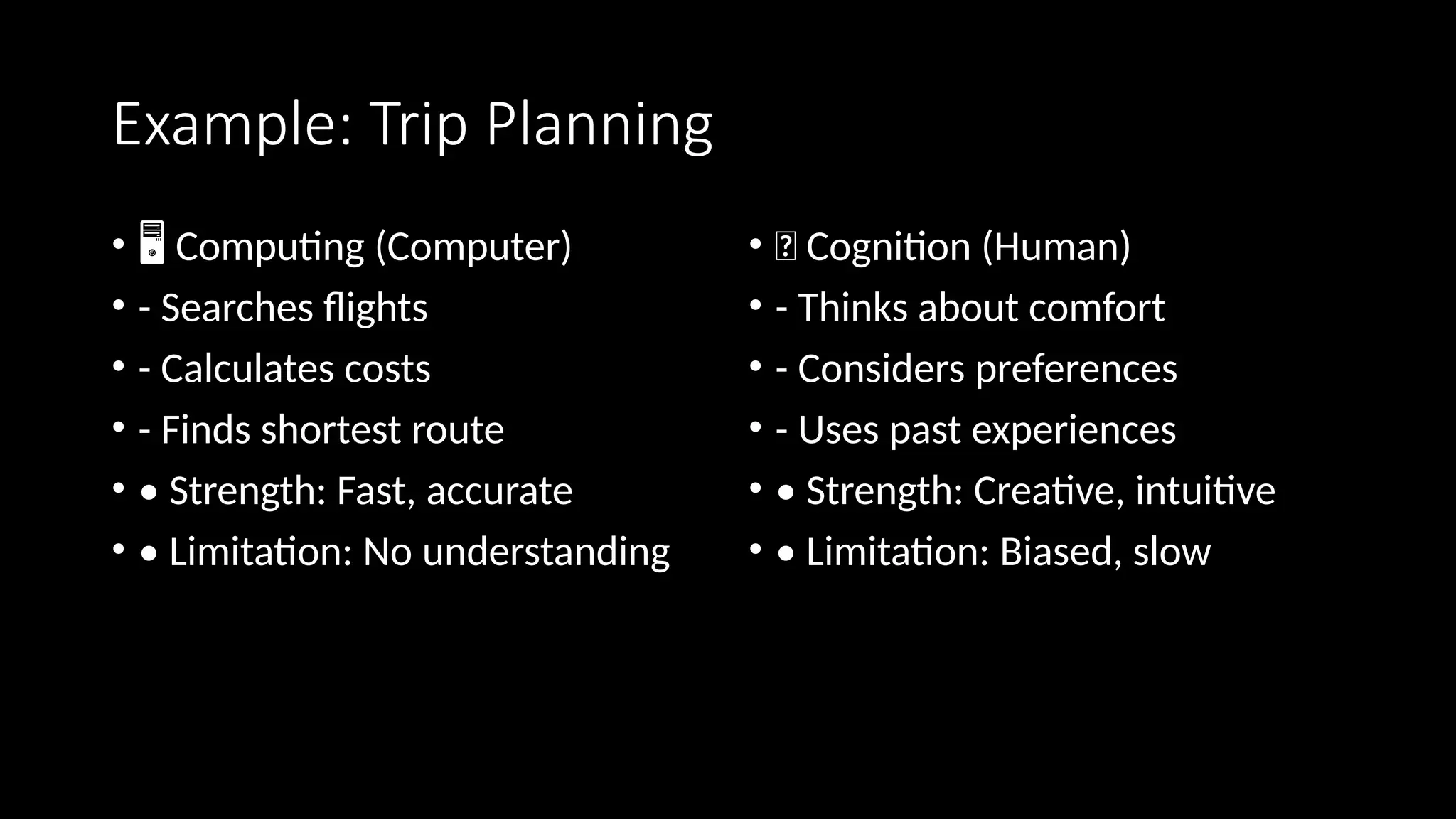
Example: Trip Planning
• ️
🖥️Computing (Computer)
• - Searches flights
• - Calculates costs
• - Finds shortest route
• • Strength: Fast, accurate
• • Limitation: No understanding
• 🧠 Cognition (Human)
• - Thinks about comfort
• - Considers preferences
• - Uses past experiences
• • Strength: Creative, intuitive
• • Limitation: Biased, slow
Computational
thinking
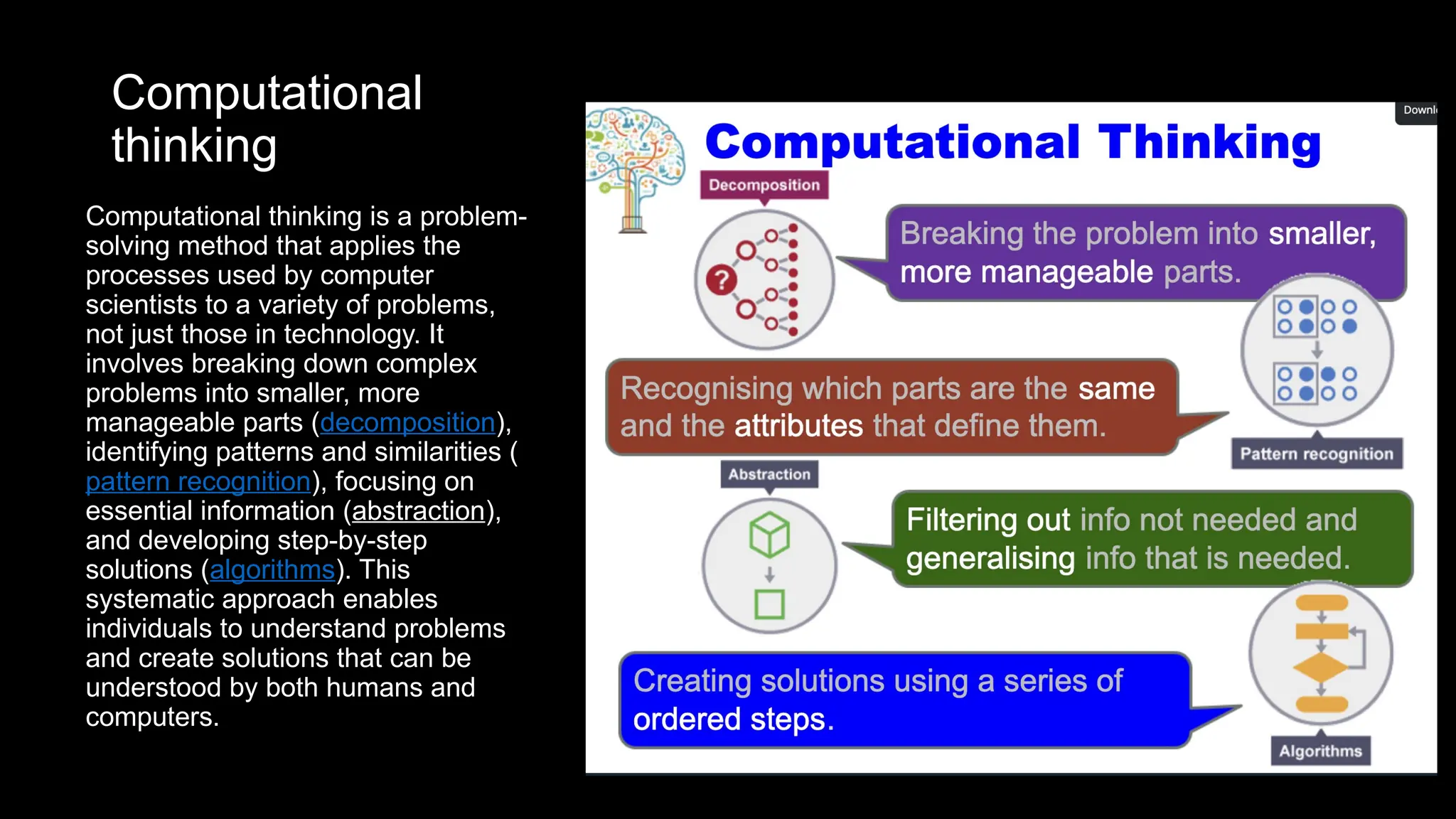
Computational thinking is a problem-
solving method that applies the
processes used by computer
scientists to a variety of problems,
not just those in technology. It
involves breaking down complex
problems into smaller, more
manageable parts (decomposition),
identifying patterns and similarities (
pattern recognition), focusing on
essential information (abstraction),
and developing step-by-step
solutions (algorithms). This
systematic approach enables
individuals to understand problems
and create solutions that can be
understood by both humans and
computers.
Where Computational Thinking Fits
• Computational Thinking = Bridge between Cognition and Computing.
• Humans structure problems so that computers can solve them:
• • Decomposition – break problem into parts
• • Pattern recognition – identify similarities
• • Abstraction – focus on essentials
• • Algorithm design – create step-by-step instructions
• 👉 Cognition → CT → Computing
Example: Find Greatest of Three Numbers
• 🧠 Cognition:
• - Intuitively compare numbers
• - Decide 45 is greatest
• 🧩 Computational Thinking:
• - Step 1: Compare first two
• - Step 2: Keep larger
• - Step 3: Compare with third
• - Step 4: Conclude greatest
• 🖥️Computing (Python):
• a, b, c = 12, 45, 27
• max_num = a
• if b > max_num: max_num = b
• if c > max_num: max_num = c
• print(max_num) # 45
Four Principles of CT: Greatest of 3 Numbers
• 1. Decomposition: Compare pairwise.
• 2. Pattern Recognition: Same method works for any set of numbers.
• 3. Abstraction: Ignore actual values, focus on comparisons.
• 4. Algorithm Design:
• if a > b then max=a else max=b
• if c > max then max=c
• print max
Scaling: Greatest of 100 Numbers
• 1. Decomposition: Start with first number, compare sequentially.
• 2. Pattern Recognition: Repeated comparisons until end.
• 3. Abstraction: Focus only on 'greater than' relation.
• 4. Algorithm Design:
• max = first
• for each number in list:
• if number > max → update max
• output max
• 👉 CT makes it scalable from 3 to 100 (or more).
What is Computer Science?
• • Computer Science is the study of computers and computational systems.
• • It focuses on theory, algorithms, and how problems can be solved by computers.
• • Core areas include:
• - Algorithms and Data Structures
• - Programming and Software Development
• - Databases and Information Systems
• - Artificial Intelligence and Machine Learning
• - Networks and Security
• 👉 In short: Computer Science is about understanding how to think (CT),
• and how to make machines execute that thinking (Computing).
Core Areas of Computer Science
• - Algorithms and Data Structures
• - Programming
• - Software Engineering
• - Computer Architecture
• - Artificial Intelligence & Machine Learning
• - Databases
• - Networking & Security
• - Human-Computer Interaction
Analogy: Running a Restaurant
• - Algorithms = Recipes
• - Programming = Cooking
• - Data Structures = Pantry Organization
• - Computer Architecture = Kitchen Layout
• - Software Engineering = Managing the Restaurant
• - Networking = Food Delivery System
• - AI/ML = Smart Chef
Advantages of Computer Science
•It is the fastest medium of communication.
•Arithmetic problems can be easily solved.
•Computers make it possible to receive, supply
and process large volumes of data at very high
speeds.
How Computer Works?
•A Computer is an electronic machine that:
•Accepts information and stores it until the
information is needed.
•Processes the information according to the
instructions provided by the user.
•Finally returns the result to the user.
How do computers solve problems?
• Humans deconstruct problems into small operations that a computer
can carry out
• Writing an algorithm
• Solve a problem by computer requires
• State the problem clearly in a problem statement
• Solve the problem with an algorithm that gives clear instructions
• Use a computing agent to carry out the instructions
Stating the problem clearly
• Describes what to do, not how to do it
• How do I get from Timonium Campus to the Beltway?
• Solve general classes of problems
• How do I get from point A in Timonium to point B?
• What is the square root of y?
Specifying a problem
• Clear problem statement is called the specification
• What information can we use as input
• What the output, or solution, to our problem should look like
• Specification for the square root problem
• Input: A positive number y > 0
• Output: A positive number x such that x2
= y
• Make sure specification is not ambiguous
Solving the problem using an Algorithm
• Algorithm – a clear sequence of instructions for performing a task
• a well-ordered sequence
• of well-defined,
• feasible operations
• that takes finite time to carry out
Finding the square root to the nearest tenth
• For this example we are interested in the square root of
55
1. Find the two integers between which √55 lies
 Do this by starting at 0 and continuing up through the integers until
you find an integer whose square is less than 55 and the next
integer has a square larger than 55
2. Find the first estimate by averaging the two integers
3. Divided 55 by the estimate. Compute it to one more place
than you want in the final answer
4. Average the estimate and the result of step 3
5. Repeat steps 3 and 4 until the tenth digit does not change
Finding the square root to the nearest tenth
• Here’s the Babylonian/average-of-quotients process for (sqrt{55}), stopping when the tenth digit stabilizes.
1) Integers around (sqrt{55}):
(7^2=49<55<64=8^2) → it lies between 7 and 8.
2) First estimate (average the integers):
(displaystyle x_0=frac{7+8}{2}=7.5)
3) Divide 55 by the estimate (carry one more place than you want; aiming for tenths → compute to hundredths):
4) (displaystyle 55div 7.50=7.33)
5) Average the estimate and the quotient:
6) (displaystyle x_1=frac{7.50+7.33}{2}=7.415approx mathbf{7.42}) (to hundredths)
7) Repeat steps 3–4:
8) Divide: (55div 7.42=7.41)
9) Average: (displaystyle x_2=frac{7.42+7.41}{2}=7.415approx mathbf{7.42})
10) The tenth digit is now stable (7.4 in both rounds), so:
11) [
boxed{sqrt{55}approx 7.4 text{ (to the nearest tenth)}}
]
12) (For reference, the true value is (sqrt{55}approx 7.416198487).)
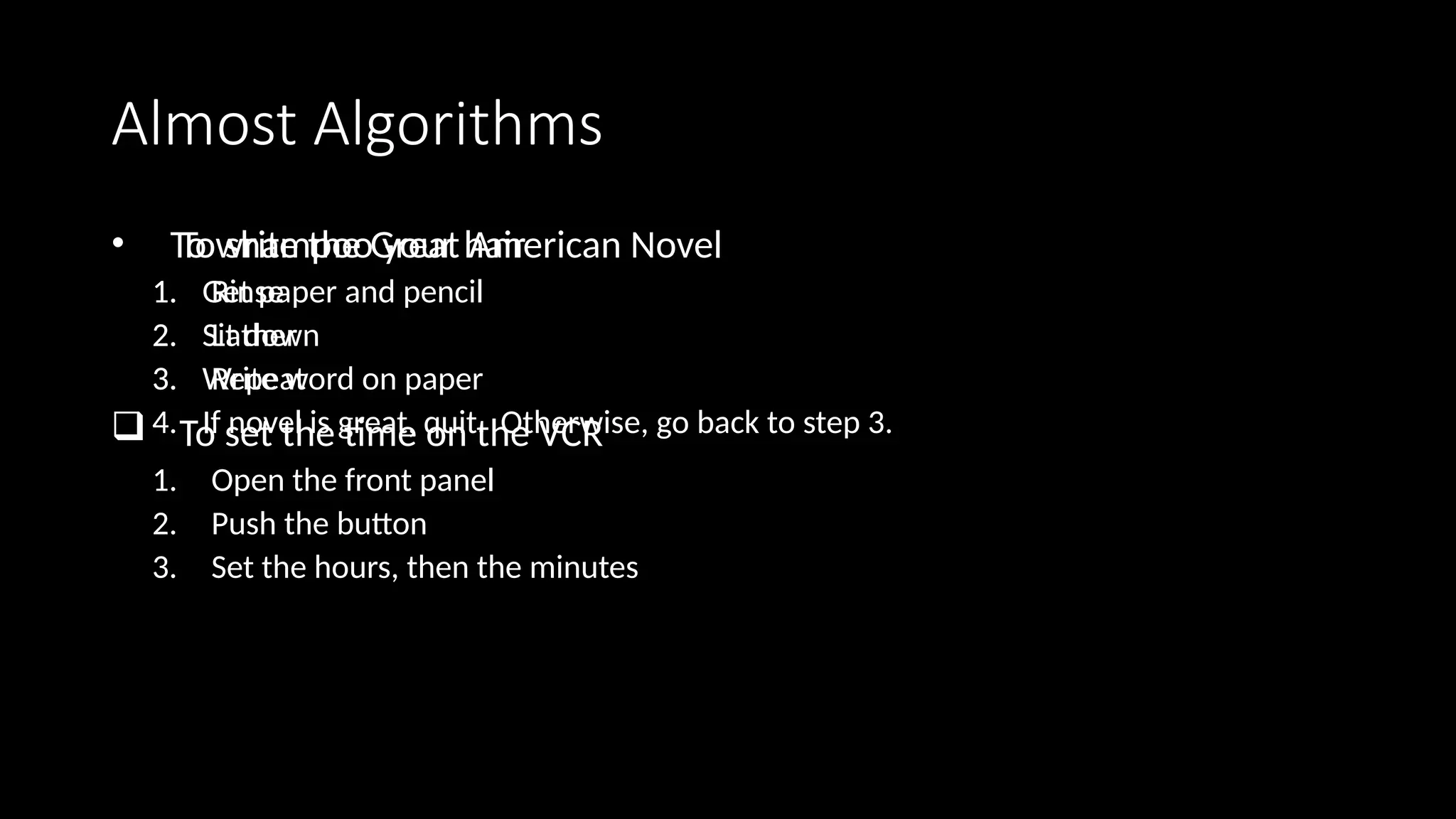
Almost Algorithms
• To shampoo your hair
1. Rinse
2. Lather
3. Repeat
 To set the time on the VCR
1. Open the front panel
2. Push the button
3. Set the hours, then the minutes
• To write the Great American Novel
1. Get paper and pencil
2. Sit down
3. Write word on paper
4. If novel is great, quit. Otherwise, go back to step 3.
Using the computing agent
• The square root algorithm is only an algorithm for an agent that
understands English and can perform arithmetic
• Requirements imposed by the computing agent
• Algorithm is in a language the computing agent understands
• Algorithm uses primitive operations that the agent can carry out
Necessity of artificial languages
• Problems with natural languages (like English)
• Flexible
• Often ambiguous
• Computers use artificial languages with precise meanings
• mathematical equations, music notation, programming languages

• Programming languages define primitive operations computing agents
understand
Types of Computer
•Personal computer
•Smartphone
•Mainframe computer
•Super computer
•Cloud computer (Amazon Web Services AWS, Microsoft
Azure, Google Cloud GC)
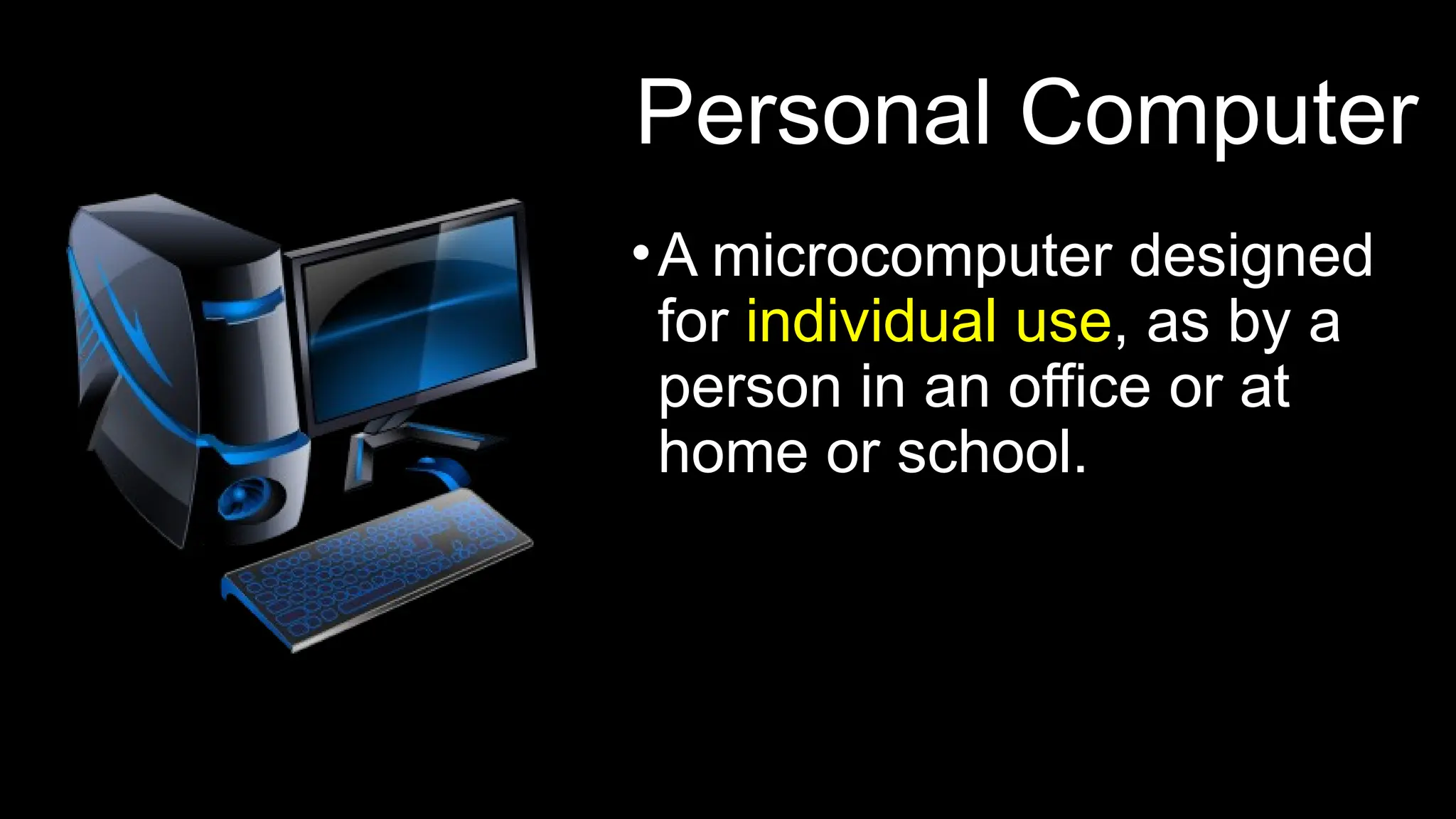
Personal Computer
•A microcomputer designed
for individual use, as by a
person in an office or at
home or school.
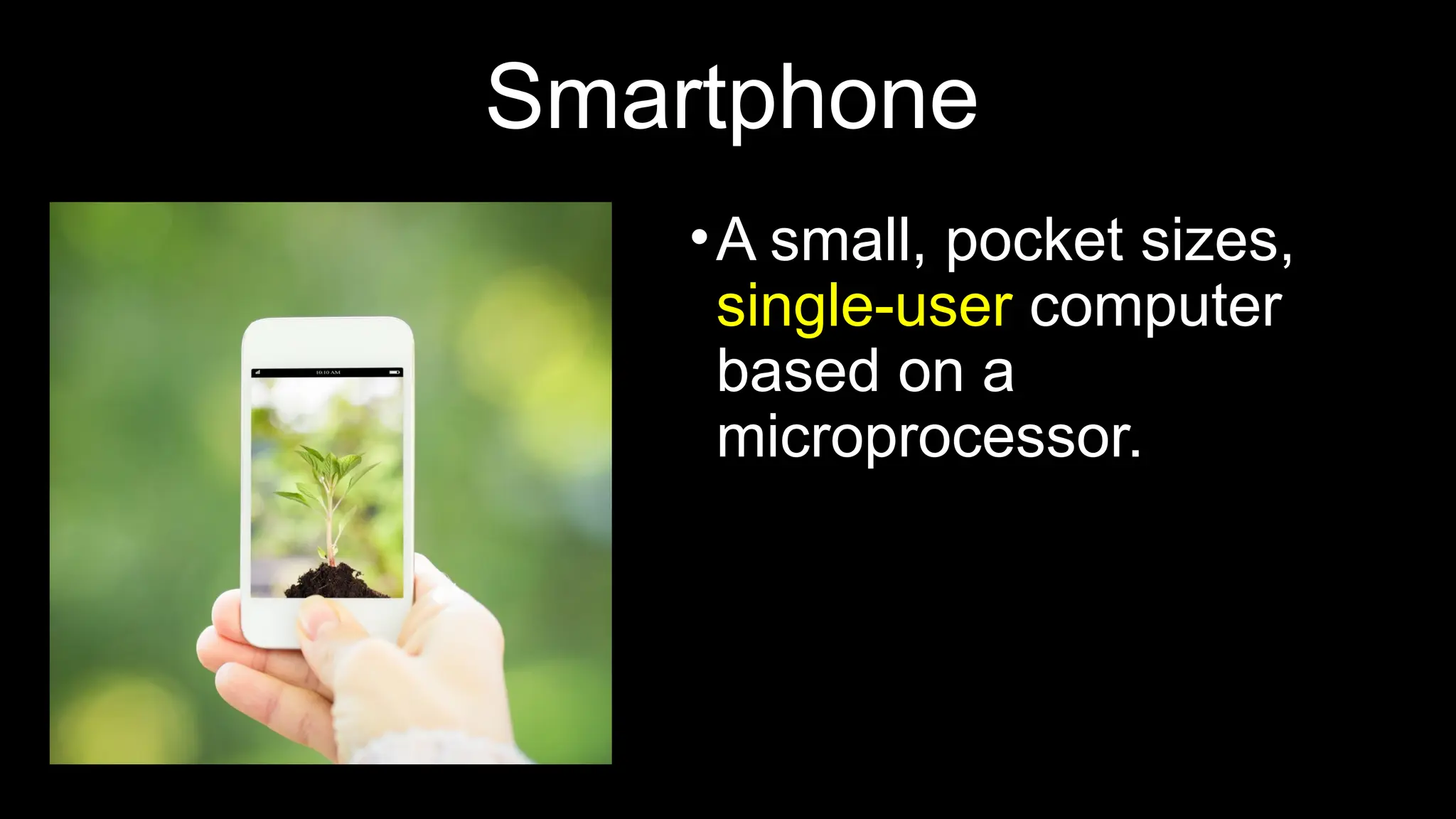
Smartphone
•A small, pocket sizes,
single-user computer
based on a
microprocessor.
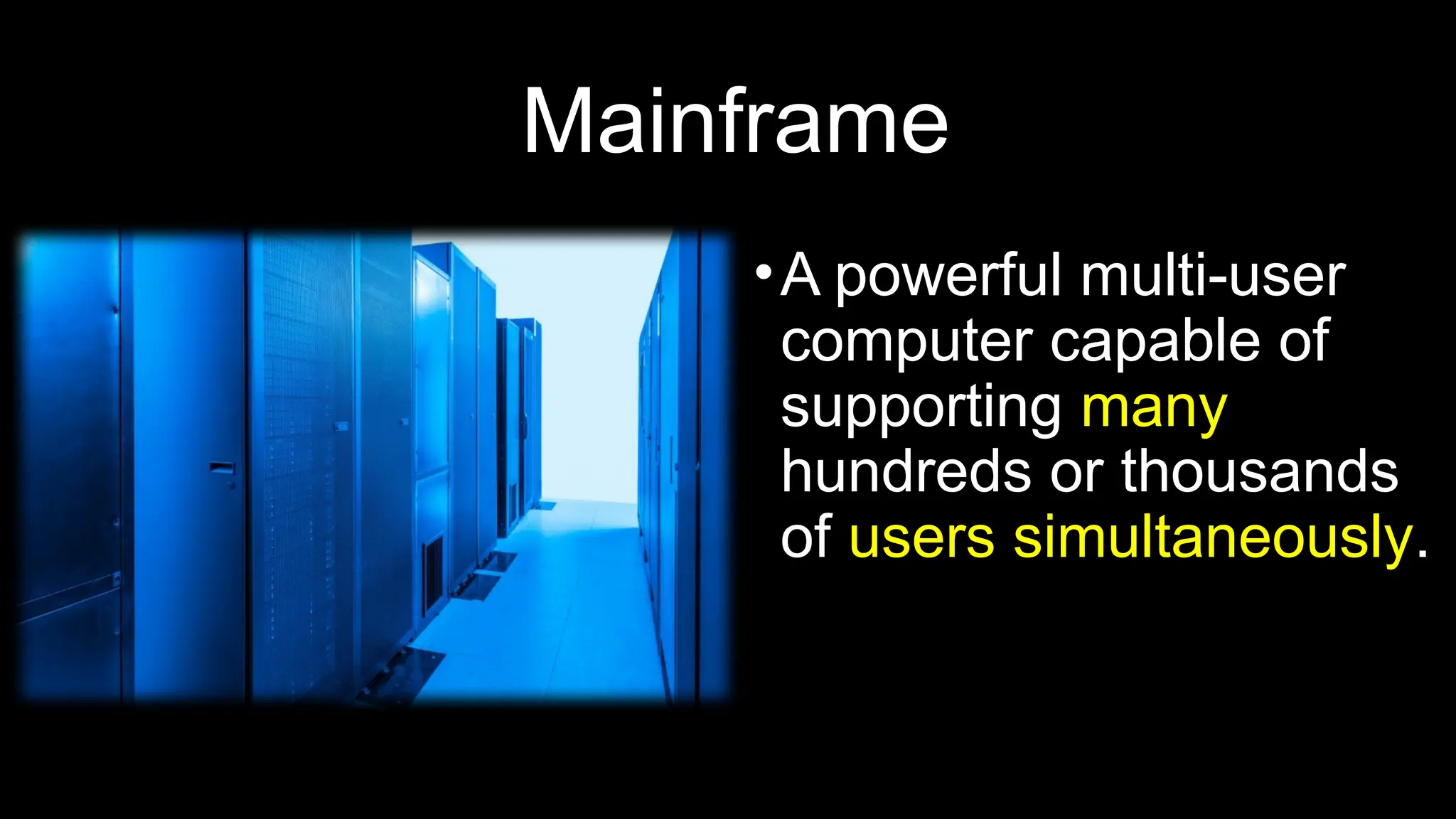
Mainframe
•A powerful multi-user
computer capable of
supporting many
hundreds or thousands
of users simultaneously.
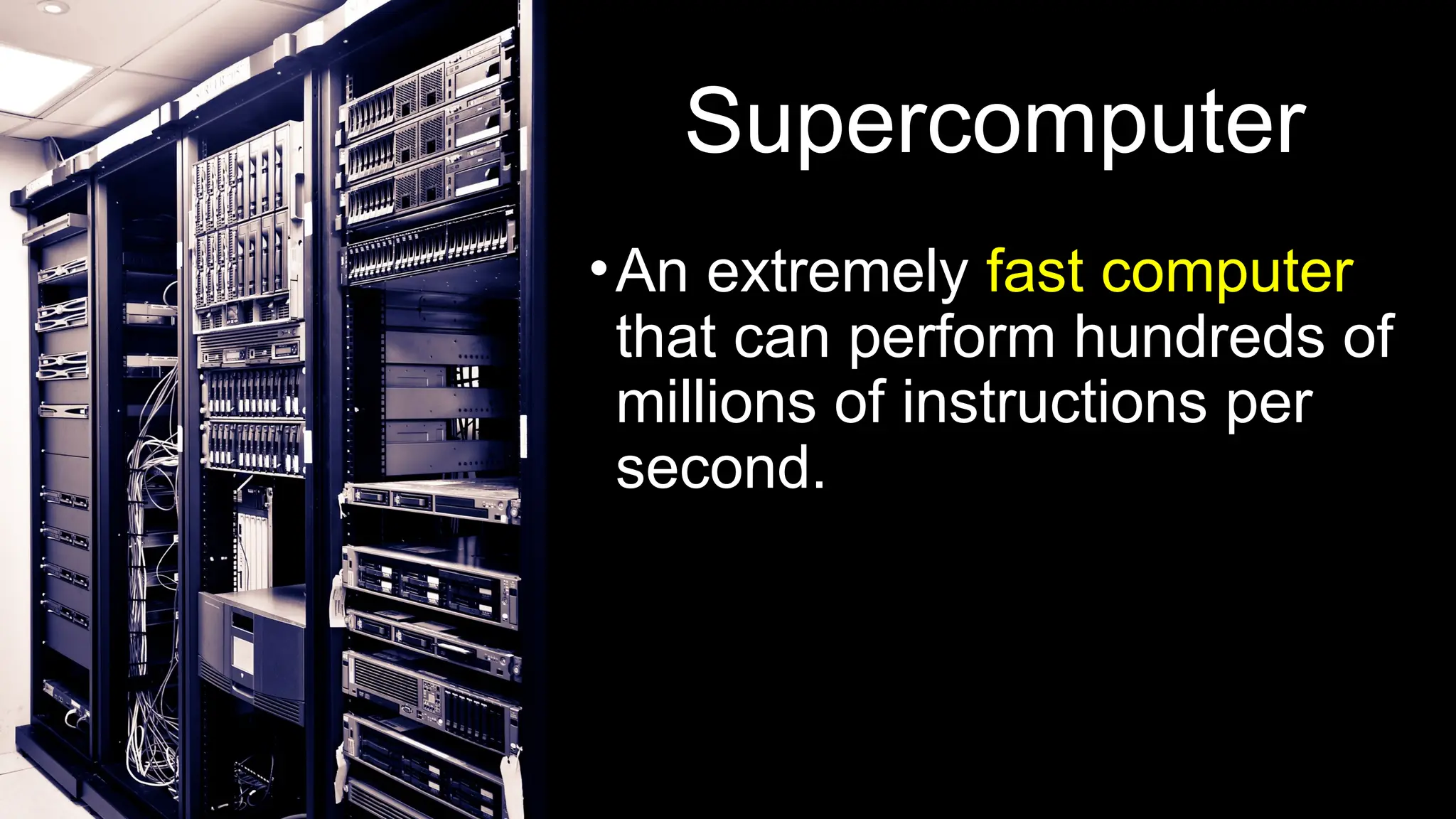
Supercomputer
•An extremely fast computer
that can perform hundreds of
millions of instructions per
second.
Cloud Computing
• AWS: Amazon Web Services provides on-demand delivery of
IT resources via the Internet with pay-as-you-go pricing.
• Microsoft Azure: Microsoft Azure is an open, flexible,
enterprise-grade cloud computing platform
• Google Cloud: Google Cloud Platform is a cloud computing
platform by Google that offers hosting on the same
supporting infrastructure that Google uses internally for end-
user products like Google Search and YouTube. Cloud
Platform provides developer products to build a range of
programs from simple websites to complex applications
Cloud Computing: IaaS, SaaS and PaaS
• SaaS: Software as a service is a software licensing and delivery model
in which software is licensed on a subscription basis and is centrally
hosted. Also referred to as "on-demand software". SaaS is typically
accessed by users using a thin client via a web browser.
• IaaS: Infrastructure as a Service (IaaS) is a form of cloud computing
that provides virtualized computing resources over the Internet. IaaS
is one of three main categories of cloud computing services, alongside
Software as a Service (SaaS) and Platform as a Service (PaaS).
• PaaS: Platform as a Service, often simply referred to as PaaS, is a
category of cloud computing that provides a platform and
environment to allow developers to build applications and services
over the internet. PaaS services are hosted in the cloud and accessed
by users simply via their web browser.
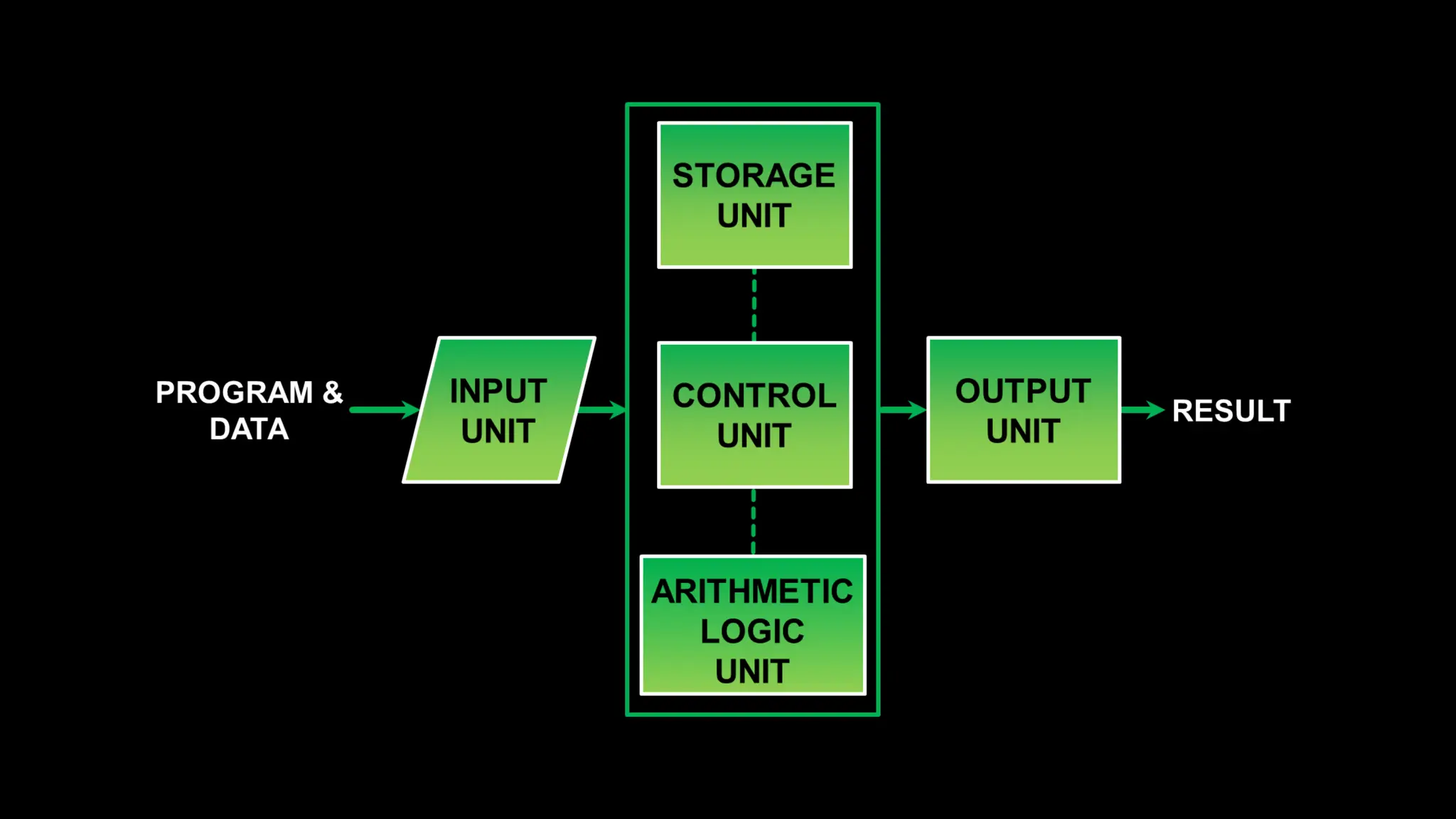
Computer Organization
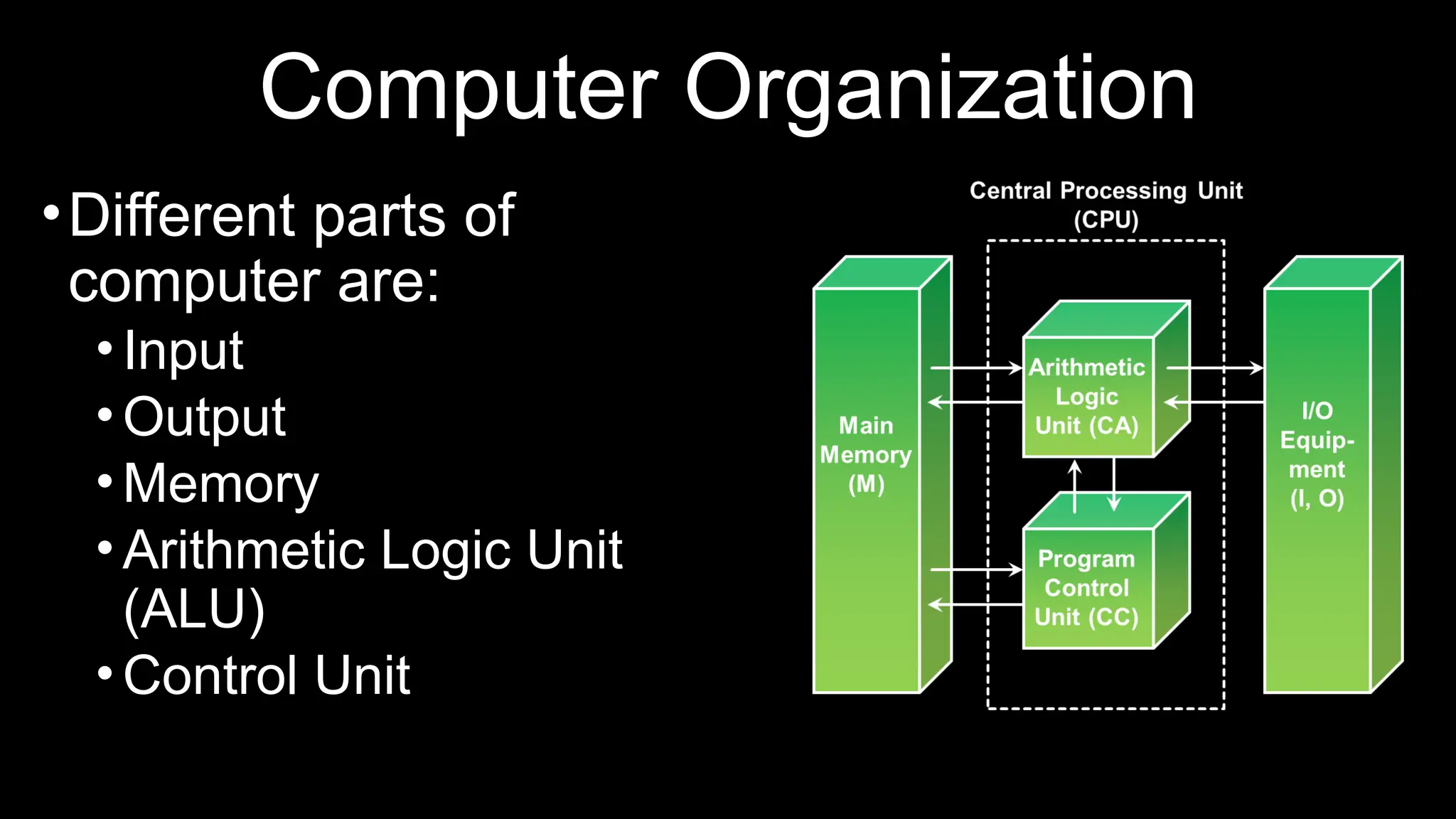
•Different parts of
computer are:
•Input
•Output
•Memory
•Arithmetic Logic Unit
(ALU)
•Control Unit
Hardware and Software
•Hardware includes physical parts of computer.
•Example: CPU, Keyboard, Mouse, etc.
•Software includes an interface between the user
and the computer.
•Example: Windows, Linux, Mac OS, etc.
Operating System
•A Software that manages computer hardware.
•Provides the user interface to the computer.
•Controls all machine activities and manage
resources.
Thank you
• For questions please email snooreen@proton.me or DM on
wattsapp 99885140

Cmputer science MFA Introduction-IFY.pptx

  • 17.
  • 18.
    In this bitesized module •What is a Computer? •What is Computer Science? •What is Computer System? •What is Computation? •Types of Computing •Computer Organization •Hardware and Software •Operating System
  • 19.
    What is aComputer Understanding function of a Computer
  • 20.
    Darshan Gohel Biology.GoLearninngBus.Com Which oneis the computer? Rock Calculator Television Modern Airplane Washing Machine Computer Workstation
  • 21.
    Darshan Gohel Is ita Computer? • What questions would you ask? • What experiments would you run?
  • 22.
    Darshan Gohel Is arock a computer? • Does not act or process • Takes no input and produces no output • Computers must be able to handle input and output
  • 23.
    Darshan Gohel Is awashing machine a computer? • Input: dirty clothes • Output: clean clothes • Does not handle information • Computers input and output information
  • 24.
    Darshan Gohel Is atelevision set a computer? • Input: information from cables or radio waves • Output: information as sound and picture • Does not process information • Computers process information by computing new results and answering queries
  • 25.
    Darshan Gohel Is amodern airplane a computer? • Input: information from radio waves • Output: manipulations to the airplane • Can only handle specific information necessary for flight control • Computers are general purpose because they can perform many different tasks
  • 26.
    Darshan Gohel Is anordinary calculator a computer? • Input: numbers and mathematical operations • Output: answer • Handles any numeric task • Cannot remember which buttons are pressed • Computers are programmable so they can remember sequences of operations
  • 27.
    Darshan Gohel Definition ofa Computer • a general purpose, • programmable, • information processor • with input and output
  • 28.
    What is ComputerScience? •Computer Science is the study of the foundations of information and computation. •It is the scientific and practical approach to computation and its applications.
  • 29.
    What is aComputer System? •It is capable of performing computations and making logical decisions. (2 + 2 = 4) •It is a machine that can transform data into useful information.
  • 30.
    What is Computation? •Computationis a type of calculation that follows a well defined model • Example: An Algorithm • A + B = C • 2 + 2 = 4
  • 31.
    Types of Computing •3popular types of computing: •Personal Computing •Client/Server Computing •Cloud Computing
  • 32.
    •Personal Computing: General-purposecomputer. •Client/Server Computing: Responds to request across a computer network to provide a network service. Example: Loading cnn.com on a web page. •Cloud Computing: A shared pool of computing resources accessible over a network. Pay as you go model.
  • 33.
    Cognition, Computational Thinking, andComputing Explained with Problem-Solving Examples
  • 34.
    Computing vs Cognition •• Computing: Problem-solving with computers using algorithms and data. • • Cognition: Problem-solving with humans using mental processes like reasoning, memory, and judgment. • 👉 Parallel: • • Computers do Computing. • • Humans do Cognition.
  • 35.
    Example: Trip Planning •️ 🖥️Computing (Computer) • - Searches flights • - Calculates costs • - Finds shortest route • • Strength: Fast, accurate • • Limitation: No understanding • 🧠 Cognition (Human) • - Thinks about comfort • - Considers preferences • - Uses past experiences • • Strength: Creative, intuitive • • Limitation: Biased, slow
  • 36.
    Computational thinking Computational thinking isa problem- solving method that applies the processes used by computer scientists to a variety of problems, not just those in technology. It involves breaking down complex problems into smaller, more manageable parts (decomposition), identifying patterns and similarities ( pattern recognition), focusing on essential information (abstraction), and developing step-by-step solutions (algorithms). This systematic approach enables individuals to understand problems and create solutions that can be understood by both humans and computers.
  • 37.
    Where Computational ThinkingFits • Computational Thinking = Bridge between Cognition and Computing. • Humans structure problems so that computers can solve them: • • Decomposition – break problem into parts • • Pattern recognition – identify similarities • • Abstraction – focus on essentials • • Algorithm design – create step-by-step instructions • 👉 Cognition → CT → Computing
  • 38.
    Example: Find Greatestof Three Numbers • 🧠 Cognition: • - Intuitively compare numbers • - Decide 45 is greatest • 🧩 Computational Thinking: • - Step 1: Compare first two • - Step 2: Keep larger • - Step 3: Compare with third • - Step 4: Conclude greatest • 🖥️Computing (Python): • a, b, c = 12, 45, 27 • max_num = a • if b > max_num: max_num = b • if c > max_num: max_num = c • print(max_num) # 45
  • 39.
    Four Principles ofCT: Greatest of 3 Numbers • 1. Decomposition: Compare pairwise. • 2. Pattern Recognition: Same method works for any set of numbers. • 3. Abstraction: Ignore actual values, focus on comparisons. • 4. Algorithm Design: • if a > b then max=a else max=b • if c > max then max=c • print max
  • 40.
    Scaling: Greatest of100 Numbers • 1. Decomposition: Start with first number, compare sequentially. • 2. Pattern Recognition: Repeated comparisons until end. • 3. Abstraction: Focus only on 'greater than' relation. • 4. Algorithm Design: • max = first • for each number in list: • if number > max → update max • output max • 👉 CT makes it scalable from 3 to 100 (or more).
  • 41.
    What is ComputerScience? • • Computer Science is the study of computers and computational systems. • • It focuses on theory, algorithms, and how problems can be solved by computers. • • Core areas include: • - Algorithms and Data Structures • - Programming and Software Development • - Databases and Information Systems • - Artificial Intelligence and Machine Learning • - Networks and Security • 👉 In short: Computer Science is about understanding how to think (CT), • and how to make machines execute that thinking (Computing).
  • 42.
    Core Areas ofComputer Science • - Algorithms and Data Structures • - Programming • - Software Engineering • - Computer Architecture • - Artificial Intelligence & Machine Learning • - Databases • - Networking & Security • - Human-Computer Interaction
  • 43.
    Analogy: Running aRestaurant • - Algorithms = Recipes • - Programming = Cooking • - Data Structures = Pantry Organization • - Computer Architecture = Kitchen Layout • - Software Engineering = Managing the Restaurant • - Networking = Food Delivery System • - AI/ML = Smart Chef
  • 44.
    Advantages of ComputerScience •It is the fastest medium of communication. •Arithmetic problems can be easily solved. •Computers make it possible to receive, supply and process large volumes of data at very high speeds.
  • 45.
    How Computer Works? •AComputer is an electronic machine that: •Accepts information and stores it until the information is needed. •Processes the information according to the instructions provided by the user. •Finally returns the result to the user.
  • 47.
    How do computerssolve problems? • Humans deconstruct problems into small operations that a computer can carry out • Writing an algorithm • Solve a problem by computer requires • State the problem clearly in a problem statement • Solve the problem with an algorithm that gives clear instructions • Use a computing agent to carry out the instructions
  • 48.
    Stating the problemclearly • Describes what to do, not how to do it • How do I get from Timonium Campus to the Beltway? • Solve general classes of problems • How do I get from point A in Timonium to point B? • What is the square root of y?
  • 49.
    Specifying a problem •Clear problem statement is called the specification • What information can we use as input • What the output, or solution, to our problem should look like • Specification for the square root problem • Input: A positive number y > 0 • Output: A positive number x such that x2 = y • Make sure specification is not ambiguous
  • 50.
    Solving the problemusing an Algorithm • Algorithm – a clear sequence of instructions for performing a task • a well-ordered sequence • of well-defined, • feasible operations • that takes finite time to carry out
  • 51.
    Finding the squareroot to the nearest tenth • For this example we are interested in the square root of 55 1. Find the two integers between which √55 lies  Do this by starting at 0 and continuing up through the integers until you find an integer whose square is less than 55 and the next integer has a square larger than 55 2. Find the first estimate by averaging the two integers 3. Divided 55 by the estimate. Compute it to one more place than you want in the final answer 4. Average the estimate and the result of step 3 5. Repeat steps 3 and 4 until the tenth digit does not change
  • 52.
    Finding the squareroot to the nearest tenth • Here’s the Babylonian/average-of-quotients process for (sqrt{55}), stopping when the tenth digit stabilizes. 1) Integers around (sqrt{55}): (7^2=49<55<64=8^2) → it lies between 7 and 8. 2) First estimate (average the integers): (displaystyle x_0=frac{7+8}{2}=7.5) 3) Divide 55 by the estimate (carry one more place than you want; aiming for tenths → compute to hundredths): 4) (displaystyle 55div 7.50=7.33) 5) Average the estimate and the quotient: 6) (displaystyle x_1=frac{7.50+7.33}{2}=7.415approx mathbf{7.42}) (to hundredths) 7) Repeat steps 3–4: 8) Divide: (55div 7.42=7.41) 9) Average: (displaystyle x_2=frac{7.42+7.41}{2}=7.415approx mathbf{7.42}) 10) The tenth digit is now stable (7.4 in both rounds), so: 11) [ boxed{sqrt{55}approx 7.4 text{ (to the nearest tenth)}} ] 12) (For reference, the true value is (sqrt{55}approx 7.416198487).)
  • 53.
    Almost Algorithms • Toshampoo your hair 1. Rinse 2. Lather 3. Repeat  To set the time on the VCR 1. Open the front panel 2. Push the button 3. Set the hours, then the minutes • To write the Great American Novel 1. Get paper and pencil 2. Sit down 3. Write word on paper 4. If novel is great, quit. Otherwise, go back to step 3.
  • 54.
    Using the computingagent • The square root algorithm is only an algorithm for an agent that understands English and can perform arithmetic • Requirements imposed by the computing agent • Algorithm is in a language the computing agent understands • Algorithm uses primitive operations that the agent can carry out
  • 55.
    Necessity of artificiallanguages • Problems with natural languages (like English) • Flexible • Often ambiguous • Computers use artificial languages with precise meanings • mathematical equations, music notation, programming languages • Programming languages define primitive operations computing agents understand

  • 56.
    Types of Computer •Personalcomputer •Smartphone •Mainframe computer •Super computer •Cloud computer (Amazon Web Services AWS, Microsoft Azure, Google Cloud GC)
  • 57.
    Personal Computer •A microcomputerdesigned for individual use, as by a person in an office or at home or school.
  • 58.
    Smartphone •A small, pocketsizes, single-user computer based on a microprocessor.
  • 59.
    Mainframe •A powerful multi-user computercapable of supporting many hundreds or thousands of users simultaneously.
  • 60.
    Supercomputer •An extremely fastcomputer that can perform hundreds of millions of instructions per second.
  • 61.
    Cloud Computing • AWS:Amazon Web Services provides on-demand delivery of IT resources via the Internet with pay-as-you-go pricing. • Microsoft Azure: Microsoft Azure is an open, flexible, enterprise-grade cloud computing platform • Google Cloud: Google Cloud Platform is a cloud computing platform by Google that offers hosting on the same supporting infrastructure that Google uses internally for end- user products like Google Search and YouTube. Cloud Platform provides developer products to build a range of programs from simple websites to complex applications
  • 62.
    Cloud Computing: IaaS,SaaS and PaaS • SaaS: Software as a service is a software licensing and delivery model in which software is licensed on a subscription basis and is centrally hosted. Also referred to as "on-demand software". SaaS is typically accessed by users using a thin client via a web browser. • IaaS: Infrastructure as a Service (IaaS) is a form of cloud computing that provides virtualized computing resources over the Internet. IaaS is one of three main categories of cloud computing services, alongside Software as a Service (SaaS) and Platform as a Service (PaaS). • PaaS: Platform as a Service, often simply referred to as PaaS, is a category of cloud computing that provides a platform and environment to allow developers to build applications and services over the internet. PaaS services are hosted in the cloud and accessed by users simply via their web browser.
  • 63.
    Computer Organization •Different partsof computer are: •Input •Output •Memory •Arithmetic Logic Unit (ALU) •Control Unit
  • 64.
    Hardware and Software •Hardwareincludes physical parts of computer. •Example: CPU, Keyboard, Mouse, etc. •Software includes an interface between the user and the computer. •Example: Windows, Linux, Mac OS, etc.
  • 65.
    Operating System •A Softwarethat manages computer hardware. •Provides the user interface to the computer. •Controls all machine activities and manage resources.
  • 66.
    Thank you • Forquestions please email snooreen@proton.me or DM on wattsapp 99885140

Editor's Notes

  • #20 What devices and topics are the domain of computer science?
  • #50 Well-ordered – the algorithm clearly indicates in what order to perform the operations Well-defined distinguishes the one action to take out of the many possibilities Feasible – the step can be carried out by a realistic computing agent in reasonable time and effort
  • #51 7^2 = 49, 8^2 = 64 (7+8)/2 = 7.5 55 / 7.5 = 7.33 (7.5 + 7.33) / 2 = 7.42 7.4 is square root of 55 (7.4^2 = 54.76)
  • #52 7^2 = 49, 8^2 = 64 (7+8)/2 = 7.5 55 / 7.5 = 7.33 (7.5 + 7.33) / 2 = 7.42 7.4 is square root of 55 (7.4^2 = 54.76)
  • #55 List operations that may not be feasible Ambiguous not well-defined “Police Help Dog Bite Victim” Examples of artificial languages – mathematical equations, music notation, programming languages