

WORKING IN THE
CLOUD
The diverse jobs that a real
estate agent performs has
remained basically the
same over time.
What has changed is how
information is delivered
and exchanged.
What is Cloud Computing
Cloud computing is Internet-based
computing, whereby shared resources,
software, and information are provided
to computers and other devices on
demand, like the electricity grid.
Definition
From Wikipedia, the free encyclopedia
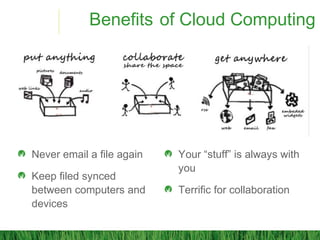
Benefits of Cloud Computing
Never email a file again
Keep filed synced
between computers and
devices
Your “stuff” is always with
you
Terrific for collaboration
Hardware / Software
Smart Phone
Tablet
Laptop
Scanner
Apps
Cloud Solution
Forms Software
ESignature
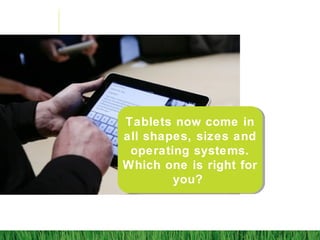
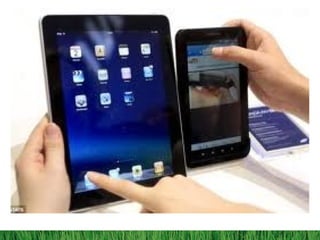
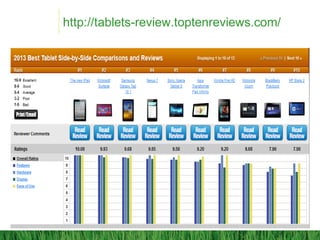
Tablets now come in
all shapes, sizes and
operating systems.
Which one is right for
you?
http://tablets-review.toptenreviews.com/
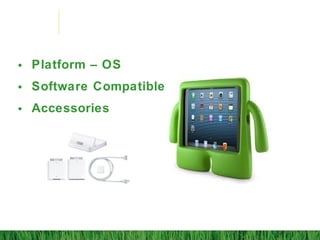
• Platform – OS
• Software Compatible
• Accessories
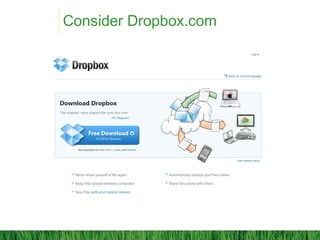
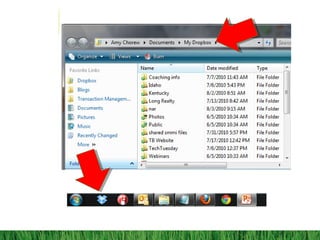
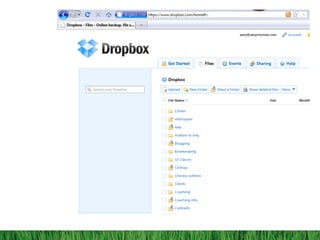
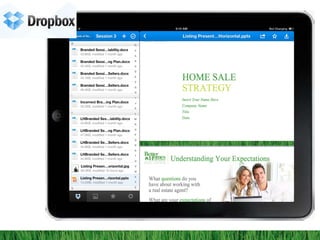
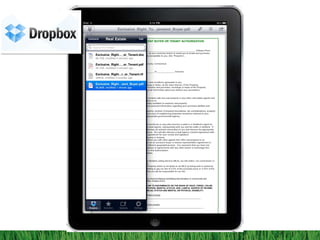
Consider Dropbox.com
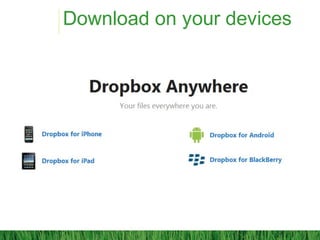
Download on your devices
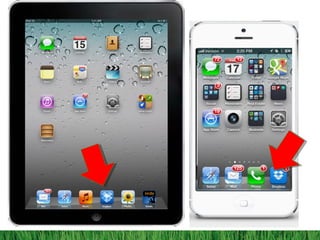
On mobile and iPad
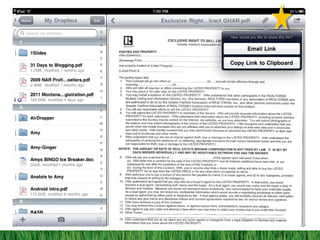
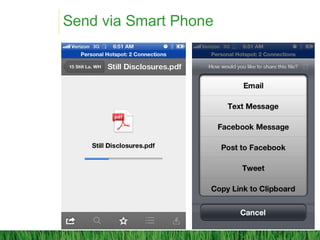
Send via Smart Phone
Portable or Personal or a Combination
This is where the virtual office comes in
Know your client
Tech delivery is the universal language
You don’t need to get the client into the office
When you have to have a
conversation, how do you deliver the
information virtually?
Real Time Delivery
Option 1: Deliver the info before the meeting
via link and chat over the phone
Option 2: Download your presentation onto
your Tablet
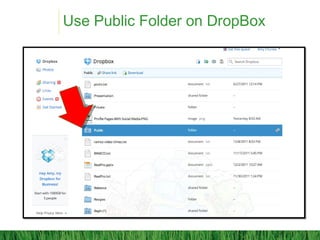
Use Public Folder on DropBox
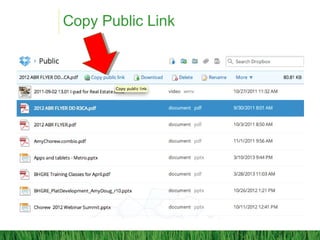
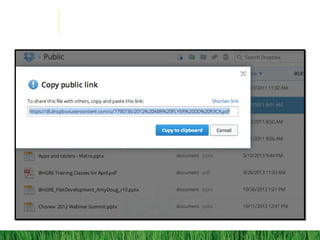
Copy Public Link
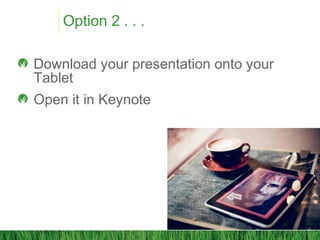
Option 2 . . .
Download your presentation onto your
Tablet
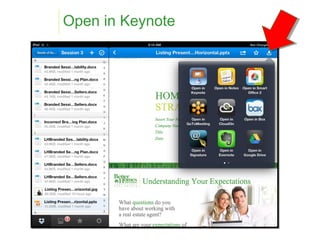
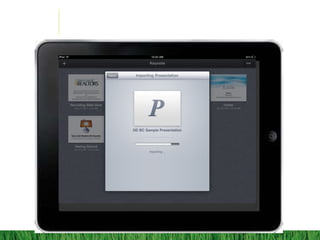
Open it in Keynote
Open in Keynote
TRANSACTION
SOFTWARE
PDF Software
DOCUSIGN
DOTLOOP
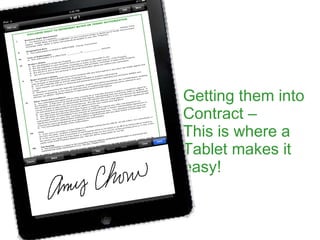
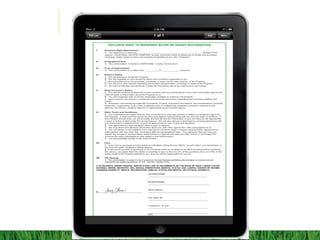
Getting them into
Contract –
This is where a
Tablet makes it
easy!
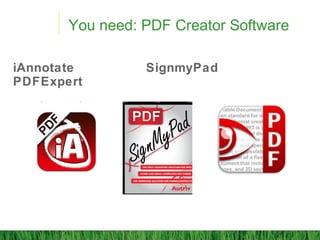
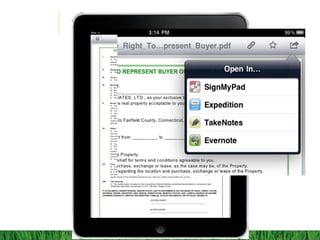
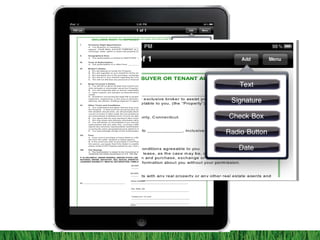
You need: PDF Creator Software
iAnnotate SignmyPad
PDFExpert
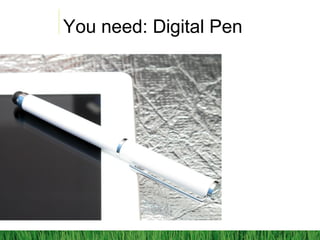
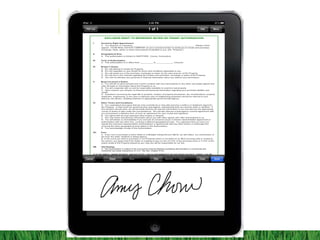
You need: Digital Pen
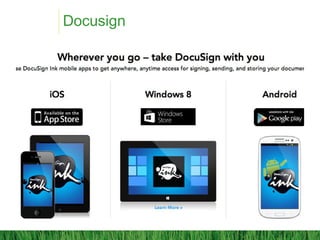
Docusign
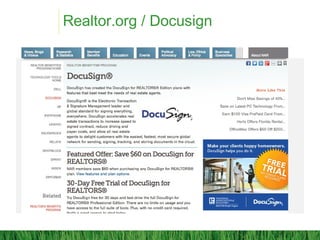
Realtor.org / Docusign
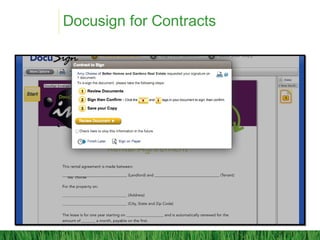
Docusign for Contracts
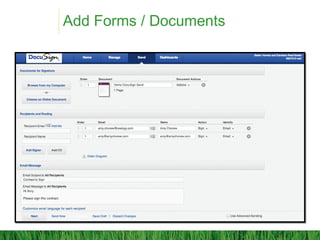
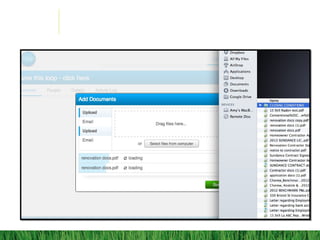
Add Forms / Documents
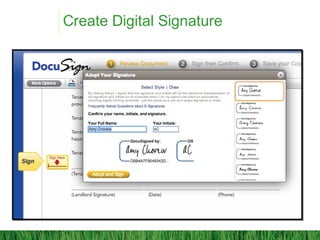
Create Digital Signature
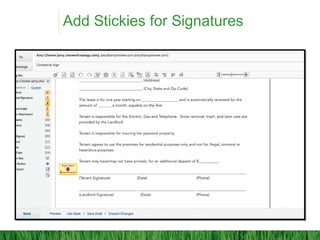
Add Stickies for Signatures
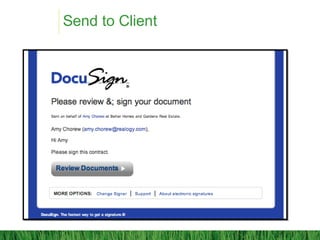
Send to Client
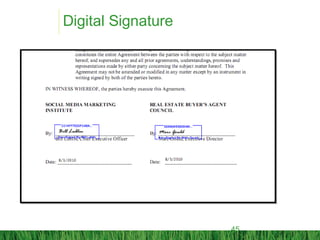
Digital Signature
45
24.210.430
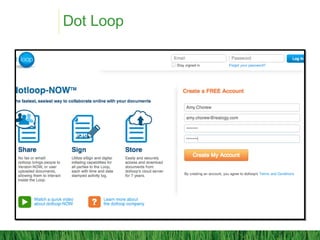
Dot Loop
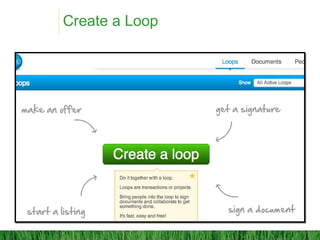
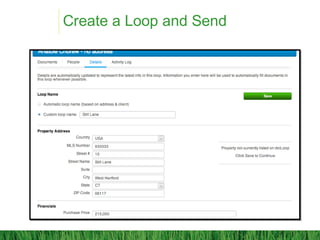
Create a Loop
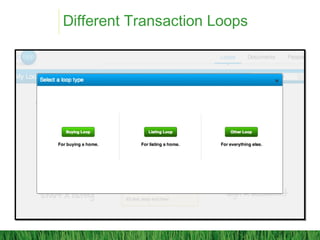
Different Transaction Loops
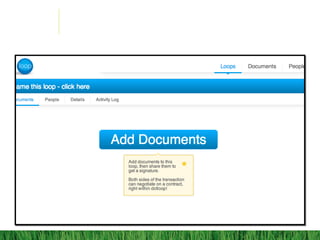
Create a Loop and Send
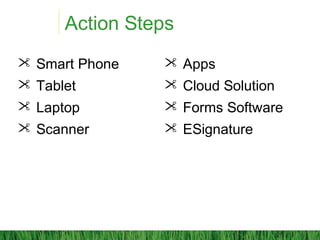
Action Steps
 Smart Phone
 Tablet
 Laptop
 Scanner
 Apps
 Cloud Solution
 Forms Software
 ESignature
Managing your business
Paperless Electronic Document Management
54
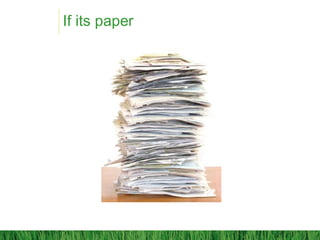
If its paper
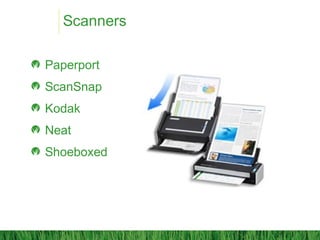
Scanners
Paperport
ScanSnap
Kodak
Neat
Shoeboxed
Ubiquitous pdf
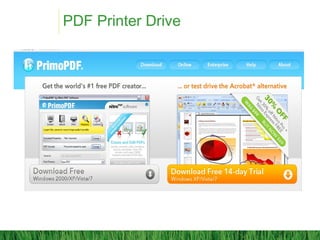
PDF Printer Drive
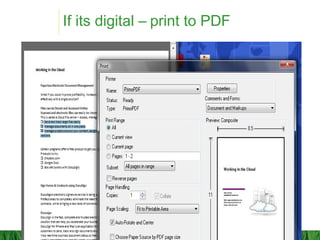
If its digital – print to PDF
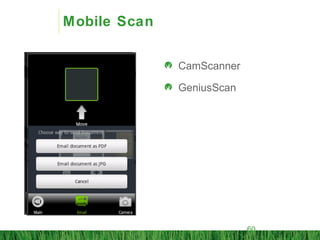
Mobile Scan
CamScanner
GeniusScan
60

Cloud slides 2013

Editor's Notes

  • #58 The eFax process has many benefits: it’s speedy The document arrives at the buyer’s in a legible condition The document is only faxed once, into your computer. This will preserve clarity to a large degree. It is more convenient for the buyer since they only have to search out a fax machine for the outbound fax.