
Cloud Computing

      @amyoutloud
      amy@amysmytheharris.com
What is Cloud?
Why the Cloud?
• Allows you to be mobile
• Quick access to get info to clients
• Transparency
Your Workflow
Cloud Computing Basics
Step #1-Accessing Computer
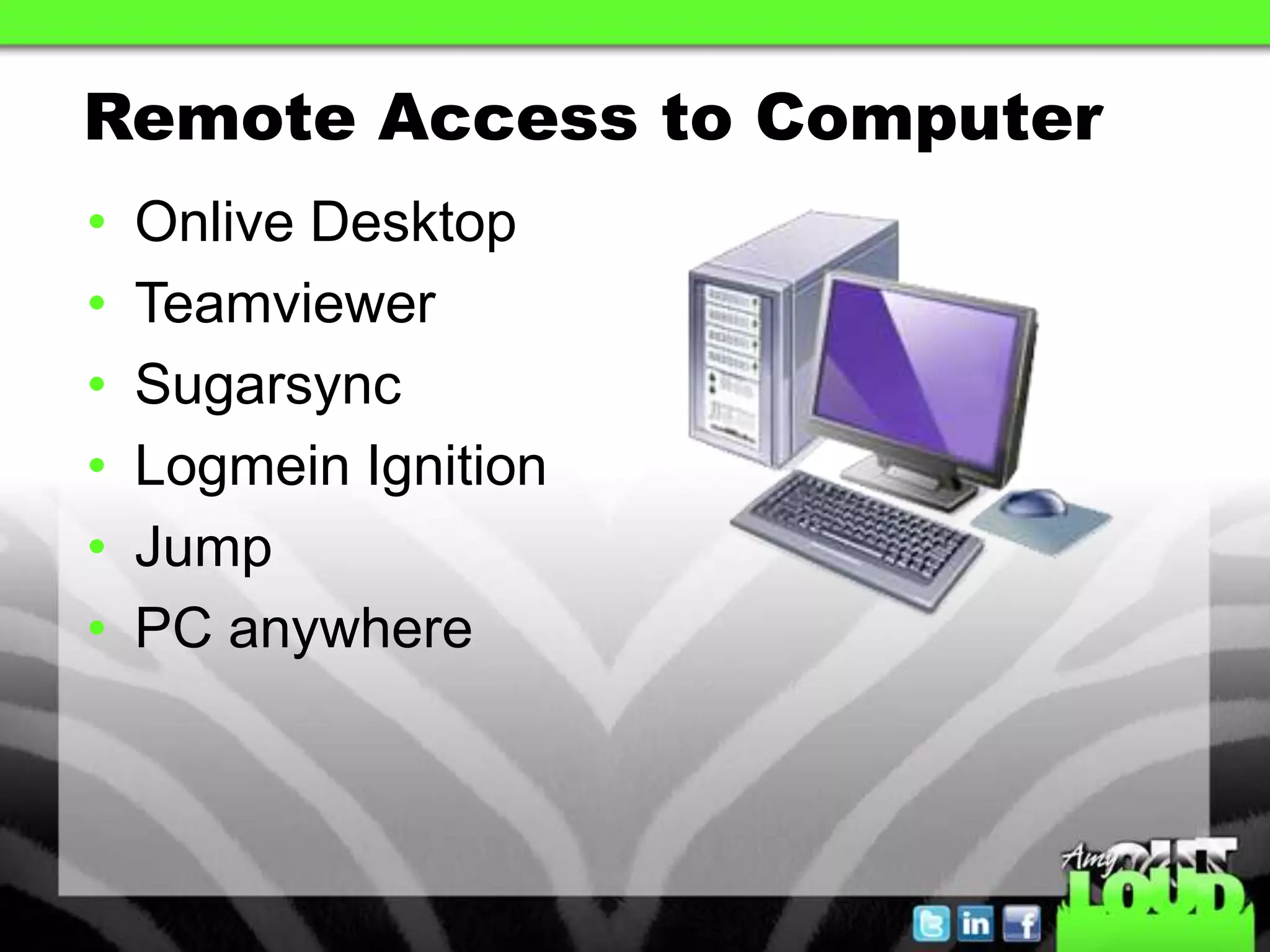
Remote Access to Computer
•   Onlive Desktop
•   Teamviewer
•   Sugarsync
•   Logmein Ignition
•   Jump
•   PC anywhere
Why Remote Access???
• Need a file not in Cloud storage
• Need access to a program
• Need Internet Explorer
Step #2-Synchronizing Emails
Cloud based Emails

•   Gmail
•   yahoo
•   Microsoft exchange
•   Icloud
•   Me account
Backup Computer
    Options
Backup Computer Options

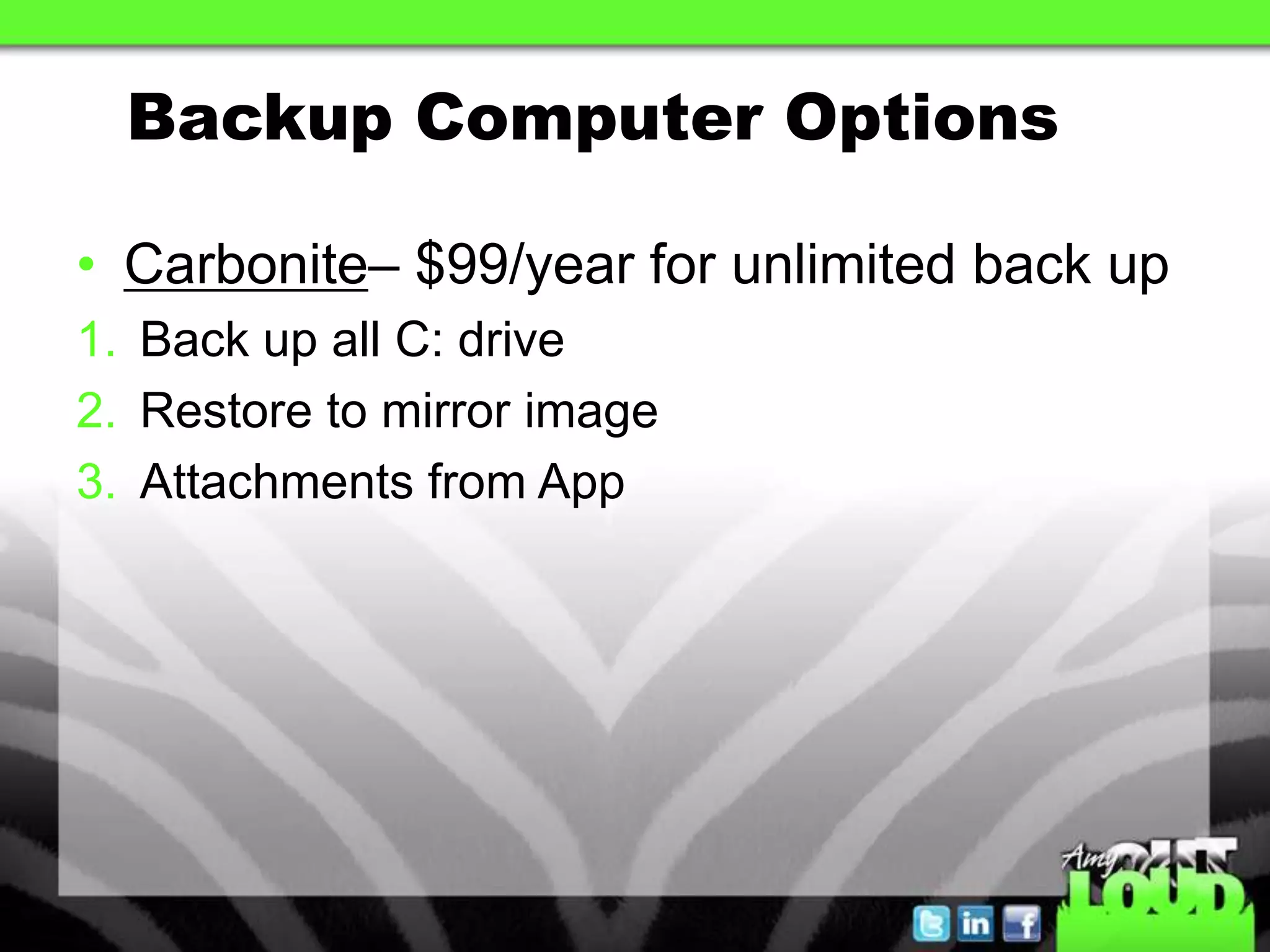
• Carbonite– $99/year for unlimited back up
1. Back up all C: drive
2. Restore to mirror image
3. Attachments from App
Backup Computer Options

• Mozy
• Ironmountain
Backup Iphone/Ipad

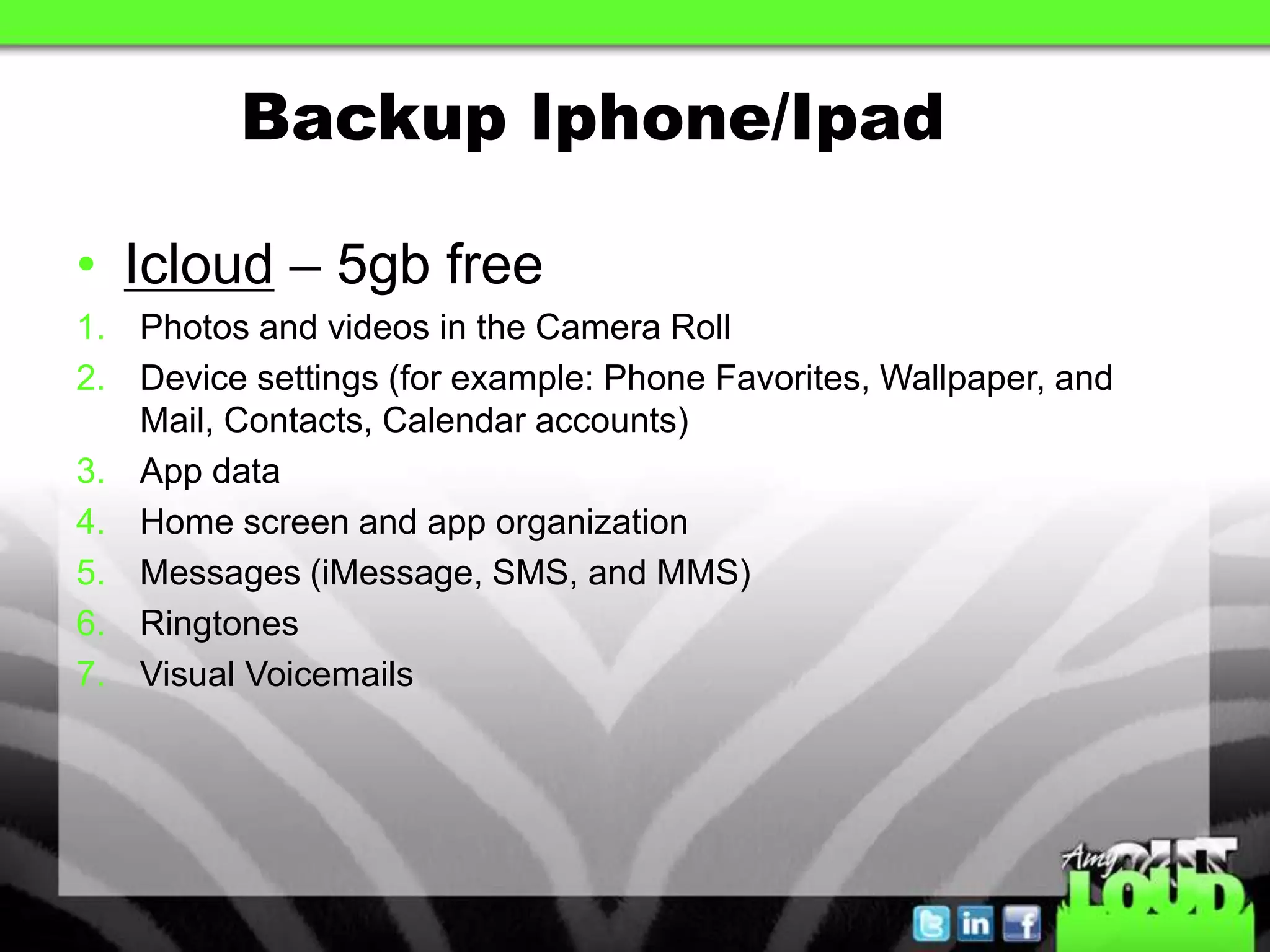
• Icloud – 5gb free
1. Photos and videos in the Camera Roll
2. Device settings (for example: Phone Favorites, Wallpaper, and
   Mail, Contacts, Calendar accounts)
3. App data
4. Home screen and app organization
5. Messages (iMessage, SMS, and MMS)
6. Ringtones
7. Visual Voicemails
File Storage Options
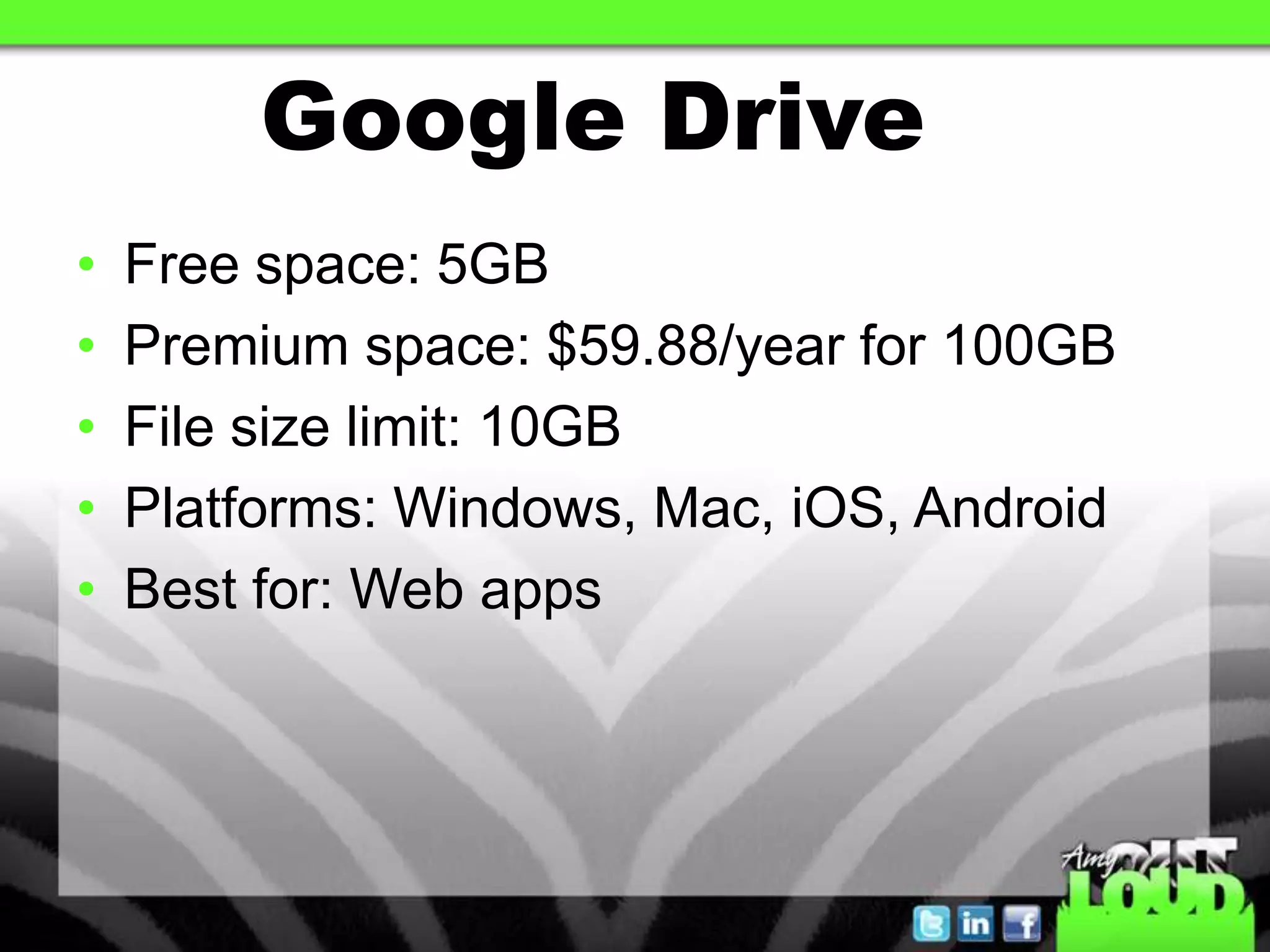
Google Drive
•   Free space: 5GB
•   Premium space: $59.88/year for 100GB
•   File size limit: 10GB
•   Platforms: Windows, Mac, iOS, Android
•   Best for: Web apps
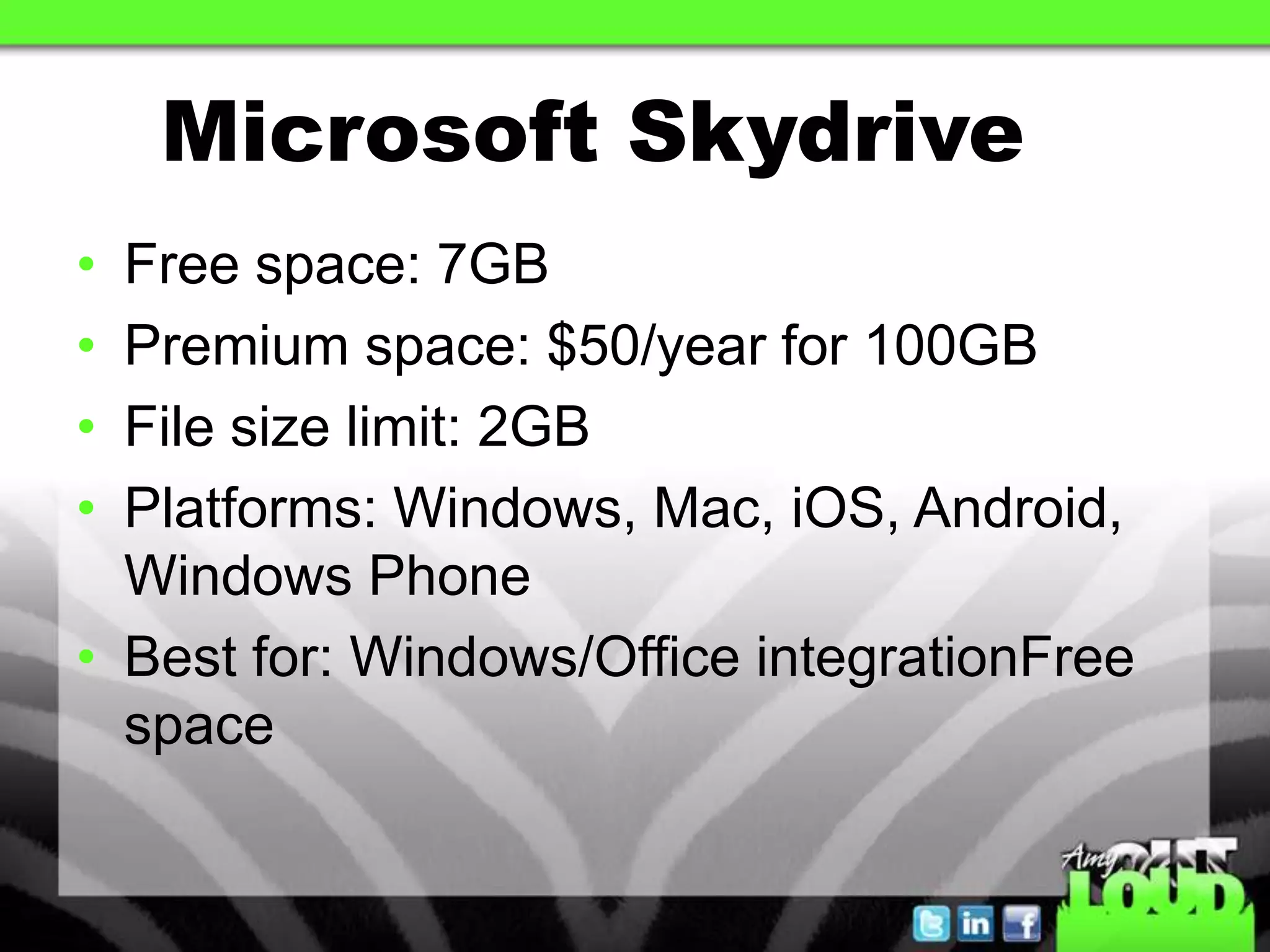
Microsoft Skydrive
• Free space: 7GB
• Premium space: $50/year for 100GB
• File size limit: 2GB
• Platforms: Windows, Mac, iOS, Android,
  Windows Phone
• Best for: Windows/Office integrationFree
  space
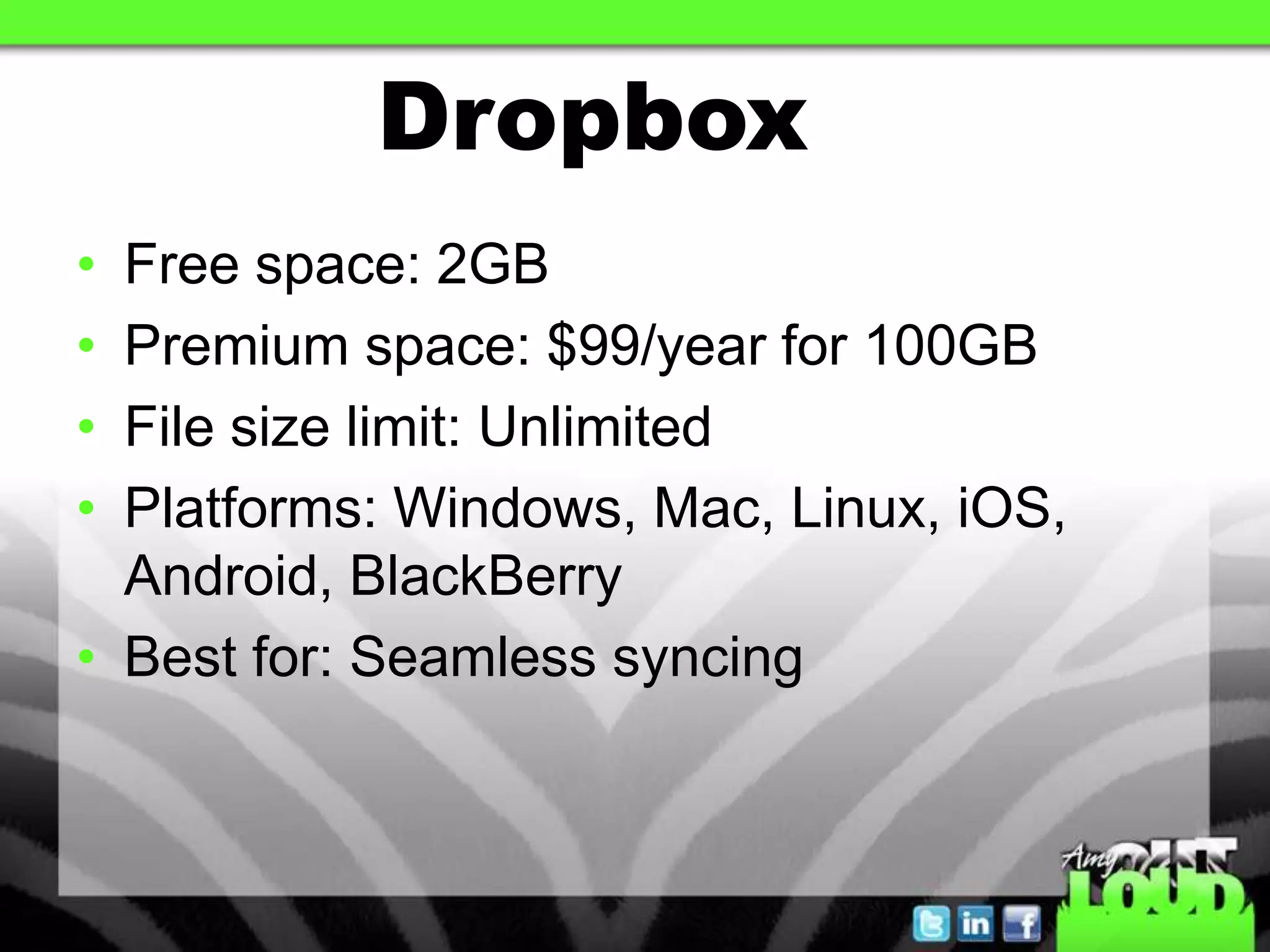
Dropbox
• Free space: 2GB
• Premium space: $99/year for 100GB
• File size limit: Unlimited
• Platforms: Windows, Mac, Linux, iOS,
  Android, BlackBerry
• Best for: Seamless syncing
Dropbox Tips
• Create Dropbox Account on laptop
• Download Dropbox app to
  Iphone/Ipad/Droid
• Move files to Dropbox on computer
• Learn how to share files
Box.com
• Great to email Zipforms contracts from
  Ipad if you are a Docusign user
• Create Box.com account
• Create Folder
• Folder Options, Folder Properties, Email
  Options
Evernote
• Create free account
• Place to store notes & links
Zipformsonline
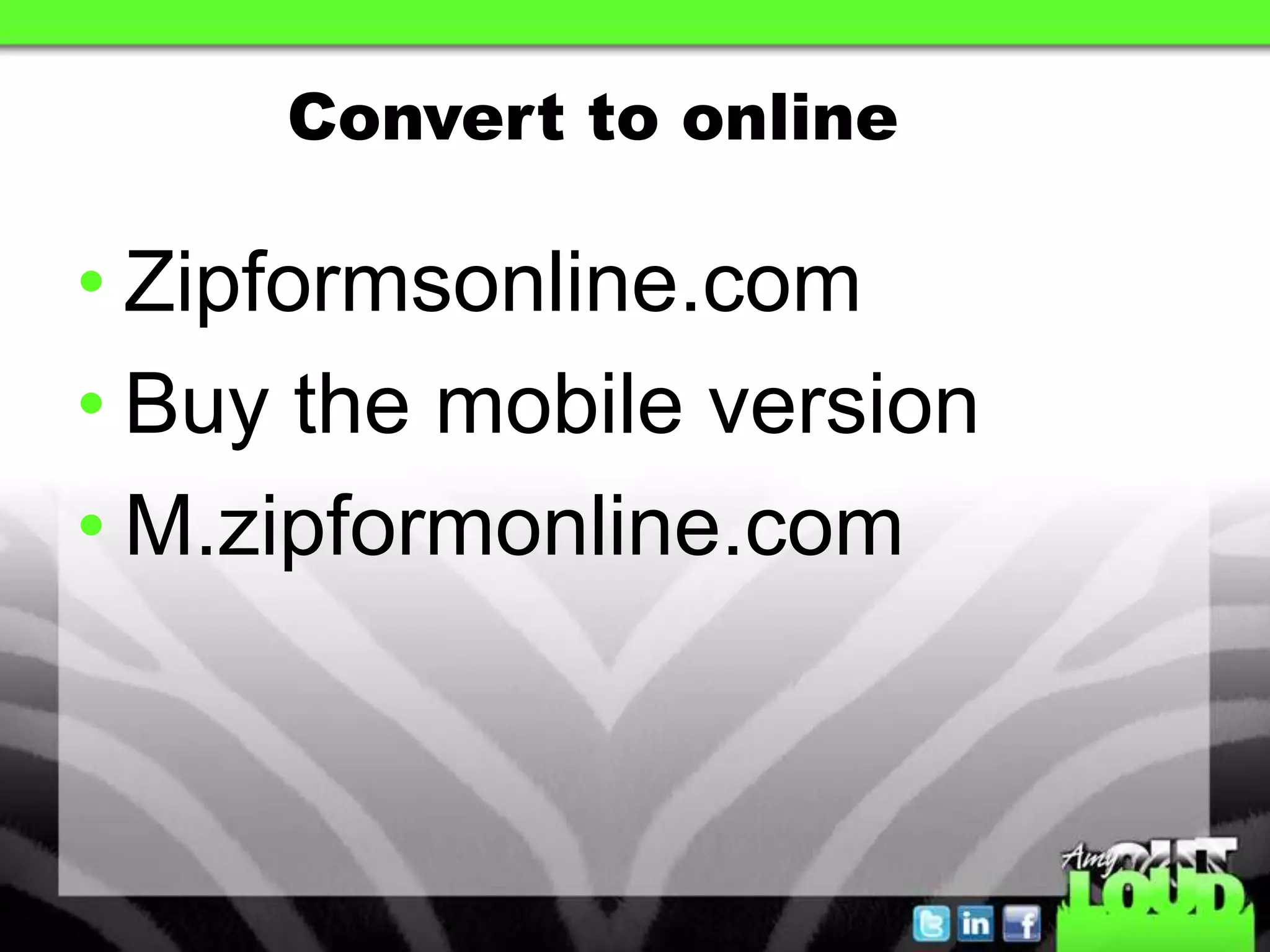
Convert to online

• Zipformsonline.com
• Buy the mobile version
• M.zipformonline.com
Transaction
 Platforms
Paperless Office

• Cartavi
• BackAgent
• PaperPipeline
Q&A Time

facebook.com/amysmytheharris

slideshare.net/amysharris

Cloud computing feb 2013 tar

Editor's Notes

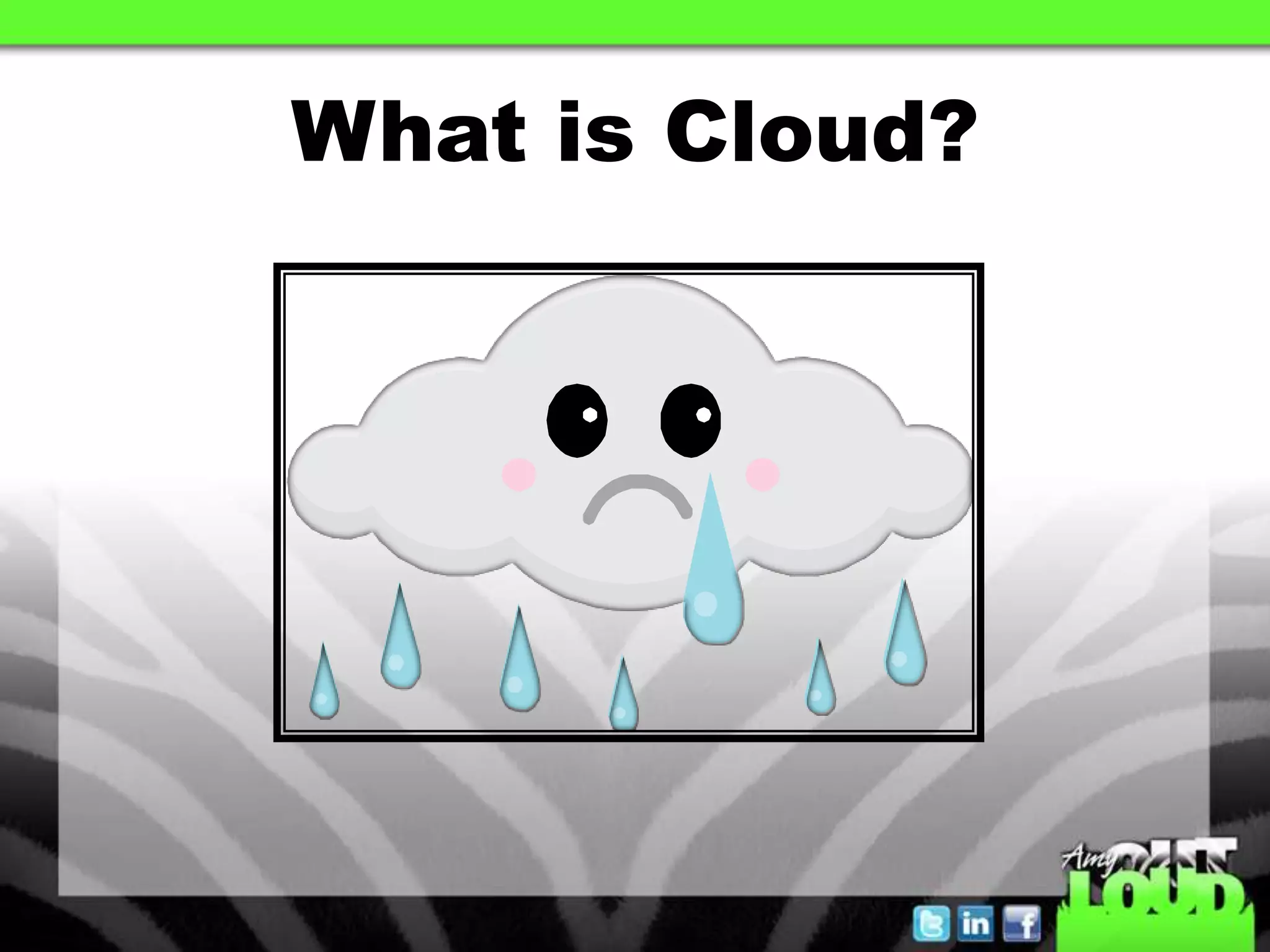
  • #3 A storage place in the sky- your C: drive on your computer except now it sits on a company’s C: drive if you willFamiliar examples: Top Producer, Google Docs, Microsoft Exchange Email , Zipformsonline
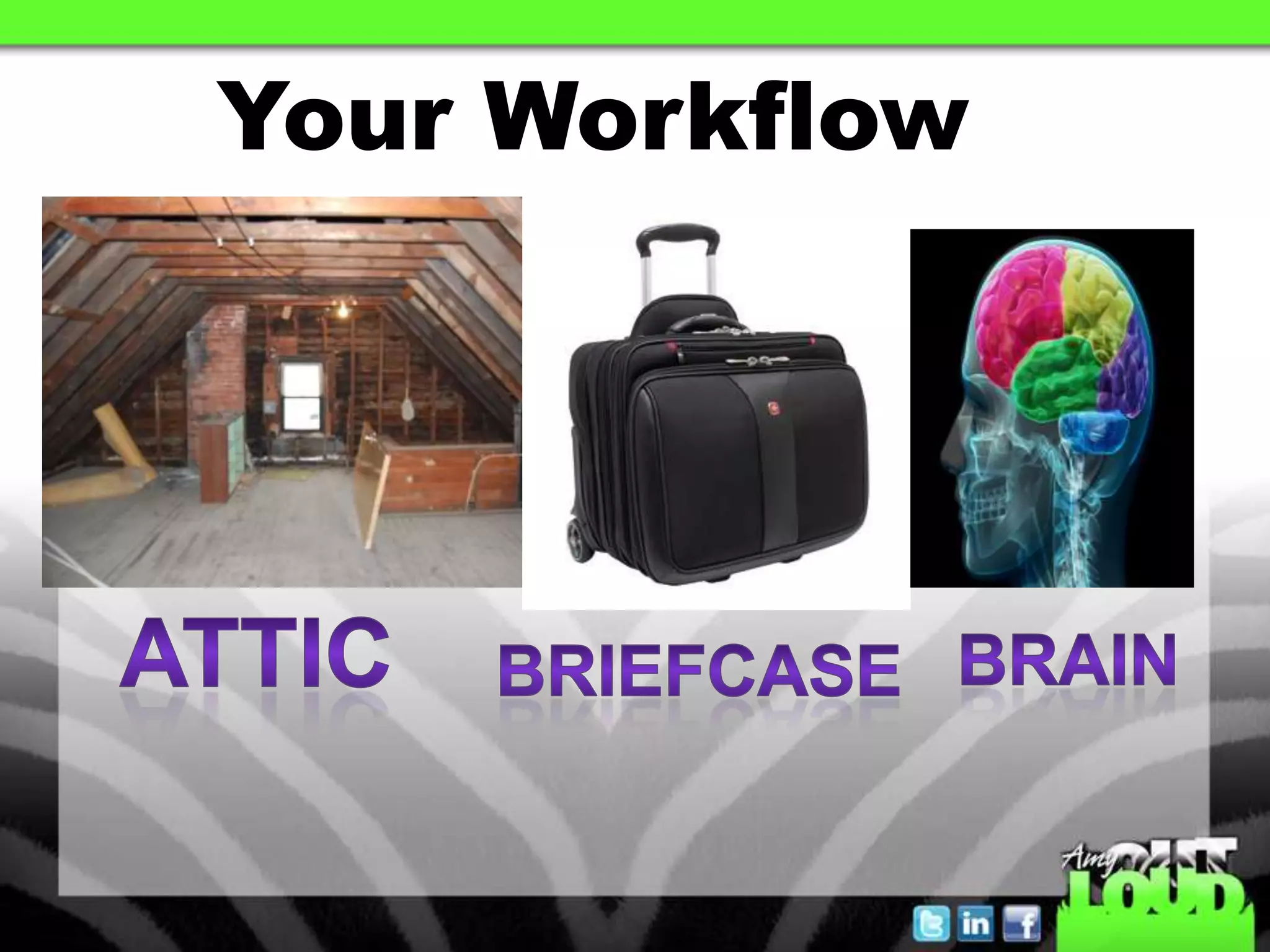
  • #5 Once you determine your workflow then you can determine the right cloud storage for you
  • #16 Carbonite does this as well
  • #18 Decide what cloud storage to use-
  • #24 Decide what cloud storage to use-
  • #27 Remote Mouse/Mobile Mouse/Ipresenter/iwavit Show
  • #29 Remote Mouse/Mobile Mouse/Ipresenter/iwavit Show