Curse Title: Computer Networks
Submitted By
Date of Submission :
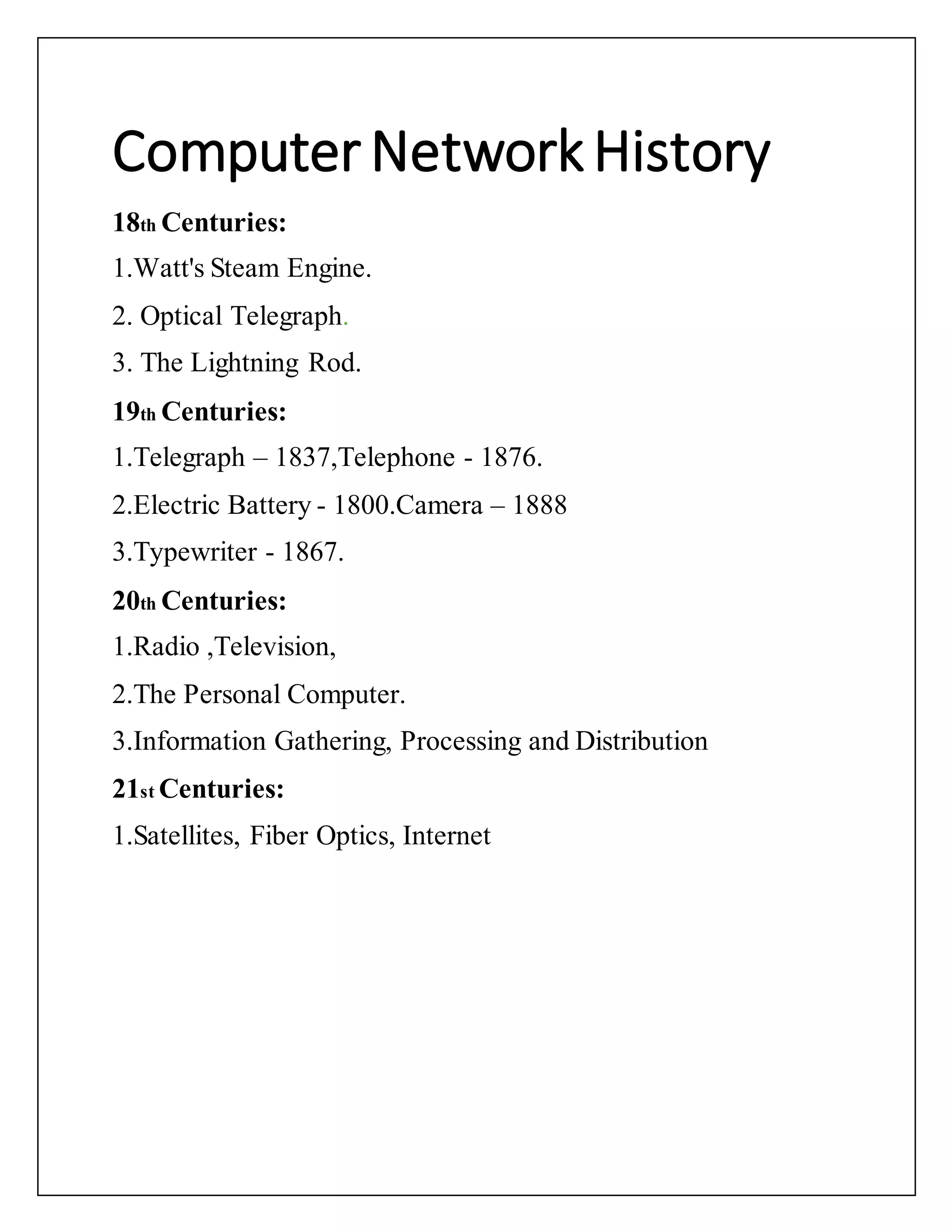
ComputerNetworkHistory
18th Centuries:
1.Watt's Steam Engine.
2. Optical Telegraph.
3. The Lightning Rod.
19th Centuries:
1.Telegraph – 1837,Telephone - 1876.
2.Electric Battery - 1800.Camera – 1888
3.Typewriter - 1867.
20th Centuries:
1.Radio ,Television,
2.The Personal Computer.
3.Information Gathering, Processing and Distribution
21st Centuries:
1.Satellites, Fiber Optics, Internet
Arpanet
• Advanced Research Projects Agency Network
(ARPANET)
• U.S. Defense Department, funded the
development of the
Advanced Research Projects Agency Network
(ARPANET) in the
late 1960s. Its initial purpose was to link
computers at
Pentagon-funded research institutions over
telephone lines.
• At the height of the Cold War, military
commanders were
seeking a computer communications system
without a central
core, with no headquarters or base of
operations that could be
attacked and destroyed by enemies thus
blacking out the
entire network in one fell swoop.
• Defense Department put out a call for
competitive bids to
build the network, and in January 1969 Bolt,
Beranek, and
Newman (BBN) of Cambridge, Massachusetts,
won the $1
million contract.
Whatis Computer Network?
• Computer networks are the basis of
communication in IT. They are used in a huge
variety of ways and can include many different types
of network. A computer network is a set of
computers that are connected together so that they
can share information.
Goals of Computer Network
Sharing Resources from one Computer to
another Computer over a
network
Performance by measuring the speed of
data transmission with
number of users, connectivity and the
software used
Reliability makes easy to use an alternative
source for data
communication in case of hardware failure
or connectivity issues
Scalability increases the system
performance by adding more
processors
Security is the main characteristics of
Computer network where you
can take necessary steps for protecting your
data from unauthorized access
Applicationof Computer
Network
• Business Applications
• Communication Medium
• e-commerce
• Home Applications
• Electronic commerce
• Mobile Users
Network Hardware & Software
There are three component of Computer Network
1.Hardware Equipment:Computer hardware is the physical parts or
components of a computer, such as the monitor, mouse,
keyboard,computer data storage, hard disk drive (HDD), graphic cards,
sound cards, memory, motherboard, and so on,
2. Software :Software, instructions that tell a computer what to do
3. Cables and Connectors :Here's an overview of the most common
computer cable types you'll encounter when dealing with computers.
 VGA Cable. Also known as D-sub cable, analog video cable.
 DVI Cable. Connect one end to: computer monitor.
 PS/2 Cable.
 Ethernet Cable.
 3.5mm Audio Cable.
 USB Cable.
 Computer Power Cord (Kettle Plug)
Hardware: List of hardware
1.NIC: NIC means A network interface controller. It is also known as a
network interface card, network adapter, LAN adapter or physical
network interface. It is a computer hardware component that connects a
computer to a computer network.
2. Server: A server is a computer or system that provides resources,
data, services, or programs to other computers
3.Client: A client is a computer hardware device or software that
accesses a service made available by a server
4.Peers: In networking, a peer is a node that provides the same
functionality as another. For example, two desktop PCs in a network are
peers.
5.Transmission: The way in which data is transmitted from one device
to another device is known as transmission mode
6.Medium:Network media refers to the communication channels used
to interconnect nodes on a computer network.
7.Router: A router is a networking device that forwards data packets
between computer networks
8.Bridge: A network bridge is a computer networking device that
creates a single, aggregate network from multiple communication
networks or network segments.
9. Hub: A network hub is a device that allows multiple computers to
communicate with each other over a network. It has several Ethernet
ports that are used to connect two or more network devices together.
10. Switches: A switch is a device in a computer network that
connects other devices together. Multiple data cables are plugged into a
switch to enable communication between different networked devices
11.Gateway: A gateway is a piece of networking hardware or software
used in telecommunications for telecommunications networks that
allows data to flow from one discrete network to another.
12.Repeaters: A repeater is an electronic device that receives a signal
and retransmits it. Repeaters are used to extend transmissions so that the
signal can cover longer distances or be received on the other side of an
obstruction.
Software:
Network Operating System, Protocols Switches (TCP/IP, OSI)
Cables and Connectors:
1. Twisted pair cable : Twisted-pair cable is a type of cabling that is
used for telephone communications and most modern Ethernet
2. Coaxial cable : Coaxial cable is a type of cable that has an inner
conductor surrounded by an insulating layer, surrounded by a conductive
shielding
2.Fiber-optic cable: A fiber optic cable is one that has glass fibers
which are inside an insulated casing. The purpose of a fiber optic
network is to reach longer distances and provide a higher performance
than that of wired cables.

Classnote1

  • 1.
    Curse Title: ComputerNetworks Submitted By Date of Submission :
  • 2.
    ComputerNetworkHistory 18th Centuries: 1.Watt's SteamEngine. 2. Optical Telegraph. 3. The Lightning Rod. 19th Centuries: 1.Telegraph – 1837,Telephone - 1876. 2.Electric Battery - 1800.Camera – 1888 3.Typewriter - 1867. 20th Centuries: 1.Radio ,Television, 2.The Personal Computer. 3.Information Gathering, Processing and Distribution 21st Centuries: 1.Satellites, Fiber Optics, Internet
  • 3.
    Arpanet • Advanced ResearchProjects Agency Network (ARPANET) • U.S. Defense Department, funded the development of the Advanced Research Projects Agency Network (ARPANET) in the late 1960s. Its initial purpose was to link computers at Pentagon-funded research institutions over telephone lines. • At the height of the Cold War, military commanders were seeking a computer communications system without a central core, with no headquarters or base of operations that could be
  • 4.
    attacked and destroyedby enemies thus blacking out the entire network in one fell swoop. • Defense Department put out a call for competitive bids to build the network, and in January 1969 Bolt, Beranek, and Newman (BBN) of Cambridge, Massachusetts, won the $1 million contract. Whatis Computer Network? • Computer networks are the basis of communication in IT. They are used in a huge variety of ways and can include many different types of network. A computer network is a set of computers that are connected together so that they can share information.
  • 5.
    Goals of ComputerNetwork Sharing Resources from one Computer to another Computer over a network Performance by measuring the speed of data transmission with number of users, connectivity and the software used Reliability makes easy to use an alternative source for data communication in case of hardware failure or connectivity issues Scalability increases the system performance by adding more processors Security is the main characteristics of Computer network where you
  • 6.
    can take necessarysteps for protecting your data from unauthorized access Applicationof Computer Network • Business Applications • Communication Medium • e-commerce • Home Applications • Electronic commerce • Mobile Users Network Hardware & Software There are three component of Computer Network 1.Hardware Equipment:Computer hardware is the physical parts or components of a computer, such as the monitor, mouse, keyboard,computer data storage, hard disk drive (HDD), graphic cards, sound cards, memory, motherboard, and so on,
  • 7.
    2. Software :Software,instructions that tell a computer what to do 3. Cables and Connectors :Here's an overview of the most common computer cable types you'll encounter when dealing with computers.  VGA Cable. Also known as D-sub cable, analog video cable.  DVI Cable. Connect one end to: computer monitor.  PS/2 Cable.  Ethernet Cable.  3.5mm Audio Cable.  USB Cable.  Computer Power Cord (Kettle Plug) Hardware: List of hardware 1.NIC: NIC means A network interface controller. It is also known as a network interface card, network adapter, LAN adapter or physical network interface. It is a computer hardware component that connects a computer to a computer network. 2. Server: A server is a computer or system that provides resources, data, services, or programs to other computers 3.Client: A client is a computer hardware device or software that accesses a service made available by a server 4.Peers: In networking, a peer is a node that provides the same functionality as another. For example, two desktop PCs in a network are peers. 5.Transmission: The way in which data is transmitted from one device to another device is known as transmission mode 6.Medium:Network media refers to the communication channels used to interconnect nodes on a computer network.
  • 8.
    7.Router: A routeris a networking device that forwards data packets between computer networks 8.Bridge: A network bridge is a computer networking device that creates a single, aggregate network from multiple communication networks or network segments. 9. Hub: A network hub is a device that allows multiple computers to communicate with each other over a network. It has several Ethernet ports that are used to connect two or more network devices together. 10. Switches: A switch is a device in a computer network that connects other devices together. Multiple data cables are plugged into a switch to enable communication between different networked devices 11.Gateway: A gateway is a piece of networking hardware or software used in telecommunications for telecommunications networks that allows data to flow from one discrete network to another. 12.Repeaters: A repeater is an electronic device that receives a signal and retransmits it. Repeaters are used to extend transmissions so that the signal can cover longer distances or be received on the other side of an obstruction. Software: Network Operating System, Protocols Switches (TCP/IP, OSI) Cables and Connectors: 1. Twisted pair cable : Twisted-pair cable is a type of cabling that is used for telephone communications and most modern Ethernet
  • 9.
    2. Coaxial cable: Coaxial cable is a type of cable that has an inner conductor surrounded by an insulating layer, surrounded by a conductive shielding 2.Fiber-optic cable: A fiber optic cable is one that has glass fibers which are inside an insulated casing. The purpose of a fiber optic network is to reach longer distances and provide a higher performance than that of wired cables.