Downloaded 18 times

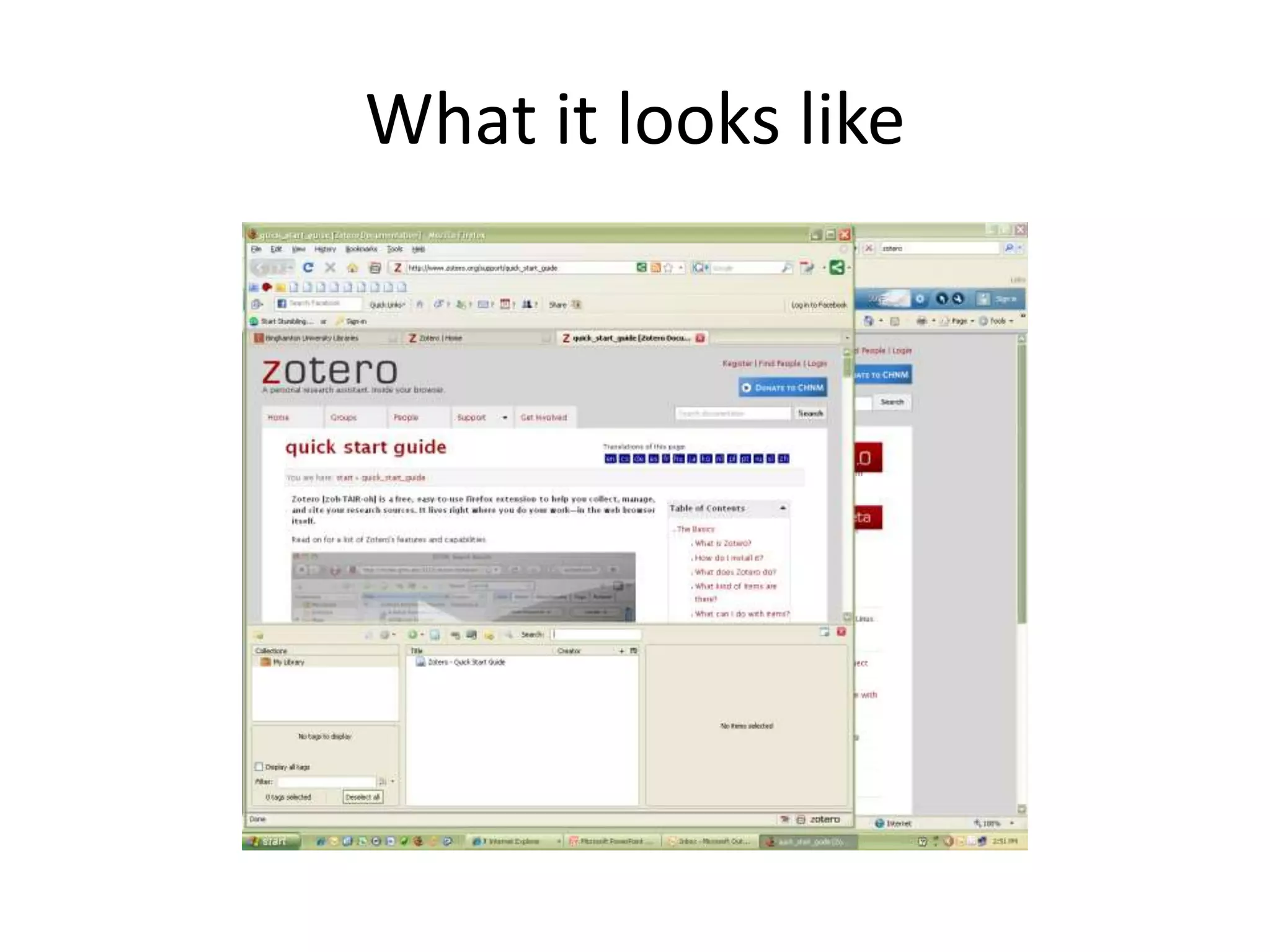
![Zotero [zoh-TAIR-oh]a free, easy-to-use Firefox extension to help you collect, manage, and cite your research sources. It lives in your web browser.Download: http://www.zotero.org/](https://image.slidesharecdn.com/chem4962211session2a-110126142430-phpapp01/75/Chem-496-2-2-11-session-2-a-14-2048.jpg)
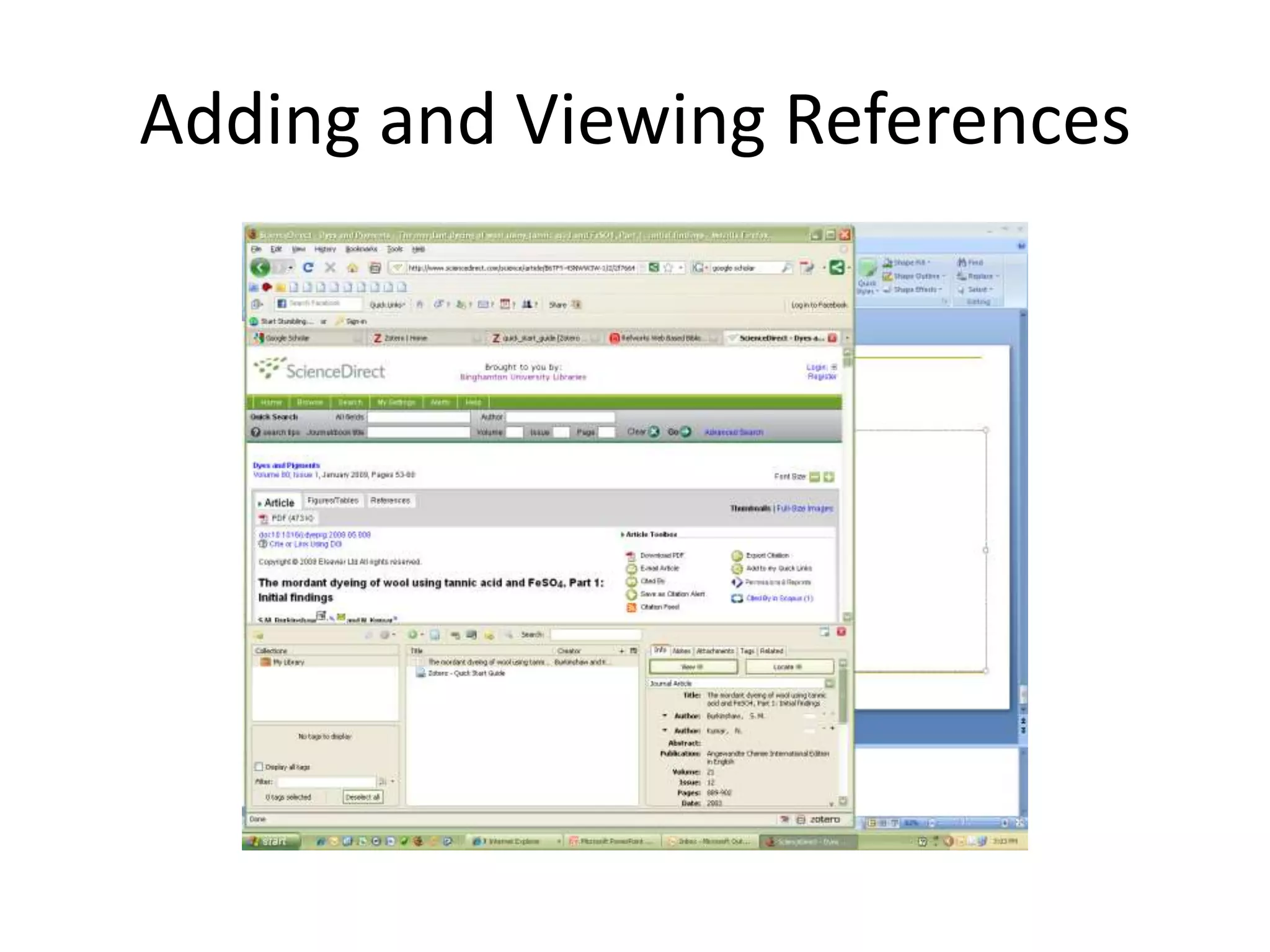



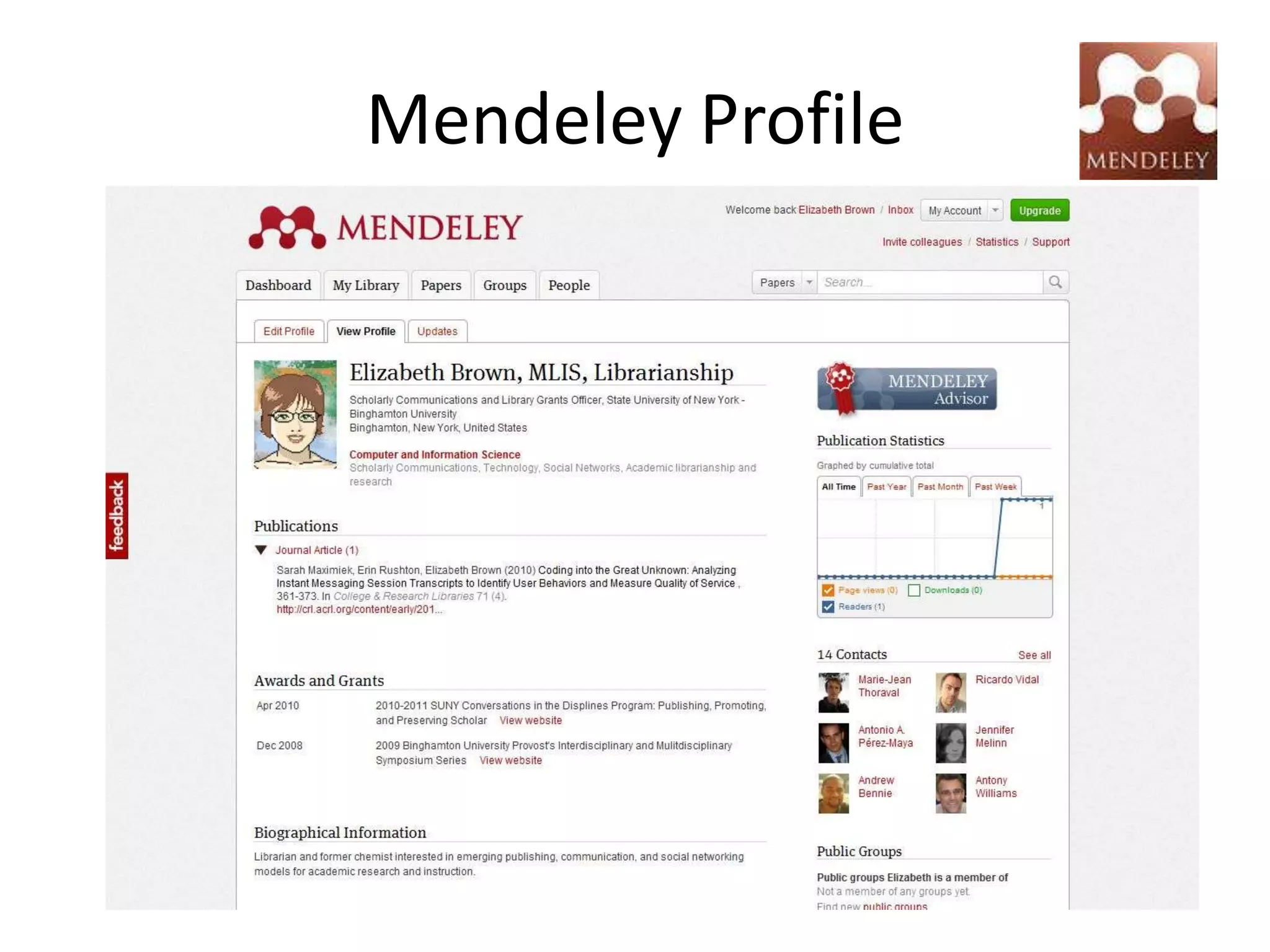
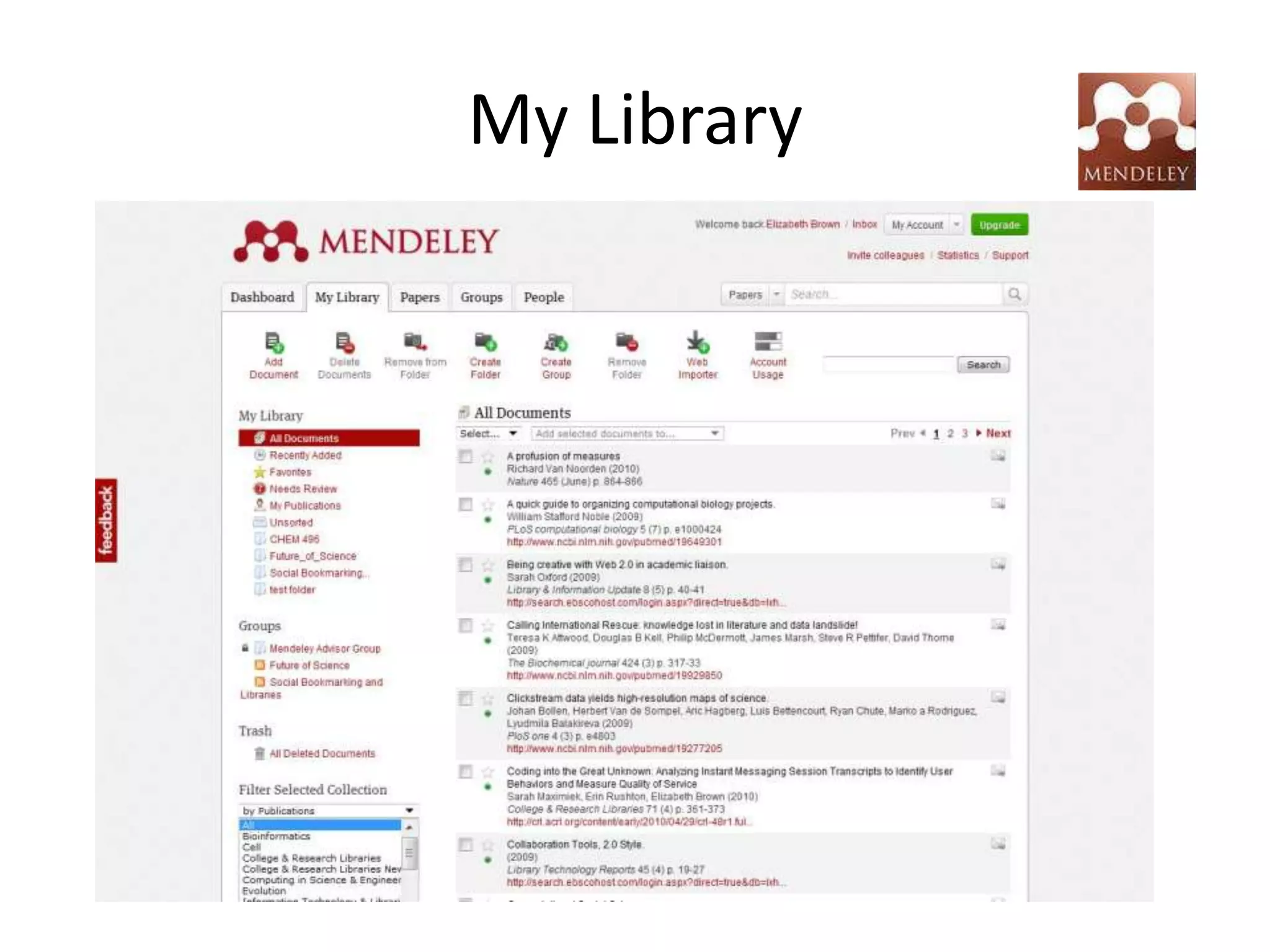
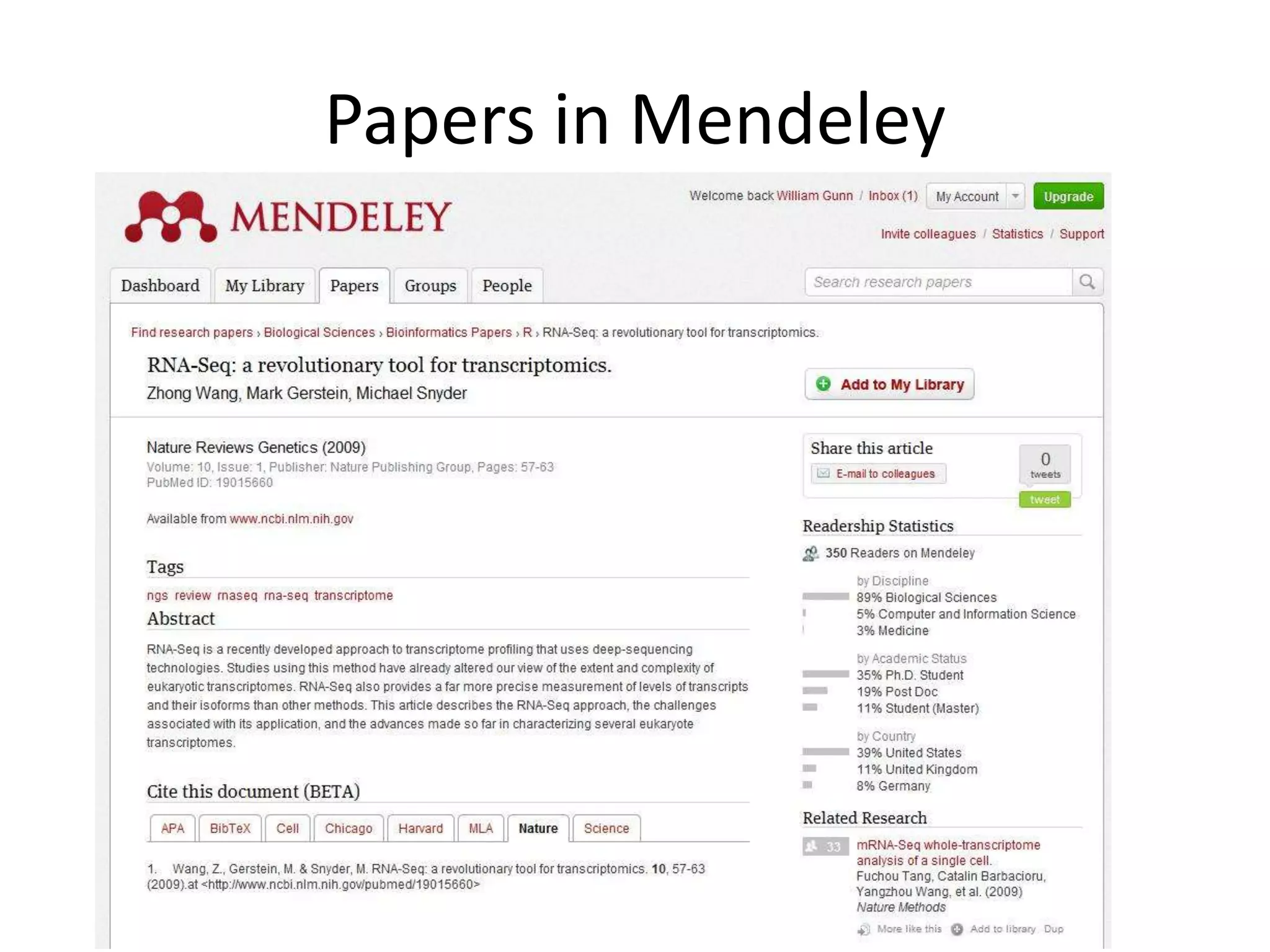
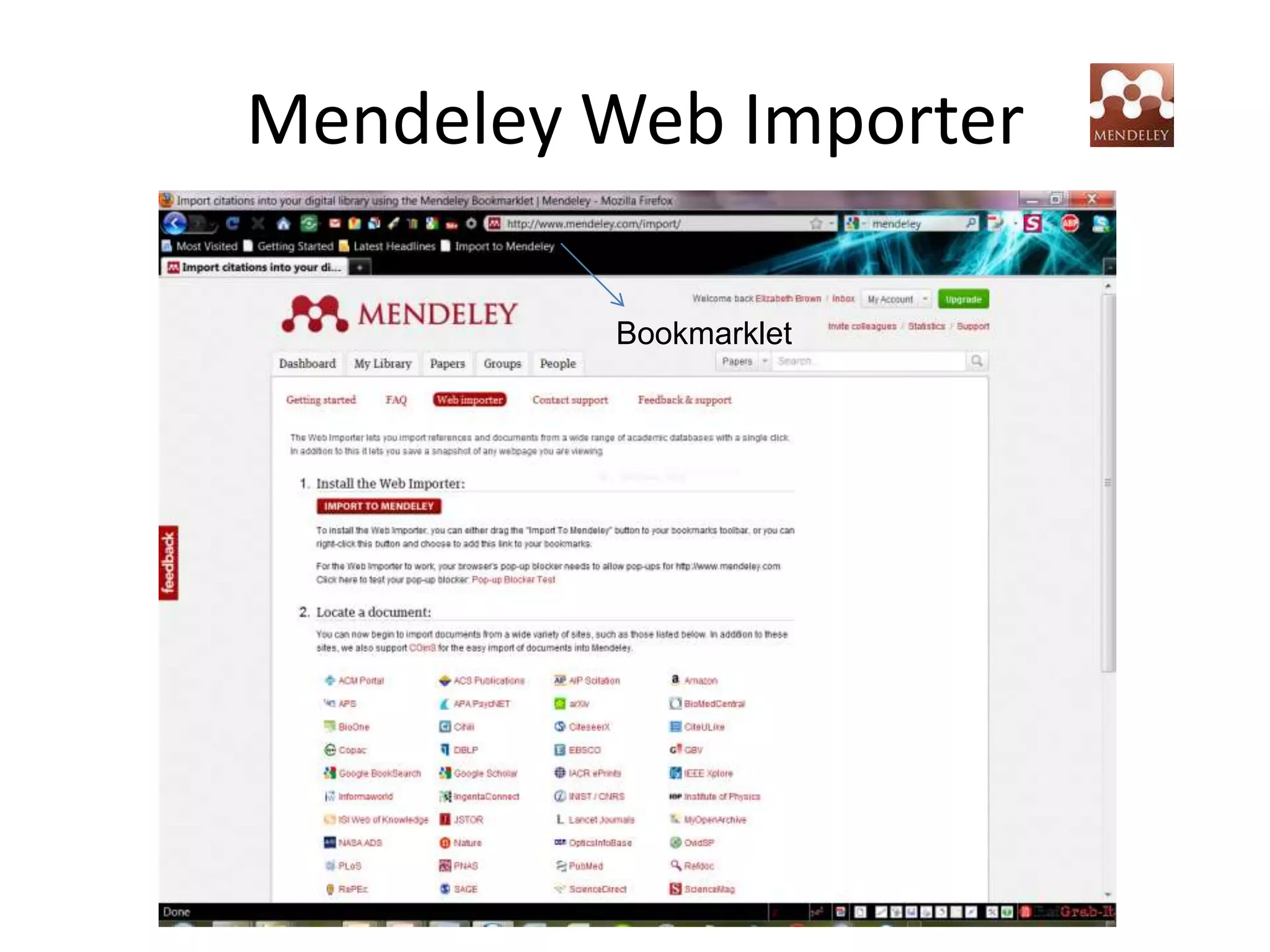
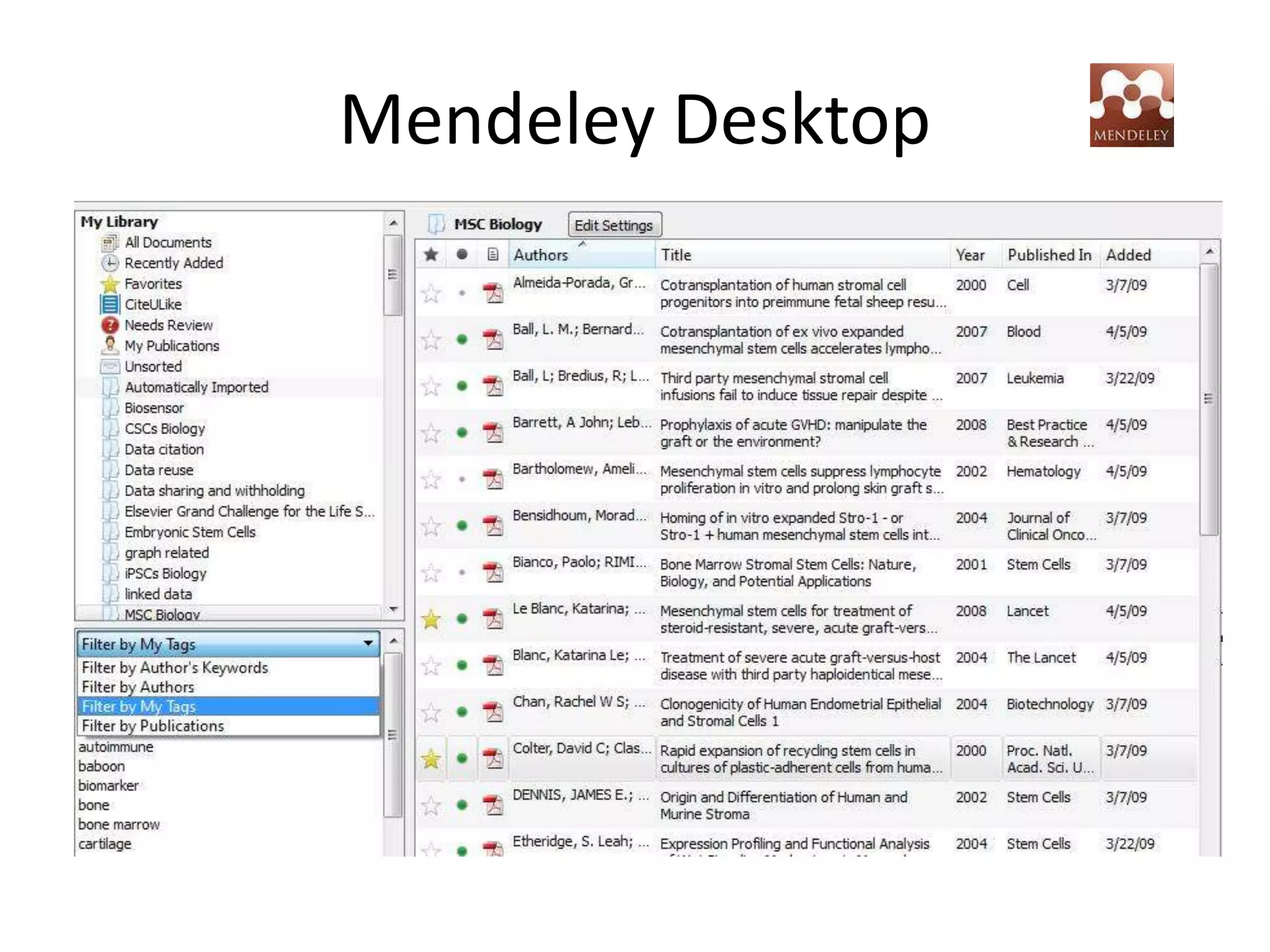
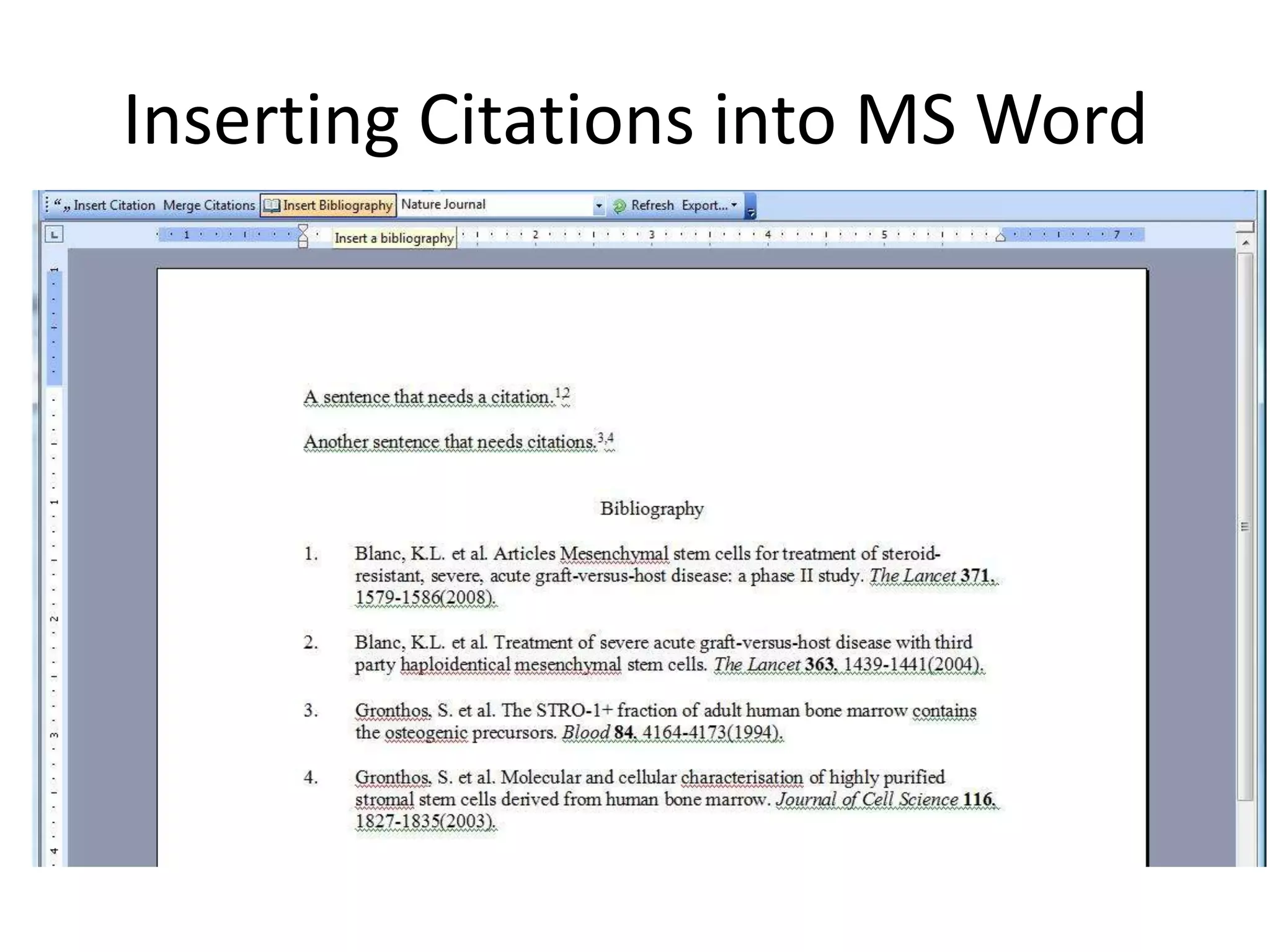
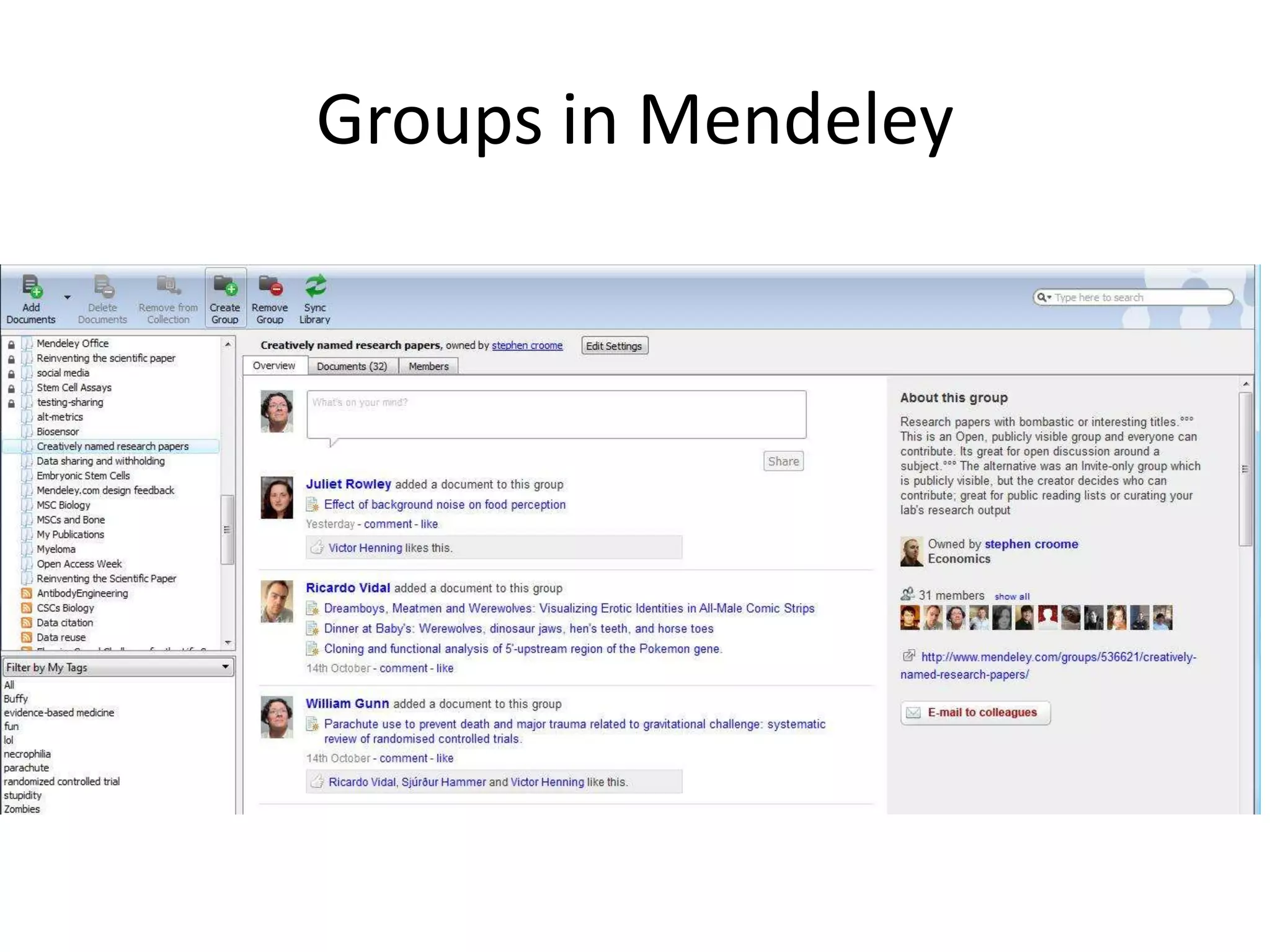
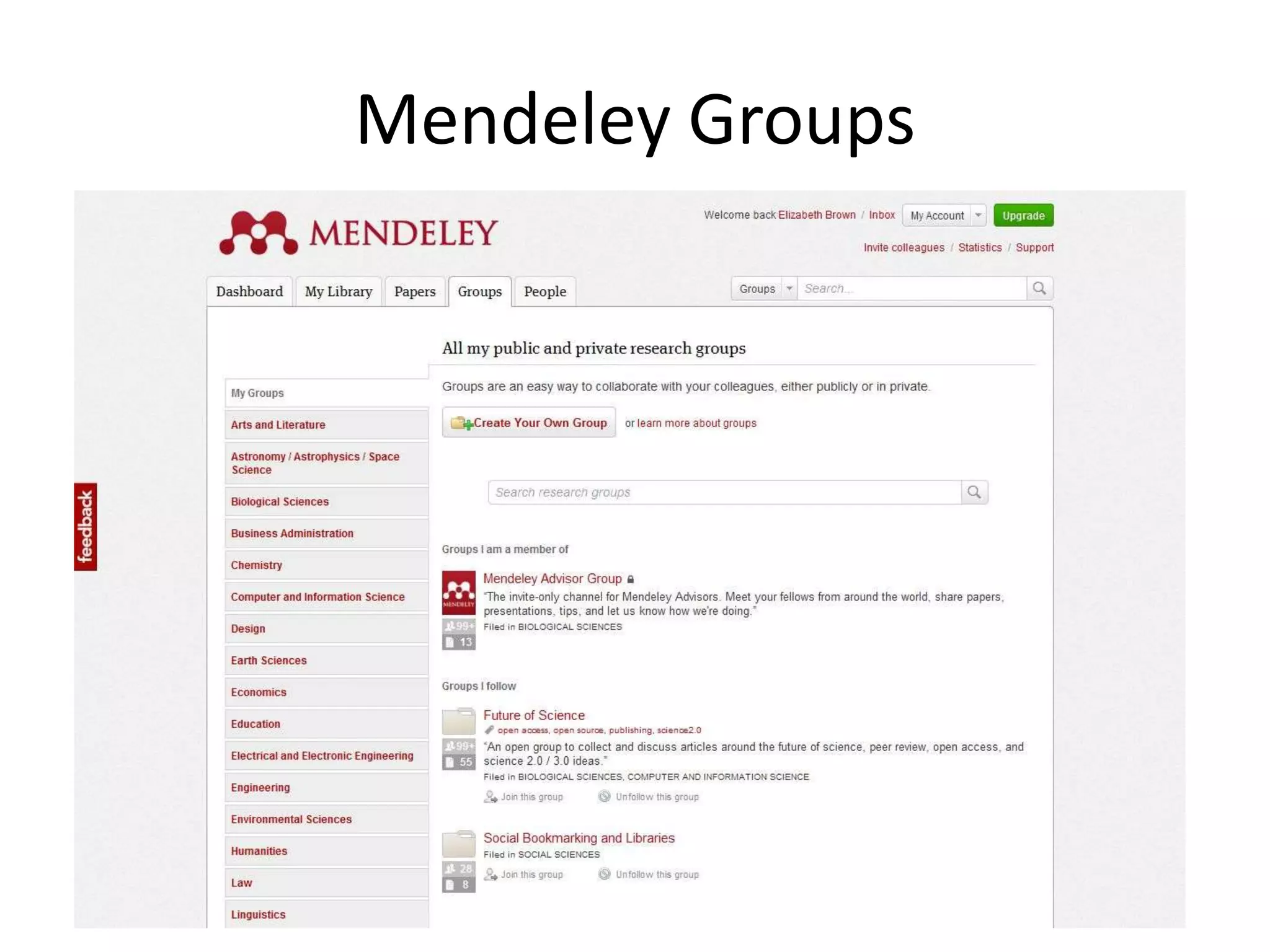

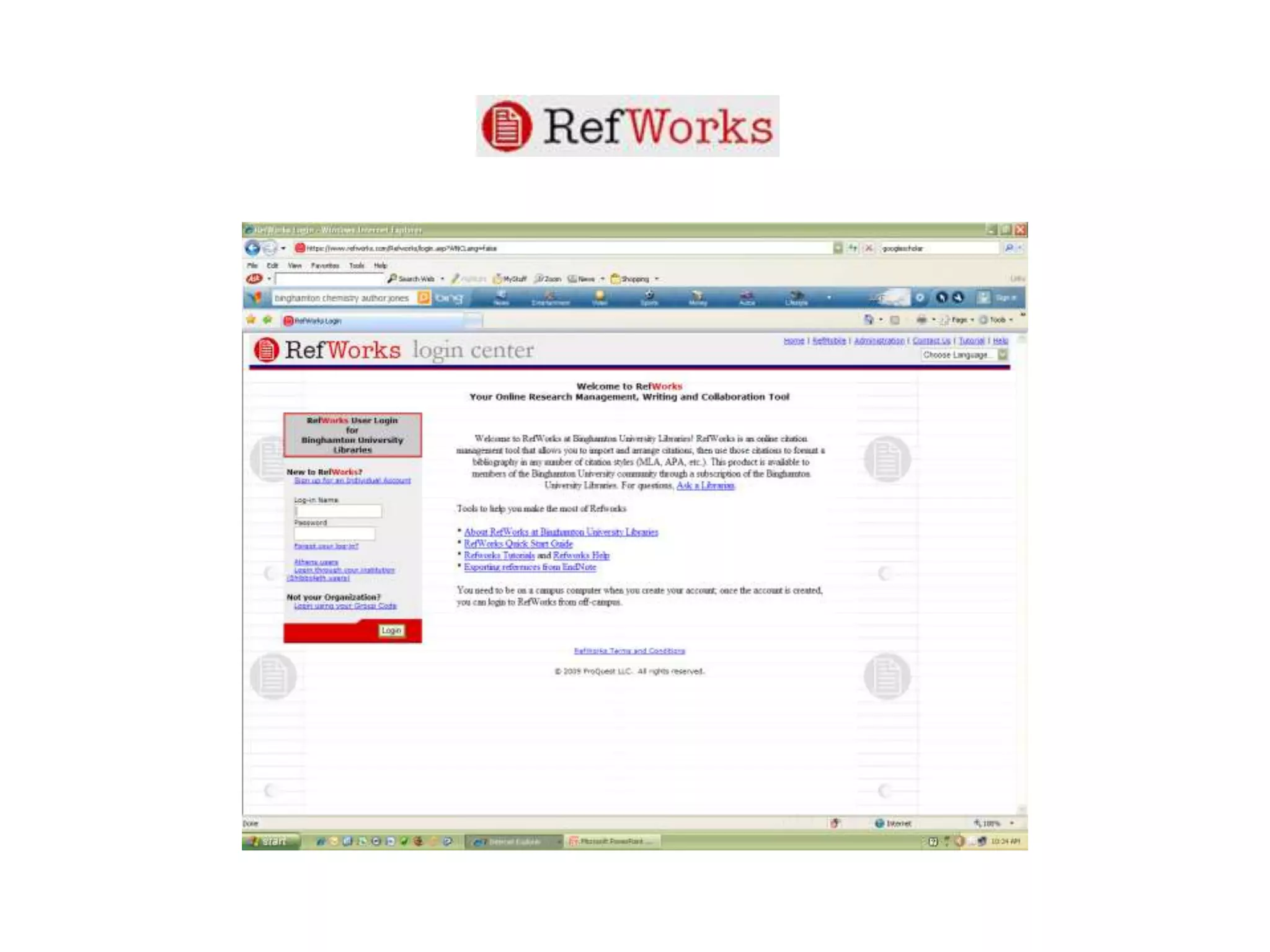
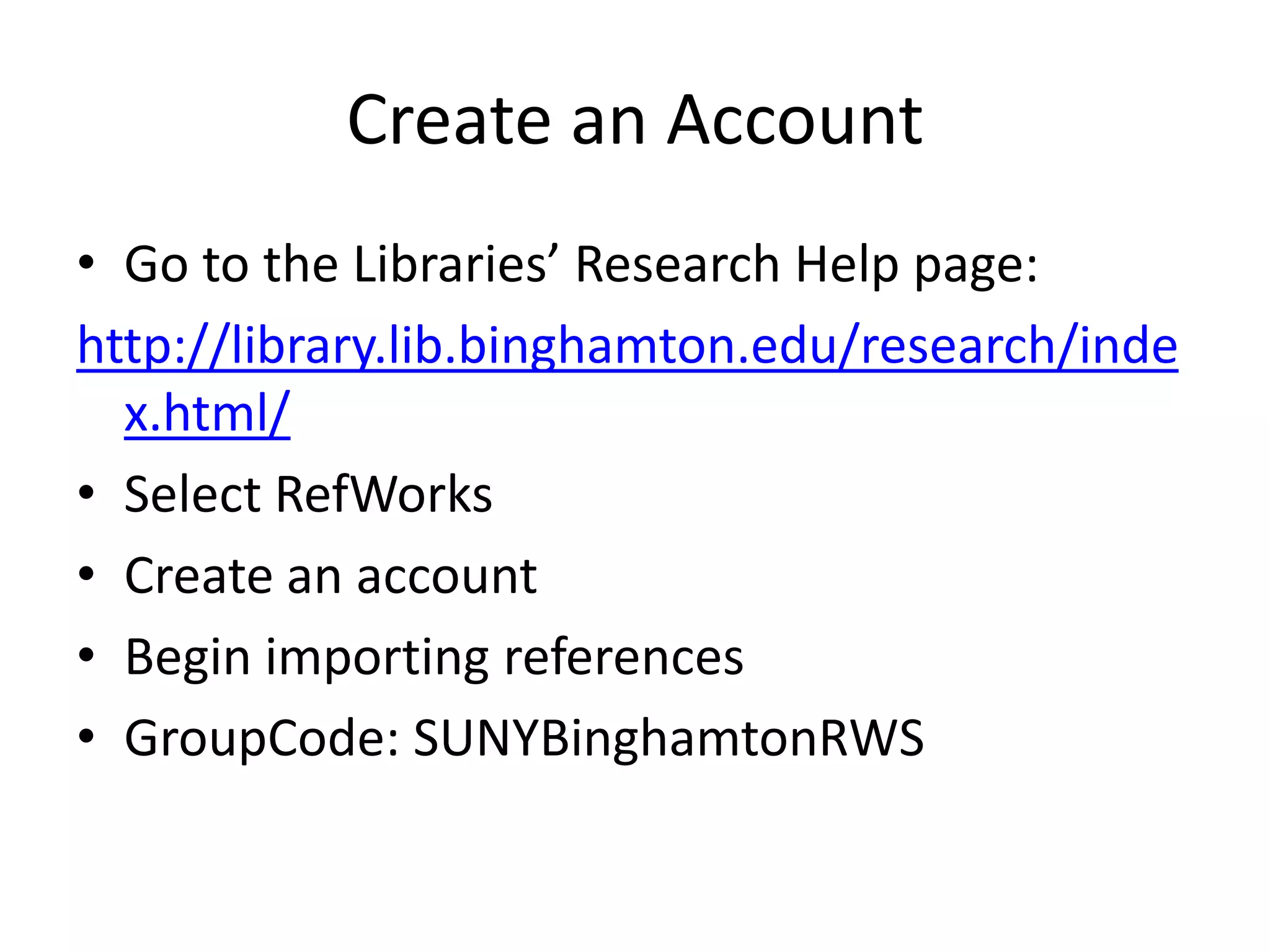
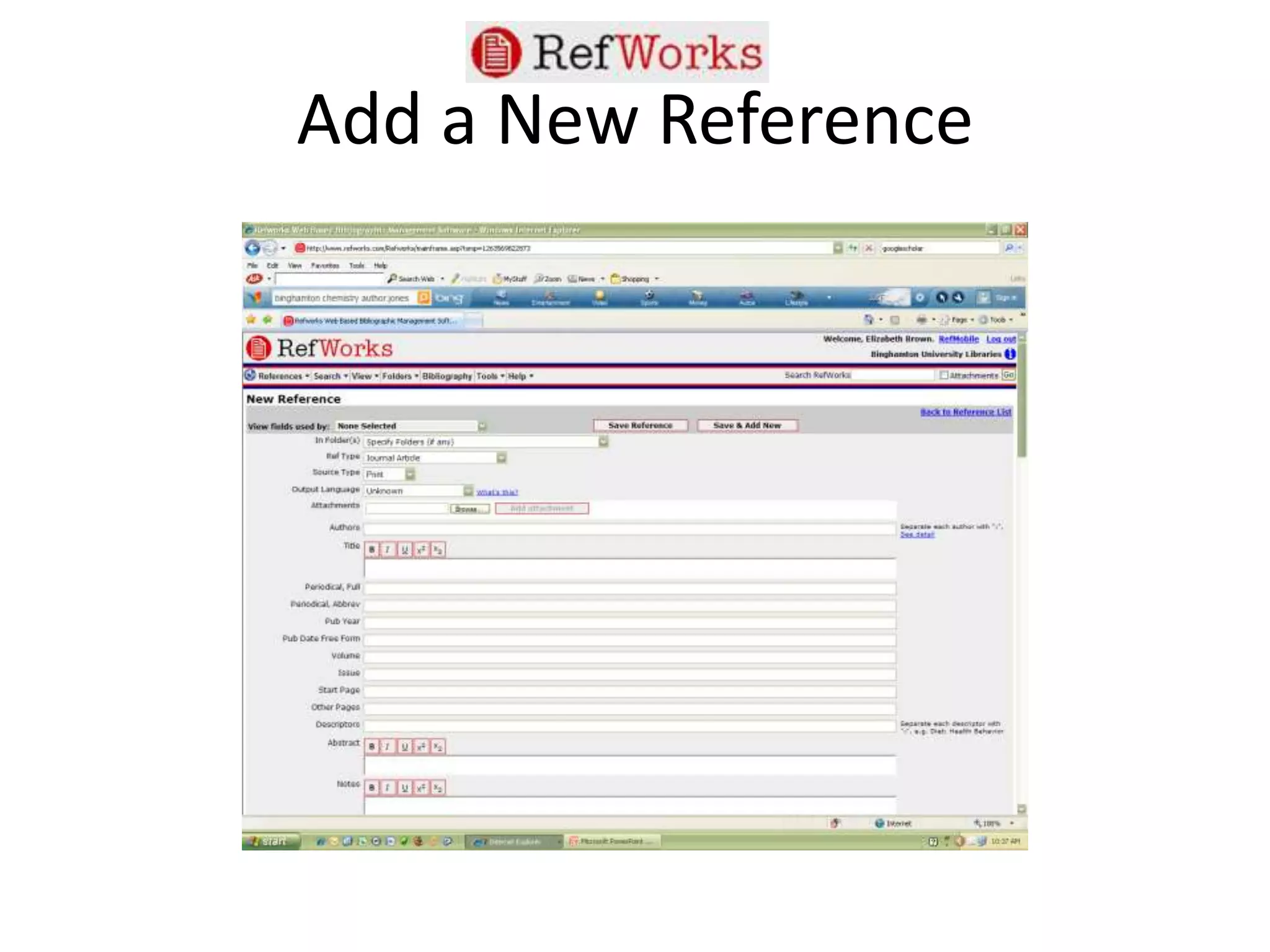
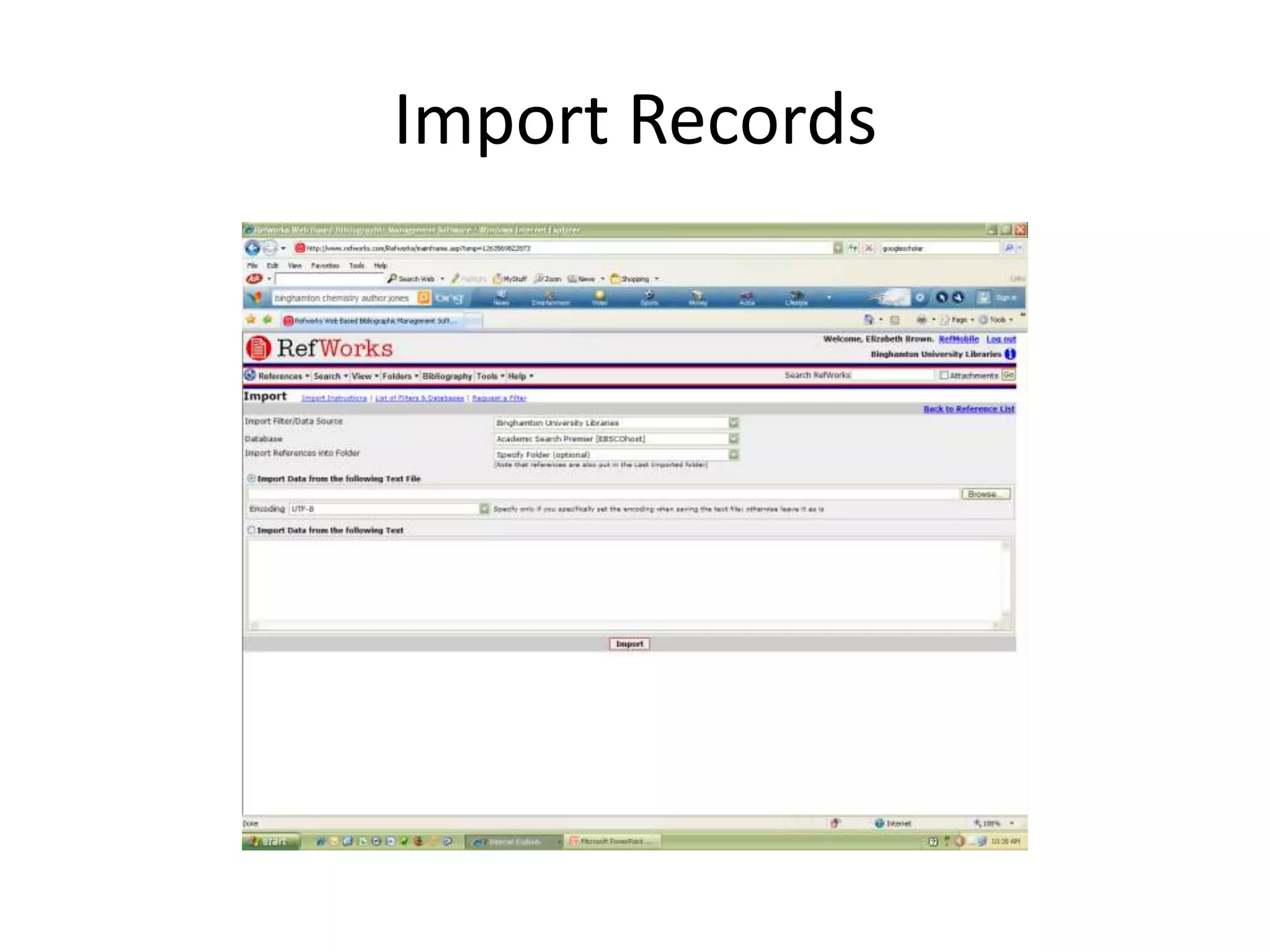
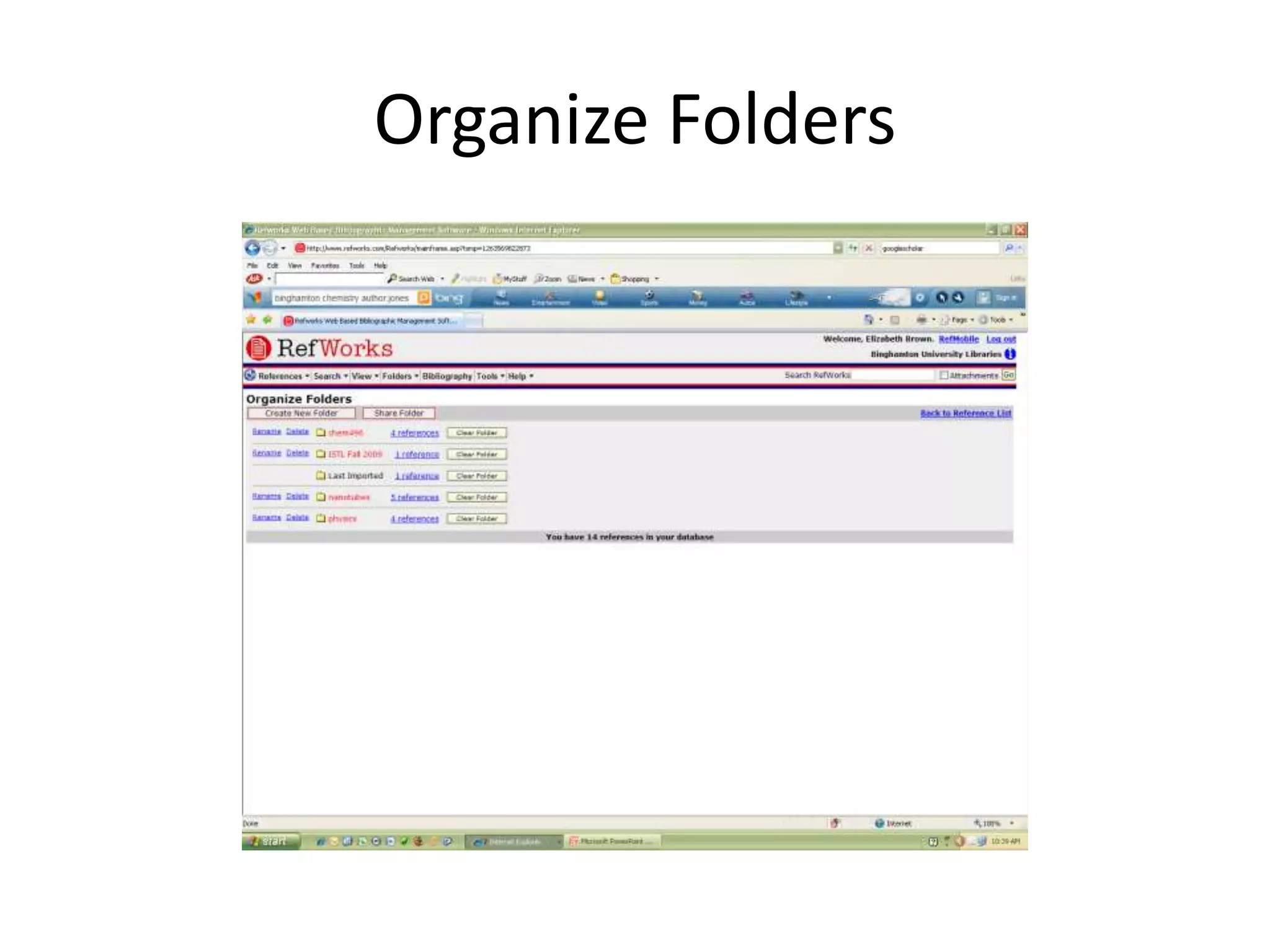
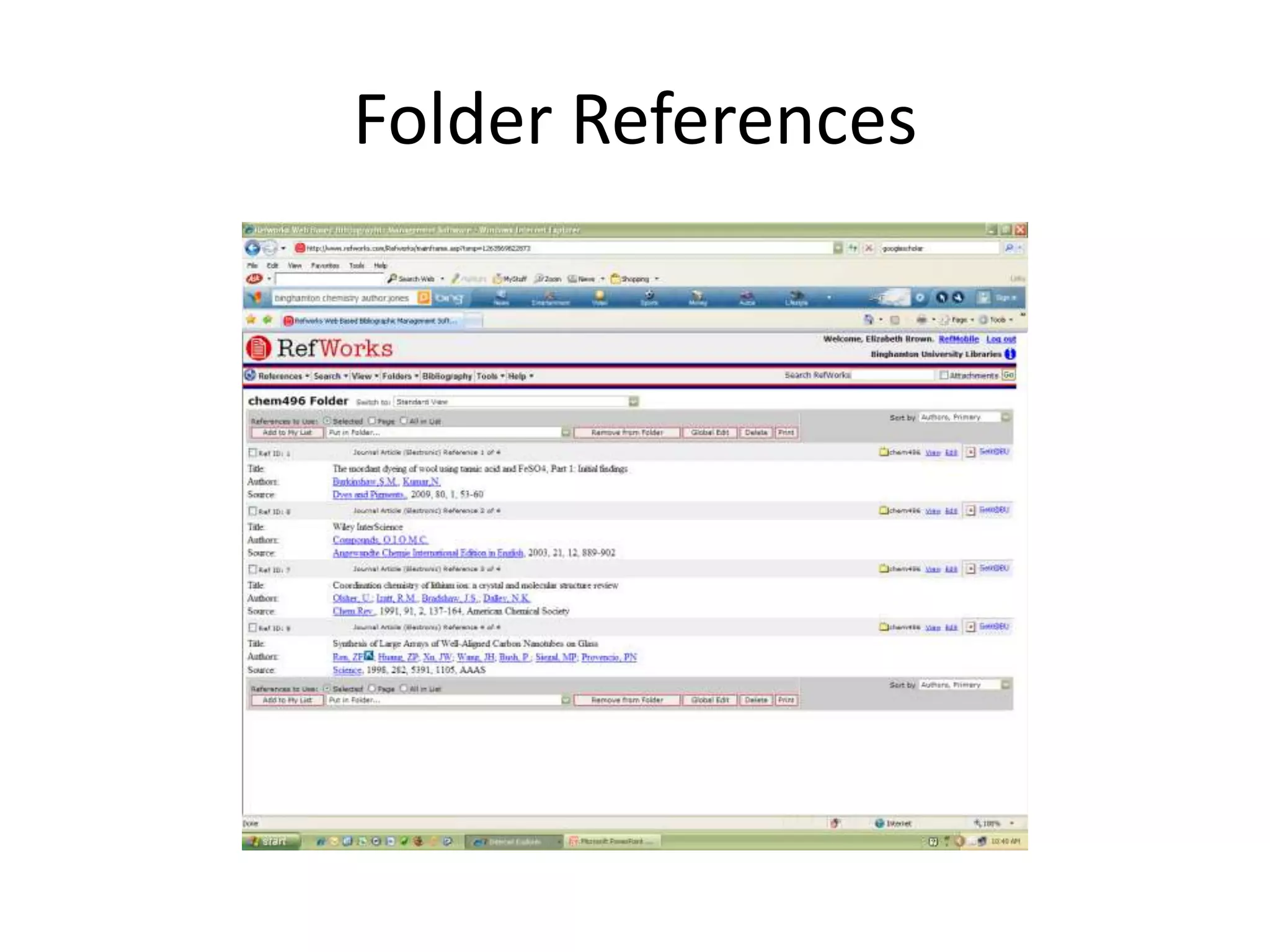
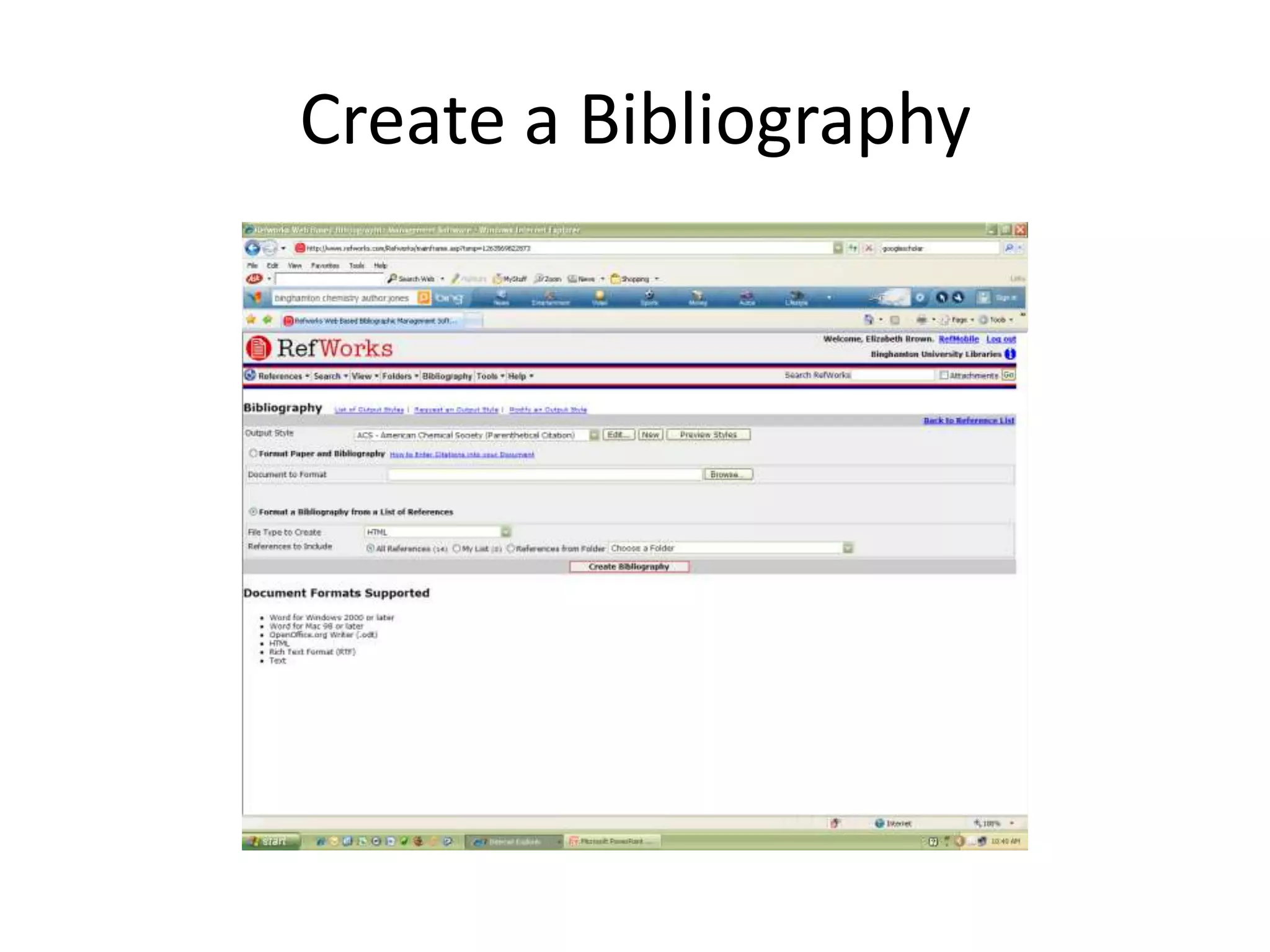
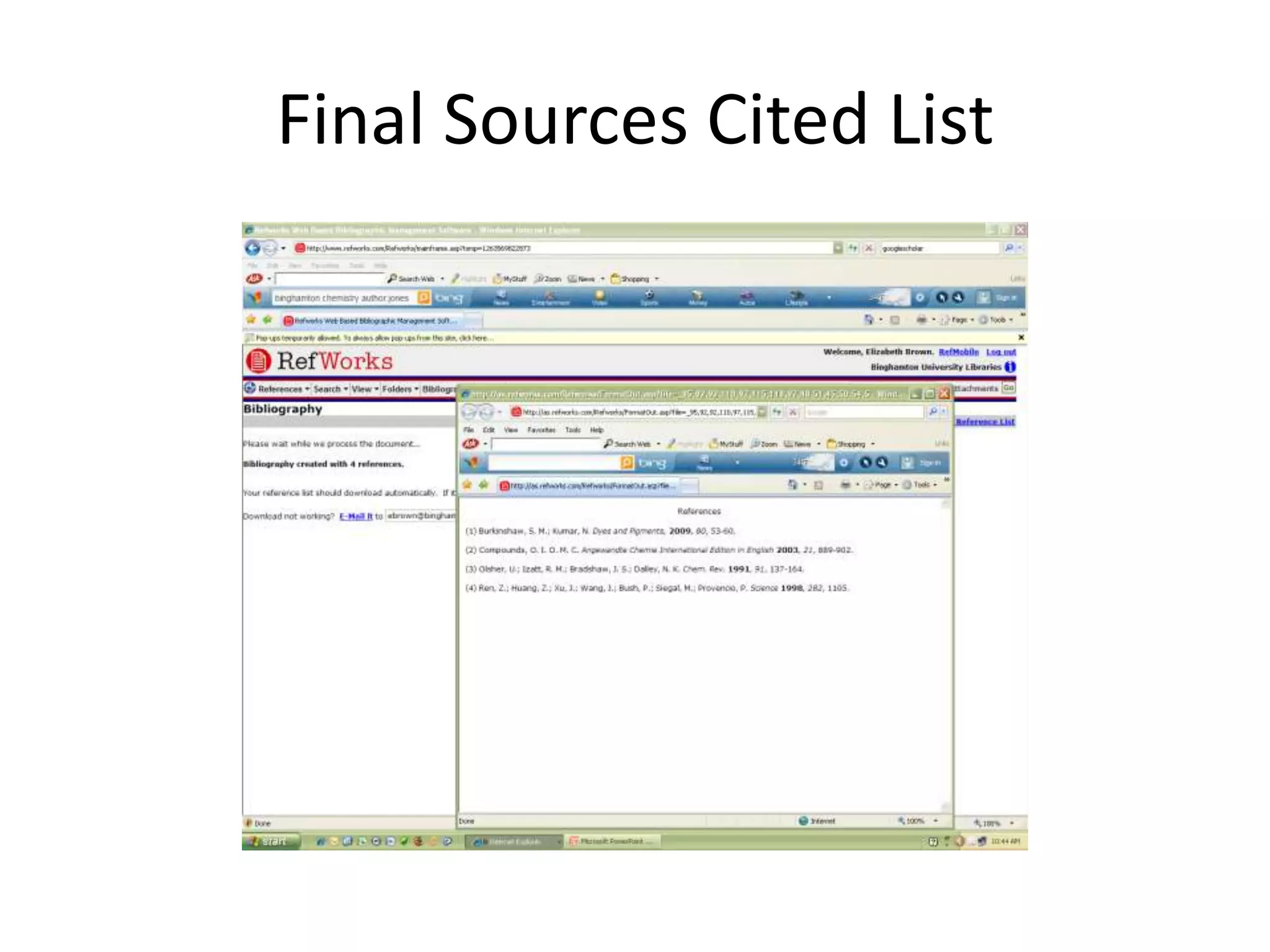
This document summarizes and compares three citation management tools: RefWorks, Zotero, and Mendeley. It explains that these tools allow users to keep track of research references, create bibliographies, and insert citations into documents. For each tool, it provides brief instructions on creating an account, adding references, organizing references into folders, and generating bibliographies. It highlights that RefWorks is licensed through Binghamton University, while Zotero and Mendeley are free online options.


