Downloaded 21 times


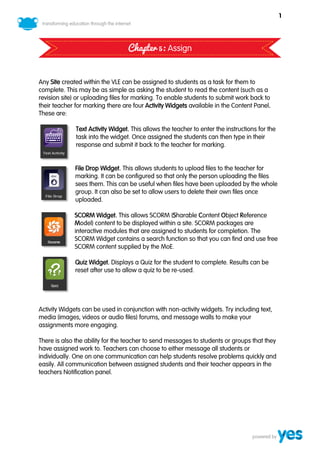
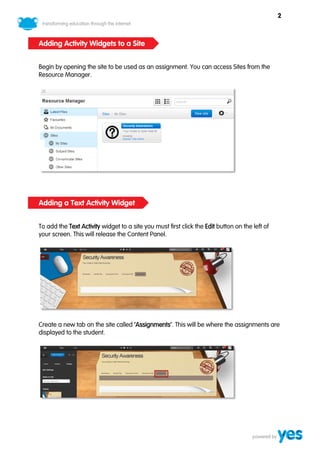
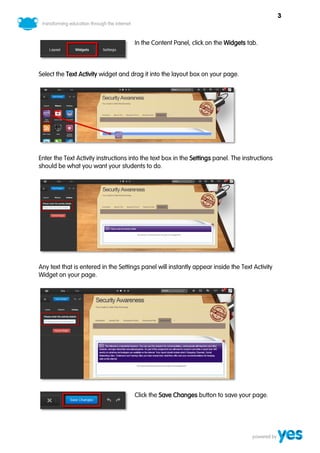
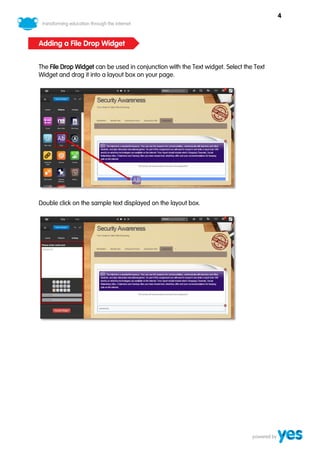
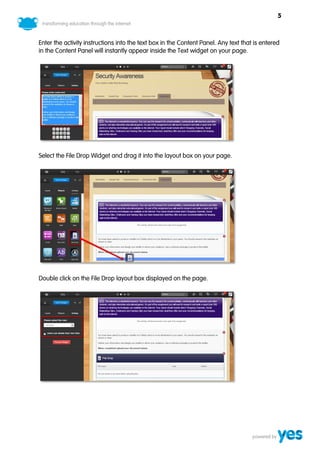
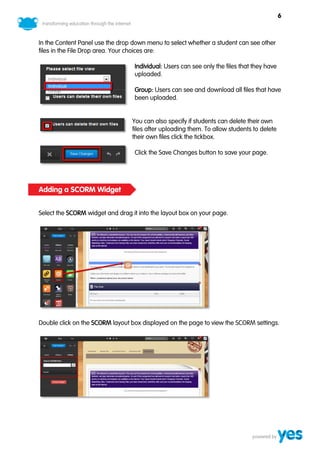
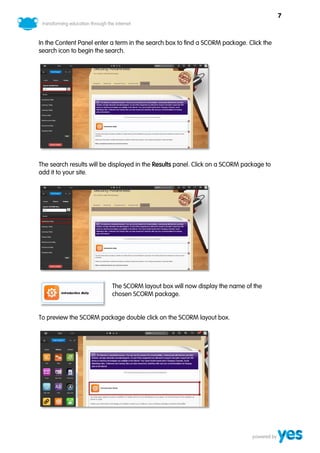
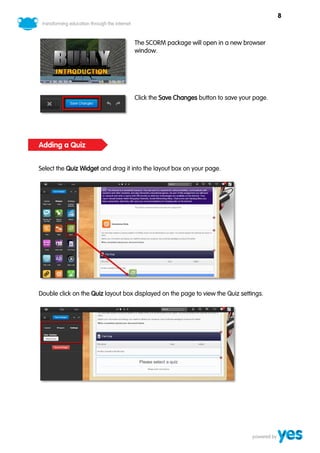
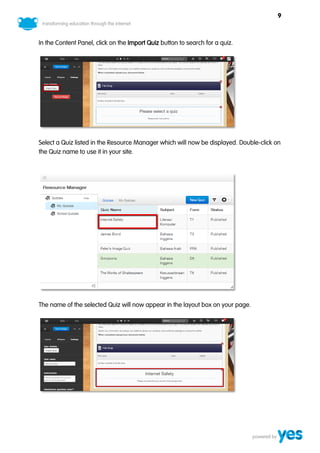
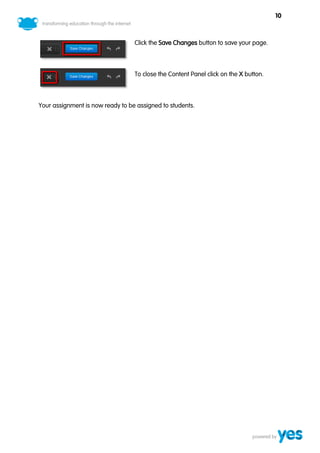
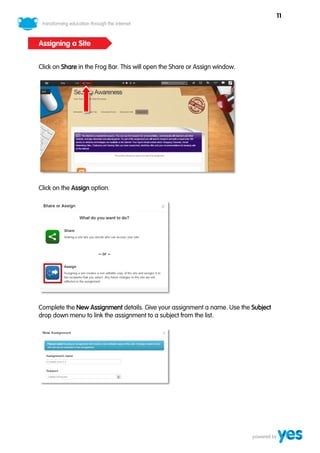
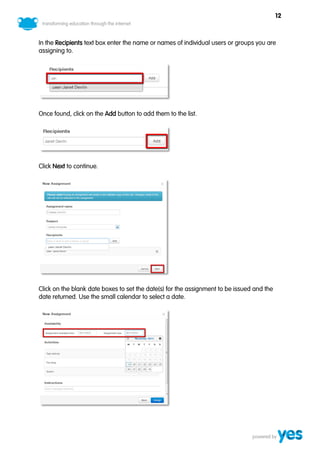
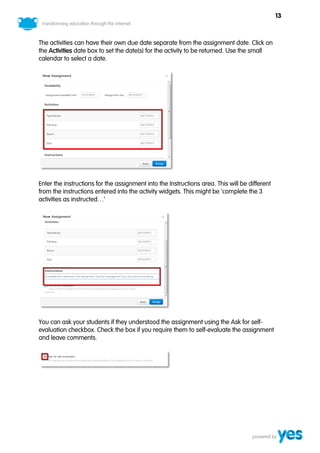
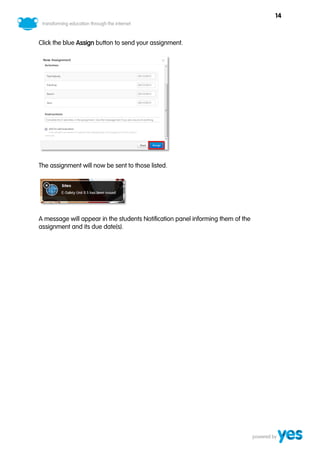
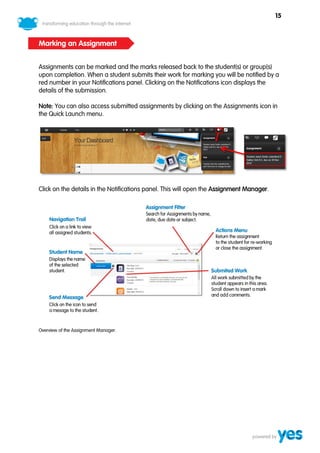
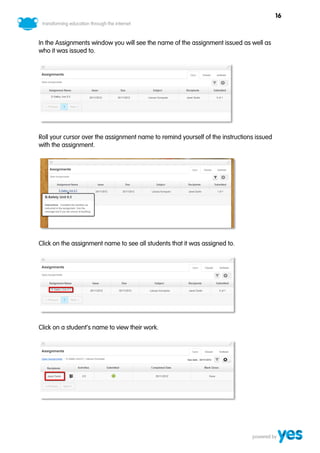
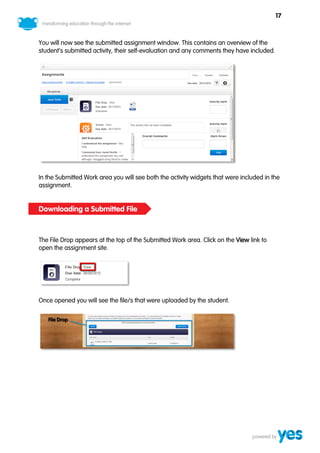
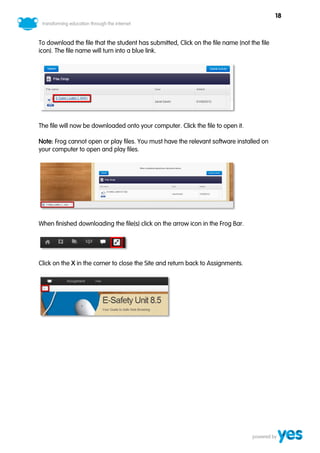
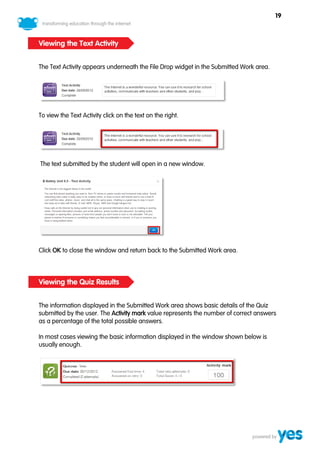
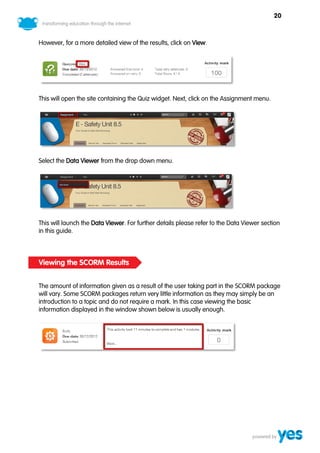
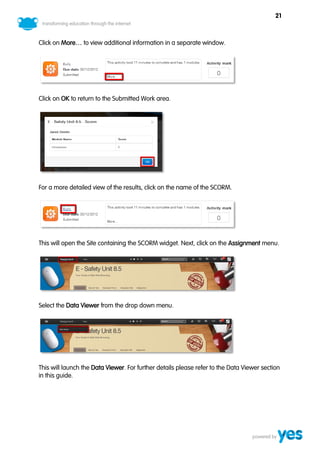
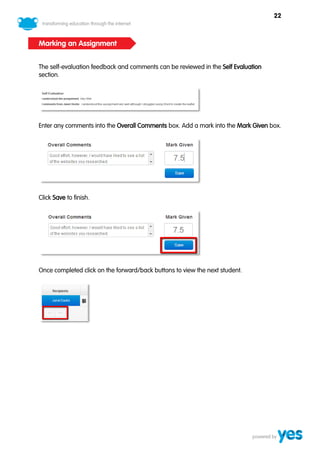
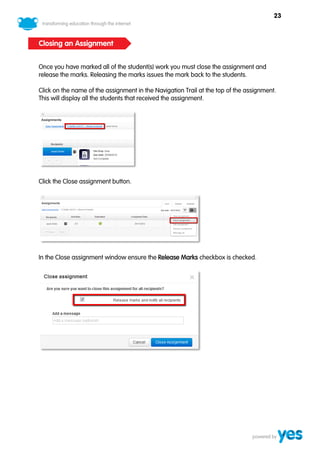
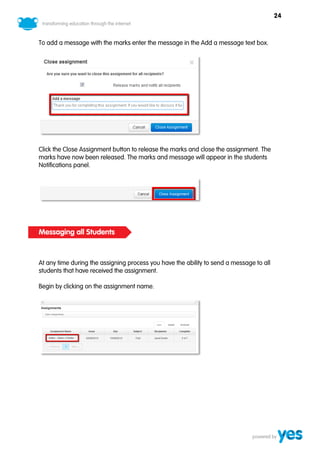
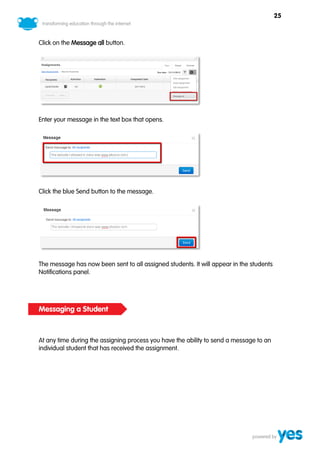
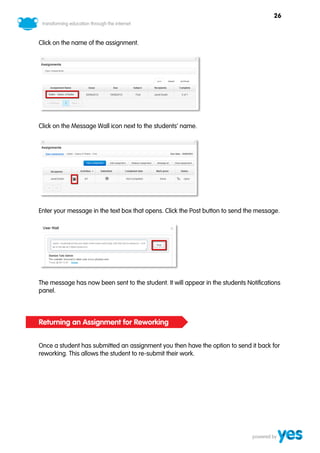
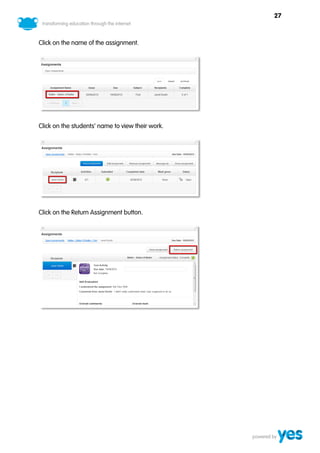
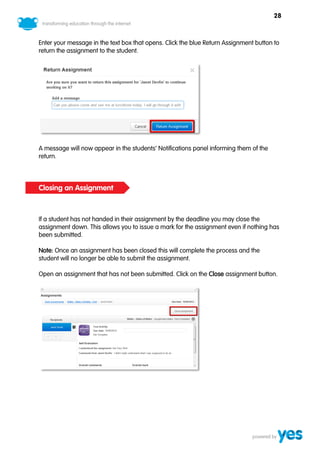
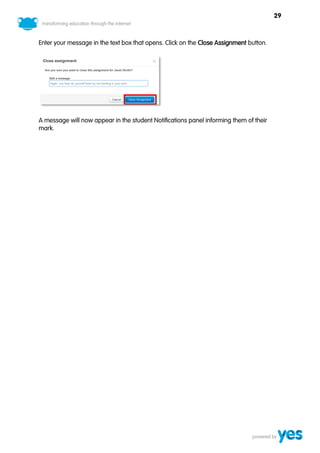
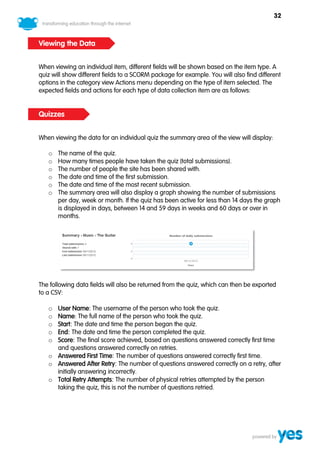
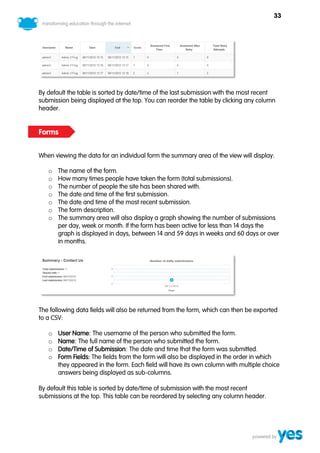
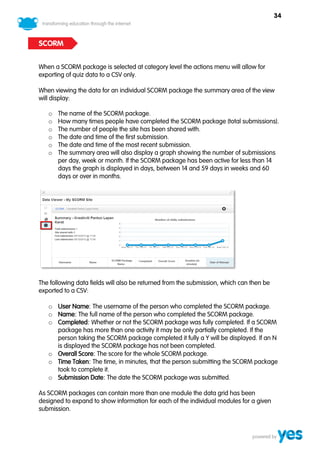
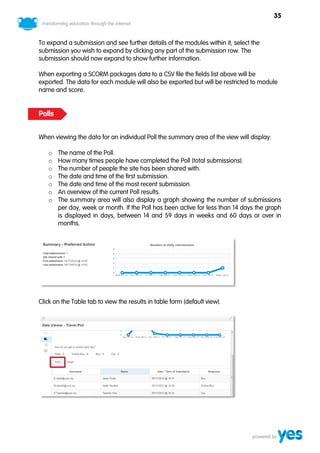
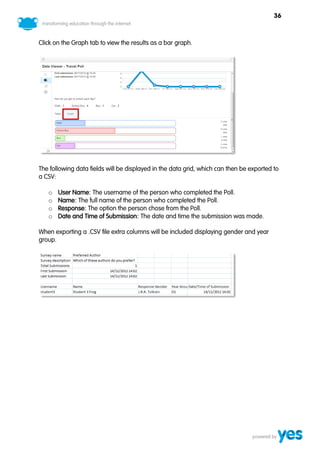
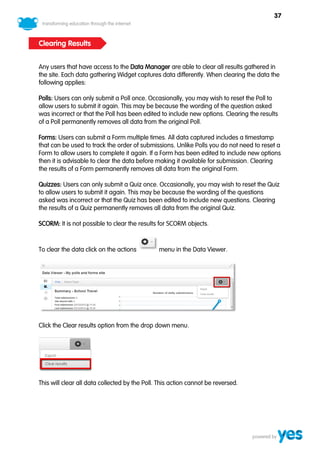
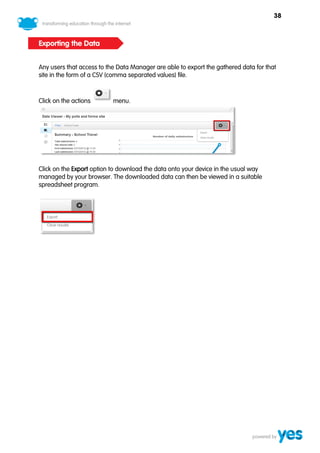


This document provides instructions for adding different activity widgets to a Frog VLE site to create assignments for students: 1) Text, file drop, SCORM, and quiz widgets can be added to allow students to submit text responses, files, complete interactive modules, and take quizzes. 2) The widgets are dragged from the content panel into the site layout and their settings are configured, such as instructions, file visibility options, and searching for SCORM content. 3) Once assignments are created with the activity widgets, the site can be assigned to students and teachers can track submission, provide feedback, and message students from the notifications panel.


