
Chapter 2
Game Design and
Storyboarding
mrbash.com| stencyl development
Lesson Objectives
• Describe the game design process.Game Design
• Explain the technique of storyboarding
Storyboarding/
Wire framing
• List the tools available for storyboarding.Tools
Game Genre
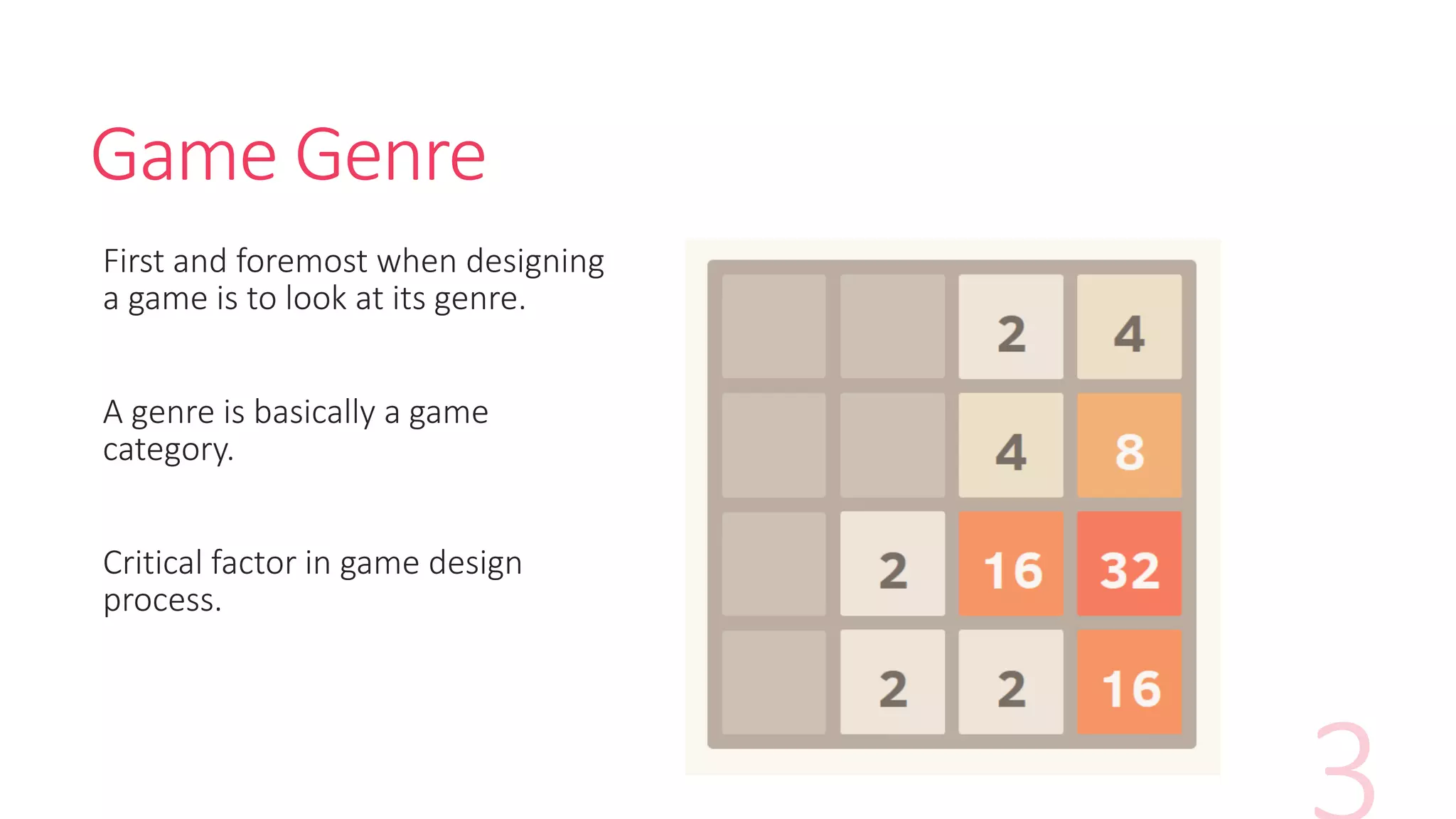
First and foremost when designing
a game is to look at its genre.
A genre is basically a game
category.
Critical factor in game design
process.
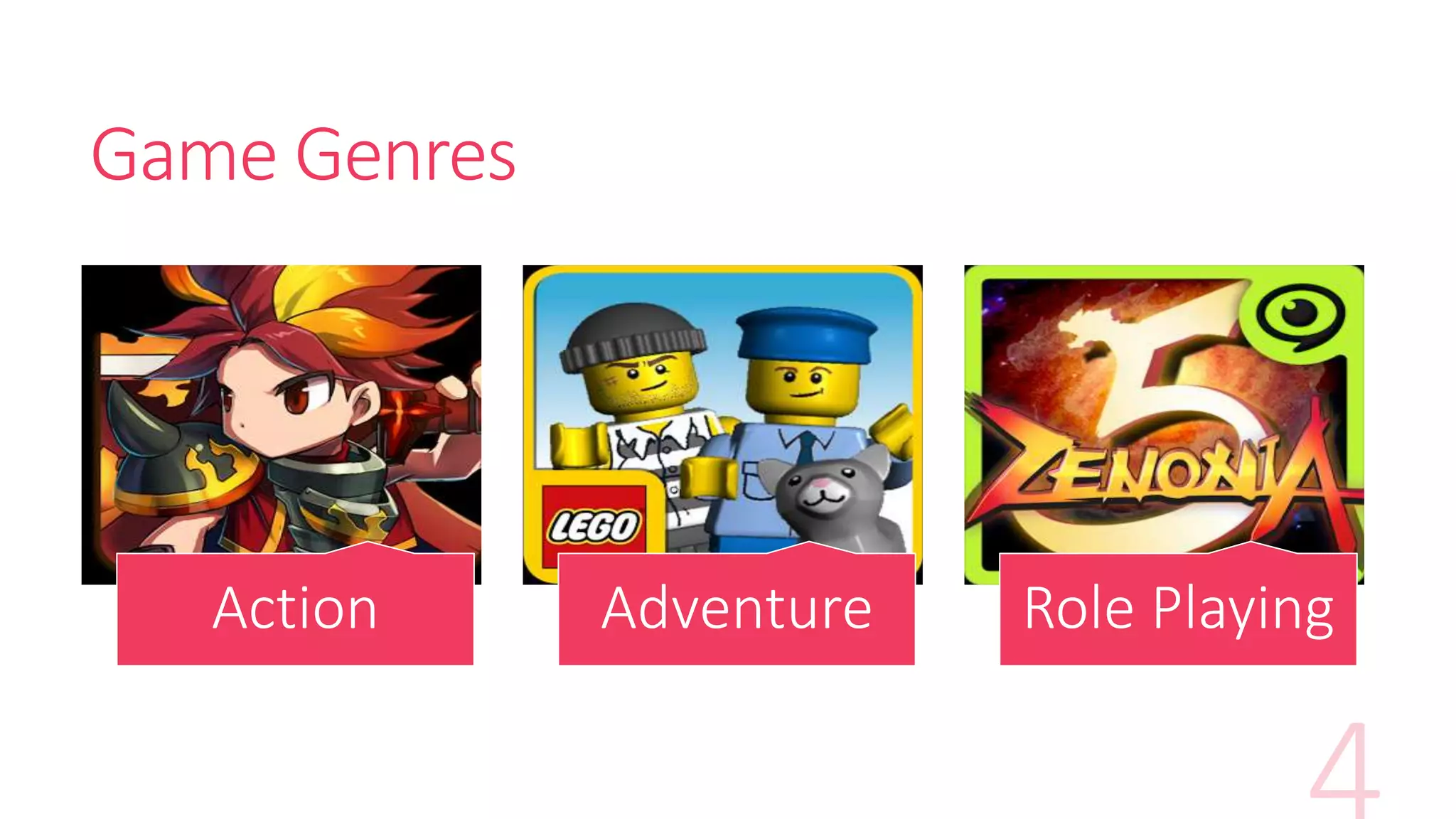
Game Genres
Action Adventure Role Playing
Exercise 3 - Activity Time
Spend 10 min on this activity in your groups.
Brainstorm on as many mobile game genres
and pen it on the worksheet provided.
Game Design Elements
Areas of game designs for game designers to consider,
1. Narrative design
2. Character design
3. Level/Environment design
4. Gameplay and mechanics design
5. User interface design
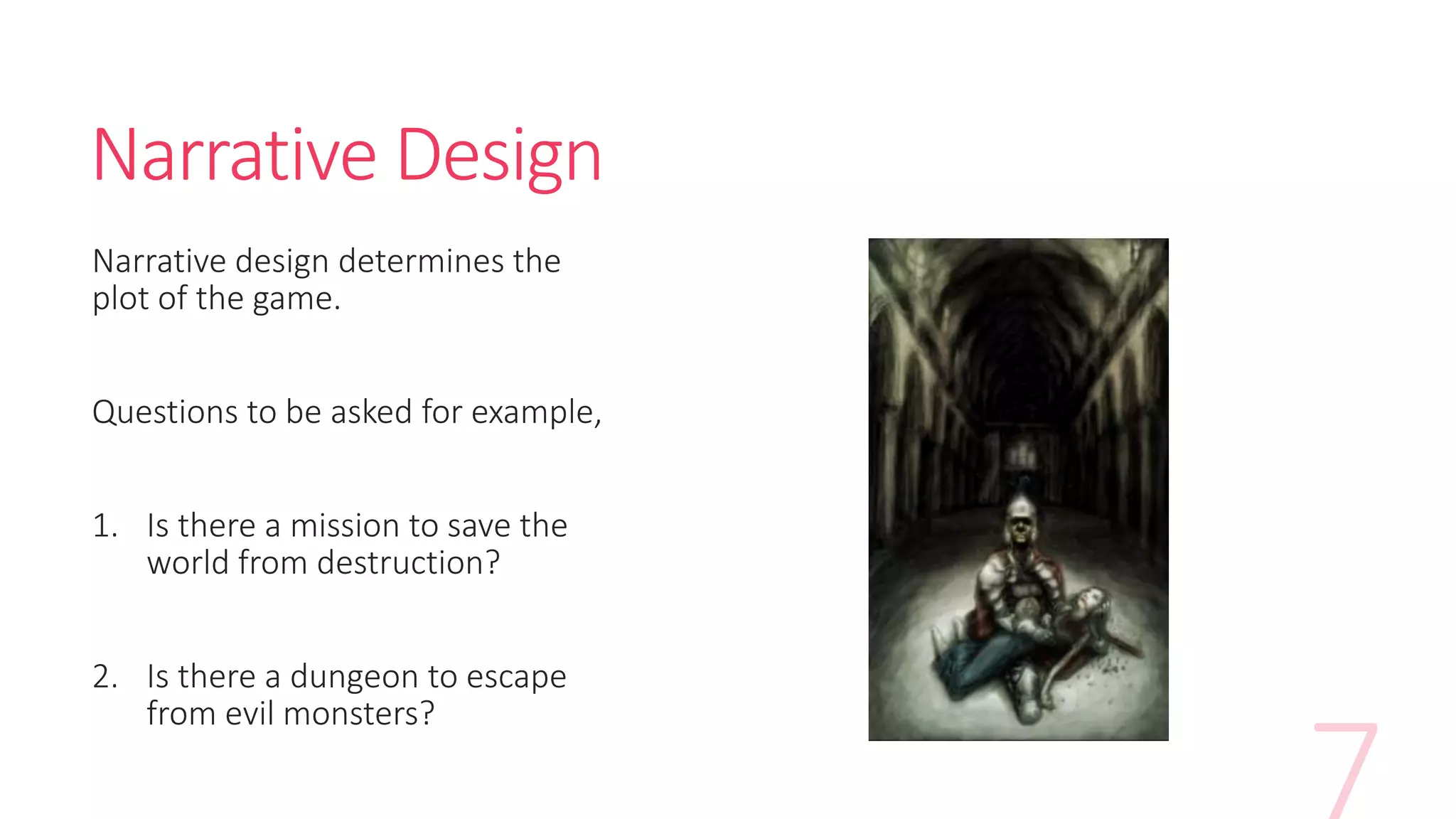
Narrative Design
Narrative design determines the
plot of the game.
Questions to be asked for example,
1. Is there a mission to save the
world from destruction?
2. Is there a dungeon to escape
from evil monsters?
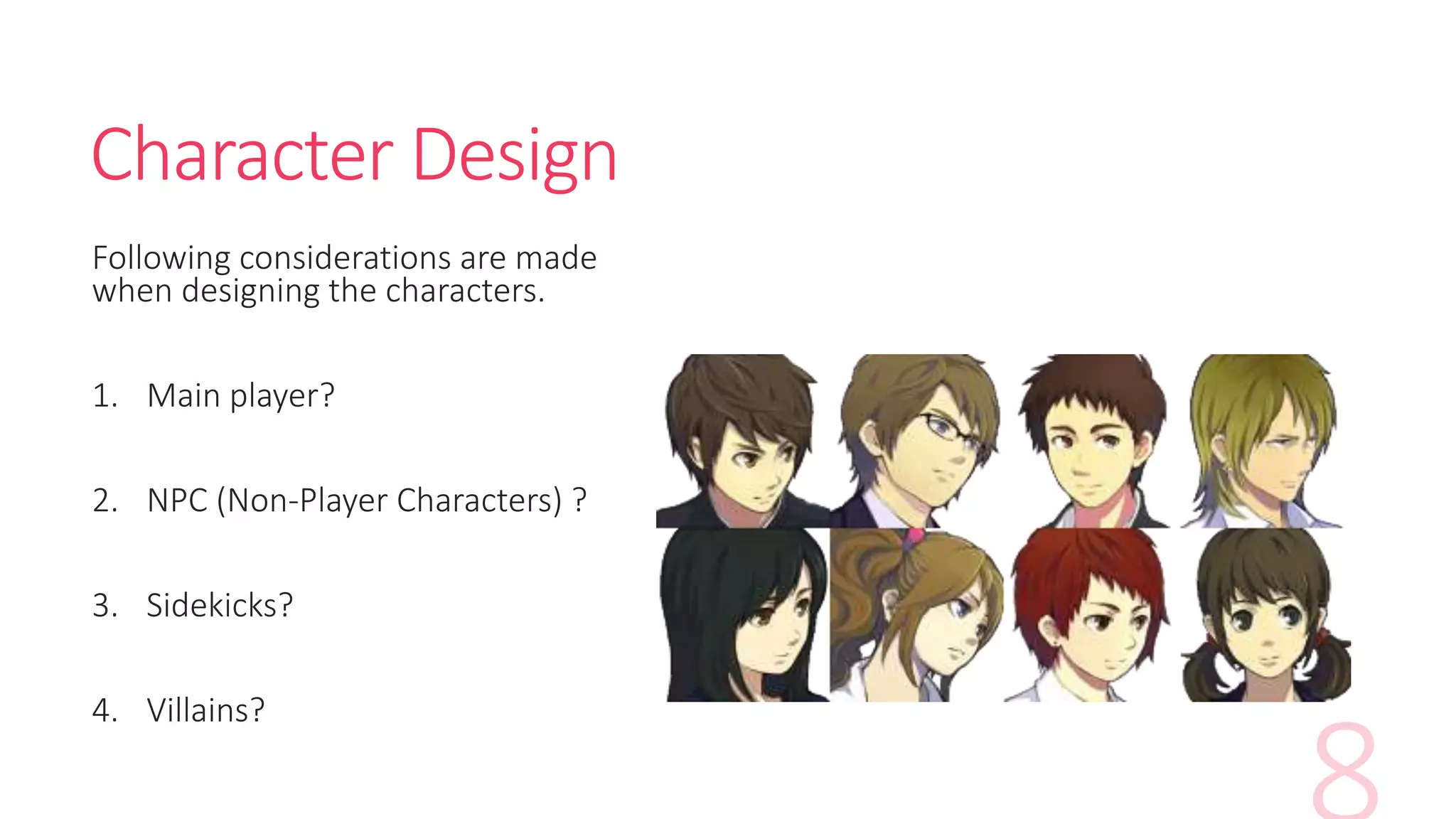
Character Design
Following considerations are made
when designing the characters.
1. Main player?
2. NPC (Non-Player Characters) ?
3. Sidekicks?
4. Villains?
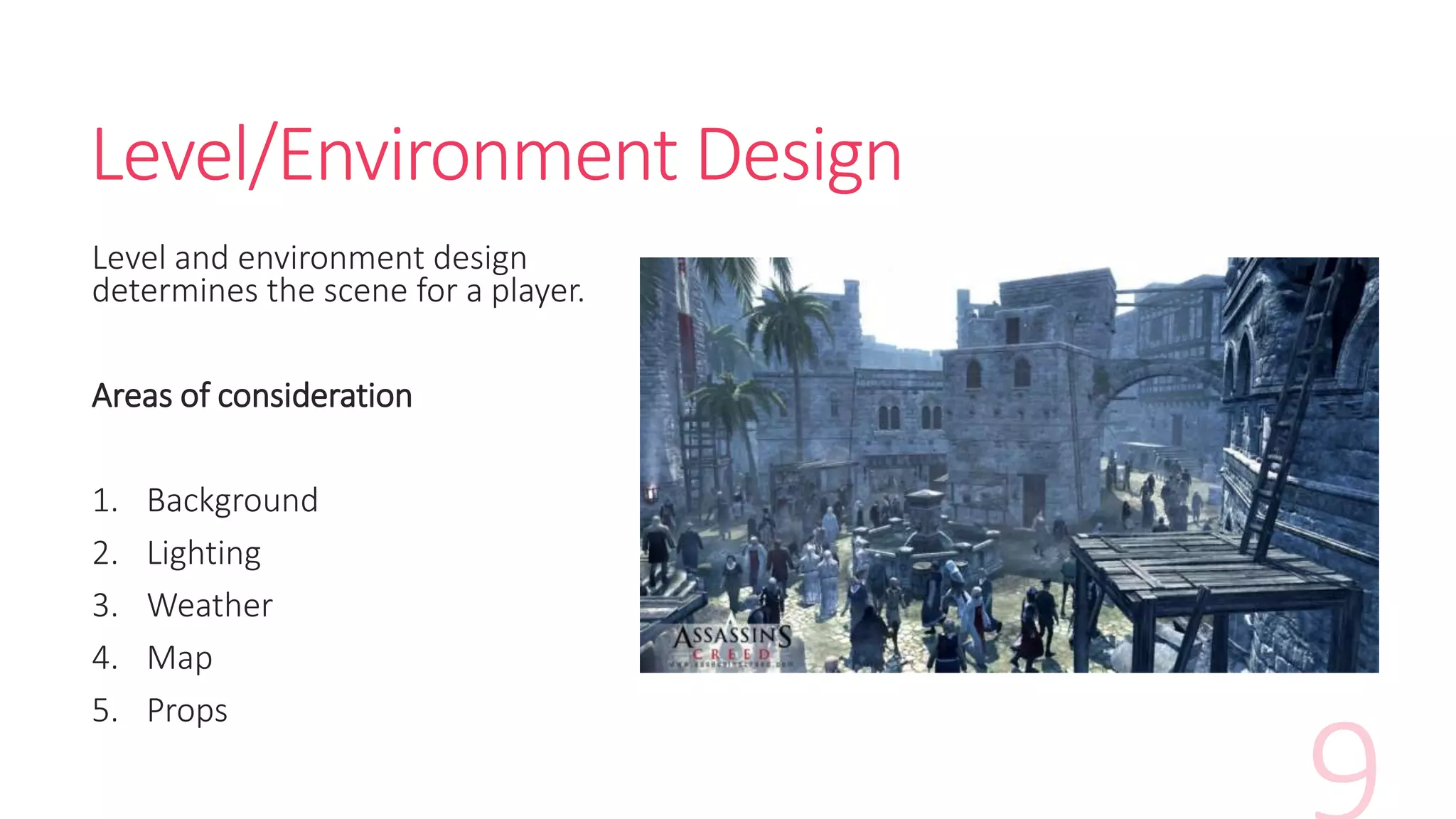
Level/Environment Design
Level and environment design
determines the scene for a player.
Areas of consideration
1. Background
2. Lighting
3. Weather
4. Map
5. Props
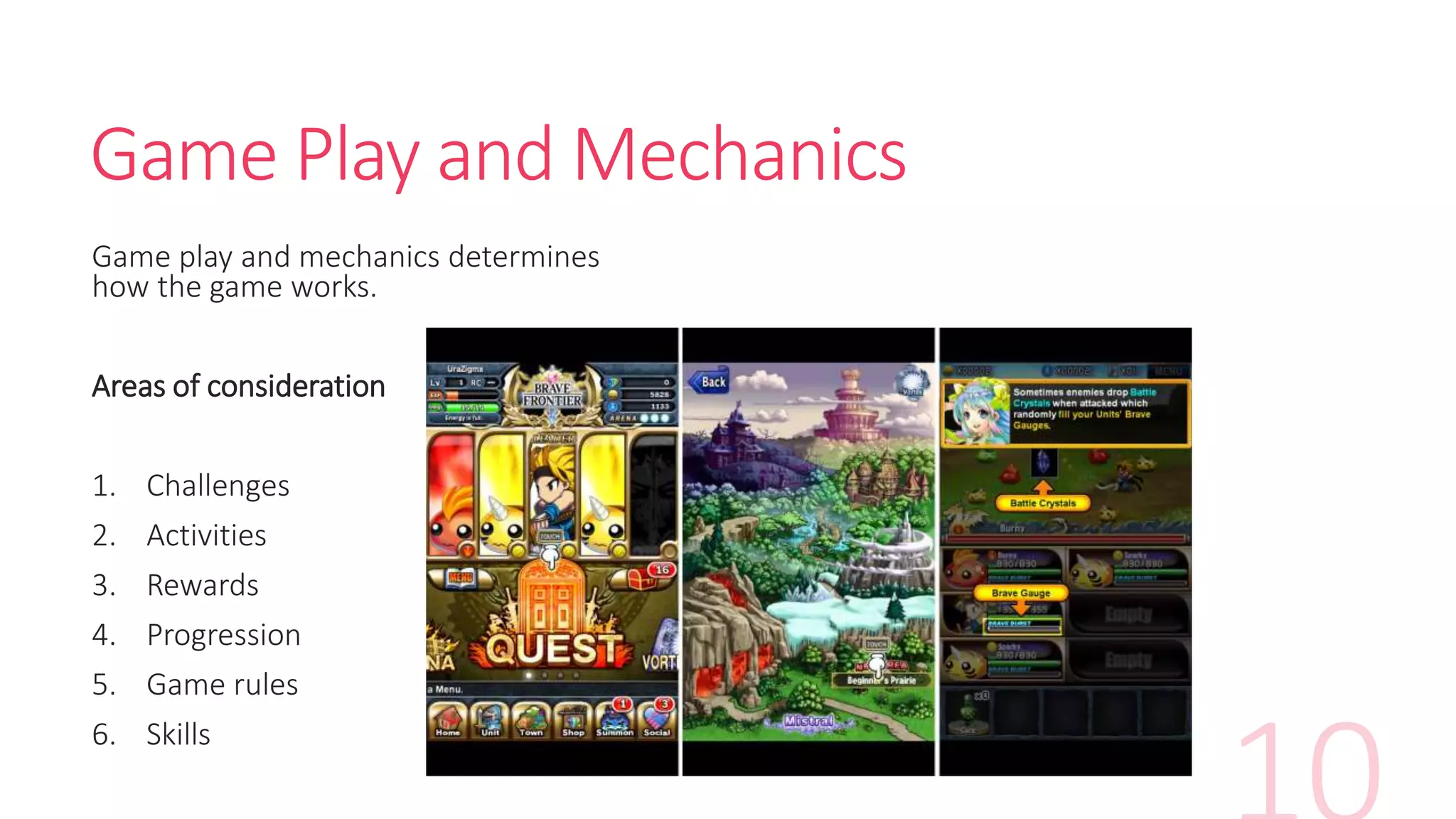
Game Play and Mechanics
Game play and mechanics determines
how the game works.
Areas of consideration
1. Challenges
2. Activities
3. Rewards
4. Progression
5. Game rules
6. Skills
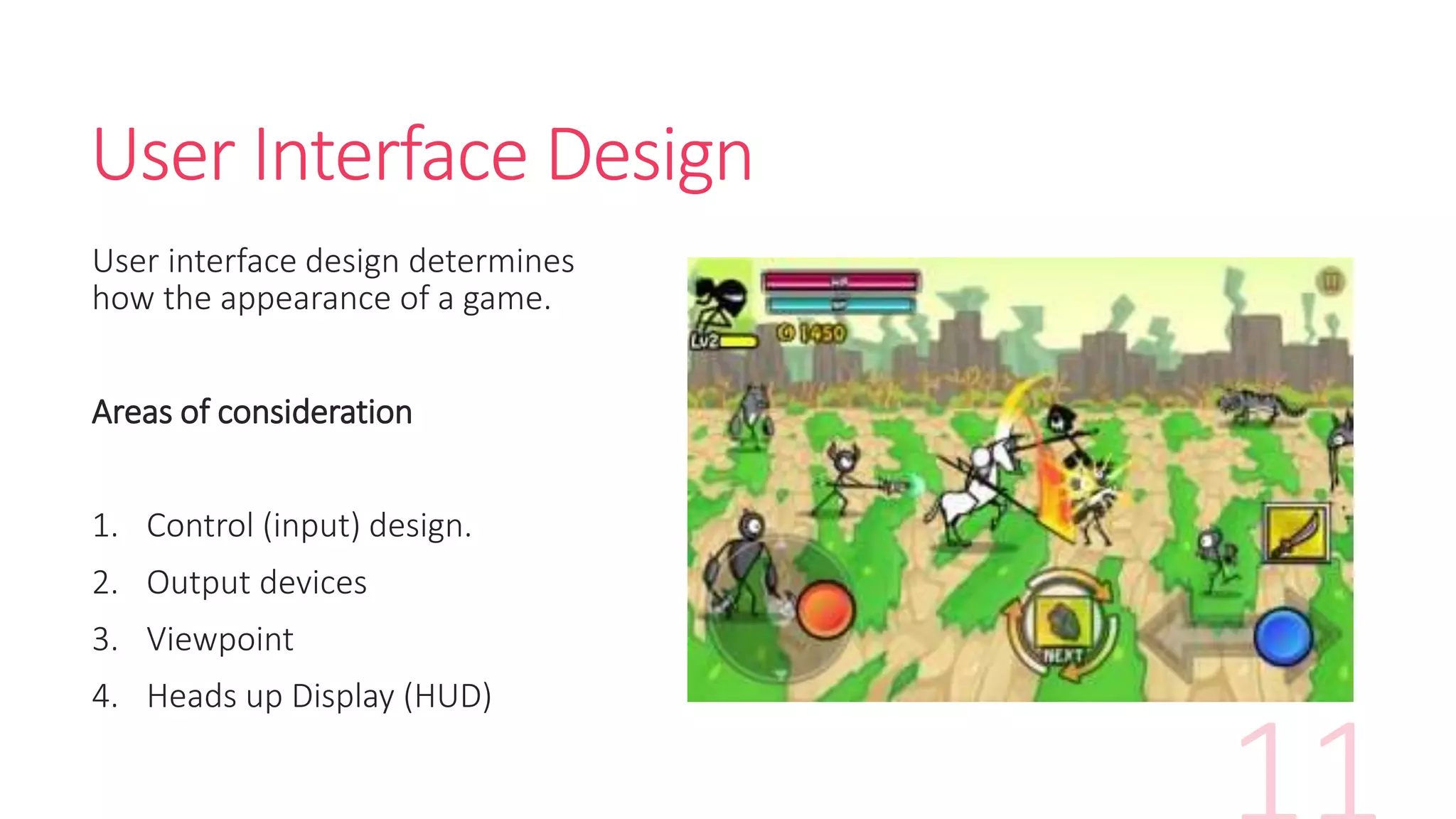
User Interface Design
User interface design determines
how the appearance of a game.
Areas of consideration
1. Control (input) design.
2. Output devices
3. Viewpoint
4. Heads up Display (HUD)
Exercise 4 - Activity Time
Spend 30 min on this activity in your groups.
Pick any game and describe its game elements
on the worksheet provided.
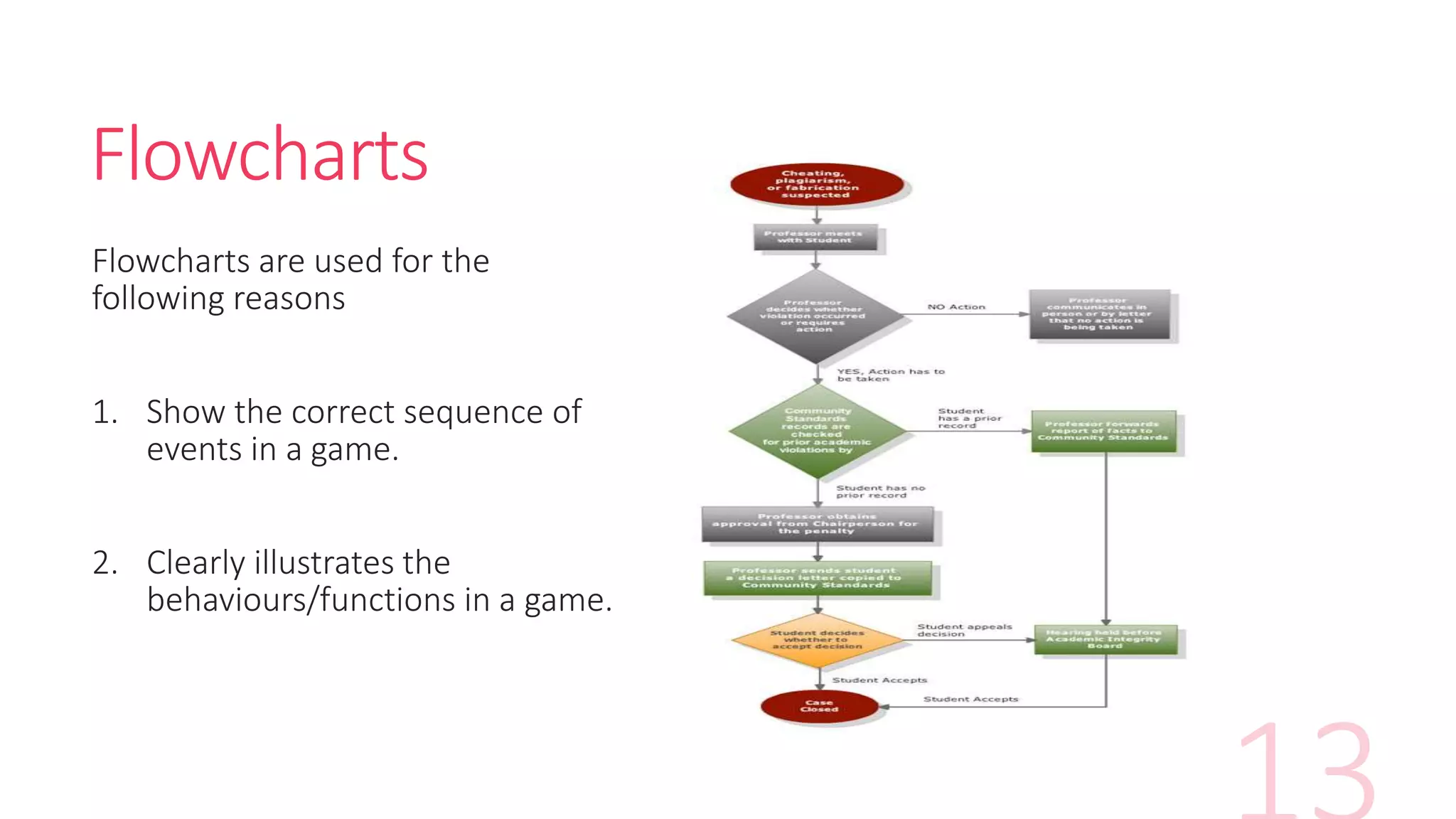
Flowcharts
Flowcharts are used for the
following reasons
1. Show the correct sequence of
events in a game.
2. Clearly illustrates the
behaviours/functions in a game.
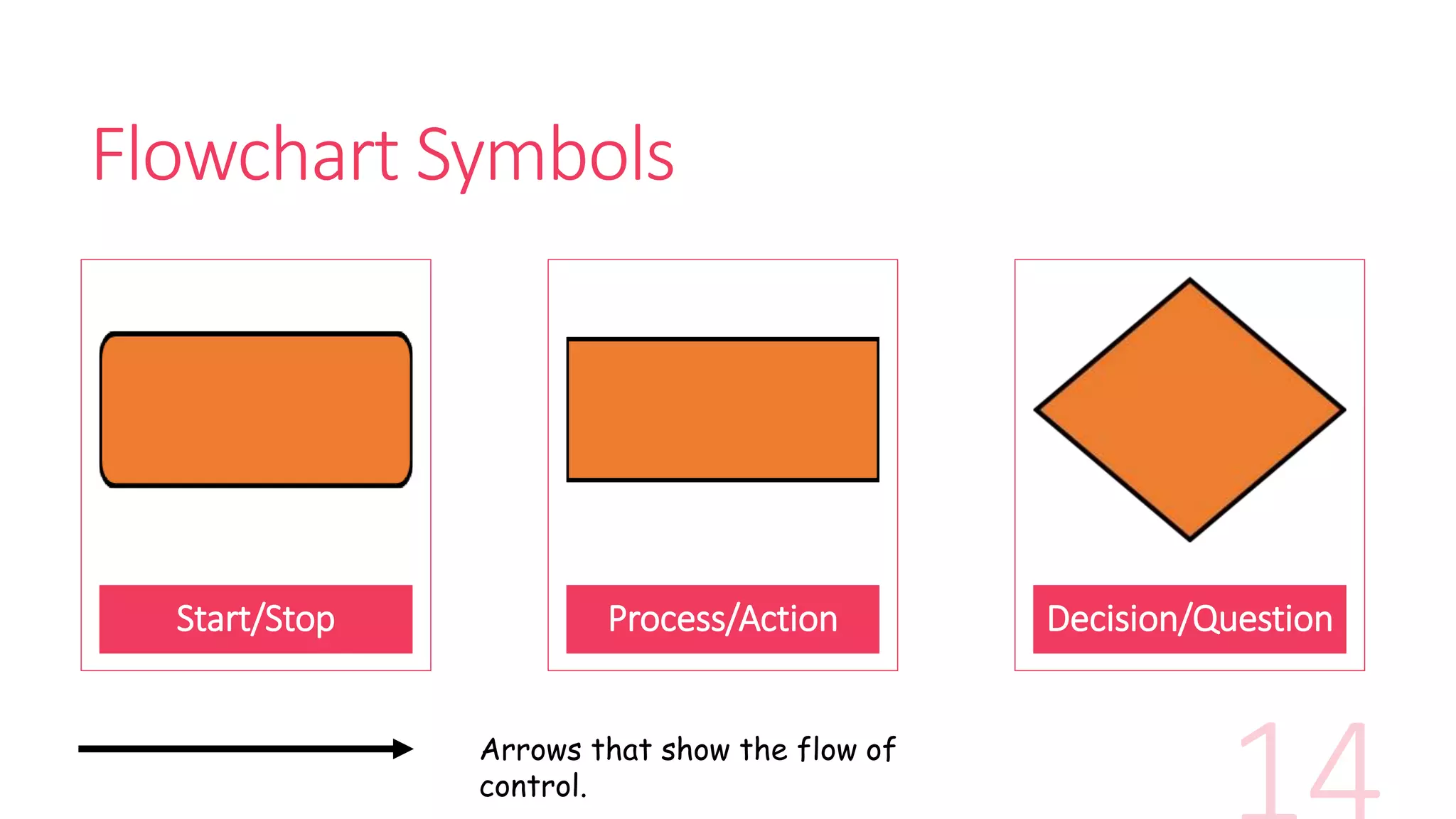
Flowchart Symbols
Start/Stop Process/Action Decision/Question
Arrows that show the flow of
control.
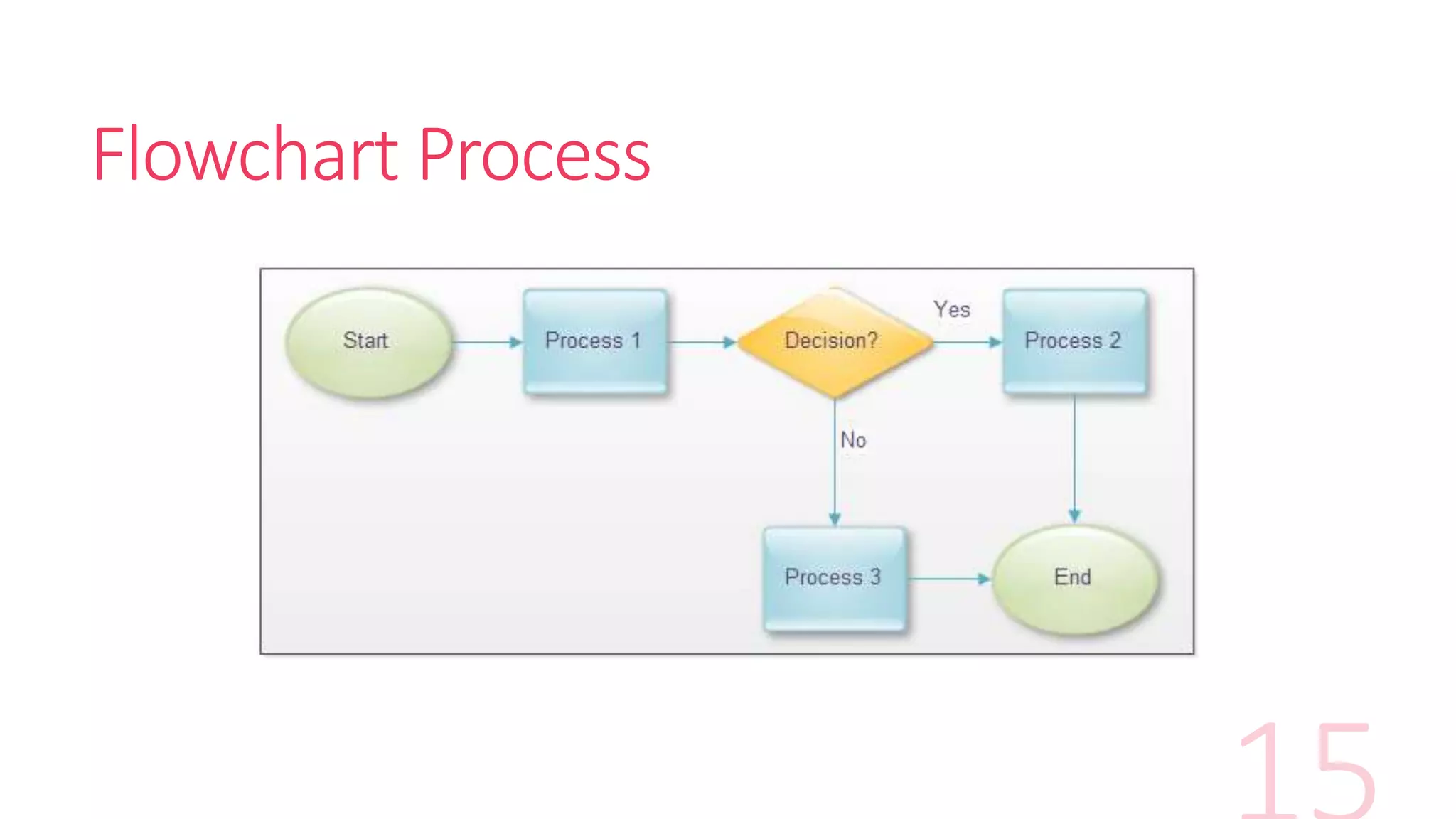
Flowchart Process
Exercise 5 - Activity Time
Spend 20 min on this activity in your groups.
Complete the flowchart using the components
provided on the worksheet provided.
Storyboarding/Wire framing
“Storyboards are graphic organizers in the form of illustrations or images
displayed in sequence for the purpose of pre-visualizing a motion picture,
animation, motion graphic or interactive media sequence.” – Wikipedia
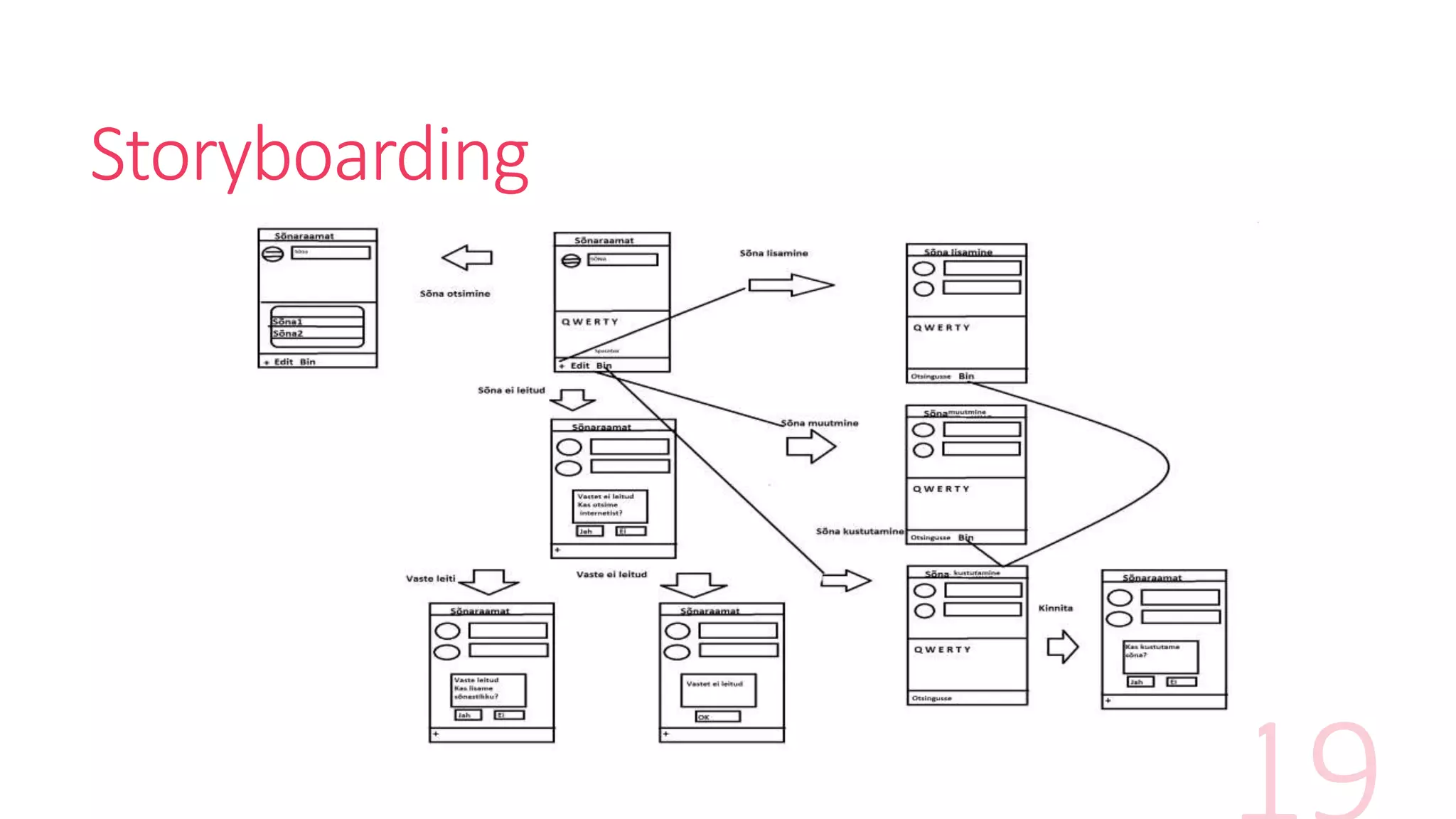
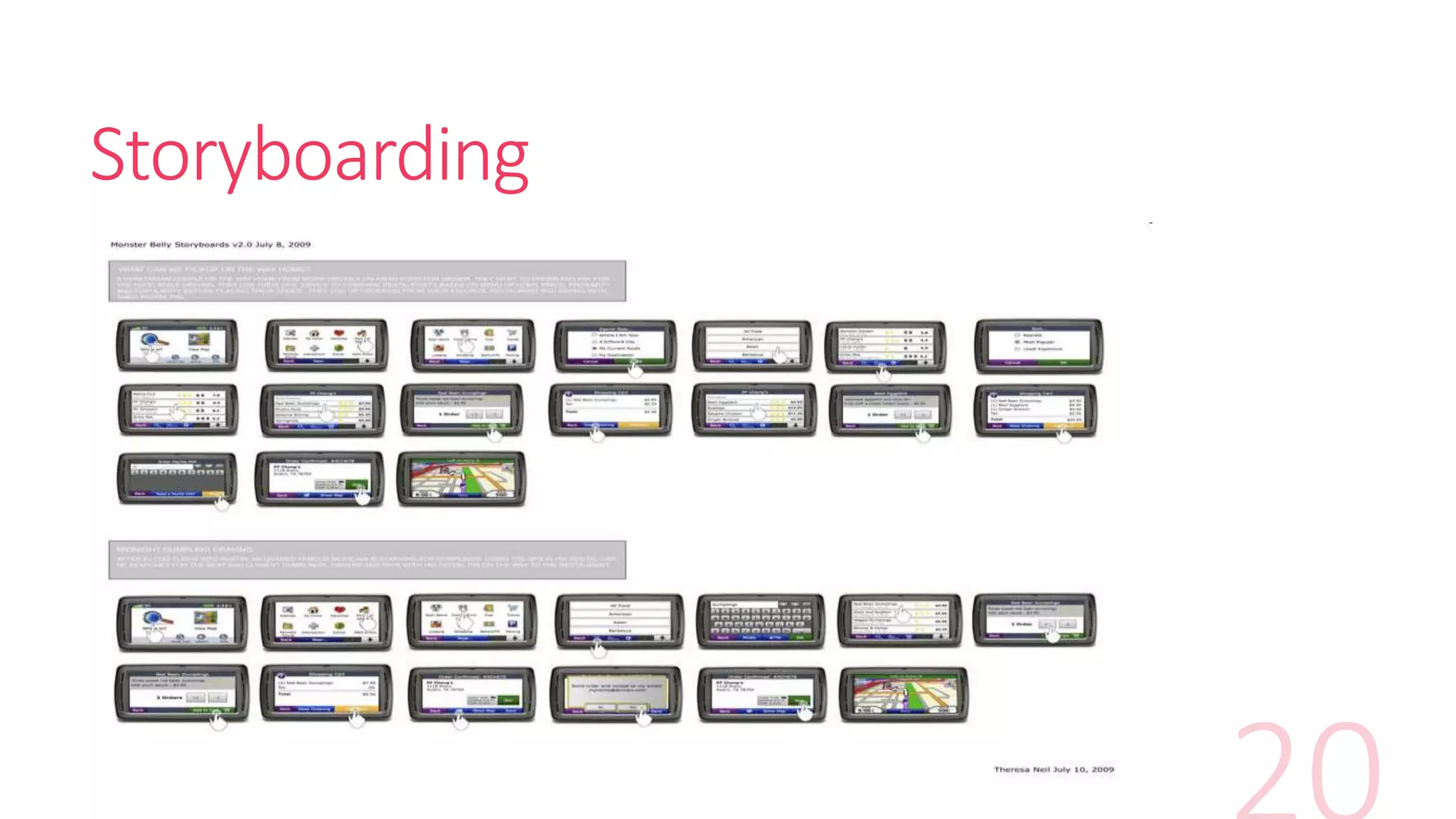
“A storyboard is a series of panels that depict key scenes, actions, visuals,
and annotations that define the highlights of a user experience.” – MIT user
experience design assignment
Storyboarding
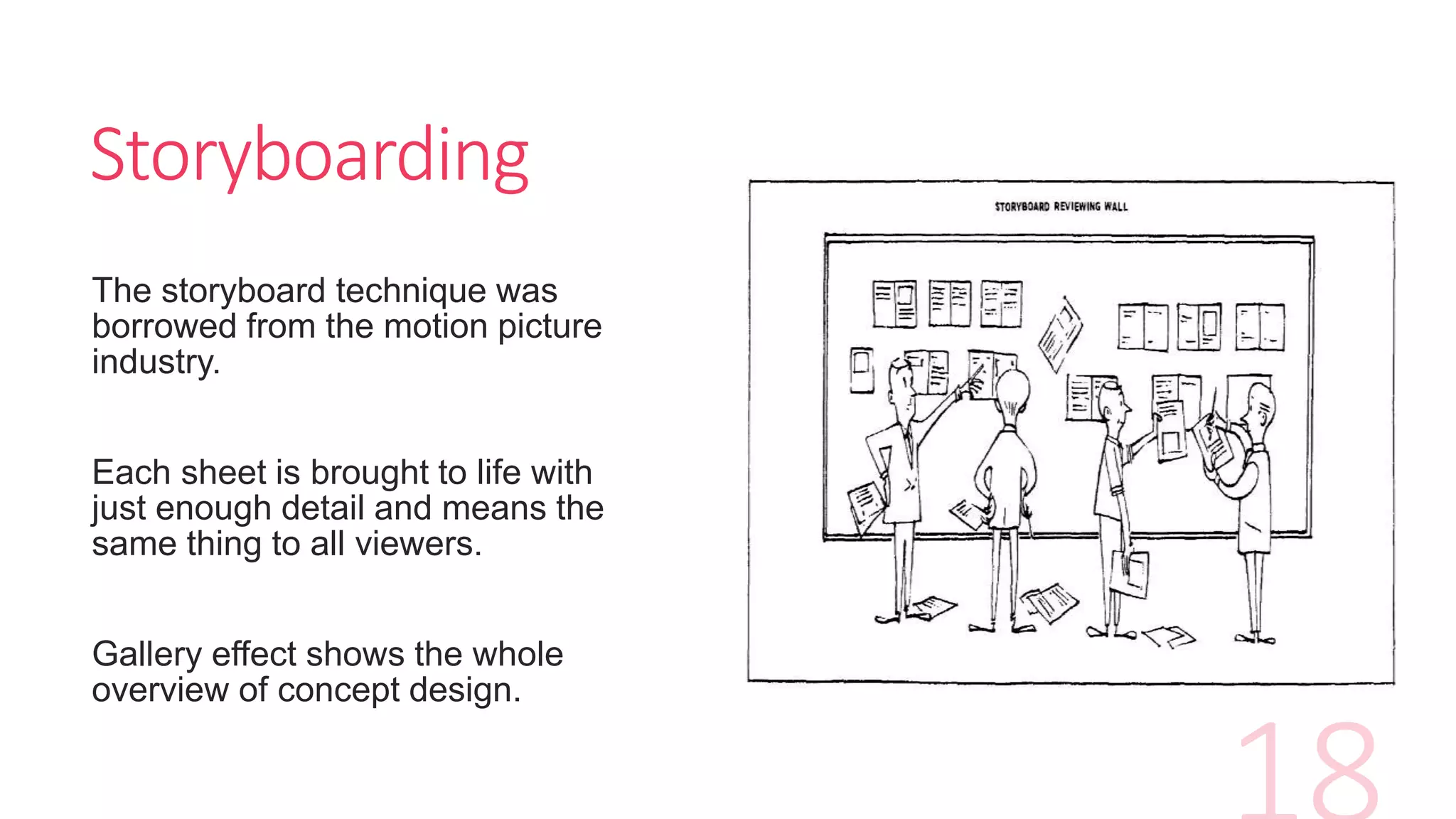
The storyboard technique was
borrowed from the motion picture
industry.
Each sheet is brought to life with
just enough detail and means the
same thing to all viewers.
Gallery effect shows the whole
overview of concept design.
Storyboarding
Storyboarding
Storyboarding/Wire framing
Refer to “Run and Jump”
Storyboarding example
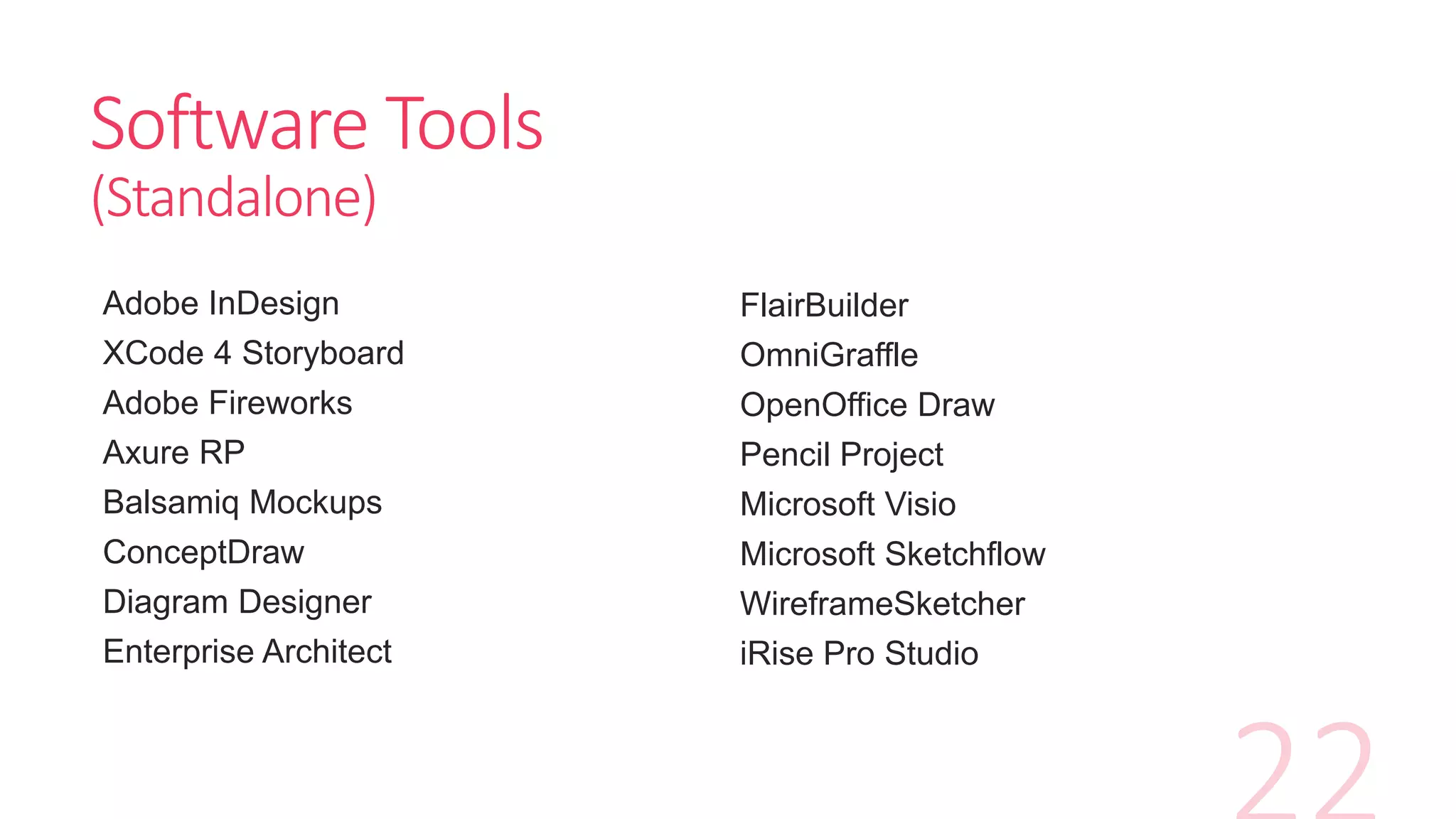
Software Tools
(Standalone)
Adobe InDesign
XCode 4 Storyboard
Adobe Fireworks
Axure RP
Balsamiq Mockups
ConceptDraw
Diagram Designer
Enterprise Architect
FlairBuilder
OmniGraffle
OpenOffice Draw
Pencil Project
Microsoft Visio
Microsoft Sketchflow
WireframeSketcher
iRise Pro Studio
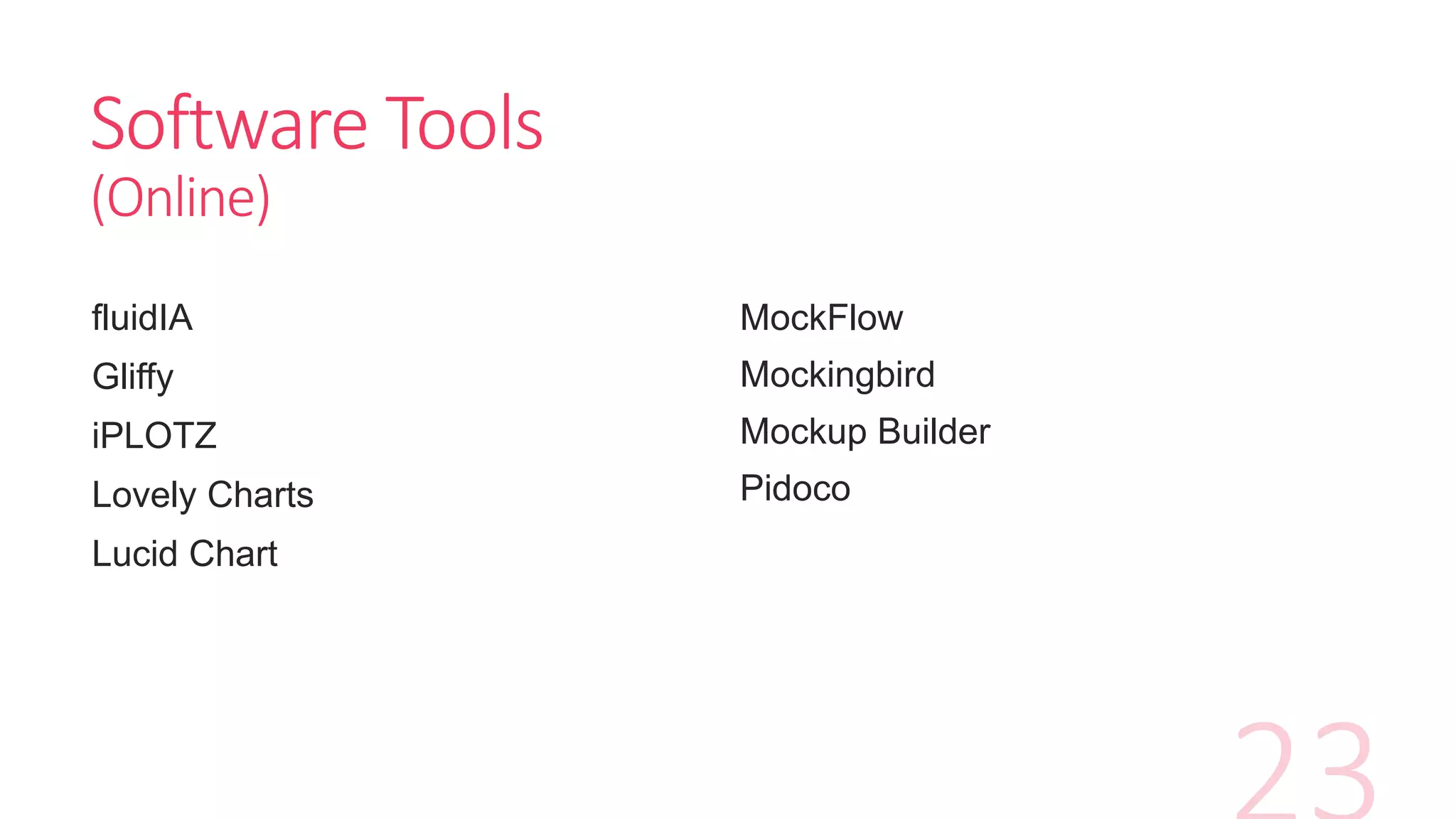
Software Tools
(Online)
fluidIA
Gliffy
iPLOTZ
Lovely Charts
Lucid Chart
MockFlow
Mockingbird
Mockup Builder
Pidoco
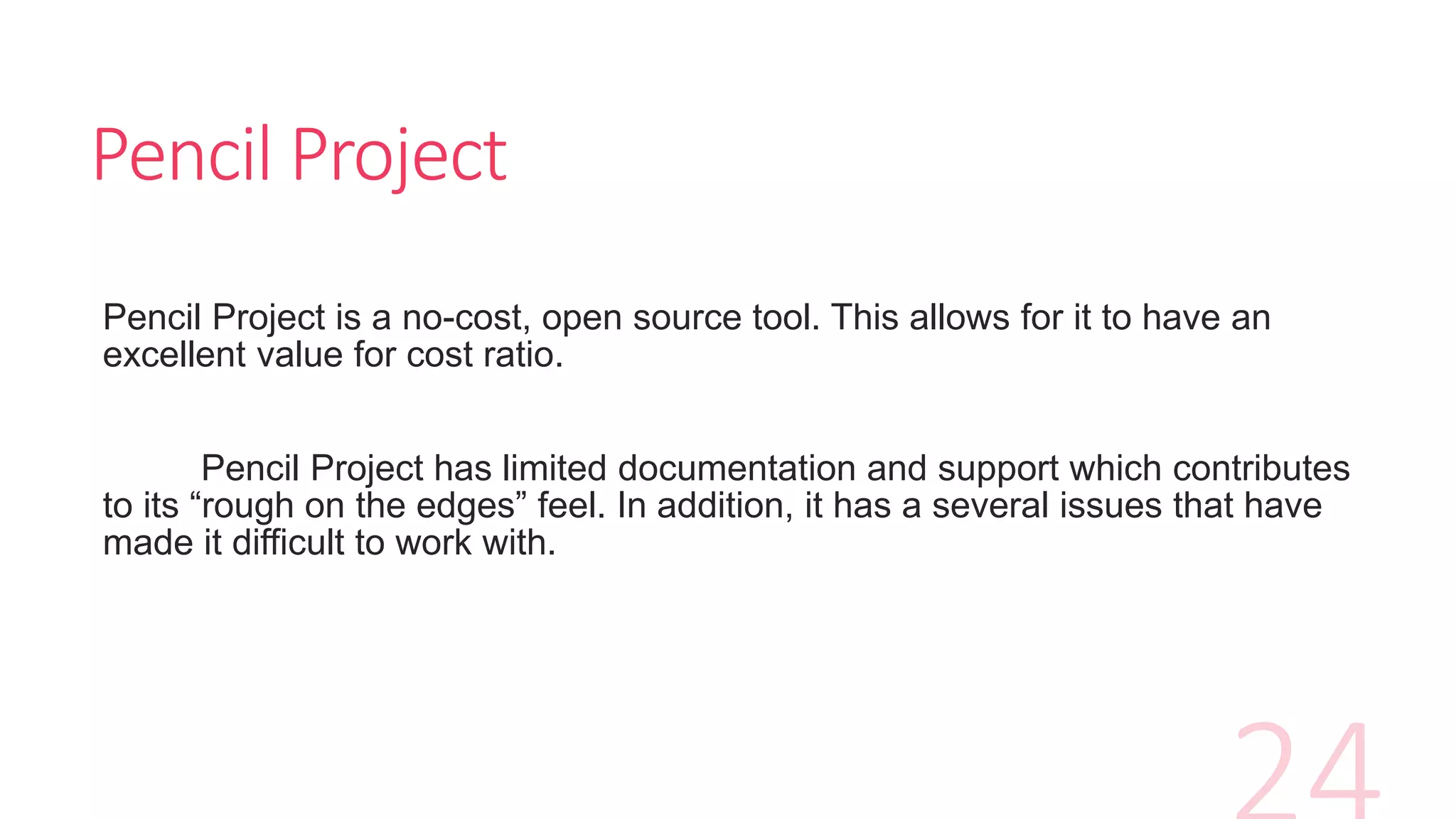
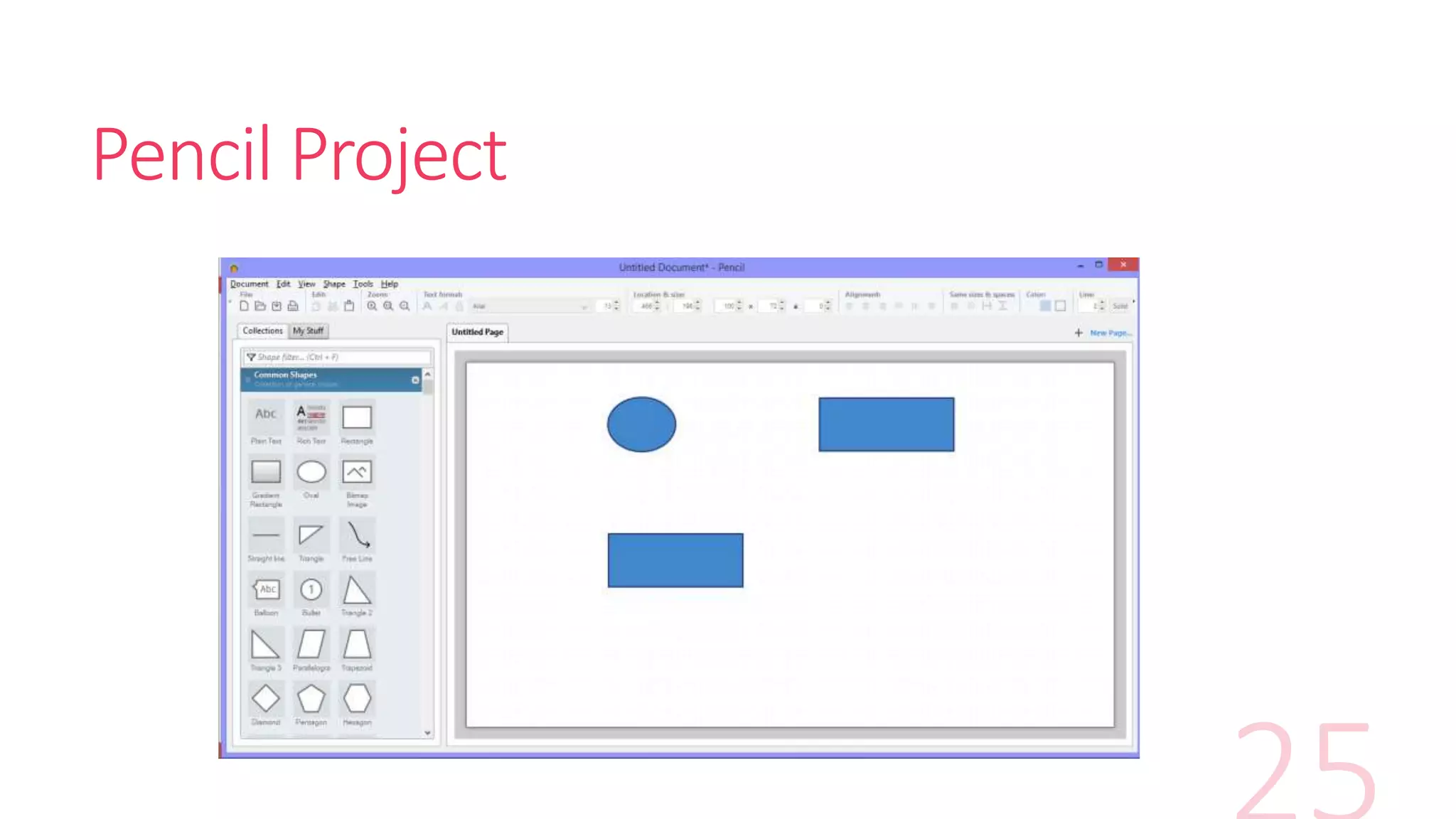
Pencil Project
Pencil Project is a no-cost, open source tool. This allows for it to have an
excellent value for cost ratio.
Pencil Project has limited documentation and support which contributes
to its “rough on the edges” feel. In addition, it has a several issues that have
made it difficult to work with.
Pencil Project
Exercise 6 - Activity Time
Spend 60 min on this activity in your groups.
Replicate the “Run and Jump” storyboard
using Pencil Project on the worksheet
provided.
Questions?

Chapt 2 storyboarding techniques

  • 1.
    Chapter 2 Game Designand Storyboarding mrbash.com| stencyl development
  • 2.
    Lesson Objectives • Describethe game design process.Game Design • Explain the technique of storyboarding Storyboarding/ Wire framing • List the tools available for storyboarding.Tools
  • 3.
    Game Genre First andforemost when designing a game is to look at its genre. A genre is basically a game category. Critical factor in game design process.
  • 4.
  • 5.
    Exercise 3 -Activity Time Spend 10 min on this activity in your groups. Brainstorm on as many mobile game genres and pen it on the worksheet provided.
  • 6.
    Game Design Elements Areasof game designs for game designers to consider, 1. Narrative design 2. Character design 3. Level/Environment design 4. Gameplay and mechanics design 5. User interface design
  • 7.
    Narrative Design Narrative designdetermines the plot of the game. Questions to be asked for example, 1. Is there a mission to save the world from destruction? 2. Is there a dungeon to escape from evil monsters?
  • 8.
    Character Design Following considerationsare made when designing the characters. 1. Main player? 2. NPC (Non-Player Characters) ? 3. Sidekicks? 4. Villains?
  • 9.
    Level/Environment Design Level andenvironment design determines the scene for a player. Areas of consideration 1. Background 2. Lighting 3. Weather 4. Map 5. Props
  • 10.
    Game Play andMechanics Game play and mechanics determines how the game works. Areas of consideration 1. Challenges 2. Activities 3. Rewards 4. Progression 5. Game rules 6. Skills
  • 11.
    User Interface Design Userinterface design determines how the appearance of a game. Areas of consideration 1. Control (input) design. 2. Output devices 3. Viewpoint 4. Heads up Display (HUD)
  • 12.
    Exercise 4 -Activity Time Spend 30 min on this activity in your groups. Pick any game and describe its game elements on the worksheet provided.
  • 13.
    Flowcharts Flowcharts are usedfor the following reasons 1. Show the correct sequence of events in a game. 2. Clearly illustrates the behaviours/functions in a game.
  • 14.
    Flowchart Symbols Start/Stop Process/ActionDecision/Question Arrows that show the flow of control.
  • 15.
  • 16.
    Exercise 5 -Activity Time Spend 20 min on this activity in your groups. Complete the flowchart using the components provided on the worksheet provided.
  • 17.
    Storyboarding/Wire framing “Storyboards aregraphic organizers in the form of illustrations or images displayed in sequence for the purpose of pre-visualizing a motion picture, animation, motion graphic or interactive media sequence.” – Wikipedia “A storyboard is a series of panels that depict key scenes, actions, visuals, and annotations that define the highlights of a user experience.” – MIT user experience design assignment
  • 18.
    Storyboarding The storyboard techniquewas borrowed from the motion picture industry. Each sheet is brought to life with just enough detail and means the same thing to all viewers. Gallery effect shows the whole overview of concept design.
  • 19.
  • 20.
  • 21.
    Storyboarding/Wire framing Refer to“Run and Jump” Storyboarding example
  • 22.
    Software Tools (Standalone) Adobe InDesign XCode4 Storyboard Adobe Fireworks Axure RP Balsamiq Mockups ConceptDraw Diagram Designer Enterprise Architect FlairBuilder OmniGraffle OpenOffice Draw Pencil Project Microsoft Visio Microsoft Sketchflow WireframeSketcher iRise Pro Studio
  • 23.
    Software Tools (Online) fluidIA Gliffy iPLOTZ Lovely Charts LucidChart MockFlow Mockingbird Mockup Builder Pidoco
  • 24.
    Pencil Project Pencil Projectis a no-cost, open source tool. This allows for it to have an excellent value for cost ratio. Pencil Project has limited documentation and support which contributes to its “rough on the edges” feel. In addition, it has a several issues that have made it difficult to work with.
  • 25.
  • 26.
    Exercise 6 -Activity Time Spend 60 min on this activity in your groups. Replicate the “Run and Jump” storyboard using Pencil Project on the worksheet provided.
  • 27.