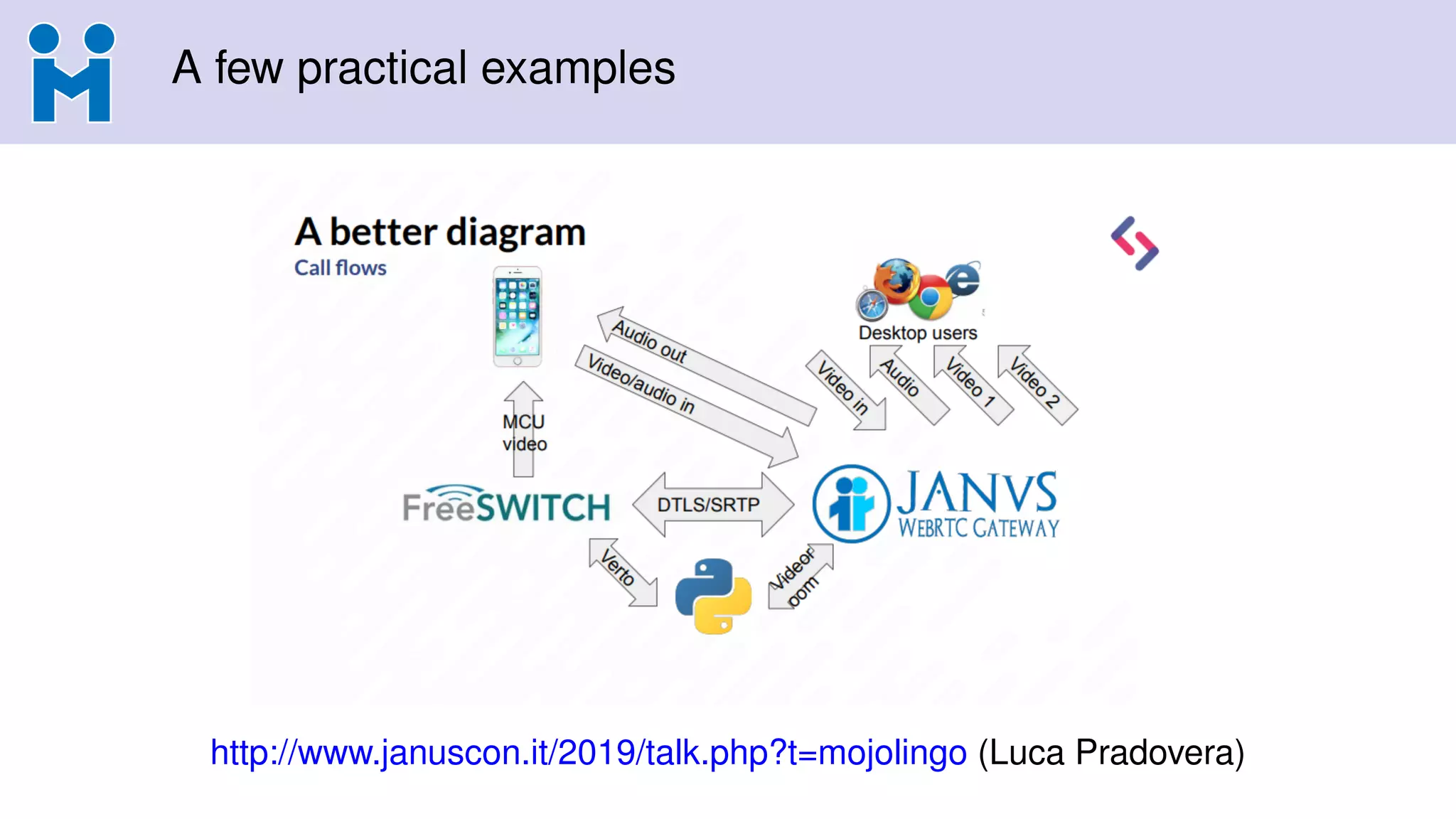
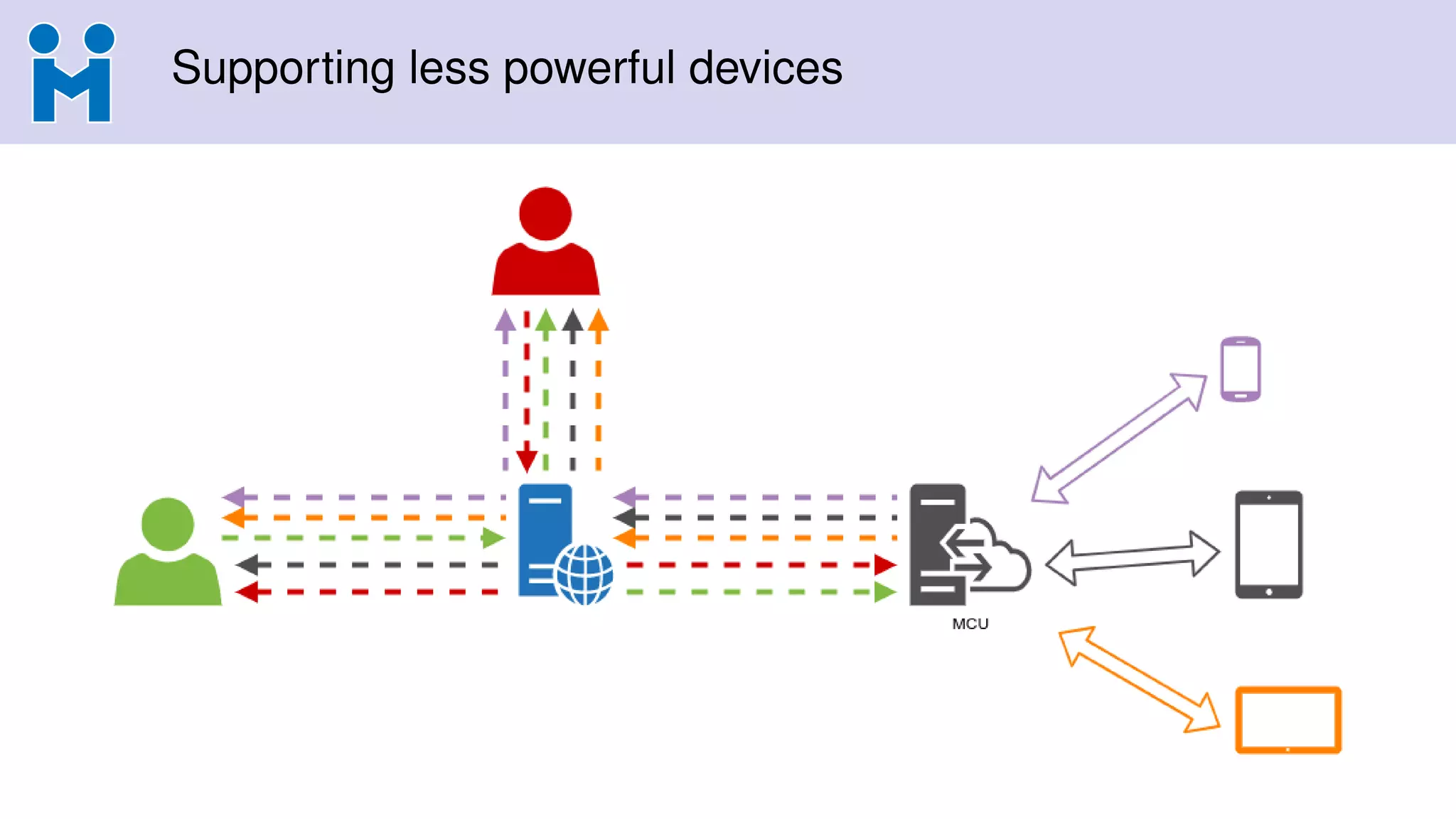
The document discusses the differences between SFUs (Selective Forwarding Units) and MCUs (Multipoint Control Units) in real-time communication, highlighting their definitions, pros, and cons. It presents a hybrid approach of using an audio MCU combined with a video SFU, emphasizing the advantages of this method. Additionally, it explores the use of browsers as MCUs, showcasing practical applications and integration with existing systems.
Can SFUs andMCUs be friends?
Lorenzo Miniero
@elminiero
IIT Real-Time Communication 2020 – WebRTC Track
October 14th 2020, Chicago, IL, USA
2.
A few wordsabout me
Lorenzo Miniero
• Ph.D @ UniNA
• Chairman @ Meetecho
• Main author of Janus®
Contacts and info
• lorenzo@meetecho.com
• https://twitter.com/elminiero
• https://www.slideshare.net/LorenzoMiniero
• https://soundcloud.com/lminiero
3.
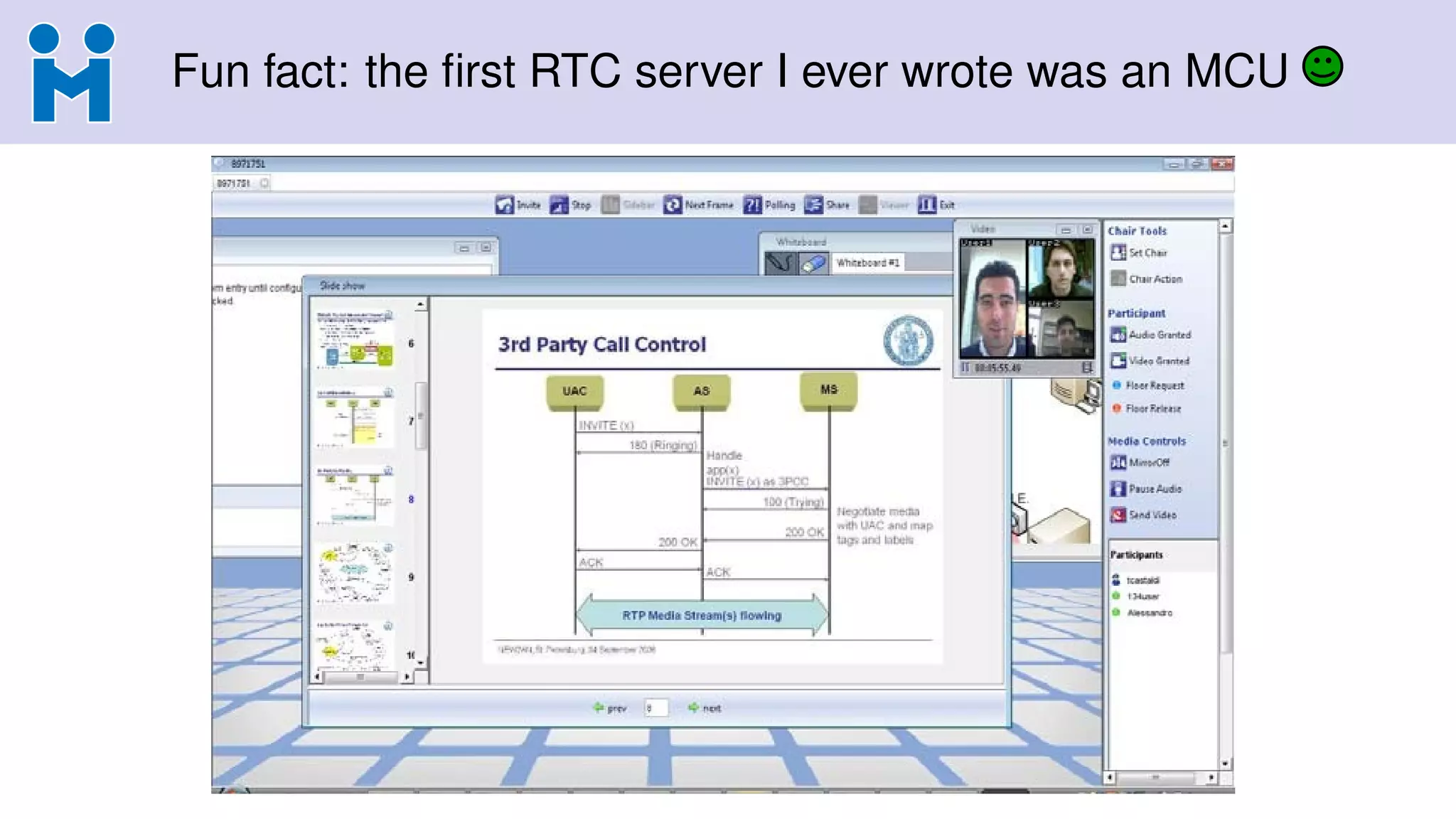
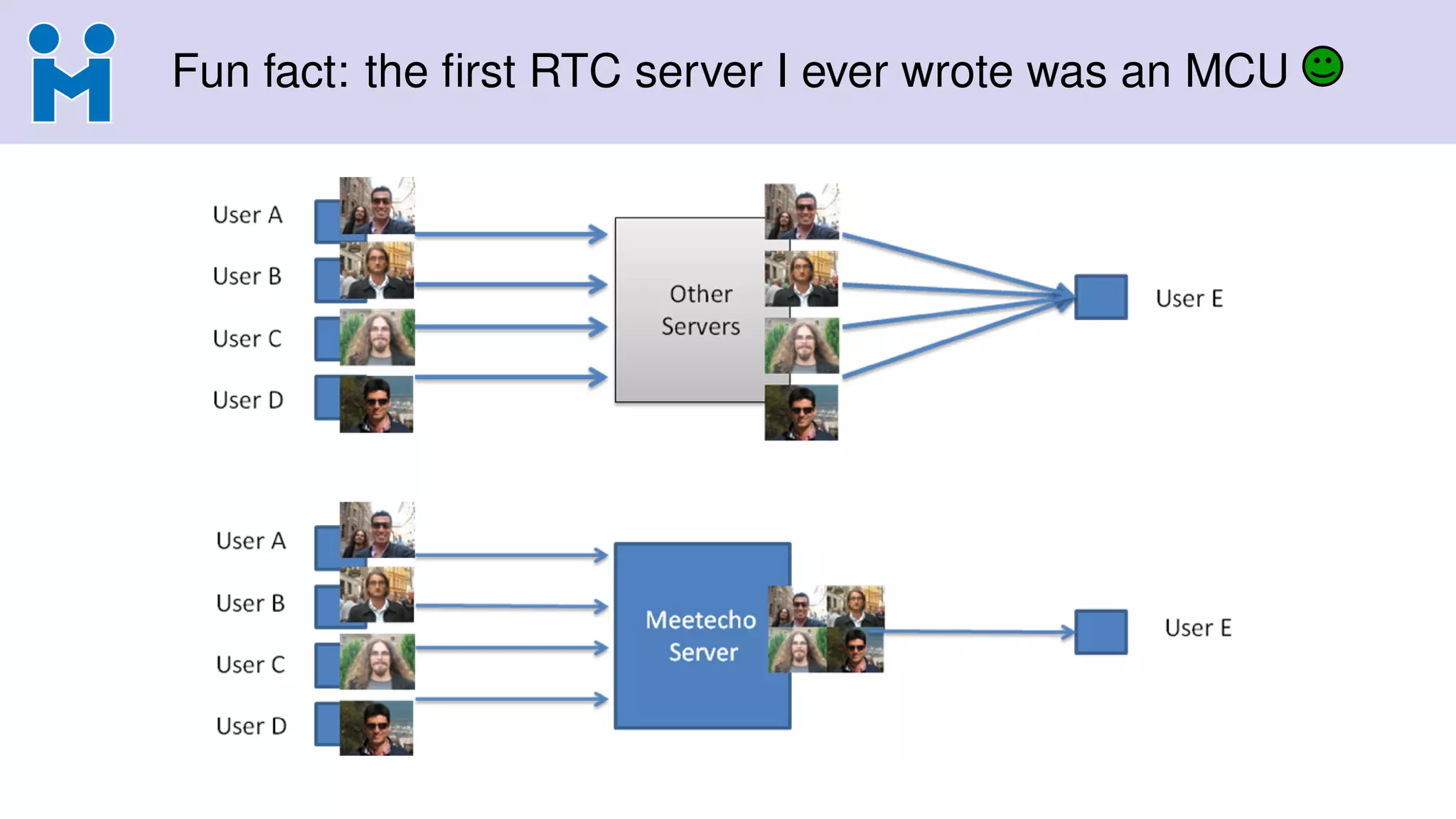
Fun fact: thefirst RTC server I ever wrote was an MCU
4.
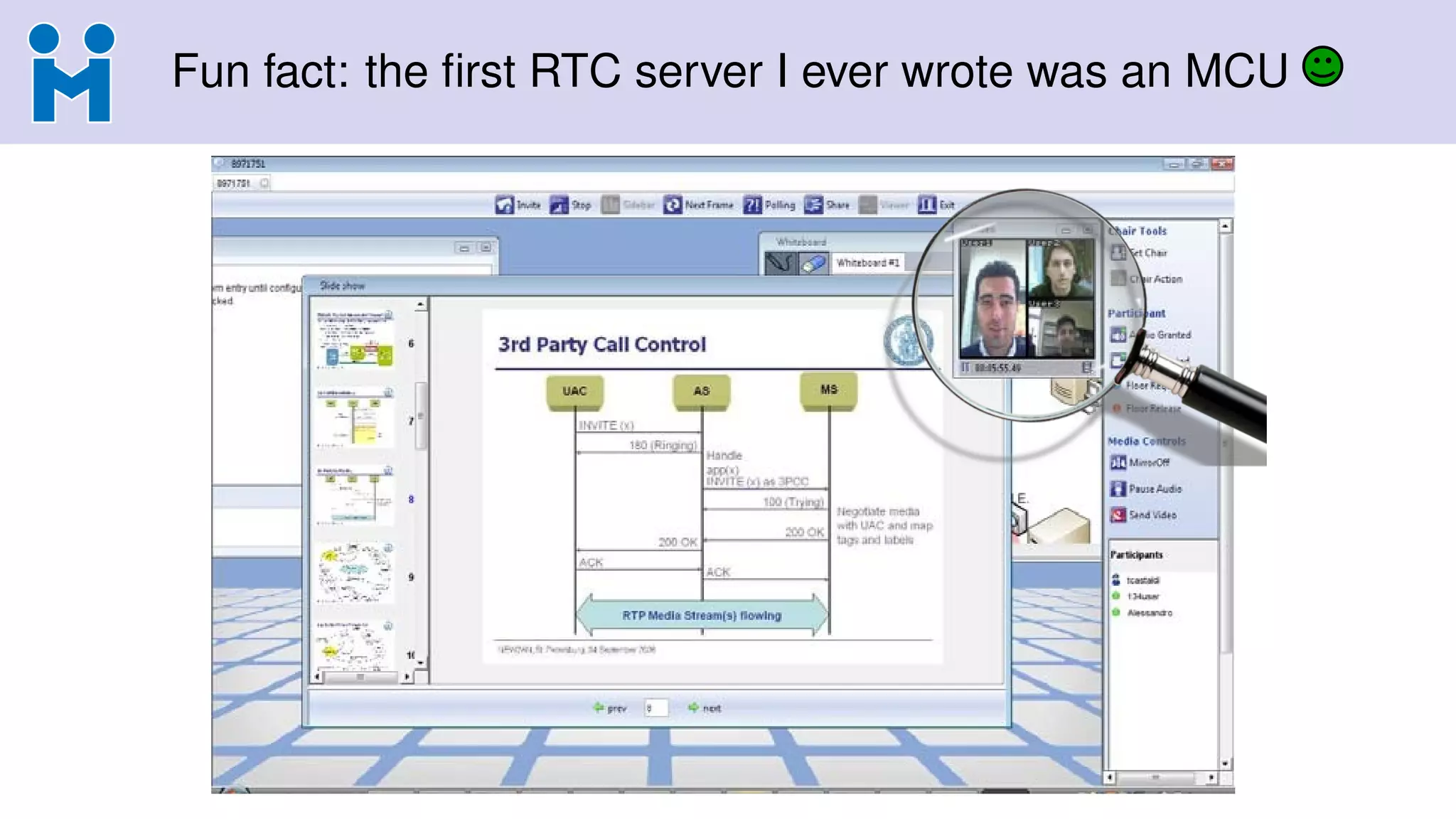
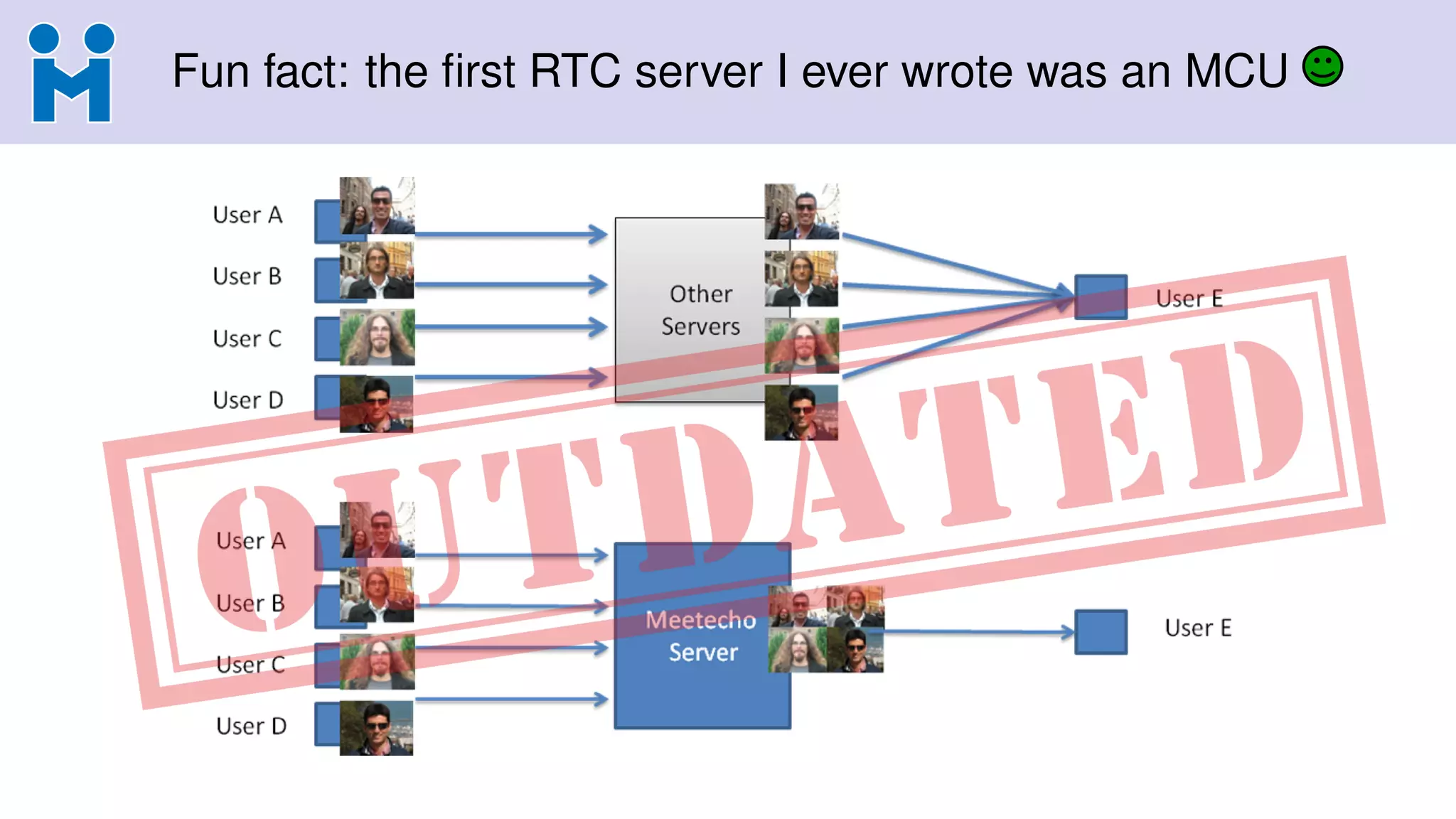
Fun fact: thefirst RTC server I ever wrote was an MCU
5.
Fun fact: thefirst RTC server I ever wrote was an MCU
6.
Fun fact: thefirst RTC server I ever wrote was an MCU
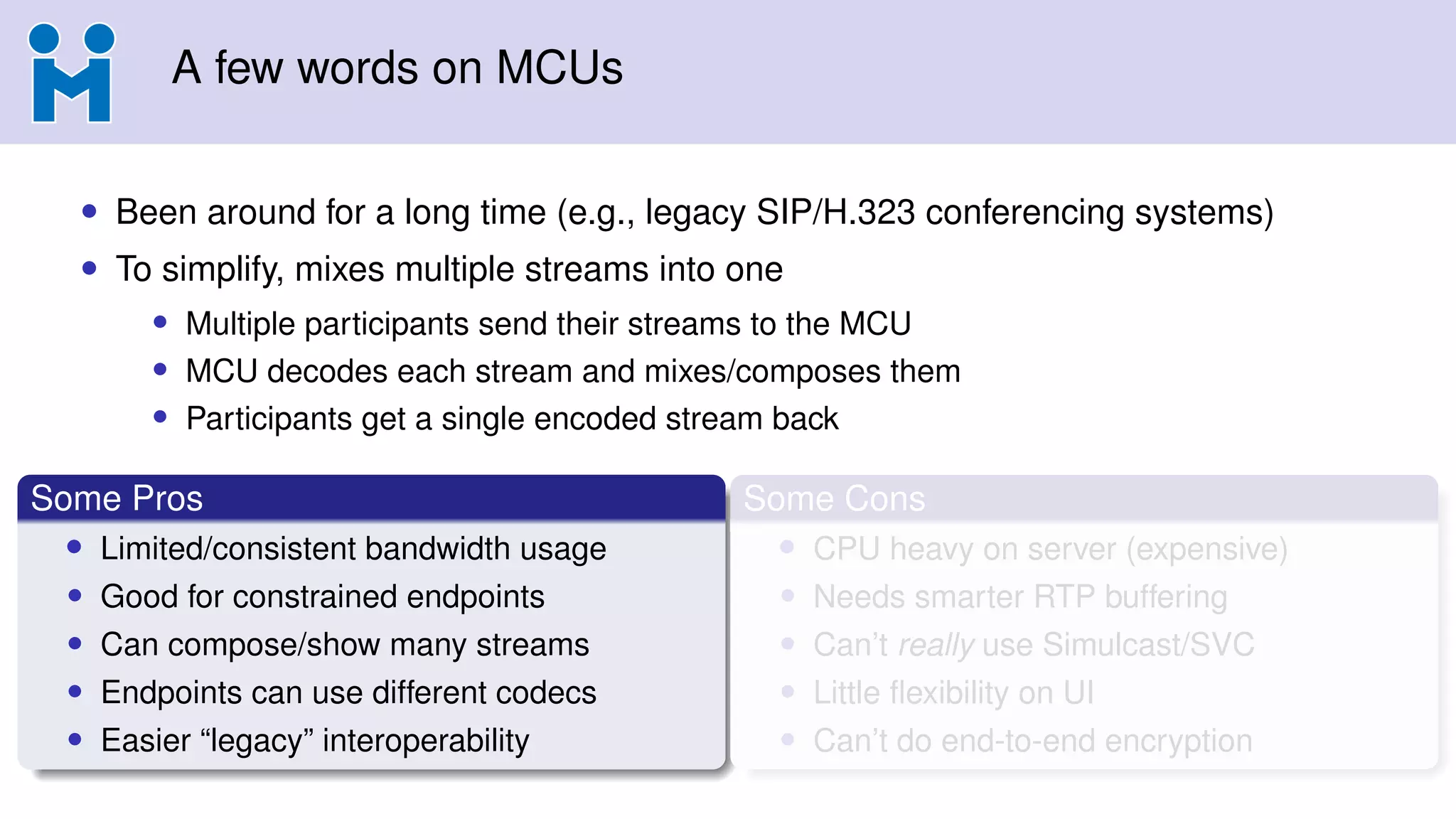
A few wordson MCUs
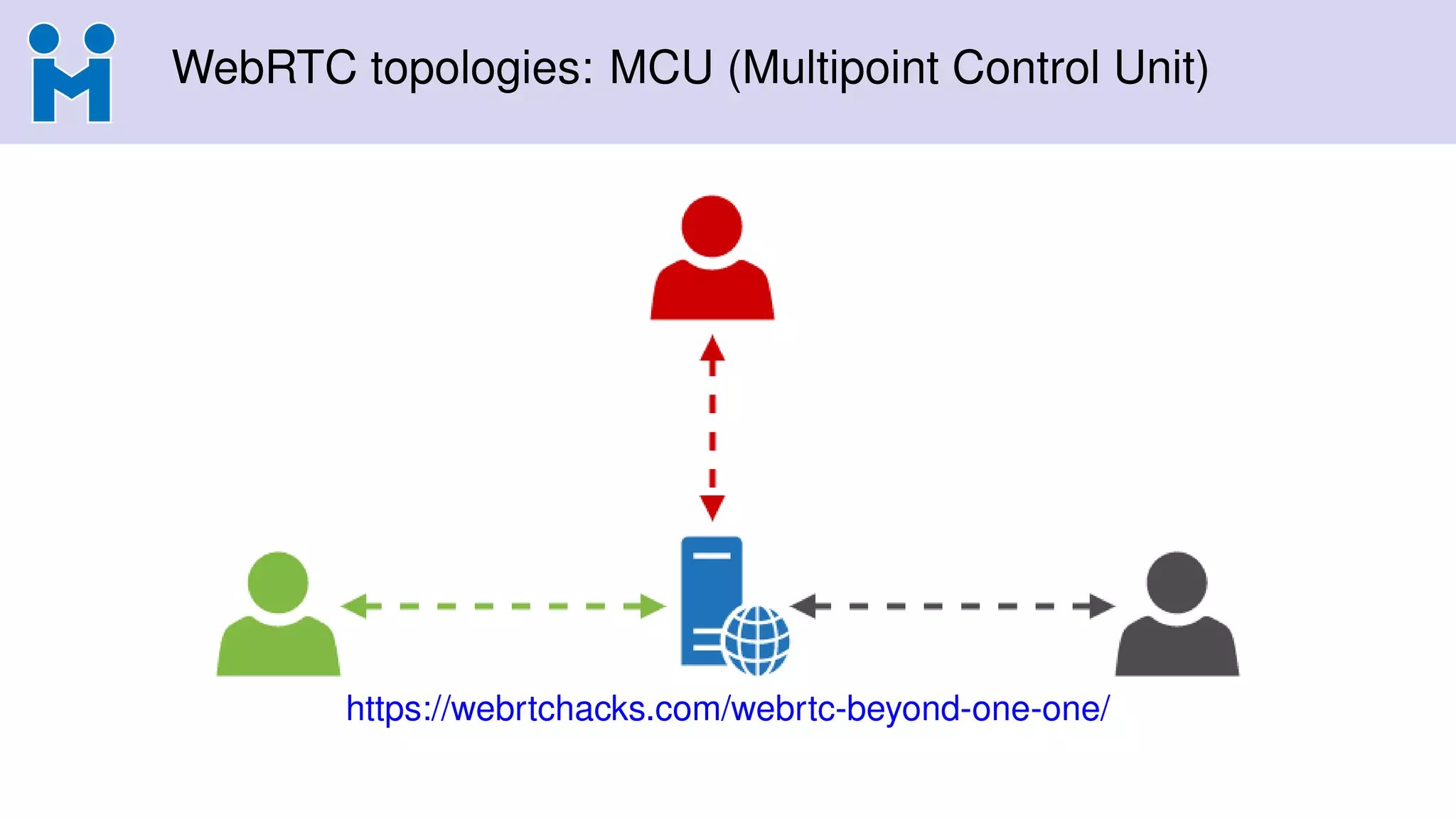
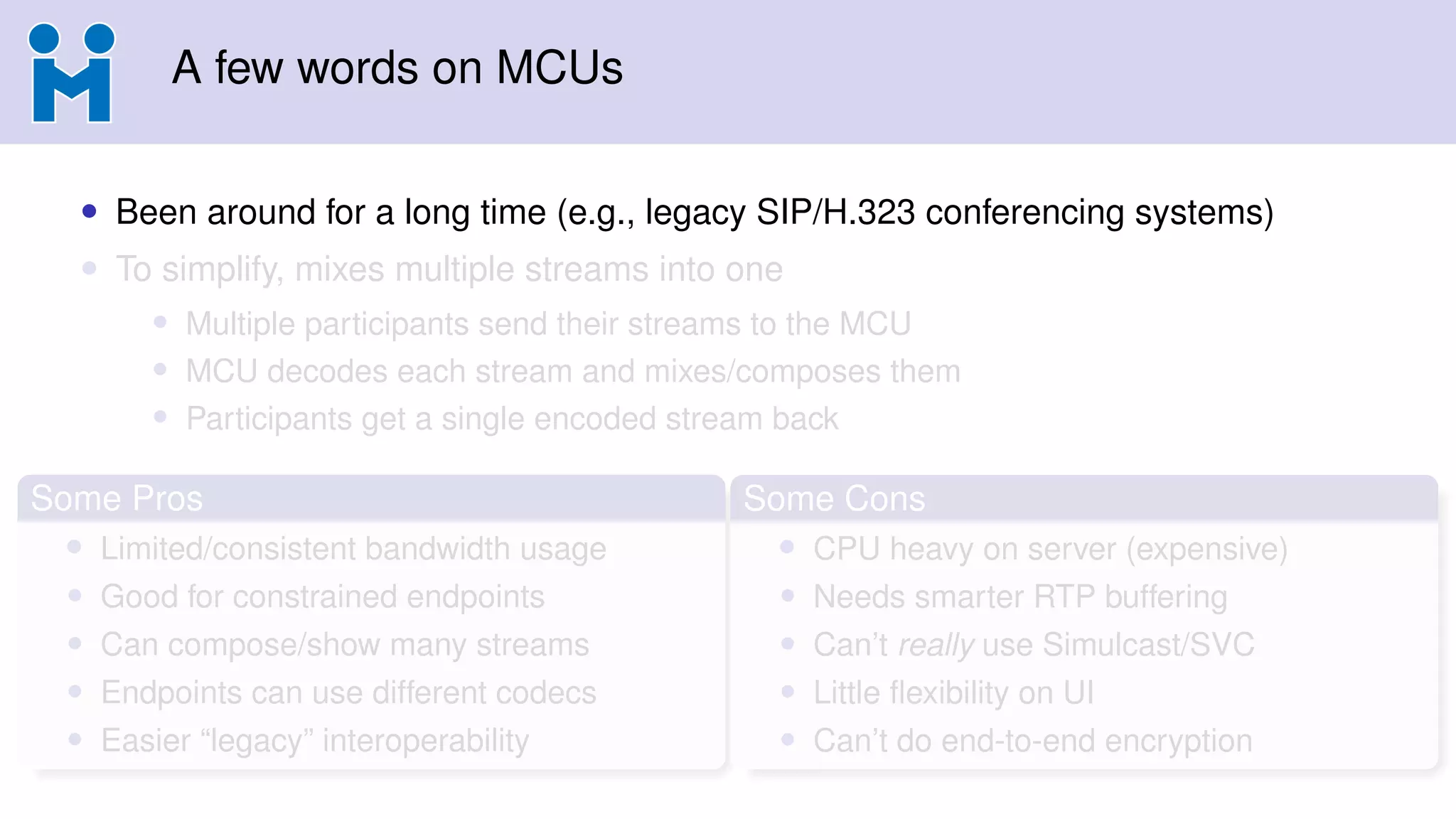
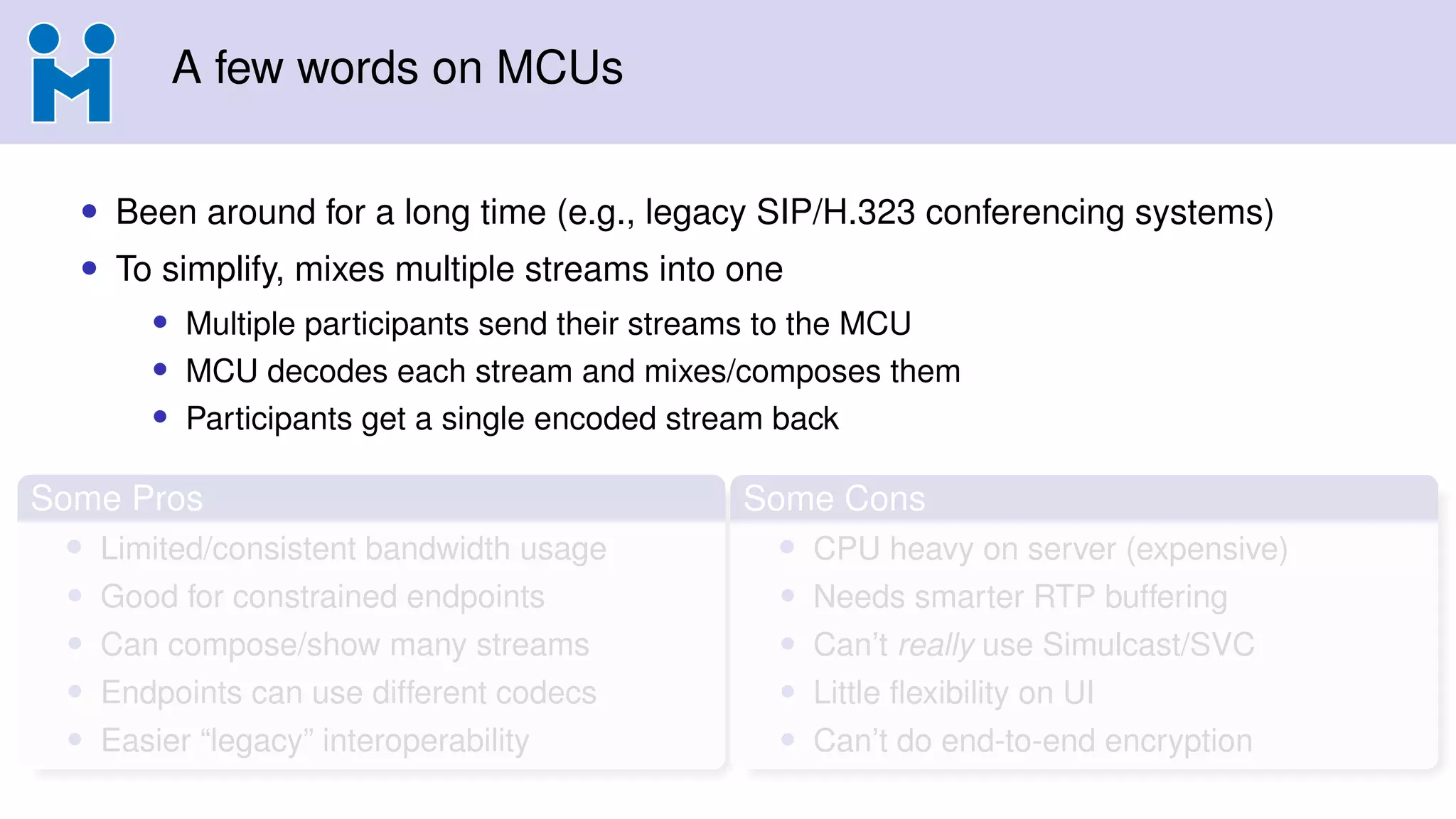
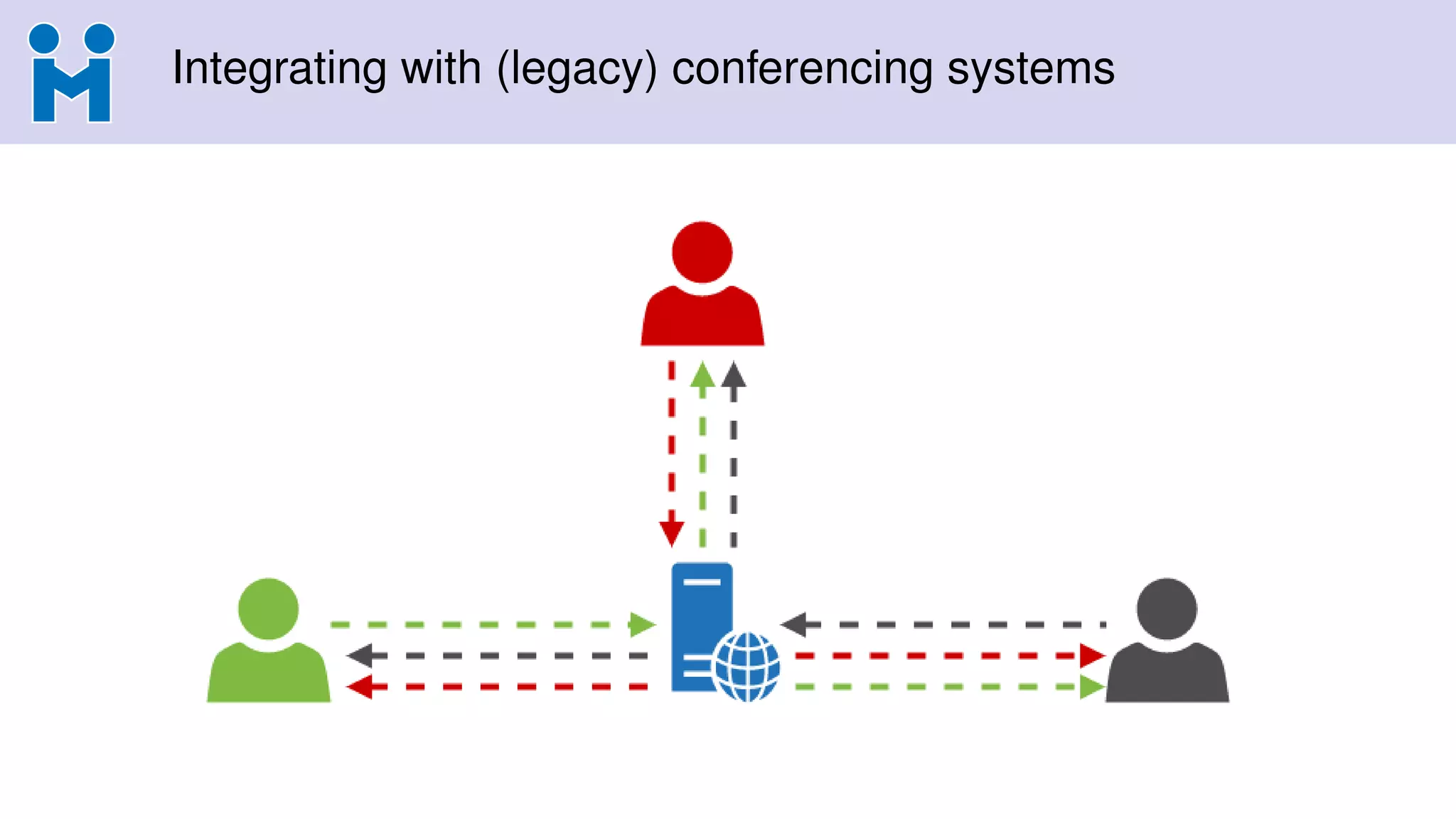
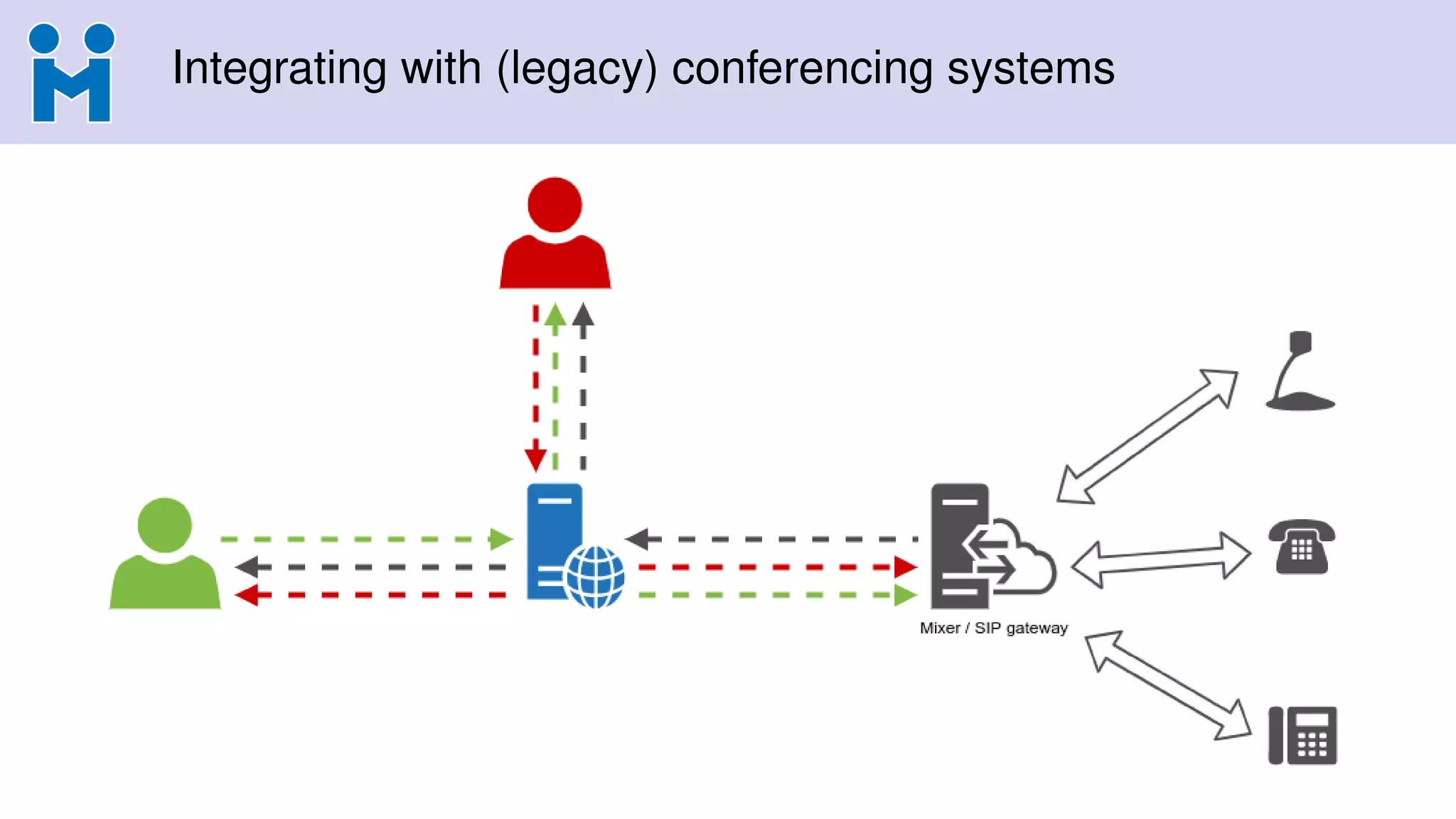
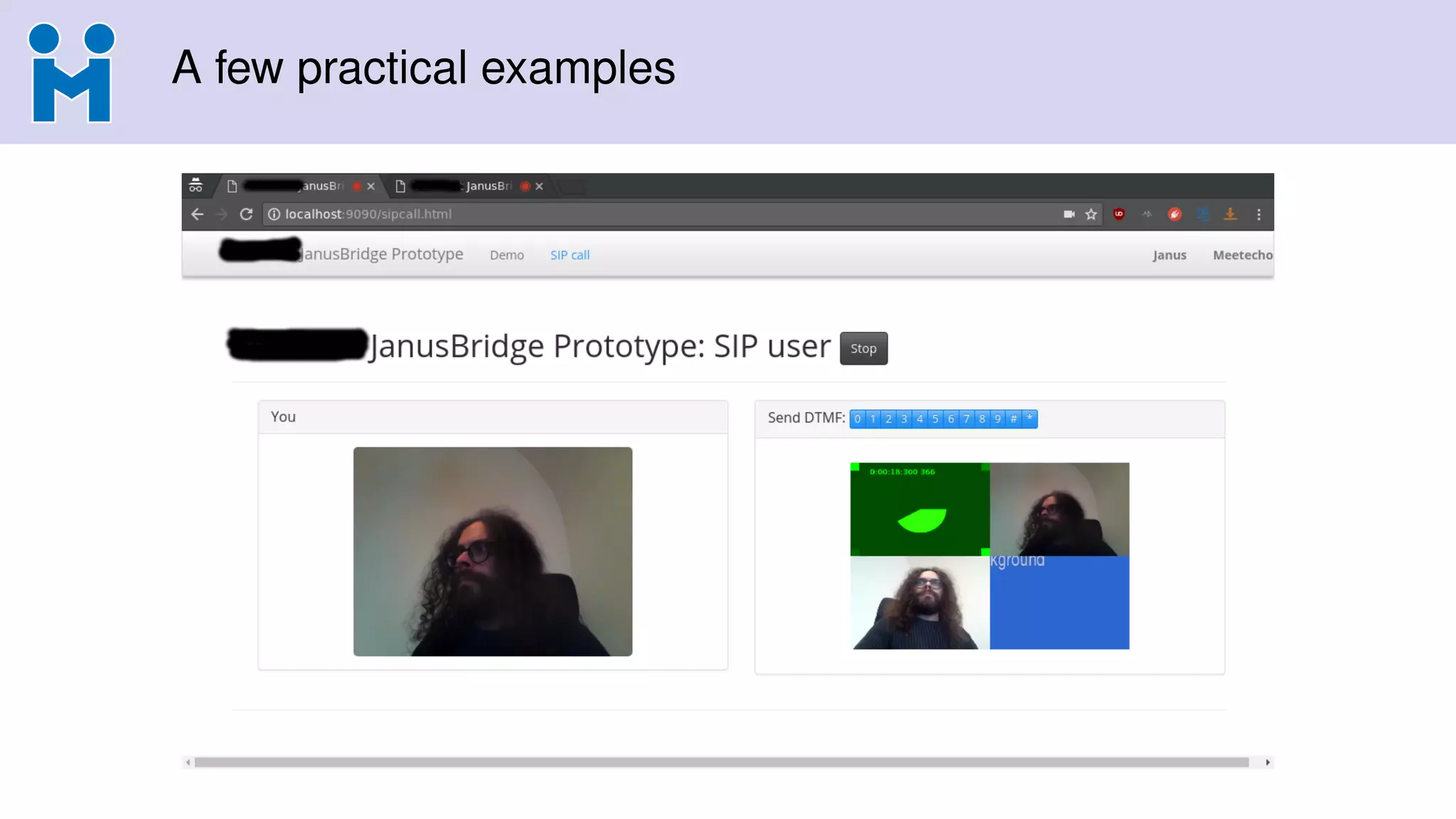
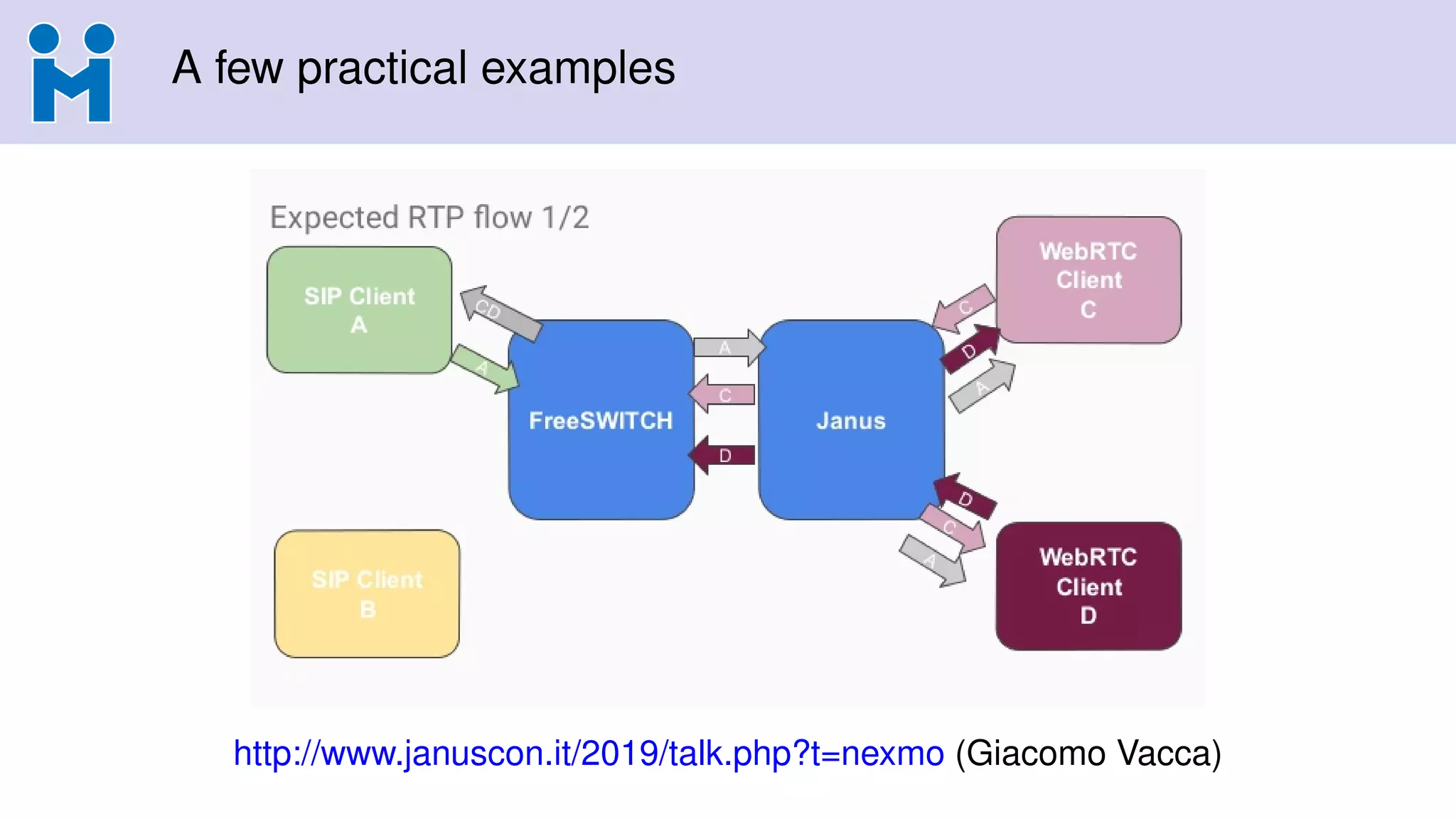
• Been around for a long time (e.g., legacy SIP/H.323 conferencing systems)
• To simplify, mixes multiple streams into one
• Multiple participants send their streams to the MCU
• MCU decodes each stream and mixes/composes them
• Participants get a single encoded stream back
Some Pros
• Limited/consistent bandwidth usage
• Good for constrained endpoints
• Can compose/show many streams
• Endpoints can use different codecs
• Easier “legacy” interoperability
Some Cons
• CPU heavy on server (expensive)
• Needs smarter RTP buffering
• Can’t really use Simulcast/SVC
• Little flexibility on UI
• Can’t do end-to-end encryption
12.
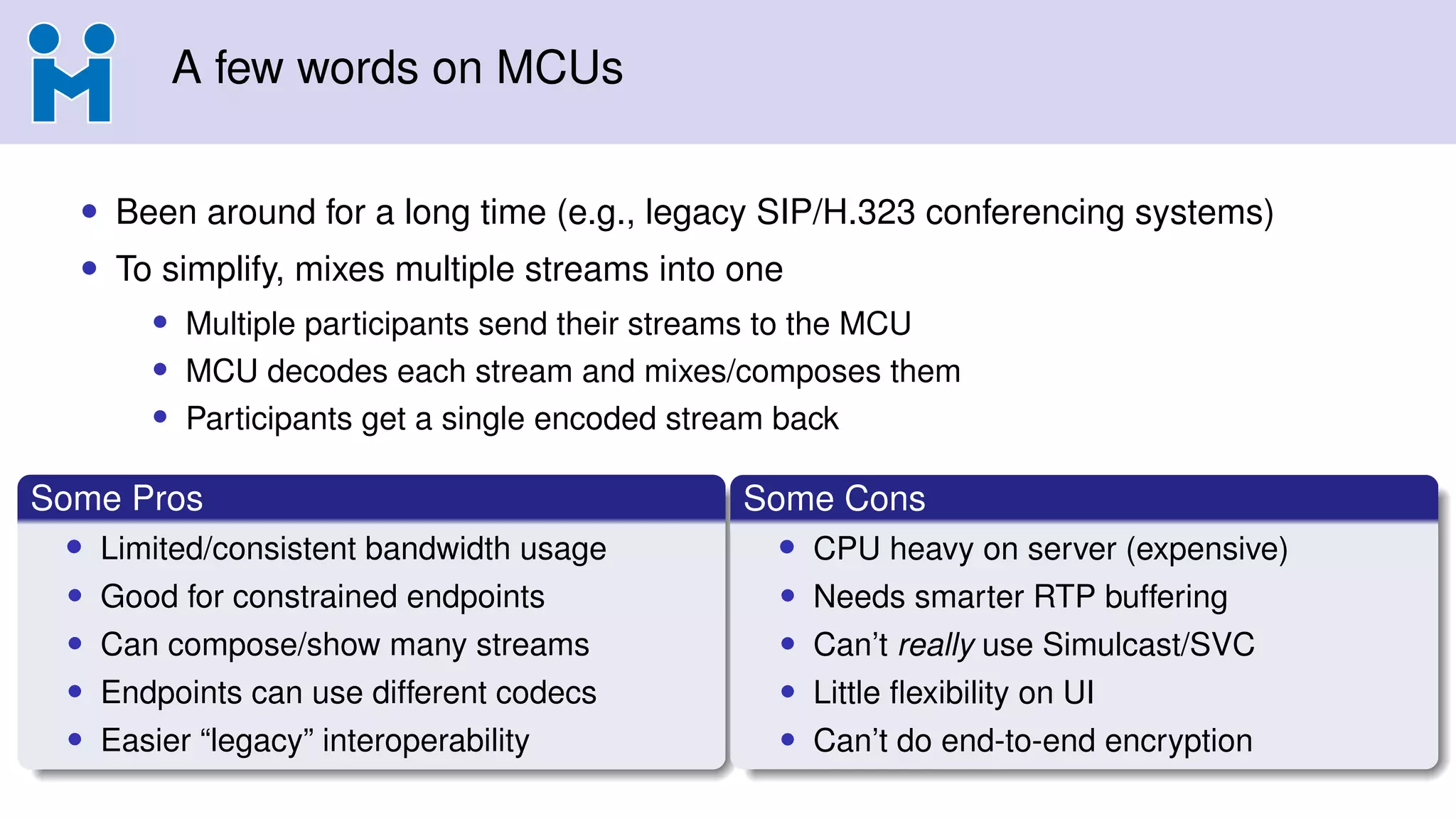
A few wordson MCUs
• Been around for a long time (e.g., legacy SIP/H.323 conferencing systems)
• To simplify, mixes multiple streams into one
• Multiple participants send their streams to the MCU
• MCU decodes each stream and mixes/composes them
• Participants get a single encoded stream back
Some Pros
• Limited/consistent bandwidth usage
• Good for constrained endpoints
• Can compose/show many streams
• Endpoints can use different codecs
• Easier “legacy” interoperability
Some Cons
• CPU heavy on server (expensive)
• Needs smarter RTP buffering
• Can’t really use Simulcast/SVC
• Little flexibility on UI
• Can’t do end-to-end encryption
13.
A few wordson MCUs
• Been around for a long time (e.g., legacy SIP/H.323 conferencing systems)
• To simplify, mixes multiple streams into one
• Multiple participants send their streams to the MCU
• MCU decodes each stream and mixes/composes them
• Participants get a single encoded stream back
Some Pros
• Limited/consistent bandwidth usage
• Good for constrained endpoints
• Can compose/show many streams
• Endpoints can use different codecs
• Easier “legacy” interoperability
Some Cons
• CPU heavy on server (expensive)
• Needs smarter RTP buffering
• Can’t really use Simulcast/SVC
• Little flexibility on UI
• Can’t do end-to-end encryption
14.
A few wordson MCUs
• Been around for a long time (e.g., legacy SIP/H.323 conferencing systems)
• To simplify, mixes multiple streams into one
• Multiple participants send their streams to the MCU
• MCU decodes each stream and mixes/composes them
• Participants get a single encoded stream back
Some Pros
• Limited/consistent bandwidth usage
• Good for constrained endpoints
• Can compose/show many streams
• Endpoints can use different codecs
• Easier “legacy” interoperability
Some Cons
• CPU heavy on server (expensive)
• Needs smarter RTP buffering
• Can’t really use Simulcast/SVC
• Little flexibility on UI
• Can’t do end-to-end encryption
15.
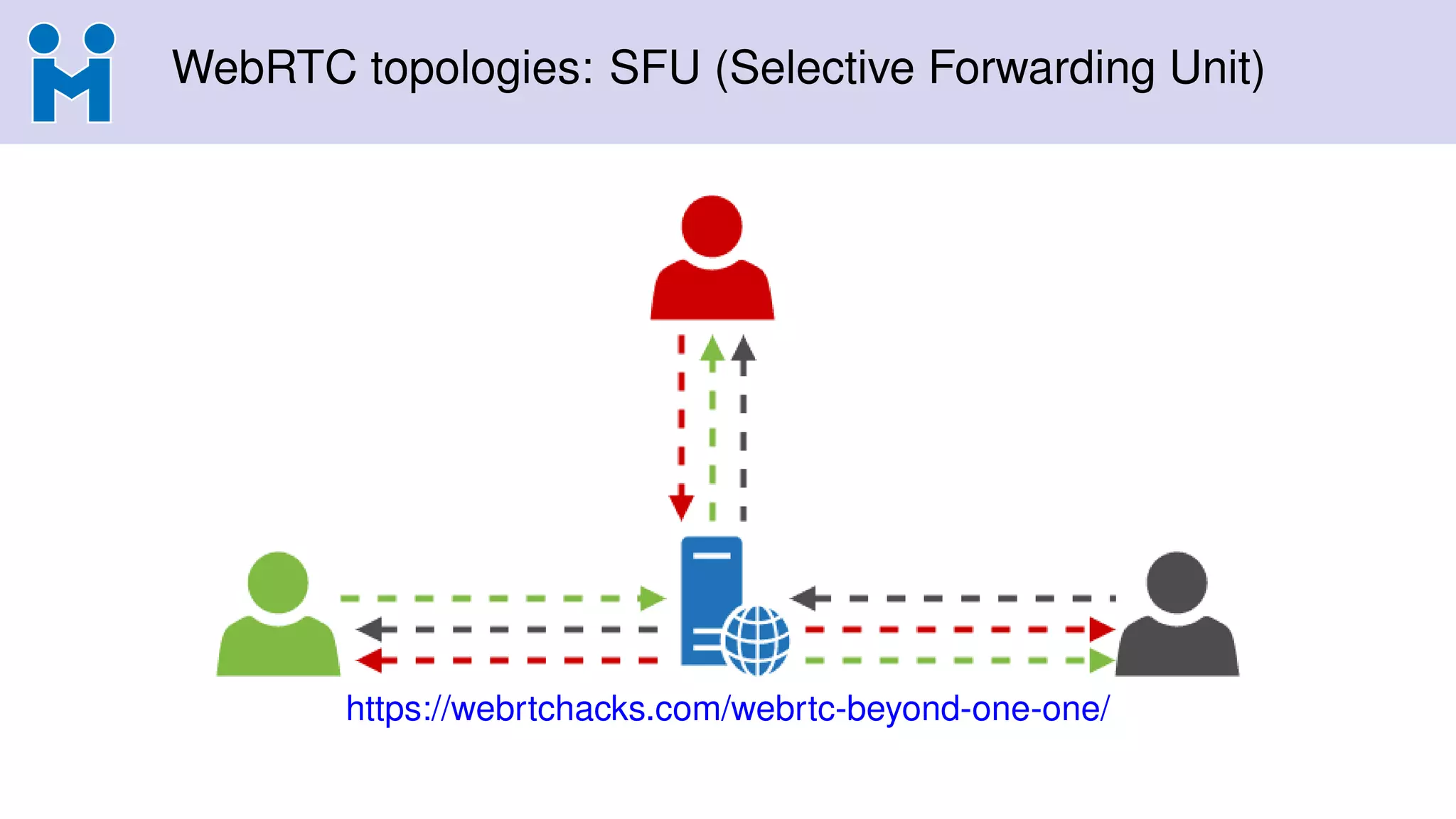
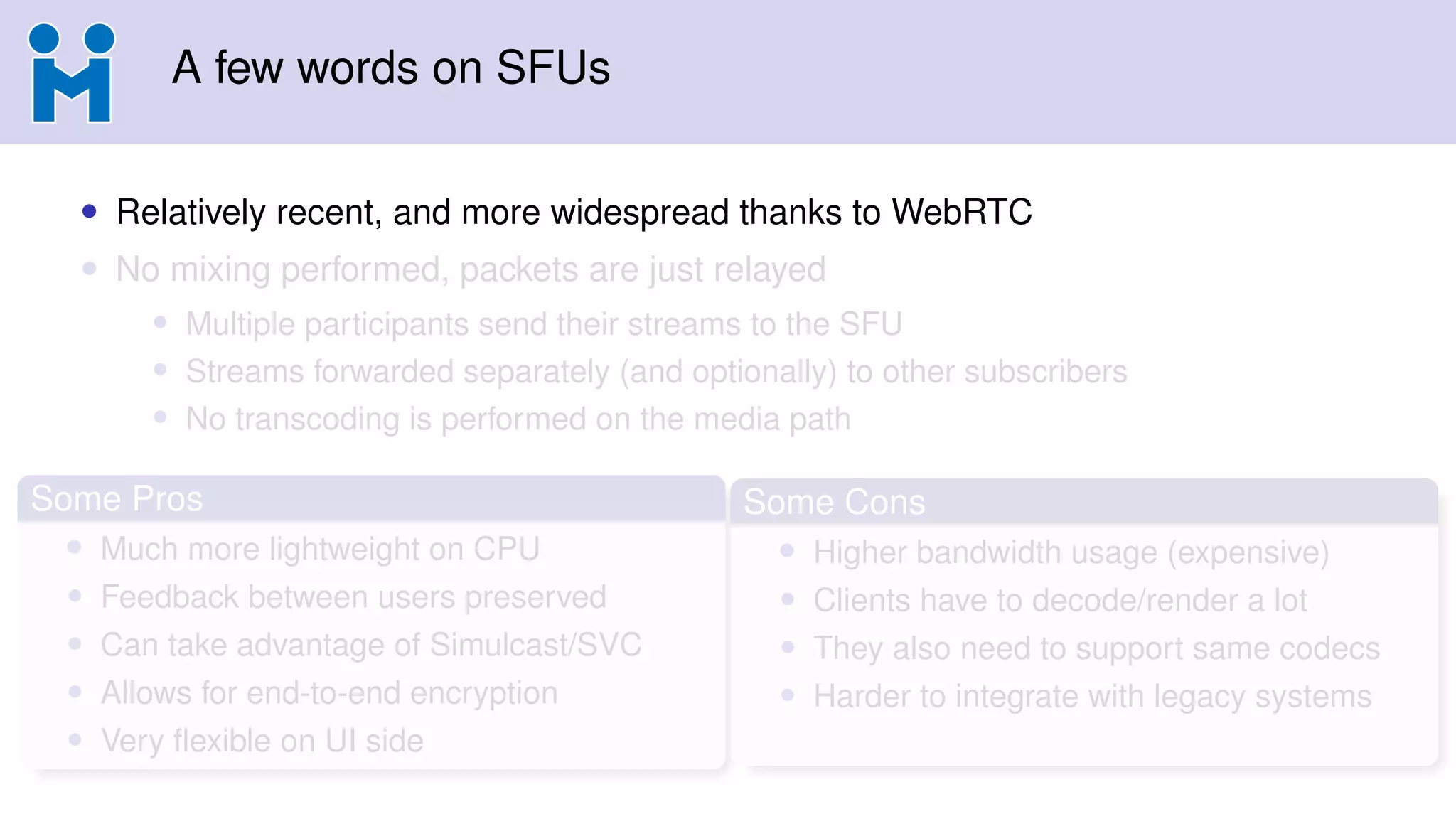
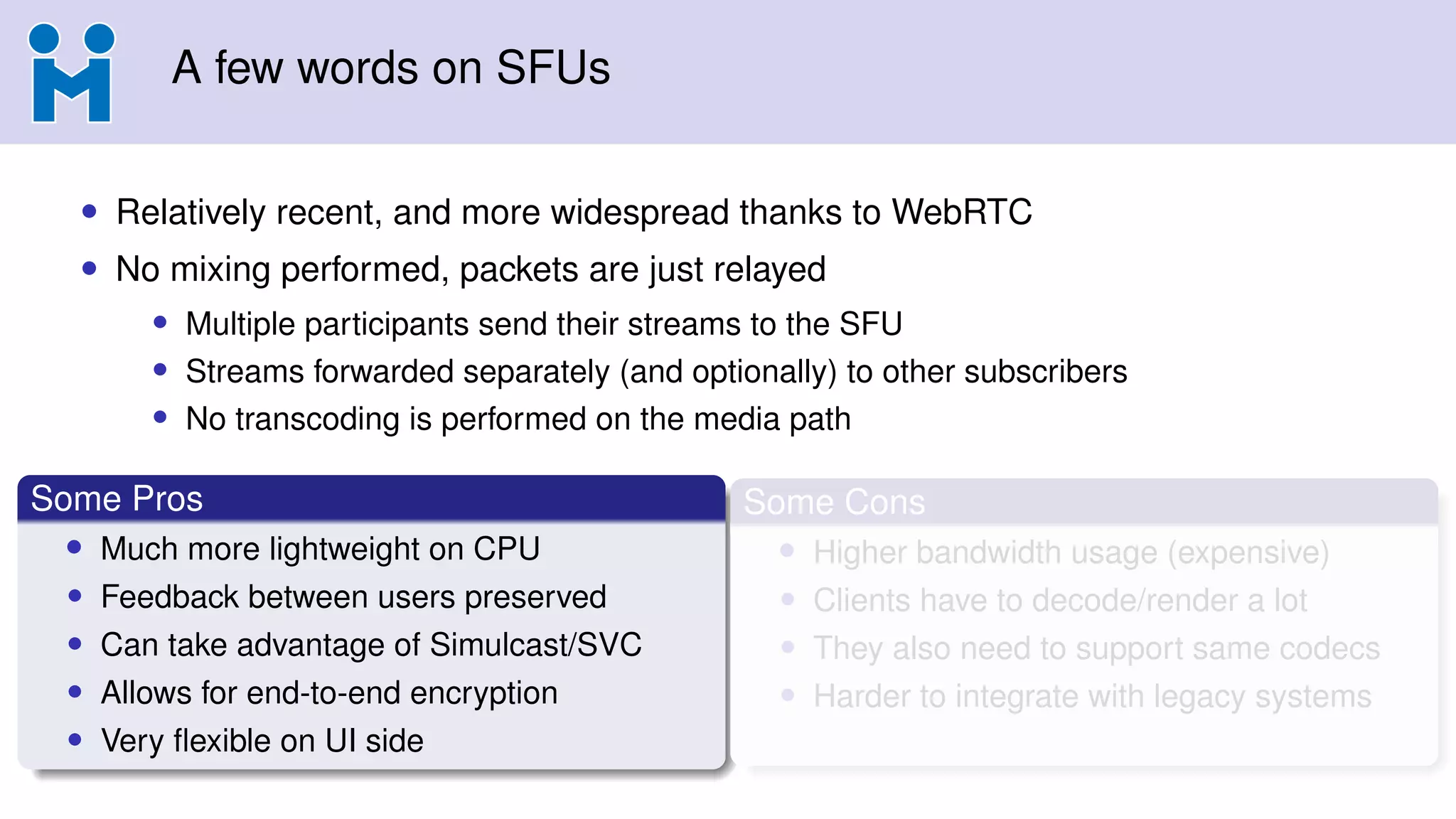
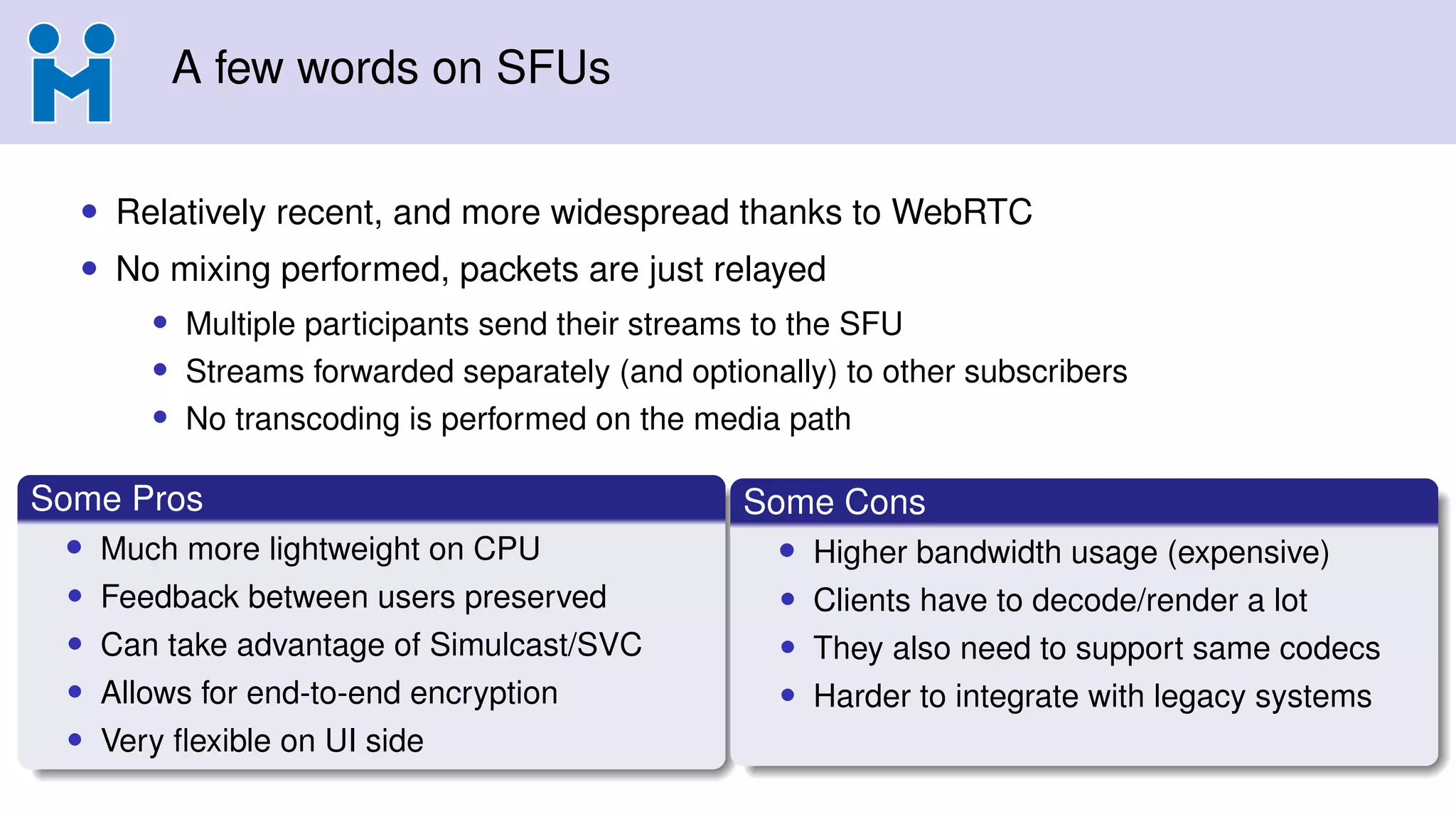
A few wordson SFUs
• Relatively recent, and more widespread thanks to WebRTC
• No mixing performed, packets are just relayed
• Multiple participants send their streams to the SFU
• Streams forwarded separately (and optionally) to other subscribers
• No transcoding is performed on the media path
Some Pros
• Much more lightweight on CPU
• Feedback between users preserved
• Can take advantage of Simulcast/SVC
• Allows for end-to-end encryption
• Very flexible on UI side
Some Cons
• Higher bandwidth usage (expensive)
• Clients have to decode/render a lot
• They also need to support same codecs
• Harder to integrate with legacy systems
16.
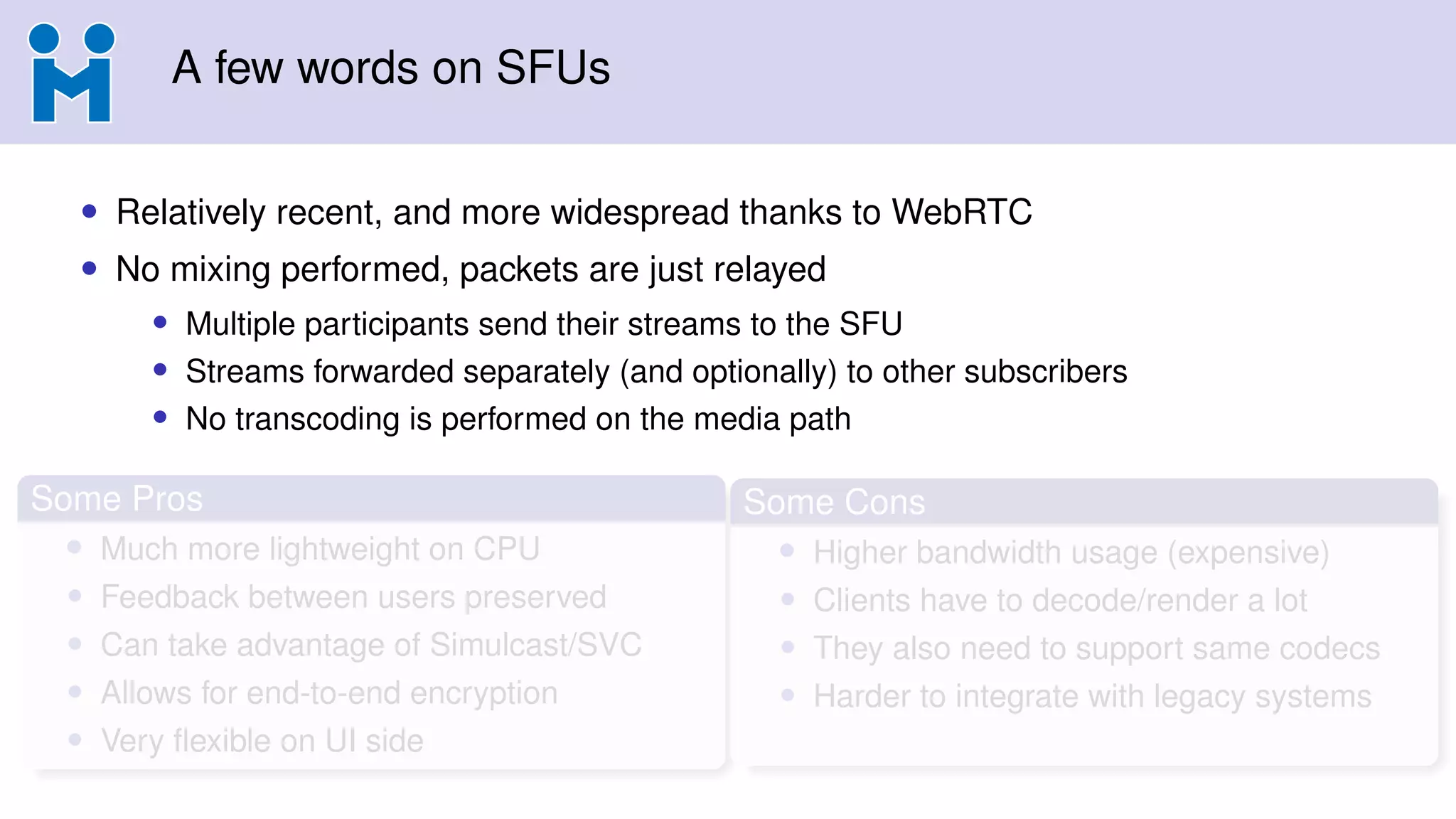
A few wordson SFUs
• Relatively recent, and more widespread thanks to WebRTC
• No mixing performed, packets are just relayed
• Multiple participants send their streams to the SFU
• Streams forwarded separately (and optionally) to other subscribers
• No transcoding is performed on the media path
Some Pros
• Much more lightweight on CPU
• Feedback between users preserved
• Can take advantage of Simulcast/SVC
• Allows for end-to-end encryption
• Very flexible on UI side
Some Cons
• Higher bandwidth usage (expensive)
• Clients have to decode/render a lot
• They also need to support same codecs
• Harder to integrate with legacy systems
17.
A few wordson SFUs
• Relatively recent, and more widespread thanks to WebRTC
• No mixing performed, packets are just relayed
• Multiple participants send their streams to the SFU
• Streams forwarded separately (and optionally) to other subscribers
• No transcoding is performed on the media path
Some Pros
• Much more lightweight on CPU
• Feedback between users preserved
• Can take advantage of Simulcast/SVC
• Allows for end-to-end encryption
• Very flexible on UI side
Some Cons
• Higher bandwidth usage (expensive)
• Clients have to decode/render a lot
• They also need to support same codecs
• Harder to integrate with legacy systems
18.
A few wordson SFUs
• Relatively recent, and more widespread thanks to WebRTC
• No mixing performed, packets are just relayed
• Multiple participants send their streams to the SFU
• Streams forwarded separately (and optionally) to other subscribers
• No transcoding is performed on the media path
Some Pros
• Much more lightweight on CPU
• Feedback between users preserved
• Can take advantage of Simulcast/SVC
• Allows for end-to-end encryption
• Very flexible on UI side
Some Cons
• Higher bandwidth usage (expensive)
• Clients have to decode/render a lot
• They also need to support same codecs
• Harder to integrate with legacy systems
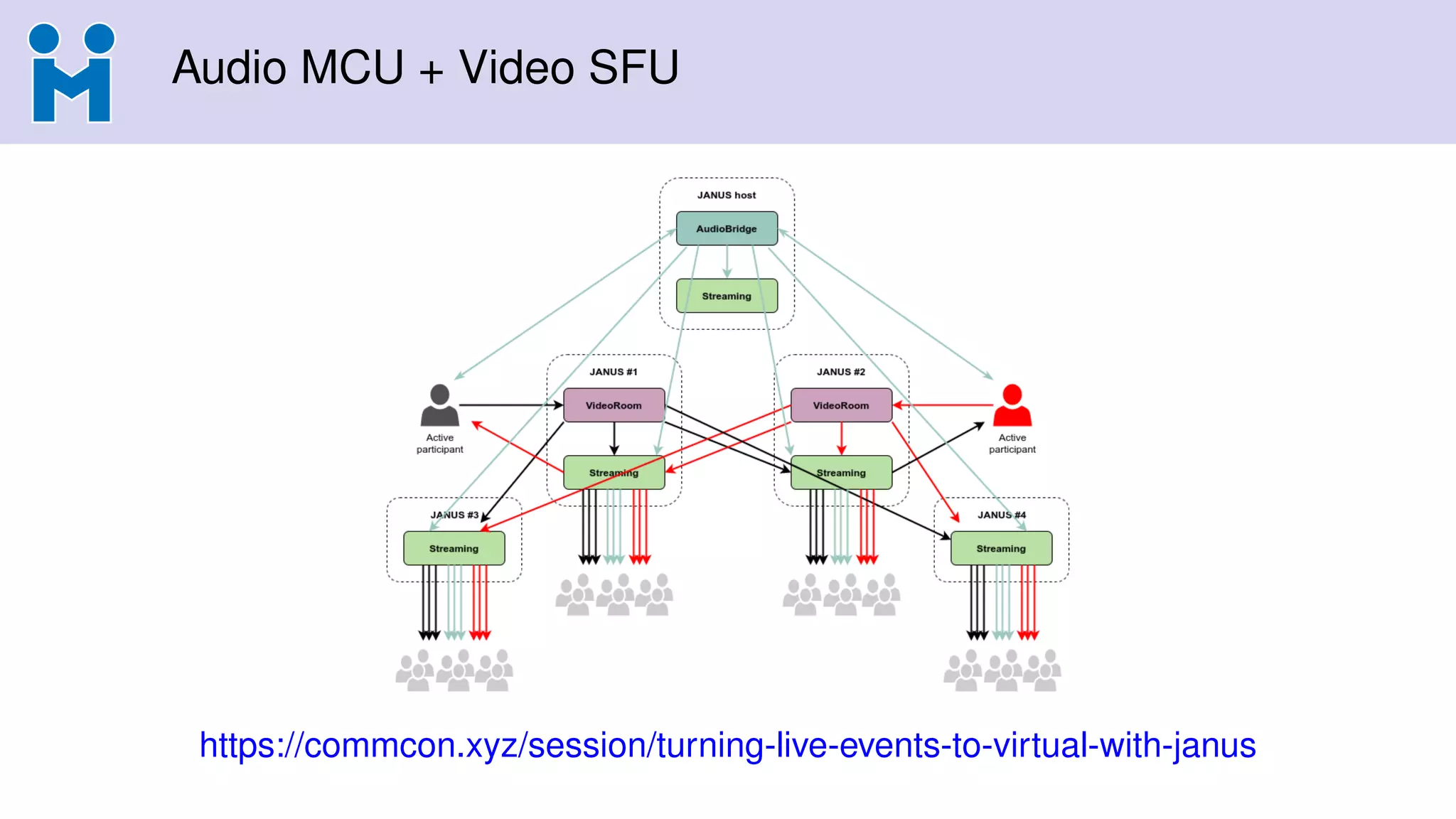
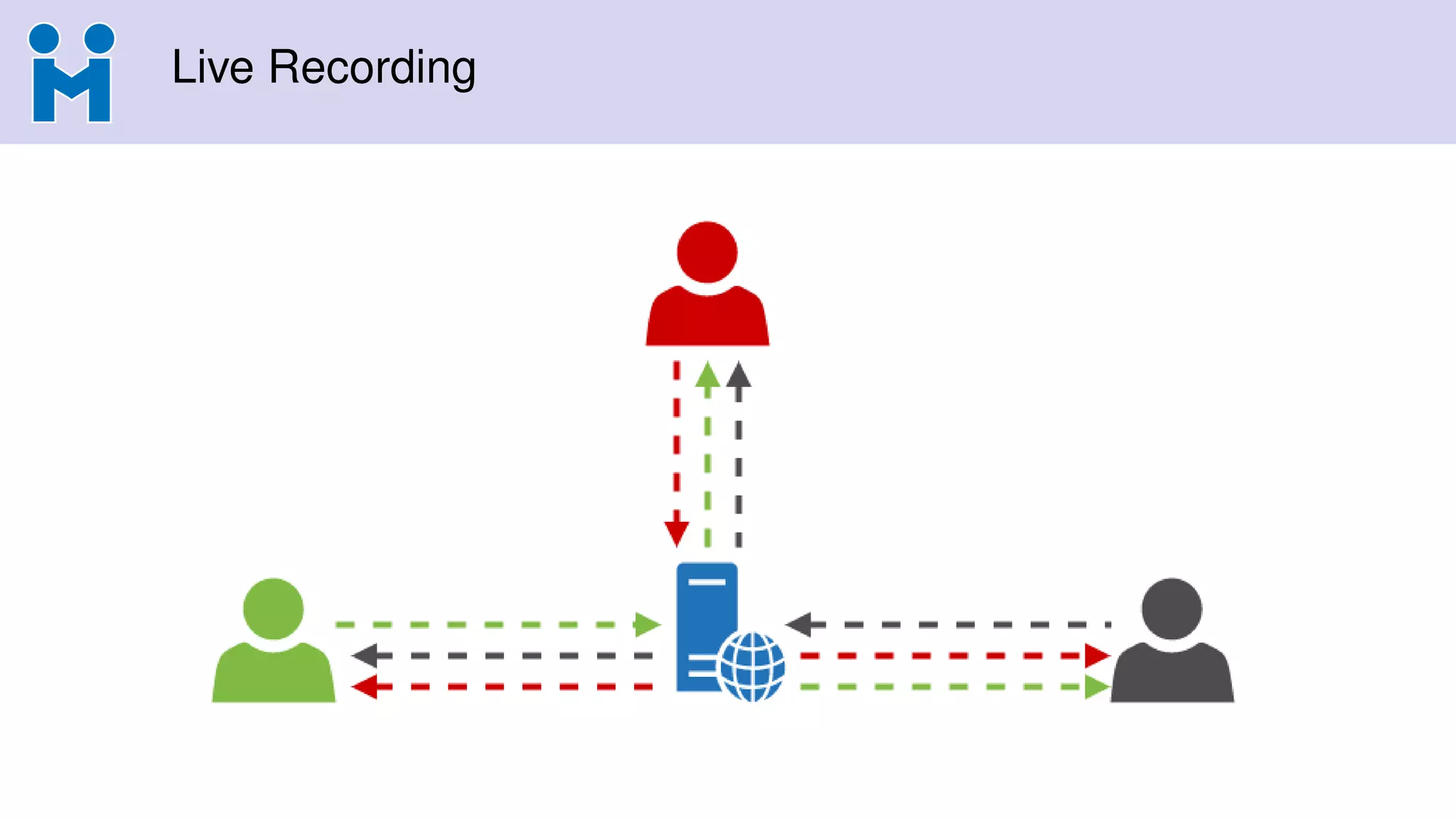
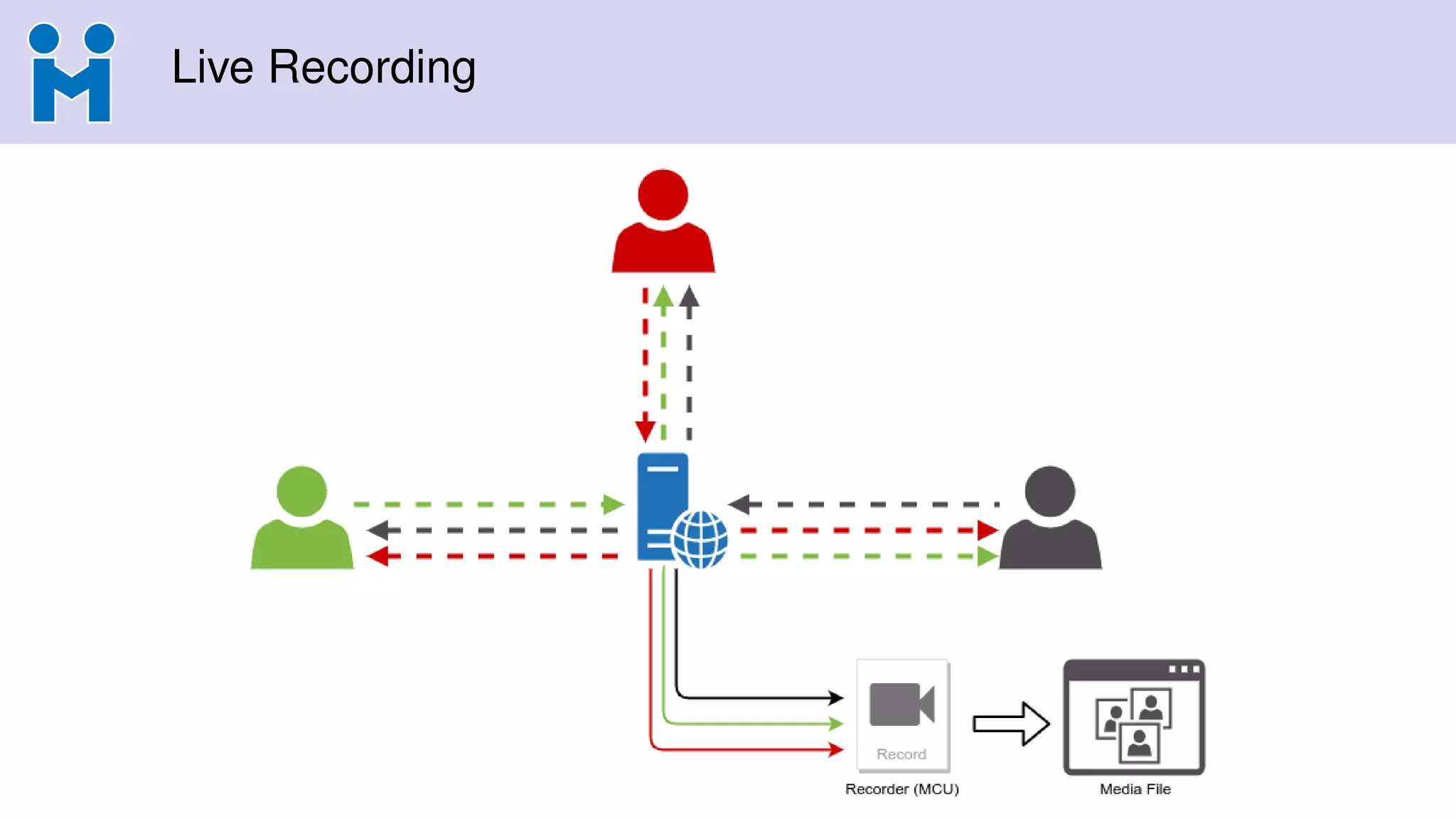
Audio MCU +Video SFU
• What we usually call the “hybrid approach”
• Audio from participants is mixed (MCU)
• Video from participants is relayed (SFU)
• Mixing only audio has a few advantages
1 Audiomixing lighter than Videomixing, so relative impact
2 Participants with constraints (CPU/BW) can stick to audio only
3 In case audio is SIP-based, easy to hook to PSTN
4 Decoupling audio from video allows for more options (e.g., interpreters)
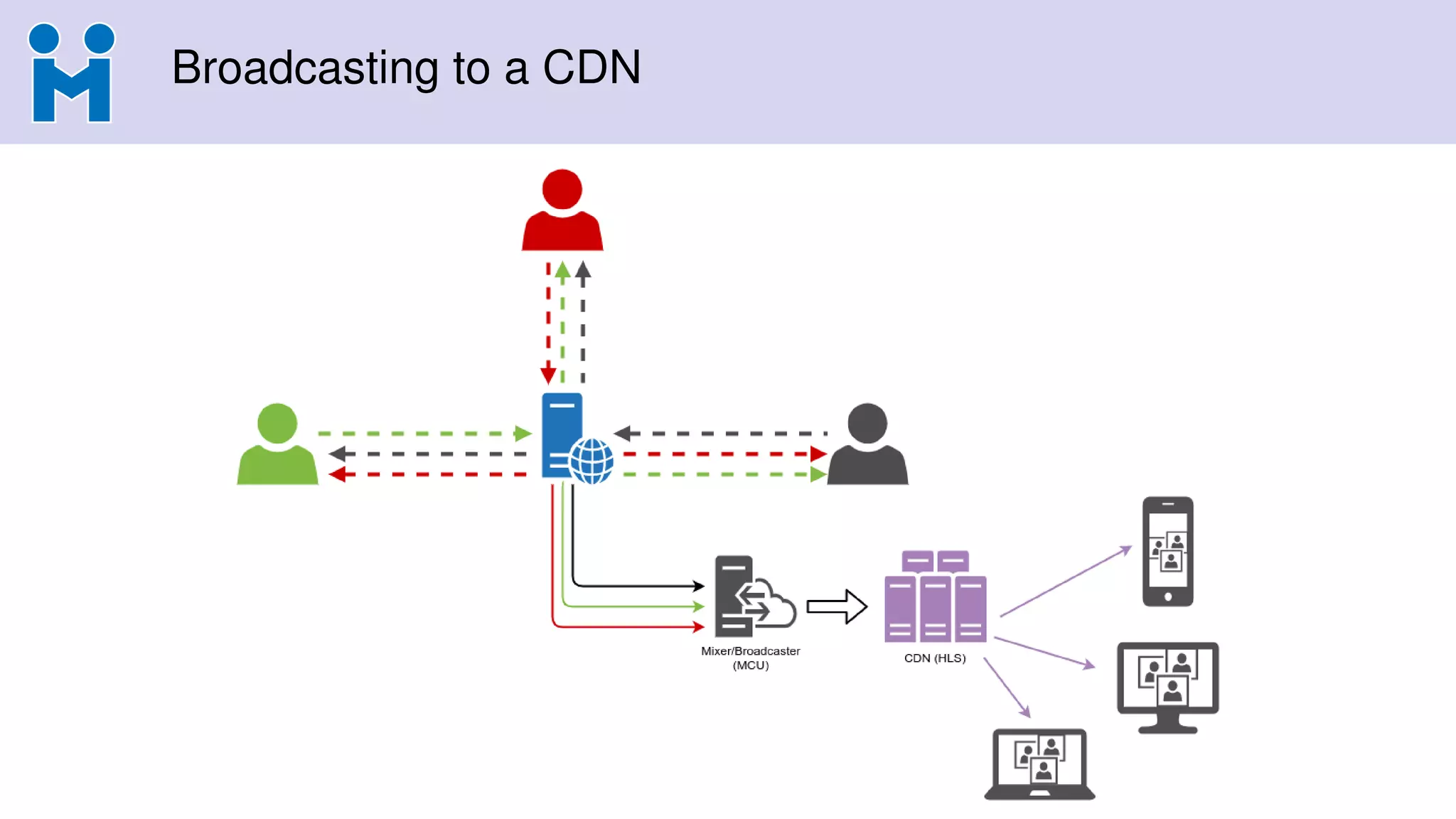
5 Easy to distribute/broadcast (audio already mixed)
• SFU mode keeps flexibility for video
• Easy to subscribe to a subset of participants, or none at all
22.
Audio MCU +Video SFU
• What we usually call the “hybrid approach”
• Audio from participants is mixed (MCU)
• Video from participants is relayed (SFU)
• Mixing only audio has a few advantages
1 Audiomixing lighter than Videomixing, so relative impact
2 Participants with constraints (CPU/BW) can stick to audio only
3 In case audio is SIP-based, easy to hook to PSTN
4 Decoupling audio from video allows for more options (e.g., interpreters)
5 Easy to distribute/broadcast (audio already mixed)
• SFU mode keeps flexibility for video
• Easy to subscribe to a subset of participants, or none at all
23.
Audio MCU +Video SFU
• What we usually call the “hybrid approach”
• Audio from participants is mixed (MCU)
• Video from participants is relayed (SFU)
• Mixing only audio has a few advantages
1 Audiomixing lighter than Videomixing, so relative impact
2 Participants with constraints (CPU/BW) can stick to audio only
3 In case audio is SIP-based, easy to hook to PSTN
4 Decoupling audio from video allows for more options (e.g., interpreters)
5 Easy to distribute/broadcast (audio already mixed)
• SFU mode keeps flexibility for video
• Easy to subscribe to a subset of participants, or none at all
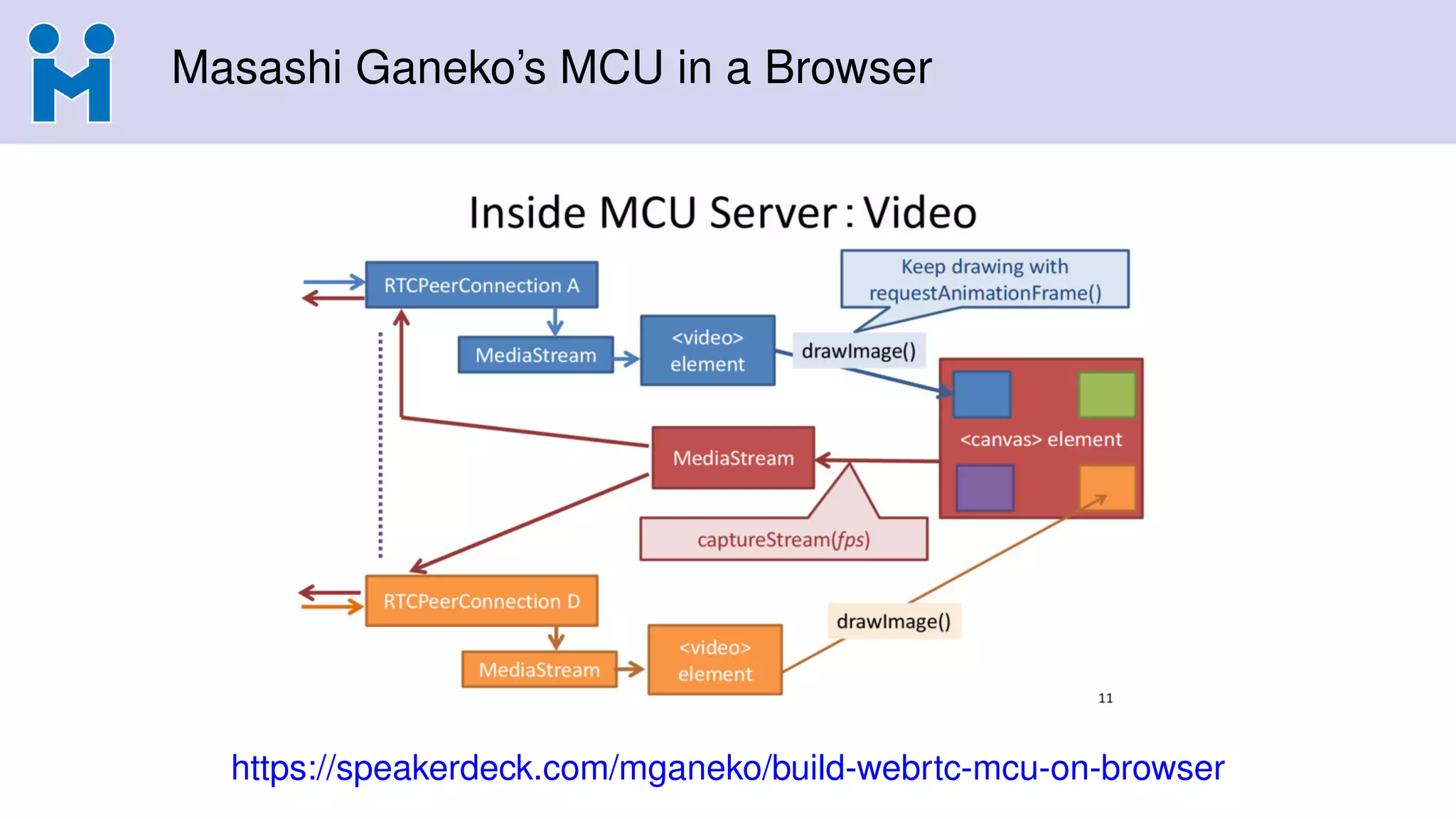
What about usingbrowsers as an MCU?
• Browsers often already used that way for recording/broadcasting
• e.g., headless browser joining as participant
• External tool (e.g., ffmpeg) captures audio/video from browser
• Canvas (and WebRTC) allow for a more integrated functionality, though
• e.g., composition done on a canvas object (basically an MCU!)
• canvas.captureStream() to turn it into a WebRTC stream
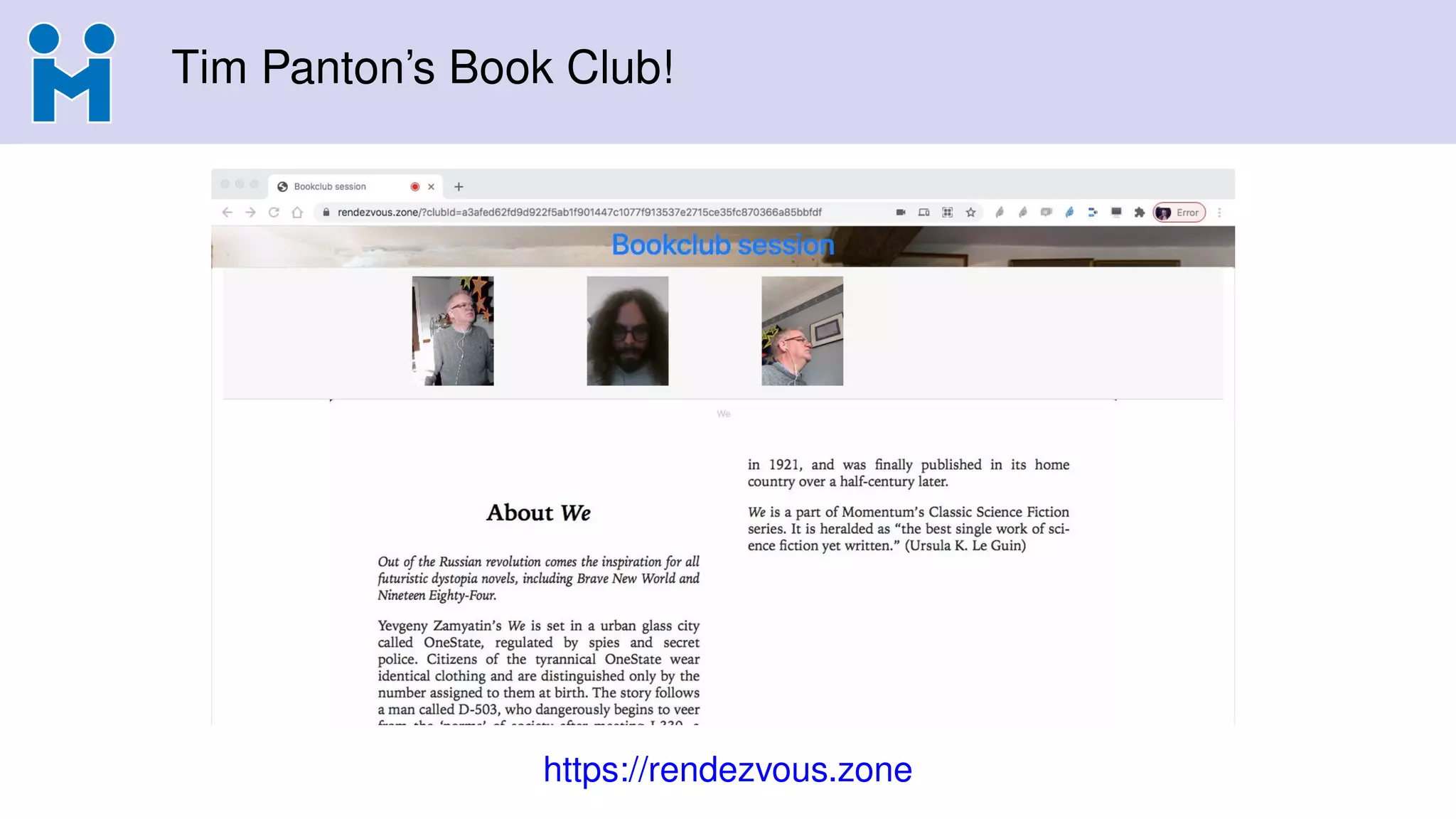
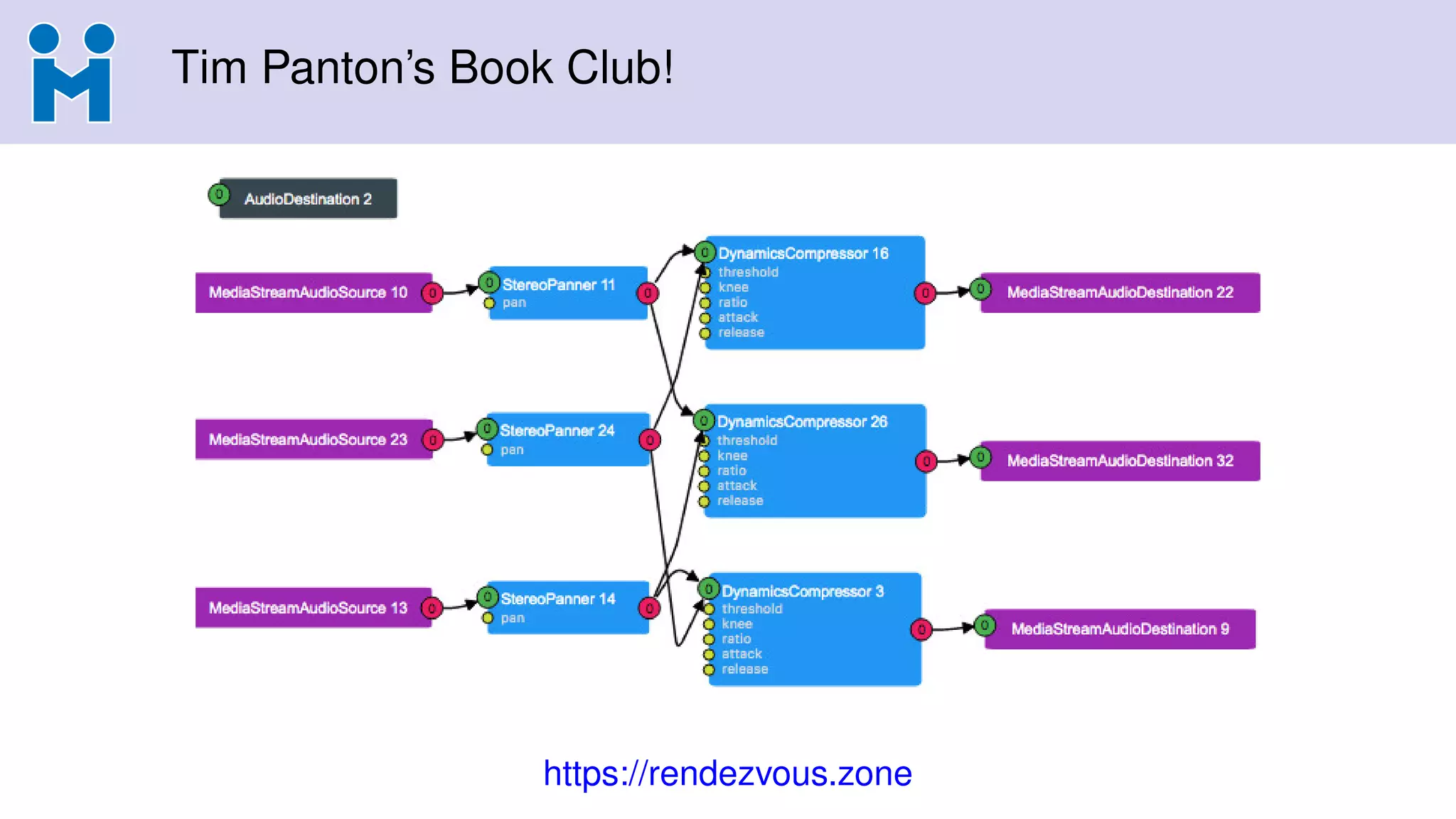
• ...and, why not, WebAudio to do audio too!
• Used by companies like Streamyard and Stage TEN for broadcasting
An ugly canvas+WebRTC demo
• https://janus.conf.meetecho.com/canvas
41.
What about usingbrowsers as an MCU?
• Browsers often already used that way for recording/broadcasting
• e.g., headless browser joining as participant
• External tool (e.g., ffmpeg) captures audio/video from browser
• Canvas (and WebRTC) allow for a more integrated functionality, though
• e.g., composition done on a canvas object (basically an MCU!)
• canvas.captureStream() to turn it into a WebRTC stream
• ...and, why not, WebAudio to do audio too!
• Used by companies like Streamyard and Stage TEN for broadcasting
An ugly canvas+WebRTC demo
• https://janus.conf.meetecho.com/canvas
42.
What about usingbrowsers as an MCU?
• Browsers often already used that way for recording/broadcasting
• e.g., headless browser joining as participant
• External tool (e.g., ffmpeg) captures audio/video from browser
• Canvas (and WebRTC) allow for a more integrated functionality, though
• e.g., composition done on a canvas object (basically an MCU!)
• canvas.captureStream() to turn it into a WebRTC stream
• ...and, why not, WebAudio to do audio too!
• Used by companies like Streamyard and Stage TEN for broadcasting
An ugly canvas+WebRTC demo
• https://janus.conf.meetecho.com/canvas
43.
What about usingbrowsers as an MCU?
• Browsers often already used that way for recording/broadcasting
• e.g., headless browser joining as participant
• External tool (e.g., ffmpeg) captures audio/video from browser
• Canvas (and WebRTC) allow for a more integrated functionality, though
• e.g., composition done on a canvas object (basically an MCU!)
• canvas.captureStream() to turn it into a WebRTC stream
• ...and, why not, WebAudio to do audio too!
• Used by companies like Streamyard and Stage TEN for broadcasting
An ugly canvas+WebRTC demo
• https://janus.conf.meetecho.com/canvas
44.
What about usingbrowsers as an MCU?
• Browsers often already used that way for recording/broadcasting
• e.g., headless browser joining as participant
• External tool (e.g., ffmpeg) captures audio/video from browser
• Canvas (and WebRTC) allow for a more integrated functionality, though
• e.g., composition done on a canvas object (basically an MCU!)
• canvas.captureStream() to turn it into a WebRTC stream
• ...and, why not, WebAudio to do audio too!
• Used by companies like Streamyard and Stage TEN for broadcasting
An ugly canvas+WebRTC demo
• https://janus.conf.meetecho.com/canvas
45.
What about usingbrowsers as an MCU?
• Browsers often already used that way for recording/broadcasting
• e.g., headless browser joining as participant
• External tool (e.g., ffmpeg) captures audio/video from browser
• Canvas (and WebRTC) allow for a more integrated functionality, though
• e.g., composition done on a canvas object (basically an MCU!)
• canvas.captureStream() to turn it into a WebRTC stream
• ...and, why not, WebAudio to do audio too!
• Used by companies like Streamyard and Stage TEN for broadcasting
An ugly canvas+WebRTC demo
• https://janus.conf.meetecho.com/canvas
46.
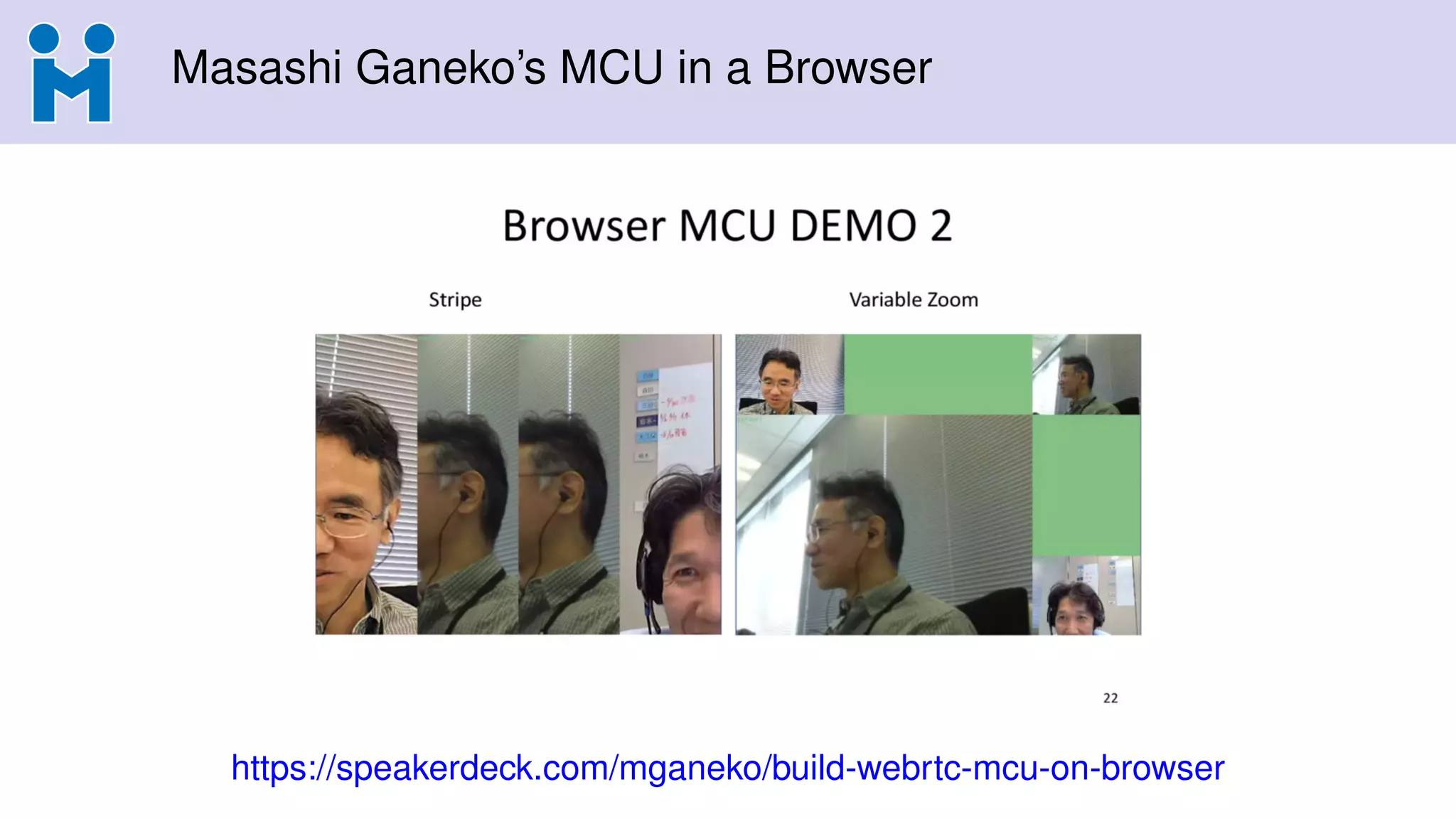
Masashi Ganeko’s MCUin a Browser
https://speakerdeck.com/mganeko/build-webrtc-mcu-on-browser
47.
Masashi Ganeko’s MCUin a Browser
https://speakerdeck.com/mganeko/build-webrtc-mcu-on-browser



![[234] toast cloud open stack sdn 전략-박성우](https://cdn.slidesharecdn.com/ss_thumbnails/234toastcloud-openstacksdn-161025025504-thumbnail.jpg?width=640&height=640&fit=bounds)


![[ElastixWorld 2016] mediasoup: Powerful WebRTC SFU for Node.js](https://cdn.slidesharecdn.com/ss_thumbnails/elastixworld2016-mediasoup-161026100616-thumbnail.jpg?width=640&height=640&fit=bounds)


