Download to read offline
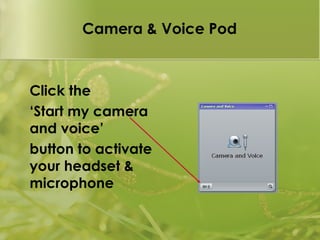
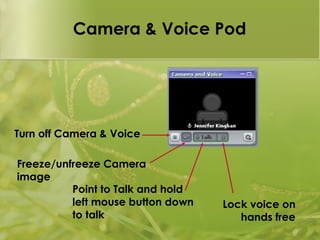
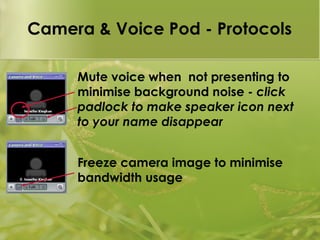

This document provides protocols for using camera and voice features in Adobe Connect. It explains that users can start their camera and microphone by clicking the "Start my camera and voice" button. Additional options include turning camera and voice on/off, freezing the camera image, using point-to-talk functionality, locking voice in hands-free mode, muting the microphone when not presenting, and freezing the camera image to minimize bandwidth usage.


