HOW TO PRODUCE A VIDEO: IDEAS AND EXPERIENCES Minority Languages Comenius Project 2010-12 Spanish Team
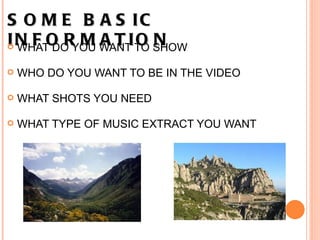
SOME BASIC INFORMATION   WHAT DO YOU WANT TO SHOW   WHO DO YOU WANT TO BE IN THE VIDEO   WHAT SHOTS YOU NEED     WHAT TYPE OF MUSIC EXTRACT YOU WANT
PERMITS AND AGREEMENTS  Official institutions: contacts by email / phone   Letters to explain the project and what we need   Principal's letter explaining the aim and what we need to record  
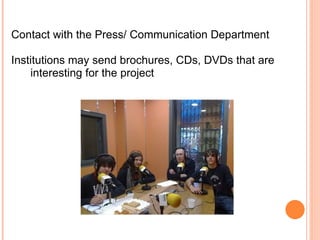
Contact with the Press/ Communication Department  Institutions may send brochures, CDs, DVDs that are interesting for the project
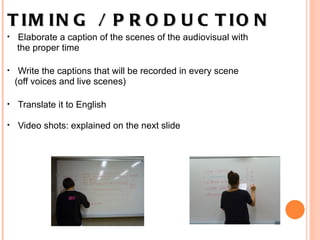
TIMING / PRODUCTION      Elaborate a caption of the scenes of the audiovisual with  the proper time   Write the captions that will be recorded in every scene  (off voices and live scenes)   Translate it to English Video shots: explained on the next slide  
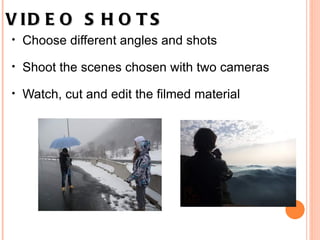
VIDEO SHOTS   Choose different angles and shots   Shoot the scenes chosen with two cameras    Watch, cut and edit the filmed material
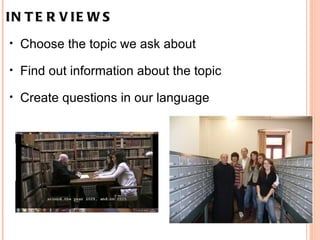
INTERVIEWS   Choose the topic we ask about   Find out information about the topic   Create questions in our language    
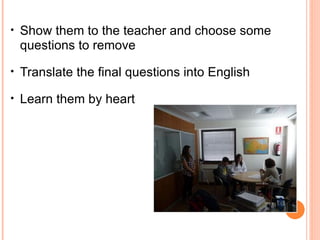
Show them to the teacher and choose some questions to remove   Translate the final questions into English   Learn them by heart
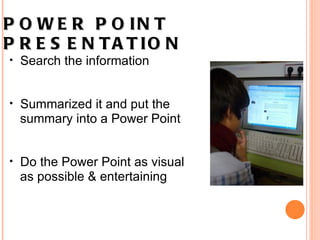
POWER POINT PRESENTATION   Search the information    Summarized it and put the summary into a Power Point   Do the Power Point as visual  as possible & entertaining    
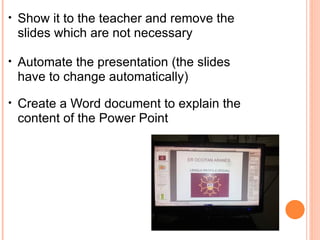
Show it to the teacher and remove the slides which are not necessary Automate the presentation (the slides have to change automatically)   Create a Word document to explain the content of the Power Point
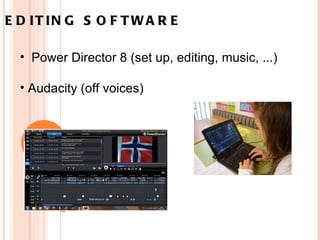
EDITING SOFTWARE       Power Director 8 (set up, editing, music, ...) Audacity (off voices)
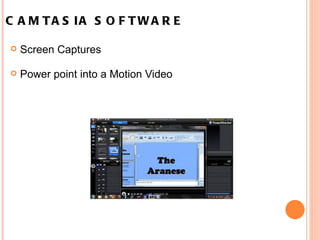
CAMTASIA SOFTWARE   Screen Captures   Power point into a Motion Video  
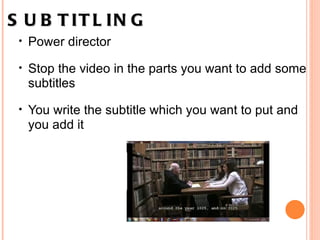
SUBTITLING Power director   Stop the video in the parts you want to add some subtitles   You write the subtitle which you want to put and you add it
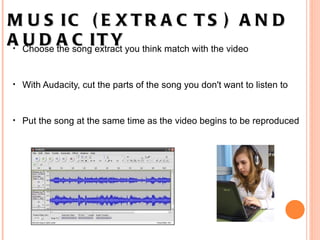
MUSIC (EXTRACTS) AND AUDACITY Choose the song extract you think match with the video   With Audacity,   cut the parts of the song you don't want to listen to   Put the song at the same time as the video begins to be   reproduced
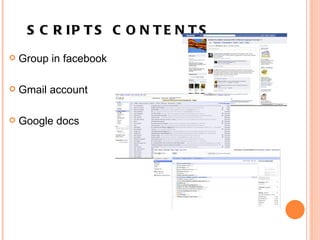
SCRIPTS CONTENTS  Group in facebook Gmail account Google docs

How to produce a video at school

  • 1.
    HOW TO PRODUCEA VIDEO: IDEAS AND EXPERIENCES Minority Languages Comenius Project 2010-12 Spanish Team
  • 2.
    SOME BASIC INFORMATION  WHAT DO YOU WANT TO SHOW   WHO DO YOU WANT TO BE IN THE VIDEO   WHAT SHOTS YOU NEED    WHAT TYPE OF MUSIC EXTRACT YOU WANT
  • 3.
    PERMITS AND AGREEMENTS Official institutions: contacts by email / phone   Letters to explain the project and what we need   Principal's letter explaining the aim and what we need to record  
  • 4.
    Contact with thePress/ Communication Department  Institutions may send brochures, CDs, DVDs that are interesting for the project
  • 5.
    TIMING / PRODUCTION     Elaborate a caption of the scenes of the audiovisual with the proper time   Write the captions that will be recorded in every scene (off voices and live scenes)   Translate it to English Video shots: explained on the next slide  
  • 6.
    VIDEO SHOTS  Choose different angles and shots   Shoot the scenes chosen with two cameras    Watch, cut and edit the filmed material
  • 7.
    INTERVIEWS   Choosethe topic we ask about   Find out information about the topic   Create questions in our language    
  • 8.
    Show them tothe teacher and choose some questions to remove   Translate the final questions into English   Learn them by heart
  • 9.
    POWER POINT PRESENTATION  Search the information   Summarized it and put the summary into a Power Point   Do the Power Point as visual as possible & entertaining    
  • 10.
    Show it tothe teacher and remove the slides which are not necessary Automate the presentation (the slides have to change automatically)   Create a Word document to explain the content of the Power Point
  • 11.
    EDITING SOFTWARE      Power Director 8 (set up, editing, music, ...) Audacity (off voices)
  • 12.
    CAMTASIA SOFTWARE  Screen Captures   Power point into a Motion Video  
  • 13.
    SUBTITLING Power director  Stop the video in the parts you want to add some subtitles   You write the subtitle which you want to put and you add it
  • 14.
    MUSIC (EXTRACTS) ANDAUDACITY Choose the song extract you think match with the video   With Audacity,   cut the parts of the song you don't want to listen to   Put the song at the same time as the video begins to be   reproduced
  • 15.
    SCRIPTS CONTENTS  Groupin facebook Gmail account Google docs