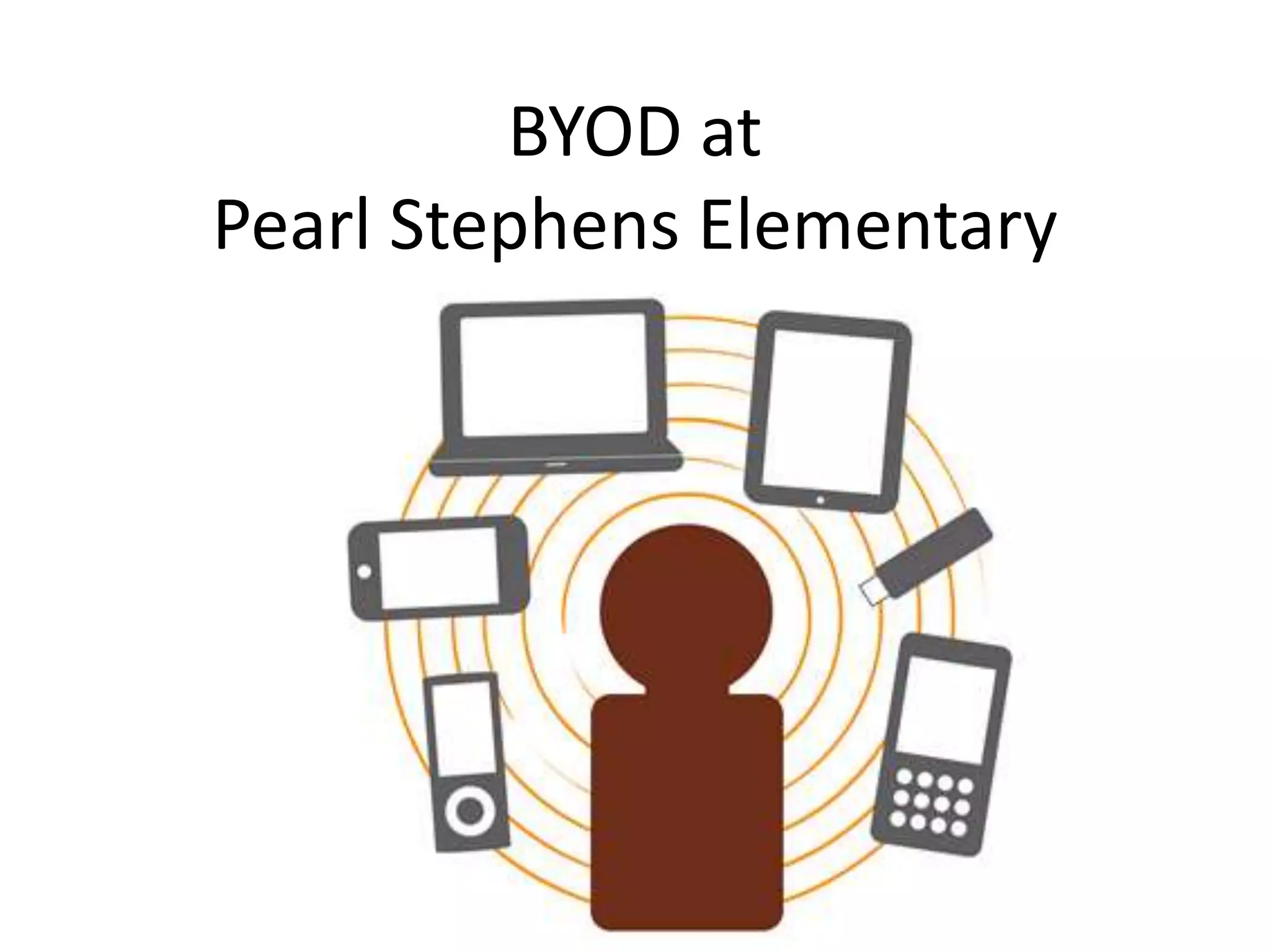
BYOD at
Pearl Stephens Elementary
District Policy and Information
• B.Y.O.D. (BRING YOUR OWN DEVICE)
• As new technologies continue to change the world in which we live,
they also provide many new and positive educational benefits for
classroom instruction. During the 2013-2014 school year, Bring Your
Own Device, BYOD, was piloted at all Houston County Elementary,
Middle and High Schools. Each school will notify parents of the
program parameters at their schools. Students who do not have their
own device to bring to school will not be penalized. Please do not feel
obligated to go out and purchase a device for your child. Students will
be encouraged to work collaboratively while allowing the owner of the
device to be the one to manipulate and handle the device (HCBOE
Student Handbook, 2014, p. 14)
• http://houstoncs.schoolinsites.com/?L=2&PN=MainPage&DivisionID=1
5761&DepartmentID=16985&SubDepartmentID=&TabNo=2
BYOD at Pearl Stephens
• BYOD at Pearl Stephens was implemented fully at the
beginning of the 2014-2015 school year.
• This elementary school serves approximately 435
students in grades 3rd-5th.
• Most teachers began by using BYOD at least two days a
week. This implementation will expand to three or
more days for the 2015-2016 school year.
• The media specialist, county curriculum integration
specialist, and technology support technician help to
provide assistance with BYOD devices, lessons, and
activities school wide.
Platform
• It is important to understand that HCBOE
promotes a Microsoft platform for both teachers
and students, but encourages the use of multiple
device types in its BYOD initiative.
• This platform is supported in that all staff and
students (grades 3rd-12th) are given Microsoft
365 accounts.
• Students in grades 3rd-5th do not have access to
webmail, but can access OneDrive, Microsoft
office online, and OneNote Classroom.
Platform continued
• iOS devices are also supported by the HCBOE
district and are welcomed for use with BYOD.
• The media specialist at PSE manages the
school’s iPads through AirWatch.
• Apps and links that support the Microsoft
Office 365 are available on the school iPads as
well.
Accommodating Students
without Devices
• Each classroom is equipped with four laptops
and one iPad for use by students without BYOD
devices.
• VDI computers will be purchased for each
classroom this upcoming school year.
• Teachers can sign up to use the school’s computer
lab when needed (26 desktop computers).
• The school media center has
additional iPads and laptops
for daily checkout when more
devices are needed.
Grouping Students
• Teachers are encouraged to group students for
BYOD activities or implement BYOD activities as
part of center rotations.
• When using BYOD, students should be grouped
with no more than three students per group.
• If a student without a device is paired with a
student that has a device, the owner of the
device should be the one “driving it” (per the
HCBOD BYOD policy).
• Teachers are also encouraged to use
applications that are web based so
that students can access content
or activities from multiple device
types.
Apps
• Operation Math: Students solve mysteries
using math operations for 3rd-5th grades.
• Epic: subscription based app with unlimited
leveled eBooks for kids (grades 1st-5th).
• iMovie: movie making app for project based
learning.
• I Know That: Science quiz app available for
students in 3rd, 4th, and 5th grades.
More Apps
• Heads Up: interactive game that
teaches vocabulary. Allows
teachers/students to create their own cards that
can be matched to any unit of study.
• Slice it: App in which students race to slice items
into equal parts to show understanding of
fractions.
• Grammar Up: app with tons of topics and quizzes
for learning about the English language.

Byod at pearl stephens

  • 1.
  • 2.
    District Policy andInformation • B.Y.O.D. (BRING YOUR OWN DEVICE) • As new technologies continue to change the world in which we live, they also provide many new and positive educational benefits for classroom instruction. During the 2013-2014 school year, Bring Your Own Device, BYOD, was piloted at all Houston County Elementary, Middle and High Schools. Each school will notify parents of the program parameters at their schools. Students who do not have their own device to bring to school will not be penalized. Please do not feel obligated to go out and purchase a device for your child. Students will be encouraged to work collaboratively while allowing the owner of the device to be the one to manipulate and handle the device (HCBOE Student Handbook, 2014, p. 14) • http://houstoncs.schoolinsites.com/?L=2&PN=MainPage&DivisionID=1 5761&DepartmentID=16985&SubDepartmentID=&TabNo=2
  • 3.
    BYOD at PearlStephens • BYOD at Pearl Stephens was implemented fully at the beginning of the 2014-2015 school year. • This elementary school serves approximately 435 students in grades 3rd-5th. • Most teachers began by using BYOD at least two days a week. This implementation will expand to three or more days for the 2015-2016 school year. • The media specialist, county curriculum integration specialist, and technology support technician help to provide assistance with BYOD devices, lessons, and activities school wide.
  • 4.
    Platform • It isimportant to understand that HCBOE promotes a Microsoft platform for both teachers and students, but encourages the use of multiple device types in its BYOD initiative. • This platform is supported in that all staff and students (grades 3rd-12th) are given Microsoft 365 accounts. • Students in grades 3rd-5th do not have access to webmail, but can access OneDrive, Microsoft office online, and OneNote Classroom.
  • 5.
    Platform continued • iOSdevices are also supported by the HCBOE district and are welcomed for use with BYOD. • The media specialist at PSE manages the school’s iPads through AirWatch. • Apps and links that support the Microsoft Office 365 are available on the school iPads as well.
  • 6.
    Accommodating Students without Devices •Each classroom is equipped with four laptops and one iPad for use by students without BYOD devices. • VDI computers will be purchased for each classroom this upcoming school year. • Teachers can sign up to use the school’s computer lab when needed (26 desktop computers). • The school media center has additional iPads and laptops for daily checkout when more devices are needed.
  • 7.
    Grouping Students • Teachersare encouraged to group students for BYOD activities or implement BYOD activities as part of center rotations. • When using BYOD, students should be grouped with no more than three students per group. • If a student without a device is paired with a student that has a device, the owner of the device should be the one “driving it” (per the HCBOD BYOD policy). • Teachers are also encouraged to use applications that are web based so that students can access content or activities from multiple device types.
  • 8.
    Apps • Operation Math:Students solve mysteries using math operations for 3rd-5th grades. • Epic: subscription based app with unlimited leveled eBooks for kids (grades 1st-5th). • iMovie: movie making app for project based learning. • I Know That: Science quiz app available for students in 3rd, 4th, and 5th grades.
  • 9.
    More Apps • HeadsUp: interactive game that teaches vocabulary. Allows teachers/students to create their own cards that can be matched to any unit of study. • Slice it: App in which students race to slice items into equal parts to show understanding of fractions. • Grammar Up: app with tons of topics and quizzes for learning about the English language.