Building Scalable and
Personalized News Feed
“activity streams”
Eyal Ronel for Web Developers Community
https://www.meetup.com/Web-Developers-Community
Eyal Ronel
R&D Manager at
https://www.linkedin.com/in/eyalronel
https://github.com/EyalRonel
@eyalronel
http://www.slidernet.co
Overview
1. Getting familiar with the concepts of activity streams
2. Differentiating between feeds and “dashboards”
3. Understanding the challenges
4. Guidelines on how to build you own feed mechanism
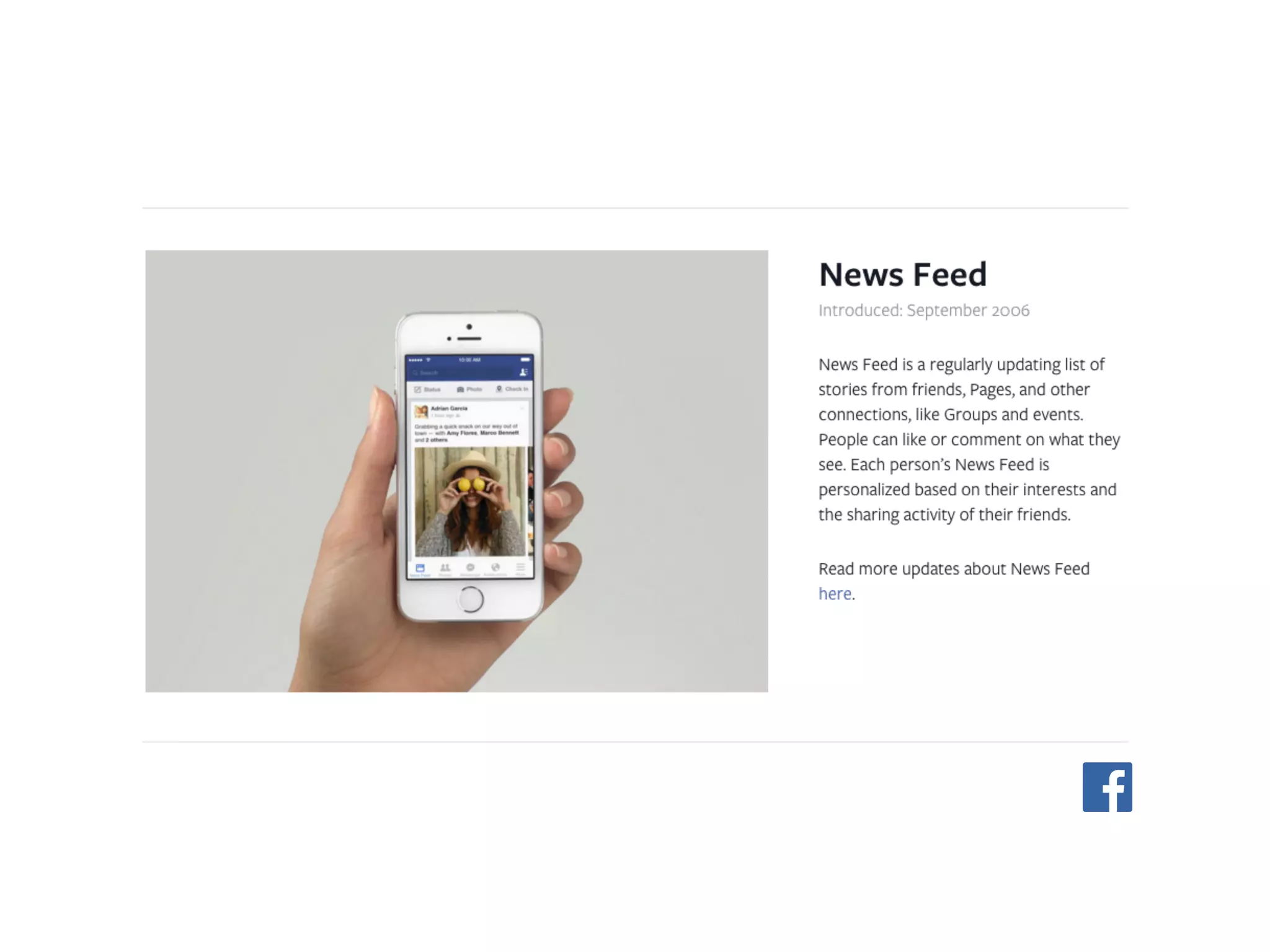
News Feed
What is it?
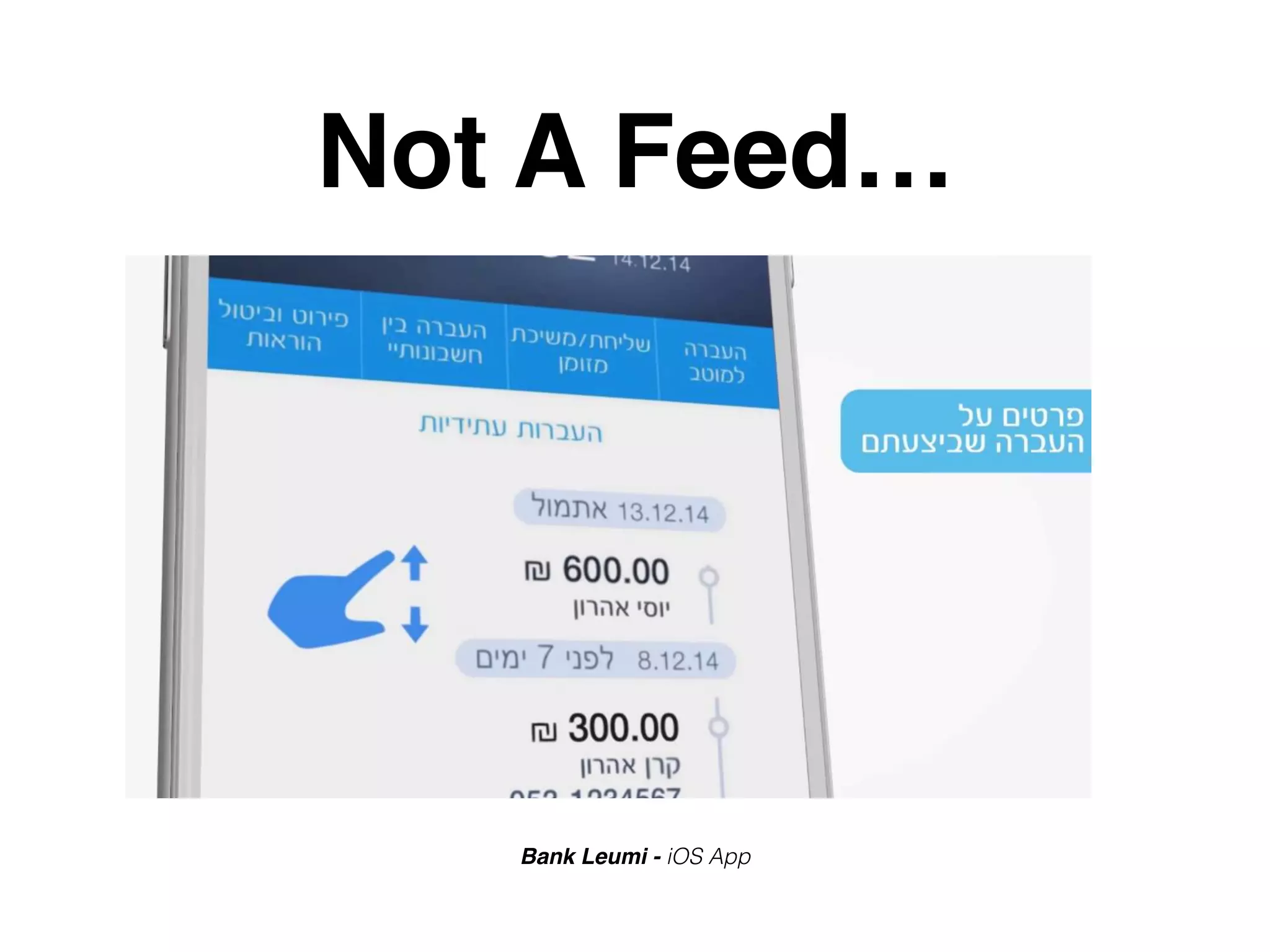
Not A Feed…
Bank Leumi - iOS App
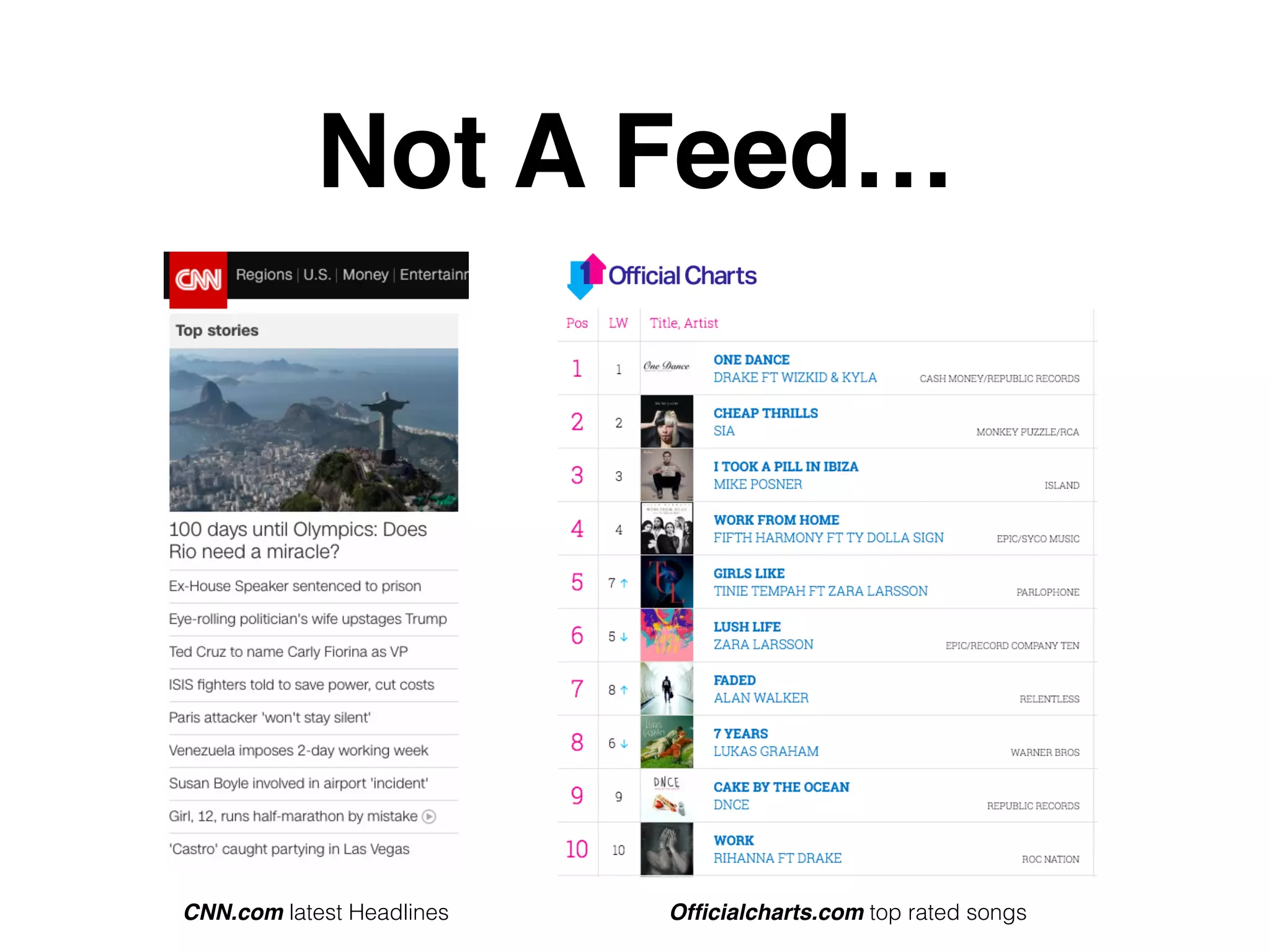
Not A Feed…
CNN.com latest Headlines Officialcharts.com top rated songs
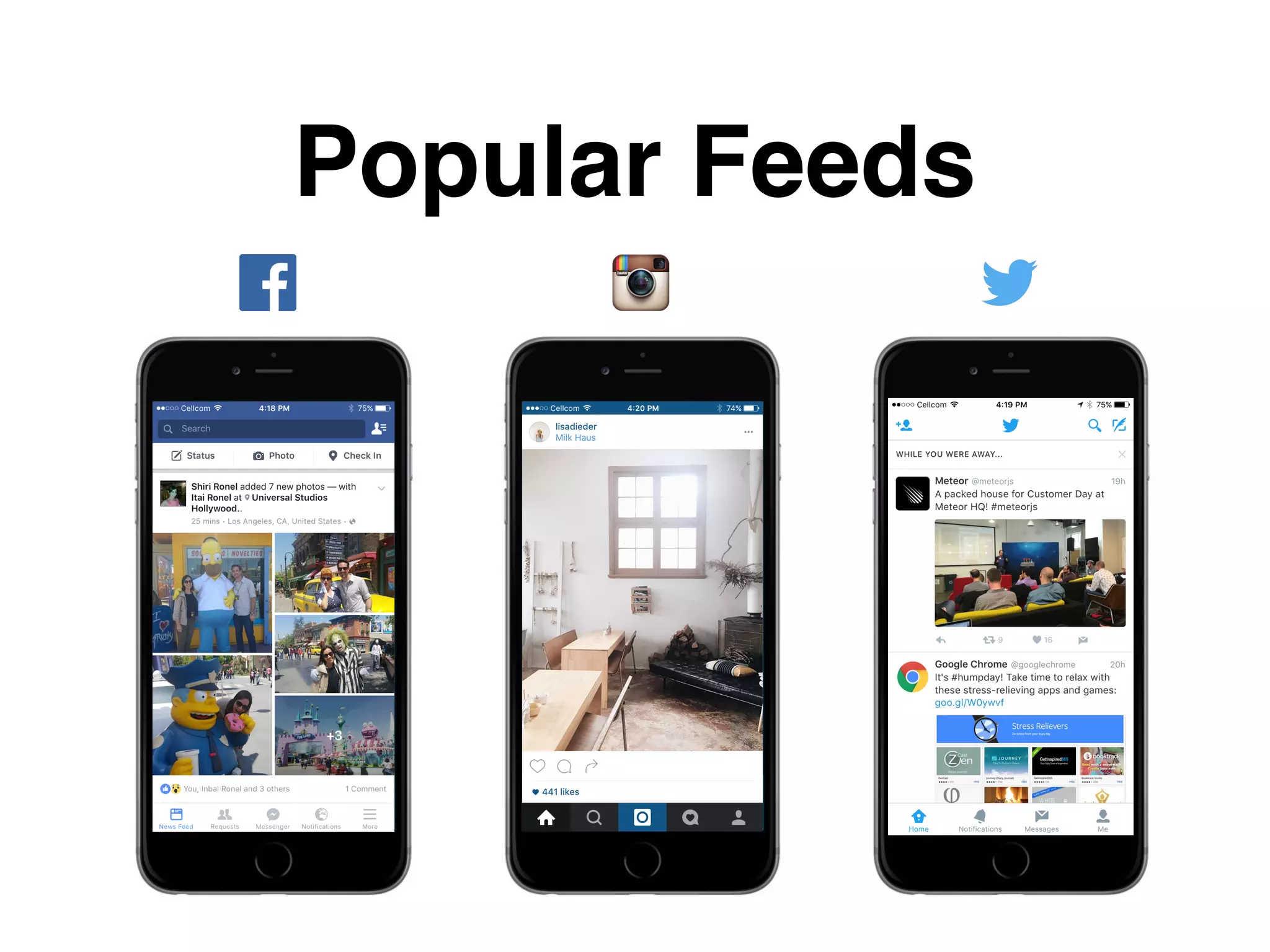
Popular Feeds
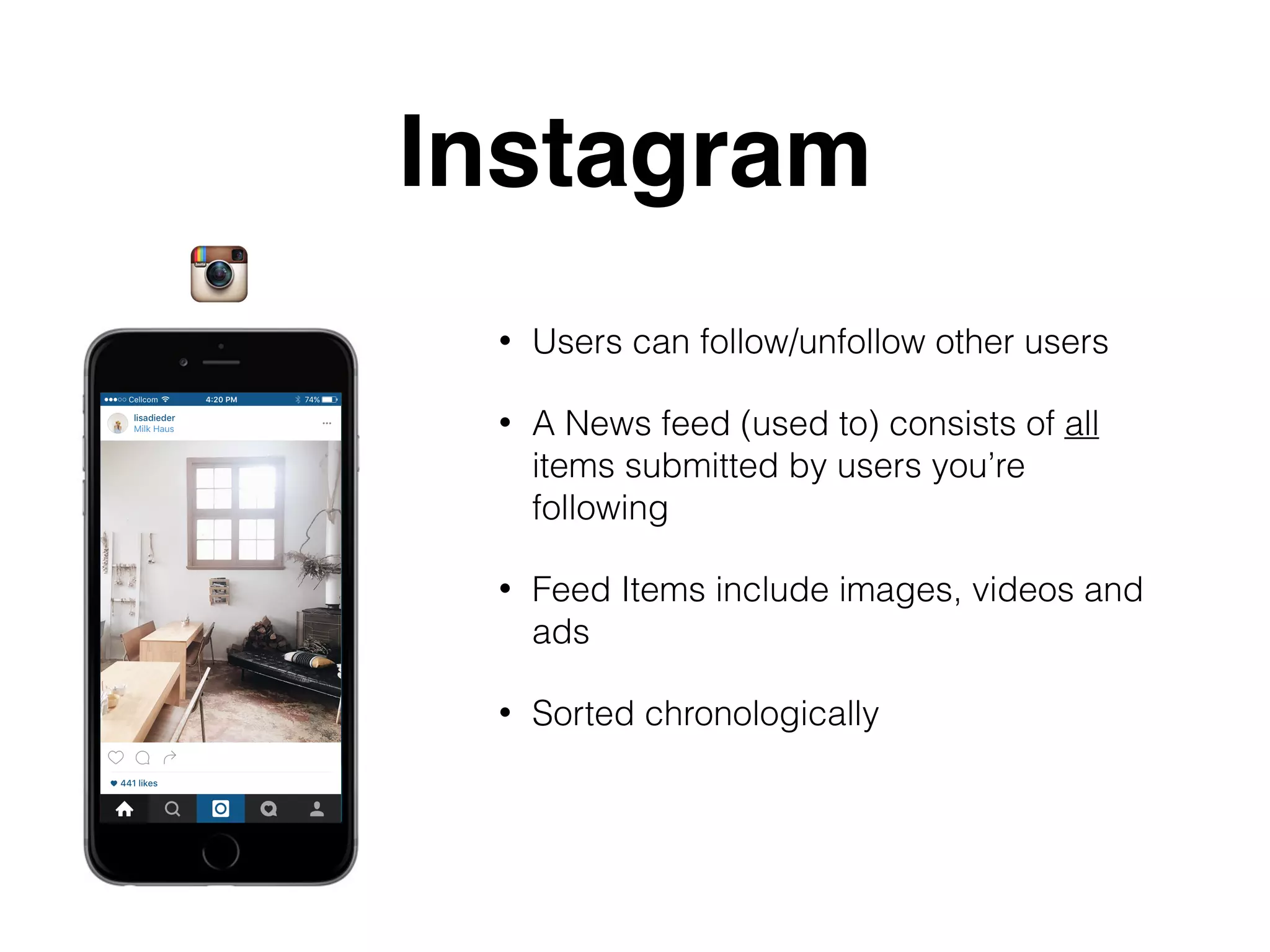
Instagram
• Users can follow/unfollow other users
• A News feed (used to) consists of all
items submitted by users you’re
following
• Feed Items include images, videos and
ads
• Sorted chronologically
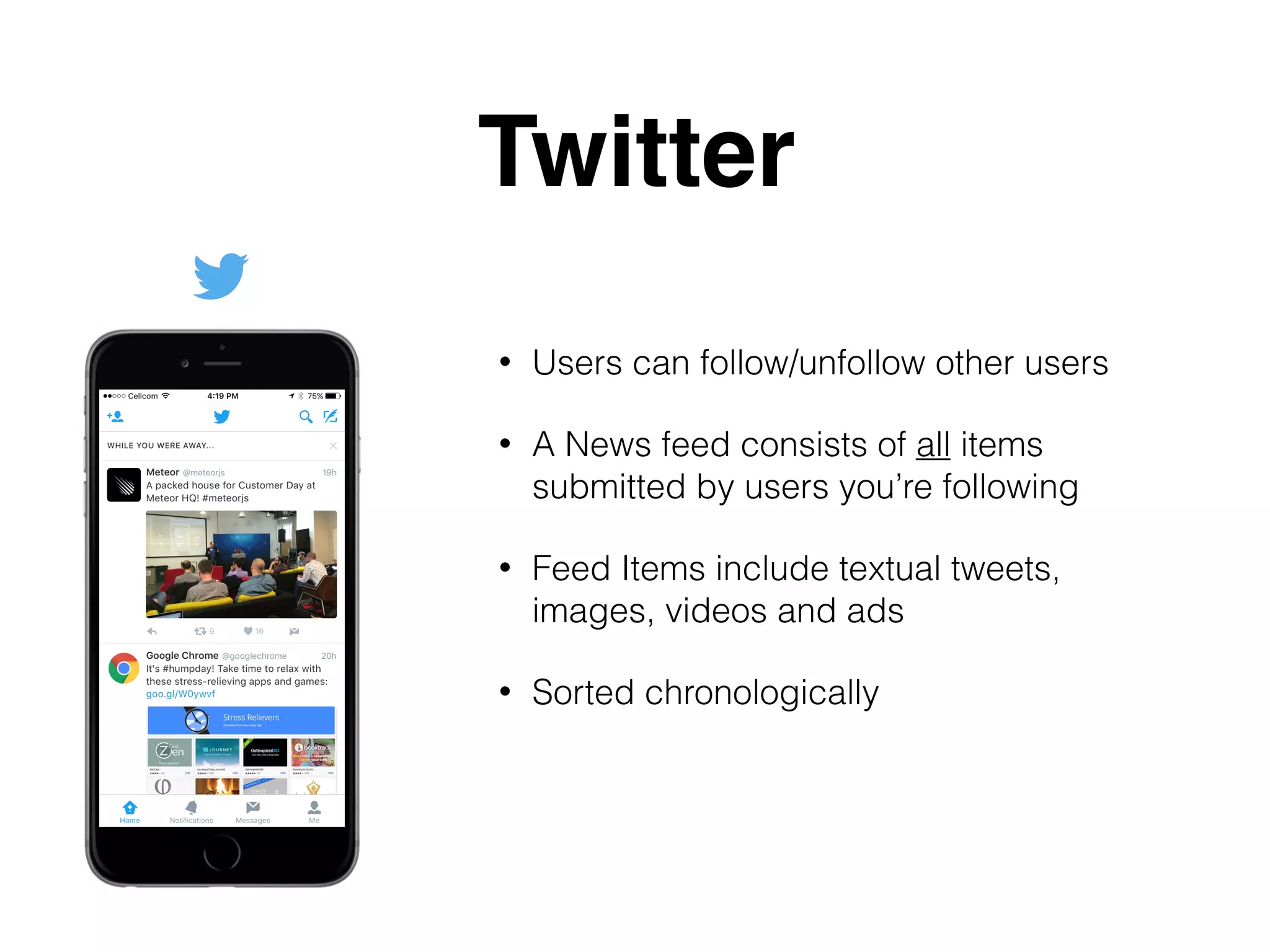
Twitter
• Users can follow/unfollow other users
• A News feed consists of all items
submitted by users you’re following
• Feed Items include textual tweets,
images, videos and ads
• Sorted chronologically
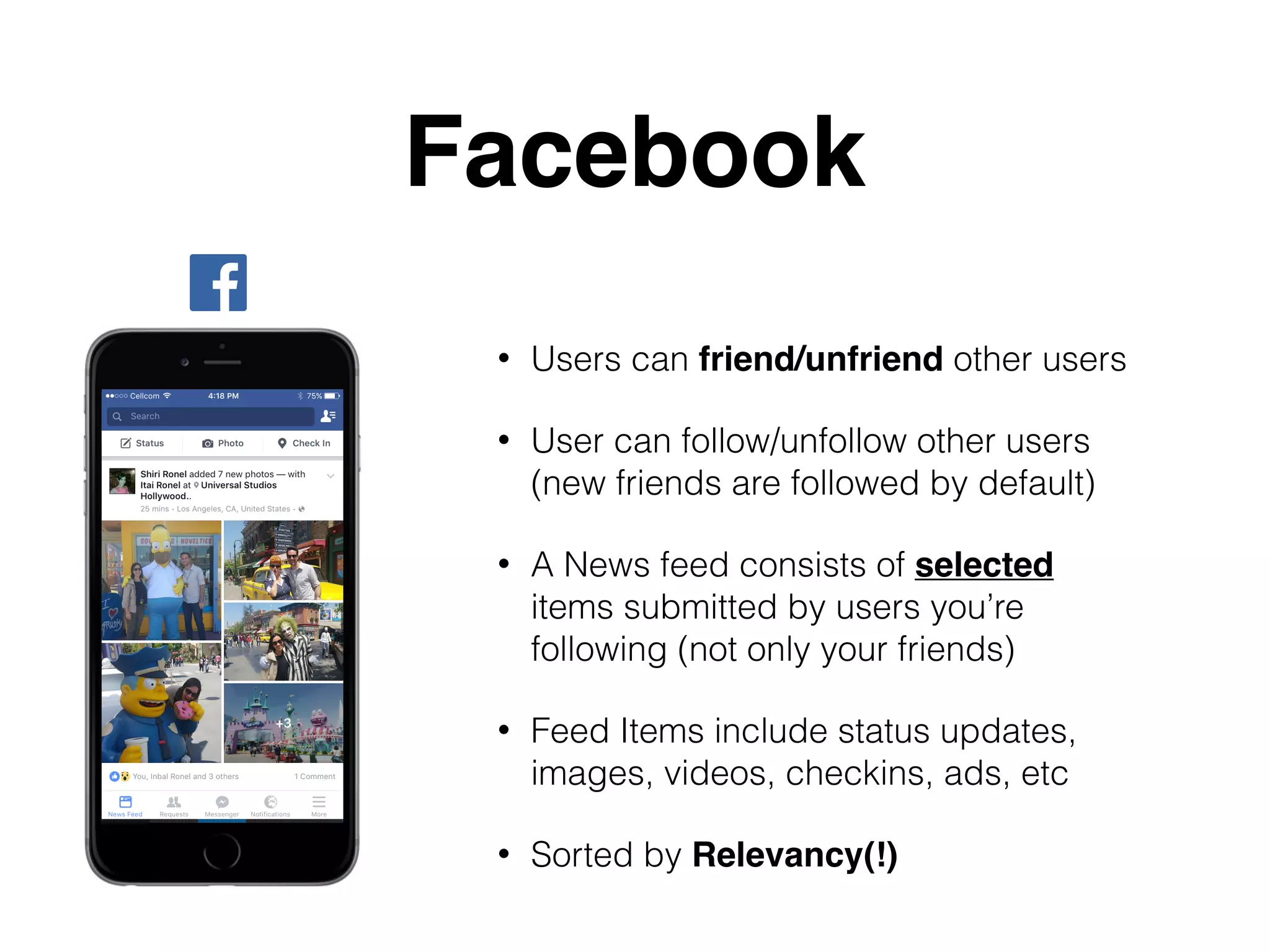
Facebook
• Users can friend/unfriend other users
• User can follow/unfollow other users
(new friends are followed by default)
• A News feed consists of selected
items submitted by users you’re
following (not only your friends)
• Feed Items include status updates,
images, videos, checkins, ads, etc
• Sorted by Relevancy(!)
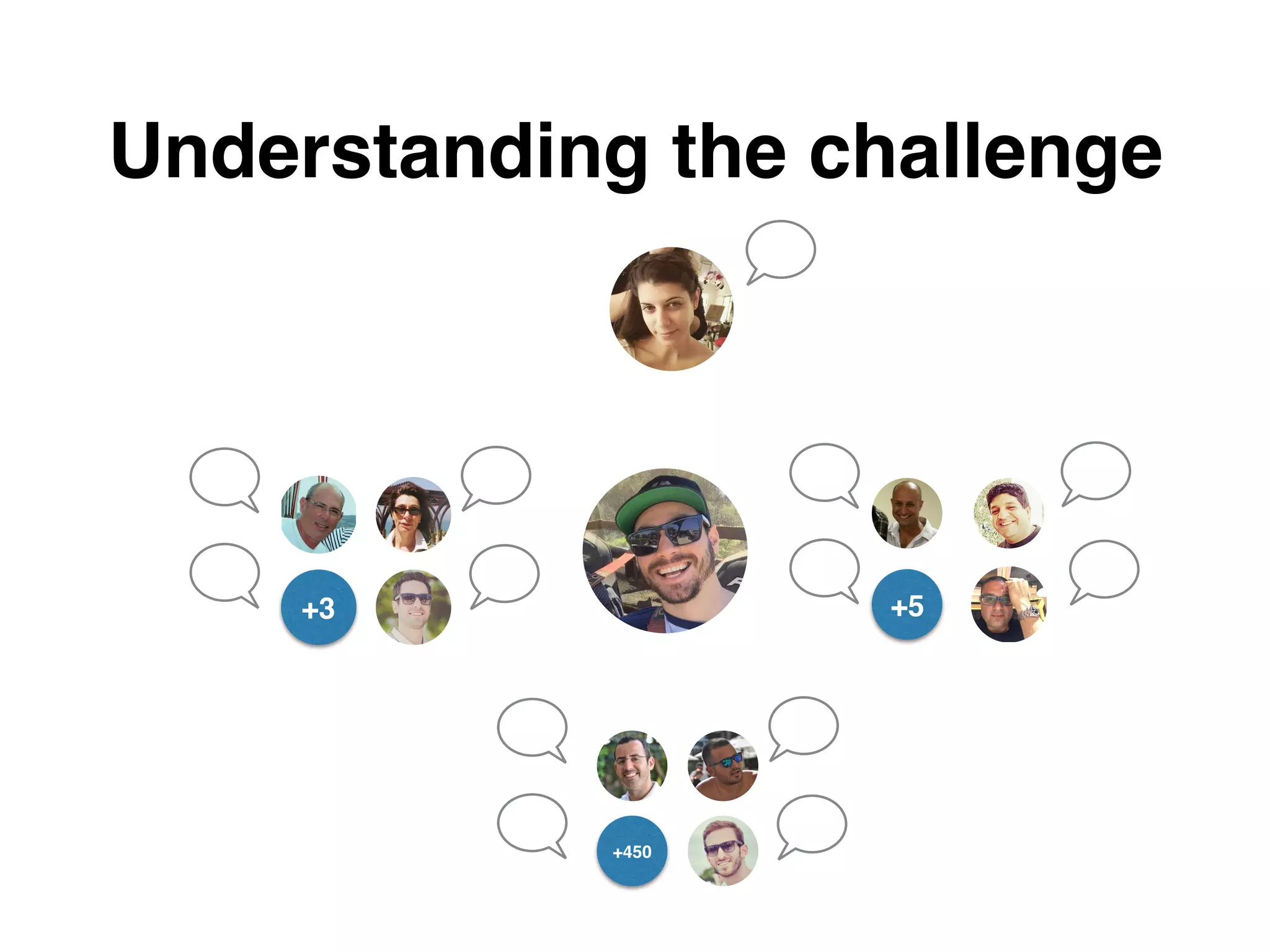
+450
+5+3
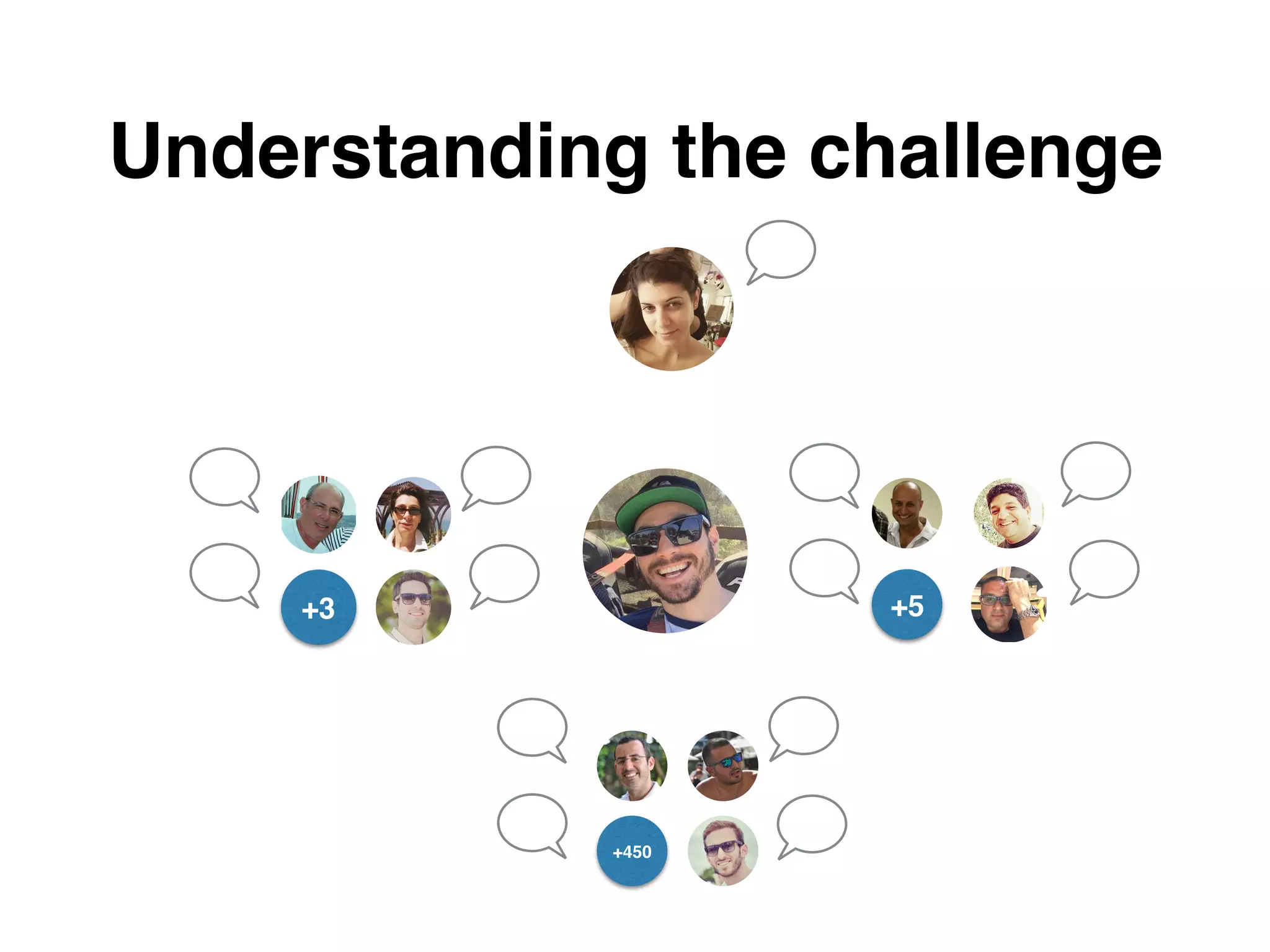
Understanding the challenge
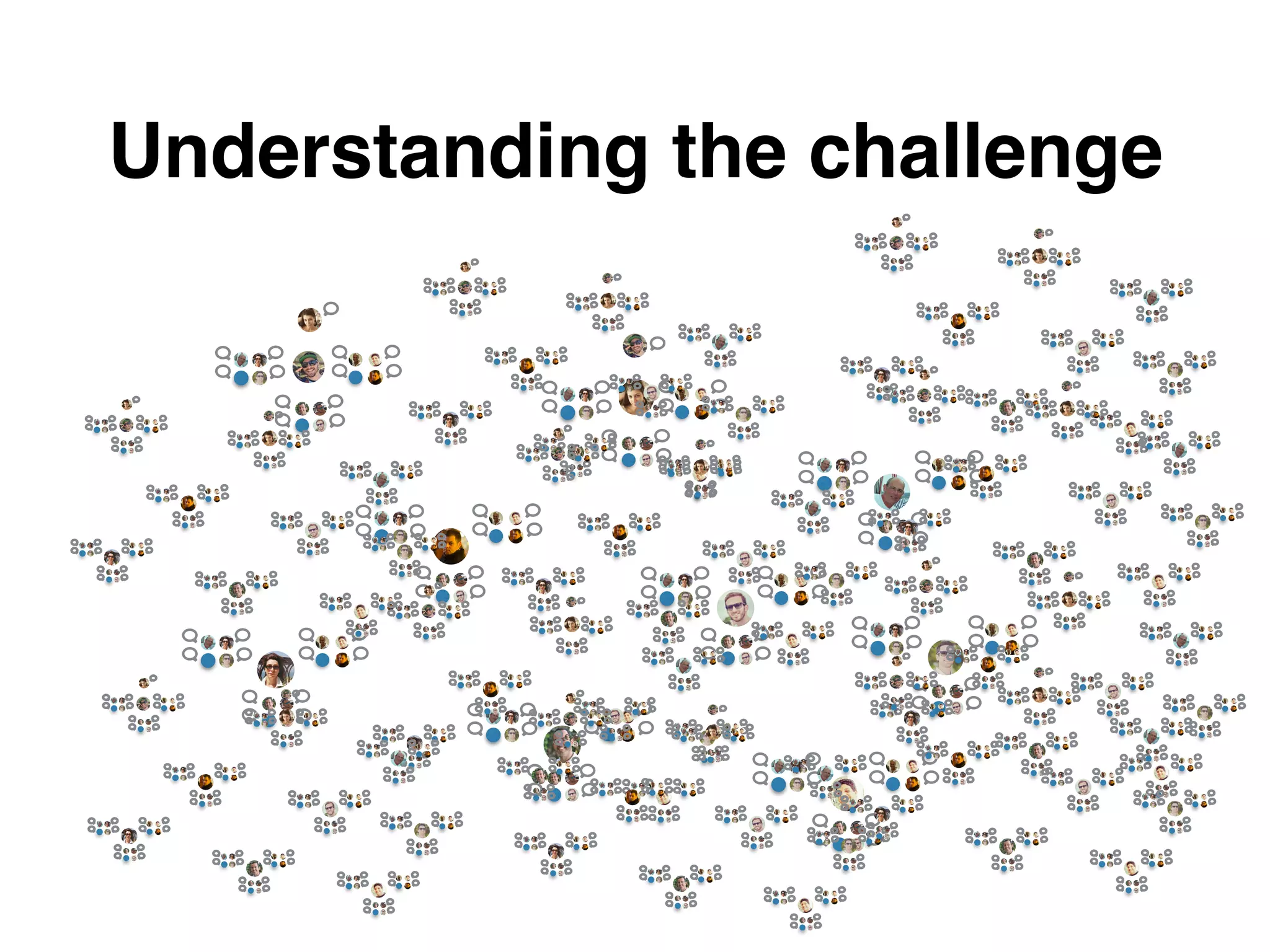
+450
+5+3
Understanding the challenge
The challenge
• Main challenge (back end):

Aggregating all posts, from all “followed” users ,
into a single, unified display
• Paging a constantly updating list of items
• Displaying newly added feed items after initial
rendering
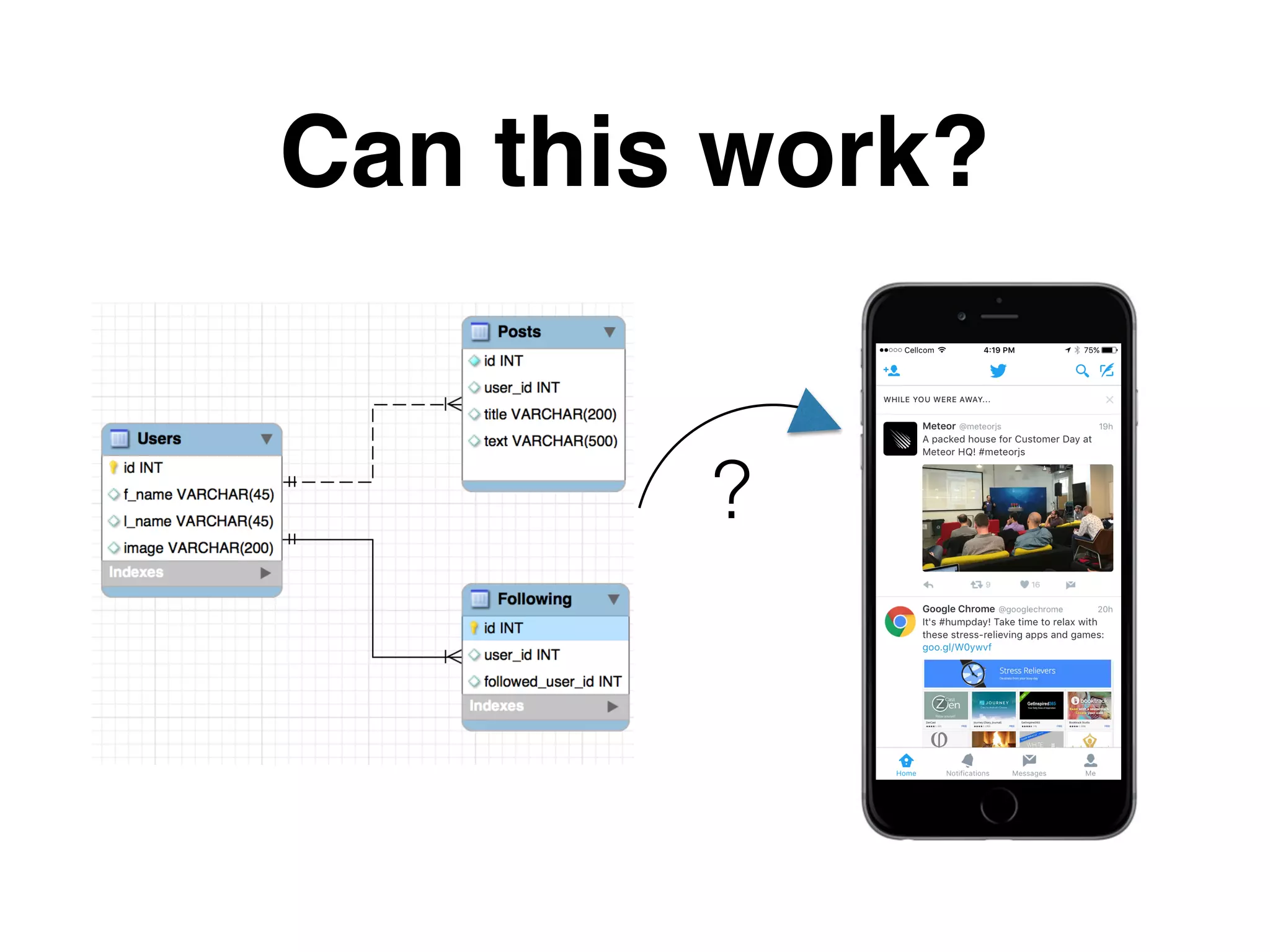
Can this work?
?
Lets try..
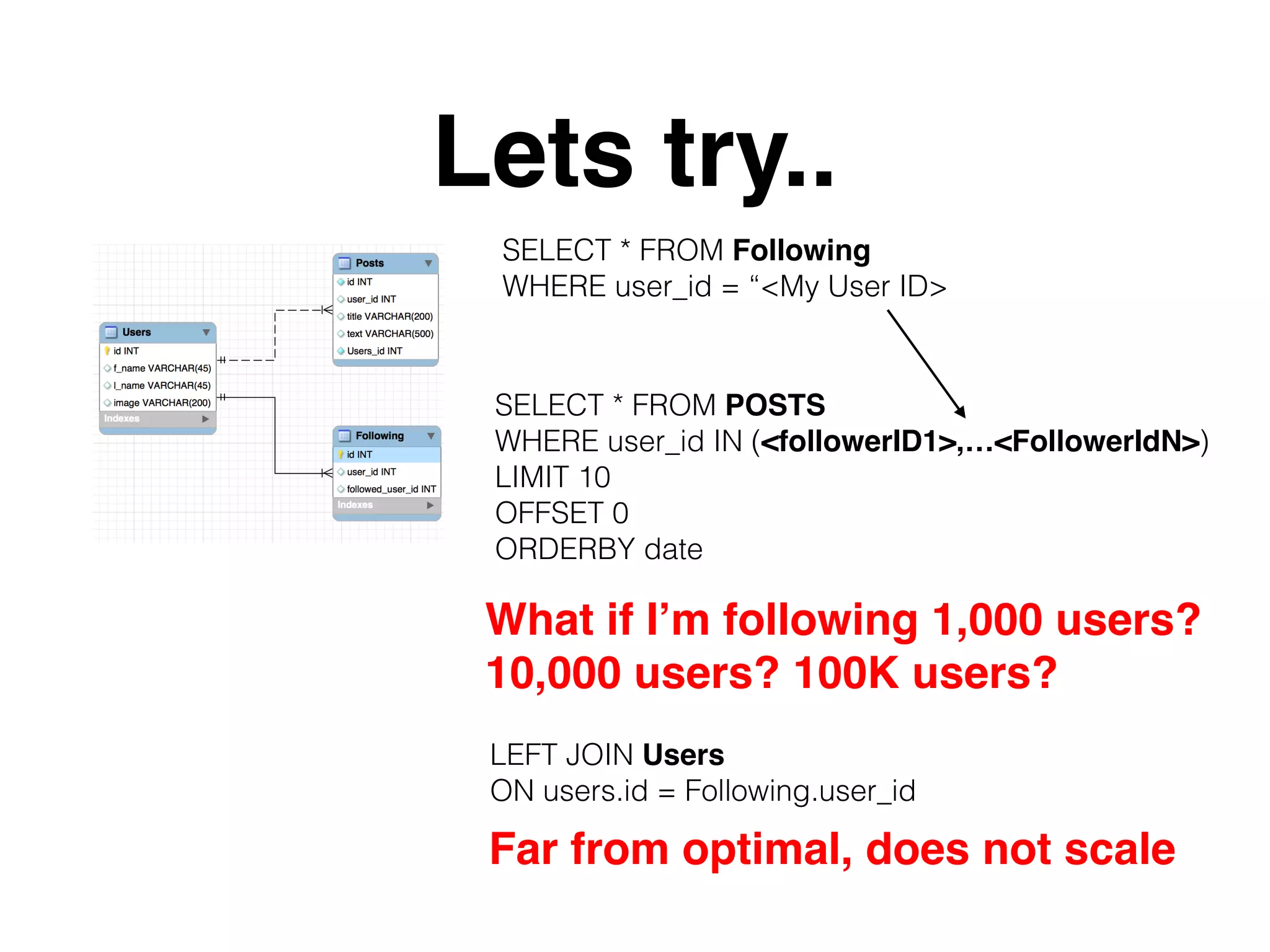
SELECT * FROM POSTS
WHERE user_id IN (<followerID1>,…<FollowerIdN>)
LIMIT 10
OFFSET 0
ORDERBY date
What if I’m following 1,000 users?
10,000 users? 100K users?
SELECT * FROM Following
WHERE user_id = “<My User ID>
LEFT JOIN Users
ON users.id = Following.user_id
Far from optimal, does not scale
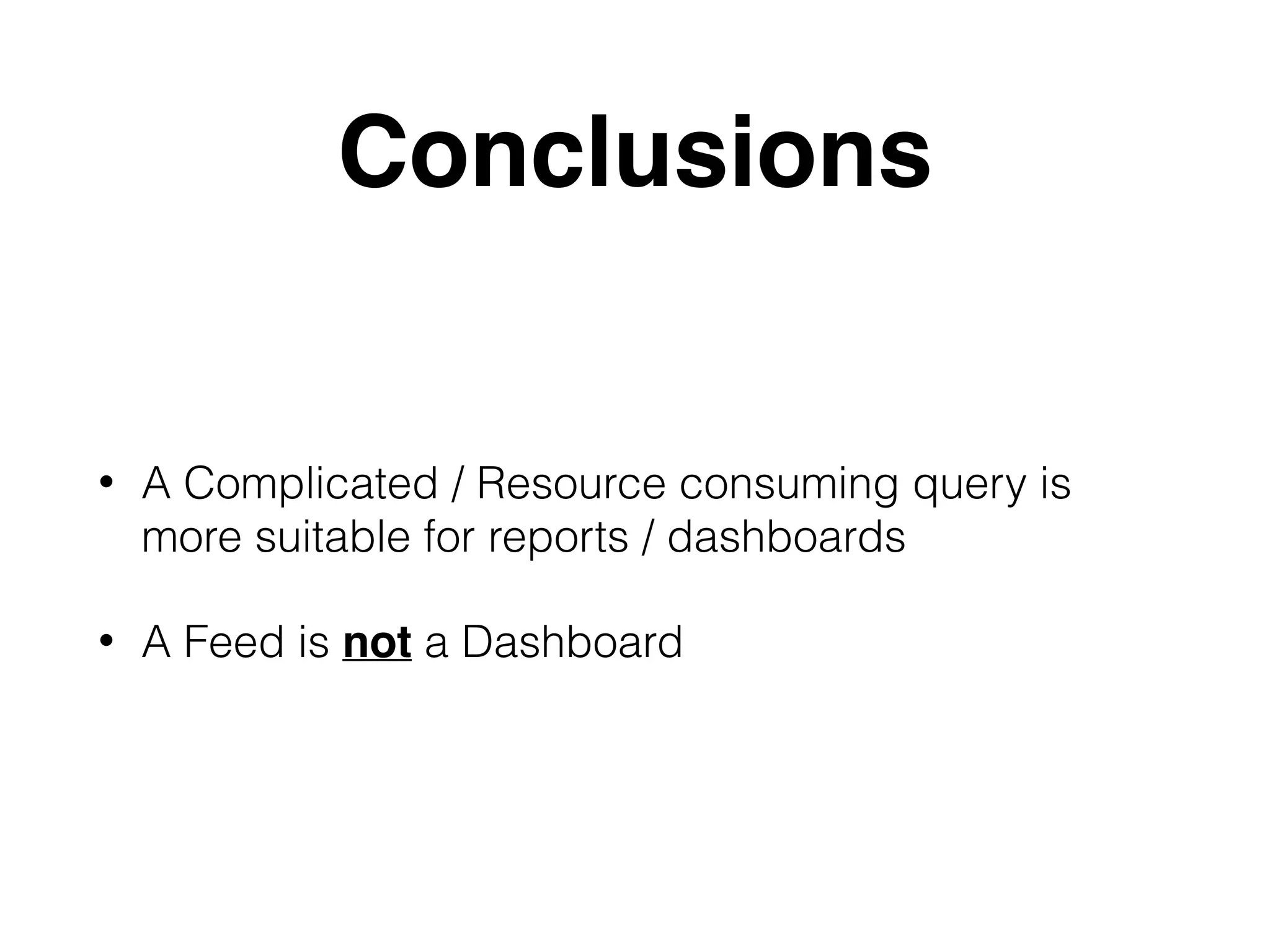
Conclusions
• A Complicated / Resource consuming query is
more suitable for reports / dashboards
• A Feed is not a Dashboard
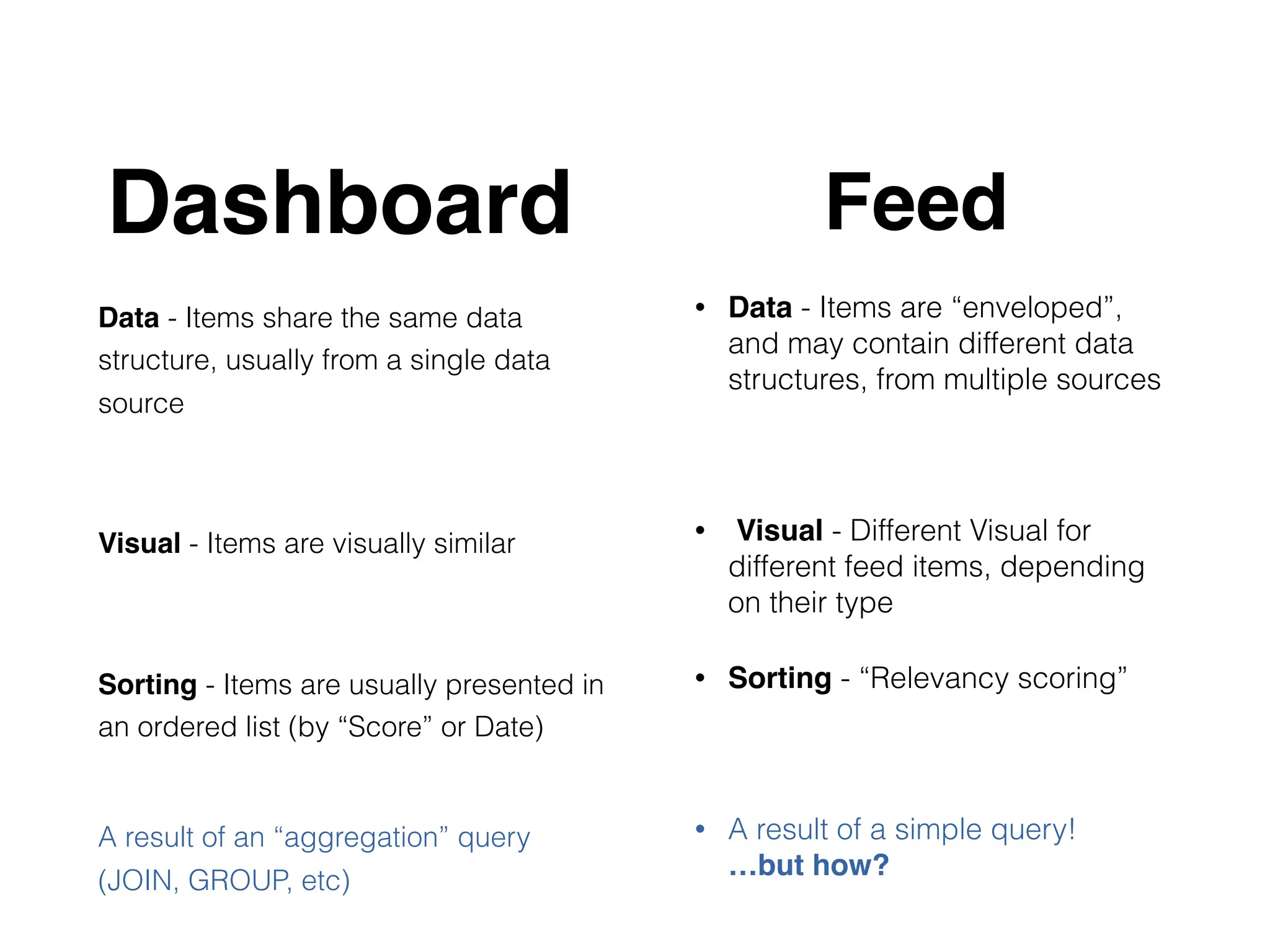
Data - Items share the same data
structure, usually from a single data
source 


Visual - Items are visually similar


Sorting - Items are usually presented in
an ordered list (by “Score” or Date)
A result of an “aggregation” query
(JOIN, GROUP, etc)
• Data - Items are “enveloped”,
and may contain different data
structures, from multiple sources
• Visual - Different Visual for
different feed items, depending
on their type
• Sorting - “Relevancy scoring”
• A result of a simple query!

…but how?
Dashboard Feed
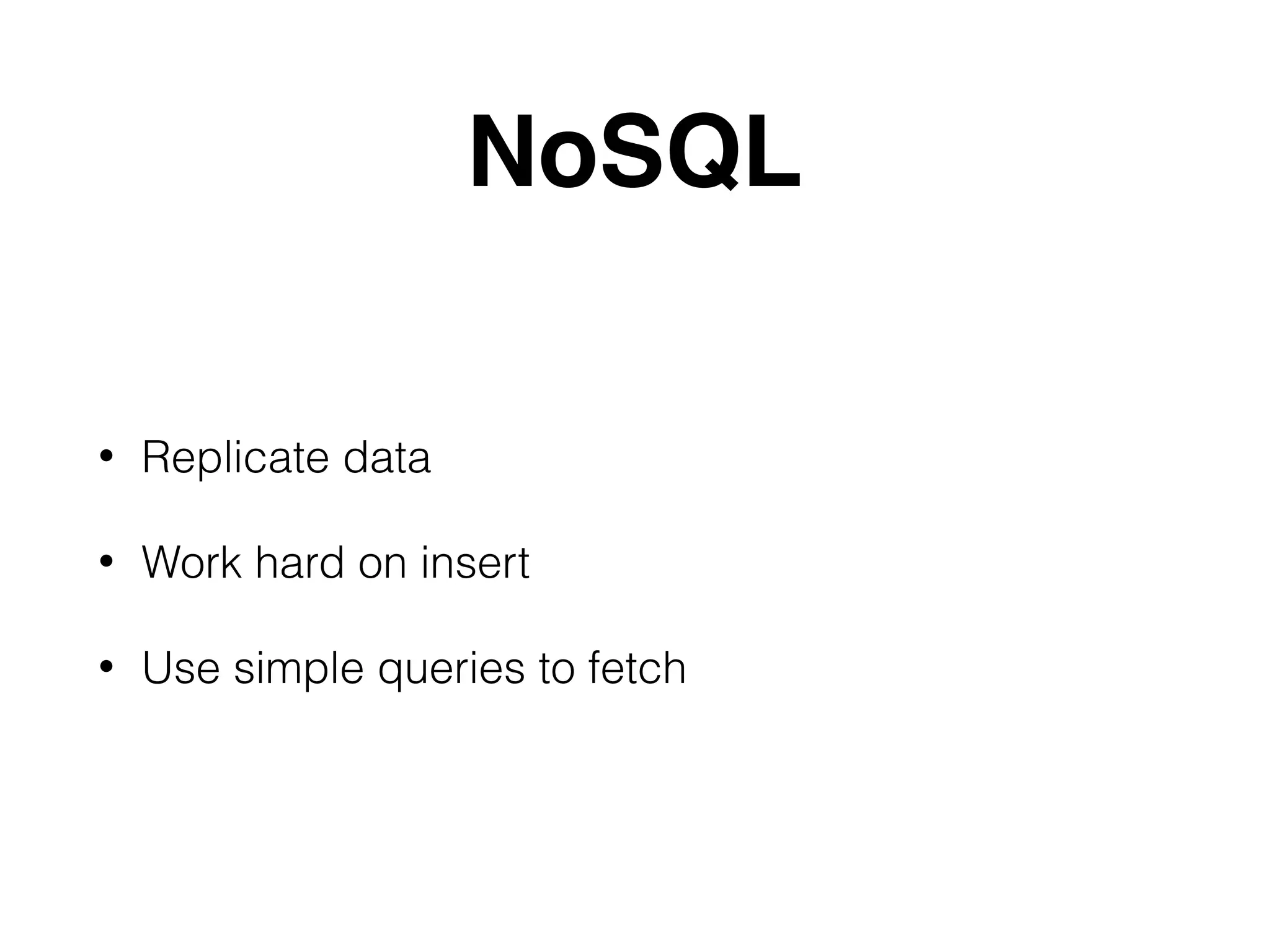
NoSQL
• Replicate data
• Work hard on insert
• Use simple queries to fetch
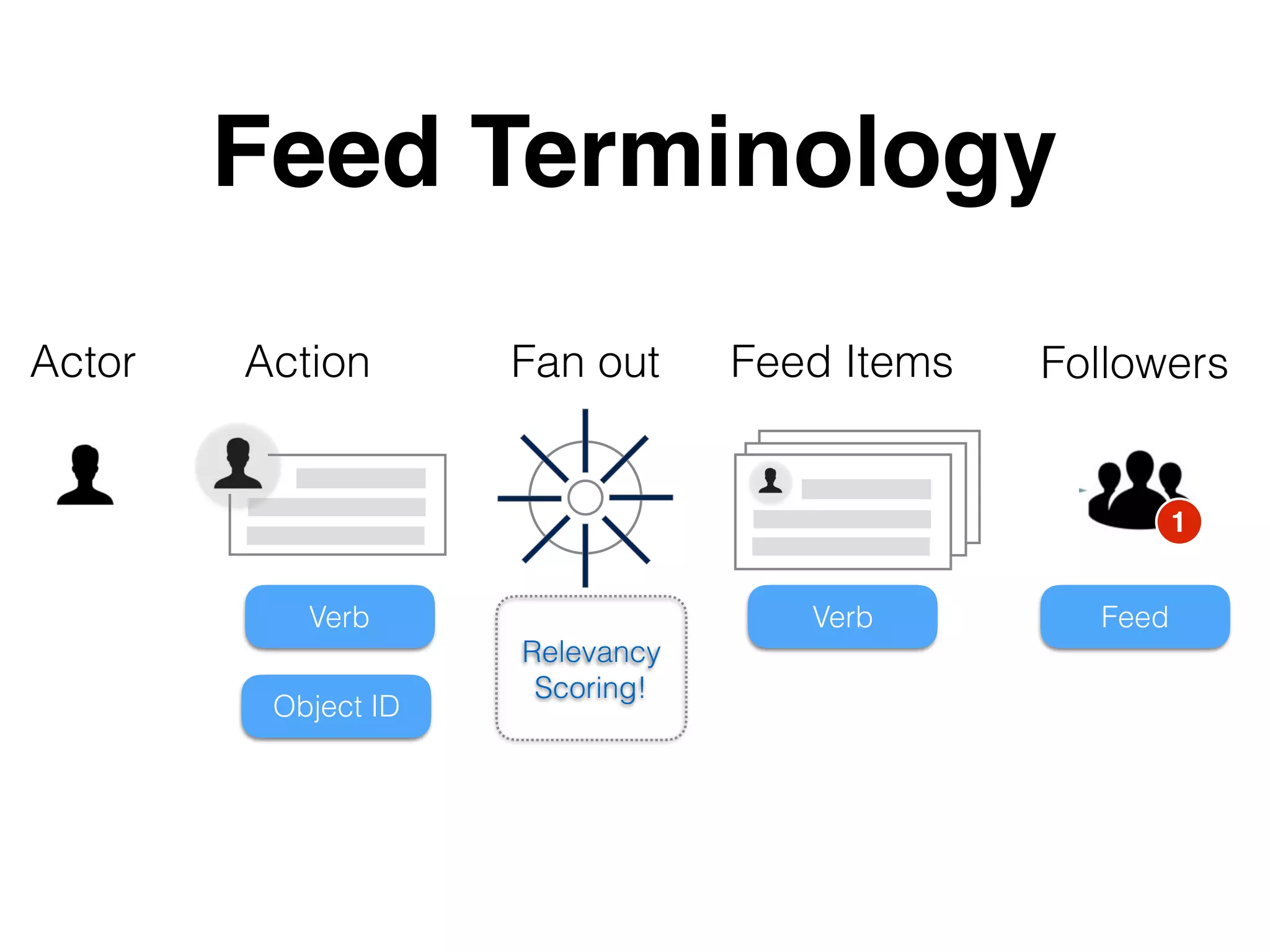
Feed Terminology
Actor
Verb
Object ID
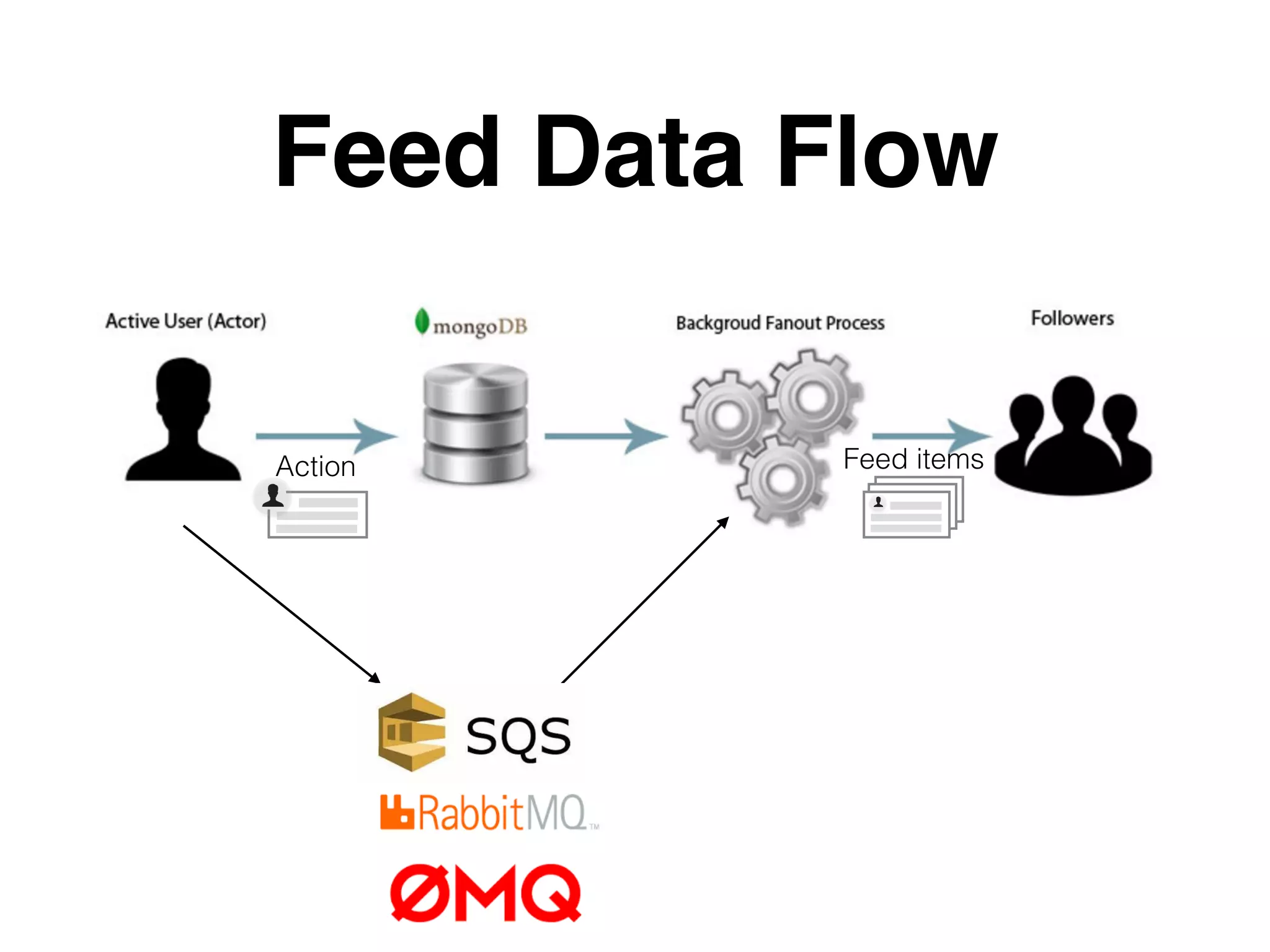
Fan out Feed ItemsAction Followers
Verb Feed
1
Relevancy
Scoring!
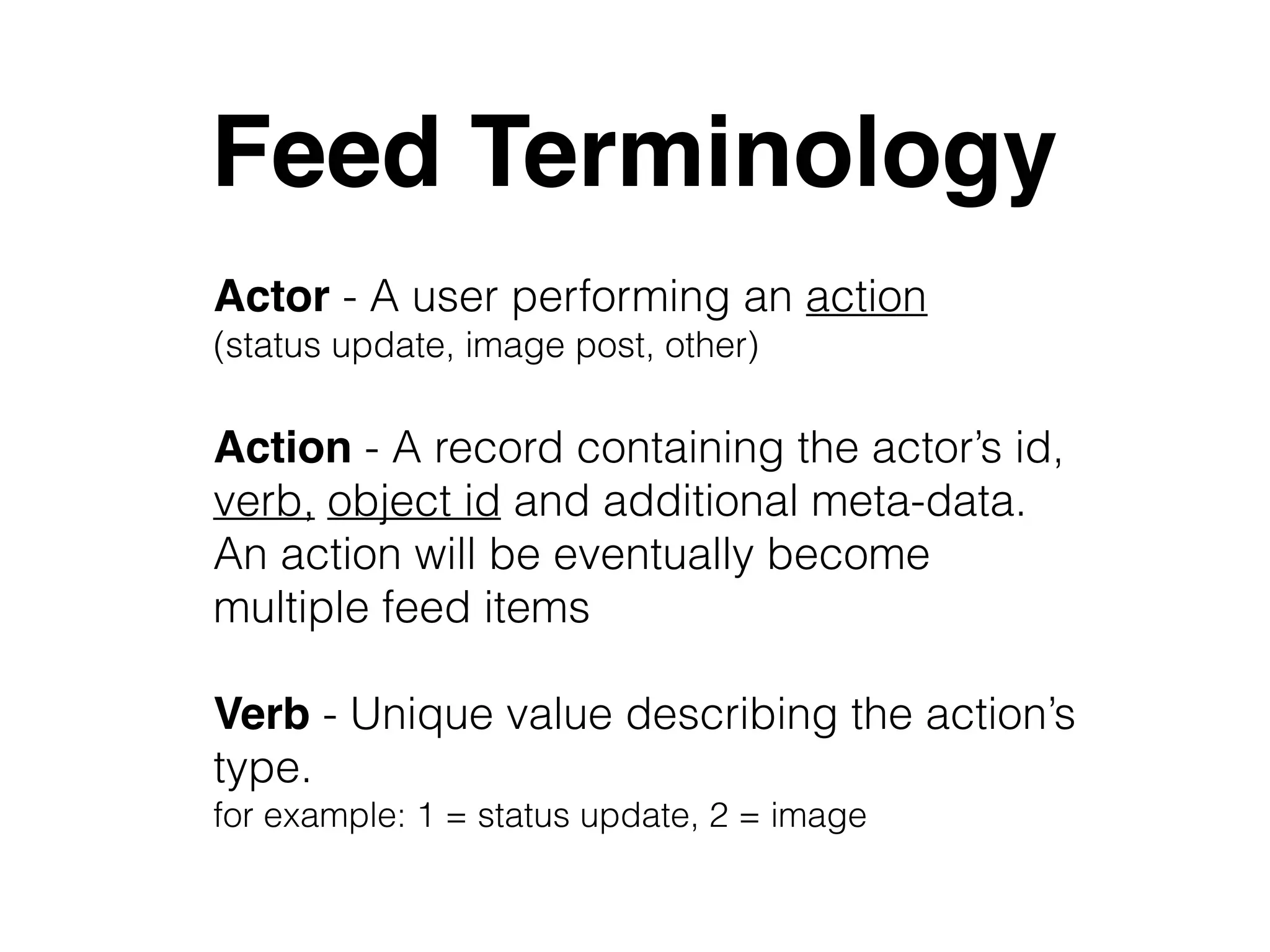
Feed Terminology
Actor - A user performing an action 

(status update, image post, other)
Verb - Unique value describing the action’s
type. 

for example: 1 = status update, 2 = image
Action - A record containing the actor’s id,
verb, object id and additional meta-data.

An action will be eventually become
multiple feed items
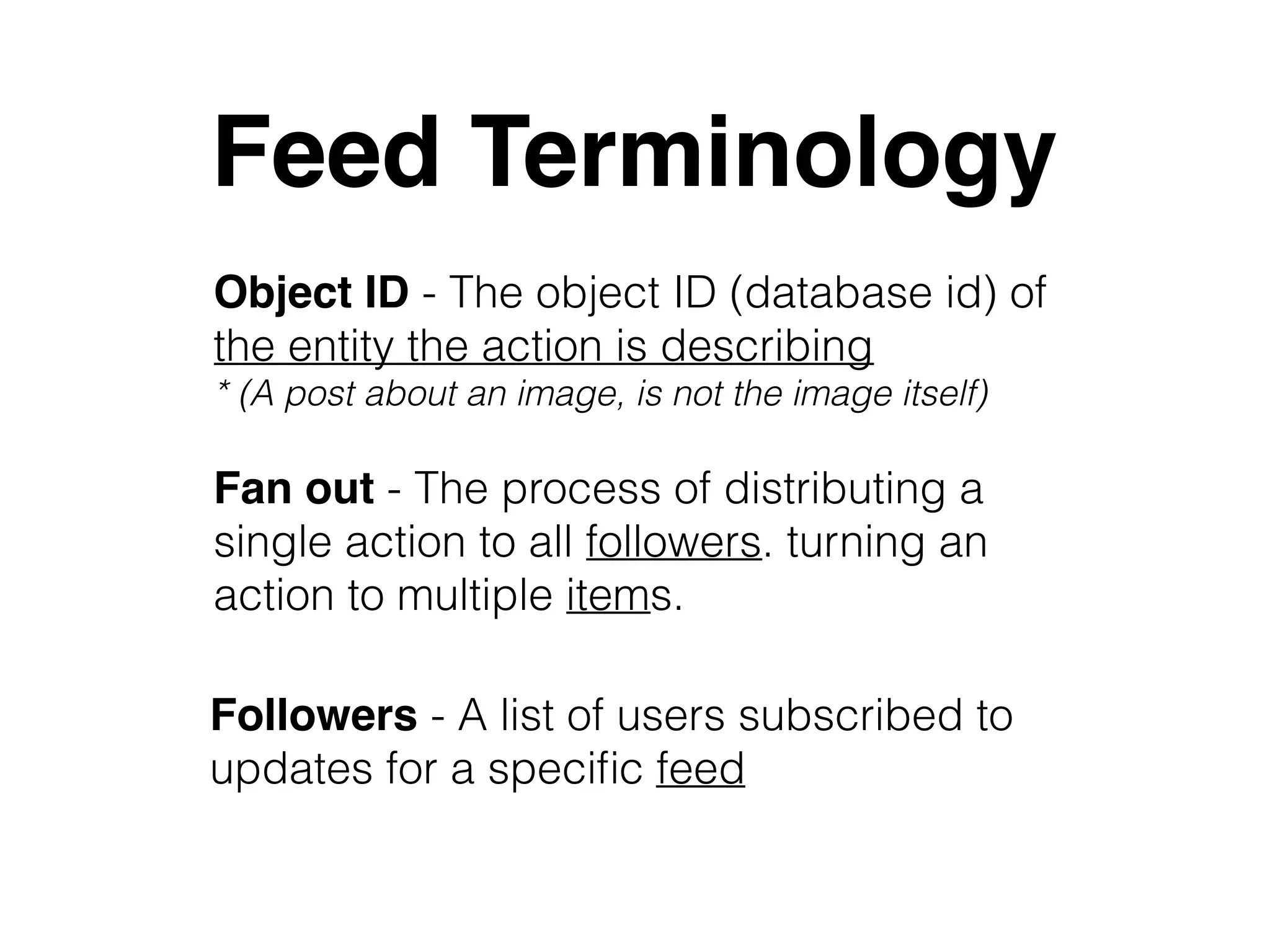
Feed Terminology
Fan out - The process of distributing a
single action to all followers. turning an
action to multiple items.
Followers - A list of users subscribed to
updates for a specific feed
Object ID - The object ID (database id) of
the entity the action is describing
* (A post about an image, is not the image itself)
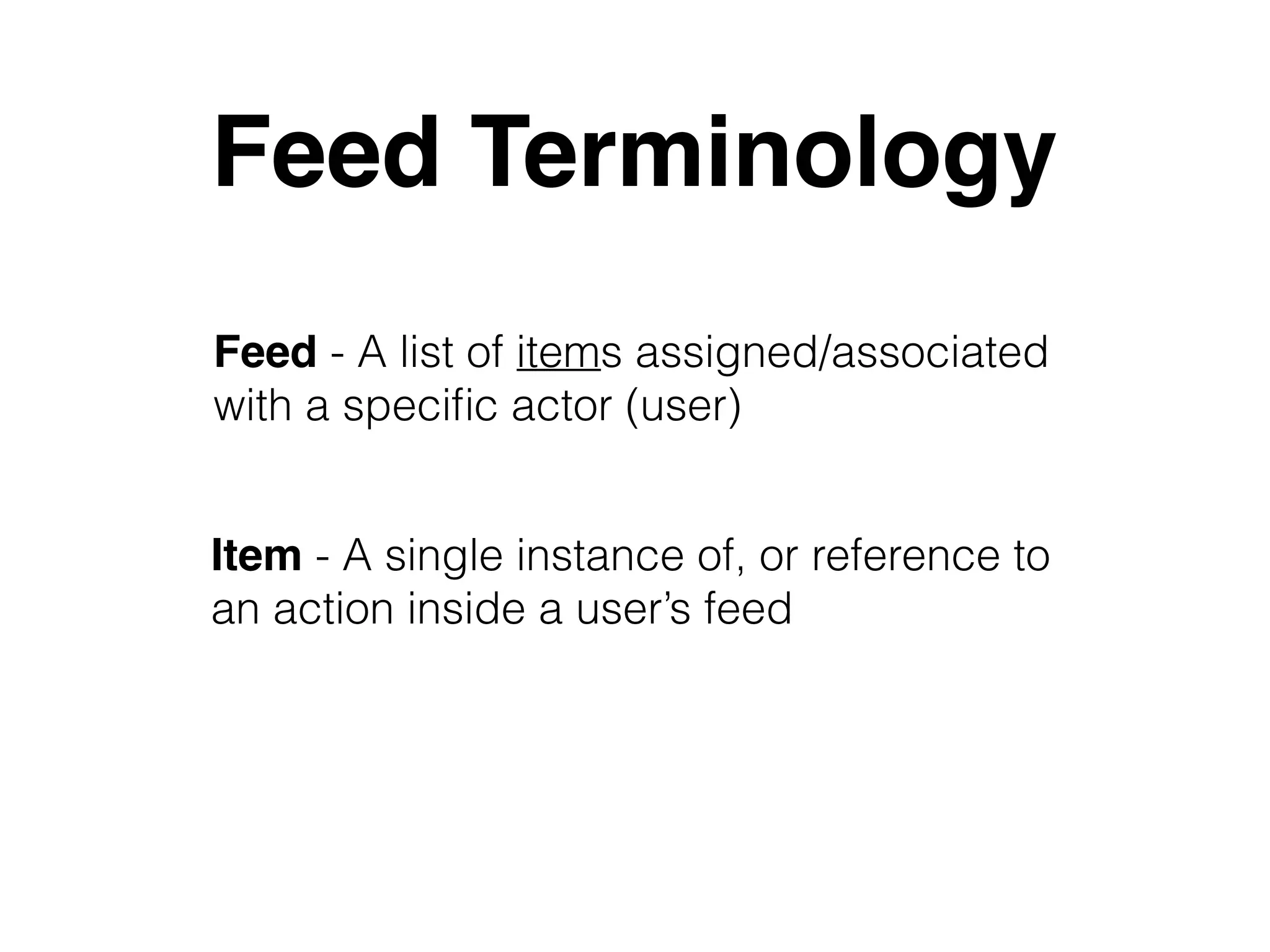
Feed Terminology
Item - A single instance of, or reference to
an action inside a user’s feed
Feed - A list of items assigned/associated
with a specific actor (user)
Feed Data Flow
Action Feed items
People don’t follow people, 

feeds follow feeds
One last thing before we can start…
In many cases, a single user has 2 feeds:
• News feed - a private feed containing items from his/her friends.

Technically, a user’s news feed is following other public feeds 

(profiles/timeline feeds)
• Profile (timeline) - a public feed listing all action performed by the 

current user.A ‘profile’ is actually a feed where all items have the same 

actor 

(the feed’s owner)


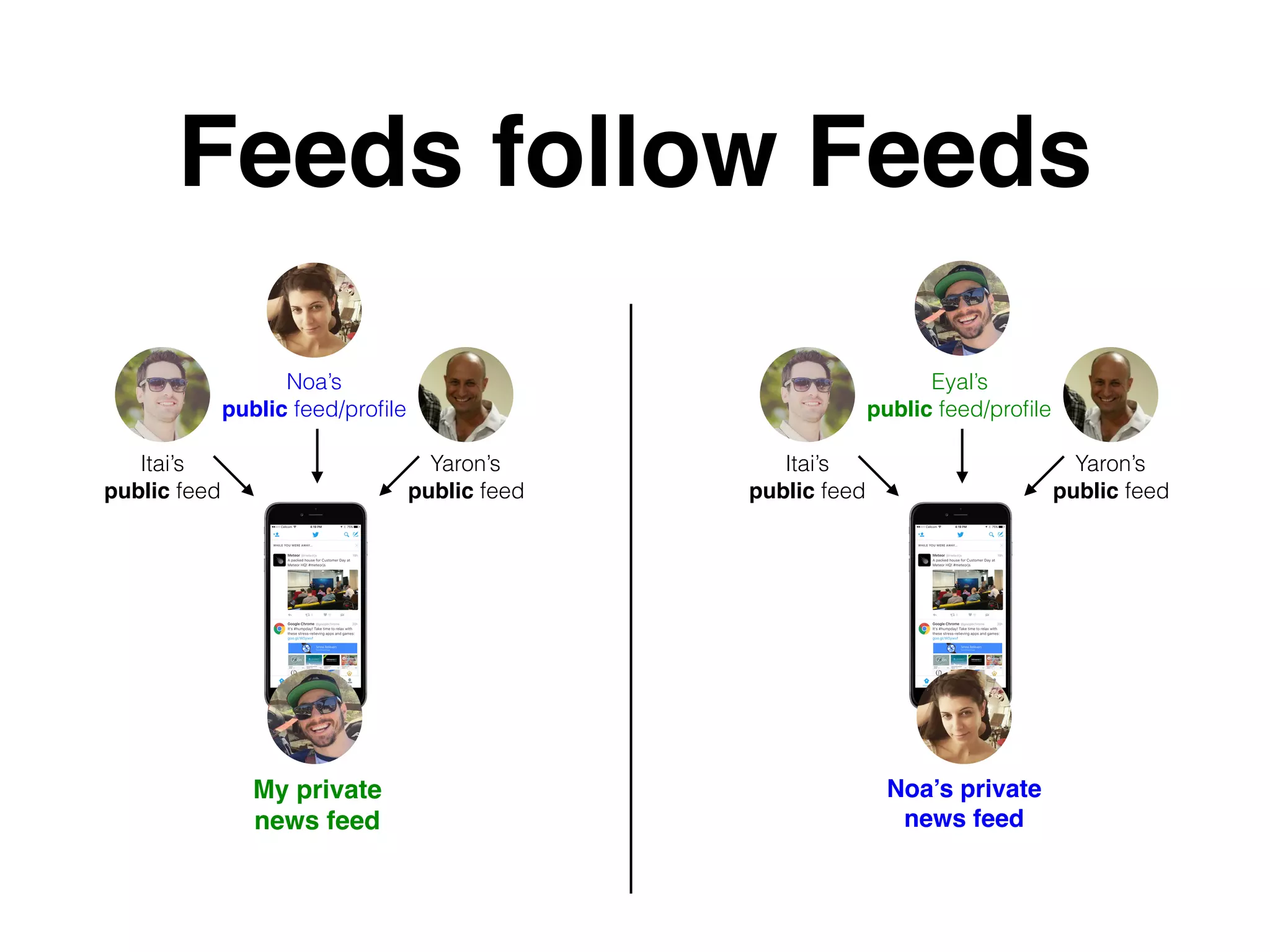
Feeds follow Feeds
My private
news feed
Yaron’s

public feed
Noa’s

public feed/profile
Itai’s

public feed
Yaron’s

public feed
Eyal’s

public feed/profile
Itai’s

public feed
Noa’s private

news feed
Feed Actions
• Modifying fanned-out feed items editing a “fanned-
out” post
• Adding Likes
• Adding Shares
• Existing Pub/Sub mechanisms
• Using relational databases - why/why not?
DEMO

Building Scalable and Personalized News Feed

  • 1.
    Building Scalable and PersonalizedNews Feed “activity streams” Eyal Ronel for Web Developers Community https://www.meetup.com/Web-Developers-Community
  • 2.
    Eyal Ronel R&D Managerat https://www.linkedin.com/in/eyalronel https://github.com/EyalRonel @eyalronel http://www.slidernet.co
  • 3.
    Overview 1. Getting familiarwith the concepts of activity streams 2. Differentiating between feeds and “dashboards” 3. Understanding the challenges 4. Guidelines on how to build you own feed mechanism
  • 4.
  • 6.
    Not A Feed… BankLeumi - iOS App
  • 7.
    Not A Feed… CNN.comlatest Headlines Officialcharts.com top rated songs
  • 8.
  • 9.
    Instagram • Users canfollow/unfollow other users • A News feed (used to) consists of all items submitted by users you’re following • Feed Items include images, videos and ads • Sorted chronologically
  • 10.
    Twitter • Users canfollow/unfollow other users • A News feed consists of all items submitted by users you’re following • Feed Items include textual tweets, images, videos and ads • Sorted chronologically
  • 11.
    Facebook • Users canfriend/unfriend other users • User can follow/unfollow other users (new friends are followed by default) • A News feed consists of selected items submitted by users you’re following (not only your friends) • Feed Items include status updates, images, videos, checkins, ads, etc • Sorted by Relevancy(!)
  • 12.
  • 13.
  • 14.
  • 15.
    The challenge • Mainchallenge (back end):
 Aggregating all posts, from all “followed” users , into a single, unified display • Paging a constantly updating list of items • Displaying newly added feed items after initial rendering
  • 16.
  • 17.
    Lets try.. SELECT *FROM POSTS WHERE user_id IN (<followerID1>,…<FollowerIdN>) LIMIT 10 OFFSET 0 ORDERBY date What if I’m following 1,000 users? 10,000 users? 100K users? SELECT * FROM Following WHERE user_id = “<My User ID> LEFT JOIN Users ON users.id = Following.user_id Far from optimal, does not scale
  • 18.
    Conclusions • A Complicated/ Resource consuming query is more suitable for reports / dashboards • A Feed is not a Dashboard
  • 19.
    Data - Itemsshare the same data structure, usually from a single data source 
 
 Visual - Items are visually similar 
 
 Sorting - Items are usually presented in an ordered list (by “Score” or Date) A result of an “aggregation” query (JOIN, GROUP, etc) • Data - Items are “enveloped”, and may contain different data structures, from multiple sources • Visual - Different Visual for different feed items, depending on their type • Sorting - “Relevancy scoring” • A result of a simple query!
 …but how? Dashboard Feed
  • 20.
    NoSQL • Replicate data •Work hard on insert • Use simple queries to fetch
  • 21.
    Feed Terminology Actor Verb Object ID Fanout Feed ItemsAction Followers Verb Feed 1 Relevancy Scoring!
  • 22.
    Feed Terminology Actor -A user performing an action 
 (status update, image post, other) Verb - Unique value describing the action’s type. 
 for example: 1 = status update, 2 = image Action - A record containing the actor’s id, verb, object id and additional meta-data.
 An action will be eventually become multiple feed items
  • 23.
    Feed Terminology Fan out- The process of distributing a single action to all followers. turning an action to multiple items. Followers - A list of users subscribed to updates for a specific feed Object ID - The object ID (database id) of the entity the action is describing * (A post about an image, is not the image itself)
  • 24.
    Feed Terminology Item -A single instance of, or reference to an action inside a user’s feed Feed - A list of items assigned/associated with a specific actor (user)
  • 25.
  • 26.
    People don’t followpeople, 
 feeds follow feeds One last thing before we can start… In many cases, a single user has 2 feeds: • News feed - a private feed containing items from his/her friends.
 Technically, a user’s news feed is following other public feeds 
 (profiles/timeline feeds) • Profile (timeline) - a public feed listing all action performed by the 
 current user.A ‘profile’ is actually a feed where all items have the same 
 actor 
 (the feed’s owner)
 

  • 27.
    Feeds follow Feeds Myprivate news feed Yaron’s
 public feed Noa’s
 public feed/profile Itai’s
 public feed Yaron’s
 public feed Eyal’s
 public feed/profile Itai’s
 public feed Noa’s private
 news feed
  • 28.
    Feed Actions • Modifyingfanned-out feed items editing a “fanned- out” post • Adding Likes • Adding Shares • Existing Pub/Sub mechanisms • Using relational databases - why/why not?
  • 29.