



















Jeroen Benats

Vaadin TouchKit

Vaadin’s mobile framework
TouchKit?
Why use it…

…when you
have Vaadin?
•
•
•

•

Screen size
Finger accuracy
Native Look&Feel for iOS

!
Vaadin 7 can be made responsive
• CSS @media queries
Benefits?
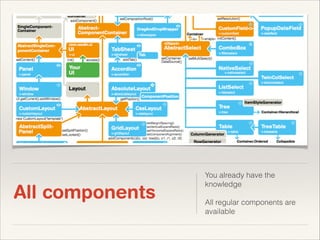
All components

You already have the
knowledge


All regular components are
available
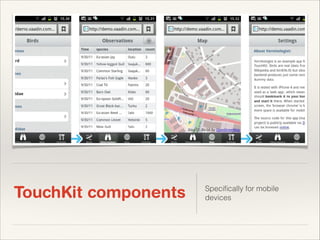
TouchKit components

Specifically for mobile
devices
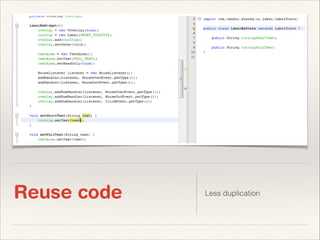
Reuse code

Less duplication
Supports a lot!

GeoLocation
Home Screen launching

Splash Screen

Offline mode
t
r

e
h

n
e

u
o
Y

c

n
a

o
g

v
e

u
f

!
r
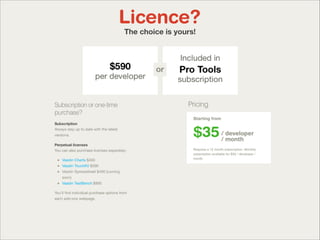
Licence?

AGPL - FREE


CVAL - $590 / DEV
Licence?
The choice is yours!
Licence?
Issues you need to consider
Mobile user interface
❖

Other than regular computers (rotation, …)

❖

Finger instead of mouse
❖
❖

❖

No right-finger-click
Double-tap usually not used

No physical keyboard
❖

Changes, depending on the context
Bandwidth and Performance
❖

Client-side engine can take some time to load
❖

❖

Latency is very important for mobile
❖

❖

> Only compile widgetset with used components

> Limit the use of immediate

Use components can affect performance
❖

> TouchKit components are light-weight

❖

> CssLayout
Compatibility
❖

TouchKit focuses on WebKit
❖

❖

Leading mobile browser core (69% mobile market)

Back-button
❖

Android devices have a dedicated back-button

❖

iOS doesn’t

❖

> URI fragments can be used to cover this
Components
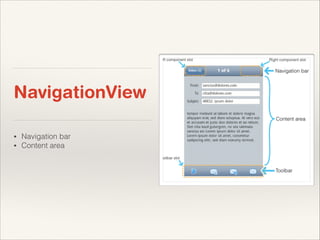
NavigationView
•
•

Navigation bar
Content area
NavigationView

❖

Often used inside a NavigationManager
❖

> View change animations

❖

Full size by default

❖

setExpandRatio(content_area, 1)
NavigationView
❖

NavigationBar
❖
❖

❖

“Go left” + caption + “Go right”
setLeftComponent() + setCaption() + setRightComponent()

Toolbar area
❖

setToolBar()

❖

Can be any component

❖

TouchKit provides a specific ToolBar
❖

Is a CssLayout
❖

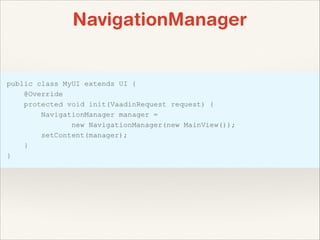
NavigationManager

Takes care of sliding
animations


❖

3 components can be set

NavigationManager

❖

setPreviousComponent()

❖

setCurrentComponent()

❖

setNextComponent()


❖

NE
E

Previous and next components are cached NSIV
RE

PO
S

S!
S
NavigationManager
NavigationManager

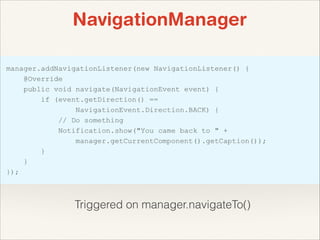
Triggered on manager.navigateTo()
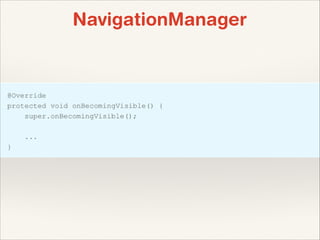
or in the view…
NavigationManager
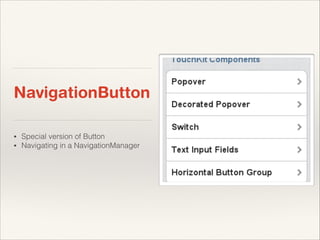
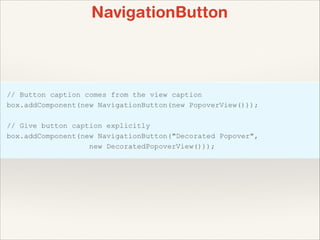
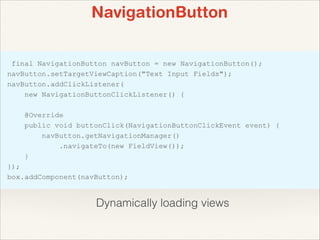
NavigationButton
•
•

Special version of Button
Navigating in a NavigationManager
NavigationButton
recommended for
performance…
NavigationButton

Dynamically loading views
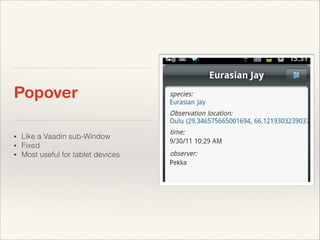
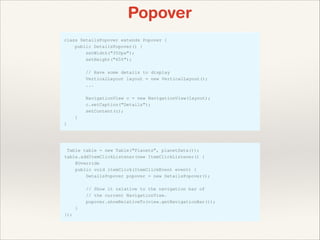
Popover
•
•
•

Like a Vaadin sub-Window
Fixed
Most useful for tablet devices
Popover
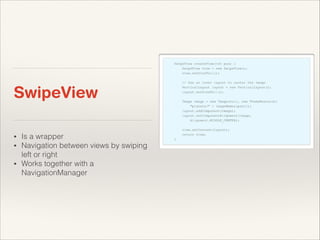
SwipeView
•
•
•

Is a wrapper
Navigation between views by swiping
left or right
Works together with a
NavigationManager
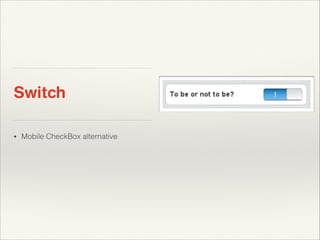
Switch
•

Mobile CheckBox alternative
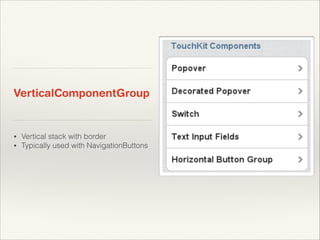
VerticalComponentGroup

•
•

Vertical stack with border
Typically used with NavigationButtons
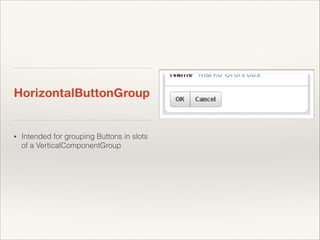
HorizontalButtonGroup

•

Intended for grouping Buttons in slots
of a VerticalComponentGroup
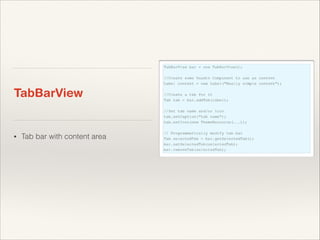
TabBarView

•

Tab bar with content area
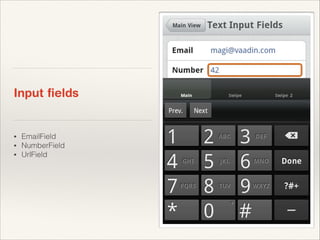
Input fields

•
•
•

EmailField
NumberField
UrlField
Advanced topics
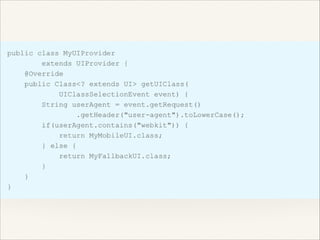
Fallback UI
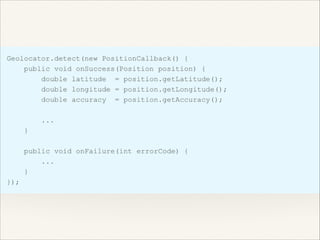
GeoLocation
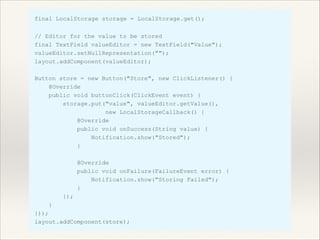
Storing data in the Local
Storage
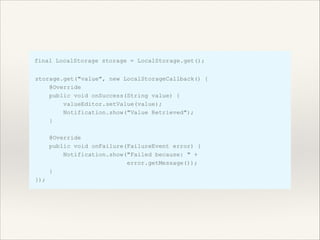
Getting data from the Local
Storage
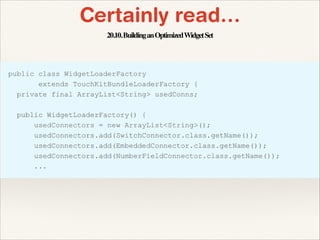
Certainly read…
Certainly read…
20.10. Building an Optimized Widget Set
Vaadin Touchkit 4

Vaadin Touchkit 4