Blogs at  University of Wales, Newport Michael Webb Head of IT and Media Services University of Wales, Newport The work is licensed under a Attribution-NonCommercial-ShareAlike 2.5 licence. The University of Wales, Newport logo most not be modified in any way.
Presentation Overview Part 1) An overview of our blogging service What facilities we have How they are used How they are managed Part 2) How we got there How we established the need How we chose the product How we launched it
Part 1 An overview  of our blogging service What facilities we have How they are used How they are managed
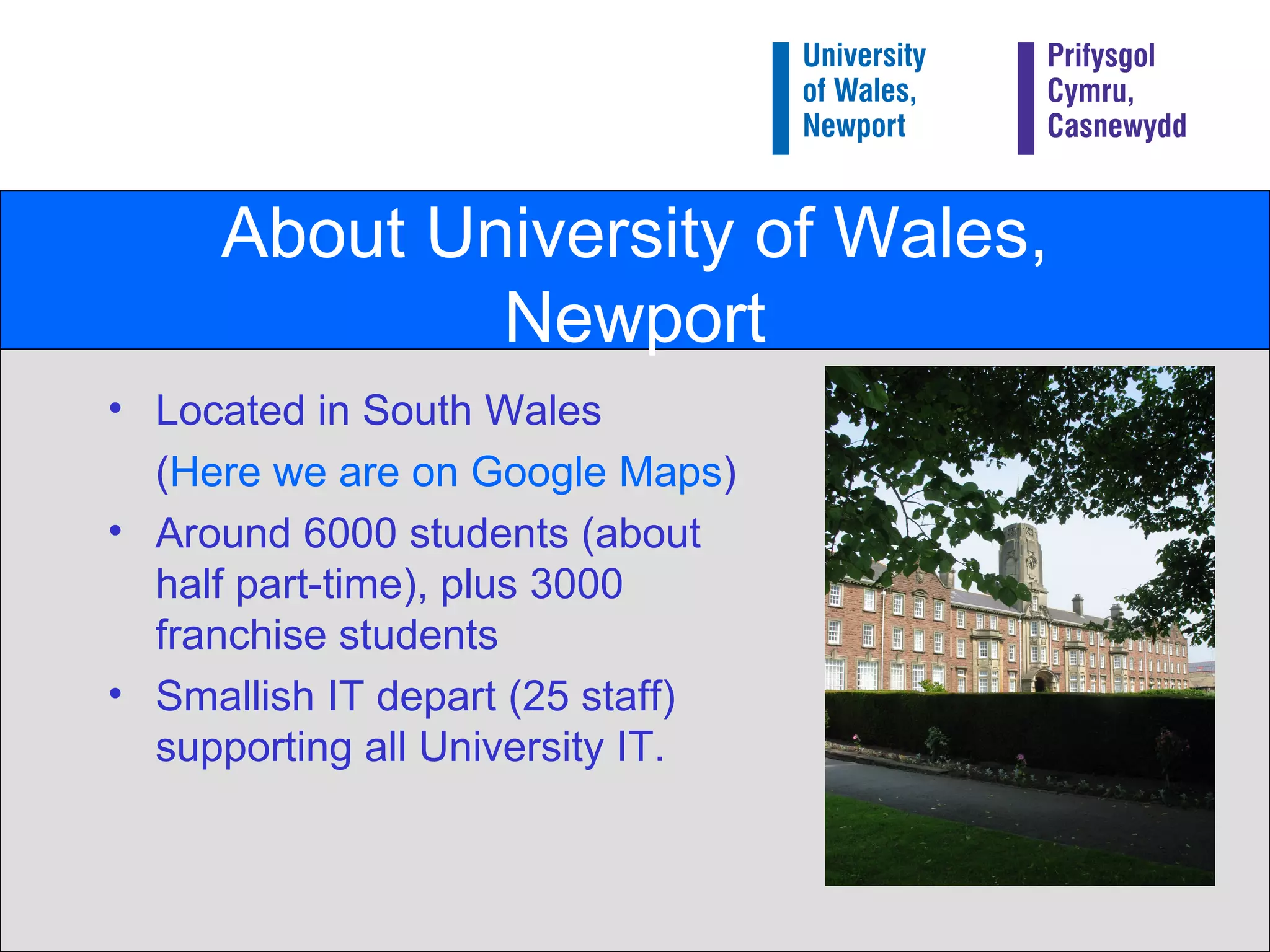
About University of Wales, Newport Located in South Wales ( Here we are on Google Maps ) Around 6000 students (about half part-time), plus 3000 franchise students Smallish IT depart (25 staff) supporting all University IT.
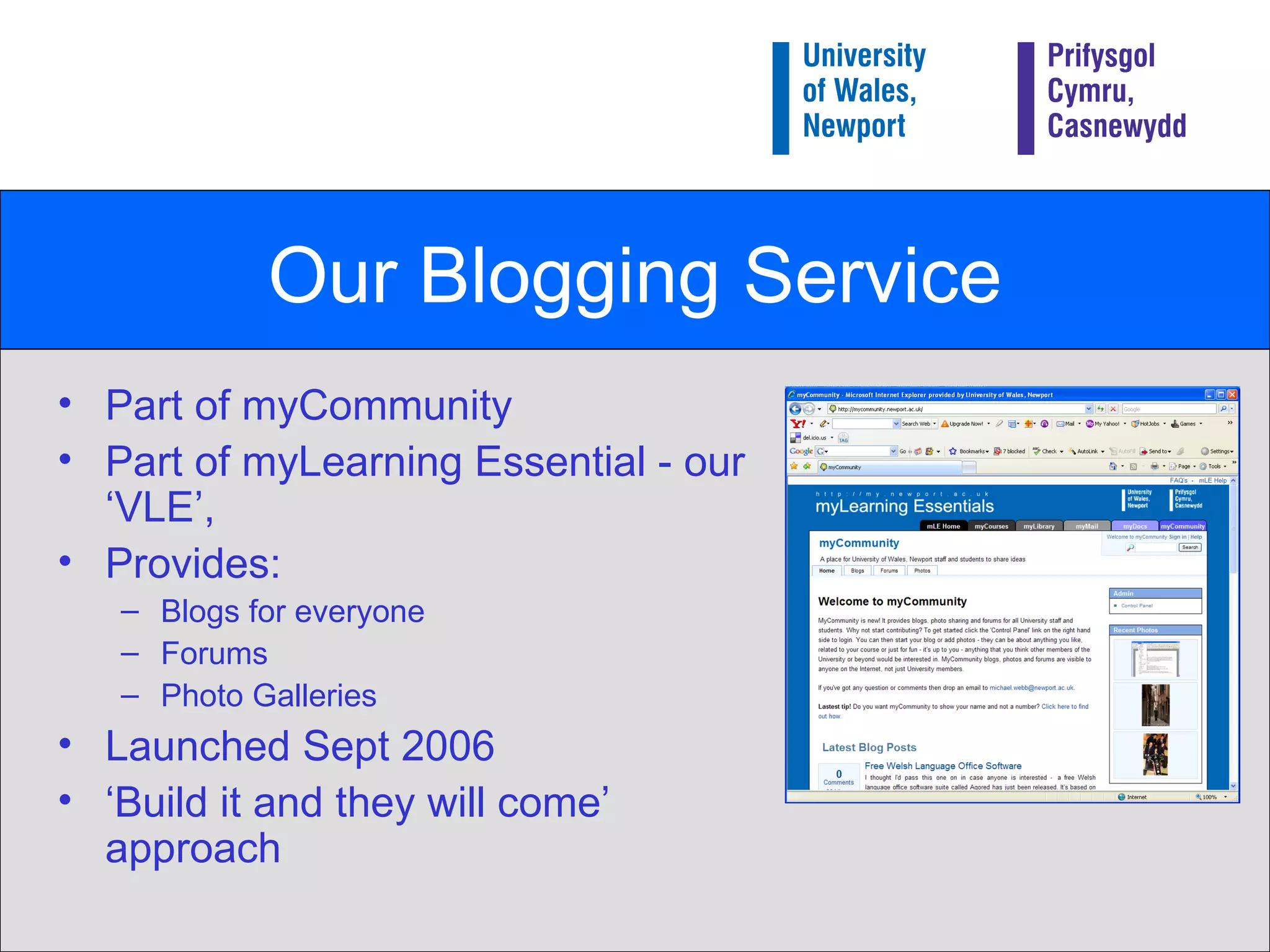
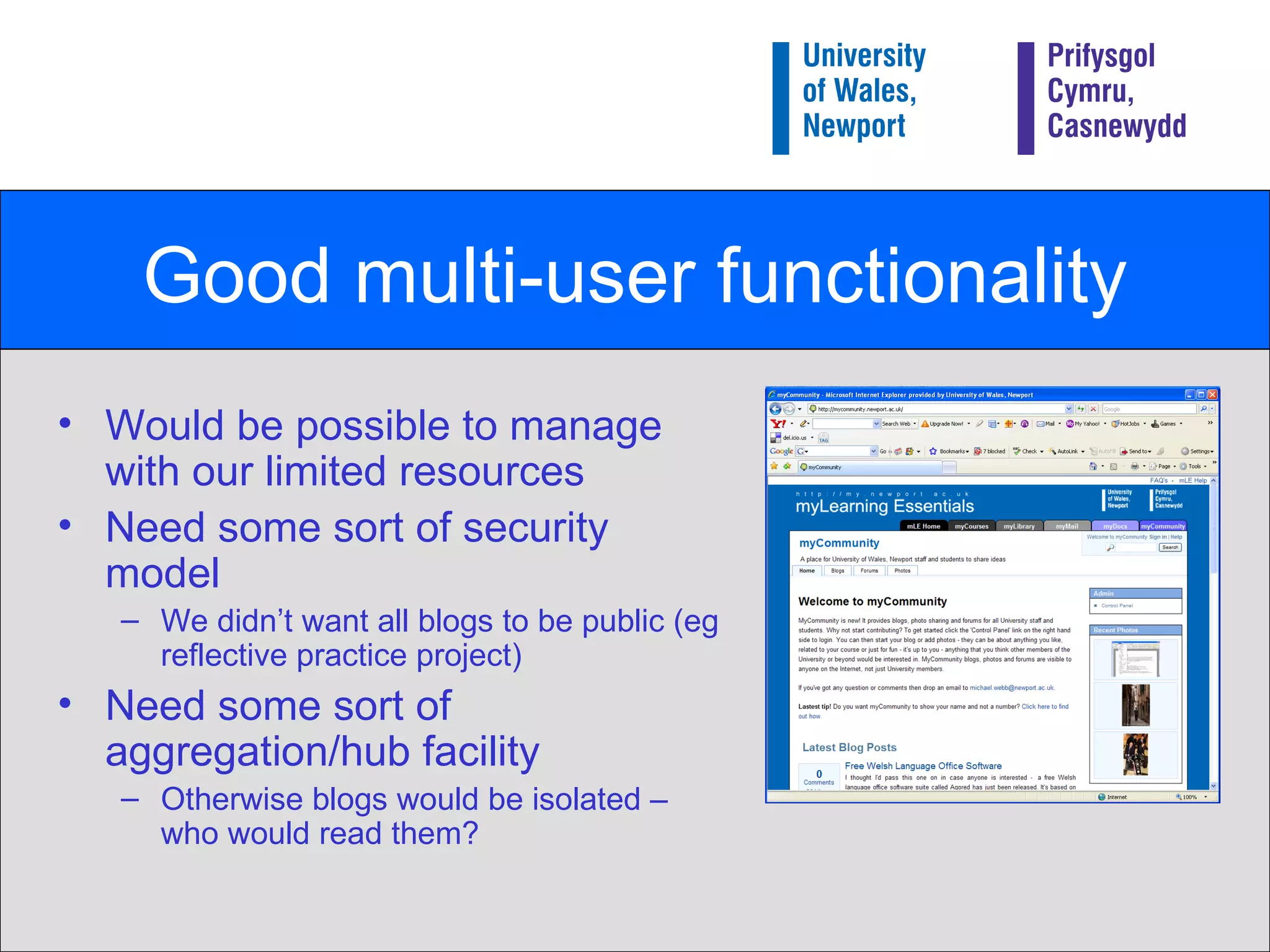
Our Blogging Service Part of myCommunity Part of myLearning Essential - our ‘VLE’, Provides: Blogs for everyone Forums Photo Galleries Launched Sept 2006 ‘ Build it and they will come’ approach
MyCommunity Demo Publicly accessible at: http://mycommunity.newport.ac.uk Quick demo of how it works…
How our blogs are used Used for a variety of purposes: To initiate discussion Disseminating information Comment on the University Share subject specific thoughts and ideas Teaching and Learning project – reflective practice Fun! Examples to follow in a moment.
1% rule If you get a group of 100 people online then one will create content, 10 will "interact" with it (commenting or offering improvements) and the other 89 will just view it (or ‘lurk’).   (see  http:// en.wikipedia.org/wiki/Participation_inequality )
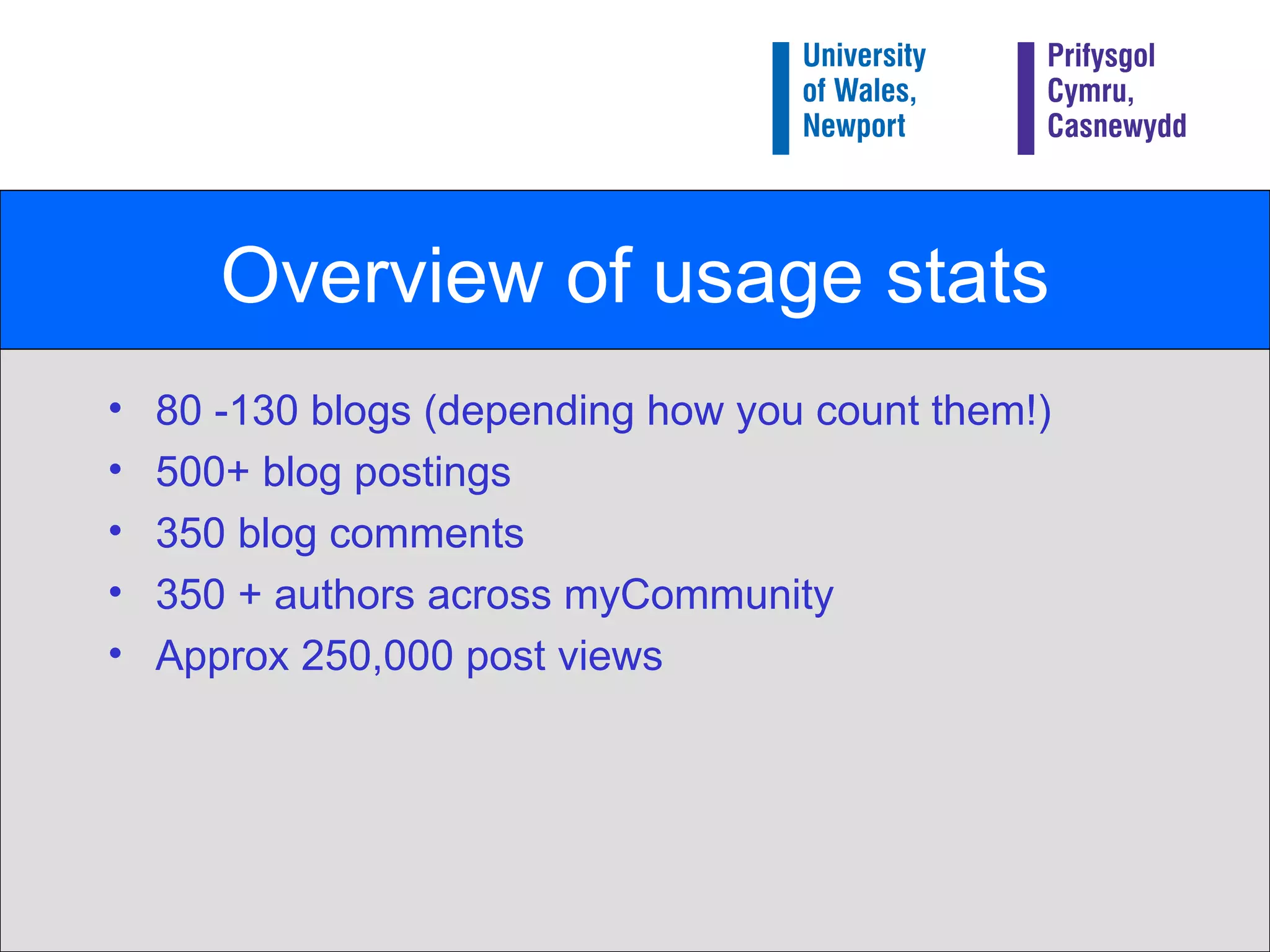
Overview of usage stats 80 -130 blogs (depending how you count them!) 500+ blog postings 350 blog comments 350 + authors across myCommunity Approx 250,000 post views
Blog uses: Initiating discussion Staff getting feedback from students Future of our Computer Suites Students getting feedback from students Advice on indoor photography General debate Why don’t young people get involved in Charity Work?
Disseminating Information Staff using blogs to communicate with potential students HSS  Fresher’s   blogs Students advertising events eg  Big Ask Live
Comment on the University Less than you might imagine at the moment! Students Union Wireless networking is rubbish…!
Subject specific thoughts and ideas Students – blogging about their work Indiewood  project Subject area blogs… Note from the Cupboard … Feedback from outside the University
Reflective Practice Possibly most exciting use of myCommunity! Around 60 education students blogging their teaching practice experience Blogs restricted to the group plus lecturers Unique way of: a) Working as a group remotely b) Reflecting on their experiences
Management Issues Currently low management overhead Students (and staff!) using the service in a very responsible way Checked regularly by IT/Learning Technology group but currently no formal moderation. Only had to ‘censor’ one posting so far.
Part 2 How we got there… How we established the need How we chose the product
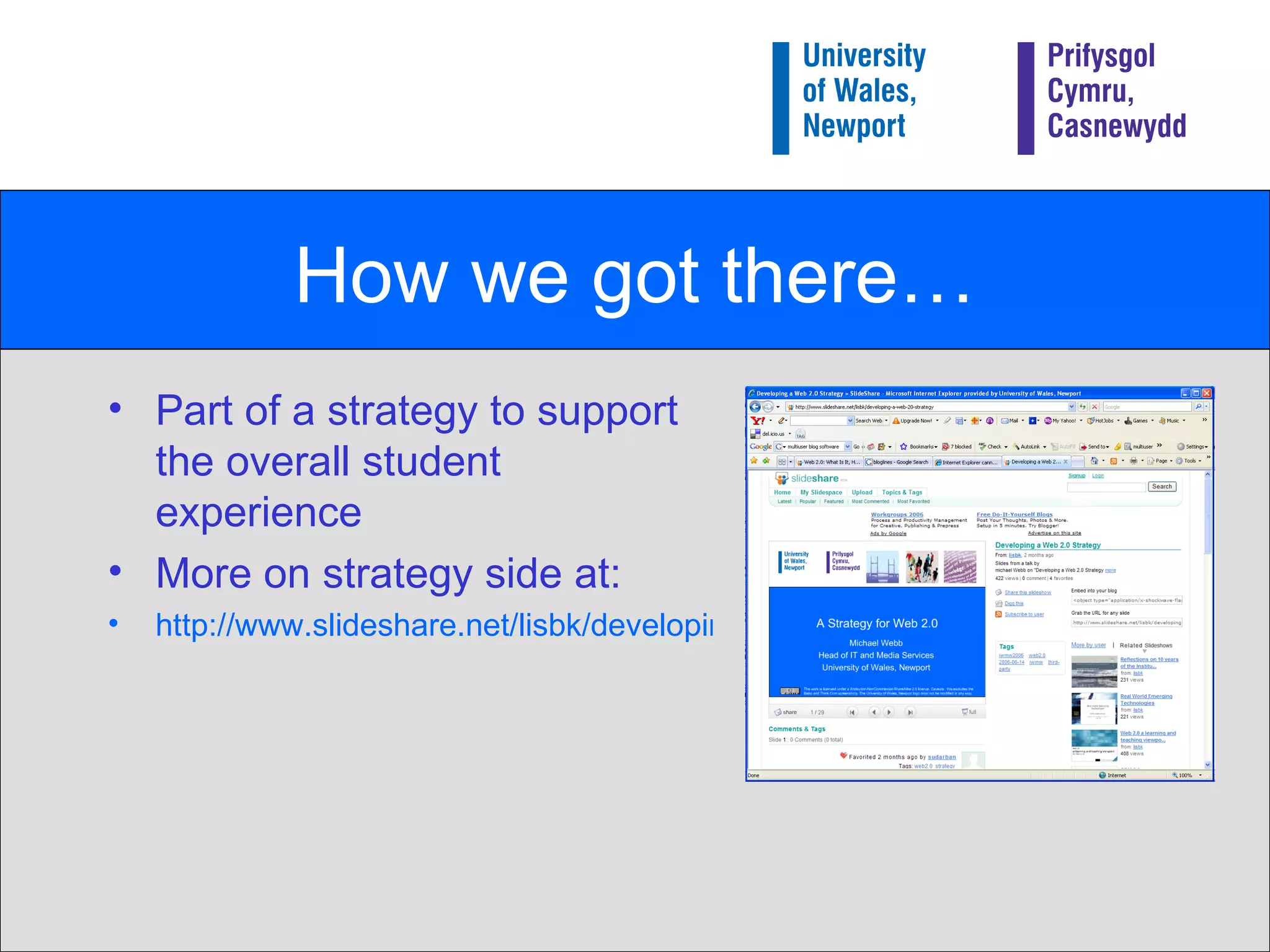
How we got there… Part of a strategy to support the overall student experience More on strategy side at: http://www.slideshare.net/lisbk/developing-a-web-20-strategy
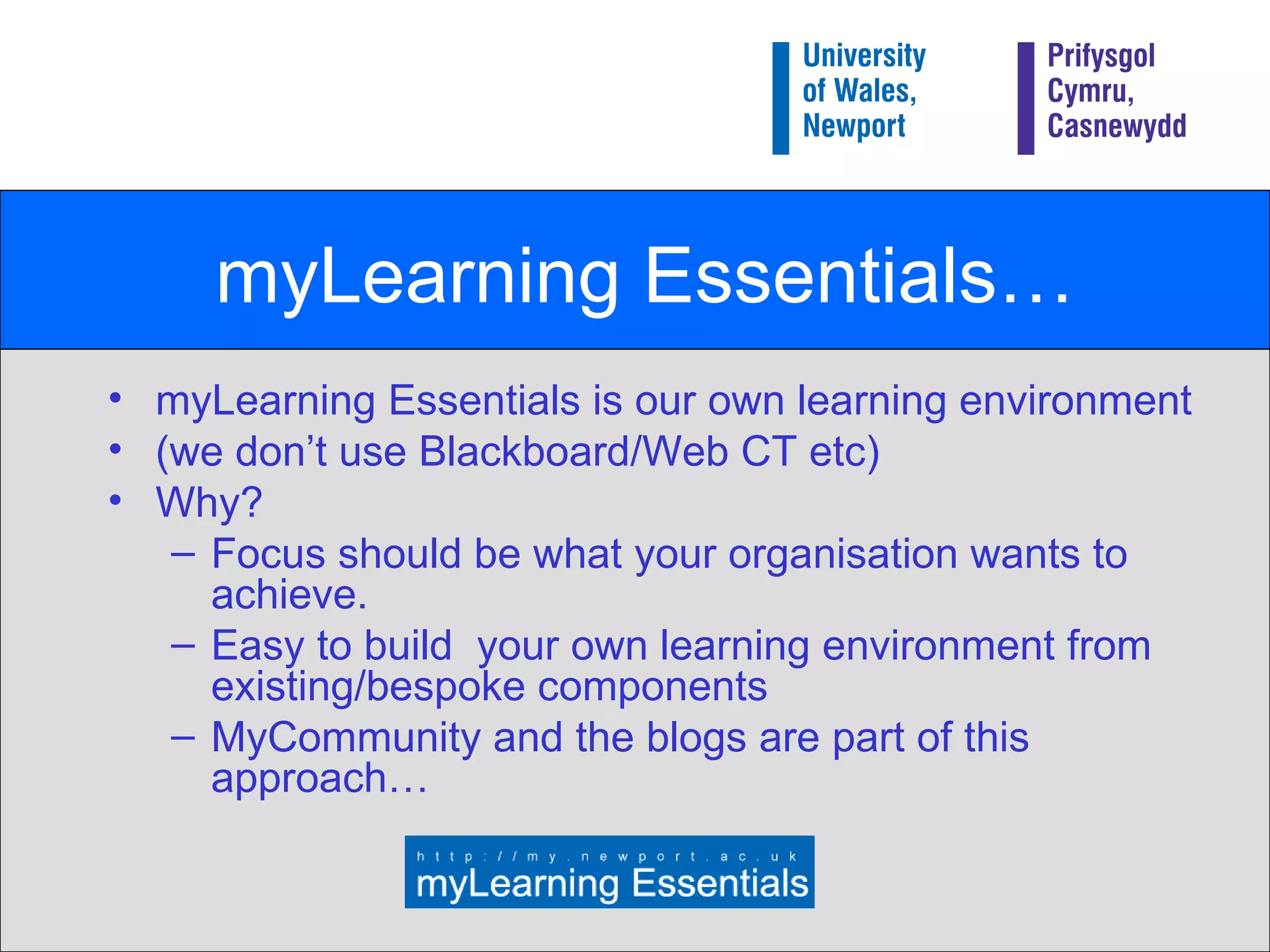
myLearning Essentials… myLearning Essentials is our own learning environment  (we don’t use Blackboard/Web CT etc) Why? Focus should be what your organisation wants to achieve. Easy to build  your own learning environment from existing/bespoke components MyCommunity and the blogs are part of this approach…
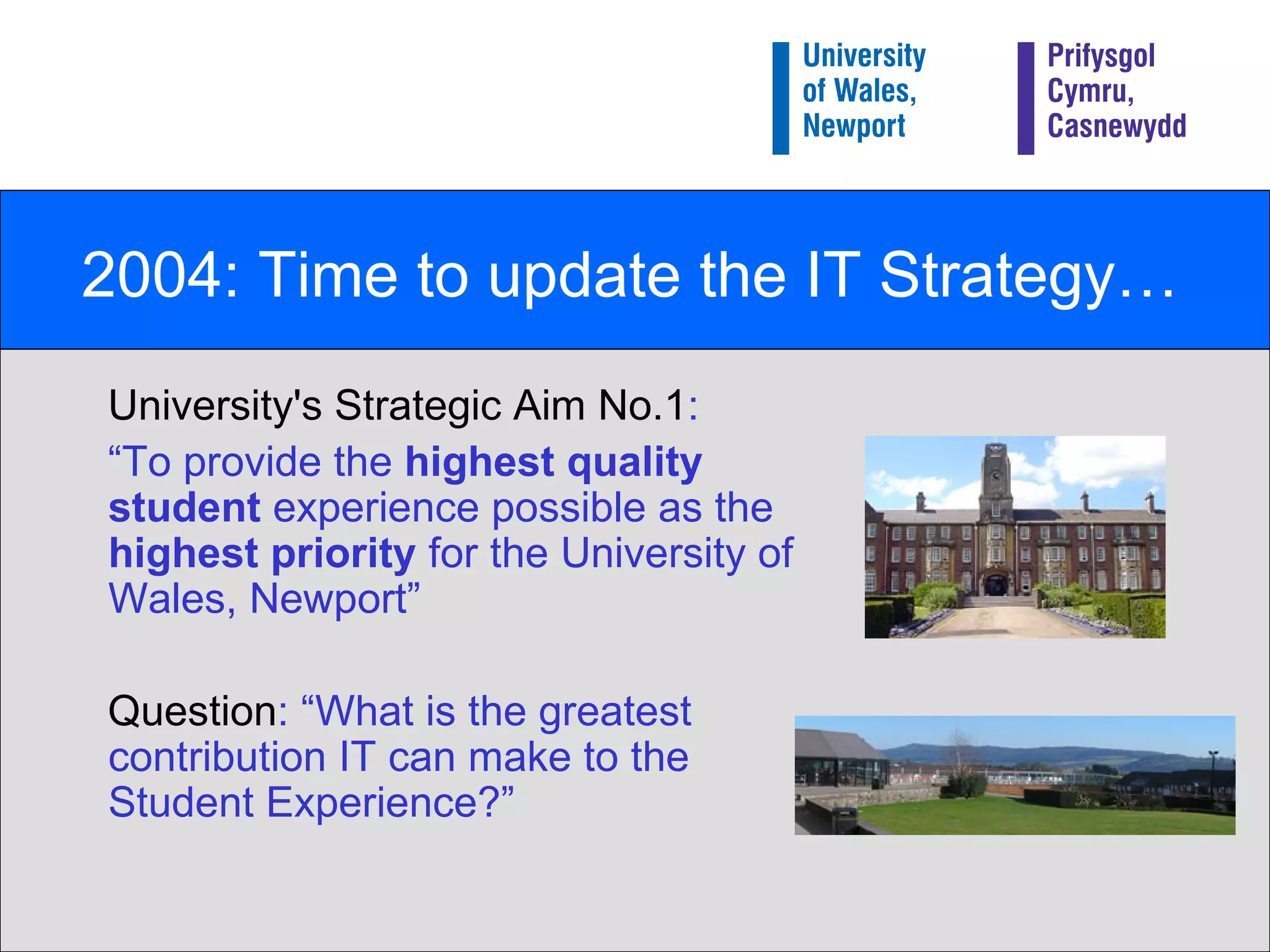
2004: Time to update the IT Strategy… University's Strategic Aim No.1 : “ To provide the  highest quality student  experience possible as the  highest priority  for the University of Wales, Newport”  Question : “What is the greatest contribution IT can make to the Student Experience?”
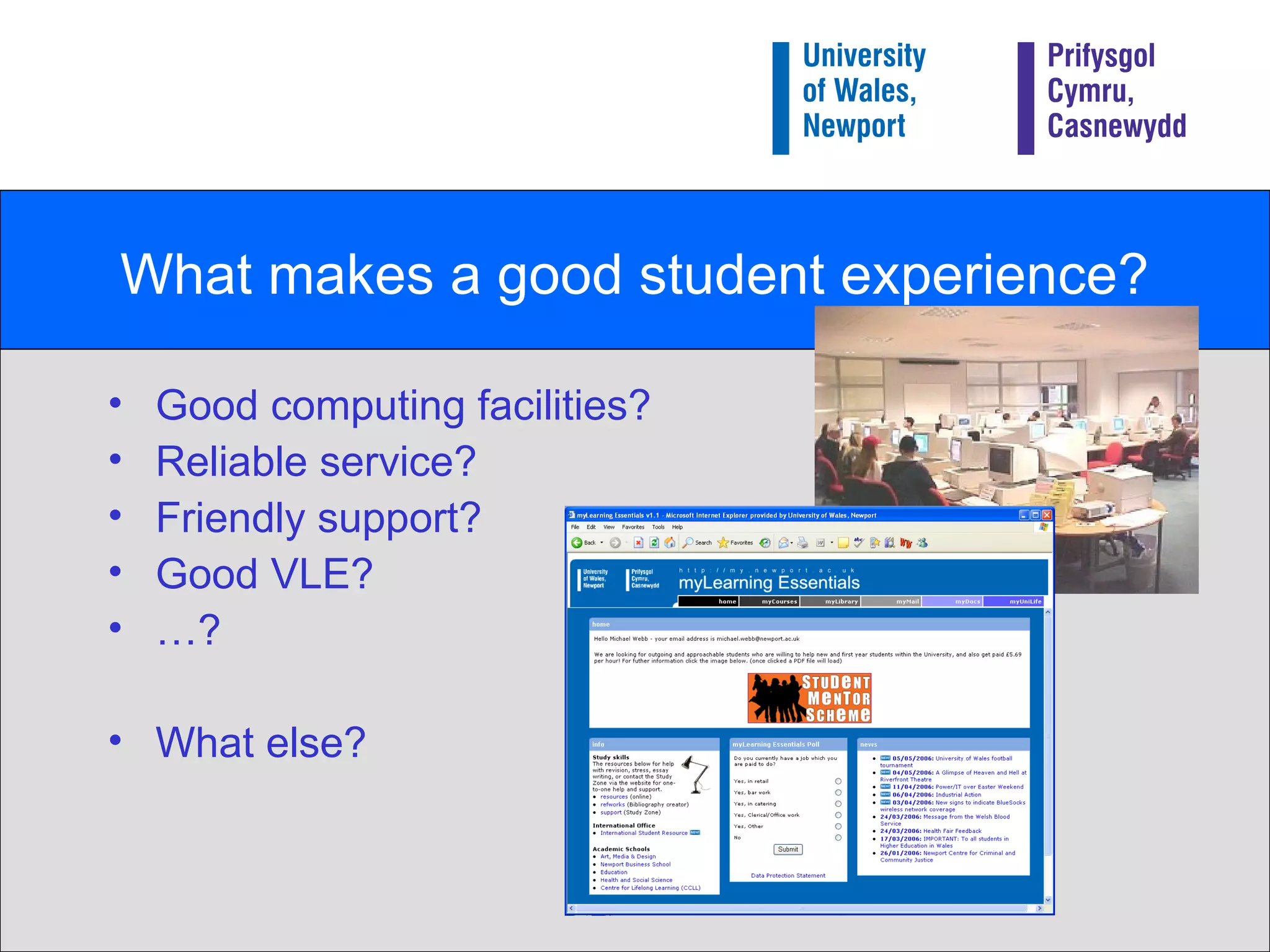
What makes a good student experience? Good computing facilities? Reliable service?  Friendly support? Good VLE? … ? What else?
Time to step back and take a wider view Blogs starting to get media coverage eBay and iTunes entering mainstream Early adoptors and evangelists starting to promote educational use of Web 2.0 technology eg “What Can Internet Technologies Offer” - Brian Kelly –  UCISA Conference 2004
Our conclusion Emerging (Web 2.0) technologies could play an important role in supporting the University’s main strategic aim. i.e. contribute to the  overall  student experience, not  just  improve teaching (although hopefully it would do that as well!)
Updating the IT Strategy Two important statements made: We will support existing (or emerging) Web 2.0 technologies such as Blogs, Wikis etc Caveats relate to resourcing rather than technical issues 2)  We are going to become an adaptive, agile service, and quickly support new technologies. Funding for innovation included in the IT strategy .
Turning the strategy into action We needed to learn more. Our approach: Use the technology!  Find out what your future students may want  Find out what the students are doing Ask the students what they want
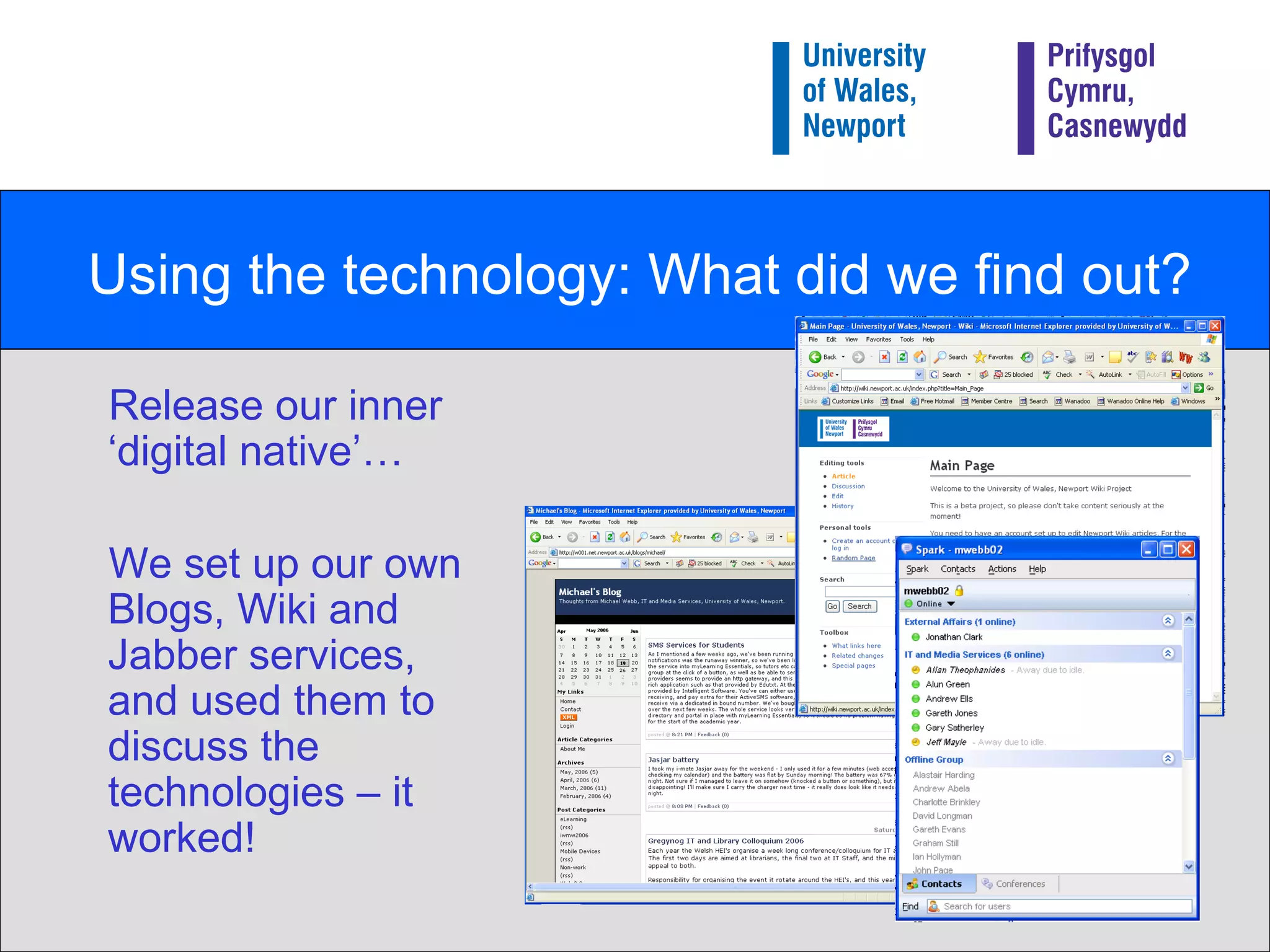
Using the technology: What did we find out? Release our inner ‘digital native’… We set up our own Blogs, Wiki and Jabber services, and used them to discuss the technologies – it worked!
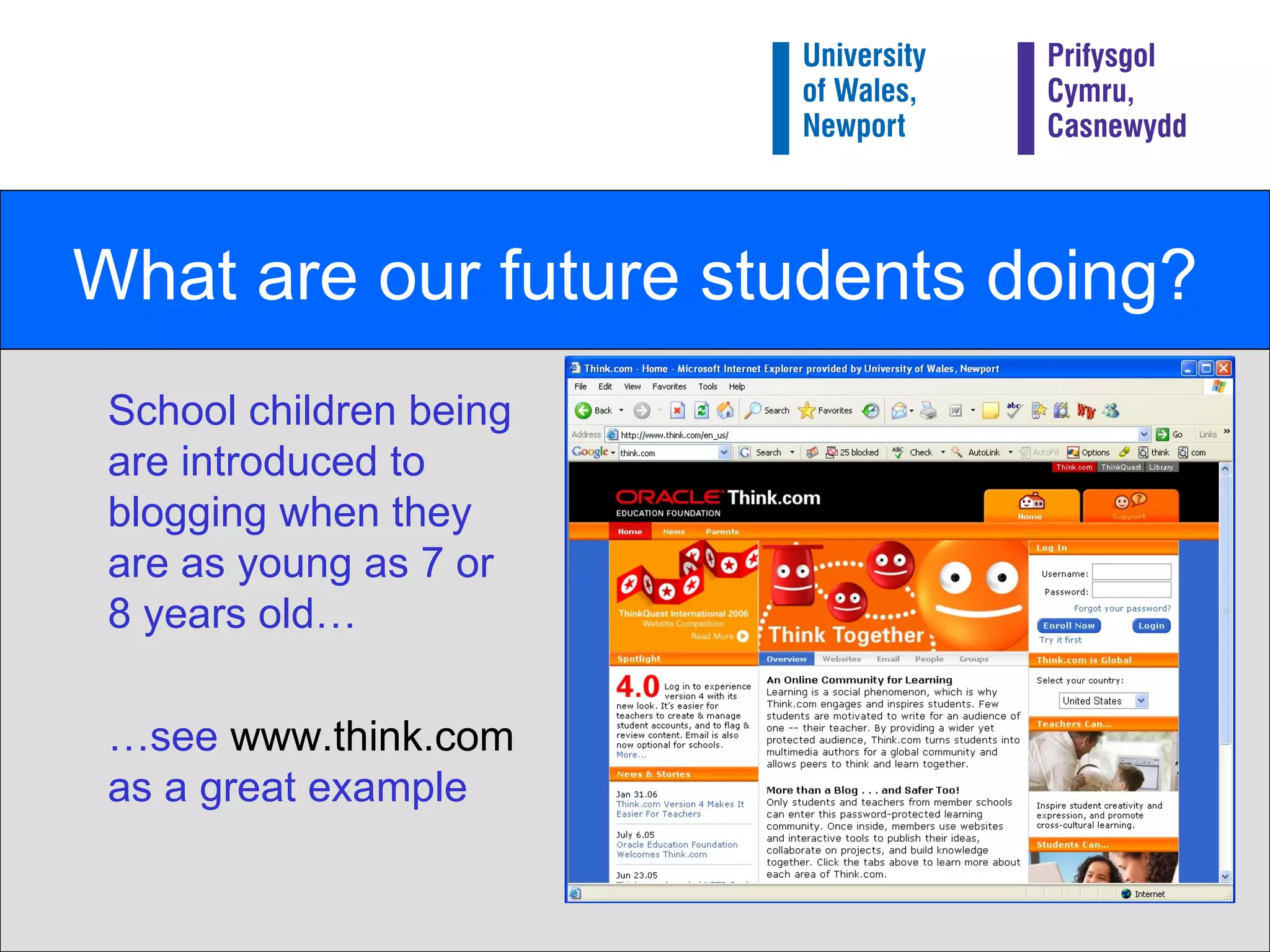
What are our future students doing? School children being are introduced to blogging when they are as young as 7 or 8 years old… … see  www.think.com  as a great example
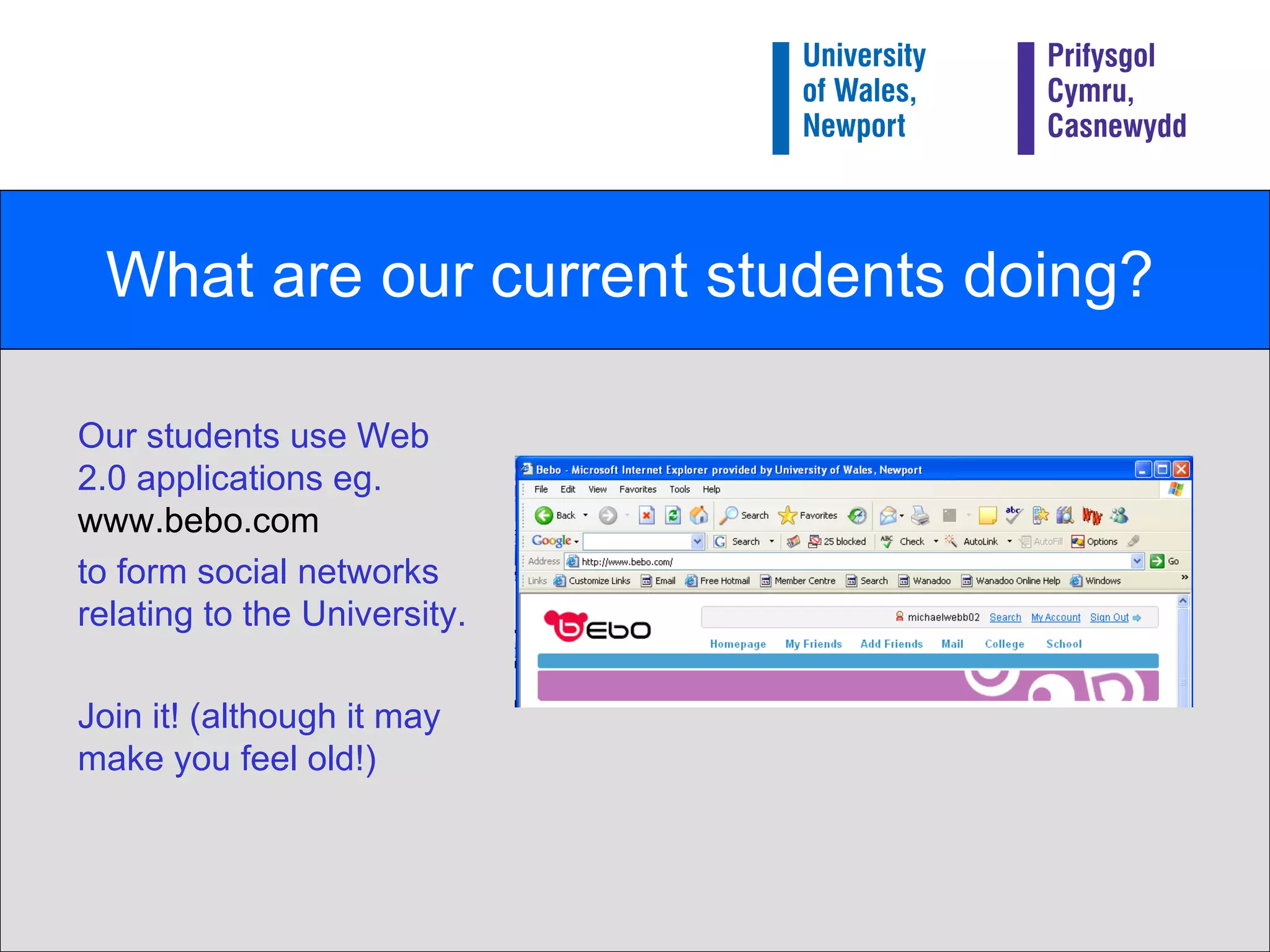
What are our current students doing? Our students use Web 2.0 applications eg.  www.bebo.com   to form social networks relating to the University. Join it! (although it may make you feel old!)
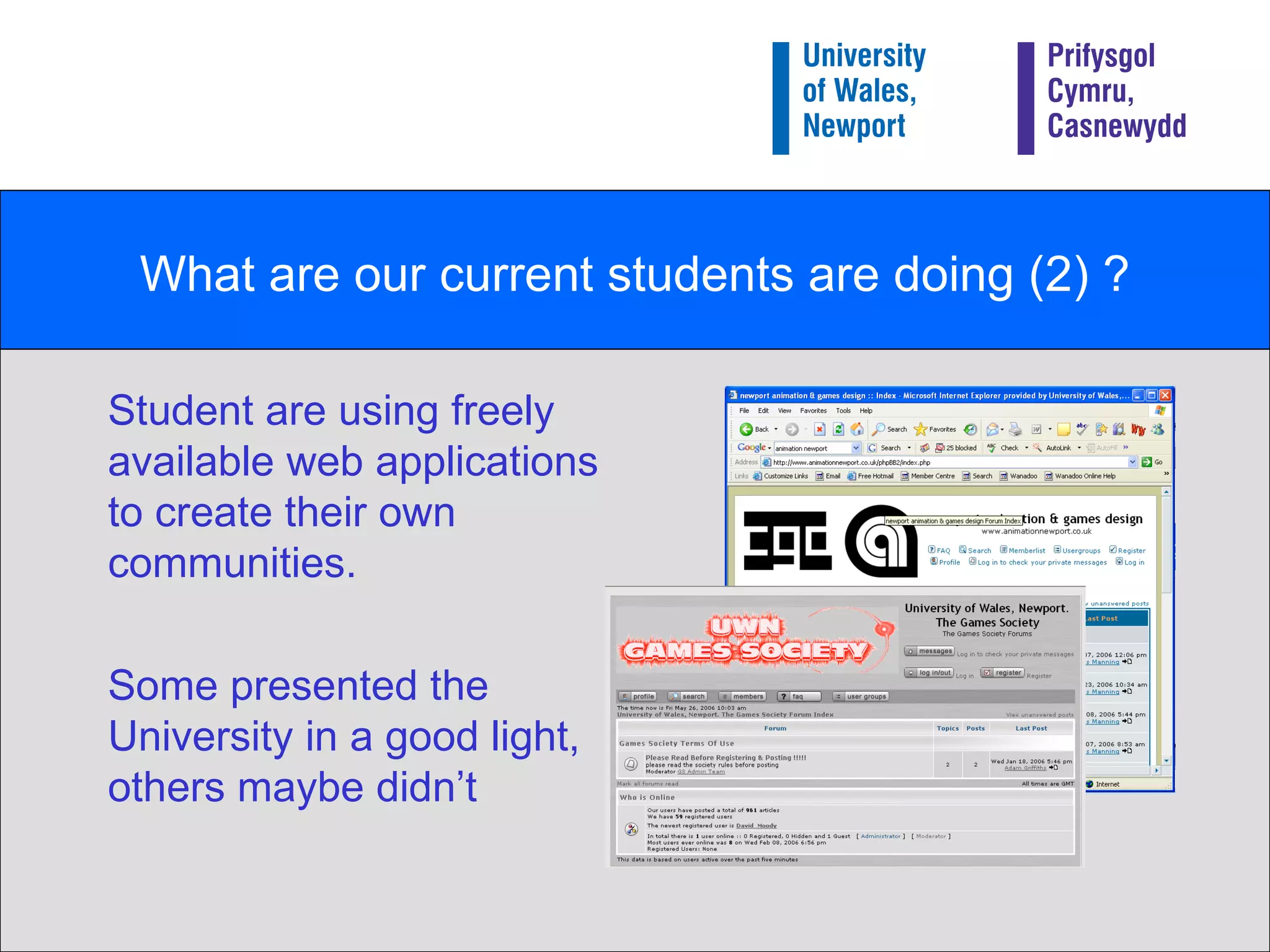
What are our current students are doing (2) ? Student are using freely available web applications to create their own communities. Some presented the University in a good light, others maybe didn’t
Summary of the things we learnt (1) Students are already using Web 2.0 technologies, both to support their courses and for socials reasons. We can no longer control the University’s web presence, even if we wanted to. Providing these sorts of services is not without risks The risks don’t all go away if we ignore these technologies.
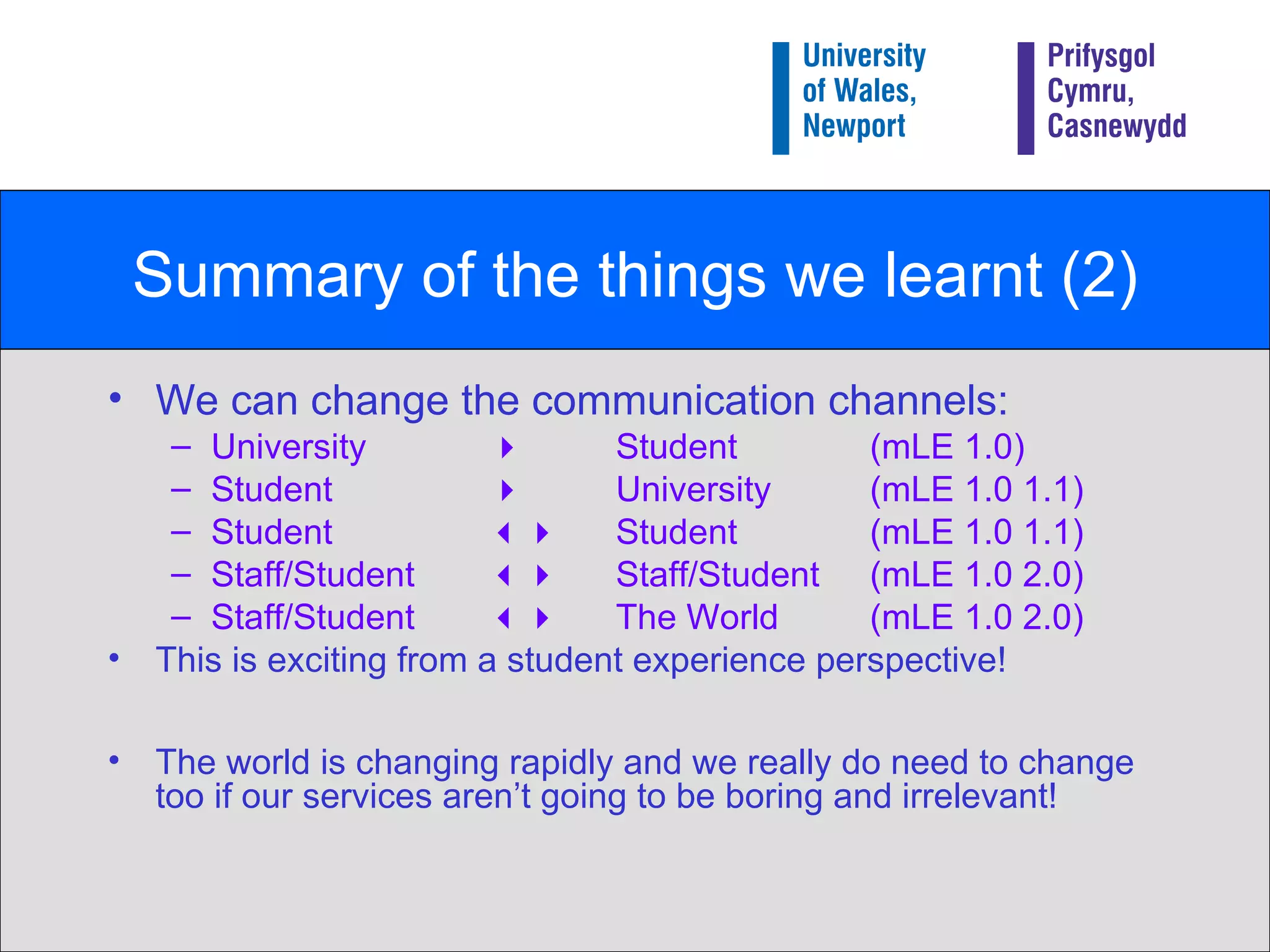
Summary of the things we learnt (2) We can change the communication channels: University     Student  (mLE 1.0) Student   University (mLE 1.0 1.1) Student     Student  (mLE 1.0 1.1) Staff/Student     Staff/Student  (mLE 1.0 2.0) Staff/Student     The World  (mLE 1.0 2.0) This is exciting from a student experience perspective! The world is changing rapidly and we really do need to change too if our services aren’t going to be boring and irrelevant!
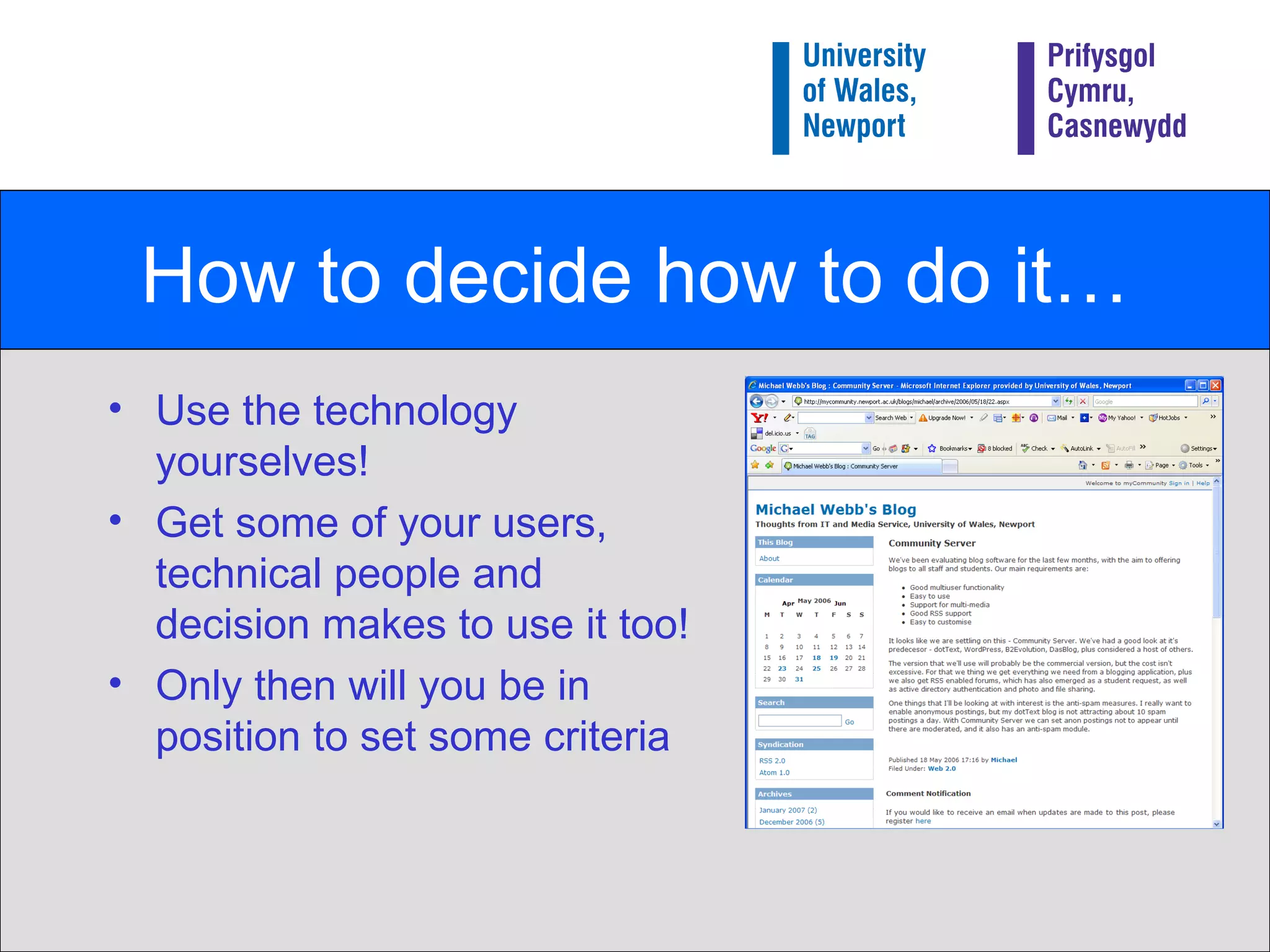
How to decide how to do it… Use the technology yourselves! Get some of your users, technical people and decision makes to use it too! Only then will you be in position to set some criteria
Our Criteria Good multi-user functionality  Easy to use  Support for multi-media  Good RSS support  Easy to customise  Big Question: Did we need to provide our own service to achieve that???
Good multi-user functionality Would be possible to manage with our limited resources Need some sort of security model We didn’t want all blogs to be public (eg reflective practice project) Need some sort of aggregation/hub facility Otherwise blogs would be isolated – who would read them?
Easy to use… Good user support Minimal barriers… No (or minimal) sign-up process No extra passwords… Easy for ‘non-techie’ people to get started
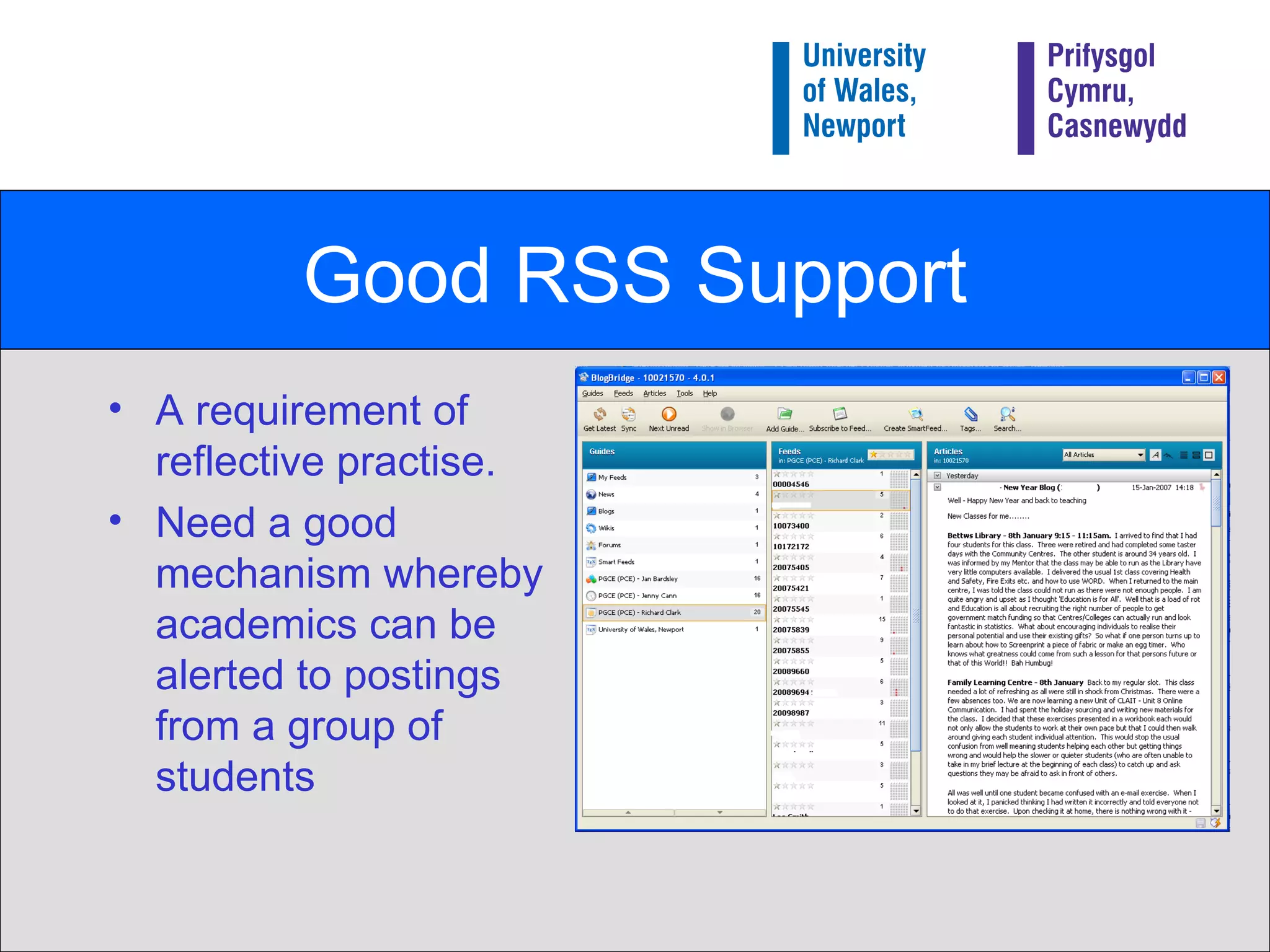
Good RSS Support A requirement of reflective practise. Need a good mechanism whereby academics can be alerted to postings from a group of students
Conclusion We needed to host the service ourselves smallest barrier to use security model, Automatic generation of  RSS lists (OPML) Therefore needed to evaluate available software…
Options We trialled various products… Community Server b2Evolution WordPress MU DasBlog … We chose Community Server Best match to criteria at the time (WordPress MU looks like a serious contender now)
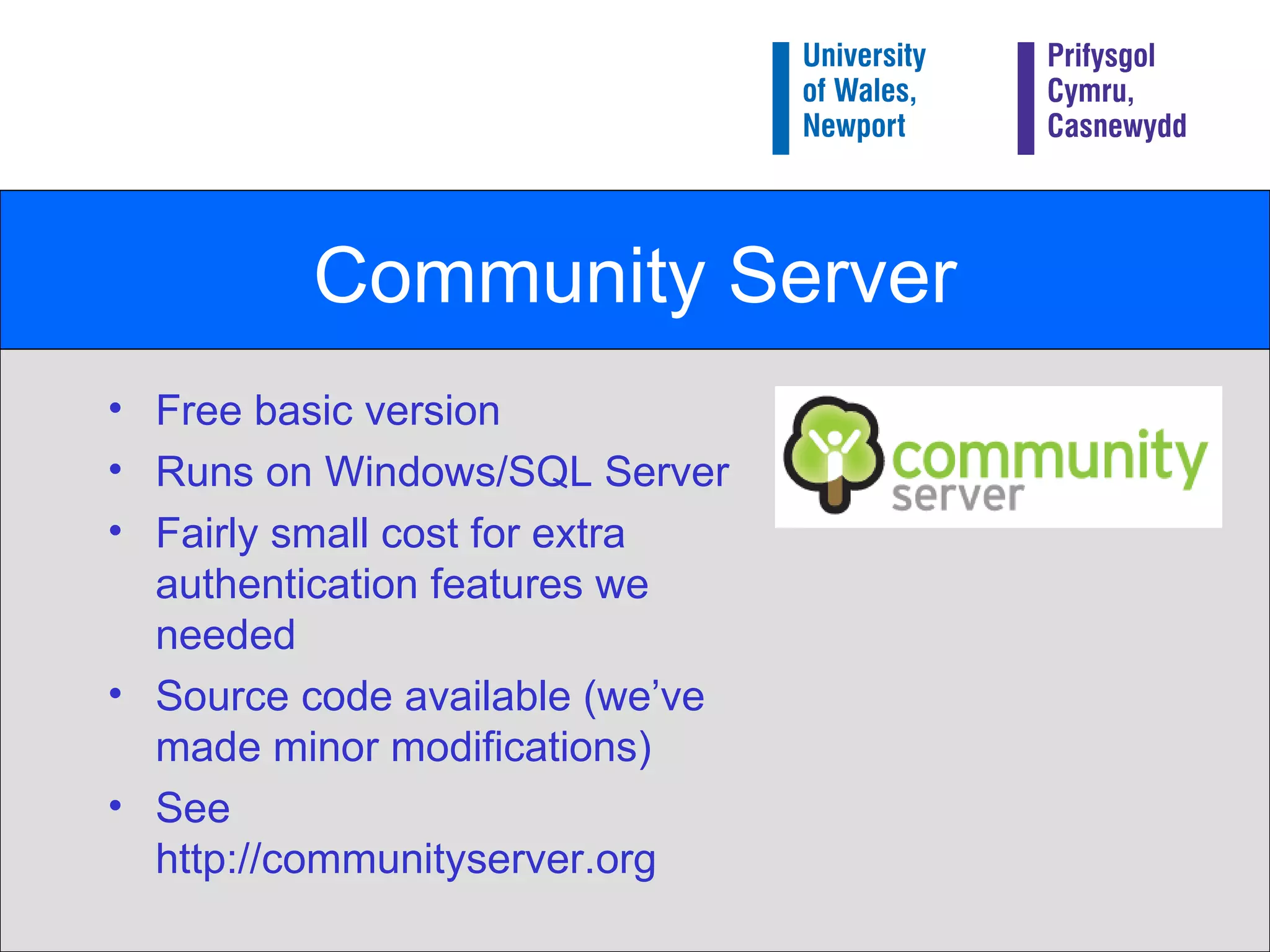
Community Server Free basic version Runs on Windows/SQL Server Fairly small cost for extra authentication features we needed Source code available (we’ve made minor modifications) See http://communityserver.org
Implementing MyCommunity Fairly rapid deployment. Open development – we let people use it as we were developing it! Good feedback that way… CSS/skinning mean could easily be integrated to myLearning Essentials Accepting the world of perpetual beta…it’s perfectly acceptable to gradually improve services
Launching myCommunity “ Build it and they will come” Formally launched Sept 2006 We just made it available without any publicity… Does this sort of thing work better if people discover themselves? Didn’t want to ‘over-hype’ Once we had sufficient content publicised and debated more. That brings us up to date!
Questions/Discussion Contact details: [email_address] http://mycommunity.newport.ac.uk/blogs/michael

Blogs at University of Wales, Newport

  • 1.
    Blogs at University of Wales, Newport Michael Webb Head of IT and Media Services University of Wales, Newport The work is licensed under a Attribution-NonCommercial-ShareAlike 2.5 licence. The University of Wales, Newport logo most not be modified in any way.
  • 2.
    Presentation Overview Part1) An overview of our blogging service What facilities we have How they are used How they are managed Part 2) How we got there How we established the need How we chose the product How we launched it
  • 3.
    Part 1 Anoverview of our blogging service What facilities we have How they are used How they are managed
  • 4.
    About University ofWales, Newport Located in South Wales ( Here we are on Google Maps ) Around 6000 students (about half part-time), plus 3000 franchise students Smallish IT depart (25 staff) supporting all University IT.
  • 5.
    Our Blogging ServicePart of myCommunity Part of myLearning Essential - our ‘VLE’, Provides: Blogs for everyone Forums Photo Galleries Launched Sept 2006 ‘ Build it and they will come’ approach
  • 6.
    MyCommunity Demo Publiclyaccessible at: http://mycommunity.newport.ac.uk Quick demo of how it works…
  • 7.
    How our blogsare used Used for a variety of purposes: To initiate discussion Disseminating information Comment on the University Share subject specific thoughts and ideas Teaching and Learning project – reflective practice Fun! Examples to follow in a moment.
  • 8.
    1% rule Ifyou get a group of 100 people online then one will create content, 10 will "interact" with it (commenting or offering improvements) and the other 89 will just view it (or ‘lurk’). (see http:// en.wikipedia.org/wiki/Participation_inequality )
  • 9.
    Overview of usagestats 80 -130 blogs (depending how you count them!) 500+ blog postings 350 blog comments 350 + authors across myCommunity Approx 250,000 post views
  • 10.
    Blog uses: Initiatingdiscussion Staff getting feedback from students Future of our Computer Suites Students getting feedback from students Advice on indoor photography General debate Why don’t young people get involved in Charity Work?
  • 11.
    Disseminating Information Staffusing blogs to communicate with potential students HSS Fresher’s blogs Students advertising events eg Big Ask Live
  • 12.
    Comment on theUniversity Less than you might imagine at the moment! Students Union Wireless networking is rubbish…!
  • 13.
    Subject specific thoughtsand ideas Students – blogging about their work Indiewood project Subject area blogs… Note from the Cupboard … Feedback from outside the University
  • 14.
    Reflective Practice Possiblymost exciting use of myCommunity! Around 60 education students blogging their teaching practice experience Blogs restricted to the group plus lecturers Unique way of: a) Working as a group remotely b) Reflecting on their experiences
  • 15.
    Management Issues Currentlylow management overhead Students (and staff!) using the service in a very responsible way Checked regularly by IT/Learning Technology group but currently no formal moderation. Only had to ‘censor’ one posting so far.
  • 16.
    Part 2 Howwe got there… How we established the need How we chose the product
  • 17.
    How we gotthere… Part of a strategy to support the overall student experience More on strategy side at: http://www.slideshare.net/lisbk/developing-a-web-20-strategy
  • 18.
    myLearning Essentials… myLearningEssentials is our own learning environment (we don’t use Blackboard/Web CT etc) Why? Focus should be what your organisation wants to achieve. Easy to build your own learning environment from existing/bespoke components MyCommunity and the blogs are part of this approach…
  • 19.
    2004: Time toupdate the IT Strategy… University's Strategic Aim No.1 : “ To provide the highest quality student experience possible as the highest priority for the University of Wales, Newport” Question : “What is the greatest contribution IT can make to the Student Experience?”
  • 20.
    What makes agood student experience? Good computing facilities? Reliable service? Friendly support? Good VLE? … ? What else?
  • 21.
    Time to stepback and take a wider view Blogs starting to get media coverage eBay and iTunes entering mainstream Early adoptors and evangelists starting to promote educational use of Web 2.0 technology eg “What Can Internet Technologies Offer” - Brian Kelly – UCISA Conference 2004
  • 22.
    Our conclusion Emerging(Web 2.0) technologies could play an important role in supporting the University’s main strategic aim. i.e. contribute to the overall student experience, not just improve teaching (although hopefully it would do that as well!)
  • 23.
    Updating the ITStrategy Two important statements made: We will support existing (or emerging) Web 2.0 technologies such as Blogs, Wikis etc Caveats relate to resourcing rather than technical issues 2) We are going to become an adaptive, agile service, and quickly support new technologies. Funding for innovation included in the IT strategy .
  • 24.
    Turning the strategyinto action We needed to learn more. Our approach: Use the technology! Find out what your future students may want Find out what the students are doing Ask the students what they want
  • 25.
    Using the technology:What did we find out? Release our inner ‘digital native’… We set up our own Blogs, Wiki and Jabber services, and used them to discuss the technologies – it worked!
  • 26.
    What are ourfuture students doing? School children being are introduced to blogging when they are as young as 7 or 8 years old… … see www.think.com as a great example
  • 27.
    What are ourcurrent students doing? Our students use Web 2.0 applications eg. www.bebo.com to form social networks relating to the University. Join it! (although it may make you feel old!)
  • 28.
    What are ourcurrent students are doing (2) ? Student are using freely available web applications to create their own communities. Some presented the University in a good light, others maybe didn’t
  • 29.
    Summary of thethings we learnt (1) Students are already using Web 2.0 technologies, both to support their courses and for socials reasons. We can no longer control the University’s web presence, even if we wanted to. Providing these sorts of services is not without risks The risks don’t all go away if we ignore these technologies.
  • 30.
    Summary of thethings we learnt (2) We can change the communication channels: University  Student (mLE 1.0) Student  University (mLE 1.0 1.1) Student  Student (mLE 1.0 1.1) Staff/Student  Staff/Student (mLE 1.0 2.0) Staff/Student  The World (mLE 1.0 2.0) This is exciting from a student experience perspective! The world is changing rapidly and we really do need to change too if our services aren’t going to be boring and irrelevant!
  • 31.
    How to decidehow to do it… Use the technology yourselves! Get some of your users, technical people and decision makes to use it too! Only then will you be in position to set some criteria
  • 32.
    Our Criteria Goodmulti-user functionality Easy to use Support for multi-media Good RSS support Easy to customise Big Question: Did we need to provide our own service to achieve that???
  • 33.
    Good multi-user functionalityWould be possible to manage with our limited resources Need some sort of security model We didn’t want all blogs to be public (eg reflective practice project) Need some sort of aggregation/hub facility Otherwise blogs would be isolated – who would read them?
  • 34.
    Easy to use…Good user support Minimal barriers… No (or minimal) sign-up process No extra passwords… Easy for ‘non-techie’ people to get started
  • 35.
    Good RSS SupportA requirement of reflective practise. Need a good mechanism whereby academics can be alerted to postings from a group of students
  • 36.
    Conclusion We neededto host the service ourselves smallest barrier to use security model, Automatic generation of RSS lists (OPML) Therefore needed to evaluate available software…
  • 37.
    Options We trialledvarious products… Community Server b2Evolution WordPress MU DasBlog … We chose Community Server Best match to criteria at the time (WordPress MU looks like a serious contender now)
  • 38.
    Community Server Freebasic version Runs on Windows/SQL Server Fairly small cost for extra authentication features we needed Source code available (we’ve made minor modifications) See http://communityserver.org
  • 39.
    Implementing MyCommunity Fairlyrapid deployment. Open development – we let people use it as we were developing it! Good feedback that way… CSS/skinning mean could easily be integrated to myLearning Essentials Accepting the world of perpetual beta…it’s perfectly acceptable to gradually improve services
  • 40.
    Launching myCommunity “Build it and they will come” Formally launched Sept 2006 We just made it available without any publicity… Does this sort of thing work better if people discover themselves? Didn’t want to ‘over-hype’ Once we had sufficient content publicised and debated more. That brings us up to date!
  • 41.
    Questions/Discussion Contact details:[email_address] http://mycommunity.newport.ac.uk/blogs/michael