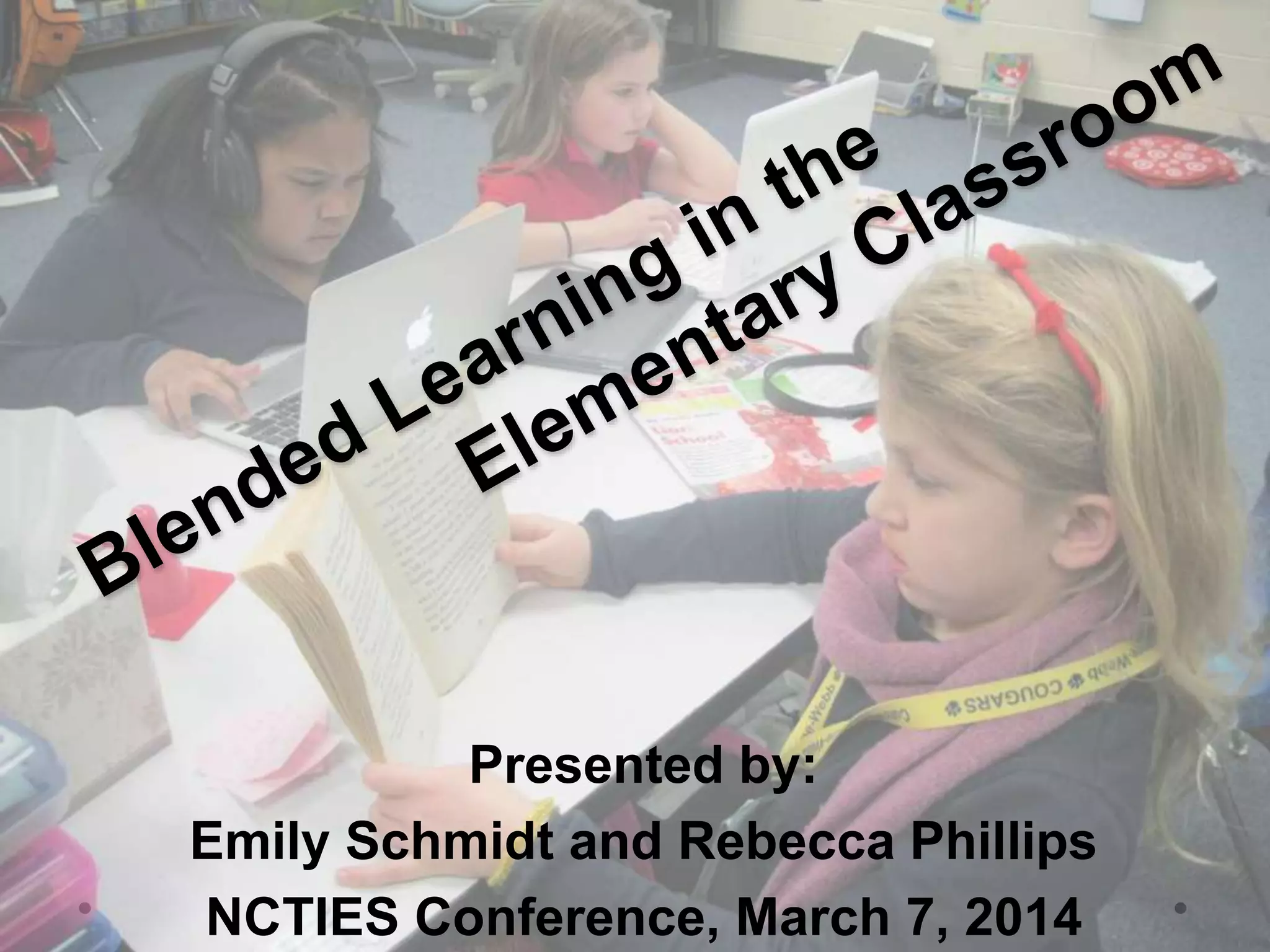
Presented by:
Emily Schmidt and Rebecca Phillips
NCTIES Conference, March 7, 2014
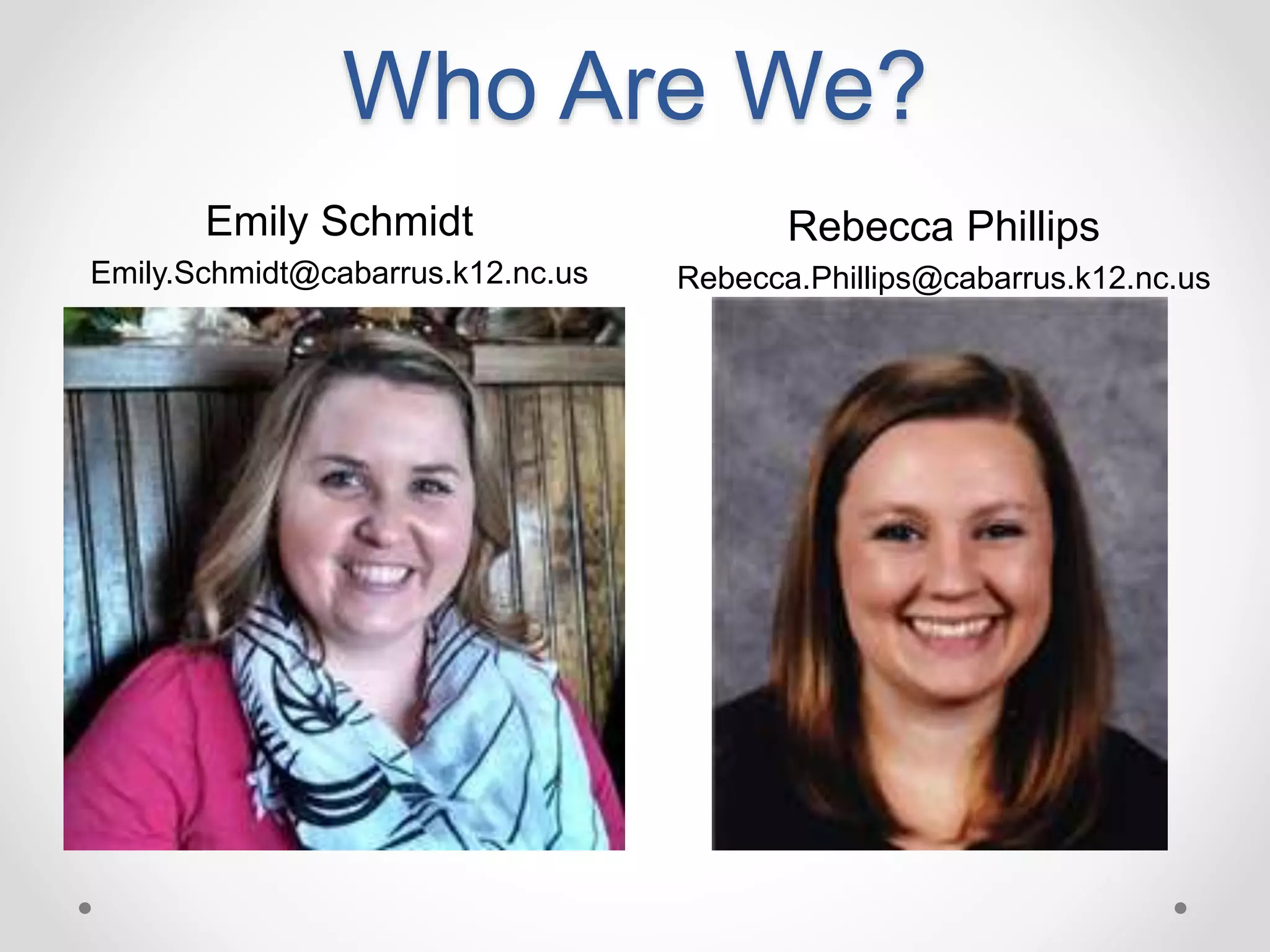
Who Are We?
Emily Schmidt
Emily.Schmidt@cabarrus.k12.nc.us
Rebecca Phillips
Rebecca.Phillips@cabarrus.k12.nc.us
Agenda
8:00 – 8:15 Arrive and Complete Survey
8:15 - 9:00 Presentation
o What is Blended Learning?
o How to create your own Blended Learning Classroom
9:00 – 9:45 Exploration of Blended Learning
Resources
9:45 – 10:30 Jigsaw to Share
10:30 – 11:15 Create your own Blended Learning
Lesson/Unit and Share
11:15 – 11:45 Questions & Sharing
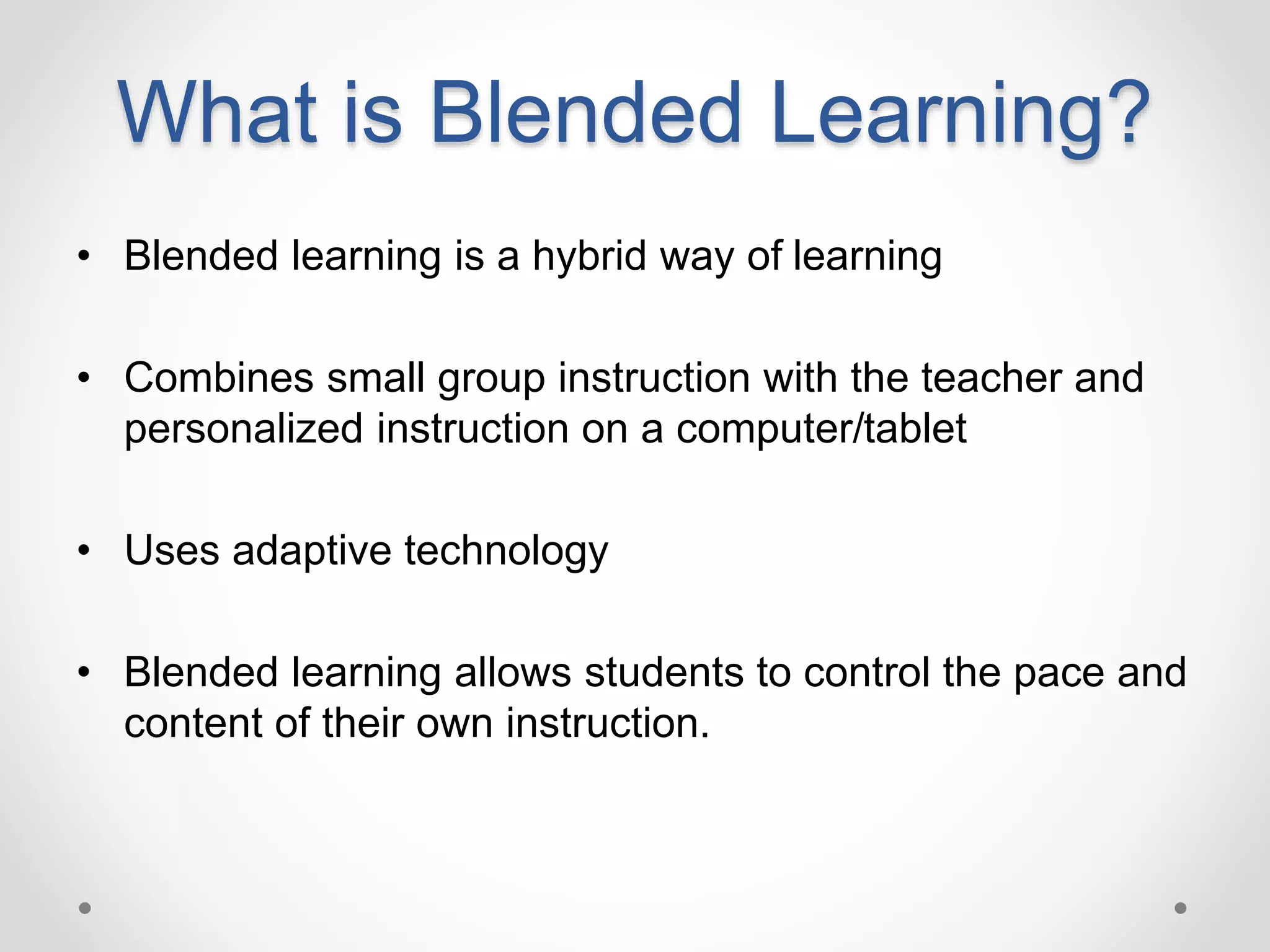
What is Blended Learning?
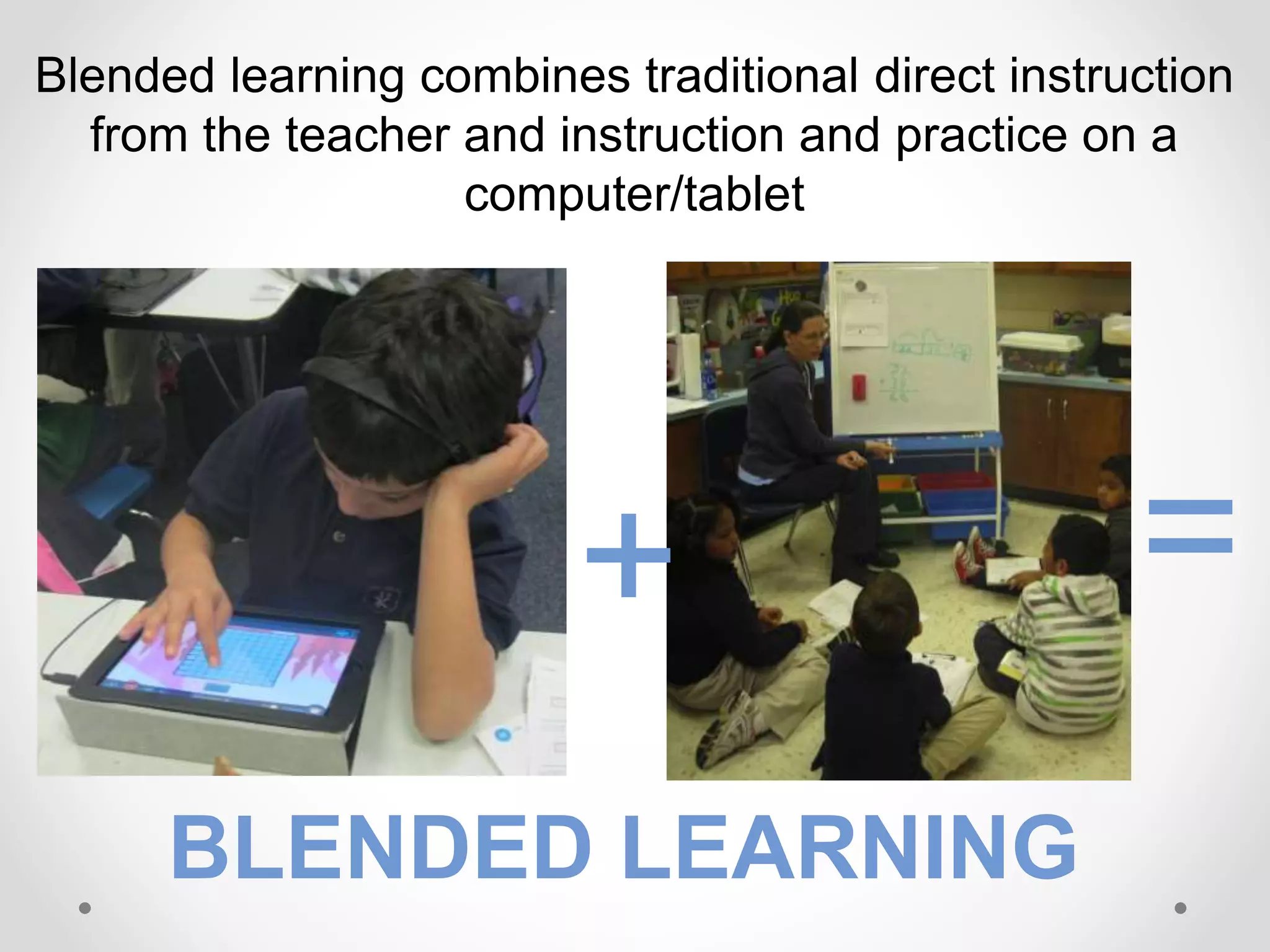
• Blended learning is a hybrid way of learning
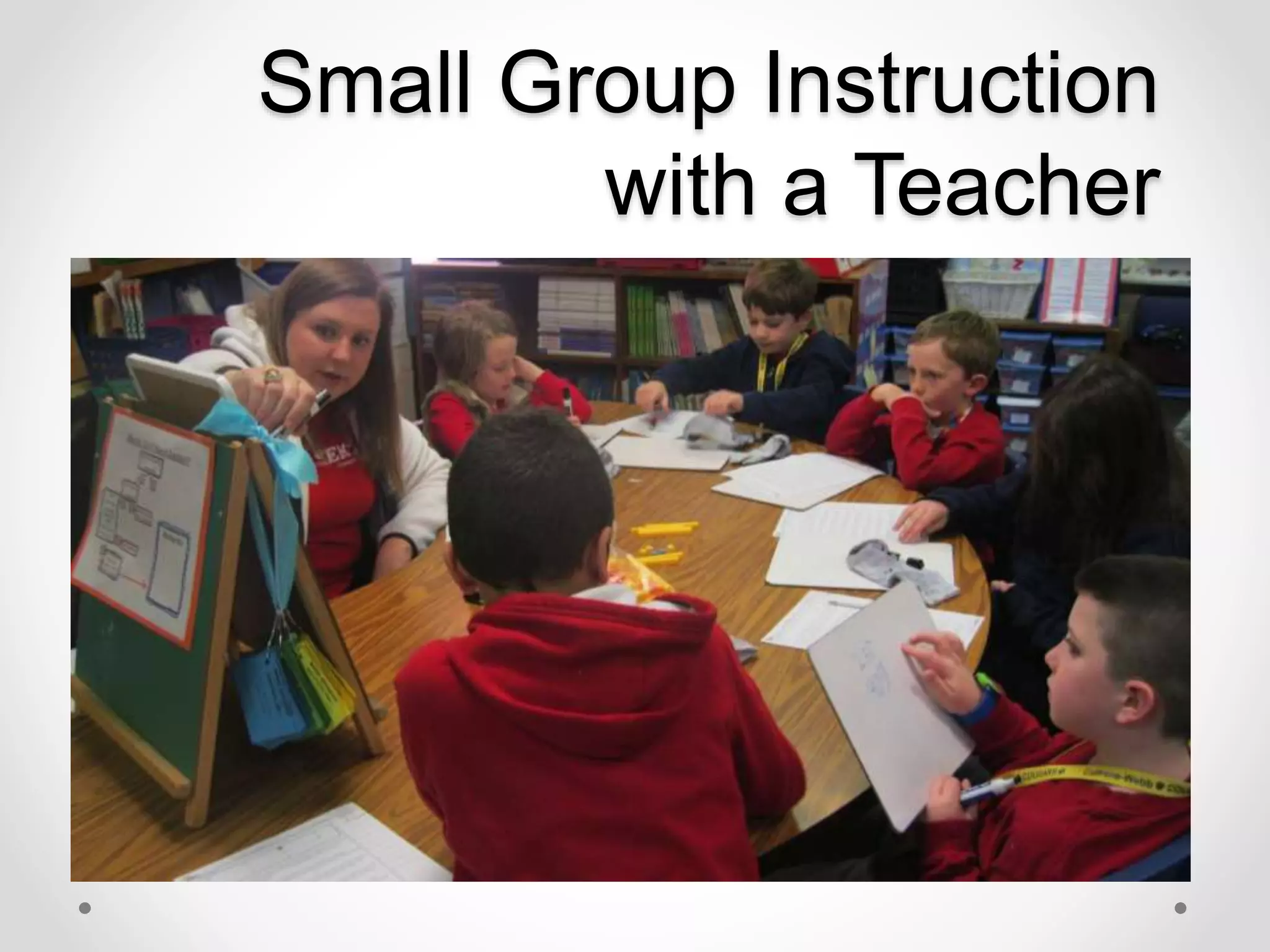
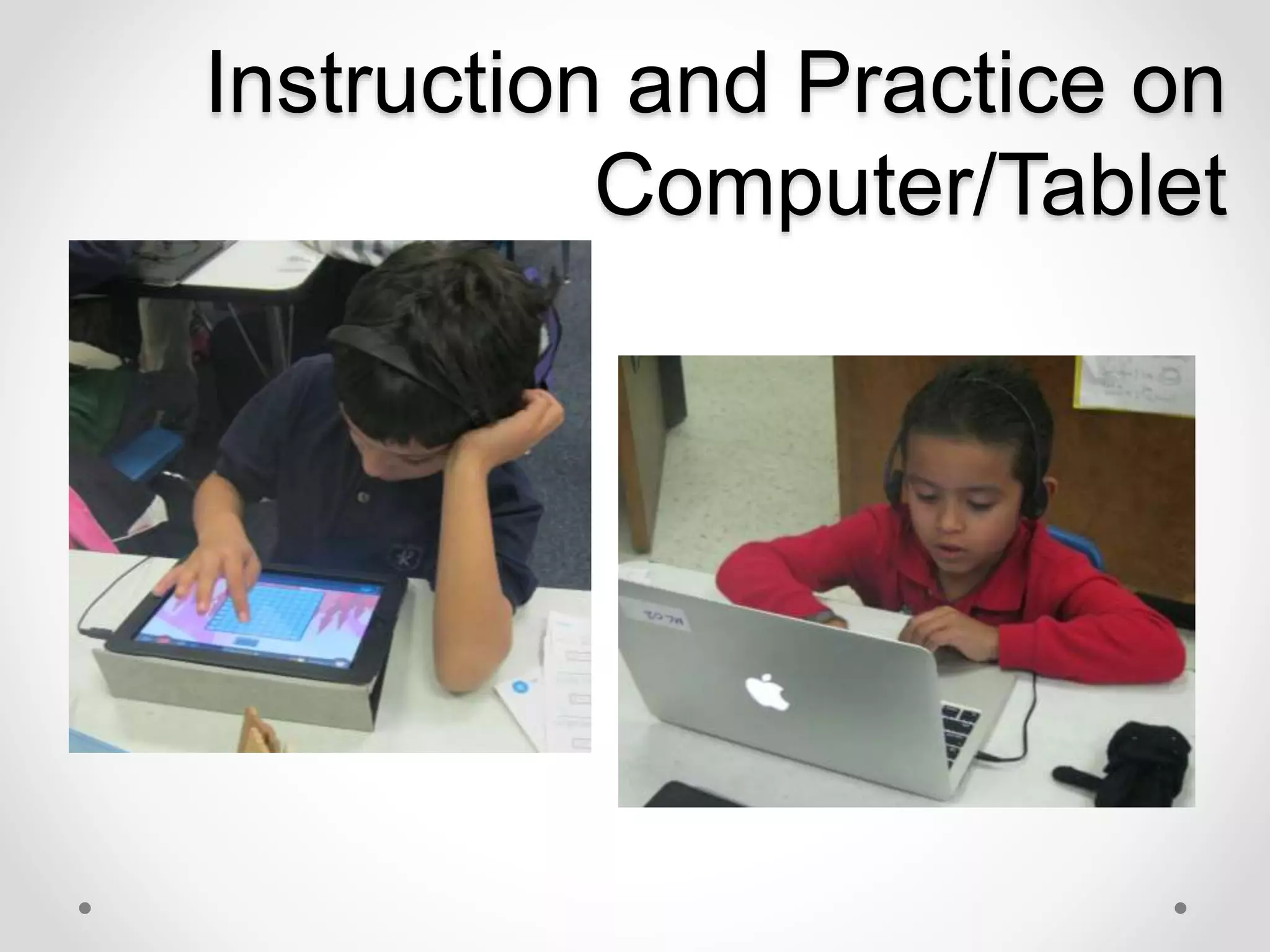
• Combines small group instruction with the teacher and
personalized instruction on a computer/tablet
• Uses adaptive technology
• Blended learning allows students to control the pace and
content of their own instruction.
Blended learning combines traditional direct instruction
from the teacher and instruction and practice on a
computer/tablet
+ =
BLENDED LEARNING
Why Blended Learning?
“Technology is not a teacher -
even with the best software, the
technology is not the
professional in the room.”
-Talbot Bielefeldt, ISTE Senior Research Associate
What do you need to have in a
successful blended learning
classroom?
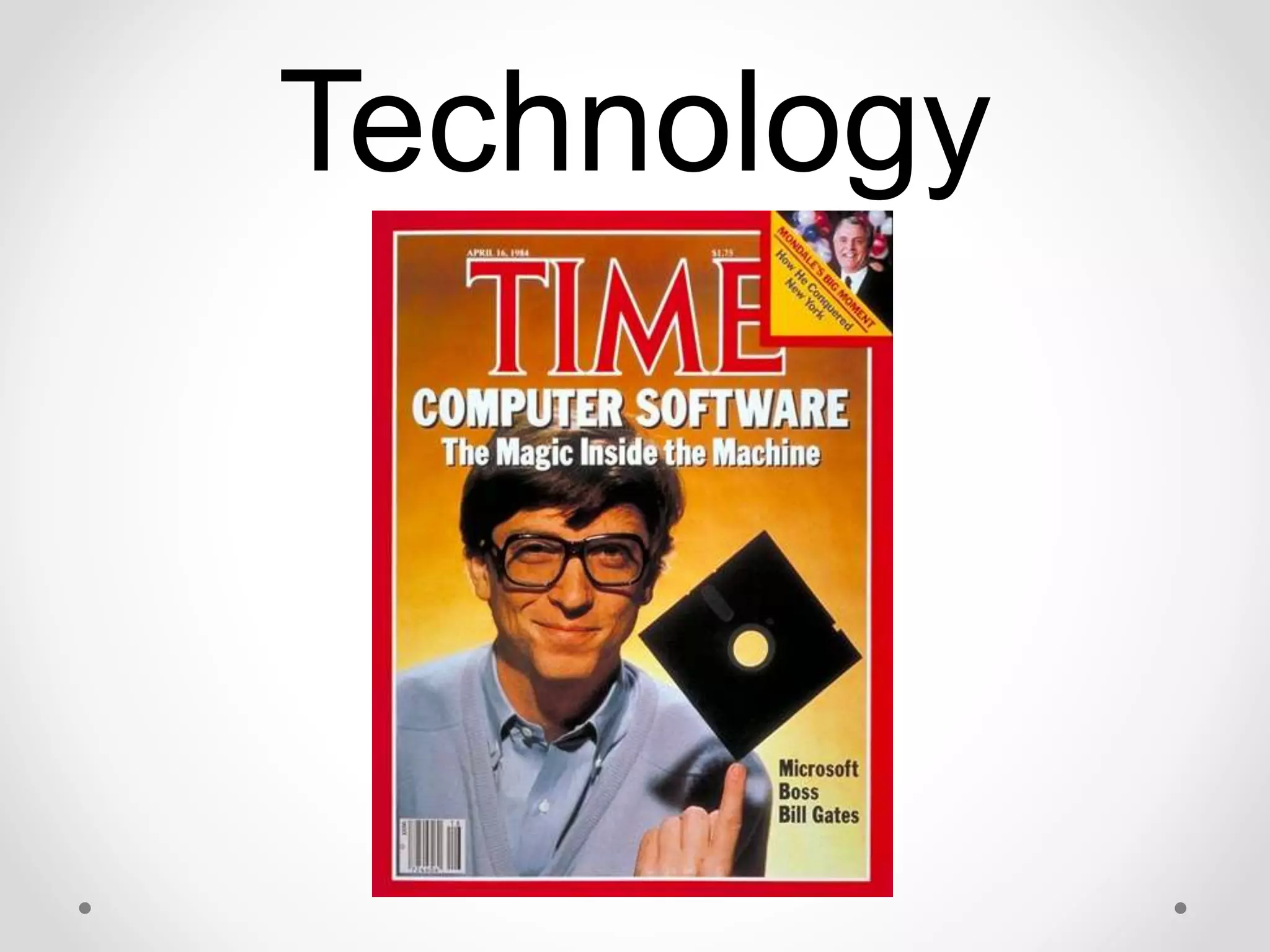
Technology
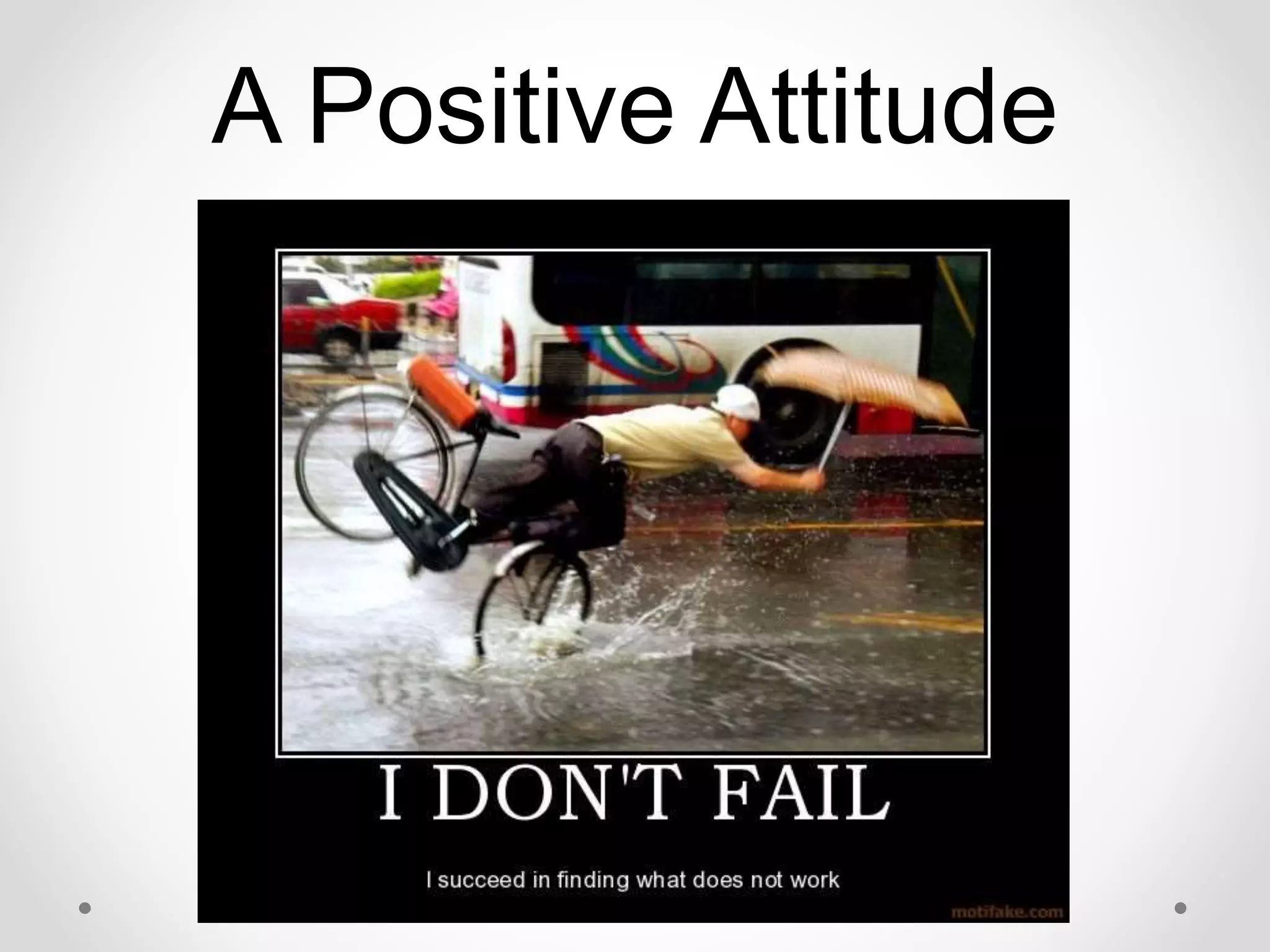
A Positive Attitude
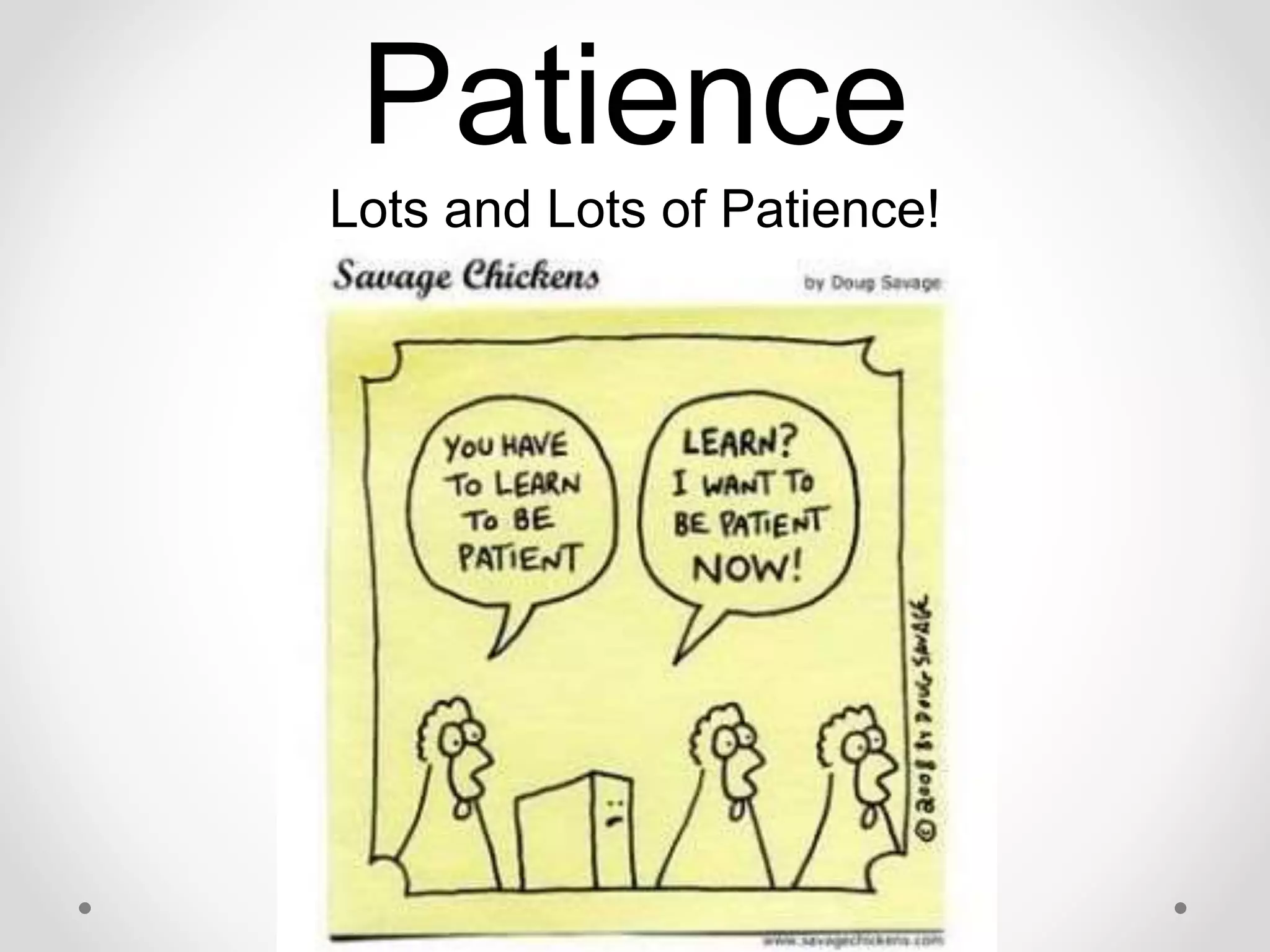
Patience
Lots and Lots of Patience!
Supportive
Administration
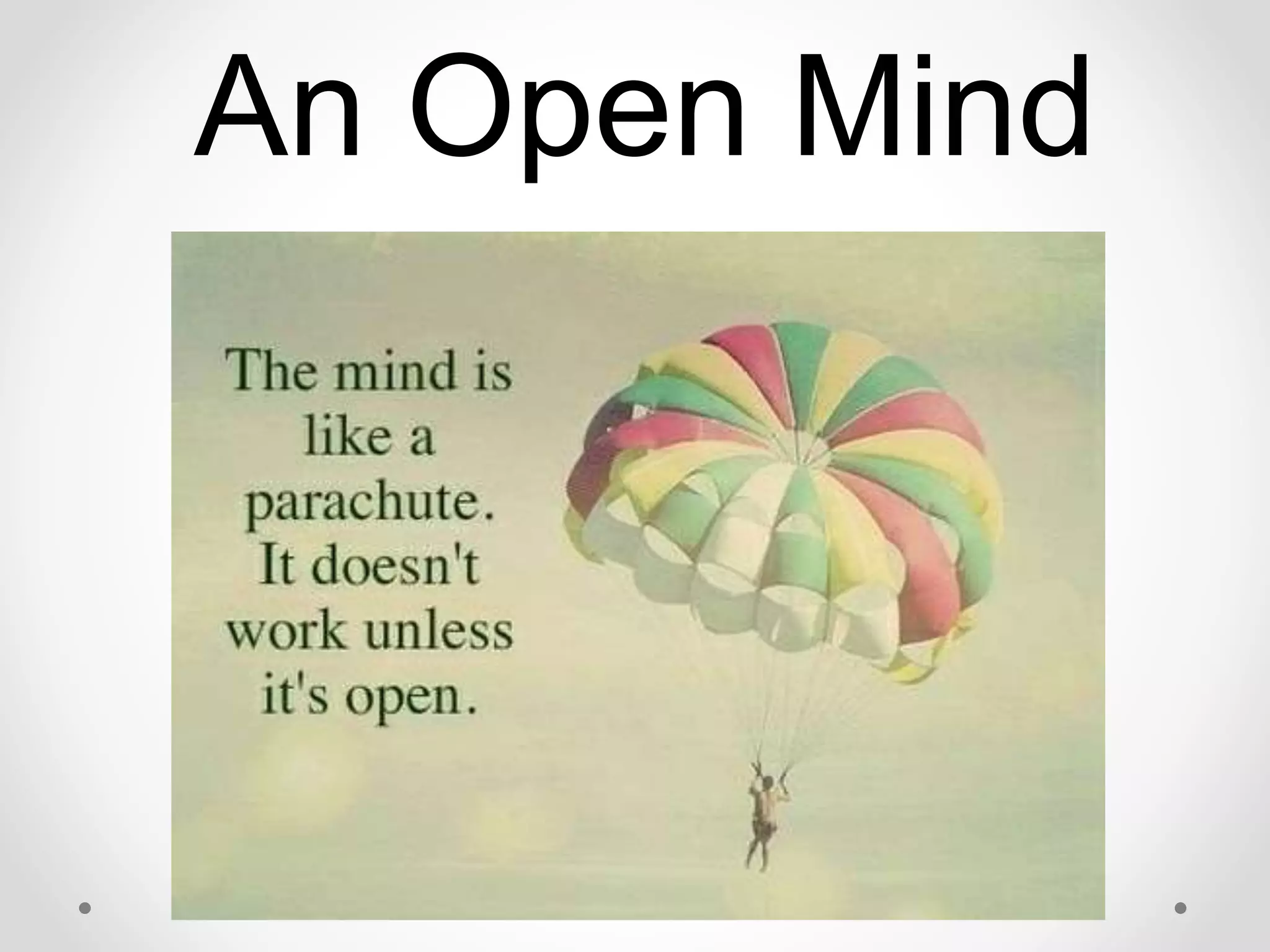
An Open Mind
Teamwork!
An AWESOME Group
of Students!
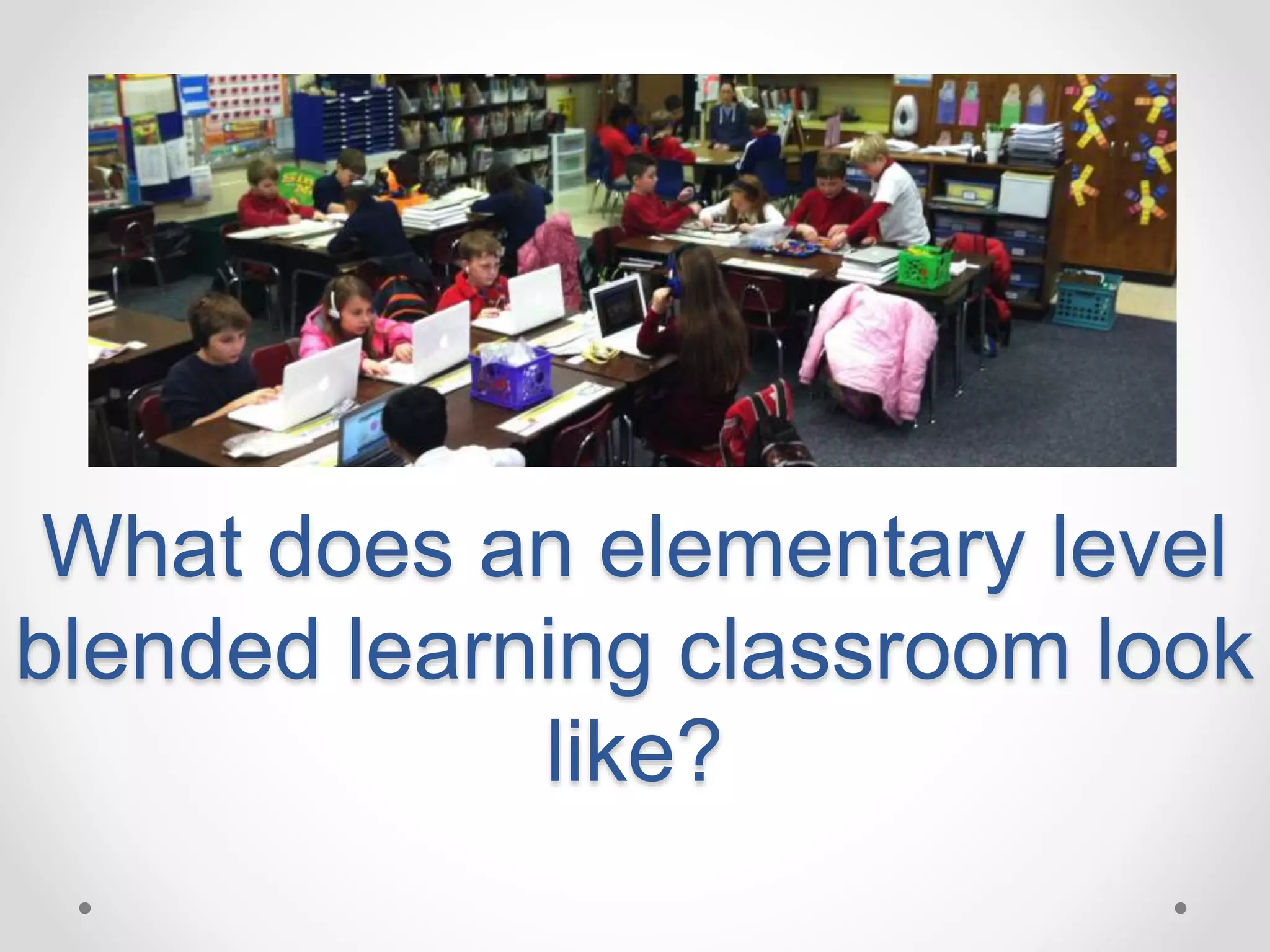
What does an elementary level
blended learning classroom look
like?
Elementary Blended
Learning Classroom
• There are several models of blended
learning.
• In our classes, we use a
station-rotation model.
• If you are already teaching using the
workshop model, you are only a step away
from creating a blended learning
classroom.
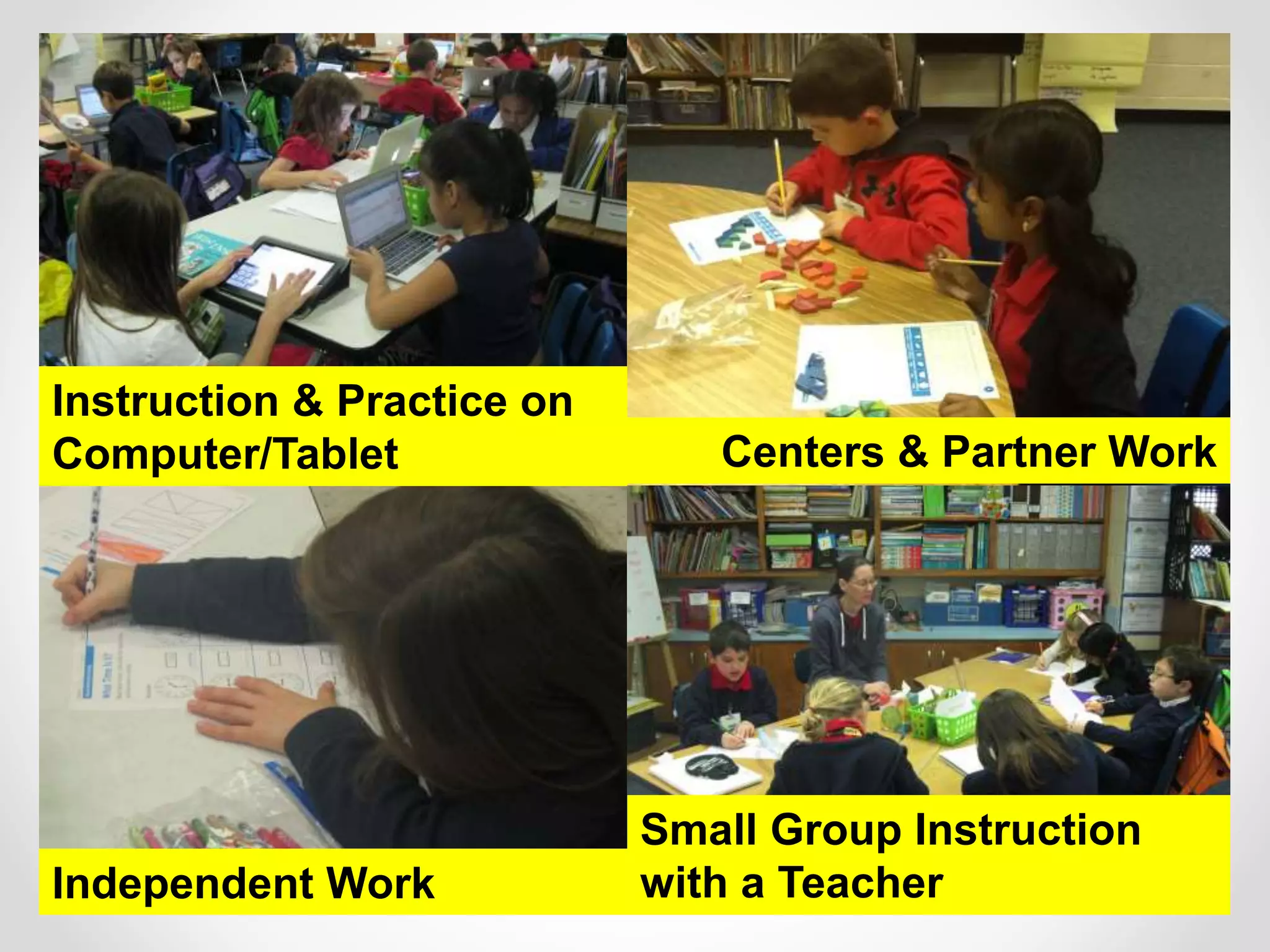
Small Group Instruction
with a Teacher
Instruction and Practice on
Computer/Tablet
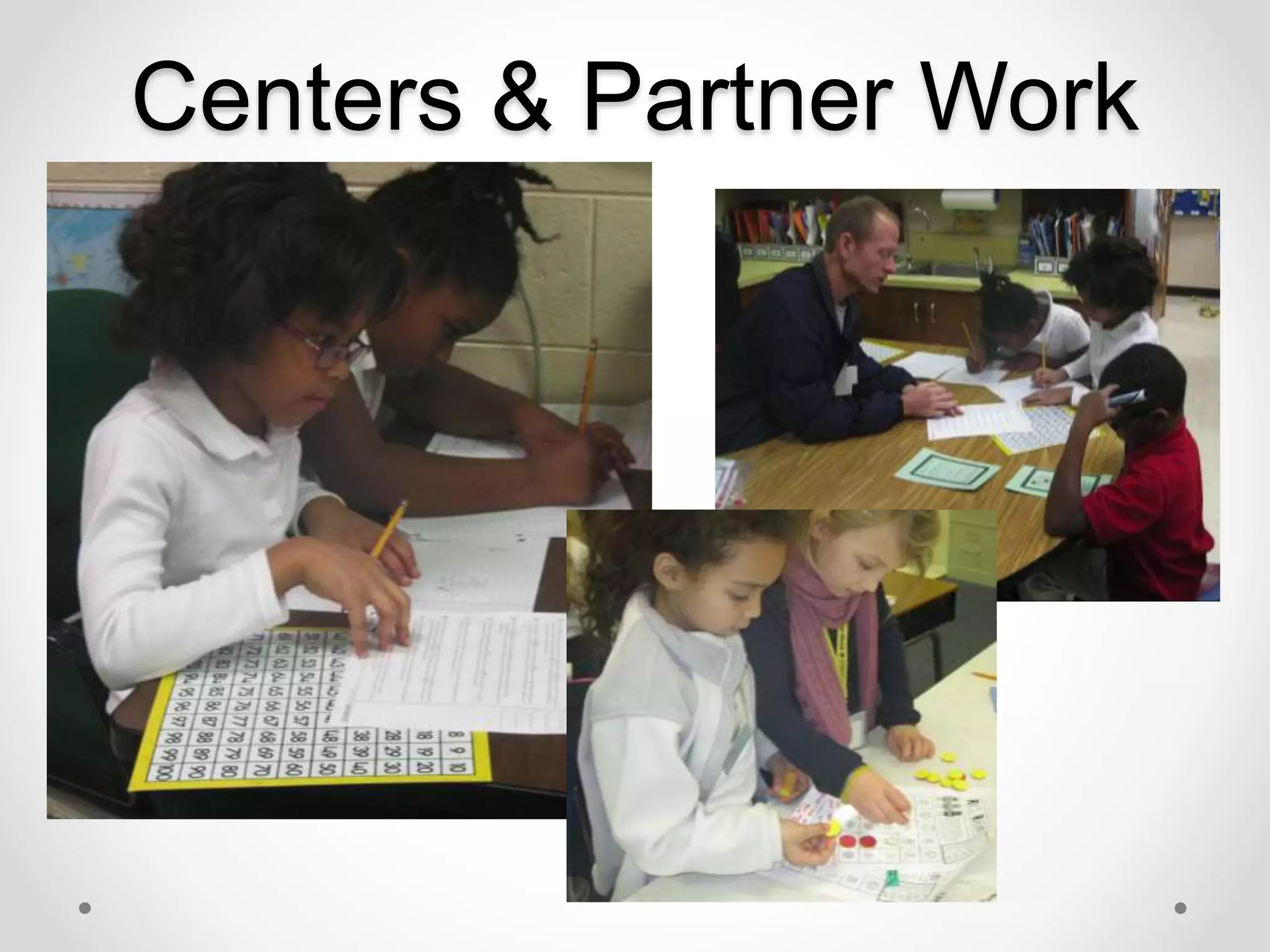
Centers & Partner Work
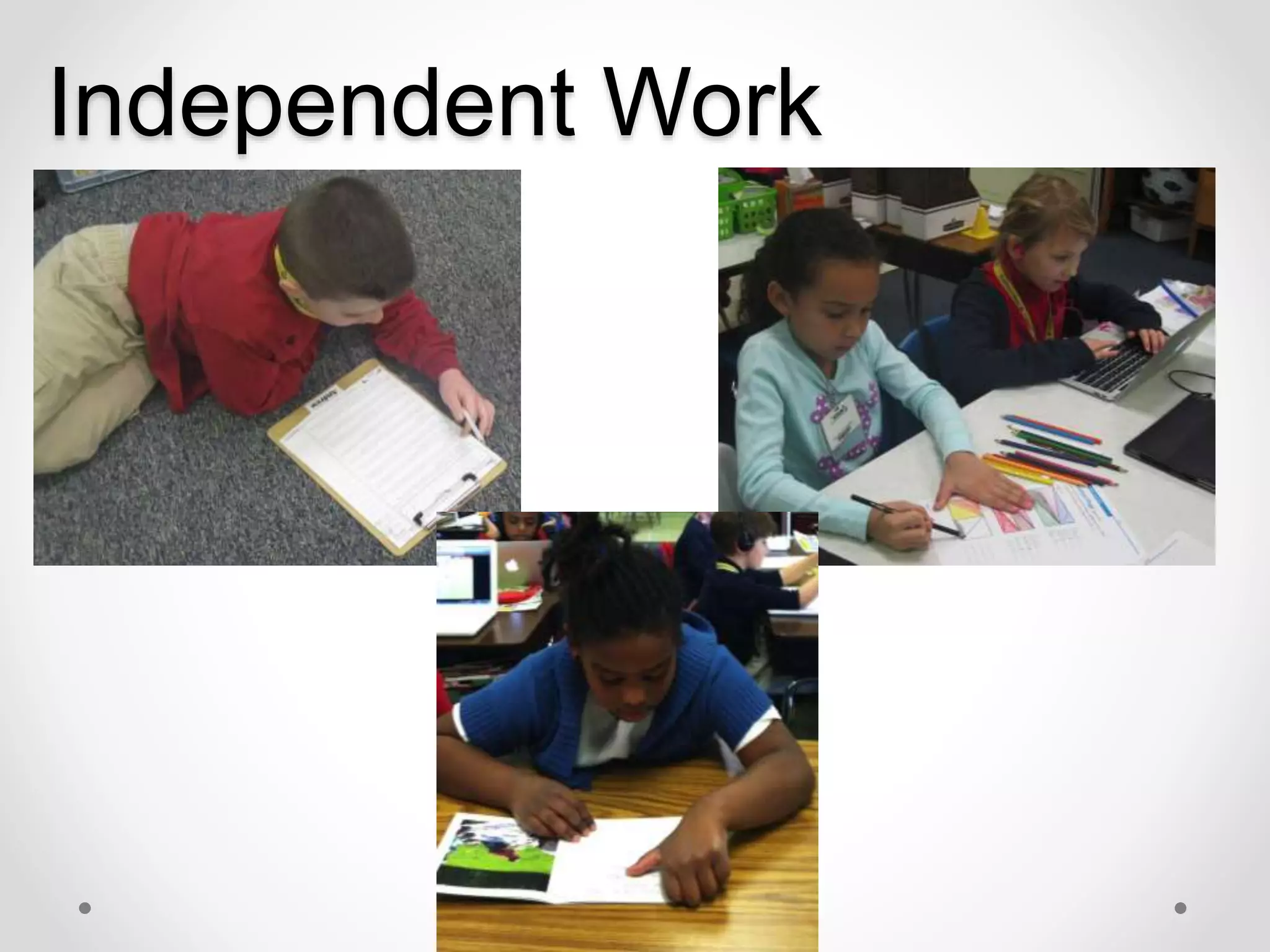
Independent Work
Independent Work
Instruction & Practice on
Computer/Tablet
Small Group Instruction
with a Teacher
Centers & Partner Work
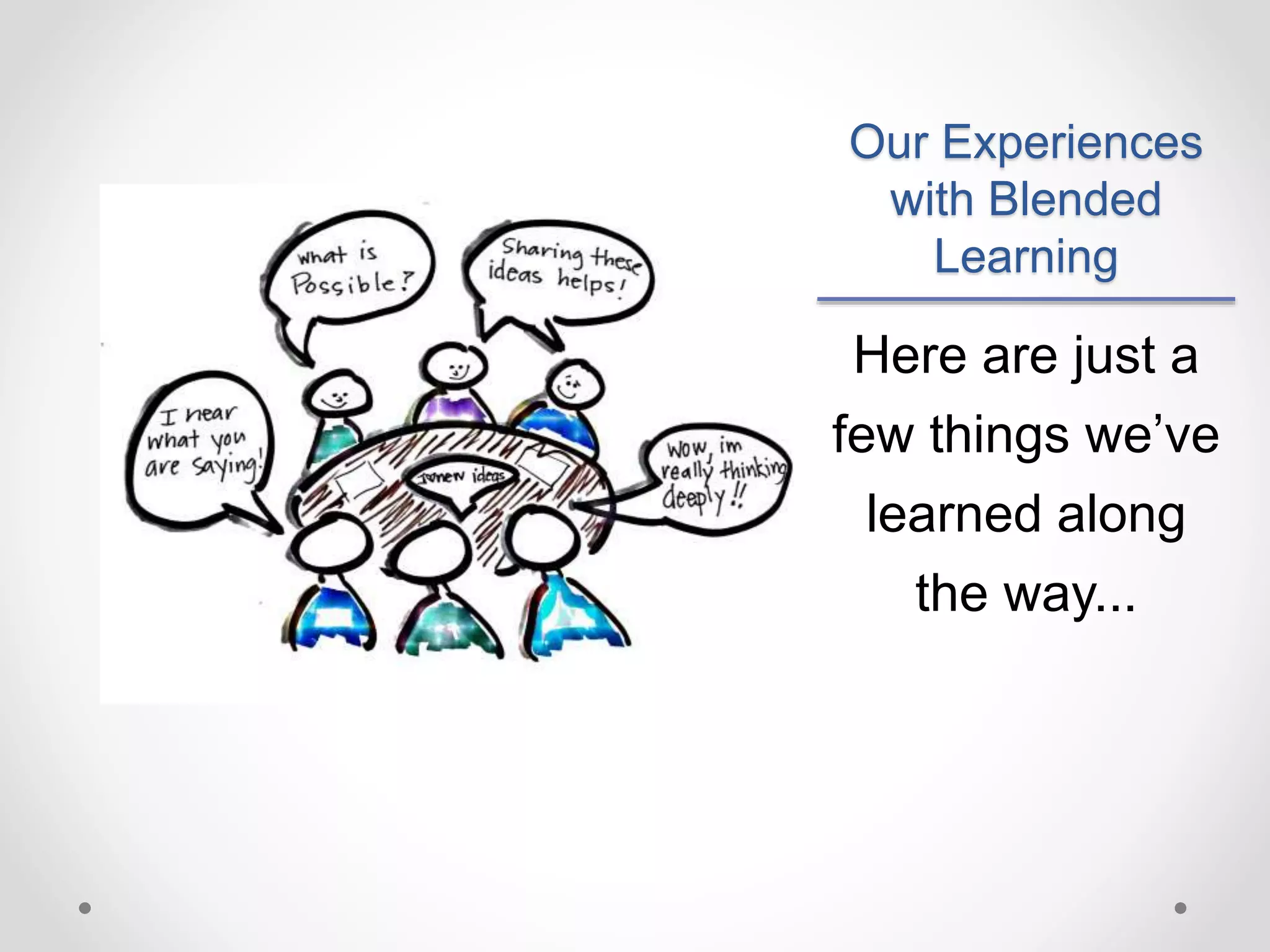
Our Experiences
with Blended
Learning
Here are just a
few things we’ve
learned along
the way...
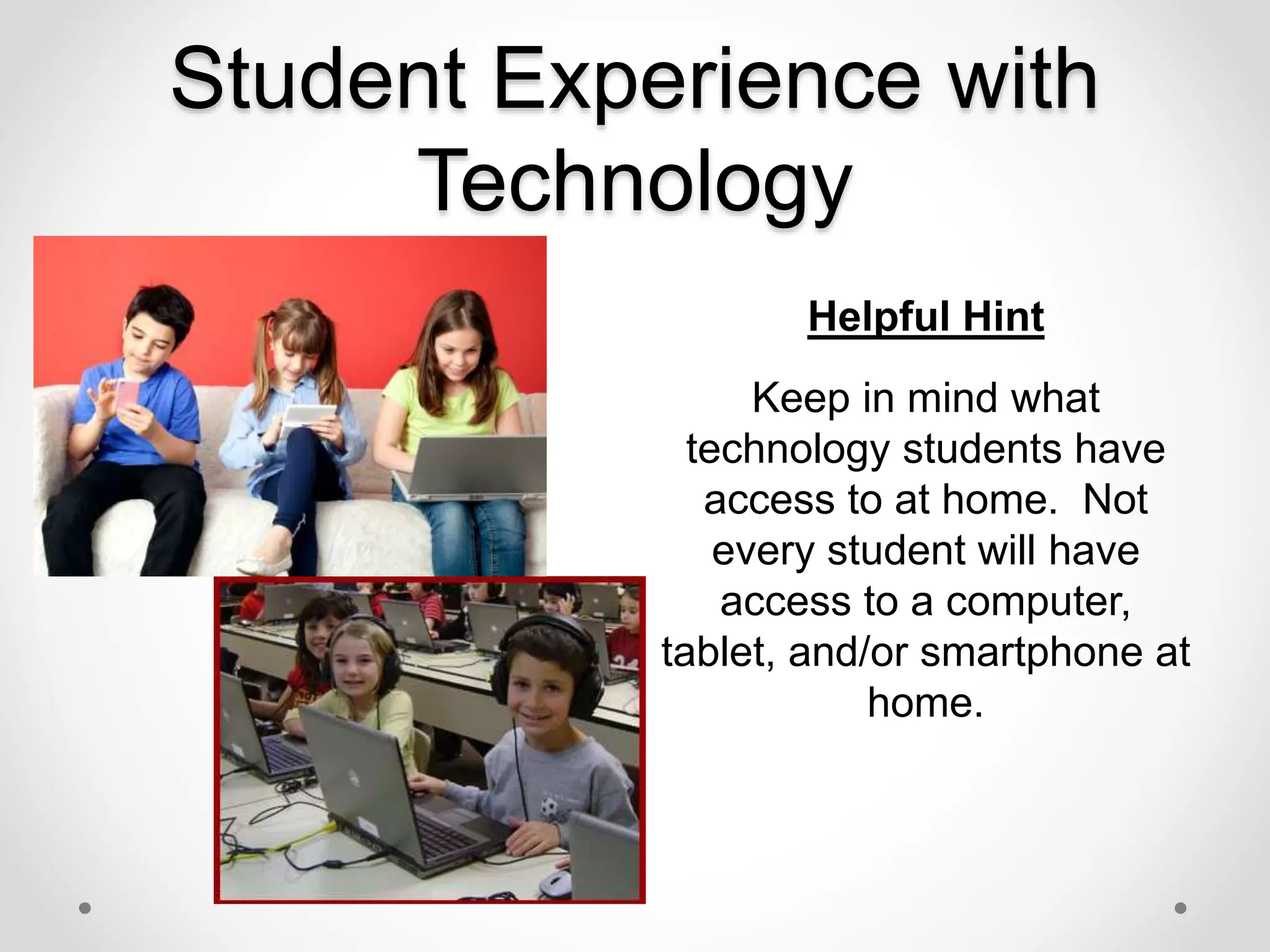
Student Experience with
Technology
Helpful Hint
Keep in mind what
technology students have
access to at home. Not
every student will have
access to a computer,
tablet, and/or smartphone at
home.
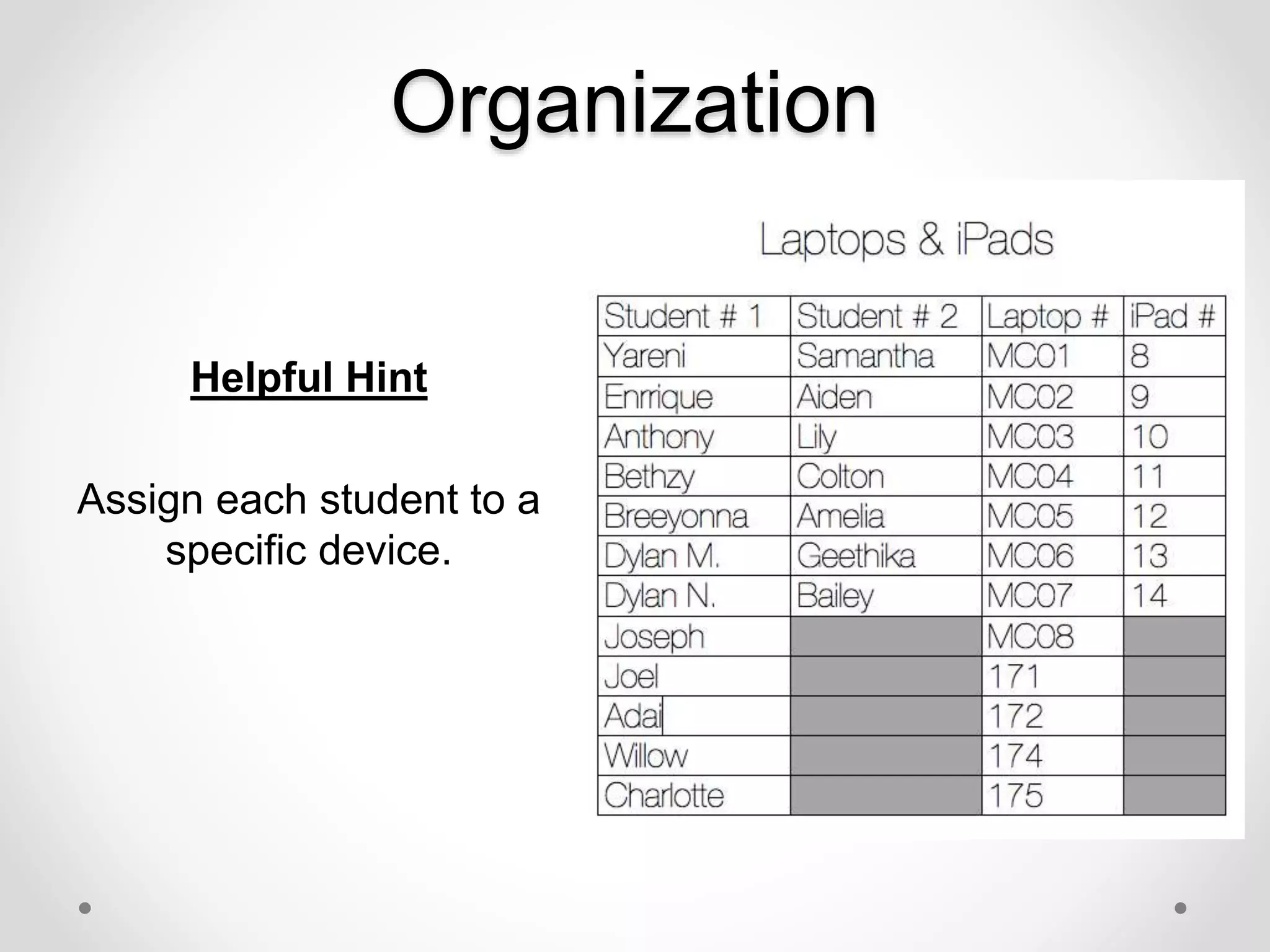
Organization
Helpful Hint
Assign each student to a
specific device.
Headphones
Helpful Hint
Add headphones to your
back to school supply list.
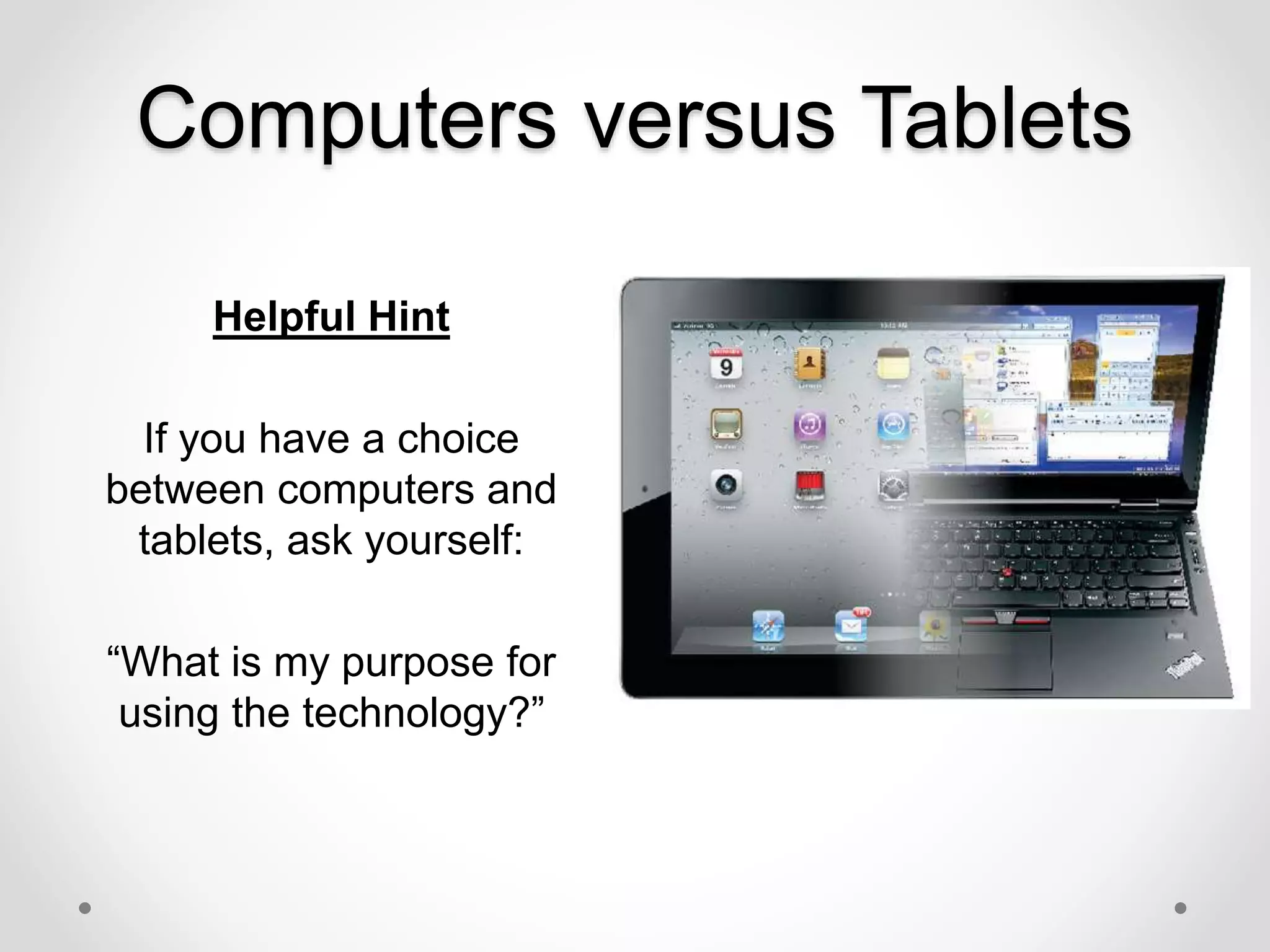
Computers versus Tablets
Helpful Hint
If you have a choice
between computers and
tablets, ask yourself:
“What is my purpose for
using the technology?”
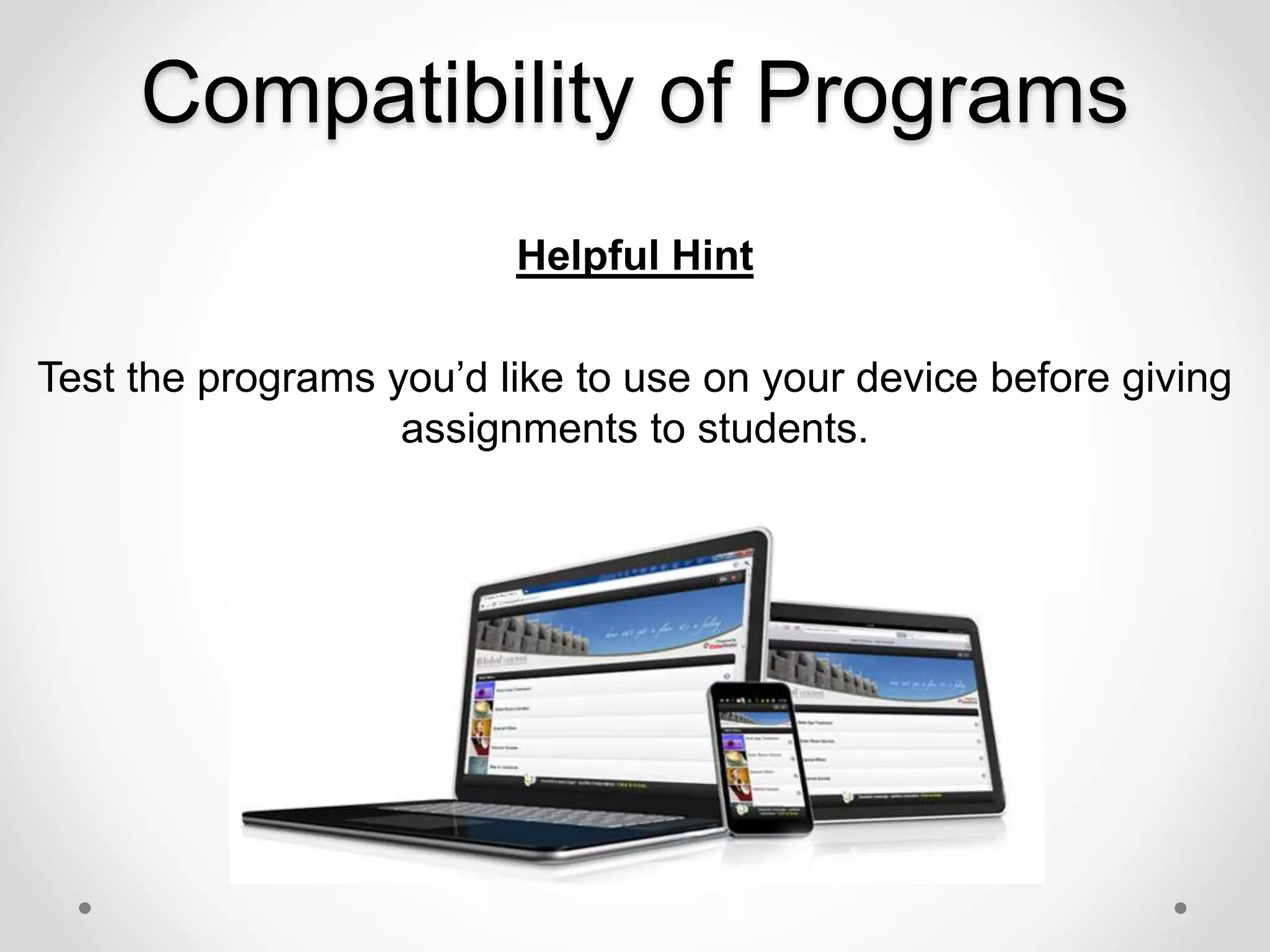
Compatibility of Programs
Helpful Hint
Test the programs you’d like to use on your device before giving
assignments to students.
First Steps to Building Your Own
Blended Classroom
Start with what you have!
Scrounge Around for Unused or
Under-Utilized Resources
You don’t have to spend money
on programs, look for what’s
already out there.
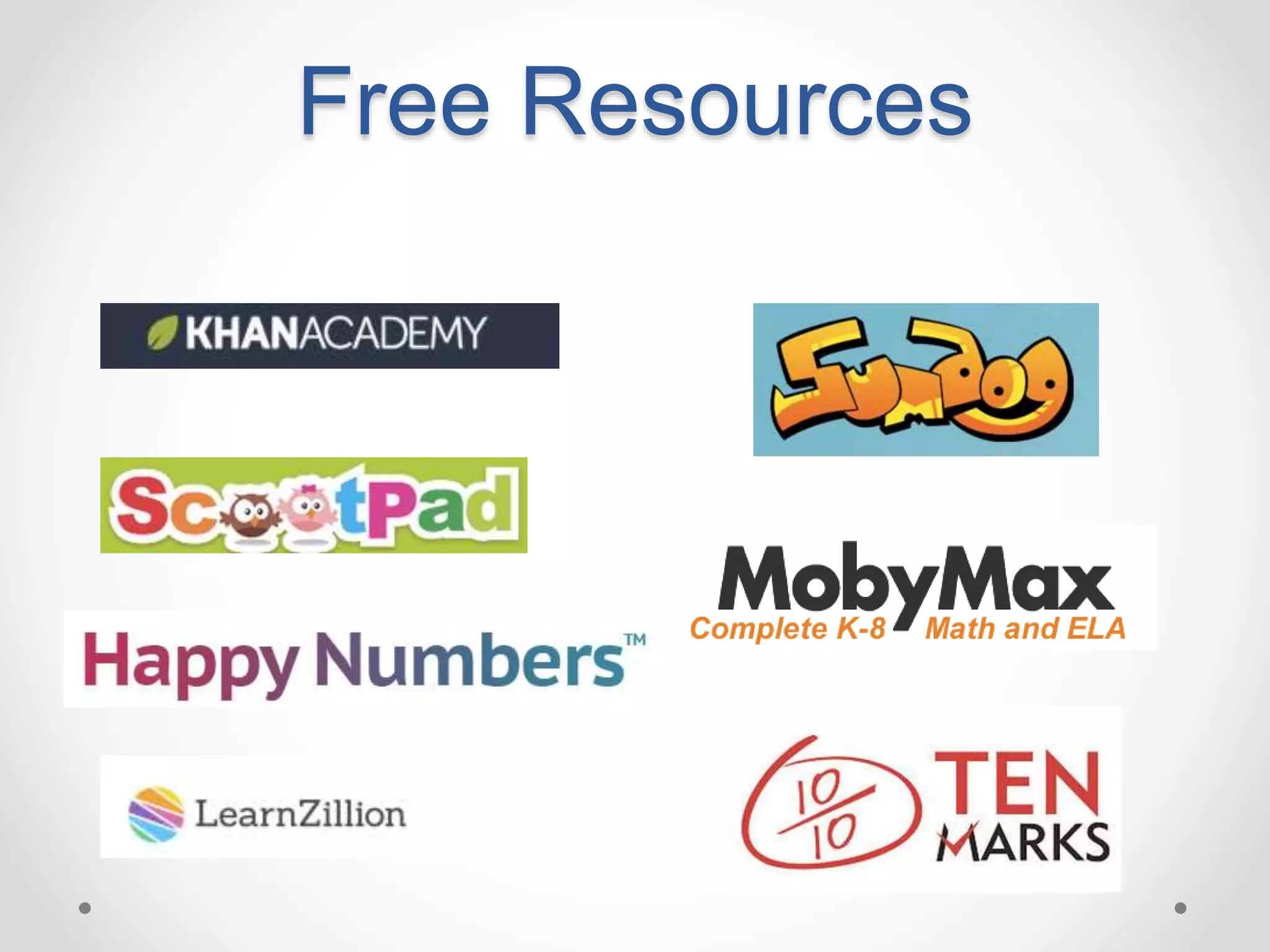
Free Resources
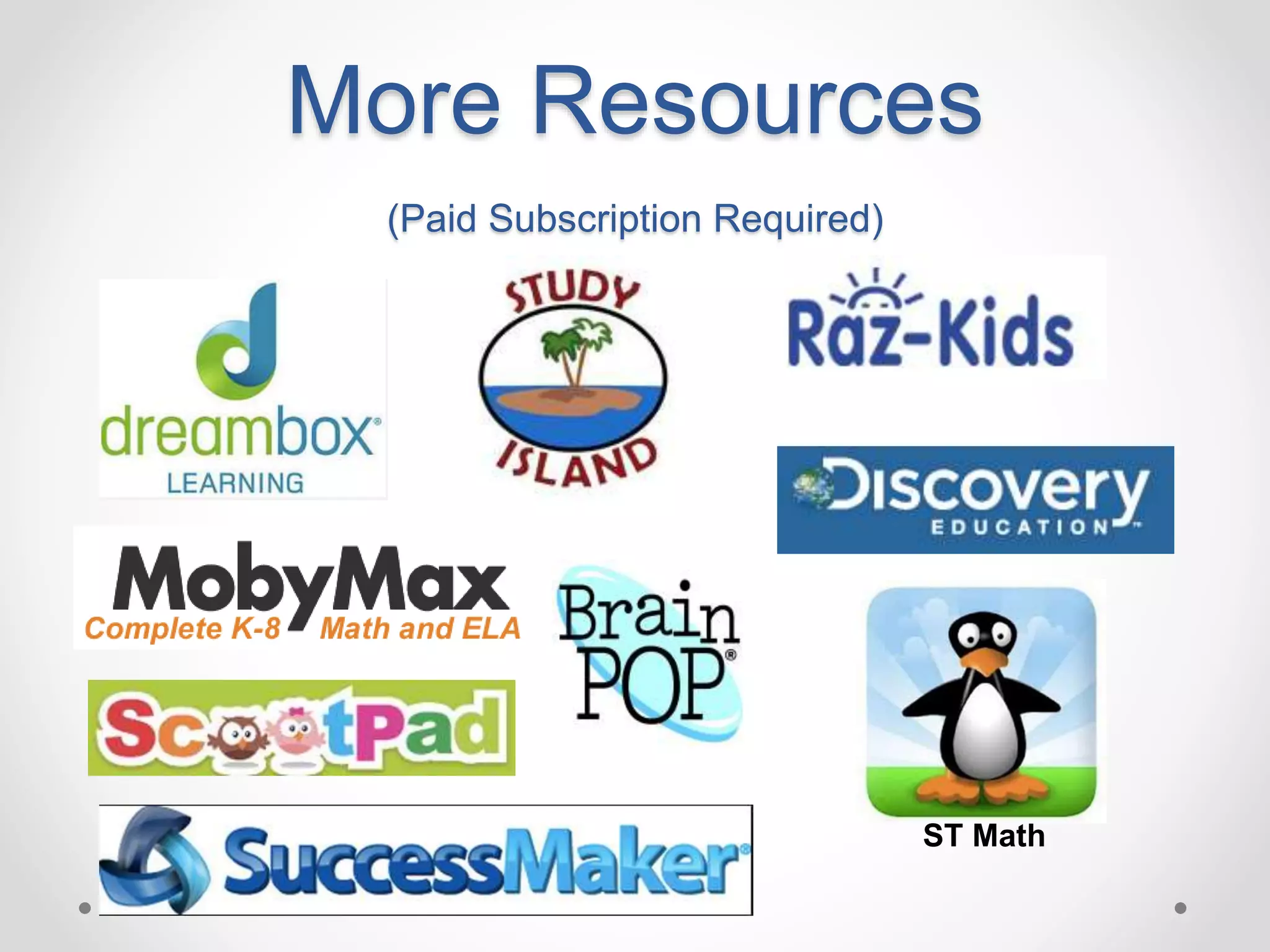
More Resources
(Paid Subscription Required)
ST Math
What Our Students Think
“We use technology everyday. If it’s
iPads, computers, or the
SMARTBoard, it counts. I like this
school because the teachers tell us
to never give up and do what’s right
for you.”
-Samay, 2nd Grade Student
“The best thing that I like about
Coltrane-Webb is that we get to use
lots of technology. On the
computers, we use websites like
Dreambox and Sumdog for math,
RAZ-Kids for reading and Pebble-Go
in Science and Social Studies.”
~Tealy, 2nd Grade Student
“We are a lucky school to have all of this
technology.”
~Ben, 2nd Grade Student
“In my class, we use Dreambox.
Dreambox is for math. I like it because
you’re learning, but you’re having fun and
if you get stuck, they help you out.”
~Amelia, 2nd Grade Student
We use technology to teach us math and
reading and typing and lots more. We
use the laptops and iPads each and
every day. The students learn a lot at
this school.”
~Charlotte, 2nd Grade Student
Questions
Resource Exploration
Teacher Number 445525
Email: ccsteacher555@gmail.com
Password: ccs12345
Plan It!
• Choose one of the resources you’ve learned about
today. Create a specific lesson/unit/plan for how you will
integrate the blended learning tool/resource in your
classroom instruction.
Feedback
Please click on the link below to give us feedback about
our presentation.
http://linoit.com/users/EmilySchmidt/canvases/Blended%20
Learning%20PD

Blended Learning in the Elementary Classroom - May 6

  • 1.
    Presented by: Emily Schmidtand Rebecca Phillips NCTIES Conference, March 7, 2014
  • 2.
    Who Are We? EmilySchmidt Emily.Schmidt@cabarrus.k12.nc.us Rebecca Phillips Rebecca.Phillips@cabarrus.k12.nc.us
  • 3.
    Agenda 8:00 – 8:15Arrive and Complete Survey 8:15 - 9:00 Presentation o What is Blended Learning? o How to create your own Blended Learning Classroom 9:00 – 9:45 Exploration of Blended Learning Resources 9:45 – 10:30 Jigsaw to Share 10:30 – 11:15 Create your own Blended Learning Lesson/Unit and Share 11:15 – 11:45 Questions & Sharing
  • 4.
    What is BlendedLearning? • Blended learning is a hybrid way of learning • Combines small group instruction with the teacher and personalized instruction on a computer/tablet • Uses adaptive technology • Blended learning allows students to control the pace and content of their own instruction.
  • 5.
    Blended learning combinestraditional direct instruction from the teacher and instruction and practice on a computer/tablet + = BLENDED LEARNING
  • 6.
  • 7.
    “Technology is nota teacher - even with the best software, the technology is not the professional in the room.” -Talbot Bielefeldt, ISTE Senior Research Associate
  • 8.
    What do youneed to have in a successful blended learning classroom?
  • 9.
  • 10.
  • 11.
  • 12.
  • 13.
  • 14.
  • 15.
  • 16.
    What does anelementary level blended learning classroom look like?
  • 17.
    Elementary Blended Learning Classroom •There are several models of blended learning. • In our classes, we use a station-rotation model. • If you are already teaching using the workshop model, you are only a step away from creating a blended learning classroom.
  • 18.
  • 19.
    Instruction and Practiceon Computer/Tablet
  • 20.
  • 21.
  • 22.
    Independent Work Instruction &Practice on Computer/Tablet Small Group Instruction with a Teacher Centers & Partner Work
  • 23.
    Our Experiences with Blended Learning Hereare just a few things we’ve learned along the way...
  • 24.
    Student Experience with Technology HelpfulHint Keep in mind what technology students have access to at home. Not every student will have access to a computer, tablet, and/or smartphone at home.
  • 25.
    Organization Helpful Hint Assign eachstudent to a specific device.
  • 26.
    Headphones Helpful Hint Add headphonesto your back to school supply list.
  • 27.
    Computers versus Tablets HelpfulHint If you have a choice between computers and tablets, ask yourself: “What is my purpose for using the technology?”
  • 28.
    Compatibility of Programs HelpfulHint Test the programs you’d like to use on your device before giving assignments to students.
  • 29.
    First Steps toBuilding Your Own Blended Classroom
  • 30.
    Start with whatyou have!
  • 31.
    Scrounge Around forUnused or Under-Utilized Resources
  • 32.
    You don’t haveto spend money on programs, look for what’s already out there.
  • 33.
  • 34.
  • 35.
    What Our StudentsThink “We use technology everyday. If it’s iPads, computers, or the SMARTBoard, it counts. I like this school because the teachers tell us to never give up and do what’s right for you.” -Samay, 2nd Grade Student “The best thing that I like about Coltrane-Webb is that we get to use lots of technology. On the computers, we use websites like Dreambox and Sumdog for math, RAZ-Kids for reading and Pebble-Go in Science and Social Studies.” ~Tealy, 2nd Grade Student “We are a lucky school to have all of this technology.” ~Ben, 2nd Grade Student “In my class, we use Dreambox. Dreambox is for math. I like it because you’re learning, but you’re having fun and if you get stuck, they help you out.” ~Amelia, 2nd Grade Student We use technology to teach us math and reading and typing and lots more. We use the laptops and iPads each and every day. The students learn a lot at this school.” ~Charlotte, 2nd Grade Student
  • 36.
  • 37.
    Resource Exploration Teacher Number445525 Email: ccsteacher555@gmail.com Password: ccs12345
  • 38.
    Plan It! • Chooseone of the resources you’ve learned about today. Create a specific lesson/unit/plan for how you will integrate the blended learning tool/resource in your classroom instruction.
  • 39.
    Feedback Please click onthe link below to give us feedback about our presentation. http://linoit.com/users/EmilySchmidt/canvases/Blended%20 Learning%20PD