Blackboard Version 7.1 Introduction to  New Features & Tools
Primary Feature Changes Discussion Board Assessment and Gradebook Visual Text Box Editor
Discussion Board
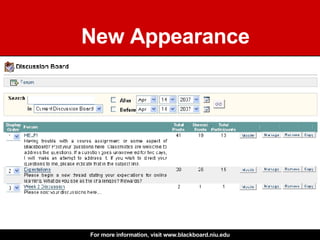
New Appearance
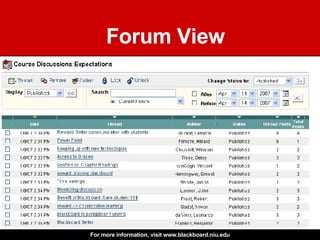
Forum View
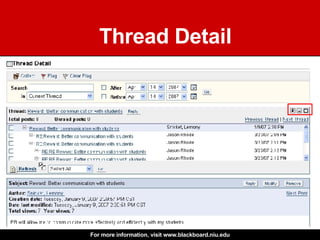
Thread Detail
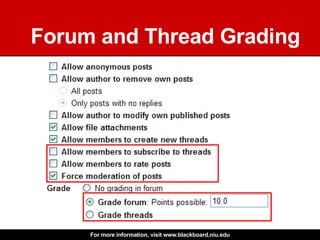
Forum and Thread Grading
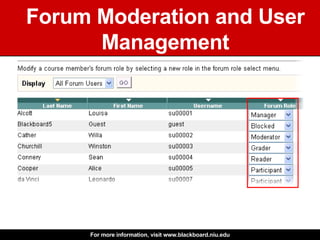
Forum Moderation and User Management
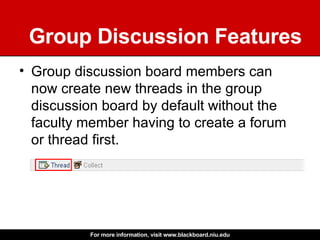
Group Discussion Features Group discussion board members can now create new threads in the group discussion board by default without the faculty member having to create a forum or thread first.
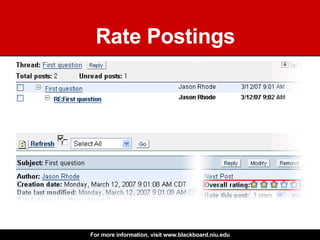
Rate Postings
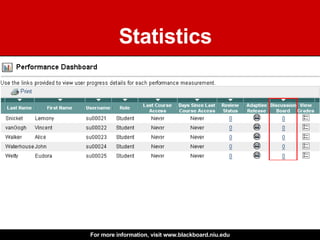
Statistics
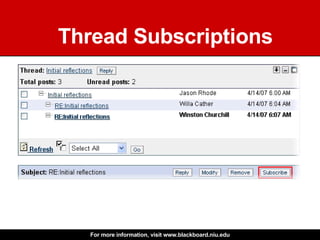
Thread Subscriptions
Other New Discussion Features Copy an entire forum within the same discussion board or to another discussion board in the course  Posts can be saved as drafts before publication  Faculty can make all discussion fora available or unavailable without having to archive them Search through a current forum, thread or all forums in the course Users can group posts into collections Faculty can "lock" a forum to prevent users from further posting An individual forum can be set to “unavailable”
Assessment & Gradebook
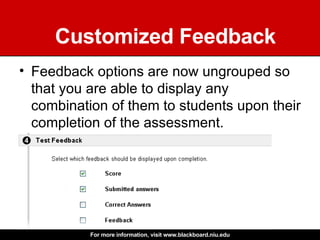
Customized Feedback Feedback options are now ungrouped so that you are able to display any combination of them to students upon their completion of the assessment.
Enhanced Submission Reports Assessment submission reports now include first name, last name, course name, username, course ID, name of the assessment and date/time of the submission, serving as verification of assessment completion for the student.
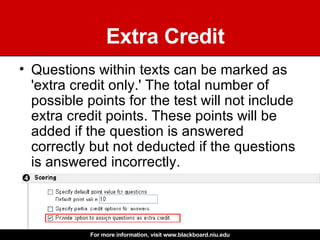
Extra Credit Questions within texts can be marked as 'extra credit only.' The total number of possible points for the test will not include extra credit points. These points will be added if the question is answered correctly but not deducted if the questions is answered incorrectly.
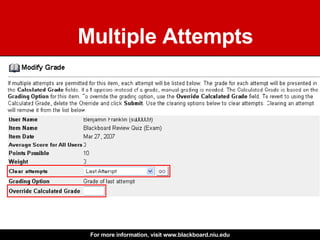
Multiple Attempts
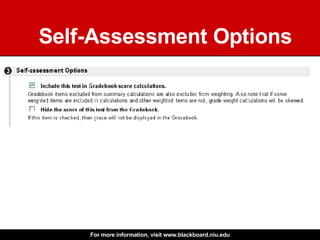
Self-Assessment Options
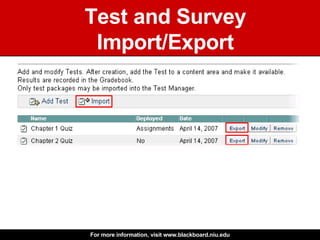
Test and Survey Import/Export
Visual Text Box Editor
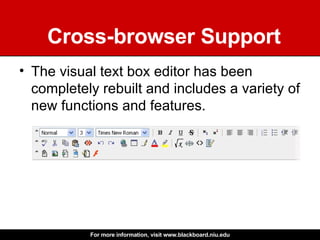
Cross-browser Support The visual text box editor has been completely rebuilt and includes a variety of new functions and features.
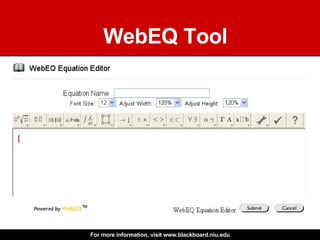
WebEQ Tool
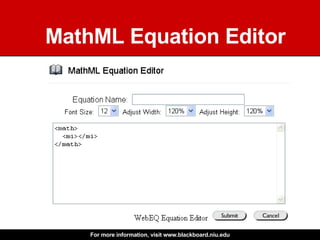
MathML Equation Editor
For more information… www.blackboard.niu.edu

Blackboard Version 7.1: Introduction to New Features and Tools

Editor's Notes

  • #2 Welcome to this presentation introducing the new features and tools available in Blackboard 7.1. I’m Jason Rhode, Assistant Director with the Faculty Development and Instructional Design Center at Northern Illinois University. The focus of this presentation is to provide a brief overview of the most substantial new features that NIU faculty and staff can expect when Blackboard is upgraded in 2007 from version 6.3 to 7.1. See the Teaching with Blackboard website at www.blackboard.niu.edu for more details concerning this upcoming upgrade. Subsequent tutorials and handouts will address new features in greater depth. While Blackboard undergoes regular updates behind-the-scenes that do not impact the user experience other than improving overall system performance, this particular upgrade includes some substantial new user features and system capabilities that previously have not existed. Therefore, this presentation will seek to mention these new features that NIU faculty and staff can expect to find in Blackboard beginning in version 7.1. These new features will be available in all NIU Blackboard courses and communities.