Beginning SQL: Differences Between SQL Server and Oracle Les Kopari Independent Consultant A Quick Intro for SQL Server Users
Introduction I f you're new to SQL or just new to Oracle SQL, perhaps coming from a Microsoft SQL Server environment, it may seem like the two versions should be very similar, and they are, to a certain degree, but they are also very different in some important and basic ways .
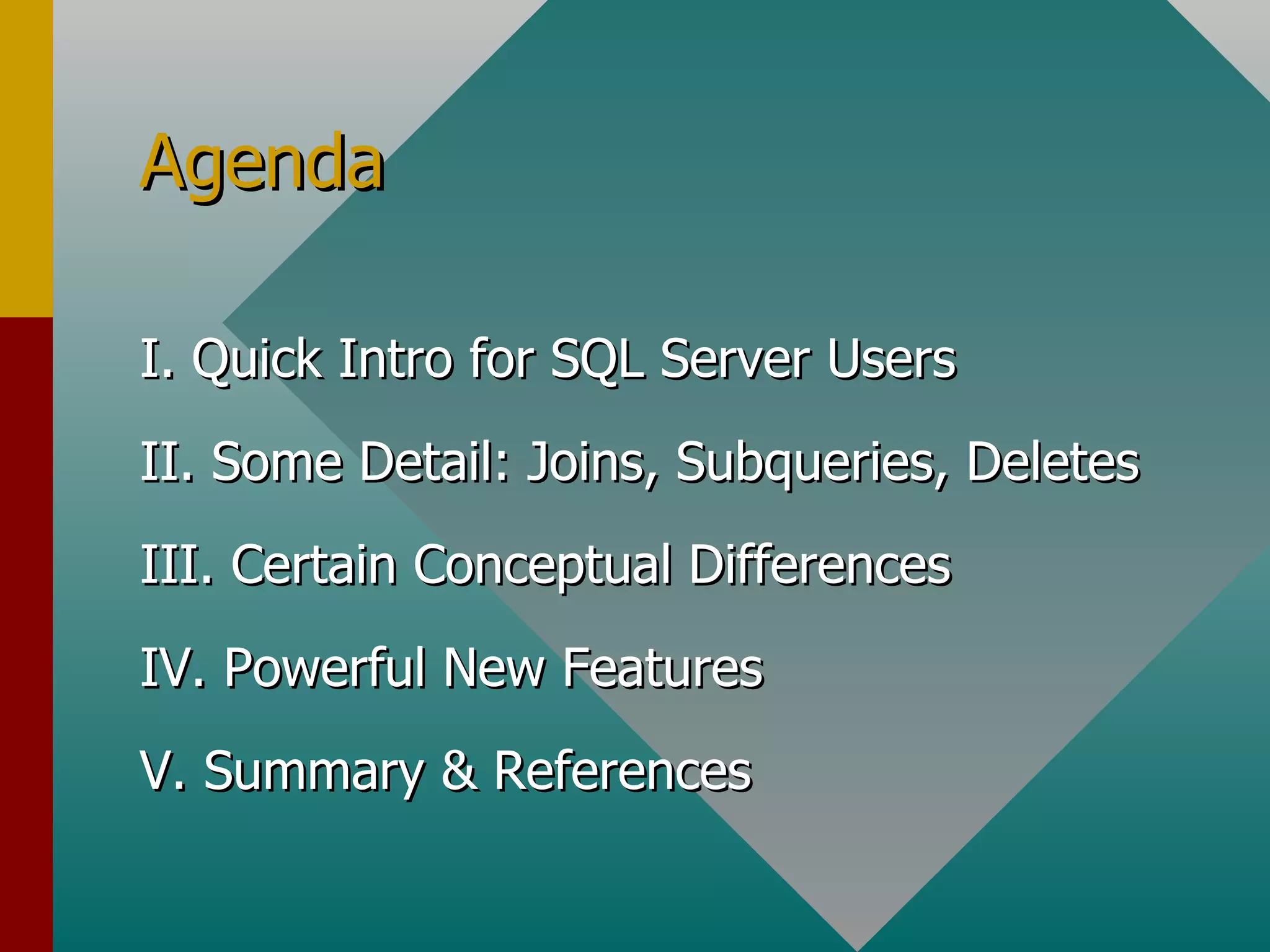
Agenda I. Quick Intro for SQL Server Users II. Some Detail: Joins, Subqueries, Deletes III. Certain Conceptual Differences IV. Powerful New Features V. Summary & References
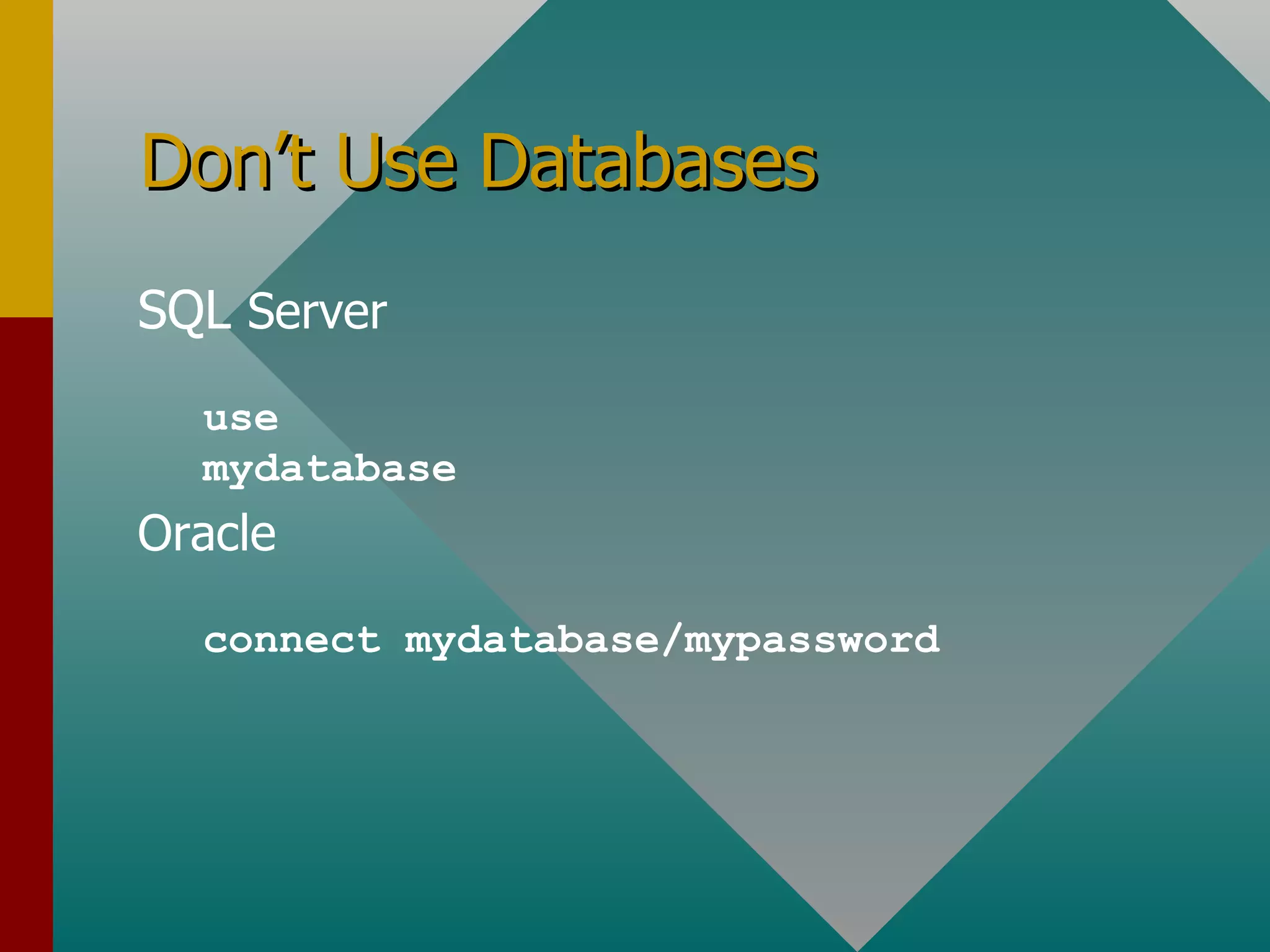
Don’t Use Databases SQL  Server use mydatabase Oracle connect mydatabase/mypassword
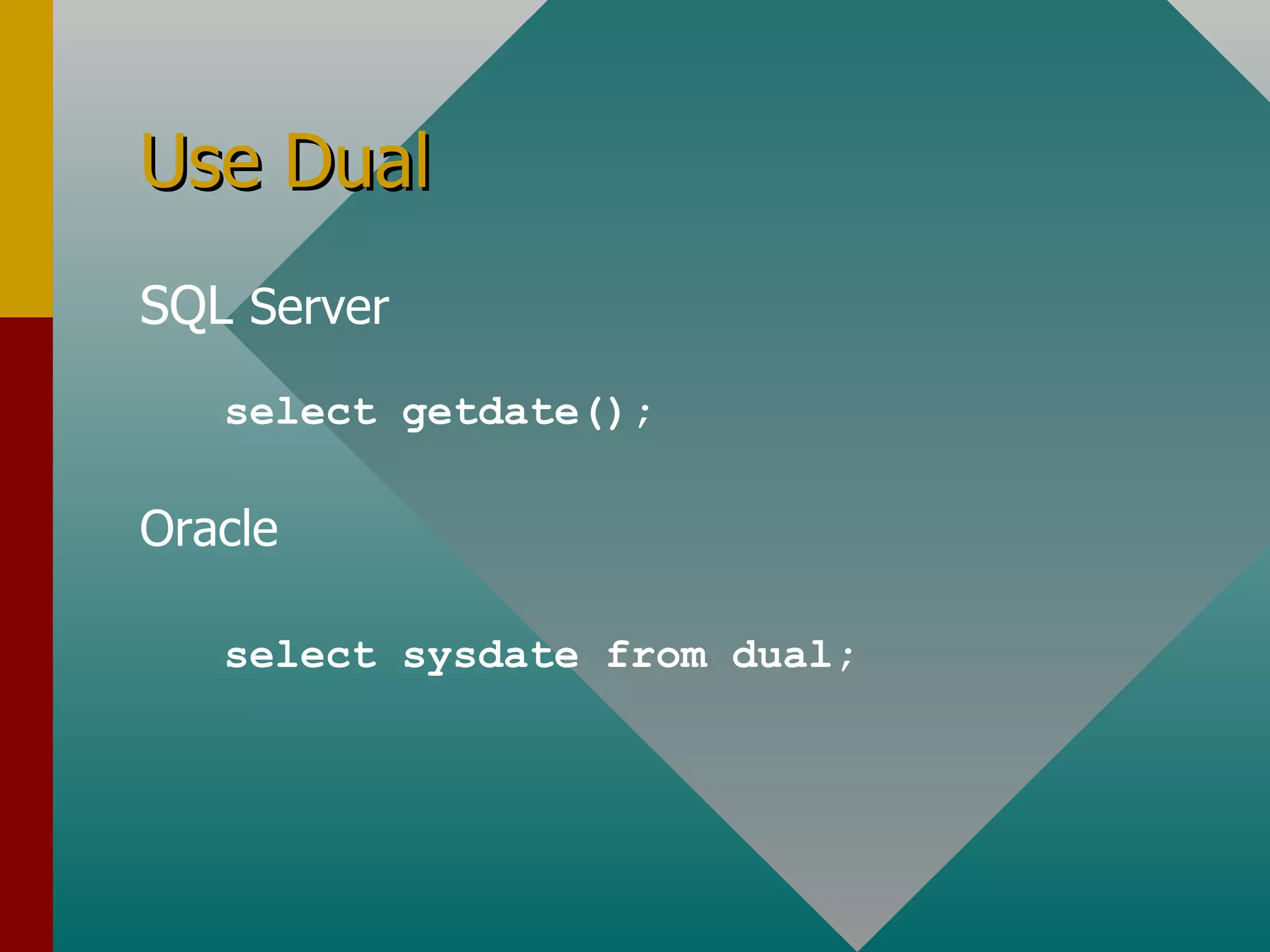
Use Dual SQL  Server Oracle select getdate(); select sysdate from dual;
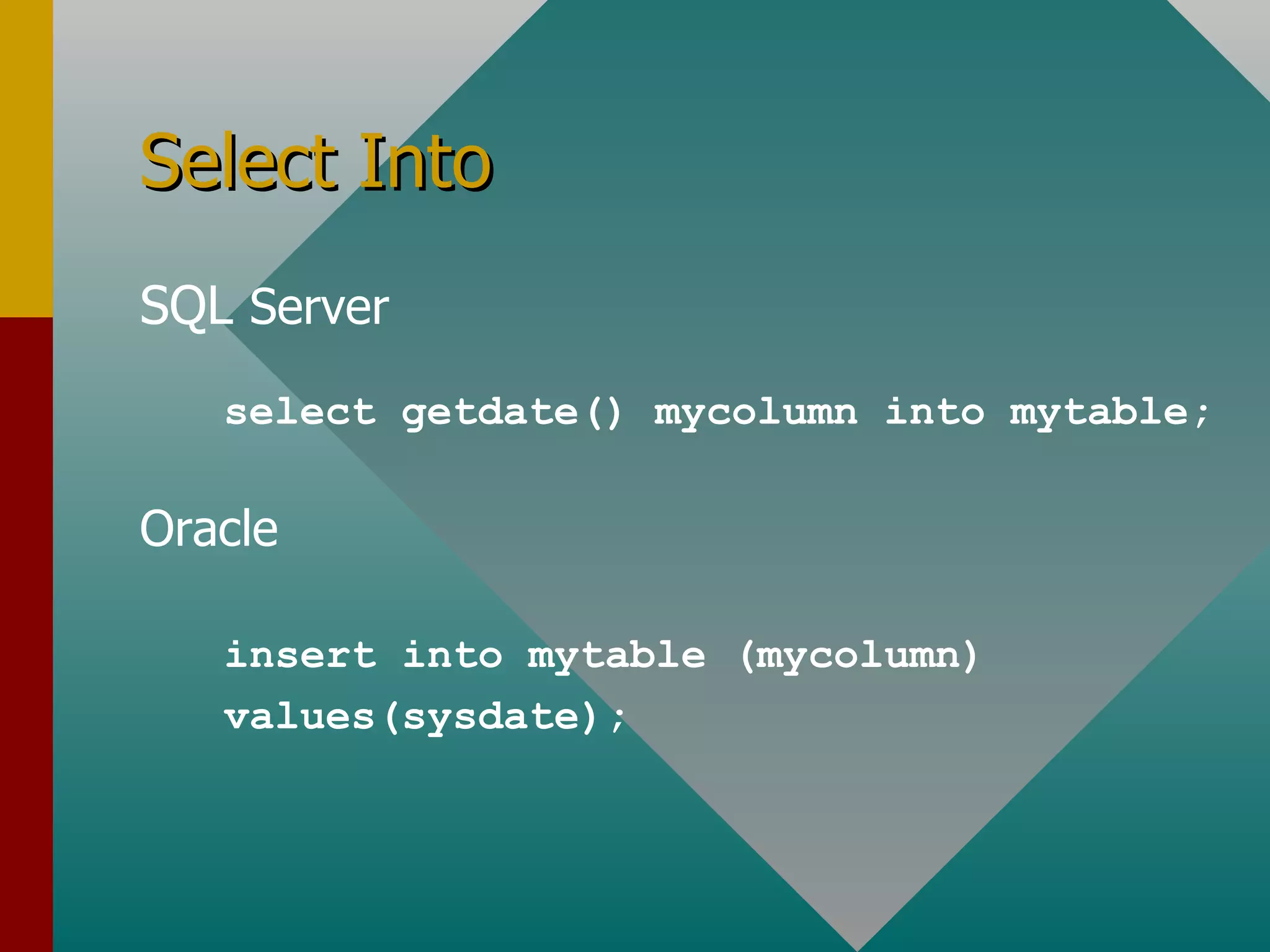
Select Into SQL  Server Oracle select getdate() mycolumn into mytable; insert into mytable (mycolumn) values(sysdate);
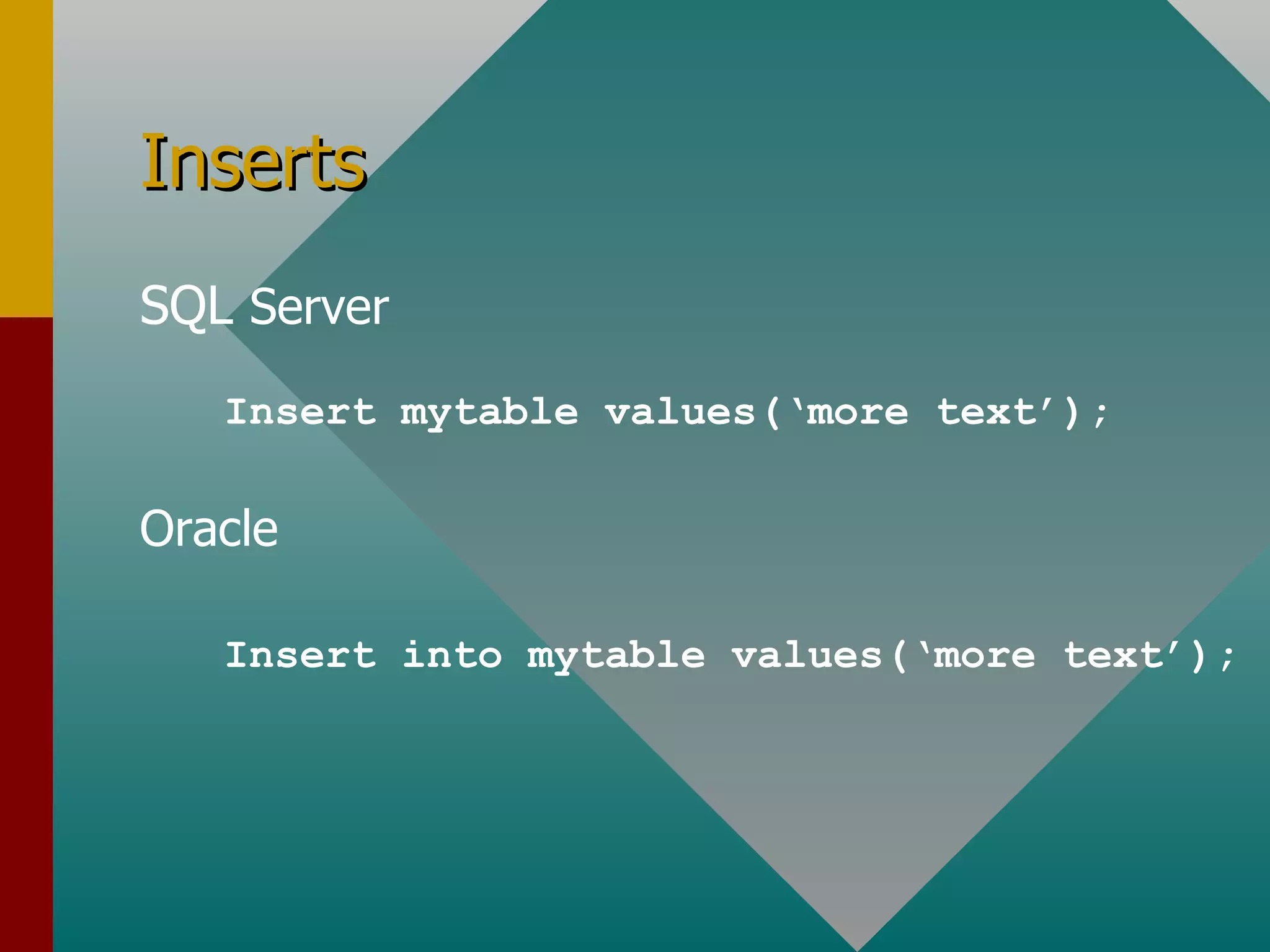
Inserts SQL  Server Oracle Insert mytable values(‘more text’); Insert into mytable values(‘more text’);
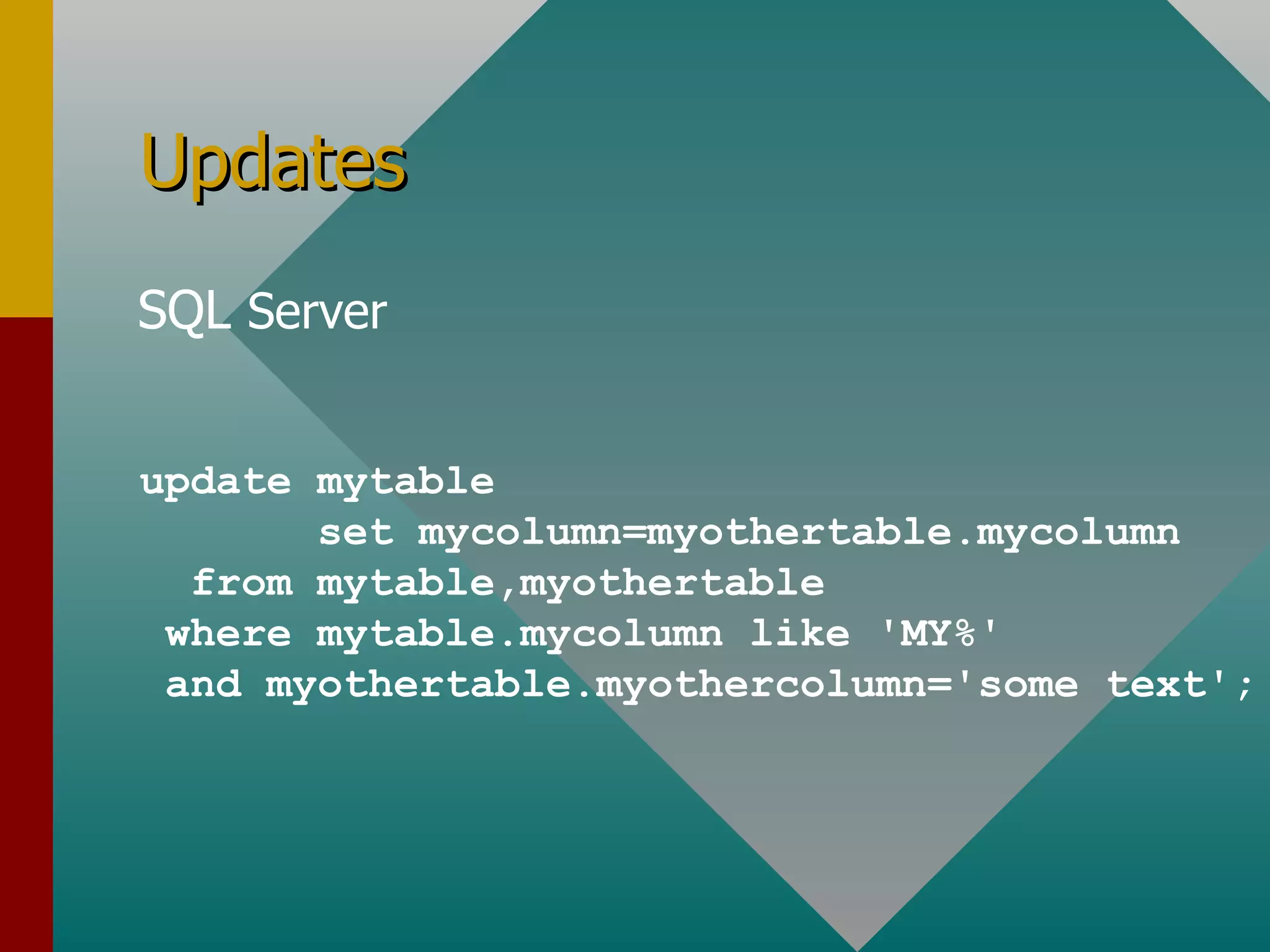
Updates SQL  Server update mytable set mycolumn=myothertable.mycolumn from mytable,myothertable where mytable.mycolumn like 'MY%' and myothertable.myothercolumn='some text';
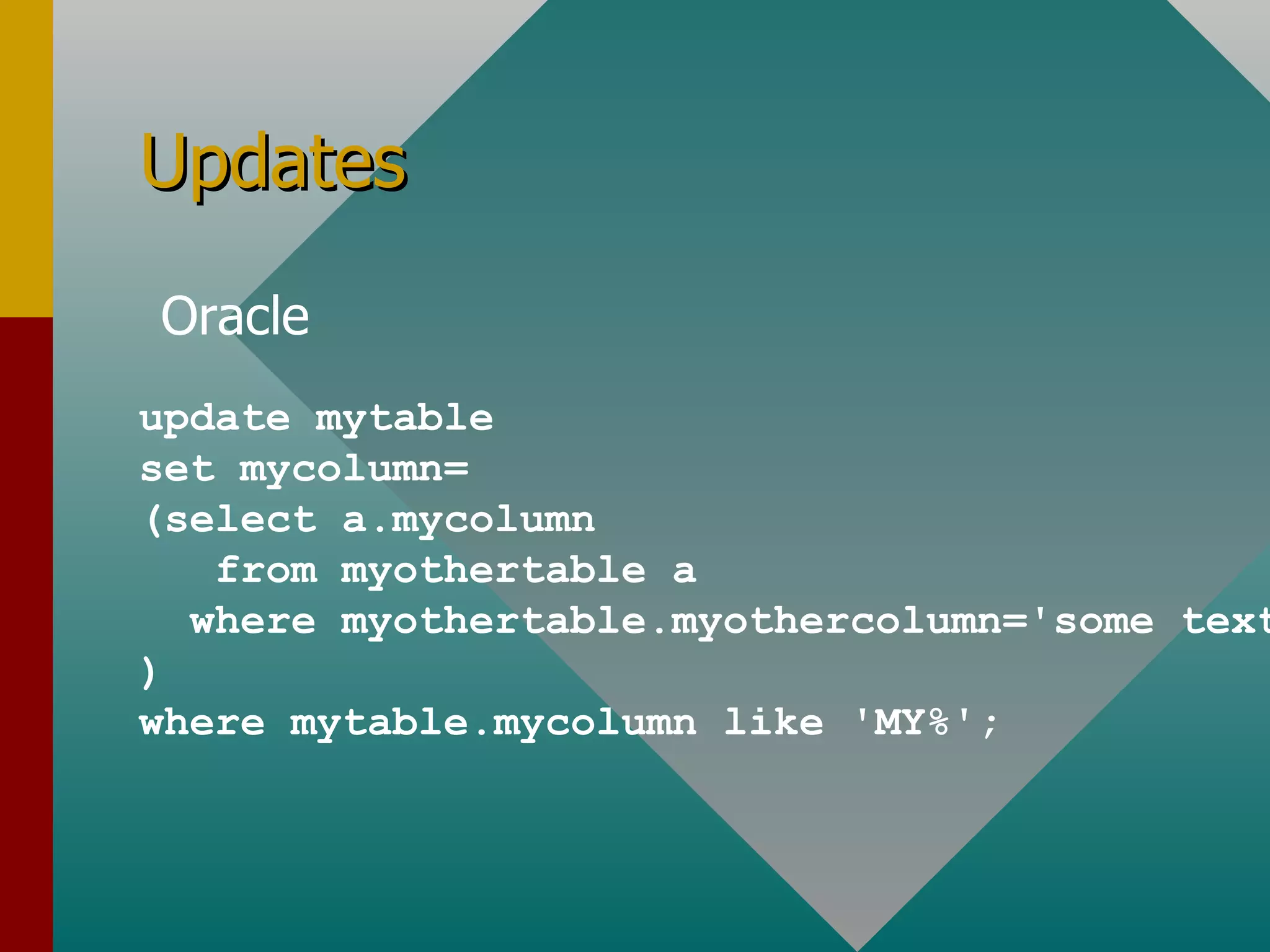
Updates Oracle update mytable set mycolumn= (select a.mycolumn from myothertable a where myothertable.myothercolumn='some text'; ) where mytable.mycolumn like 'MY%';
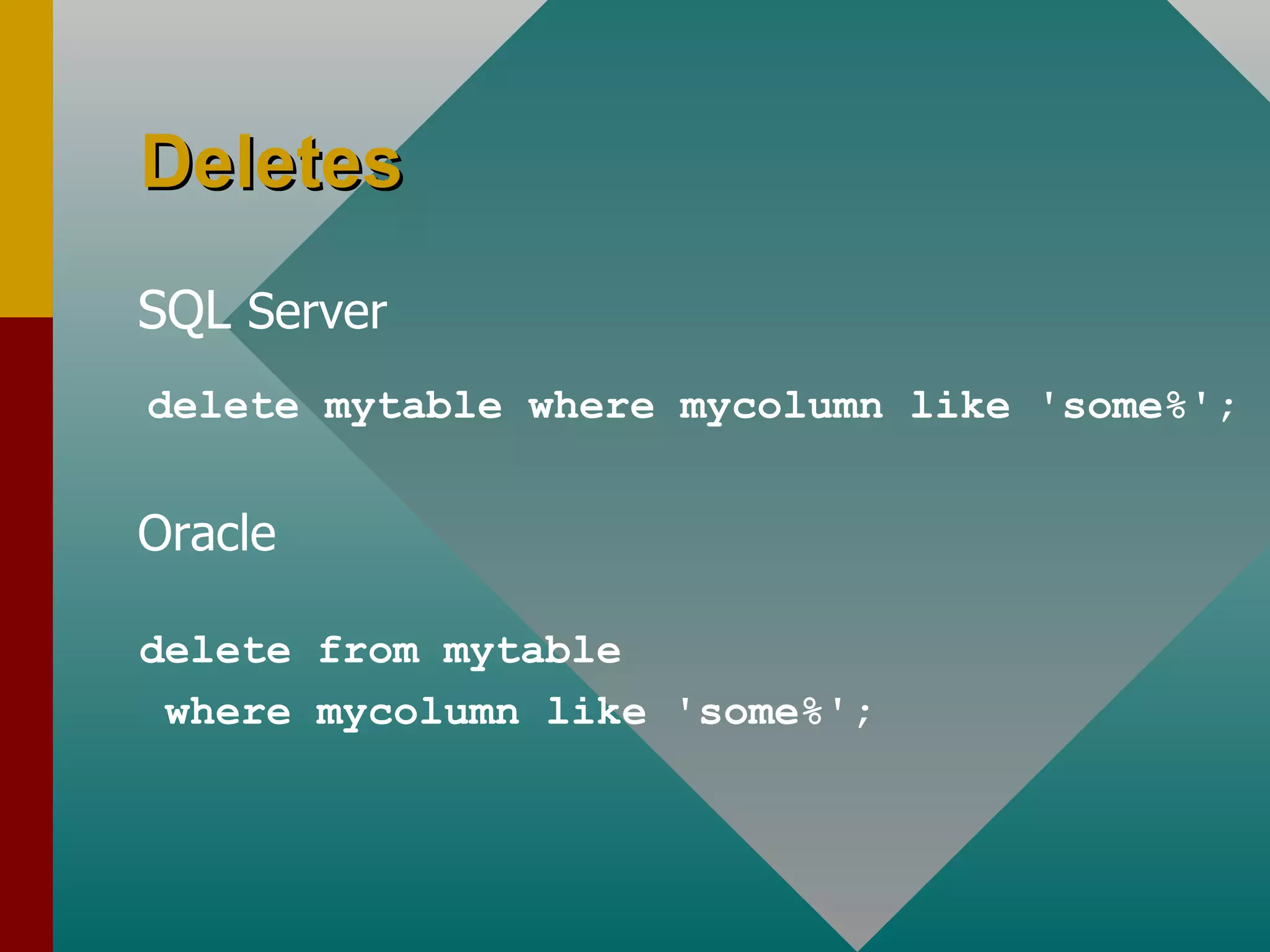
Deletes SQL  Server delete mytable where mycolumn like 'some%'; Oracle delete from mytable  where mycolumn like 'some%';
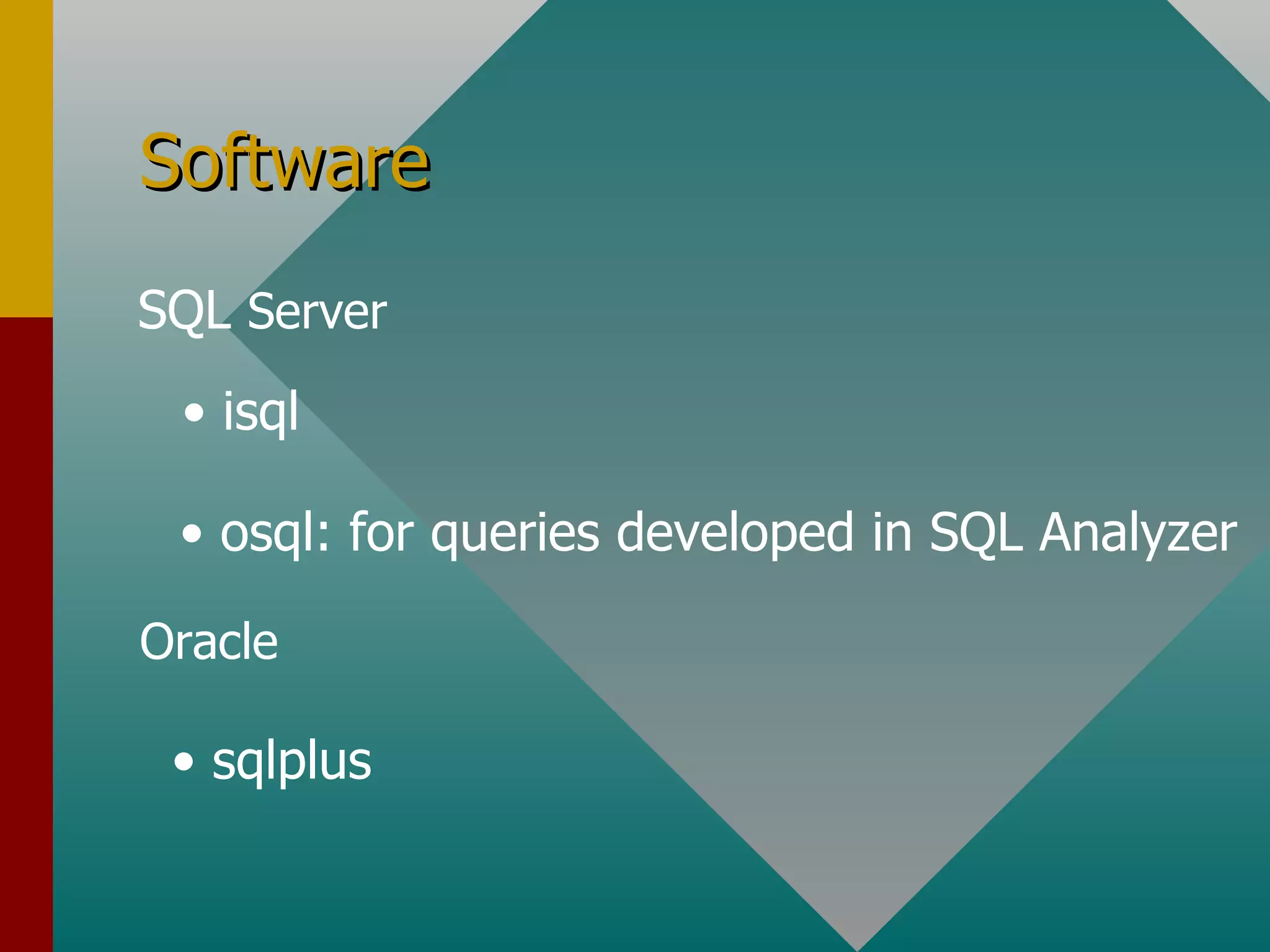
Software isql osql: for queries developed in SQL Analyzer sqlplus SQL  Server Oracle
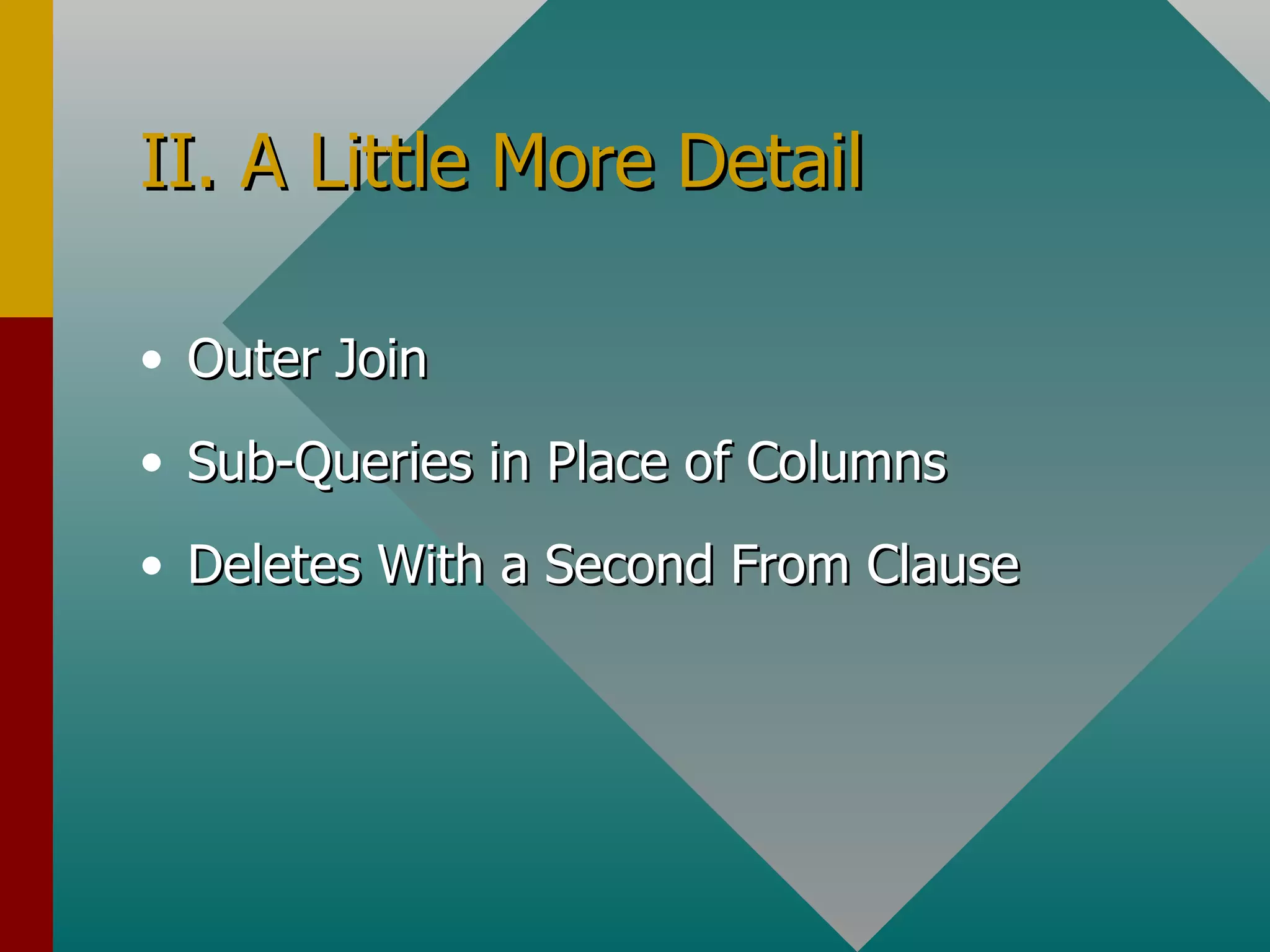
II. A Little More Detail Outer Join Sub-Queries in Place of Columns Deletes With a Second From Clause
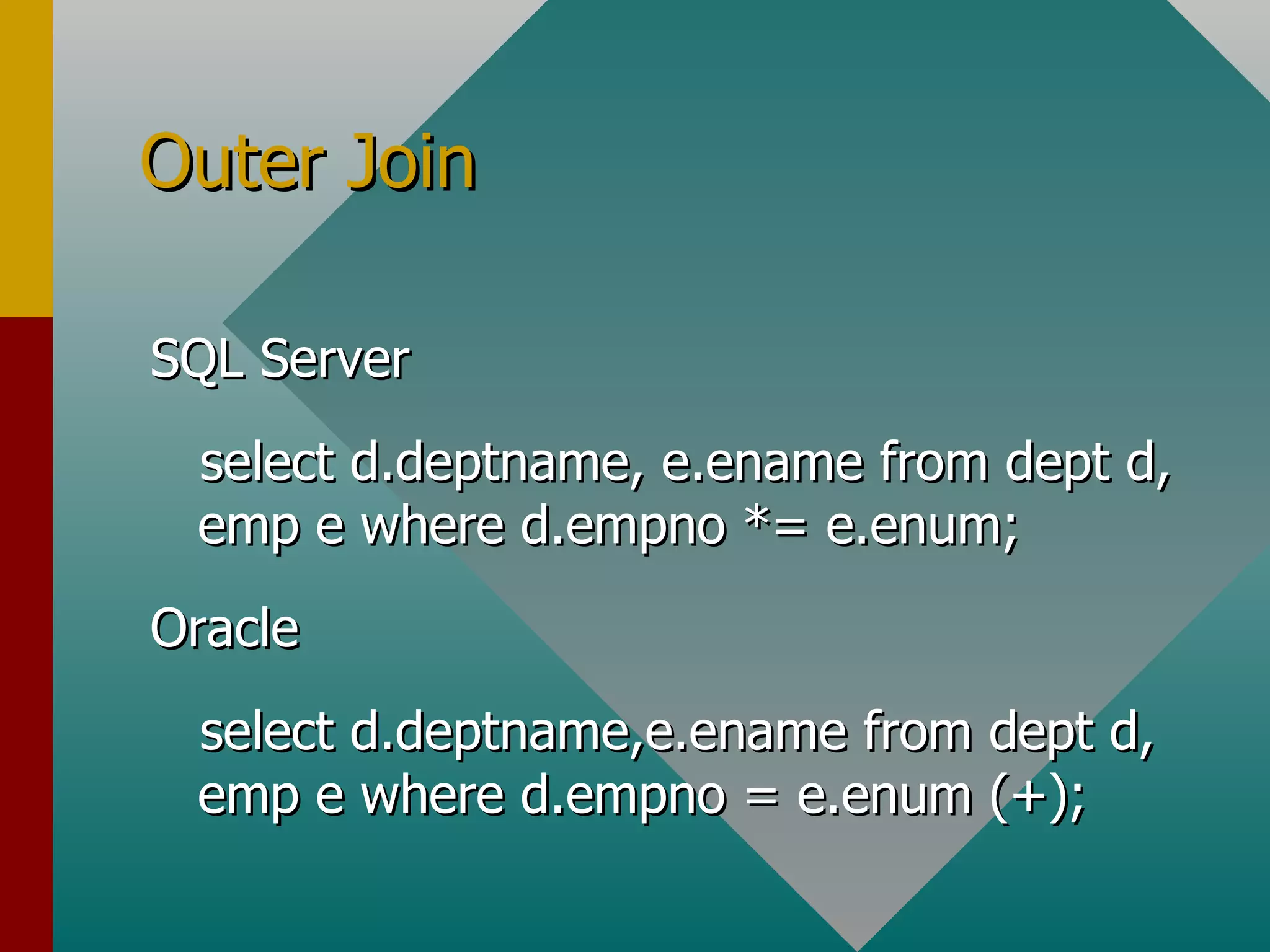
Outer Join SQL Server select d.deptname, e.ename from dept d, emp e where d.empno *= e.enum; Oracle select d.deptname,e.ename from dept d, emp e where d.empno = e.enum (+);
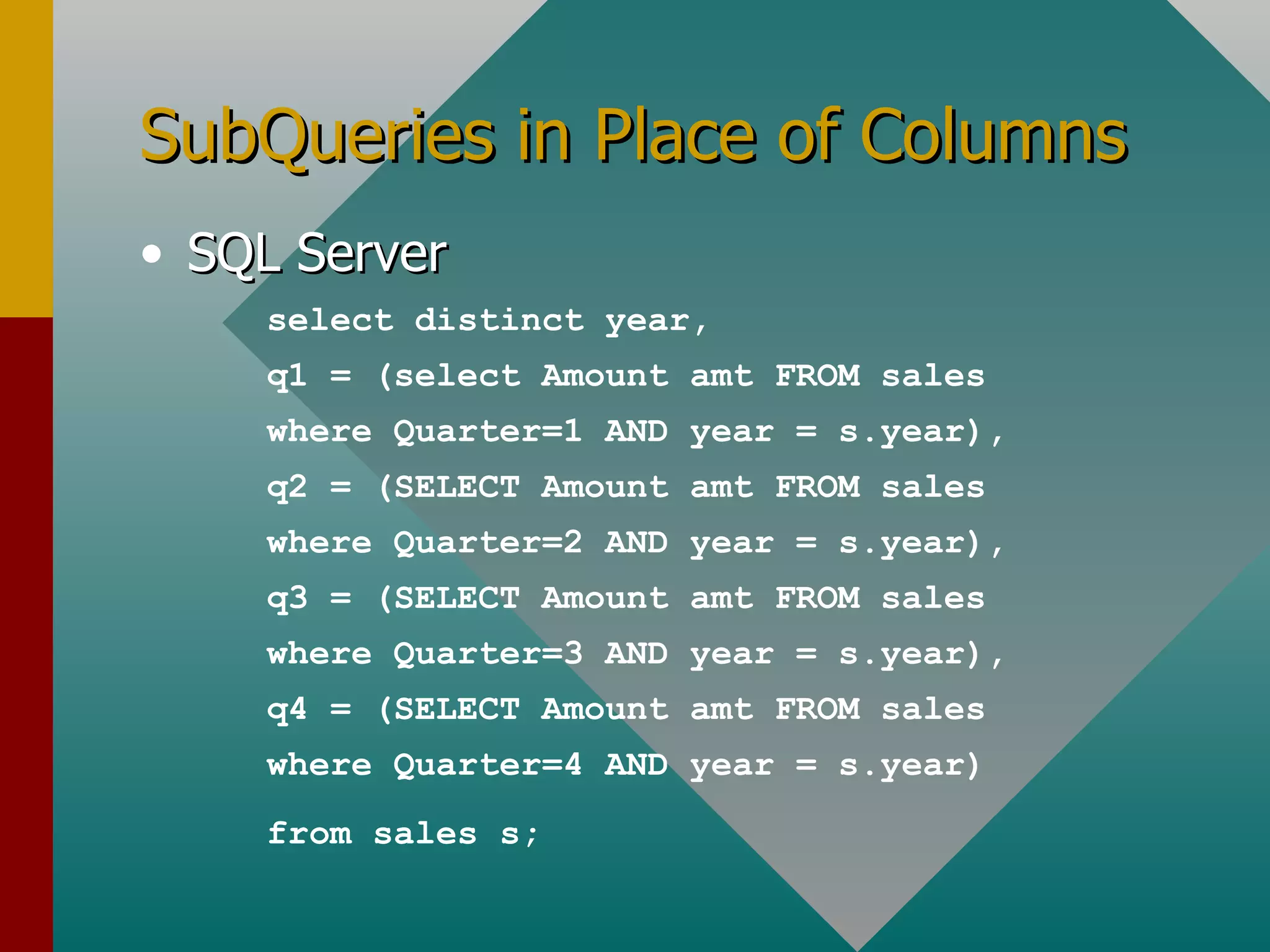
SubQueries in Place of Columns SQL Server select distinct year, q1 = (select Amount amt FROM sales where Quarter=1 AND year = s.year), q2 = (SELECT Amount amt FROM sales where Quarter=2 AND year = s.year), q3 = (SELECT Amount amt FROM sales where Quarter=3 AND year = s.year), q4 = (SELECT Amount amt FROM sales where Quarter=4 AND year = s.year) from sales s;
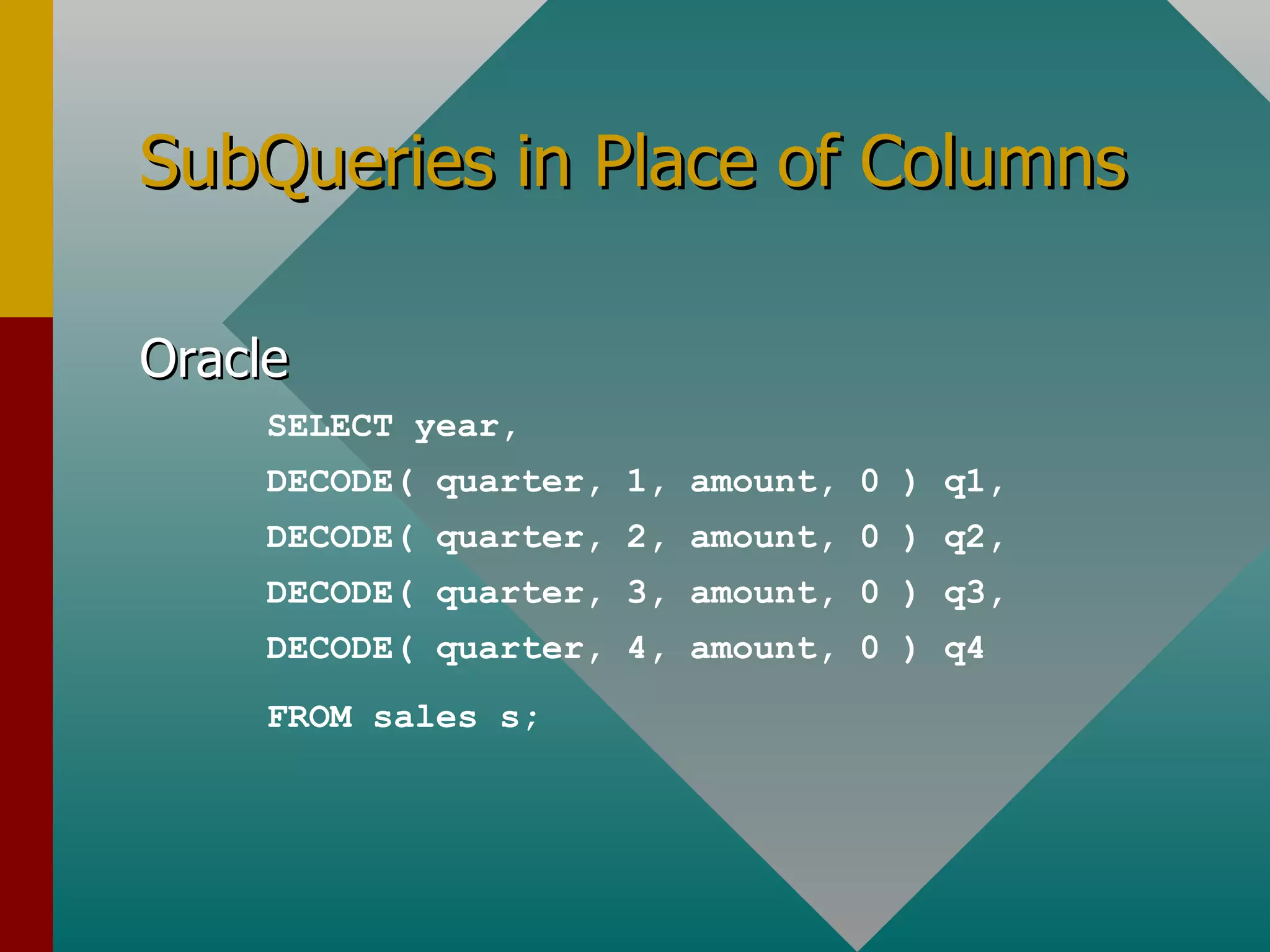
SubQueries in Place of Columns Oracle SELECT year, DECODE( quarter, 1, amount, 0 ) q1, DECODE( quarter, 2, amount, 0 ) q2, DECODE( quarter, 3, amount, 0 ) q3, DECODE( quarter, 4, amount, 0 ) q4 FROM sales s;
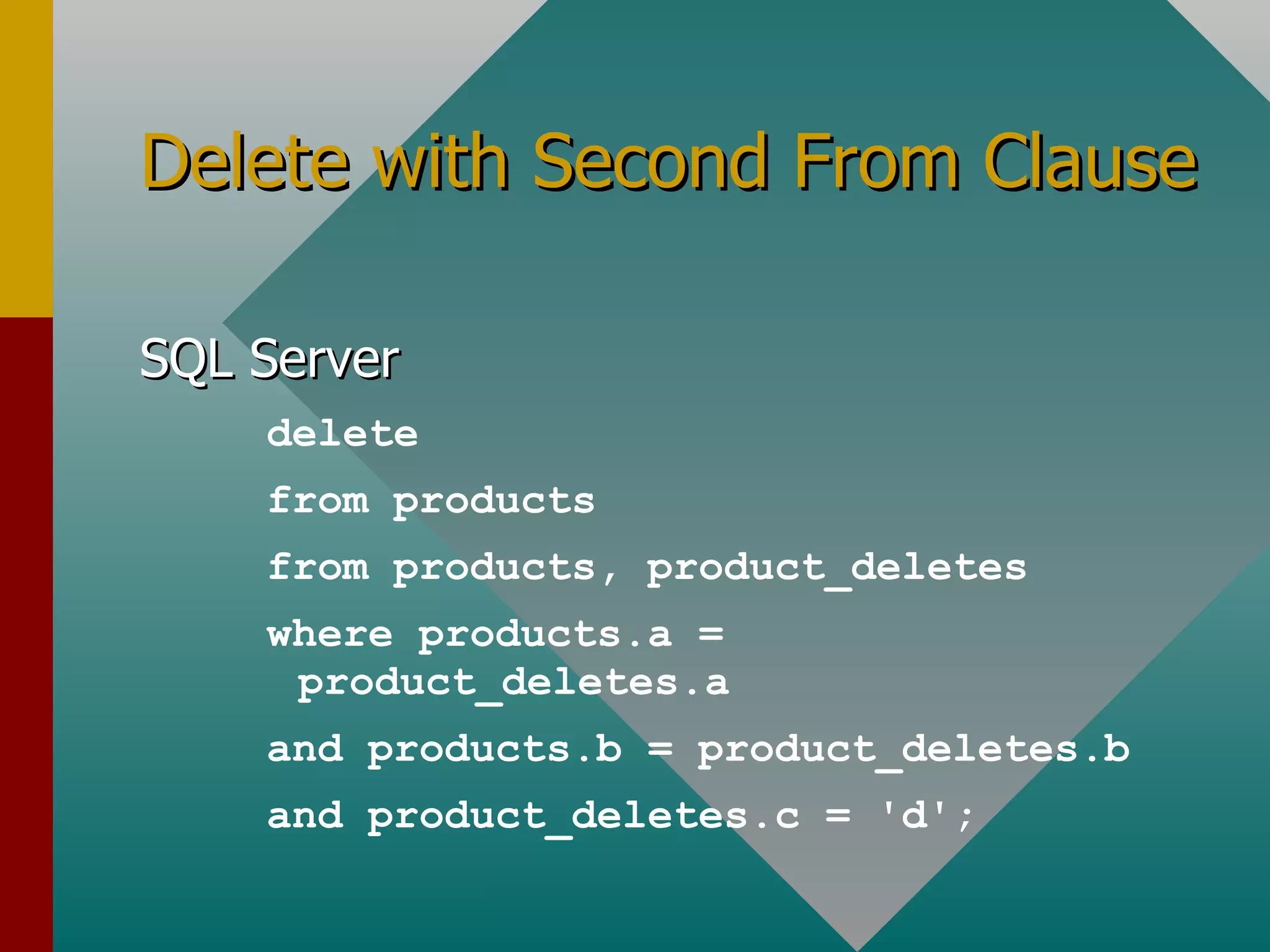
Delete with Second From Clause SQL Server delete from products from products, product_deletes where products.a = product_deletes.a and products.b = product_deletes.b and product_deletes.c = 'd';
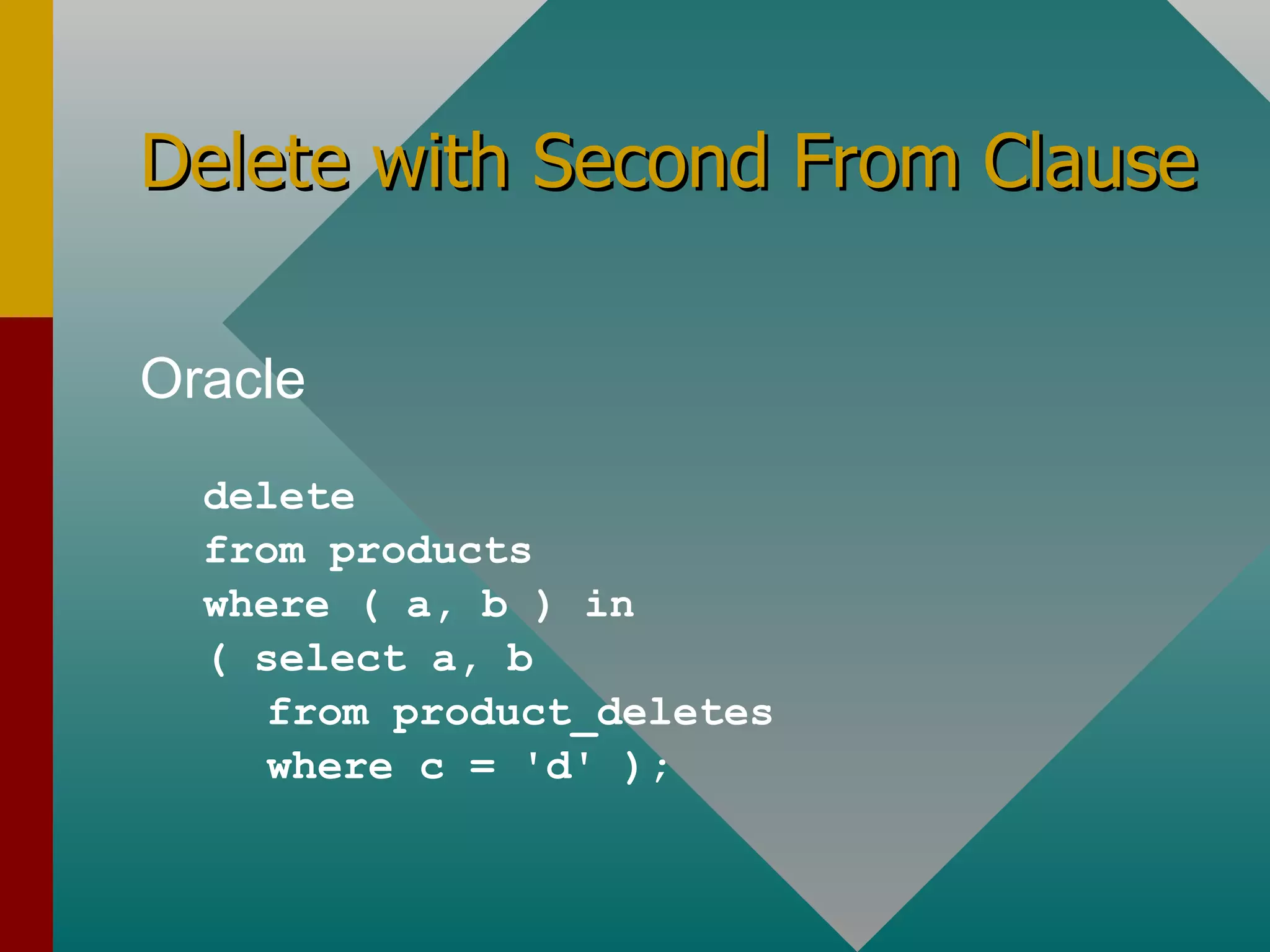
Delete with Second From Clause Oracle delete from products where ( a, b ) in ( select a, b from product_deletes where c = 'd' );
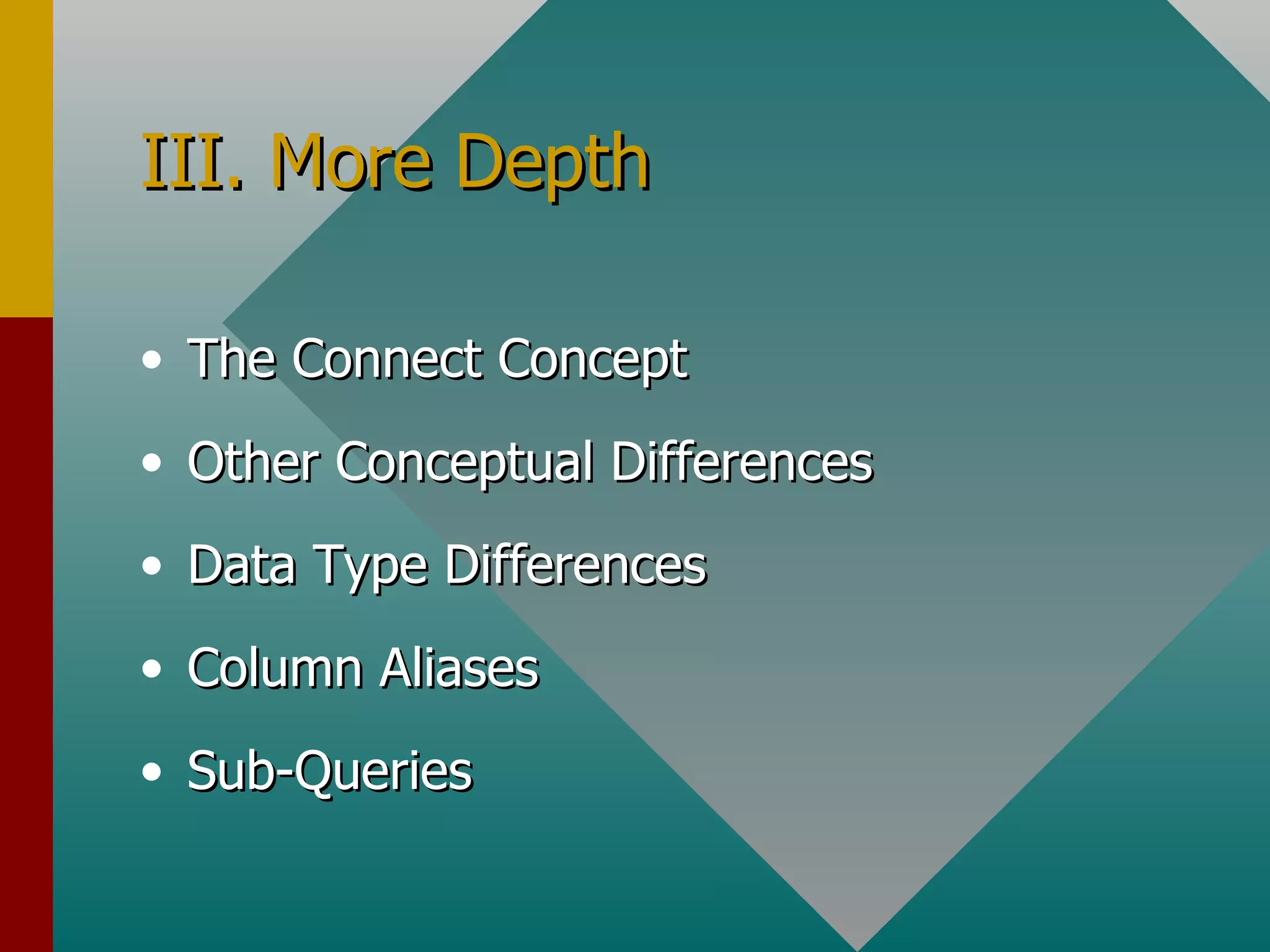
III. More Depth The Connect Concept Other Conceptual Differences Data Type Differences Column Aliases Sub-Queries
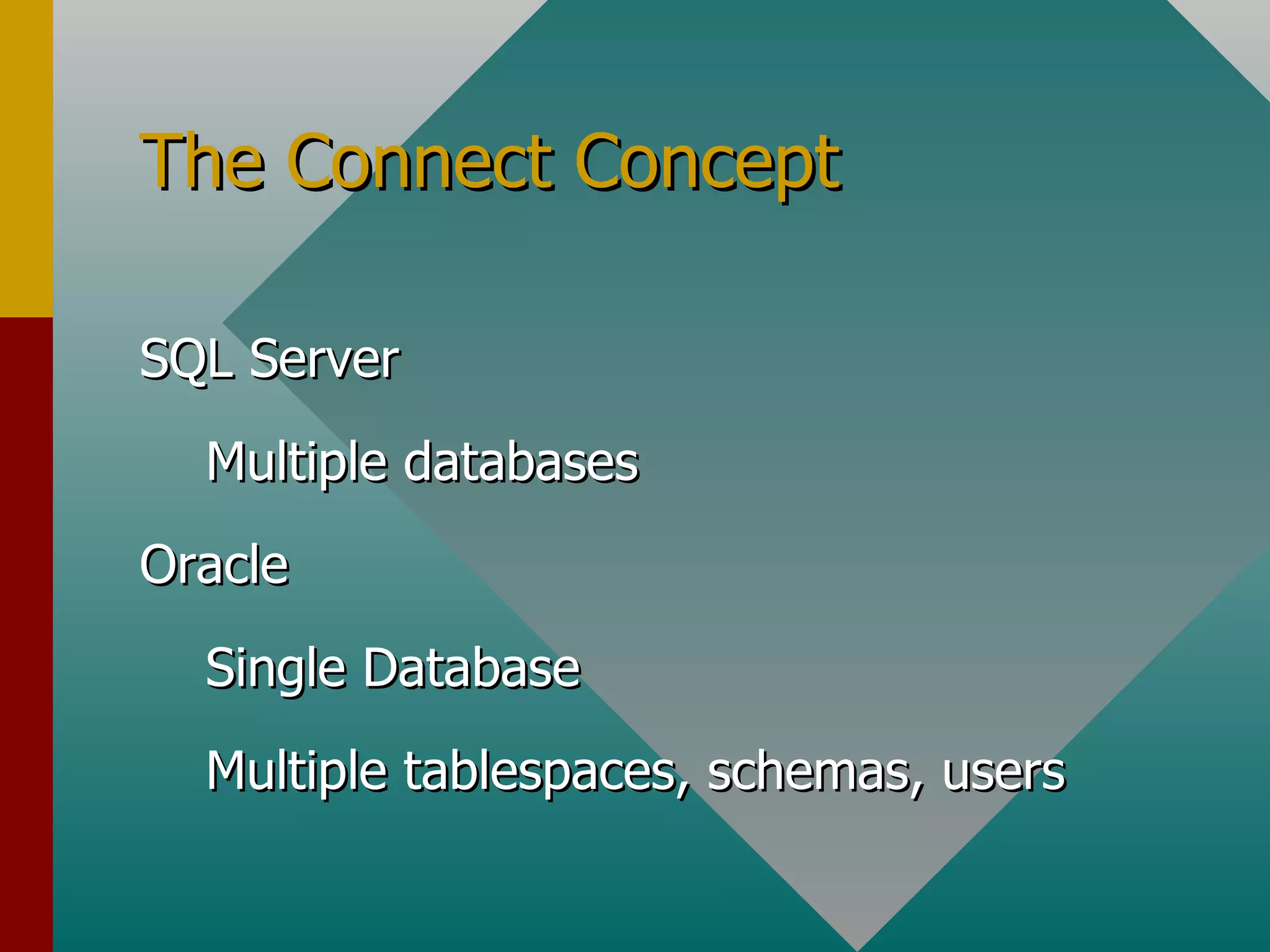
The Connect Concept SQL Server Multiple databases Oracle Single Database Multiple tablespaces, schemas, users
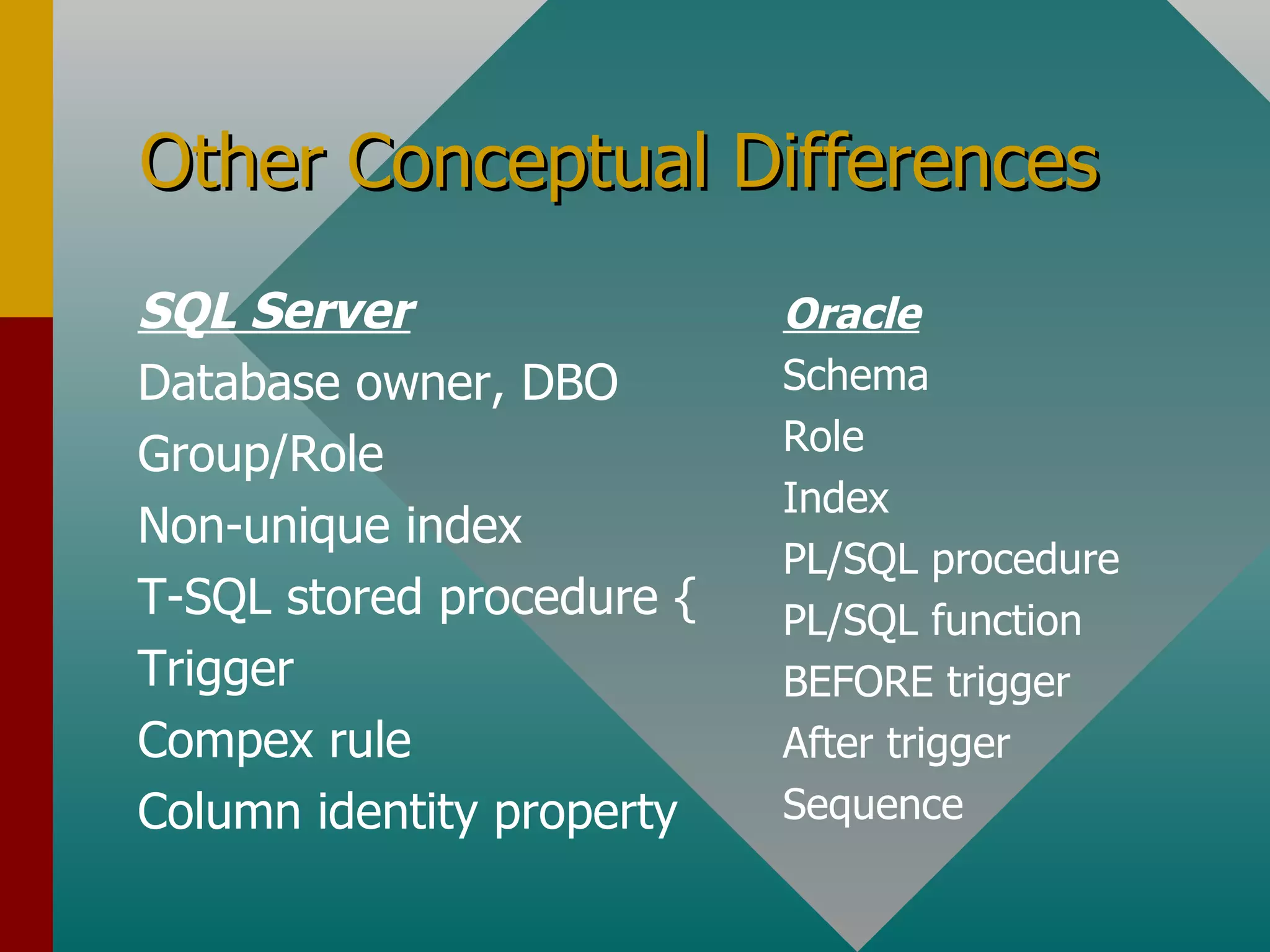
Other Conceptual Differences SQL Server Database owner, DBO Group/Role Non-unique index T-SQL stored procedure { Trigger Compex rule Column identity property Oracle Schema Role Index PL/SQL procedure PL/SQL function BEFORE trigger After trigger Sequence
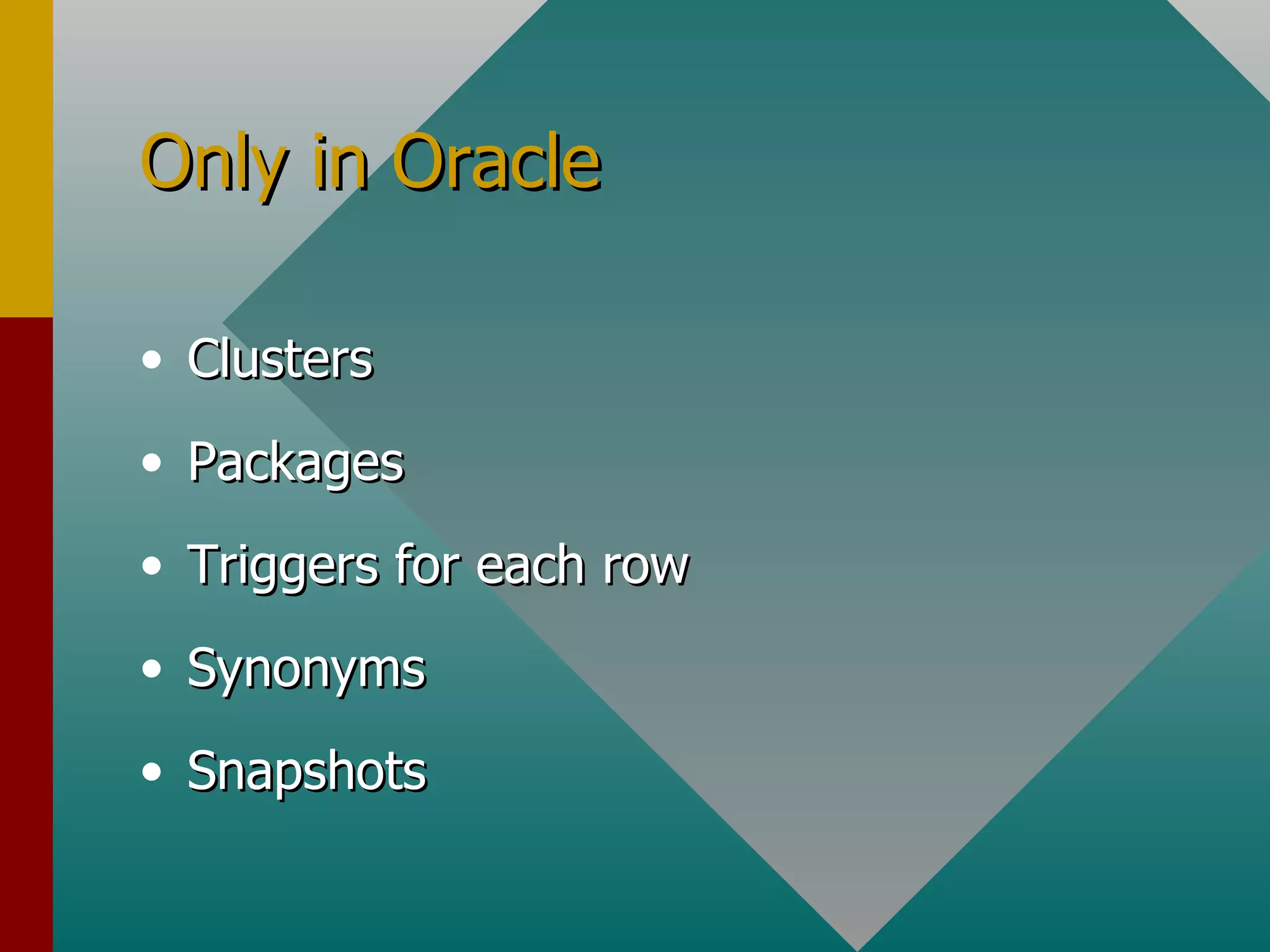
Only in Oracle Clusters Packages Triggers for each row Synonyms Snapshots
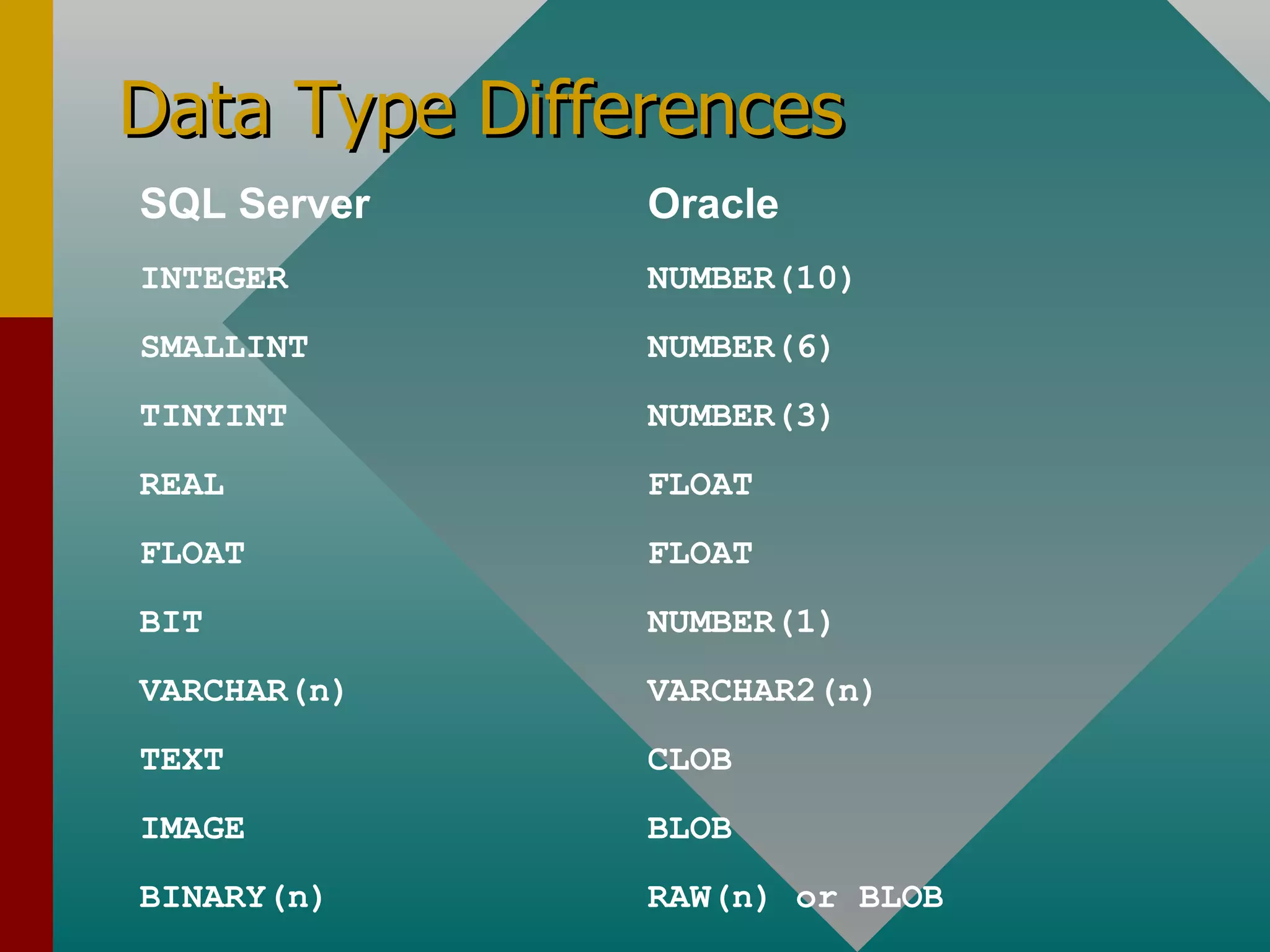
Data Type Differences SQL Server Oracle INTEGER  NUMBER(10) SMALLINT  NUMBER(6) TINYINT  NUMBER(3) REAL FLOAT FLOAT FLOAT BIT NUMBER(1) VARCHAR(n) VARCHAR2(n) TEXT CLOB IMAGE BLOB BINARY(n) RAW(n) or BLOB
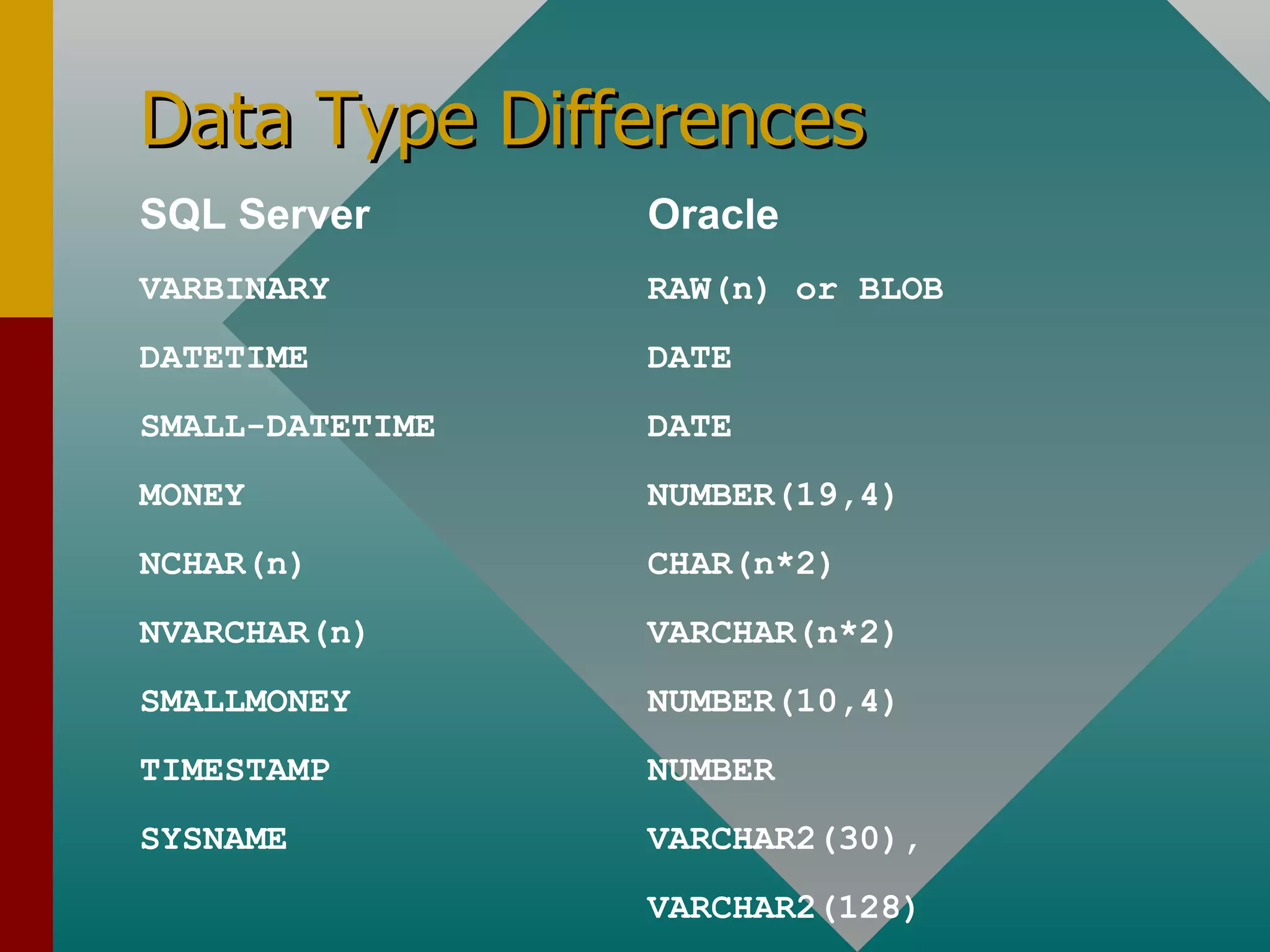
Data Type Differences SQL Server Oracle VARBINARY RAW(n) or BLOB DATETIME DATE SMALL-DATETIME DATE MONEY NUMBER(19,4) NCHAR(n) CHAR(n*2) NVARCHAR(n) VARCHAR(n*2) SMALLMONEY NUMBER(10,4) TIMESTAMP NUMBER SYSNAME     VARCHAR2(30),  VARCHAR2(128)
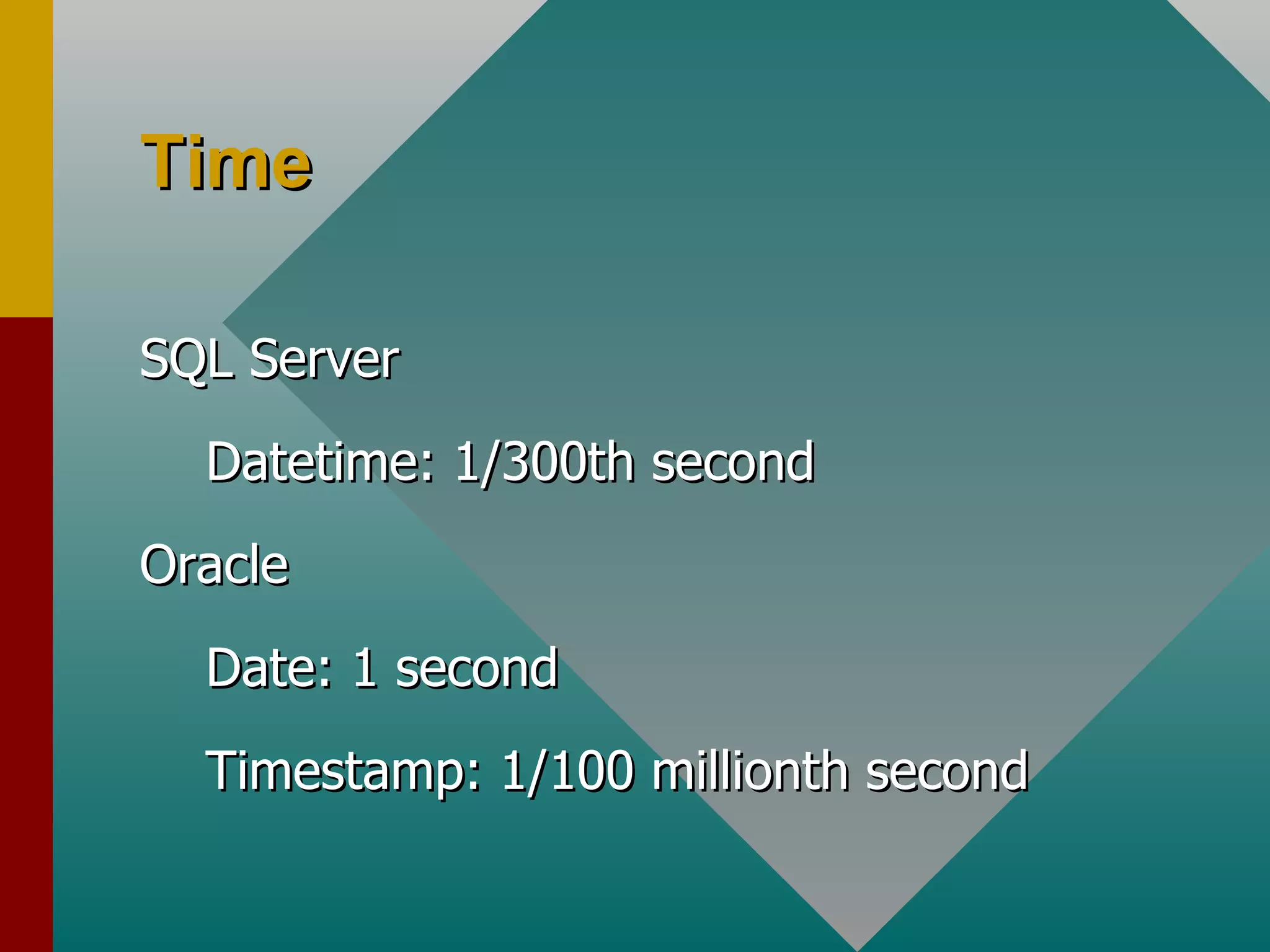
Time SQL Server Datetime: 1/300th second Oracle Date: 1 second Timestamp: 1/100 millionth second
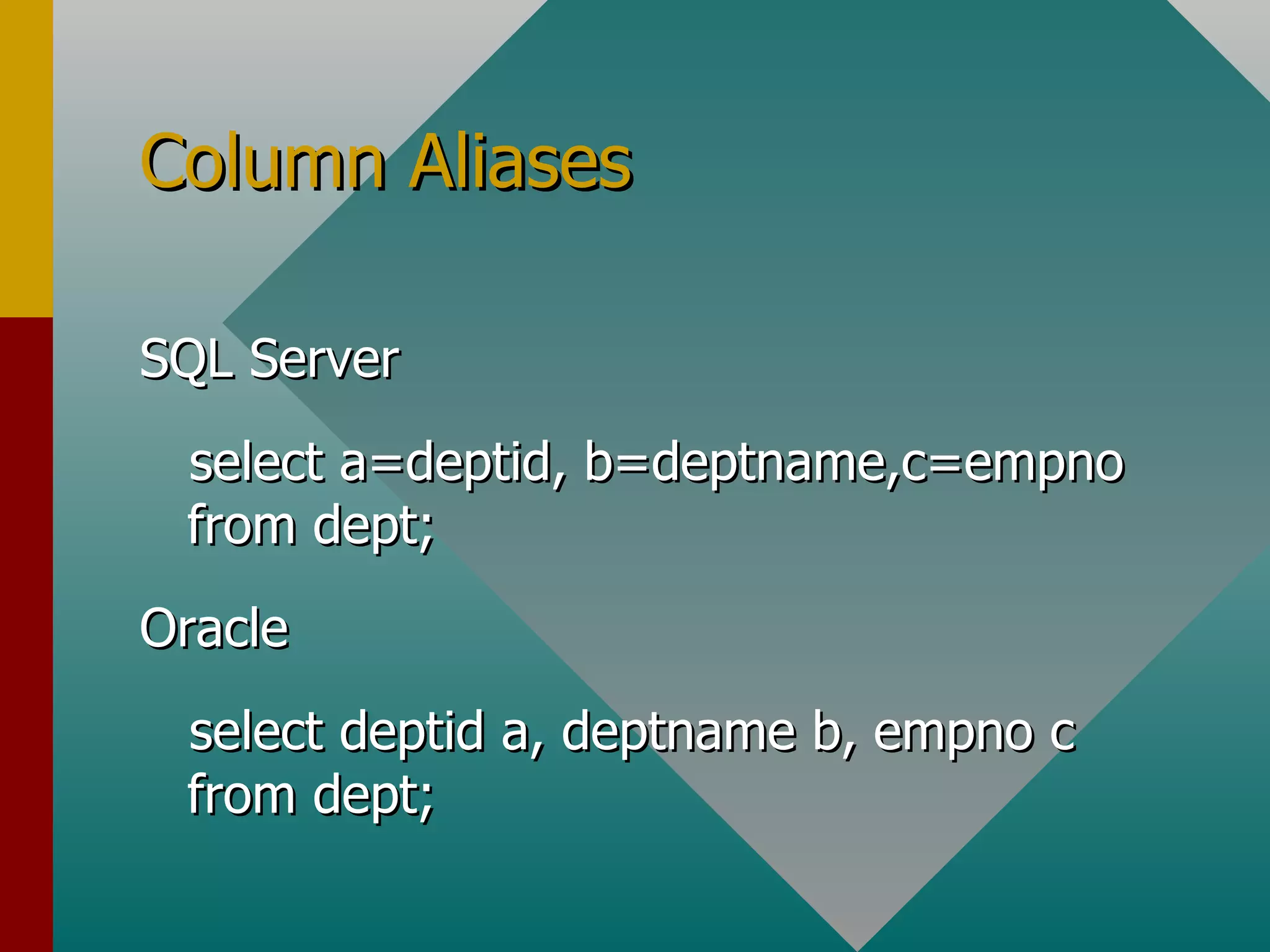
Column Aliases SQL Server select a=deptid, b=deptname,c=empno  from dept; Oracle select deptid a, deptname b, empno c from dept;
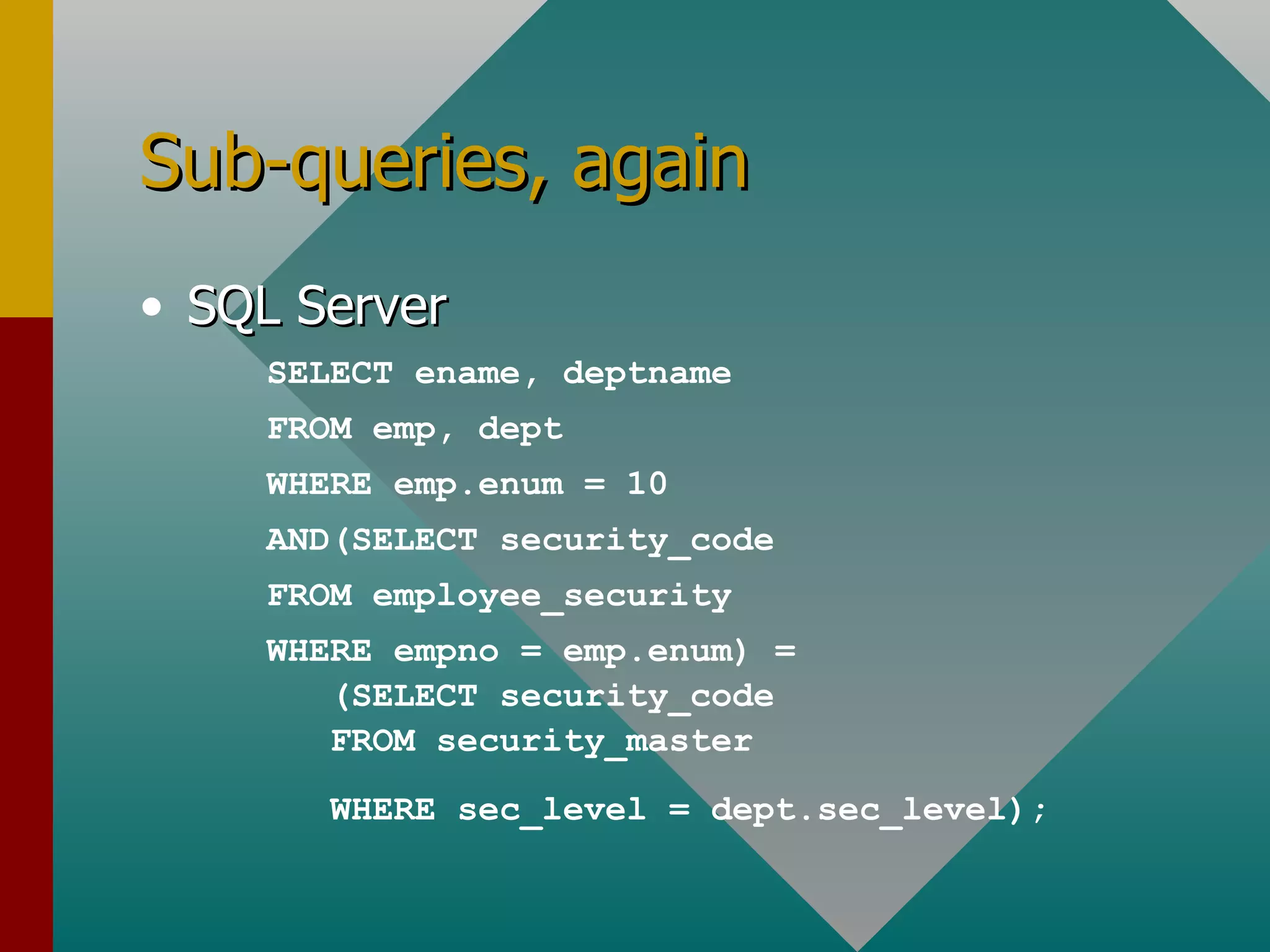
Sub-queries, again SQL Server SELECT ename, deptname FROM emp, dept WHERE emp.enum = 10 AND(SELECT security_code FROM employee_security WHERE empno = emp.enum) = (SELECT security_code FROM security_master WHERE sec_level = dept.sec_level);
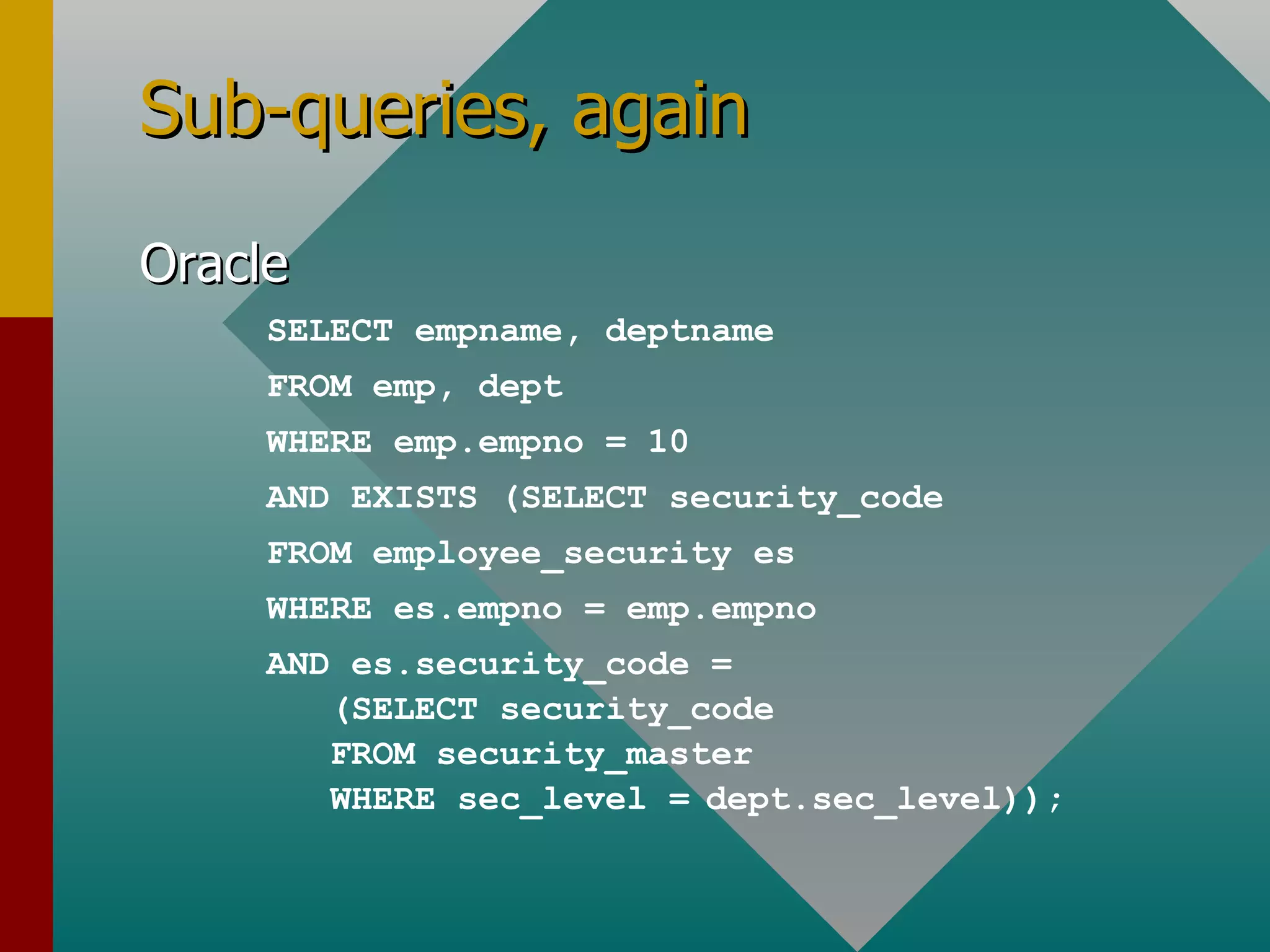
Sub-queries, again Oracle SELECT empname, deptname FROM emp, dept WHERE emp.empno = 10 AND EXISTS (SELECT security_code FROM employee_security es WHERE es.empno = emp.empno AND es.security_code = (SELECT security_code FROM security_master WHERE sec_level =   dept.sec_level));
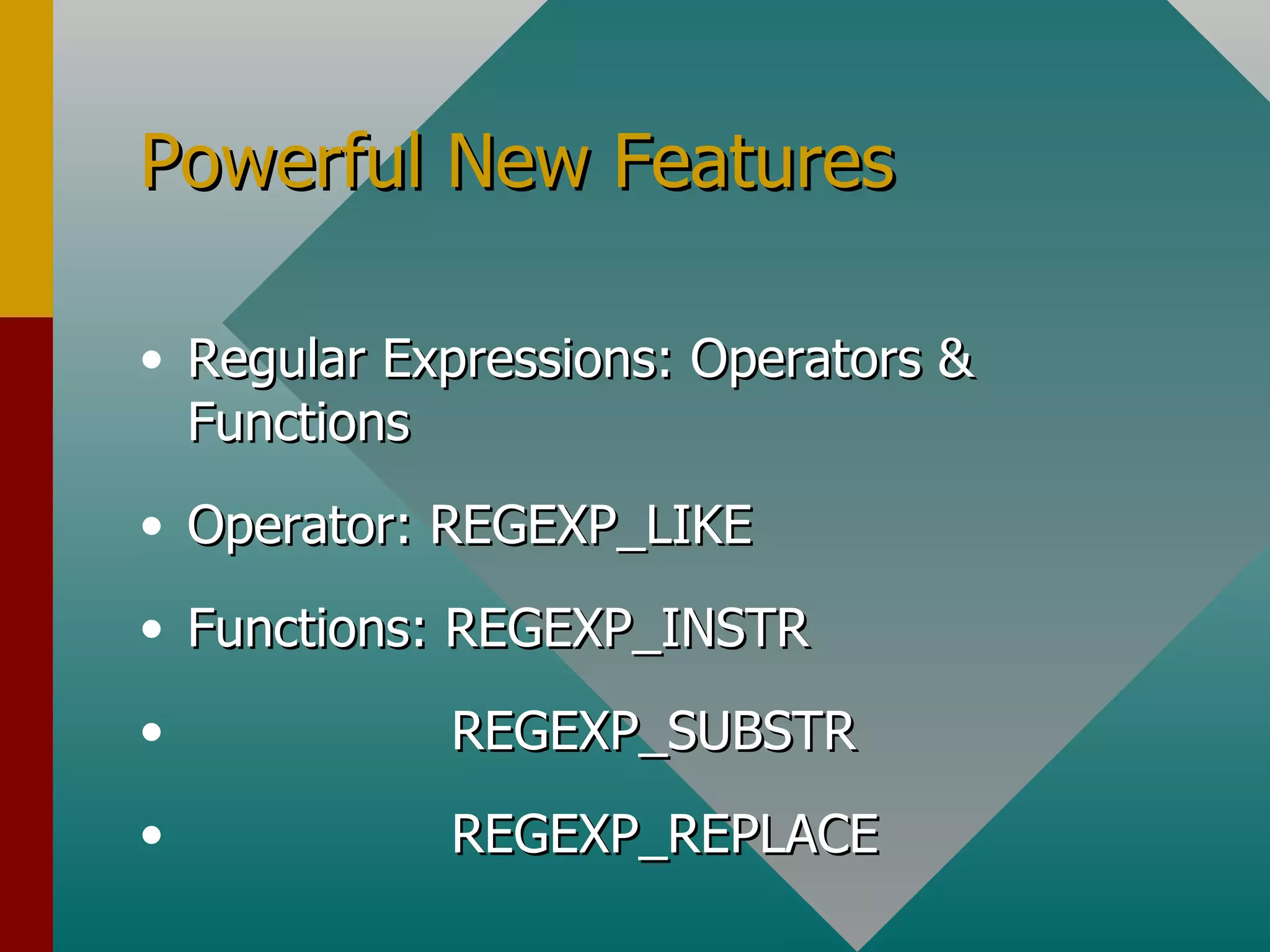
Powerful New Features Regular Expressions: Operators & Functions Operator: REGEXP_LIKE Functions: REGEXP_INSTR REGEXP_SUBSTR REGEXP_REPLACE
Regular Expressions Select zip from zipcode where regexp_like (zip, ‘[^[:digit:]]’);
Regular Expressions SELECT REGEXP_INSTR('Joe Smith,  10045 Berry Lane, San Joseph, CA 91234-1234', ' [[:digit:]]{5}(-[[:digit:]]{4})?$') AS starts_at FROM dual
Summary This discussion has been an attempt at a light and lively introduction to the Oracle database world for those familiar with the Microsoft SQL Server database products.  Much more in-depth examples are available in the references shown that follow, from which many of the examples were drawn and for which we can thank the authors involved. Welcome Aboard!
References Oracle Migration Workbench Reference Guide for SQL Server and Sybase Adaptive Server Migrations, Release 9.2.0 for Microsoft Windows 98/2000/NT and Microsoft Windows XP, Part Number B10254-01 Oracle Technology Network, OTN: http://otn.oracle.com/software/index.html Writing Better SQL Using Regular Expressions, By Alice Rischert http://otn.oracle.com/oramag/webcolumns/2003/techarticles/rischert_regexp_pt1.html

Beg sql

  • 1.
    Beginning SQL: DifferencesBetween SQL Server and Oracle Les Kopari Independent Consultant A Quick Intro for SQL Server Users
  • 2.
    Introduction I fyou're new to SQL or just new to Oracle SQL, perhaps coming from a Microsoft SQL Server environment, it may seem like the two versions should be very similar, and they are, to a certain degree, but they are also very different in some important and basic ways .
  • 3.
    Agenda I. QuickIntro for SQL Server Users II. Some Detail: Joins, Subqueries, Deletes III. Certain Conceptual Differences IV. Powerful New Features V. Summary & References
  • 4.
    Don’t Use DatabasesSQL Server use mydatabase Oracle connect mydatabase/mypassword
  • 5.
    Use Dual SQL Server Oracle select getdate(); select sysdate from dual;
  • 6.
    Select Into SQL Server Oracle select getdate() mycolumn into mytable; insert into mytable (mycolumn) values(sysdate);
  • 7.
    Inserts SQL Server Oracle Insert mytable values(‘more text’); Insert into mytable values(‘more text’);
  • 8.
    Updates SQL Server update mytable set mycolumn=myothertable.mycolumn from mytable,myothertable where mytable.mycolumn like 'MY%' and myothertable.myothercolumn='some text';
  • 9.
    Updates Oracle updatemytable set mycolumn= (select a.mycolumn from myothertable a where myothertable.myothercolumn='some text'; ) where mytable.mycolumn like 'MY%';
  • 10.
    Deletes SQL Server delete mytable where mycolumn like 'some%'; Oracle delete from mytable where mycolumn like 'some%';
  • 11.
    Software isql osql:for queries developed in SQL Analyzer sqlplus SQL Server Oracle
  • 12.
    II. A LittleMore Detail Outer Join Sub-Queries in Place of Columns Deletes With a Second From Clause
  • 13.
    Outer Join SQLServer select d.deptname, e.ename from dept d, emp e where d.empno *= e.enum; Oracle select d.deptname,e.ename from dept d, emp e where d.empno = e.enum (+);
  • 14.
    SubQueries in Placeof Columns SQL Server select distinct year, q1 = (select Amount amt FROM sales where Quarter=1 AND year = s.year), q2 = (SELECT Amount amt FROM sales where Quarter=2 AND year = s.year), q3 = (SELECT Amount amt FROM sales where Quarter=3 AND year = s.year), q4 = (SELECT Amount amt FROM sales where Quarter=4 AND year = s.year) from sales s;
  • 15.
    SubQueries in Placeof Columns Oracle SELECT year, DECODE( quarter, 1, amount, 0 ) q1, DECODE( quarter, 2, amount, 0 ) q2, DECODE( quarter, 3, amount, 0 ) q3, DECODE( quarter, 4, amount, 0 ) q4 FROM sales s;
  • 16.
    Delete with SecondFrom Clause SQL Server delete from products from products, product_deletes where products.a = product_deletes.a and products.b = product_deletes.b and product_deletes.c = 'd';
  • 17.
    Delete with SecondFrom Clause Oracle delete from products where ( a, b ) in ( select a, b from product_deletes where c = 'd' );
  • 18.
    III. More DepthThe Connect Concept Other Conceptual Differences Data Type Differences Column Aliases Sub-Queries
  • 19.
    The Connect ConceptSQL Server Multiple databases Oracle Single Database Multiple tablespaces, schemas, users
  • 20.
    Other Conceptual DifferencesSQL Server Database owner, DBO Group/Role Non-unique index T-SQL stored procedure { Trigger Compex rule Column identity property Oracle Schema Role Index PL/SQL procedure PL/SQL function BEFORE trigger After trigger Sequence
  • 21.
    Only in OracleClusters Packages Triggers for each row Synonyms Snapshots
  • 22.
    Data Type DifferencesSQL Server Oracle INTEGER NUMBER(10) SMALLINT NUMBER(6) TINYINT NUMBER(3) REAL FLOAT FLOAT FLOAT BIT NUMBER(1) VARCHAR(n) VARCHAR2(n) TEXT CLOB IMAGE BLOB BINARY(n) RAW(n) or BLOB
  • 23.
    Data Type DifferencesSQL Server Oracle VARBINARY RAW(n) or BLOB DATETIME DATE SMALL-DATETIME DATE MONEY NUMBER(19,4) NCHAR(n) CHAR(n*2) NVARCHAR(n) VARCHAR(n*2) SMALLMONEY NUMBER(10,4) TIMESTAMP NUMBER SYSNAME VARCHAR2(30), VARCHAR2(128)
  • 24.
    Time SQL ServerDatetime: 1/300th second Oracle Date: 1 second Timestamp: 1/100 millionth second
  • 25.
    Column Aliases SQLServer select a=deptid, b=deptname,c=empno from dept; Oracle select deptid a, deptname b, empno c from dept;
  • 26.
    Sub-queries, again SQLServer SELECT ename, deptname FROM emp, dept WHERE emp.enum = 10 AND(SELECT security_code FROM employee_security WHERE empno = emp.enum) = (SELECT security_code FROM security_master WHERE sec_level = dept.sec_level);
  • 27.
    Sub-queries, again OracleSELECT empname, deptname FROM emp, dept WHERE emp.empno = 10 AND EXISTS (SELECT security_code FROM employee_security es WHERE es.empno = emp.empno AND es.security_code = (SELECT security_code FROM security_master WHERE sec_level = dept.sec_level));
  • 28.
    Powerful New FeaturesRegular Expressions: Operators & Functions Operator: REGEXP_LIKE Functions: REGEXP_INSTR REGEXP_SUBSTR REGEXP_REPLACE
  • 29.
    Regular Expressions Selectzip from zipcode where regexp_like (zip, ‘[^[:digit:]]’);
  • 30.
    Regular Expressions SELECTREGEXP_INSTR('Joe Smith, 10045 Berry Lane, San Joseph, CA 91234-1234', ' [[:digit:]]{5}(-[[:digit:]]{4})?$') AS starts_at FROM dual
  • 31.
    Summary This discussionhas been an attempt at a light and lively introduction to the Oracle database world for those familiar with the Microsoft SQL Server database products. Much more in-depth examples are available in the references shown that follow, from which many of the examples were drawn and for which we can thank the authors involved. Welcome Aboard!
  • 32.
    References Oracle MigrationWorkbench Reference Guide for SQL Server and Sybase Adaptive Server Migrations, Release 9.2.0 for Microsoft Windows 98/2000/NT and Microsoft Windows XP, Part Number B10254-01 Oracle Technology Network, OTN: http://otn.oracle.com/software/index.html Writing Better SQL Using Regular Expressions, By Alice Rischert http://otn.oracle.com/oramag/webcolumns/2003/techarticles/rischert_regexp_pt1.html