Downloaded 18 times
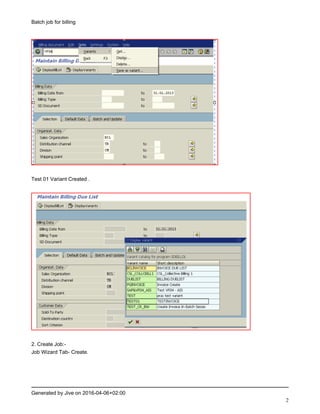
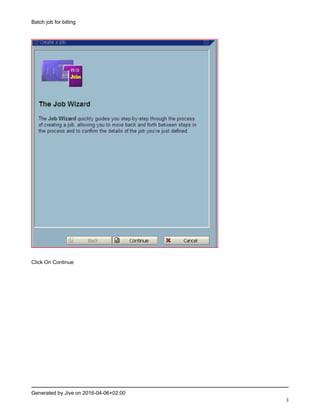
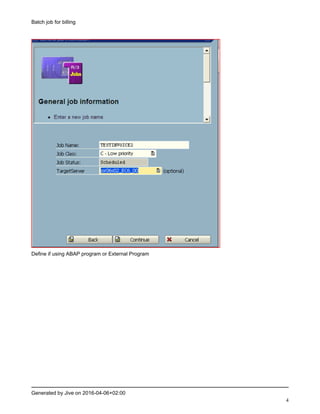
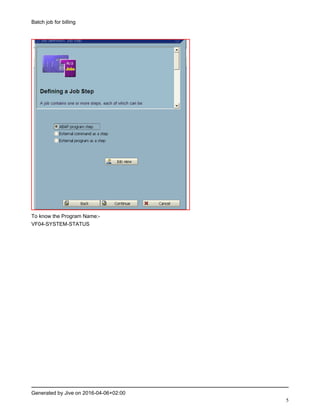
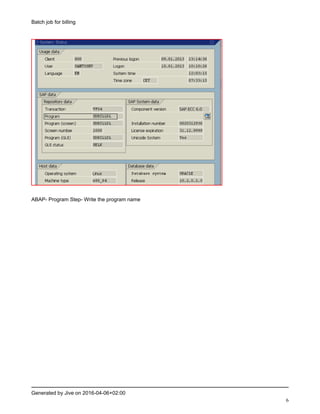
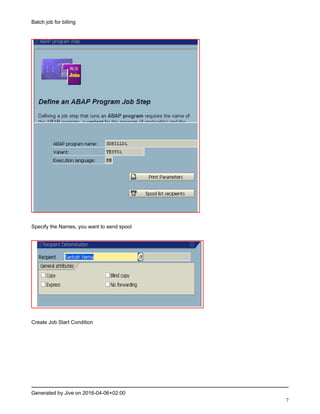

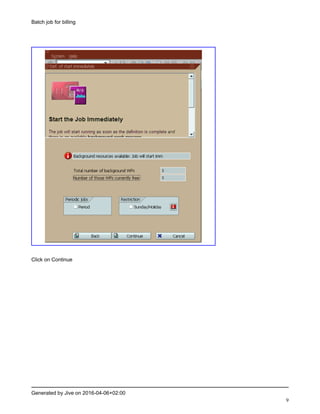
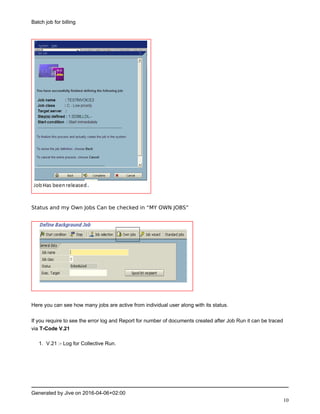
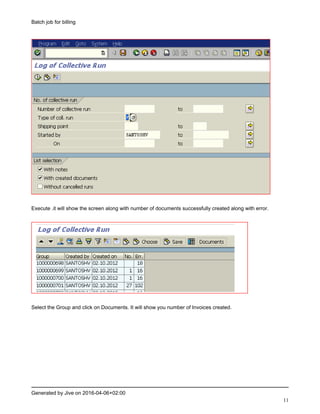
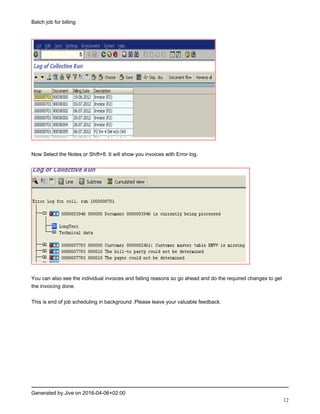

1. Create a billing variant to define conditions for invoice generation such as billing type, sales organization, or distribution channel. 2. Use the job wizard to create a background job, select the ABAP program for invoice generation, and define recipients for the spool output. 3. Specify start conditions such as periodic scheduling or restrictions on days of the week for the job to run automatically. Check the job status and output report to see invoices created and any errors.


