Connect Securely
to VMs using
Azure Bastion
What ?
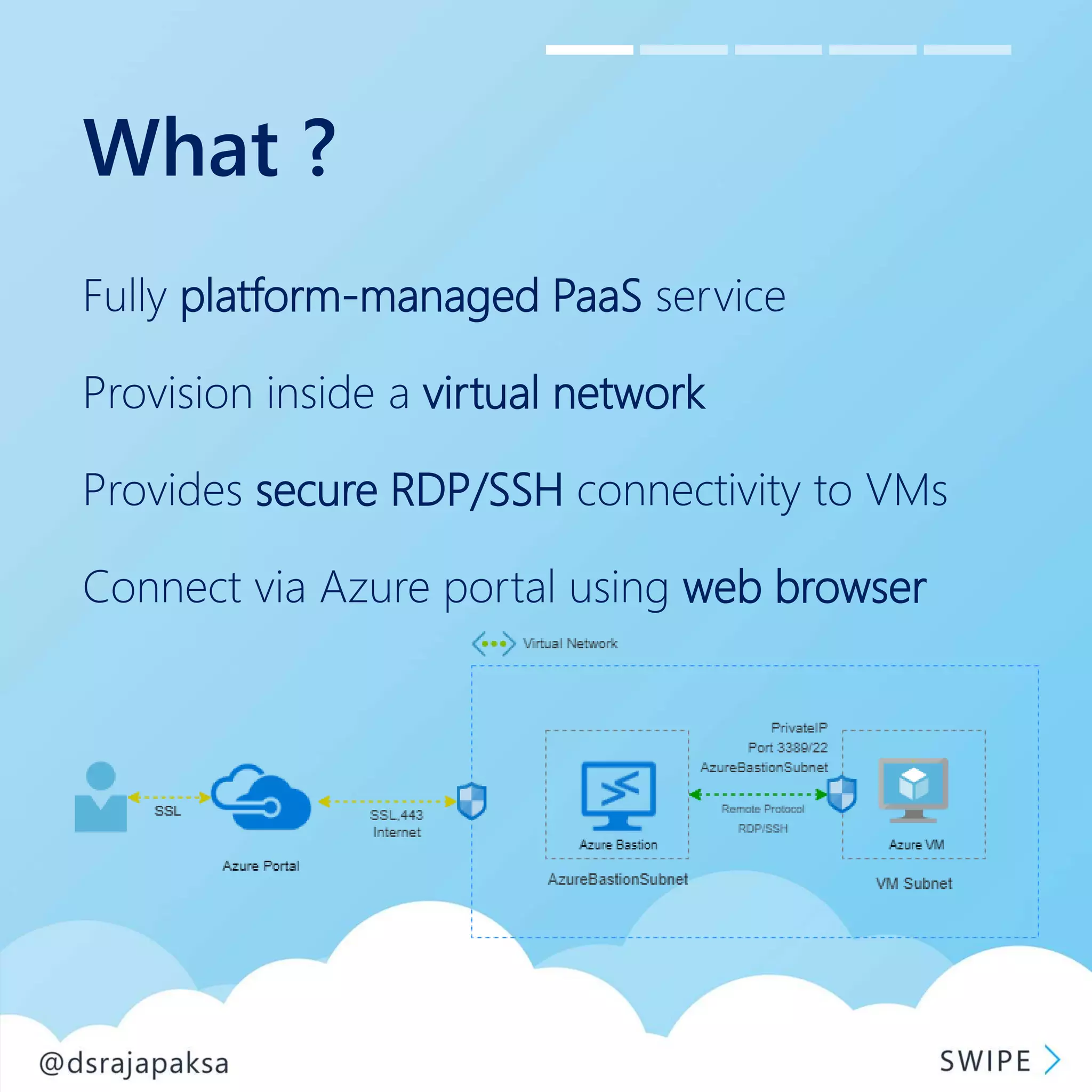
Fully platform-managed PaaS service
Provision inside a virtual network
Provides secure RDP/SSH connectivity to VMs
Connect via Azure portal using web browser
Why ?
Secure RDP/SSH connectivity to VMs
No need a public IP for the Azure VM
No need an RDP/SSH client software
No need a plugin/software in browser or VM
Use HTML 5 web client and standard SSL ports
Protection against port scanning
No hassle of managing NSGs
When ?
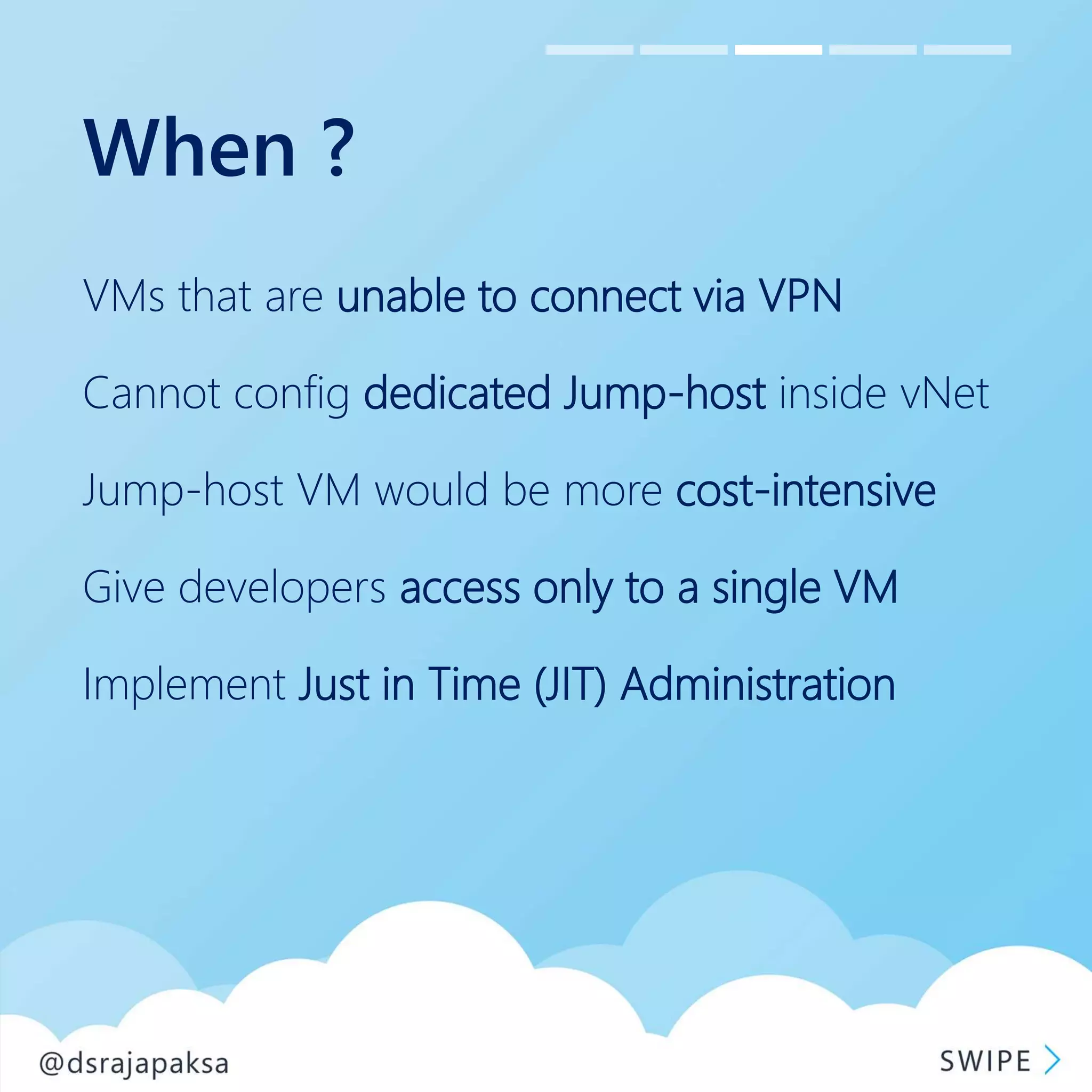
VMs that are unable to connect via VPN
Cannot config dedicated Jump-host inside vNet
Jump-host VM would be more cost-intensive
Give developers access only to a single VM
Implement Just in Time (JIT) Administration
How ?
1. Create a bastion host in a vNET with subnet
name - “AzureBastionSubnet”
2. Create VMs inside a subnet inside the same
vNET used for the bastion host
3. Connect using Bastion option in VM connect
button in VM!
Resources
Bastion overview - http://bit.ly/30TEHW0
How to tutorial- http://bit.ly/2Gsn2eu
Pricing overview - http://bit.ly/2RQoaOu
Documentation - http://bit.ly/2TYEhME
Azure Bastion is currently available only for the following regions:
West US, West US 2, East US, East US 2, West Europe, South Central US, Australia East, Japan East
.

Azure Bastion Cloud swipes 01

  • 1.
    Connect Securely to VMsusing Azure Bastion
  • 2.
    What ? Fully platform-managedPaaS service Provision inside a virtual network Provides secure RDP/SSH connectivity to VMs Connect via Azure portal using web browser
  • 3.
    Why ? Secure RDP/SSHconnectivity to VMs No need a public IP for the Azure VM No need an RDP/SSH client software No need a plugin/software in browser or VM Use HTML 5 web client and standard SSL ports Protection against port scanning No hassle of managing NSGs
  • 4.
    When ? VMs thatare unable to connect via VPN Cannot config dedicated Jump-host inside vNet Jump-host VM would be more cost-intensive Give developers access only to a single VM Implement Just in Time (JIT) Administration
  • 5.
    How ? 1. Createa bastion host in a vNET with subnet name - “AzureBastionSubnet” 2. Create VMs inside a subnet inside the same vNET used for the bastion host 3. Connect using Bastion option in VM connect button in VM!
  • 6.
    Resources Bastion overview -http://bit.ly/30TEHW0 How to tutorial- http://bit.ly/2Gsn2eu Pricing overview - http://bit.ly/2RQoaOu Documentation - http://bit.ly/2TYEhME Azure Bastion is currently available only for the following regions: West US, West US 2, East US, East US 2, West Europe, South Central US, Australia East, Japan East
  • 7.