Azure and Deep Learning
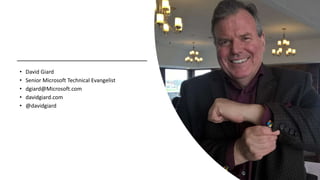
• David Giard
• Senior Microsoft Technical Evangelist
• dgiard@Microsoft.com
• davidgiard.com
• @davidgiard
Cloud Computing
Host some or all of your data or application
on a third-party server
in a highly-scalable, highly-reliable way
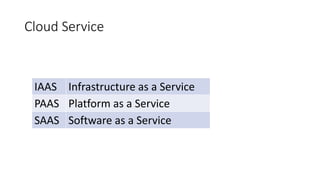
Cloud Service
IAAS Infrastructure as a Service
PAAS Platform as a Service
SAAS Software as a Service
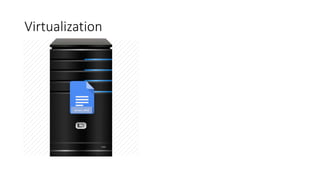
Virtualization
Server1.vhd
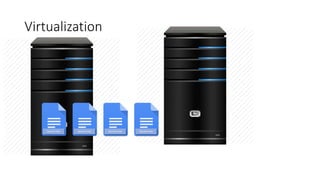
Virtualization
Server1.vhd Server2.vhd Server3.vhd Server4.vhd
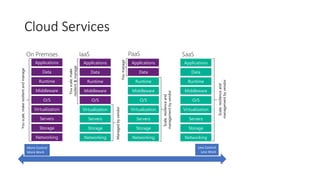
Cloud Services
IaaS
Managedbyvendor
Storage
Servers
Networking
O/S
Middleware
Virtualization
Data
Applications
Runtime
Youscale,make
resilient&manage
PaaS
Scale,resilienceand
managementbyvendor
Youmanage
Storage
Servers
Networking
O/S
Middleware
Virtualization
Applications
Runtime
Data
On Premises
Youscale,makeresilientandmanage
Storage
Servers
Networking
O/S
Middleware
Virtualization
Data
Applications
Runtime
SaaS
Storage
Servers
Networking
O/S
Middleware
Virtualization
Applications
Runtime
Data
Scale,resilienceand
managementbyvendor
More Control
More Work
Less Control
Less Work
Reliability
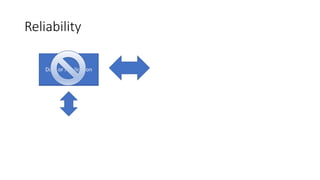
Reliability
Data or ApplicationData or ApplicationData or Application
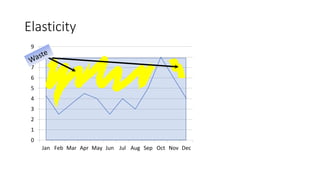
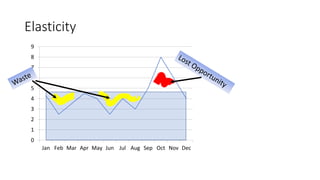
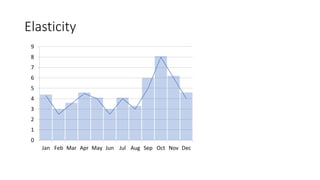
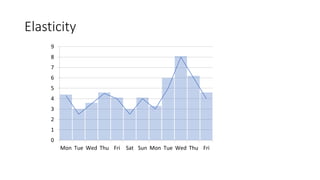
Elasticity
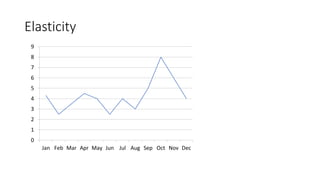
Elasticity
0
1
2
3
4
5
6
7
8
9
Jan Feb Mar Apr May Jun Jul Aug Sep Oct Nov Dec
Elasticity
0
1
2
3
4
5
6
7
8
9
Jan Feb Mar Apr May Jun Jul Aug Sep Oct Nov Dec
Elasticity
0
1
2
3
4
5
6
7
8
9
Jan Feb Mar Apr May Jun Jul Aug Sep Oct Nov Dec
Elasticity
0
1
2
3
4
5
6
7
8
9
Jan Feb Mar Apr May Jun Jul Aug Sep Oct Nov Dec
Elasticity
0
1
2
3
4
5
6
7
8
9
Mon Tue Wed Thu Fri Sat Sun Mon Tue Wed Thu Fri
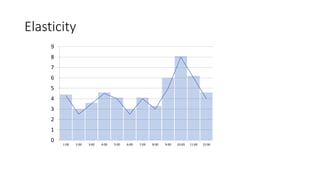
Elasticity
0
1
2
3
4
5
6
7
8
9
1:00 2:00 3:00 4:00 5:00 6:00 7:00 8:00 9:00 10:00 11:00 12:00
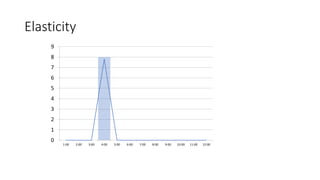
Elasticity
0
1
2
3
4
5
6
7
8
9
1:00 2:00 3:00 4:00 5:00 6:00 7:00 8:00 9:00 10:00 11:00 12:00
Azure
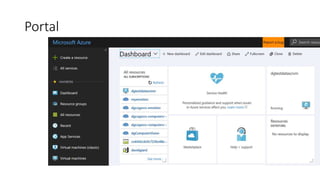
Portal
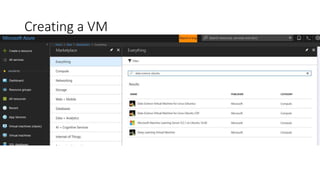
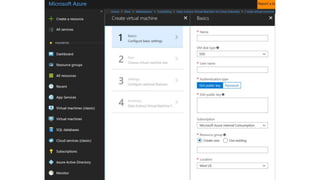
Creating a VM
Scripting
• PowerShell
• CLI
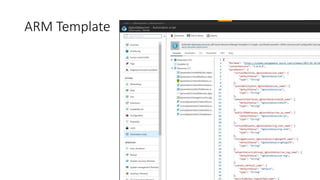
ARM Template
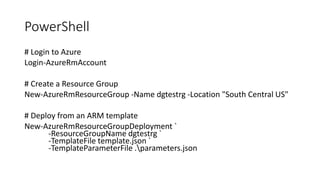
PowerShell
# Login to Azure
Login-AzureRmAccount
# Create a Resource Group
New-AzureRmResourceGroup -Name dgtestrg -Location "South Central US"
# Deploy from an ARM template
New-AzureRmResourceGroupDeployment `
-ResourceGroupName dgtestrg `
-TemplateFile template.json `
-TemplateParameterFile .parameters.json
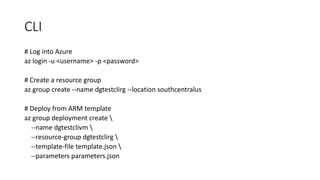
CLI
# Log into Azure
az login -u <username> -p <password>
# Create a resource group
az group create --name dgtestclirg --location southcentralus
# Deploy from ARM template
az group deployment create 
--name dgtestclivm 
--resource-group dgtestclirg 
--template-file template.json 
--parameters parameters.json
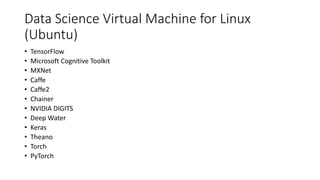
Data Science Virtual Machine for Linux
(Ubuntu)
• TensorFlow
• Microsoft Cognitive Toolkit
• MXNet
• Caffe
• Caffe2
• Chainer
• NVIDIA DIGITS
• Deep Water
• Keras
• Theano
• Torch
• PyTorch
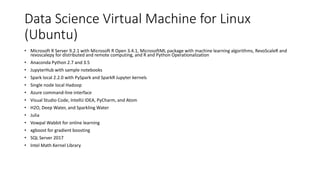
Data Science Virtual Machine for Linux
(Ubuntu)
• Microsoft R Server 9.2.1 with Microsoft R Open 3.4.1, MicrosoftML package with machine learning algorithms, RevoScaleR and
revoscalepy for distributed and remote computing, and R and Python Operationalization
• Anaconda Python 2.7 and 3.5
• JupyterHub with sample notebooks
• Spark local 2.2.0 with PySpark and SparkR Jupyter kernels
• Single node local Hadoop
• Azure command-line interface
• Visual Studio Code, IntelliJ IDEA, PyCharm, and Atom
• H2O, Deep Water, and Sparkling Water
• Julia
• Vowpal Wabbit for online learning
• xgboost for gradient boosting
• SQL Server 2017
• Intel Math Kernel Library
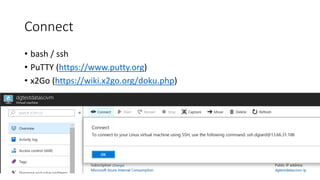
Connect
• bash / ssh
• PuTTY (https://www.putty.org)
• x2Go (https://wiki.x2go.org/doku.php)
GPU
• NC-Series Azure VMs
• Not available in every region
(https://azure.microsoft.com/en-us/regions/services/)
• Select VM Image with GPU driver installed (e.g., Data Science VM)
• Select HDD; Not SDD
• Need to be “activated” for some accounts. Open a Quota support
ticket.
Recommendations
• Script resource management
• Shut down VMs when not in use
• Set Auto-Shutdown time
Demo
Links
• From https://blogs.msdn.microsoft.com/sarahsays/2018/01/04/whirlwind-
tour-of-recurrent-neural-networks-prerequisites/:
• Step 6: git clone https://github.com/jcjohnson/torch-rnn.git and torch-hdf5 stuff
• Follow https://blogs.msdn.microsoft.com/sarahsays/2018/01/04/a-
whirlwind-tour-of-recurrent-neural-networks-the-hard-way/
• Intro to Deep Learning VM: https://docs.microsoft.com/en-
us/azure/machine-learning/data-science-virtual-machine/deep-learning-
dsvm-overview
• Create a Deep Learning VM: https://docs.microsoft.com/en-
us/azure/machine-learning/data-science-virtual-machine/provision-deep-
learning-dsvm
Links
• This slide deck: https://aka.ms/ie534slides
• Imagine Cup: https://imagine.microsoft.com
• My blog: http://davidgiard.com

Azure and deep learning