Avoiding Pitfalls with
Internationalization & Localization
Nashville CocoaHeads - August 26th, 2015
What We’ll Cover
• Internationalization vs Localization
• Content Types
• Text
• Dates
• Numbers
• Images
• Directionality
• Xcode Tips & Tricks
Why do it?
• The App Store is available in over 150 countries.
• 69% of app revenue comes from outside the U.S.
• Some users may speak English, but it may not be
their primary language.
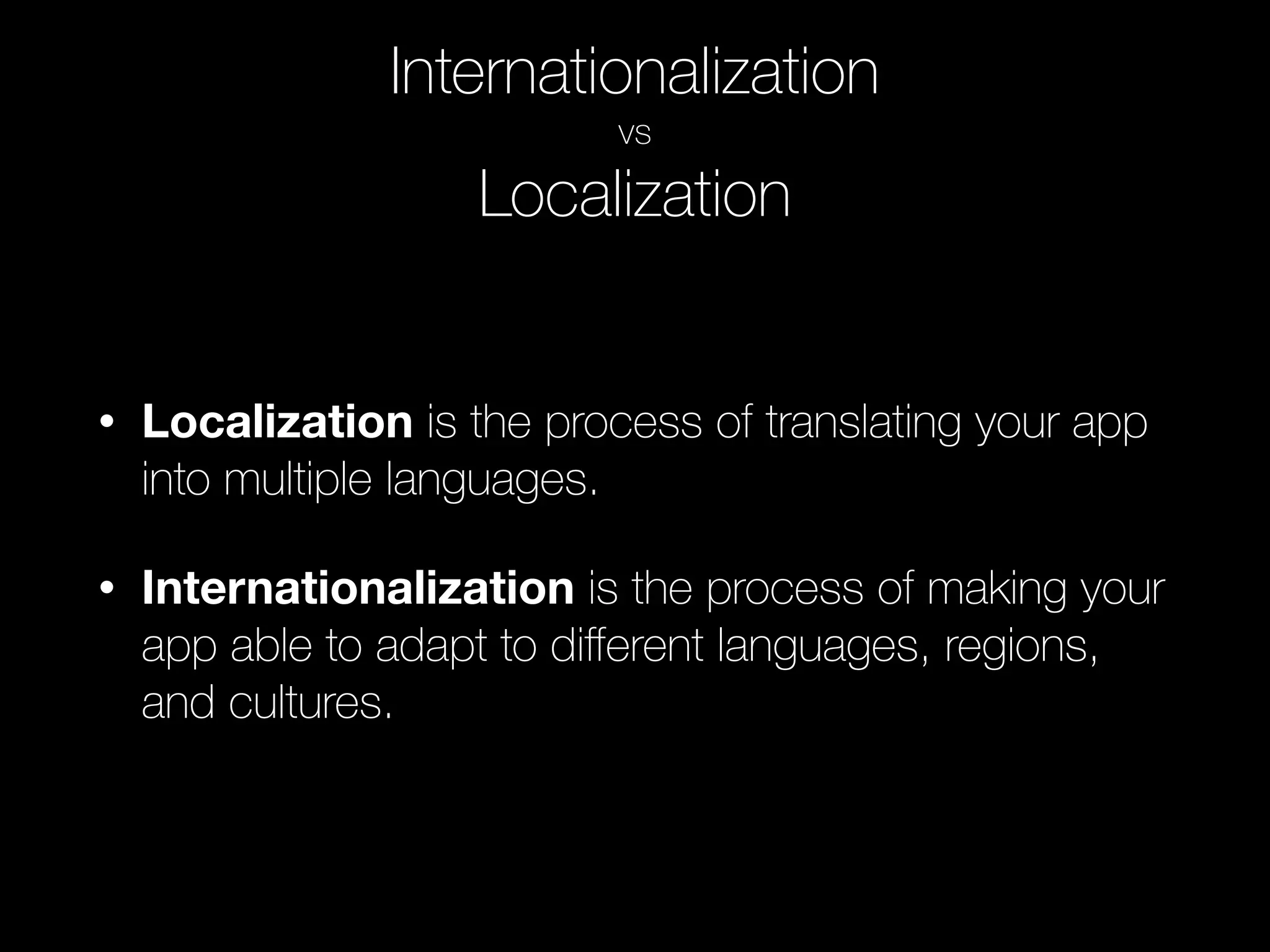
Internationalization
vs
Localization
• Localization is the process of translating your app
into multiple languages.
• Internationalization is the process of making your
app able to adapt to different languages, regions,
and cultures.
Text
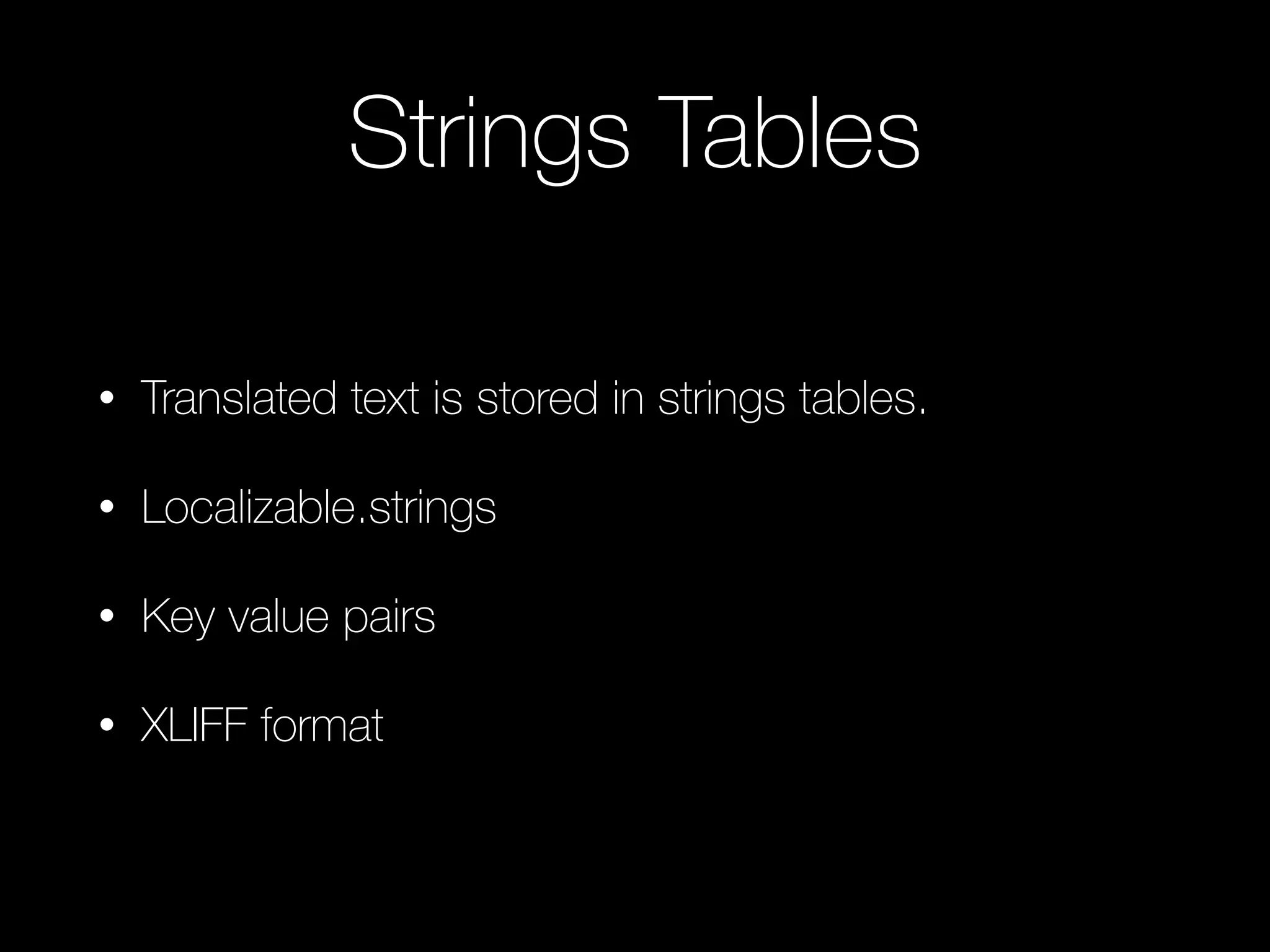
Strings Tables
• Translated text is stored in strings tables.
• Localizable.strings
• Key value pairs
• XLIFF format
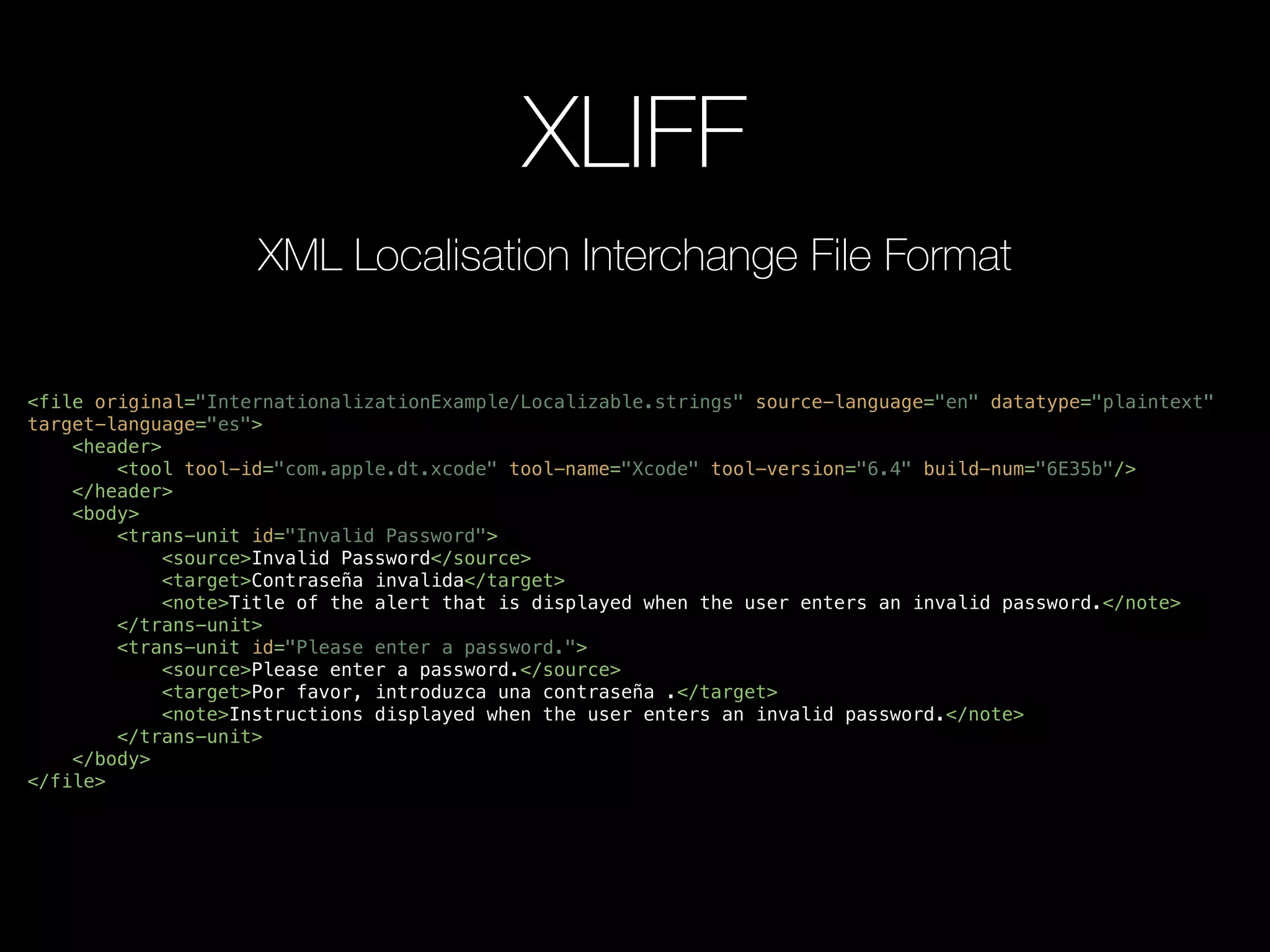
XLIFF
<file original="InternationalizationExample/Localizable.strings" source-language="en" datatype="plaintext"
target-language="es">
<header>
<tool tool-id="com.apple.dt.xcode" tool-name="Xcode" tool-version="6.4" build-num="6E35b"/>
</header>
<body>
<trans-unit id="Invalid Password">
<source>Invalid Password</source>
<target>Contraseña invalida</target>
<note>Title of the alert that is displayed when the user enters an invalid password.</note>
</trans-unit>
<trans-unit id="Please enter a password.">
<source>Please enter a password.</source>
<target>Por favor, introduzca una contraseña .</target>
<note>Instructions displayed when the user enters an invalid password.</note>
</trans-unit>
</body>
</file>
XML Localisation Interchange File Format
NSLocalizedString
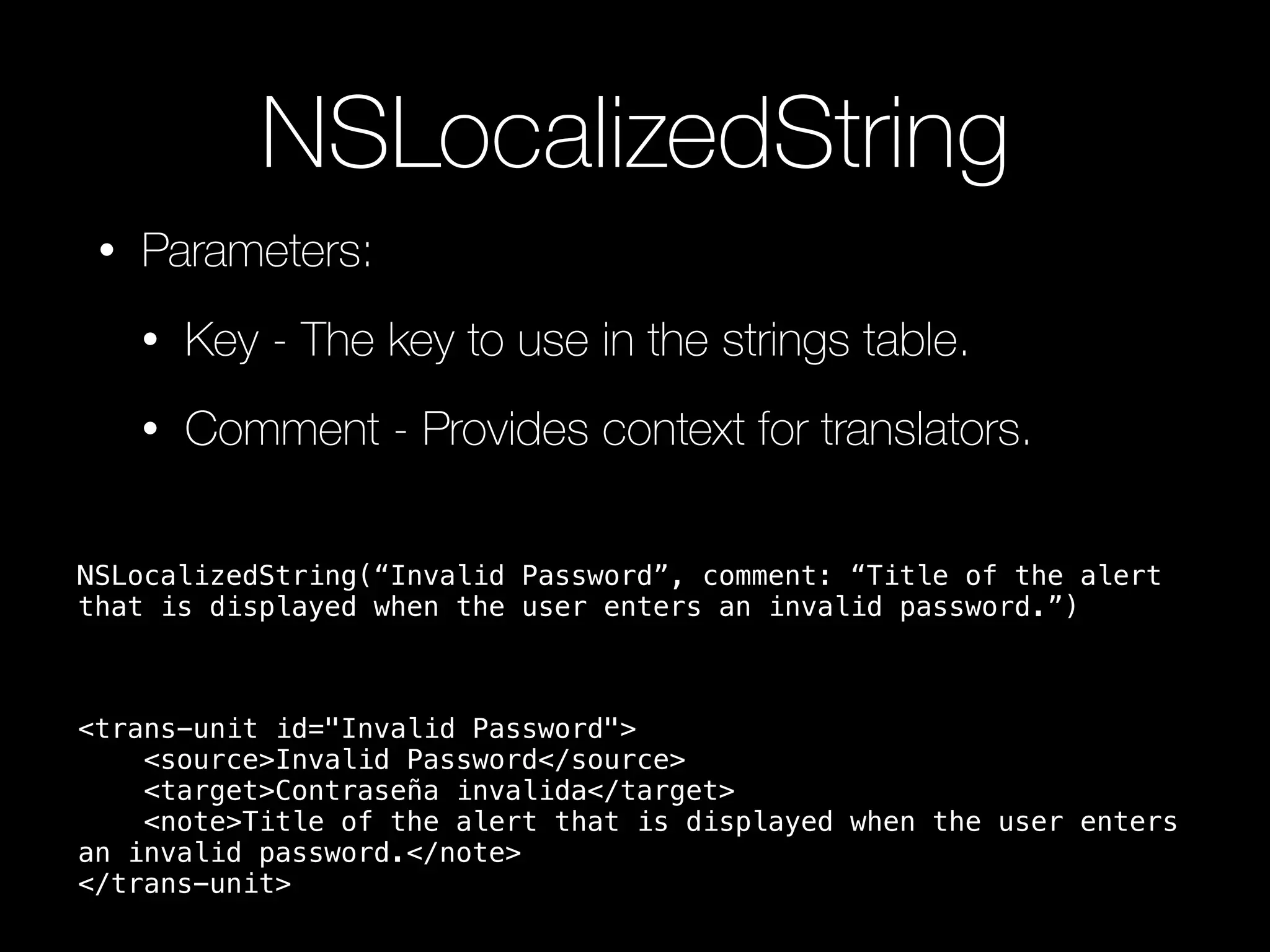
• Parameters:
• Key - The key to use in the strings table.
• Comment - Provides context for translators.
<trans-unit id="Invalid Password">
<source>Invalid Password</source>
<target>Contraseña invalida</target>
<note>Title of the alert that is displayed when the user enters
an invalid password.</note>
</trans-unit>
NSLocalizedString(“Invalid Password”, comment: “Title of the alert
that is displayed when the user enters an invalid password.”)
Format Strings
[NSString localizedStringWithFormat:
NSLocalizedString(@“%@ is %d meters tall”, @“Name and
height (in meters) of a mountain”), mountain.name,
mountain.height];
<source>%@ is %d meters tall</source>
<target>%1$@ is %2$d meters tall</target>
<note>Name and height (in meters) of a mountain</note>
NSLocalizedString and DRY
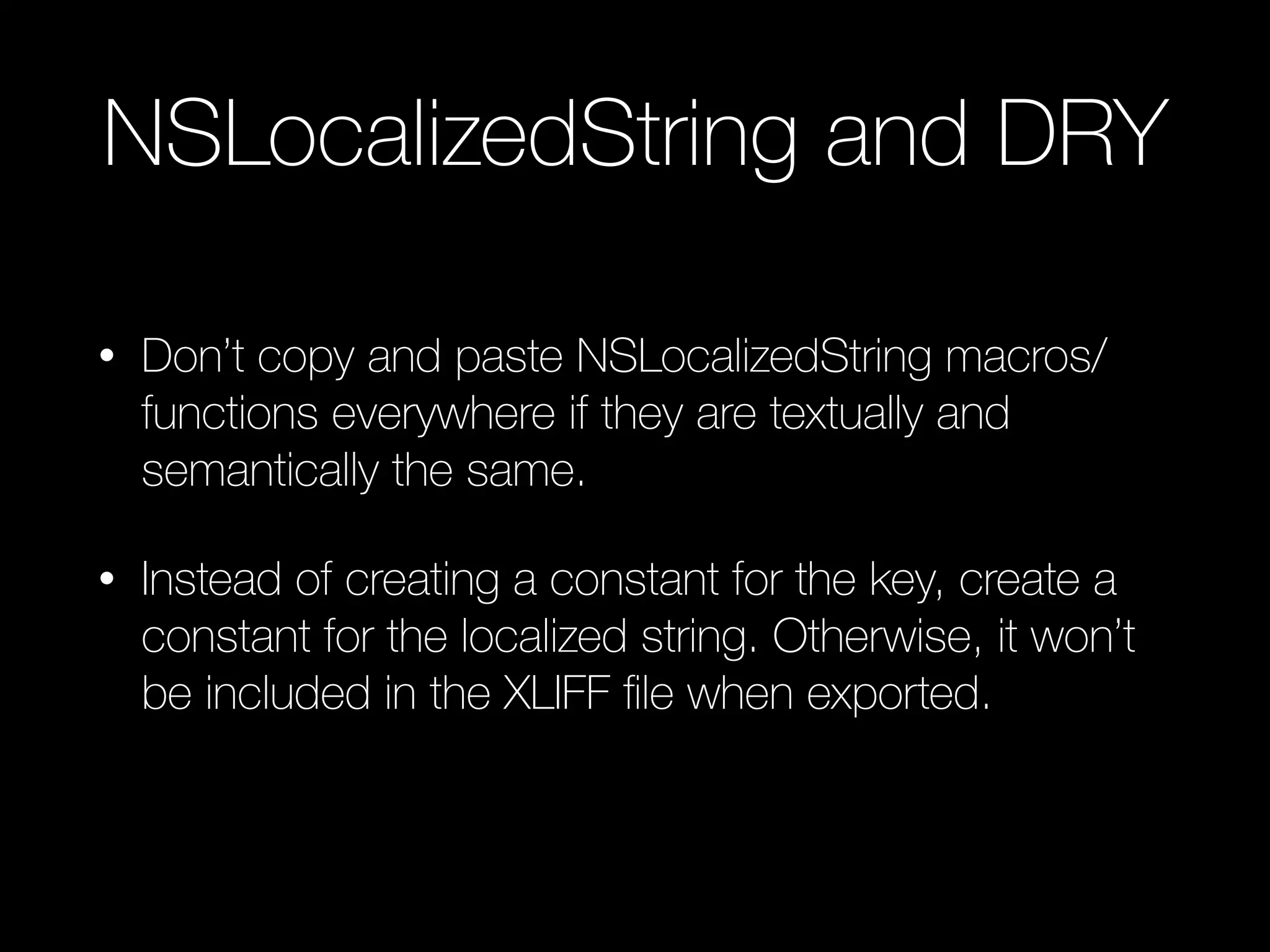
• Don’t copy and paste NSLocalizedString macros/
functions everywhere if they are textually and
semantically the same.
• Instead of creating a constant for the key, create a
constant for the localized string. Otherwise, it won’t
be included in the XLIFF file when exported.
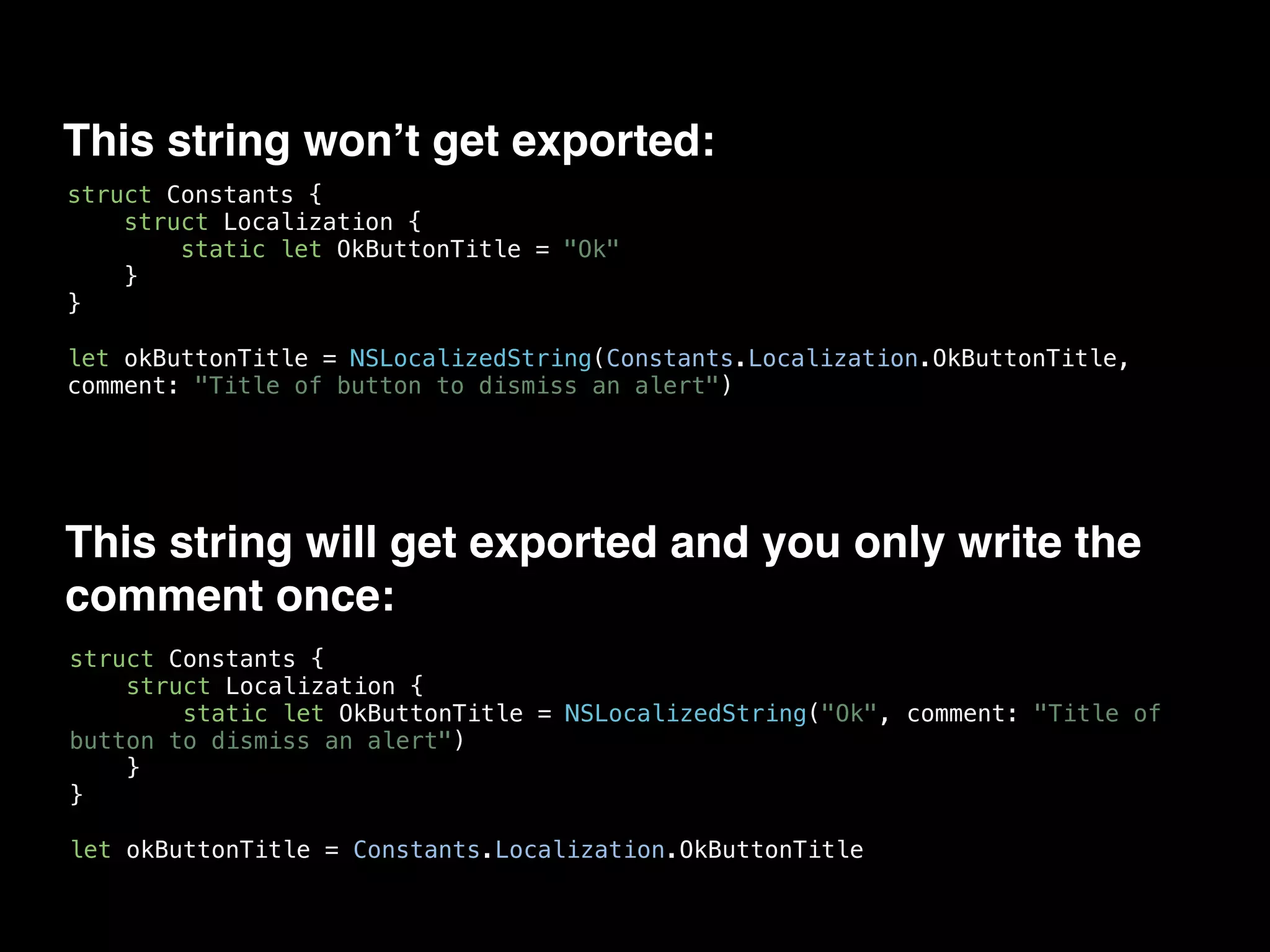
This string won’t get exported:
struct Constants {
struct Localization {
static let OkButtonTitle = "Ok"
}
}
let okButtonTitle = NSLocalizedString(Constants.Localization.OkButtonTitle,
comment: "Title of button to dismiss an alert")
This string will get exported and you only write the
comment once:
struct Constants {
struct Localization {
static let OkButtonTitle = NSLocalizedString("Ok", comment: "Title of
button to dismiss an alert")
}
}
let okButtonTitle = Constants.Localization.OkButtonTitle
Dates
NSDateFormatter
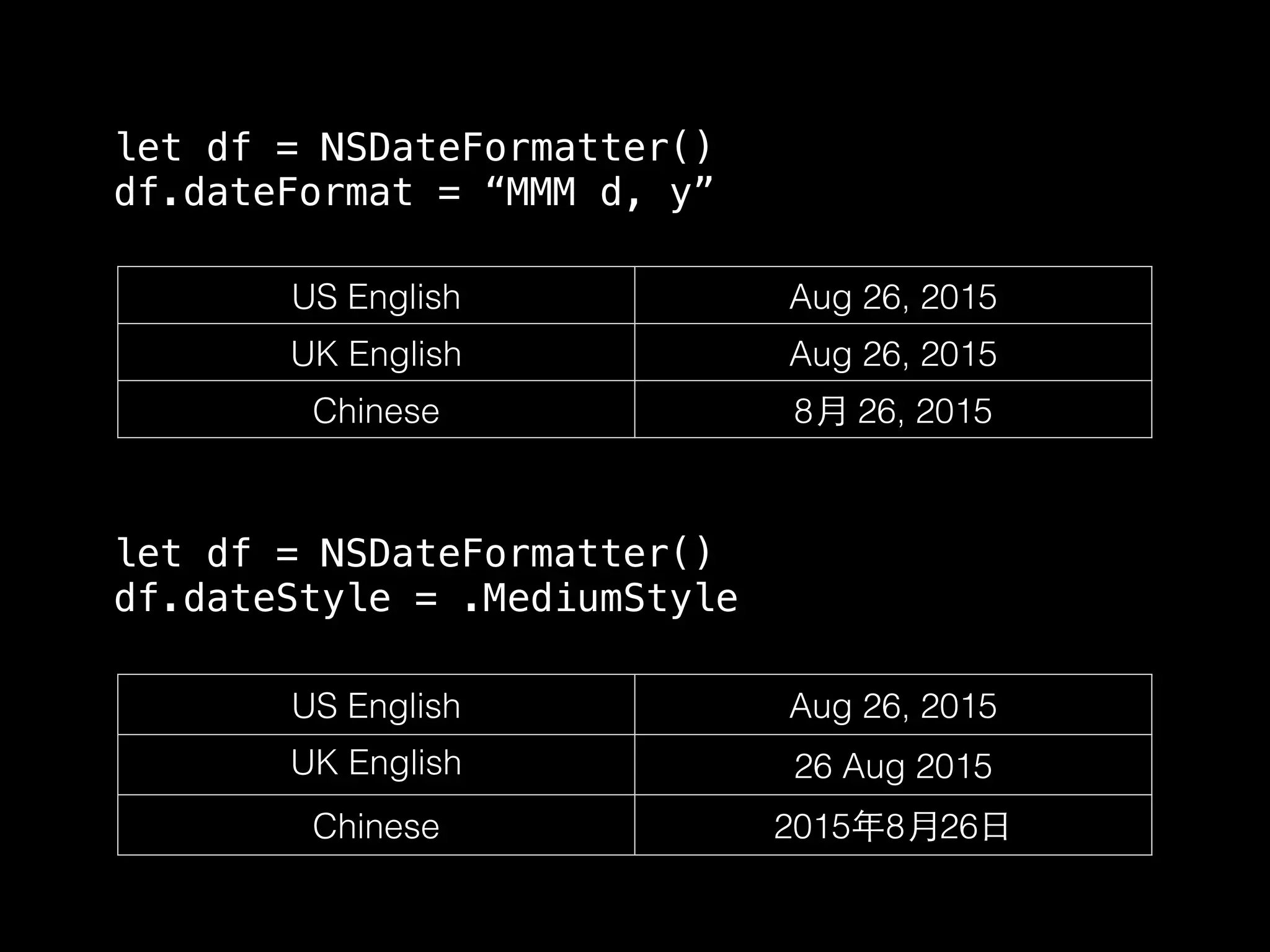
• Avoid format strings for user-visible dates
• Use Apple’s format styles
US English Aug 26, 2015
UK English Aug 26, 2015
Chinese 8⽉月 26, 2015
let df = NSDateFormatter()
df.dateFormat = “MMM d, y”
US English Aug 26, 2015
UK English 26 Aug 2015
Chinese 2015年8⽉月26⽇日
let df = NSDateFormatter()
df.dateStyle = .MediumStyle
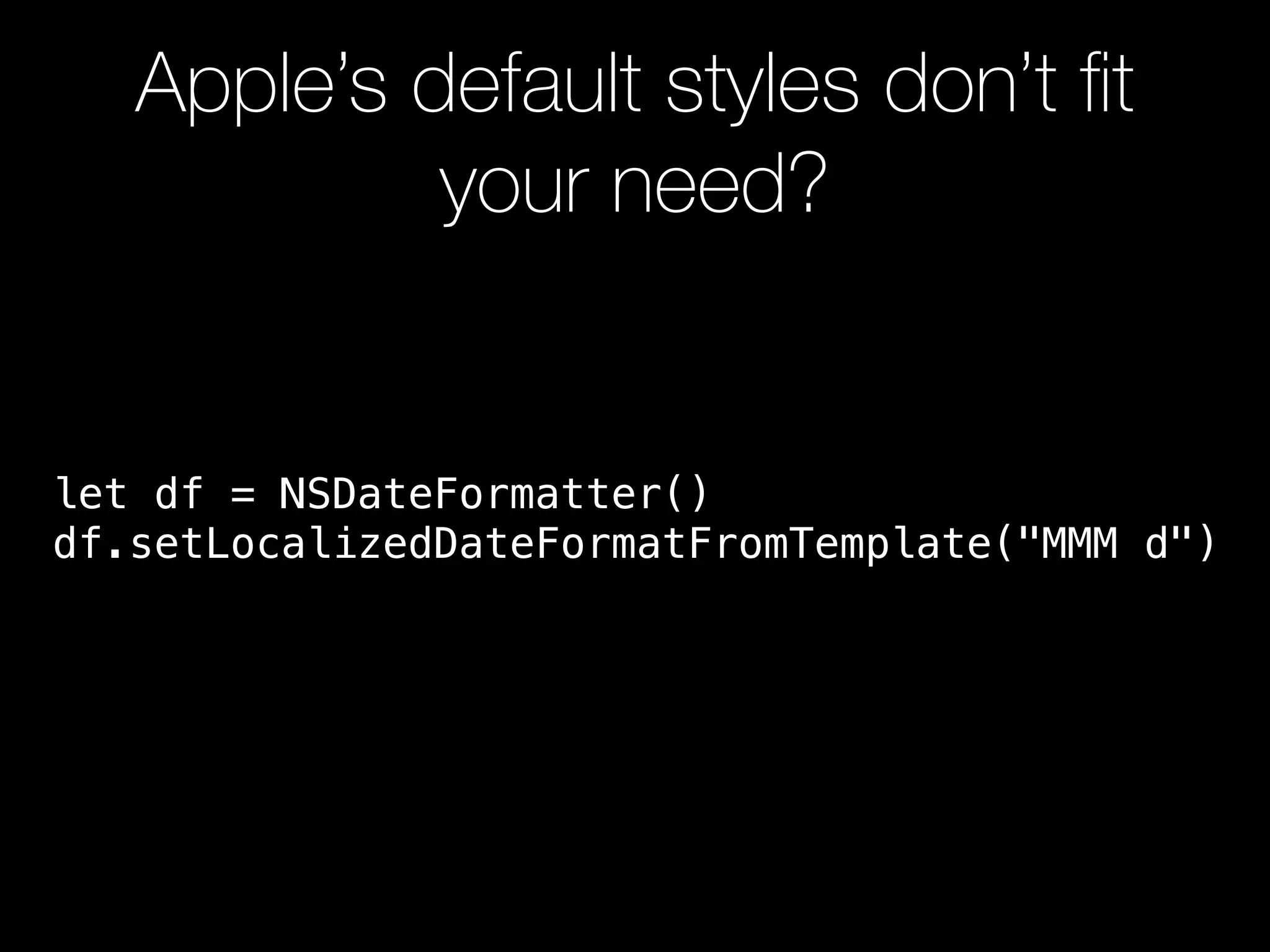
Apple’s default styles don’t fit
your need?
let df = NSDateFormatter()
df.setLocalizedDateFormatFromTemplate("MMM d")
Numbers
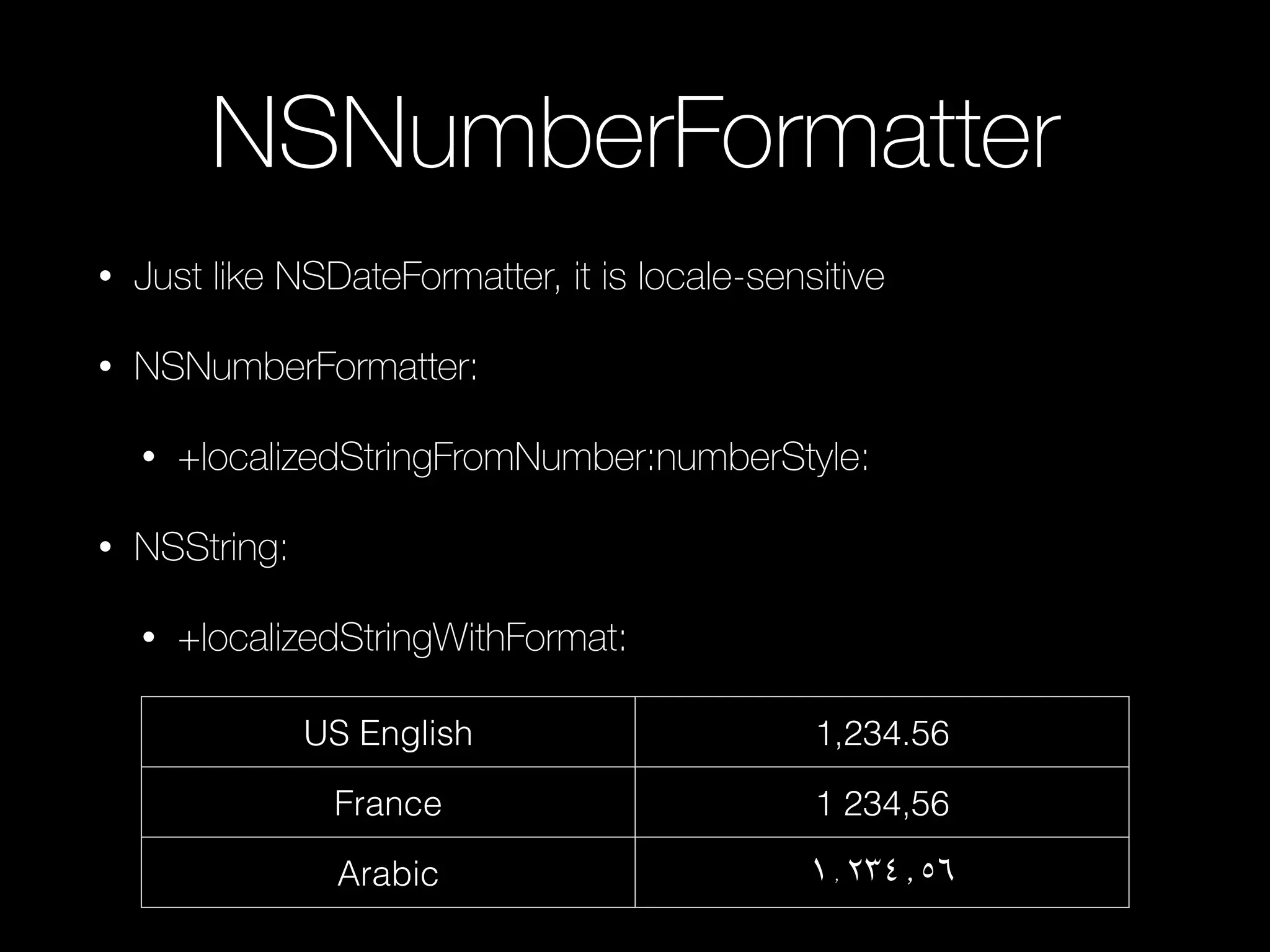
NSNumberFormatter
• Just like NSDateFormatter, it is locale-sensitive
• NSNumberFormatter:
• +localizedStringFromNumber:numberStyle:
• NSString:
• +localizedStringWithFormat:
US English 1,234.56
France 1 234,56
Arabic ١٬٢٣٤٫٥٦
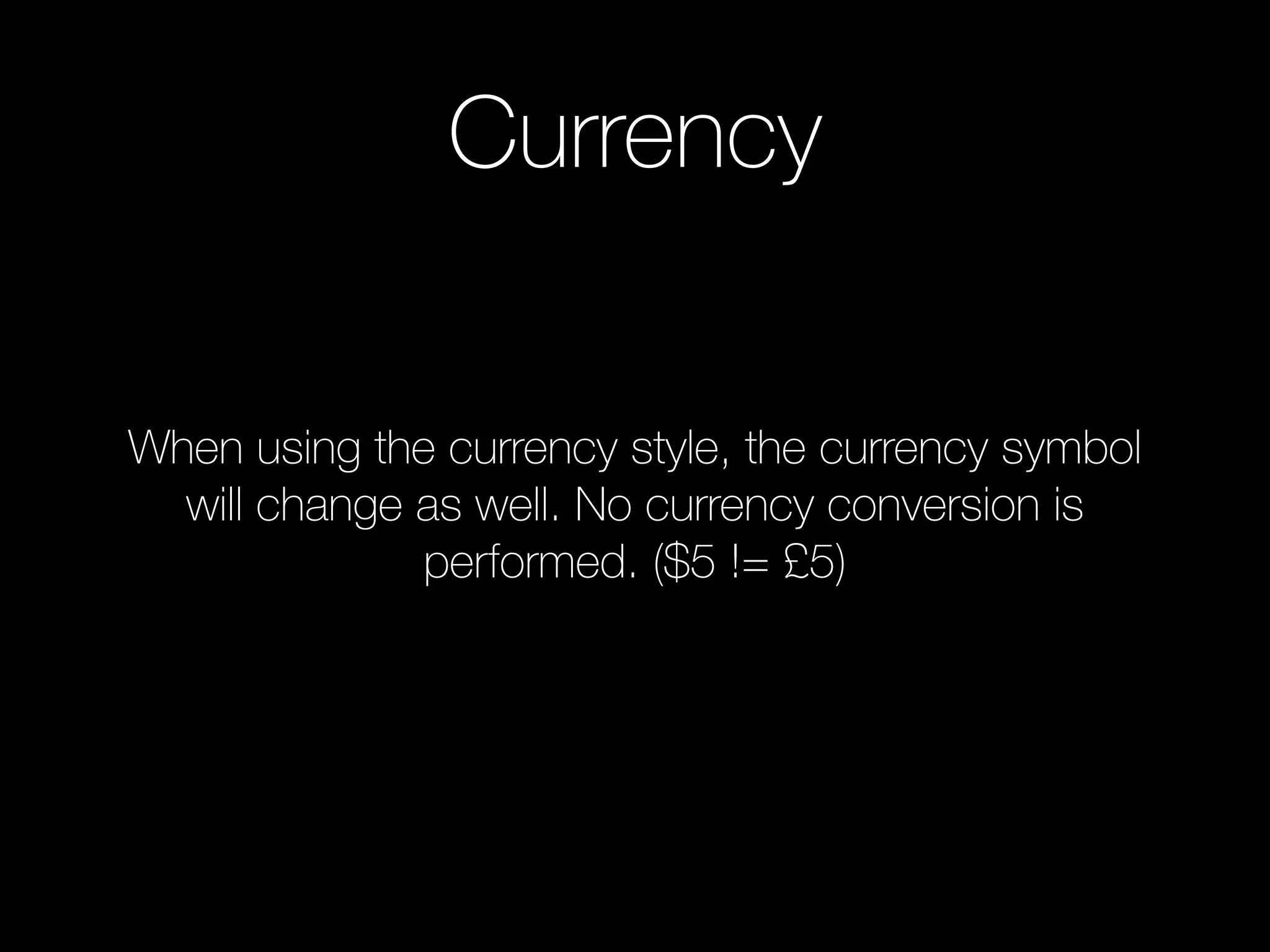
Currency
When using the currency style, the currency symbol
will change as well. No currency conversion is
performed. ($5 != £5)
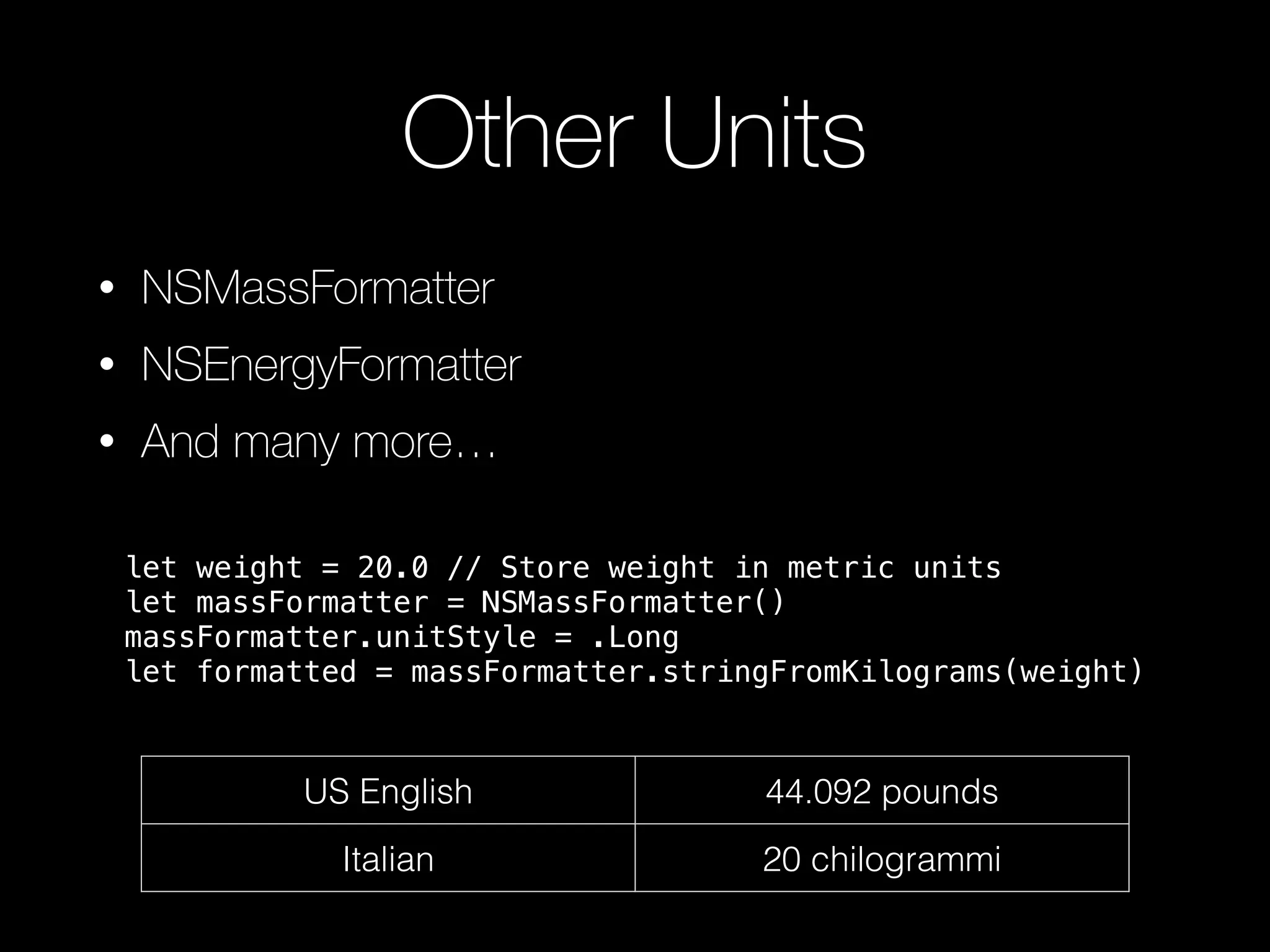
Other Units
• NSMassFormatter
• NSEnergyFormatter
• And many more…
US English 44.092 pounds
Italian 20 chilogrammi
let weight = 20.0 // Store weight in metric units
let massFormatter = NSMassFormatter()
massFormatter.unitStyle = .Long
let formatted = massFormatter.stringFromKilograms(weight)
Images
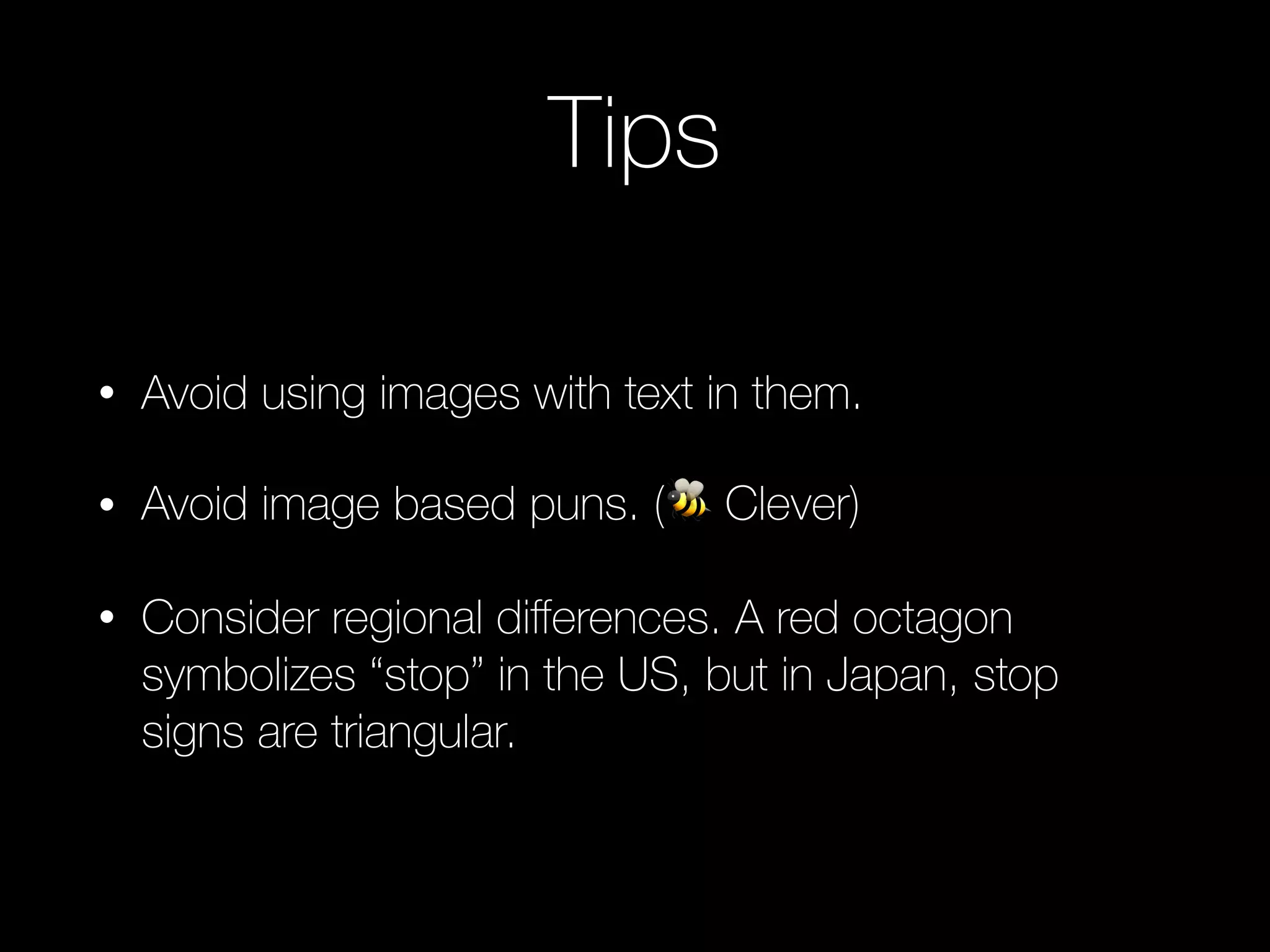
Tips
• Avoid using images with text in them.
• Avoid image based puns. (🐝 Clever)
• Consider regional differences. A red octagon
symbolizes “stop” in the US, but in Japan, stop
signs are triangular.
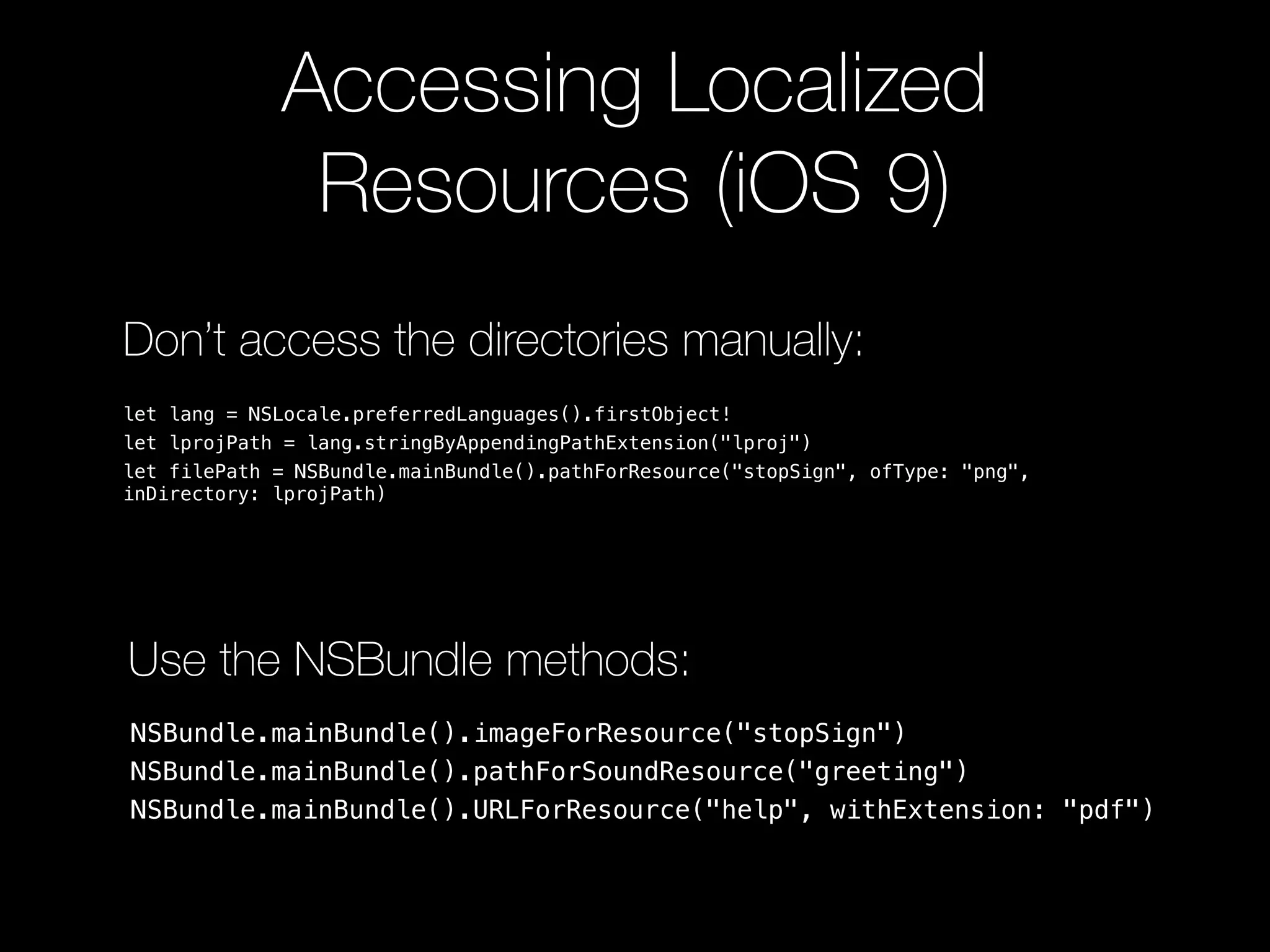
Accessing Localized
Resources (iOS 9)
Don’t access the directories manually:
let lang = NSLocale.preferredLanguages().firstObject!
let lprojPath = lang.stringByAppendingPathExtension("lproj")
let filePath = NSBundle.mainBundle().pathForResource("stopSign", ofType: "png",
inDirectory: lprojPath)
NSBundle.mainBundle().imageForResource("stopSign")
NSBundle.mainBundle().pathForSoundResource("greeting")
NSBundle.mainBundle().URLForResource("help", withExtension: "pdf")
Use the NSBundle methods:
Directionality
Directionality
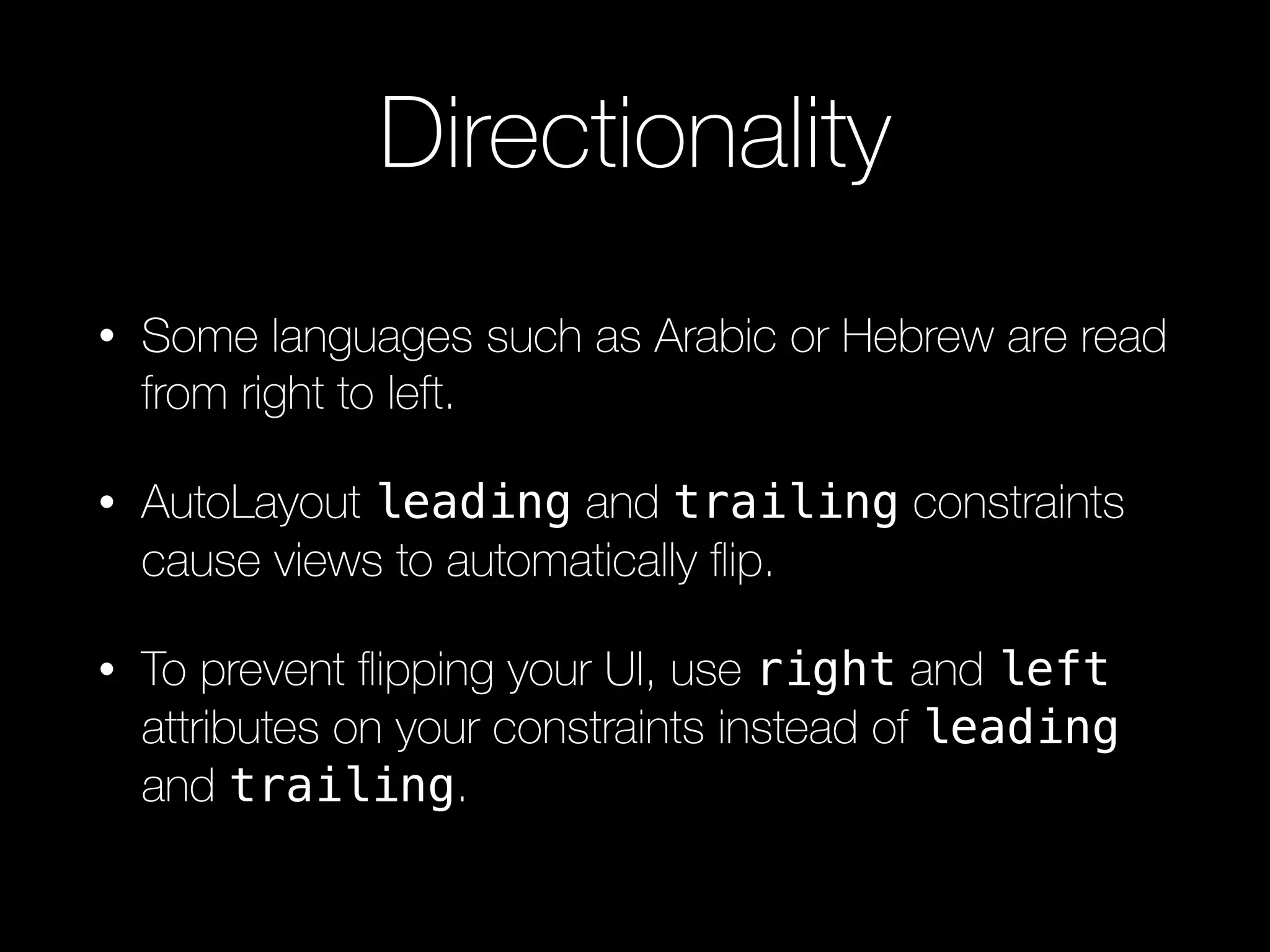
• Some languages such as Arabic or Hebrew are read
from right to left.
• AutoLayout leading and trailing constraints
cause views to automatically flip.
• To prevent flipping your UI, use right and left
attributes on your constraints instead of leading
and trailing.
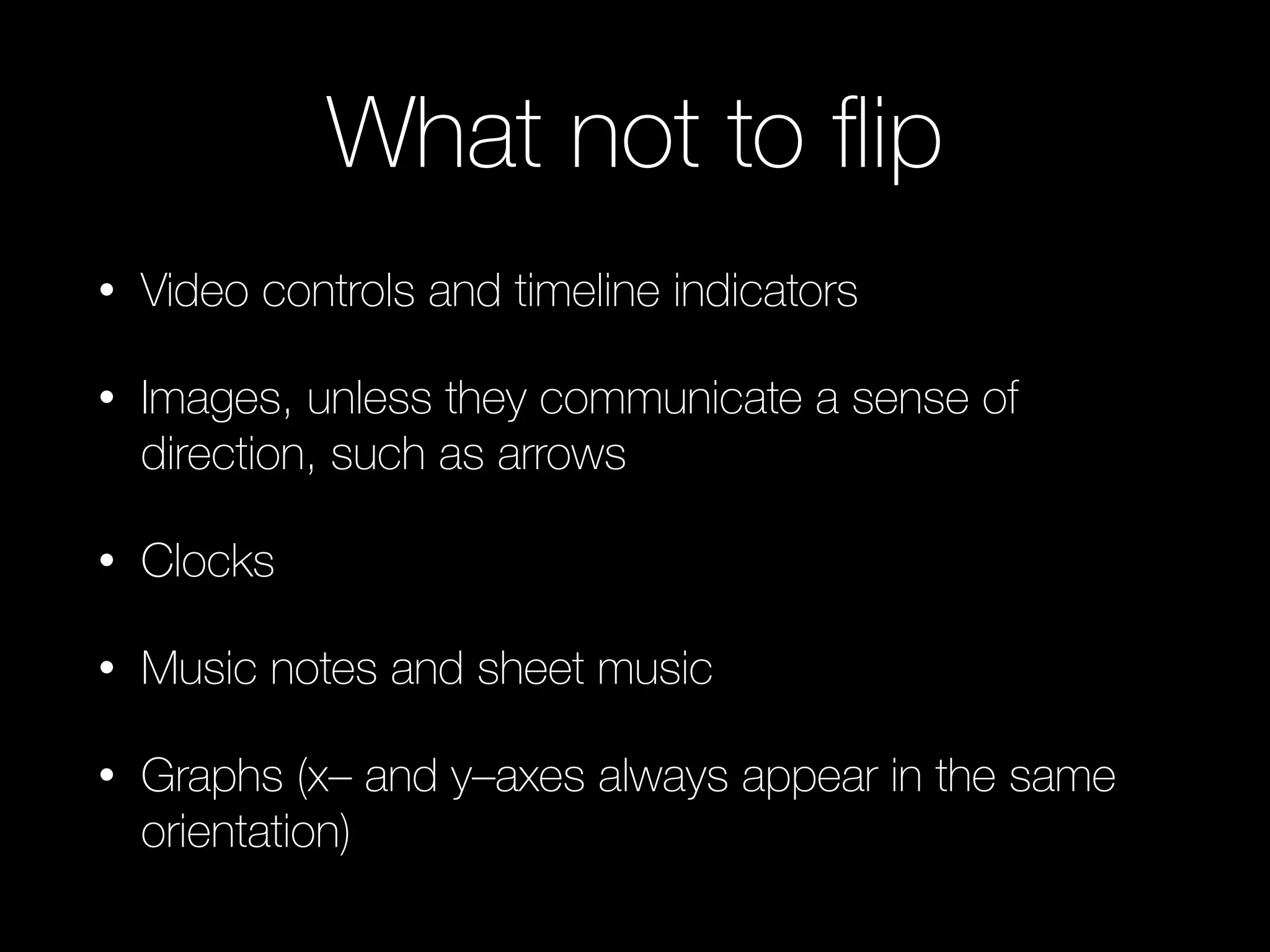
What not to flip
• Video controls and timeline indicators
• Images, unless they communicate a sense of
direction, such as arrows
• Clocks
• Music notes and sheet music
• Graphs (x– and y–axes always appear in the same
orientation)
General Tips
Accessibility
Don’t forget to localize accessibility labels!
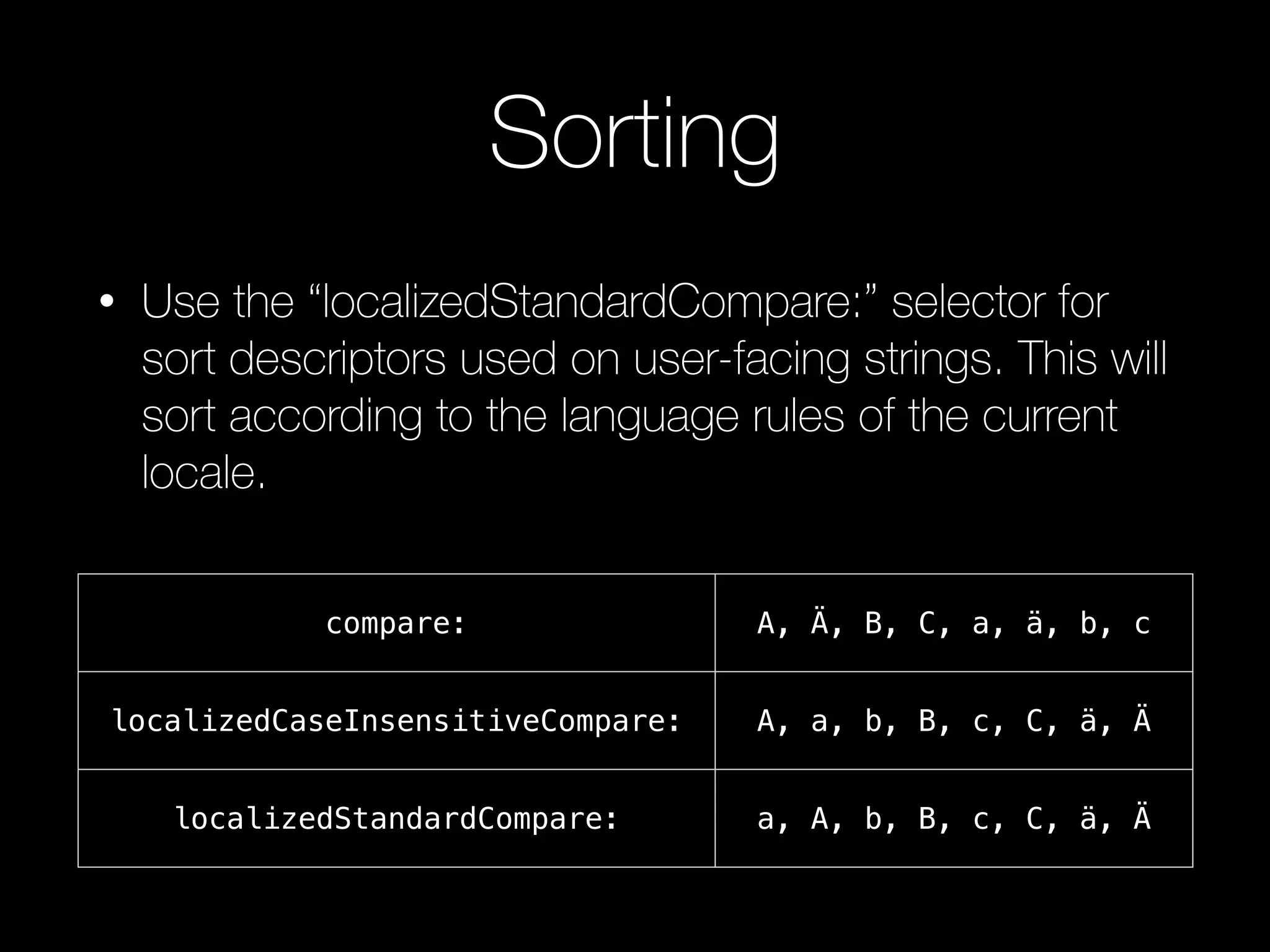
Sorting
• Use the “localizedStandardCompare:” selector for
sort descriptors used on user-facing strings. This will
sort according to the language rules of the current
locale.
compare: A, Ä, B, C, a, ä, b, c
localizedCaseInsensitiveCompare: A, a, b, B, c, C, ä, Ä
localizedStandardCompare: a, A, b, B, c, C, ä, Ä
Xcode Tips
Presentation continues in Xcode

Avoiding Pitfalls with Internationalization & Localization

  • 1.
    Avoiding Pitfalls with Internationalization& Localization Nashville CocoaHeads - August 26th, 2015
  • 2.
    What We’ll Cover •Internationalization vs Localization • Content Types • Text • Dates • Numbers • Images • Directionality • Xcode Tips & Tricks
  • 3.
    Why do it? •The App Store is available in over 150 countries. • 69% of app revenue comes from outside the U.S. • Some users may speak English, but it may not be their primary language.
  • 4.
    Internationalization vs Localization • Localization isthe process of translating your app into multiple languages. • Internationalization is the process of making your app able to adapt to different languages, regions, and cultures.
  • 5.
  • 6.
    Strings Tables • Translatedtext is stored in strings tables. • Localizable.strings • Key value pairs • XLIFF format
  • 7.
    XLIFF <file original="InternationalizationExample/Localizable.strings" source-language="en"datatype="plaintext" target-language="es"> <header> <tool tool-id="com.apple.dt.xcode" tool-name="Xcode" tool-version="6.4" build-num="6E35b"/> </header> <body> <trans-unit id="Invalid Password"> <source>Invalid Password</source> <target>Contraseña invalida</target> <note>Title of the alert that is displayed when the user enters an invalid password.</note> </trans-unit> <trans-unit id="Please enter a password."> <source>Please enter a password.</source> <target>Por favor, introduzca una contraseña .</target> <note>Instructions displayed when the user enters an invalid password.</note> </trans-unit> </body> </file> XML Localisation Interchange File Format
  • 8.
    NSLocalizedString • Parameters: • Key- The key to use in the strings table. • Comment - Provides context for translators. <trans-unit id="Invalid Password"> <source>Invalid Password</source> <target>Contraseña invalida</target> <note>Title of the alert that is displayed when the user enters an invalid password.</note> </trans-unit> NSLocalizedString(“Invalid Password”, comment: “Title of the alert that is displayed when the user enters an invalid password.”)
  • 9.
    Format Strings [NSString localizedStringWithFormat: NSLocalizedString(@“%@is %d meters tall”, @“Name and height (in meters) of a mountain”), mountain.name, mountain.height]; <source>%@ is %d meters tall</source> <target>%1$@ is %2$d meters tall</target> <note>Name and height (in meters) of a mountain</note>
  • 10.
    NSLocalizedString and DRY •Don’t copy and paste NSLocalizedString macros/ functions everywhere if they are textually and semantically the same. • Instead of creating a constant for the key, create a constant for the localized string. Otherwise, it won’t be included in the XLIFF file when exported.
  • 11.
    This string won’tget exported: struct Constants { struct Localization { static let OkButtonTitle = "Ok" } } let okButtonTitle = NSLocalizedString(Constants.Localization.OkButtonTitle, comment: "Title of button to dismiss an alert") This string will get exported and you only write the comment once: struct Constants { struct Localization { static let OkButtonTitle = NSLocalizedString("Ok", comment: "Title of button to dismiss an alert") } } let okButtonTitle = Constants.Localization.OkButtonTitle
  • 12.
  • 13.
    NSDateFormatter • Avoid formatstrings for user-visible dates • Use Apple’s format styles
  • 14.
    US English Aug26, 2015 UK English Aug 26, 2015 Chinese 8⽉月 26, 2015 let df = NSDateFormatter() df.dateFormat = “MMM d, y” US English Aug 26, 2015 UK English 26 Aug 2015 Chinese 2015年8⽉月26⽇日 let df = NSDateFormatter() df.dateStyle = .MediumStyle
  • 15.
    Apple’s default stylesdon’t fit your need? let df = NSDateFormatter() df.setLocalizedDateFormatFromTemplate("MMM d")
  • 16.
  • 17.
    NSNumberFormatter • Just likeNSDateFormatter, it is locale-sensitive • NSNumberFormatter: • +localizedStringFromNumber:numberStyle: • NSString: • +localizedStringWithFormat: US English 1,234.56 France 1 234,56 Arabic ١٬٢٣٤٫٥٦
  • 18.
    Currency When using thecurrency style, the currency symbol will change as well. No currency conversion is performed. ($5 != £5)
  • 19.
    Other Units • NSMassFormatter •NSEnergyFormatter • And many more… US English 44.092 pounds Italian 20 chilogrammi let weight = 20.0 // Store weight in metric units let massFormatter = NSMassFormatter() massFormatter.unitStyle = .Long let formatted = massFormatter.stringFromKilograms(weight)
  • 20.
  • 21.
    Tips • Avoid usingimages with text in them. • Avoid image based puns. (🐝 Clever) • Consider regional differences. A red octagon symbolizes “stop” in the US, but in Japan, stop signs are triangular.
  • 22.
    Accessing Localized Resources (iOS9) Don’t access the directories manually: let lang = NSLocale.preferredLanguages().firstObject! let lprojPath = lang.stringByAppendingPathExtension("lproj") let filePath = NSBundle.mainBundle().pathForResource("stopSign", ofType: "png", inDirectory: lprojPath) NSBundle.mainBundle().imageForResource("stopSign") NSBundle.mainBundle().pathForSoundResource("greeting") NSBundle.mainBundle().URLForResource("help", withExtension: "pdf") Use the NSBundle methods:
  • 23.
  • 24.
    Directionality • Some languagessuch as Arabic or Hebrew are read from right to left. • AutoLayout leading and trailing constraints cause views to automatically flip. • To prevent flipping your UI, use right and left attributes on your constraints instead of leading and trailing.
  • 25.
    What not toflip • Video controls and timeline indicators • Images, unless they communicate a sense of direction, such as arrows • Clocks • Music notes and sheet music • Graphs (x– and y–axes always appear in the same orientation)
  • 26.
  • 27.
    Accessibility Don’t forget tolocalize accessibility labels!
  • 28.
    Sorting • Use the“localizedStandardCompare:” selector for sort descriptors used on user-facing strings. This will sort according to the language rules of the current locale. compare: A, Ä, B, C, a, ä, b, c localizedCaseInsensitiveCompare: A, a, b, B, c, C, ä, Ä localizedStandardCompare: a, A, b, B, c, C, ä, Ä
  • 29.