Automatically Retrieving and Loading Data into 
Siebel CTMS from Multiple CRO Partners 
Param Singh, Director, Clinical Trial Management Solutions, Life Sciences, Perficient 
Michelle Engler, Senior Application Architect, Life Sciences, Perficient 
facebook.com/perficient linkedin.com/company/perficient twitter.com/Perficient_LS
About Perficient 
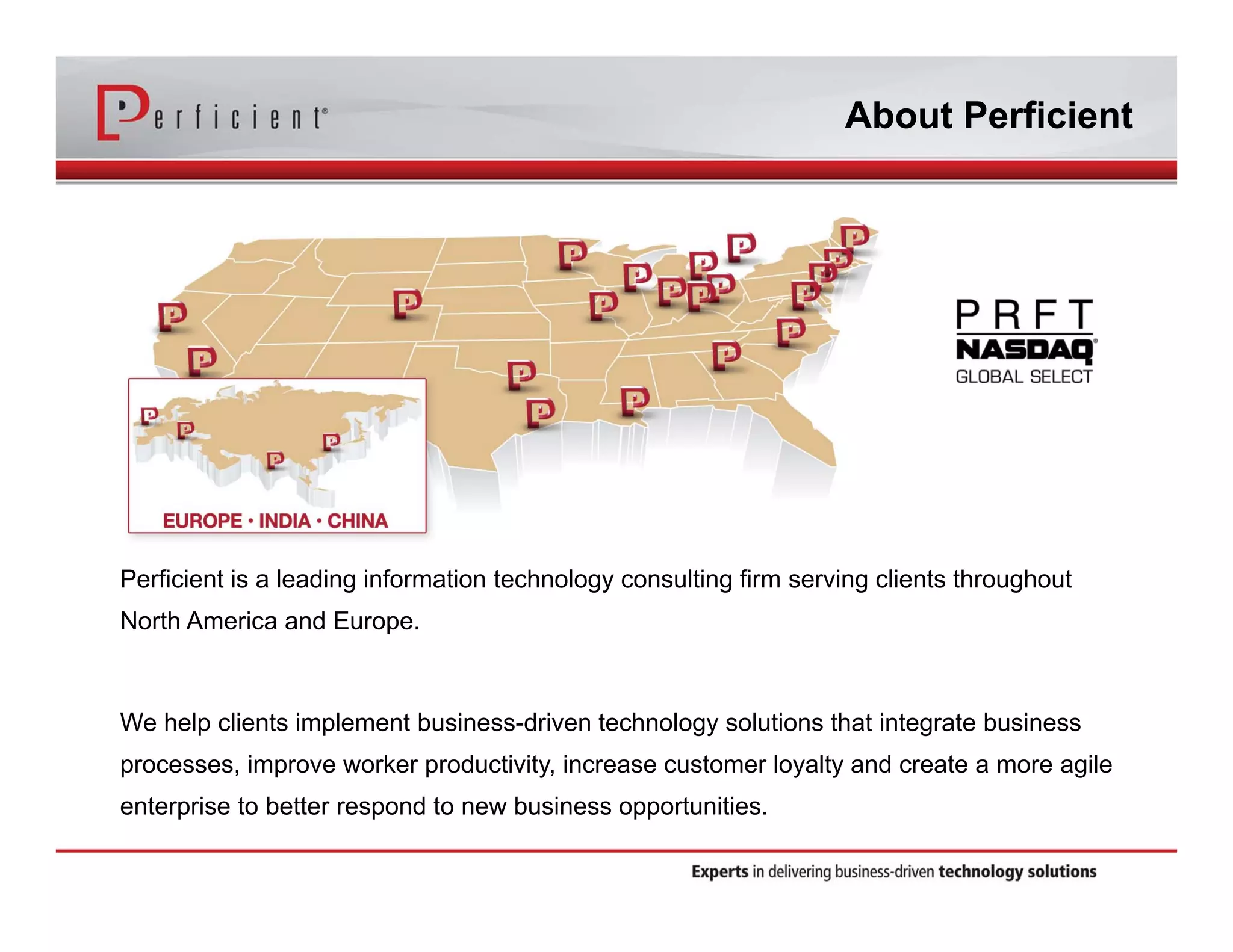
Perficient is a leading information technology consulting firm serving clients throughout 
North America and Europe. 
We help clients implement business-driven technology solutions that integrate business 
processes, improve worker productivity, increase customer loyalty and create a more agile 
enterprise to better respond to new business opportunities.
Perficient Profile 
• Founded in 1997 
• Public, NASDAQ: PRFT 
• 2013 revenue ~$373 million 
• Major market locations throughout North America 
• Atlanta, Boston, Charlotte, Chicago, Cincinnati, Cleveland, 
Columbus, Dallas, Denver, Detroit, Fairfax, Houston, 
Indianapolis, Los Angeles, Minneapolis, New Orleans, New 
York City, Northern California, Philadelphia, Southern 
California, St. Louis, Toronto and Washington, D.C. 
• Global delivery centers in China, Europe and India 
• >2,100 colleagues 
• Dedicated solution practices 
• ~85% repeat business rate 
• Alliance partnerships with major technology vendors 
• Multiple vendor/industry technology and growth awards
Life Sciences Practices / Solutions 
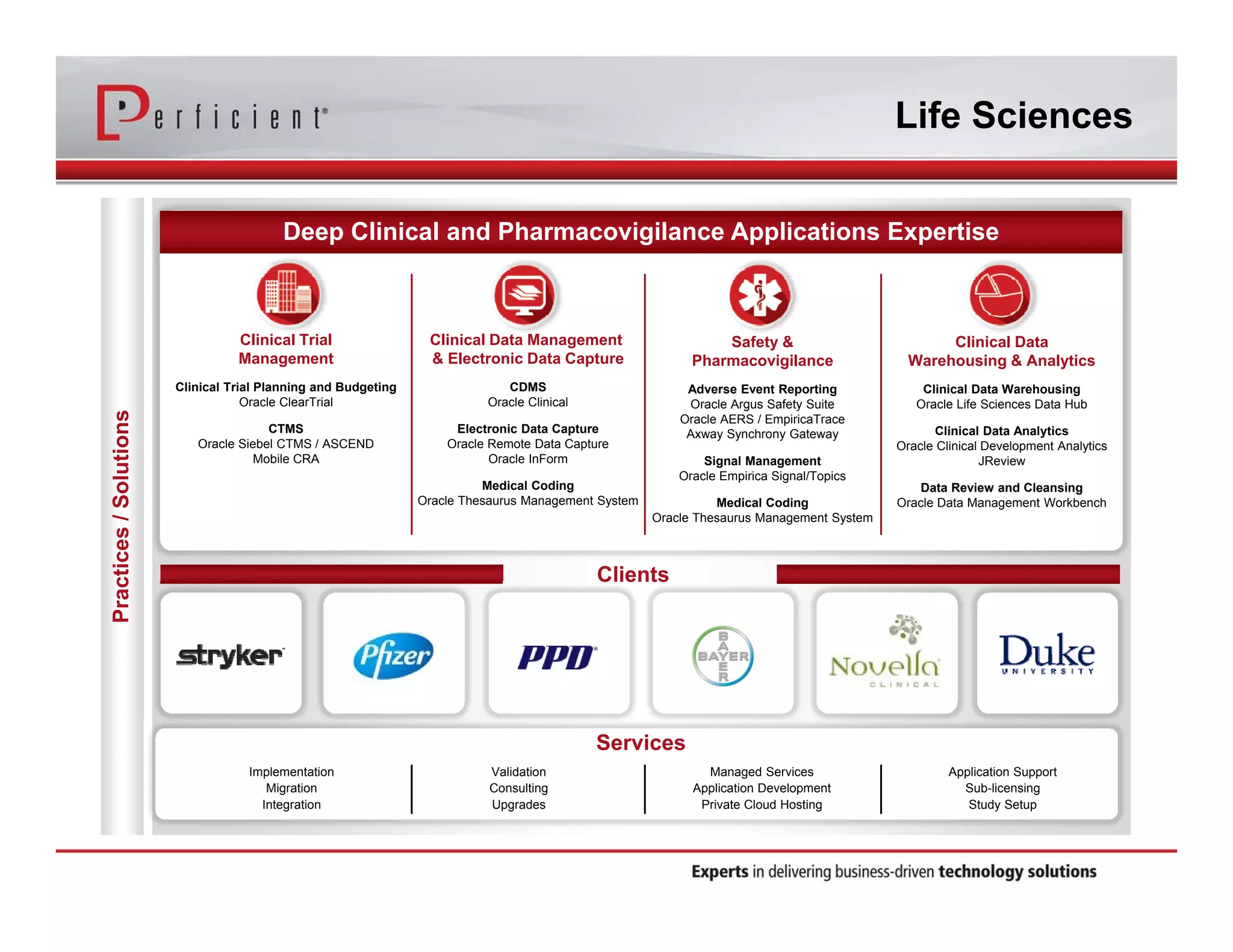
Deep Clinical and Pharmacovigilance Applications Expertise 
Implementation 
Migration 
Integration 
Validation 
Consulting 
Upgrades 
Managed Services 
Application Development 
Private Cloud Hosting 
Application Support 
Sub-licensing 
Study Setup 
Services 
Clinical Trial 
Management 
Clinical Trial Planning and Budgeting 
Oracle ClearTrial 
CTMS 
Oracle Siebel CTMS / ASCEND 
Mobile CRA 
Clinical Data Management 
& Electronic Data Capture 
CDMS 
Oracle Clinical 
Electronic Data Capture 
Oracle Remote Data Capture 
Oracle InForm 
Medical Coding 
Oracle Thesaurus Management System 
Safety & 
Pharmacovigilance 
Adverse Event Reporting 
Oracle Argus Safety Suite 
Oracle AERS / EmpiricaTrace 
Axway Synchrony Gateway 
Signal Management 
Oracle Empirica Signal/Topics 
Medical Coding 
Oracle Thesaurus Management System 
Clinical Data 
Warehousing & Analytics 
Clinical Data Warehousing 
Oracle Life Sciences Data Hub 
Clinical Data Analytics 
Oracle Clinical Development Analytics 
JReview 
Data Review and Cleansing 
Oracle Data Management Workbench 
Clients
Welcome & Introduction 
Param Singh 
Director of Clinical Trial Management Solutions 
Life Sciences, Perficient 
Michelle Engler 
Senior Solutions Architect 
Life Sciences, Perficient
Agenda 
• CRO to Siebel CTMS integration business case 
• Types of data for integration 
• Standard XML format and EOT files 
• Automating the synchronization process 
• XML File Transfer Utility 
– Configuration 
– Workflow 
– Error checking and handling 
– Logging and notification 
• Integration process in action (short video) 
• Lessons learned 
• Questions 
• Contact Information
CRO to Siebel CTMS 
Integration Business Case 
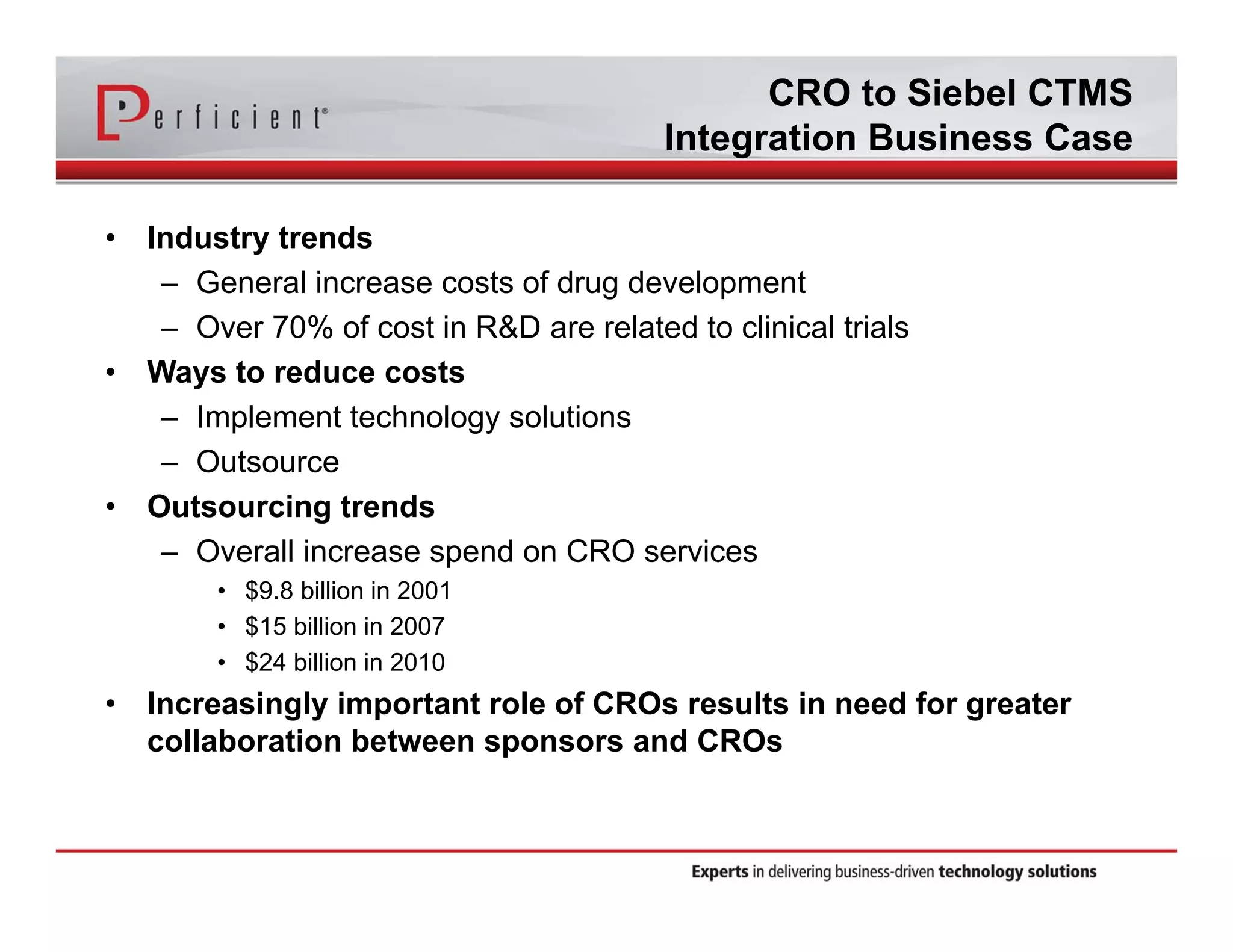
• Industry trends 
– General increase costs of drug development 
– Over 70% of cost in R&D are related to clinical trials 
• Ways to reduce costs 
– Implement technology solutions 
– Outsource 
• Outsourcing trends 
– Overall increase spend on CRO services 
• $9.8 billion in 2001 
• $15 billion in 2007 
• $24 billion in 2010 
• Increasingly important role of CROs results in need for greater 
collaboration between sponsors and CROs
CRO to Siebel CTMS 
Integration Business Case 
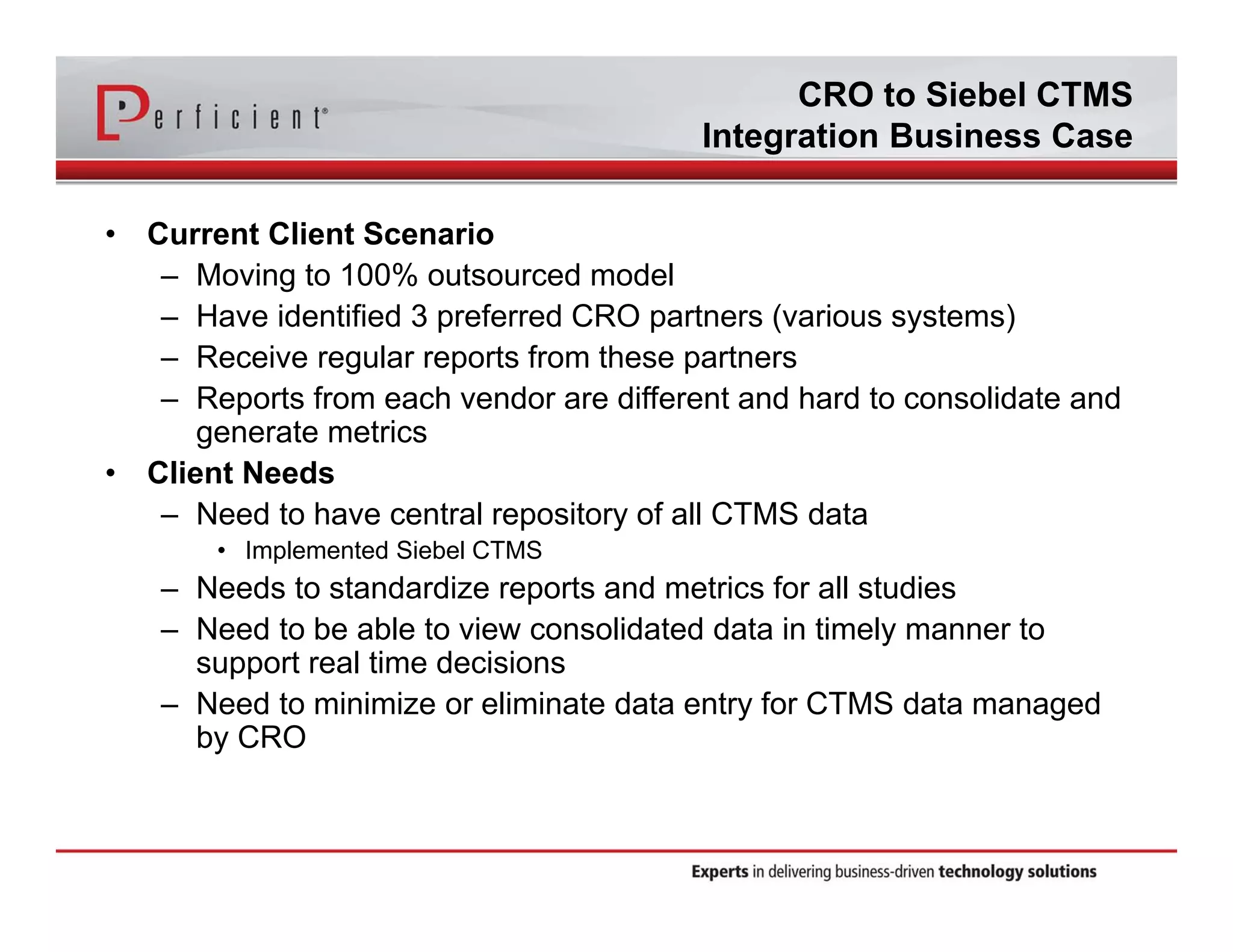
• Current Client Scenario 
– Moving to 100% outsourced model 
– Have identified 3 preferred CRO partners (various systems) 
– Receive regular reports from these partners 
– Reports from each vendor are different and hard to consolidate and 
generate metrics 
• Client Needs 
– Need to have central repository of all CTMS data 
• Implemented Siebel CTMS 
– Needs to standardize reports and metrics for all studies 
– Need to be able to view consolidated data in timely manner to 
support real time decisions 
– Need to minimize or eliminate data entry for CTMS data managed 
by CRO
Benefits of CRO Integration 
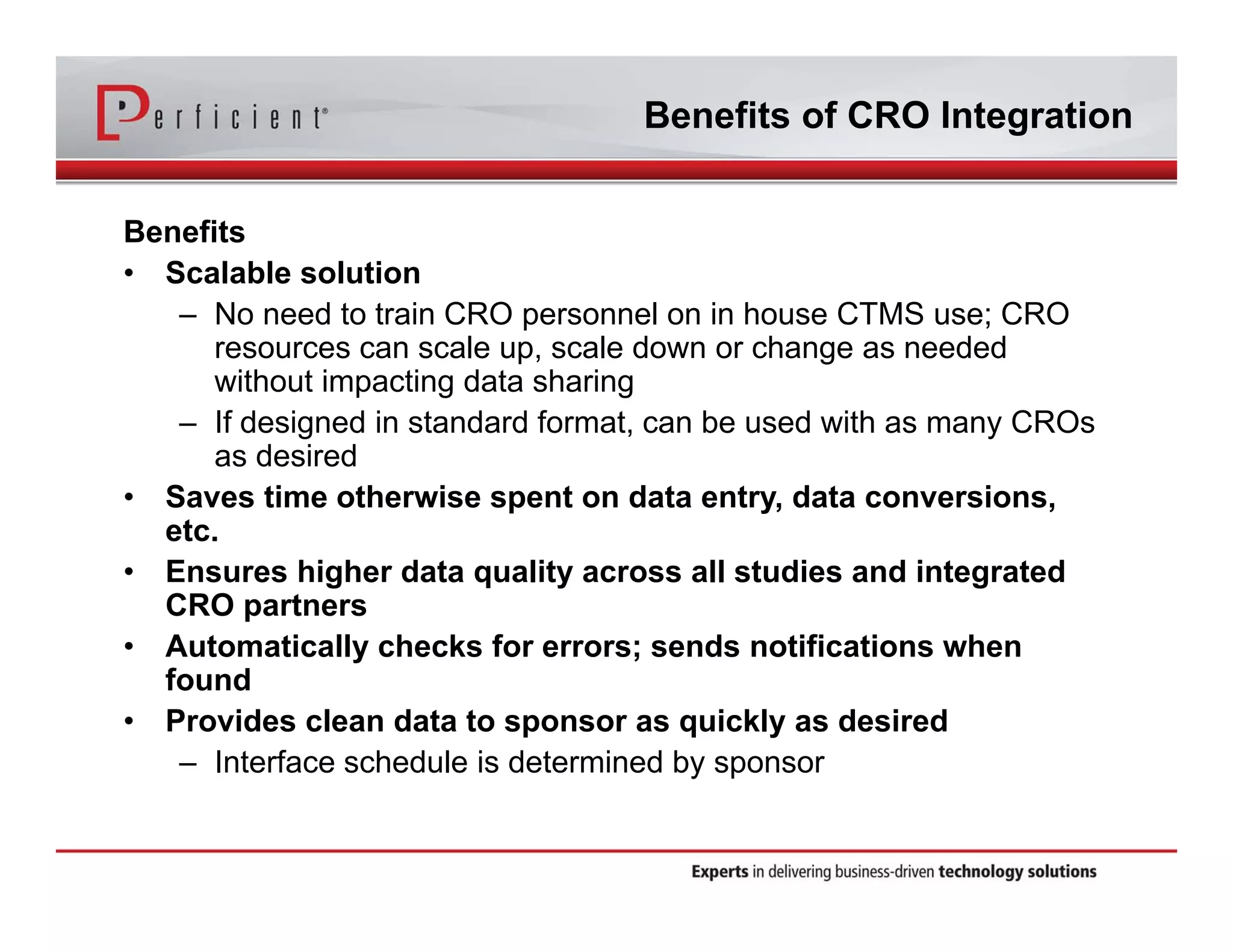
Benefits 
• Scalable solution 
– No need to train CRO personnel on in house CTMS use; CRO 
resources can scale up, scale down or change as needed 
without impacting data sharing 
– If designed in standard format, can be used with as many CROs 
as desired 
• Saves time otherwise spent on data entry, data conversions, 
etc. 
• Ensures higher data quality across all studies and integrated 
CRO partners 
• Automatically checks for errors; sends notifications when 
found 
• Provides clean data to sponsor as quickly as desired 
– Interface schedule is determined by sponsor
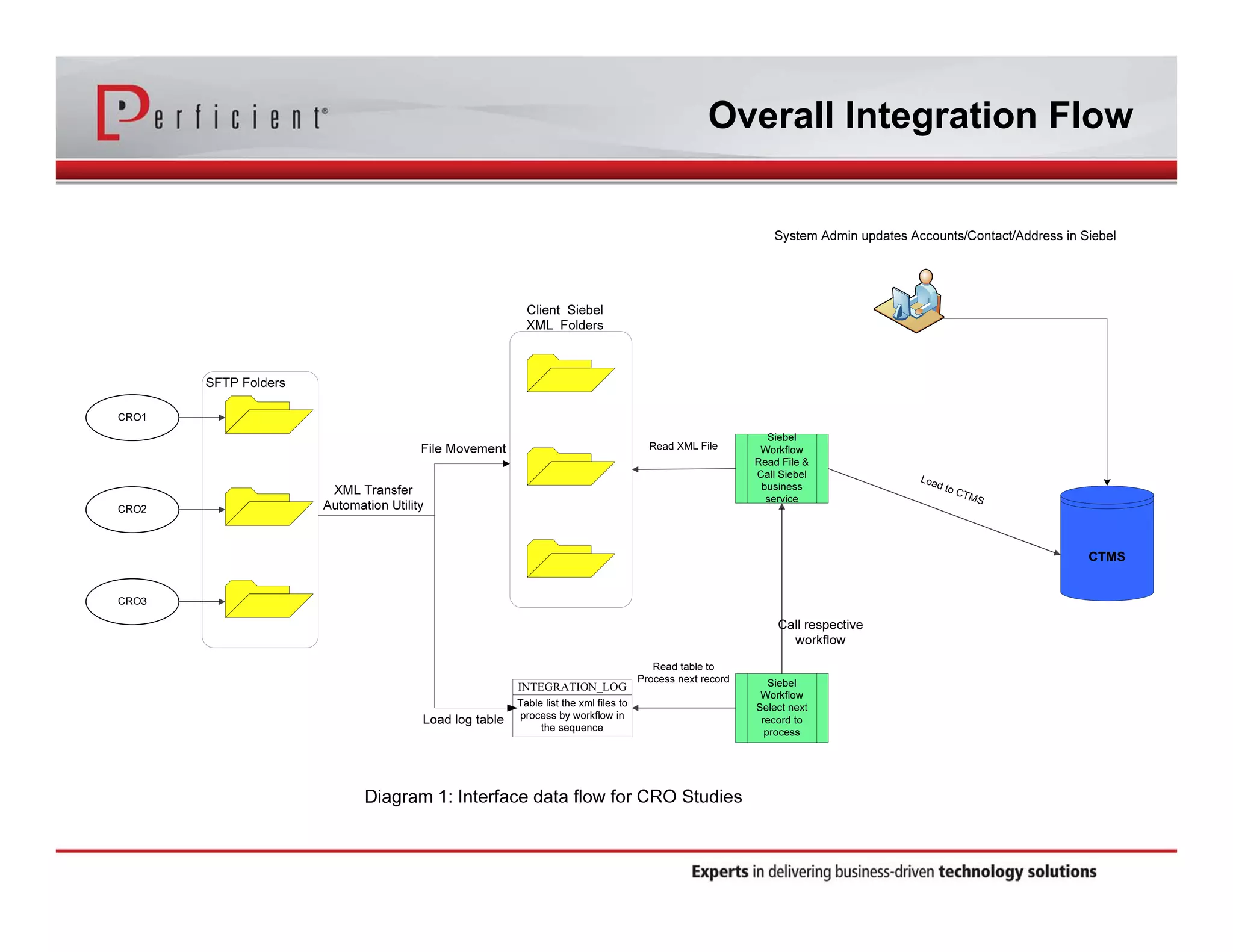
Overall Integration Flow
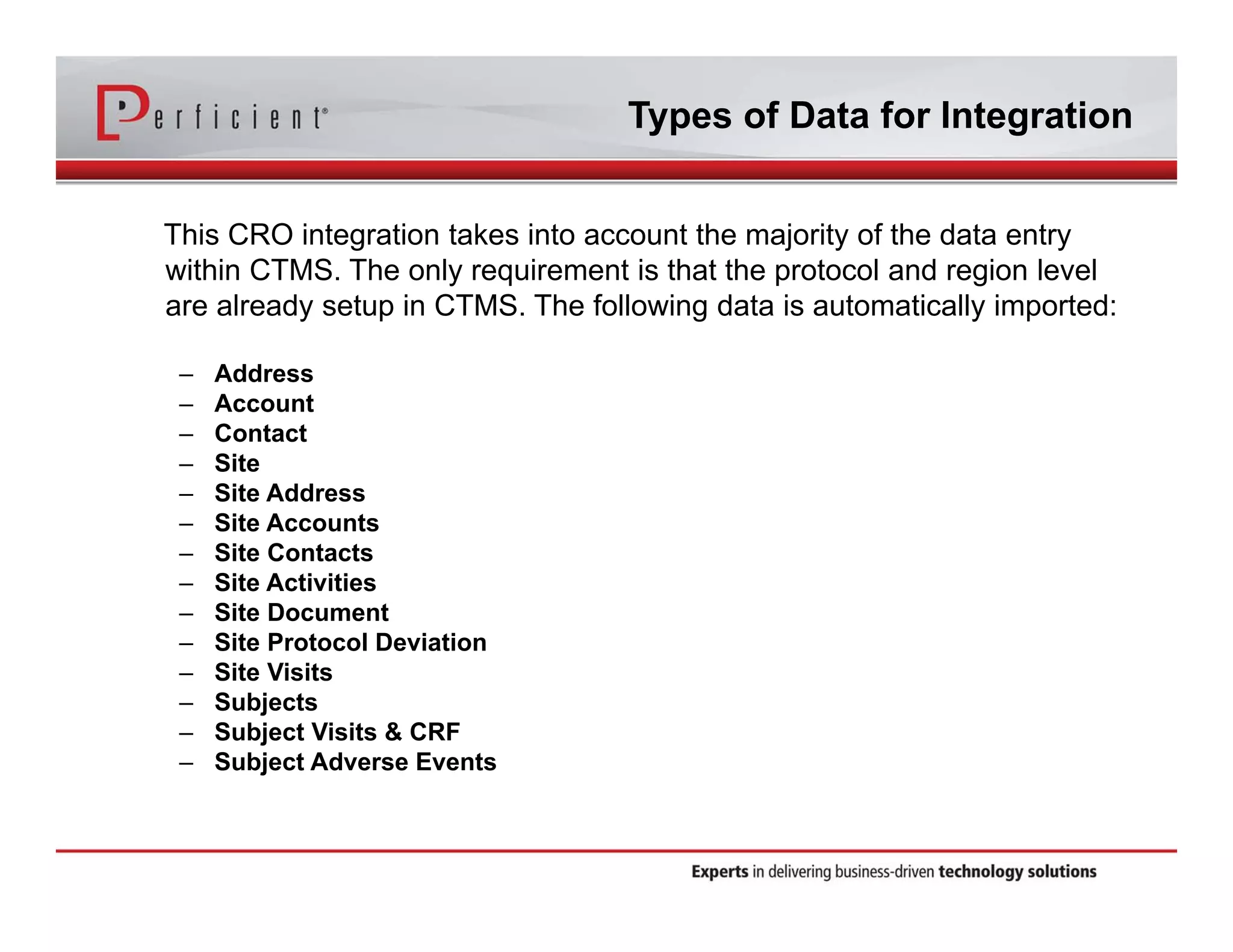
Types of Data for Integration 
This CRO integration takes into account the majority of the data entry 
within CTMS. The only requirement is that the protocol and region level 
are already setup in CTMS. The following data is automatically imported: 
– Address 
– Account 
– Contact 
– Site 
– Site Address 
– Site Accounts 
– Site Contacts 
– Site Activities 
– Site Document 
– Site Protocol Deviation 
– Site Visits 
– Subjects 
– Subject Visits & CRF 
– Subject Adverse Events
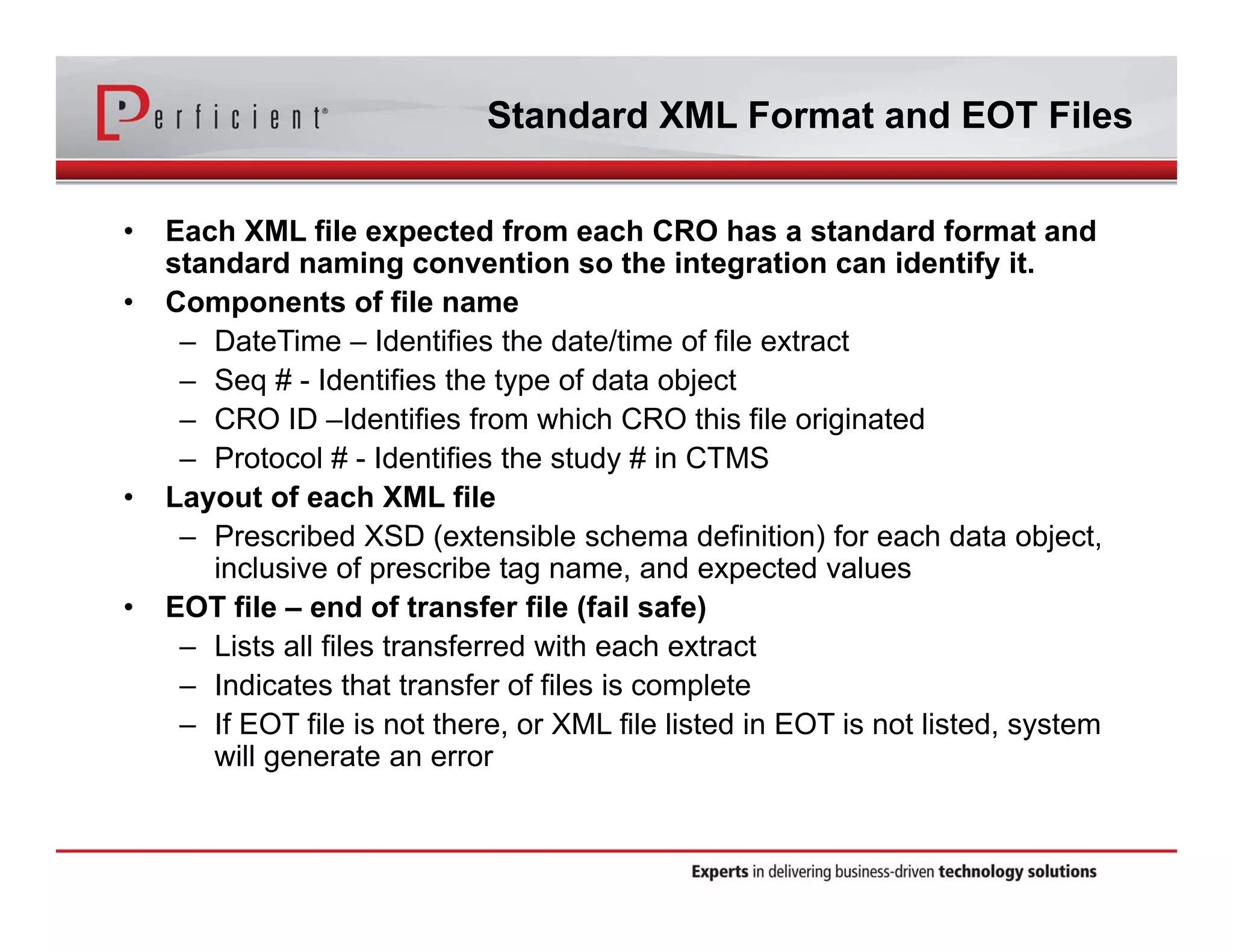
Standard XML Format and EOT Files 
• Each XML file expected from each CRO has a standard format and 
standard naming convention so the integration can identify it. 
• Components of file name 
– DateTime – Identifies the date/time of file extract 
– Seq # - Identifies the type of data object 
– CRO ID –Identifies from which CRO this file originated 
– Protocol # - Identifies the study # in CTMS 
• Layout of each XML file 
– Prescribed XSD (extensible schema definition) for each data object, 
inclusive of prescribe tag name, and expected values 
• EOT file – end of transfer file (fail safe) 
– Lists all files transferred with each extract 
– Indicates that transfer of files is complete 
– If EOT file is not there, or XML file listed in EOT is not listed, system 
will generate an error
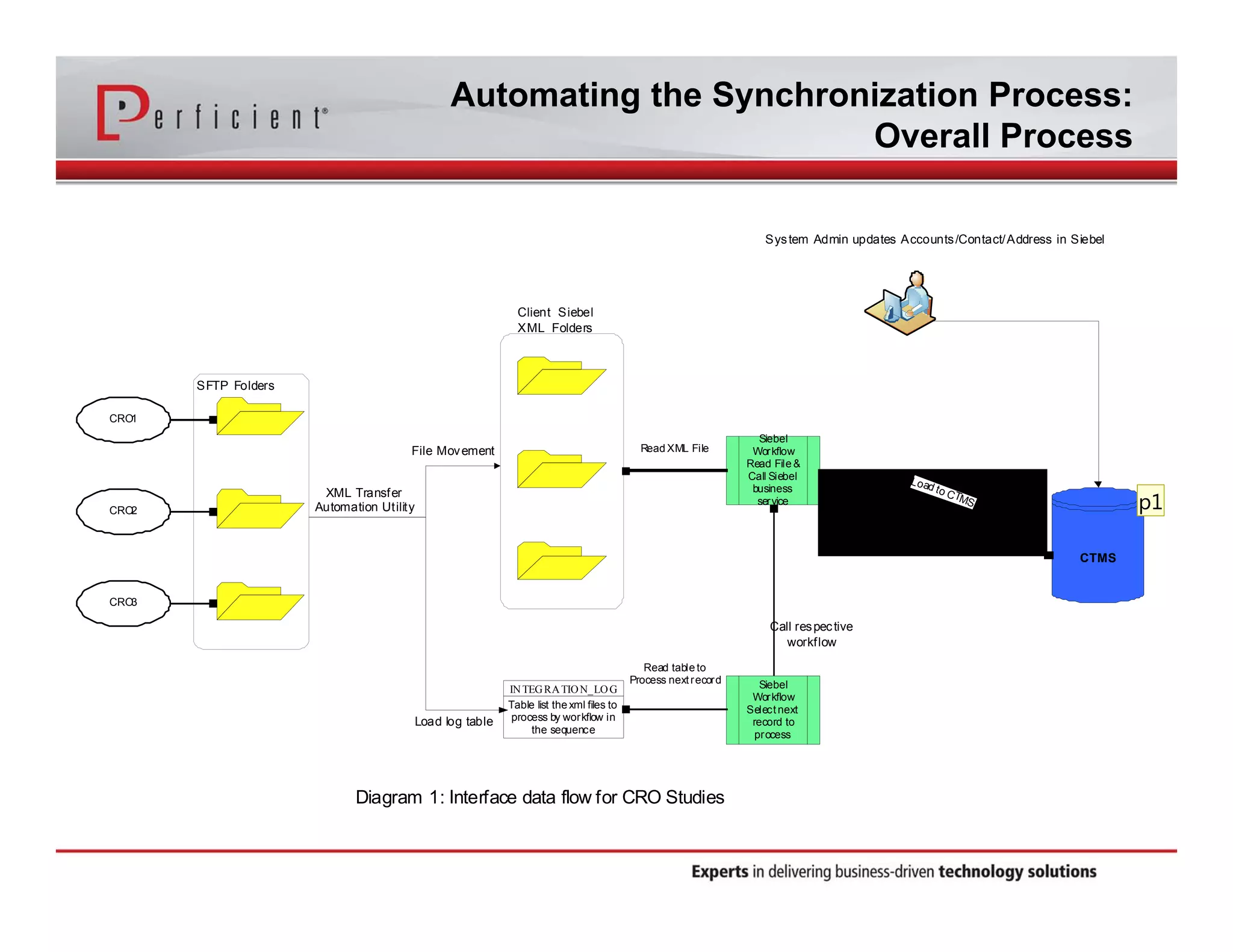
Automating the Synchronization Process: 
Overall Process 
CRO1 
CRO2 
CRO3 
File Movement 
SFTP Folders 
Client Siebel 
XML Folders 
INTEGRATION_LOG 
Table list the xml files to 
process by workflow in 
the sequence 
Load log table 
Call res pec tive 
workflow 
Siebel 
Workflow 
Select next 
record to 
process 
Read table to 
Process next record 
Siebel 
Workflow 
Read File & 
Call Siebel 
business 
service 
ReadXML File 
XML Transfer 
Automation Utility 
Diagram 1: Interface data flow for CRO Studies 
Sys tem Admin updates Accounts /Contact/Address in Siebel 
CTMS 
Load to CTMS 
p1
Slide 13 
p1 Not sure if you want this here? or you want something else here that speask to the details of the process of the XML Tranfers 
Automation utility itself. 
psingh, 6/3/2014
XML Transfer Automation Utility 
Configuration 
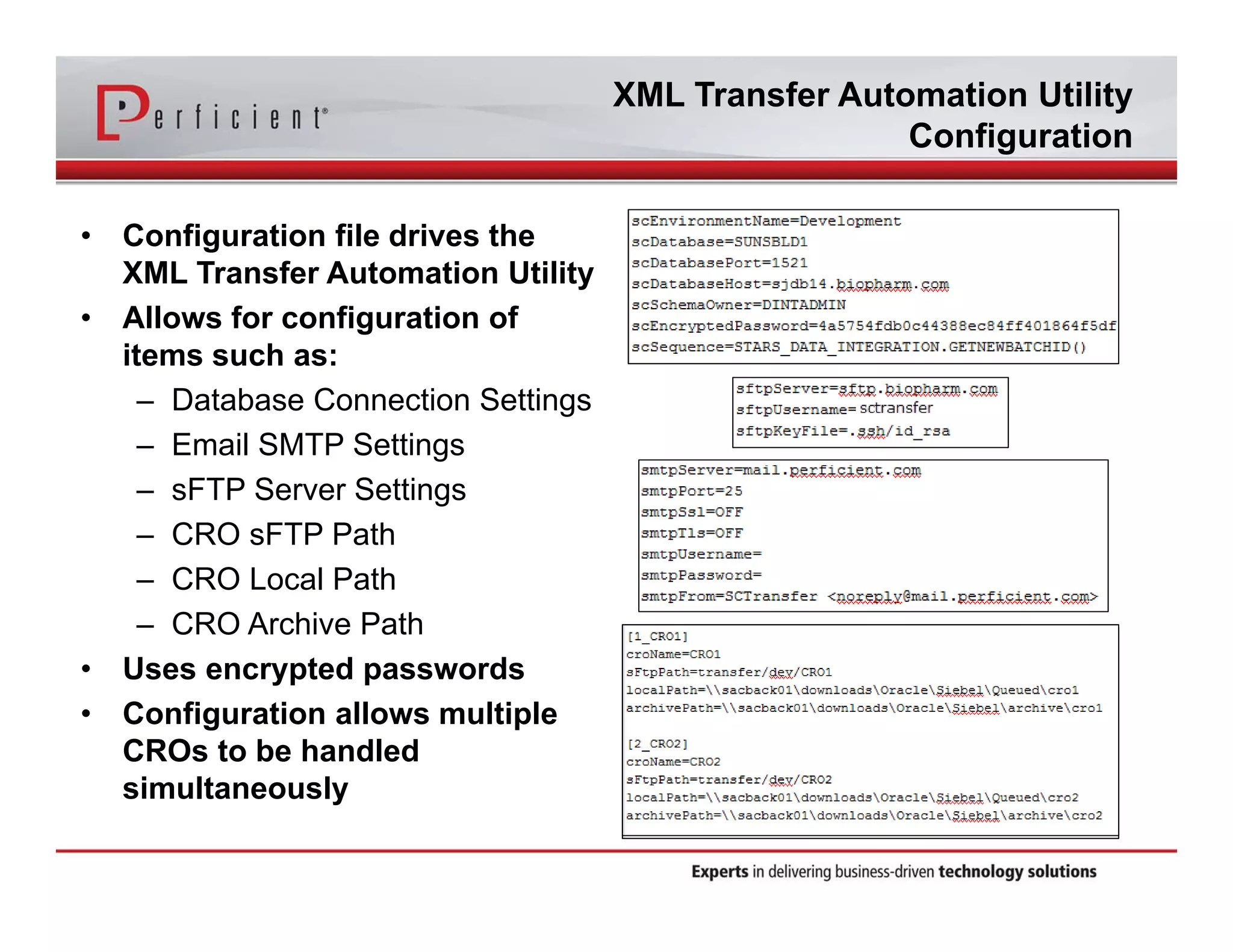
• Configuration file drives the 
XML Transfer Automation Utility 
• Allows for configuration of 
items such as: 
– Database Connection Settings 
– Email SMTP Settings 
– sFTP Server Settings 
– CRO sFTP Path 
– CRO Local Path 
– CRO Archive Path 
• Uses encrypted passwords 
• Configuration allows multiple 
CROs to be handled 
simultaneously
XML Transfer Automation Utility 
Workflow 
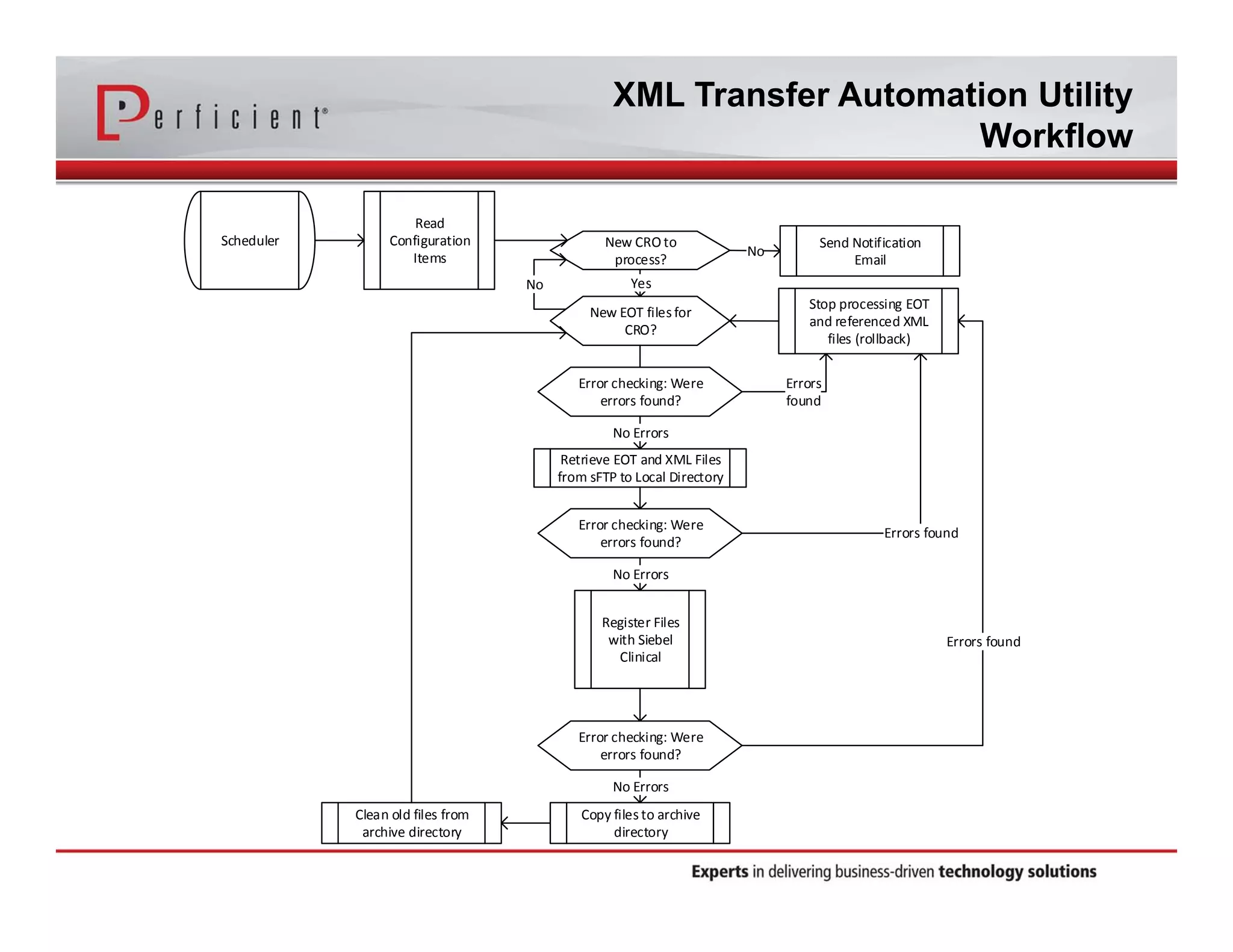
Scheduler 
Read 
Configuration 
Items 
No Yes 
Error checking: Were 
errors found? 
Stop processing EOT 
and referenced XML 
files (rollback) 
New CRO to 
process? 
New EOT files for 
CRO? 
Send Notification 
No Email 
Errors 
found 
Retrieve EOT and XML Files 
from sFTP to Local Directory 
Register Files 
with Siebel 
Clinical 
Copy files to archive 
directory 
Clean old files from 
archive directory 
No Errors 
Error checking: Were 
errors found? 
No Errors 
Error checking: Were 
errors found? 
No Errors 
Errors found 
Errors found
XML Transfer Automation Utility 
Error Checking 
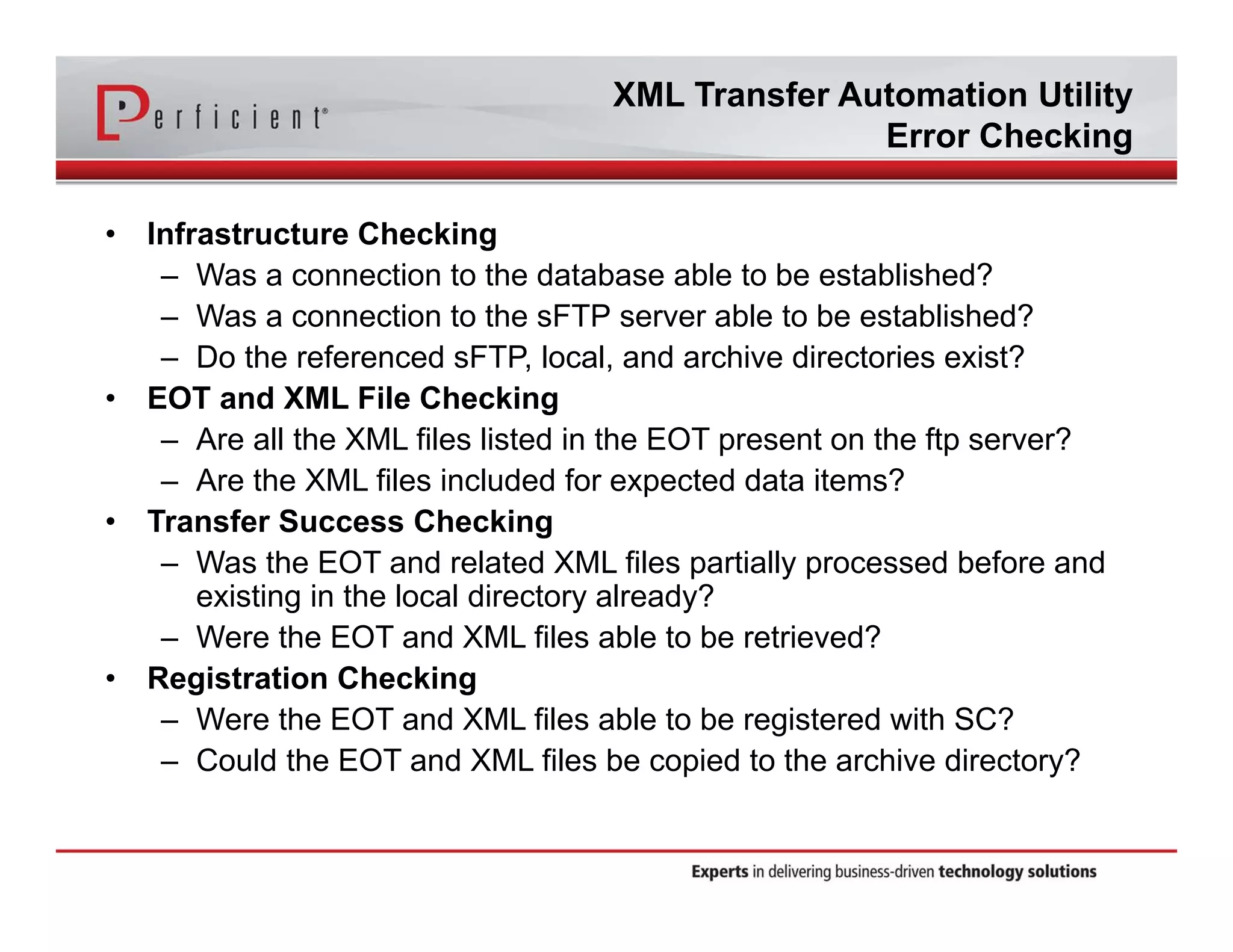
• Infrastructure Checking 
– Was a connection to the database able to be established? 
– Was a connection to the sFTP server able to be established? 
– Do the referenced sFTP, local, and archive directories exist? 
• EOT and XML File Checking 
– Are all the XML files listed in the EOT present on the ftp server? 
– Are the XML files included for expected data items? 
• Transfer Success Checking 
– Was the EOT and related XML files partially processed before and 
existing in the local directory already? 
– Were the EOT and XML files able to be retrieved? 
• Registration Checking 
– Were the EOT and XML files able to be registered with SC? 
– Could the EOT and XML files be copied to the archive directory?
XML Transfer Automation Utility 
Error Handling 
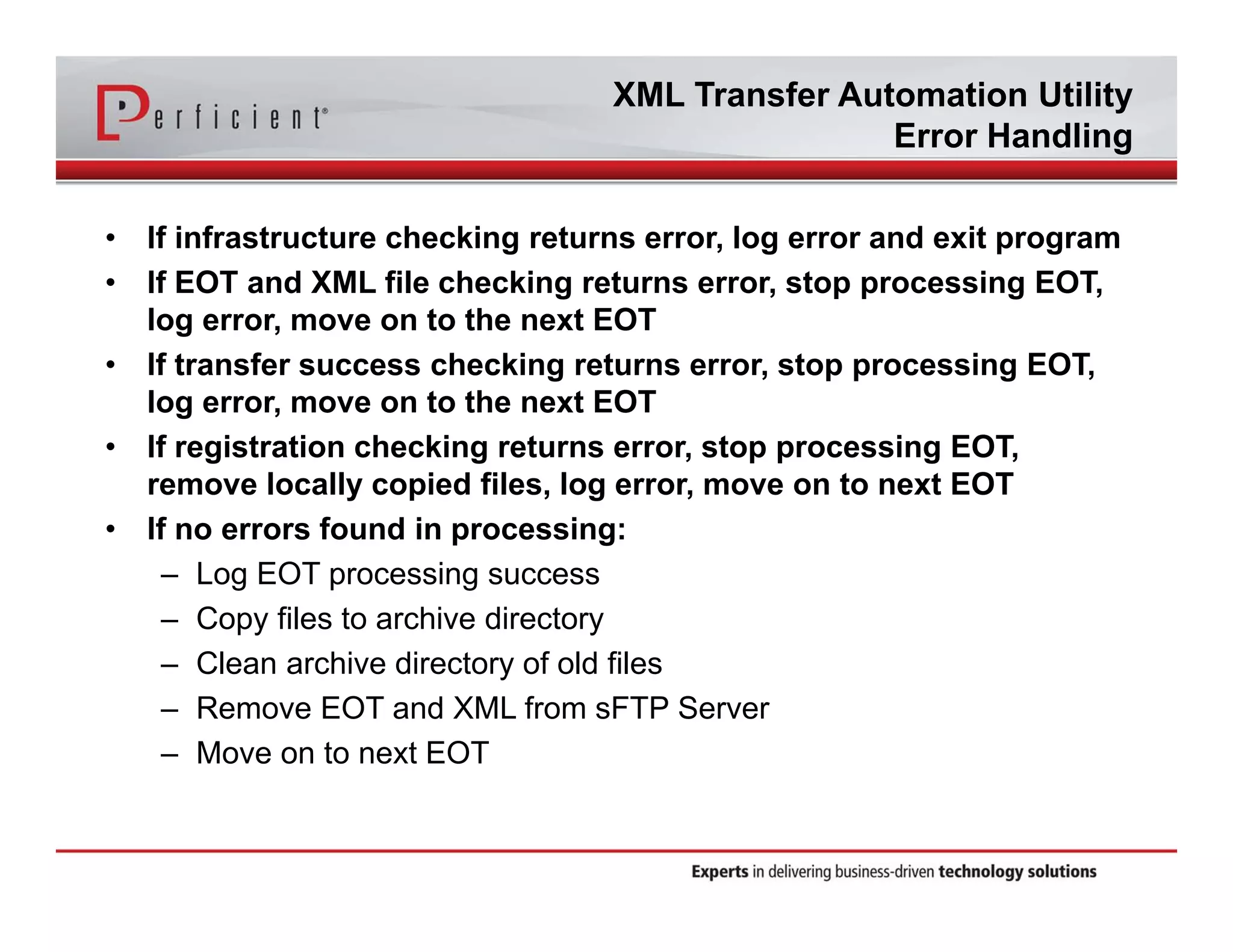
• If infrastructure checking returns error, log error and exit program 
• If EOT and XML file checking returns error, stop processing EOT, 
log error, move on to the next EOT 
• If transfer success checking returns error, stop processing EOT, 
log error, move on to the next EOT 
• If registration checking returns error, stop processing EOT, 
remove locally copied files, log error, move on to next EOT 
• If no errors found in processing: 
– Log EOT processing success 
– Copy files to archive directory 
– Clean archive directory of old files 
– Remove EOT and XML from sFTP Server 
– Move on to next EOT
XML Transfer Automation Utility 
Logging and Notification 
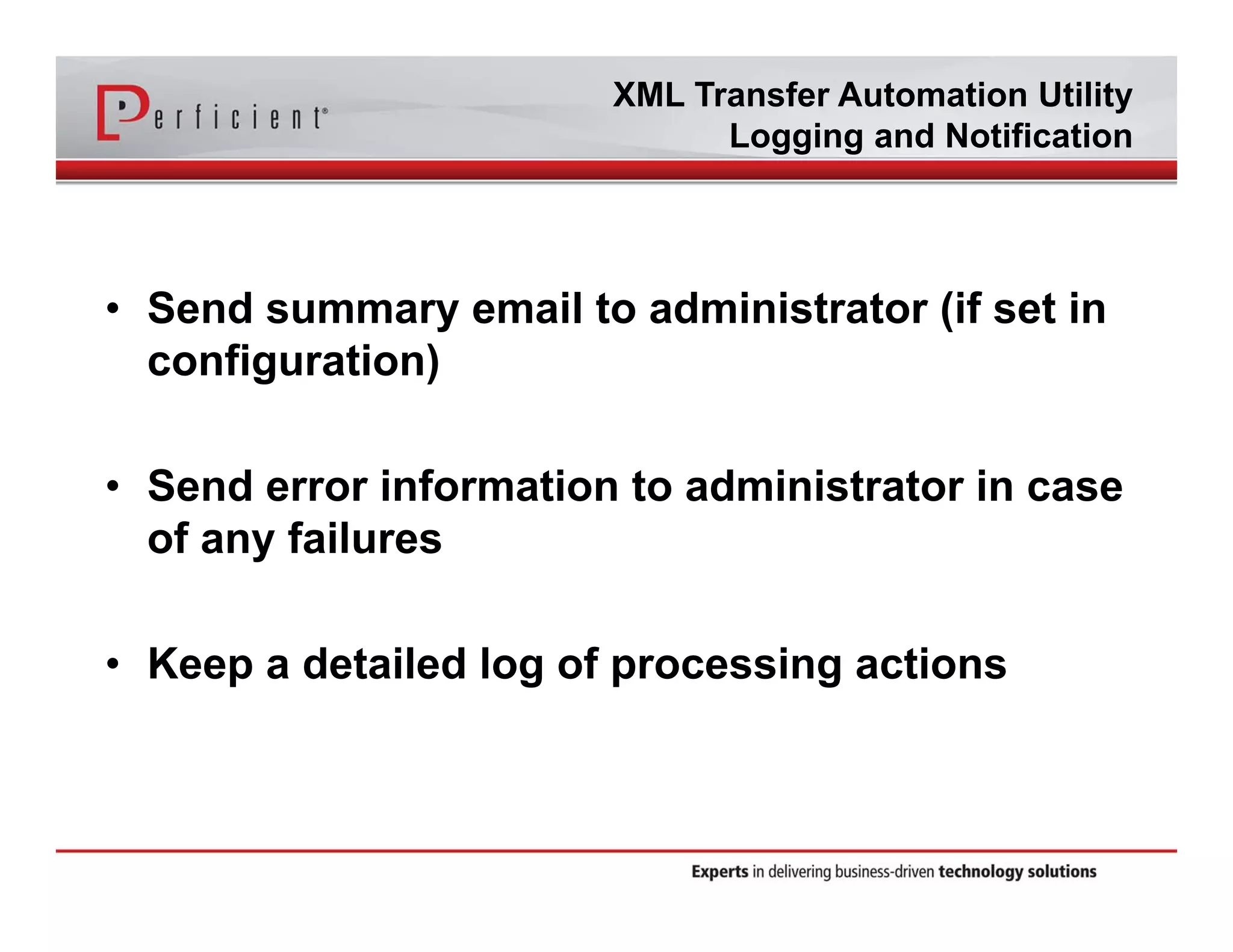
• Send summary email to administrator (if set in 
configuration) 
• Send error information to administrator in case 
of any failures 
• Keep a detailed log of processing actions
Integration Process In Action 
Demonstration
Lessons Learned 
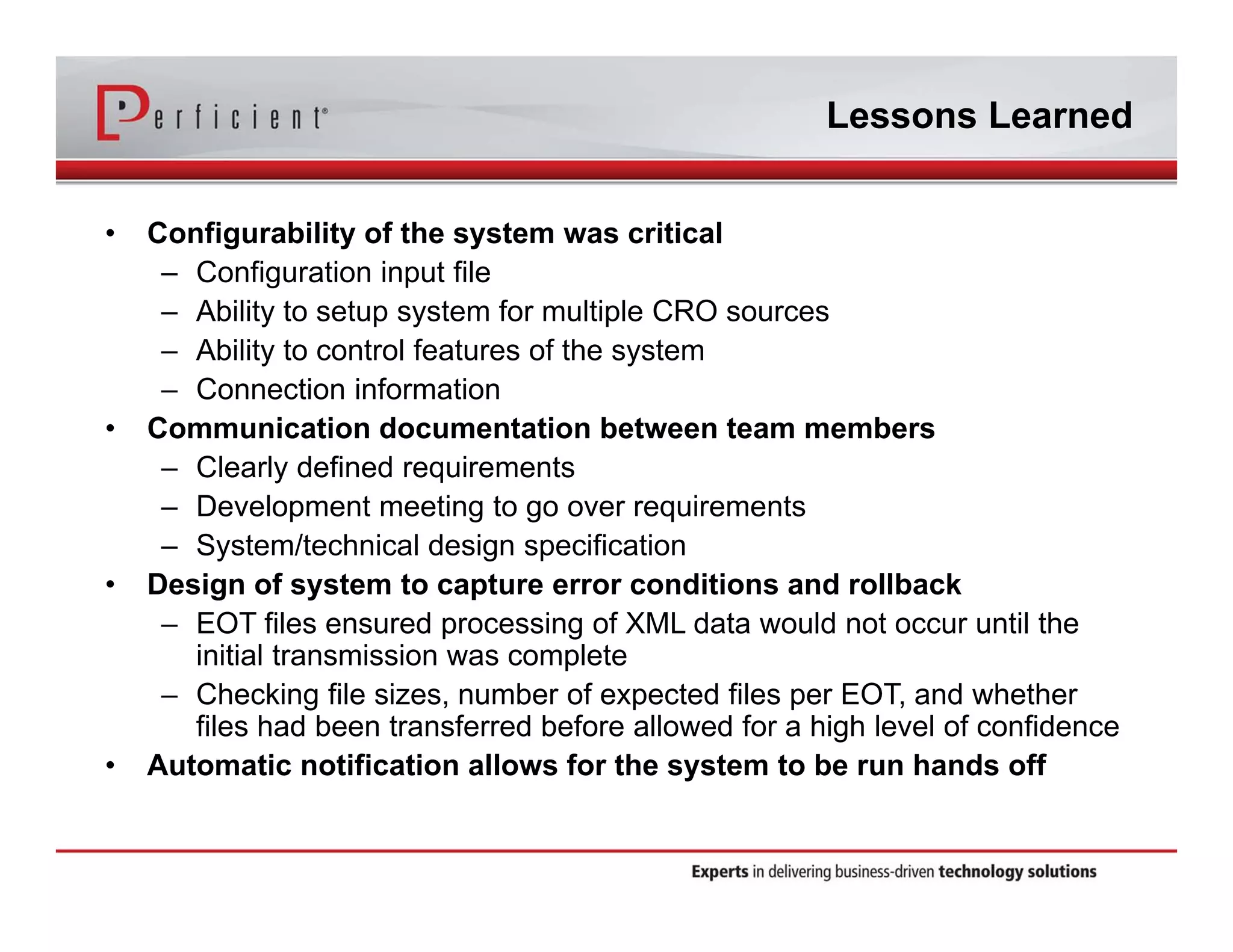
• Configurability of the system was critical 
– Configuration input file 
– Ability to setup system for multiple CRO sources 
– Ability to control features of the system 
– Connection information 
• Communication documentation between team members 
– Clearly defined requirements 
– Development meeting to go over requirements 
– System/technical design specification 
• Design of system to capture error conditions and rollback 
– EOT files ensured processing of XML data would not occur until the 
initial transmission was complete 
– Checking file sizes, number of expected files per EOT, and whether 
files had been transferred before allowed for a high level of confidence 
• Automatic notification allows for the system to be run hands off
Questions?
Thank You! 
For more information, please contact: 
Param.Singh@perficient.com 
Michelle.Engler@perficient.com 
LifeSciencesInfo@perficient.com (Sales) 
+1 303 570 8464 (U.S. Sales) 
+44 (0) 1865 910200 (U.K. Sales) 
www.perficient.com 
www.facebook.com/perficient 
www.twitter.com/perficient_LS

Automatically Retrieving and Loading Data into Siebel CTMS from Multiple CRO Partners

  • 1.
    Automatically Retrieving andLoading Data into Siebel CTMS from Multiple CRO Partners Param Singh, Director, Clinical Trial Management Solutions, Life Sciences, Perficient Michelle Engler, Senior Application Architect, Life Sciences, Perficient facebook.com/perficient linkedin.com/company/perficient twitter.com/Perficient_LS
  • 2.
    About Perficient Perficientis a leading information technology consulting firm serving clients throughout North America and Europe. We help clients implement business-driven technology solutions that integrate business processes, improve worker productivity, increase customer loyalty and create a more agile enterprise to better respond to new business opportunities.
  • 3.
    Perficient Profile •Founded in 1997 • Public, NASDAQ: PRFT • 2013 revenue ~$373 million • Major market locations throughout North America • Atlanta, Boston, Charlotte, Chicago, Cincinnati, Cleveland, Columbus, Dallas, Denver, Detroit, Fairfax, Houston, Indianapolis, Los Angeles, Minneapolis, New Orleans, New York City, Northern California, Philadelphia, Southern California, St. Louis, Toronto and Washington, D.C. • Global delivery centers in China, Europe and India • >2,100 colleagues • Dedicated solution practices • ~85% repeat business rate • Alliance partnerships with major technology vendors • Multiple vendor/industry technology and growth awards
  • 4.
    Life Sciences Practices/ Solutions Deep Clinical and Pharmacovigilance Applications Expertise Implementation Migration Integration Validation Consulting Upgrades Managed Services Application Development Private Cloud Hosting Application Support Sub-licensing Study Setup Services Clinical Trial Management Clinical Trial Planning and Budgeting Oracle ClearTrial CTMS Oracle Siebel CTMS / ASCEND Mobile CRA Clinical Data Management & Electronic Data Capture CDMS Oracle Clinical Electronic Data Capture Oracle Remote Data Capture Oracle InForm Medical Coding Oracle Thesaurus Management System Safety & Pharmacovigilance Adverse Event Reporting Oracle Argus Safety Suite Oracle AERS / EmpiricaTrace Axway Synchrony Gateway Signal Management Oracle Empirica Signal/Topics Medical Coding Oracle Thesaurus Management System Clinical Data Warehousing & Analytics Clinical Data Warehousing Oracle Life Sciences Data Hub Clinical Data Analytics Oracle Clinical Development Analytics JReview Data Review and Cleansing Oracle Data Management Workbench Clients
  • 5.
    Welcome & Introduction Param Singh Director of Clinical Trial Management Solutions Life Sciences, Perficient Michelle Engler Senior Solutions Architect Life Sciences, Perficient
  • 6.
    Agenda • CROto Siebel CTMS integration business case • Types of data for integration • Standard XML format and EOT files • Automating the synchronization process • XML File Transfer Utility – Configuration – Workflow – Error checking and handling – Logging and notification • Integration process in action (short video) • Lessons learned • Questions • Contact Information
  • 7.
    CRO to SiebelCTMS Integration Business Case • Industry trends – General increase costs of drug development – Over 70% of cost in R&D are related to clinical trials • Ways to reduce costs – Implement technology solutions – Outsource • Outsourcing trends – Overall increase spend on CRO services • $9.8 billion in 2001 • $15 billion in 2007 • $24 billion in 2010 • Increasingly important role of CROs results in need for greater collaboration between sponsors and CROs
  • 8.
    CRO to SiebelCTMS Integration Business Case • Current Client Scenario – Moving to 100% outsourced model – Have identified 3 preferred CRO partners (various systems) – Receive regular reports from these partners – Reports from each vendor are different and hard to consolidate and generate metrics • Client Needs – Need to have central repository of all CTMS data • Implemented Siebel CTMS – Needs to standardize reports and metrics for all studies – Need to be able to view consolidated data in timely manner to support real time decisions – Need to minimize or eliminate data entry for CTMS data managed by CRO
  • 9.
    Benefits of CROIntegration Benefits • Scalable solution – No need to train CRO personnel on in house CTMS use; CRO resources can scale up, scale down or change as needed without impacting data sharing – If designed in standard format, can be used with as many CROs as desired • Saves time otherwise spent on data entry, data conversions, etc. • Ensures higher data quality across all studies and integrated CRO partners • Automatically checks for errors; sends notifications when found • Provides clean data to sponsor as quickly as desired – Interface schedule is determined by sponsor
  • 10.
  • 11.
    Types of Datafor Integration This CRO integration takes into account the majority of the data entry within CTMS. The only requirement is that the protocol and region level are already setup in CTMS. The following data is automatically imported: – Address – Account – Contact – Site – Site Address – Site Accounts – Site Contacts – Site Activities – Site Document – Site Protocol Deviation – Site Visits – Subjects – Subject Visits & CRF – Subject Adverse Events
  • 12.
    Standard XML Formatand EOT Files • Each XML file expected from each CRO has a standard format and standard naming convention so the integration can identify it. • Components of file name – DateTime – Identifies the date/time of file extract – Seq # - Identifies the type of data object – CRO ID –Identifies from which CRO this file originated – Protocol # - Identifies the study # in CTMS • Layout of each XML file – Prescribed XSD (extensible schema definition) for each data object, inclusive of prescribe tag name, and expected values • EOT file – end of transfer file (fail safe) – Lists all files transferred with each extract – Indicates that transfer of files is complete – If EOT file is not there, or XML file listed in EOT is not listed, system will generate an error
  • 13.
    Automating the SynchronizationProcess: Overall Process CRO1 CRO2 CRO3 File Movement SFTP Folders Client Siebel XML Folders INTEGRATION_LOG Table list the xml files to process by workflow in the sequence Load log table Call res pec tive workflow Siebel Workflow Select next record to process Read table to Process next record Siebel Workflow Read File & Call Siebel business service ReadXML File XML Transfer Automation Utility Diagram 1: Interface data flow for CRO Studies Sys tem Admin updates Accounts /Contact/Address in Siebel CTMS Load to CTMS p1
  • 14.
    Slide 13 p1Not sure if you want this here? or you want something else here that speask to the details of the process of the XML Tranfers Automation utility itself. psingh, 6/3/2014
  • 15.
    XML Transfer AutomationUtility Configuration • Configuration file drives the XML Transfer Automation Utility • Allows for configuration of items such as: – Database Connection Settings – Email SMTP Settings – sFTP Server Settings – CRO sFTP Path – CRO Local Path – CRO Archive Path • Uses encrypted passwords • Configuration allows multiple CROs to be handled simultaneously
  • 16.
    XML Transfer AutomationUtility Workflow Scheduler Read Configuration Items No Yes Error checking: Were errors found? Stop processing EOT and referenced XML files (rollback) New CRO to process? New EOT files for CRO? Send Notification No Email Errors found Retrieve EOT and XML Files from sFTP to Local Directory Register Files with Siebel Clinical Copy files to archive directory Clean old files from archive directory No Errors Error checking: Were errors found? No Errors Error checking: Were errors found? No Errors Errors found Errors found
  • 17.
    XML Transfer AutomationUtility Error Checking • Infrastructure Checking – Was a connection to the database able to be established? – Was a connection to the sFTP server able to be established? – Do the referenced sFTP, local, and archive directories exist? • EOT and XML File Checking – Are all the XML files listed in the EOT present on the ftp server? – Are the XML files included for expected data items? • Transfer Success Checking – Was the EOT and related XML files partially processed before and existing in the local directory already? – Were the EOT and XML files able to be retrieved? • Registration Checking – Were the EOT and XML files able to be registered with SC? – Could the EOT and XML files be copied to the archive directory?
  • 18.
    XML Transfer AutomationUtility Error Handling • If infrastructure checking returns error, log error and exit program • If EOT and XML file checking returns error, stop processing EOT, log error, move on to the next EOT • If transfer success checking returns error, stop processing EOT, log error, move on to the next EOT • If registration checking returns error, stop processing EOT, remove locally copied files, log error, move on to next EOT • If no errors found in processing: – Log EOT processing success – Copy files to archive directory – Clean archive directory of old files – Remove EOT and XML from sFTP Server – Move on to next EOT
  • 19.
    XML Transfer AutomationUtility Logging and Notification • Send summary email to administrator (if set in configuration) • Send error information to administrator in case of any failures • Keep a detailed log of processing actions
  • 20.
    Integration Process InAction Demonstration
  • 21.
    Lessons Learned •Configurability of the system was critical – Configuration input file – Ability to setup system for multiple CRO sources – Ability to control features of the system – Connection information • Communication documentation between team members – Clearly defined requirements – Development meeting to go over requirements – System/technical design specification • Design of system to capture error conditions and rollback – EOT files ensured processing of XML data would not occur until the initial transmission was complete – Checking file sizes, number of expected files per EOT, and whether files had been transferred before allowed for a high level of confidence • Automatic notification allows for the system to be run hands off
  • 22.
  • 23.
    Thank You! Formore information, please contact: Param.Singh@perficient.com Michelle.Engler@perficient.com LifeSciencesInfo@perficient.com (Sales) +1 303 570 8464 (U.S. Sales) +44 (0) 1865 910200 (U.K. Sales) www.perficient.com www.facebook.com/perficient www.twitter.com/perficient_LS