Automated UI testing.
     Selenium
Gold Sponsor of
DrupalCamp Kyiv 2011
Silver Sponsors of
DrupalCamp Kyiv 2011
Plan

    What is Selenium?

    Selenium IDE, RC, Webdriver

    Integration to Drupal

    Tests API, locators, examples

    Future
What is Selenium?

    Selenium IDE

    Selenium RC

    Selenium Grid

    Selenium 2 (Webdriver)
Selenium IDE

    Addon to Firefox

    Easy to start using

    Can record tests in PHP

    Demo
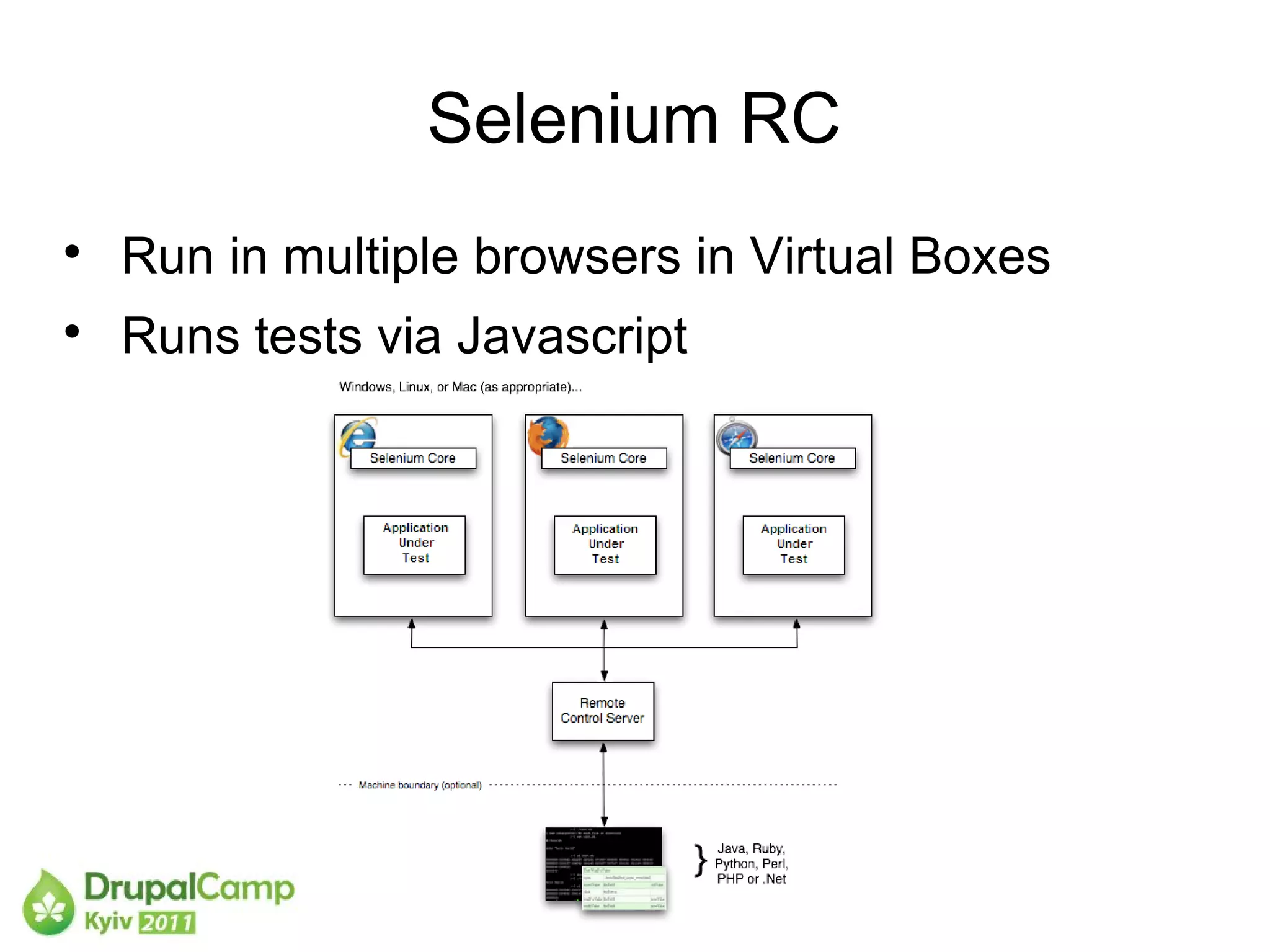
Selenium RC

    Run in multiple browsers in Virtual Boxes

    Runs tests via Javascript
Selenium RC

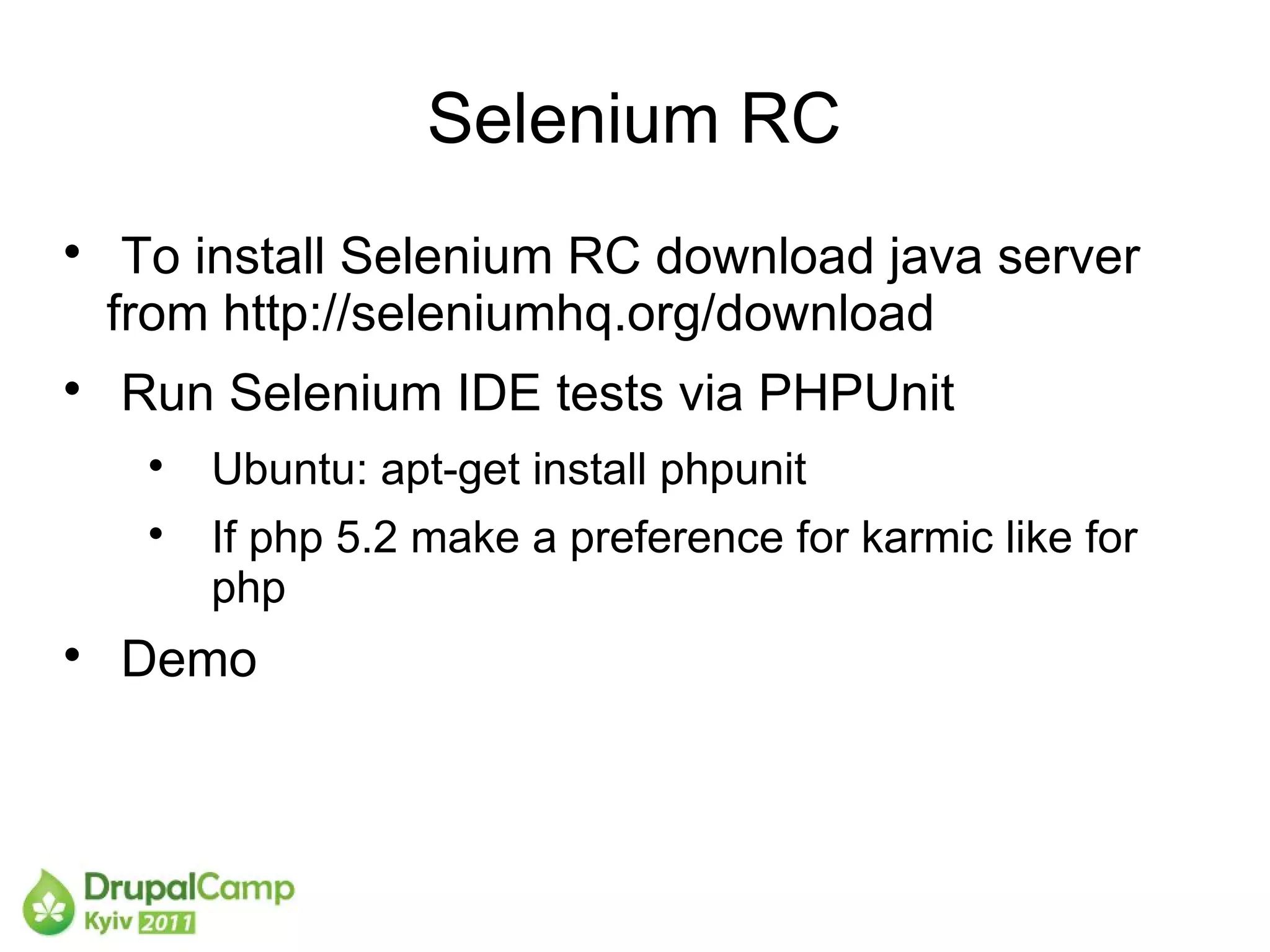
     To install Selenium RC download java server
    from http://seleniumhq.org/download

    Run Selenium IDE tests via PHPUnit
     
         Ubuntu: apt-get install phpunit
     
         If php 5.2 make a preference for karmic like for
         php

    Demo
Selenium 2 Webdriver

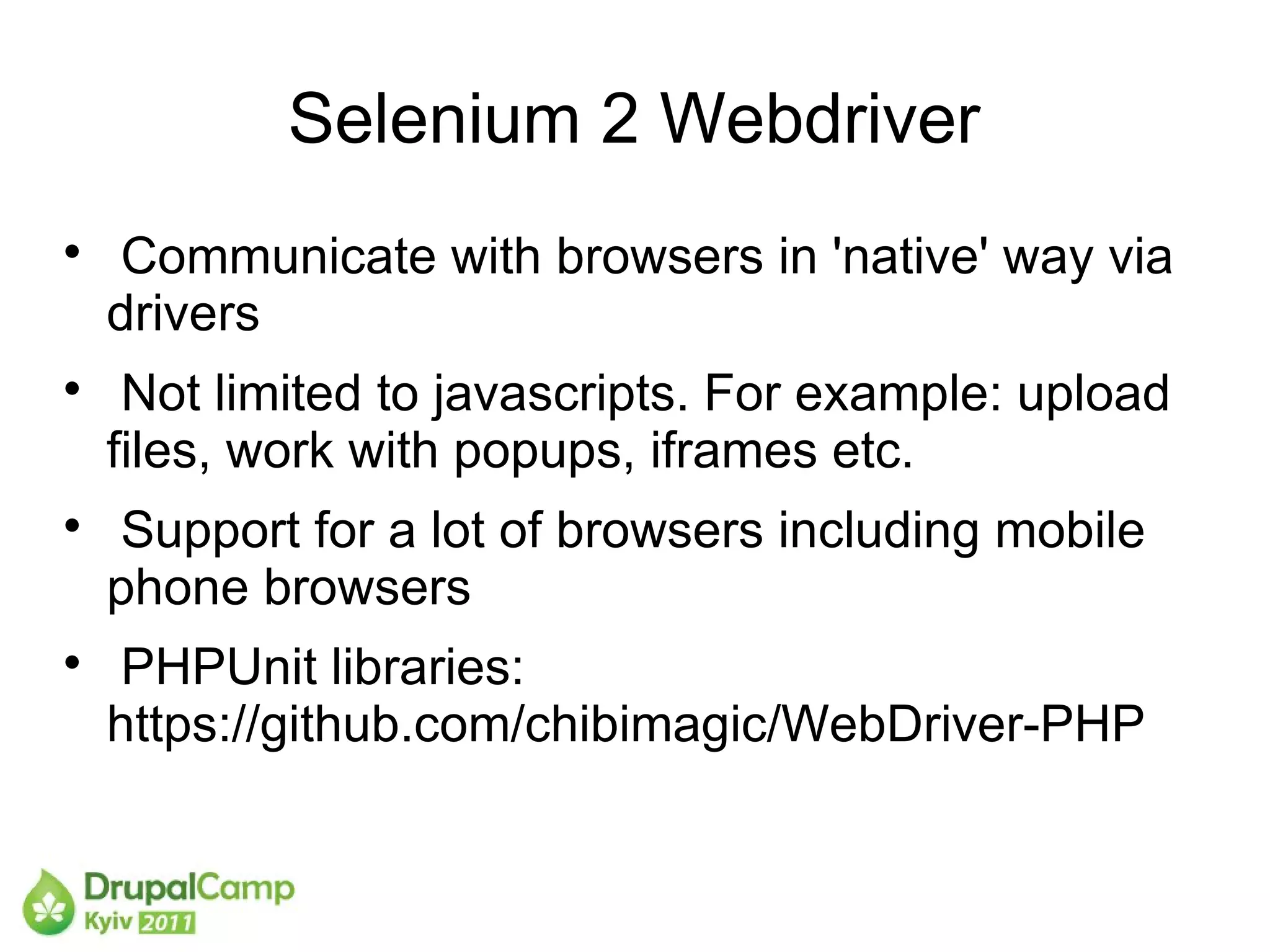
    Communicate with browsers in 'native' way via
    drivers

     Not limited to javascripts. For example: upload
    files, work with popups, iframes etc.

    Support for a lot of browsers including mobile
    phone browsers

    PHPUnit libraries:
    https://github.com/chibimagic/WebDriver-PHP
Selenium2 Webdriver and Drupal

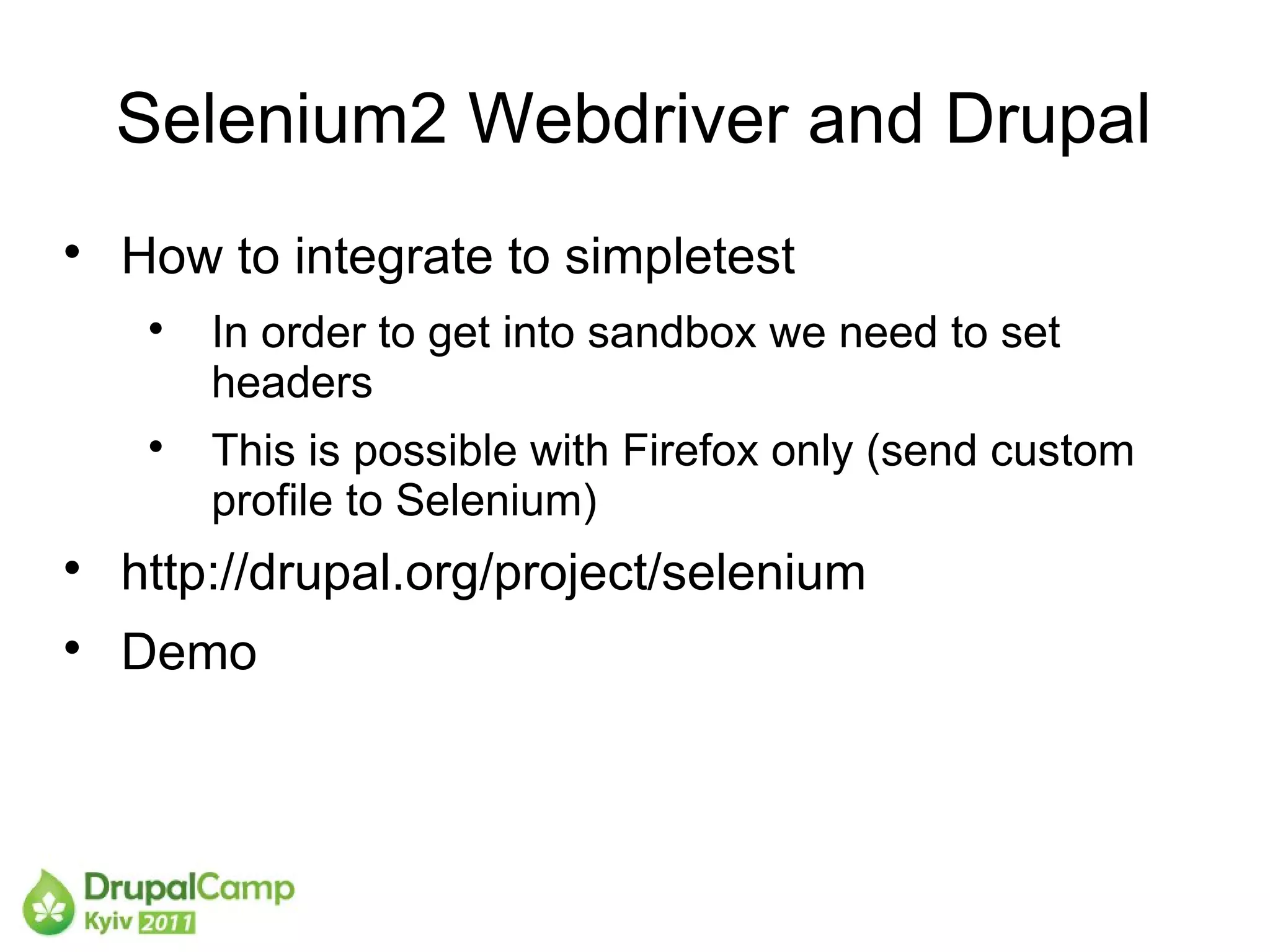
    How to integrate to simpletest
     
         In order to get into sandbox we need to set
         headers
     
         This is possible with Firefox only (send custom
         profile to Selenium)

    http://drupal.org/project/selenium

    Demo
Drupal tests API

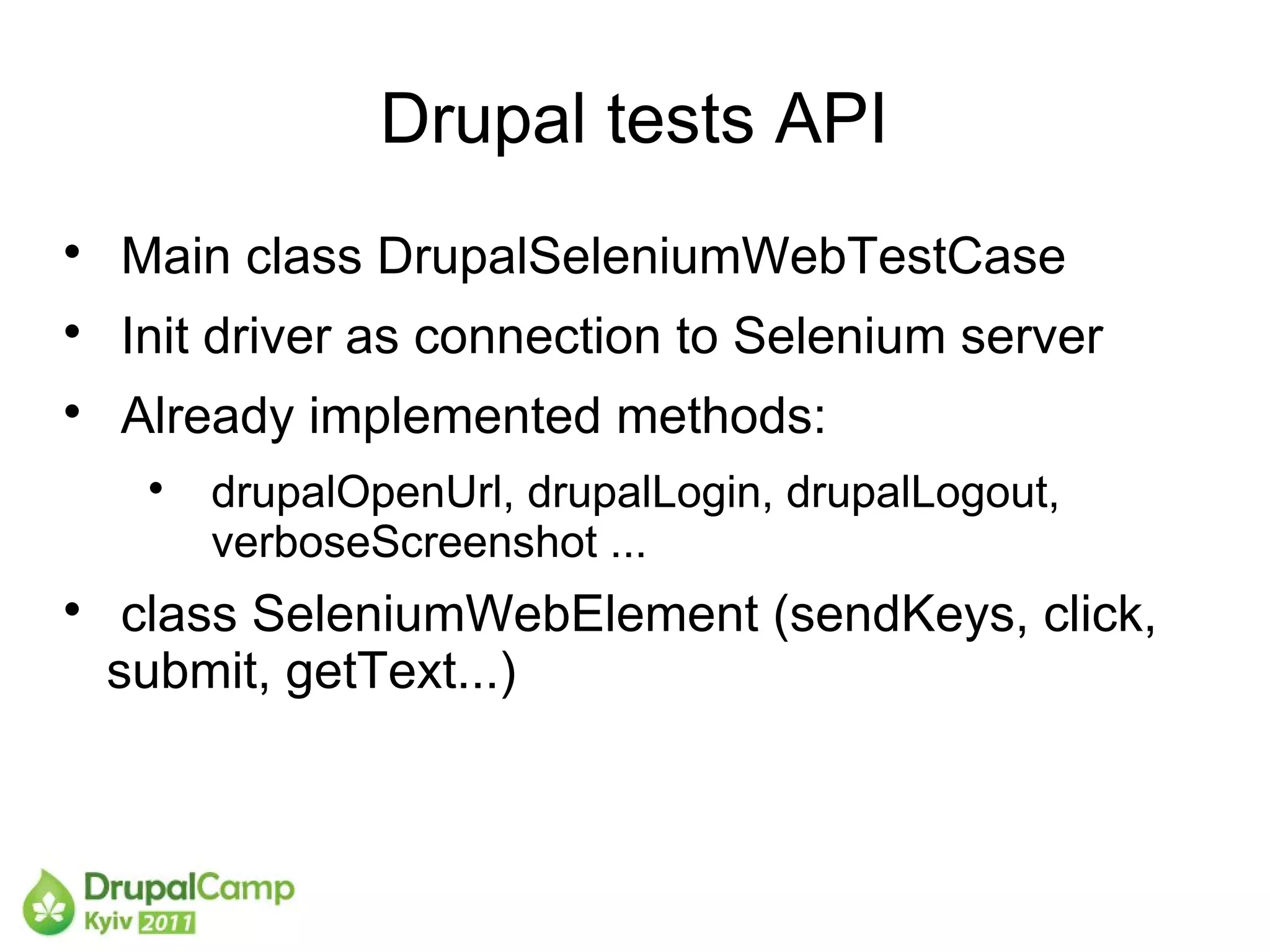
    Main class DrupalSeleniumWebTestCase

    Init driver as connection to Selenium server

    Already implemented methods:
     
         drupalOpenUrl, drupalLogin, drupalLogout,
         verboseScreenshot ...

     class SeleniumWebElement (sendKeys, click,
    submit, getText...)
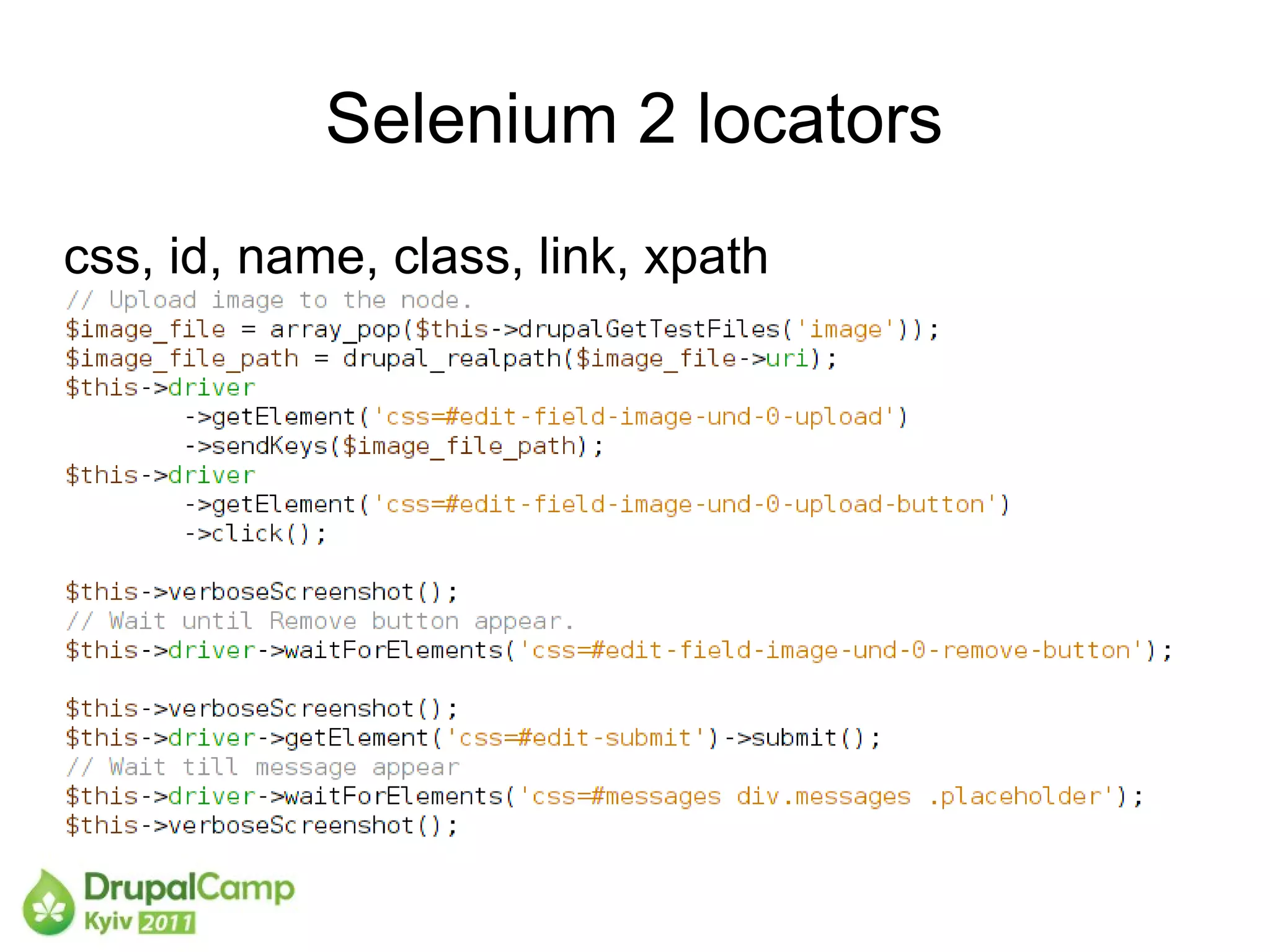
Selenium 2 locators
css, id, name, class, link, xpath
XPath vs CSS locators
Selenium RC has sizzle
Webdriver uses native browsers CSS selectors.
CSS selectors are faster
XPath can go up
Example:
id('user1')/../../td[@class="actions"]/a[@class="delete-user"]
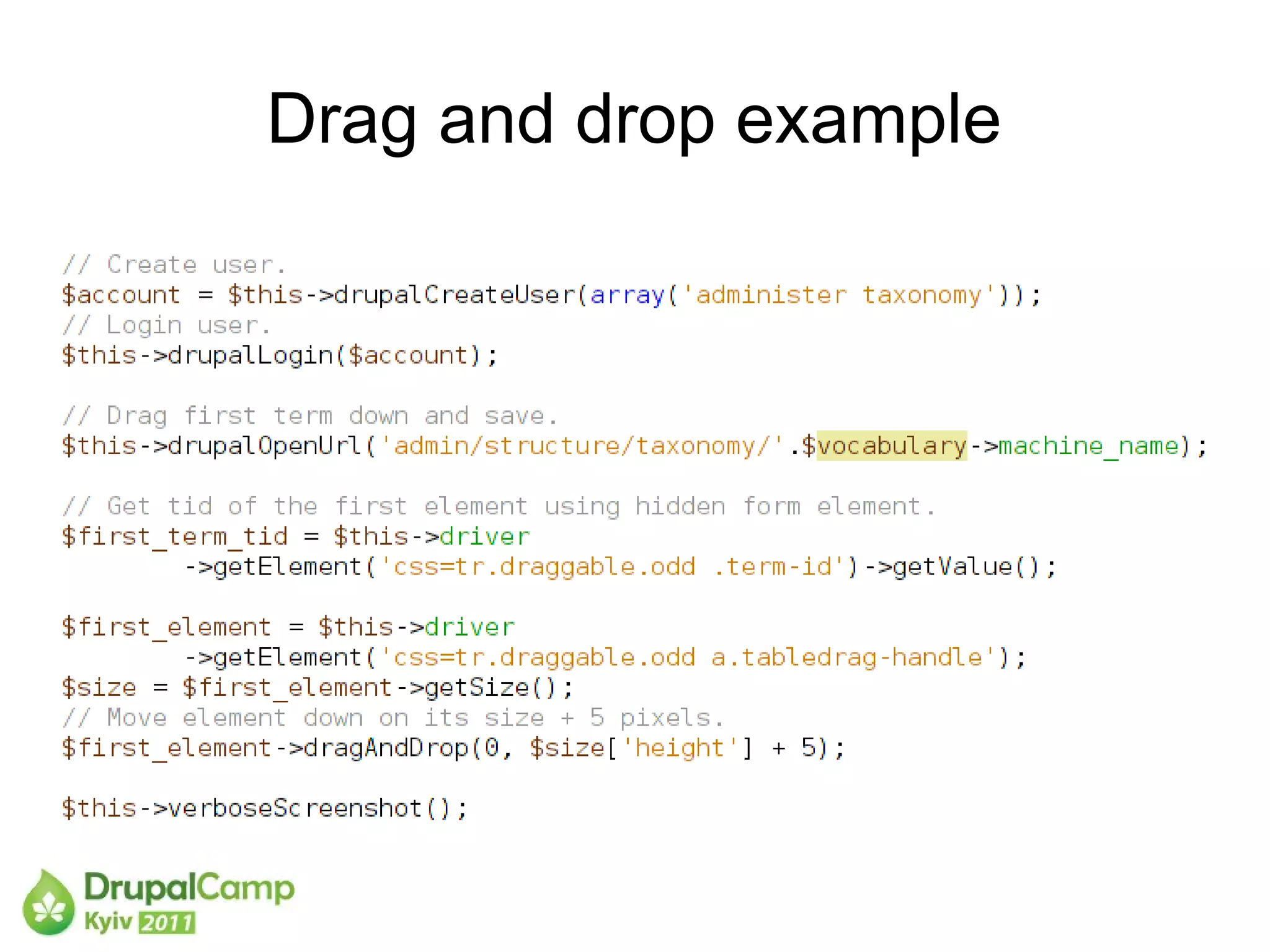
Drag and drop example
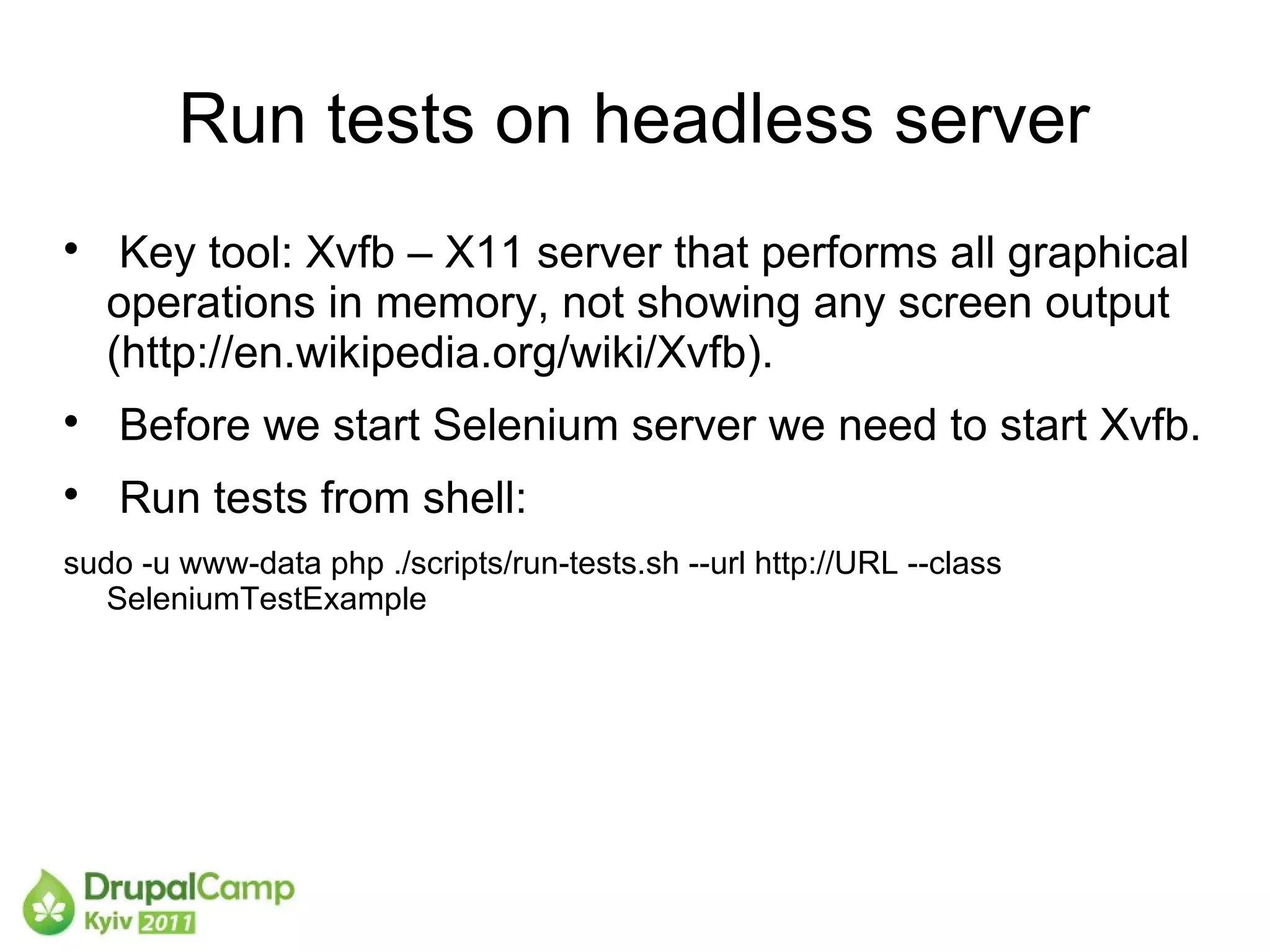
Run tests on headless server

     Key tool: Xvfb – X11 server that performs all graphical
    operations in memory, not showing any screen output
    (http://en.wikipedia.org/wiki/Xvfb).

    Before we start Selenium server we need to start Xvfb.

    Run tests from shell:
sudo -u www-data php ./scripts/run-tests.sh --url http://URL --class
   SeleniumTestExample
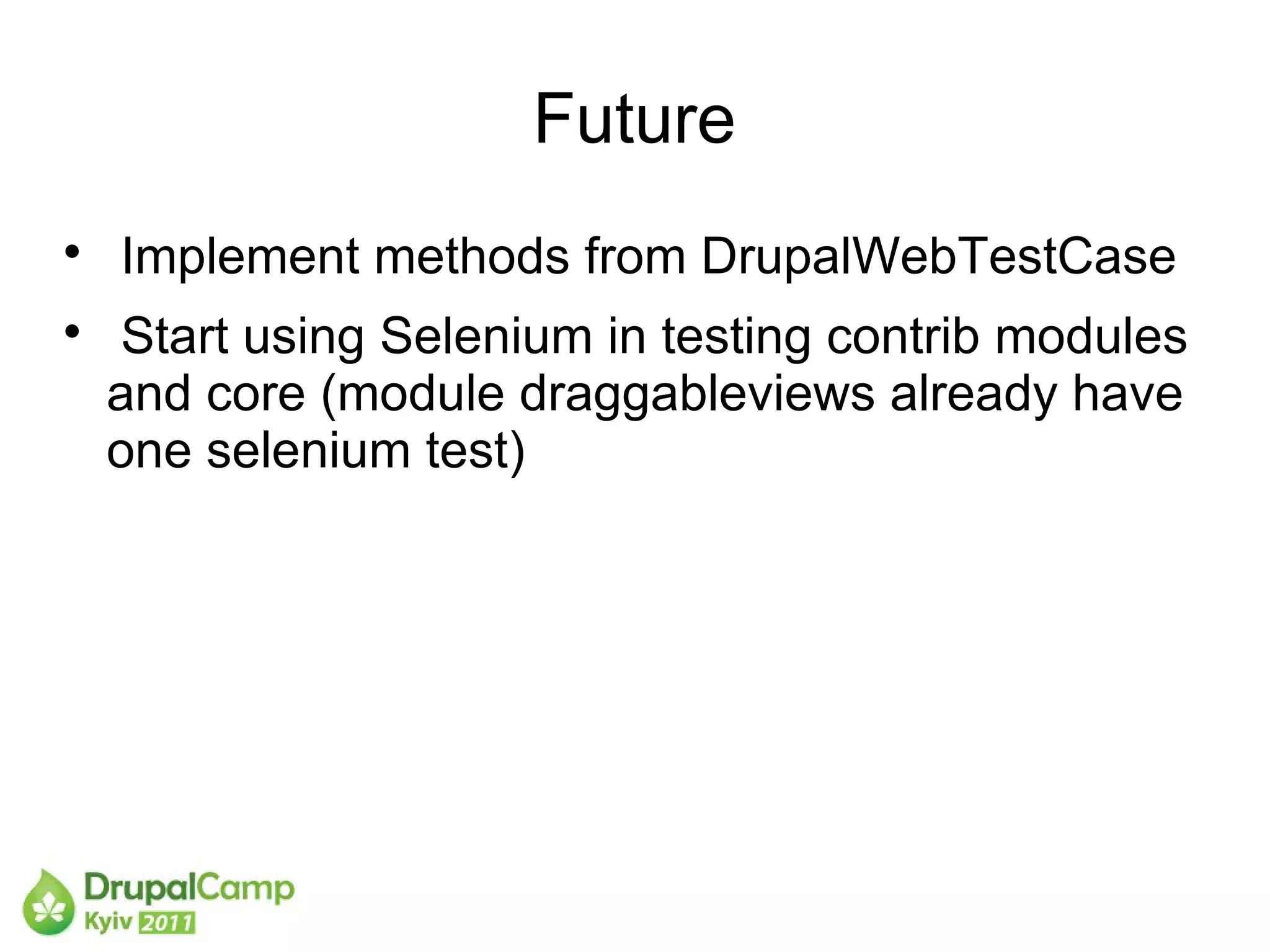
Future

    Implement methods from DrupalWebTestCase

    Start using Selenium in testing contrib modules
    and core (module draggableviews already have
    one selenium test)
References

     Selenium RC supported browsers http://www.seleniumwiki.com/software-
    testing/selenium-supported-browsers

    PHPUnit documentation about Selenium
    http://www.phpunit.de/manual/3.5/en/selenium.html#selenium.selenium-rc

    http://ygerasimov.com/integrating-selenium-to-drupal-simpletest-framework

    http://ygerasimov.com/run-selenium-tests-drupal-on-debian-headless

    http://ygerasimov.com/drupal-selenium-tests-api
Questions
Ваша фотка   email: yuri.gerasimov@gmail.com
             twitter: ygerasimov
             skype: yuriy_gerasimov
               d.o.: http://drupal.org/user/257311

Automated UI testing.Selenium.DrupalCamp Kyiv 2011

  • 1.
  • 2.
  • 3.
  • 4.
    Plan  What is Selenium?  Selenium IDE, RC, Webdriver  Integration to Drupal  Tests API, locators, examples  Future
  • 5.
    What is Selenium?  Selenium IDE  Selenium RC  Selenium Grid  Selenium 2 (Webdriver)
  • 6.
    Selenium IDE  Addon to Firefox  Easy to start using  Can record tests in PHP  Demo
  • 7.
    Selenium RC  Run in multiple browsers in Virtual Boxes  Runs tests via Javascript
  • 8.
    Selenium RC  To install Selenium RC download java server from http://seleniumhq.org/download  Run Selenium IDE tests via PHPUnit  Ubuntu: apt-get install phpunit  If php 5.2 make a preference for karmic like for php  Demo
  • 9.
    Selenium 2 Webdriver  Communicate with browsers in 'native' way via drivers  Not limited to javascripts. For example: upload files, work with popups, iframes etc.  Support for a lot of browsers including mobile phone browsers  PHPUnit libraries: https://github.com/chibimagic/WebDriver-PHP
  • 10.
    Selenium2 Webdriver andDrupal  How to integrate to simpletest  In order to get into sandbox we need to set headers  This is possible with Firefox only (send custom profile to Selenium)  http://drupal.org/project/selenium  Demo
  • 11.
    Drupal tests API  Main class DrupalSeleniumWebTestCase  Init driver as connection to Selenium server  Already implemented methods:  drupalOpenUrl, drupalLogin, drupalLogout, verboseScreenshot ...  class SeleniumWebElement (sendKeys, click, submit, getText...)
  • 12.
    Selenium 2 locators css,id, name, class, link, xpath
  • 13.
    XPath vs CSSlocators Selenium RC has sizzle Webdriver uses native browsers CSS selectors. CSS selectors are faster XPath can go up Example: id('user1')/../../td[@class="actions"]/a[@class="delete-user"]
  • 14.
  • 15.
    Run tests onheadless server  Key tool: Xvfb – X11 server that performs all graphical operations in memory, not showing any screen output (http://en.wikipedia.org/wiki/Xvfb).  Before we start Selenium server we need to start Xvfb.  Run tests from shell: sudo -u www-data php ./scripts/run-tests.sh --url http://URL --class SeleniumTestExample
  • 16.
    Future  Implement methods from DrupalWebTestCase  Start using Selenium in testing contrib modules and core (module draggableviews already have one selenium test)
  • 17.
    References  Selenium RC supported browsers http://www.seleniumwiki.com/software- testing/selenium-supported-browsers  PHPUnit documentation about Selenium http://www.phpunit.de/manual/3.5/en/selenium.html#selenium.selenium-rc  http://ygerasimov.com/integrating-selenium-to-drupal-simpletest-framework  http://ygerasimov.com/run-selenium-tests-drupal-on-debian-headless  http://ygerasimov.com/drupal-selenium-tests-api
  • 18.
    Questions Ваша фотка email: yuri.gerasimov@gmail.com twitter: ygerasimov skype: yuriy_gerasimov d.o.: http://drupal.org/user/257311