Download to read offline
![Adapter
• ArrayAdapter(Context context, int resource, int
textViewResourceId, T[] objects)
• String[] countryNameList = {"India", "China",
"Australia", "New Zealand", "England",
"Pakistan"};
• AutoCompleteTextView simpleAutoCompleteTextView =
(AutoCompleteTextView) findViewById(R.id.countrytv);
ArrayAdapter adapter = new ArrayAdapter(this,
android.R.layout.simple_list_item_1, countryNameList);
simpleAutoCompleteTextView.setAdapter(adapter);
simpleAutoCompleteTextView.setThreshold(1);//start searching
from 1 character
simpleAutoCompleteTextView.setAdapter(adapter); //set the
adapter for displaying country name list](https://image.slidesharecdn.com/autocomplete-multi-170925063059/75/AutocompleteTextView-And-MultiAutoCompleteTextView-3-2048.jpg)
![•
String[] androidVersionNames = {"Aestro", "Blender",
"CupCake", "Donut", "Eclair", "Froyo", "Gingerbread",
"HoneyComb", "IceCream Sandwich", "Jellibean", "Kitkat",
"Lollipop", "MarshMallow"};
• @Override protected void onCreate(Bundle
savedInstanceState)
{ super.onCreate(savedInstanceState);
setContentView(R.layout.activity_main); // initiate a
MultiAutoCompleteTextView MultiAutoCompleteTextView
simpleMultiAutoCompleteTextView =
(MultiAutoCompleteTextView)
findViewById(R.id.simpleMultiAutoCompleteTextView); //
set adapter to fill the data in suggestion list](https://image.slidesharecdn.com/autocomplete-multi-170925063059/75/AutocompleteTextView-And-MultiAutoCompleteTextView-8-2048.jpg)


The document explains the use of AutoCompleteTextView and MultiAutoCompleteTextView in Android development, emphasizing their functionalities for user input suggestions. AutoCompleteTextView displays completion suggestions for single values, while MultiAutoCompleteTextView allows for multiple values and tokenization. Code examples illustrate how to implement both views, set their adapters, and define thresholds for suggestion visibility.
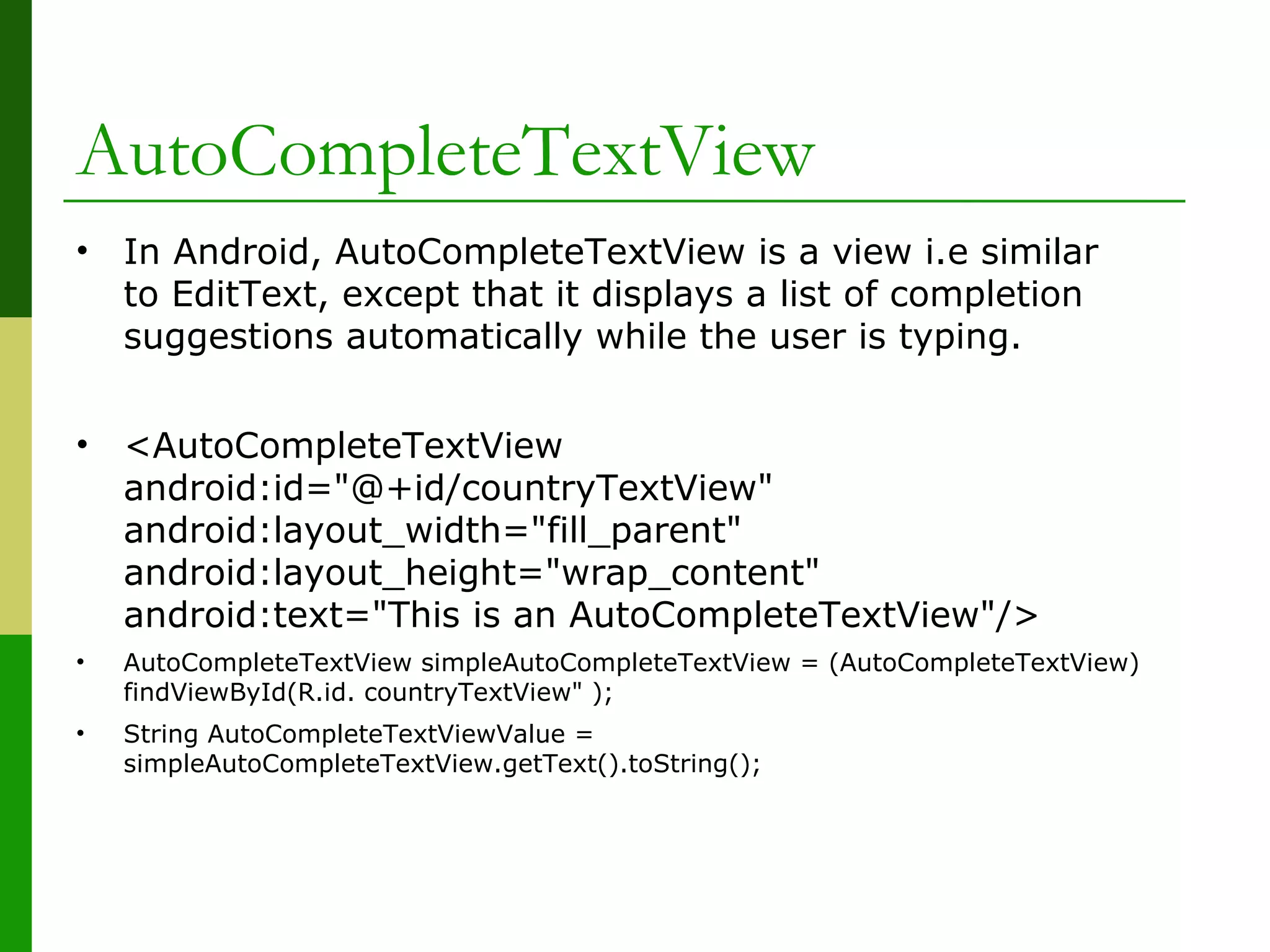
Introduction to AutoCompleteTextView in Android, which provides suggestions while typing.
Using ArrayAdapter to populate AutoCompleteTextView with country names and setting a search threshold.
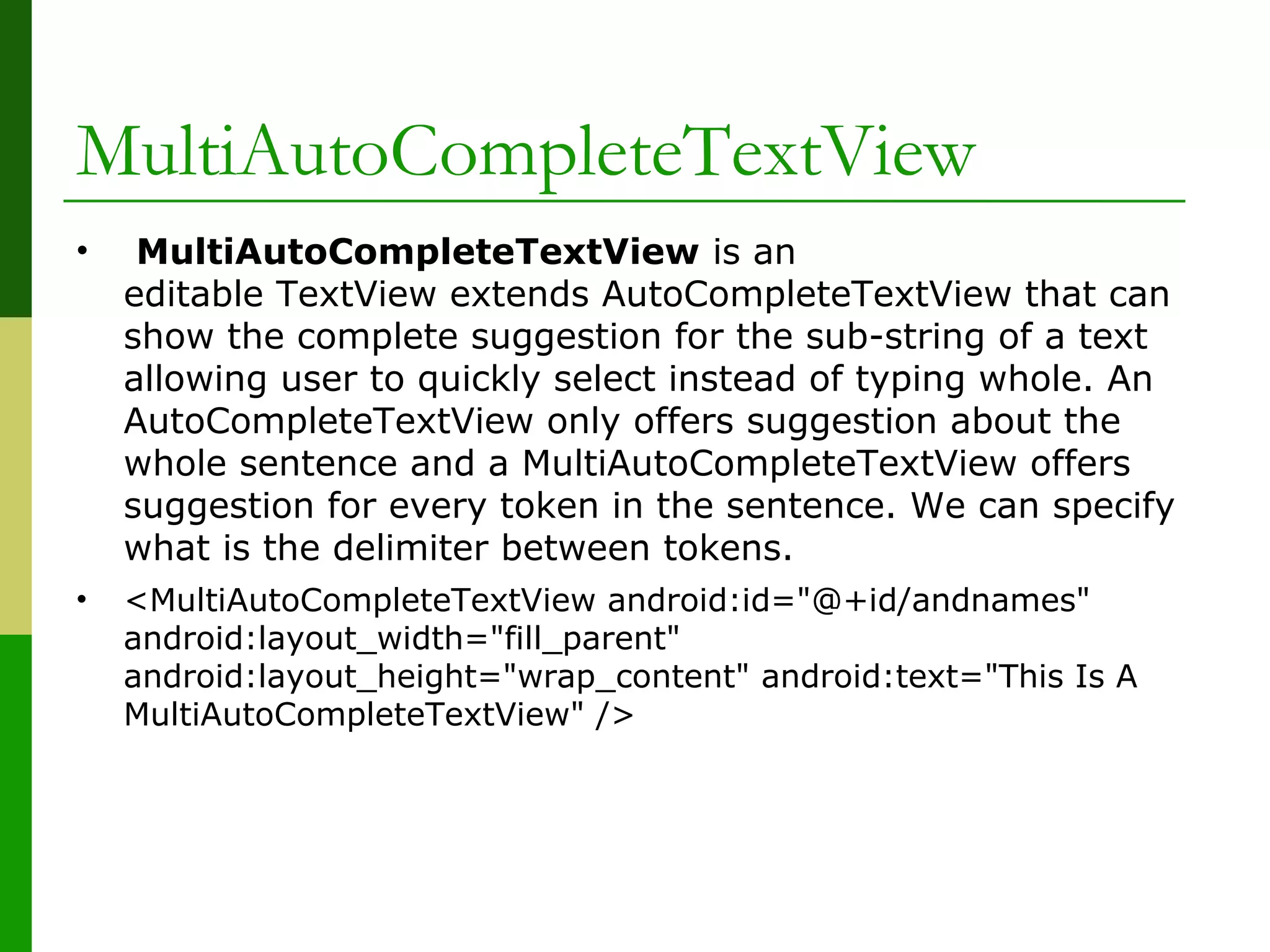
Introduction to MultiAutoCompleteTextView, enabling multiple selection suggestions compared to AutoCompleteTextView.
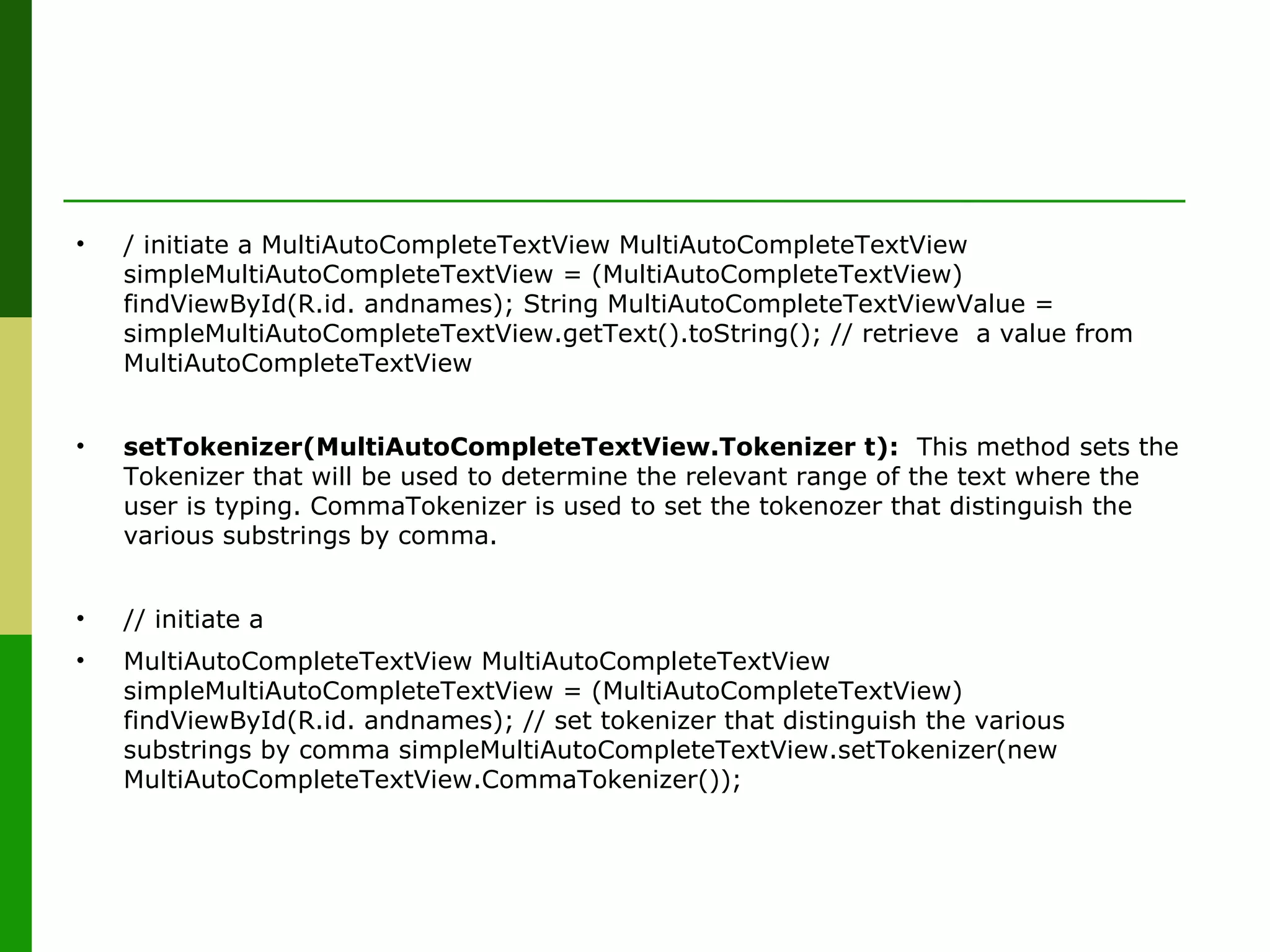
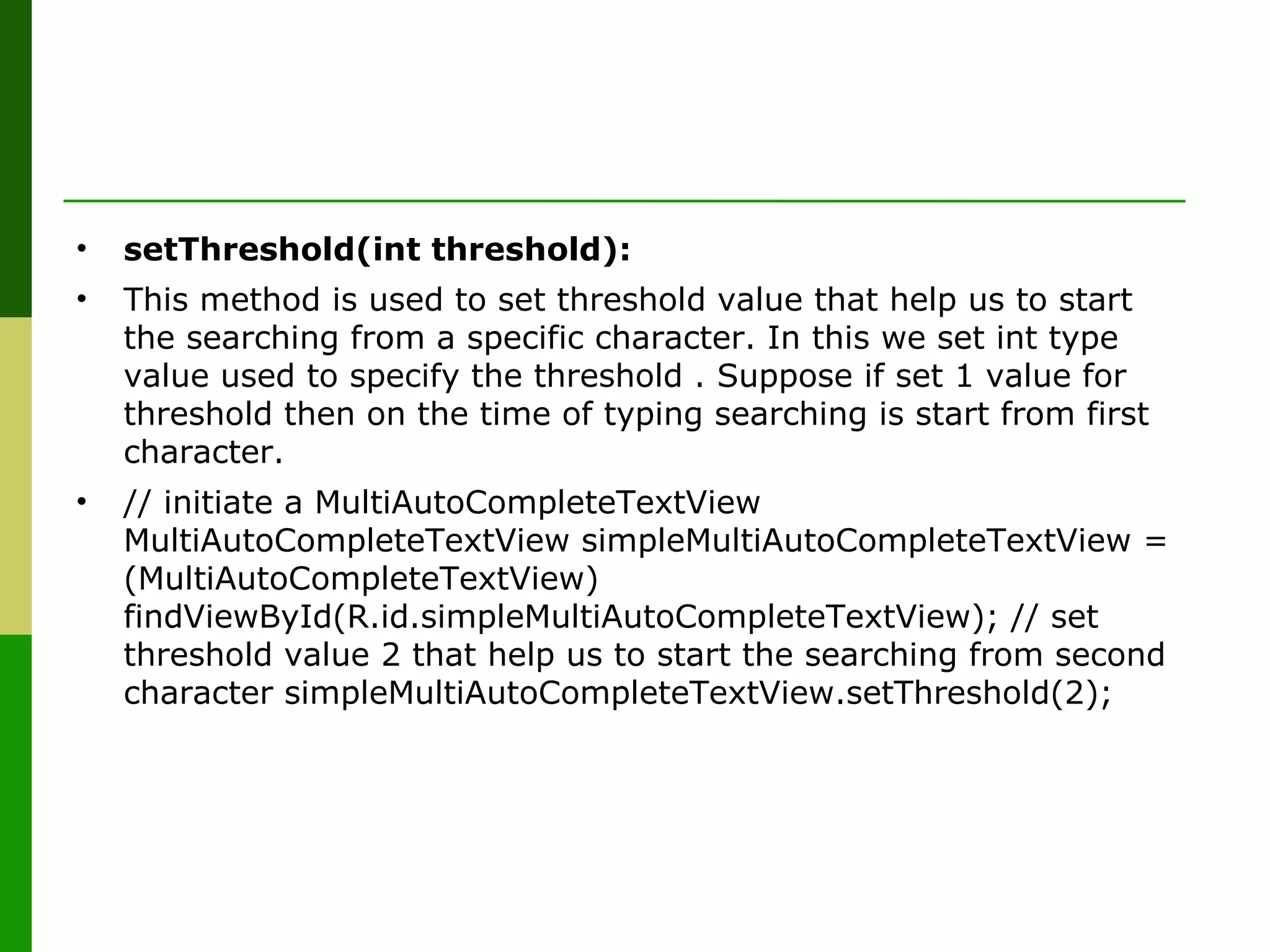
Instructions on initiating MultiAutoCompleteTextView, setting tokenizers, and defining search thresholds.
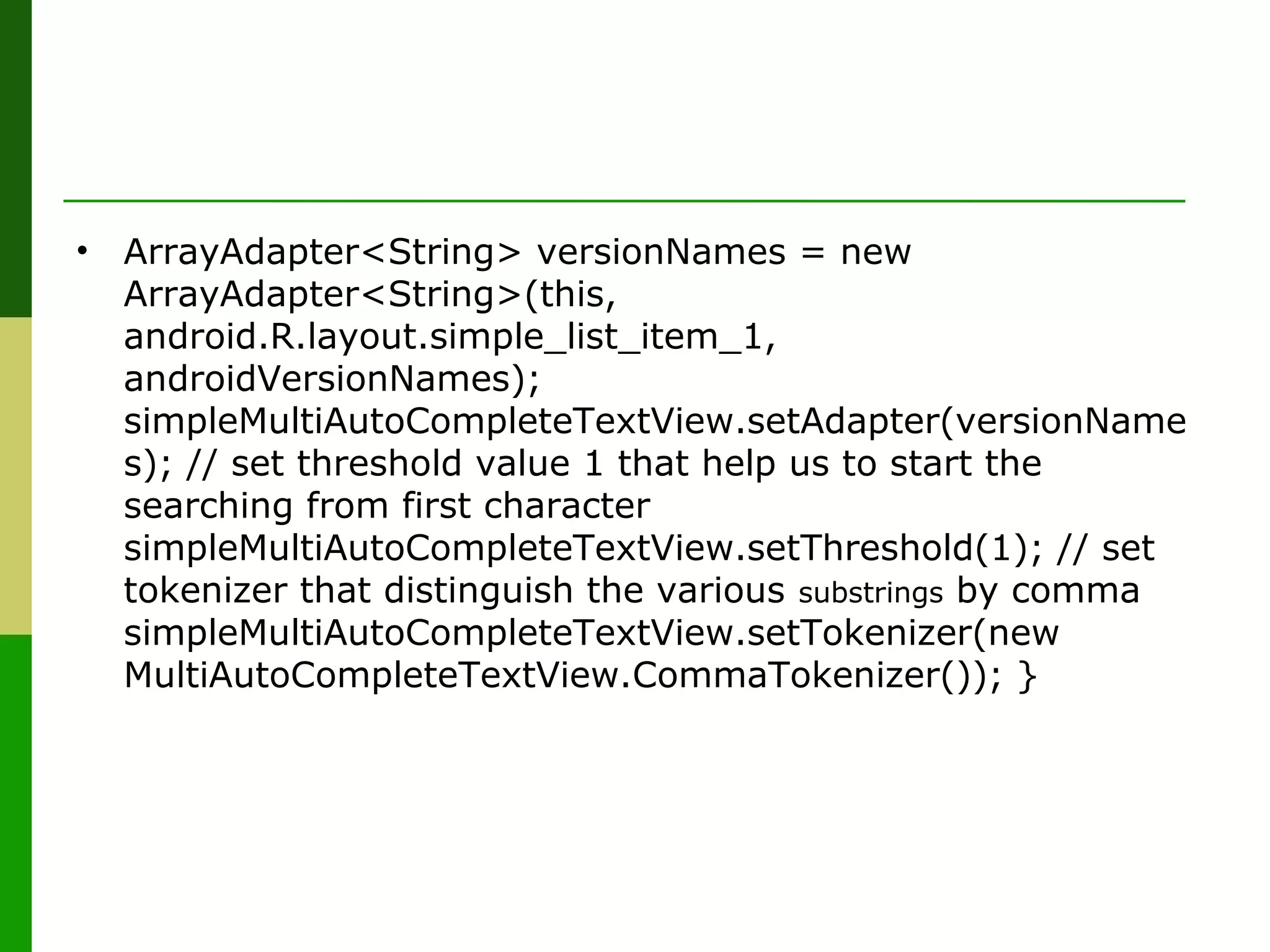
Implementation code for initializing and setting adapters for MultiAutoCompleteTextView with Android version names.
Thank you slide for the presentation.


