LAURA DALY
ATLASSIAN PRODUCT MARKETING MANAGER
DevOps: the Atlassian way
number of years at Atlassian
number products teams I have work with
Agenda
State of software
Steps to DevOps
DevOps: the Atlassian way
Software
is eating
the world.
This is
software
Software
is
programming
the world.
Every industry is now software-first
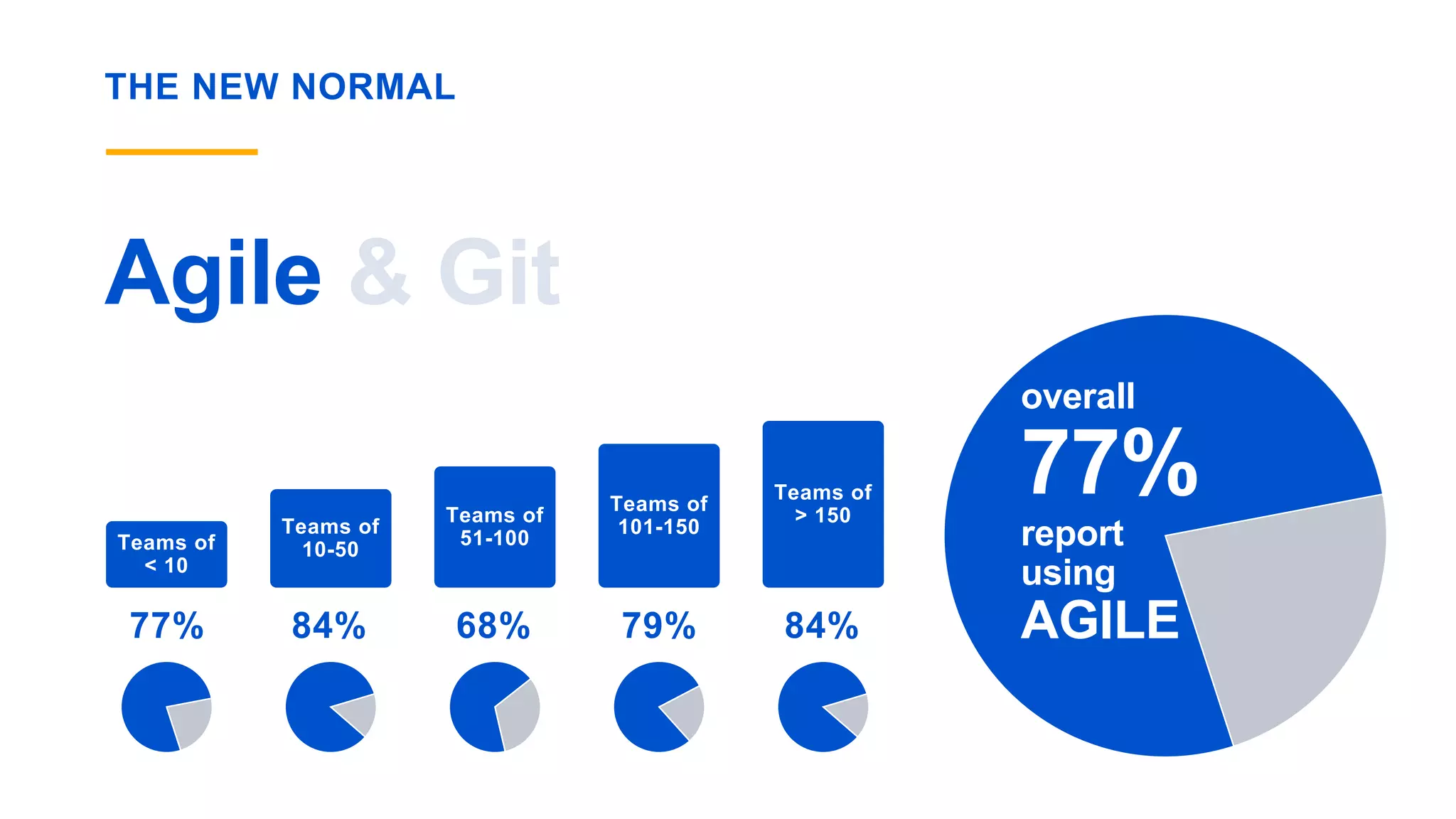
THE NEW NORMAL
Agile & Git
77%
Teams of
< 10
84%
Teams of
10-50
68%
Teams of
51-100
79%
Teams of
101-150
84%
Teams of
> 150
overall
77%
report
using
AGILE
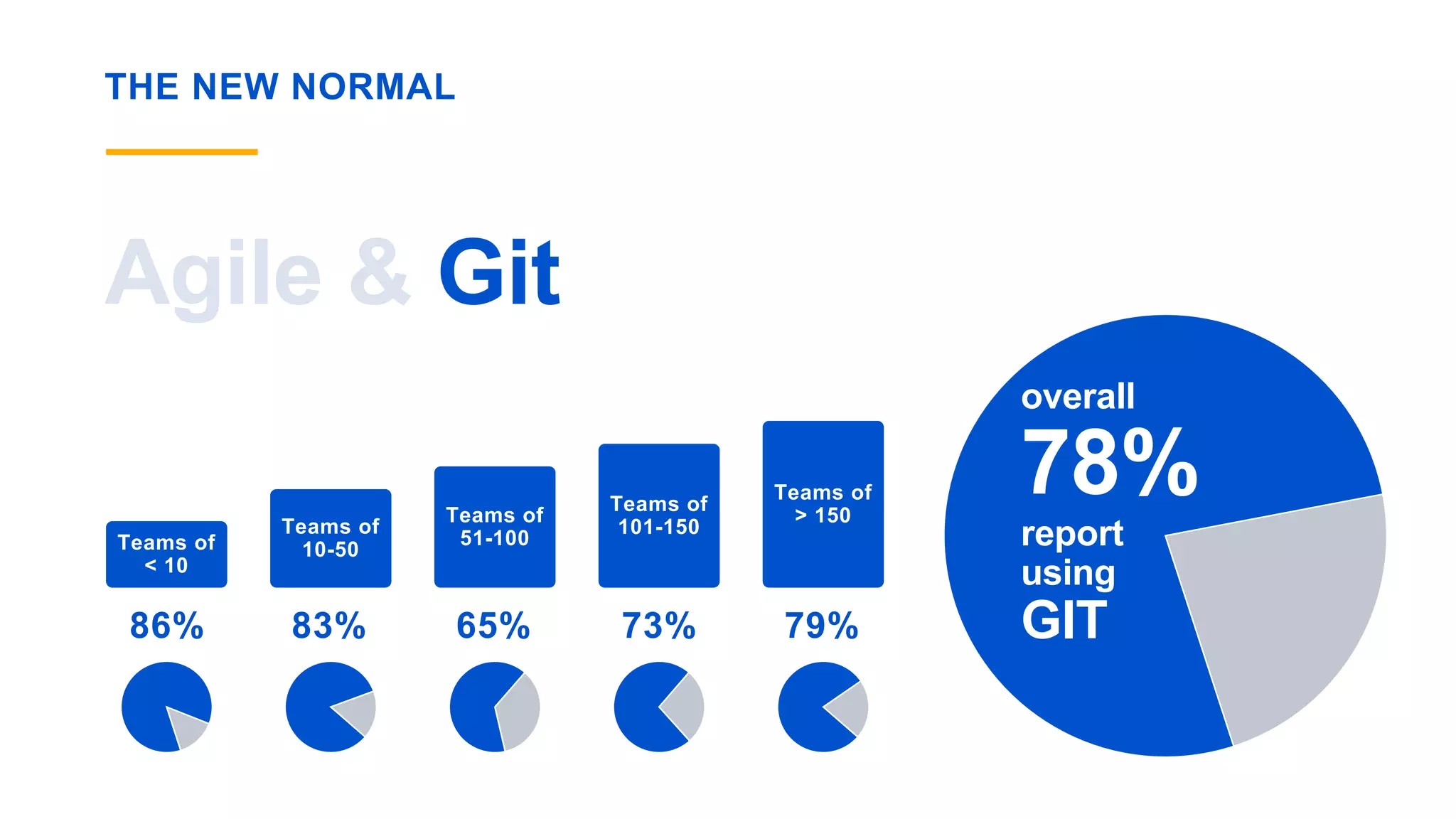
THE NEW NORMAL
Agile & Git
86%
Teams of
< 10
83%
Teams of
10-50
65%
Teams of
51-100
73%
Teams of
101-150
79%
Teams of
> 150
overall
78%
report
using
GIT
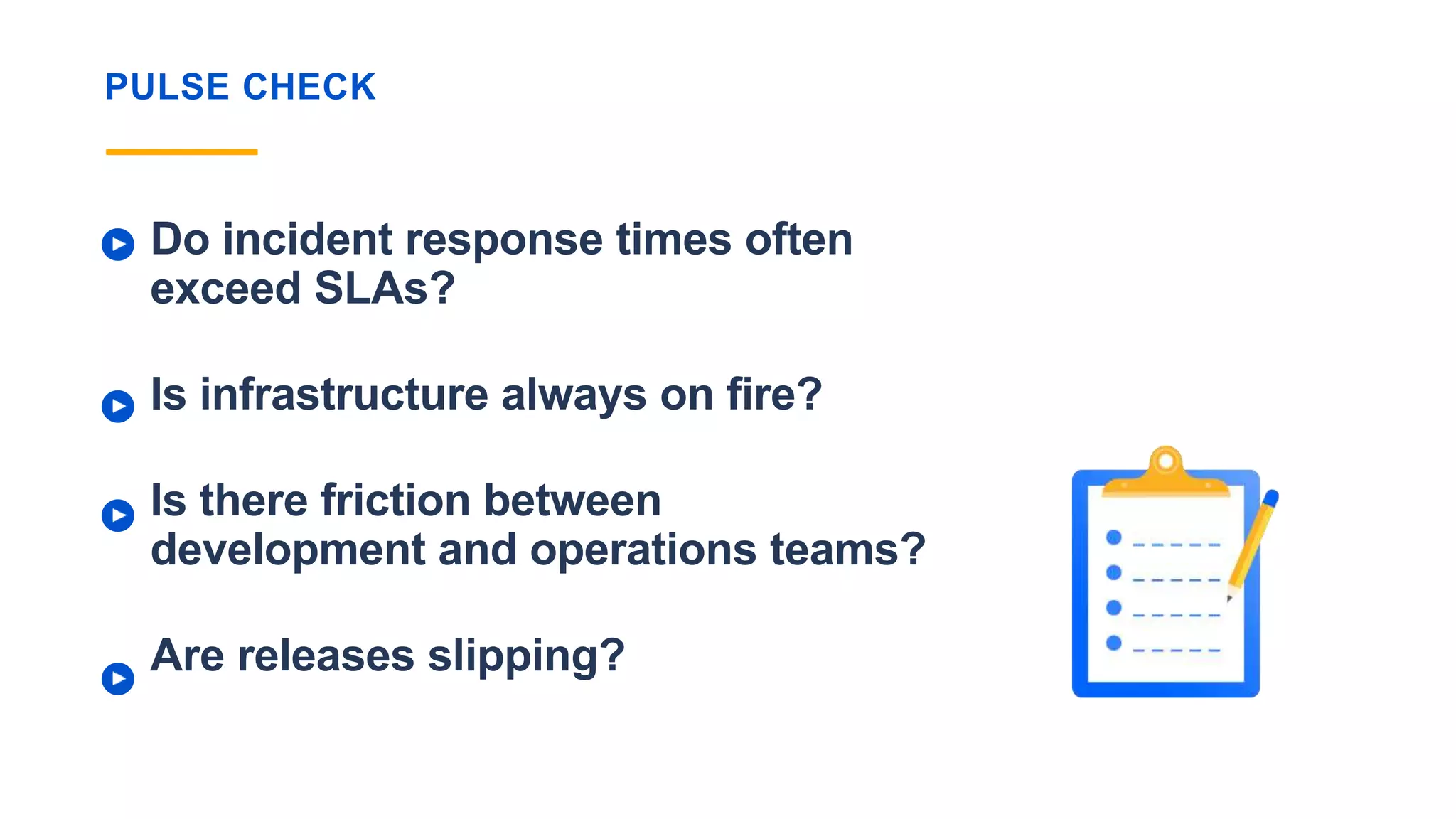
PULSE CHECK
Do incident response times often
exceed SLAs?
Is infrastructure always on fire?
Is there friction between
development and operations teams?
Are releases slipping?
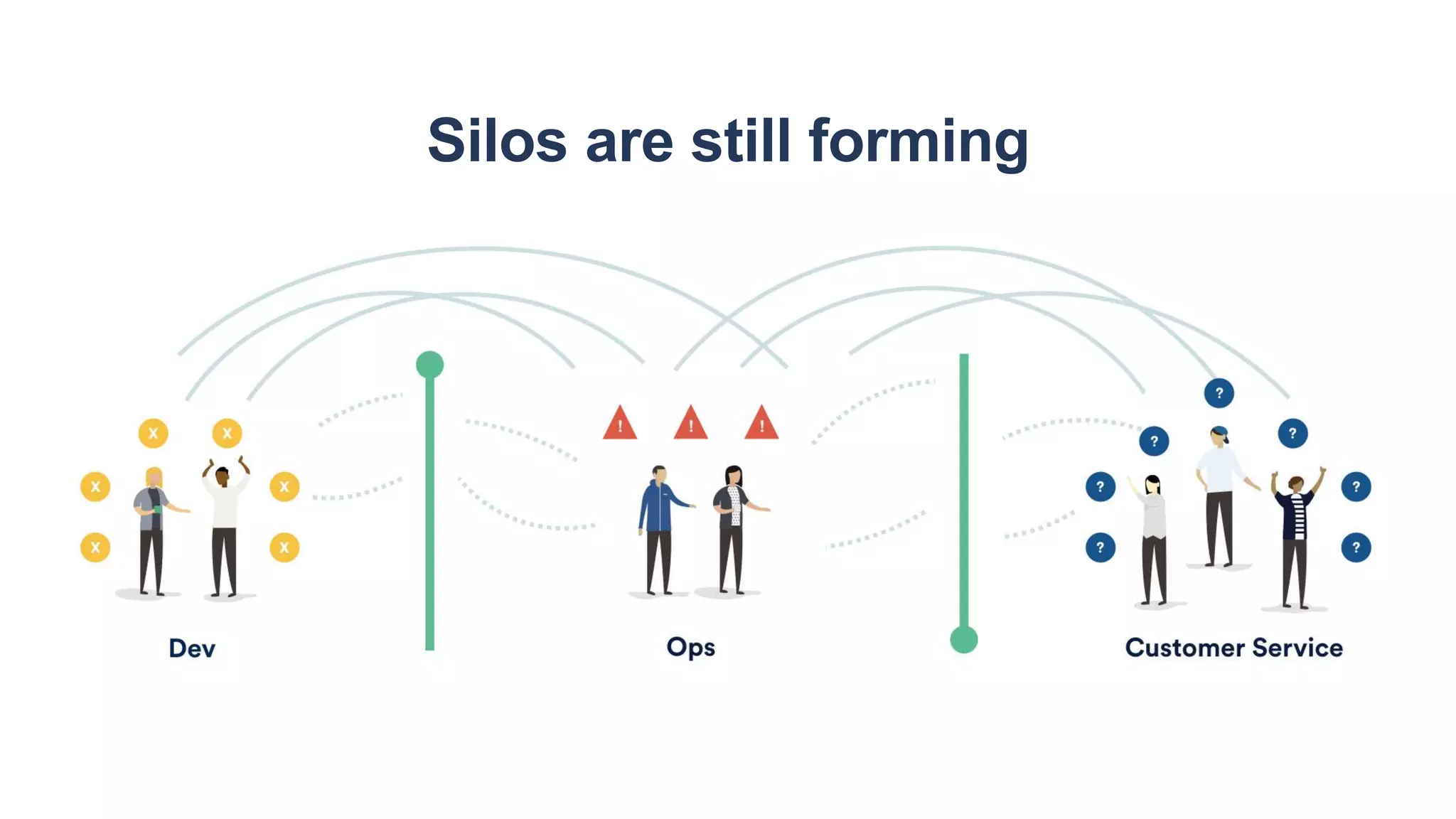
Silos are still forming
What’s next
after Agile?
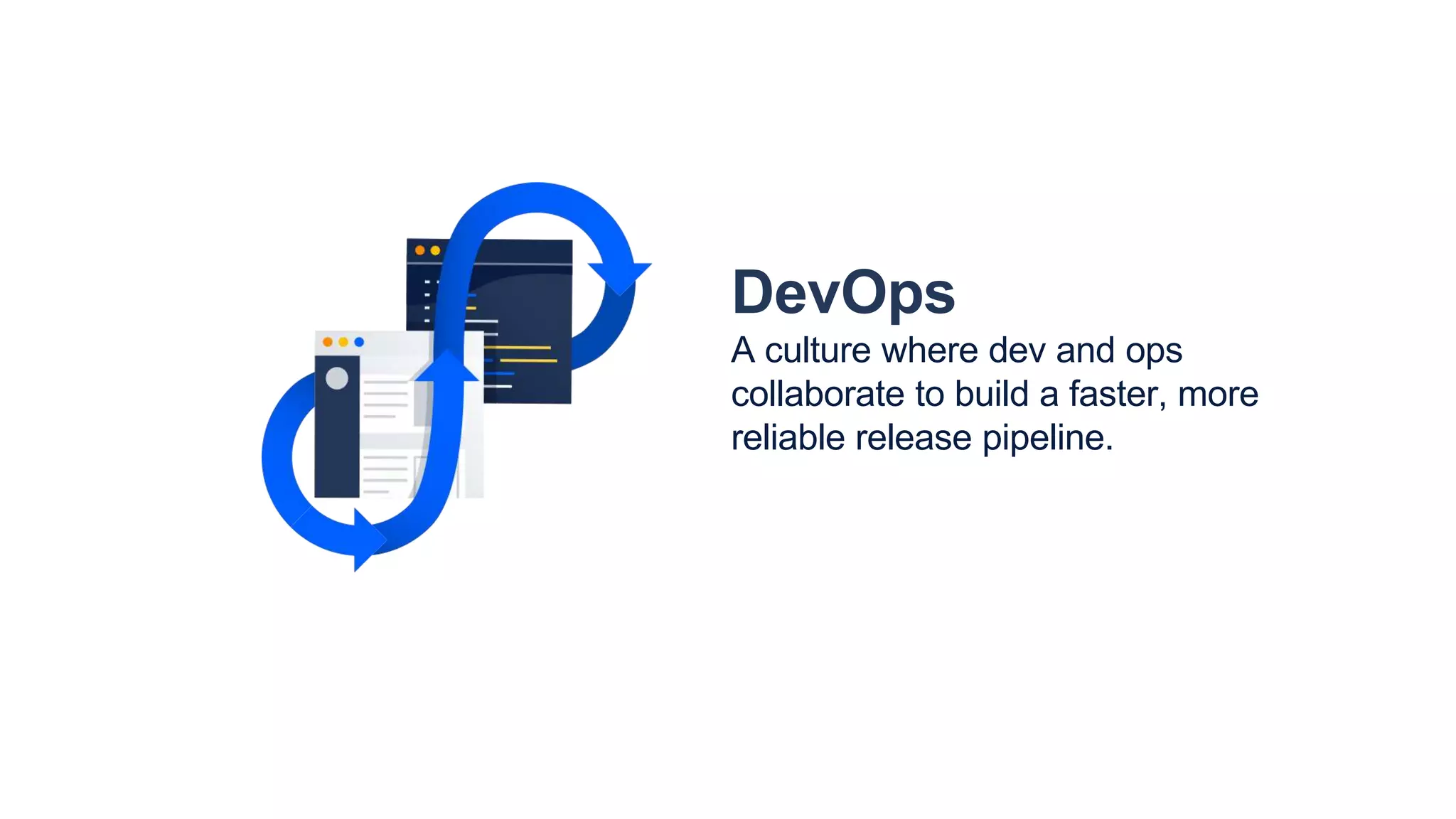
DevOps
A culture where dev and ops
collaborate to build a faster, more
reliable release pipeline.
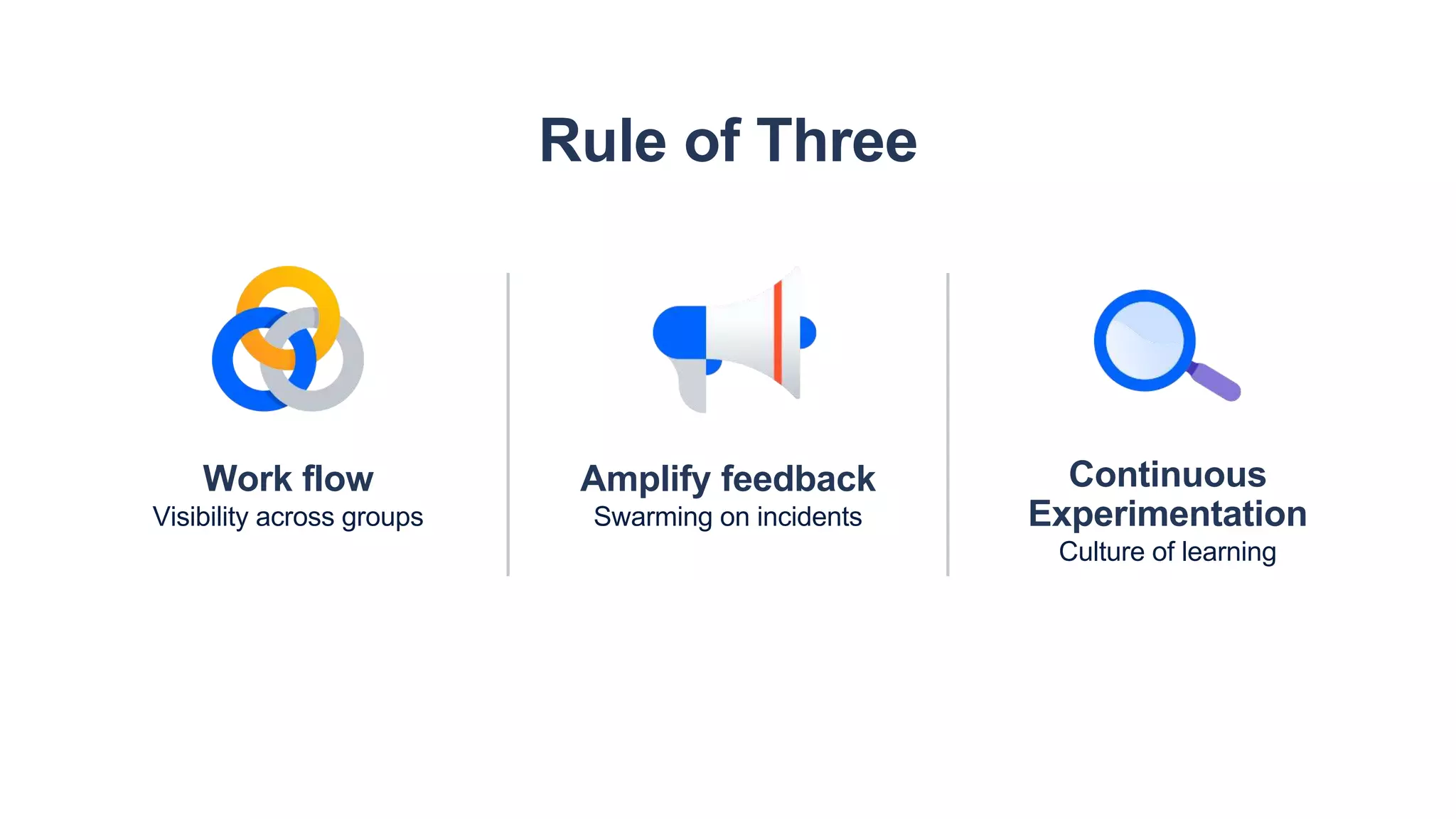
Amplify feedback
Swarming on incidents
Rule of Three
Continuous
Experimentation
Culture of learning
Work flow
Visibility across groups
DevOps is
everyone’s
job
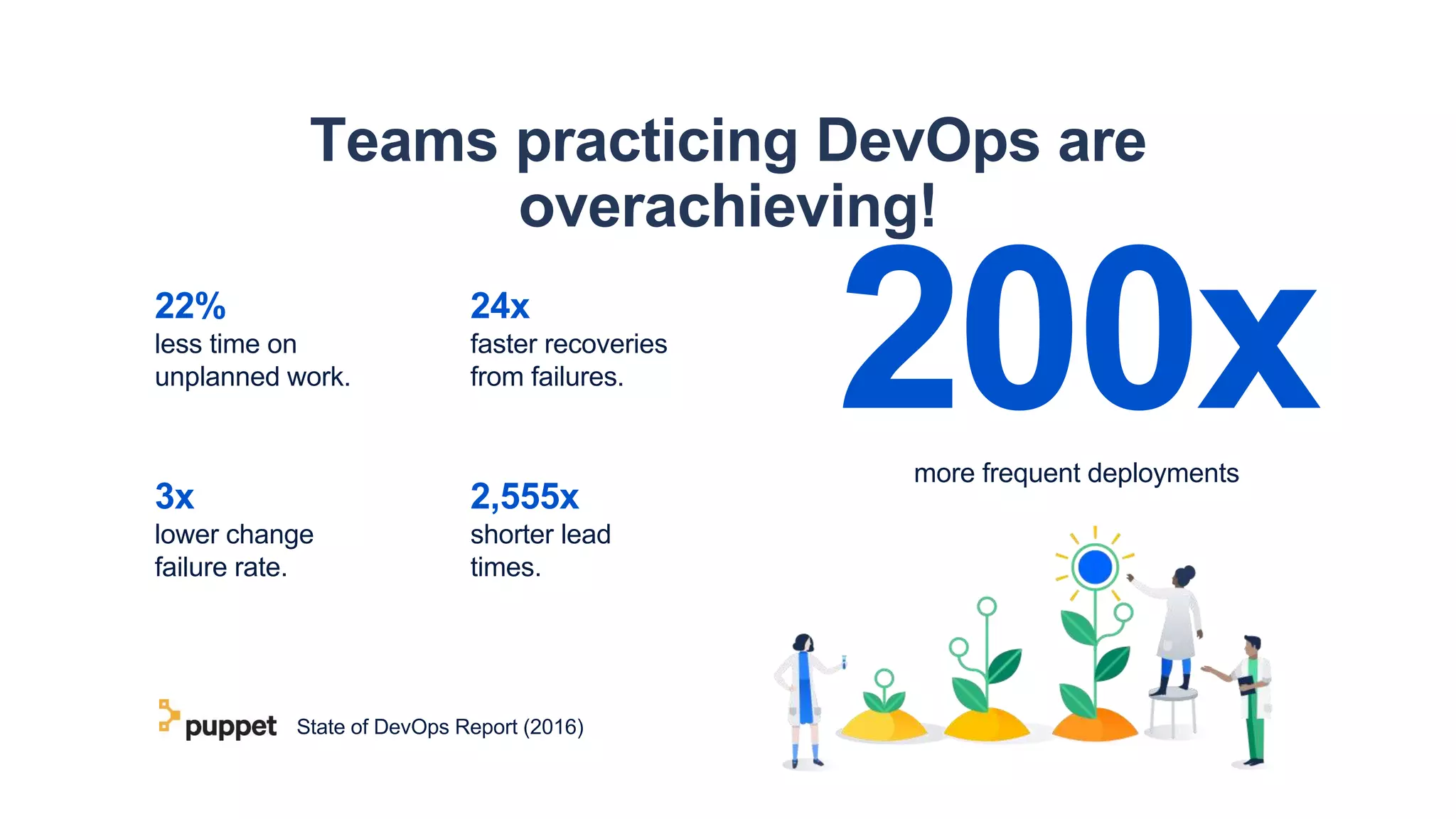
Teams practicing DevOps are
overachieving!
3x
lower change
failure rate.
2,555x
shorter lead
times.
22%
less time on
unplanned work.
24x
faster recoveries
from failures.
State of DevOps Report (2016)
more frequent deployments
Up to 100
releases per
day
Netflix has more than 30 million
streaming members
Agenda
State of software
Steps to DevOps
DevOps: the Atlassian way
Atlassian is the
culture and collaboration
layer of DevOps.
ATLASSIAN FOR DEVOPS
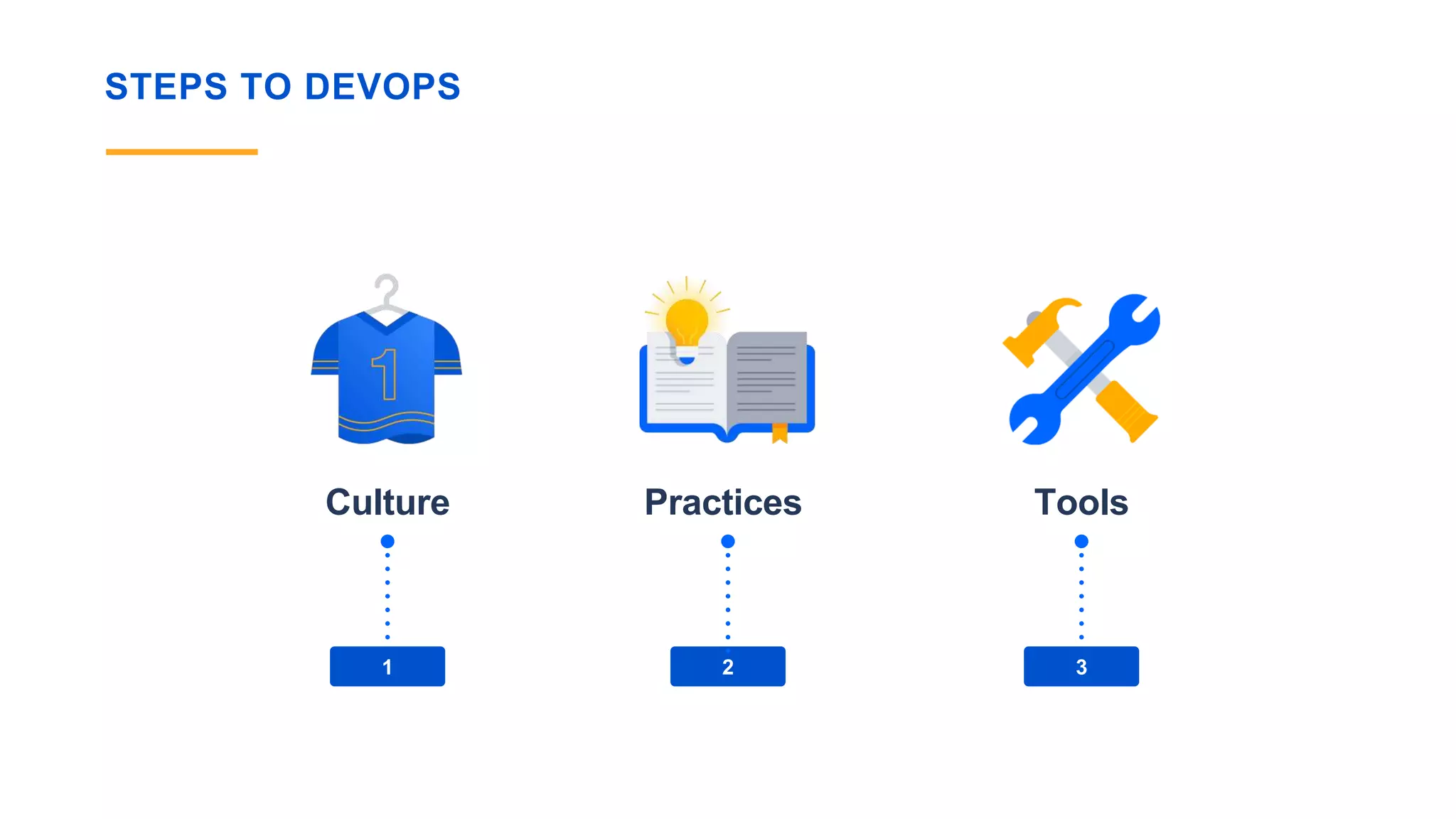
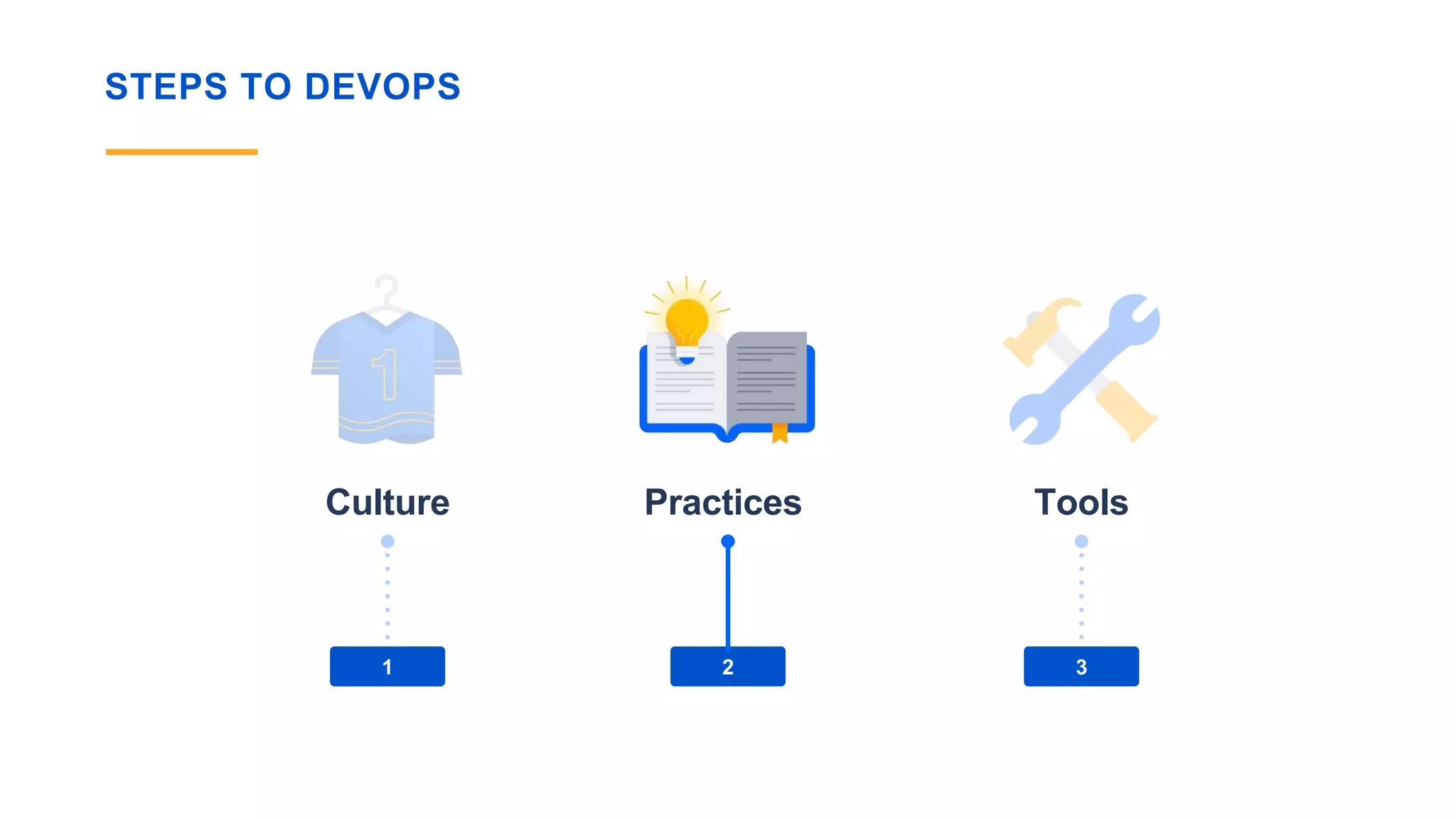
STEPS TO DEVOPS
Practices Tools
1 2 3
Culture
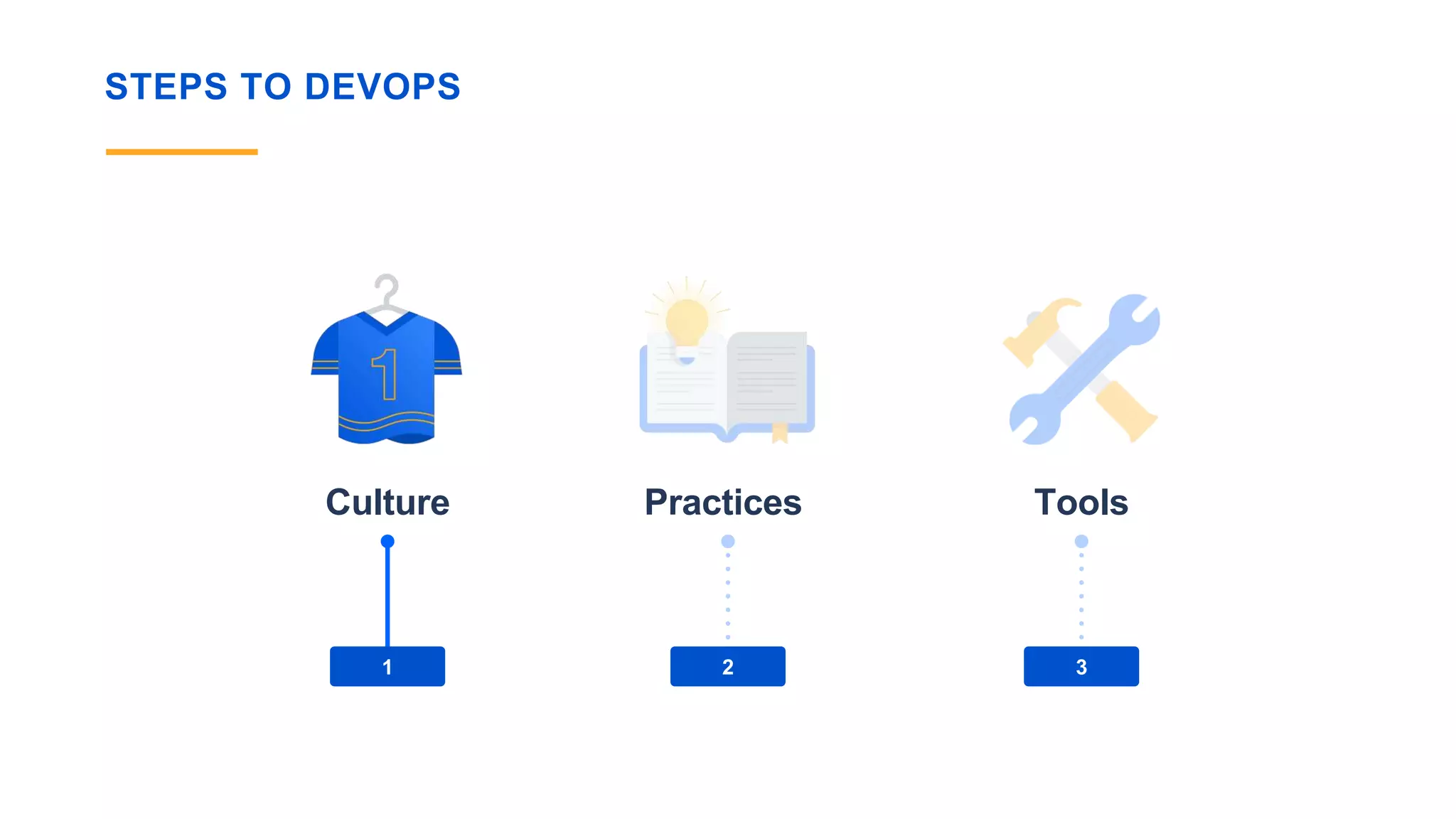
STEPS TO DEVOPS
Practices Tools
1 2 3
Culture
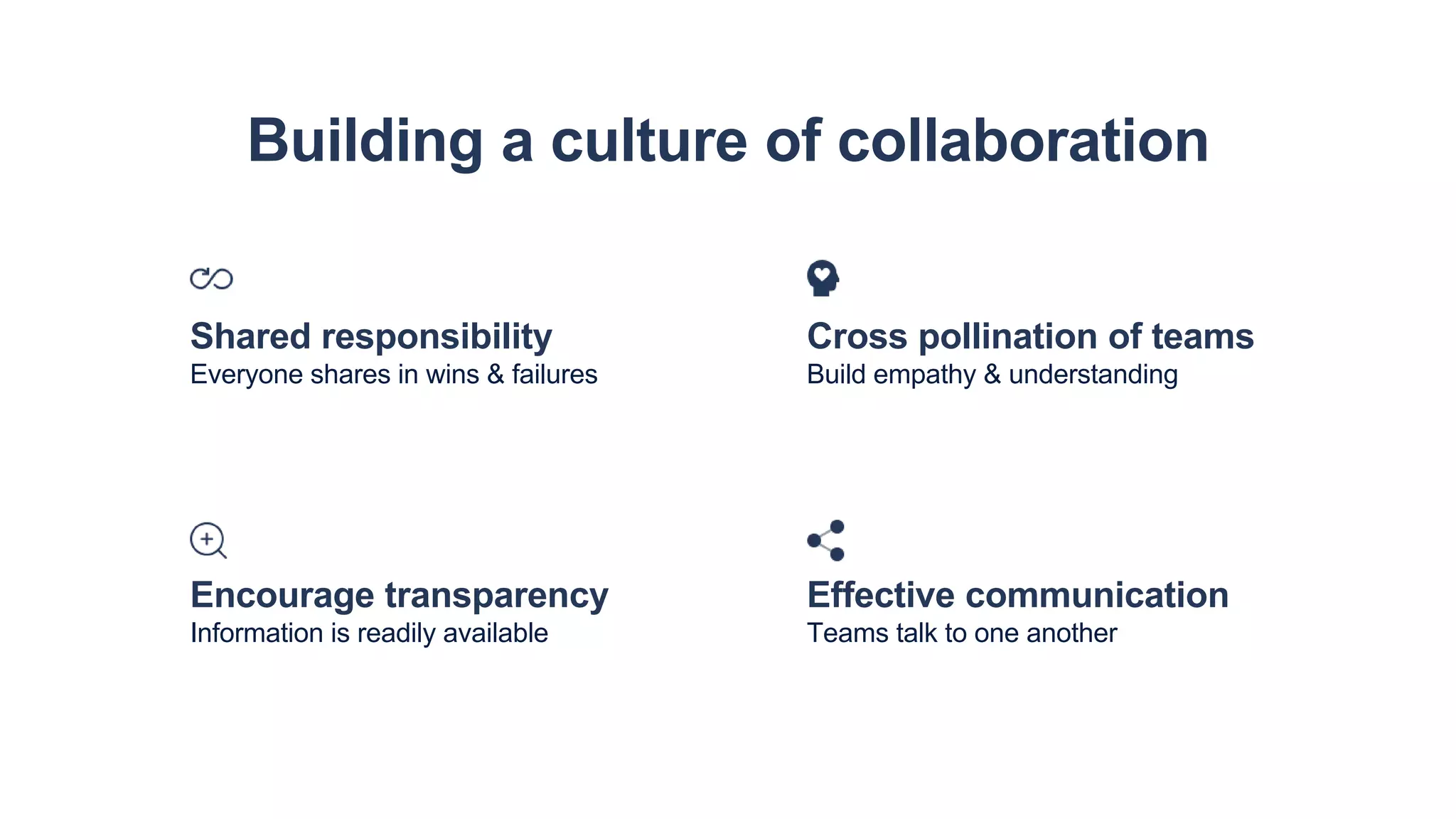
Building a culture of collaboration
Encourage transparency
Information is readily available
Effective communication
Teams talk to one another
Shared responsibility
Everyone shares in wins & failures
Cross pollination of teams
Build empathy & understanding
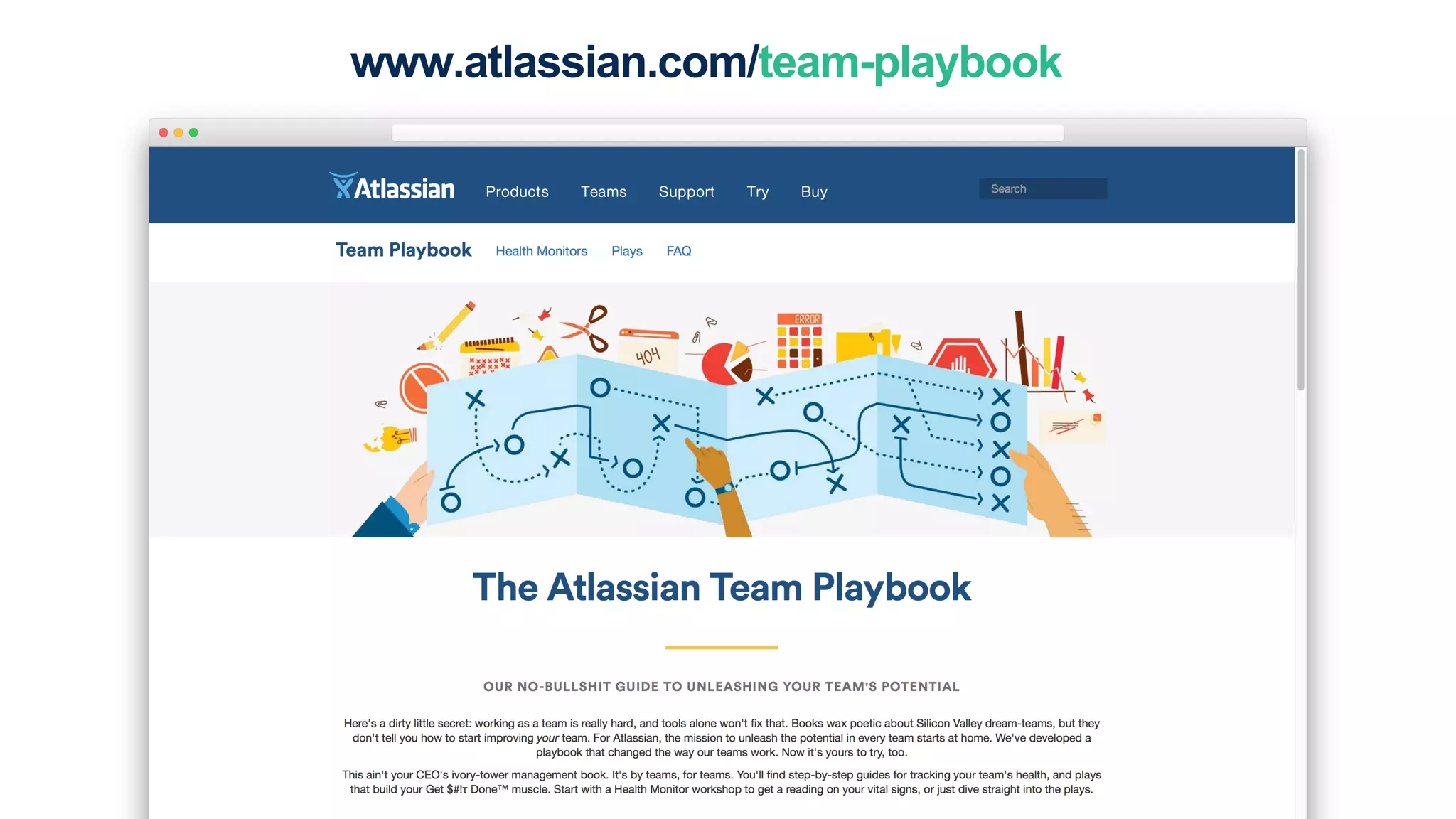
www.atlassian.com/team-playbook
STEPS TO DEVOPS
Practices Tools
1 2 3
Culture
DVCS
Practices
Continuous
Integration
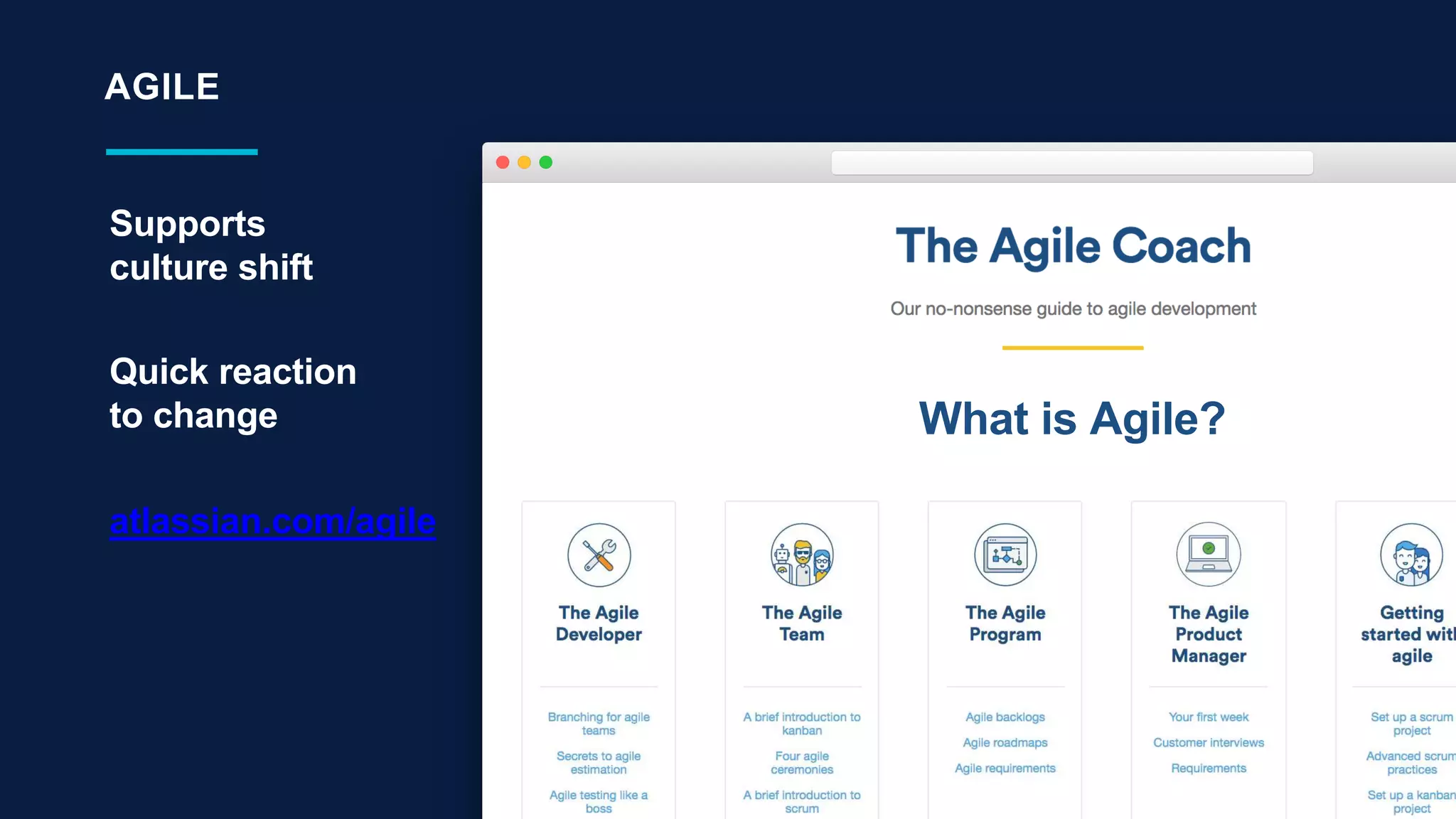
Agile
AGILE
Supports
culture shift
Quick reaction
to change
atlassian.com/agile
What is Agile?
GIT
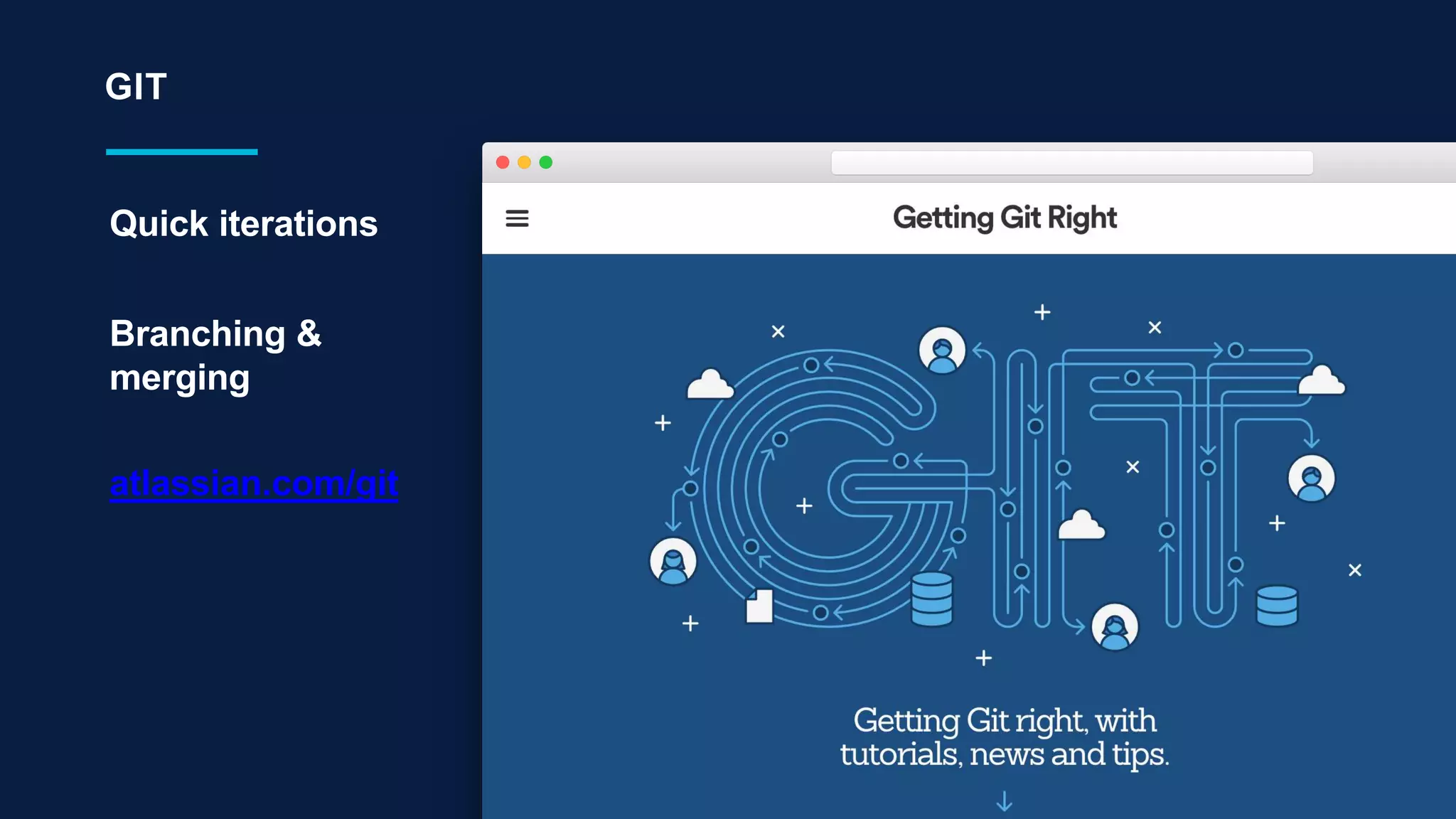
Quick iterations
Branching &
merging
atlassian.com/git
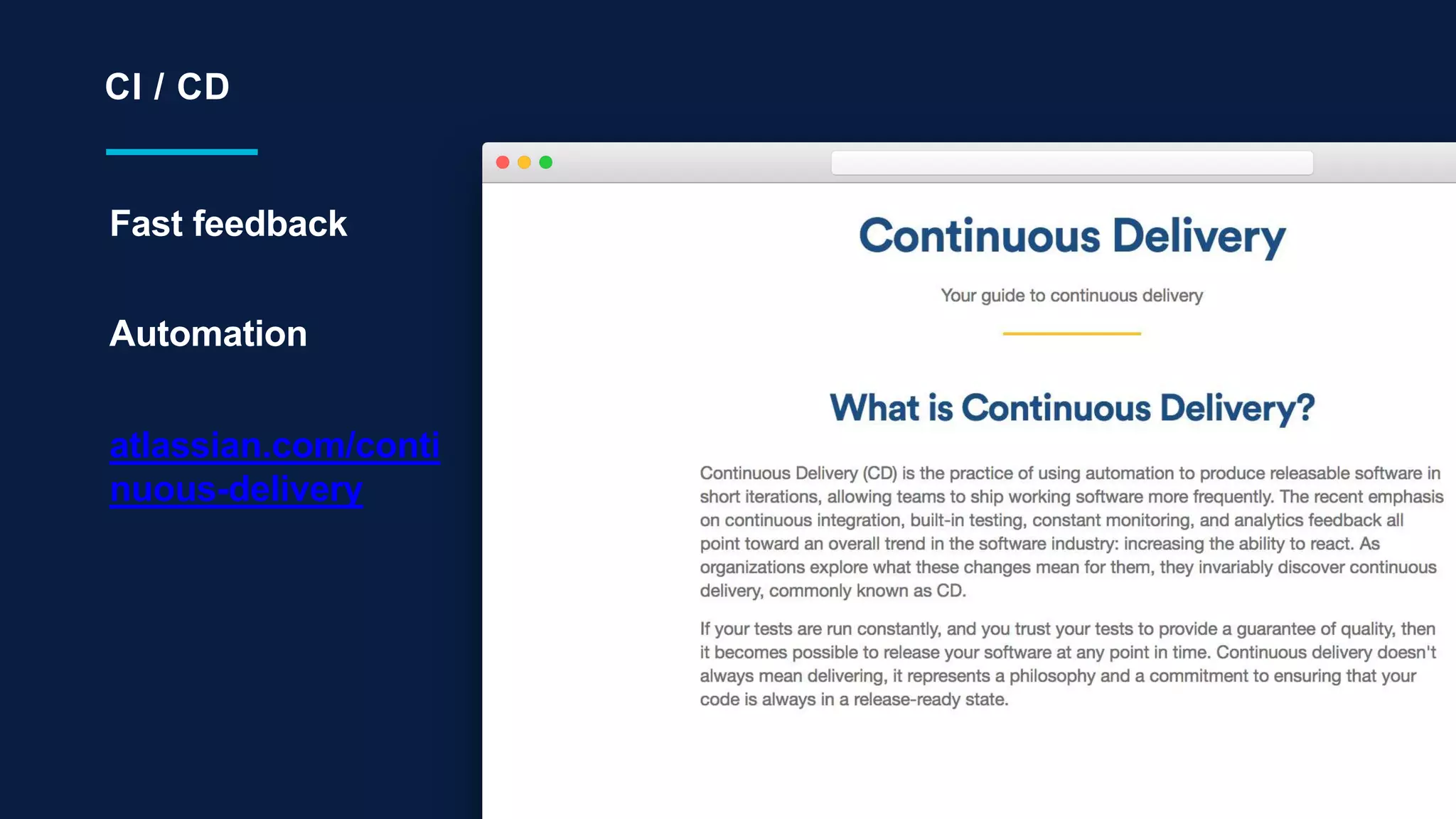
CI / CD
Fast feedback
Automation
atlassian.com/conti
nuous-delivery
STEPS TO DEVOPS
Practices Tools
1 2 3
Culture
Agenda
State of software
Steps to DevOps
DevOps: the Atlassian way
A DevOps Story
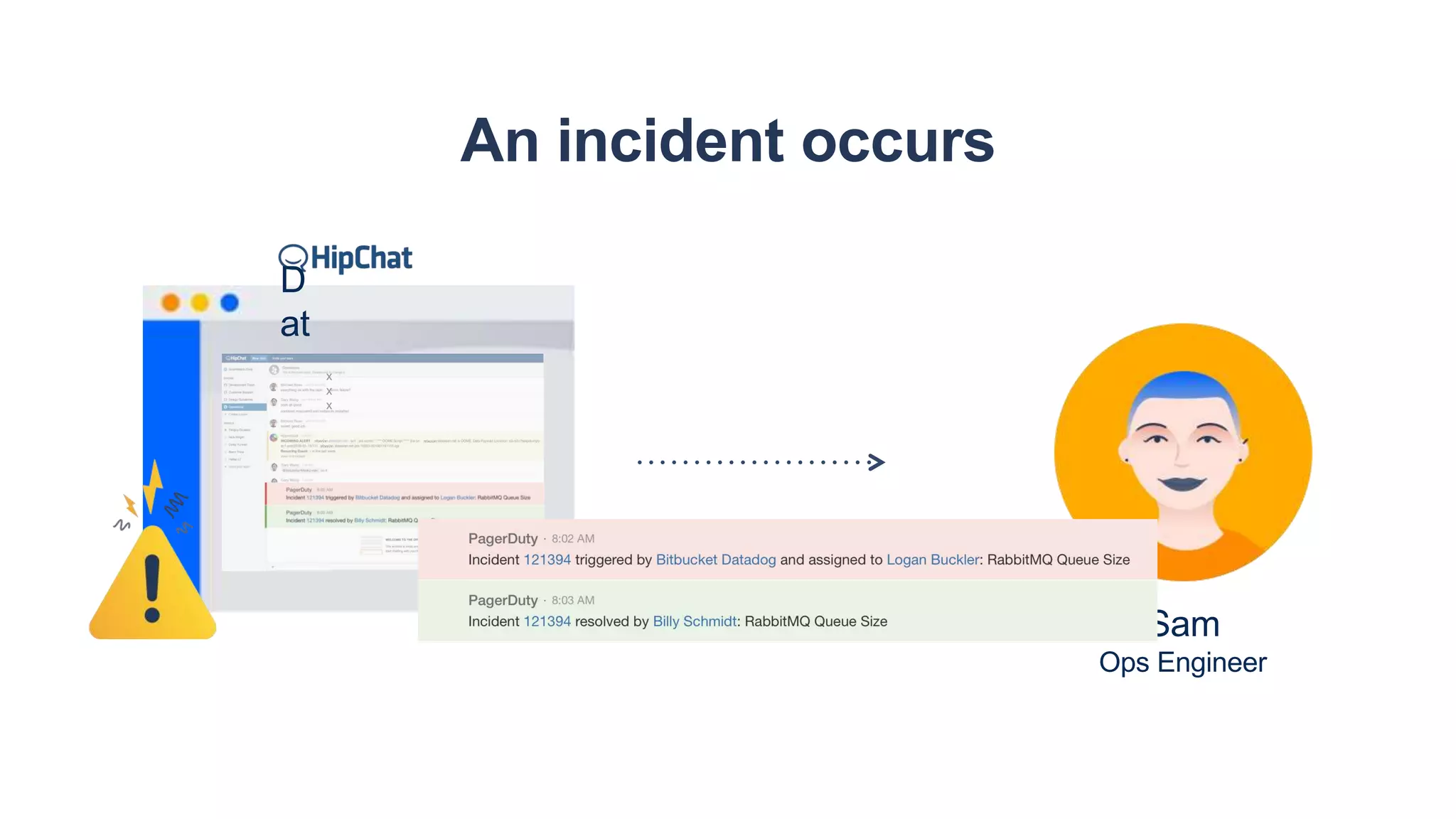
An incident occurs
Sam
Ops Engineer
D
at
a
D
og
x
x
x
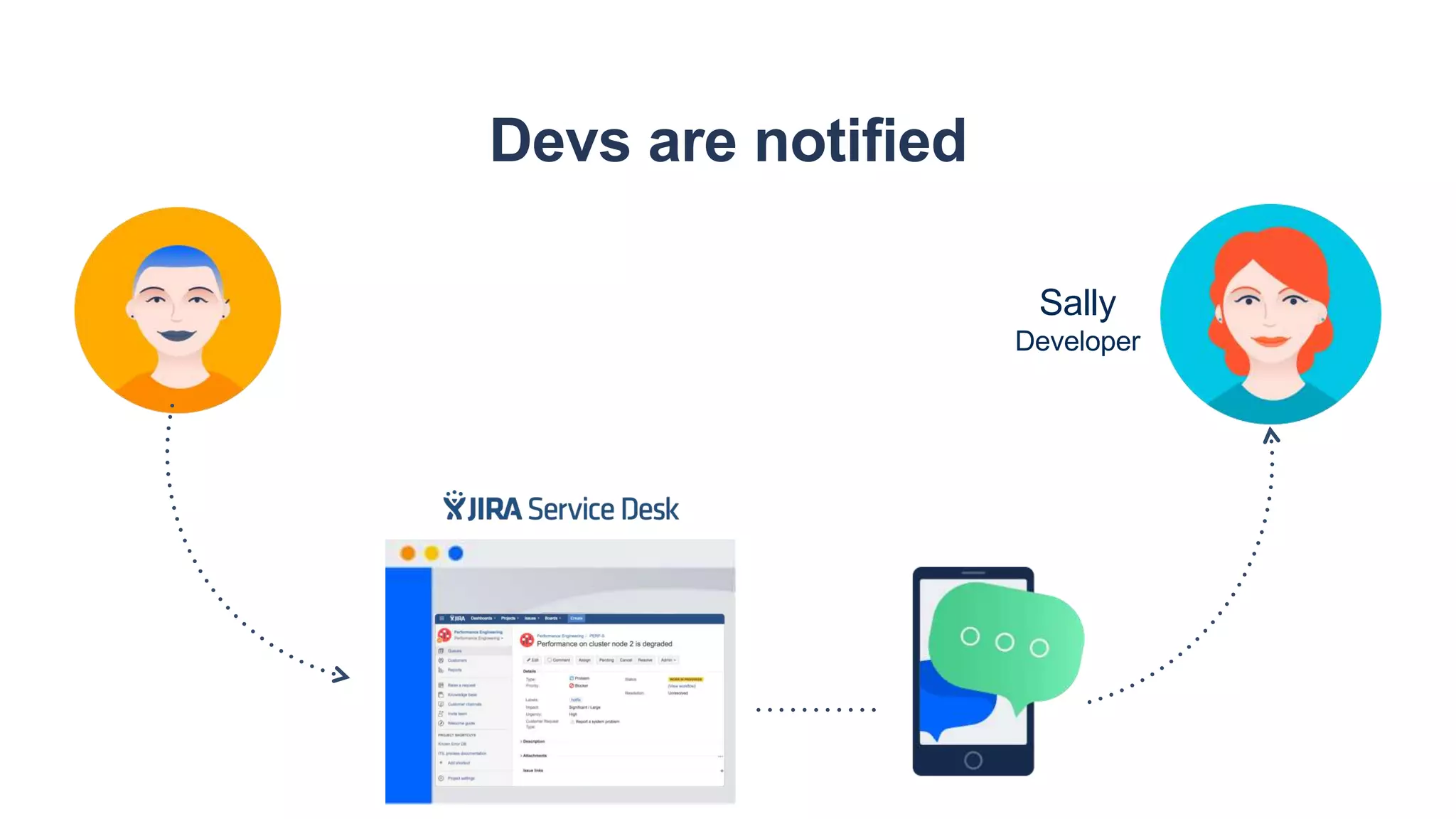
Devs are notified
Sally
Developer
Swarming begins
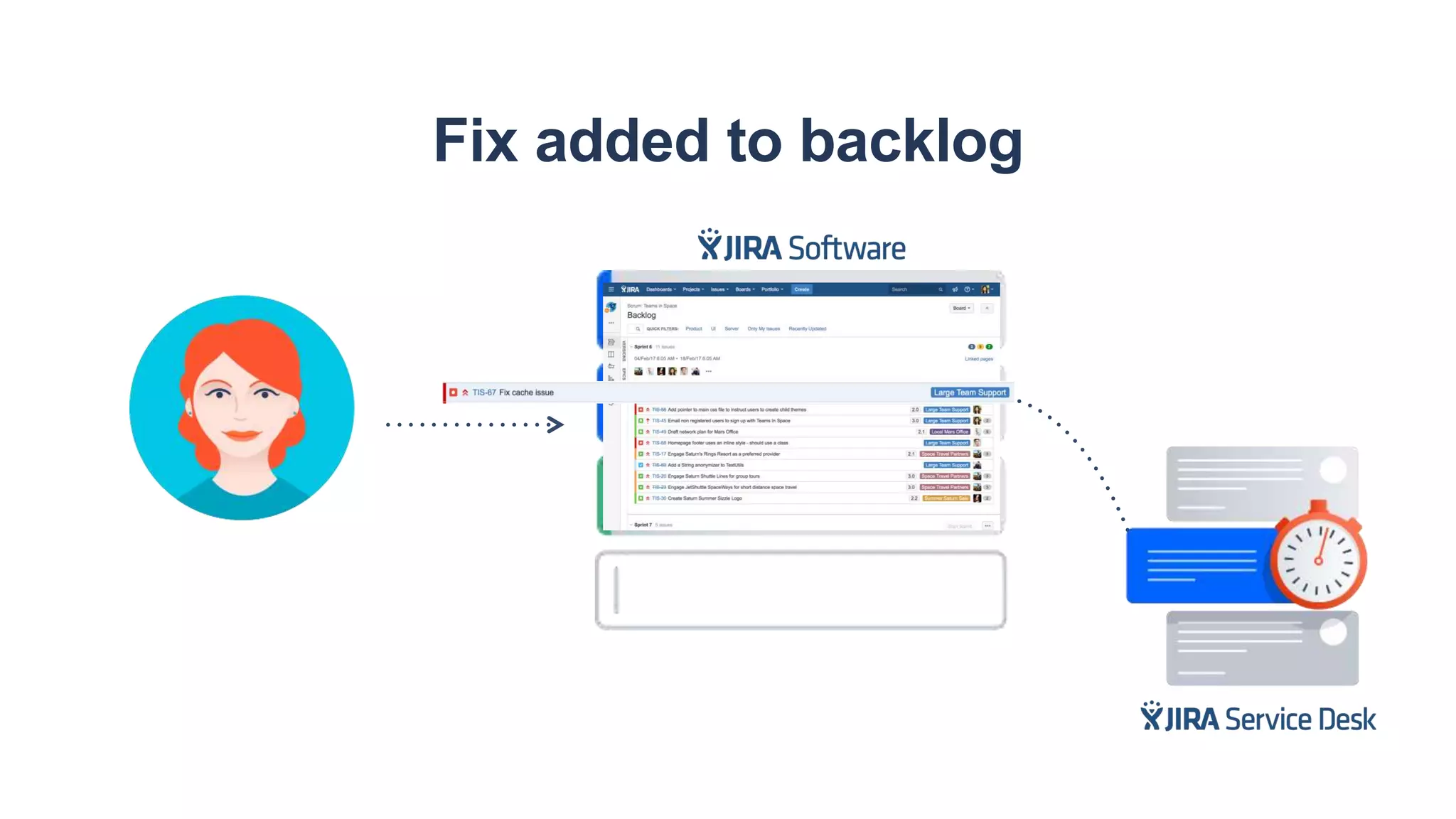
Fix added to backlog
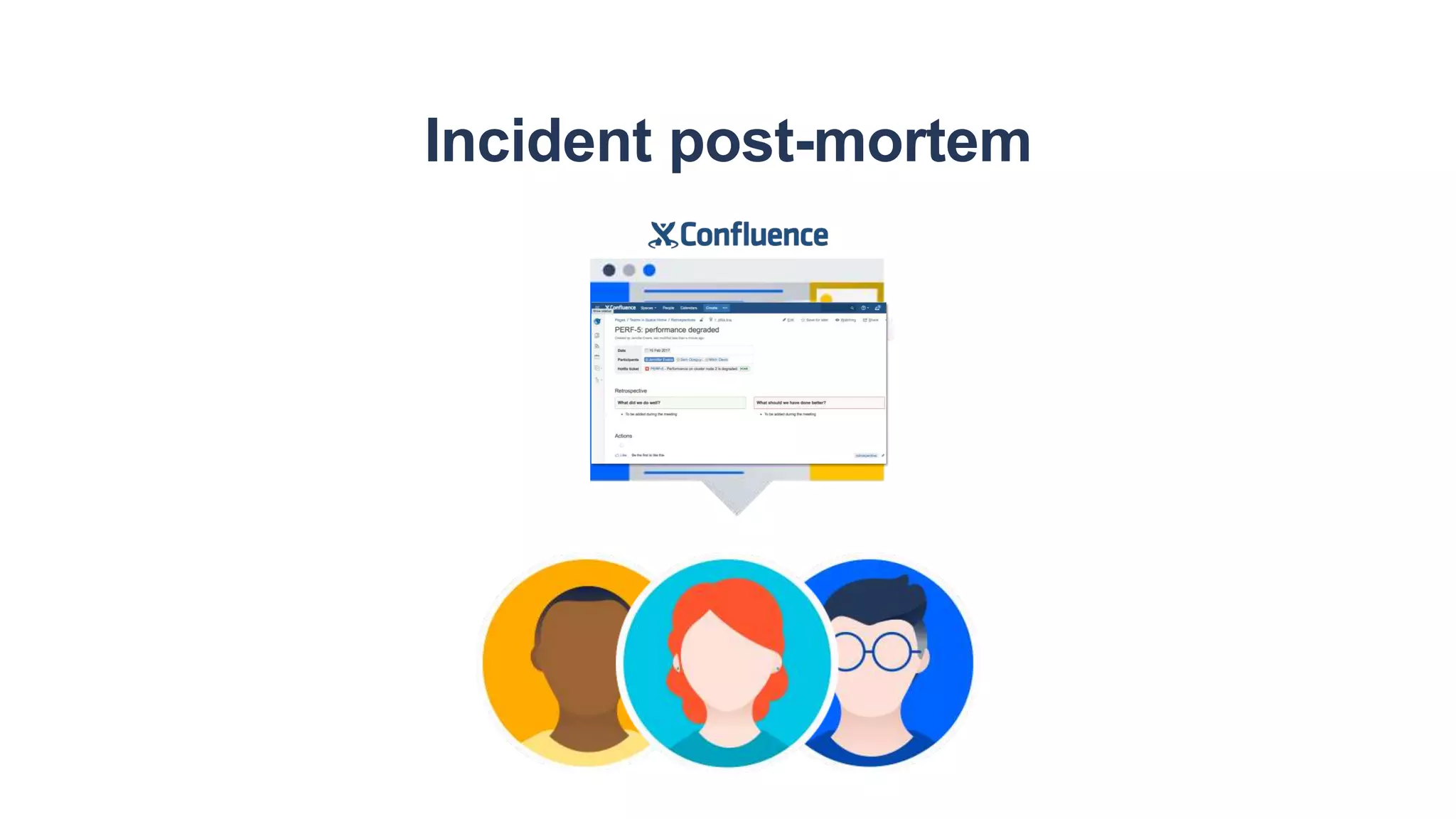
Incident post-mortem
Development begins
Jennifer
Developer
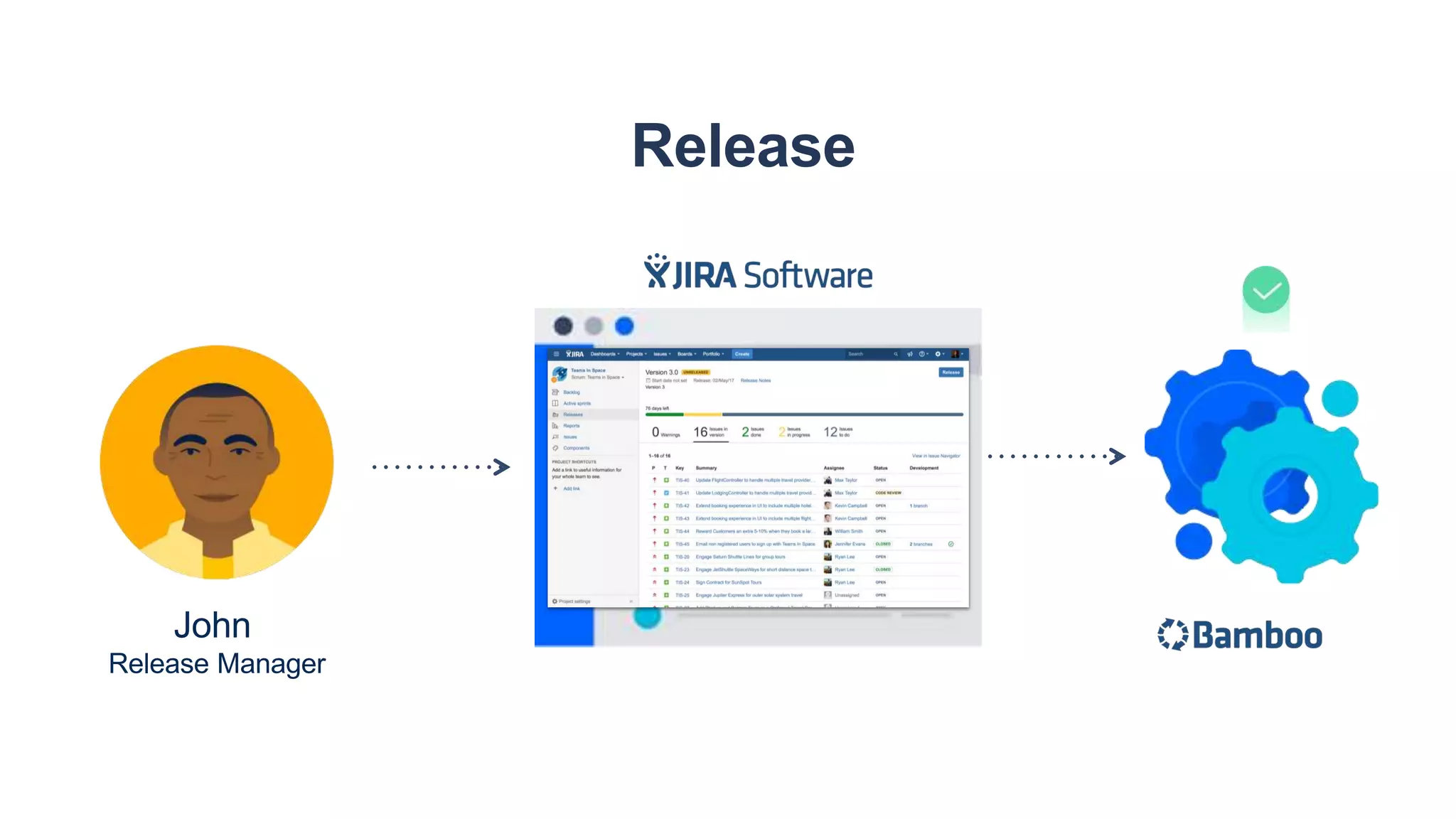
Release
John
Release Manager
Where does
ChatOps fit in?
Verify there’s an
issue
Evaluate the severity
of the issue
Create a “Hot Room”
Gather info &
automate tasks
Use the historical
record to learn
• Breaks down silos
• Create clear lines of communication
• Keeps teams productive and
customers happy!
ChatOps + DevOps
Closing title / DevOps with Atlassian key takeaway
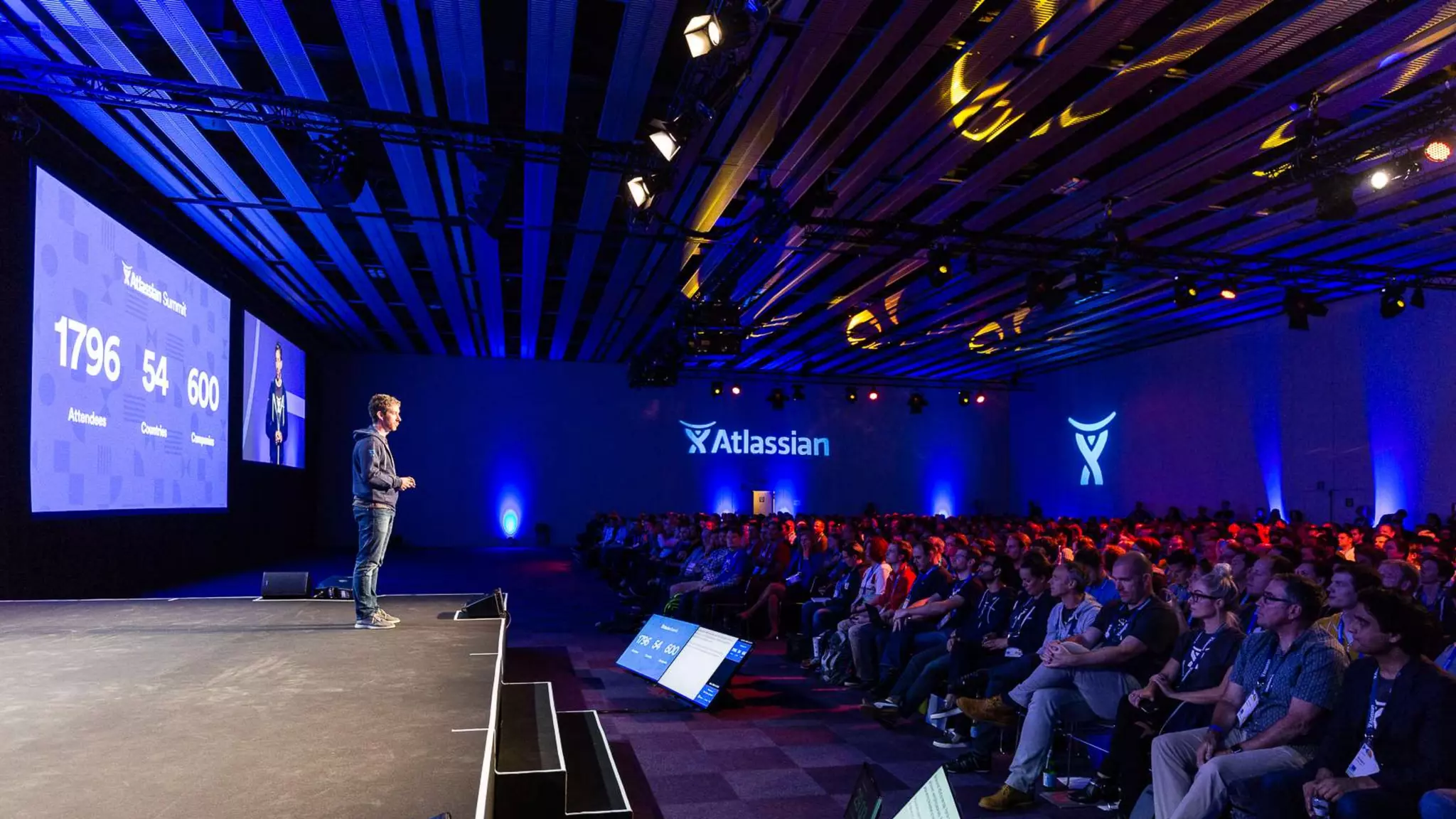
Summit Recap
… Plus, Scott
rocked out with
DJ Kanban
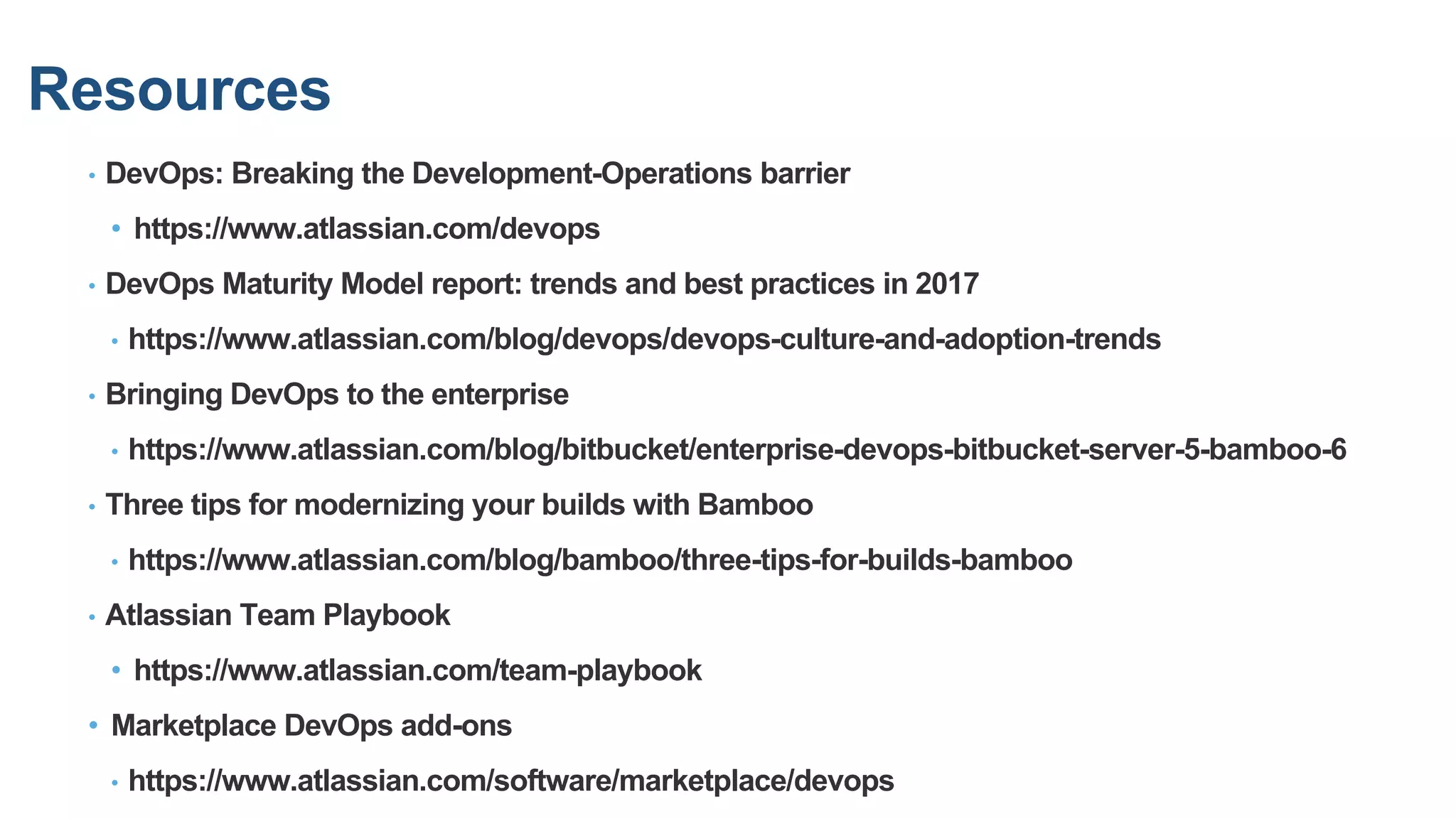
Resources
• DevOps: Breaking the Development-Operations barrier
• https://www.atlassian.com/devops
• DevOps Maturity Model report: trends and best practices in 2017
• https://www.atlassian.com/blog/devops/devops-culture-and-adoption-trends
• Bringing DevOps to the enterprise
• https://www.atlassian.com/blog/bitbucket/enterprise-devops-bitbucket-server-5-bamboo-6
• Three tips for modernizing your builds with Bamboo
• https://www.atlassian.com/blog/bamboo/three-tips-for-builds-bamboo
• Atlassian Team Playbook
• https://www.atlassian.com/team-playbook
• Marketplace DevOps add-ons
• https://www.atlassian.com/software/marketplace/devops
Thank you!
LAURA DALY
ATLASSIAN PRODUCT MARKETING MANAGER
Optimizing JIRA and
Confluence
Boris Berenberg - Blended Perspectives
Why should I listen to him?
In the coal mines (of Atlassian support)
What should you expect?
Tips for improved Atlassian application performance
Focus on JIRA and Confluence server for the first four
topics
Don’t run away if you are on cloud I haven’t
forgotten about you
Agenda
Baseline
Infrastructure
JIRA
Confluence
Shared
Setting a Baseline
Meaningful Metrics
● Page Load Time
● Unplanned Down Time
● Customer Complaints
Infrastructure
Heap
Heap
< 4GB heap
CMS / UseParNewGC
4 - 12GB heap
UseParallelGC / G1GC
Heap
12GB+ heap
UseParallelGC / G1GC
LDAP
LDAP
Flatten Nested
Groups
Filter LDAP
query scope
Global Catalog if
you have AD
Delegated Auth*
Database
Database
Connection Config
Optimize / Analyze / Vacuum
Backups
Backups
Test
Verify
GOTO1
JIRA
Configuration Objects
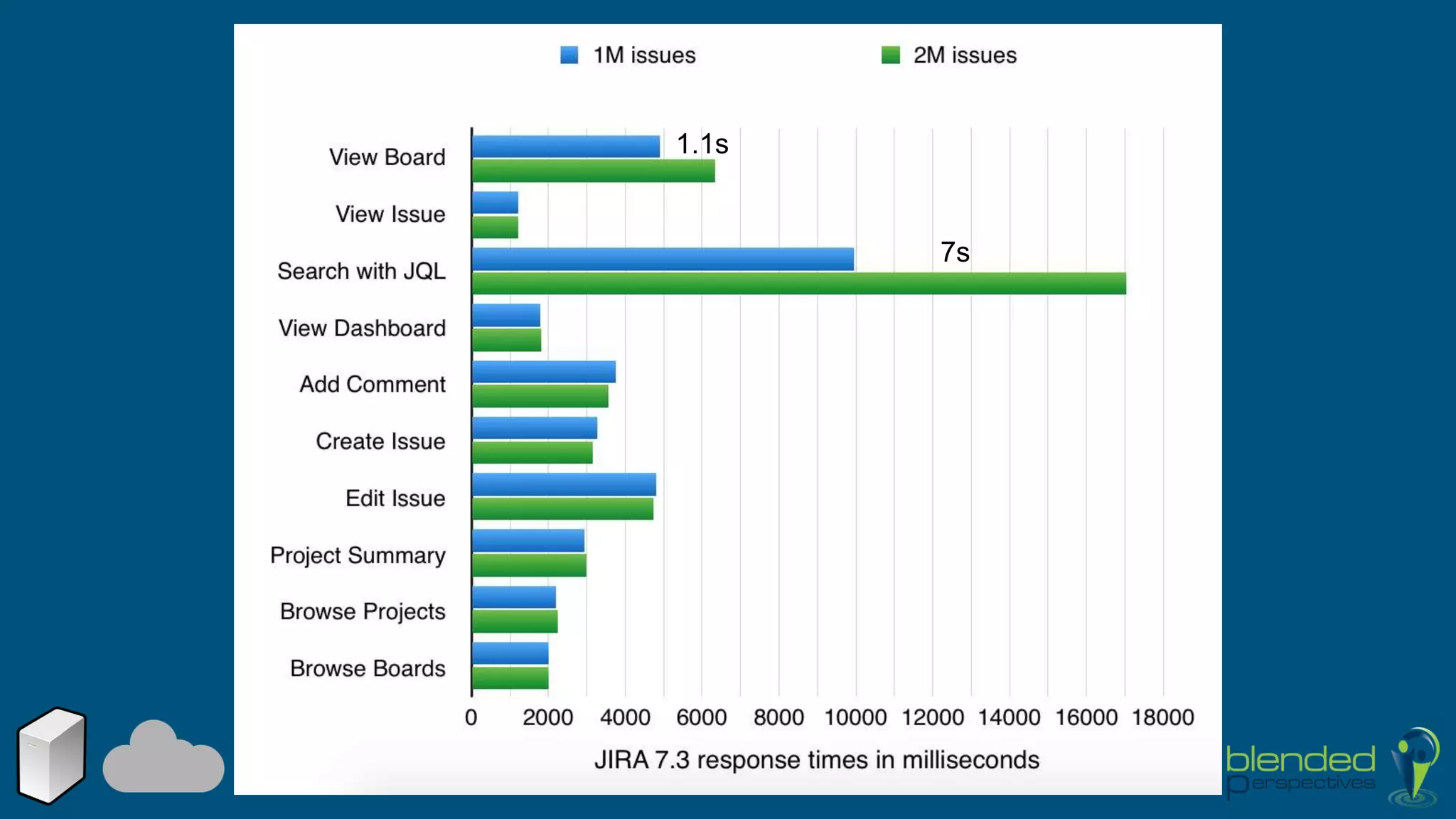
7s
1.1s
1.5s
1.2s
4s
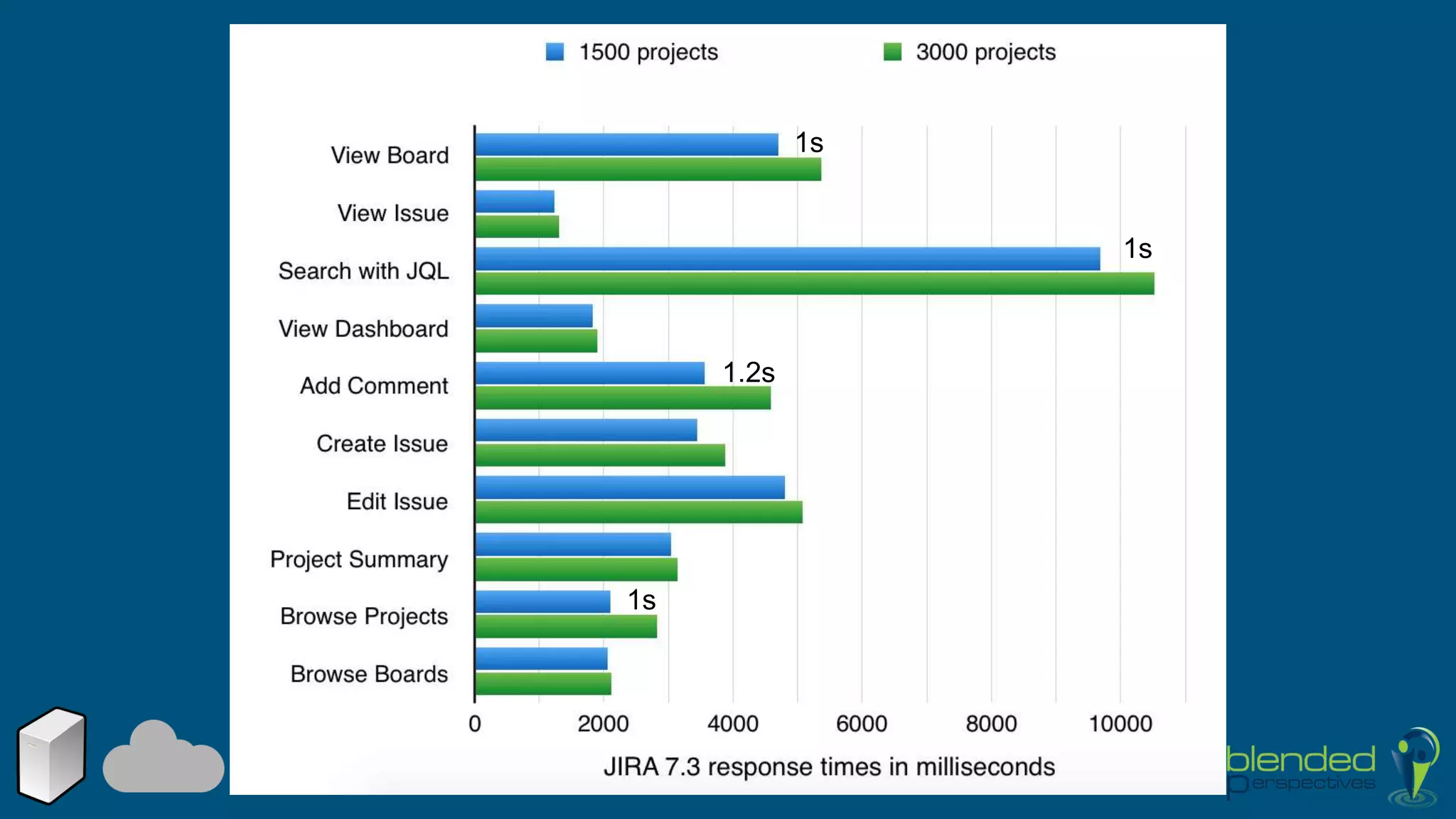
1.1s
1s
1s
1.2s
1s
How to prevent slowness
Governance
Confluence
Cache
Shared
Add-ons
Updates
Compatibility
JQL
Working with Support
The right info
Thread Dumps Heap Dumps GC Logging Access Logs
Summary
Monitor and adjust your heap
Optimal configurations of LDAP and Database
Perform and test backups
Exercise good governance
Tune caches in Confluence
Keep your add-ons up to date
Set up logging correctly before a problem occurs
How did I do?
Would you recommend this talk? I love feedback.
boris@atlasauthority.com
@imatincr
Sources
Browser Performance Logging - https://developers.google.com/web/tools/chrome-devtools/network-performance/reference#waterfall
JAVA 8 - https://blogs.oracle.com/thejavatutorials/entry/learn_more_about_performance_and
GC Tuning https://confluence.atlassian.com/enterprise/garbage-collection-gc-tuning-guide-461504616.html
LDAP - https://confluence.atlassian.com/doc/user-management-limitations-and-recommendations-230817933.html
LDAP - https://confluence.atlassian.com/jirakb/performance-issues-with-large-ldap-repository-100-000-users-or-more-277252528.html
LDAP - https://confluence.atlassian.com/adminjiraserver073/reducing-the-number-of-users-synchronized-from-ldap-to-jira-applications-
861253202.html
Global Catalog - https://technet.microsoft.com/en-us/library/cc978012.aspx
Follow Referrals - https://confluence.atlassian.com/confkb/how-do-i-search-from-active-directory-s-global-catalog-785453286.html
Sources Contd
LDAP Filters - https://confluence.atlassian.com/display/DEV/How+to+write+LDAP+search+filters
LDAP Scope - https://confluence.atlassian.com/display/CROWD/Restricting+LDAP+Scope+for+User+and+Group+Search
Nested Groups (JIRA) - https://confluence.atlassian.com/adminjiraserver073/managing-nested-groups-861253195.html
Nested Groups (Confluence) - https://confluence.atlassian.com/doc/managing-nested-groups-229838455.html
JIRA 7.3 Performance - https://confluence.atlassian.com/enterprise/scaling-jira-7-3-867337072.html
JIRA Profiling - https://confluence.atlassian.com/adminjiraserver073/logging-and-profiling-861253813.html
Confluence Cache Tuning - https://confluence.atlassian.com/doc/cache-performance-tuning-169119133.html
Confluence Profiling - https://confluence.atlassian.com/doc/troubleshooting-slow-performance-using-page-request-profiling-200987.html
Sources Contd.
PostgreSQL - https://confluence.atlassian.com/confkb/postgresql-database-optimization-663617802.html
MySQL - https://dev.mysql.com/doc/refman/5.5/en/optimize-table.html
MySQL troubleshooting - https://confluence.atlassian.com/kb/troubleshooting-slow-mysql-performance-785453959.html
Confluence Backups - https://confluence.atlassian.com/doc/production-backup-strategy-38797389.html
Incompatible Add-ons - https://confluence.atlassian.com/display/UPM/Managing+incompatible+add-ons
Add-on compatibility - https://confluence.atlassian.com/display/UPM/Checking+add-on+compatibility+with+application+updates
Updating add-ons - https://confluence.atlassian.com/display/UPM/Updating+add-ons
JQL Performance - https://confluence.atlassian.com/jirakb/understanding-jql-performance-740263450.html
Sources Contd.
GC Logging - https://confluence.atlassian.com/confkb/how-to-enable-garbage-collection-gc-logging-300813751.html
GC logging - https://confluence.atlassian.com/confkb/how-to-enable-garbage-collection-gc-logging-300813751.html
Thread and Heap Dumps - https://bitbucket.org/atlassianlabs/atlassian-support
JIRA Access Logs - https://confluence.atlassian.com/adminjiraserver073/logging-and-profiling-861253813.html
Confluence Access Logs - https://confluence.atlassian.com/confkb/how-to-enable-user-access-logging-182943.html
DAN RILEY • STATUSPAGE ENTERPRISE PRODUCT ADVOCATE
StatusPage Product Overview
THE PROBLEM
Product Overview Agenda
BENEFITS + FEATURES
Q&A
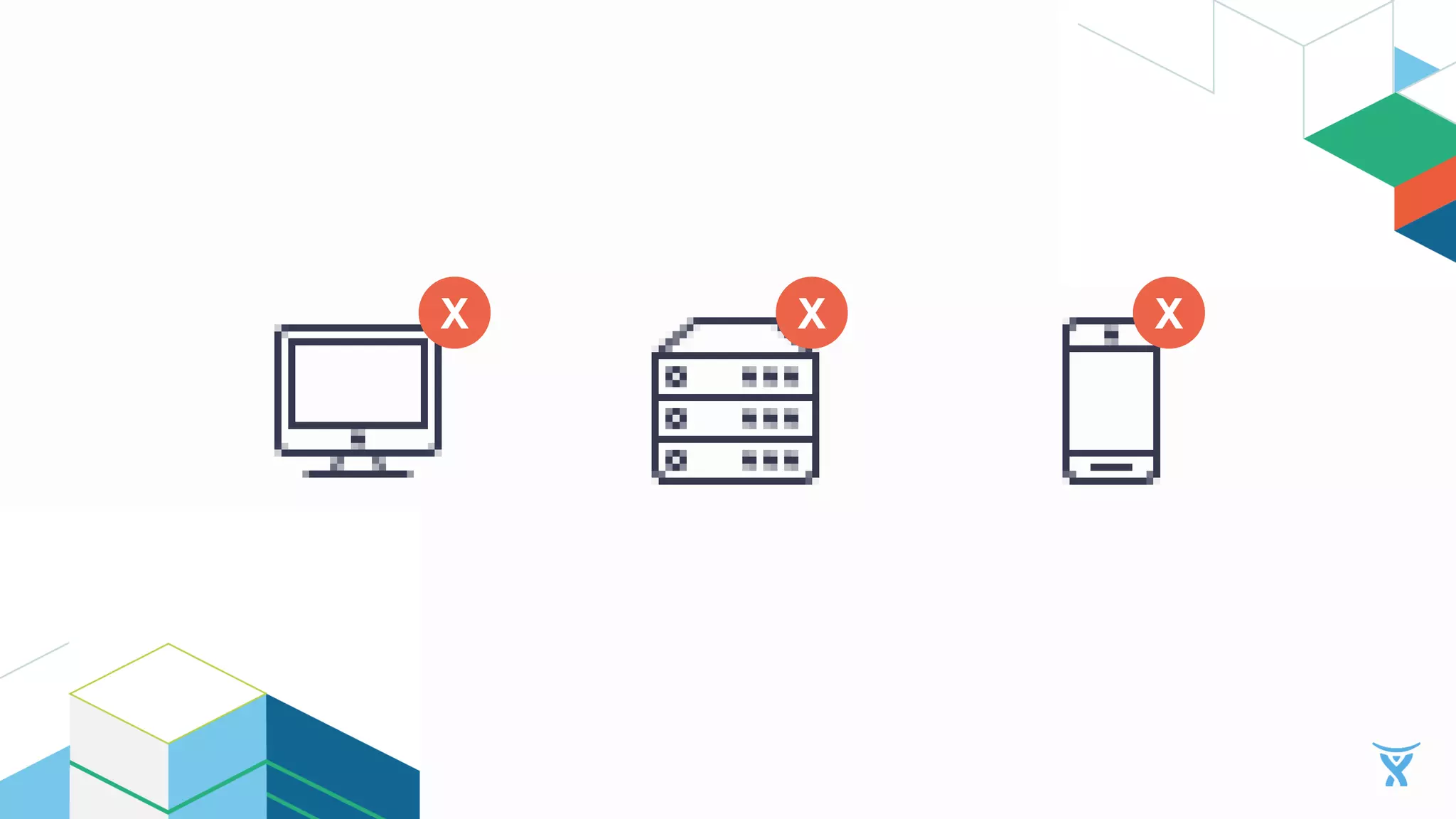
The Problem
X X X
Support team IT, Ops, Dev teams
! ! !
Communication is key
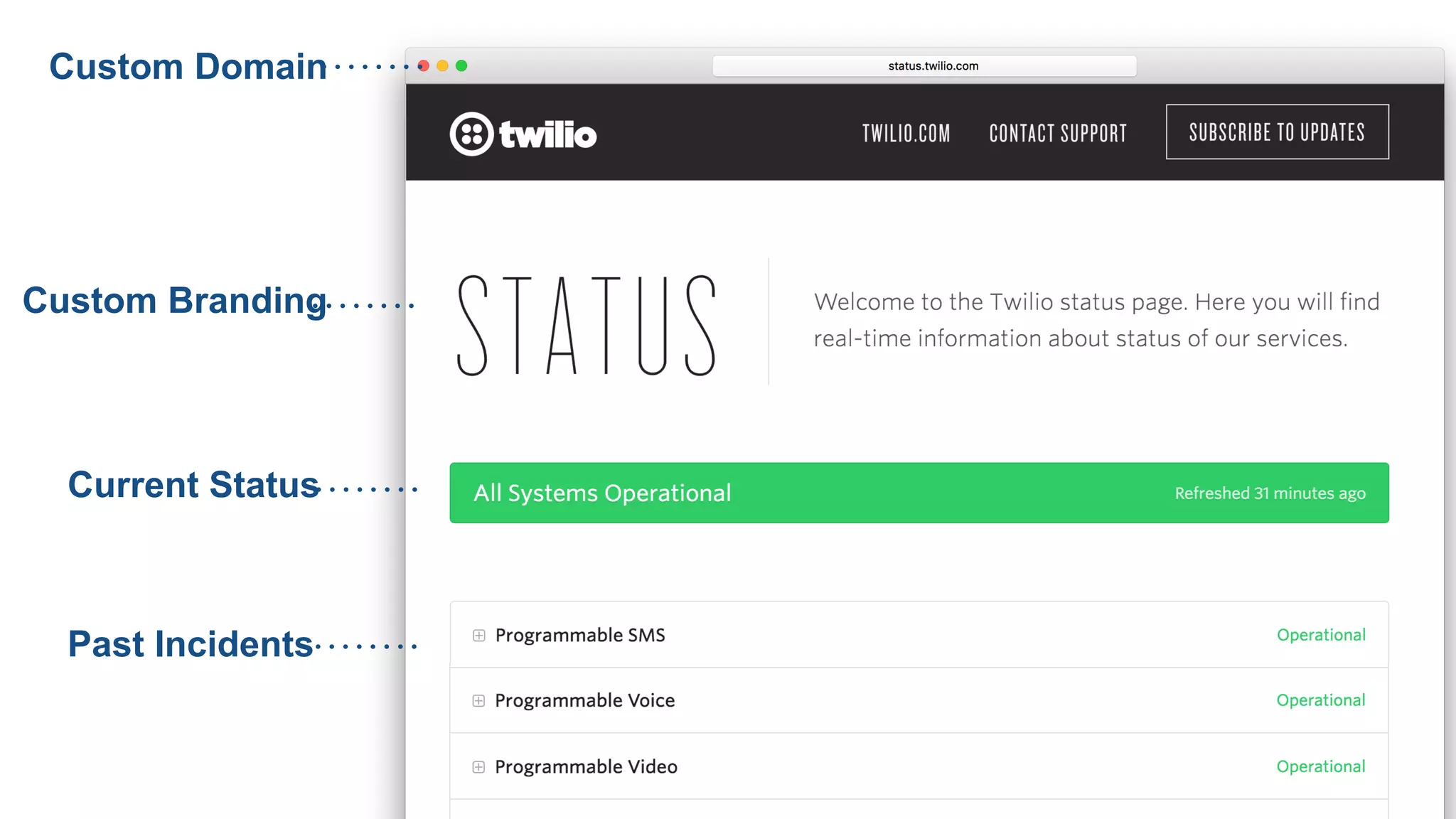
Custom Domain
Custom Branding
Current Status
Past Incidents
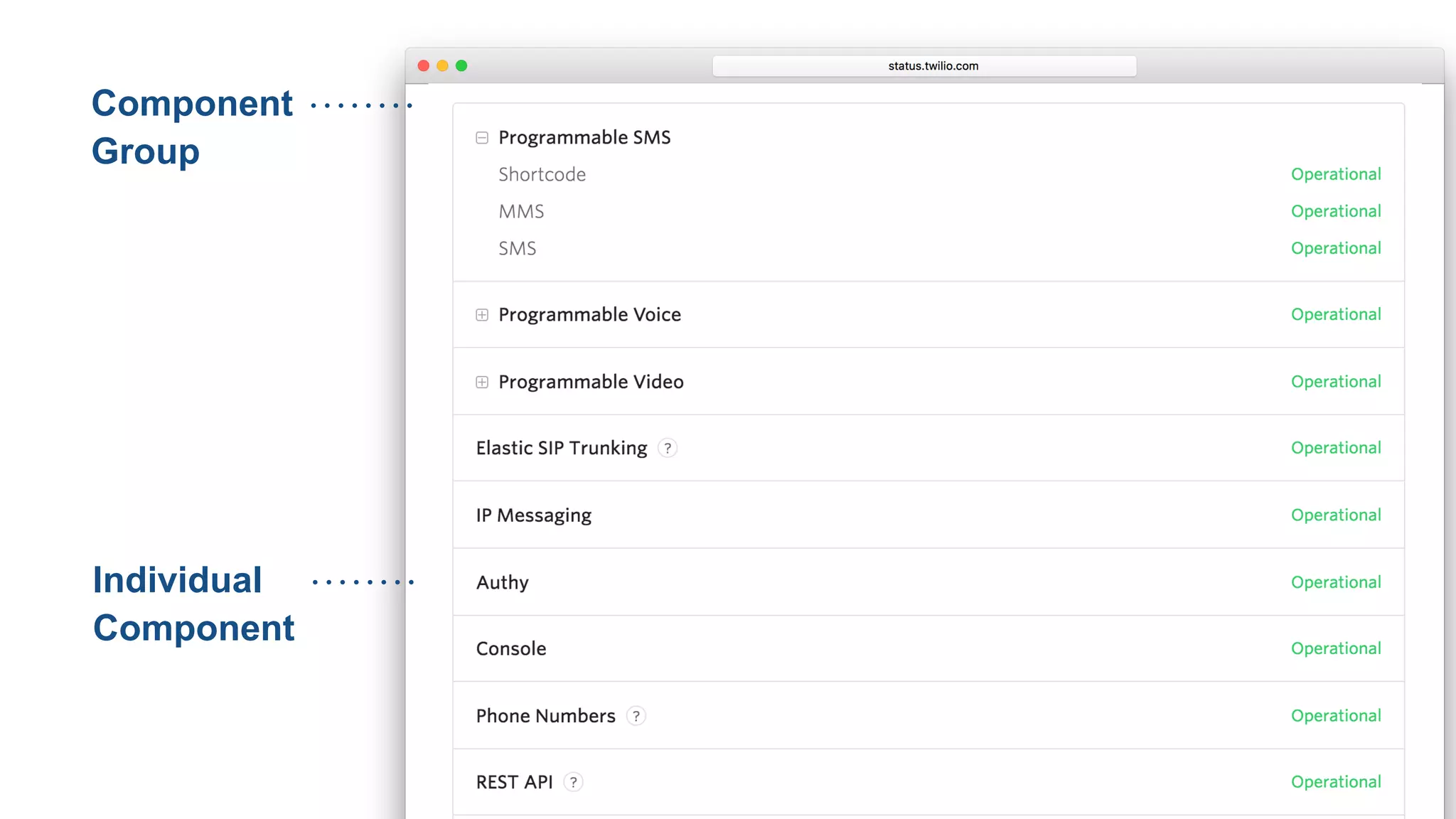
Component
Group
Individual
Component
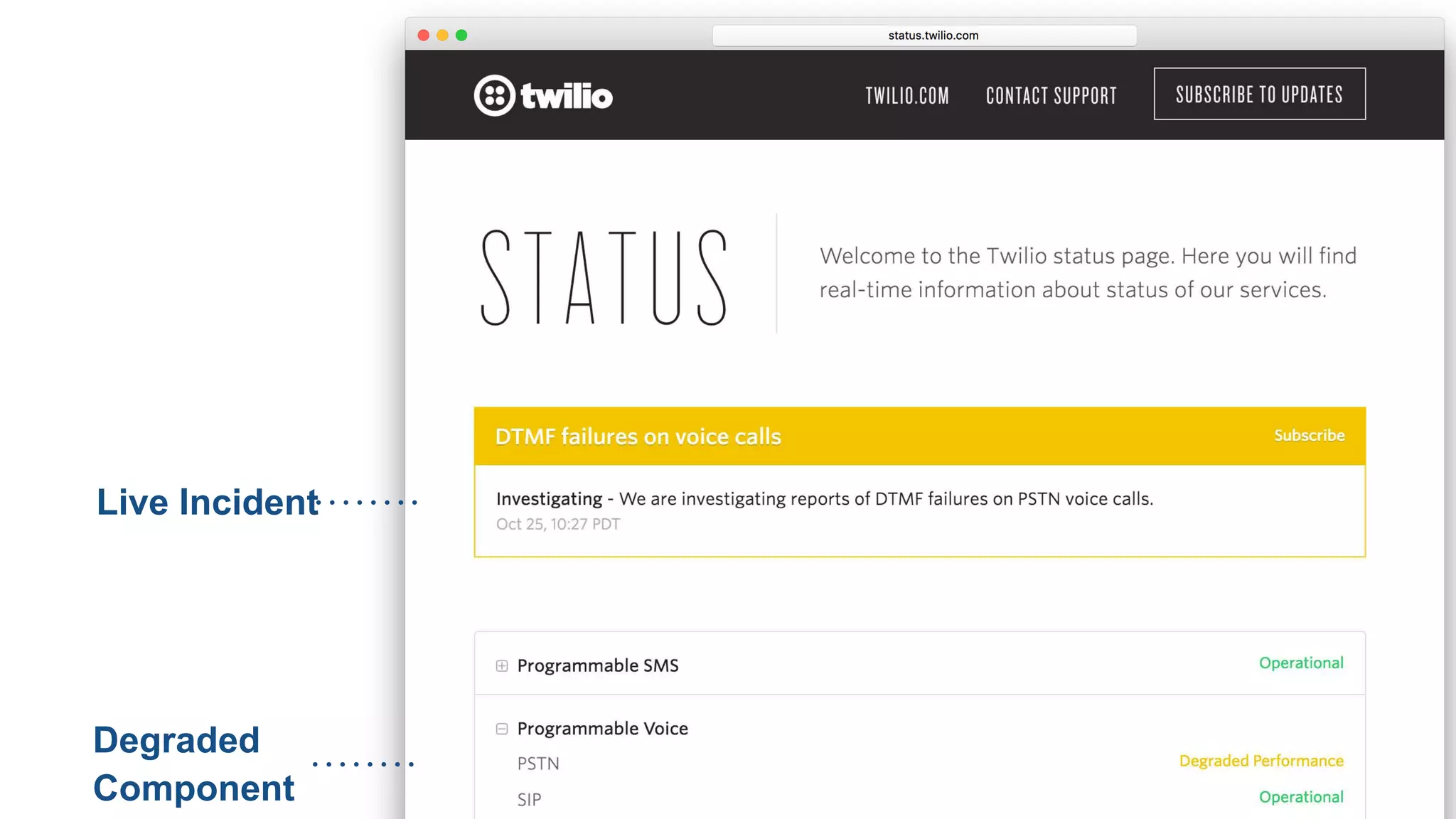
Live Incident
Degraded
Component
Benefits + Features
1) Increases efficiency
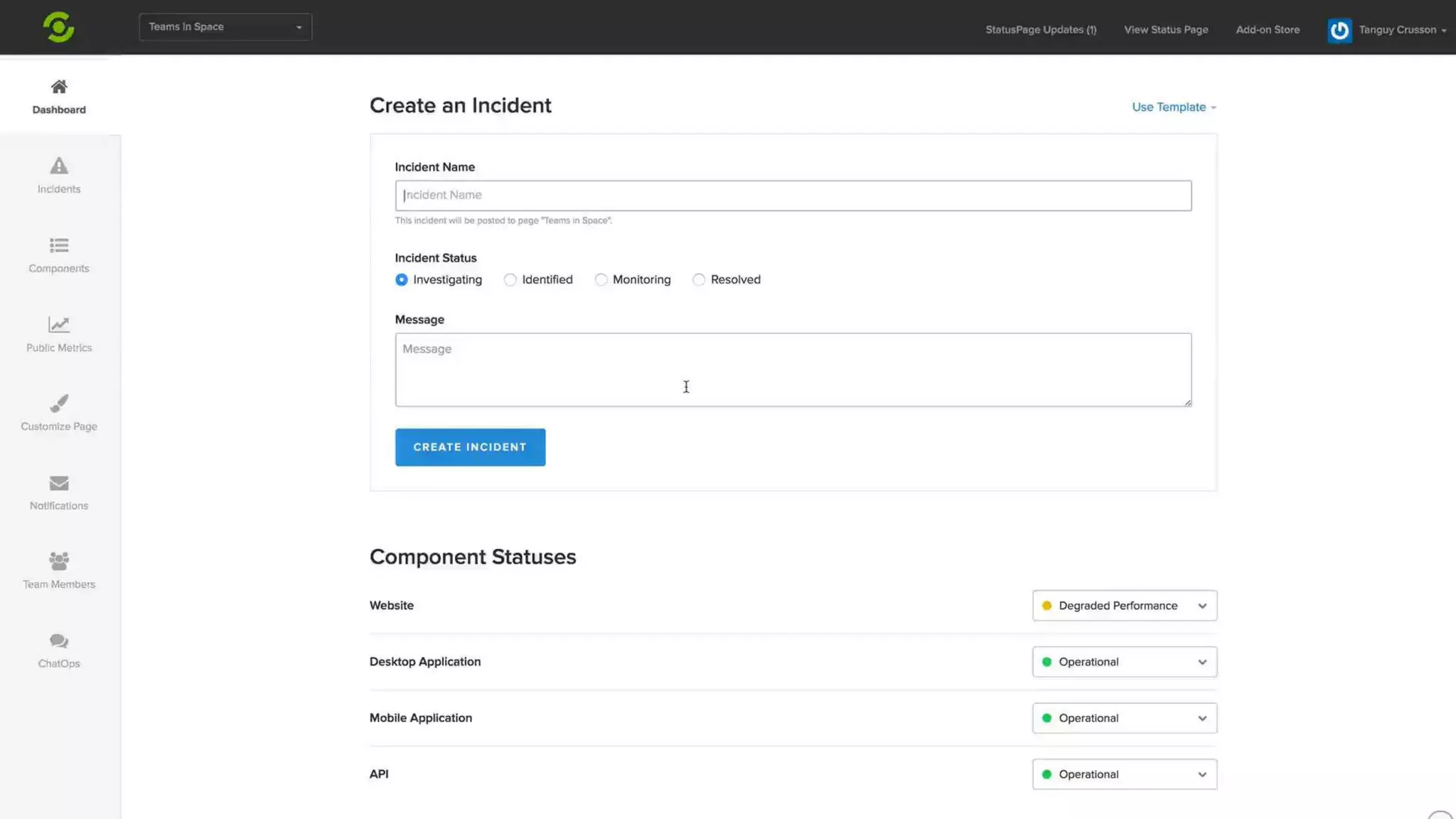
Quickly create incidents
Save time with
incident templates
Incident templates save time when your service is down
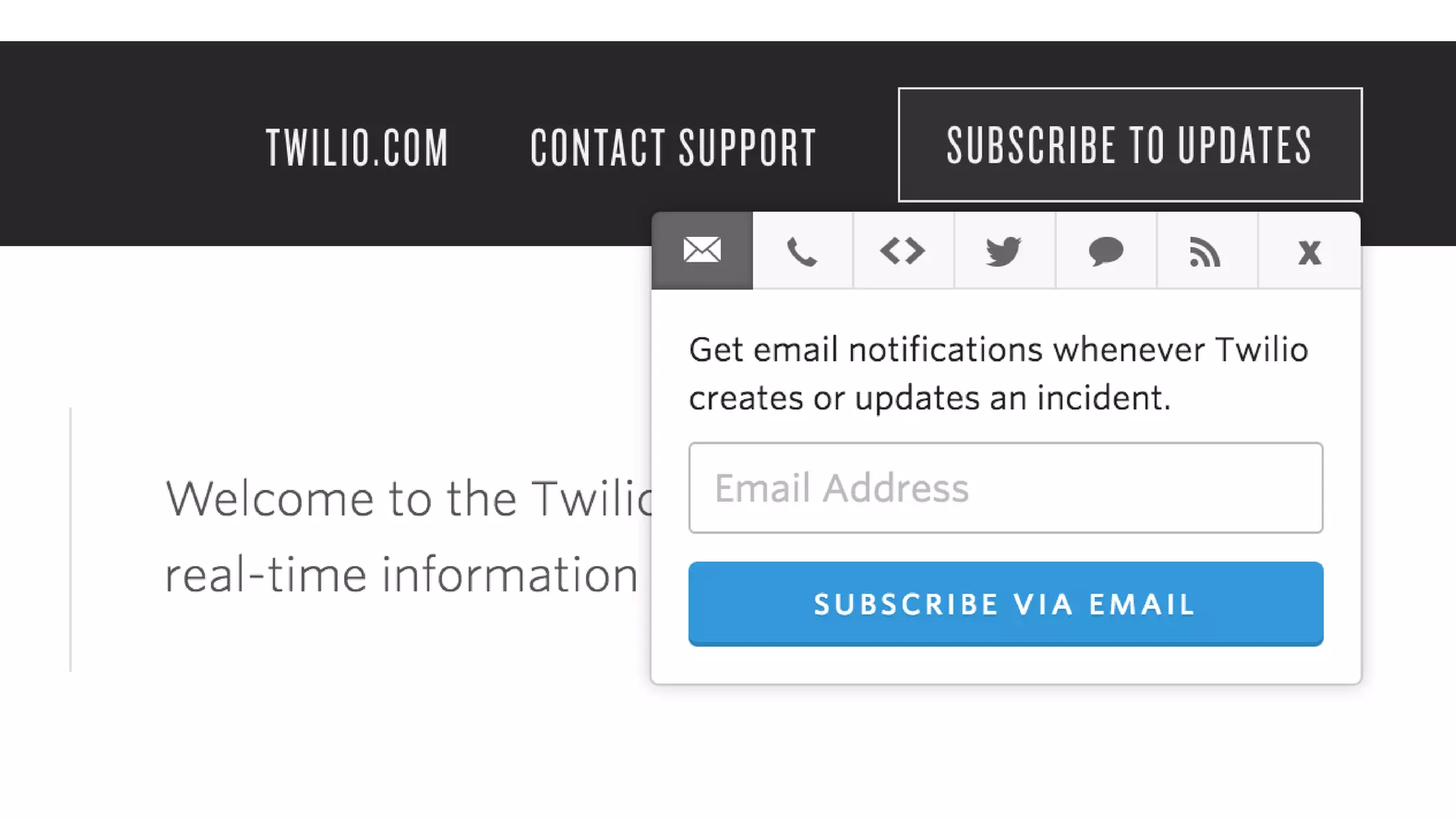
Allow users to proactively
subscribe to your status page
Keep users in the know with
real-time notifications
1
2
3
SMS
notifications
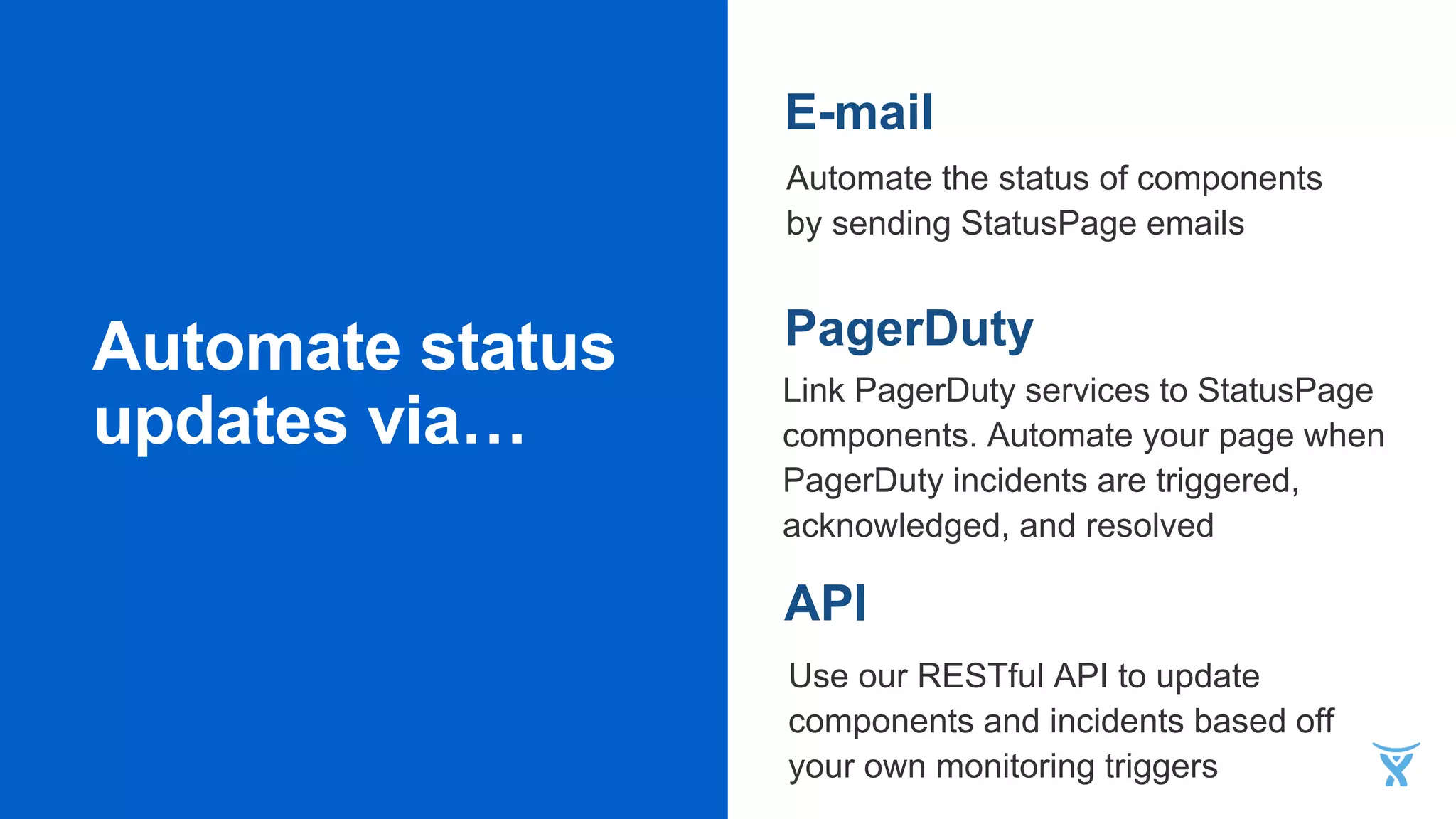
Automate your incident
communication to save time
Link PagerDuty services to StatusPage
components. Automate your page when
PagerDuty incidents are triggered,
acknowledged, and resolved
Automate status
updates via…
API
PagerDuty
E-mail
Automate the status of components
by sending StatusPage emails
Use our RESTful API to update
components and incidents based off
your own monitoring triggers
Supercharge internal incident
communication with private pages
Public Page Private Page
Public Pages Private Pages
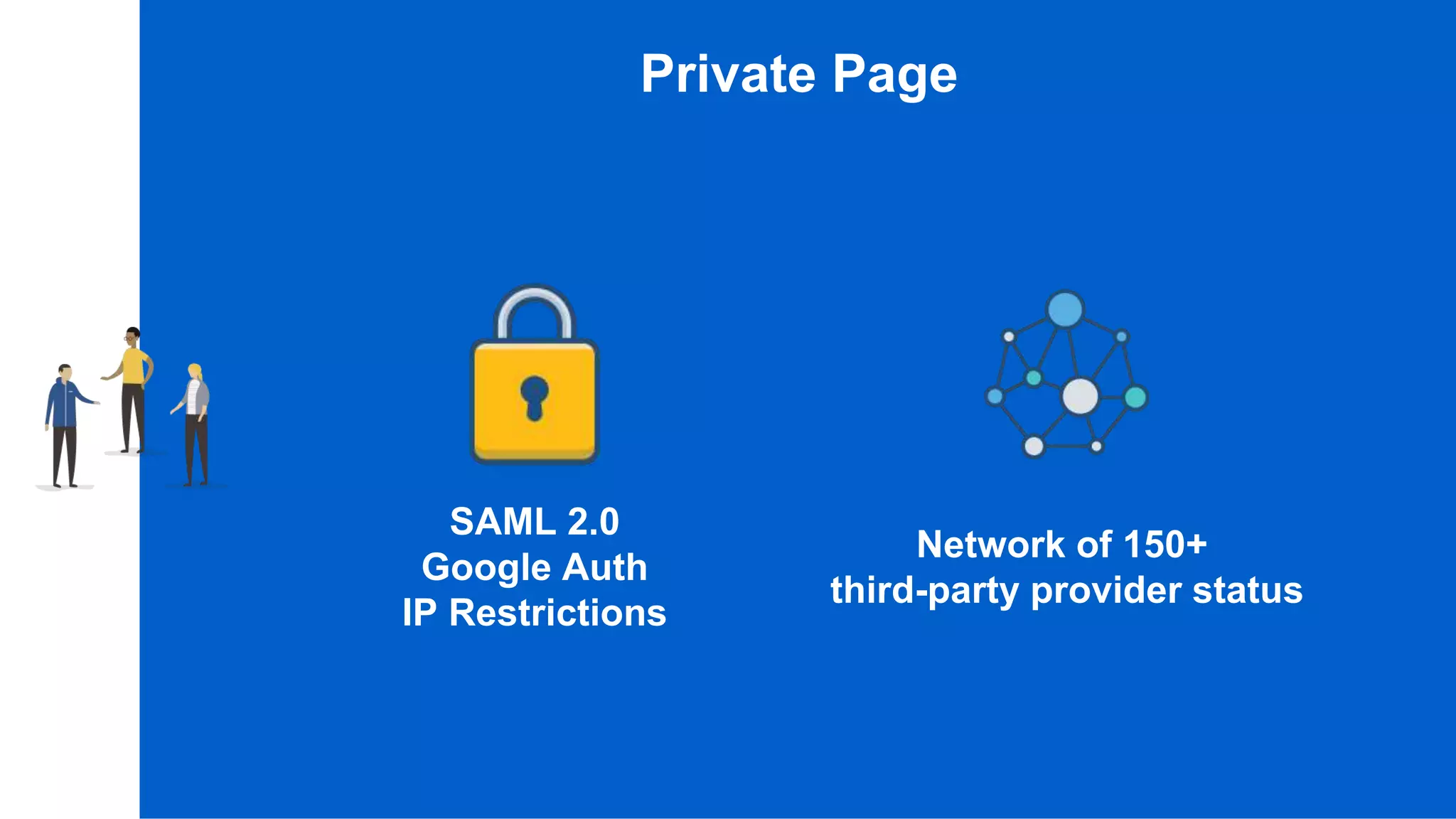
Private Page
SAML 2.0
Google Auth
IP Restrictions
Network of 150+
third-party provider status
2) Builds user trust
Easy to set up & customize
Brand your status page with your logo, CSS, & HTML
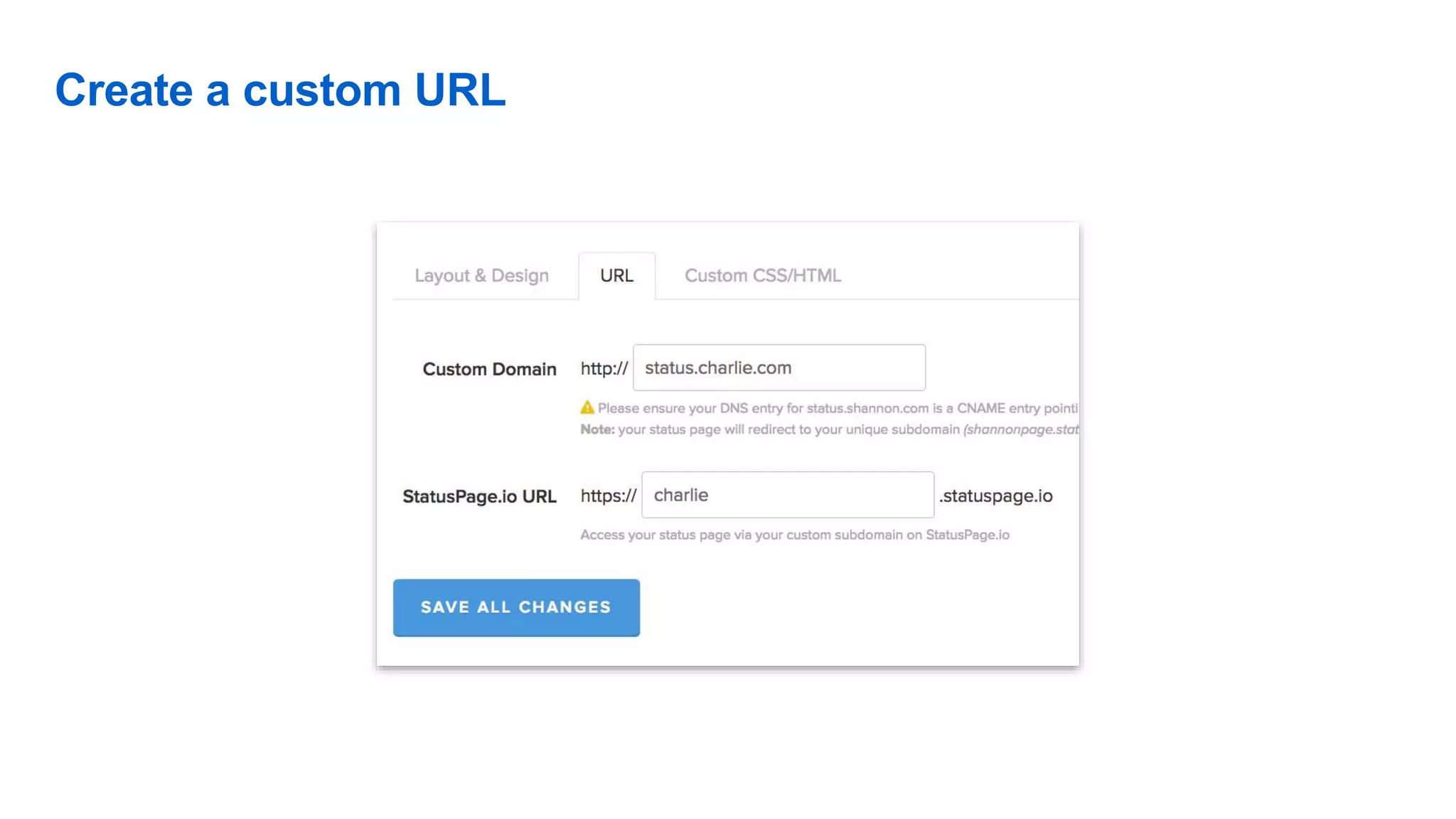
Create a custom URL
Be transparent about every
part of your service
Updated status for each part of your service individually
Add third-party components to show the status of external
services
Ensure users know when a
scheduled maintenance will affect
them
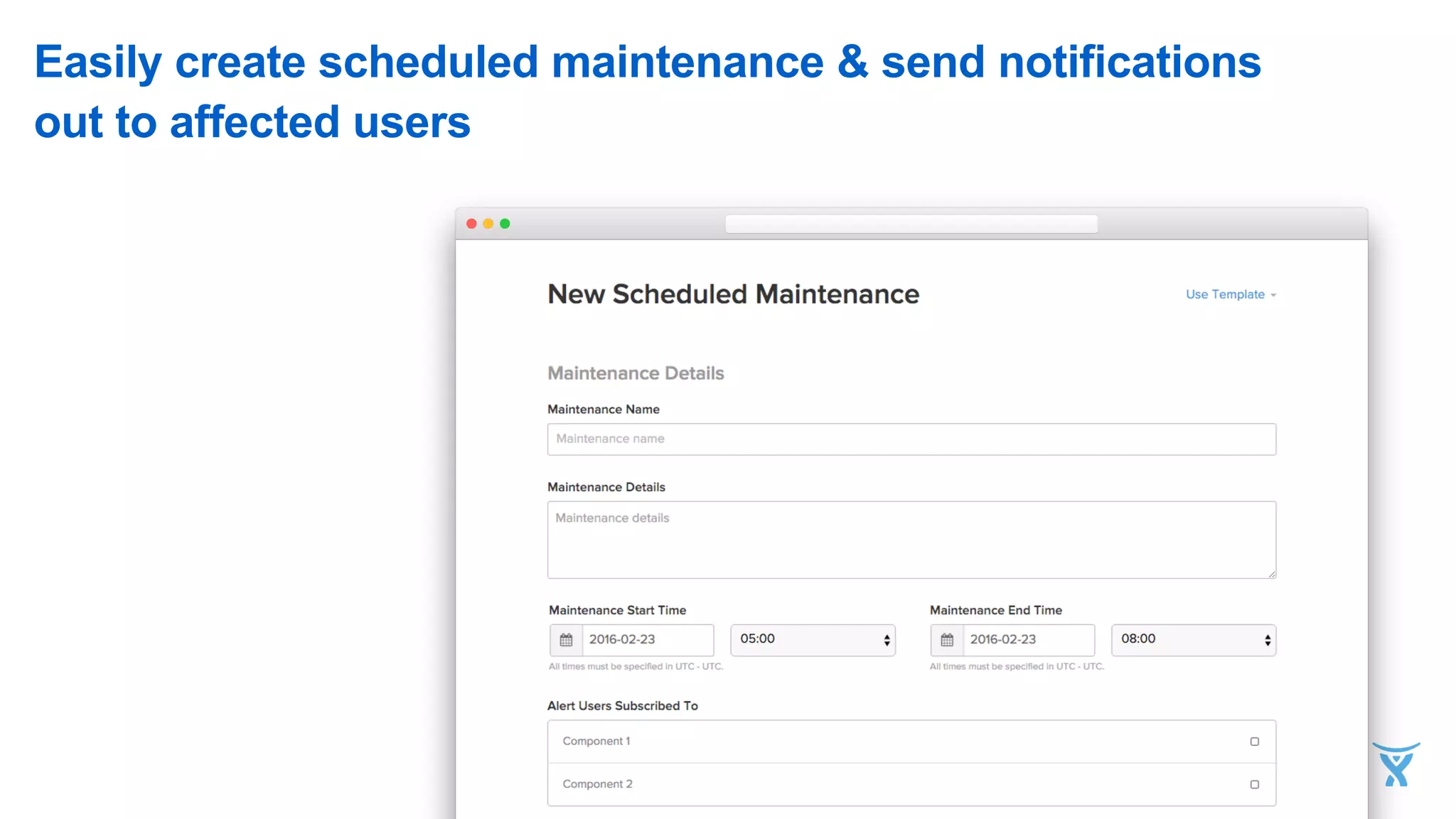
Easily create scheduled maintenance & send notifications
out to affected users
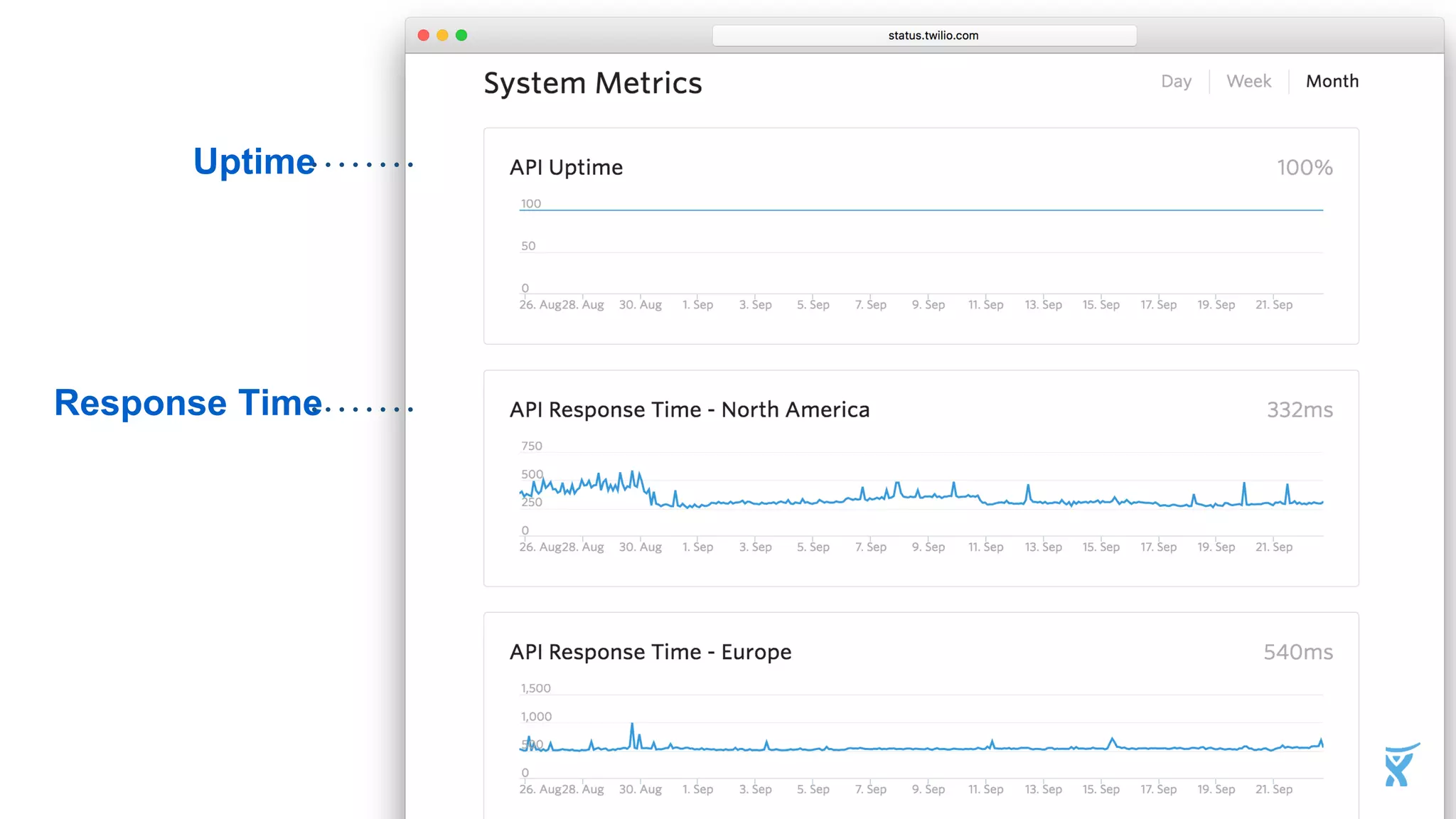
Add metrics to showcase
uptime and transparency
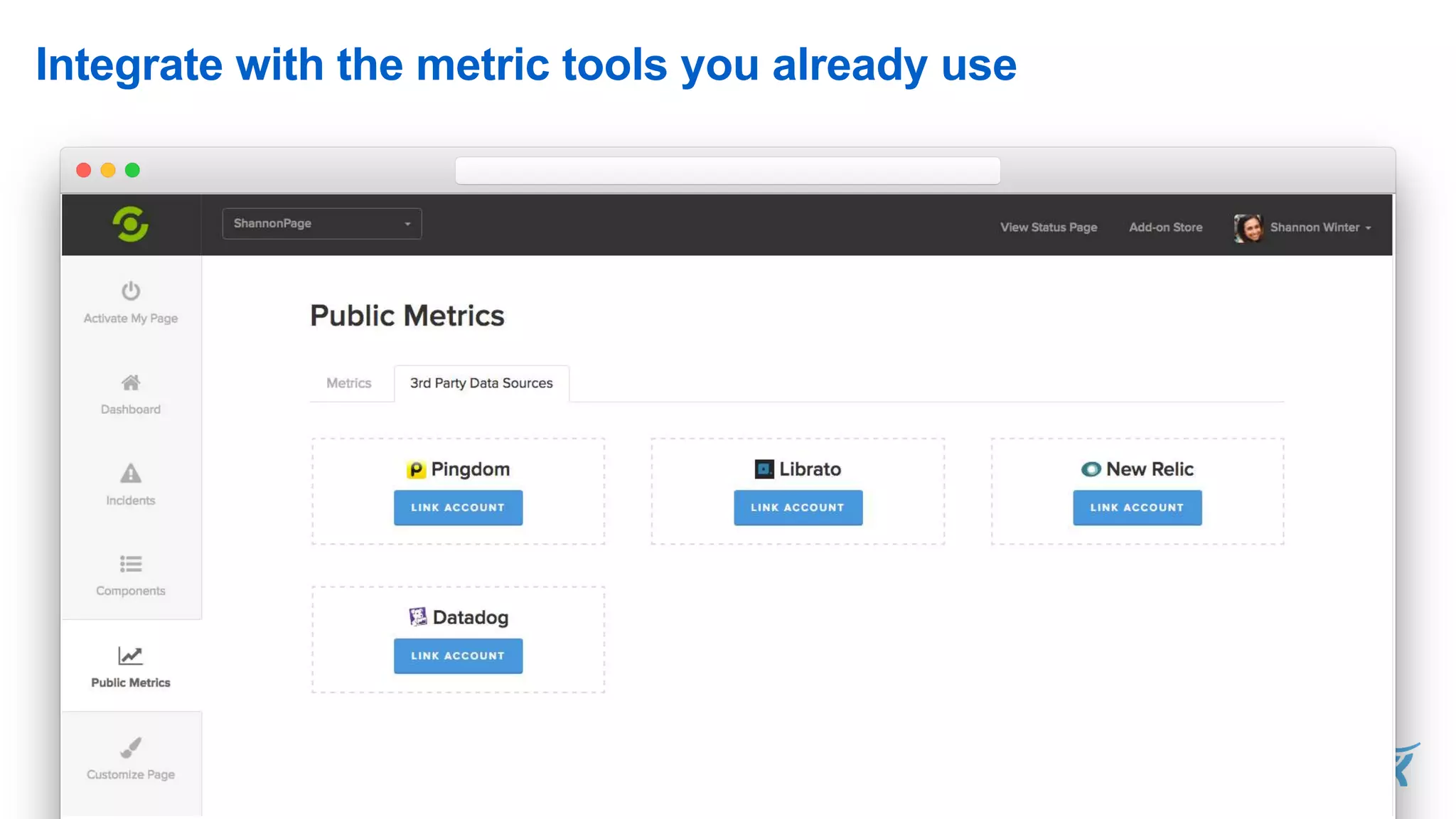
Integrate with the metric tools you already use
Uptime
Response Time
Or create a custom metric through the API
3) Example customers
Q & A

Atlassian User Group NYC - May 24, 2017 Slides

Editor's Notes

  • #2 My name is Laura Daly and I am a product marketing manager at Atlassian
  • #3 Number of years that I have worked at Atlassian Always in product marketing
  • #4 6 is the number of product teams that I have work with This includes FishEye & Crucible I started on JIRA Software, spent some time working on Bitbucket, and now work with the Portfolio for JIRA and Bamboo teams
  • #5 This is the kitchen at Eleven Madison Park, New York - a 3 Michelin star restaurant and rated first in last year’s World’s 50 Best Restaurants list. From the time you enter the restaurant, where you are greeted by the host, to the head server who seats you at your table to the carefully crafted menu, pristine place setting and finally the taste and presentation of the dishes - is all an impeccable effort in perfection and collaboration in cooking. (CLICK for transition) You might wonder why I’m talking about food in a DevOps presentation. There is a lot in common! Just as in Software and IT, in a kitchen there are a number of chefs and people in various roles. They are assembling their own micro-services, bringing them together, and shipping quickly while the dish is still warm. Similarly, DevOps can be a recipe for success for Dev and Ops teams coming together to embrace a collaborative approach, to share feedback and experiment together with new techniques and new tools.
  • #6 Here’s the agenda. We’ll address some of the bigger challenges facing the software industry today and how DevOps addresses that solution We will then take a look at what steps your team and organization can take to adopt DevOps if you’re a beginner, and we’ll spend some time understanding the need for a culture shift and finding the right tools- helpful for both beginners and those already practicing looking for other perspectives and ideas. You’ll also learn how Atlassian does DevOps, where ChatOps fits in, and a second example of how a customer does DevOps So now let’s take a look at the state of software today and some of the challenges the industry is facing
  • #7 6 years ago, in Wall Street Journal, investor Marc Andreesen stated ‘Software is eating the world’ These days the idea that every company is a software company is a cliche. No matter your industry, you’re expected to be reimagining your business to make sure you’re not the next local taxi company or hotel chain caught completely off guard by your equivalent of Uber or Airbnb. (CLICK to transition) Today, software is programming the world according to Andreesen. We are becoming increasingly reliant on software & services for everything, even in markets that previously didn’t make sense before, like physical goods. Source: http://www.forbes.com/sites/roberthof/2016/07/12/marc-andreessen-now-software-is-programming-the-world/
  • #8 You would probably not consider these businesses software-first, but they’re increasingly just that - using software to distinguish themselves in competitive markets. Sources: P&G: https://conferences.oreilly.com/strata/strata-ny-2016/public/schedule/detail/51978 Starbucks: http://www.geekwire.com/2016/new-starbucks-cto-technology-creating-hyper-connected-coffee-shops-personalized-customer/ Chevrolet: https://www-01.ibm.com/software/rational/announce/volt/ GE: https://www.nytimes.com/2016/08/28/technology/ge-the-124-year-old-software-start-up.html Nike: https://techcrunch.com/2016/07/06/nike-releases-open-source-software-to-play-with-the-techies/
  • #9 Speaking of changes, in the last 10 years we’ve seen Agile & Git adoption skyrocket. In Agile, all roles on a development team come together to prioritize, scope, and support one another. And with Git, branching and merging has never been so easy. Decentralized version control systems are enabling teams to move faster than ever with higher quality. According to the 2016 State of Software report by Atlassian, (where we surveyed 17,000 software professionals including 1,300 Atlassian customers), 77% of teams report using Agile methodologies. Sources: 2016 State of Software report - Atlassian: http://www.netinstructions.com/the-case-for-git/ https://techbeacon.com/survey-agile-new-norm
  • #10 and 78% have moved to a distributed version control system like Git. This pattern is not just seen in small software teams, but across large enterprise teams as well. I’m sure most of you are also practicing these processes in various capacities. What lies ahead for software development and is there an opportunity to improve? Sources: 2016 State of Software report - Atlassian: http://www.netinstructions.com/the-case-for-git/ https://techbeacon.com/survey-agile-new-norm
  • #11 Ask the audience: Has anyone migrated to Agile & Git and is still dealing with these situations listed on this slide? You’ve noticed releases have been slipping? Has there been friction between dev and ops teams? Do you feel incident response times often cross SLAs? Has infrastructure often been on fire in your teams? If you can answer ‘YES’ to any of these questions, you’ll realize that while Agile and Git are great, they don’t prevent silos and ‘walls of confusion’ from still forming.
  • #12 Traditional development and operations teams tend to work in silos, limiting the amount of inter-team communication until software release times. Software teams work in their own bubble while an ops team might get a 2am wake up call to work on a problem they have no context about. While Agile and Git are good prerequisites to a culture for DevOps, but there’s a lot more to building a culture that allows for cross-functional teams to maximize efficiency, collaborate and innovate. And we that software enterprises must become more collaborative.
  • #13 The only way to break down the silos, open lines of communication, and make further gains on speed and quality is through a brand new way of working. We’re not just talking about tools here, but also best practices and a cultural shift to experiment and share information between teams. This is the catalyst for the movement we call DevOps.
  • #14 For many of you here, you might be familiar with the term DevOps so let’s level set to understand what it is exactly? DevOps is a culture where dev & ops collaborate to build a faster, more reliable release pipeline. You’ll often see this manifest with changes to the software delivery pipeline and infrastructure.
  • #15 DevOps is underpinned by 3 principles - Gene Kim’s 3 ways (made popular by the Phoenix Project) Flow - Make work visible across groups (i.e. Dev & Ops), limit work in progress, and reduce handoffs. Amplify feedback - Aim for fast feedback, catching failures before they make it downstream is imperative. Continuous experimentation - Create a culture learning, where taking risks and learning from failure is viewed as a step forward.
  • #17  What will DevOps do for me? There is a strong correlation between teams practicing DevOps and delivering value They spend more time on R&D than working on unplanned work or rework 24x faster recoveries from failure - that can be the difference between 5 9’s and 4 9’s. For those not familiar, 99.999 (often called "five 9s") refers to a desired percentage of availability of a given computer system. Such a system would probably have what some refer to as high availability. These insights and more can be found in the State of DevOps report Source: 24x faster recoveries from failure - that can be the difference between 5 9’s and 4 9’s (https://www.intermedia.net/blog/2014/01/28/99-999-uptime-vs-99-9-uptime-the-difference-two-extra-nines-makes/)
  • #18 And while companies like Netflix or Amazon are often mentioned when it comes to DevOps and some of you might want to hear how to do 100 releases per day or 50 million deployments per year. Not everyone of you can or want to do that. What’s important to remember is that Netflix and Amazon did not get there overnight.
  • #19 So how did they get there? And how can you get started? We know DevOps works for small teams and organizations, but can it work for the Enterprise? The answer is yes, and here’s how you get started with Atlassian
  • #20 Atlassian is the culture and collaboration layer of DevOps - we put teams first, providing tools and guidance to successfully implement DevOps practices. Whether you’re a beginner, or a seasoned pro, let’s dive into the steps you can take with Atlassian to practice DevOps.
  • #21 It starts with culture Practices follow next And finally, having the right tools at your disposal help speed up your releases by automating menial tasks and defining set processes.
  • #22 Let’s now look closely at each of these steps.
  • #23 Culture is the foundation on which every successful team is built. Does your culture foster experimentation and encourage transparency? Do members of your team or organization feel comfortable approaching one another with problems? Do product incidents lead to finger pointing instead of learning? Taking steps to build a culture suitable for DevOps is the first step. Build a sense of shared responsibility and empathy across teams. Be open and transparent and provides means to effectively communicate. This will go hand in hand with other tactics, but without this everything else will become much harder.
  • #24 I realize that Dom Price was here recently to talk about the Atlassian Team Playbook, and I want to reiterate that this is always a great way to identify areas you can improve amongst your various dev & ops teams. Go check it out at atlassian.com/team-playbook. Its totally free to download and use.
  • #25 Let’s move on to the next essential step in DevOps - Practices
  • #26 It’s important to note, that these next recommendations will also help aide in your culture shift. These things won’t happen one after another - it’s definitely a concurrent effort. So you might start with distributed version control (DVCS) and then agile, followed by continuous integration. Any of these changes will help in bringing a cultural shift to your dev and ops teams. Let’s take a closer look at each of them
  • #27 We just added a new article on our Agile microsite which dives into the connection between agile and devops, and the differences: https://www.atlassian.com/agile/devops DevOps is agile applied beyond the software team. Don’t pigeon hole Agile and DevOps into narrow definitions or pick and choose practices from each, but think of both as a whole. Agile is not simply scrum, and DevOps is not simply continuous delivery. They’re both large, cultural movements that used separately or together can inspire your organization with better means for achieving your goals.
  • #28 We can provide guidance here as well, check out our Git microsite at atlassian.com/git. Especially if you need help migrating to a distributed version control system
  • #29 Lastly, but certainly not the least, is continuous integration and continuous delivery. In DevOps, automation and deploying often is the goal The basis of which is a sound continuous integration pipeline Is it common practice to write tests during new development? Are you living and breathing by a red/green build wallboard? How do I begin to build an infrastructure and processes? Well, we have some help for you here too at our continuous delivery microsite. https://www.atlassian.com/continuous-delivery
  • #30 Okay, that’s a lot. But Agile, Git, CI/CD, and a team playbook is getting you only partly there. What are you supposed to do now and how can you make the transition to all of these things easier? The answer is tooling.
  • #32 I am going to walk you through a demo based off of our Bitbucket Cloud team’s workflow, but applied to a fictional DevOps team working on the Teams in Space project We’ll look at how the team handles an incident In this case, their web application starts to experience some performance trouble. Ops and Dev will swarm on the issue, identify a temporary & permanent fix, then implement and release the change.
  • #33 Meet Sam, our Ops engineer. He’s in charge of supporting the live Teams in Space app. Sam heads into work one morning and starts catching up on things that happened while he was out. (CLICK to transition) Shortly after his first cup of coffee, notifications start rolling in… something is wrong with the application cluster supporting the Teams in Space app. (CLICK to transition) In this case, PagerDuty pings the HipChat room.
  • #34 Sam and team quickly realize this will take some work, (CLICK to transition) so he goes to log a service desk ticket to track progress. He creates the Hotfix ticket in JSD. (CLICK to transition) Once the ticket is created, (CLICK to transition) it pings the Teams in Space development HipChat room. Sally, a developer sees the ticket and hops into the related HC room to help.
  • #35 The Ops & Dev teams are working together to find the root cause and identify a fix. 2 things happen at once, (CLICK to transition) the Ops team updates StatusPage (or they have their external monitoring system do it automatically), and they search through their knowledge base for a quick solution (CLICK to transition) The team identifies a quick fix - add another node to the cluster to support the increased usage. This will hold them over until the development team can fix the bug during their next sprint In the meantime, Sam brings another node into the cluster
  • #36 (CLICK to transition) Sally adds the bug fix to the backlog in JIRA Software, linking to the JIRA Service Desk ticket for traceability (CLICK to transition)
  • #37 With the issue resolved and ready to go in the backlog, the team runs a retrospective or an incident post mortem (CLICK to transition) HipChat captures the timeline and teams can put this on the post-mortem report Everyone involved in the incident is involved - that means Ops & Dev teams!
  • #38 Next step is when the development team starts their next sprint. (CLICK to transition) Sally’s colleague, Jennifer, begins work on the bugfix (CLICK to transition) Using the integration between JIRA Software and Bitbucket, Jennifer creates a branch. (CLICK to transition) Development begins in Bitbucket, once the change is ready for review, Jennifer creates a pull request PRs get team members talking, share knowledge, and catch bugs that made it through your CI process If you implement one thing out of all of this, PRs should be it Creation of the pull request automatically transitions Jennifer’s JSW issue The team approves her change, Bamboo builds are passing, it’s time to merge With development complete, all the updates are available inside JIRA Software - complete visibility
  • #39 Finally it’s time to deploy (CLICK to transition) The release manager, John, (CLICK to transition) can see the status of everything in JIRA Software’s release hub Once things are dubbed “done” , the release manager can deploy from JIRA or directly from Bamboo (CLICK to transition) The fix is now live on production
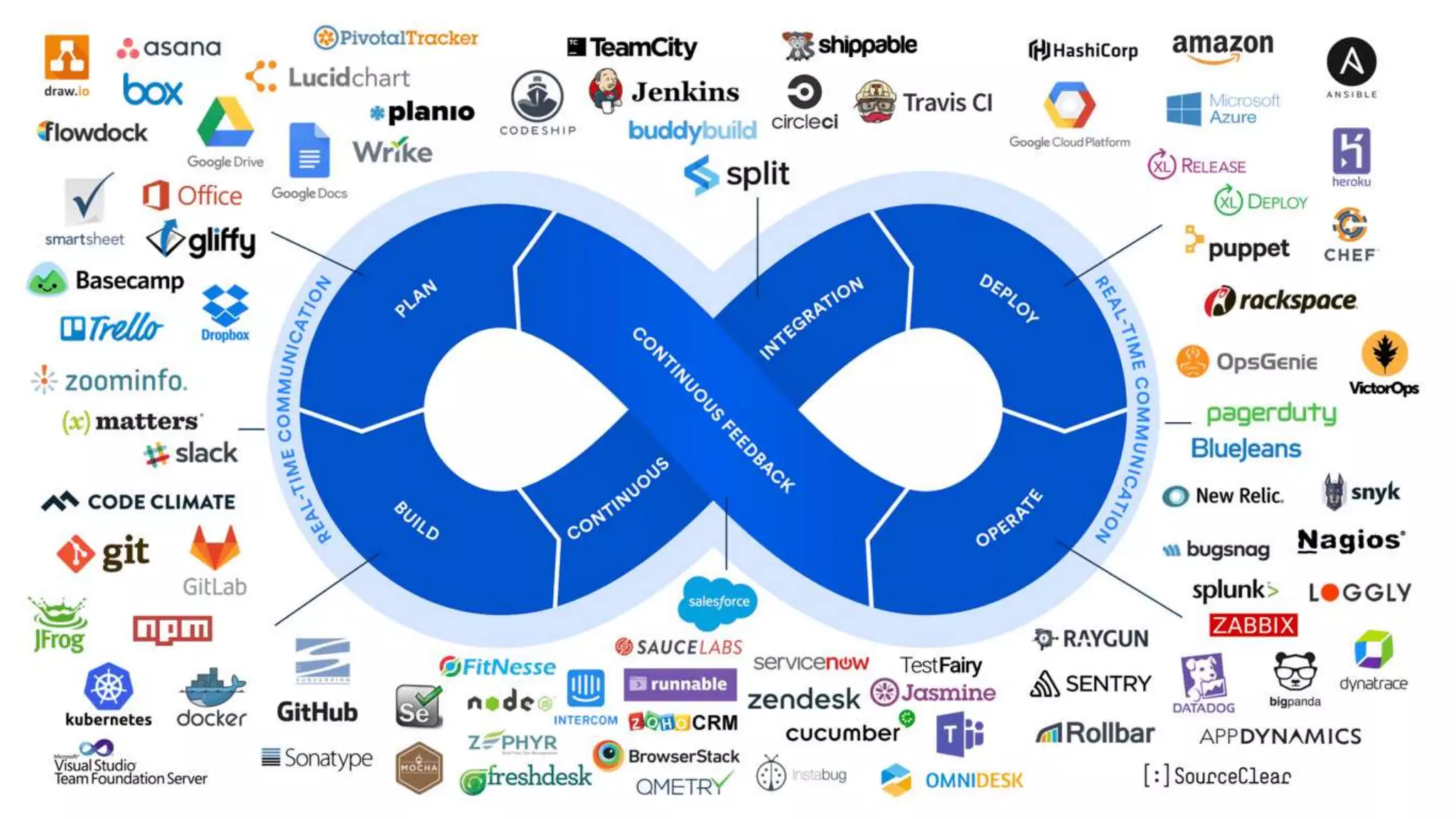
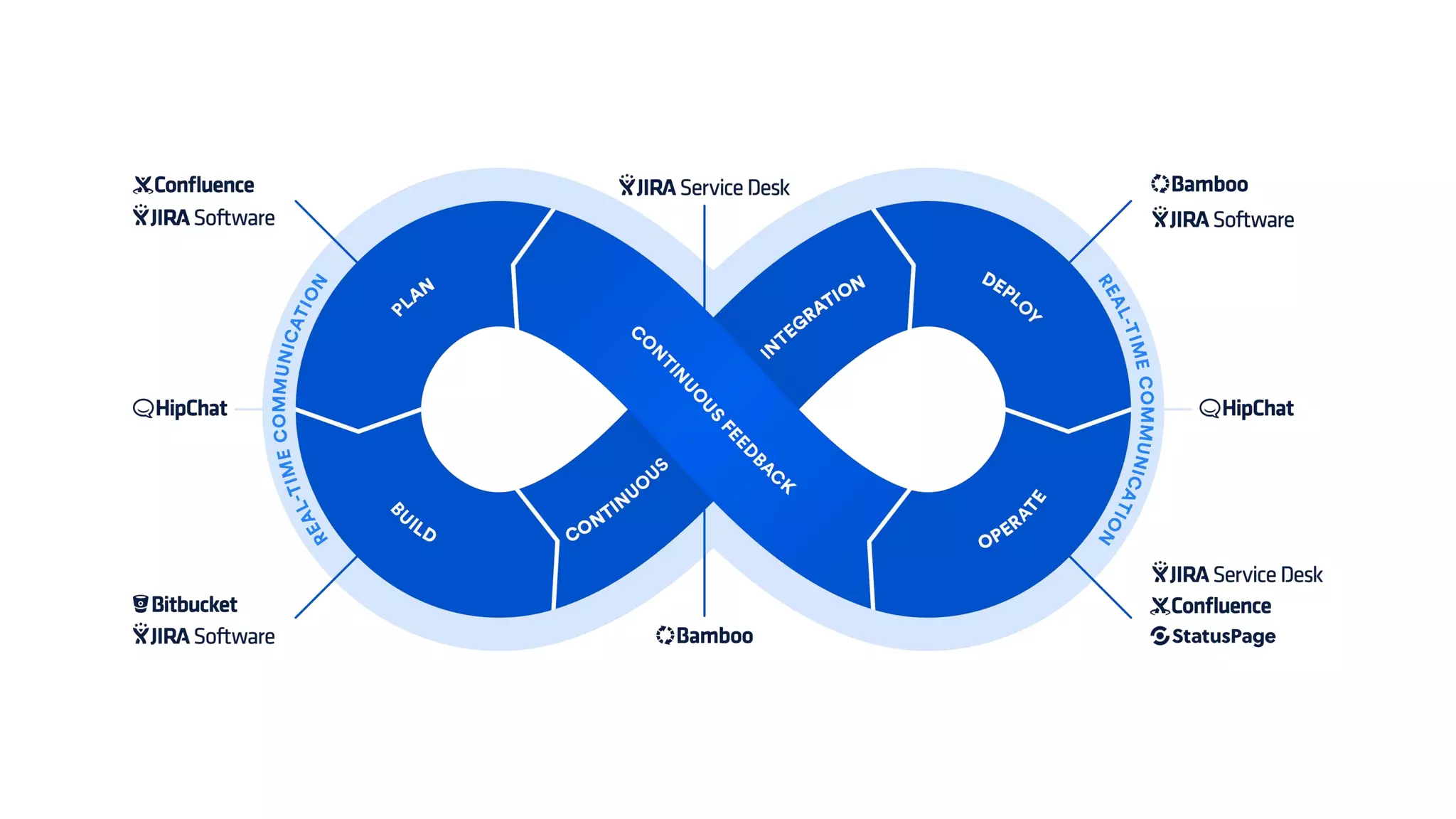
  • #40 At Atlassian we see DevOps as a complete software development lifecycle. Each phase flowing into the other, breaking through silos and informing key stakeholders along the way It’s important to note that Atlassian products can get you most of the way there I’d say 70%, but there’s also a wide range of other tools that will land somewhere along the infinity loop. DevOps incapsulates a lot that we didn’t mention, like containerization, orchestration, monitoring, test management, and so on. This is why we partner with key players in those areas - like Amazon, xMatters, SauceLabs, Puppet, etc..
  • #41 So no matter what you’re looking to do, it’s likely Atlassian tools will have an integration available for you.
  • #42 Now.. you’re team asked about ChatOps and how it fits into DevOps. ChatOps is a collaboration model that connects people, tools, process, and automation into a transparent workflow. As an example, our SRE teams use HipChat as the base of operations for all reliability issues: bugs, site crash, alerts, asteroid, whatever. Because they use a wide range of tools – JIRA Software, JIRA Service Desk, Datadog, PagerDuty, StatusPage, and more – having HipChat as the hub keeps our SRE teams focused on the task at hand. While the particulars of each incident are different, the ChatOps approach to incident management (which fits into the larger scheme of DevOps) follows these same basic steps each time:
  • #43 1. Verify that there is an issue Usually issues start to appear in the teams’ chat rooms as alerts from integrated tools like Datadog, PagerDuty, JIRA Service Desk, or StatusPage. Without chat, this process is much slower and harder.
  • #44 2. Evaluate the severity of the issue As alerts and tickets start to show up, everyone on the team sees them, and immediately starts discussing. As a group, they verify whether the incident is being handled appropriately, or needs escalation. They often share charts, graphs, and tickets in their chat room to lend more context to the discussion.
  • #45 3. Create a “Hot Room” All Atlassian, HipChat rooms are connected to JIRA Service Desk and anytime a ticket is filed against a critical component, an automated process kicks off. HipChat creates a new room with the name of the JIRA Service Desk issue, and everyone watching the issue is invited to the room. We call this a “hot room”. Incident-specific rooms can also be created manually by clicking a button on the JIRA issue. From here, the SRE responder goes into incident-management mode, paging the necessary developers through PagerDuty. The broader team is then invited into the “hot room” where everyone can see in real-time what is happening, who is doing what, and how the incident is being resolved. Hot rooms typically include a cross-functional group – SRE, engineering, support, IT leadership, product management, product marketing, social media support – each playing a different role in the resolution process.
  • #46 4. Gather info and automate tasks The Bitbucket SRE team connects Datadog to their team chat room to receive warnings (complete with graphs!) anytime their support site shows signs of trouble. By having pre-emptive warnings, the SRE team can respond to incidents quickly, before the flood of support tickets start rolling in. The fewer support tickets relating to production help, the more time they can spend making Bitbucket better and better.
  • #47 5. Use the historical record to learn After the incident is resolved, use your “Hot Room” as a transcript of the entire incident, perfect for post-incident review and root cause analysis Once an incident is resolved, our team immediately creates a Confluence page that explains exactly what happened, how we responded, and how we could improve next time. This is shared with the entire company, increasing transparency yet again, and helping other teams learn from the experience.
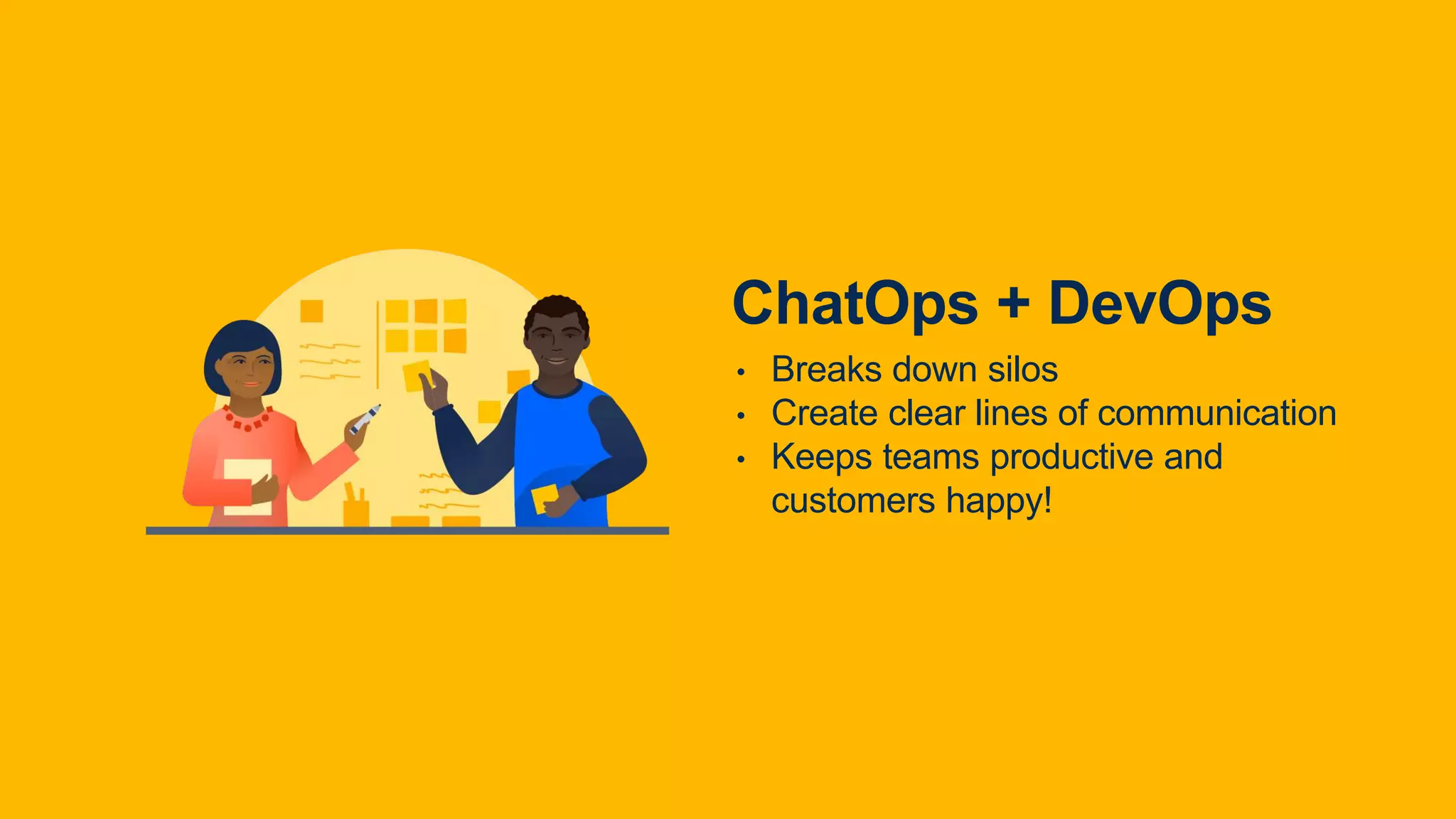
  • #48 ChatOps, like DevOps, breaks down silos to create clear and easy lines of communication. Although it’s focused on“chat” specifically, you can see where the two practices overlap.
  • #49 So remember earlier I asked you if you thought there was anything in common between running a restaurant and DevOps? I hope you see now that just like in Software and IT, in a kitchen there are a number of chefs and people in various roles and responsibilities It’s important to have access the right tools or have the most qualified people, and to instill a culture that makes it easy to collaborate, trust, be transparent and encourage continuous iterations on the go.
  • #50 In the keynote, Scott made exciting announcements around our new European cloud infrastructure and Marketplace milestones. We officially welcomed Trello to the family Server lead Bryan Rollins entertained us, in both English and Spanish, emphasizing how important multiple deployment options will continue to be for us The show finished with an announcement on the next chapter in our design journey, a beautifully re-designed UX across our Cloud products, which some of you might have seen rolled out into your various instances
  • #51  Product announcements: Bamboo Specs in Bamboo 6.0 which is our version of configuration as code Committer verification in Bitbucket Server and Data Center 5.0 addresses compliance requirements by enforcing that only the author of a commit can push included changes back to the central repository, and stores a log of code changes for audit purposes Smart mirror authentication caching in Bitbucket Data Center 5.0 provides global teams the ability to maintain mirror access in the event of short outages by caching authentication credentials locally Expanding the Atlassian Data Center family: For Enterprises organizations who need their mission-critical Atlassian applications to be highly availability, we’re adding HipChat and Crowd to the Data Center line-up. Now, all of our major platforms are available in Data Center editions. We announced the next big Marketplace milestones: $250 million generated in total sales since the beginning of Atlassian Marketplace in 2012, as well as 3,000 add-ons available for our platform. 700 of those add-ons appeared in the last year alone! Atlassian launches a new simplified and more powerful design experience: We’re redesigning the Atlassian user experience to create a more intuitive and simplified interface - making our products even more powerful. We announced initial changes to JIRA, Confluence and Bitbucket Cloud including: a new simplified user experience featuring a streamlined navigation - so that JIRA users feel right at home when trying Confluence or Bitbucket for the first time - and better 'search' and 'create' functionality so that users can find and create work easier. These changes mark the next step in Atlassian's journey in creating the best user experience by placing design at the forefront of product development.
  • #56 How many people are admins? Sources at the end
  • #58 Uber, Zenefits, Priceline, Helped write tests, 13 years in IT
  • #59 Focus is on JIRA and Confluence
  • #62 Mean time to recovery What is the actual baseline? Collect using the browser dev tools
  • #63 This applies to all server products except HC server
  • #65 ParNew is better designed to handle smaller heaps ParallelGC is better designed for ~ 10gb heaps Why not always G1GC?
  • #66 Add-ons Remember to set XMX = XMS Sizing : collect data, find baseline, add ~20%
  • #68 Use AD or Crowd to flatten groups Delegated Auth does not copy user groups on login correctly in SSO situations
  • #70 # of connections in DB and Tomcat Timeout config should also match
  • #72 Refresh STG from backups Dev licenses on Server
  • #75 Perceived slowdown
  • #79 Workflows in 7.3
  • #81 Server do what you want Still tuneable in Cloud, you just have to make support work with you on it. Incremental changes
  • #85 Access Logs - Bad Actors Story about dashboard with ruby
  • #93  `
  • #94 And as you know if you’ve dealt with an incident before: what makes it really challenging is the communication aspect: you just discovered everything is on fire in your app, and you keep getting swamped with requests from your customers, your colleagues and other stakeholders in your organisation….StatusPage is one single platform where you can communicate incidents, downtime, and scheduled maintenance. Let’s take a closer look at the elements that make up a status page…
  • #95 See, when you run a service, every now and then you will have downtime: bugs in production, networking problems, and a myriad of other issues that can impact your service performance.
  • #96 The way you respond to downtime is critical. Without an organised incident response: Your support teams will get swamped with requests, and service levels will go down Development teams will keep getting interrupted and have little time to focus on resolving the incident. Their productivity will be impacted.
  • #97 And as you know if you’ve dealt with an incident before: what makes it really challenging is the communication aspect: you just discovered everything is on fire in your app, and you keep getting swamped with requests from your customers, your colleagues and other stakeholders in your organisation….StatusPage is one single platform where you can communicate incidents, downtime, and scheduled maintenance. Let’s take a closer look at the elements that make up a status page…
  • #98 And here it is. A clean, custom, dedicated status site. It runs on your domain, is branded for you, and information is easily accessible Each logical component of your infrastructure is broken out and reported on separately and both current status AND past events are shown
  • #99 Components of your service can be grouped into larger product categories to help users navigate to the parts of your service that actually affect them
  • #100 and we let users put in an email address or phone number to be proactively notified any time an incident or maintenance event is reported to the status page. Later we will talk more about automating status updates by integrating with your existing alerting and monitoring tools…
  • #104 You update your page anytime something happens to your service that can impact the customer experience: a service outage, degraded performance, or even a scheduled maintenance.
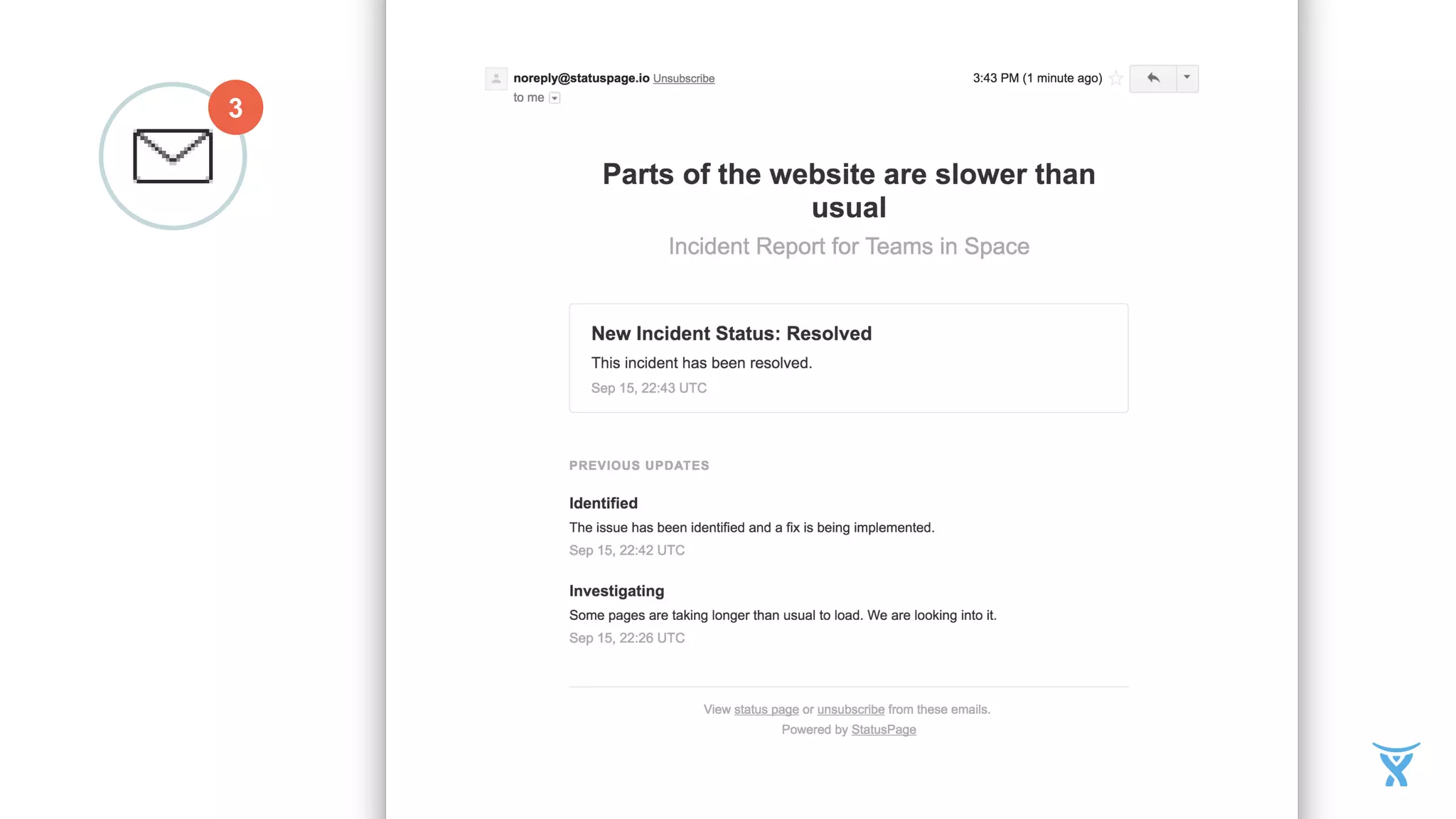
  • #106 And as the incident builds, [click] all of the context is available in each email
  • #108 most users will sign up themselves through your statuspage
  • #109 and we let you put [click] in an email address to be proactively notified any time an incident or maintenance event is reported to the status page.
  • #110 Instead of filing a support ticket, e-mailing, or tweeting, users will receive notifications about the status of the services they care about most - this will save you and your customers valuable time during an incident since the communication portion will already be accounted for.
  • #111 Here’s what the emails look like for end-users
  • #112 And as the incident builds, [click] all of the context is available in each email
  • #113 And as the incident builds, [click] all of the context is available in each email
  • #118 Here at Atlassian, we use both a public and a private page. In our private page, we have a lot of services you’ve never heard of, but that our team depends on when shipping software. The public one is what you all see. But for the private one, only we can access it: you need to be an Atlassian staff, and logged in
  • #119 For this reason, we’ve spent the past 18 months building in enterprise-grade security and privacy to make sure you can host best-in-class status pages for inside your organization
  • #120 Private pages feature authentication via IP restrictions, SAML 2.0 (and related vendors such as Okta, PingIdenity, and OneLogin), as well as Google Auth if you use Google for work We also let you link into the status of 3rd party vendors that are also customers of StatusPage, so you can have the most up-to-date statuspage powered by the network of pages on our platform
  • #125 the first thing you want to set up with you sign-up for SP are your components
  • #129 Avoid the customer wrath that comes with surprise scheduled maintenance
  • #132 You can integrate metrics tools like Pingdom, New Relic, or Datadog…
  • #133 and then StatusPage can automatically show your metrics such as uptime, or response time so you can show how reliable you are [click] and how good your global presence is.
  • #134 how to add a custom metric
  • #135 (Atlassian and 3rd party tools)
  • #136 Thousands of key Cloud companies that you depend on every day (Stripe, Dropbox, etc.) are using StatusPage today to proactively communicate around incidents, downtime, and scheduled maintenance to their users.