Visual Regression with Applitools
Eyes
Shama & Nal
Hyderabad 16th March 2019
Seismic Shifts
2
Shama Ugale
Senior Consultant - Quality Analyst at ThoughtWorks, Inc
9+ years of experience (as QA & Solution Consultant)
About Me
3
Nalinikanth Mesala
Senior Consultant - Quality Analyst at ThoughtWorks, Inc
6+ years of experience
About Me
©ThoughtWorks, Inc. Do not copy. Do not distribute. 4
Ground Rules
● Follow the Speakers
● Do not get deviated
● If you are stuck call any of the volunteers
● We will be sharing all the materials, do not bother
● Ask questions whenever you have, don’t wait !!
©ThoughtWorks, Inc. Do not copy. Do not distribute.
Key Takeaways
● Why Visual testing is important?
● Available Tools for Visual Testing
● Why Applitools Eyes?
● Set-up and pre-requisites
● Demo and hands-on for Web Apps
● Demo for Native apps
©ThoughtWorks, Inc. Do not copy. Do not distribute.
What is Visual Testing?
● Verifying the GUI is displayed as per the User’s expectations focusing on layouts, colors, sizes
and shapes
©ThoughtWorks, Inc. Do not copy. Do not distribute.
Let’s watch this..
https://www.youtube.com/watch?v=ubNF9QNEQLA
©ThoughtWorks, Inc. Do not copy. Do not distribute. 8
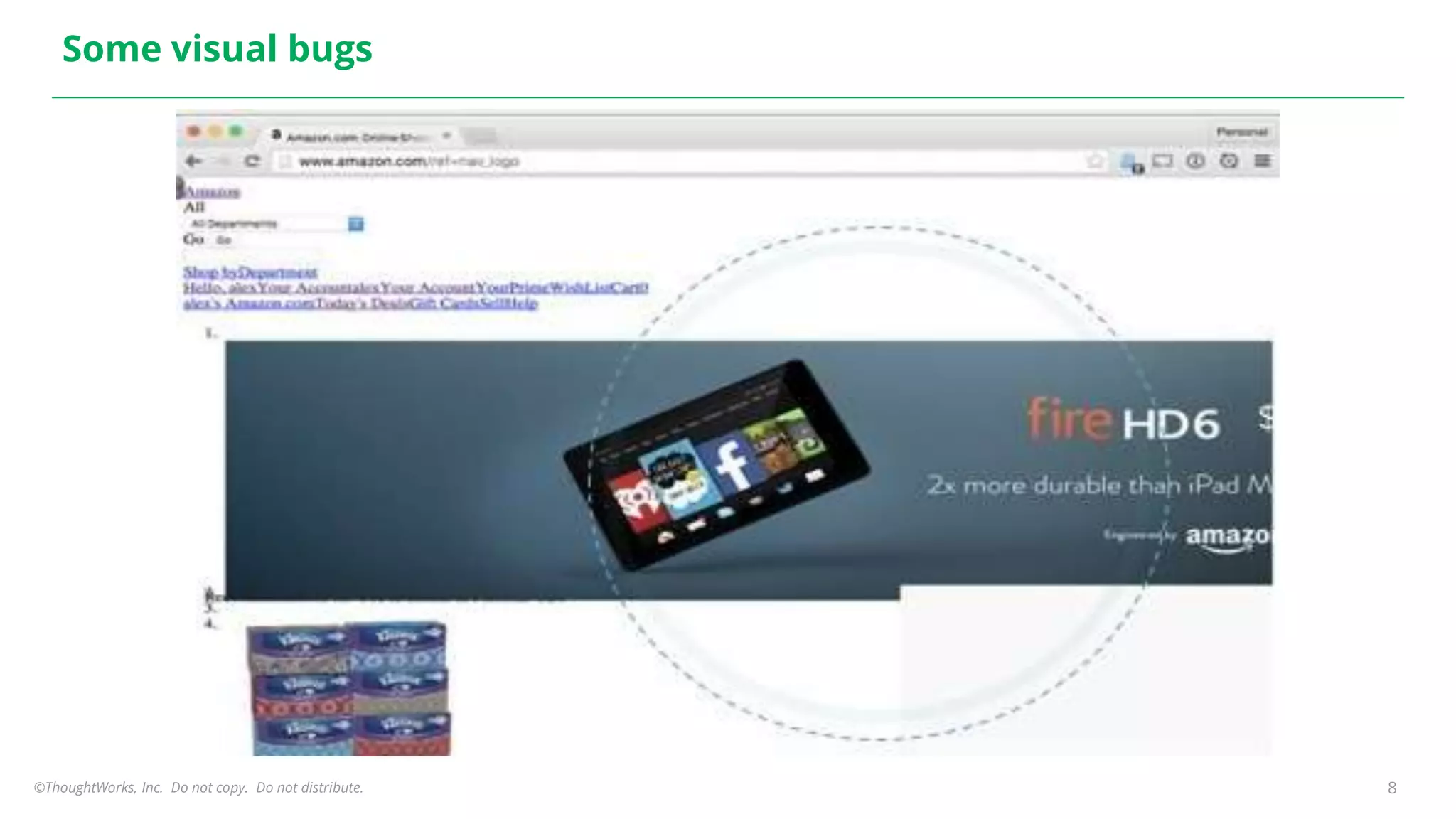
Some visual bugs
©ThoughtWorks, Inc. Do not copy. Do not distribute. 9
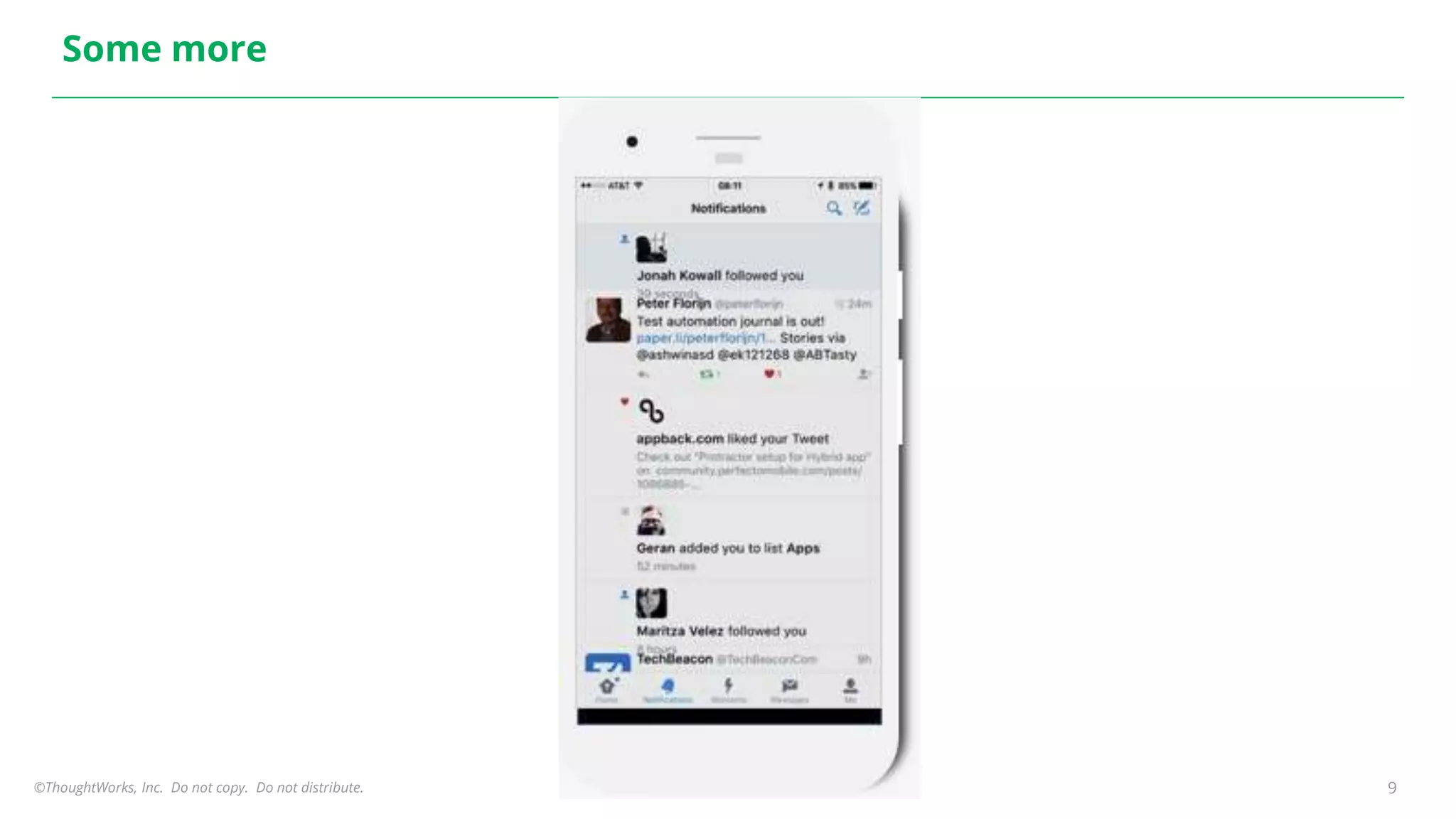
Some more
©ThoughtWorks, Inc. Do not copy. Do not distribute. 10
Why Visual Testing is important?
● User experience
● Company brand
● Fasten the Mobile app release process
©ThoughtWorks, Inc. Do not copy. Do not distribute. 11
Why automate visual testing?
● Manual Visual testing is error prone
● Too many test environments
○ Browsers
○ Devices
○ OS
● Faster feedback
©ThoughtWorks, Inc. Do not copy. Do not distribute. 12
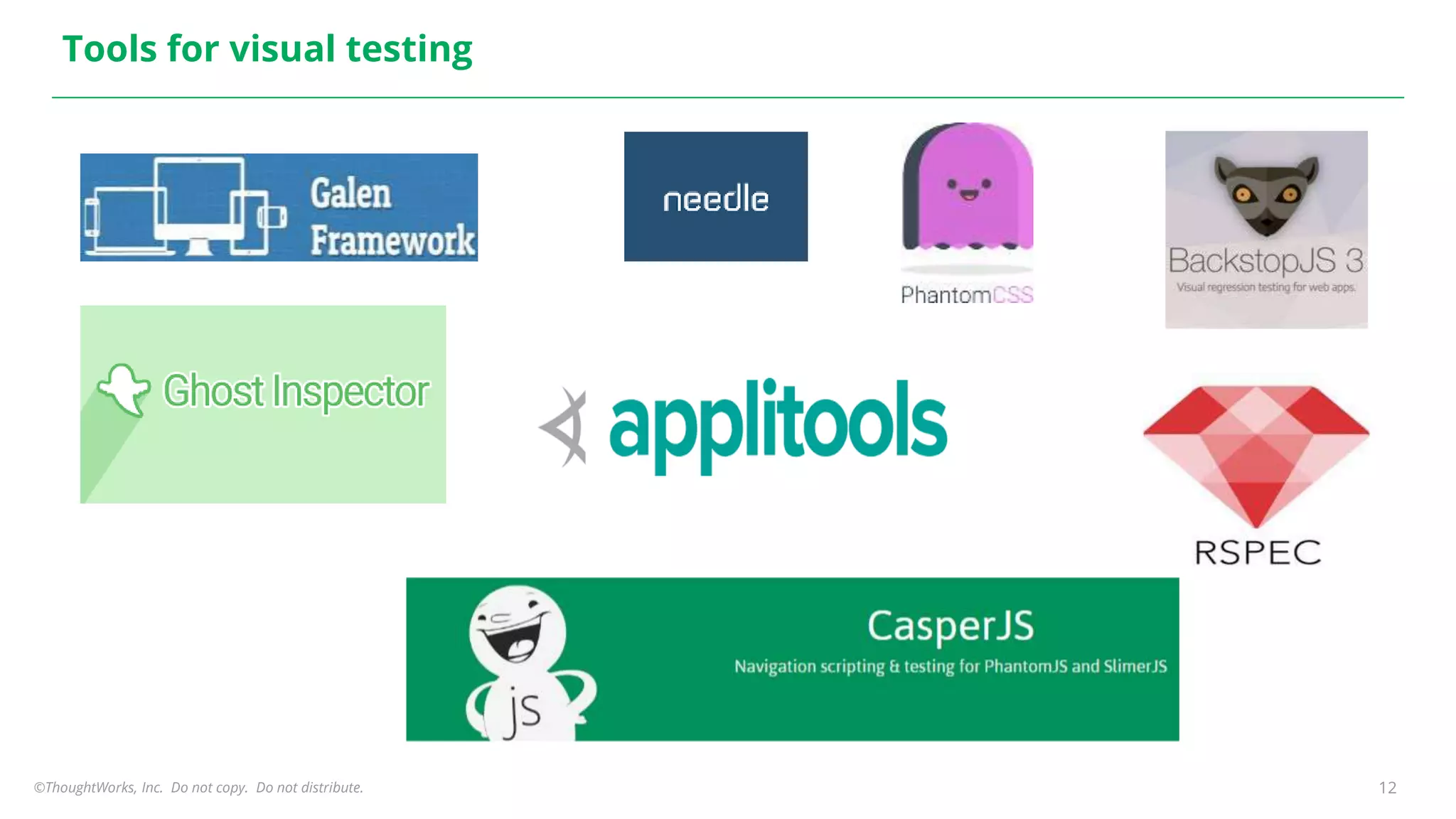
Tools for visual testing
©ThoughtWorks, Inc. Do not copy. Do not distribute. 13
Why Applitools?
● Leverage your existing tests
● AI-powered cognitive vision
● Cross device and browser tests
○ Mobile hybrid and Native apps
○ Web apps
● Integrates with your toolchain
○ Automation Tools, Collaboration Tools, CI/CD and more
● Robust user access management
● Available on public or private cloud
● Build custom visual reports
● Automate your test maintenance
©ThoughtWorks, Inc. Do not copy. Do not distribute. 14
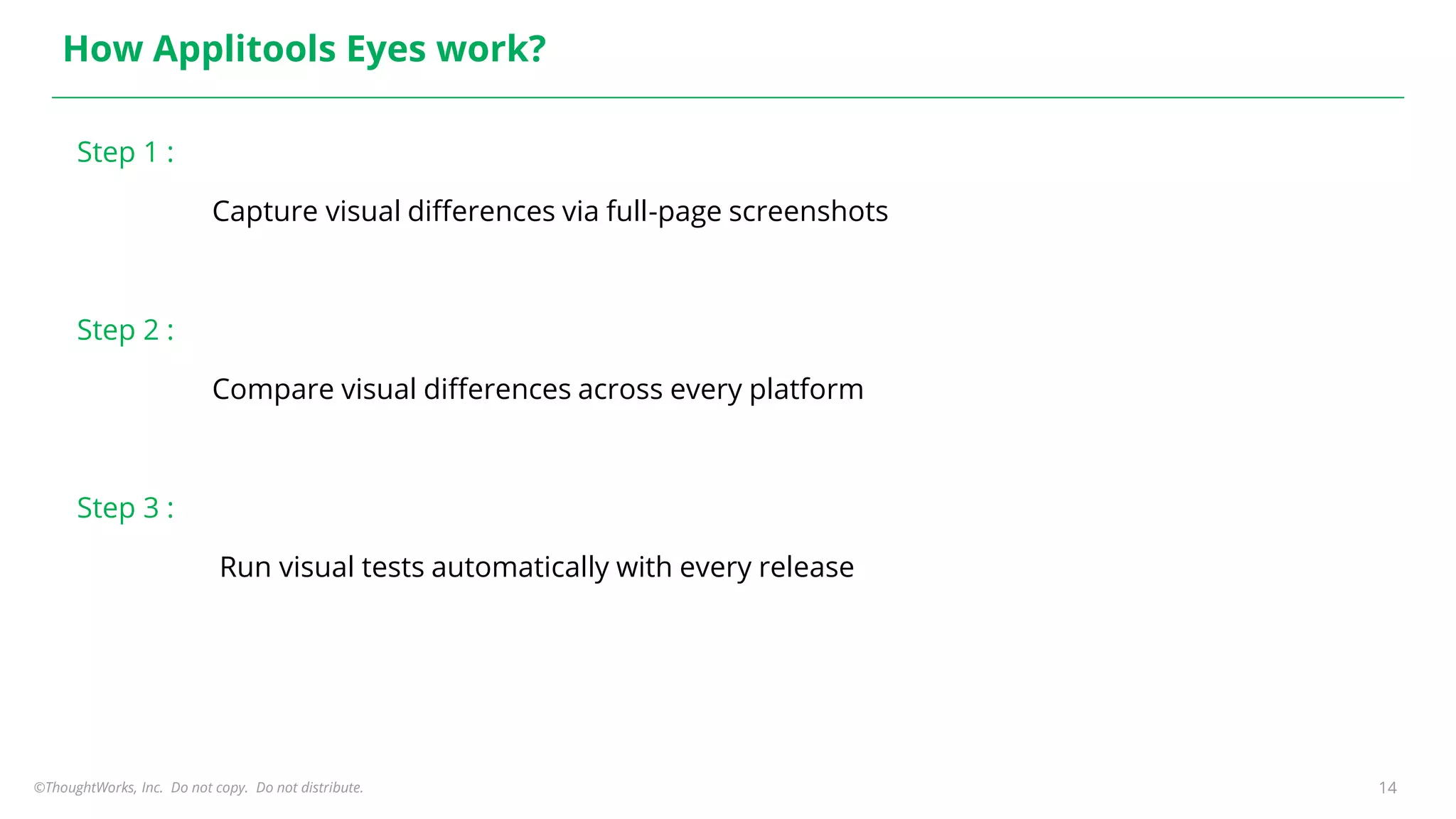
How Applitools Eyes work?
Step 1 :
Capture visual differences via full-page screenshots
Step 2 :
Compare visual differences across every platform
Step 3 :
Run visual tests automatically with every release
©ThoughtWorks, Inc. Do not copy. Do not distribute. 15
Pre-requisites and set-up
● Development environment
○ Java 8
○ Maven
○ Your existing Test Automation Framework
● Applitools API Key
©ThoughtWorks 2017 Commercial in Confidence
Demo and hands-on for
WebApps
16
©ThoughtWorks, Inc. Do not copy. Do not distribute. 17
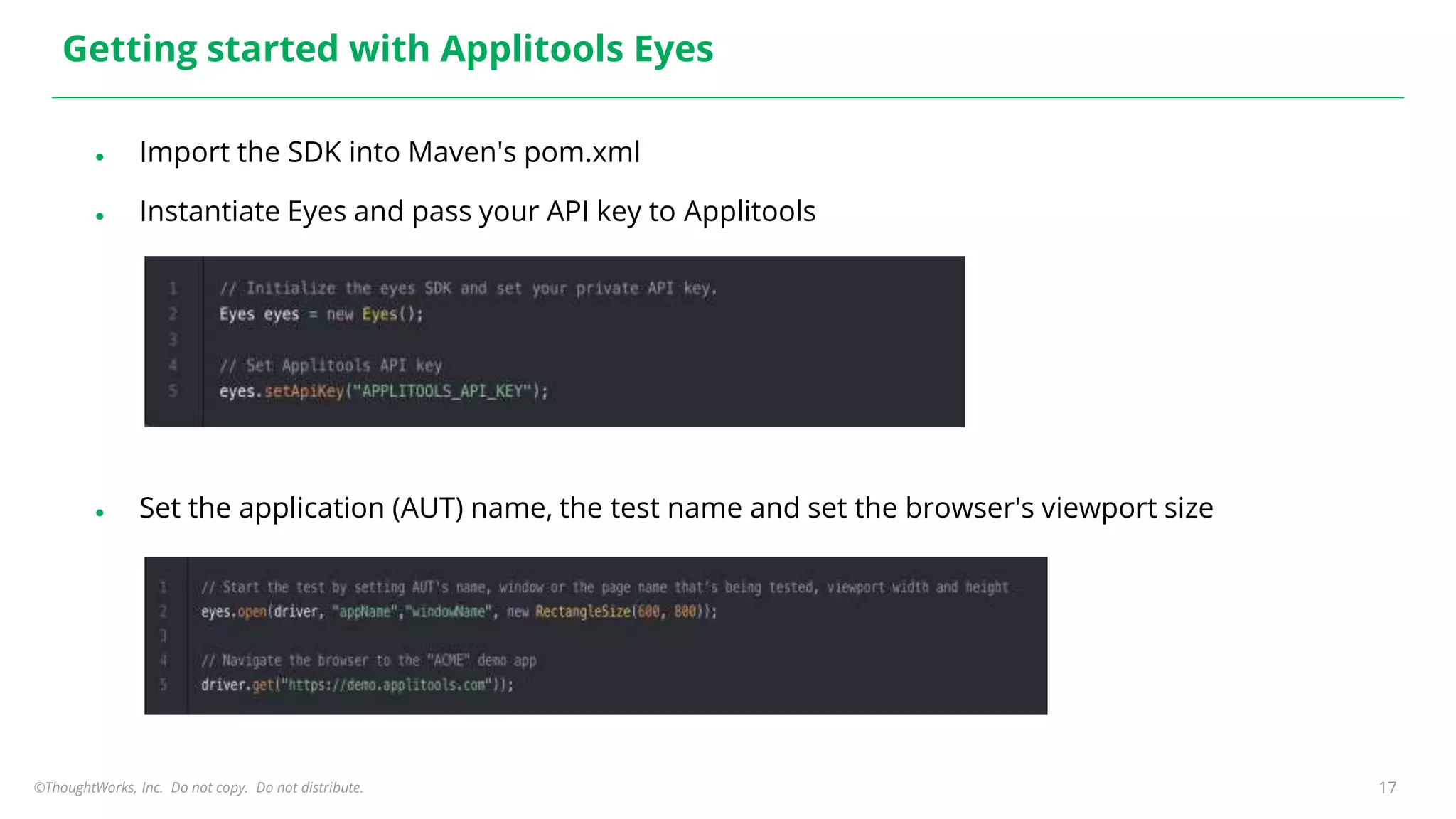
Getting started with Applitools Eyes
● Import the SDK into Maven's pom.xml
● Instantiate Eyes and pass your API key to Applitools
● Set the application (AUT) name, the test name and set the browser's viewport size
©ThoughtWorks, Inc. Do not copy. Do not distribute. 18
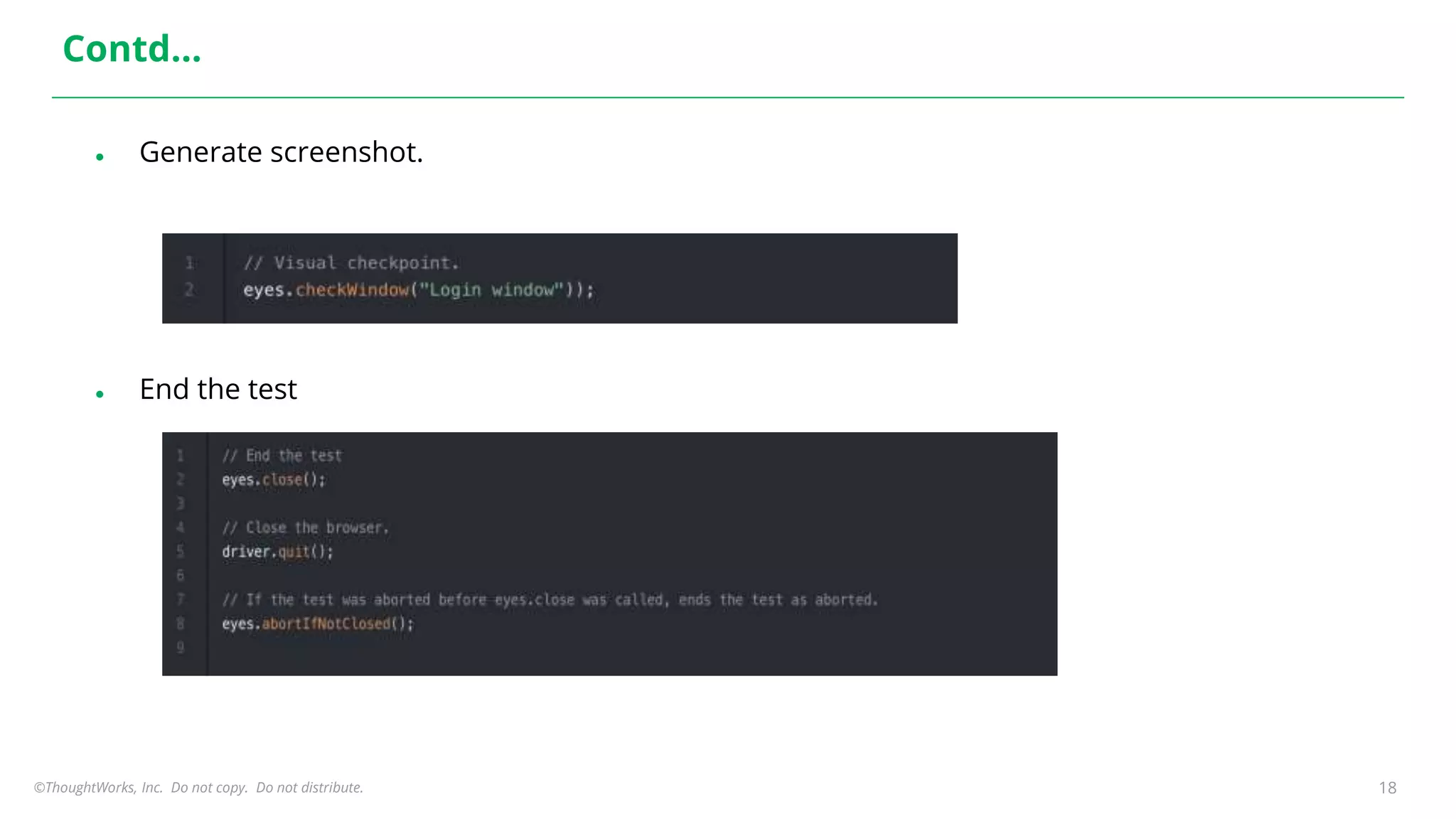
Contd…
● Generate screenshot.
● End the test
©ThoughtWorks, Inc. Do not copy. Do not distribute. 19
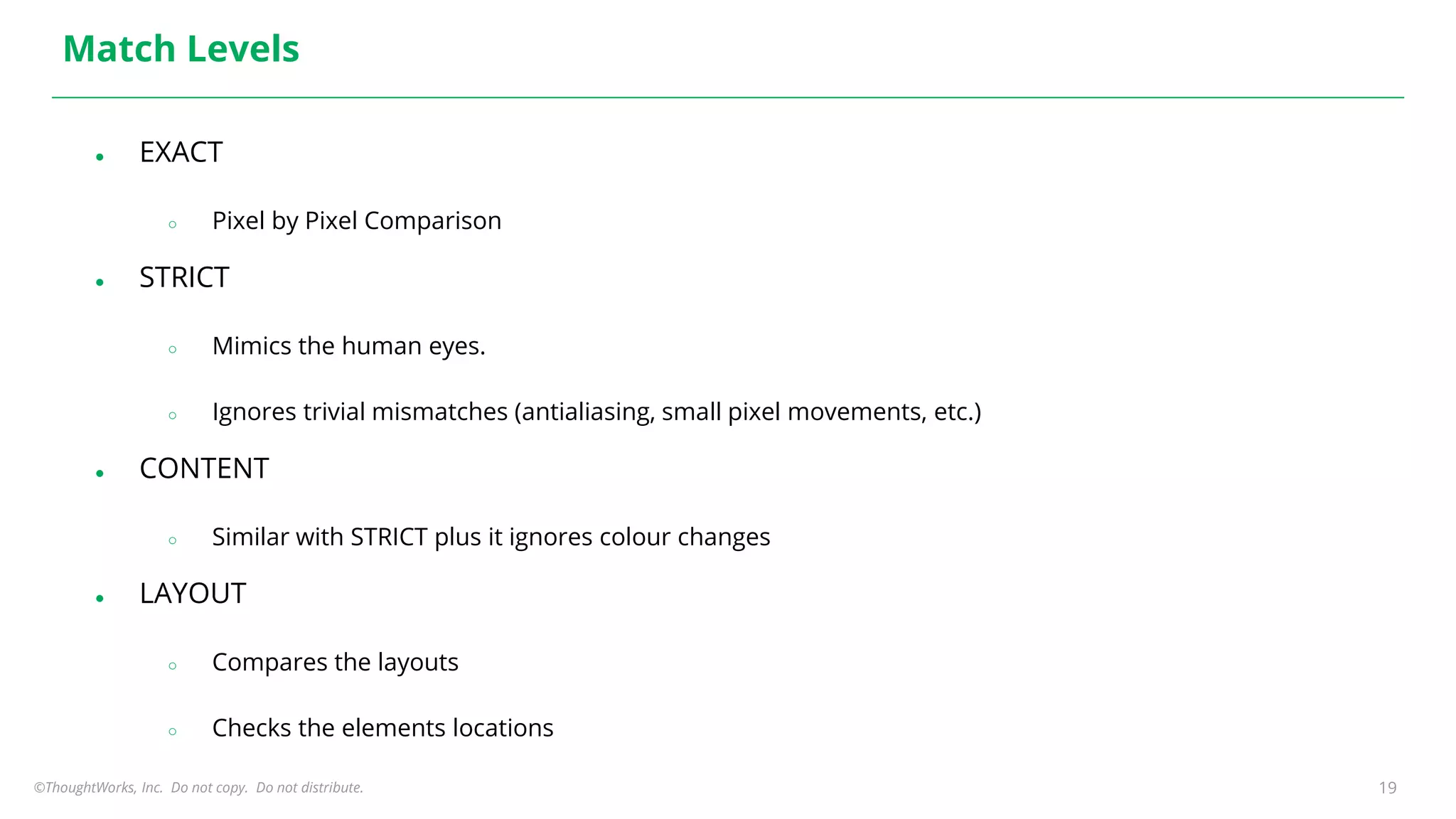
Match Levels
● EXACT
○ Pixel by Pixel Comparison
● STRICT
○ Mimics the human eyes.
○ Ignores trivial mismatches (antialiasing, small pixel movements, etc.)
● CONTENT
○ Similar with STRICT plus it ignores colour changes
● LAYOUT
○ Compares the layouts
○ Checks the elements locations
©ThoughtWorks 2017 Commercial in Confidence
Demo for Native apps
©ThoughtWorks, Inc. Do not copy. Do not distribute. 21
References
● https://testautomationu.applitools.com/automated-visual-testing-a-fast-path-to-test-
automation-success/
● https://applitools.com
● https://www.joecolantonio.com/top-21-free-visual-validation-tools-testers/
● https://applitools.com/tutorials/selenium-java.html
● Code Sample used during the session - https://github.com/nalinikanth/AppliToolsVodQADemo
THANK YOU
Reach out to : nalinim@thoughtworks.com
22

Applitools eyes workshop

  • 1.
    Visual Regression withApplitools Eyes Shama & Nal Hyderabad 16th March 2019 Seismic Shifts
  • 2.
    2 Shama Ugale Senior Consultant- Quality Analyst at ThoughtWorks, Inc 9+ years of experience (as QA & Solution Consultant) About Me
  • 3.
    3 Nalinikanth Mesala Senior Consultant- Quality Analyst at ThoughtWorks, Inc 6+ years of experience About Me
  • 4.
    ©ThoughtWorks, Inc. Donot copy. Do not distribute. 4 Ground Rules ● Follow the Speakers ● Do not get deviated ● If you are stuck call any of the volunteers ● We will be sharing all the materials, do not bother ● Ask questions whenever you have, don’t wait !!
  • 5.
    ©ThoughtWorks, Inc. Donot copy. Do not distribute. Key Takeaways ● Why Visual testing is important? ● Available Tools for Visual Testing ● Why Applitools Eyes? ● Set-up and pre-requisites ● Demo and hands-on for Web Apps ● Demo for Native apps
  • 6.
    ©ThoughtWorks, Inc. Donot copy. Do not distribute. What is Visual Testing? ● Verifying the GUI is displayed as per the User’s expectations focusing on layouts, colors, sizes and shapes
  • 7.
    ©ThoughtWorks, Inc. Donot copy. Do not distribute. Let’s watch this.. https://www.youtube.com/watch?v=ubNF9QNEQLA
  • 8.
    ©ThoughtWorks, Inc. Donot copy. Do not distribute. 8 Some visual bugs
  • 9.
    ©ThoughtWorks, Inc. Donot copy. Do not distribute. 9 Some more
  • 10.
    ©ThoughtWorks, Inc. Donot copy. Do not distribute. 10 Why Visual Testing is important? ● User experience ● Company brand ● Fasten the Mobile app release process
  • 11.
    ©ThoughtWorks, Inc. Donot copy. Do not distribute. 11 Why automate visual testing? ● Manual Visual testing is error prone ● Too many test environments ○ Browsers ○ Devices ○ OS ● Faster feedback
  • 12.
    ©ThoughtWorks, Inc. Donot copy. Do not distribute. 12 Tools for visual testing
  • 13.
    ©ThoughtWorks, Inc. Donot copy. Do not distribute. 13 Why Applitools? ● Leverage your existing tests ● AI-powered cognitive vision ● Cross device and browser tests ○ Mobile hybrid and Native apps ○ Web apps ● Integrates with your toolchain ○ Automation Tools, Collaboration Tools, CI/CD and more ● Robust user access management ● Available on public or private cloud ● Build custom visual reports ● Automate your test maintenance
  • 14.
    ©ThoughtWorks, Inc. Donot copy. Do not distribute. 14 How Applitools Eyes work? Step 1 : Capture visual differences via full-page screenshots Step 2 : Compare visual differences across every platform Step 3 : Run visual tests automatically with every release
  • 15.
    ©ThoughtWorks, Inc. Donot copy. Do not distribute. 15 Pre-requisites and set-up ● Development environment ○ Java 8 ○ Maven ○ Your existing Test Automation Framework ● Applitools API Key
  • 16.
    ©ThoughtWorks 2017 Commercialin Confidence Demo and hands-on for WebApps 16
  • 17.
    ©ThoughtWorks, Inc. Donot copy. Do not distribute. 17 Getting started with Applitools Eyes ● Import the SDK into Maven's pom.xml ● Instantiate Eyes and pass your API key to Applitools ● Set the application (AUT) name, the test name and set the browser's viewport size
  • 18.
    ©ThoughtWorks, Inc. Donot copy. Do not distribute. 18 Contd… ● Generate screenshot. ● End the test
  • 19.
    ©ThoughtWorks, Inc. Donot copy. Do not distribute. 19 Match Levels ● EXACT ○ Pixel by Pixel Comparison ● STRICT ○ Mimics the human eyes. ○ Ignores trivial mismatches (antialiasing, small pixel movements, etc.) ● CONTENT ○ Similar with STRICT plus it ignores colour changes ● LAYOUT ○ Compares the layouts ○ Checks the elements locations
  • 20.
    ©ThoughtWorks 2017 Commercialin Confidence Demo for Native apps
  • 21.
    ©ThoughtWorks, Inc. Donot copy. Do not distribute. 21 References ● https://testautomationu.applitools.com/automated-visual-testing-a-fast-path-to-test- automation-success/ ● https://applitools.com ● https://www.joecolantonio.com/top-21-free-visual-validation-tools-testers/ ● https://applitools.com/tutorials/selenium-java.html ● Code Sample used during the session - https://github.com/nalinikanth/AppliToolsVodQADemo
  • 22.
    THANK YOU Reach outto : nalinim@thoughtworks.com 22