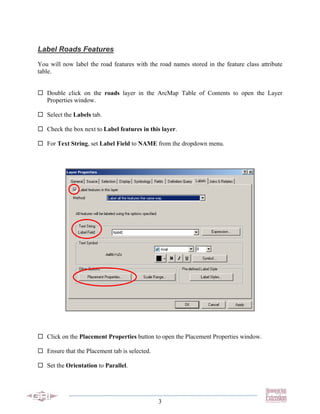
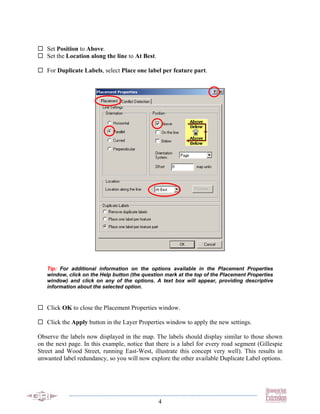
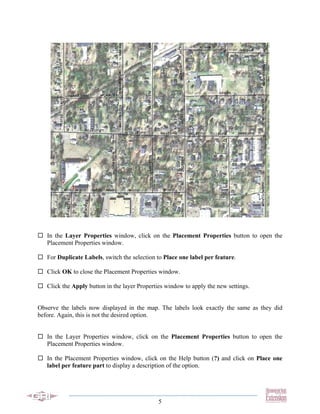
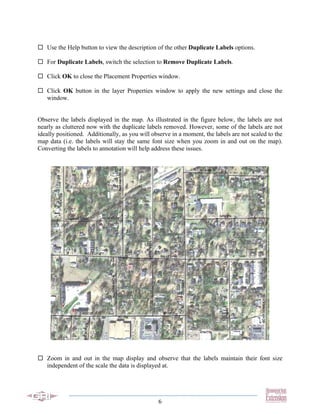
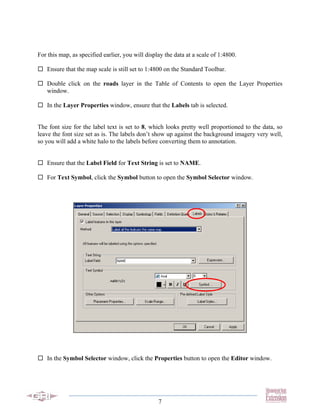
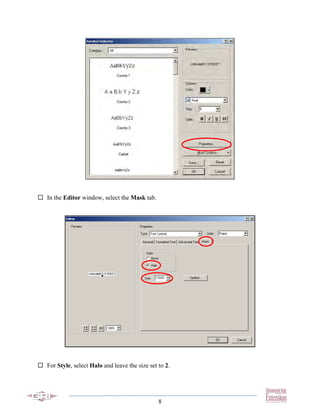
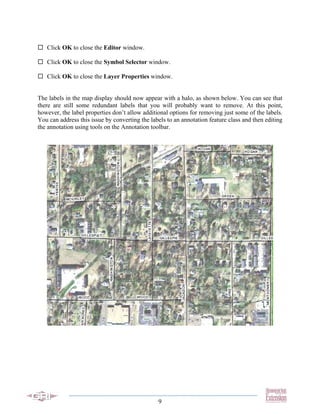
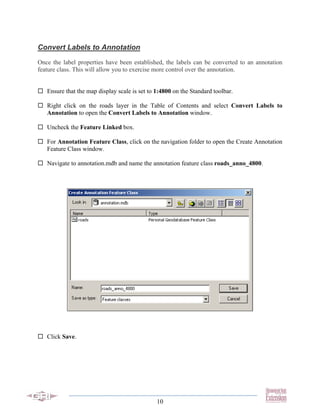
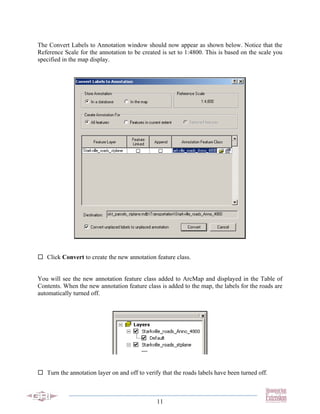
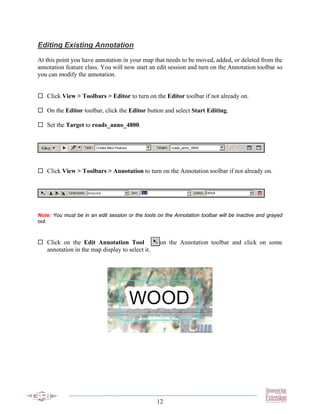
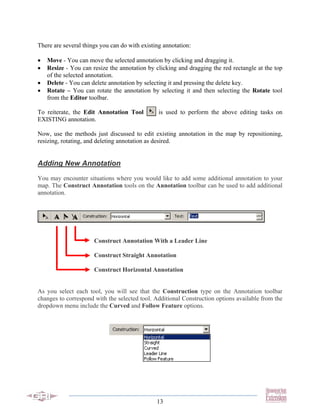
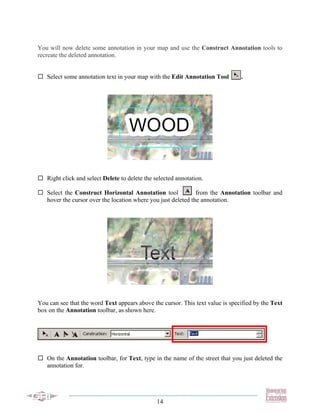
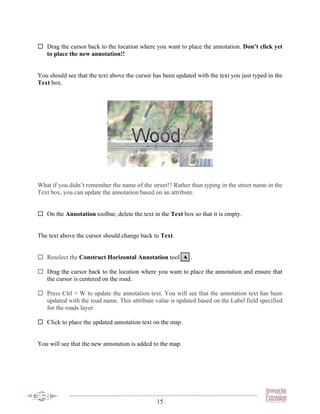
This tutorial teaches how to convert labels to annotation in ArcGIS and edit the annotation. Roads are labeled from their name attribute. The labels are converted to an annotation feature class, allowing more control over annotation placement and scaling. The Annotation toolbar is used to move, resize, rotate and delete existing annotation, and add new annotation using construction tools. Attributes can update the annotation text. Converting labels to annotation provides more flexibility than labels alone.