Android Accessibility
The Missing Manual
Ted Drake, Intuit Accessibility
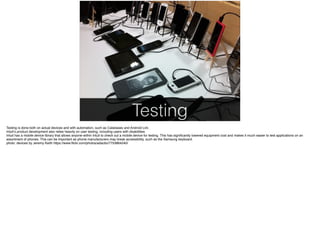
Testing
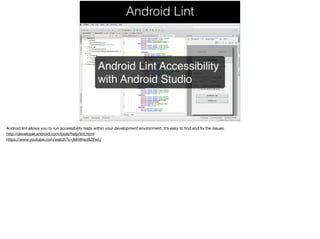
Android Lint
AccessibilityChecks
• AccessibilityChecks released at Google
IO 2015
• Open Source tests for Espresso and
Robolectric
• Soon: Android app that lets you test on a
device
• Goal: Adopt AccessibilityChecks for
Appium
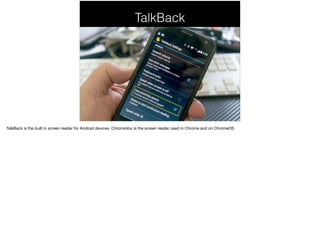
TalkBack
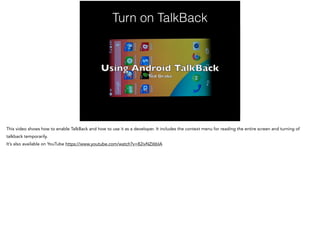
Turn on TalkBack
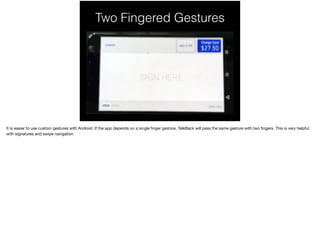
Gestures
Two Fingered Gestures
Android Accessibility Shortcut
Programming
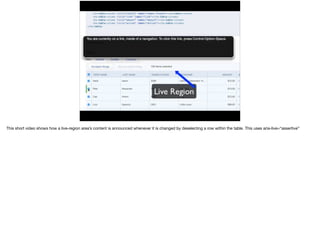
accessibilityLiveRegion
• Based on the Live Region experience in HTML +
ARIA
• Content is announced when it changes or
appears on screen
• android:accessibilityLiveRegion =“polite”
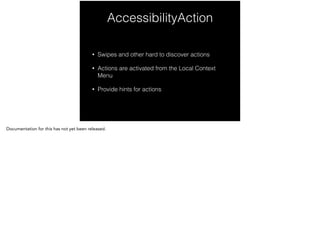
AccessibilityAction
• Swipes and other hard to discover actions
• Actions are activated from the Local Context
Menu
• Provide hints for actions
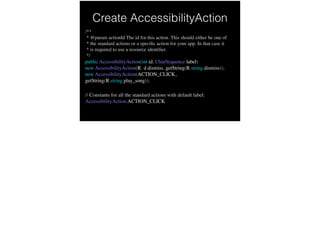
Create AccessibilityAction
/**
* @param actionId The id for this action. This should either be one of
* the standard actions or a specific action for your app. In that case it
* is required to use a resource identifier.
*/
public AccessibilityAction(int id, CharSequence label)

new AccessibilityAction(R.id.dismiss, getString(R.string.dismiss));

new AccessibilityAction(ACTION_CLICK,
getString(R.string.play_song)); !


// Constants for all the standard actions with default label:
AccessibilityAction.ACTION_CLICK
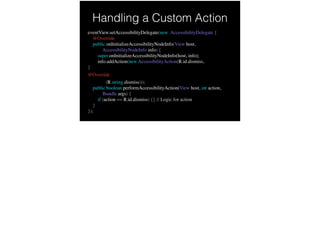
Handling a Custom Action
eventView.setAccessibilityDelegate(new AccessibilityDelegate {
@Override
public onInitializeAccessibilityNodeInfo(View host,
AccessibilityNodeInfo info) {
super.onInitializeAccessibilityNodeInfo(host, info);
info.addAction(new AccessibilityAction(R.id.dismiss,
}
@Override
getString(R.string.dismiss)));
public boolean performAccessibilityAction(View host, int action,
Bundle args) {
if (action == R.id.dismiss) {} // Logic for action
}
});
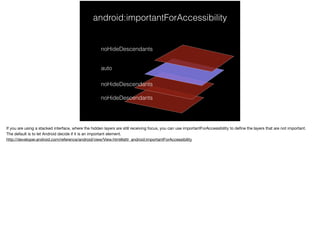
android:importantForAccessibility
noHideDescendants
noHideDescendants
noHideDescendants
auto
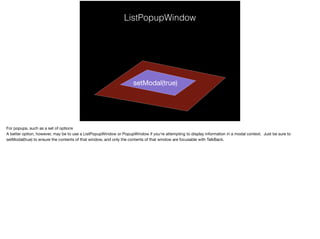
ListPopupWindow
setModal(true)
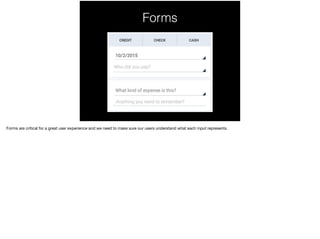
Forms
Form Labels
Which is correct?
• android:hint
• android:labelFor
• android:contentDescription
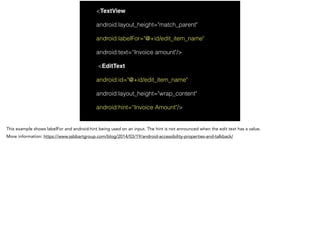
<TextView
android:layout_height="match_parent"
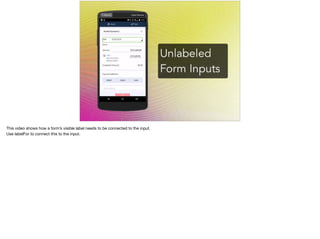
android:labelFor="@+id/edit_item_name"
android:text=“Invoice amount"/>
<EditText
android:id="@+id/edit_item_name"
android:layout_height="wrap_content"
android:hint=“Invoice Amount"/>
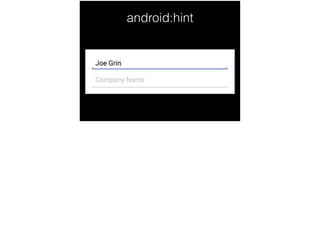
android:hint
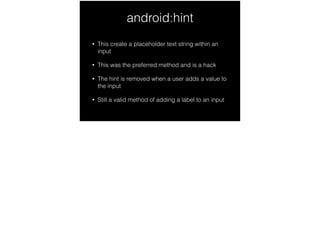
android:hint
• This create a placeholder text string within an
input
• This was the preferred method and is a hack
• The hint is removed when a user adds a value to
the input
• Still a valid method of adding a label to an input
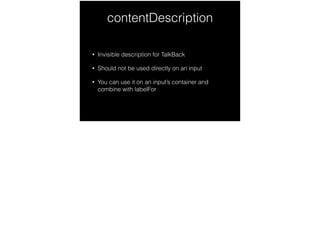
contentDescription
• Invisible description for TalkBack
• Should not be used directly on an input
• You can use it on an input’s container and
combine with labelFor
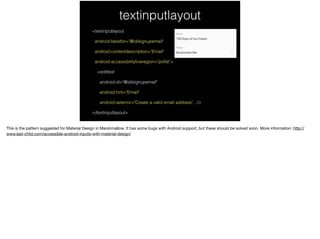
textinputlayout
<textinputlayout
android:labelfor="@id/signupemail"
android:contentdescription="Email"
android:accessibilityliveregion="polite">
<edittext
android:id="@id/signupemail"
android:hint="Email"
android:seterror="Create a valid email address"…/>
</textinputlayout>
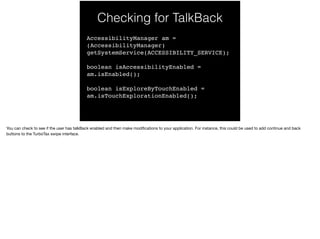
Checking for TalkBack
AccessibilityManager am =
(AccessibilityManager)
getSystemService(ACCESSIBILITY_SERVICE);
boolean isAccessibilityEnabled =
am.isEnabled();
boolean isExploreByTouchEnabled =
am.isTouchExplorationEnabled();
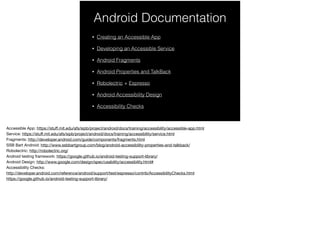
Android Documentation
• Creating an Accessible App
• Developing an Accessible Service
• Android Fragments
• Android Properties and TalkBack
• Robolectric + Espresso
• Android Accessibility Design
• Accessibility Checks

Android Accessibility - The missing manual