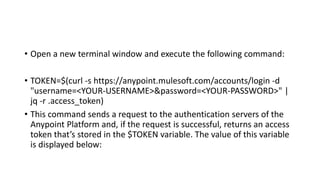
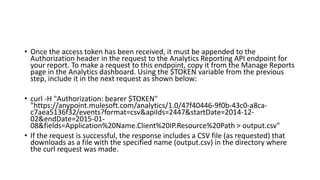
The document discusses how to create reports from analytics data for APIs managed using the Anypoint Platform. It describes how to create a report by selecting data sources, fields, and time ranges, which generates a URL endpoint to access the raw analytics data. It then provides steps to run a report from the dashboard and programmatically call the report's API endpoint by authenticating with an access token and including it in the request header. The document also lists different fields that can be queried in a report, such as application name, client IP, and resource path.