Serverless Meetup
Tokyo #5
Amazon Alexaと
Serverless
@sparkgene市川 純
▸2014/2 入社
ガテン系→SIer→フリーランス→起業→
オレンジ色のSNS→現在
▸担当業務
新規事業のインフラ担当(AWS利用)
Recruit Marketing Partners
今日の內容は
Serverless成分
少なめです
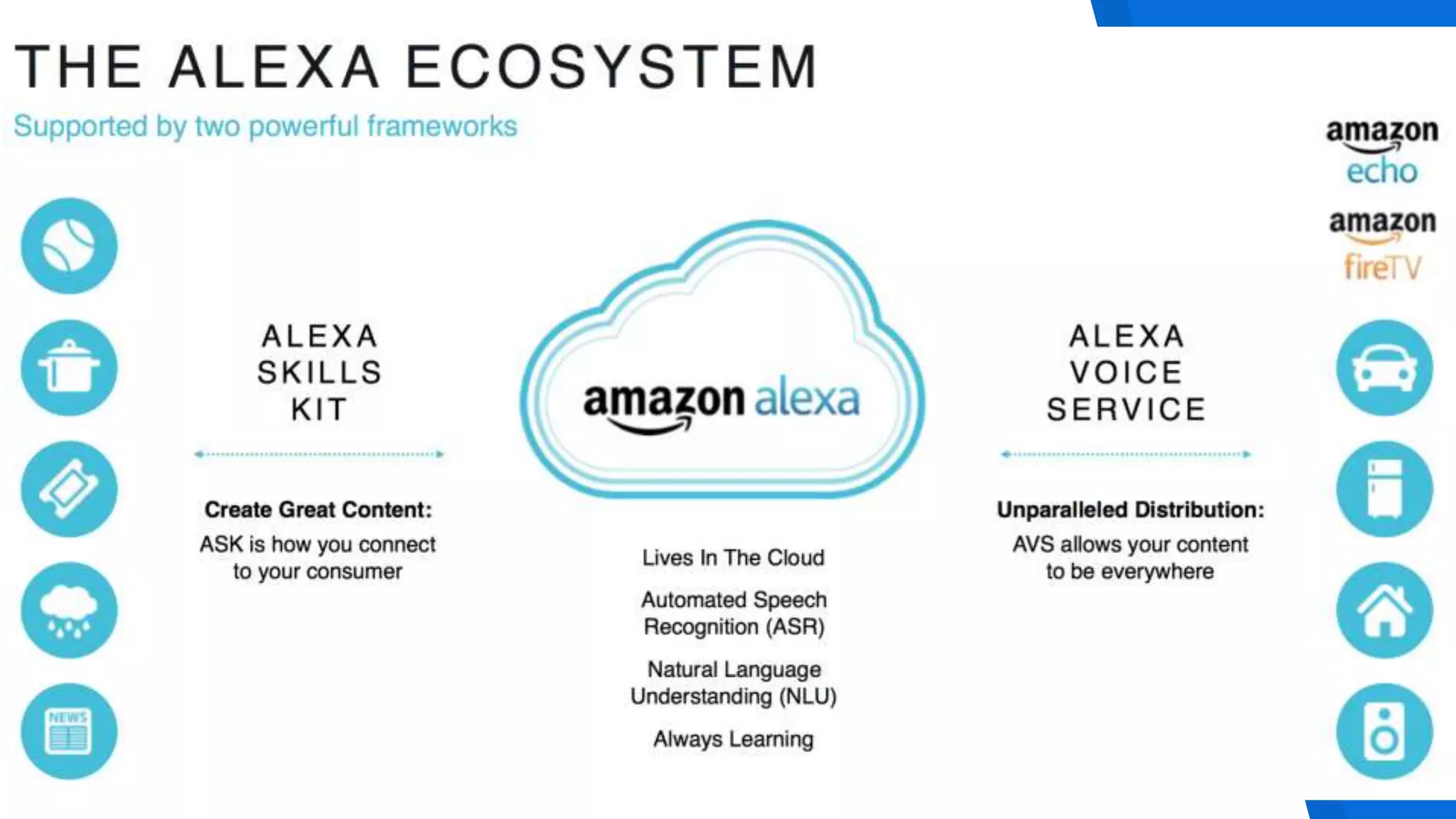
Amazon Alexa
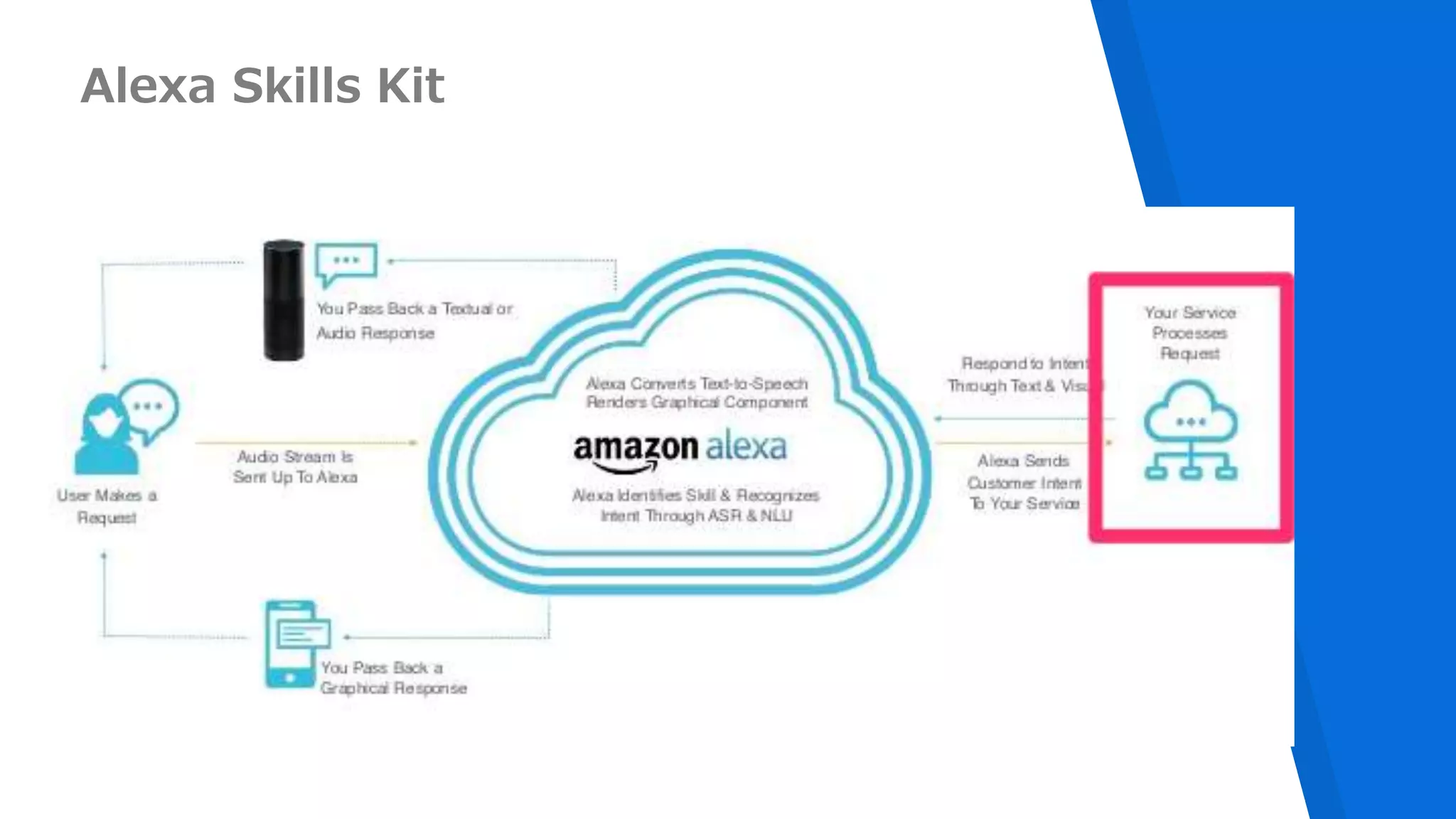
Alexa Skills Kit
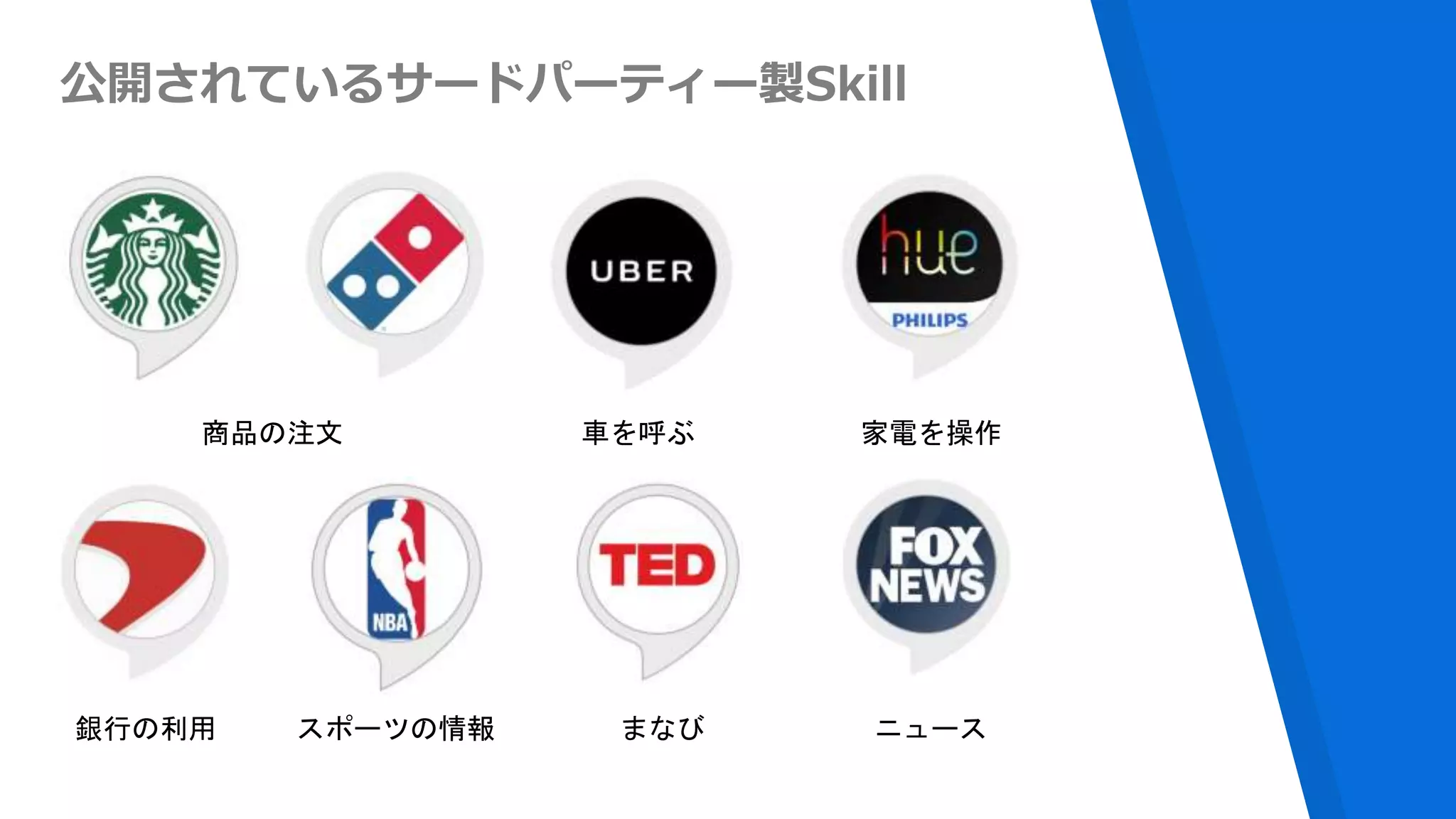
公開されているサードパーティー製Skill
商品の注文 車を呼ぶ 家電を操作
銀行の利用 スポーツの情報 ニュースまなび
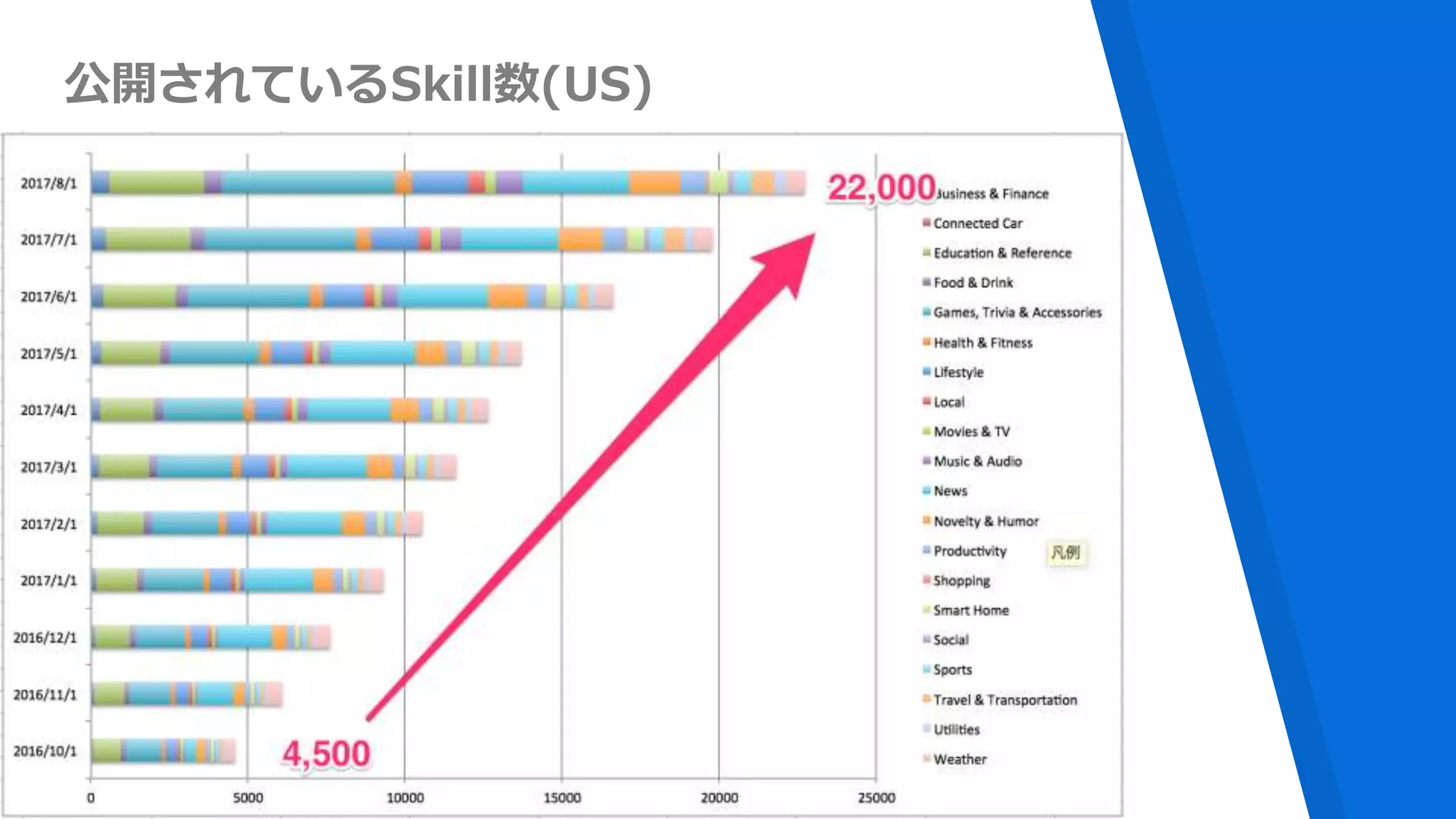
公開されているSkill数(US)
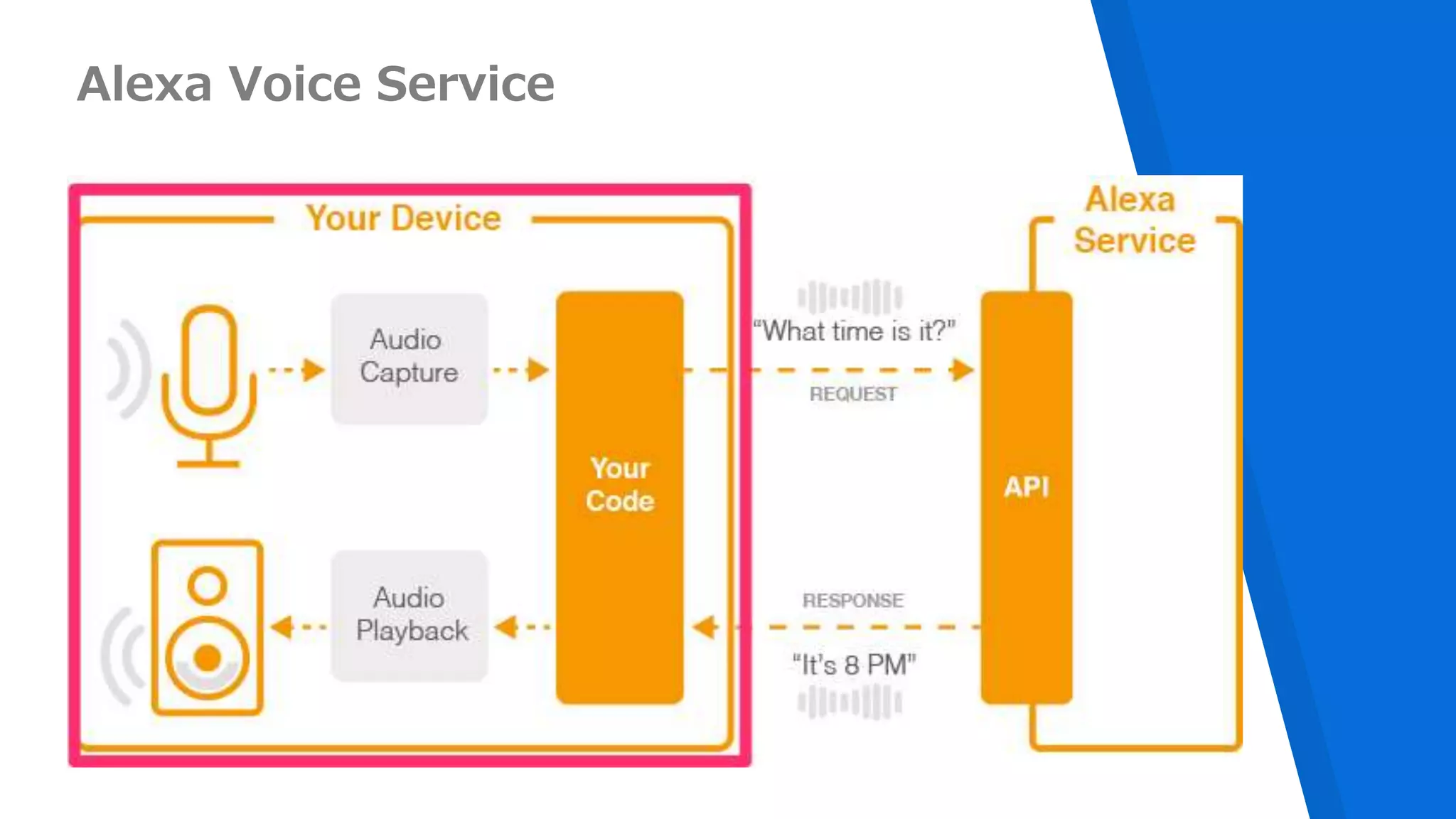
Alexa Voice Service
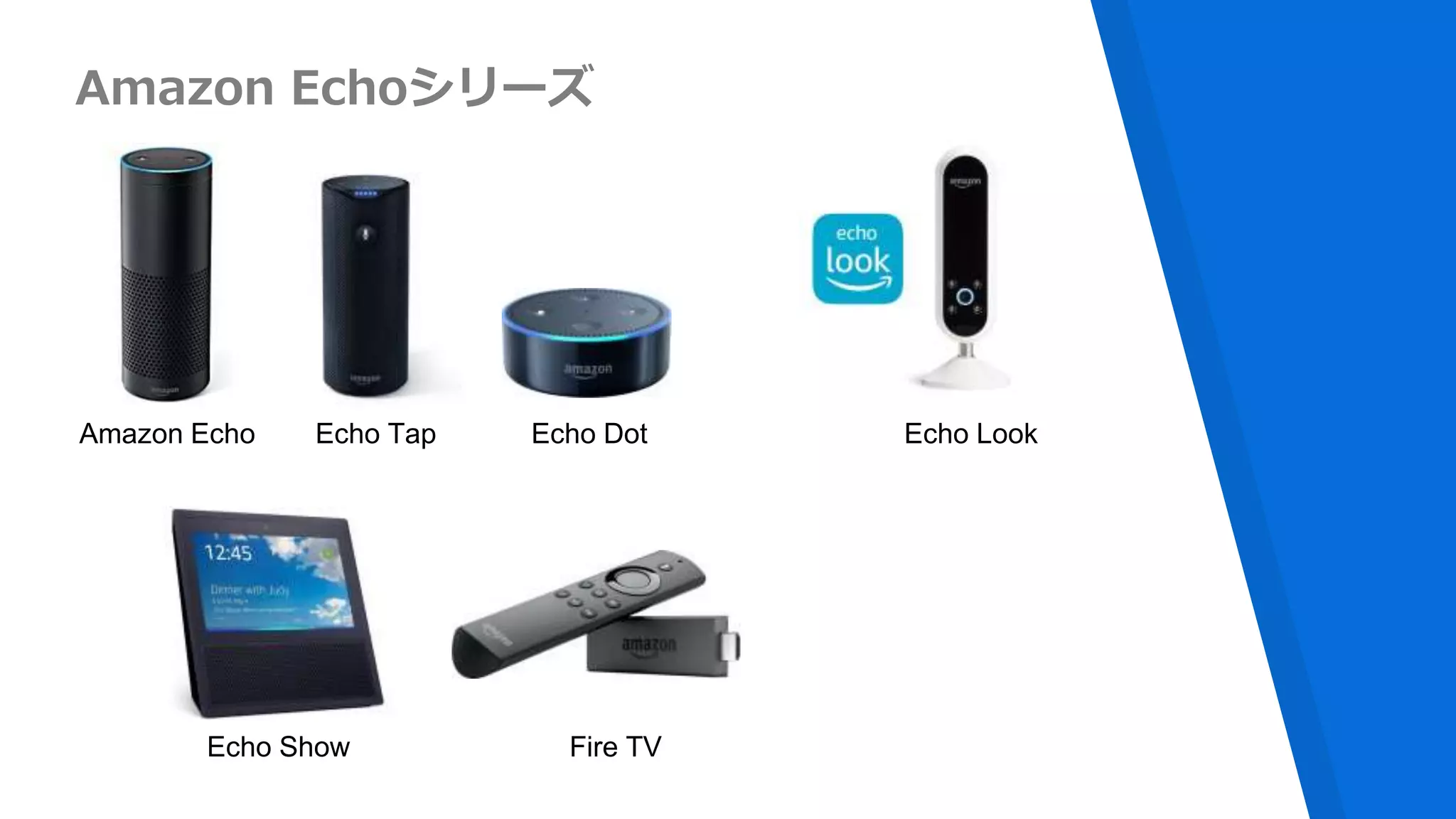
Amazon Echoシリーズ
Amazon Echo Echo Tap Echo Dot Echo Look
Fire TVEcho Show
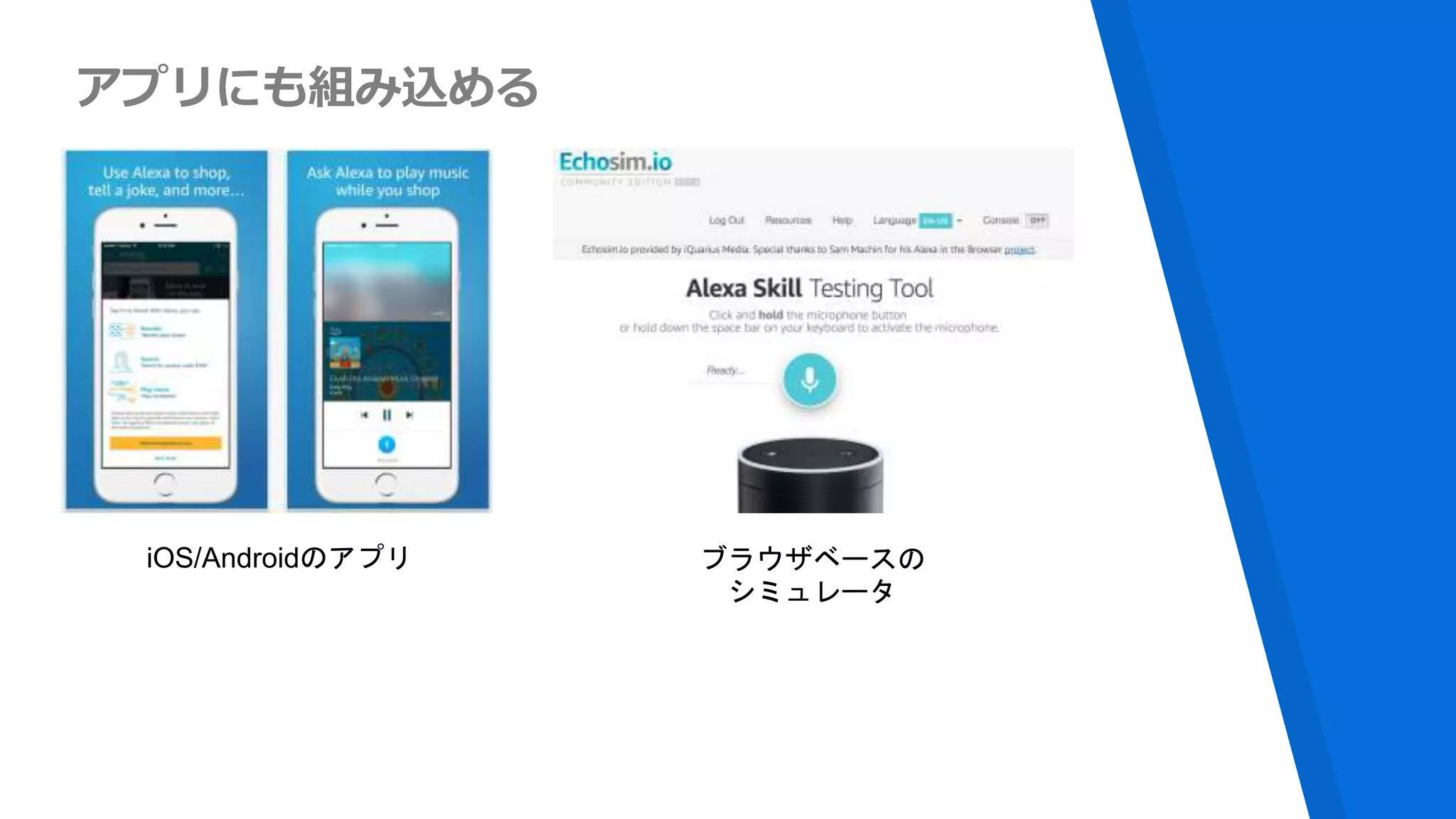
アプリにも組み込める
iOS/Androidのアプリ ブラウザベースの
シミュレータ
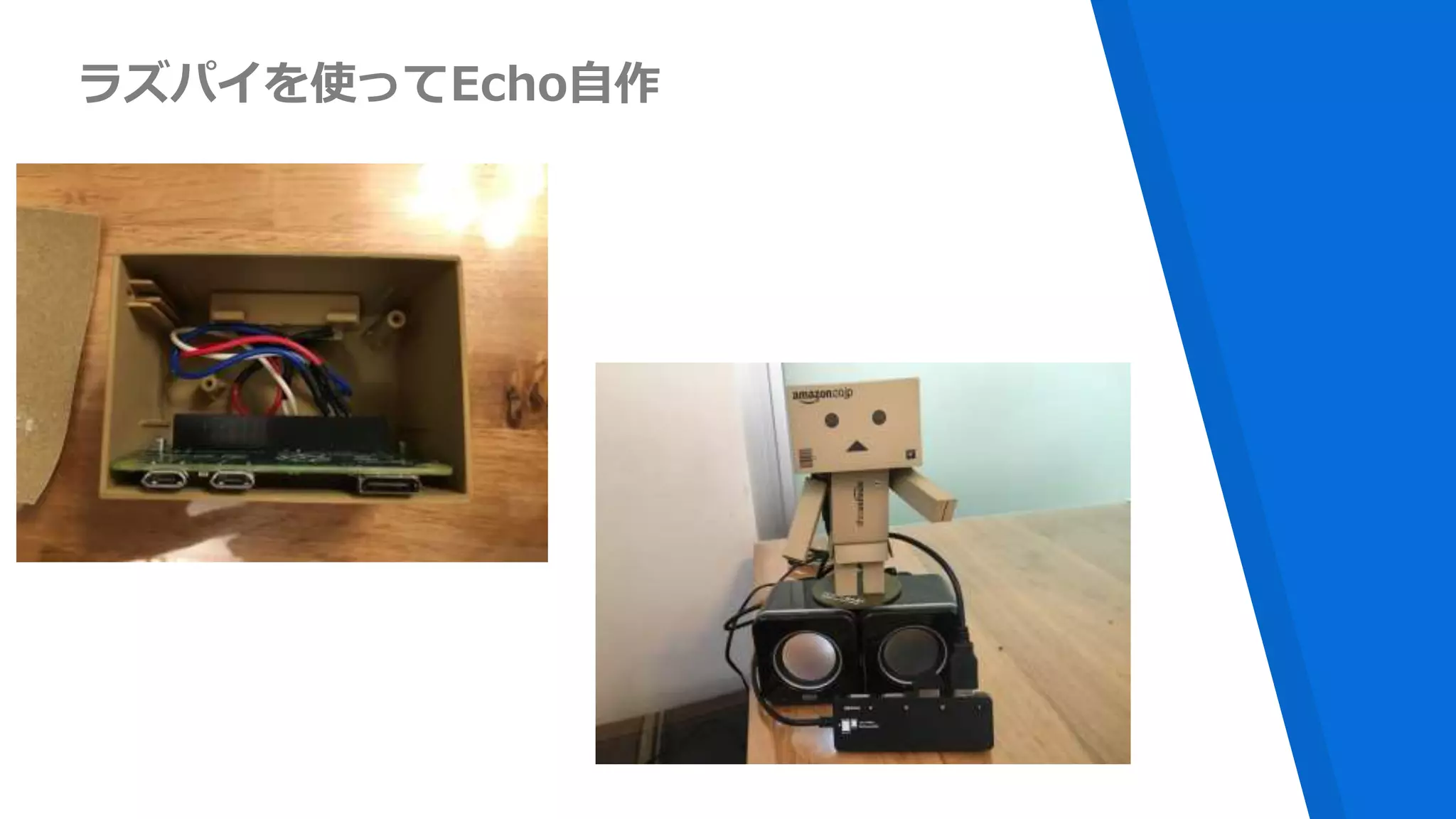
ラズパイを使ってEcho自作
Serverlessと
どんな関係が?
Alexa Skills Types
▸Custom Skills
▸Smart Home Skills
▸Flash Briefing Skills
▸Video Skill
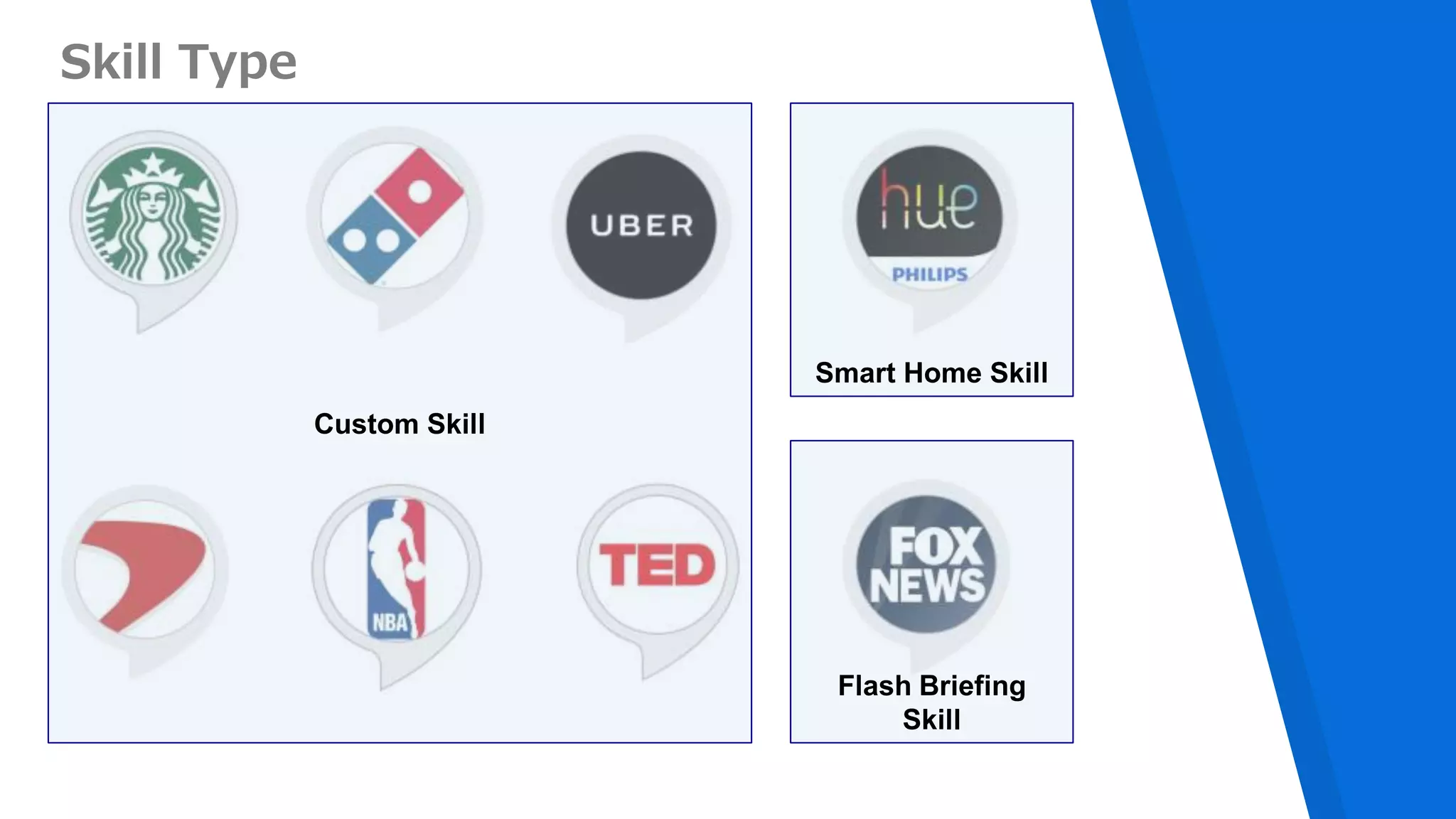
Skill Type
Custom Skill
Smart Home Skill
Flash Briefing
Skill
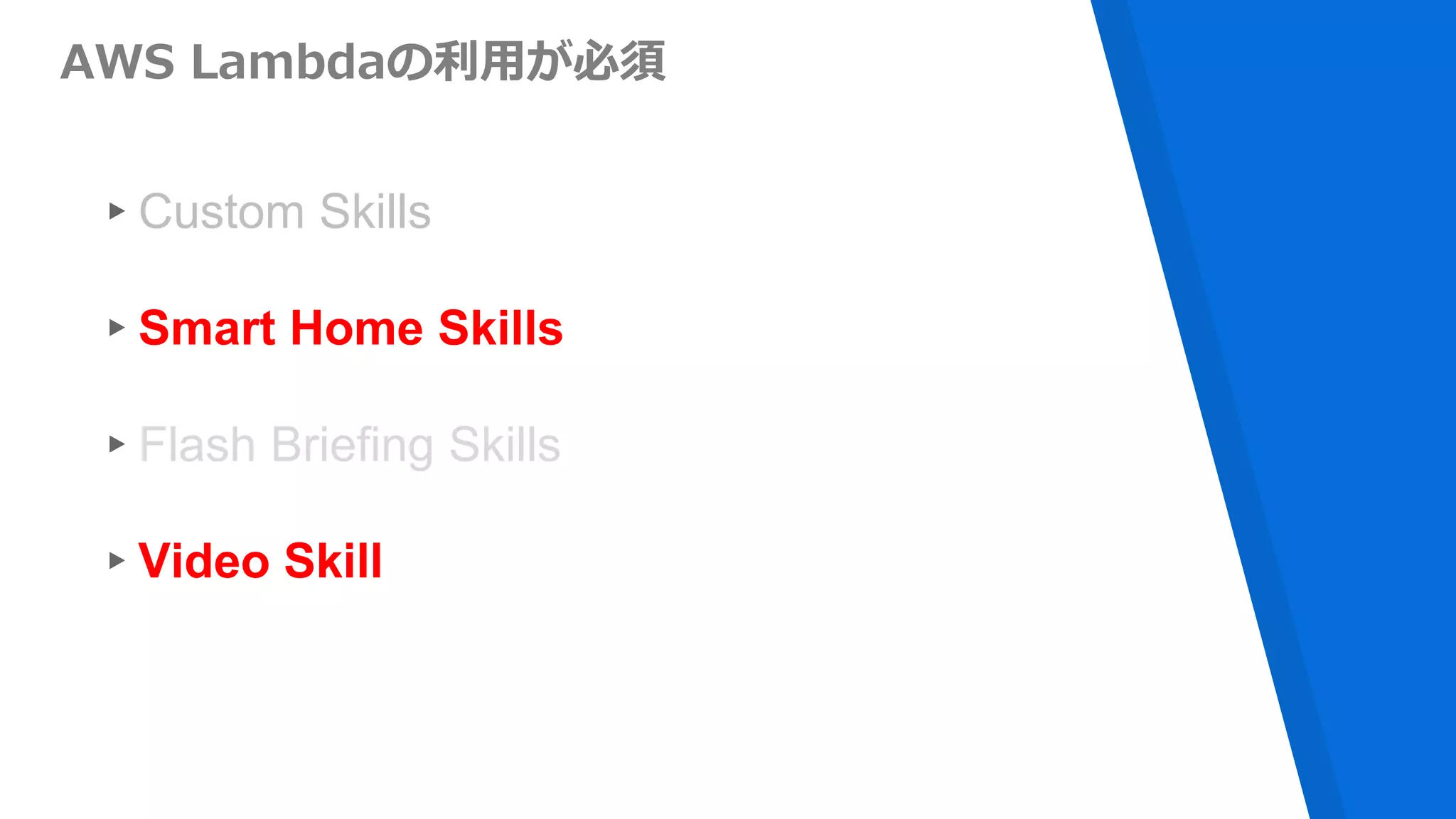
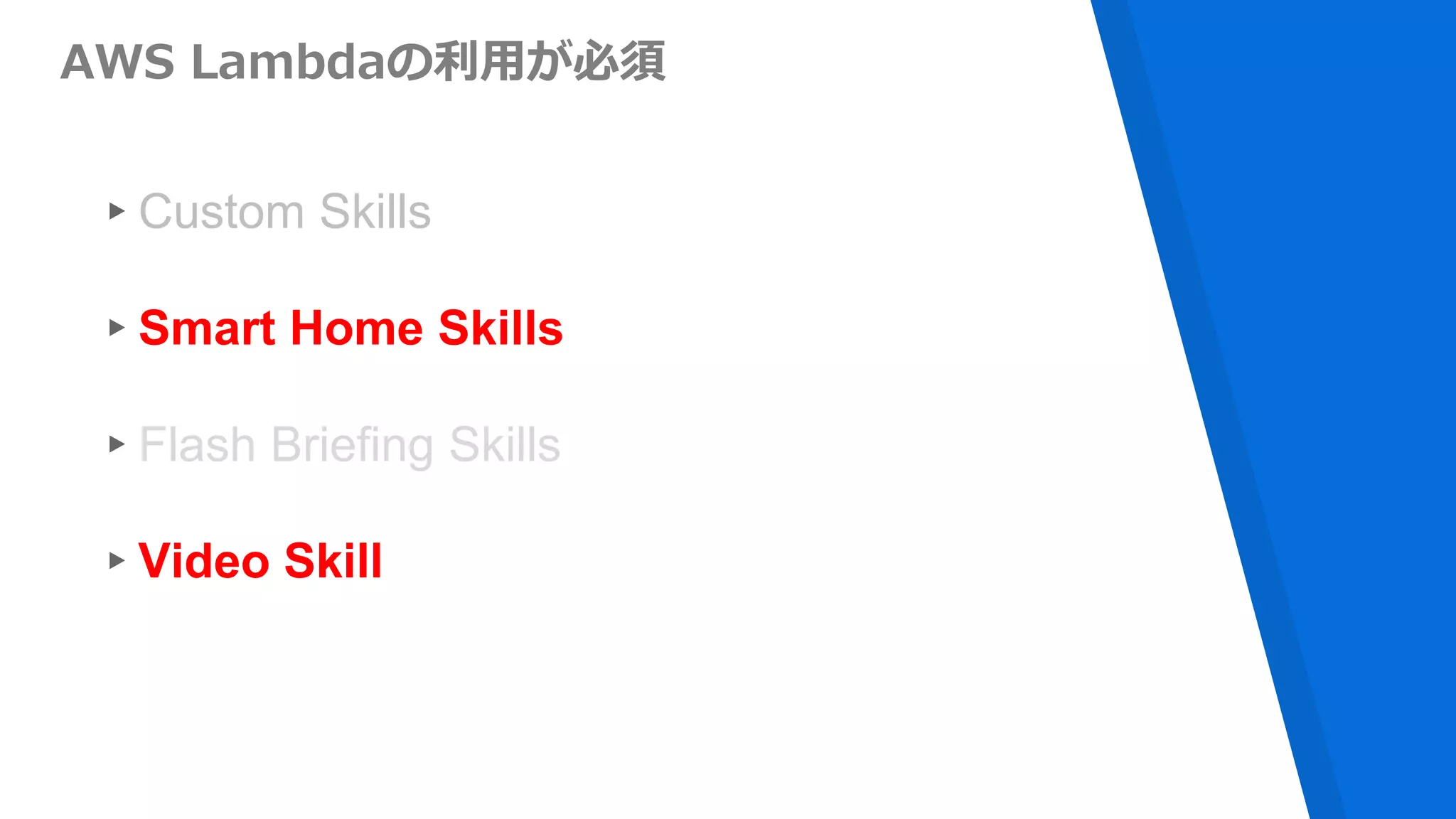
AWS Lambdaの利用が必須
▸Custom Skills
▸Smart Home Skills
▸Flash Briefing Skills
▸Video Skill
Alexa Skillには
Serverlessな
構成が求められている
Alexa Skillの基本
(Custom Skill)
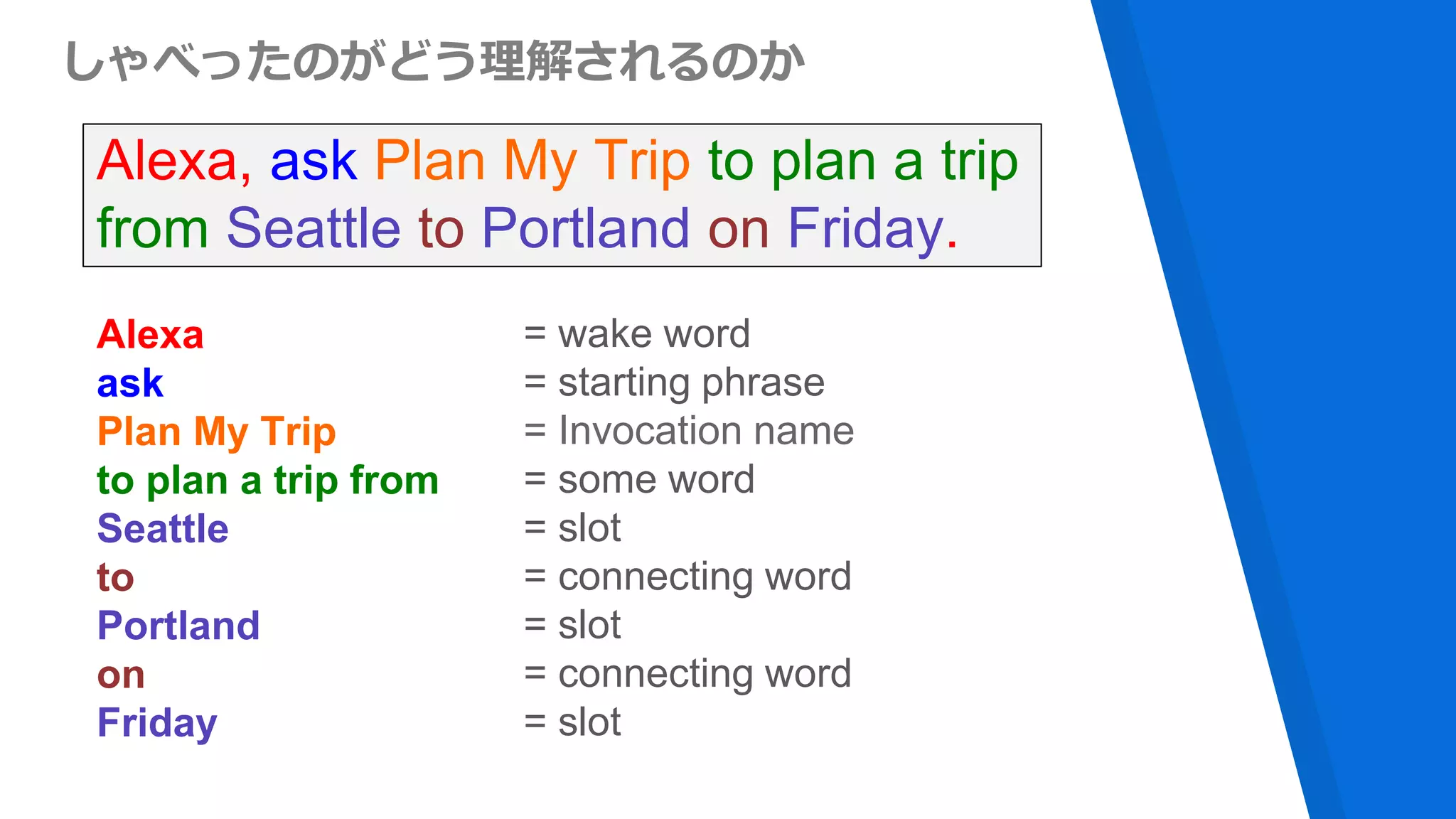
しゃべったのがどう理解されるのか
Alexa, ask Plan My Trip to plan a trip
from Seattle to Portland on Friday.
Alexa
ask
Plan My Trip
to plan a trip from
Seattle
to
Portland
on
Friday
= wake word
= starting phrase
= Invocation name
= some word
= slot
= connecting word
= slot
= connecting word
= slot
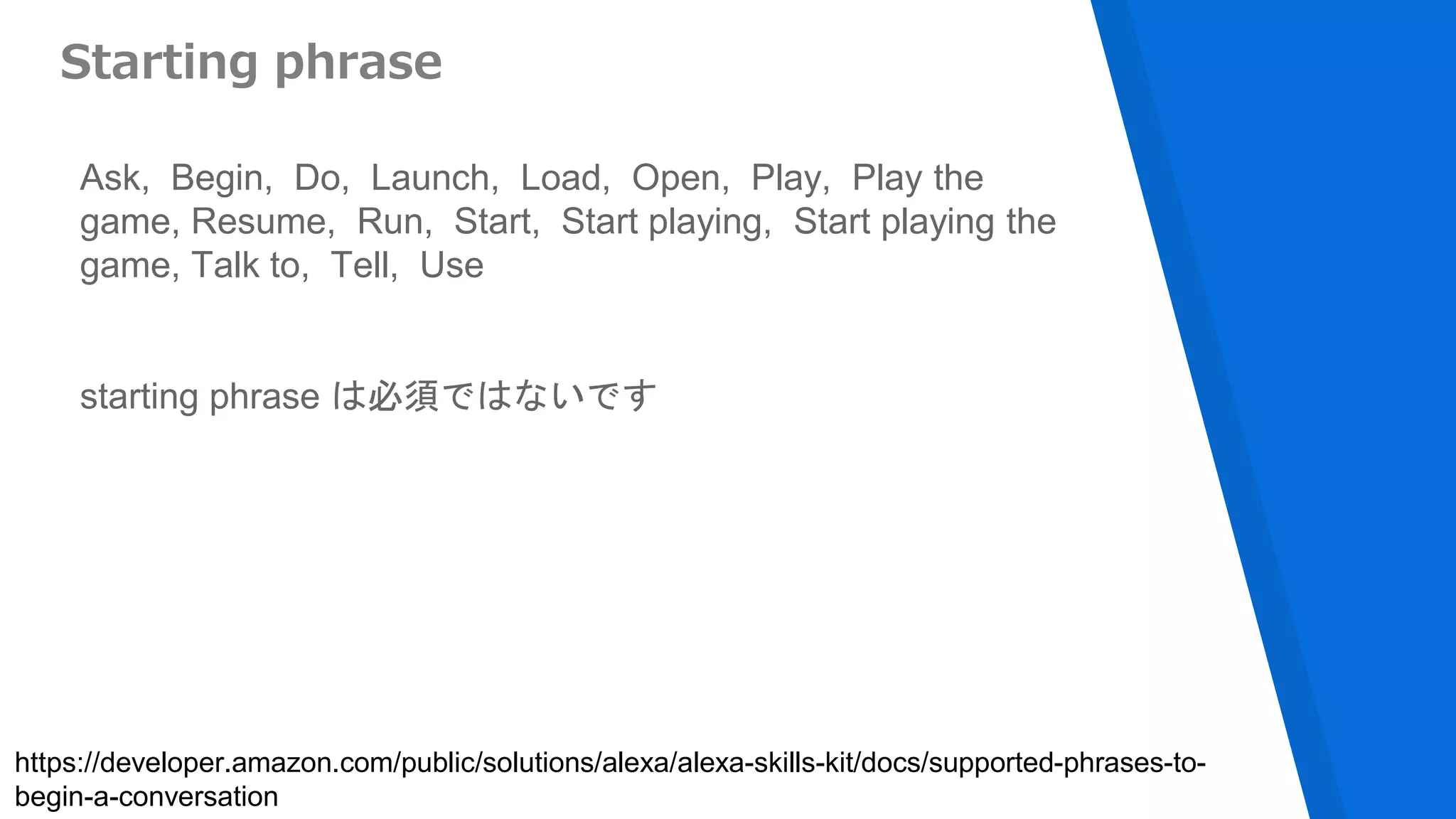
Starting phrase
Ask, Begin, Do, Launch, Load, Open, Play, Play the
game, Resume, Run, Start, Start playing, Start playing the
game, Talk to, Tell, Use
starting phrase は必須ではないです
https://developer.amazon.com/public/solutions/alexa/alexa-skills-kit/docs/supported-phrases-to-
begin-a-conversation
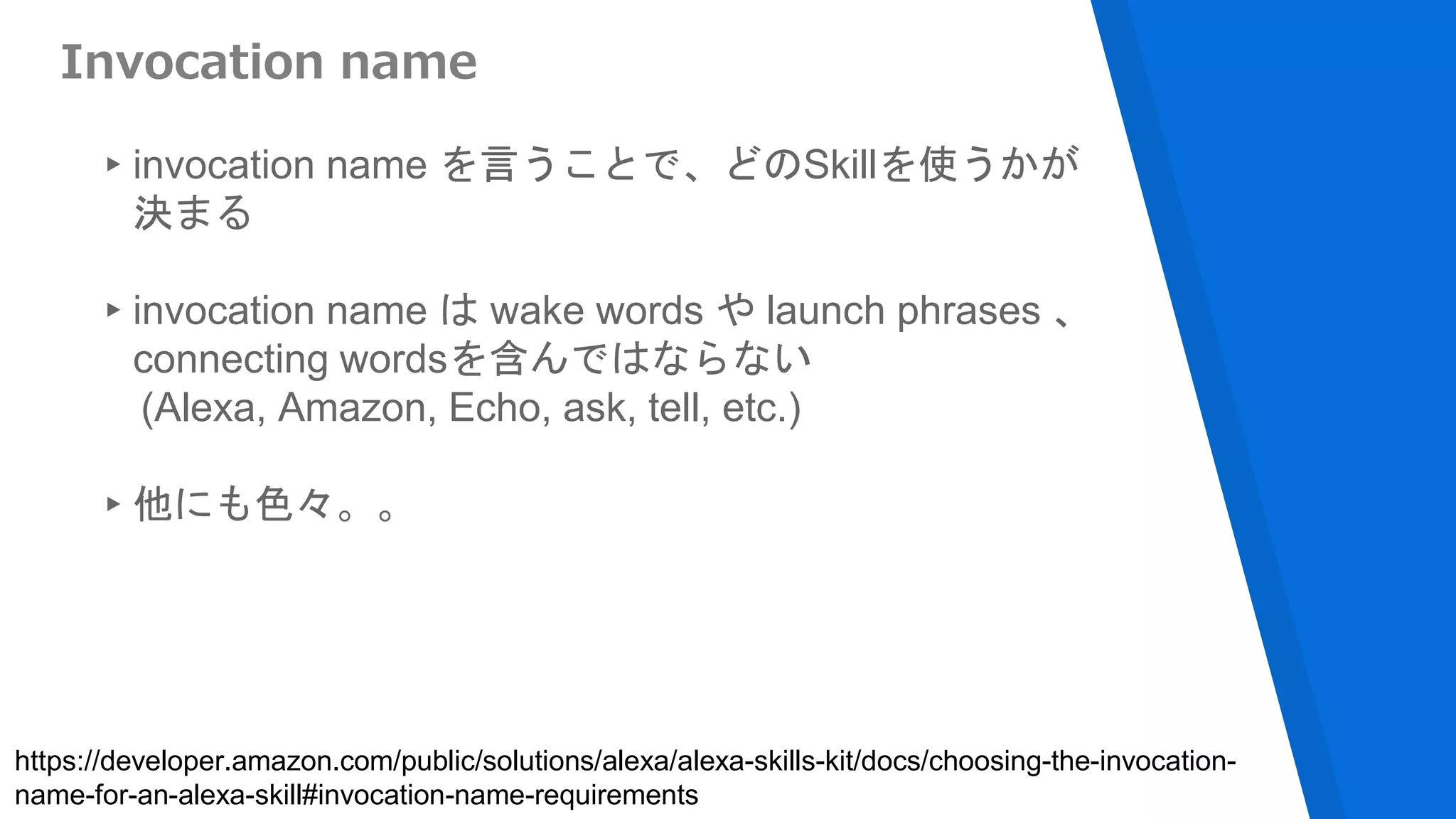
Invocation name
▸invocation name を言うことで、どのSkillを使うかが
決まる
▸invocation name は wake words や launch phrases 、
connecting wordsを含んではならない
(Alexa, Amazon, Echo, ask, tell, etc.)
▸他にも色々。。
https://developer.amazon.com/public/solutions/alexa/alexa-skills-kit/docs/choosing-the-invocation-
name-for-an-alexa-skill#invocation-name-requirements
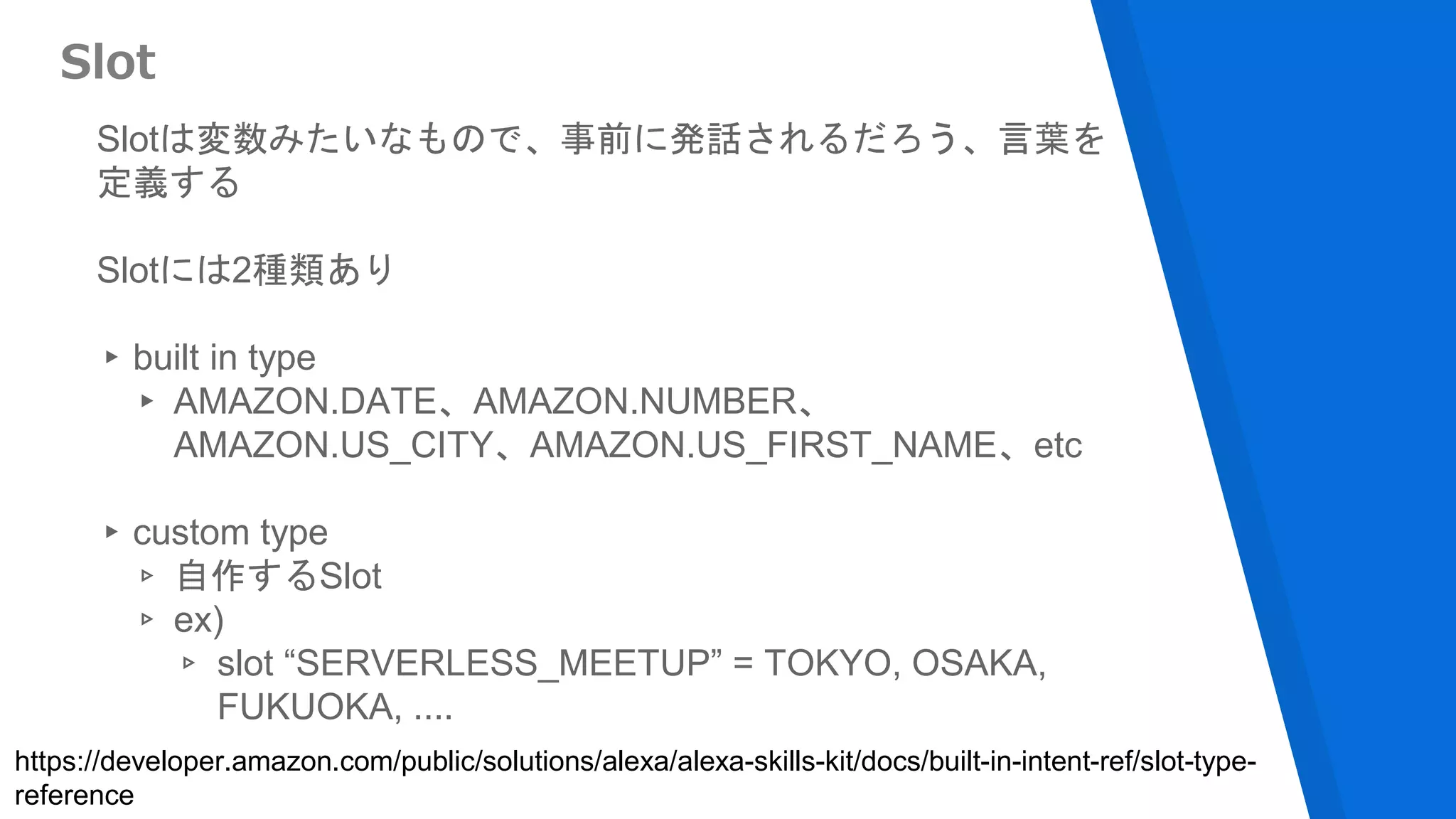
Slotは変数みたいなもので、事前に発話されるだろう、言葉を
定義する
Slotには2種類あり
▸built in type
▸ AMAZON.DATE、AMAZON.NUMBER、
AMAZON.US_CITY、AMAZON.US_FIRST_NAME、etc
▸custom type
▹ 自作するSlot
▹ ex)
▹ slot “SERVERLESS_MEETUP” = TOKYO, OSAKA,
FUKUOKA, ....
Slot
https://developer.amazon.com/public/solutions/alexa/alexa-skills-kit/docs/built-in-intent-ref/slot-type-
reference
Interaction Model
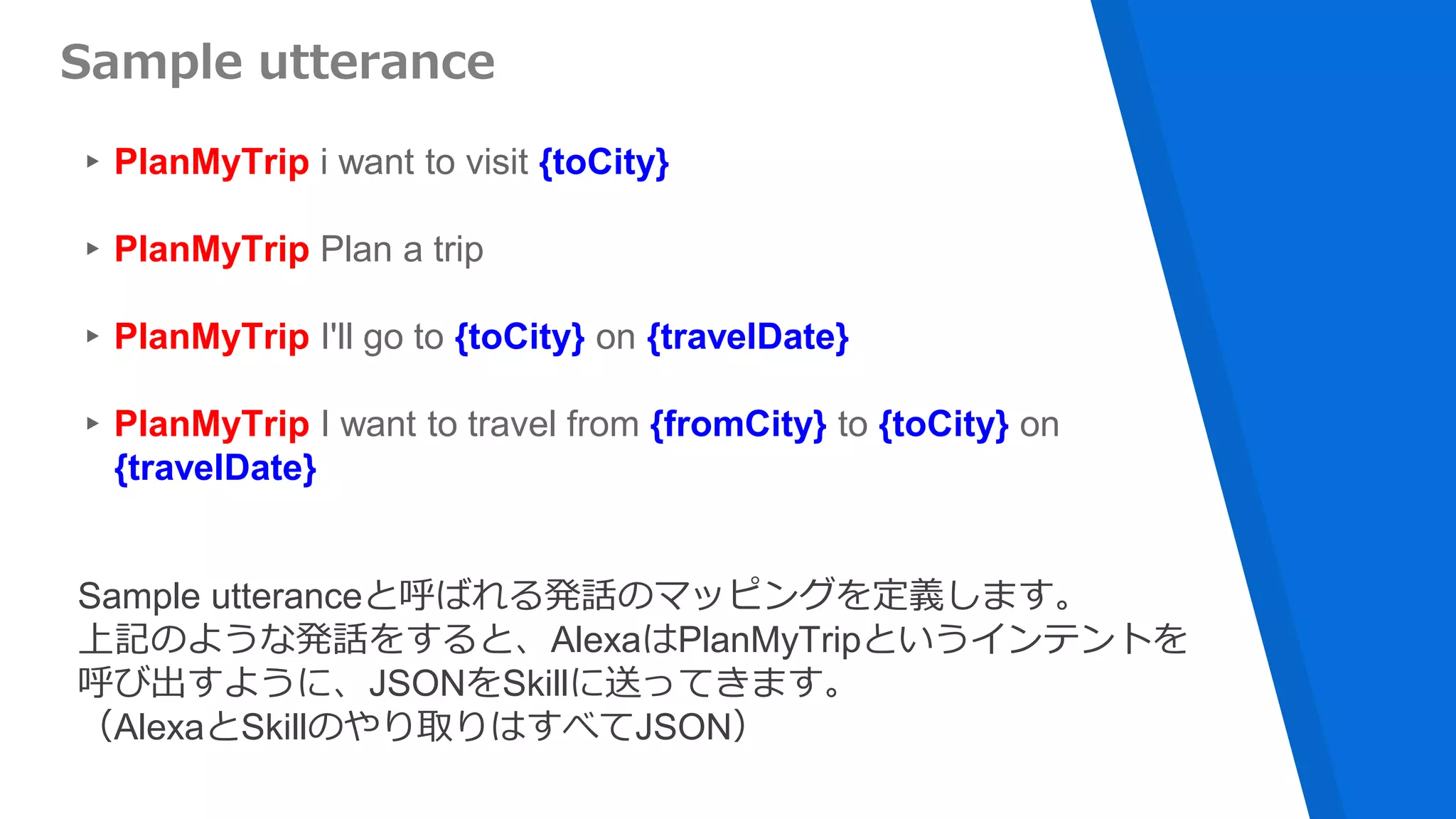
▸PlanMyTrip i want to visit {toCity}
▸PlanMyTrip Plan a trip
▸PlanMyTrip I'll go to {toCity} on {travelDate}
▸PlanMyTrip I want to travel from {fromCity} to {toCity} on
{travelDate}
Sample utterance
Sample utteranceと呼ばれる発話のマッピングを定義します。
上記のような発話をすると、AlexaはPlanMyTripというインテントを
呼び出すように、JSONをSkillに送ってきます。
(AlexaとSkillのやり取りはすべてJSON)
{
"intents": [
{
"intent": "PlanMyTrip",
"slots": [
{"name": "travelDate", "type": "AMAZON.DATE" },
{"name": "toCity", "type": "AMAZON.US_CITY" },
{"name": "fromCity", "type": "AMAZON.US_CITY" }
]
}
]
}
Intent Schema
Sample utteranceに定義した発話の構造を定義します。
全体の流れ
[1] Alexa, ask Plan My Trip to plan a trip
from Seattle to Portland on Friday.
Plan My
Trip
Skill
[2] Invoke PlanMyTrip with
toCity=Portland
fromCity=Seattle
travelDate=September 7 2017
[3] Text response[4] Audio response
半分まで来ました
そろそろ
Serverlessな話
が。。
AWS Lambdaの利用が必須
▸Custom Skills
▸Smart Home Skills
▸Flash Briefing Skills
▸Video Skill
Smart Home Skill
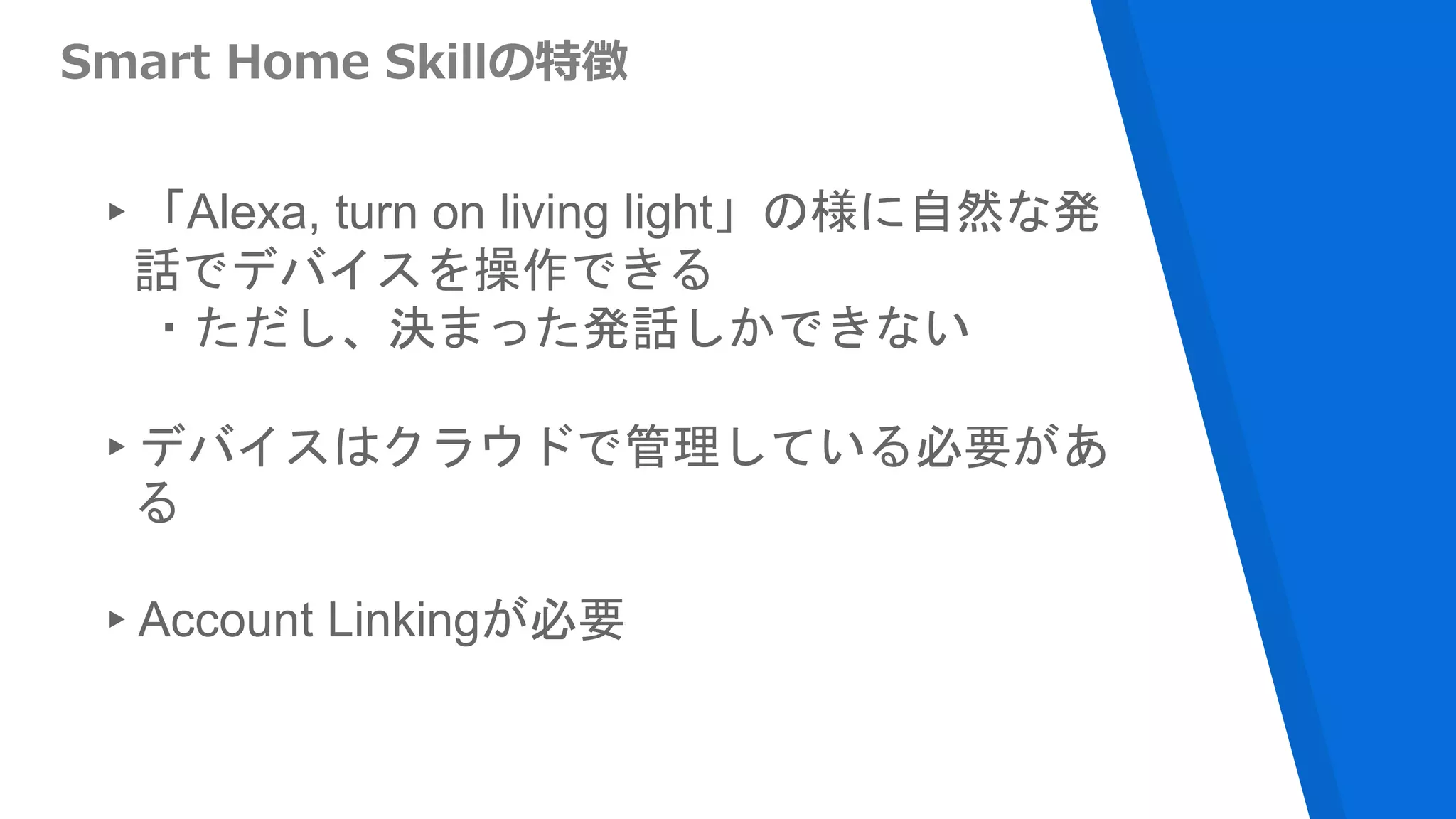
Smart Home Skillの特徴
▸「Alexa, turn on living light」の様に自然な発
話でデバイスを操作できる
・ただし、決まった発話しかできない
▸デバイスはクラウドで管理している必要があ
る
▸Account Linkingが必要
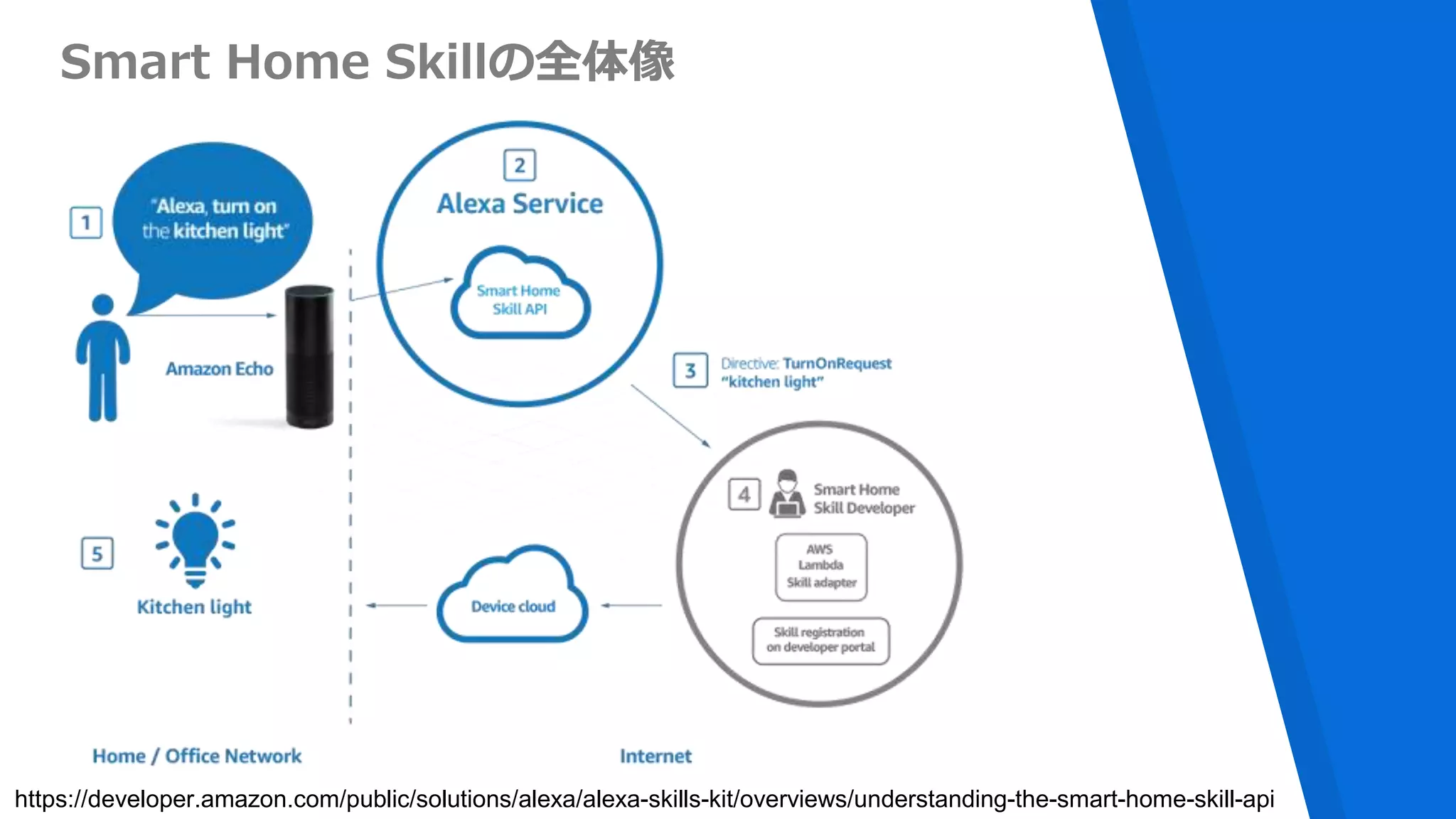
Smart Home Skillの全体像
https://developer.amazon.com/public/solutions/alexa/alexa-skills-kit/overviews/understanding-the-smart-home-skill-api
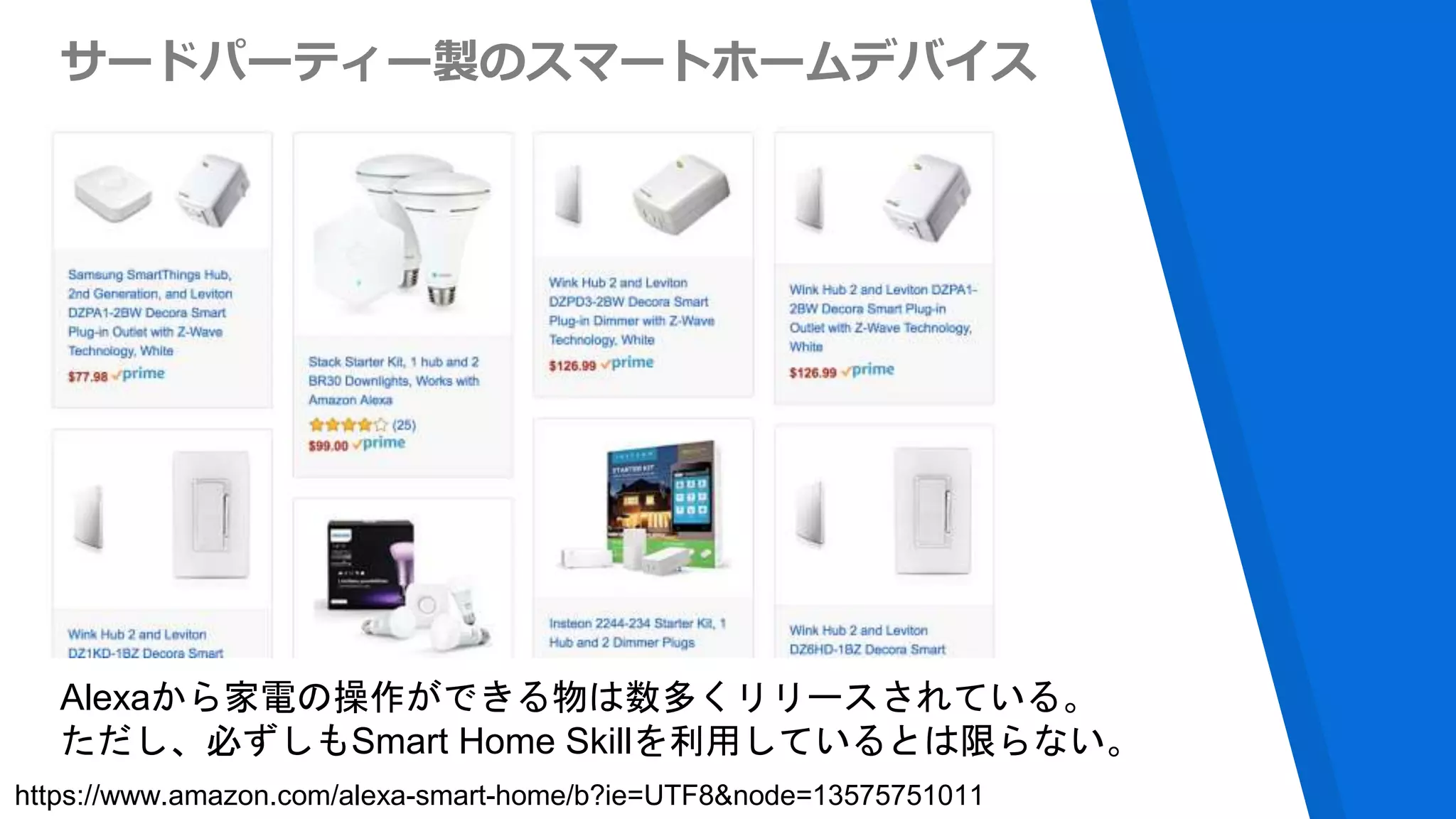
サードパーティー製のスマートホームデバイス
Alexaから家電の操作ができる物は数多くリリースされている。
ただし、必ずしもSmart Home Skillを利用しているとは限らない。
https://www.amazon.com/alexa-smart-home/b?ie=UTF8&node=13575751011
自分の家を
スマートホーム化
したい!
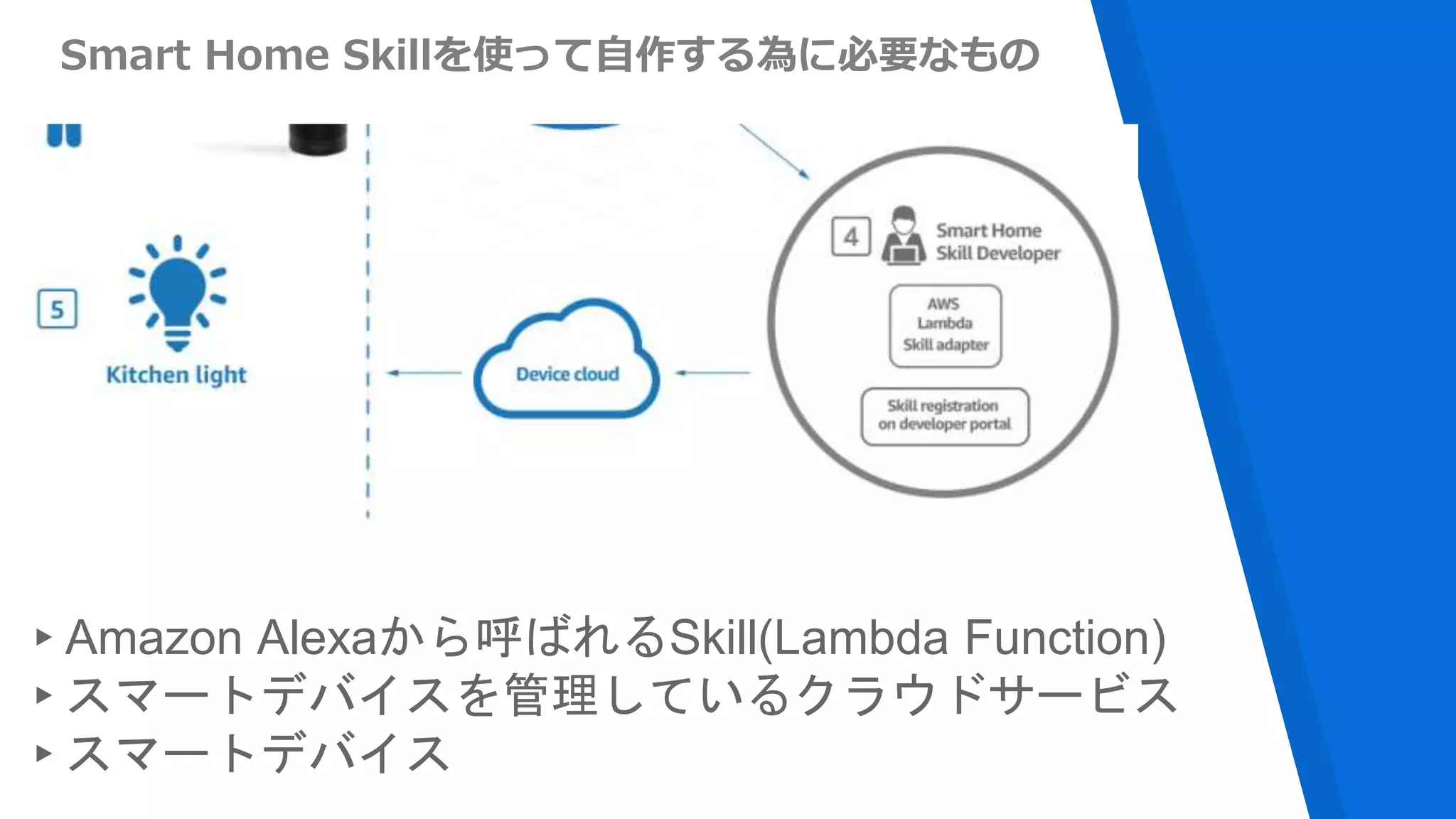
Smart Home Skillを使って自作する為に必要なもの
▸Amazon Alexaから呼ばれるSkill(Lambda Function)
▸スマートデバイスを管理しているクラウドサービス
▸スマートデバイス
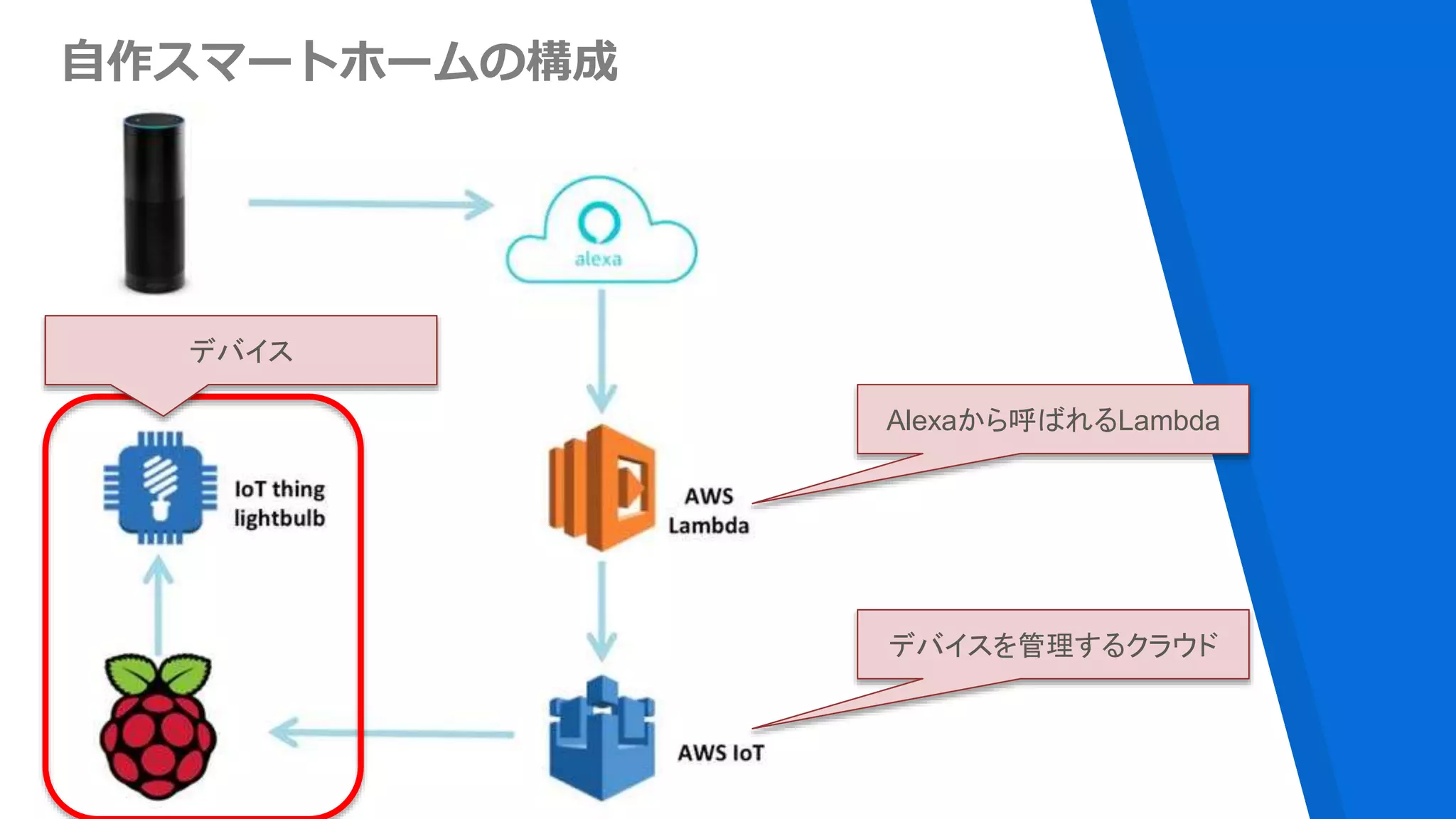
自作スマートホームの構成
デバイスを管理するクラウド
Alexaから呼ばれるLambda
デバイス
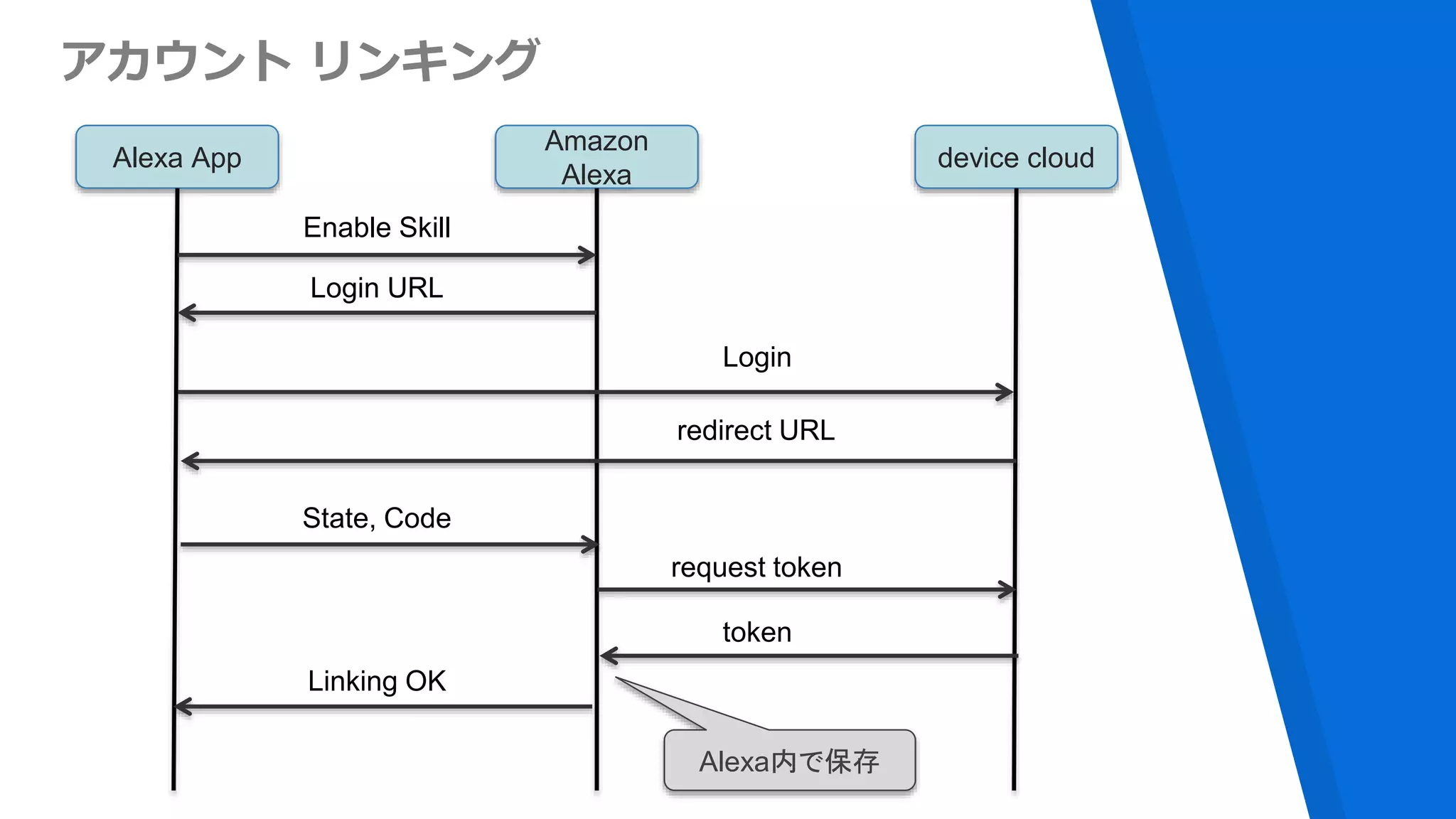
アカウント リンキング
Alexa App
Amazon
Alexa
device cloud
Enable Skill
Login URL
Login
redirect URL
State, Code
request token
token
Linking OK
Alexa内で保存
https://developer.amazon.com/ja/login-with-amazon
自分しか使わないので、Login with Amazonを使う
デモ動画
https://youtu.be/ap7biLjH_Qc
Smart Home Skillを使った
スマートホームのまとめ
▸自作スマートホームであれば、lambda, AWS IoTを利用し
てサーバレスな環境で完結する
▸デバイスメーカが実装する場合は、lambdaから自サービス
のAPIを叩いて、デバイスのディスカバリーや、操作を行う
▸アカウントリンキングはユーザーのAlexaアカウントと自
サービスのヒモ付で必要なので、OAuthの仕組みも必要
http://qiita.com/sparkgene/items/055d7864c92a80b0c040
https://github.com/sparkgene/smart_home_skill
Alexaに日本語を
しゃべらせたい
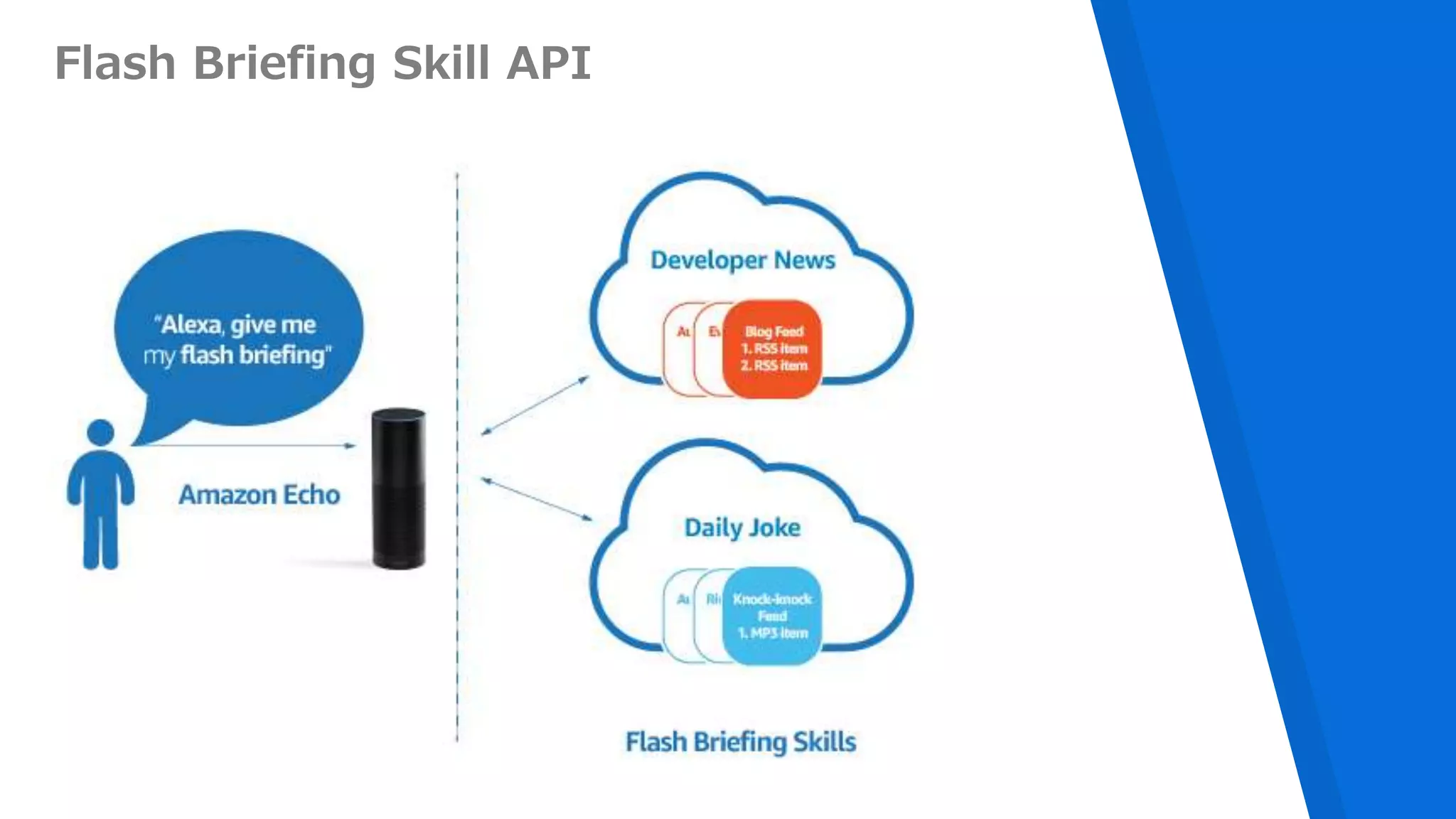
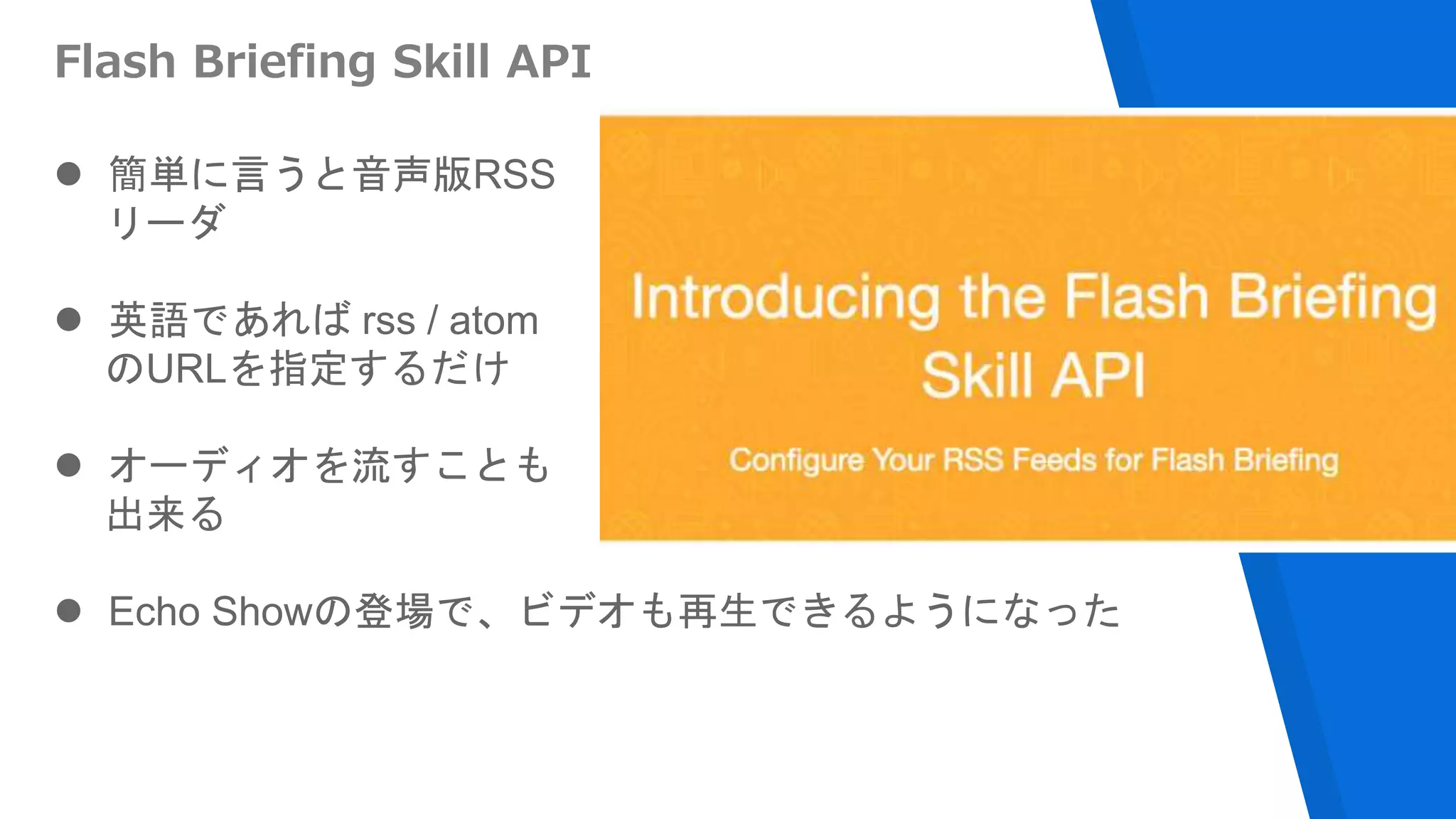
Flash Briefing Skill API
 簡単に言うと音声版RSS
リーダ
 英語であれば rss / atom
のURLを指定するだけ
 オーディオを流すことも
出来る
 Echo Showの登場で、ビデオも再生できるようになった
オーディオを流すことが
出来る!
Flash Briefingでオーディオを扱う条件
▸音声データはhttpsでアクセスする必要あり
▸256kbps mono or stereo MP3
▸音声ファイルが10分未満であること
▸ラウドネスが -14dB LUFS/LKFS。または、RMS値が -15
〜 13 dBの間であること。
https://developer.amazon.com/public/solutions/alexa/alexa-skills-kit/docs/flash-briefing-skill-api-feed-
reference#audio-content
Amazon Polly
https://aws.amazon.com/jp/polly/
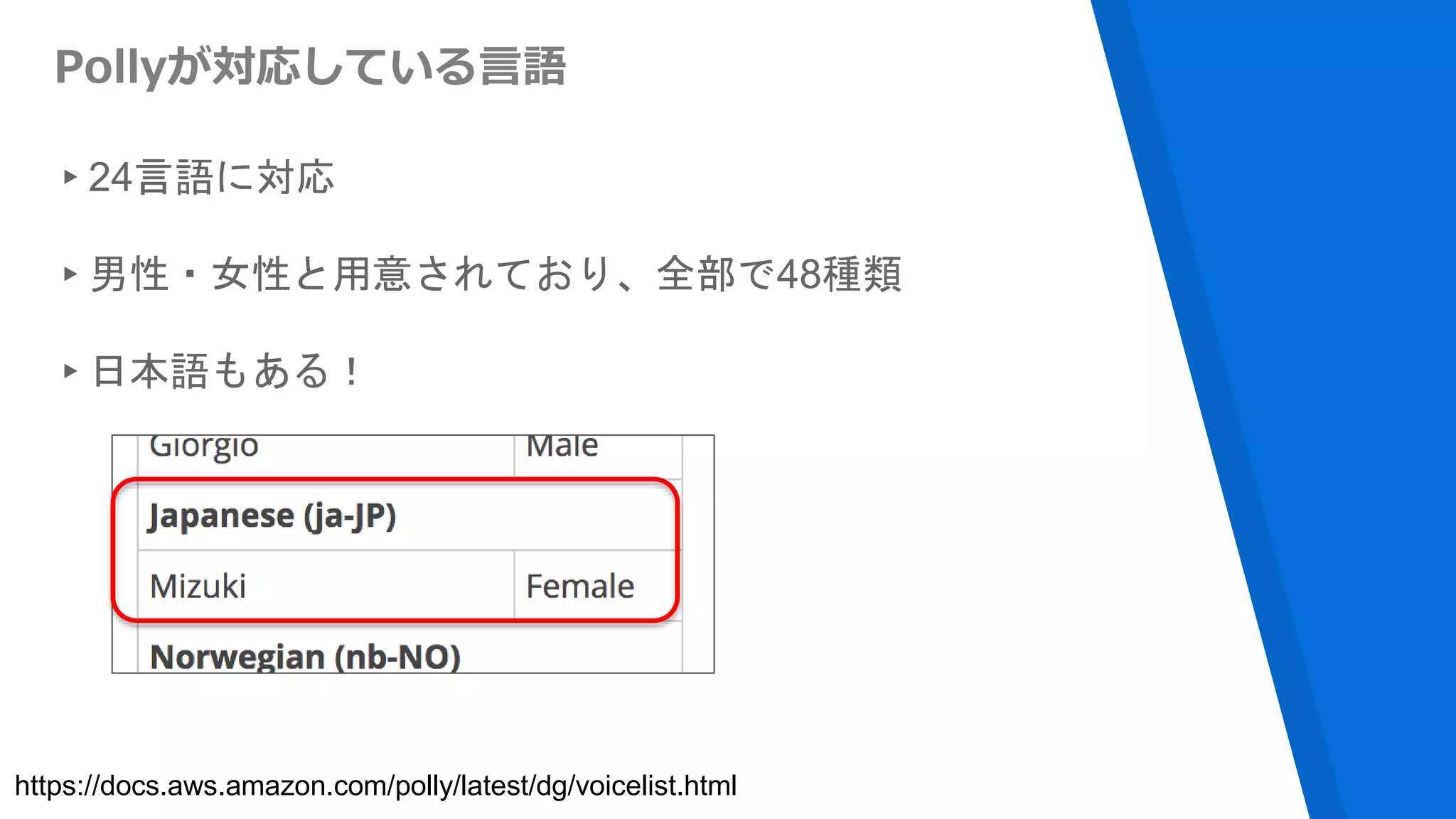
Pollyが対応している言語
▸24言語に対応
▸男性・女性と用意されており、全部で48種類
▸日本語もある!
https://docs.aws.amazon.com/polly/latest/dg/voicelist.html
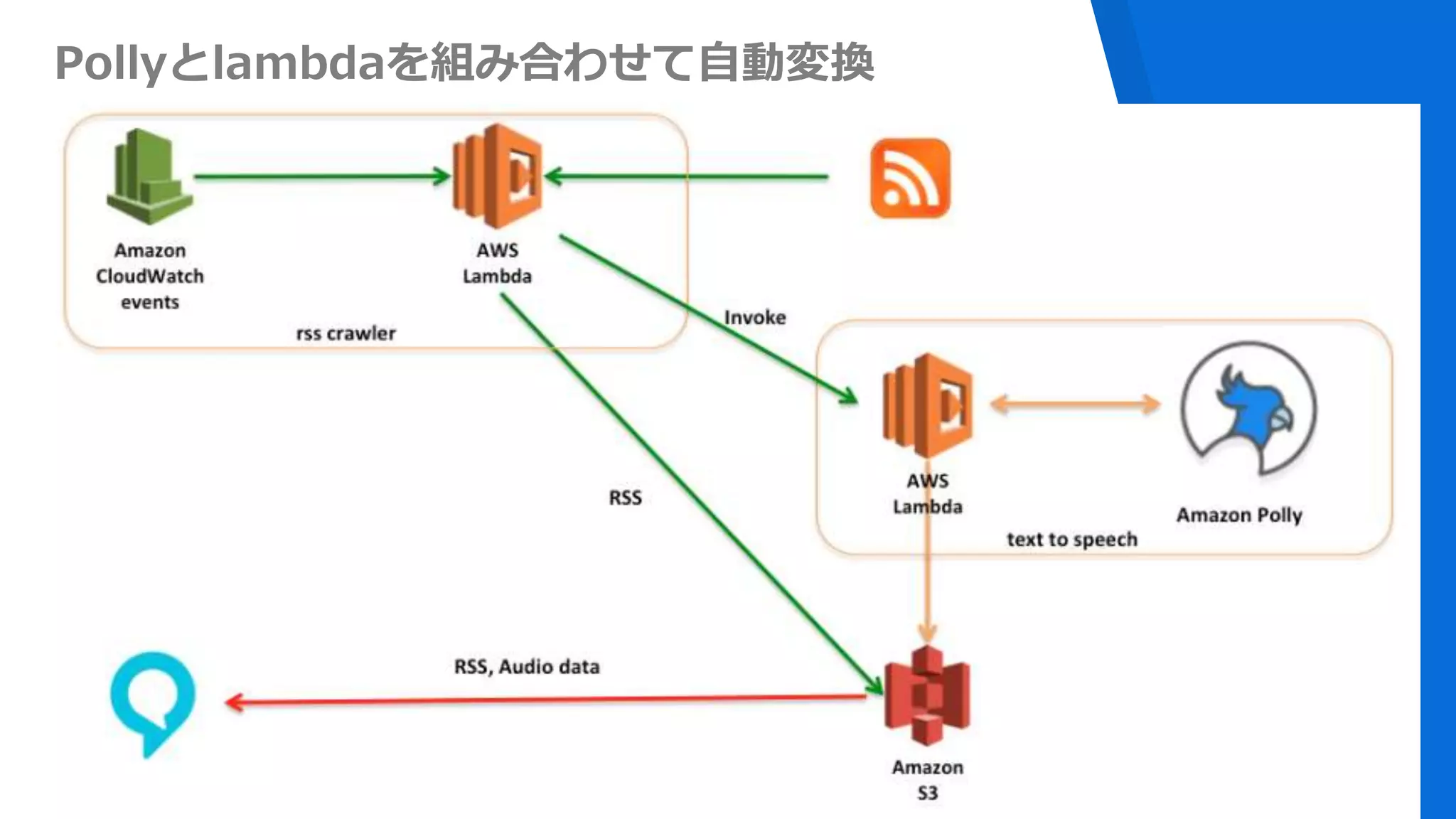
Pollyとlambdaを組み合わせて自動変換
デモ動画
https://youtu.be/HzpWTLiK2JI
Alexaが日本語
喋った!!
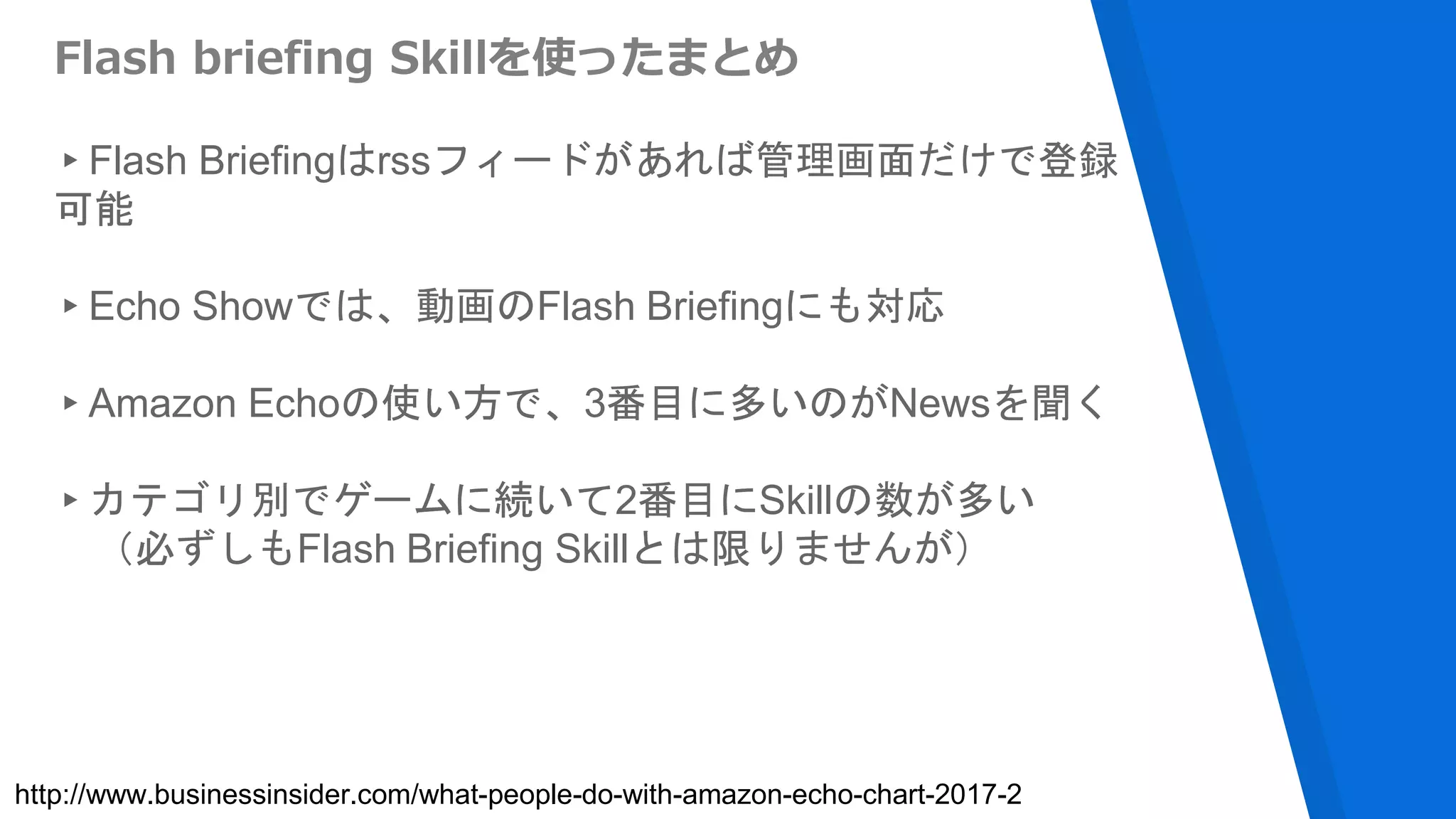
Flash briefing Skillを使ったまとめ
▸Flash Briefingはrssフィードがあれば管理画面だけで登録
可能
▸Echo Showでは、動画のFlash Briefingにも対応
▸Amazon Echoの使い方で、3番目に多いのがNewsを聞く
▸カテゴリ別でゲームに続いて2番目にSkillの数が多い
(必ずしもFlash Briefing Skillとは限りませんが)
http://www.businessinsider.com/what-people-do-with-amazon-echo-chart-2017-2
日本語対応はよ
Alexa Skill Kit
用のSDK
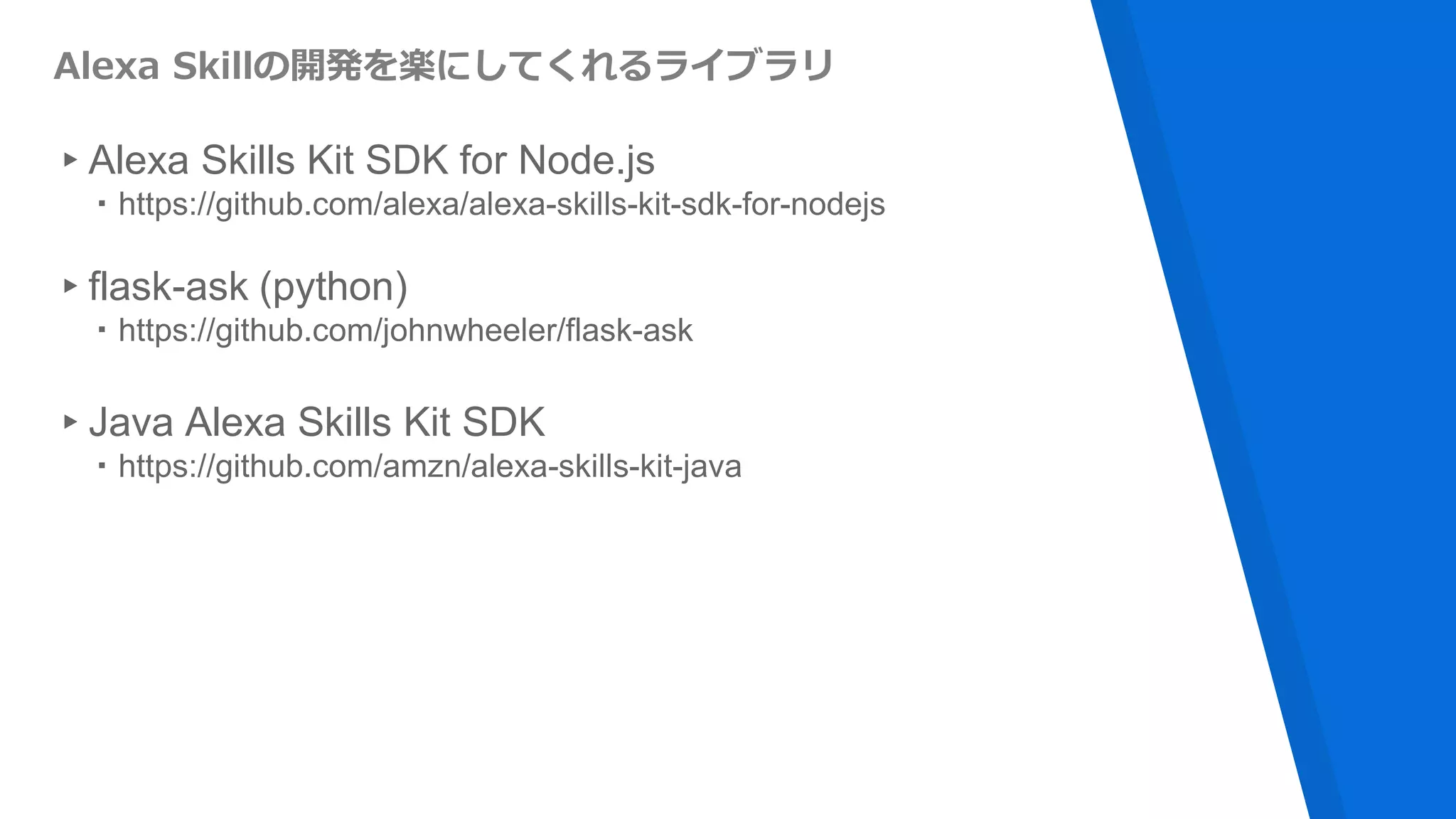
Alexa Skillの開発を楽にしてくれるライブラリ
▸Alexa Skills Kit SDK for Node.js
・https://github.com/alexa/alexa-skills-kit-sdk-for-nodejs
▸flask-ask (python)
・https://github.com/johnwheeler/flask-ask
▸Java Alexa Skills Kit SDK
・https://github.com/amzn/alexa-skills-kit-java
Skill作るのは簡単
▸Step 1: Amazonデベロッパーアカウントを作成ましょう
▸Step 2: AWSでLambdaファンクションを用意
▸Step 3: AlexaのコンソールでSkillとLambdaと連携させる
▸Step 4: Skillをテストする
▸Step 5: Skillをカスタマイズ
▸Step 6: 審査に出して公開する
https://developer.amazon.com/public/solutions/alexa/alexa-skills-kit/content/fact-skill-1
初めてのSkillを作るための6つのステップ
ありがとうございました

Amazon AlexaとServerless