Alphabet Of Lines
The backbone of drafting
Introduction to the Alphabet
of Lines
In order to understand what the drafter
is trying to get across, you must be able
to understand the symbols and lines he
uses.
Each line has a definite form and line
weight.
5 Main Line Types
Visible
Hidden
Center
Dimension
Extension
Visible Lines
Dark, heavy lines.
Show the outline and shape of an
object. (SHOWS SHAPE)
Define features you can see in a
particular view.
Hidden Lines
Light, narrow, short, dashed lines.
Shows the outline of a feature that can
not be seen in a particular view.
Used to help clarify a feature, but can
be omitted if they clutter a drawing.
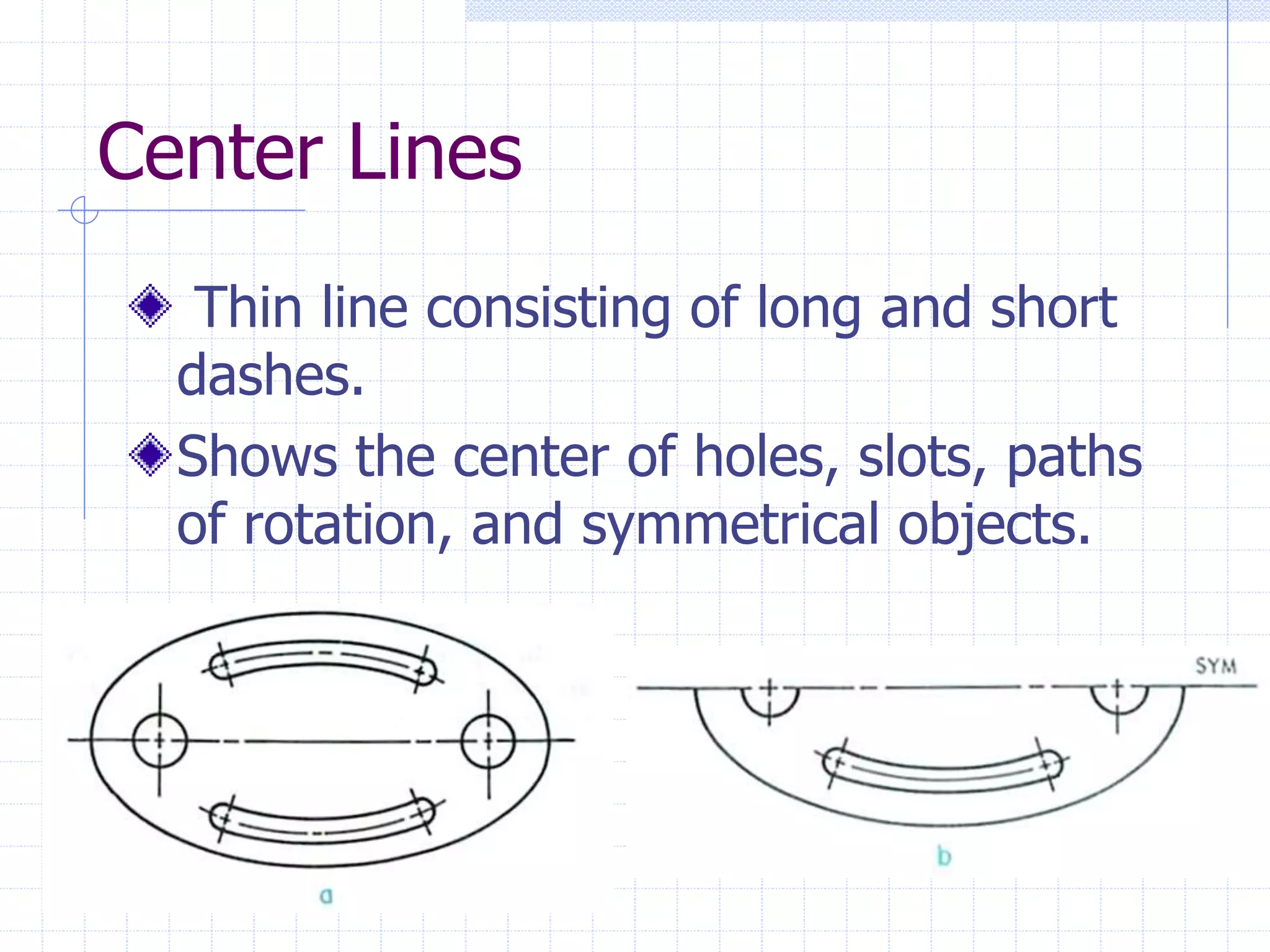
Center Lines
Thin line consisting of long and short
dashes.
Shows the center of holes, slots, paths
of rotation, and symmetrical objects.
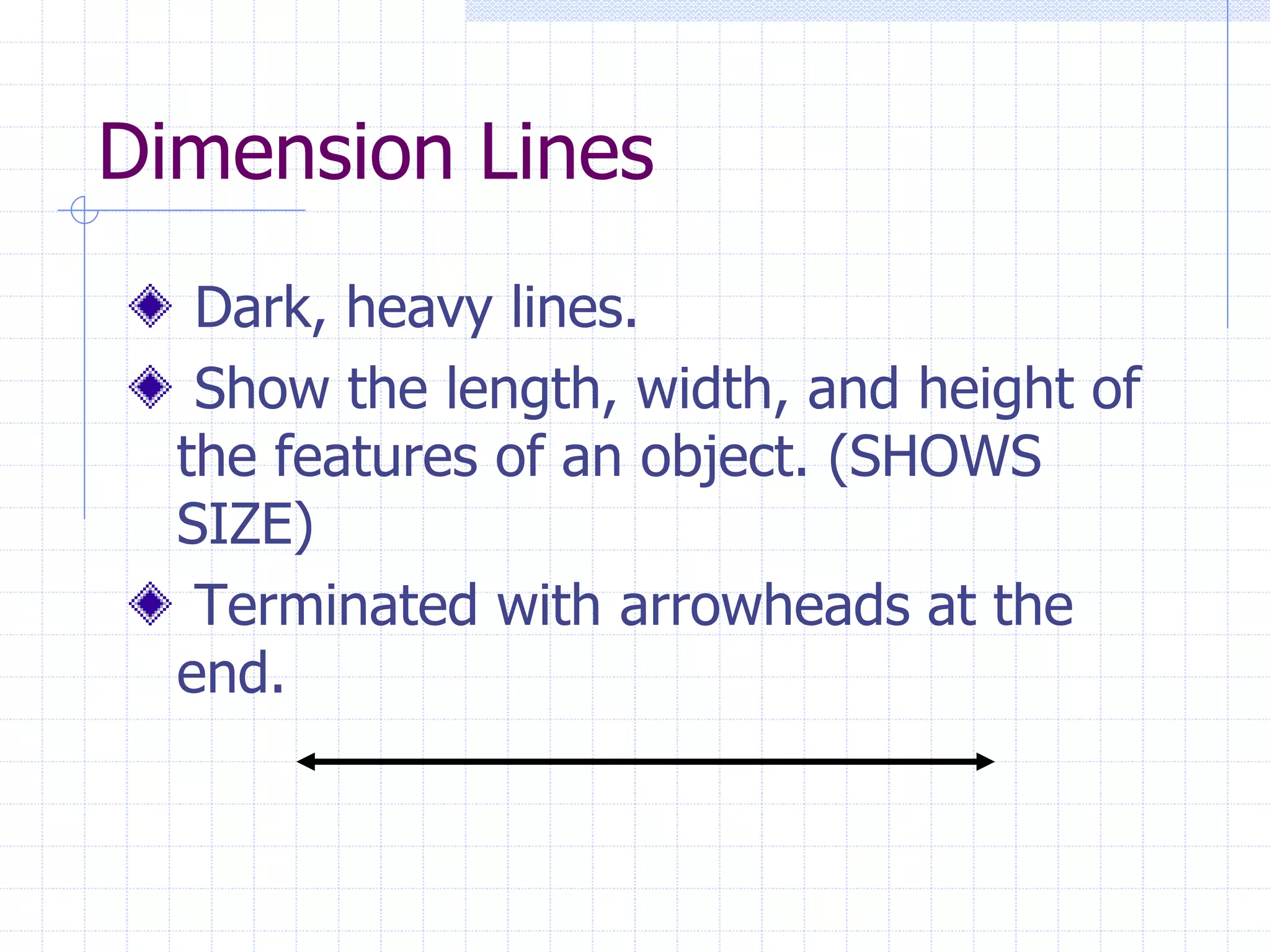
Dimension Lines
Dark, heavy lines.
Show the length, width, and height of
the features of an object. (SHOWS
SIZE)
Terminated with arrowheads at the
end.
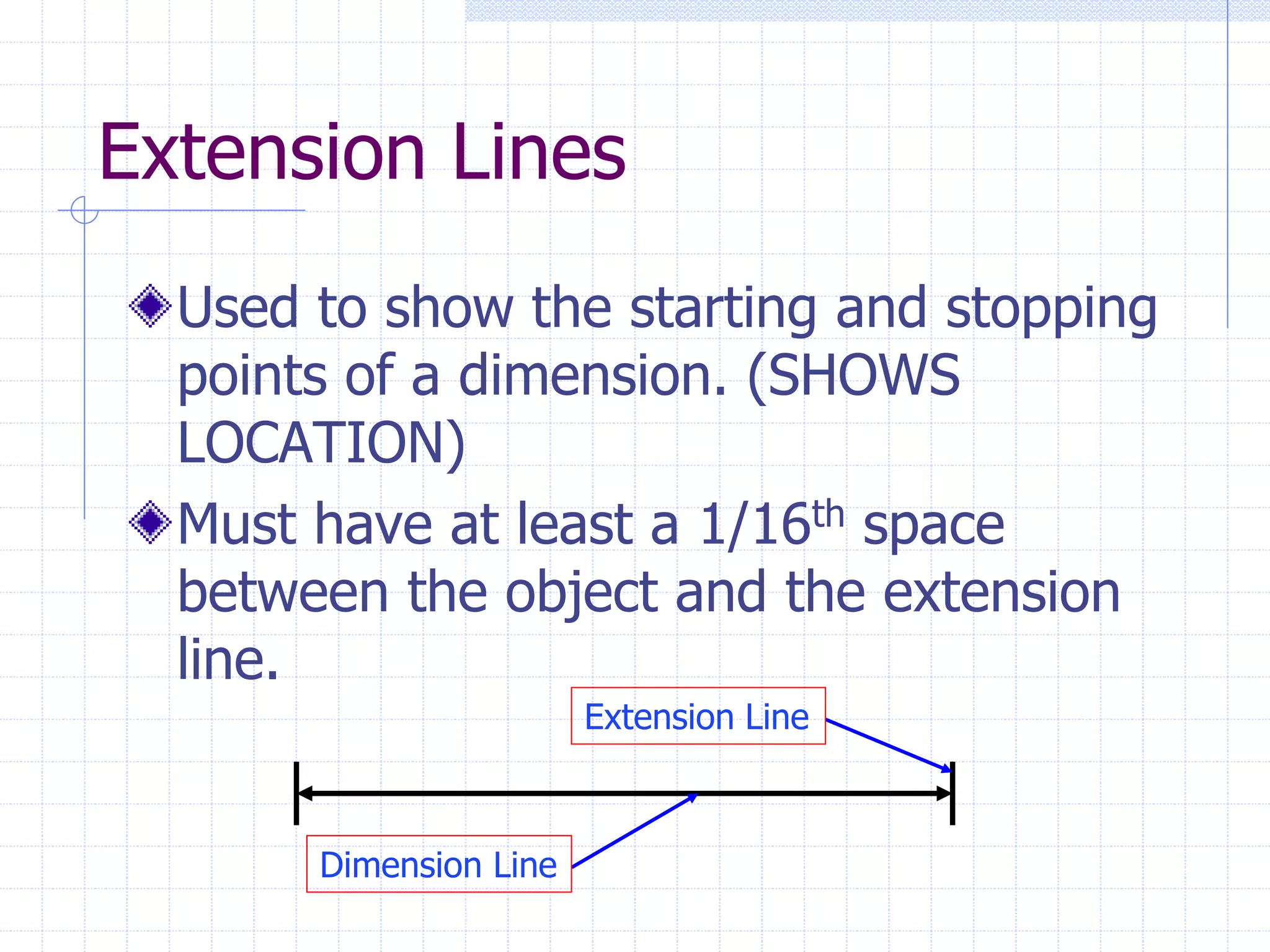
Extension Lines
Used to show the starting and stopping
points of a dimension. (SHOWS
LOCATION)
Must have at least a 1/16th space
between the object and the extension
line.
Extension Line
Dimension Line
Summary
Now that we have discussed the 5 main
line types, you should be able to do the
following:
1. Identify the alphabet of lines.
2. Identify where the line types are
used.
3. Produce the lines with correct
spacing and line weight.

ALPHABET_OF_LINES.ppt

  • 1.
    Alphabet Of Lines Thebackbone of drafting
  • 2.
    Introduction to theAlphabet of Lines In order to understand what the drafter is trying to get across, you must be able to understand the symbols and lines he uses. Each line has a definite form and line weight.
  • 3.
    5 Main LineTypes Visible Hidden Center Dimension Extension
  • 4.
    Visible Lines Dark, heavylines. Show the outline and shape of an object. (SHOWS SHAPE) Define features you can see in a particular view.
  • 5.
    Hidden Lines Light, narrow,short, dashed lines. Shows the outline of a feature that can not be seen in a particular view. Used to help clarify a feature, but can be omitted if they clutter a drawing.
  • 6.
    Center Lines Thin lineconsisting of long and short dashes. Shows the center of holes, slots, paths of rotation, and symmetrical objects.
  • 7.
    Dimension Lines Dark, heavylines. Show the length, width, and height of the features of an object. (SHOWS SIZE) Terminated with arrowheads at the end.
  • 8.
    Extension Lines Used toshow the starting and stopping points of a dimension. (SHOWS LOCATION) Must have at least a 1/16th space between the object and the extension line. Extension Line Dimension Line
  • 9.
    Summary Now that wehave discussed the 5 main line types, you should be able to do the following: 1. Identify the alphabet of lines. 2. Identify where the line types are used. 3. Produce the lines with correct spacing and line weight.