crm@georged.id.au
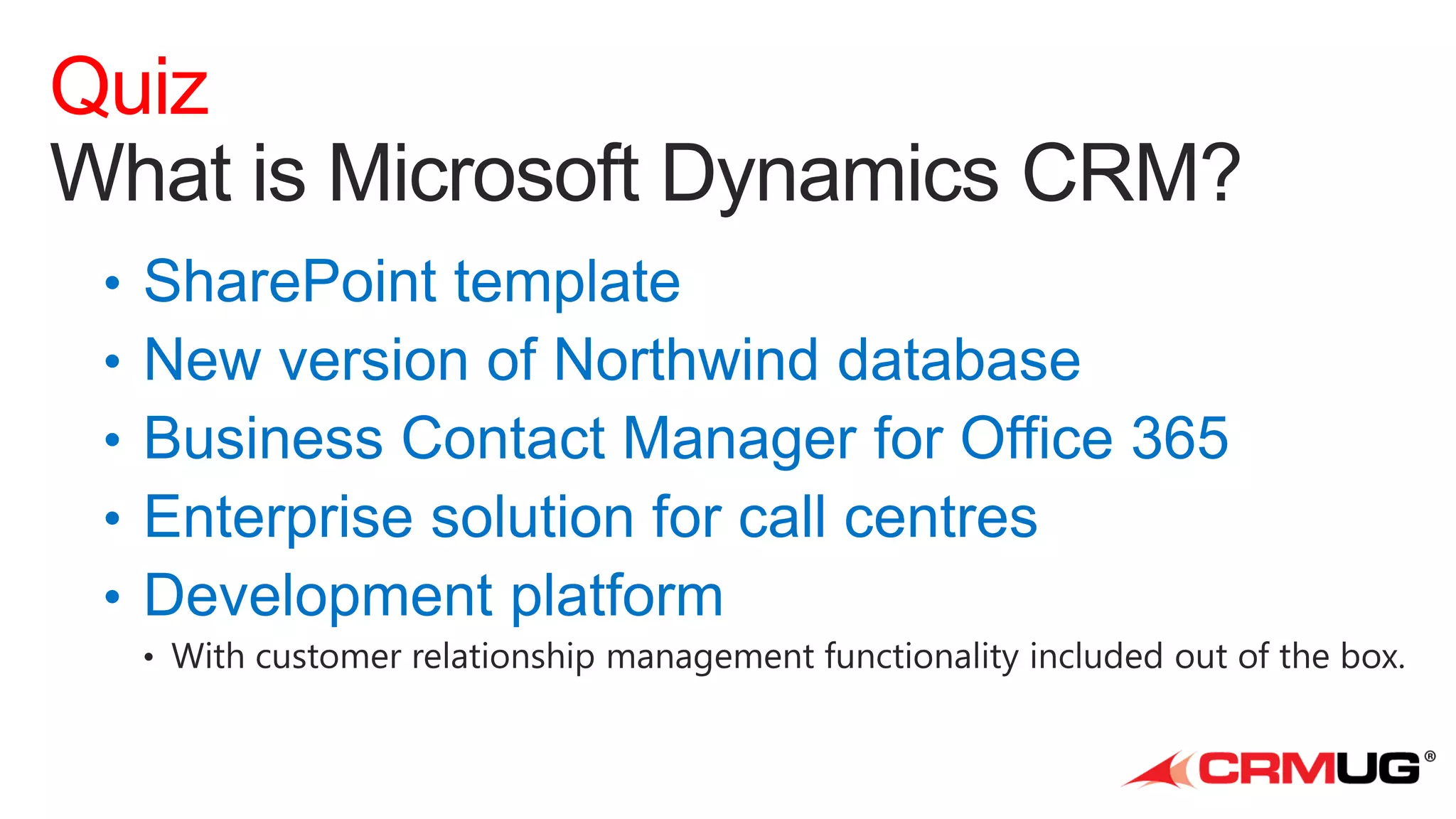
Quiz
xRM
Demo
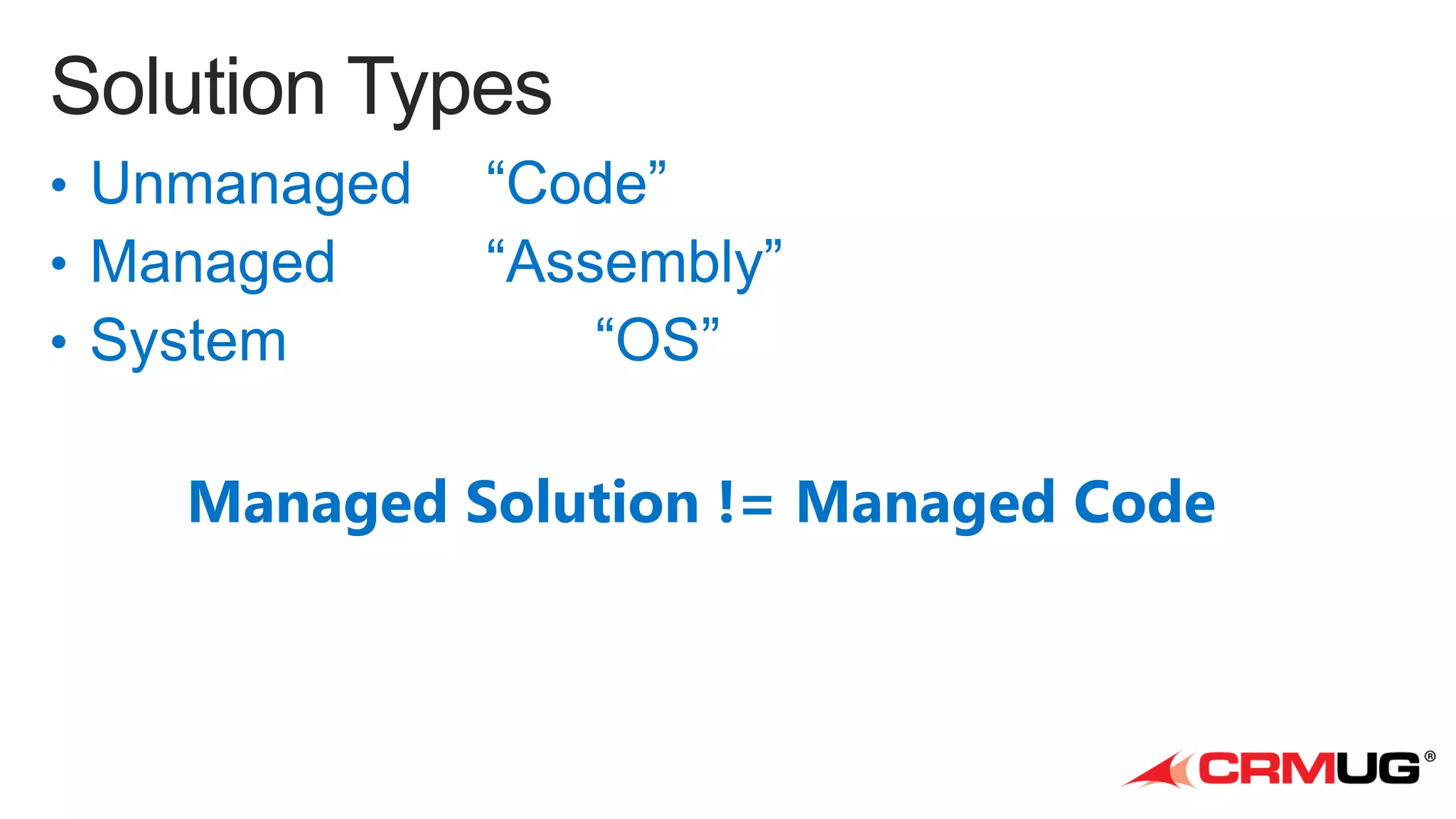
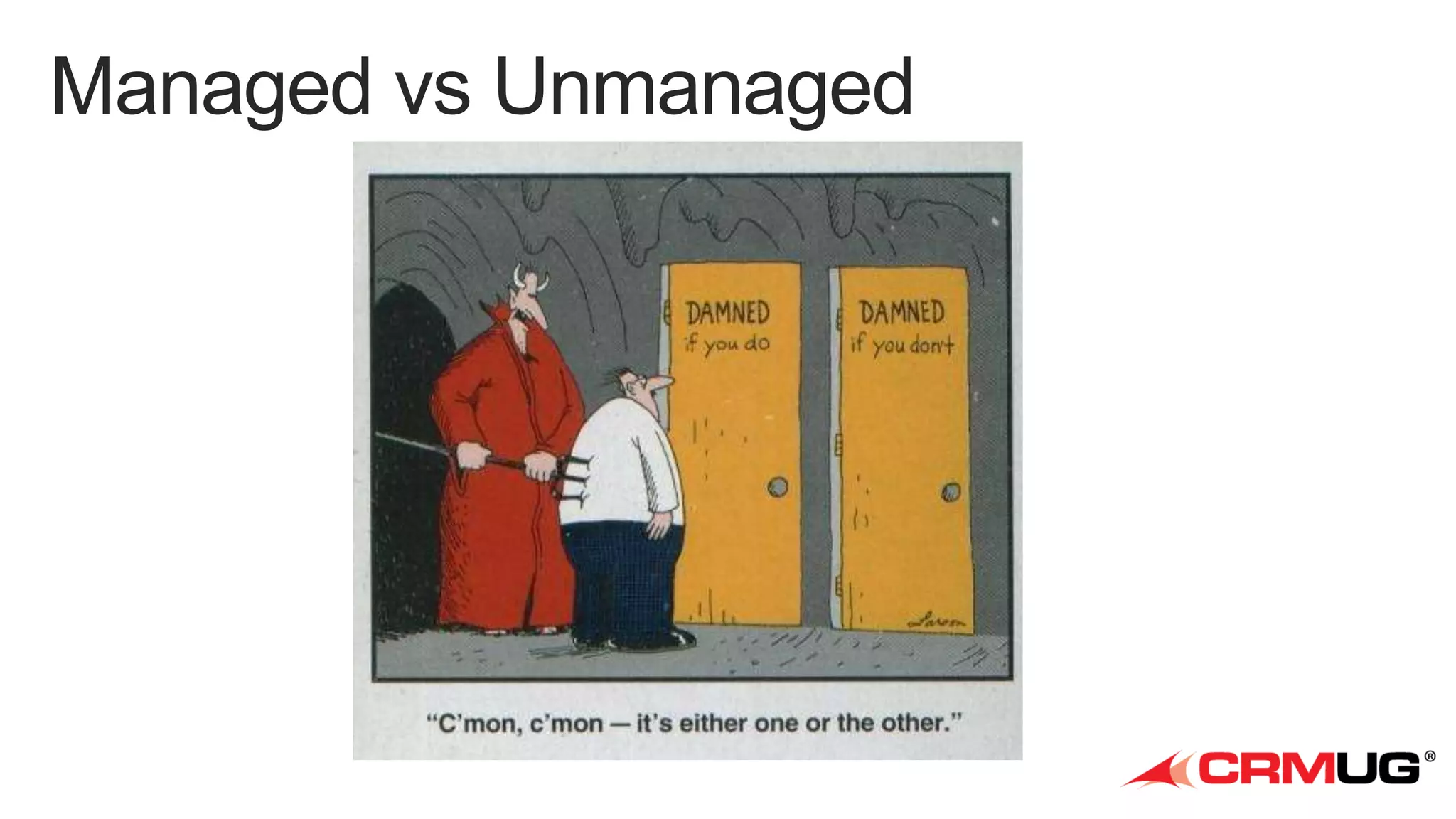
Managed Solution != Managed Code
Demo
Production CRM
Partner Portal Solution
Lead
Entity

Opportunity
Entity

Account
Entity

...
Channel
Security
Entity

Customer Portal Solution
Case Access
Security
Entity

KB Article
Entity

Campaign
Entity

...

Case
Entity

Base Portals Solution
Contact
Entity

Website
Entity

Web Page
Entity

System Layer

...

Content
Snippet
Entity
Base Portals Dev CRM

Customer Portal Dev CRM

Partner Portal Dev CRM

Unmanaged Layer

Unmanaged Layer

Unmanaged Layer

Contact
Entity

Website
Entity

System Layer

...

Campaign
Entity

Case
Entity

...

Lead
Entity

Opportunity
Entity

Managed Layers

Managed Layers

Base Portals Solution

Customer Portal Solution

System Layer

Base Portals Solution
System Layer

...
Customer A
Partner Portal Solution

Customer Portal Solution

Partner Portal Entities
Lead
Entity

Customer B
Customer Portal Entities

Opportunity
Entity

Account
Entity

...

Channel
Security
Entity

Case Access
Security
Entity

KB Article
Entity

Campaign
Entity

...

Case
Entity

Base Portals Entities
Contact
Entity

Website
Entity

Web Page
Entity

System Layer

Campaign
Entity

...

Case
Entity

...

Content
Snippet
Entity

Base Portals Entities

Customer Portal Entities
Case Access
Security
Entity

KB Article
Entity

Contact
Entity

Website
Entity

Web Page
Entity

System Layer
...

Content
Snippet
Entity
Base Portals Dev CRM

Customer Portal Dev CRM

Partner Portal Dev CRM

Unmanaged Layer

Unmanaged Layer
Base Portal Entities

Unmanaged Layer
Base Portal Entities

Contact
Entity

Website
Entity

System Layer

...

Contact
Entity

Website
Entity

Customer Portal Entities
Campaign
Entity

Base Transport
(unmanaged)
Portals Base
(managed)

...

Case
Entity

System Layer
Customer Portal Transport
(unmanaged)

Contact
Entity

Website
Entity

Customer Portal Entities

...

Campaign
Entity

Case
Entity

...

Customer Portal Entities
Lead
Entity

Opportunity
Entity
System Layer

Customer Portal
(managed)

...

Partner Portal
(managed)

...
Q&A
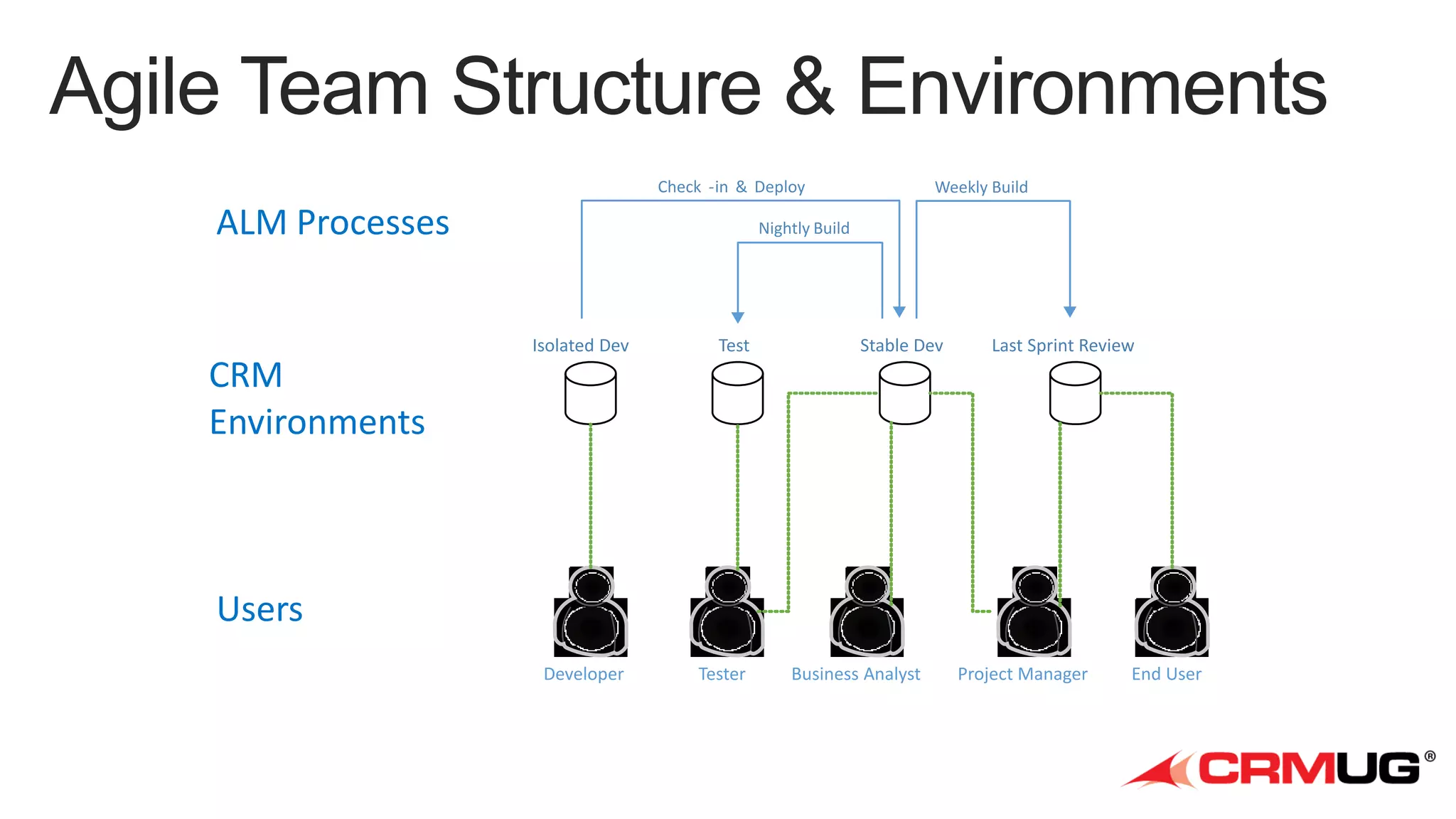
Check -in & Deploy

ALM Processes

Weekly Build

Nightly Build

Isolated Dev

Test

Developer

Tester

Stable Dev

Last Sprint Review

CRM
Environments

Users
Business Analyst

Project Manager

End User
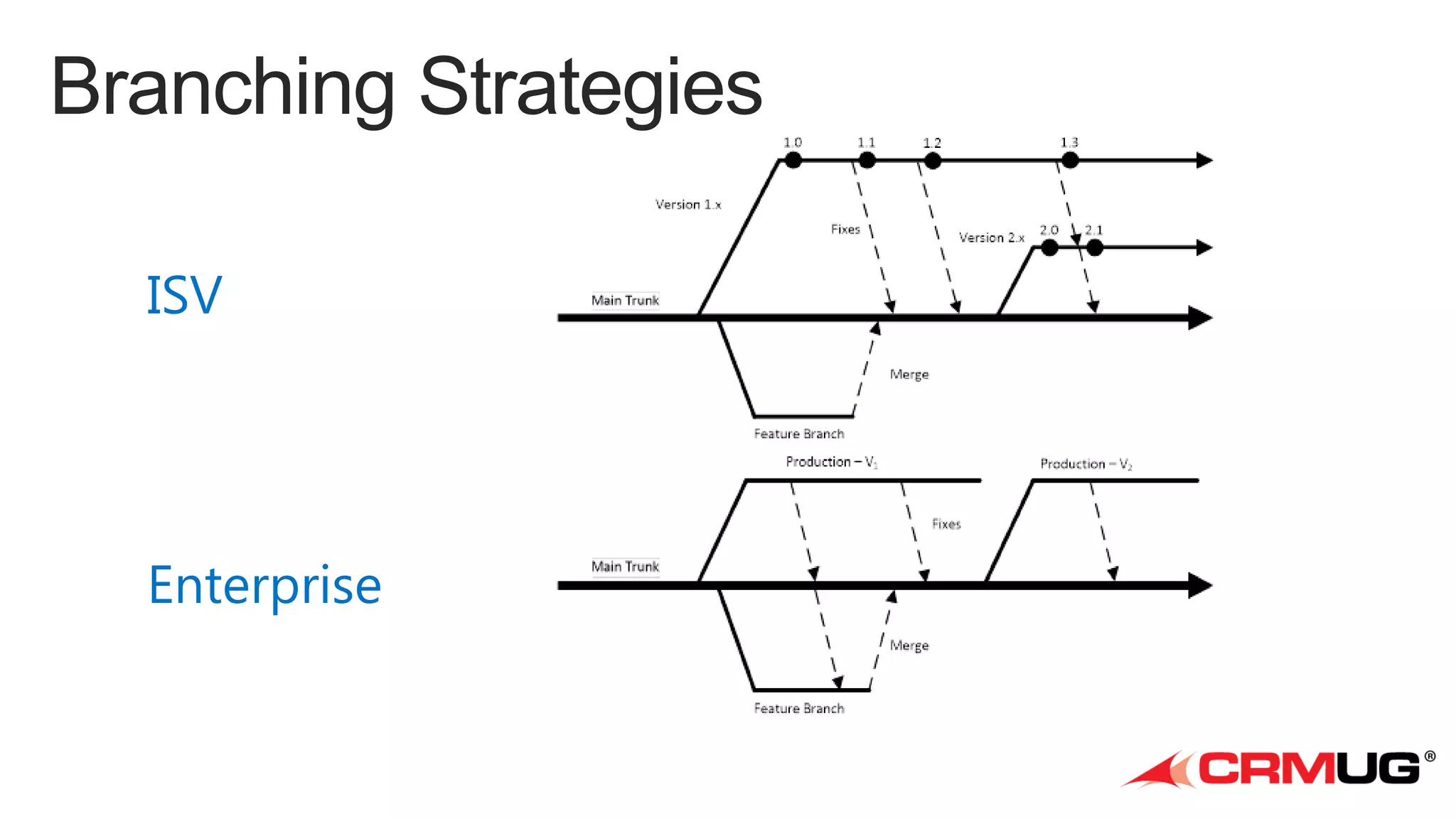
ISV

Enterprise
Demo
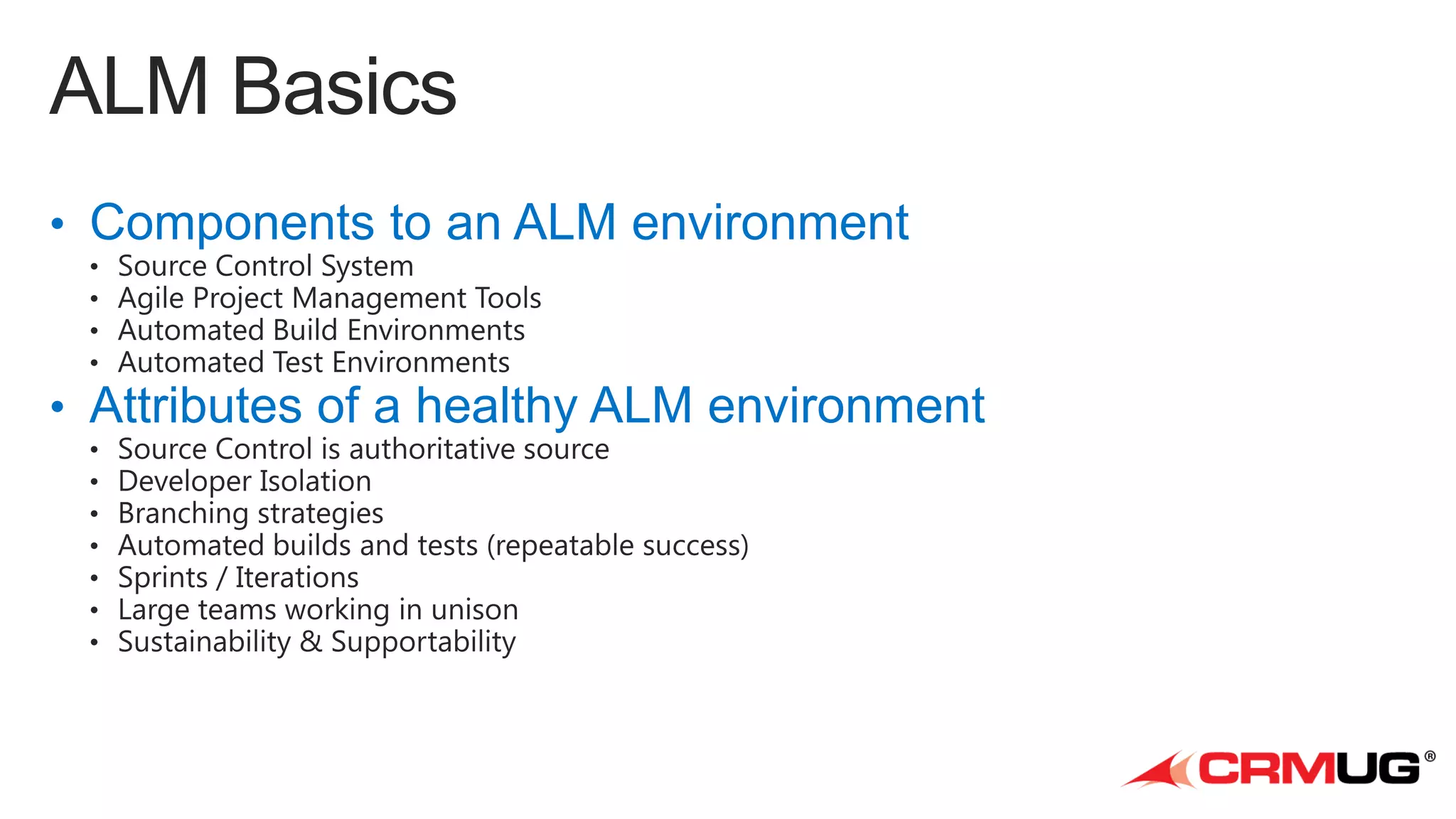
• ALM = Application Lifecycle Management
• Components to an ALM environment

• Attributes of a healthy ALM environment
•
•
•
•

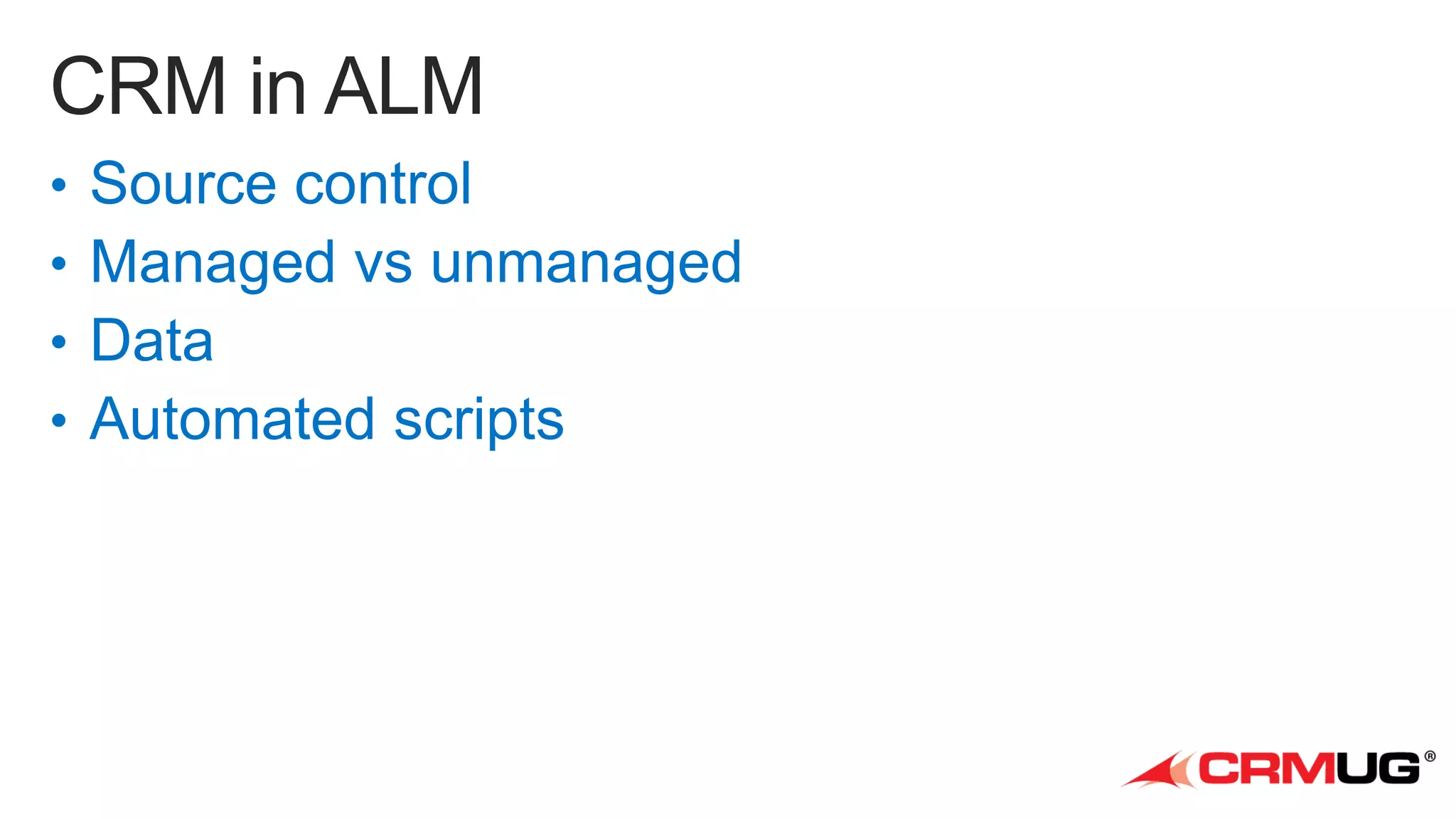
Source control
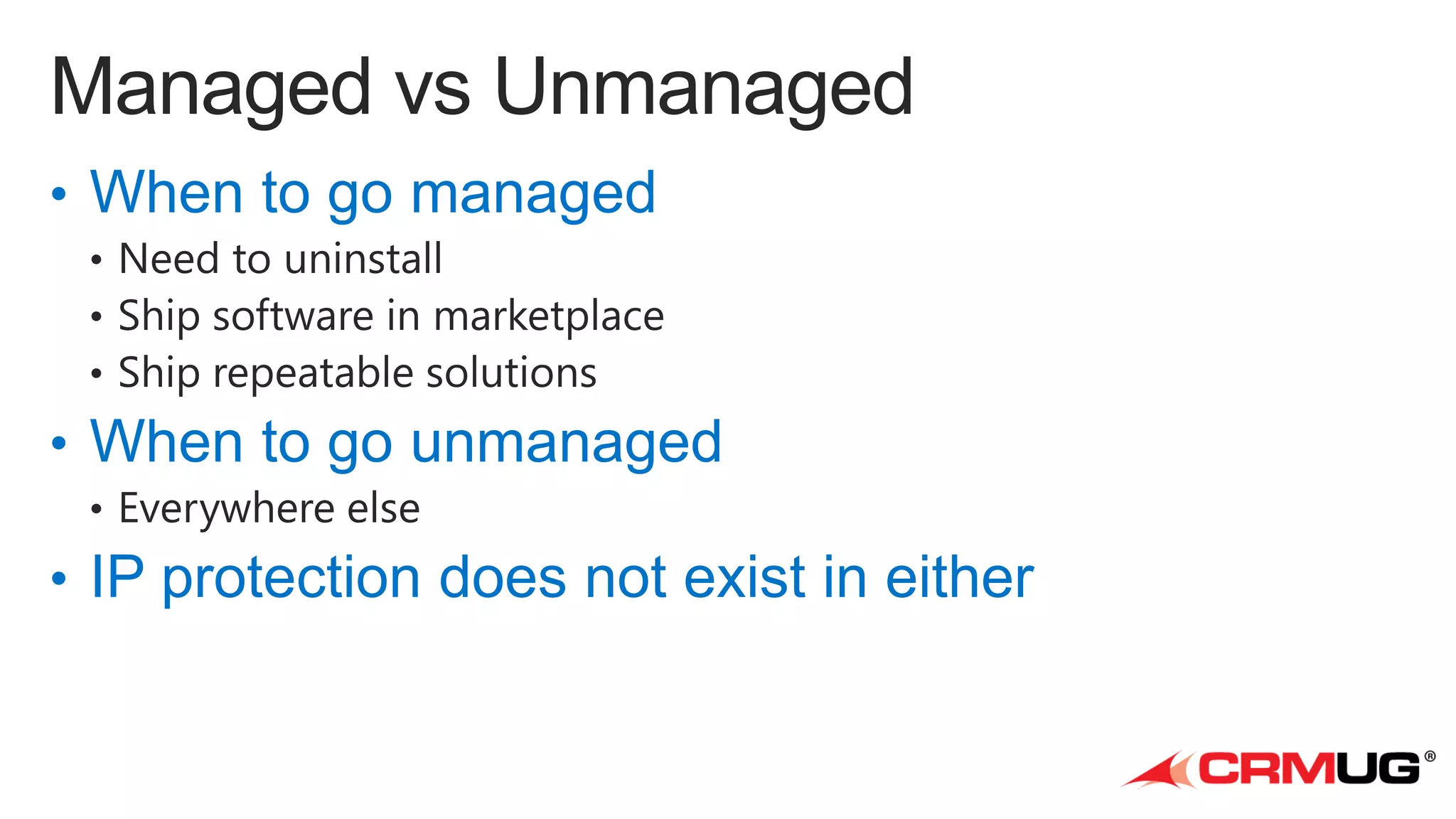
Managed vs unmanaged
Data
Automated scripts
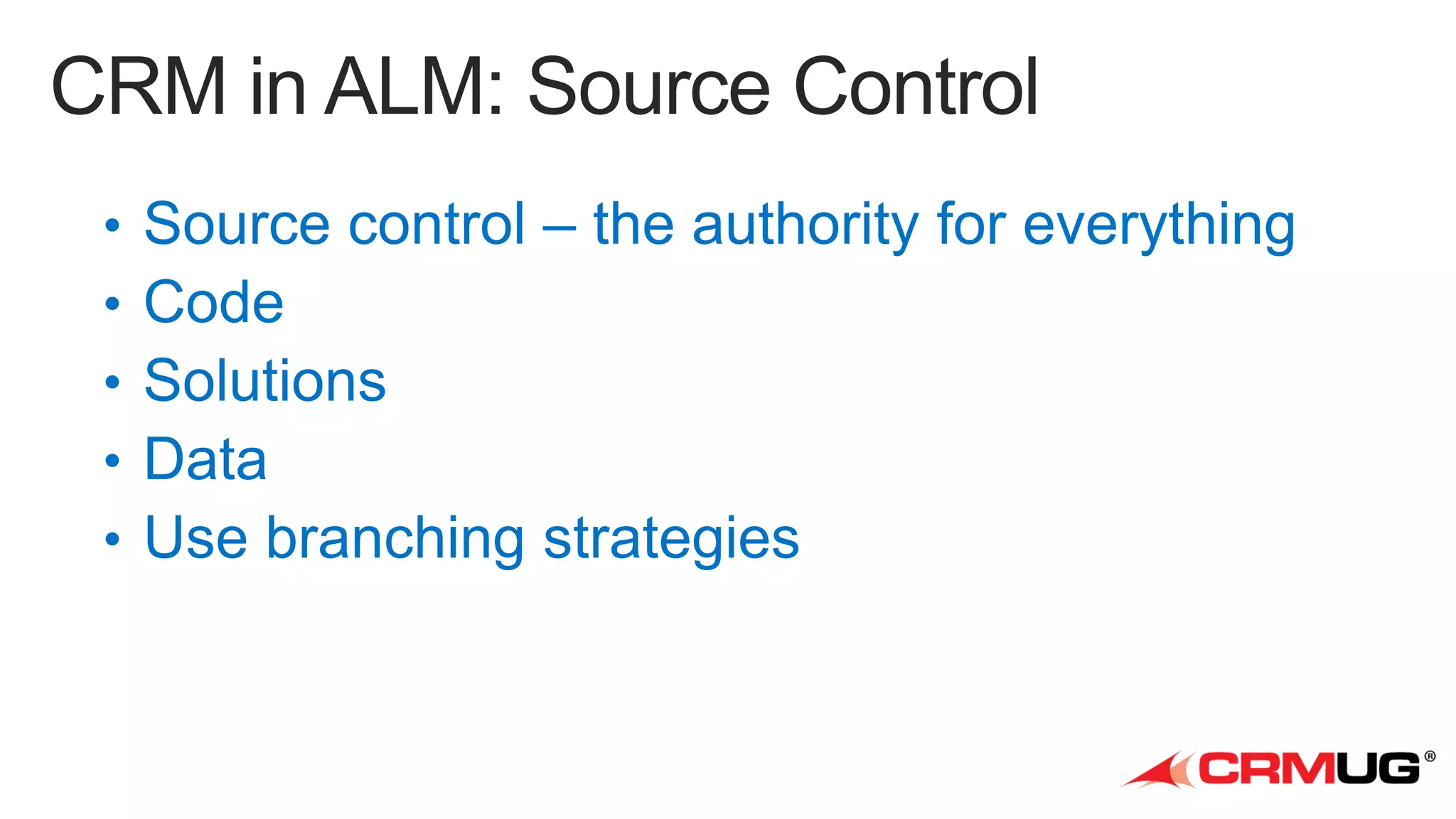
• Source control – the authority for everything
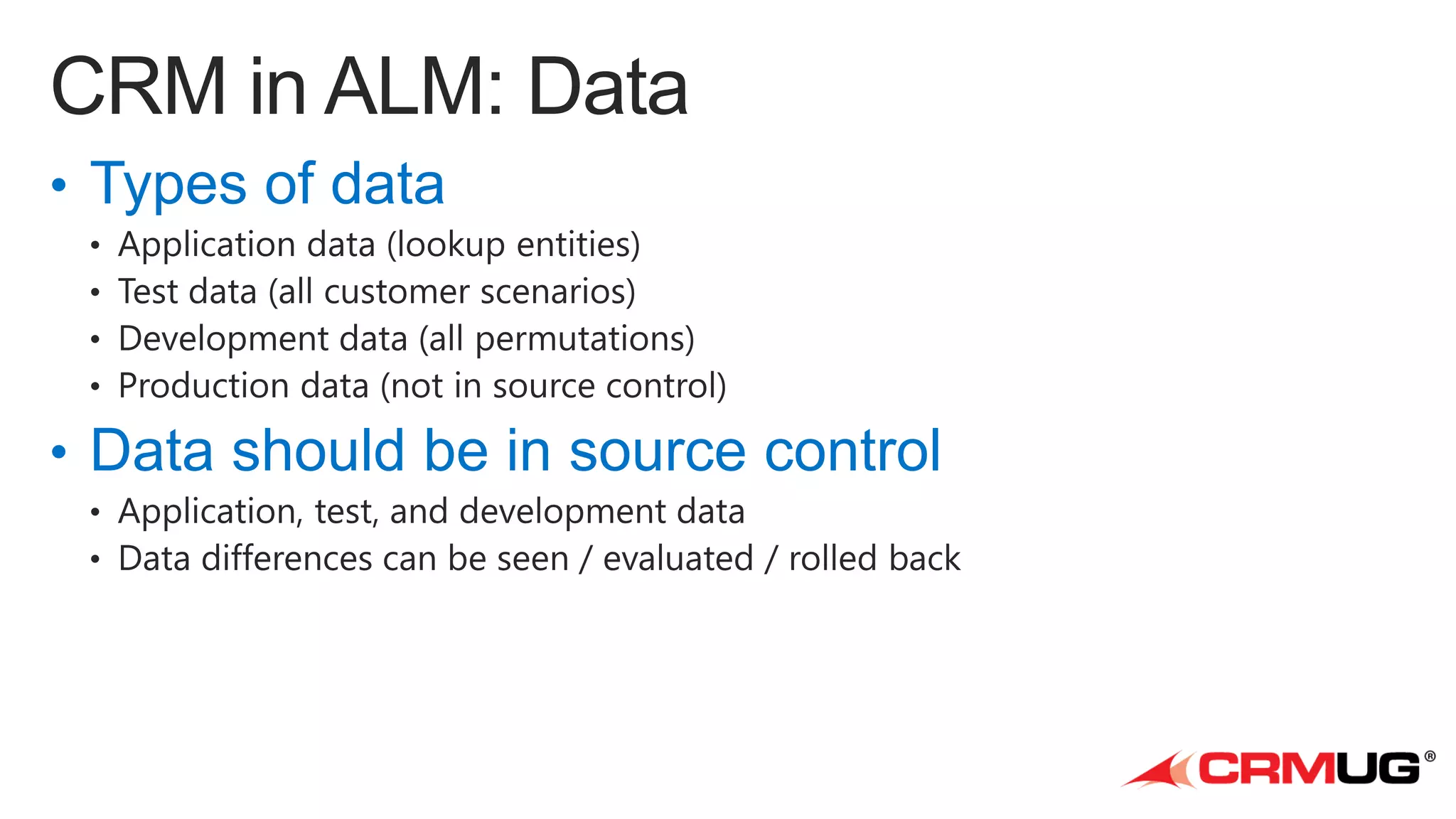
• Types of data

• Data should be in source control
Demo
Adxstudio ALM Toolkit
http://www.microsoft.com/en-au/download/details.aspx?id=39044
http://www.adxstudio.com/adxstudio-alm-toolkit

http://www.meetup.com/SydCRMUG/
• Solution packager
• CRM Enterprise Academy

• http://www.microsoft.com/dynamics/CRMEnterpriseAcademy/

• ALM Toolkit
• Visual Studio / TFS
• PowerShell
• CRM Field Guide
Q&A
crm@georged.id.au

ALM for CRM - George Doubinski

  • 1.
  • 4.
  • 5.
  • 11.
  • 13.
    Managed Solution !=Managed Code
  • 16.
  • 17.
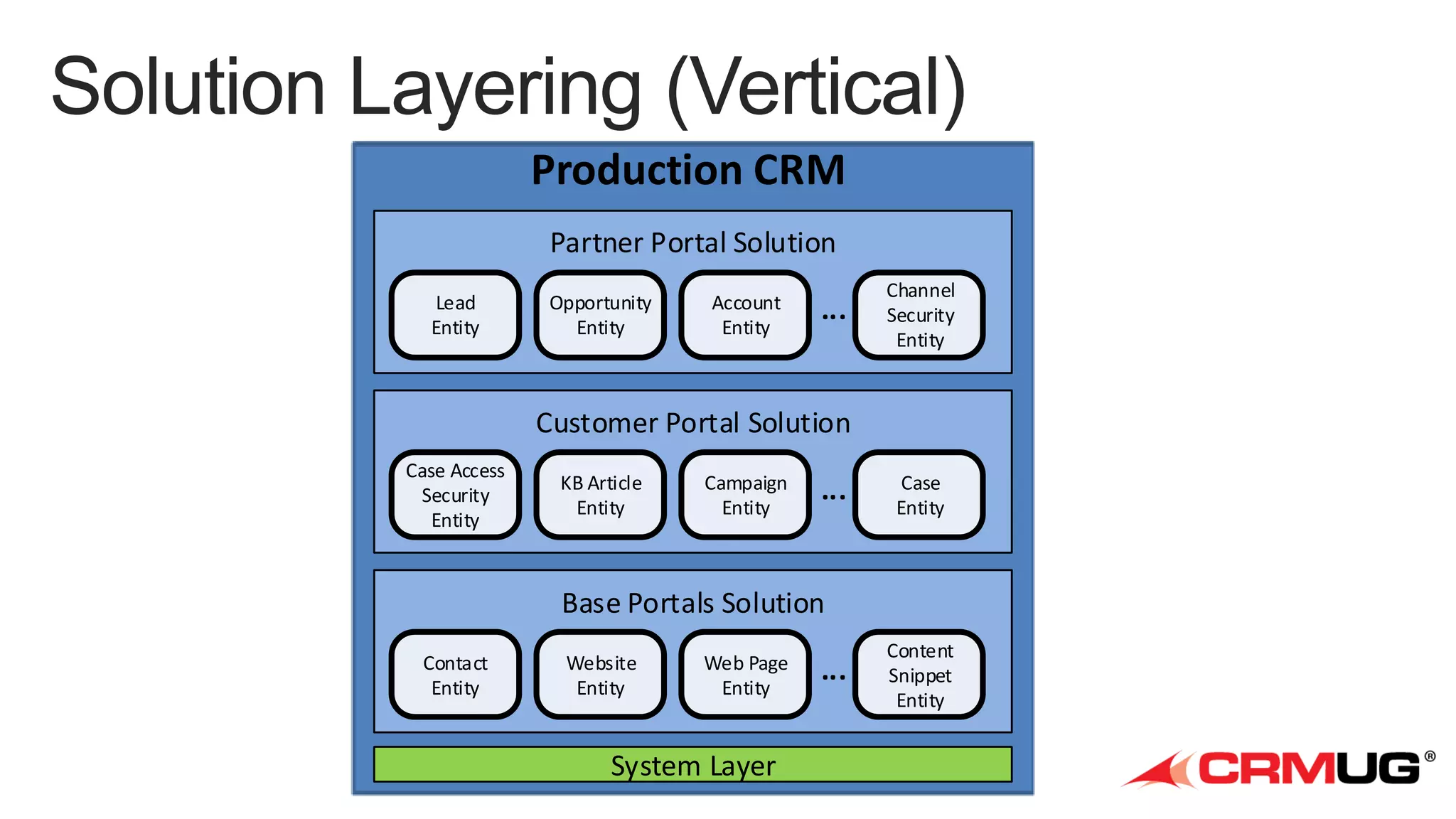
    Production CRM Partner PortalSolution Lead Entity Opportunity Entity Account Entity ... Channel Security Entity Customer Portal Solution Case Access Security Entity KB Article Entity Campaign Entity ... Case Entity Base Portals Solution Contact Entity Website Entity Web Page Entity System Layer ... Content Snippet Entity
  • 18.
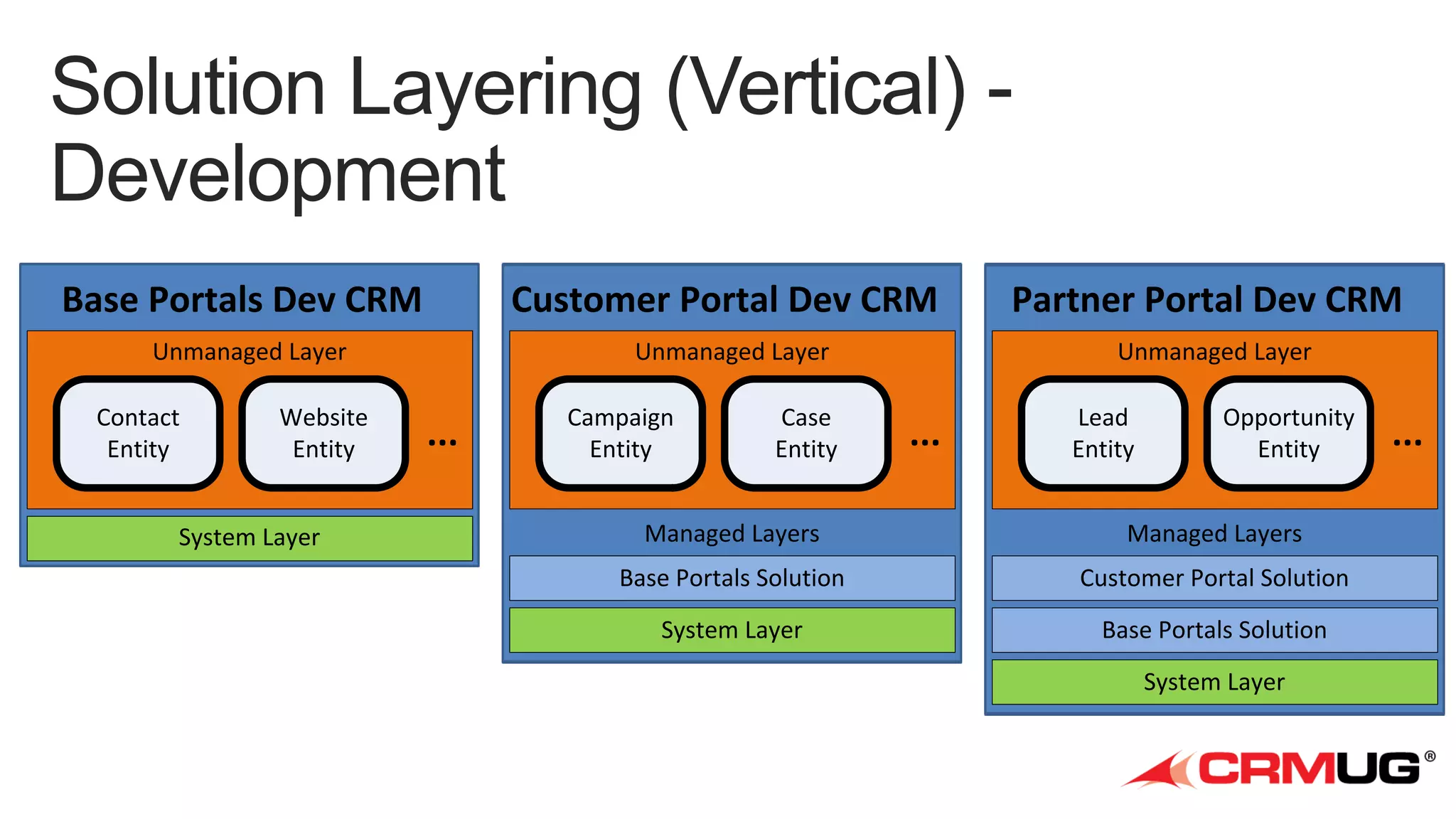
    Base Portals DevCRM Customer Portal Dev CRM Partner Portal Dev CRM Unmanaged Layer Unmanaged Layer Unmanaged Layer Contact Entity Website Entity System Layer ... Campaign Entity Case Entity ... Lead Entity Opportunity Entity Managed Layers Managed Layers Base Portals Solution Customer Portal Solution System Layer Base Portals Solution System Layer ...
  • 19.
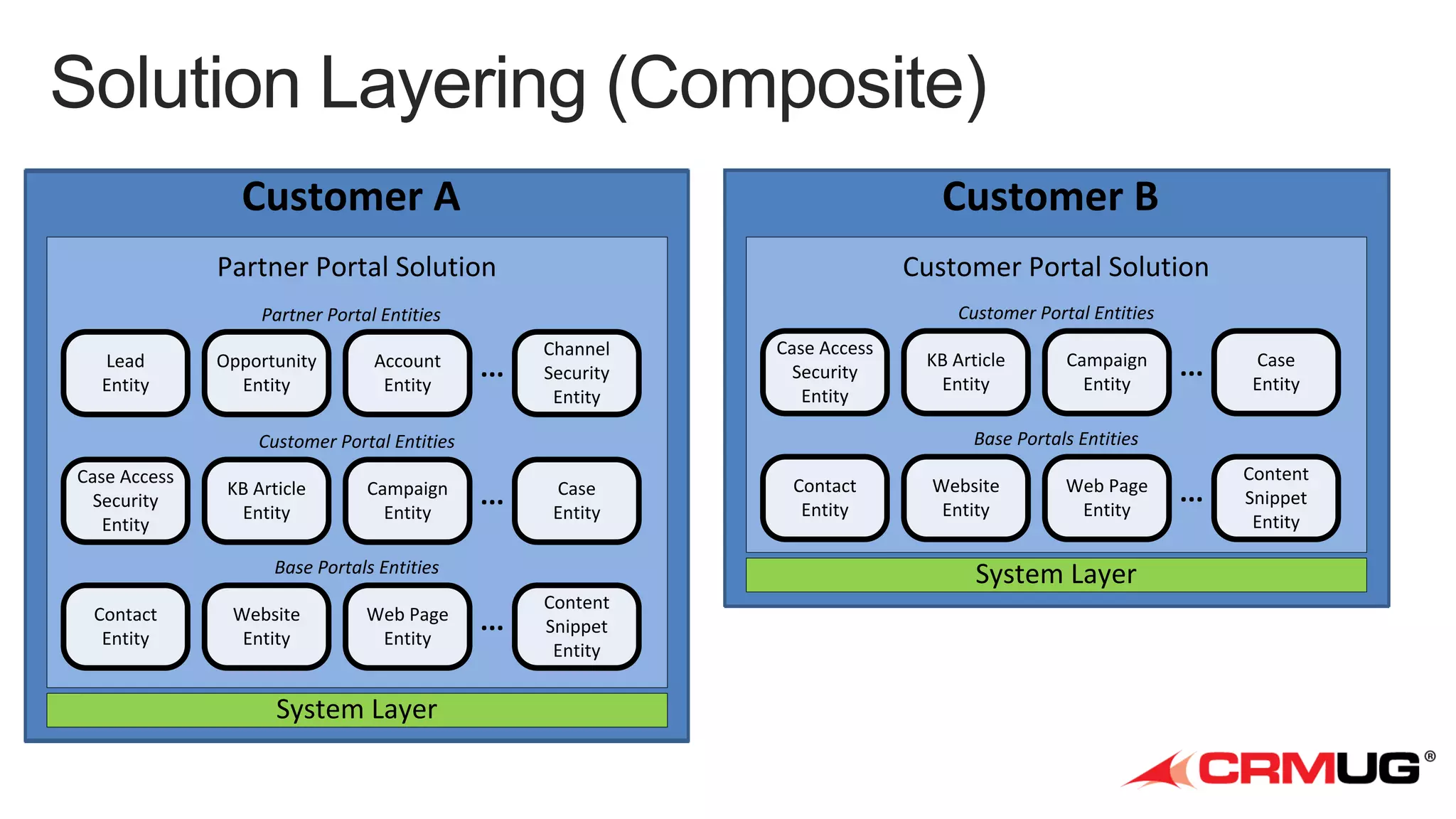
    Customer A Partner PortalSolution Customer Portal Solution Partner Portal Entities Lead Entity Customer B Customer Portal Entities Opportunity Entity Account Entity ... Channel Security Entity Case Access Security Entity KB Article Entity Campaign Entity ... Case Entity Base Portals Entities Contact Entity Website Entity Web Page Entity System Layer Campaign Entity ... Case Entity ... Content Snippet Entity Base Portals Entities Customer Portal Entities Case Access Security Entity KB Article Entity Contact Entity Website Entity Web Page Entity System Layer ... Content Snippet Entity
  • 20.
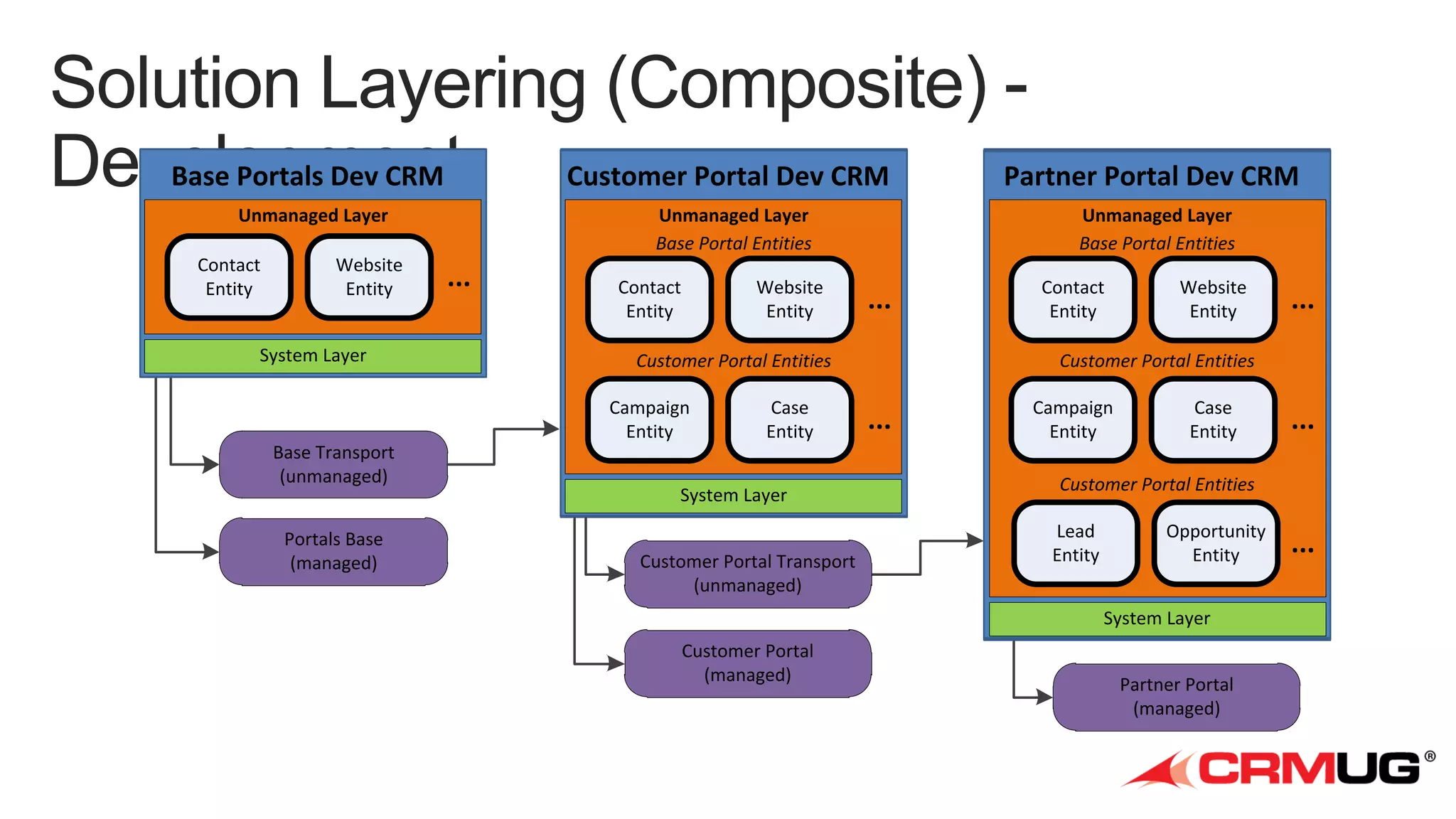
    Base Portals DevCRM Customer Portal Dev CRM Partner Portal Dev CRM Unmanaged Layer Unmanaged Layer Base Portal Entities Unmanaged Layer Base Portal Entities Contact Entity Website Entity System Layer ... Contact Entity Website Entity Customer Portal Entities Campaign Entity Base Transport (unmanaged) Portals Base (managed) ... Case Entity System Layer Customer Portal Transport (unmanaged) Contact Entity Website Entity Customer Portal Entities ... Campaign Entity Case Entity ... Customer Portal Entities Lead Entity Opportunity Entity System Layer Customer Portal (managed) ... Partner Portal (managed) ...
  • 25.
  • 29.
    Check -in &Deploy ALM Processes Weekly Build Nightly Build Isolated Dev Test Developer Tester Stable Dev Last Sprint Review CRM Environments Users Business Analyst Project Manager End User
  • 31.
  • 33.
  • 35.
    • ALM =Application Lifecycle Management • Components to an ALM environment • Attributes of a healthy ALM environment
  • 36.
    • • • • Source control Managed vsunmanaged Data Automated scripts
  • 37.
    • Source control– the authority for everything
  • 39.
    • Types ofdata • Data should be in source control
  • 41.
  • 42.
  • 44.
    • Solution packager •CRM Enterprise Academy • http://www.microsoft.com/dynamics/CRMEnterpriseAcademy/ • ALM Toolkit • Visual Studio / TFS • PowerShell • CRM Field Guide
  • 45.

Editor's Notes

  • #3 CRM OverviewCRM Solutions: anatomyDevelopment: Teams, Multiple solutions, dev. environmentDevelopment EnvironmentALMSource ControlSolutionPackagerData PackagingDeploymentAutomated Scripts
  • #5 Set the call!
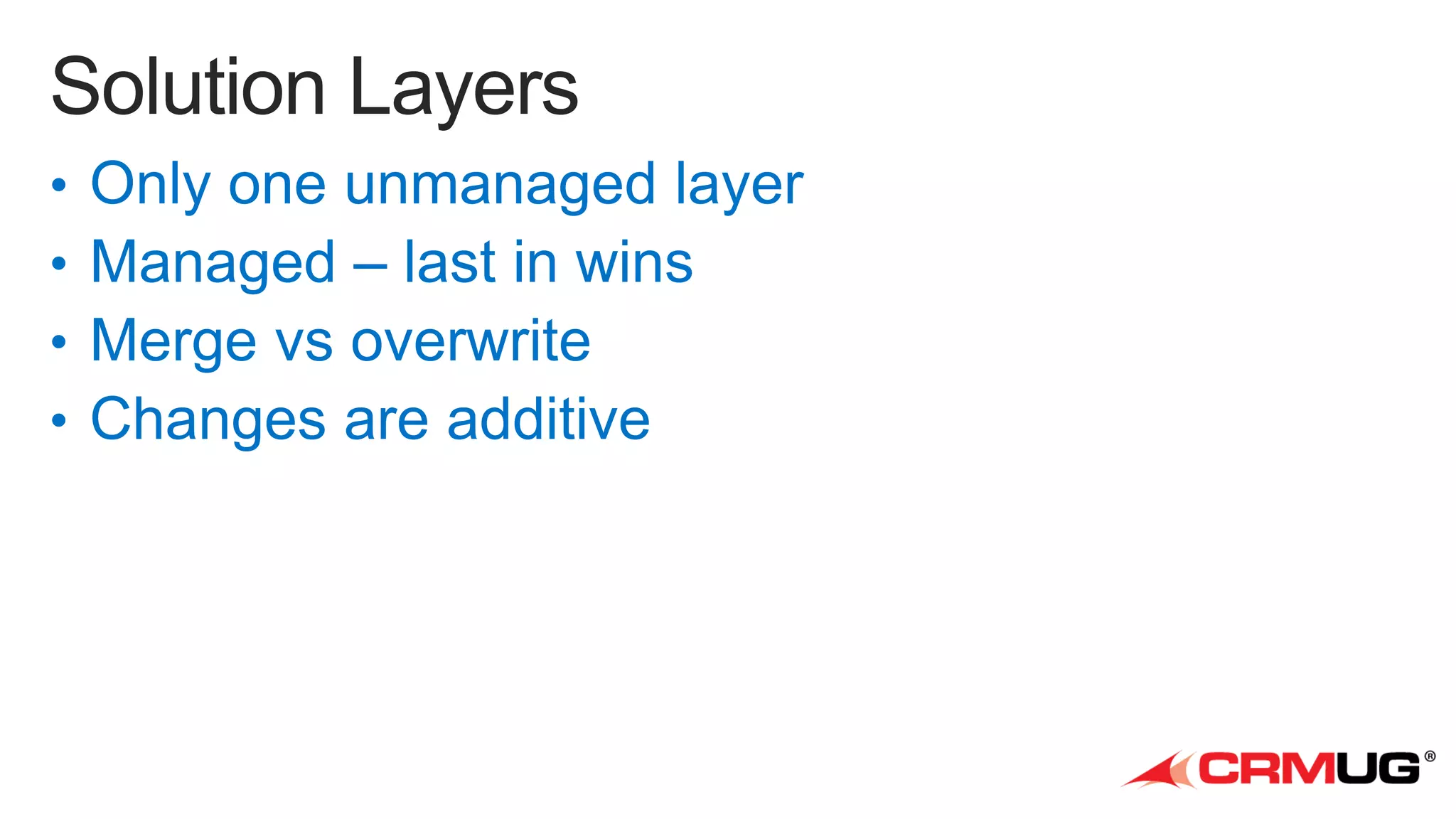
  • #10 Talk about dependency of next on previousAdvantage: single point modificationDisadvantage: installation sequence
  • #11 Difficult to manage development: how to distribute modificationsEasy to deployAs long as publisher stays the same, you can have both solutions on one system
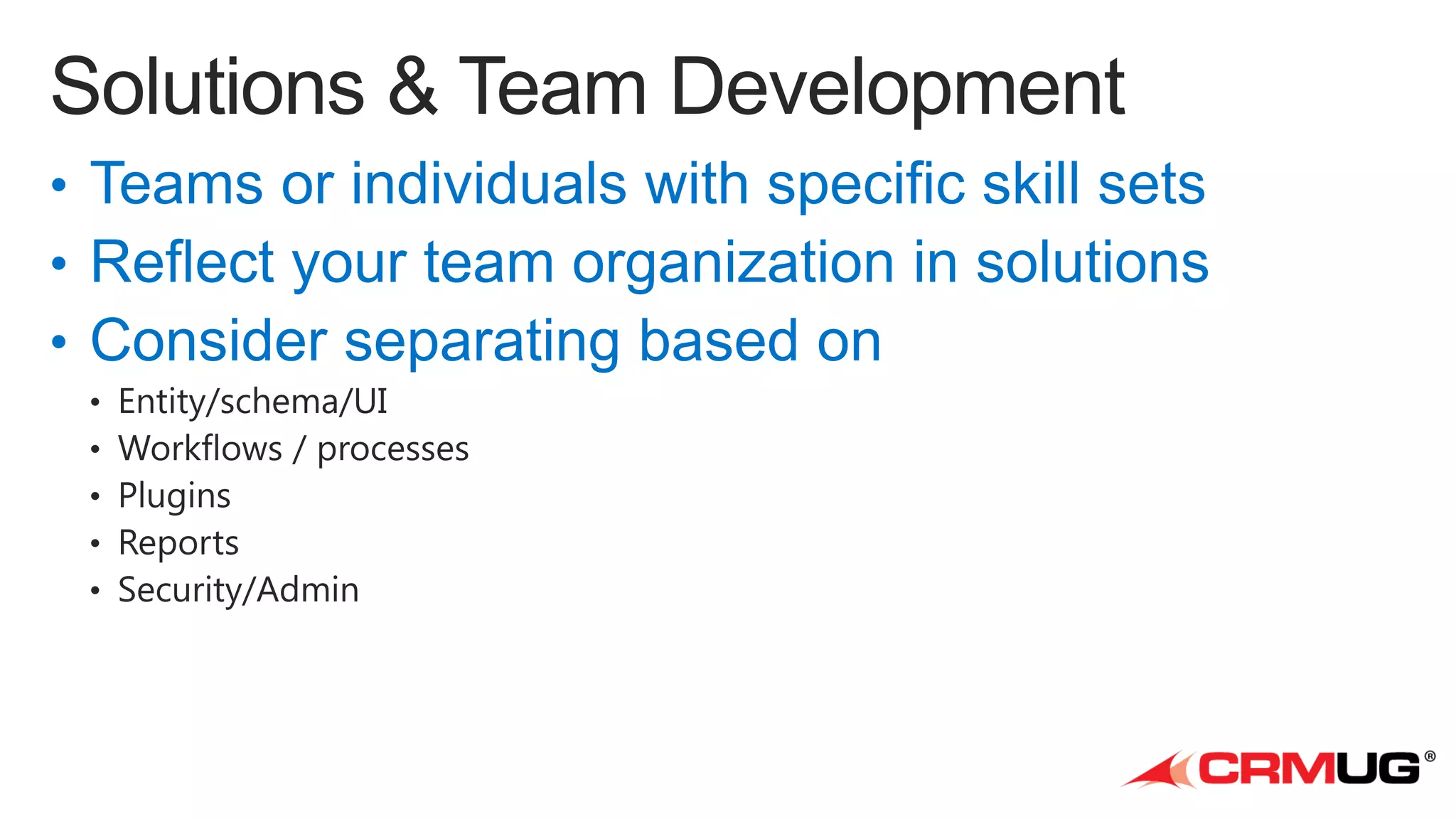
  • #12 Projects are frequently divided to teams or particular people with specific skill sets.Desire is to separate solution management to reflect your team organizationSize does matter – there are limitations on solution size and SQL timeout is common
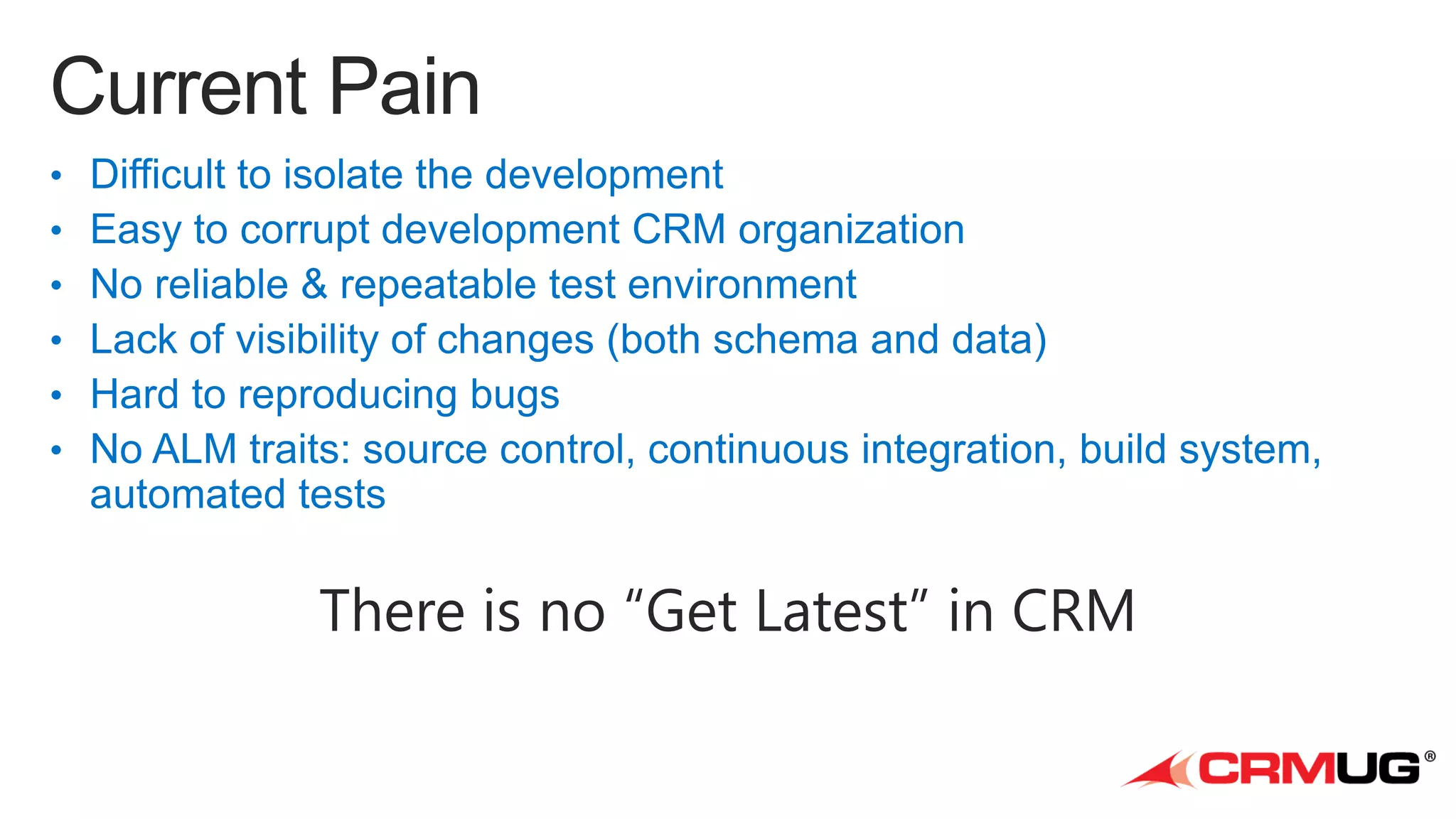
  • #14 Make shorter: CRM devs do not have “get latest”
  • #17 Source Control Systems are useful for more than just source codeEverything in your CRM should be checked into source controlUnmanaged solution files are like your configuration ‘source code’SolutionPackager tool in SDK
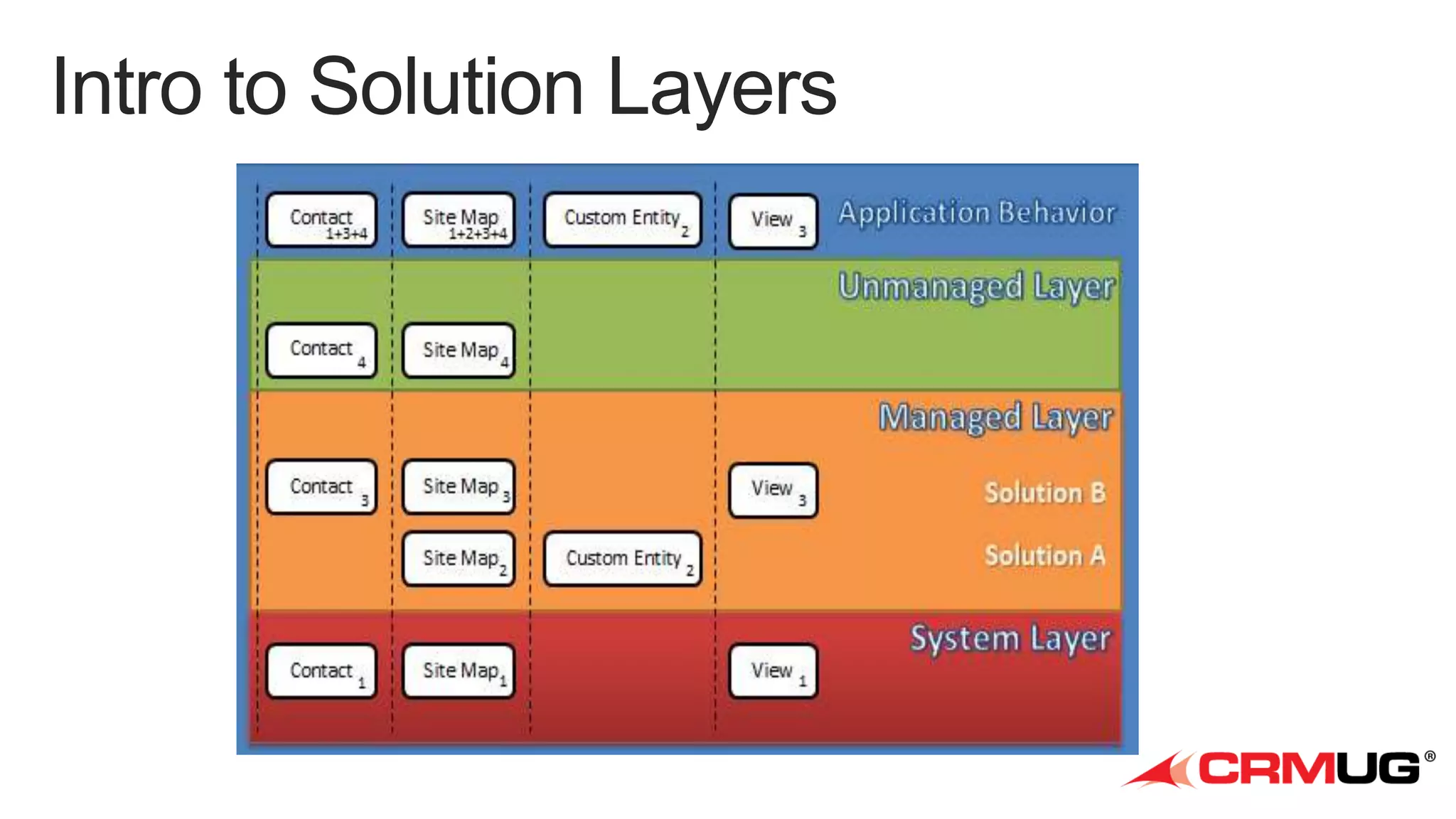
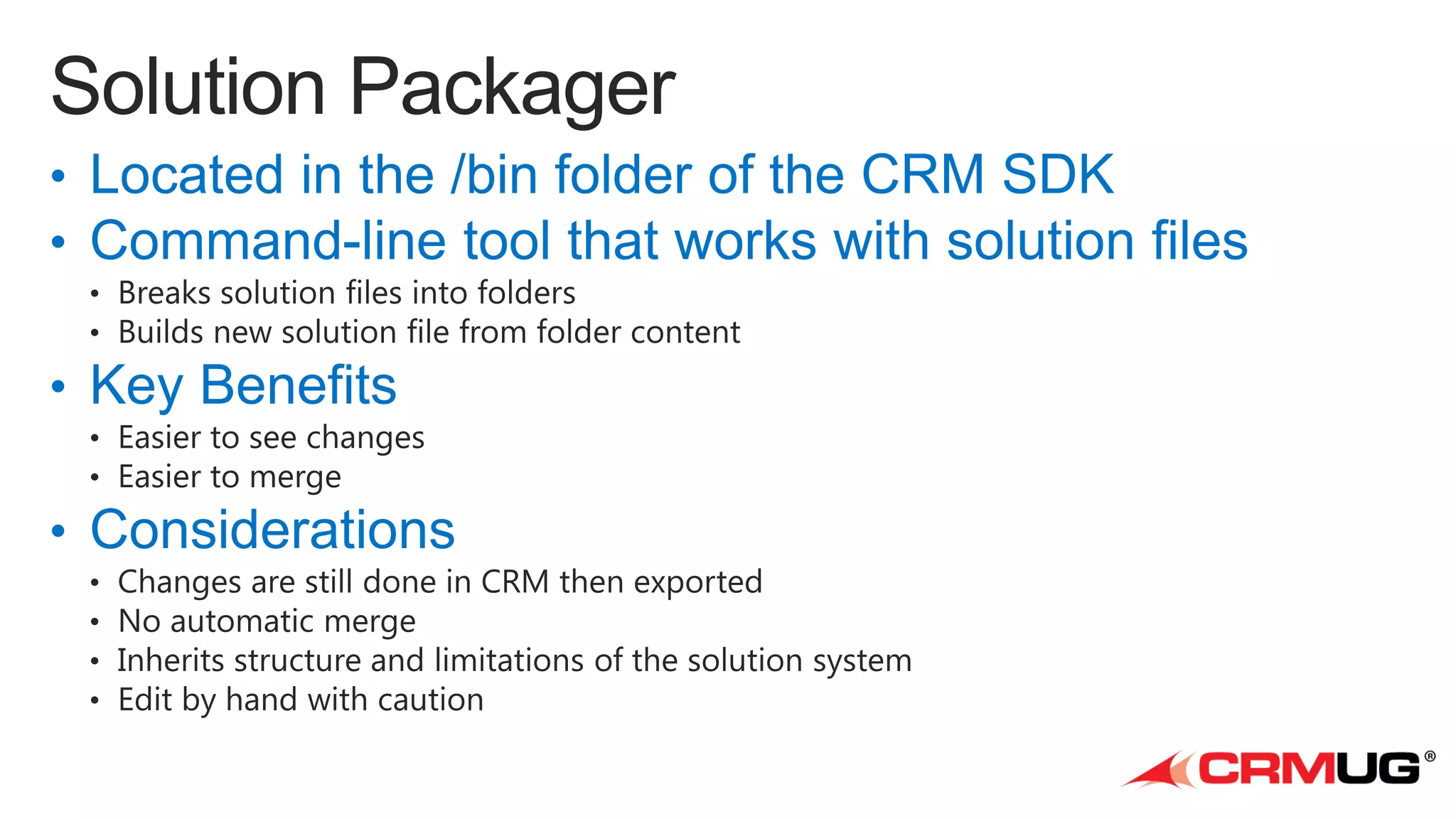
  • #18 Located in the /bin folder of the CRM SDKCommand-line tool that works with solution filesBreaks solution files into foldersBuilds new solution file from folder contentsKey BenefitsMakes it easier to see changesMakes it easier to merge your changes to solutionsConsiderationsChanges still have to be made first in CRM then exportedIt doesn’t automatically merge changesIt is still tied to the structure (and limitations) of the solution systemHand-editing files still has to be done very carefully
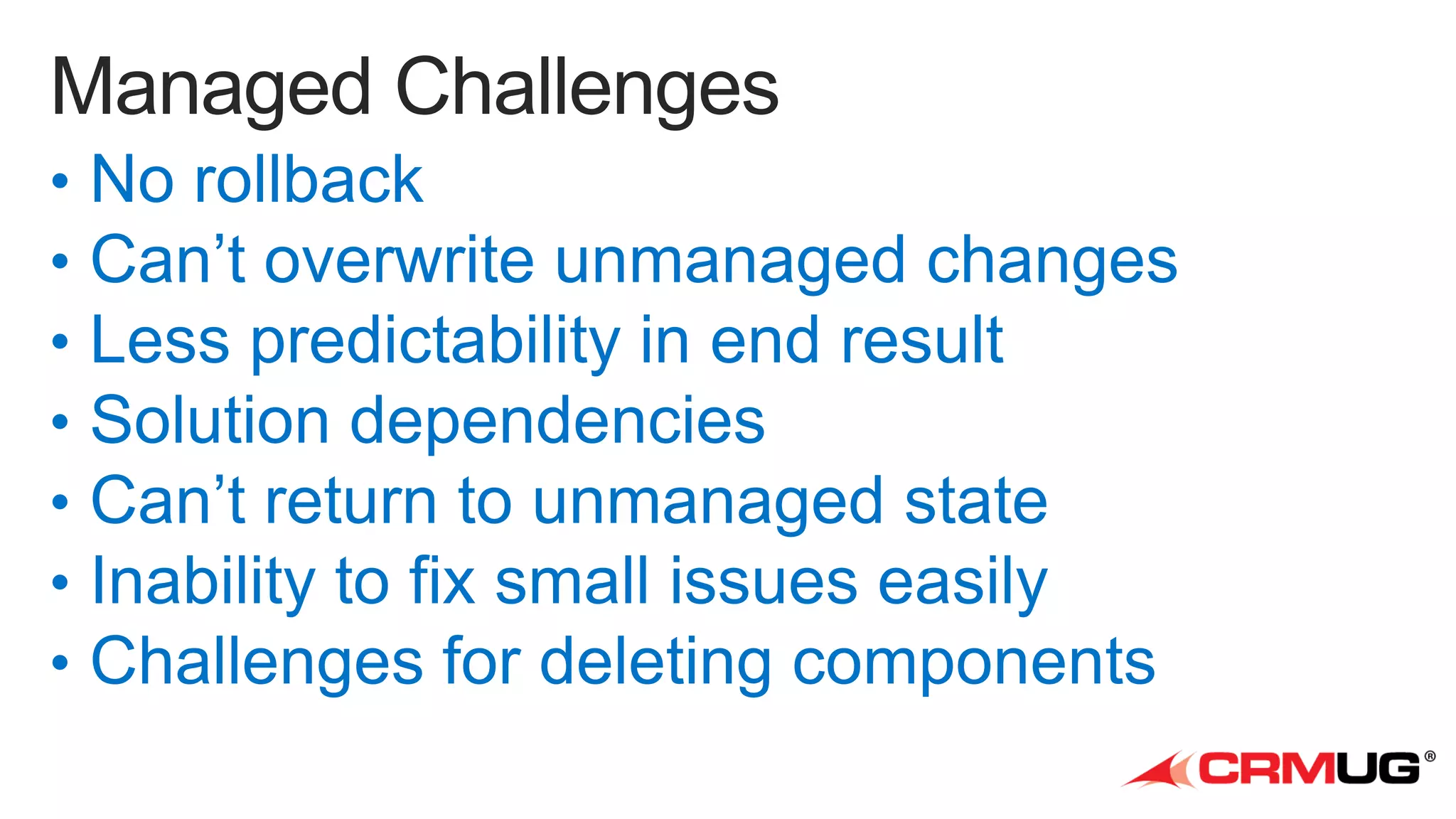
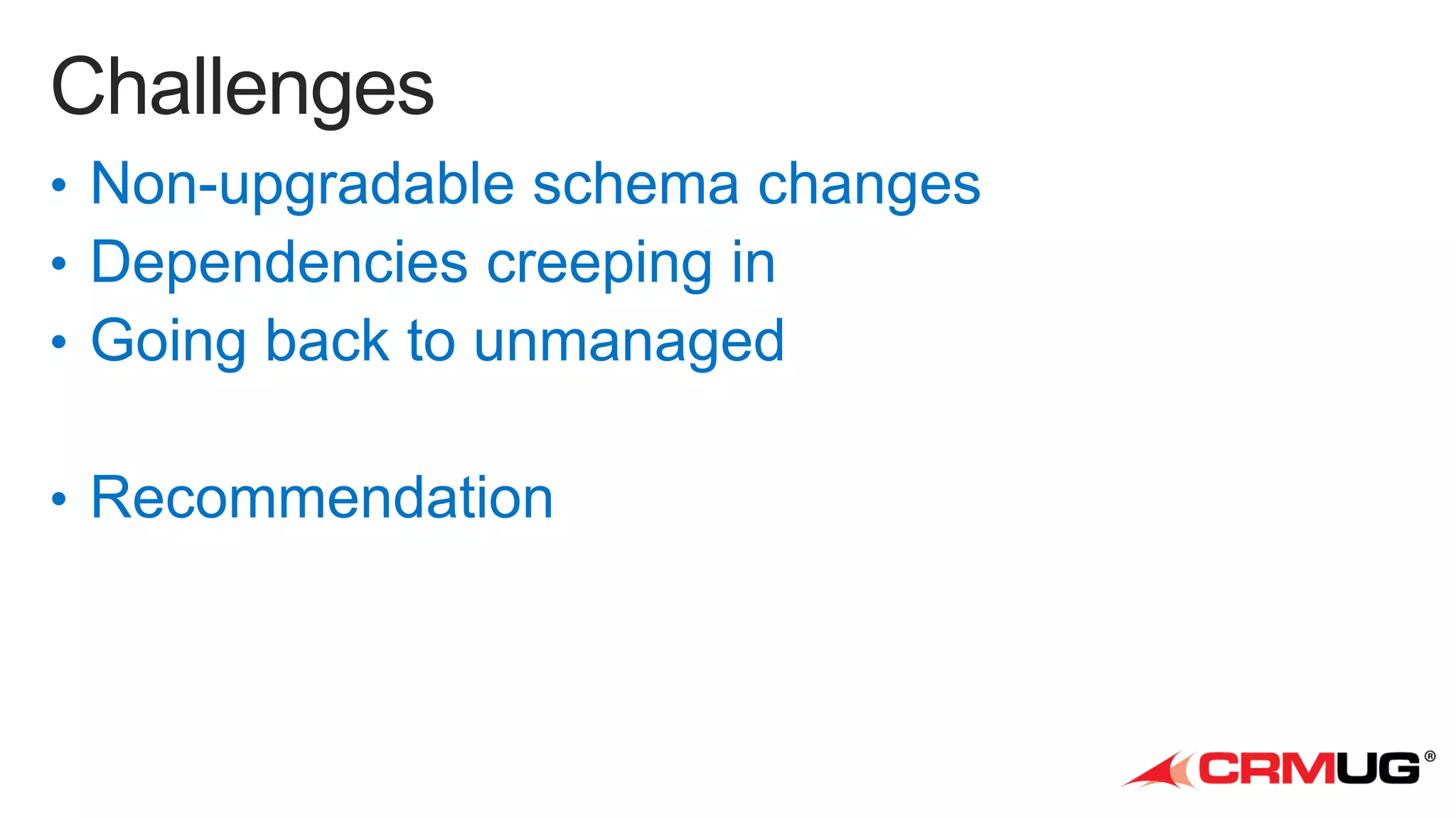
  • #19 Non-upgradable schema changesChanging naming conventionsDeleting of Entities and componentsOwnership of Workflows and DialogsDependencies creeping inKeep your development environments nakedAvoid using the include-all-dependencies buttonGoing back to unmanagedOnly way is to create a new environment and migrate the unmanaged customizations and data to it.Will demonstrate the tools for this later.Really consider carefully before you use managed solutions in production.Recommendation:Script the upgradeUse PowerShellDetect if old version or skipDelete componentsChange workflow and dialog ownership
  • #21 Source control must be the authoritative source for everythingCode, solutions, and dataUse branching strategiesManaged versus unmanagedMost customers use unmanaged solutions in their ALM environmentUnmanaged solutions == solution sourceCheck in your solution files into source controlDataTest data (for all scenarios)Lookup DataData should be checked into source controlAutomated scriptsCreating isolated development environmentsImporting / exporting solutionsImporting / exporting dataDeployment scripts for test or staging environmentsTesting (integration tests – end to end testing)
  • #22 Source control must be the authoritative source for everythingCode, solutions, and dataUse branching strategiesManaged versus unmanagedMost customers use unmanaged solutions in their ALM environmentUnmanaged solutions == solution sourceCheck in your solution files into source controlDataTest data (for all scenarios)Lookup DataData should be checked into source controlAutomated scriptsCreating isolated development environmentsImporting / exporting solutionsImporting / exporting dataDeployment scripts for test or staging environmentsTesting (integration tests – end to end testing)
  • #23 If 3rd party managed solutions are used in production it’s not uncommon to bring them into dev to manage dependenciesBut best avoided