Presented By:
PRAKASH GANESAN
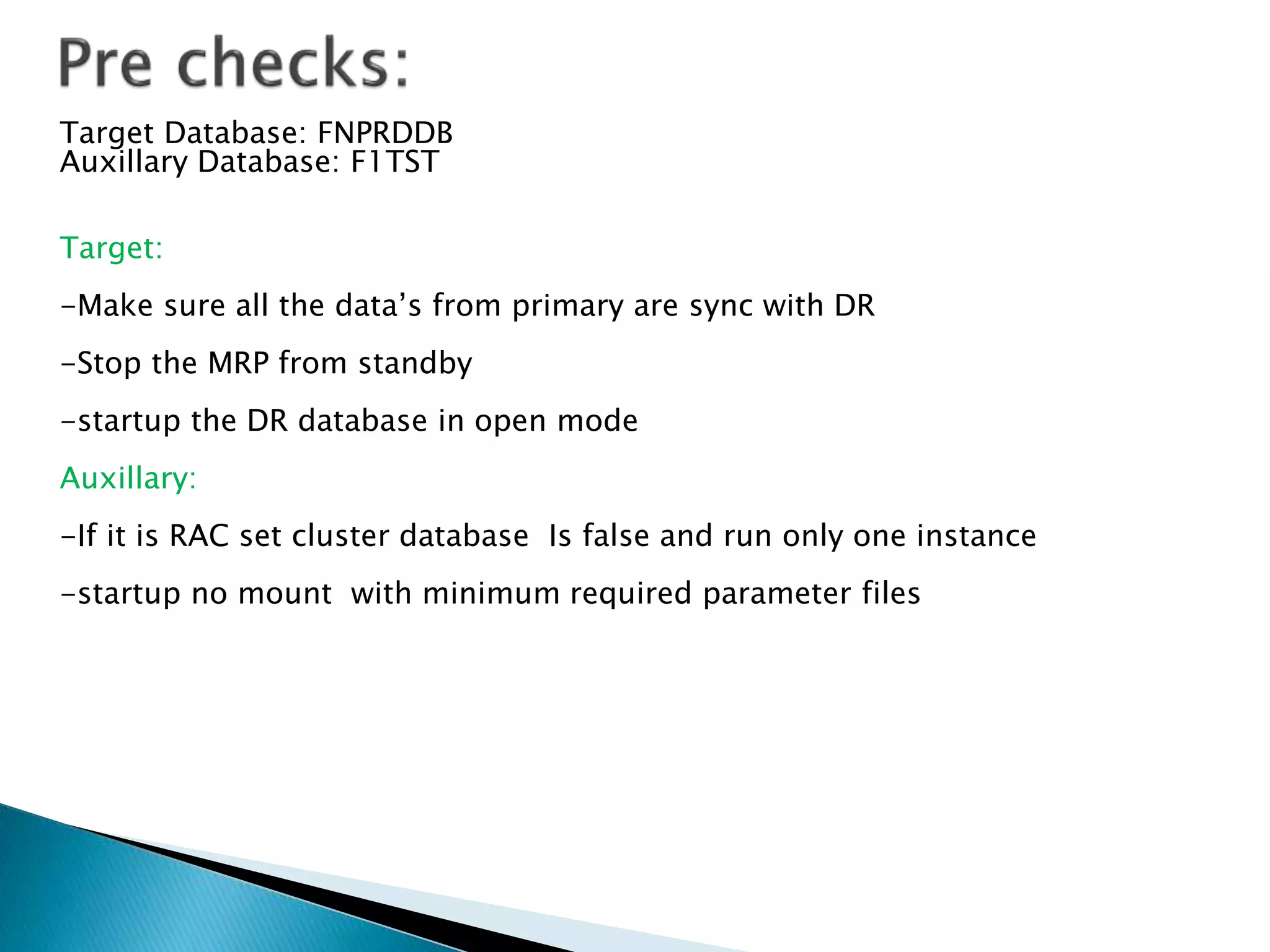
Target Database: FNPRDDB
Auxillary Database: F1TST
Target:
-Make sure all the data’s from primary are sync with DR
-Stop the MRP from standby
-startup the DR database in open mode
Auxillary:
-If it is RAC set cluster database Is false and run only one instance
-startup no mount with minimum required parameter files
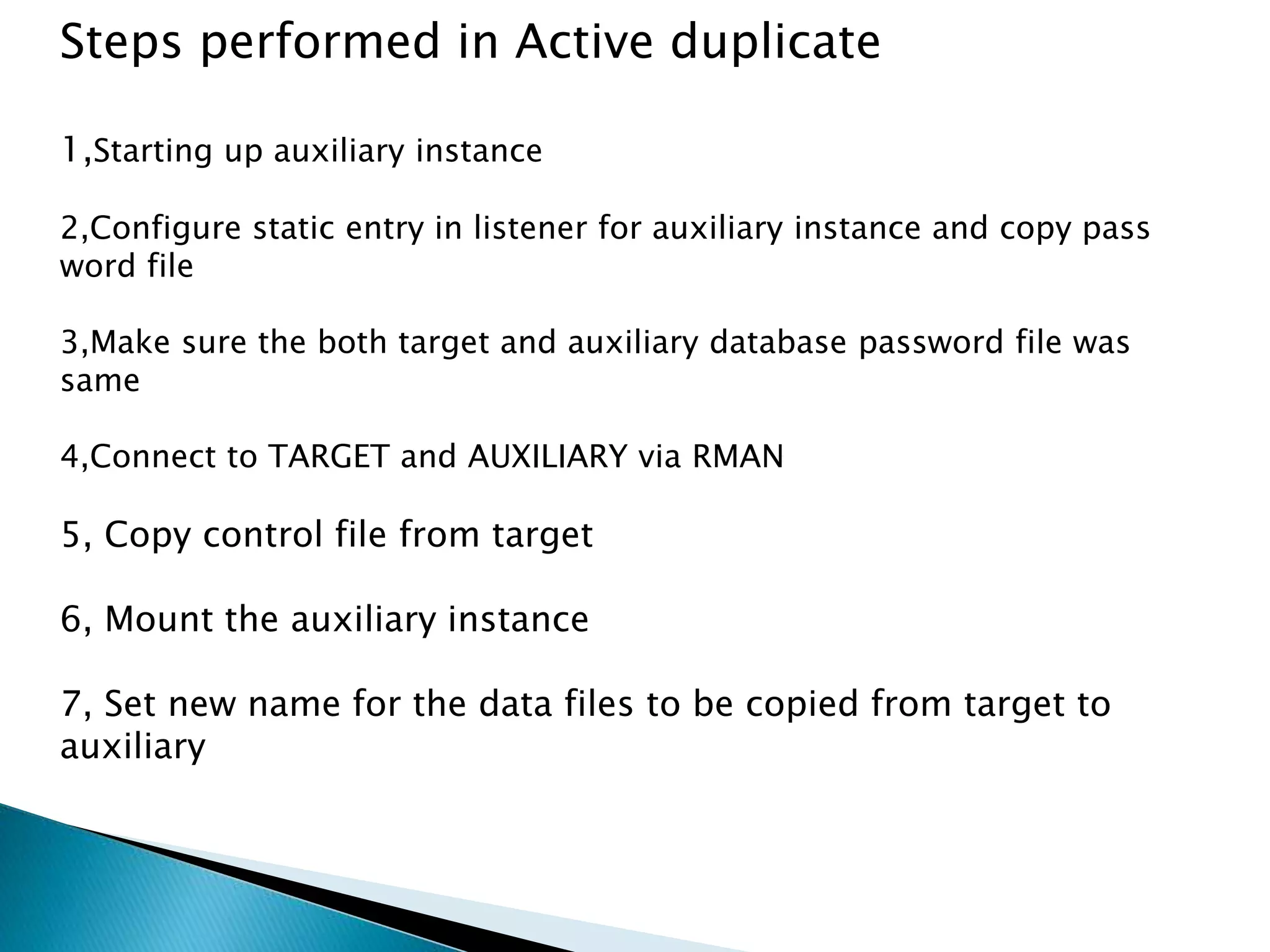
Steps performed in Active duplicate
1,Starting up auxiliary instance
2,Configure static entry in listener for auxiliary instance and copy pass
word file
3,Make sure the both target and auxiliary database password file was
same
4,Connect to TARGET and AUXILIARY via RMAN
5, Copy control file from target
6, Mount the auxiliary instance
7, Set new name for the data files to be copied from target to
auxiliary
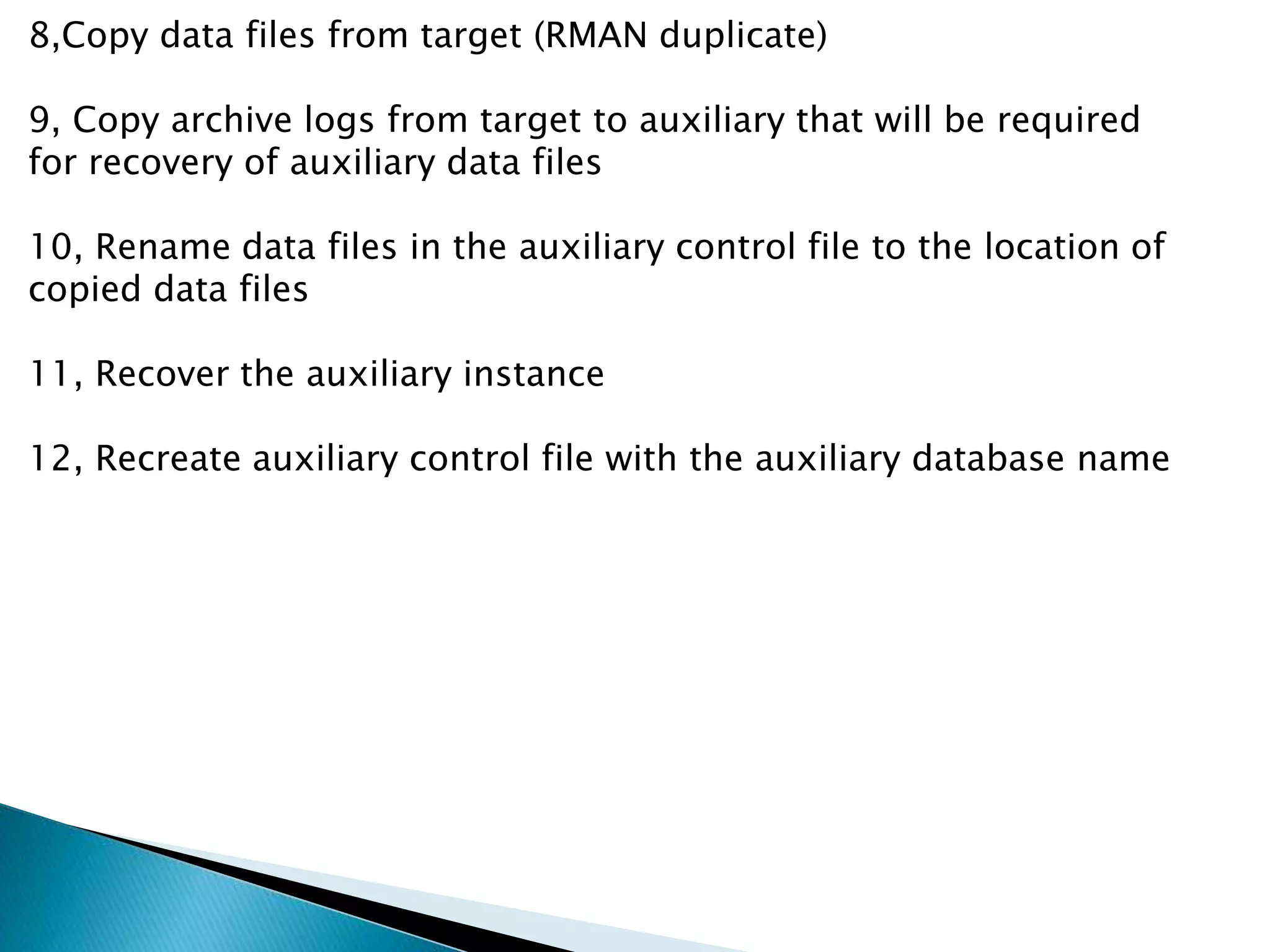
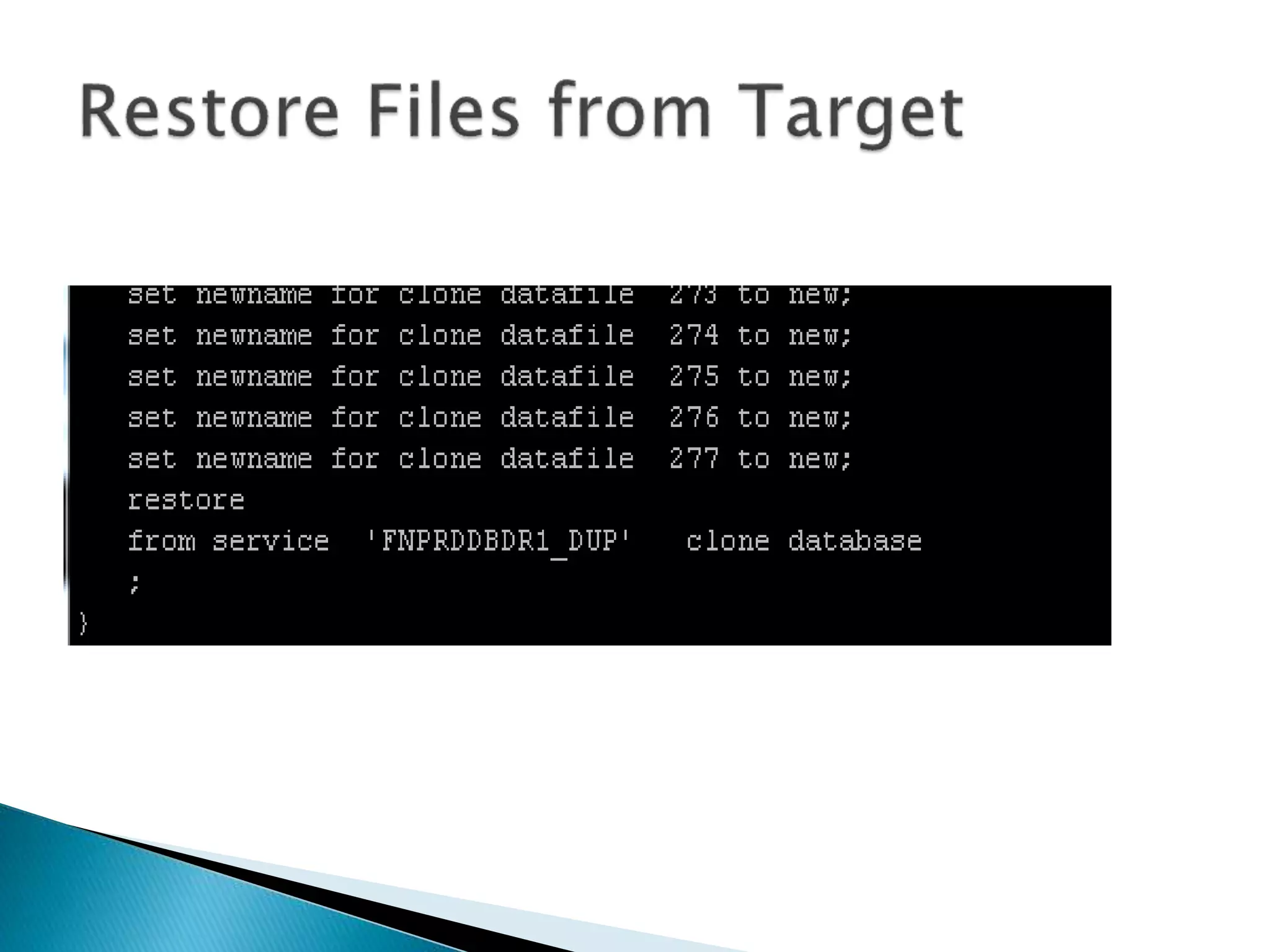
8,Copy data files from target (RMAN duplicate)
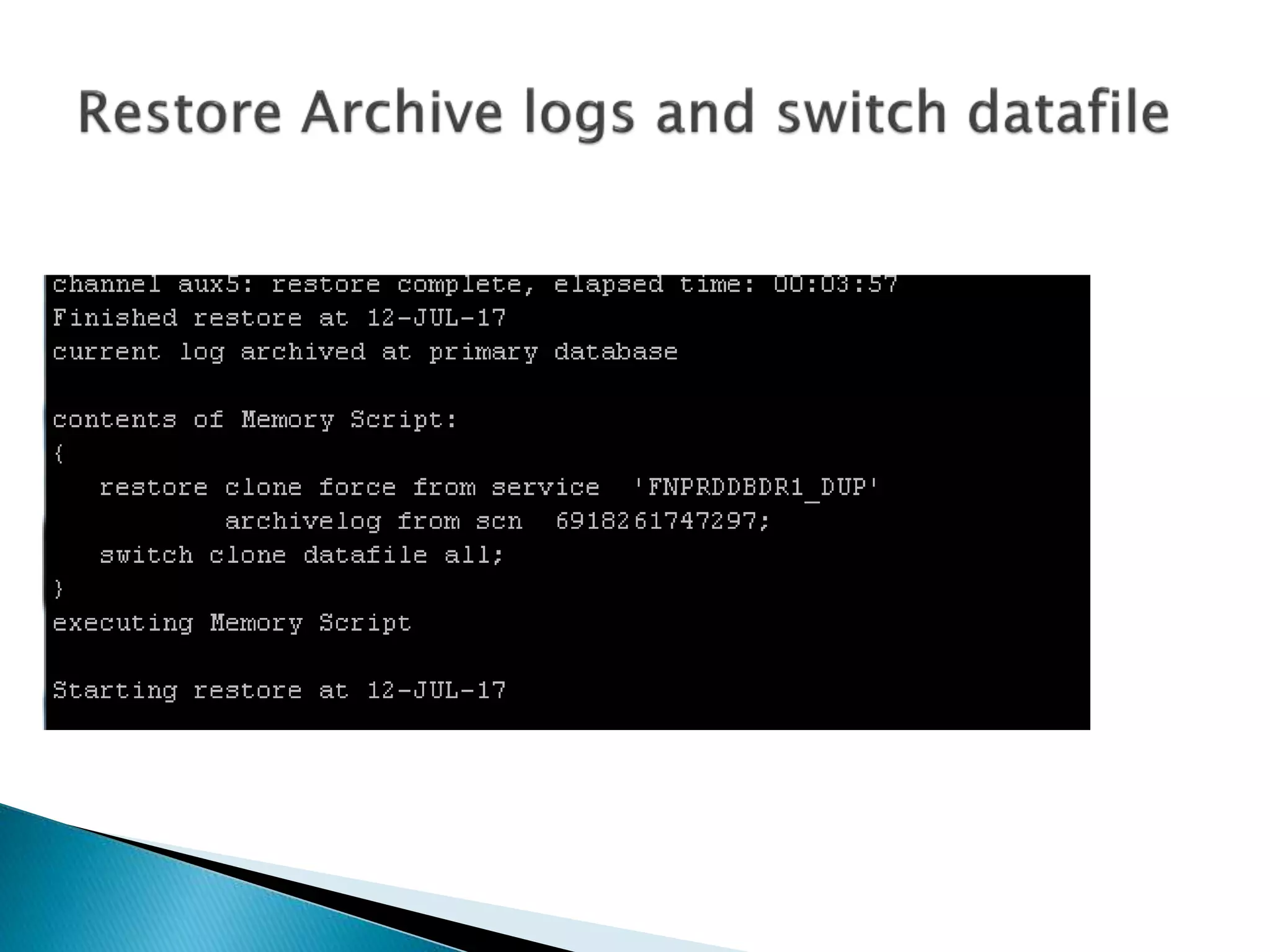
9, Copy archive logs from target to auxiliary that will be required
for recovery of auxiliary data files
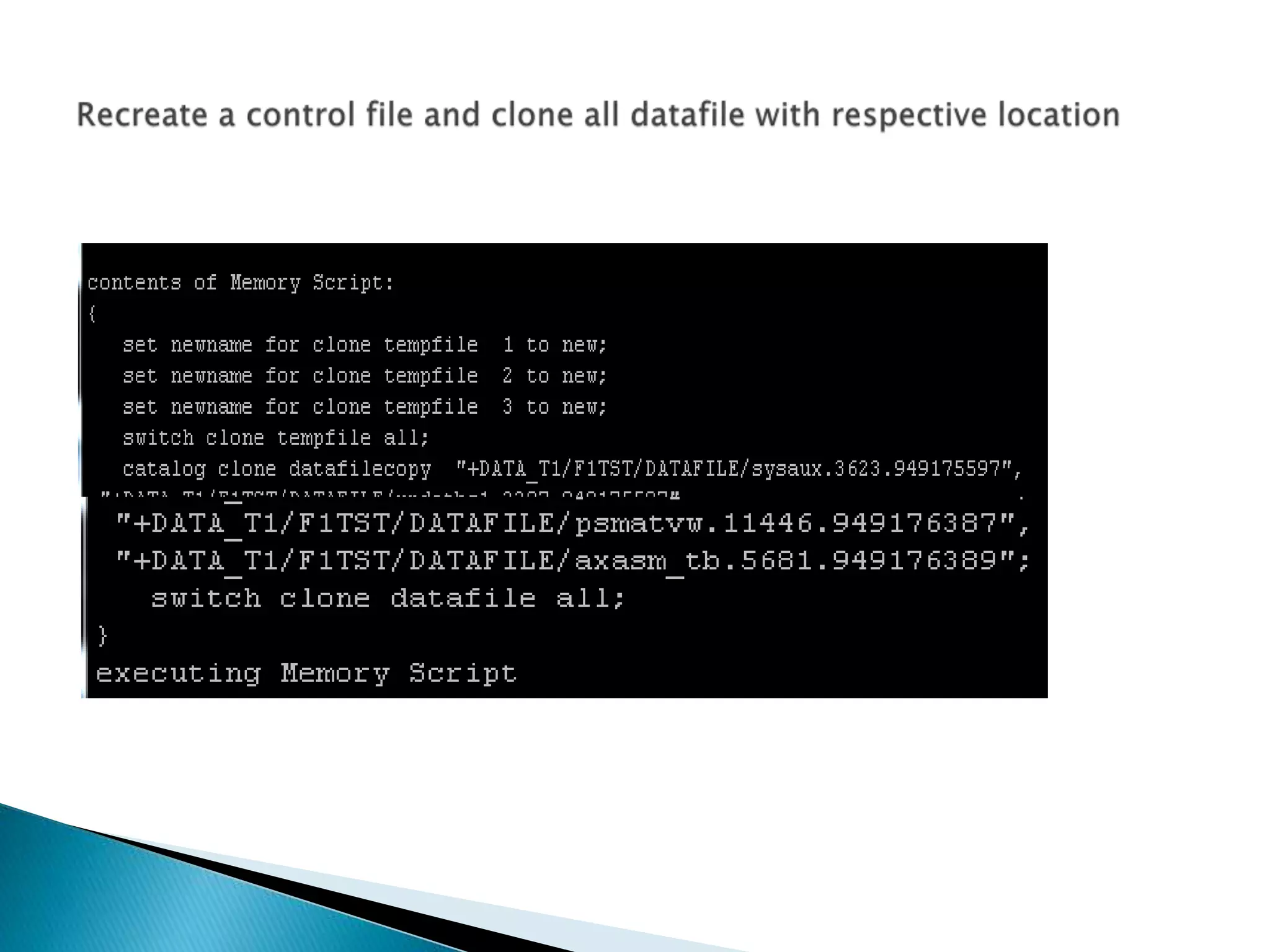
10, Rename data files in the auxiliary control file to the location of
copied data files
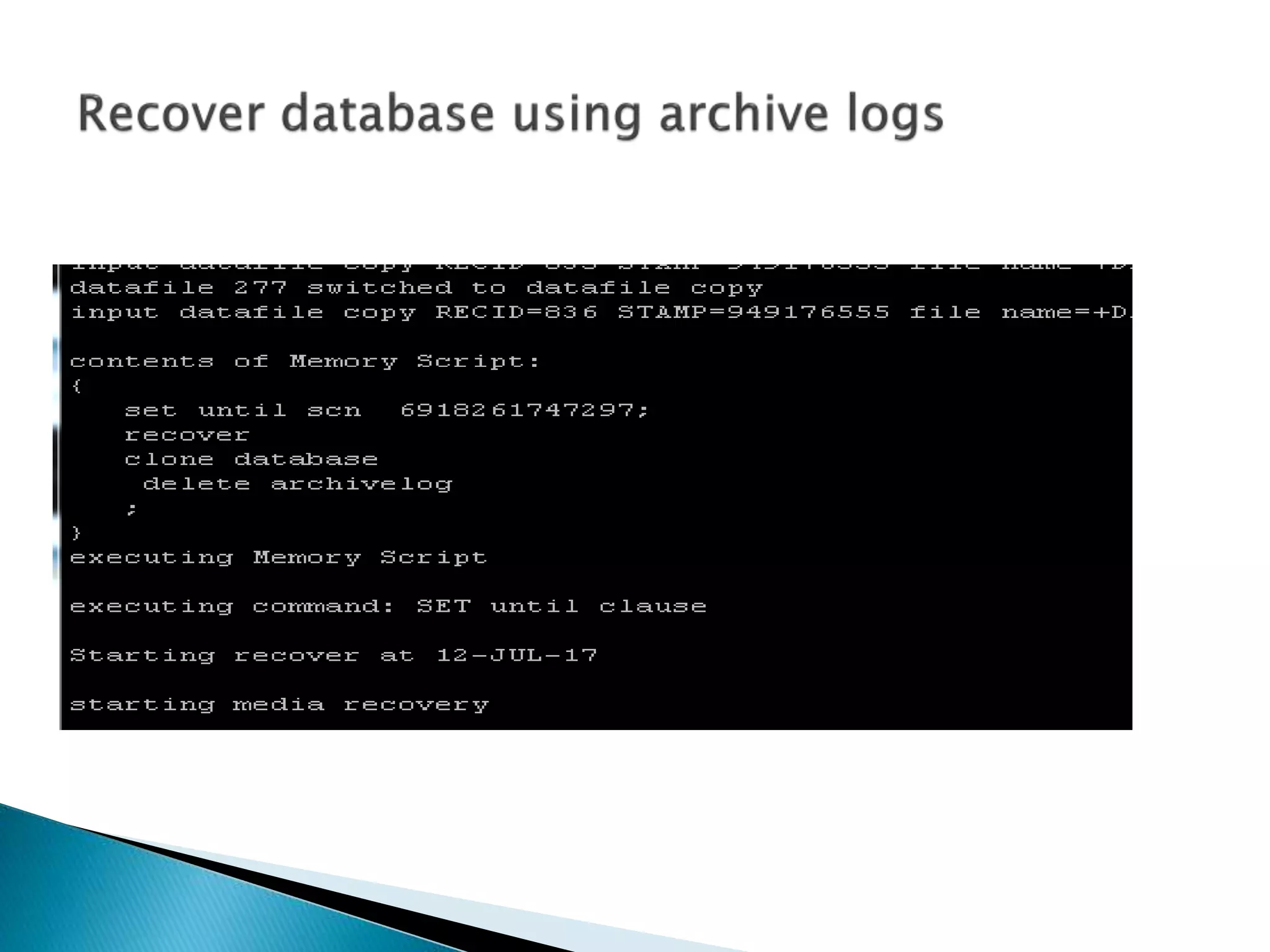
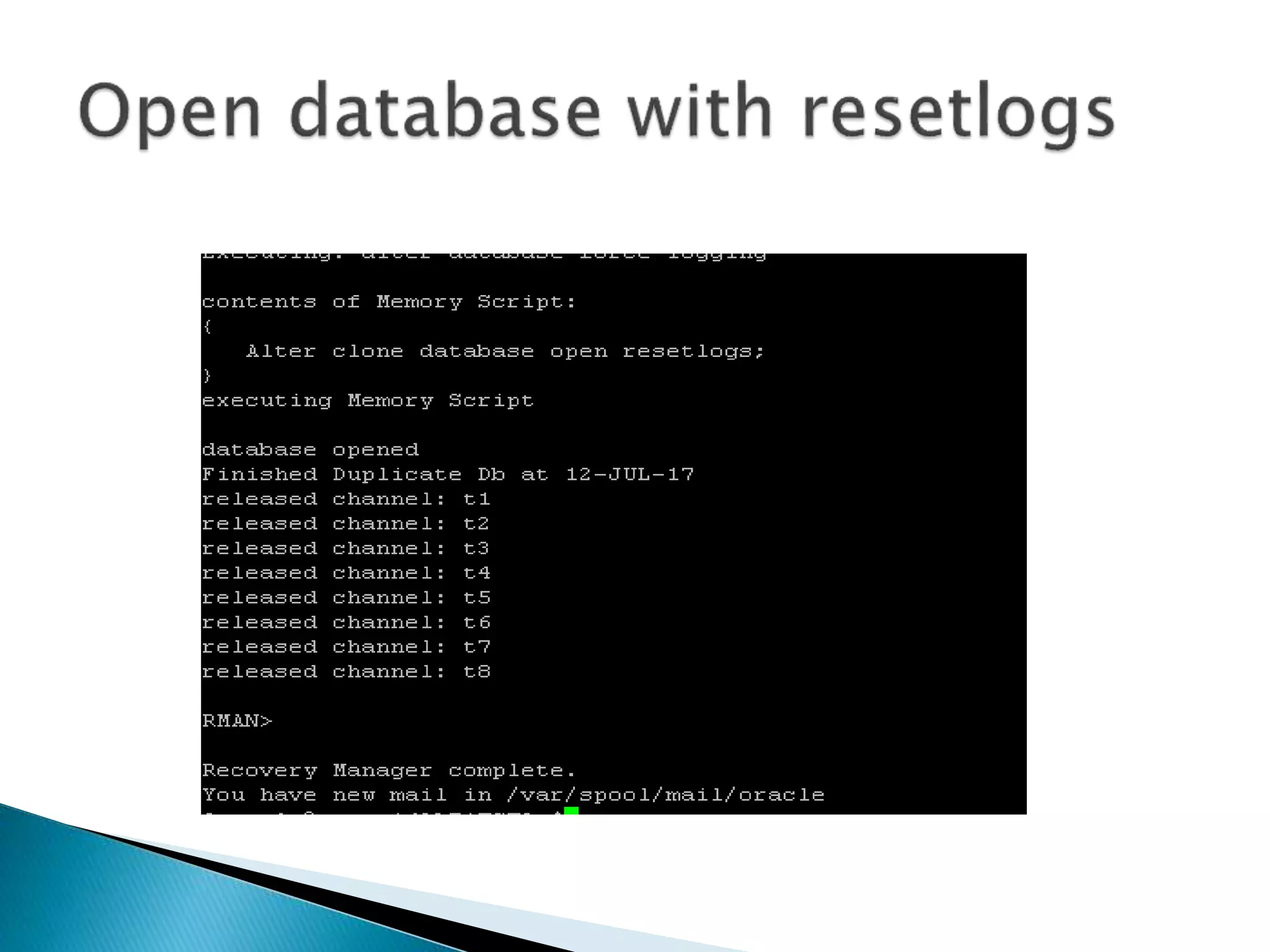
11, Recover the auxiliary instance
12, Recreate auxiliary control file with the auxiliary database name
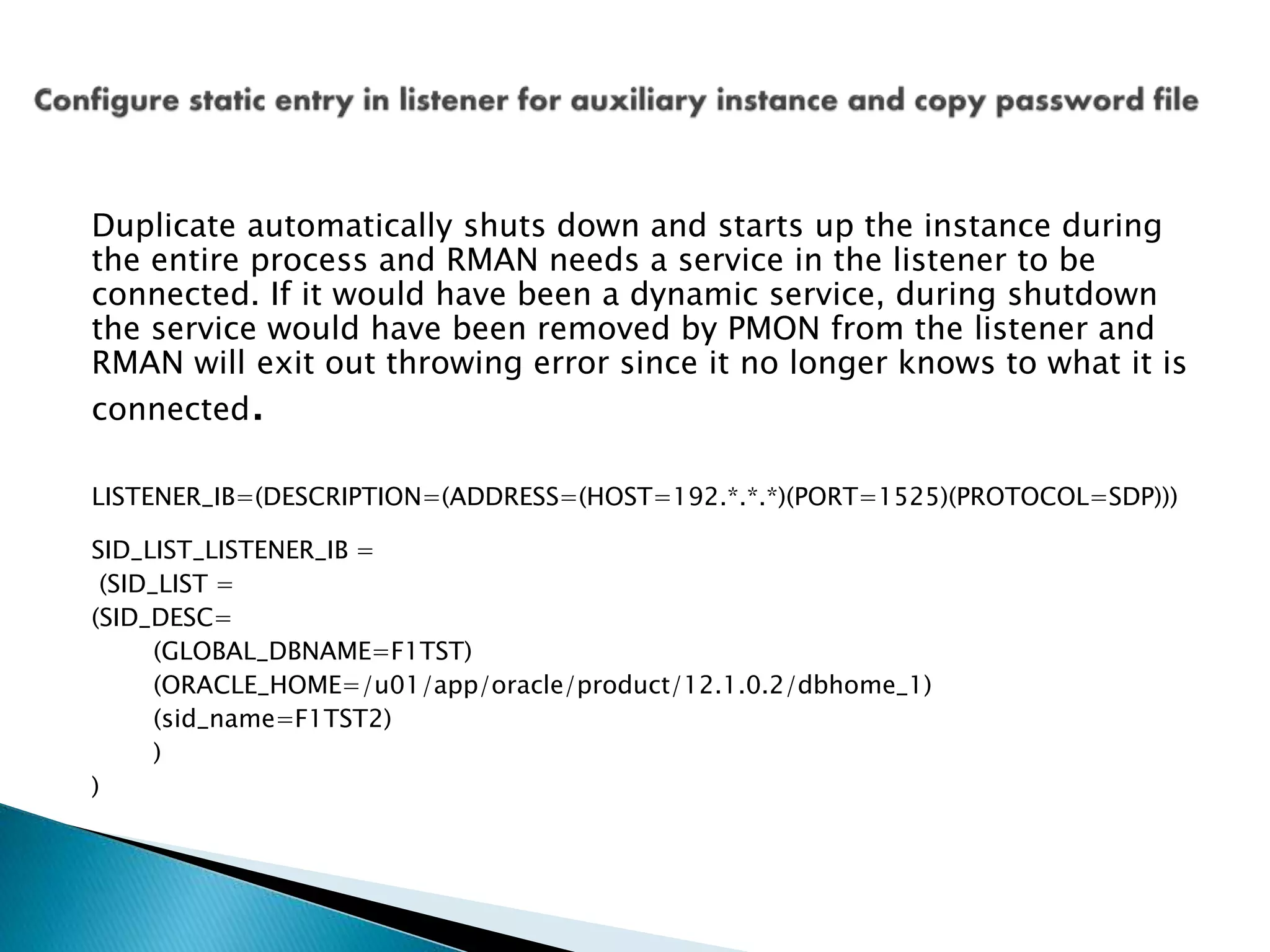
Duplicate automatically shuts down and starts up the instance during
the entire process and RMAN needs a service in the listener to be
connected. If it would have been a dynamic service, during shutdown
the service would have been removed by PMON from the listener and
RMAN will exit out throwing error since it no longer knows to what it is
connected.
LISTENER_IB=(DESCRIPTION=(ADDRESS=(HOST=192.*.*.*)(PORT=1525)(PROTOCOL=SDP)))
SID_LIST_LISTENER_IB =
(SID_LIST =
(SID_DESC=
(GLOBAL_DBNAME=F1TST)
(ORACLE_HOME=/u01/app/oracle/product/12.1.0.2/dbhome_1)
(sid_name=F1TST2)
)
)
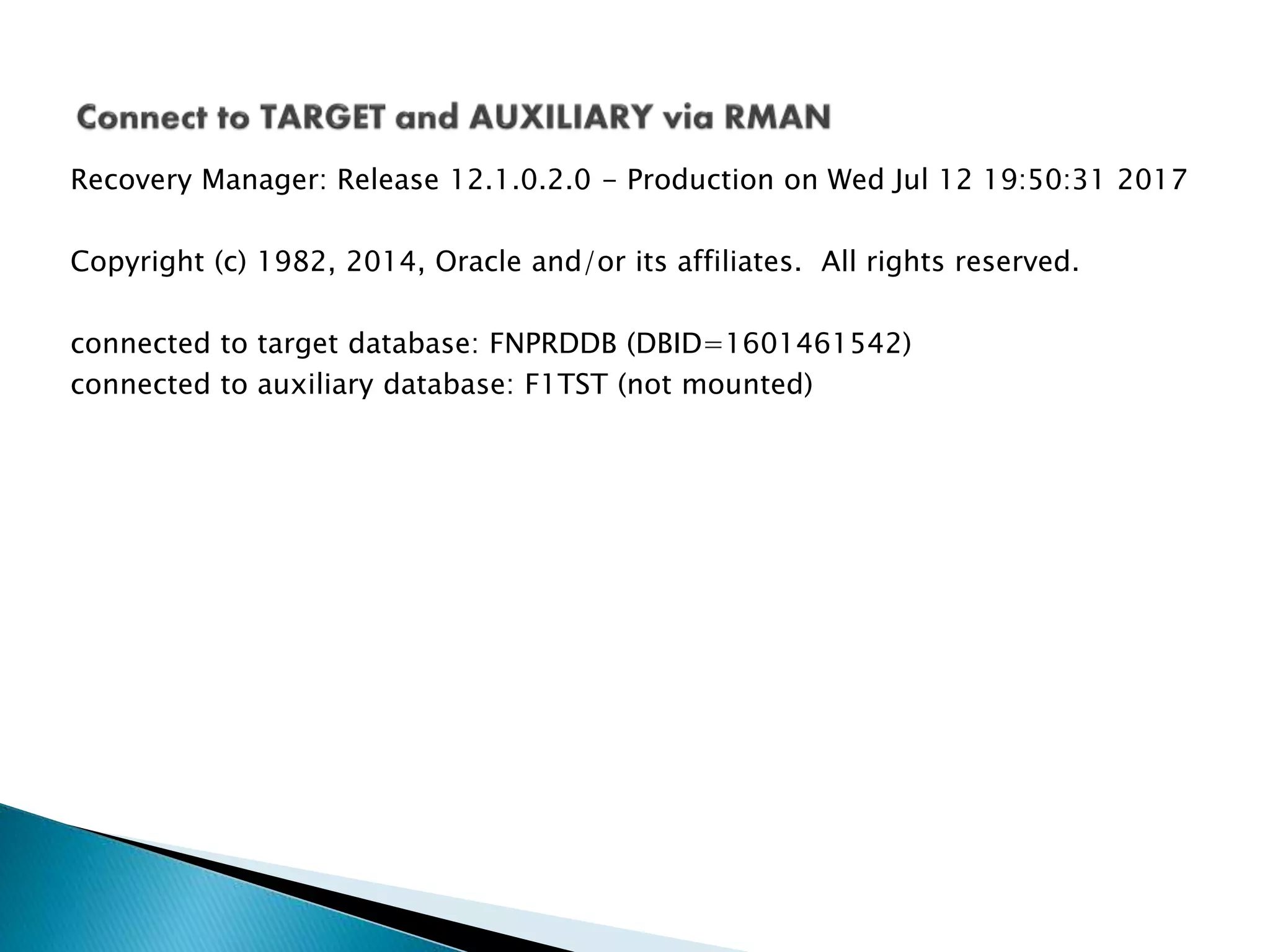
Recovery Manager: Release 12.1.0.2.0 - Production on Wed Jul 12 19:50:31 2017
Copyright (c) 1982, 2014, Oracle and/or its affiliates. All rights reserved.
connected to target database: FNPRDDB (DBID=1601461542)
connected to auxiliary database: F1TST (not mounted)
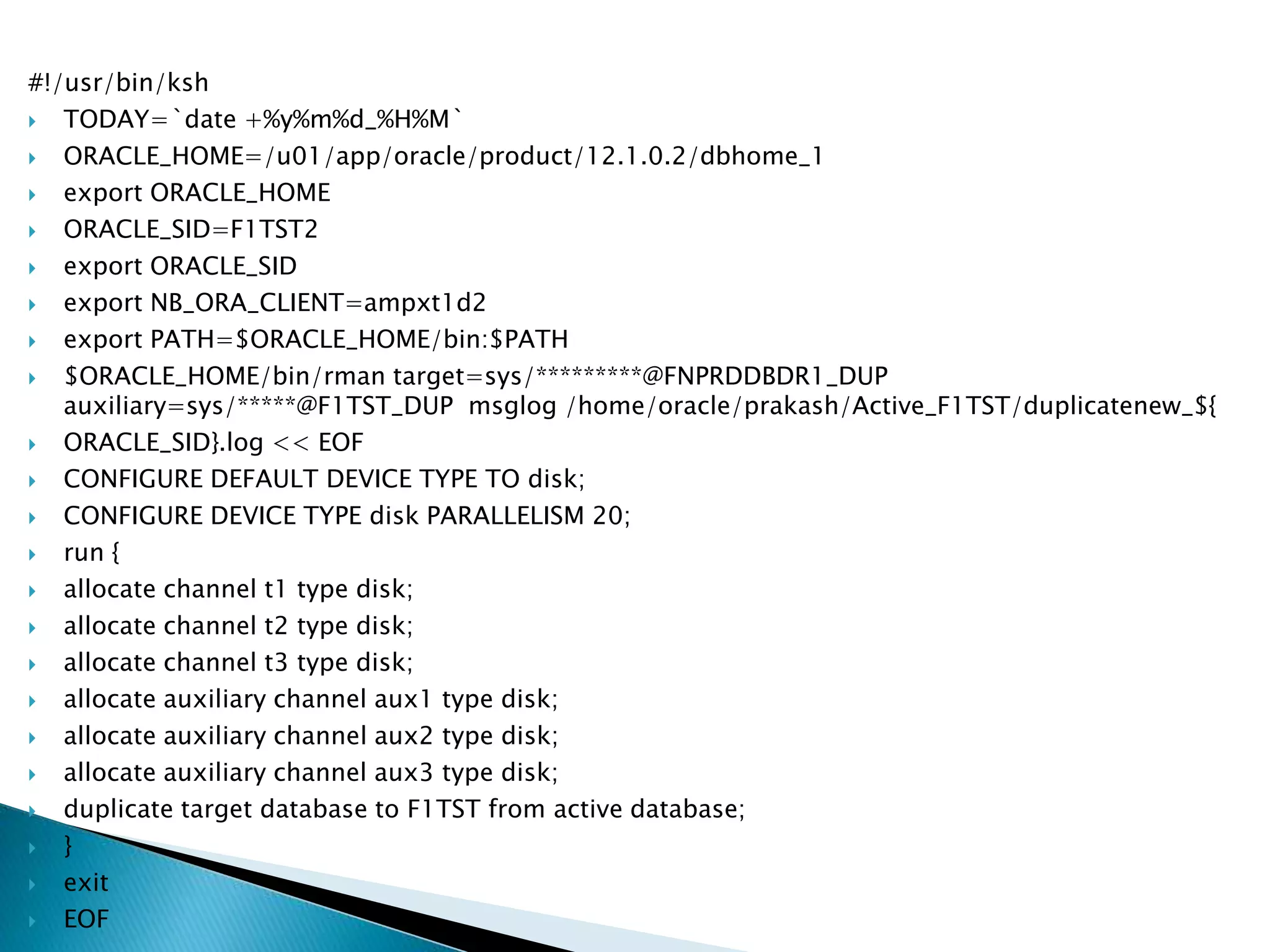
#!/usr/bin/ksh
 TODAY=`date +%y%m%d_%H%M`
 ORACLE_HOME=/u01/app/oracle/product/12.1.0.2/dbhome_1
 export ORACLE_HOME
 ORACLE_SID=F1TST2
 export ORACLE_SID
 export NB_ORA_CLIENT=ampxt1d2
 export PATH=$ORACLE_HOME/bin:$PATH
 $ORACLE_HOME/bin/rman target=sys/*********@FNPRDDBDR1_DUP
auxiliary=sys/*****@F1TST_DUP msglog /home/oracle/prakash/Active_F1TST/duplicatenew_${
 ORACLE_SID}.log << EOF
 CONFIGURE DEFAULT DEVICE TYPE TO disk;
 CONFIGURE DEVICE TYPE disk PARALLELISM 20;
 run {
 allocate channel t1 type disk;
 allocate channel t2 type disk;
 allocate channel t3 type disk;
 allocate auxiliary channel aux1 type disk;
 allocate auxiliary channel aux2 type disk;
 allocate auxiliary channel aux3 type disk;
 duplicate target database to F1TST from active database;
 }
 exit
 EOF
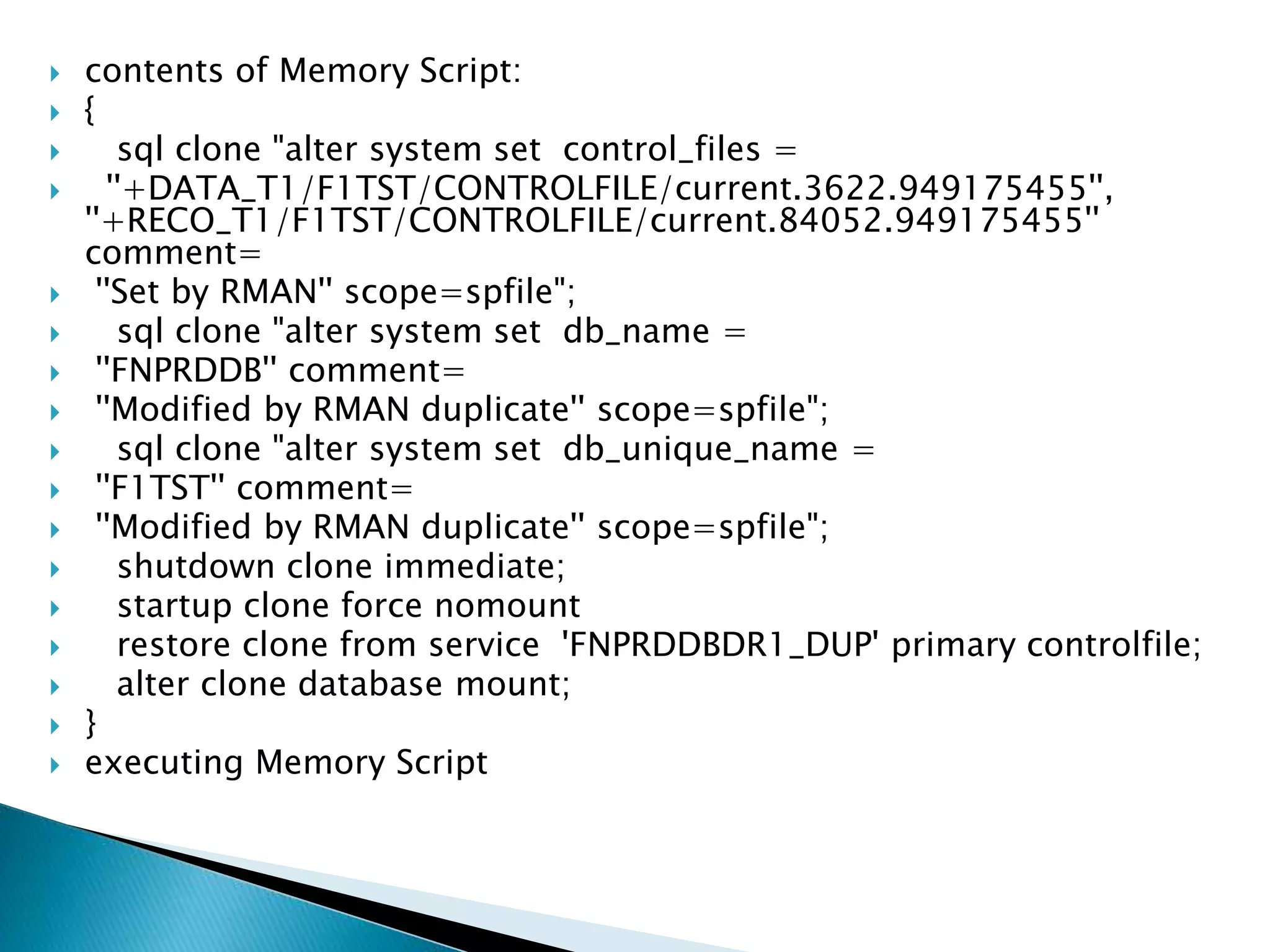
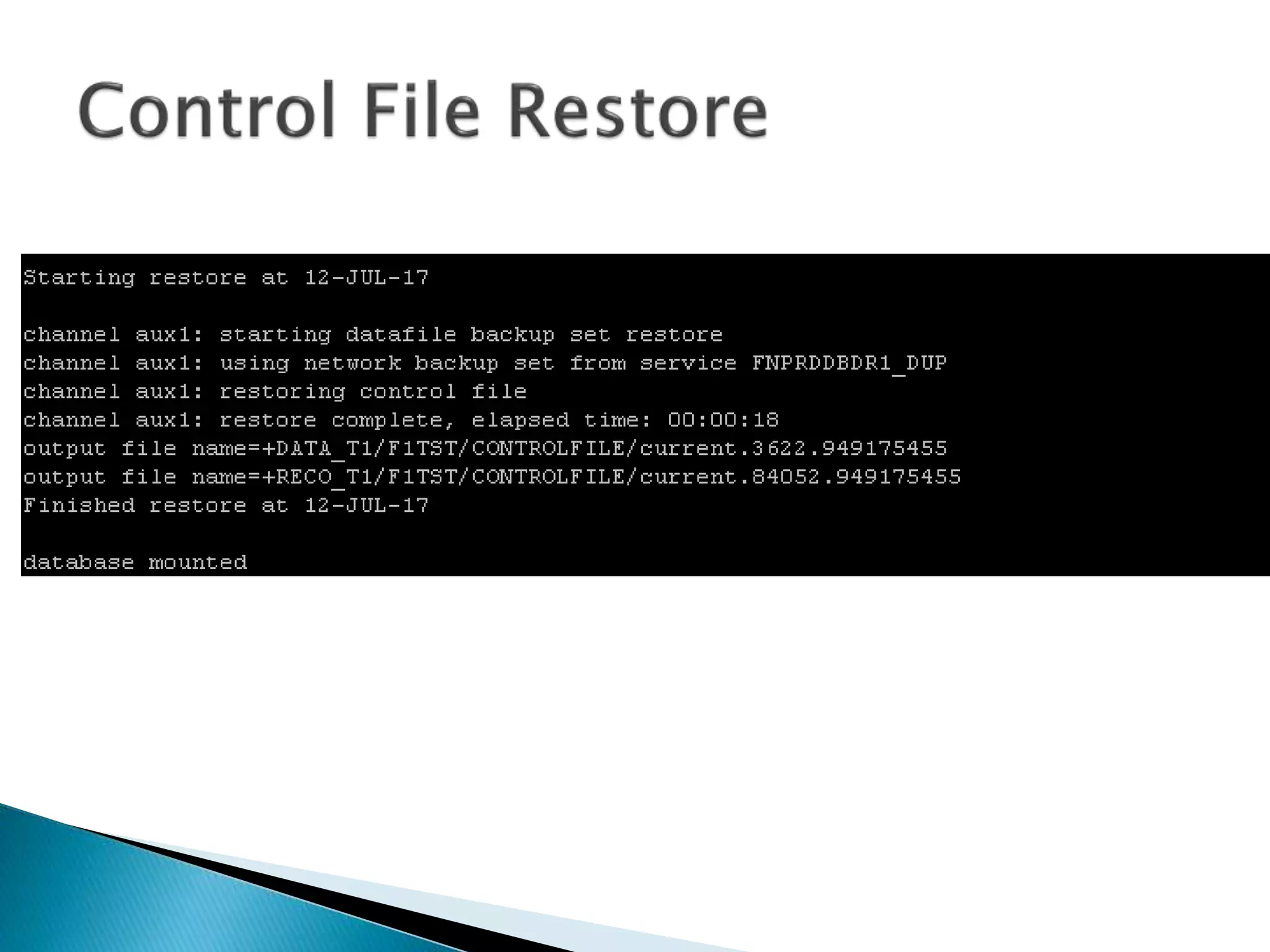
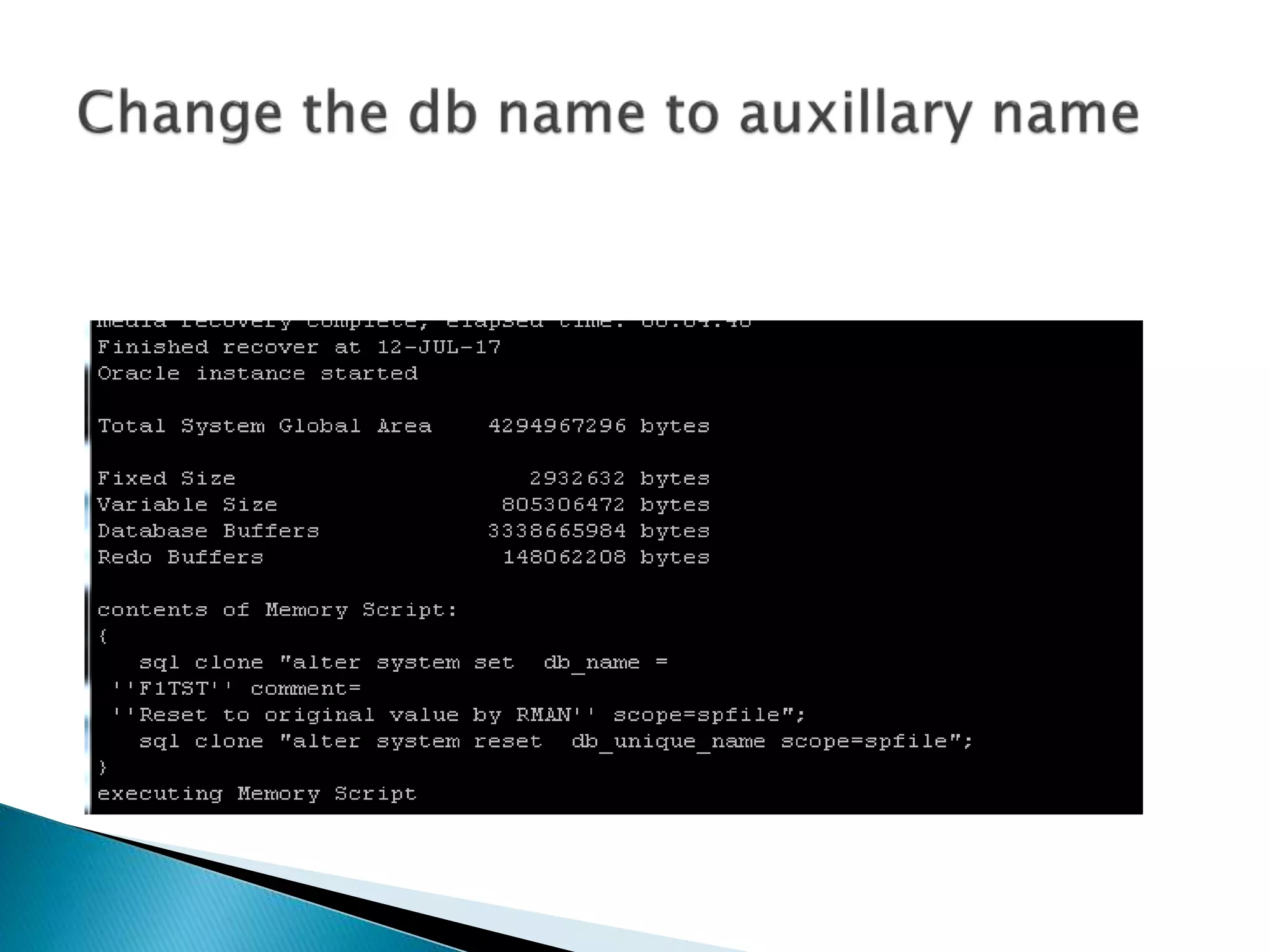
 contents of Memory Script:
 {
 sql clone "alter system set control_files =
 ''+DATA_T1/F1TST/CONTROLFILE/current.3622.949175455'',
''+RECO_T1/F1TST/CONTROLFILE/current.84052.949175455''
comment=
 ''Set by RMAN'' scope=spfile";
 sql clone "alter system set db_name =
 ''FNPRDDB'' comment=
 ''Modified by RMAN duplicate'' scope=spfile";
 sql clone "alter system set db_unique_name =
 ''F1TST'' comment=
 ''Modified by RMAN duplicate'' scope=spfile";
 shutdown clone immediate;
 startup clone force nomount
 restore clone from service 'FNPRDDBDR1_DUP' primary controlfile;
 alter clone database mount;
 }
 executing Memory Script
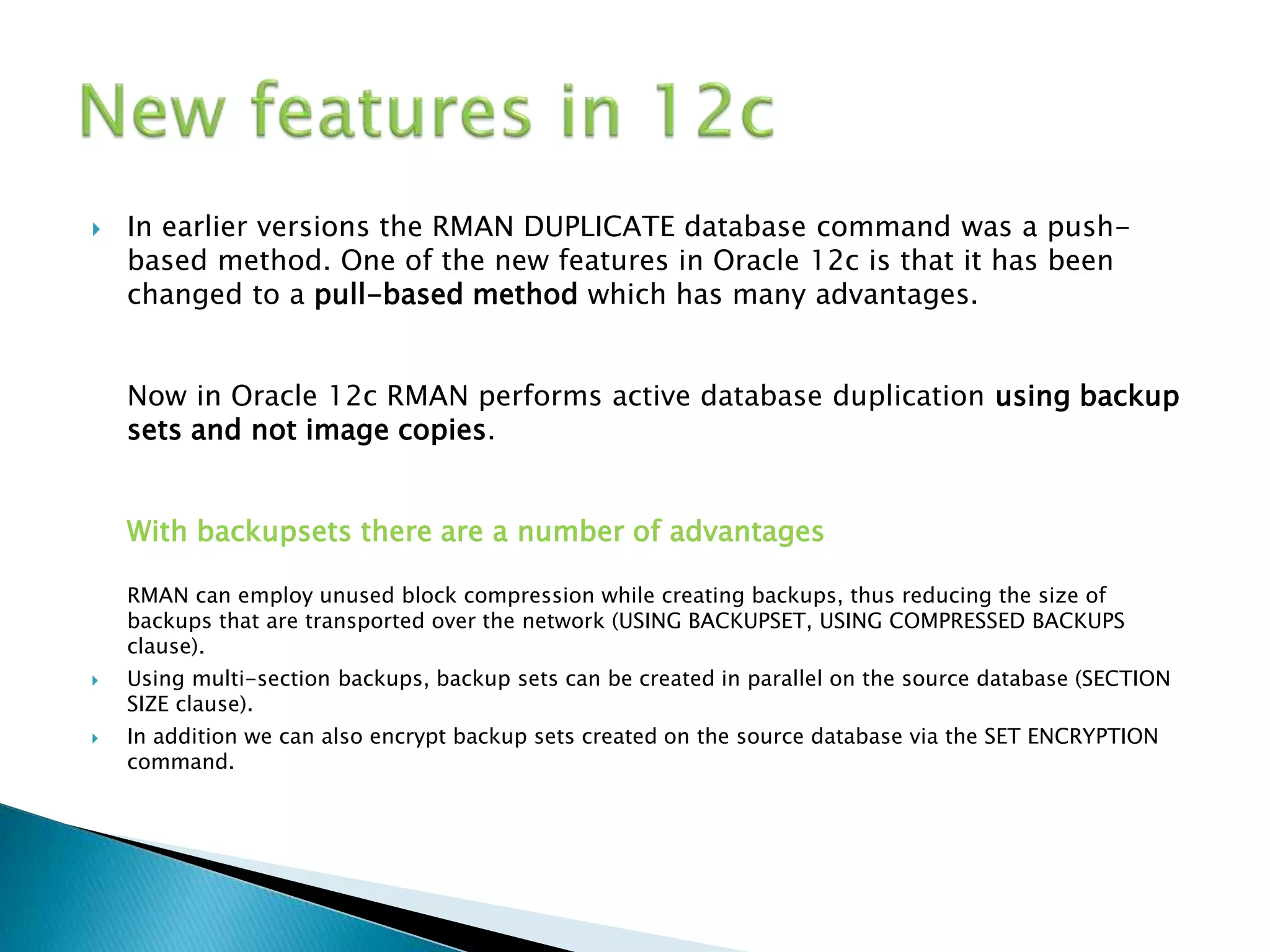
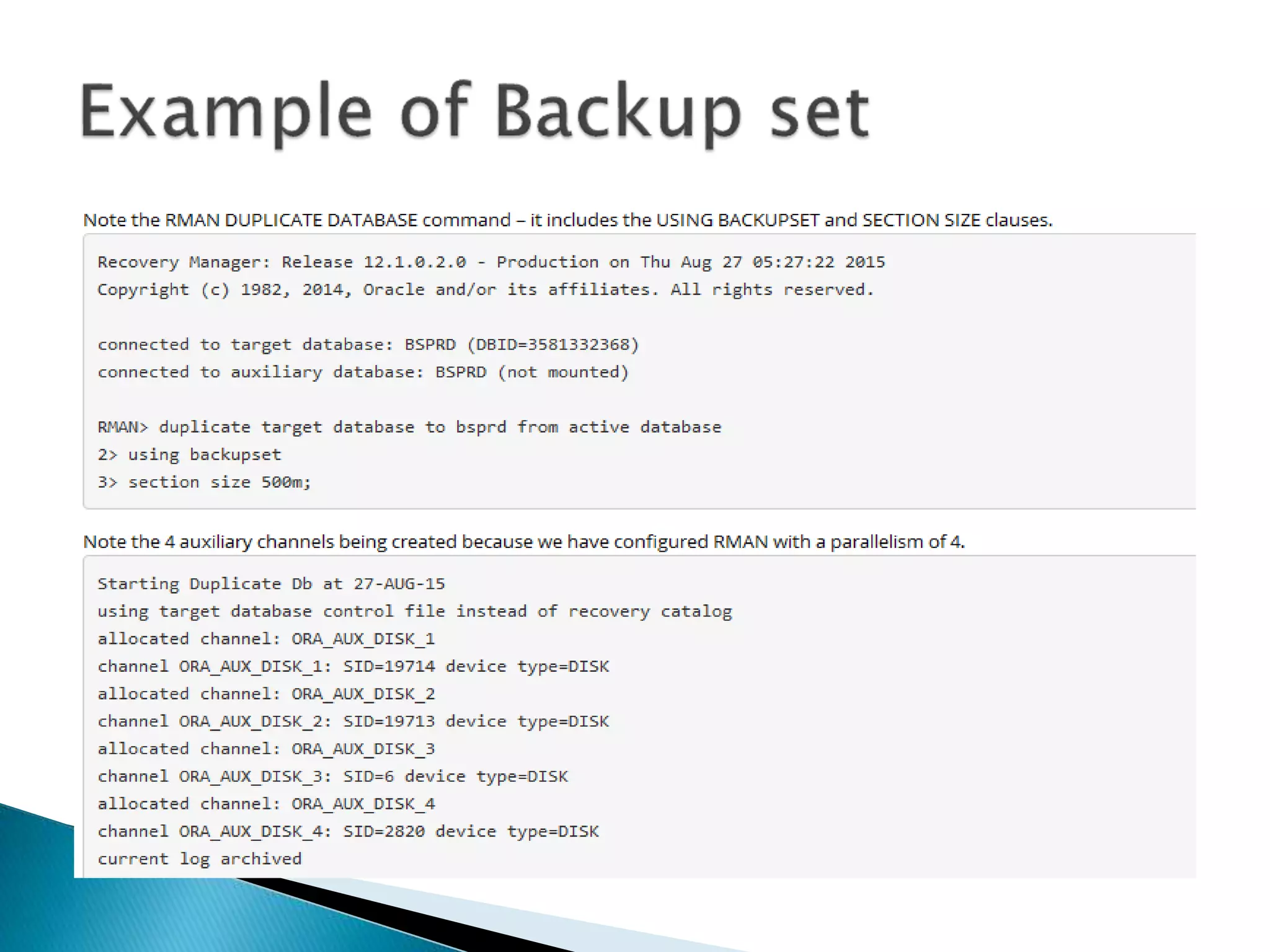
 In earlier versions the RMAN DUPLICATE database command was a push-
based method. One of the new features in Oracle 12c is that it has been
changed to a pull-based method which has many advantages.
Now in Oracle 12c RMAN performs active database duplication using backup
sets and not image copies.
With backupsets there are a number of advantages
RMAN can employ unused block compression while creating backups, thus reducing the size of
backups that are transported over the network (USING BACKUPSET, USING COMPRESSED BACKUPS
clause).
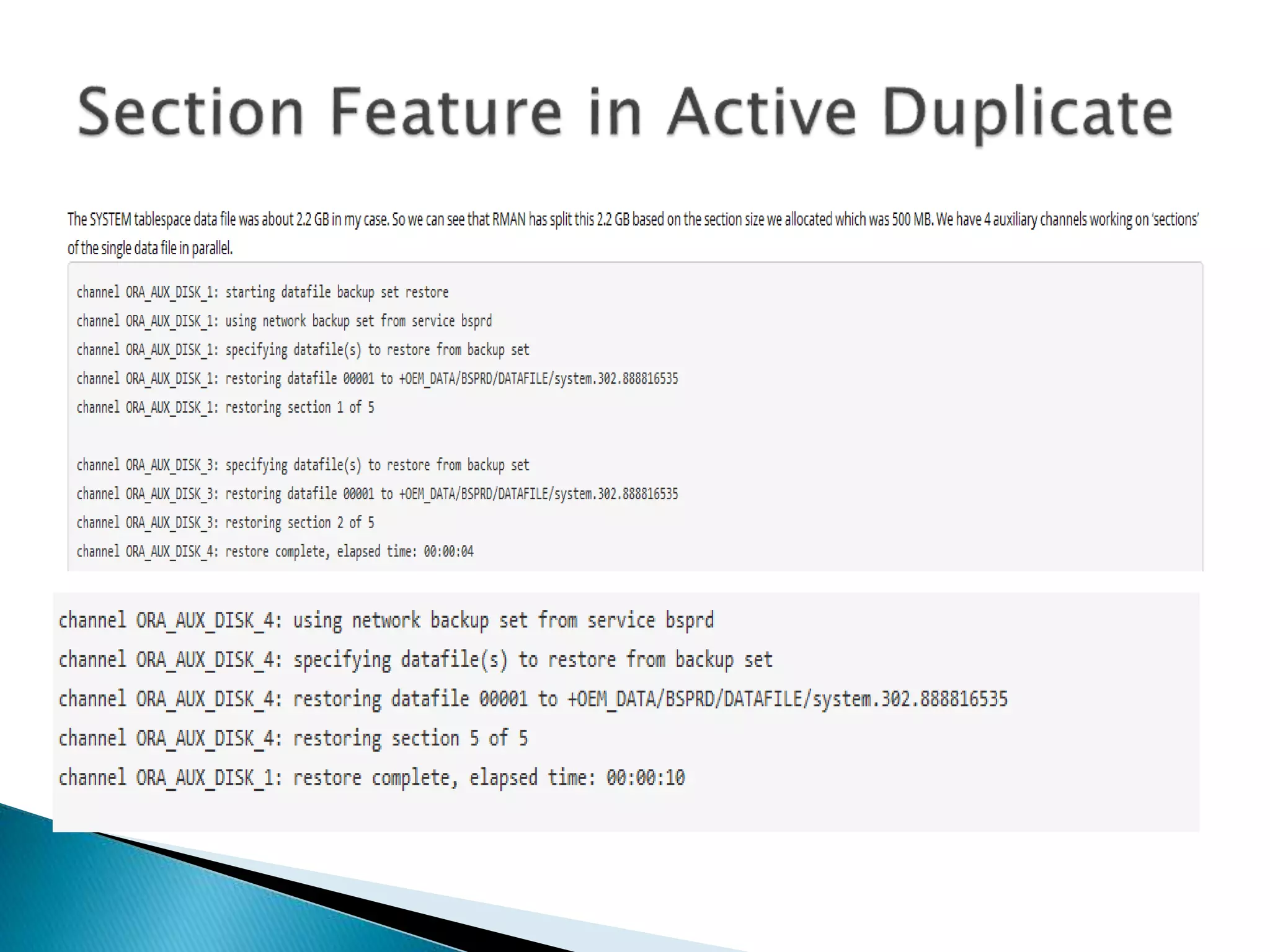
 Using multi-section backups, backup sets can be created in parallel on the source database (SECTION
SIZE clause).
 In addition we can also encrypt backup sets created on the source database via the SET ENCRYPTION
command.
Active duplicate database from standby

Active duplicate database from standby

  • 1.
  • 2.
    Target Database: FNPRDDB AuxillaryDatabase: F1TST Target: -Make sure all the data’s from primary are sync with DR -Stop the MRP from standby -startup the DR database in open mode Auxillary: -If it is RAC set cluster database Is false and run only one instance -startup no mount with minimum required parameter files
  • 3.
    Steps performed inActive duplicate 1,Starting up auxiliary instance 2,Configure static entry in listener for auxiliary instance and copy pass word file 3,Make sure the both target and auxiliary database password file was same 4,Connect to TARGET and AUXILIARY via RMAN 5, Copy control file from target 6, Mount the auxiliary instance 7, Set new name for the data files to be copied from target to auxiliary
  • 4.
    8,Copy data filesfrom target (RMAN duplicate) 9, Copy archive logs from target to auxiliary that will be required for recovery of auxiliary data files 10, Rename data files in the auxiliary control file to the location of copied data files 11, Recover the auxiliary instance 12, Recreate auxiliary control file with the auxiliary database name
  • 5.
    Duplicate automatically shutsdown and starts up the instance during the entire process and RMAN needs a service in the listener to be connected. If it would have been a dynamic service, during shutdown the service would have been removed by PMON from the listener and RMAN will exit out throwing error since it no longer knows to what it is connected. LISTENER_IB=(DESCRIPTION=(ADDRESS=(HOST=192.*.*.*)(PORT=1525)(PROTOCOL=SDP))) SID_LIST_LISTENER_IB = (SID_LIST = (SID_DESC= (GLOBAL_DBNAME=F1TST) (ORACLE_HOME=/u01/app/oracle/product/12.1.0.2/dbhome_1) (sid_name=F1TST2) ) )
  • 6.
    Recovery Manager: Release12.1.0.2.0 - Production on Wed Jul 12 19:50:31 2017 Copyright (c) 1982, 2014, Oracle and/or its affiliates. All rights reserved. connected to target database: FNPRDDB (DBID=1601461542) connected to auxiliary database: F1TST (not mounted)
  • 7.
    #!/usr/bin/ksh  TODAY=`date +%y%m%d_%H%M` ORACLE_HOME=/u01/app/oracle/product/12.1.0.2/dbhome_1  export ORACLE_HOME  ORACLE_SID=F1TST2  export ORACLE_SID  export NB_ORA_CLIENT=ampxt1d2  export PATH=$ORACLE_HOME/bin:$PATH  $ORACLE_HOME/bin/rman target=sys/*********@FNPRDDBDR1_DUP auxiliary=sys/*****@F1TST_DUP msglog /home/oracle/prakash/Active_F1TST/duplicatenew_${  ORACLE_SID}.log << EOF  CONFIGURE DEFAULT DEVICE TYPE TO disk;  CONFIGURE DEVICE TYPE disk PARALLELISM 20;  run {  allocate channel t1 type disk;  allocate channel t2 type disk;  allocate channel t3 type disk;  allocate auxiliary channel aux1 type disk;  allocate auxiliary channel aux2 type disk;  allocate auxiliary channel aux3 type disk;  duplicate target database to F1TST from active database;  }  exit  EOF
  • 8.
     contents ofMemory Script:  {  sql clone "alter system set control_files =  ''+DATA_T1/F1TST/CONTROLFILE/current.3622.949175455'', ''+RECO_T1/F1TST/CONTROLFILE/current.84052.949175455'' comment=  ''Set by RMAN'' scope=spfile";  sql clone "alter system set db_name =  ''FNPRDDB'' comment=  ''Modified by RMAN duplicate'' scope=spfile";  sql clone "alter system set db_unique_name =  ''F1TST'' comment=  ''Modified by RMAN duplicate'' scope=spfile";  shutdown clone immediate;  startup clone force nomount  restore clone from service 'FNPRDDBDR1_DUP' primary controlfile;  alter clone database mount;  }  executing Memory Script
  • 16.
     In earlierversions the RMAN DUPLICATE database command was a push- based method. One of the new features in Oracle 12c is that it has been changed to a pull-based method which has many advantages. Now in Oracle 12c RMAN performs active database duplication using backup sets and not image copies. With backupsets there are a number of advantages RMAN can employ unused block compression while creating backups, thus reducing the size of backups that are transported over the network (USING BACKUPSET, USING COMPRESSED BACKUPS clause).  Using multi-section backups, backup sets can be created in parallel on the source database (SECTION SIZE clause).  In addition we can also encrypt backup sets created on the source database via the SET ENCRYPTION command.