Active Directory
Fundamentals
Win Moody
Senior Trainer QA
win.moody@qa.com
What we will cover:
 Domains, Trees, Forests
 Domain Controllers, Sites
 The Domain Naming Service (DNS)
 Replication
 Operations Masters
 Lots of demos….
Prerequisite Knowledge
 Understanding of what a directory service
is
Level 200+
Agenda
 Active Directory Logical Concepts
 Active Directory Physical Concepts
 DNS
 Replication
 Operations Masters
Active Directory Logical
Concepts
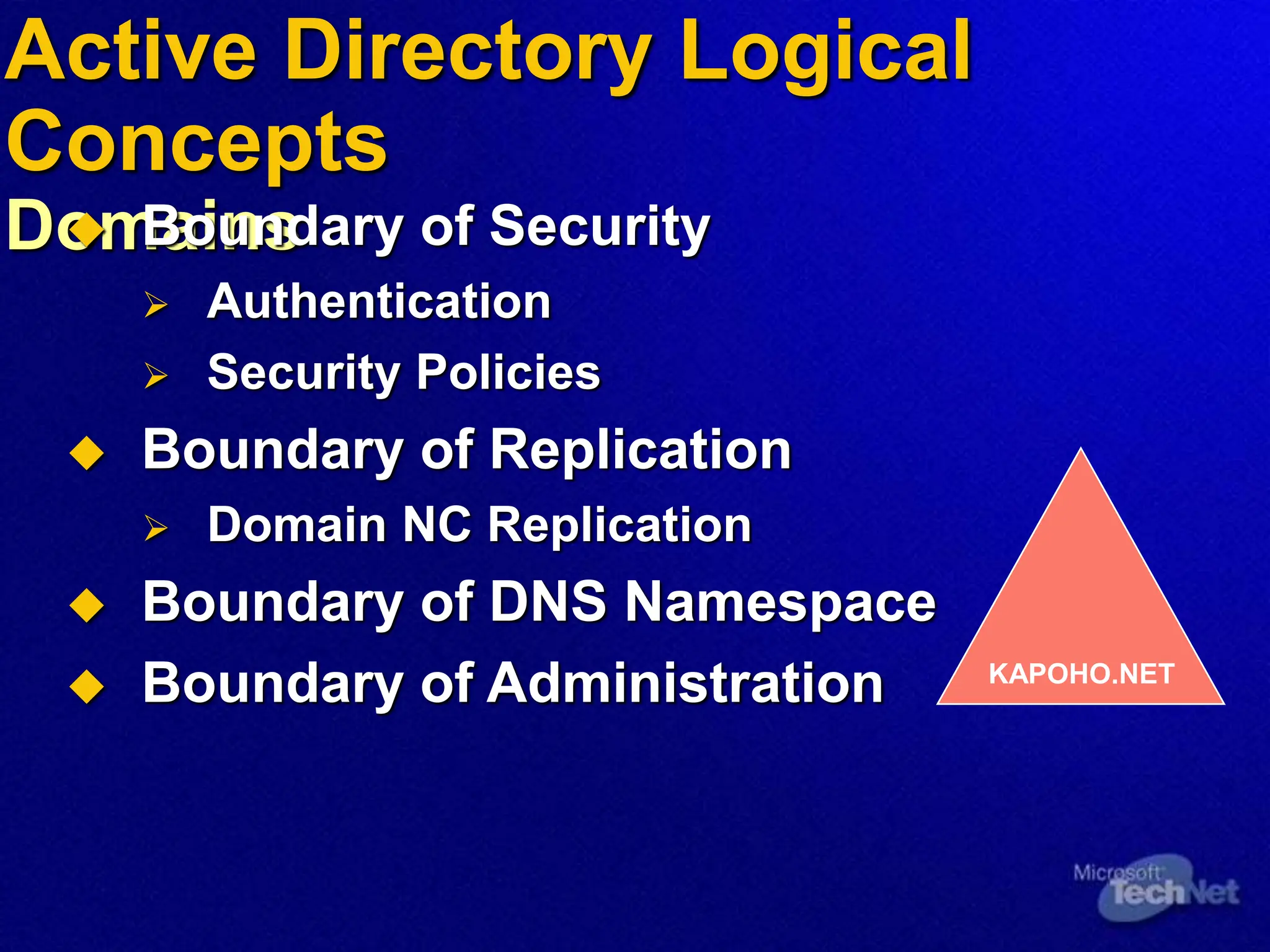
Domains
 Boundary of Security
 Authentication
 Security Policies
 Boundary of Replication
 Domain NC Replication
 Boundary of DNS Namespace
 Boundary of Administration KAPOHO.NET
Active Directory Logical Concepts
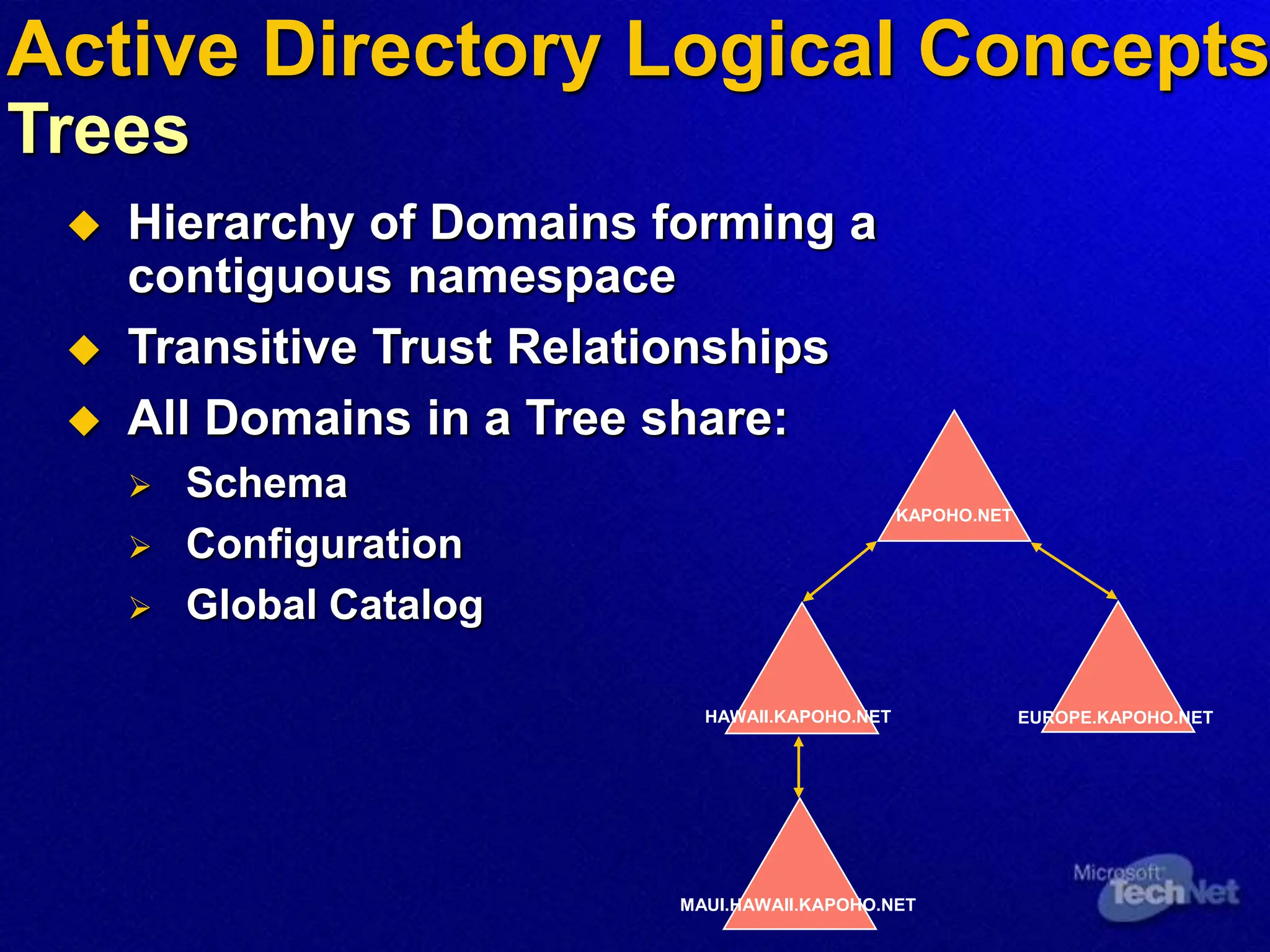
Trees
 Hierarchy of Domains forming a
contiguous namespace
 Transitive Trust Relationships
 All Domains in a Tree share:
 Schema
 Configuration
 Global Catalog
KAPOHO.NET
EUROPE.KAPOHO.NET
HAWAII.KAPOHO.NET
MAUI.HAWAII.KAPOHO.NET
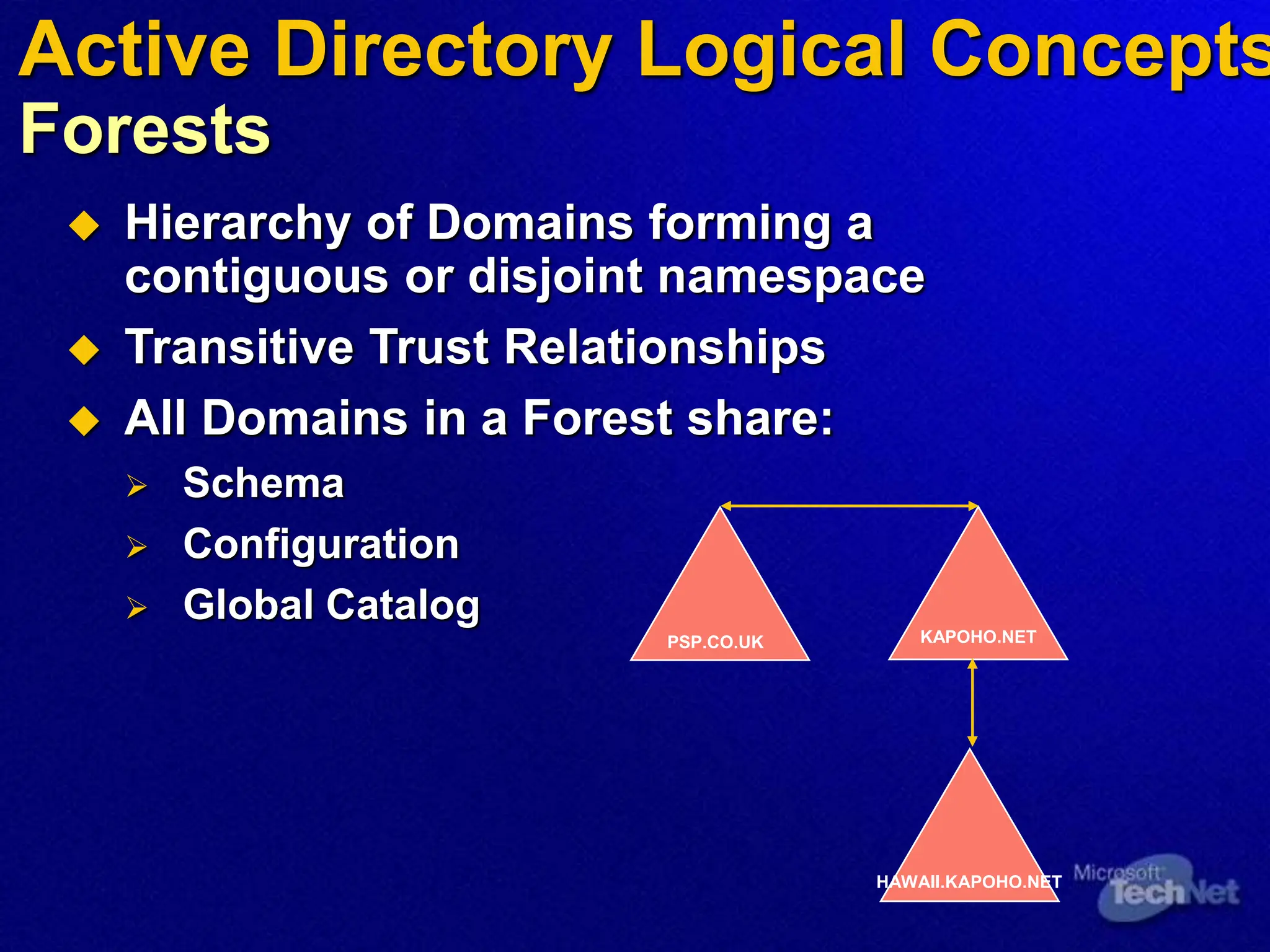
 Hierarchy of Domains forming a
contiguous or disjoint namespace
 Transitive Trust Relationships
 All Domains in a Forest share:
 Schema
 Configuration
 Global Catalog
PSP.CO.UK KAPOHO.NET
HAWAII.KAPOHO.NET
Active Directory Logical Concepts
Forests
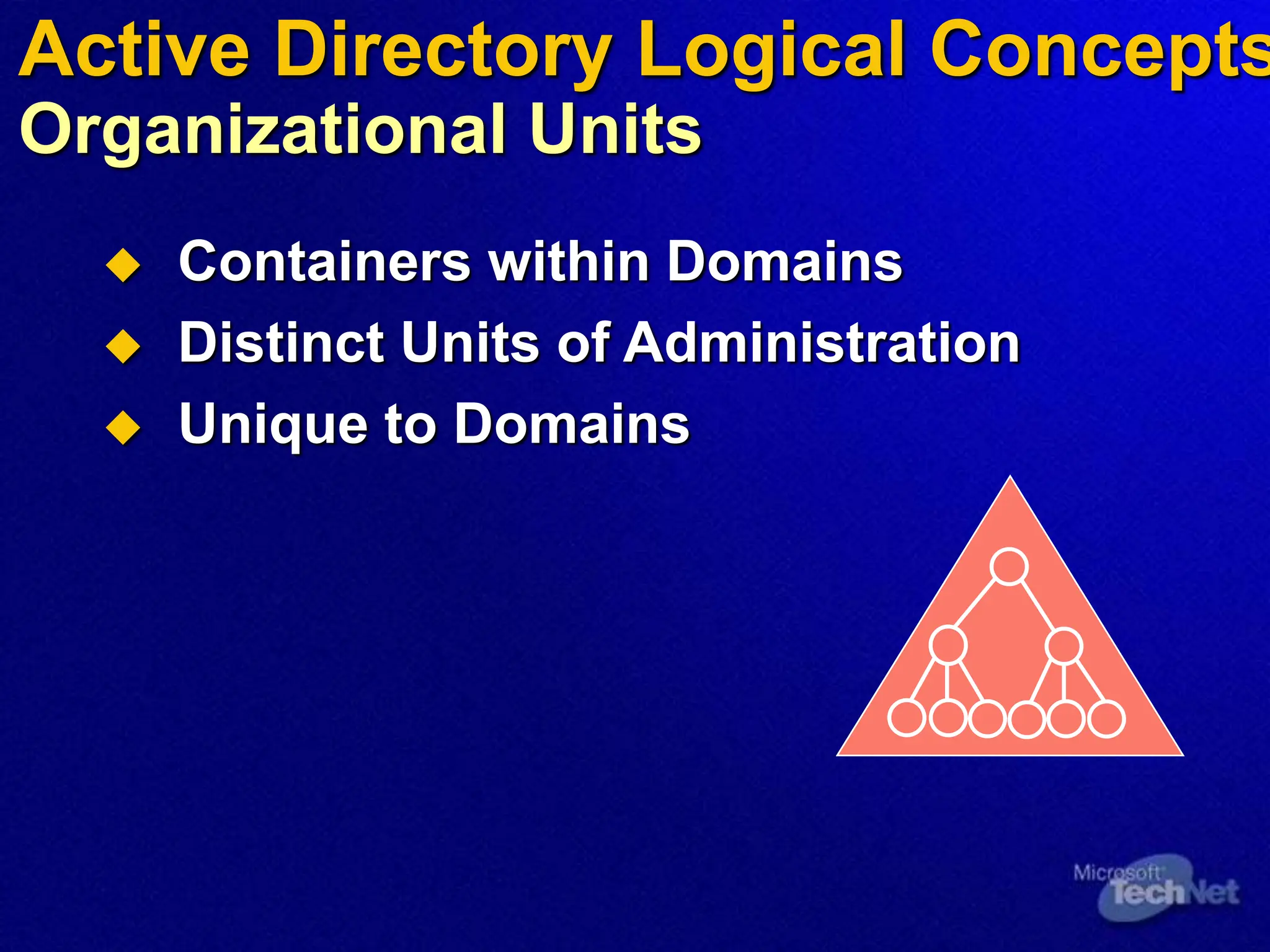
 Containers within Domains
 Distinct Units of Administration
 Unique to Domains
Active Directory Logical Concepts
Organizational Units
Agenda
 Active Directory Logical Concepts
 Active Directory Physical Concepts
 DNS
 Replication
 Operations Masters
Active Directory Physical
Concepts
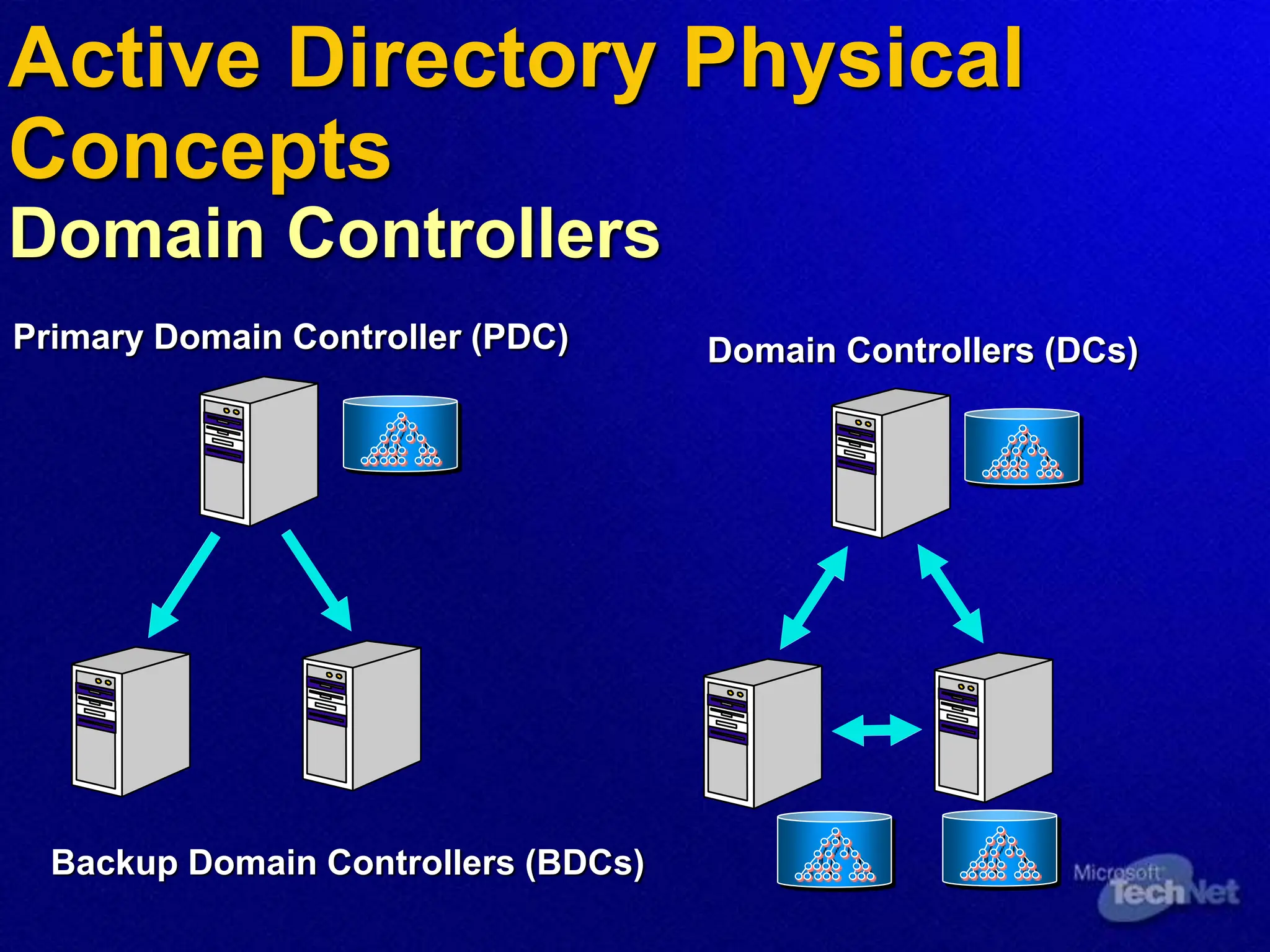
Domain Controllers
Primary Domain Controller (PDC)
Backup Domain Controllers (BDCs)
Domain Controllers (DCs)
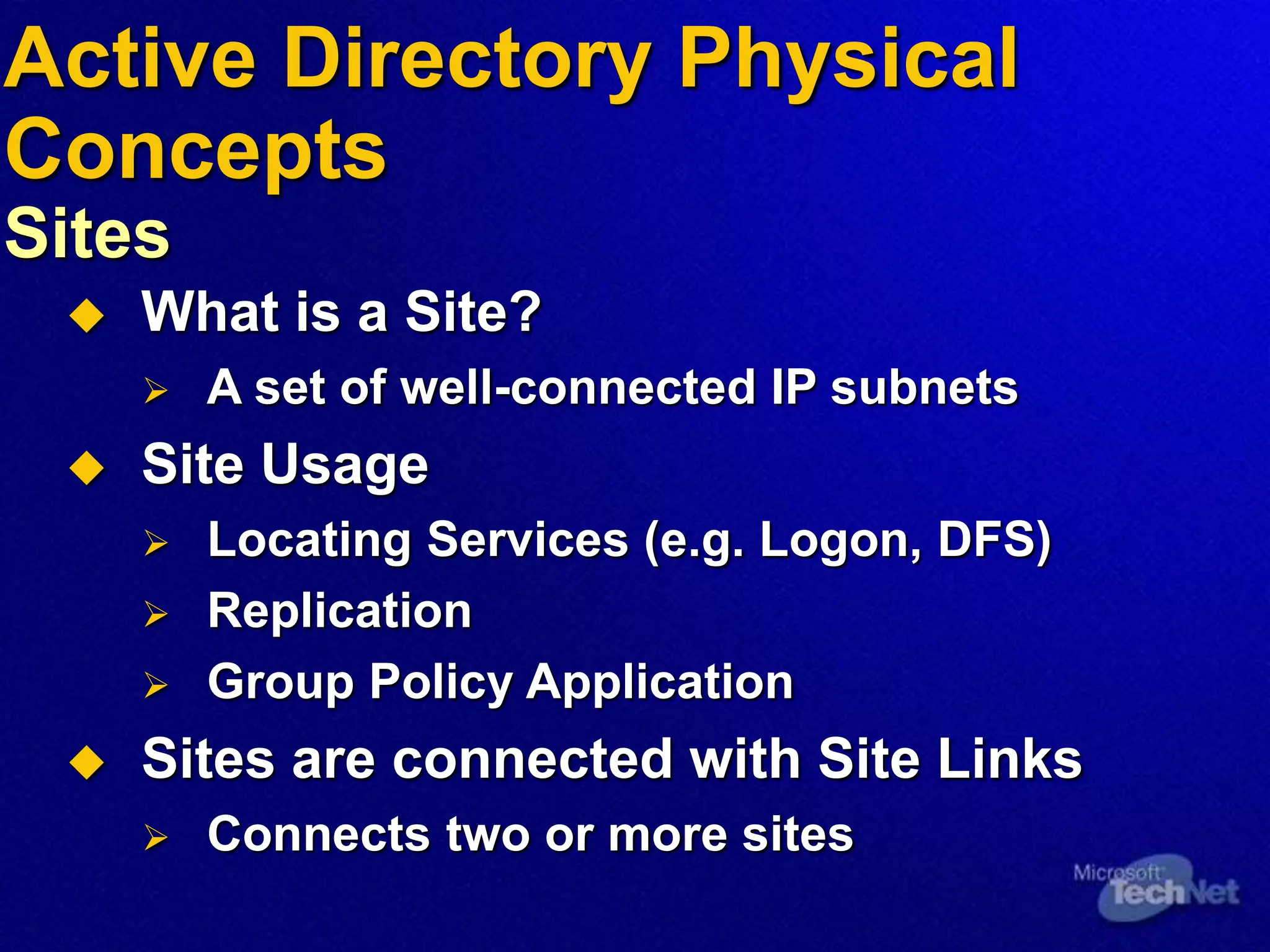
 What is a Site?
 A set of well-connected IP subnets
 Site Usage
 Locating Services (e.g. Logon, DFS)
 Replication
 Group Policy Application
 Sites are connected with Site Links
 Connects two or more sites
Active Directory Physical
Concepts
Sites
Active Directory Physical
Concepts
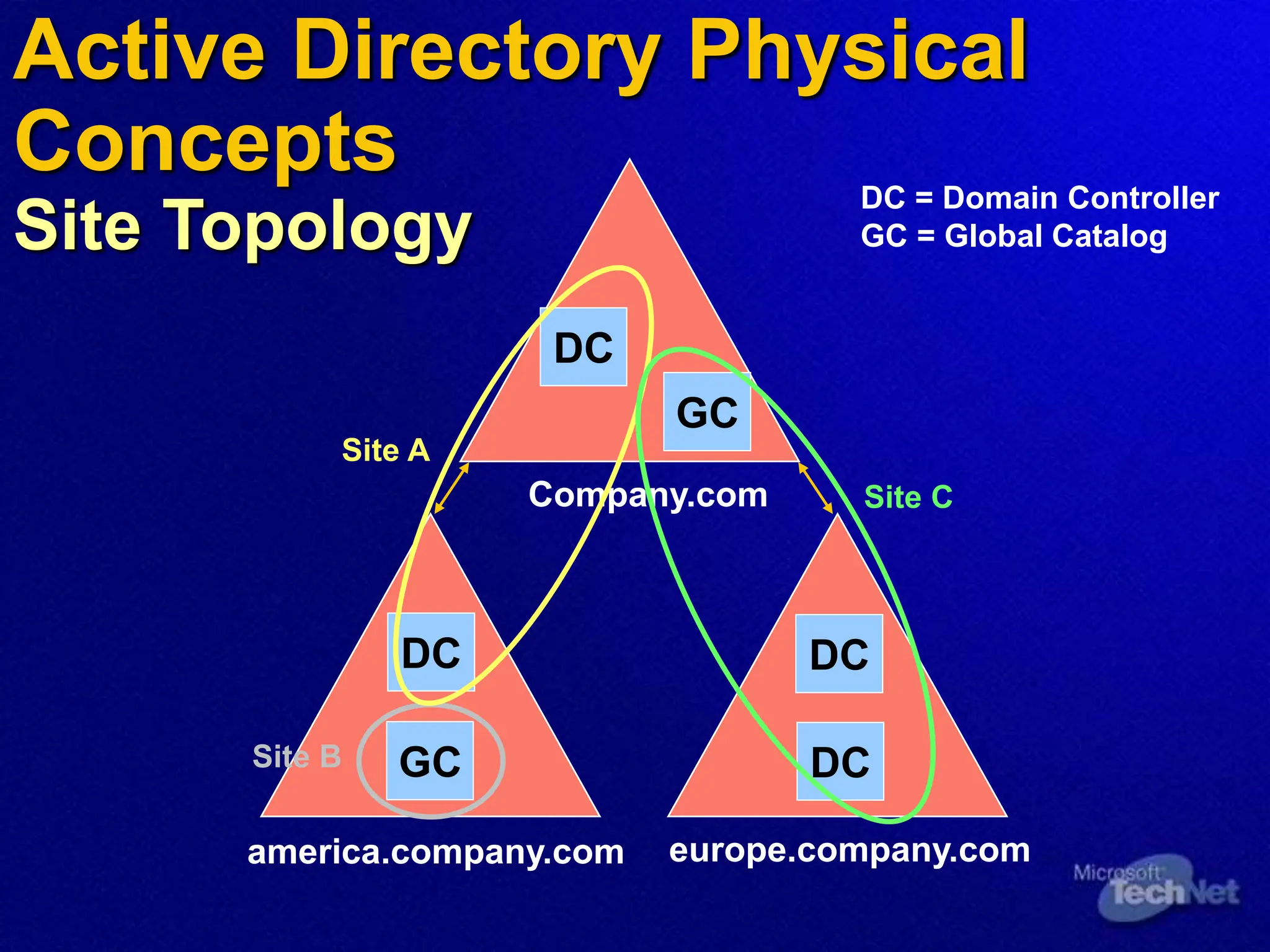
Site Topology
Company.com
america.company.com europe.company.com
DC
Site A
Site B
Site C
DC
GC
GC
DC
DC
DC = Domain Controller
GC = Global Catalog
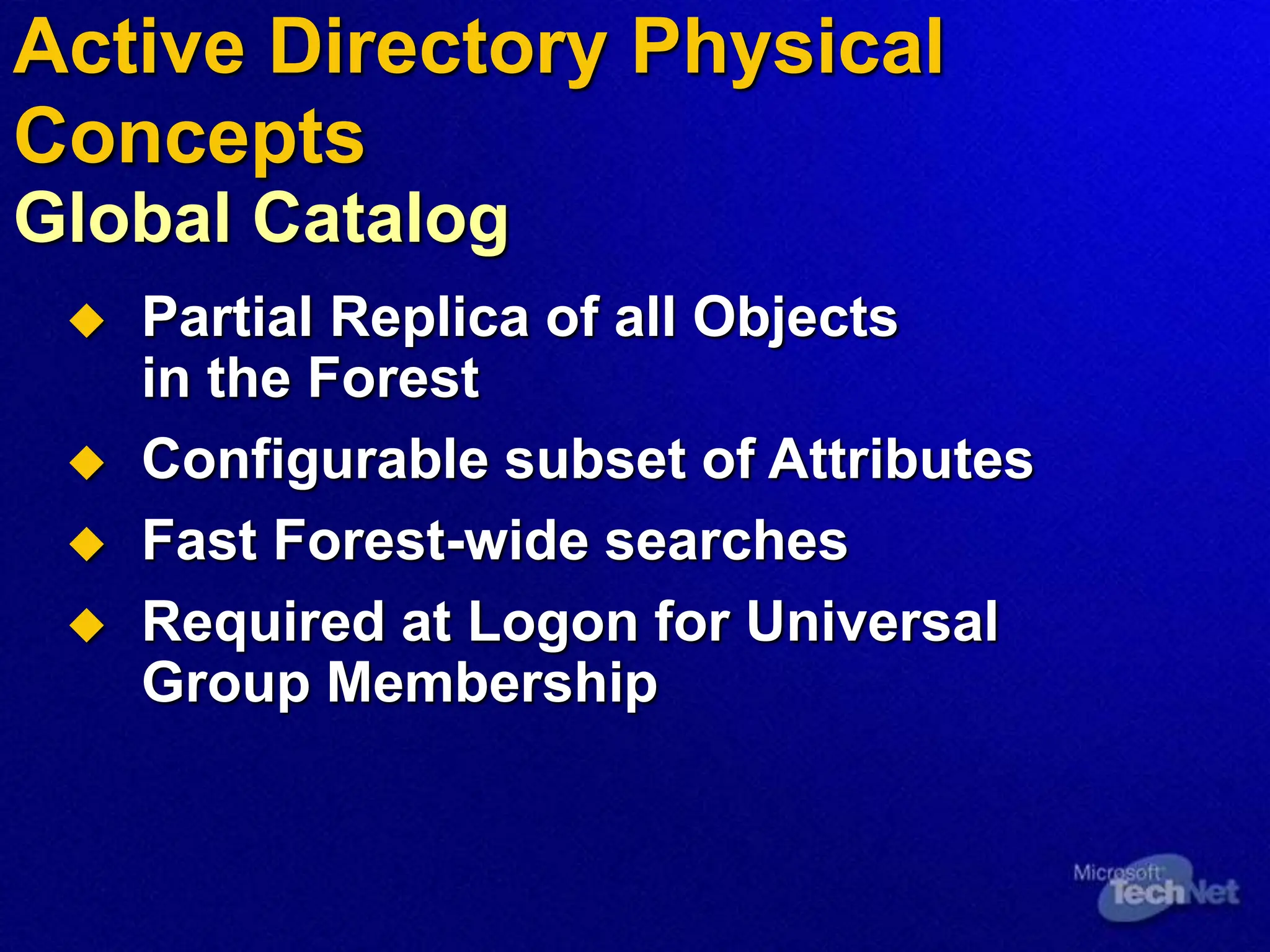
 Partial Replica of all Objects
in the Forest
 Configurable subset of Attributes
 Fast Forest-wide searches
 Required at Logon for Universal
Group Membership
Active Directory Physical
Concepts
Global Catalog
Agenda
 Active Directory Logical Concepts
 Active Directory Physical Concepts
 DNS
 Replication
 Operations Masters
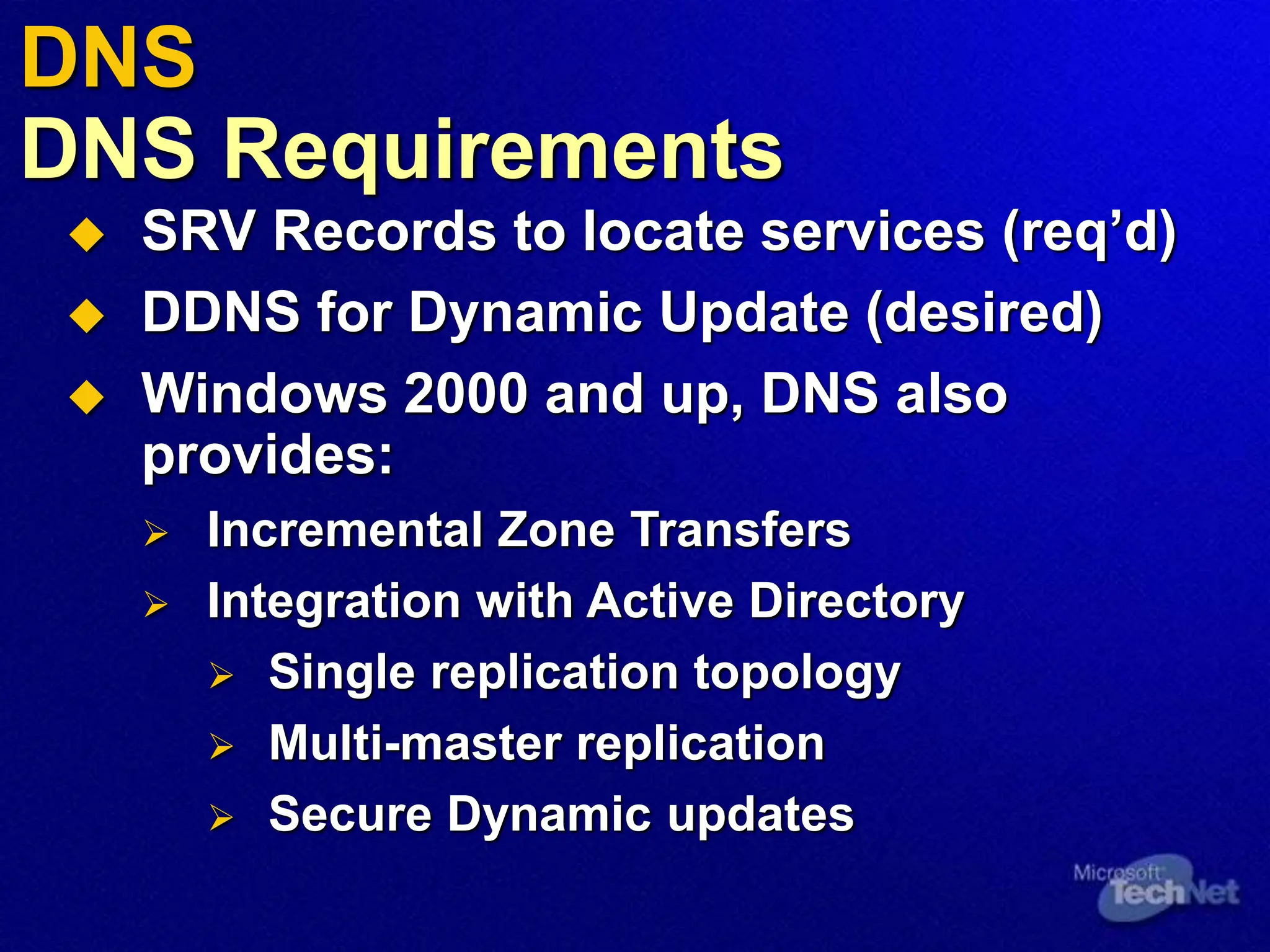
 SRV Records to locate services (req’d)
 DDNS for Dynamic Update (desired)
 Windows 2000 and up, DNS also
provides:
 Incremental Zone Transfers
 Integration with Active Directory
 Single replication topology
 Multi-master replication
 Secure Dynamic updates
DNS
DNS Requirements
DNS
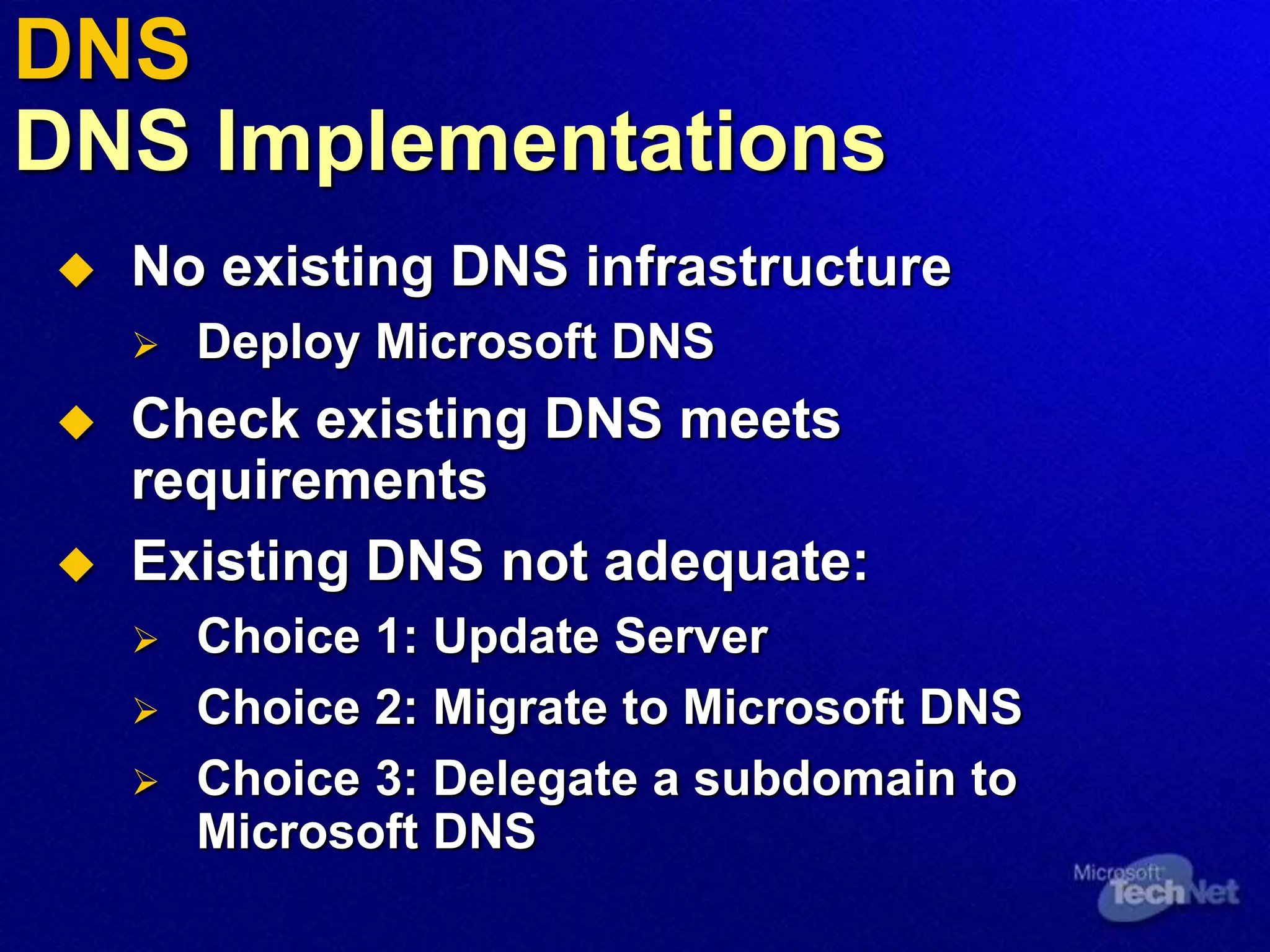
DNS Implementations
 No existing DNS infrastructure
 Deploy Microsoft DNS
 Check existing DNS meets
requirements
 Existing DNS not adequate:
 Choice 1: Update Server
 Choice 2: Migrate to Microsoft DNS
 Choice 3: Delegate a subdomain to
Microsoft DNS
Agenda
 Active Directory Logical Concepts
 Active Directory Physical Concepts
 DNS
 Replication
 Operations Masters
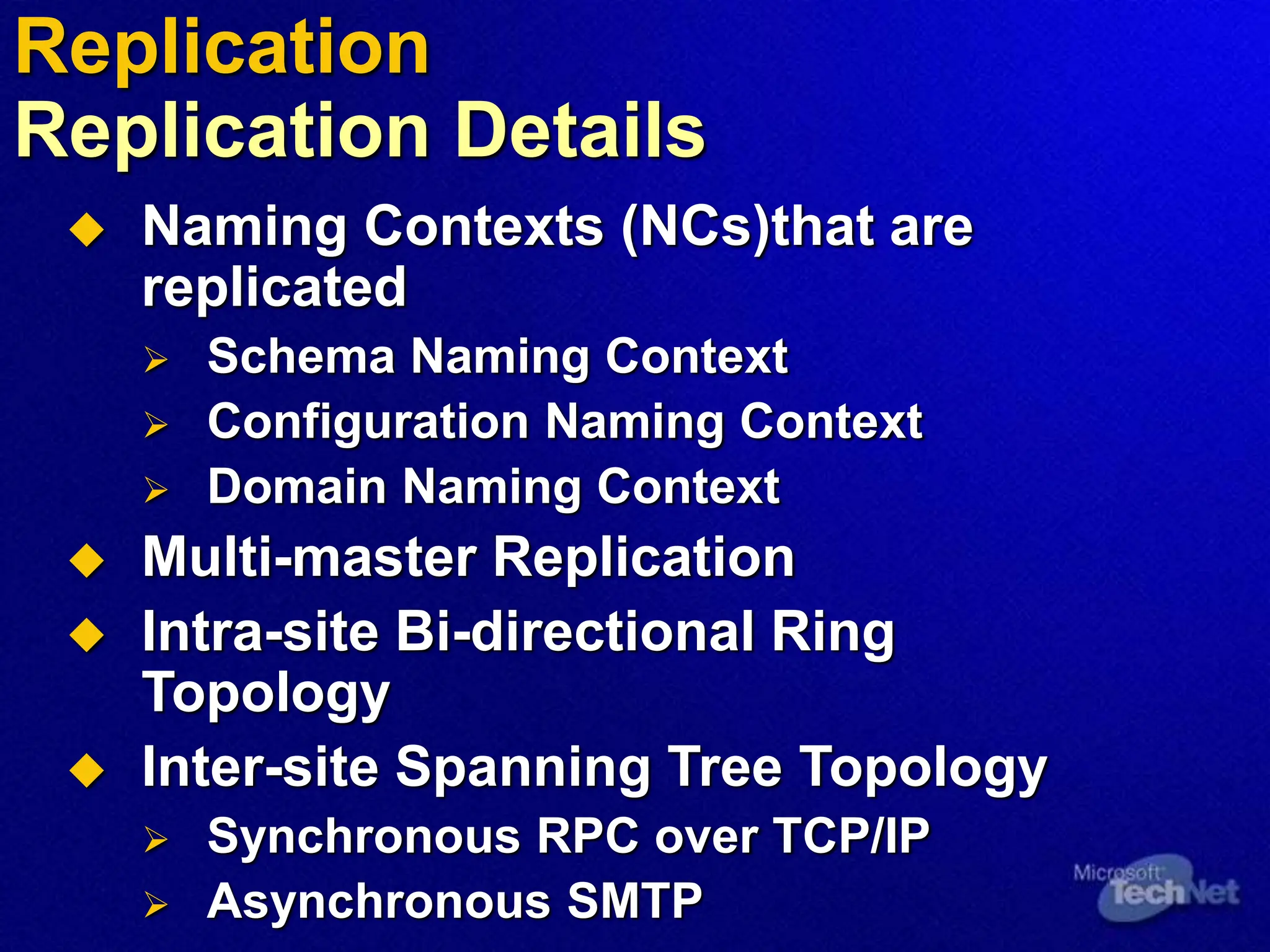
 Naming Contexts (NCs)that are
replicated
 Schema Naming Context
 Configuration Naming Context
 Domain Naming Context
 Multi-master Replication
 Intra-site Bi-directional Ring
Topology
 Inter-site Spanning Tree Topology
 Synchronous RPC over TCP/IP
 Asynchronous SMTP
Replication
Replication Details
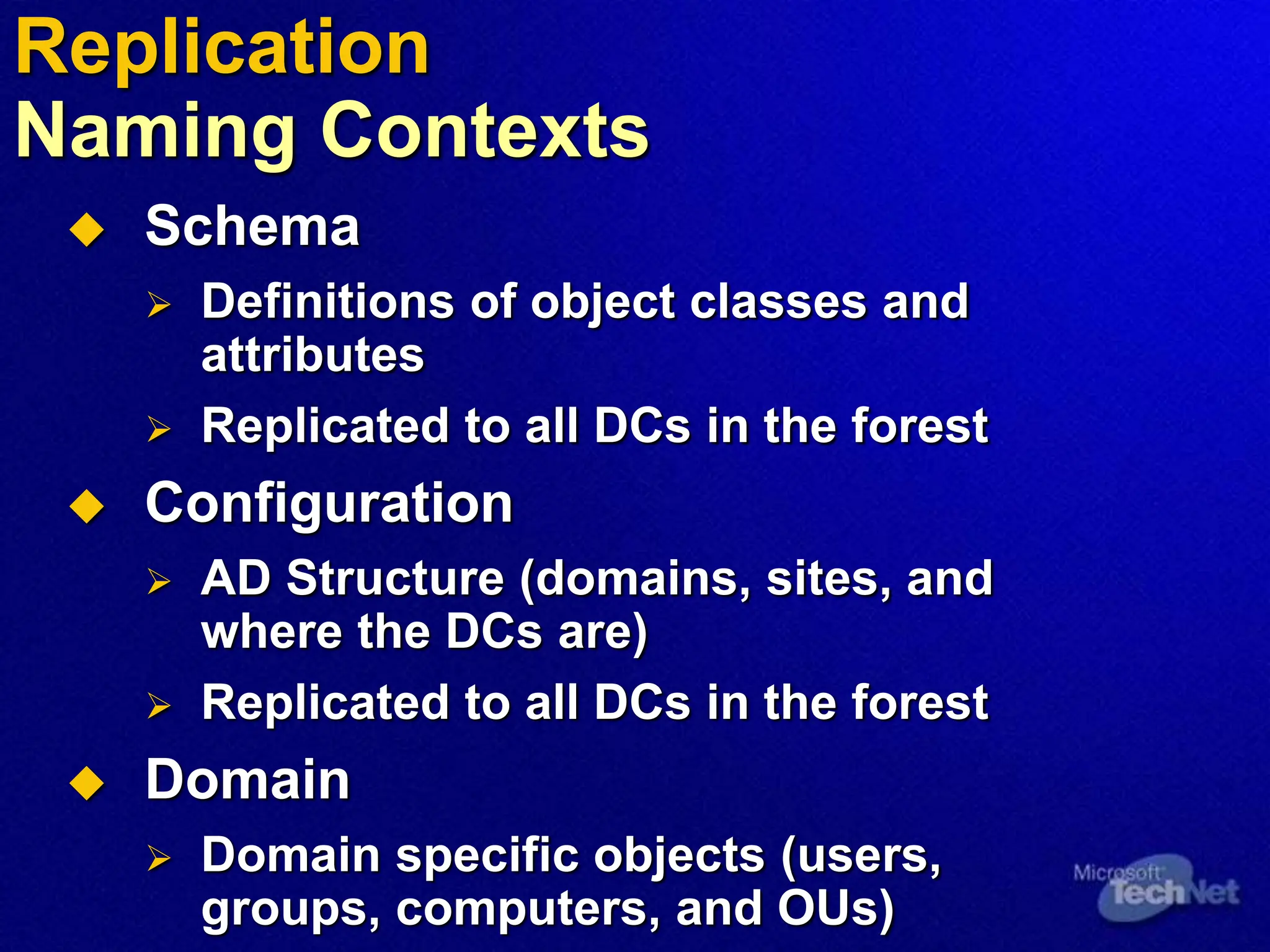
 Schema
 Definitions of object classes and
attributes
 Replicated to all DCs in the forest
 Configuration
 AD Structure (domains, sites, and
where the DCs are)
 Replicated to all DCs in the forest
 Domain
 Domain specific objects (users,
groups, computers, and OUs)
Replication
Naming Contexts
 Intra-site Replication: AD replication
between DCs within a Site
 Inter-site Replication: AD replication
between Sites
Replication
Replication Topologies
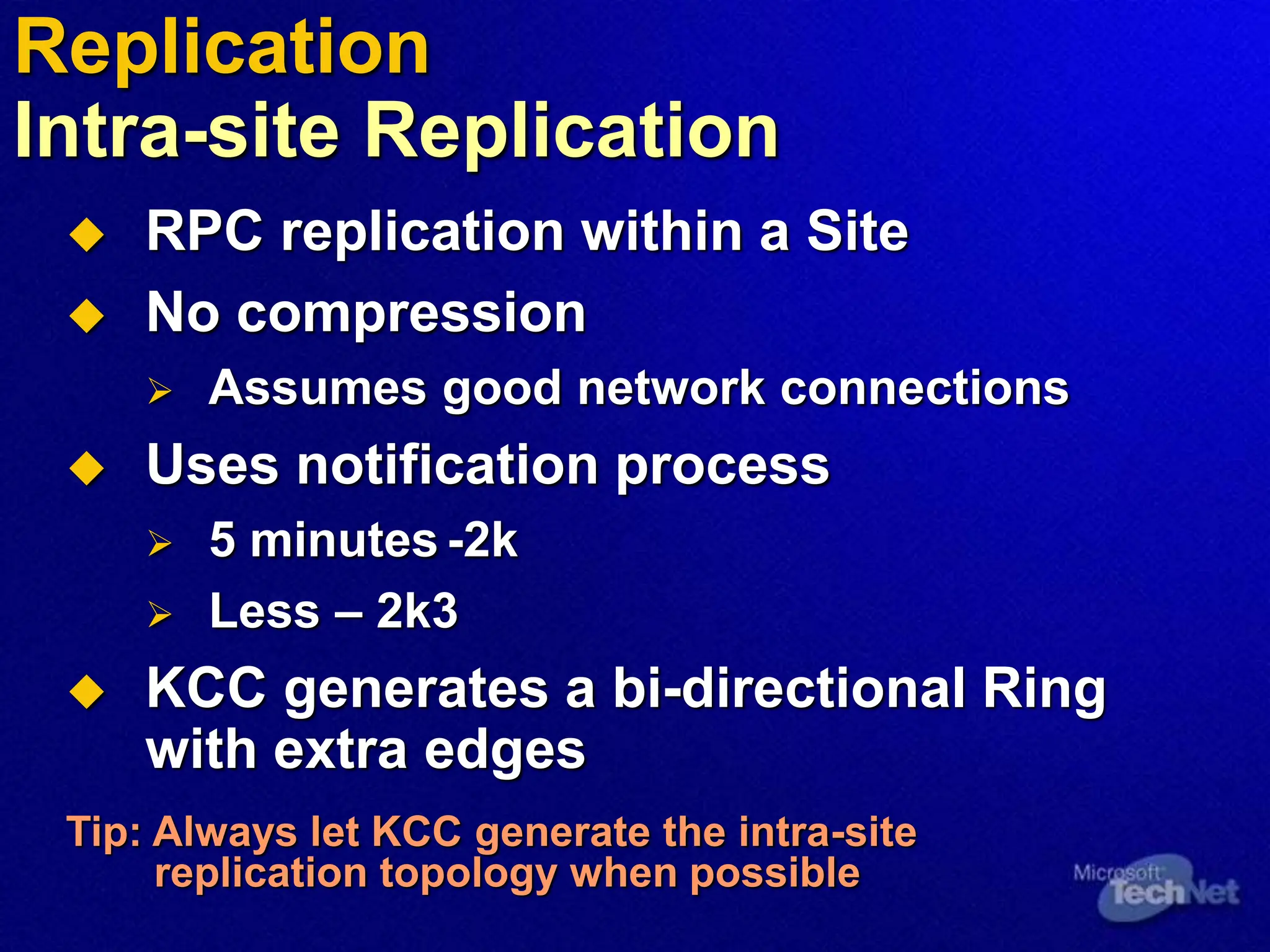
 RPC replication within a Site
 No compression
 Assumes good network connections
 Uses notification process
 5 minutes -2k
 Less – 2k3
 KCC generates a bi-directional Ring
with extra edges
Tip: Always let KCC generate the intra-site
replication topology when possible
Replication
Intra-site Replication
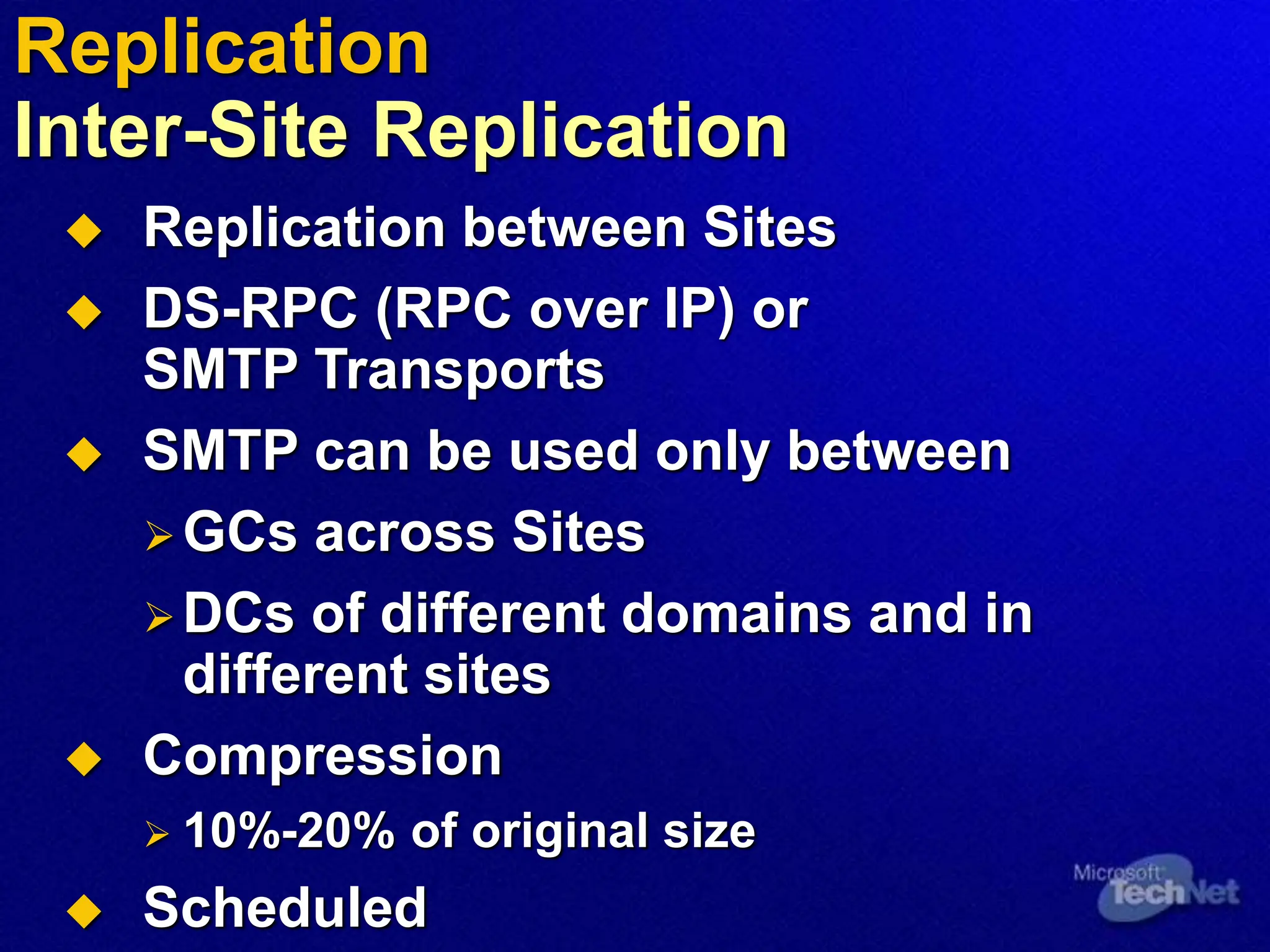
 Replication between Sites
 DS-RPC (RPC over IP) or
SMTP Transports
 SMTP can be used only between
GCs across Sites
DCs of different domains and in
different sites
 Compression
 10%-20% of original size
 Scheduled
Replication
Inter-Site Replication
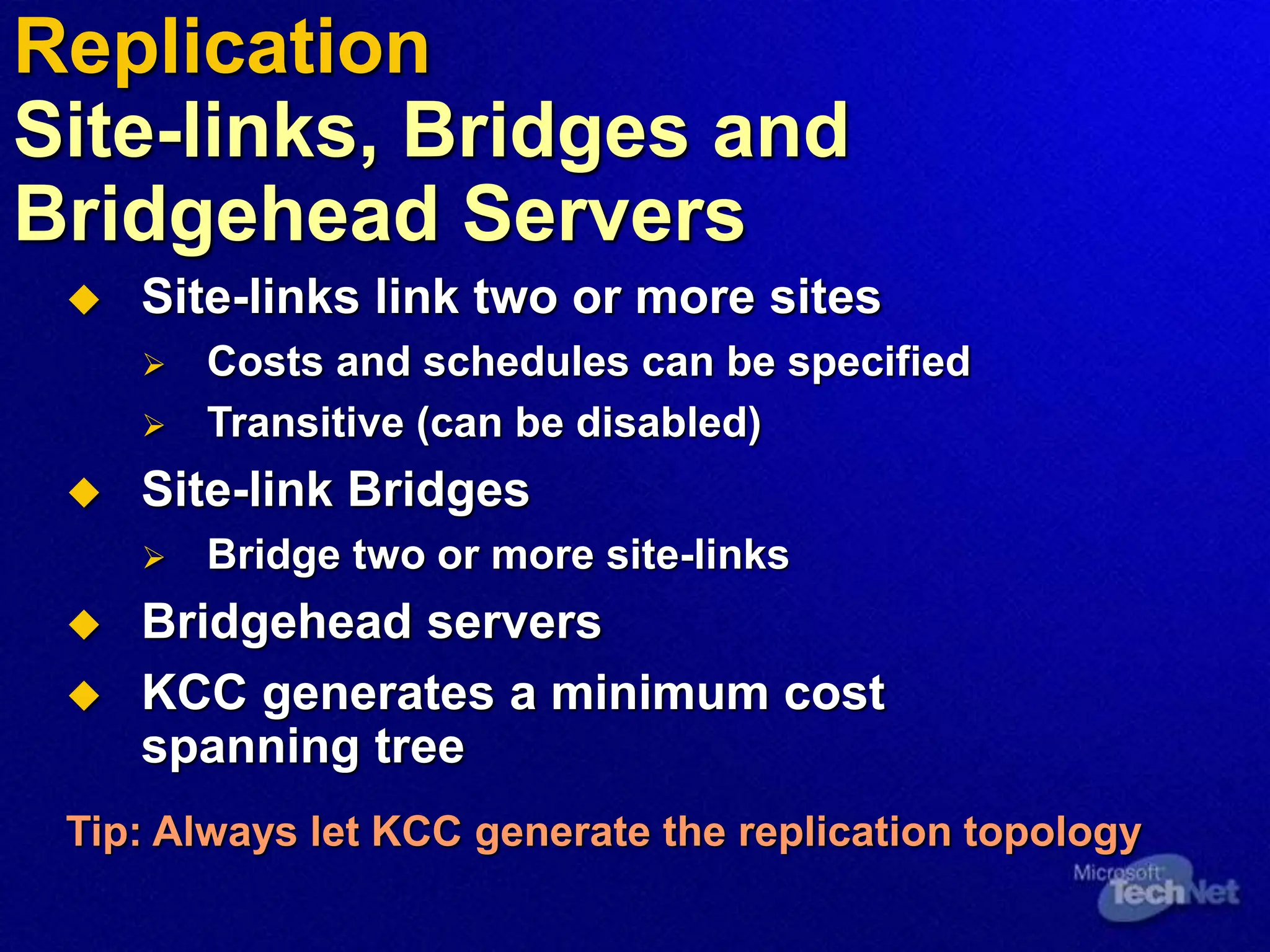
 Site-links link two or more sites
 Costs and schedules can be specified
 Transitive (can be disabled)
 Site-link Bridges
 Bridge two or more site-links
 Bridgehead servers
 KCC generates a minimum cost
spanning tree
Tip: Always let KCC generate the replication topology
Replication
Site-links, Bridges and
Bridgehead Servers
Agenda
 Active Directory Logical Concepts
 Active Directory Physical Concepts
 DNS
 Replication
 Operations Masters
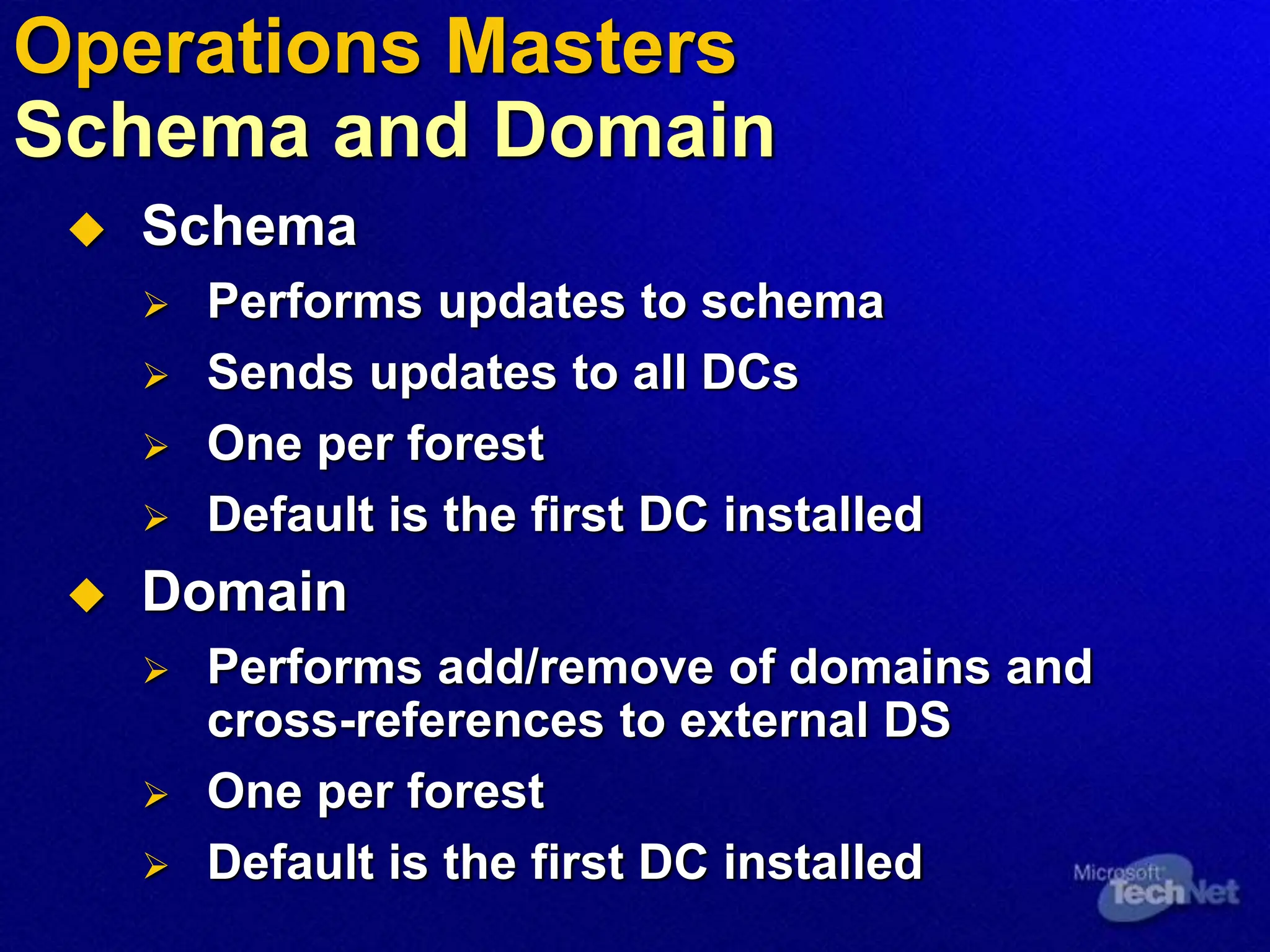
 Schema
 Performs updates to schema
 Sends updates to all DCs
 One per forest
 Default is the first DC installed
 Domain
 Performs add/remove of domains and
cross-references to external DS
 One per forest
 Default is the first DC installed
Operations Masters
Schema and Domain
 Primary Domain Controller (PDC)
 Acts as a PDC for requests from NT clients
 One per domain
 Relative Identifier (RID)
 Generates pools of security identifiers to be
distributed to DCs in the domain
 One per domain
 Infrastructure
 Updates SIDs on objects across domains
 One per domain
 Not required in a single-domain forest
Operations Masters
PDC, RID and Infrastructure
Summary
 There are Logical and Physical concepts
in Active Directory
 DNS
 Plenty of Information
For More Information…
 Main TechNet Web site at
www.microsoft.com/technet
 Additional resources to support this
Session page can be found at
www.microsoft.com/technet/tnt1-98
MS Press
Inside information for IT Professionals
To find the latest IT Professional related titles visit
www.microsoft.com/learning/it/books
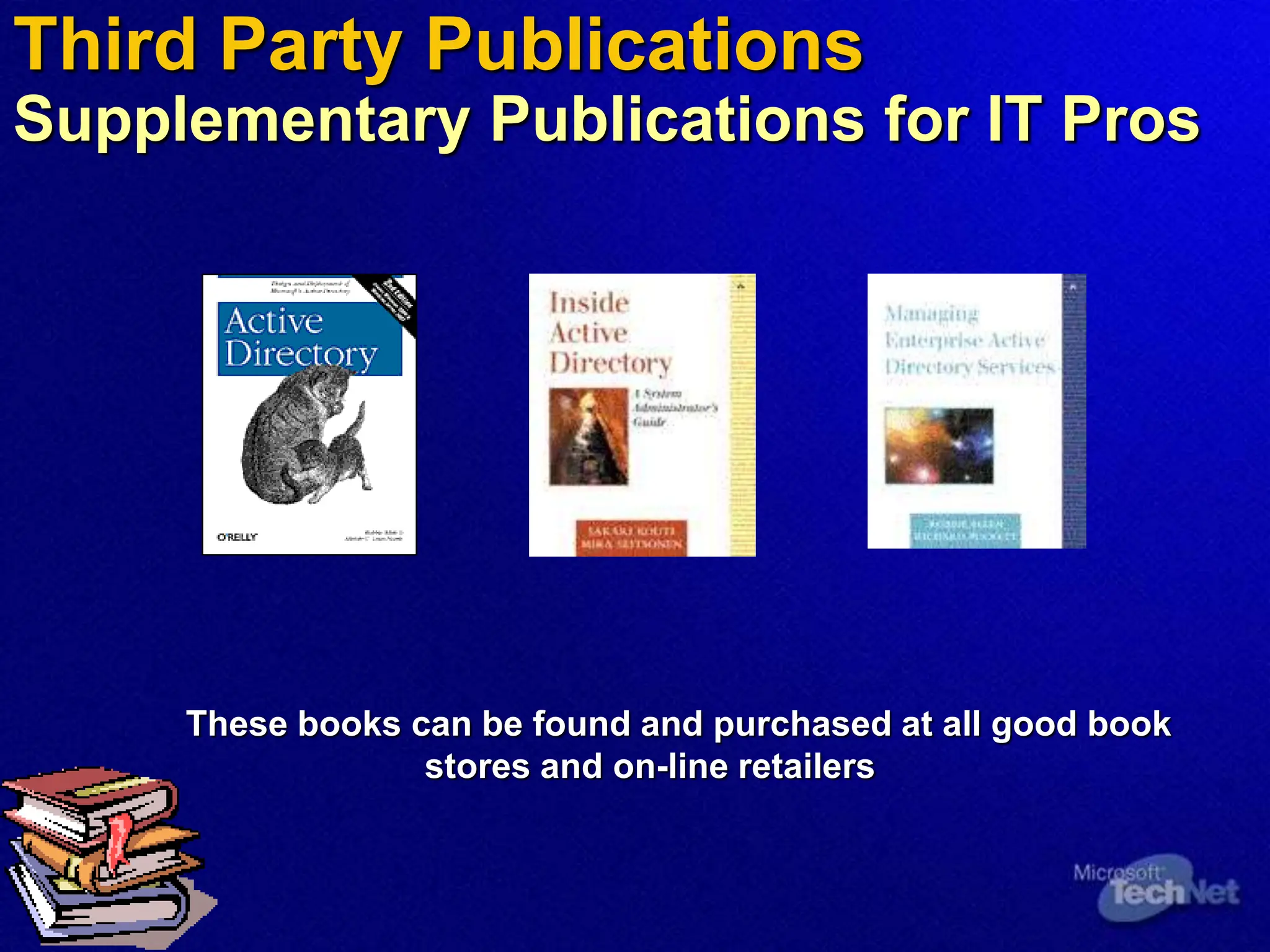
Third Party Publications
Supplementary Publications for IT Pros
These books can be found and purchased at all good book
stores and on-line retailers
Microsoft Learning
Training Resources for IT Professionals
Planning, Implementing, and Maintaining
a Microsoft Windows Server 2003 Active
Directory Infrastructure
 Course Number: 2279
 Availability: Now
 Detailed Syllabus:
www.microsoft.com/learning
To locate a training provider, please access
www.microsoft.com/learning
Microsoft Certified Technical Education Centers
are Microsoft’s premier partners for training services
Assess your Readiness
Microsoft Skills Assessment
What is Microsoft Skills Assessment?
 Self-study learning tool to evaluate readiness for product and
technology solutions, instead of job-roles (certification)
 Windows Server 2003, Exchange Server 2003, Windows Storage
Server 2003, Visual Studio .NET, Office 2003
 Free, online, unproctored, and available to anyone
 Answers, “Am I ready?”
 Determines skills gaps, provides learning plans with Microsoft
Official Curriculum courses, plus more Microsoft learning
content suggestions such as TechNet resources
 Post your High Score to see how you stack up
 visit http://www.microsoft.com/assessment
Become a Microsoft Certified
Systems Administrator
(MCSA)
 What is the MCSA certification?
 For IT professionals who manage and maintain
networks and systems based on the Microsoft
Windows Server operating system
 How do I become an MCSA on Microsoft
Windows 2003?
 Pass 3 core exams
 Pass 1 elective exam or 2 CompTIA certifications
 Where do I get more information?
 For more information about certification
requirements, exams, and training,
visit www.microsoft.com/mcsa
Become A Microsoft Certified
Systems Engineer (MCSE)
 What is the MCSE certification?
 Premier certification for IT professionals who analyze the
business requirements and design, plan, and implement the
infrastructure for business solutions based on the Microsoft
Windows Server System integrated server software.
 How do I become an MCSE on Microsoft Windows 2003?
 Pass 6 core exams
 Pass 1 elective exams from a comprehensive list
 Where do I get more information?
 For more information about certification requirements,
exams, and training options,
visit www.microsoft.com/mcse
Demonstrate Your Security or
Messaging Specialization
 What are MCSA/MCSE specializations?
 MCSA and MCSE specializations allow IT professionals to
highlight specific expertise or technical focus within their job
role.
 What specializations are available?
 MCSA: Security  MCSA: Messaging
 MCSE: Security  MCSE: Messaging
 Where do I get more information?
 For more information about MCSA and MCSE specialization
requirements, exams, and training options, visit
www.microsoft.com/mcsa or www.microsoft.com/mcse
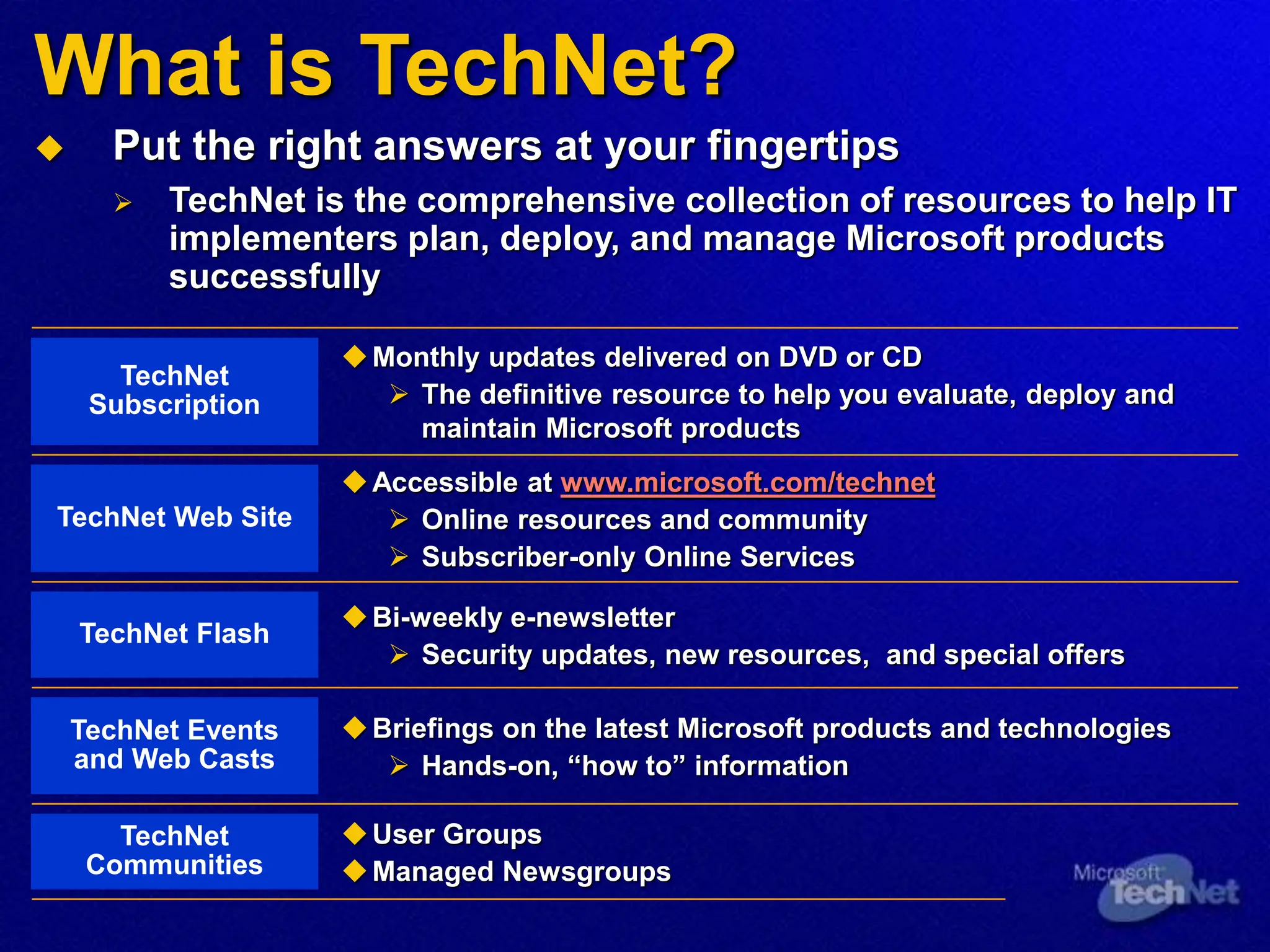
What is TechNet?
 Put the right answers at your fingertips
 TechNet is the comprehensive collection of resources to help IT
implementers plan, deploy, and manage Microsoft products
successfully
Monthly updates delivered on DVD or CD
 The definitive resource to help you evaluate, deploy and
maintain Microsoft products
TechNet
Subscription
Accessible at www.microsoft.com/technet
 Online resources and community
 Subscriber-only Online Services
TechNet Web Site
Bi-weekly e-newsletter
 Security updates, new resources, and special offers
TechNet Flash
Briefings on the latest Microsoft products and technologies
 Hands-on, “how to” information
TechNet Events
and Web Casts
User Groups
Managed Newsgroups
TechNet
Communities
Where Can I Get TechNet?
 Visit TechNet Online at
www.microsoft.com/technet
 Register for the TechNet Flash
www.microsoft.com/technet/subscriptions/flash.asp
 Join the TechNet Online forum at
www.microsoft.com/technet/itcommunity
 Become a TechNet Subscriber at
www.microsoft.com/technet/buynow/subscribe
 Attend More TechNet Events or view on-line
www.microsoft.com/technet/tcevents/itevents
active directory fundamental for the beginner

active directory fundamental for the beginner

  • 1.
  • 2.
    What we willcover:  Domains, Trees, Forests  Domain Controllers, Sites  The Domain Naming Service (DNS)  Replication  Operations Masters  Lots of demos….
  • 3.
    Prerequisite Knowledge  Understandingof what a directory service is Level 200+
  • 4.
    Agenda  Active DirectoryLogical Concepts  Active Directory Physical Concepts  DNS  Replication  Operations Masters
  • 5.
    Active Directory Logical Concepts Domains Boundary of Security  Authentication  Security Policies  Boundary of Replication  Domain NC Replication  Boundary of DNS Namespace  Boundary of Administration KAPOHO.NET
  • 6.
    Active Directory LogicalConcepts Trees  Hierarchy of Domains forming a contiguous namespace  Transitive Trust Relationships  All Domains in a Tree share:  Schema  Configuration  Global Catalog KAPOHO.NET EUROPE.KAPOHO.NET HAWAII.KAPOHO.NET MAUI.HAWAII.KAPOHO.NET
  • 7.
     Hierarchy ofDomains forming a contiguous or disjoint namespace  Transitive Trust Relationships  All Domains in a Forest share:  Schema  Configuration  Global Catalog PSP.CO.UK KAPOHO.NET HAWAII.KAPOHO.NET Active Directory Logical Concepts Forests
  • 8.
     Containers withinDomains  Distinct Units of Administration  Unique to Domains Active Directory Logical Concepts Organizational Units
  • 9.
    Agenda  Active DirectoryLogical Concepts  Active Directory Physical Concepts  DNS  Replication  Operations Masters
  • 10.
    Active Directory Physical Concepts DomainControllers Primary Domain Controller (PDC) Backup Domain Controllers (BDCs) Domain Controllers (DCs)
  • 11.
     What isa Site?  A set of well-connected IP subnets  Site Usage  Locating Services (e.g. Logon, DFS)  Replication  Group Policy Application  Sites are connected with Site Links  Connects two or more sites Active Directory Physical Concepts Sites
  • 12.
    Active Directory Physical Concepts SiteTopology Company.com america.company.com europe.company.com DC Site A Site B Site C DC GC GC DC DC DC = Domain Controller GC = Global Catalog
  • 13.
     Partial Replicaof all Objects in the Forest  Configurable subset of Attributes  Fast Forest-wide searches  Required at Logon for Universal Group Membership Active Directory Physical Concepts Global Catalog
  • 14.
    Agenda  Active DirectoryLogical Concepts  Active Directory Physical Concepts  DNS  Replication  Operations Masters
  • 15.
     SRV Recordsto locate services (req’d)  DDNS for Dynamic Update (desired)  Windows 2000 and up, DNS also provides:  Incremental Zone Transfers  Integration with Active Directory  Single replication topology  Multi-master replication  Secure Dynamic updates DNS DNS Requirements
  • 16.
    DNS DNS Implementations  Noexisting DNS infrastructure  Deploy Microsoft DNS  Check existing DNS meets requirements  Existing DNS not adequate:  Choice 1: Update Server  Choice 2: Migrate to Microsoft DNS  Choice 3: Delegate a subdomain to Microsoft DNS
  • 17.
    Agenda  Active DirectoryLogical Concepts  Active Directory Physical Concepts  DNS  Replication  Operations Masters
  • 18.
     Naming Contexts(NCs)that are replicated  Schema Naming Context  Configuration Naming Context  Domain Naming Context  Multi-master Replication  Intra-site Bi-directional Ring Topology  Inter-site Spanning Tree Topology  Synchronous RPC over TCP/IP  Asynchronous SMTP Replication Replication Details
  • 19.
     Schema  Definitionsof object classes and attributes  Replicated to all DCs in the forest  Configuration  AD Structure (domains, sites, and where the DCs are)  Replicated to all DCs in the forest  Domain  Domain specific objects (users, groups, computers, and OUs) Replication Naming Contexts
  • 20.
     Intra-site Replication:AD replication between DCs within a Site  Inter-site Replication: AD replication between Sites Replication Replication Topologies
  • 21.
     RPC replicationwithin a Site  No compression  Assumes good network connections  Uses notification process  5 minutes -2k  Less – 2k3  KCC generates a bi-directional Ring with extra edges Tip: Always let KCC generate the intra-site replication topology when possible Replication Intra-site Replication
  • 22.
     Replication betweenSites  DS-RPC (RPC over IP) or SMTP Transports  SMTP can be used only between GCs across Sites DCs of different domains and in different sites  Compression  10%-20% of original size  Scheduled Replication Inter-Site Replication
  • 23.
     Site-links linktwo or more sites  Costs and schedules can be specified  Transitive (can be disabled)  Site-link Bridges  Bridge two or more site-links  Bridgehead servers  KCC generates a minimum cost spanning tree Tip: Always let KCC generate the replication topology Replication Site-links, Bridges and Bridgehead Servers
  • 24.
    Agenda  Active DirectoryLogical Concepts  Active Directory Physical Concepts  DNS  Replication  Operations Masters
  • 25.
     Schema  Performsupdates to schema  Sends updates to all DCs  One per forest  Default is the first DC installed  Domain  Performs add/remove of domains and cross-references to external DS  One per forest  Default is the first DC installed Operations Masters Schema and Domain
  • 26.
     Primary DomainController (PDC)  Acts as a PDC for requests from NT clients  One per domain  Relative Identifier (RID)  Generates pools of security identifiers to be distributed to DCs in the domain  One per domain  Infrastructure  Updates SIDs on objects across domains  One per domain  Not required in a single-domain forest Operations Masters PDC, RID and Infrastructure
  • 27.
    Summary  There areLogical and Physical concepts in Active Directory  DNS  Plenty of Information
  • 28.
    For More Information… Main TechNet Web site at www.microsoft.com/technet  Additional resources to support this Session page can be found at www.microsoft.com/technet/tnt1-98
  • 29.
    MS Press Inside informationfor IT Professionals To find the latest IT Professional related titles visit www.microsoft.com/learning/it/books
  • 30.
    Third Party Publications SupplementaryPublications for IT Pros These books can be found and purchased at all good book stores and on-line retailers
  • 31.
    Microsoft Learning Training Resourcesfor IT Professionals Planning, Implementing, and Maintaining a Microsoft Windows Server 2003 Active Directory Infrastructure  Course Number: 2279  Availability: Now  Detailed Syllabus: www.microsoft.com/learning To locate a training provider, please access www.microsoft.com/learning Microsoft Certified Technical Education Centers are Microsoft’s premier partners for training services
  • 32.
    Assess your Readiness MicrosoftSkills Assessment What is Microsoft Skills Assessment?  Self-study learning tool to evaluate readiness for product and technology solutions, instead of job-roles (certification)  Windows Server 2003, Exchange Server 2003, Windows Storage Server 2003, Visual Studio .NET, Office 2003  Free, online, unproctored, and available to anyone  Answers, “Am I ready?”  Determines skills gaps, provides learning plans with Microsoft Official Curriculum courses, plus more Microsoft learning content suggestions such as TechNet resources  Post your High Score to see how you stack up  visit http://www.microsoft.com/assessment
  • 33.
    Become a MicrosoftCertified Systems Administrator (MCSA)  What is the MCSA certification?  For IT professionals who manage and maintain networks and systems based on the Microsoft Windows Server operating system  How do I become an MCSA on Microsoft Windows 2003?  Pass 3 core exams  Pass 1 elective exam or 2 CompTIA certifications  Where do I get more information?  For more information about certification requirements, exams, and training, visit www.microsoft.com/mcsa
  • 34.
    Become A MicrosoftCertified Systems Engineer (MCSE)  What is the MCSE certification?  Premier certification for IT professionals who analyze the business requirements and design, plan, and implement the infrastructure for business solutions based on the Microsoft Windows Server System integrated server software.  How do I become an MCSE on Microsoft Windows 2003?  Pass 6 core exams  Pass 1 elective exams from a comprehensive list  Where do I get more information?  For more information about certification requirements, exams, and training options, visit www.microsoft.com/mcse
  • 35.
    Demonstrate Your Securityor Messaging Specialization  What are MCSA/MCSE specializations?  MCSA and MCSE specializations allow IT professionals to highlight specific expertise or technical focus within their job role.  What specializations are available?  MCSA: Security  MCSA: Messaging  MCSE: Security  MCSE: Messaging  Where do I get more information?  For more information about MCSA and MCSE specialization requirements, exams, and training options, visit www.microsoft.com/mcsa or www.microsoft.com/mcse
  • 36.
    What is TechNet? Put the right answers at your fingertips  TechNet is the comprehensive collection of resources to help IT implementers plan, deploy, and manage Microsoft products successfully Monthly updates delivered on DVD or CD  The definitive resource to help you evaluate, deploy and maintain Microsoft products TechNet Subscription Accessible at www.microsoft.com/technet  Online resources and community  Subscriber-only Online Services TechNet Web Site Bi-weekly e-newsletter  Security updates, new resources, and special offers TechNet Flash Briefings on the latest Microsoft products and technologies  Hands-on, “how to” information TechNet Events and Web Casts User Groups Managed Newsgroups TechNet Communities
  • 37.
    Where Can IGet TechNet?  Visit TechNet Online at www.microsoft.com/technet  Register for the TechNet Flash www.microsoft.com/technet/subscriptions/flash.asp  Join the TechNet Online forum at www.microsoft.com/technet/itcommunity  Become a TechNet Subscriber at www.microsoft.com/technet/buynow/subscribe  Attend More TechNet Events or view on-line www.microsoft.com/technet/tcevents/itevents