Mary E. Jones, Ph.D. Northwest Nazarene University
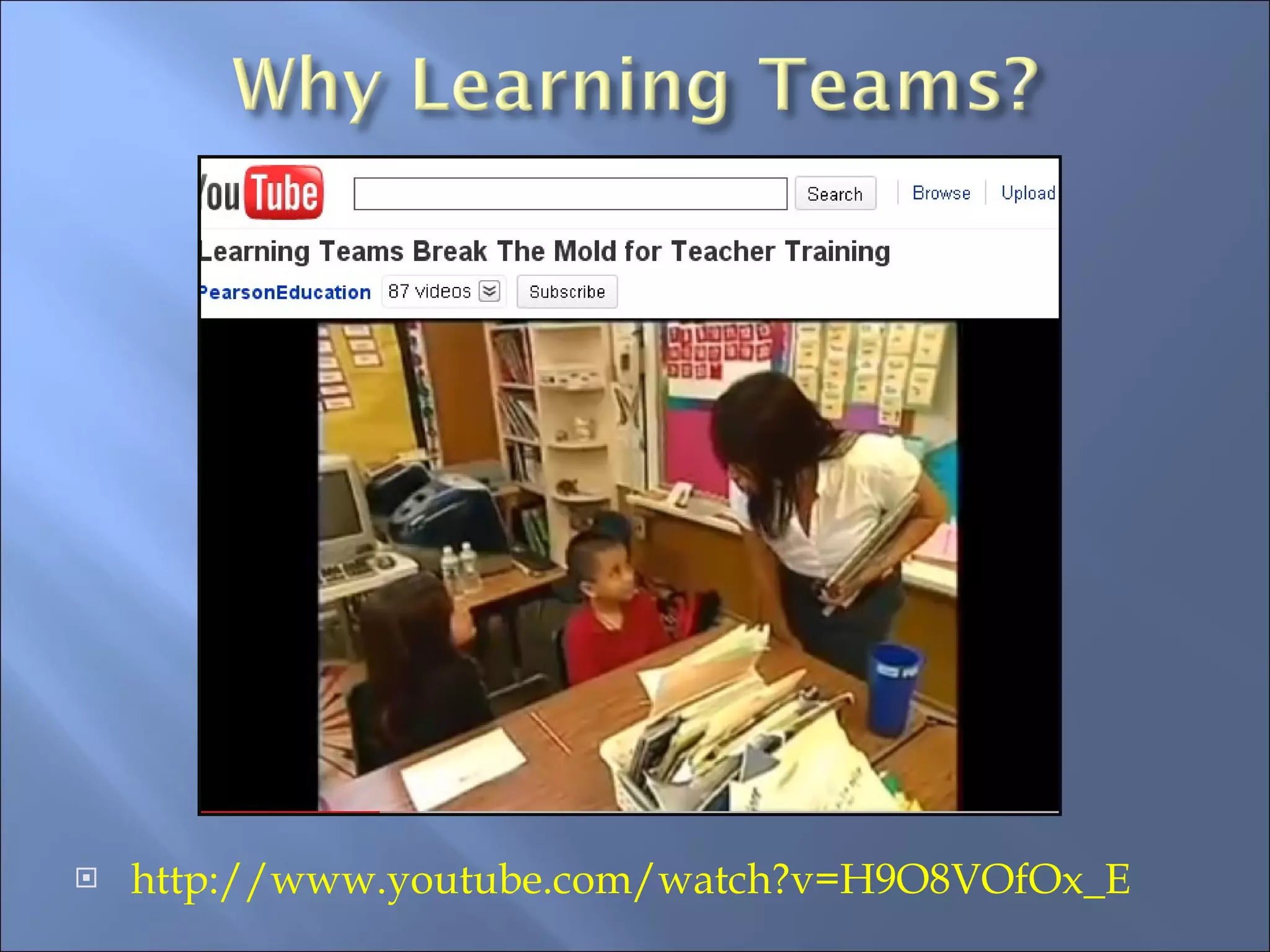
http://www.youtube.com/watch?v=H9O8VOfOx_E
 
Learning Teams  –  Use Web applications like Google Groups to facilitate the objectives and to document findings. In-service offerings  –  Find out your team’s strengths, then use them to teach, mentor, and empower others. Use an online course as the basis for your school’s in-service training—stop the video when you wish to discuss certain aspects of the video. Help them grow .  Allow your teachers to use school resources to come together and see free Webinars or to collaborate and watch video trainings. (provide popcorn!)


Learning Team Components


*To work efficiently, Learning Team members must ‘buy-into’ the plan. Collaboration is the key to success.


PBS Teachers LIVE!  - www. PBS.org - From STEM Curriculum experts to Copyright information –  Free Webinars Educational Impact  –  www.educationalimpact.com   - Free Instructional Content  you can use, pause, and add your own school objectives ISTE International Society for Technology in Education  –  Free Webinars (but a fee to join org) www.iste.org   Open education resources -  Wikieducator.org
Pearson Company’s online resources: http://pearsonlt.com/ Evidence, History, & Research: http://pearsonlt.com/article-teacher-education-implications-school-based-inquiry-teams www.plcwashington.org/study-groups/organizing-study.../ team -models.doc Short Video to show your teachers:  http://www.youtube.com/watch?v=H9O8VOfOx_E
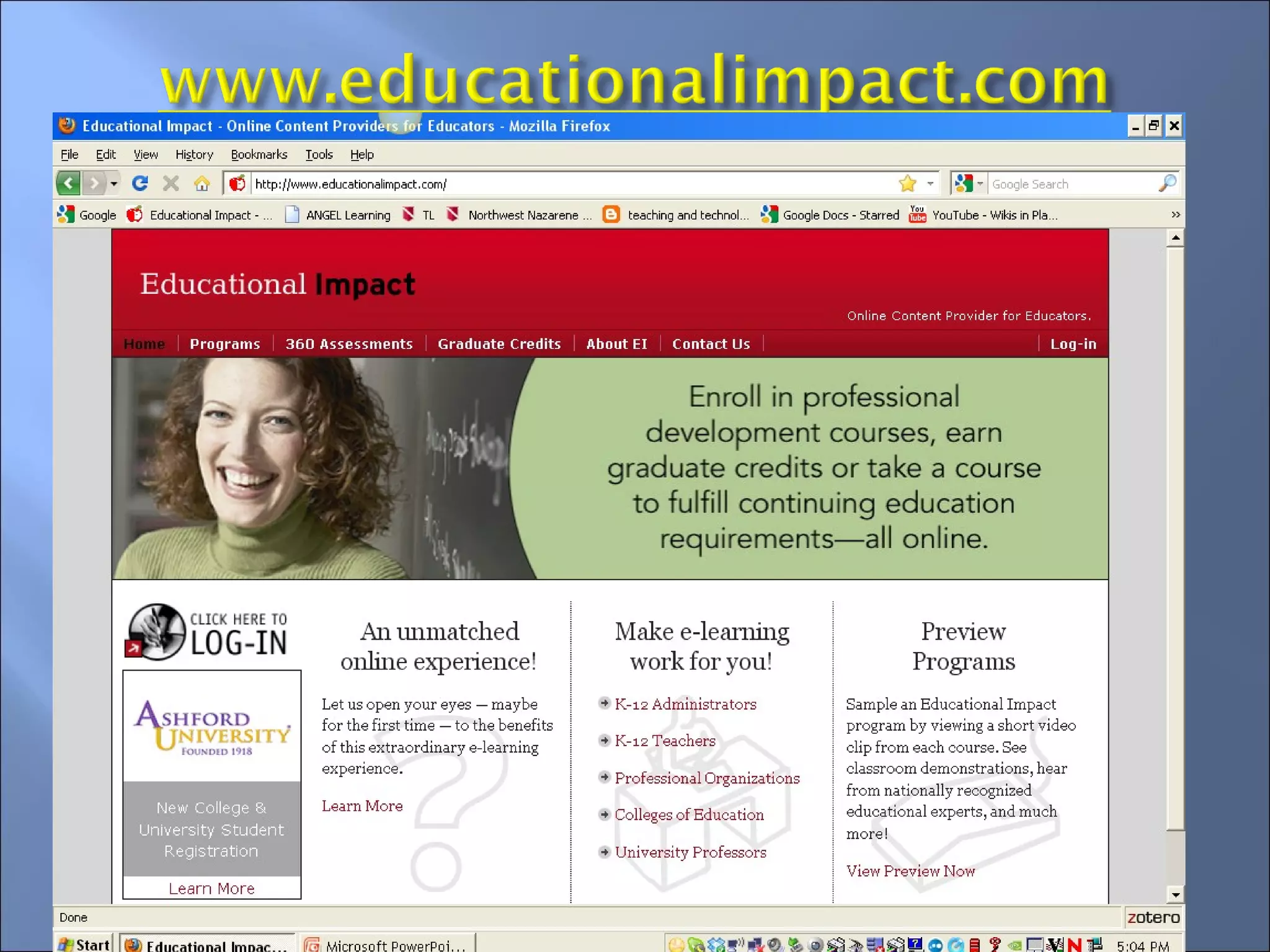
This Web site for education video content will allow K-12 Christian educators to use this content for one year (September, 2011). Christian schools can use the video training to create their own Learning Team course content for teachers by logging into the course site (with approved logins and passwords) and accessing the instructional training.  Some schools use the online training in their faculty lounge areas and some allow teachers to use the site online at home.
 
Capacity building Toolkits for Faith-Based and Community Organizations:  Link to site here. Best Practices Good questions for organizations to ask for strategic planning Christian Community Development Association:   Link to site here.
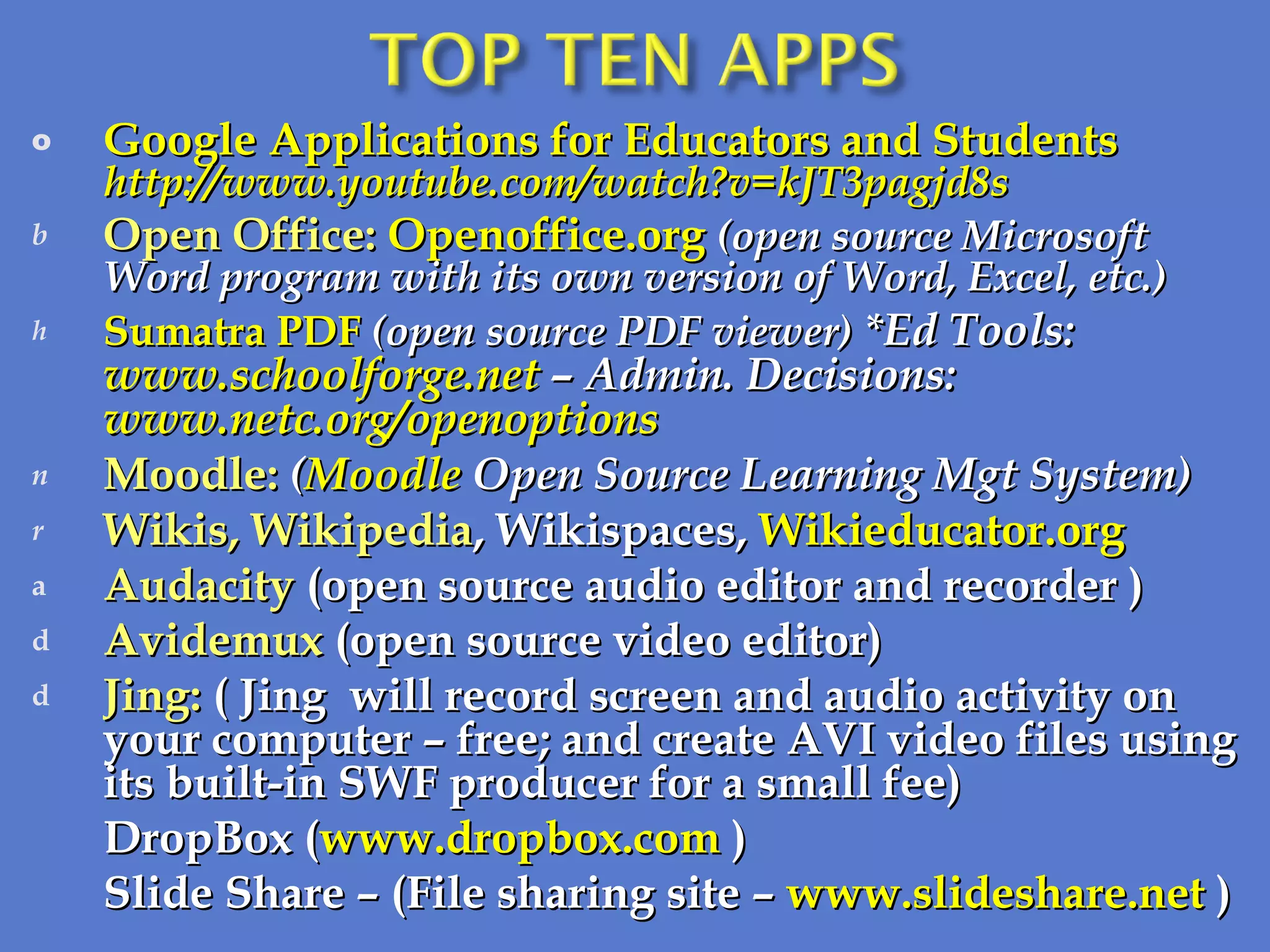
Google Applications for Educators and Students http://www.youtube.com/watch?v=kJT3pagjd8s Open Office:  Openoffice.org   (open source Microsoft Word program with its own version of Word, Excel, etc.) Sumatra PDF  (open source PDF viewer)  *Ed Tools:  www.schoolforge.net  – Admin. Decisions:  www.netc.org/openoptions  Moodle:   ( Moodle  Open Source Learning Mgt System) Wikis, Wikipedia , Wikispaces,  Wikieducator.org   Audacity  (open source audio editor and recorder ) Avidemux  (open source video editor) Jing:  (   Jing   will record screen and audio activity on your computer – free; and create AVI video files using its built-in SWF producer for a small fee) DropBox ( www.dropbox.com  ) Slide Share – (File sharing site –  www.slideshare.net  )
Valerie Willis, Professional Development Coordinator,  Northwest Nazarene University 623 S University Blvd., Nampa, Idaho 83686  (208) 467-8491 [email_address]   www.nnu.edu/pdcourses 8:00 a.m.-5:00 p.m. (MDT/MST)

ACSI LEARNING TEAMS 10-2010

  • 1.
    Mary E. Jones,Ph.D. Northwest Nazarene University
  • 2.
  • 3.
  • 4.
    Learning Teams – Use Web applications like Google Groups to facilitate the objectives and to document findings. In-service offerings – Find out your team’s strengths, then use them to teach, mentor, and empower others. Use an online course as the basis for your school’s in-service training—stop the video when you wish to discuss certain aspects of the video. Help them grow . Allow your teachers to use school resources to come together and see free Webinars or to collaborate and watch video trainings. (provide popcorn!)
  • 5.
  • 6.
  • 7.
  • 8.
  • 9.
  • 10.
  • 11.
  • 12.
    *To work efficiently,Learning Team members must ‘buy-into’ the plan. Collaboration is the key to success.
  • 13.
  • 14.
  • 15.
  • 16.
    PBS Teachers LIVE! - www. PBS.org - From STEM Curriculum experts to Copyright information – Free Webinars Educational Impact – www.educationalimpact.com - Free Instructional Content you can use, pause, and add your own school objectives ISTE International Society for Technology in Education – Free Webinars (but a fee to join org) www.iste.org Open education resources - Wikieducator.org
  • 17.
    Pearson Company’s onlineresources: http://pearsonlt.com/ Evidence, History, & Research: http://pearsonlt.com/article-teacher-education-implications-school-based-inquiry-teams www.plcwashington.org/study-groups/organizing-study.../ team -models.doc Short Video to show your teachers: http://www.youtube.com/watch?v=H9O8VOfOx_E
  • 18.
    This Web sitefor education video content will allow K-12 Christian educators to use this content for one year (September, 2011). Christian schools can use the video training to create their own Learning Team course content for teachers by logging into the course site (with approved logins and passwords) and accessing the instructional training. Some schools use the online training in their faculty lounge areas and some allow teachers to use the site online at home.
  • 19.
  • 20.
    Capacity building Toolkitsfor Faith-Based and Community Organizations: Link to site here. Best Practices Good questions for organizations to ask for strategic planning Christian Community Development Association: Link to site here.
  • 21.
    Google Applications forEducators and Students http://www.youtube.com/watch?v=kJT3pagjd8s Open Office: Openoffice.org (open source Microsoft Word program with its own version of Word, Excel, etc.) Sumatra PDF (open source PDF viewer) *Ed Tools: www.schoolforge.net – Admin. Decisions: www.netc.org/openoptions Moodle: ( Moodle Open Source Learning Mgt System) Wikis, Wikipedia , Wikispaces, Wikieducator.org Audacity (open source audio editor and recorder ) Avidemux (open source video editor) Jing: ( Jing will record screen and audio activity on your computer – free; and create AVI video files using its built-in SWF producer for a small fee) DropBox ( www.dropbox.com ) Slide Share – (File sharing site – www.slideshare.net )
  • 22.
    Valerie Willis, ProfessionalDevelopment Coordinator, Northwest Nazarene University 623 S University Blvd., Nampa, Idaho 83686 (208) 467-8491 [email_address] www.nnu.edu/pdcourses 8:00 a.m.-5:00 p.m. (MDT/MST)

Editor's Notes

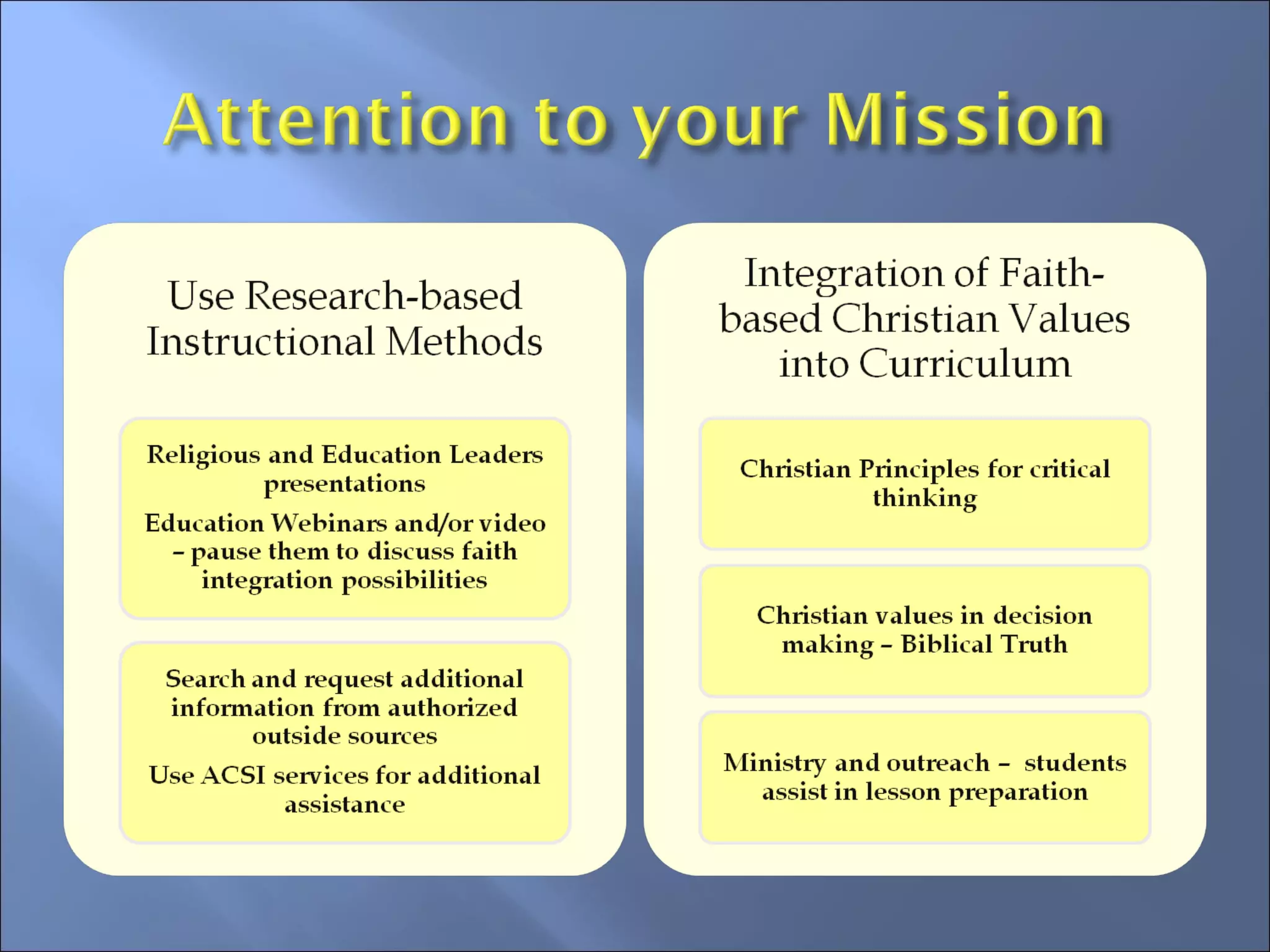
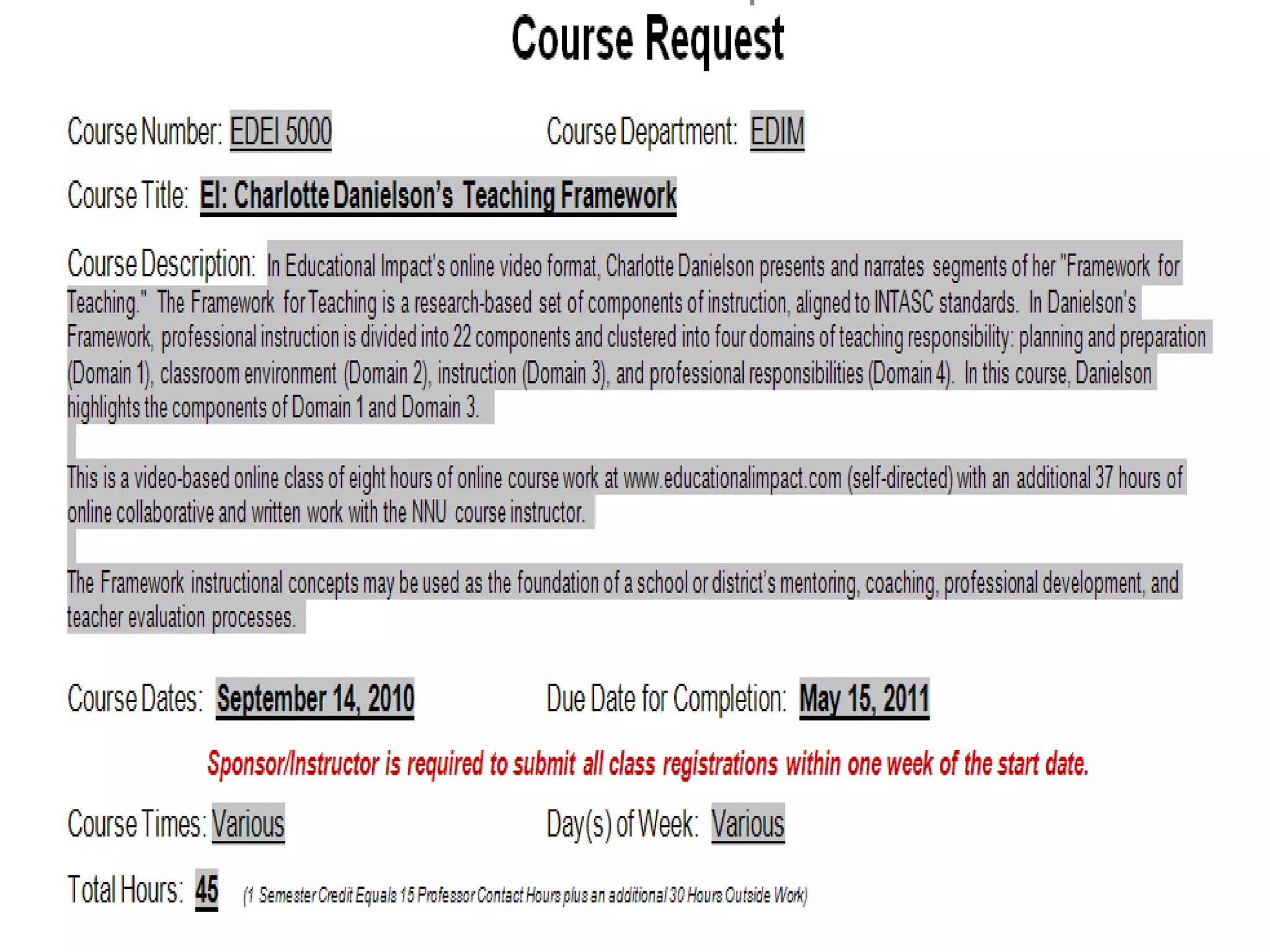
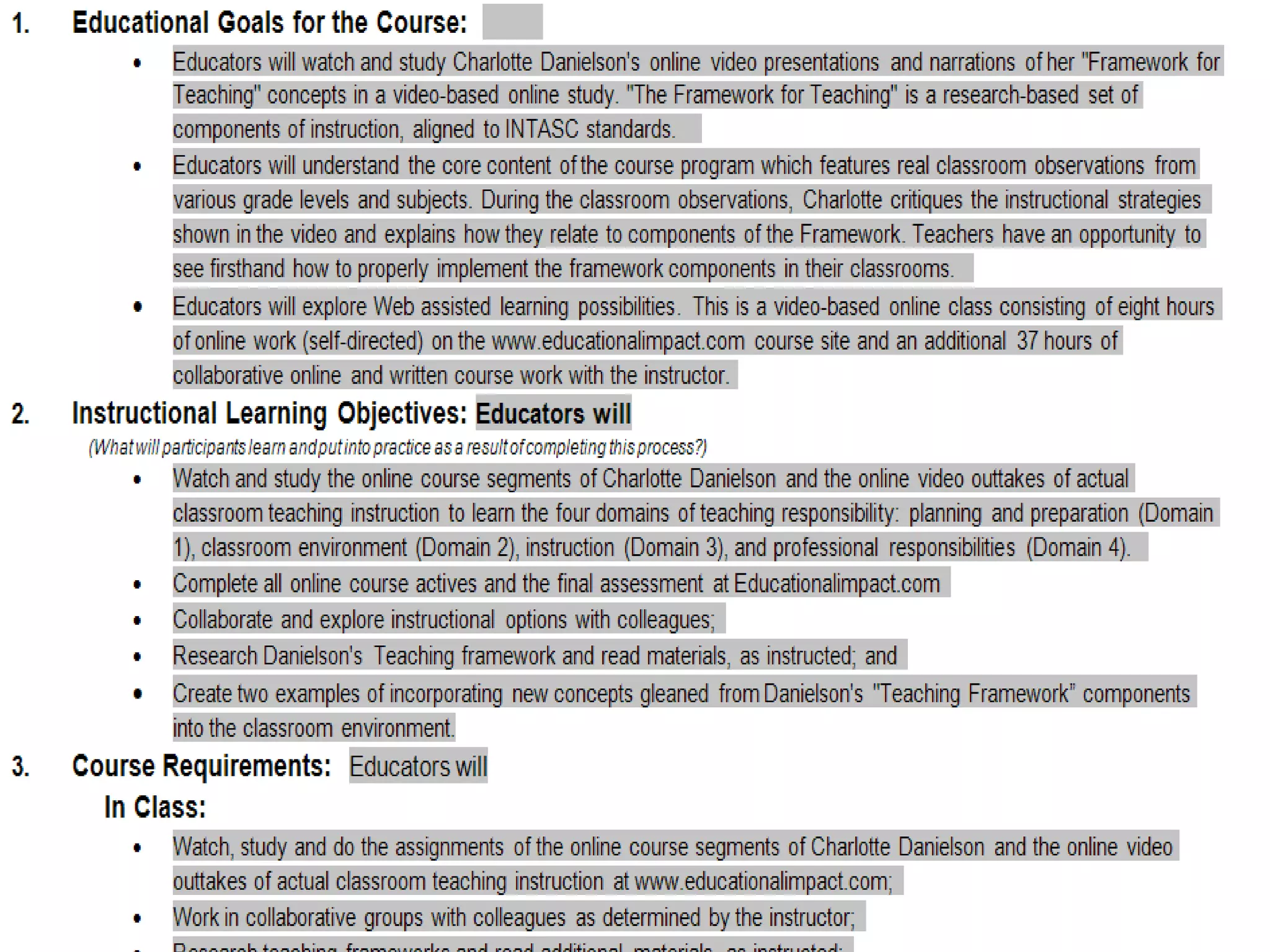
  • #7 Professional Development Learning Team course form examples
  • #8 Professional Development Learning Team course form examples
  • #9 How to design learning team courses…
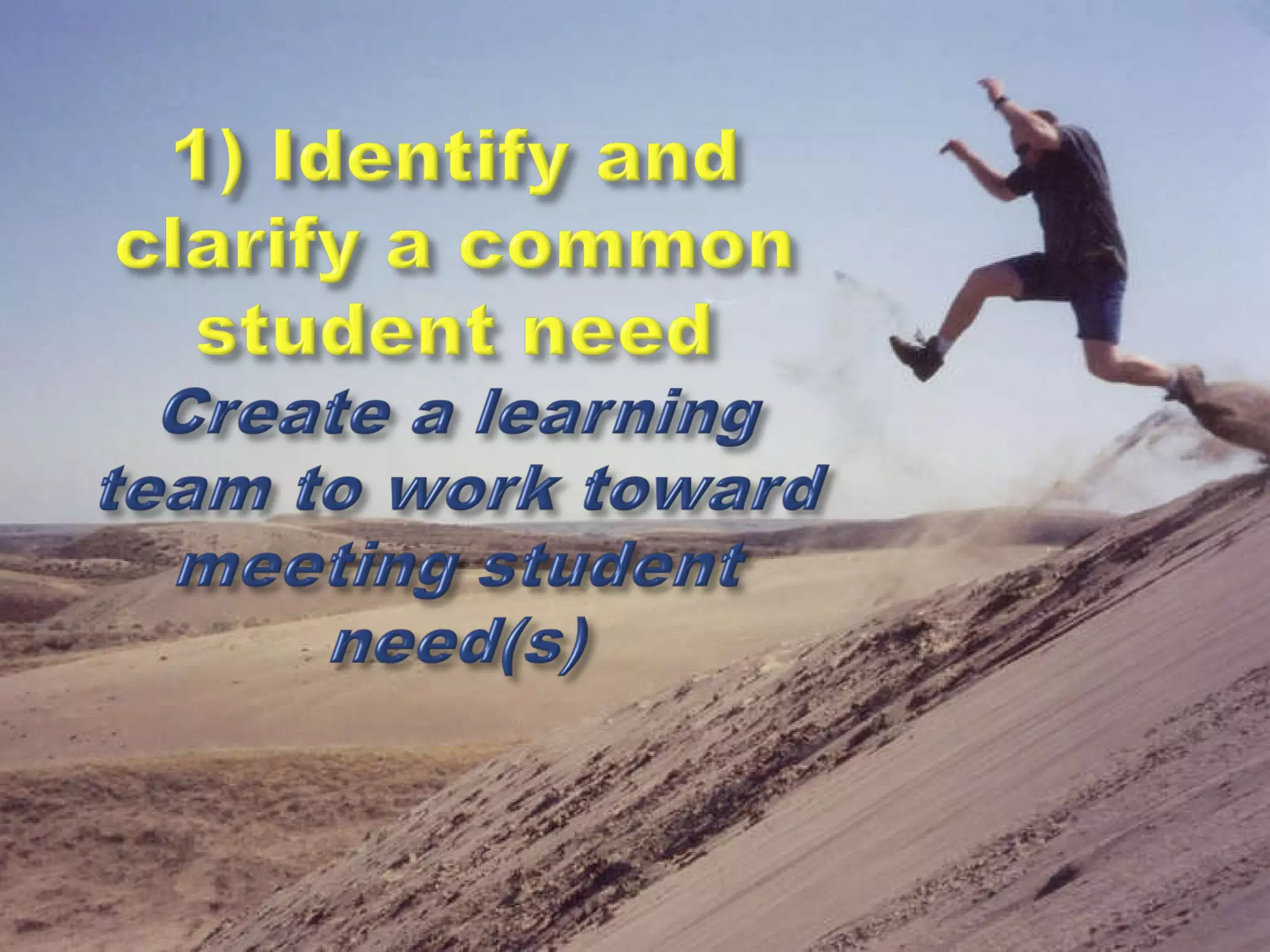
  • #10 Design a learning team course which will help faculty and staff address student need(s).
  • #11 Each learning team course will need to have clear objectives---measurable objectives.
  • #12 What will you focus on to meet your course objectives?
  • #13 As a group, each learning team should plan how they will deliver instruction or work toward the course objectives.
  • #14 The learning team members will need to analyze and evaluate how the followed their objectives and decide if their training made a difference for their students (and for their own instruction).
  • #15 Reflection begins the cycle again, allowing educators to formulate new learning teams to meet student and school challenges.
  • #20 Screen shot of Web site video content