This document was part of presentation at the ABCD-CMS meeting on 10/19/2011. We hope
that the presentation provided some helpful content about technical approach and
contextabouthow HPAC organized the business end to execute this web project. Capturing the
business goals remains the critical first step; requirements provide an important starting
point but must also retain the flexibility to deliver on the underlying business goals. Thank
you.

The Technical Side of Harvard.edu Redesign
Business goals drive requirements; Requirements drive everything else

Technology Selection Key Considerations

   -   Features
       Need to satisfy most requirements out of box or with minimal customization
   -   Maintainability (security updates)
       Need to be actively maintained so it’s reliable and secure as long as we keep up with
       upgrades
   -   Quality of the framework (scalability, extendibility)
       Can handle traffic we have now and beyond, have flexible structure allowing
       customization and new feature development
   -   Resources (internal, development partner and overall developer community)
       Need to be widely adopted so easy to find development resources
   -   Cost of ownership (cost of the framework, development and ongoing management
       and enhancement)

We’ve looked at a number of CMS/frameworks, including Wordpress, Drupal, Joomla, .Net
Nuke, Expression Engine, SiteCore, also the possibility of custom development from ground
up.

Two finalists:
Wordpress 3 and Drupal 7

   -   We developed detailed website feature specification to compare the overall level of
       development efforts
   -   Internal user workflow plays important role too

Working with Drupal
   -   Information Architecture
           o Content types
           o Templates
   -   Choosing the right modules (or custom development)
           o “core” modules (views, ctools, etc.).
           o “feature” modules (for example, webform) – active development, good
             reputation, large number of downloads, straightforward features
           o Customization (site theme, site module, aggregator module)
o Creative use of Drupal features (content types, templating, views, blocks)
   -   Examples
          o We custom built homepage rotator, instead of using an existing one because
             we have very specific requirements on look and feel, movement, color
             options
          o We chose webform module for feedback form because this module
             completely satisfied our requirements and it’s unlikely for us to have
             additional change requests down the road.
          o Feed aggregation. We chose to use Drupal aggregator module but added
             custom code to it. It provided out of box functionality so we don’t have to
             start from scratch. Also it’s straight forward that we can customize it to our
             specific need.
          o SEO fields – we used custom content fields
          o Banner – views and content type
          o Gazette trending and top stories (using Google Analytics and Chartbeat API)
             – custom blocks
          o Social features (using Facebook and Twitter APIs)
          o Mobile – responsive design, mobile stylesheet
   -   Code review by experts

Key points:
   - Framework and core modules need to be reliable and well-maintained
   - Avoid excessive customization by choosing proper modules
         o Common features try use well-known modules as is
         o Crucial features we need 100% control
         o Unique and simple features we custom develop
         o Learn framework well to take advantage of existing out of box features

Internal Users Need Love Too
       Editor dashboard
       Preview
       Help pages


Collaboration among team players
   -   Harvard (strategy, PM, content and communications)
   -   Happy Cog (user experience and design, css templating)
   -   Seer (SEO assessment and strategy)
   -   EWB (Analytics – strategy and reporting)
   -   Perficient (GSA)
   -   Lullabot (Performance tuning and caching strategy)
   -   RP Design (design execution)
   -   Kaltura (video platform adopted by HUIT)
   -   HUIT (security scan of webforms)
   -   New Circle (Site build)

Key for success: Clear Ownership and Close Communication
Example: Happy Cog template work and New Circle Drupal Theme development
     Happy Cog works off the same SVN repository as the Drupal development
     Multiple check-ins daily
     Real time review and communication on css
     Shell script to accelerate workflow (check out happy cog code, copy over assets and
     sync css files with Drupal theme; sync DB and file between servers)

Server etc.
   -   production site, dev and sandbox site
   -   password-protected development site on Media temple server for external reviews
       during site build
   -   “drush” for drupal and module upgrade, clear cache and db
   -   shell scripts for syncing production site to dev (DB dump, sed fix path and domain,
       sql import; rsync uploaded files)
   -   SVN for version control
   -   Technical notes as part of the admin help pages

Monitoring
  - logic monitor
  - chartbeat

Ddos preventio and dosarrest

Site launch is only the beginning
   -   Ongoing support and site admin enhancements for staff
   -   Continued monitoring and learning (GA reports)
   -   Adjustments (video feed)
   -   Planned enhancements (widgets, filtered RSS themes,)
   -   Extend to related sites where benefit can be amplified

The Technical Side of Harvard.edu Redesign

  • 1.
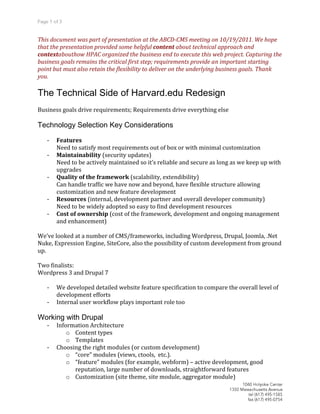
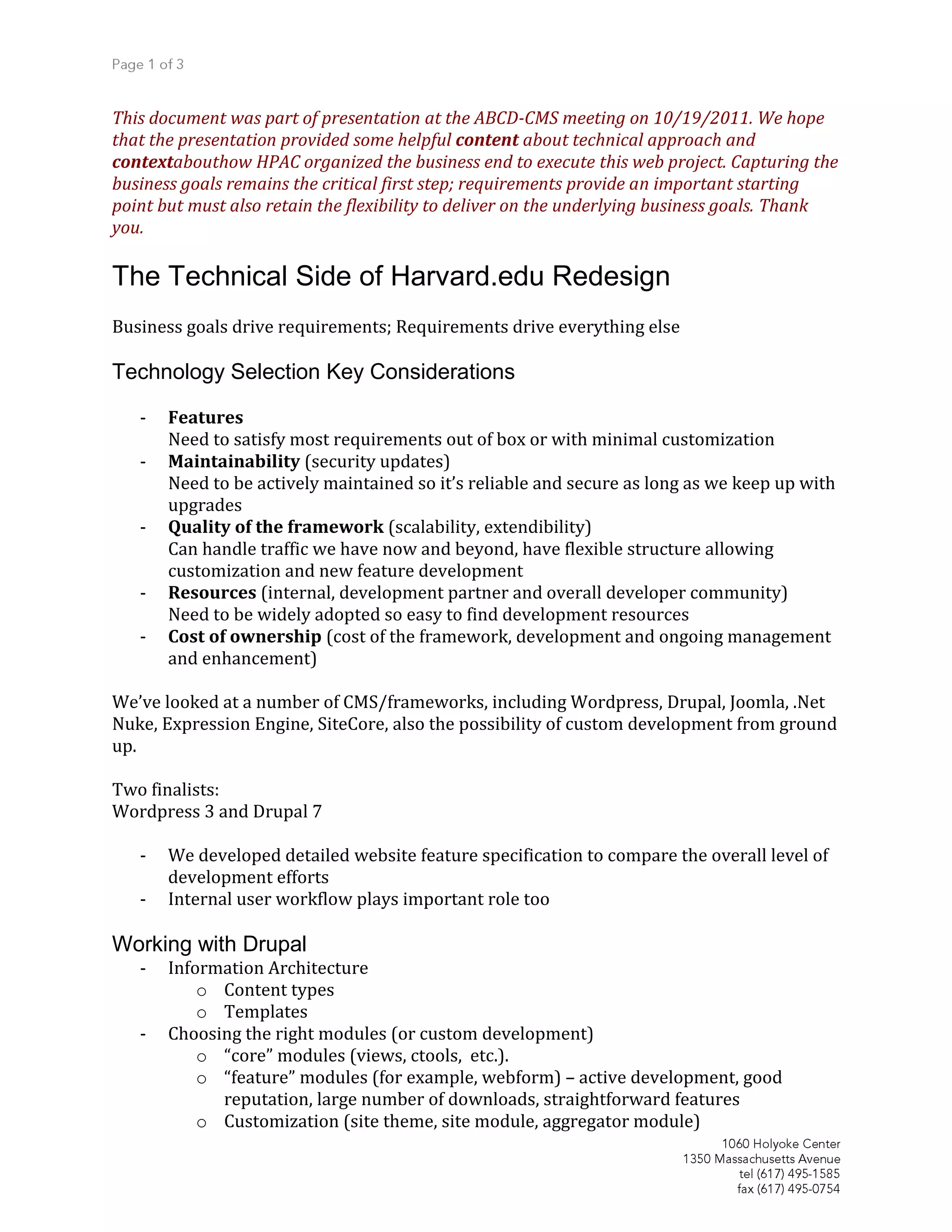
    This document waspart of presentation at the ABCD-CMS meeting on 10/19/2011. We hope that the presentation provided some helpful content about technical approach and contextabouthow HPAC organized the business end to execute this web project. Capturing the business goals remains the critical first step; requirements provide an important starting point but must also retain the flexibility to deliver on the underlying business goals. Thank you. The Technical Side of Harvard.edu Redesign Business goals drive requirements; Requirements drive everything else Technology Selection Key Considerations - Features Need to satisfy most requirements out of box or with minimal customization - Maintainability (security updates) Need to be actively maintained so it’s reliable and secure as long as we keep up with upgrades - Quality of the framework (scalability, extendibility) Can handle traffic we have now and beyond, have flexible structure allowing customization and new feature development - Resources (internal, development partner and overall developer community) Need to be widely adopted so easy to find development resources - Cost of ownership (cost of the framework, development and ongoing management and enhancement) We’ve looked at a number of CMS/frameworks, including Wordpress, Drupal, Joomla, .Net Nuke, Expression Engine, SiteCore, also the possibility of custom development from ground up. Two finalists: Wordpress 3 and Drupal 7 - We developed detailed website feature specification to compare the overall level of development efforts - Internal user workflow plays important role too Working with Drupal - Information Architecture o Content types o Templates - Choosing the right modules (or custom development) o “core” modules (views, ctools, etc.). o “feature” modules (for example, webform) – active development, good reputation, large number of downloads, straightforward features o Customization (site theme, site module, aggregator module)
  • 2.
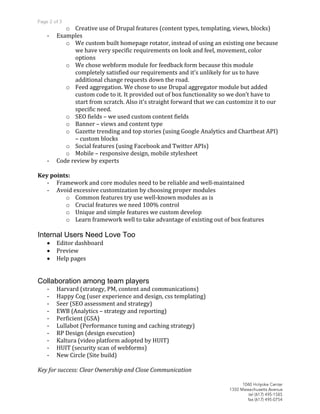
    o Creative useof Drupal features (content types, templating, views, blocks) - Examples o We custom built homepage rotator, instead of using an existing one because we have very specific requirements on look and feel, movement, color options o We chose webform module for feedback form because this module completely satisfied our requirements and it’s unlikely for us to have additional change requests down the road. o Feed aggregation. We chose to use Drupal aggregator module but added custom code to it. It provided out of box functionality so we don’t have to start from scratch. Also it’s straight forward that we can customize it to our specific need. o SEO fields – we used custom content fields o Banner – views and content type o Gazette trending and top stories (using Google Analytics and Chartbeat API) – custom blocks o Social features (using Facebook and Twitter APIs) o Mobile – responsive design, mobile stylesheet - Code review by experts Key points: - Framework and core modules need to be reliable and well-maintained - Avoid excessive customization by choosing proper modules o Common features try use well-known modules as is o Crucial features we need 100% control o Unique and simple features we custom develop o Learn framework well to take advantage of existing out of box features Internal Users Need Love Too Editor dashboard Preview Help pages Collaboration among team players - Harvard (strategy, PM, content and communications) - Happy Cog (user experience and design, css templating) - Seer (SEO assessment and strategy) - EWB (Analytics – strategy and reporting) - Perficient (GSA) - Lullabot (Performance tuning and caching strategy) - RP Design (design execution) - Kaltura (video platform adopted by HUIT) - HUIT (security scan of webforms) - New Circle (Site build) Key for success: Clear Ownership and Close Communication
  • 3.
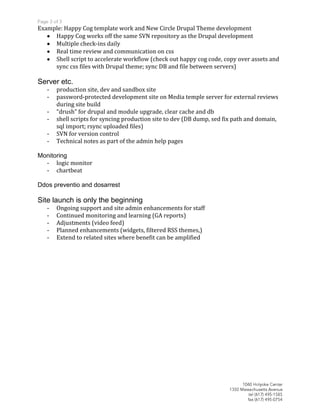
    Example: Happy Cogtemplate work and New Circle Drupal Theme development Happy Cog works off the same SVN repository as the Drupal development Multiple check-ins daily Real time review and communication on css Shell script to accelerate workflow (check out happy cog code, copy over assets and sync css files with Drupal theme; sync DB and file between servers) Server etc. - production site, dev and sandbox site - password-protected development site on Media temple server for external reviews during site build - “drush” for drupal and module upgrade, clear cache and db - shell scripts for syncing production site to dev (DB dump, sed fix path and domain, sql import; rsync uploaded files) - SVN for version control - Technical notes as part of the admin help pages Monitoring - logic monitor - chartbeat Ddos preventio and dosarrest Site launch is only the beginning - Ongoing support and site admin enhancements for staff - Continued monitoring and learning (GA reports) - Adjustments (video feed) - Planned enhancements (widgets, filtered RSS themes,) - Extend to related sites where benefit can be amplified