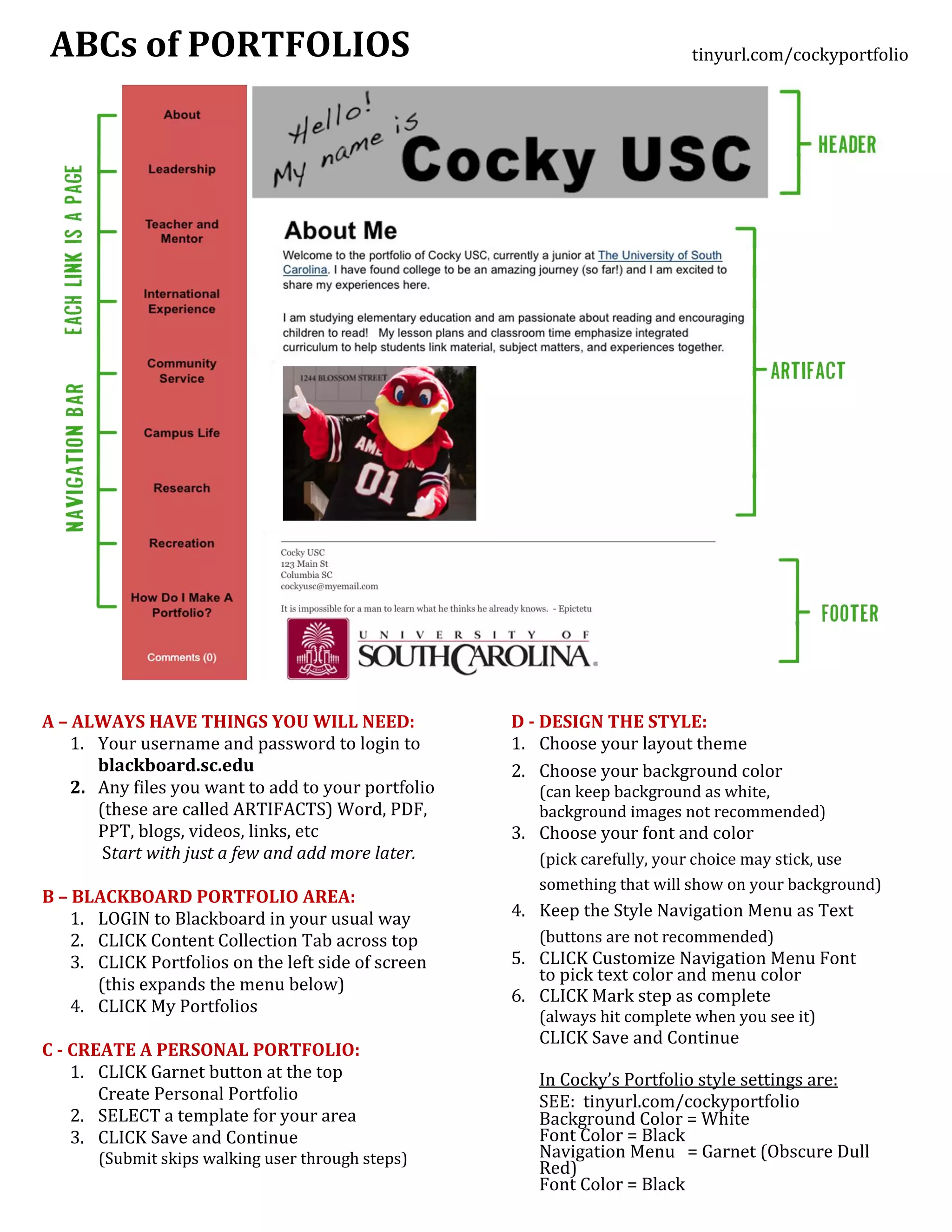
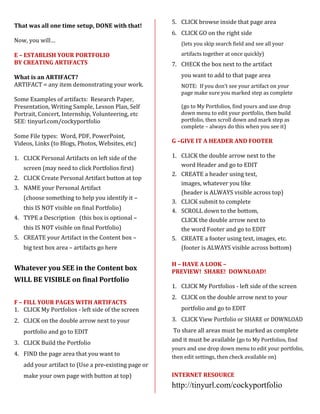
This document provides instructions for creating a portfolio in Blackboard using the following steps:
1. Gather necessary files and login credentials.
2. Access the portfolio area in Blackboard and create a personal portfolio.
3. Establish the portfolio by adding artifacts - any files that demonstrate your work. Artifacts are added to page areas within the portfolio.
4. Customize the portfolio style, layout, and navigation menu.
5. Preview and share the completed portfolio for others to view.



![[140510]plux5.0 4조 피트니스 시설용 웨어러블 기기(임소연,배은지,서동민,정인혜)](https://cdn.slidesharecdn.com/ss_thumbnails/140510plux5-140523004547-phpapp02-thumbnail.jpg?width=640&height=640&fit=bounds)


